AI Game UI Generator for Fast HUD Concepts
Turn rough gameplay screens into clean, styled interface mockups.
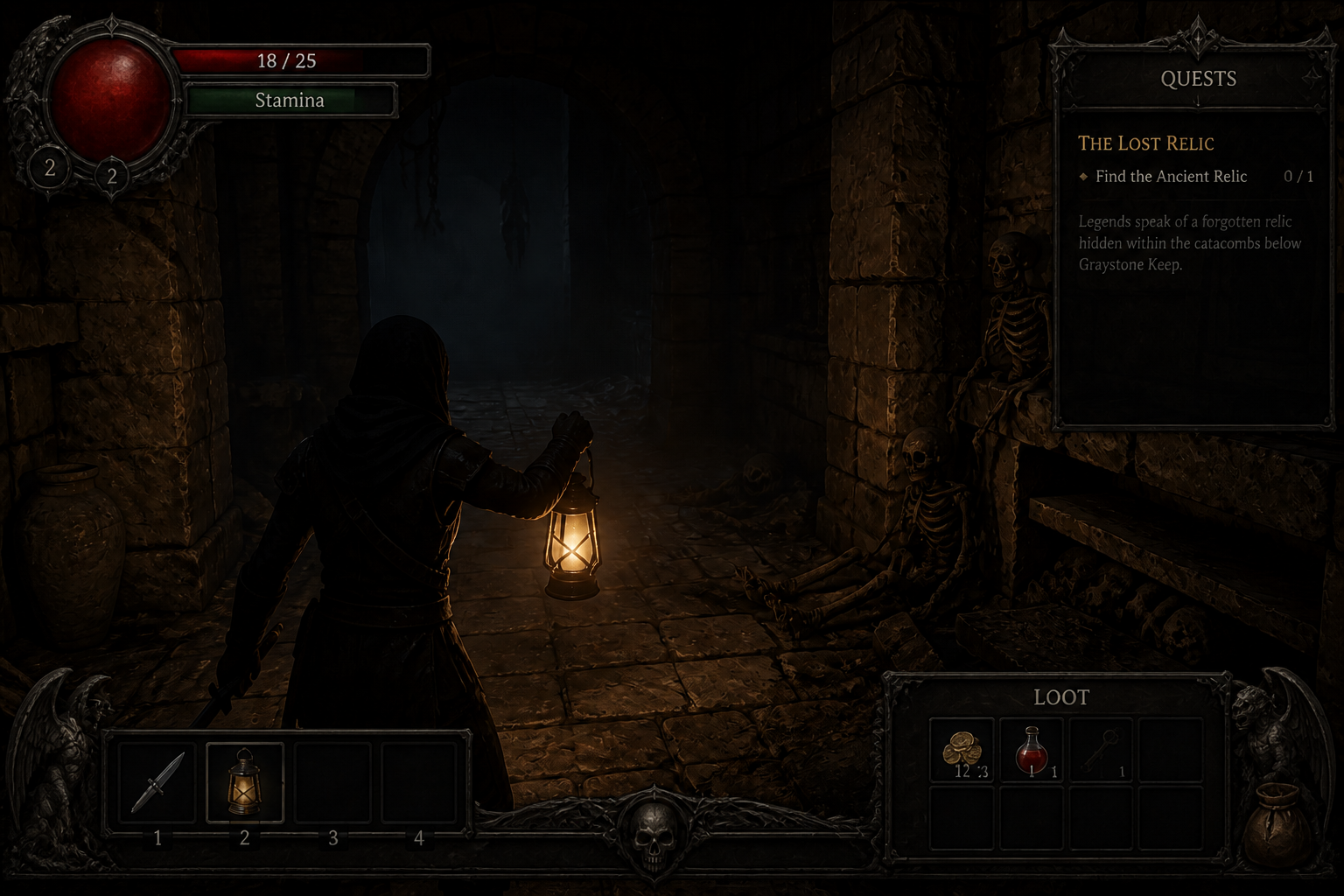
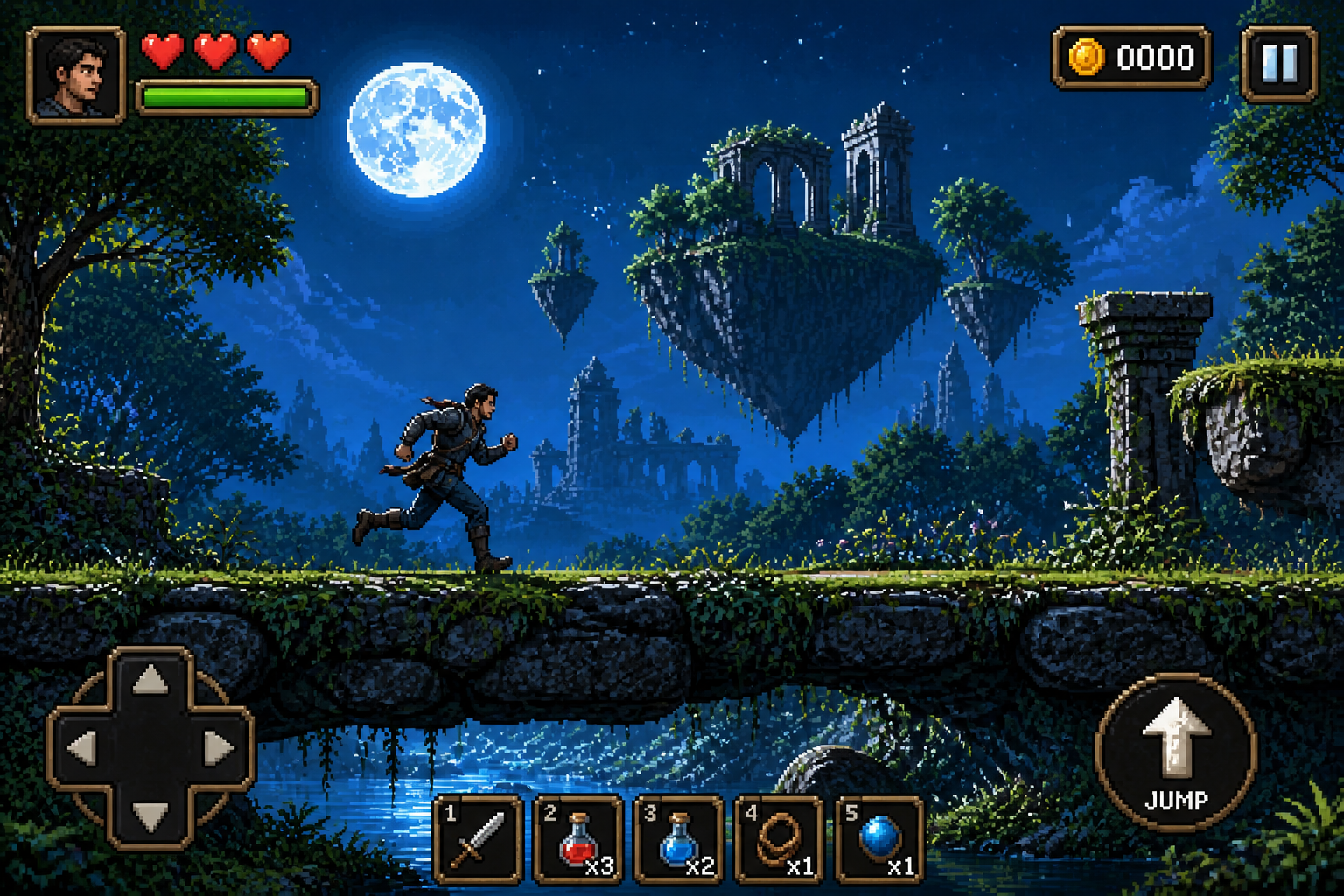
Upload a gameplay screenshot, prototype scene, or rough mockup and generate a polished game UI over it. Our AI can redesign HUDs, menus, health bars, inventory panels, and ability icons while keeping the scene composition intact.
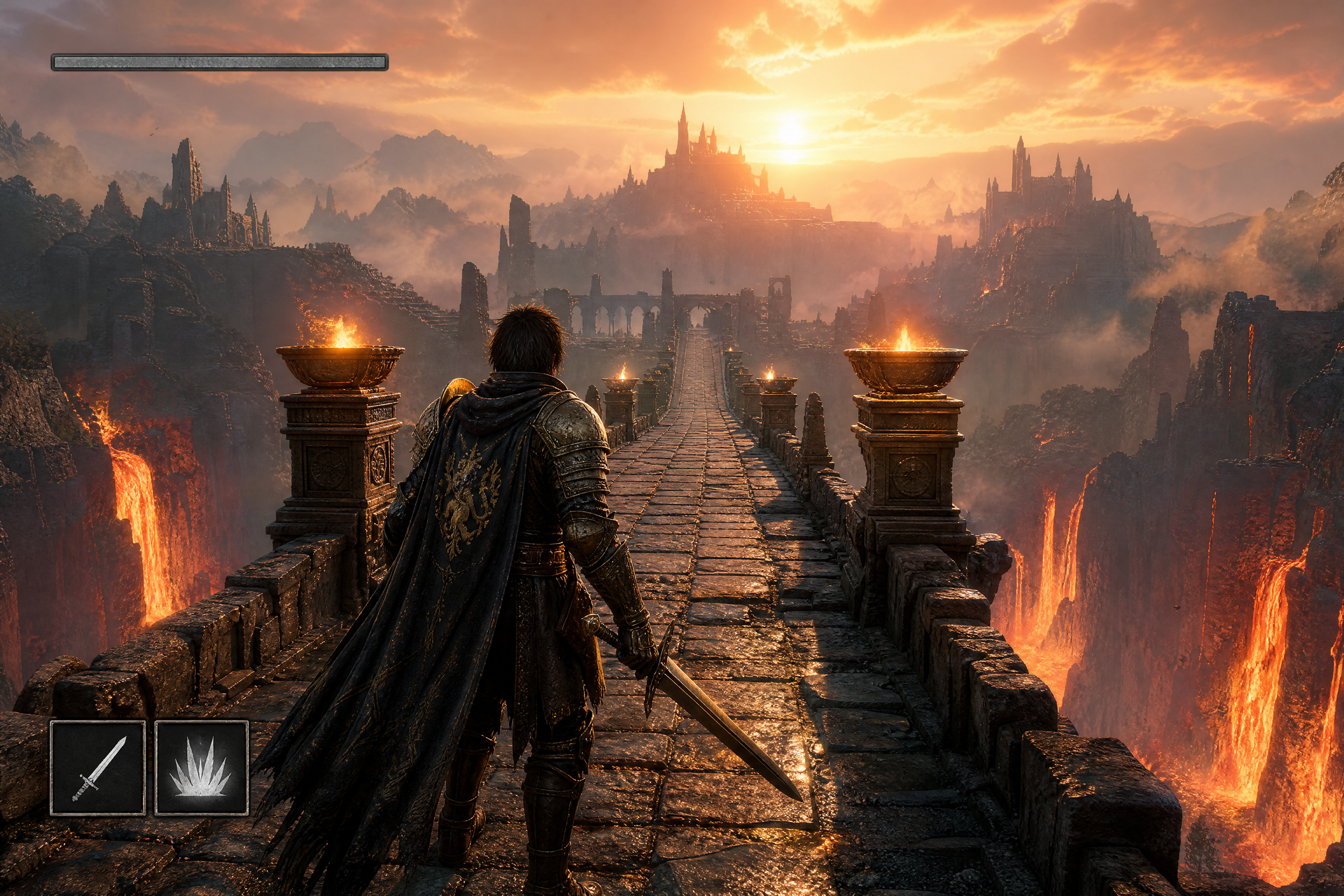
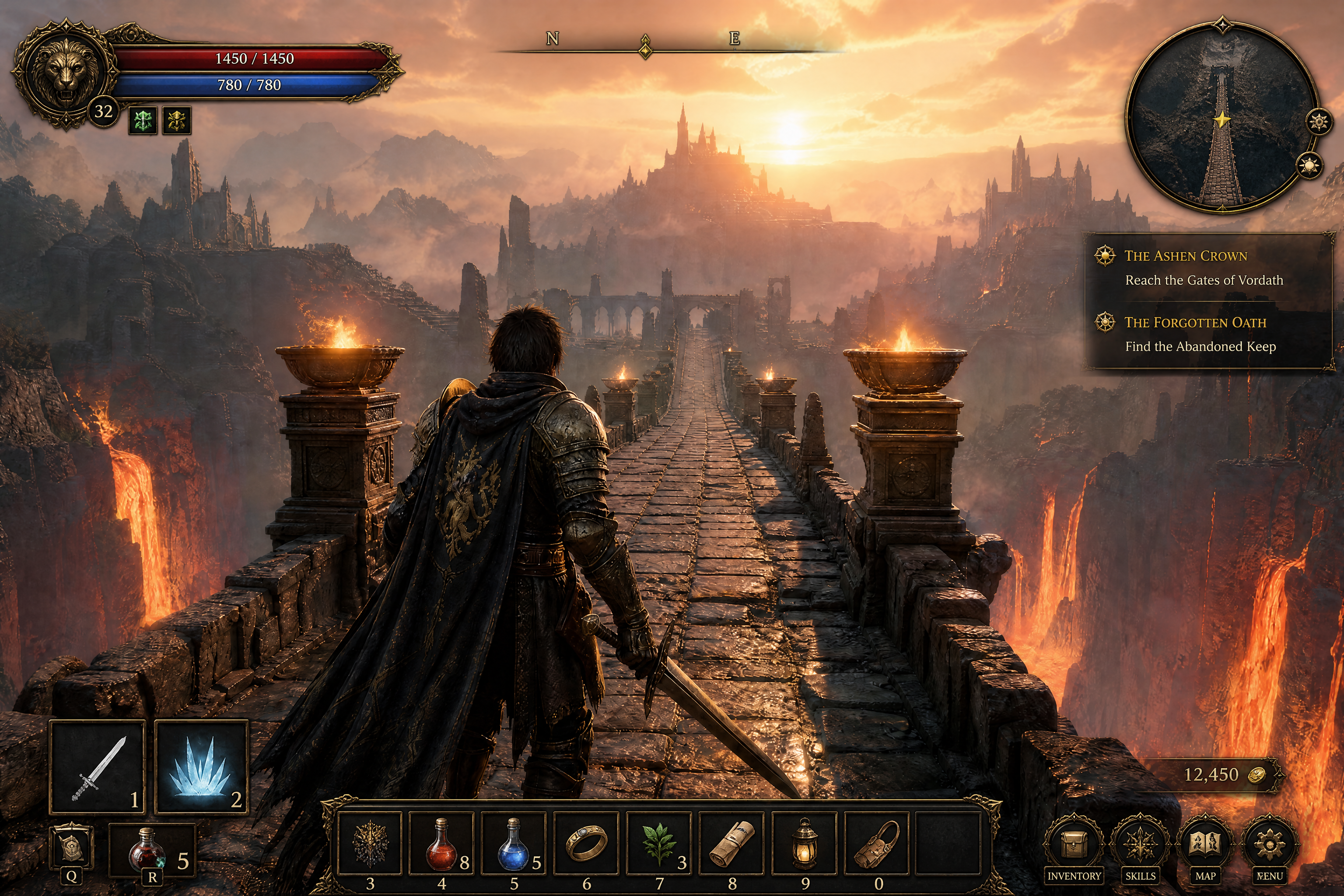
Watch the Transformation
See ai game ui generator in motion — generated end-to-end by our AI.
See It In Action
Real outputs from ai game ui generator.
BEFOREAFTER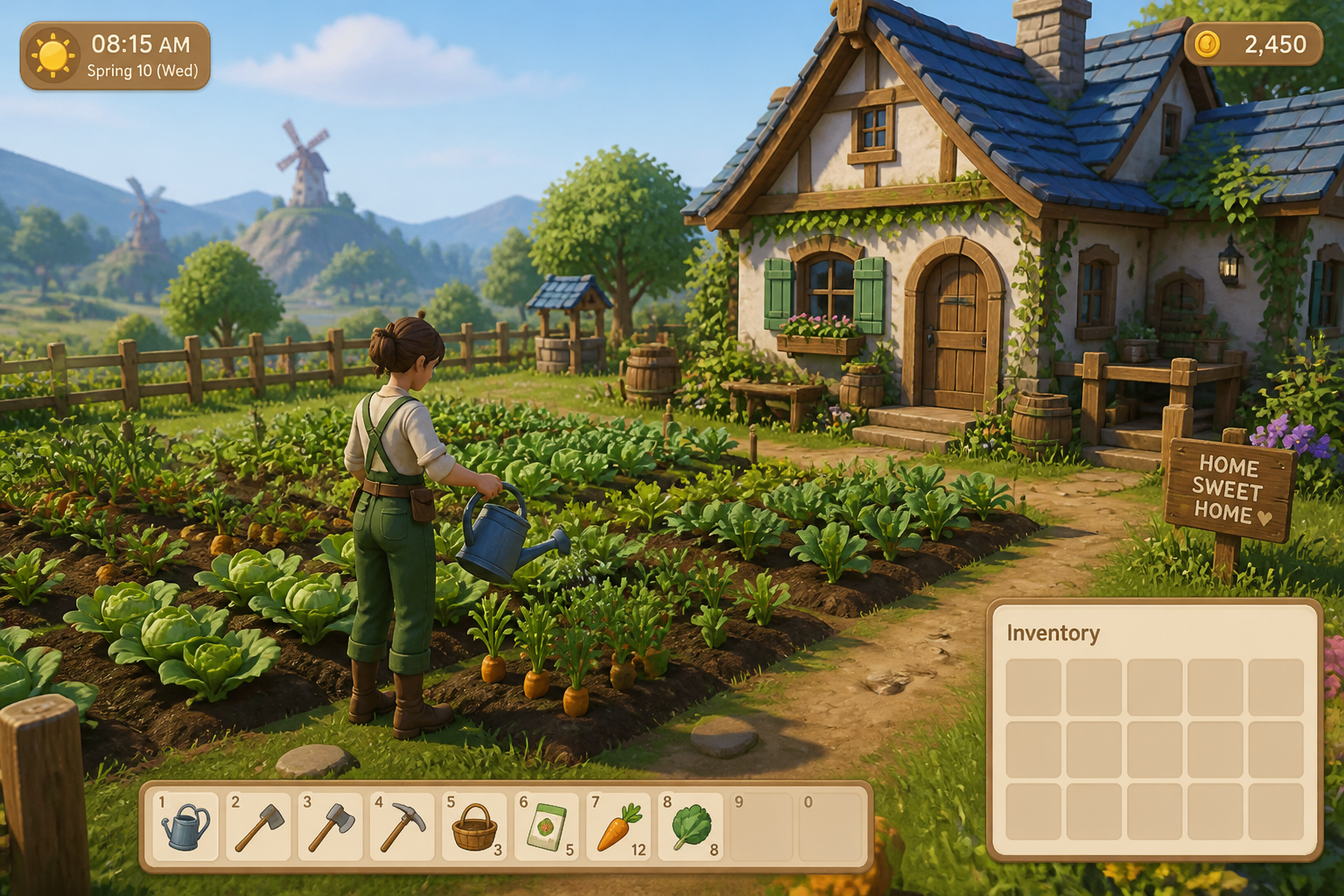 BEFORE
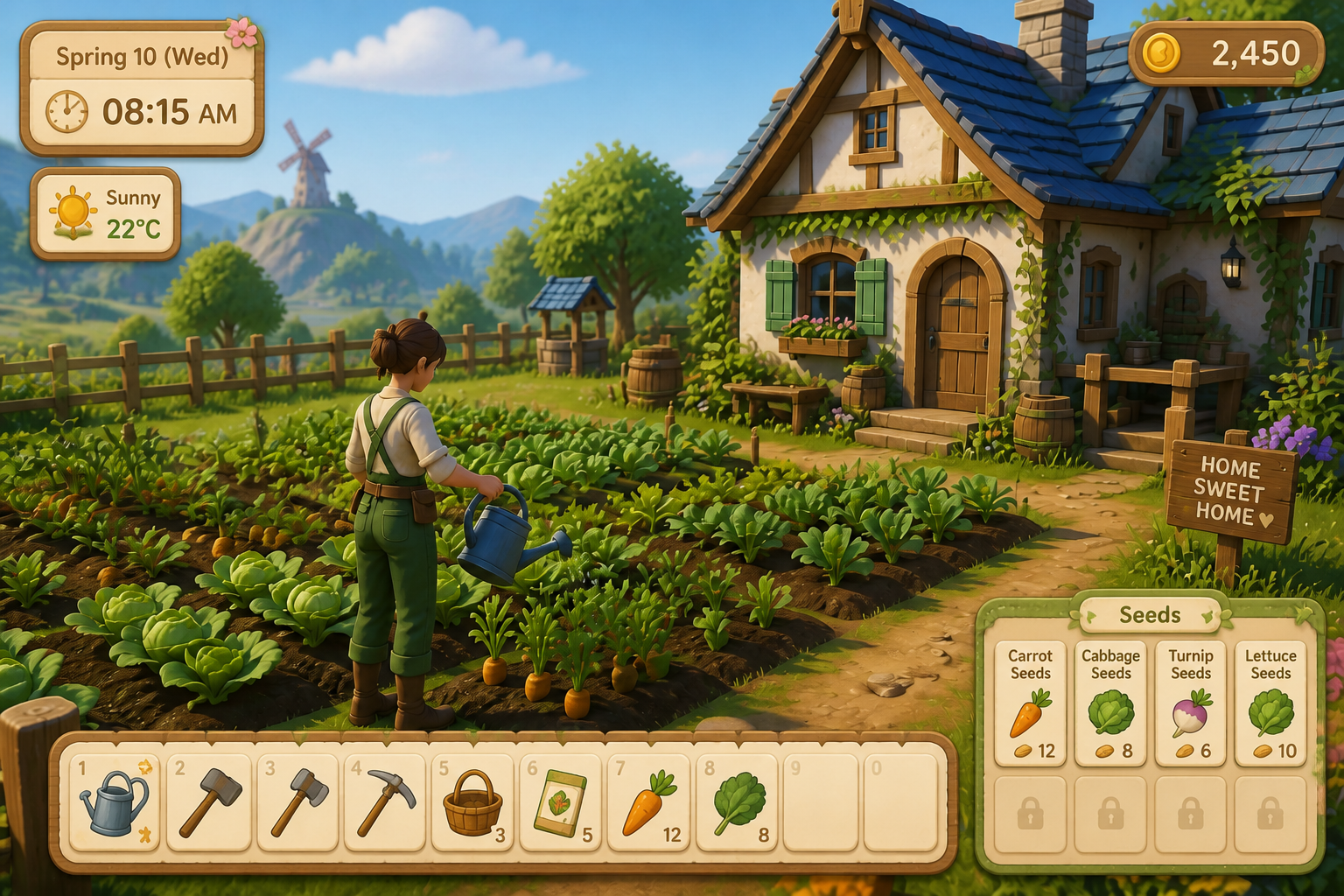 AFTER
AFTER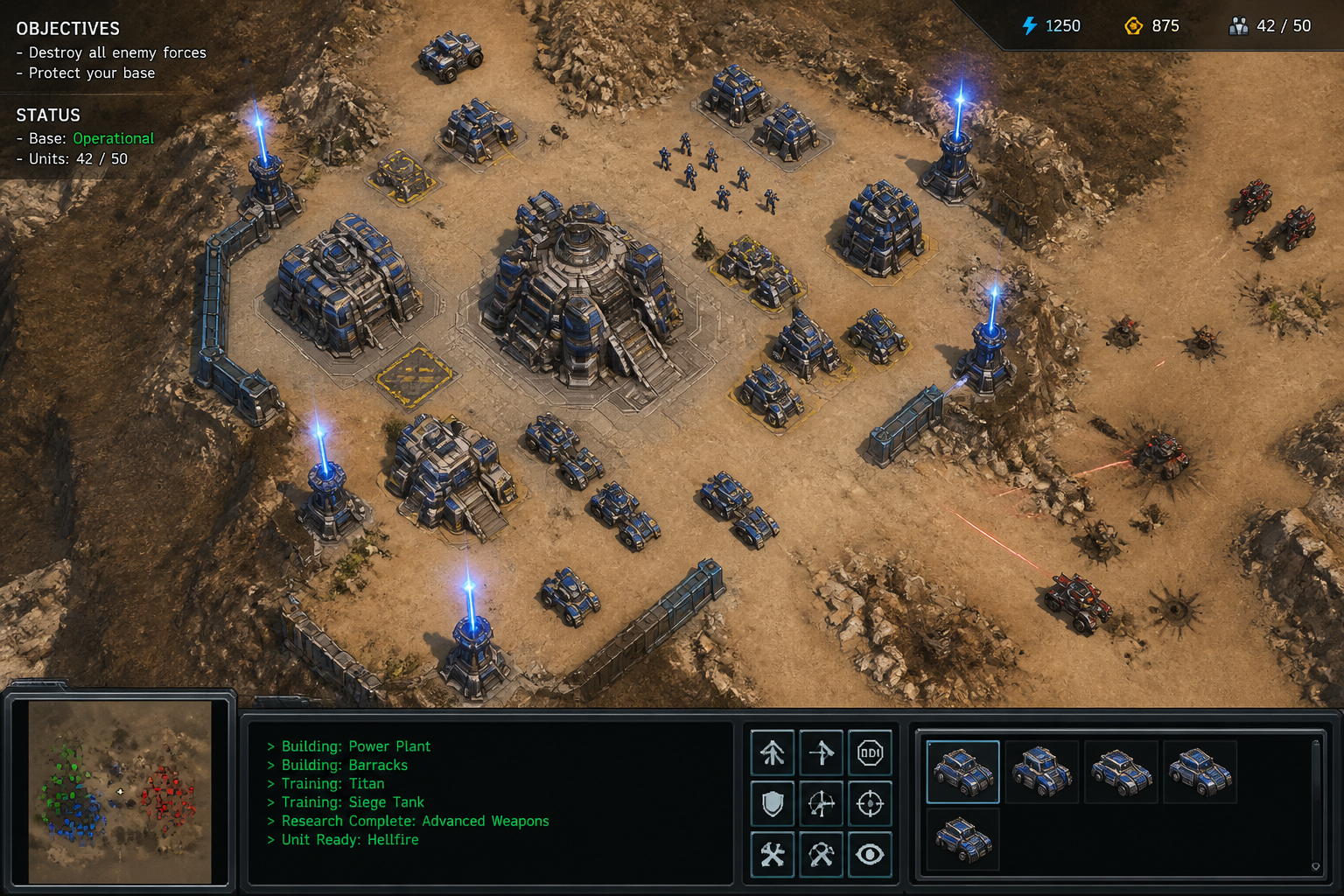 BEFORE
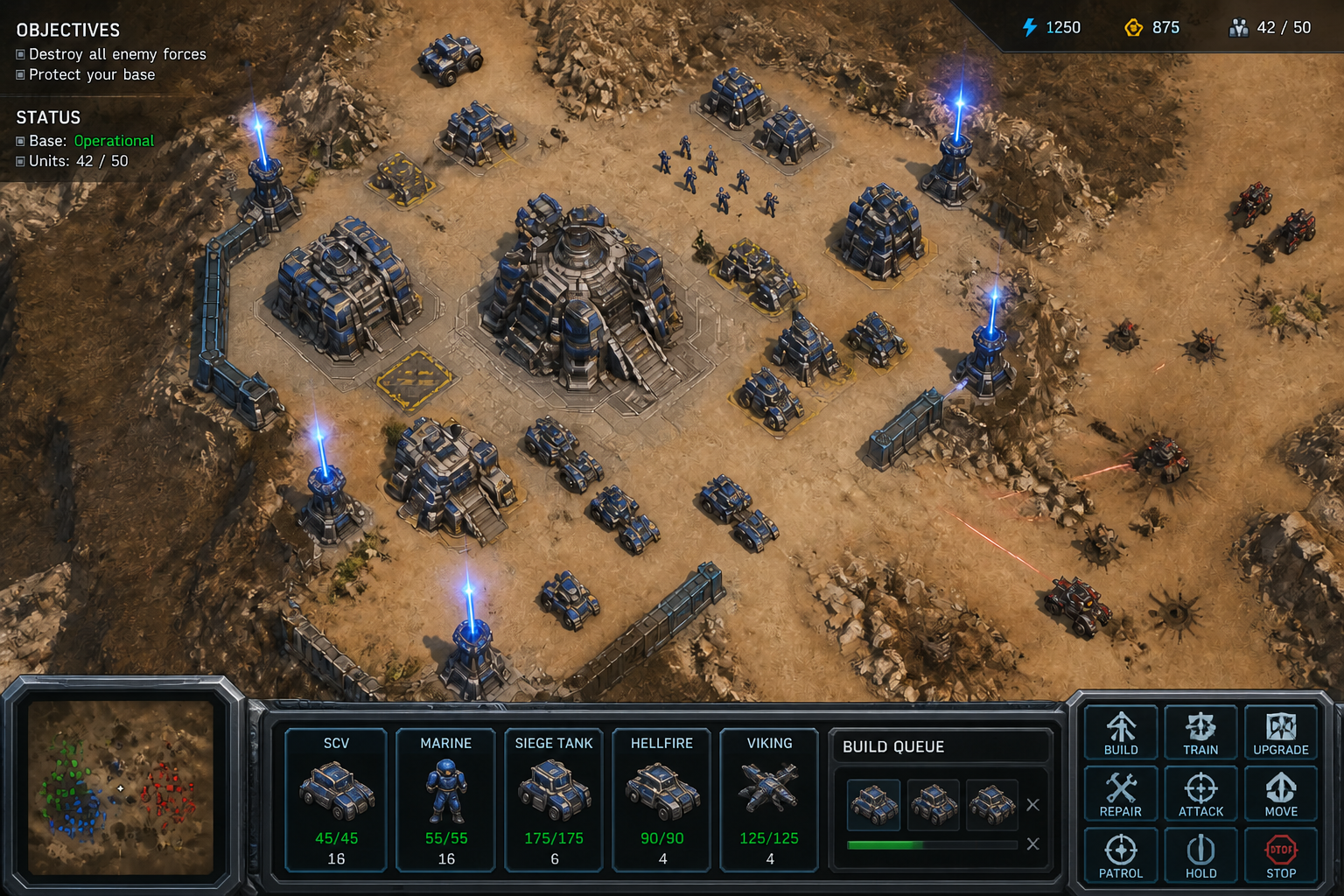 AFTER
AFTER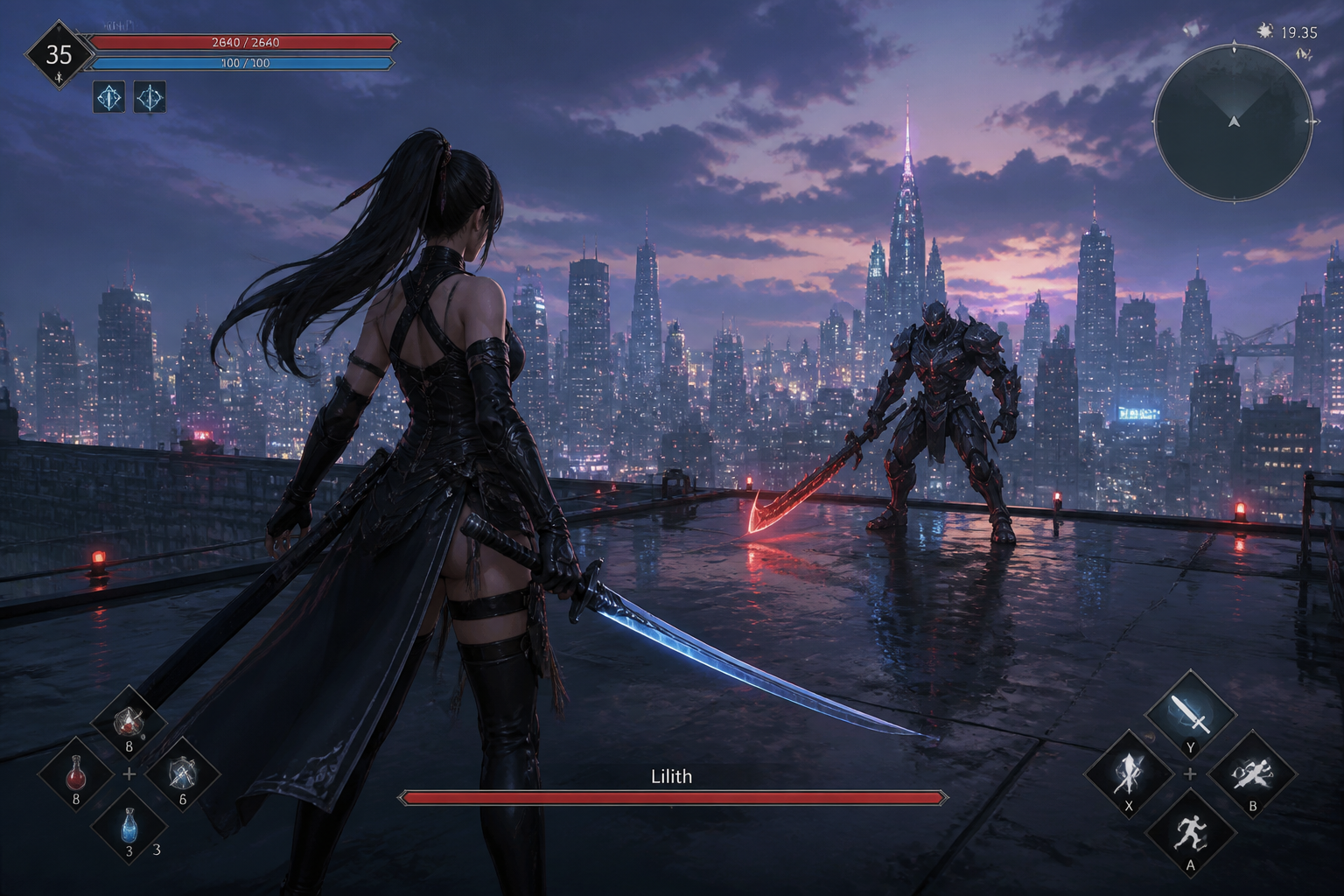 BEFORE
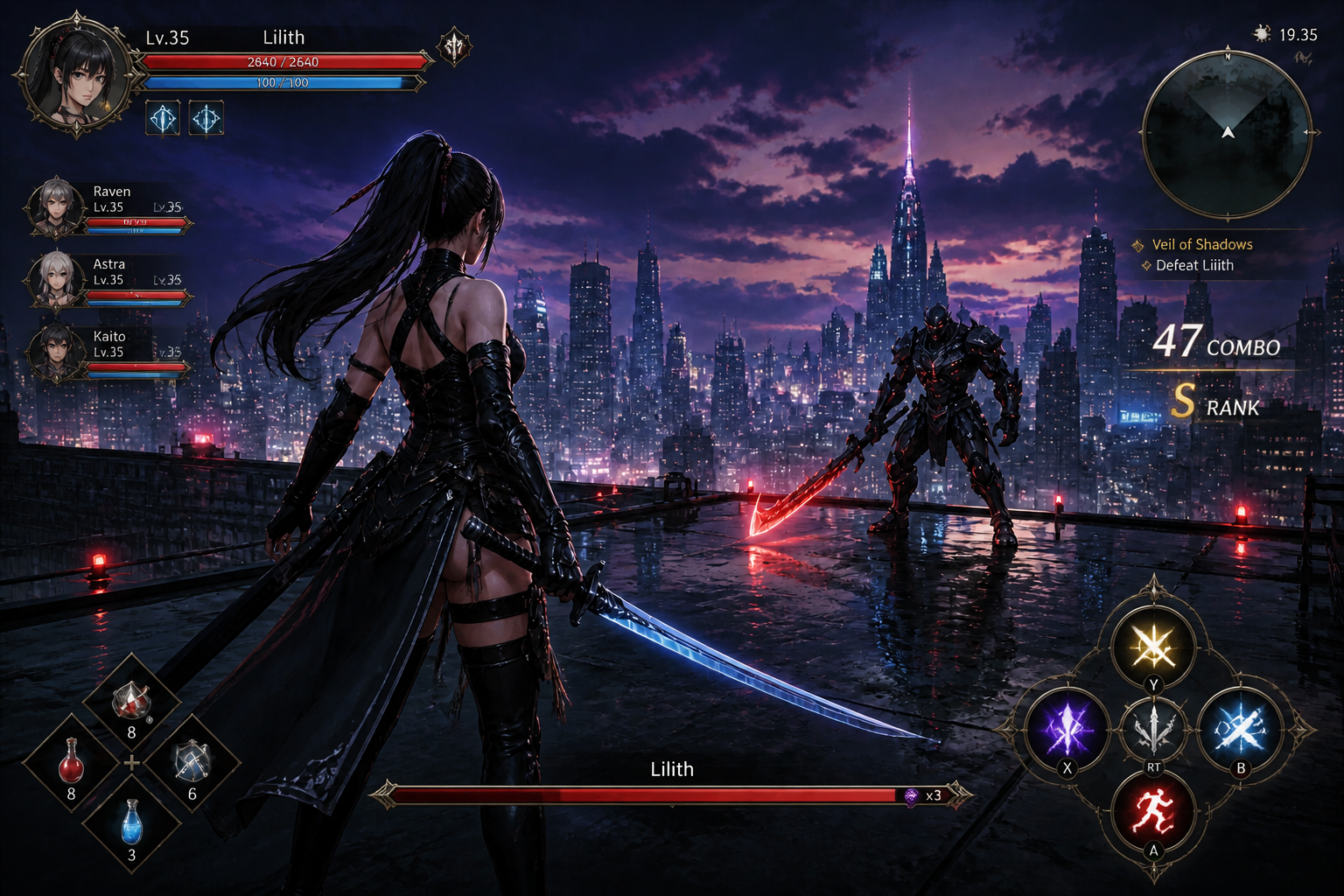 AFTER
AFTER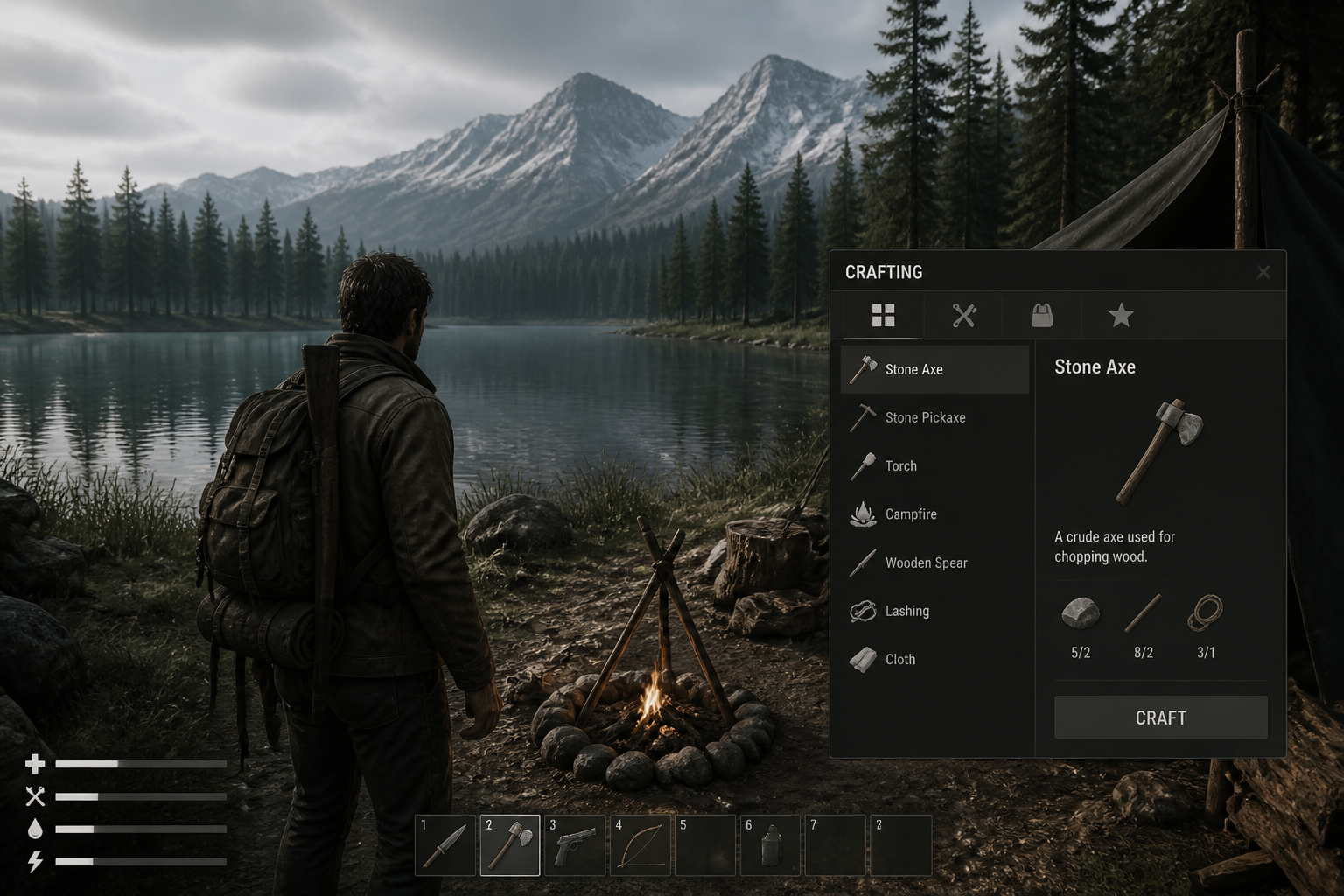 BEFORE
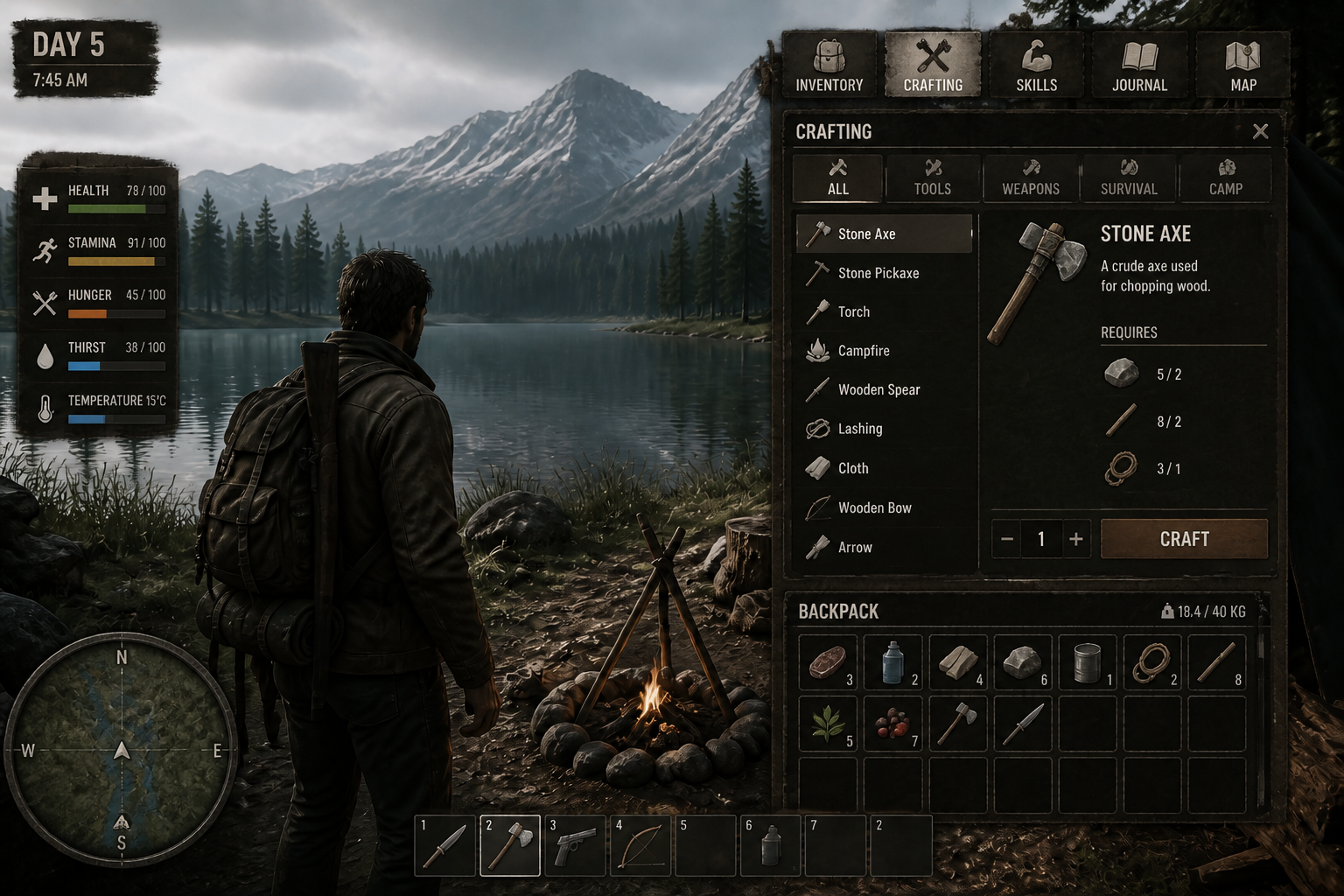 AFTERBEFOREAFTERBEFOREAFTERBEFOREAFTERBEFOREAFTERBEFOREAFTER
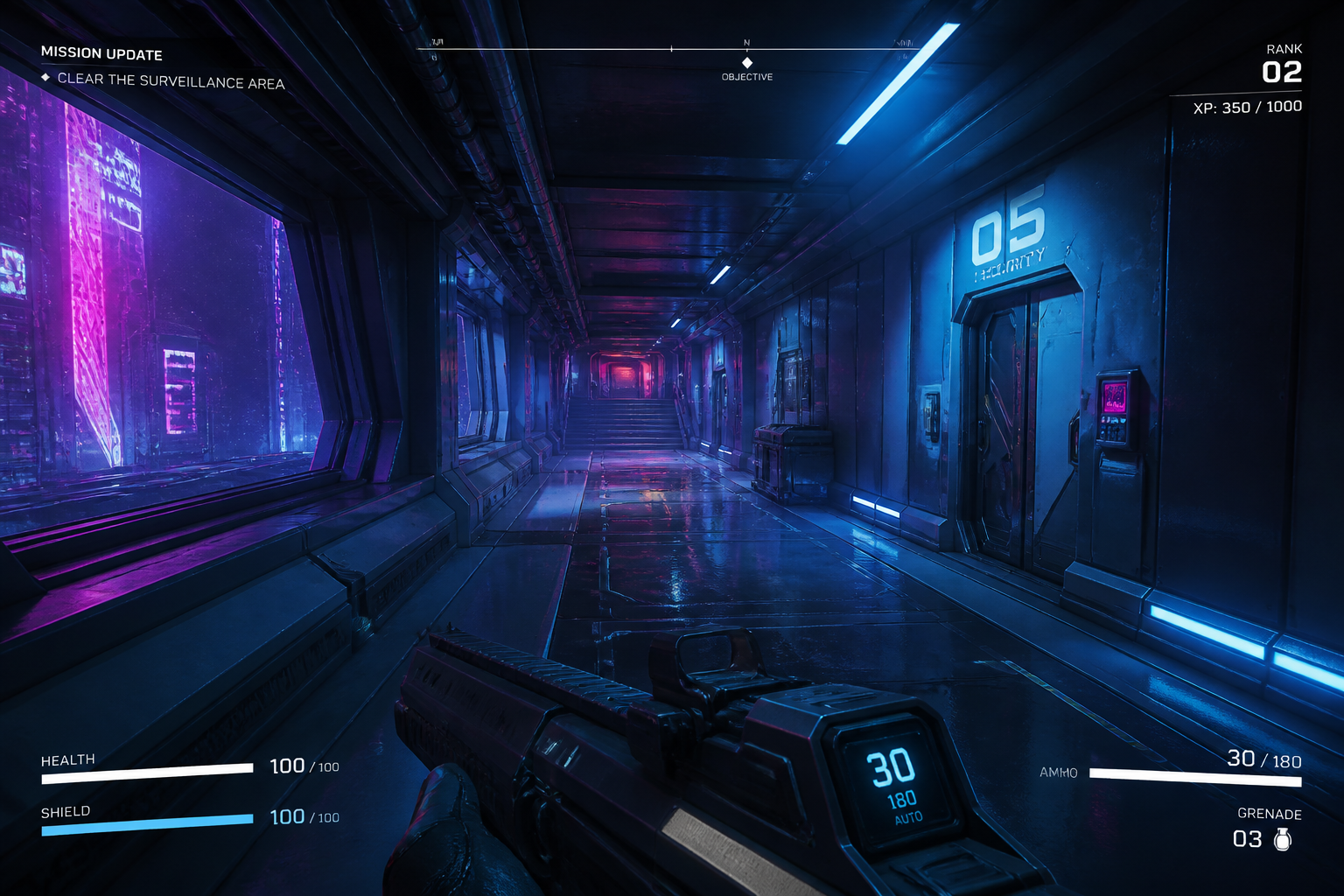 BEFORE
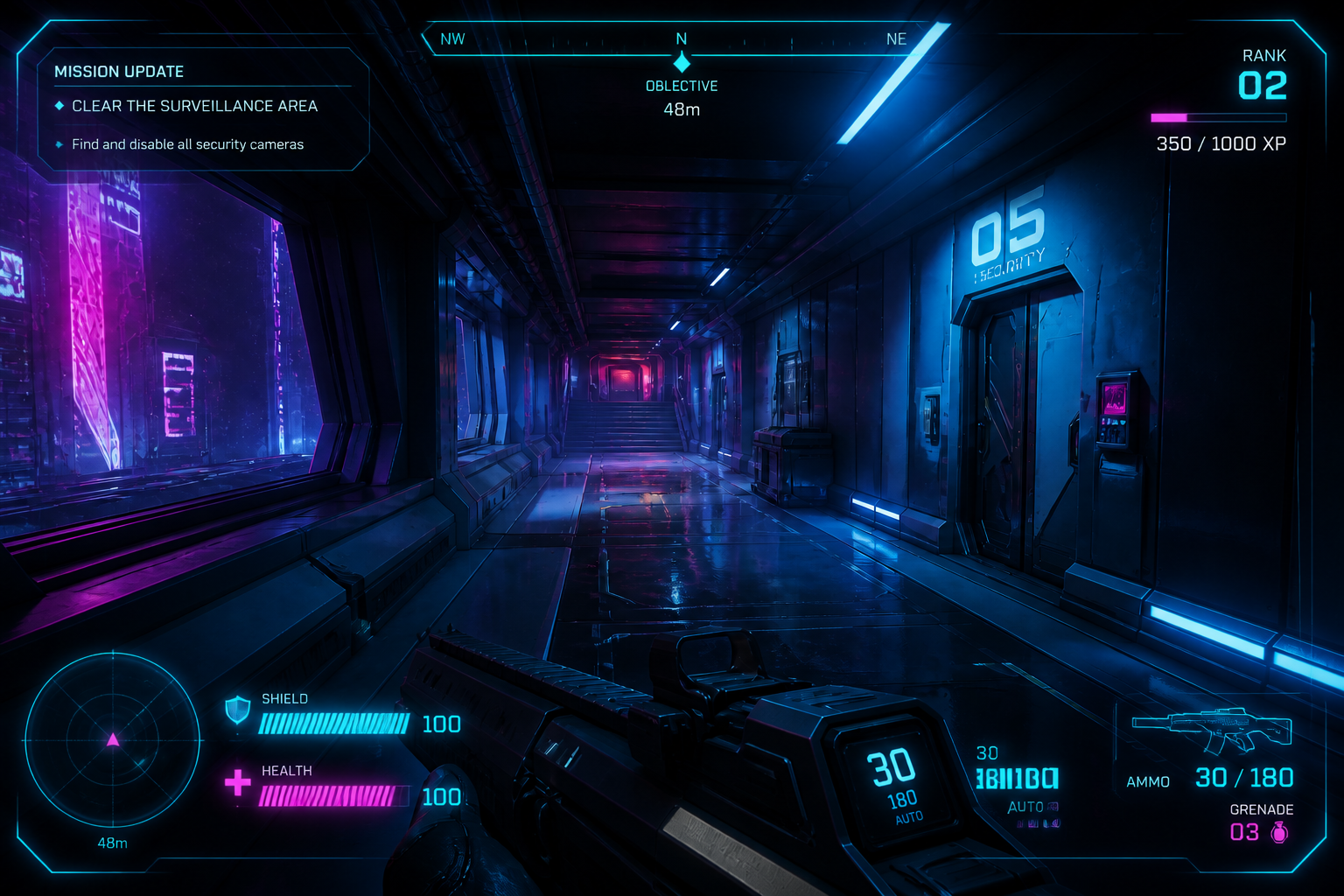 AFTER
AFTER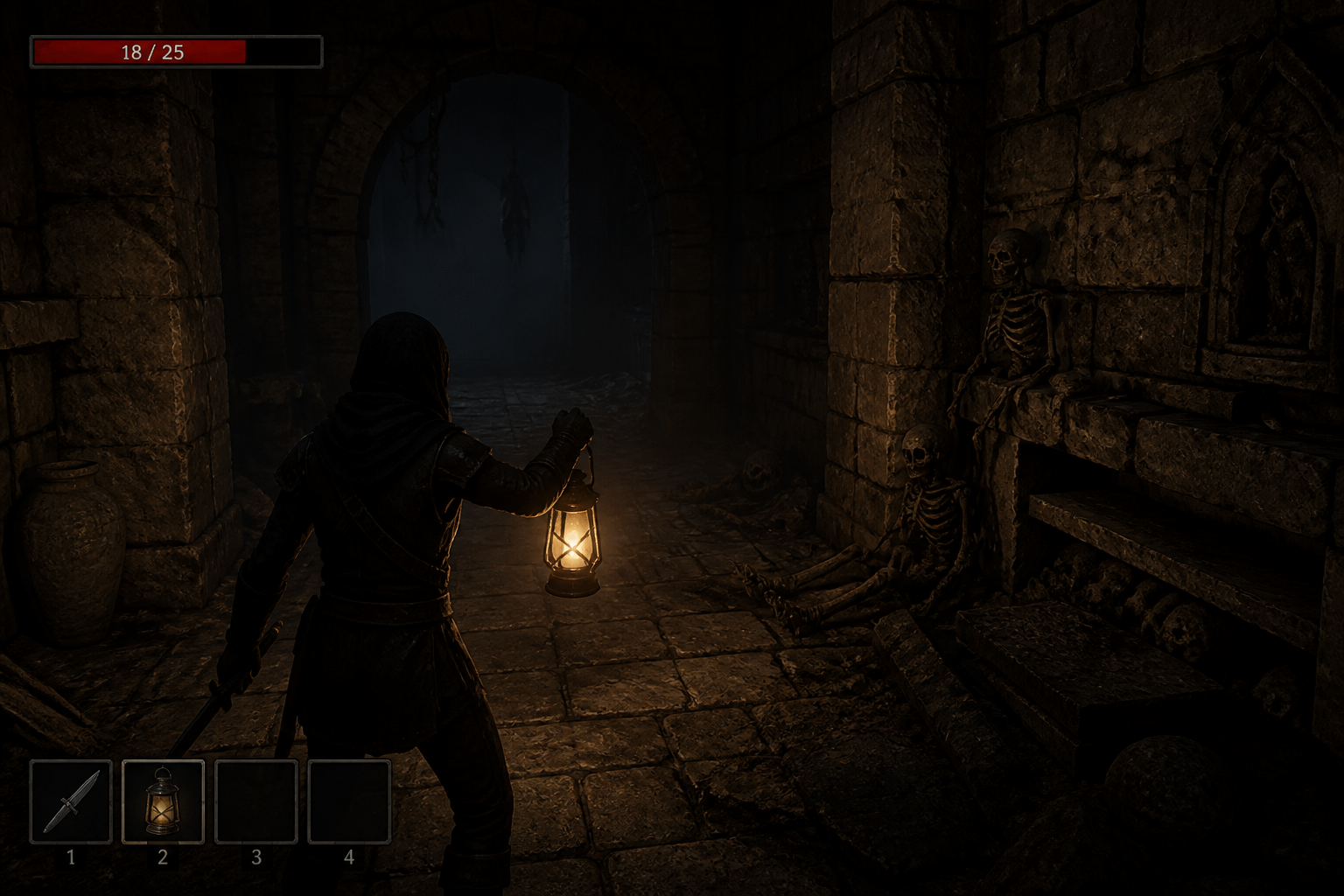 BEFORE
 AFTER
AFTER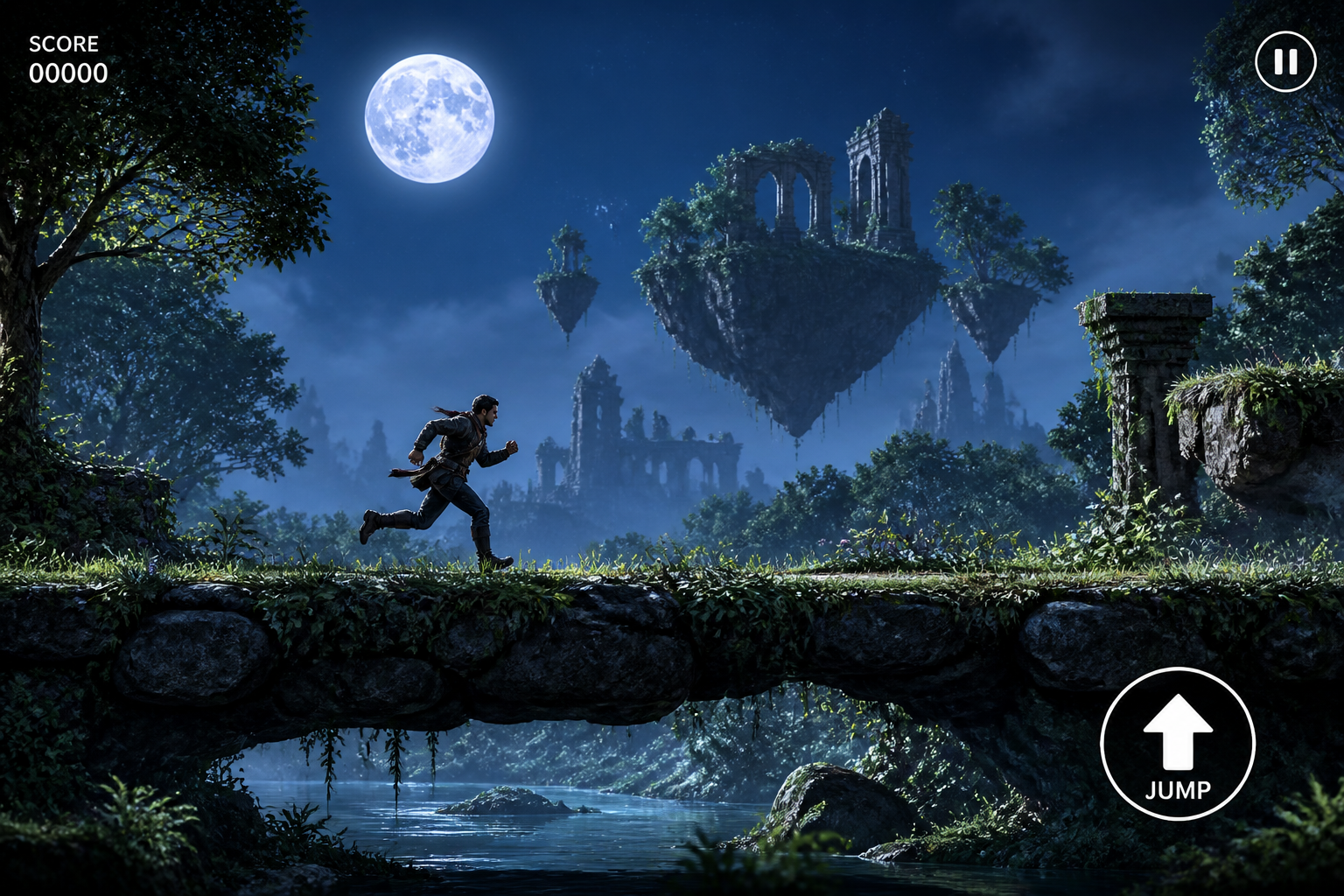 BEFORE
 AFTER
AFTER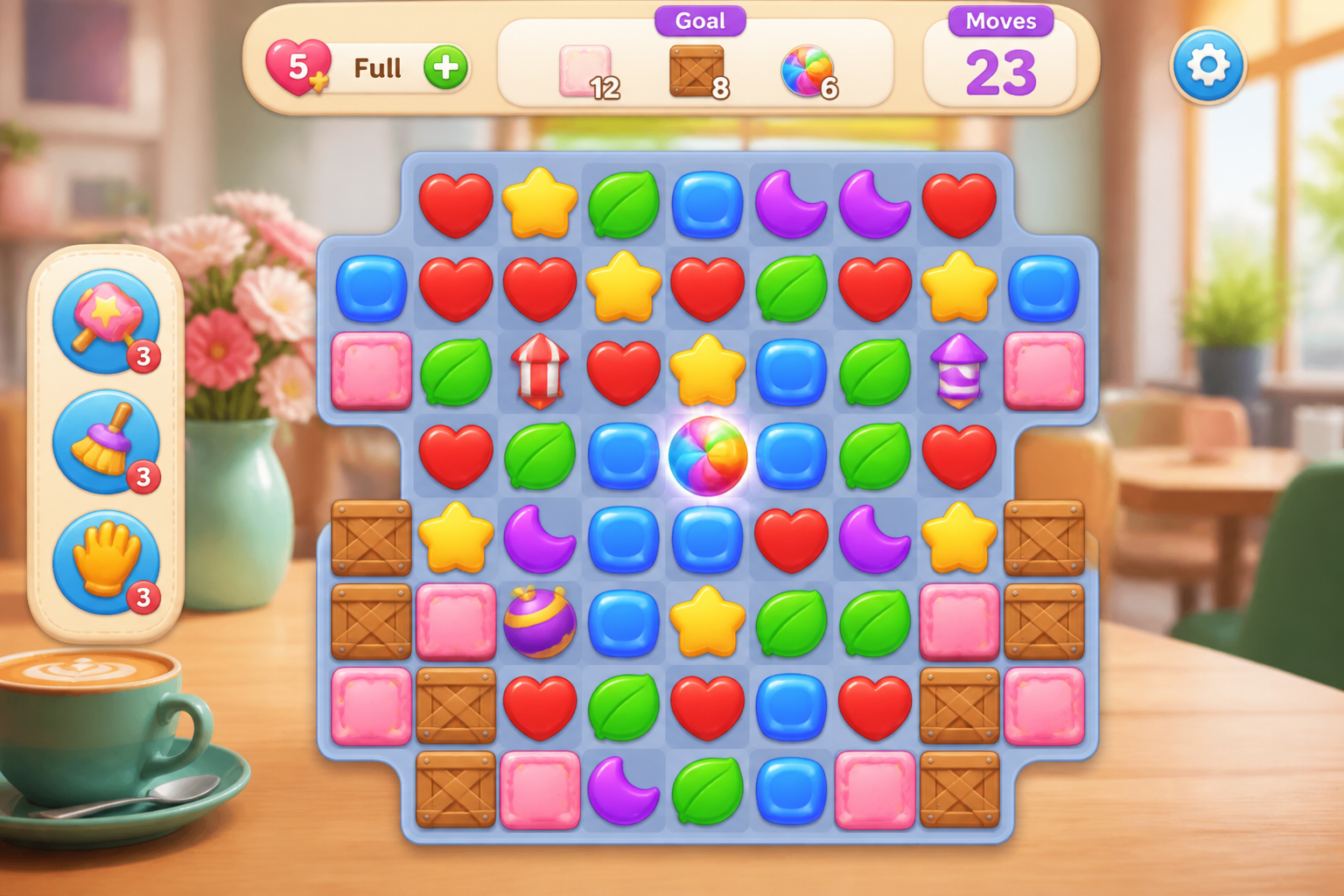 BEFORE
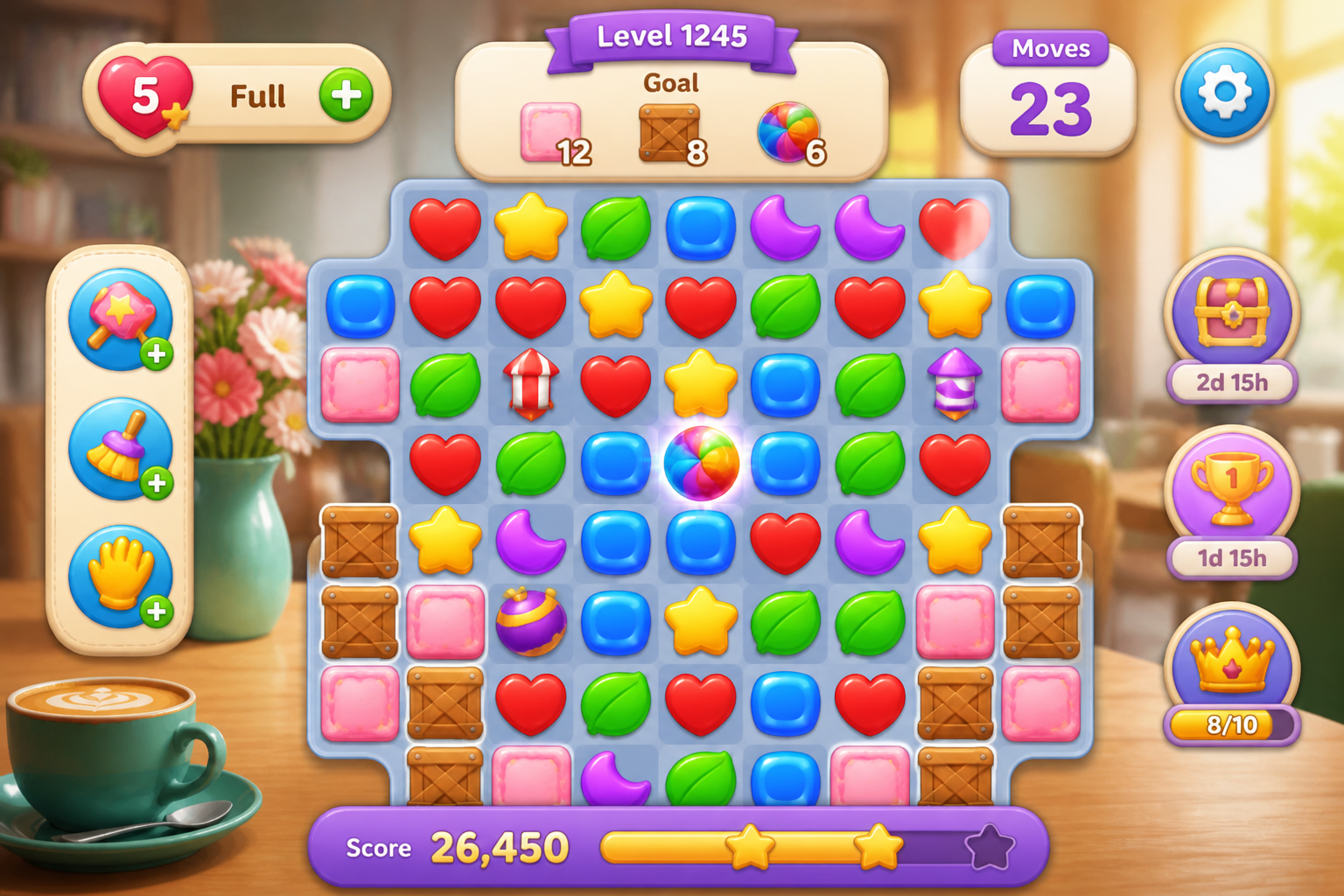 AFTER
AFTER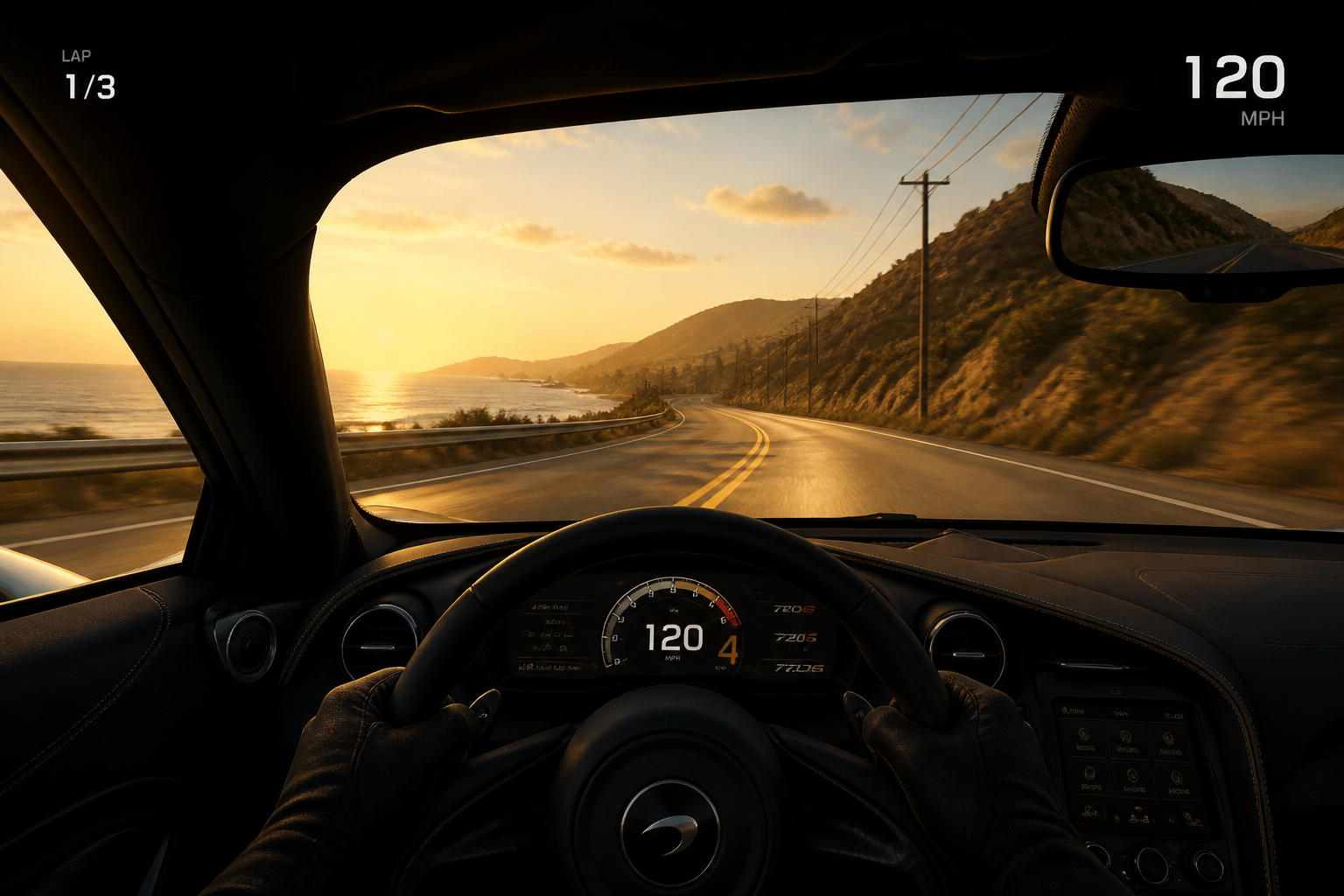 BEFORE
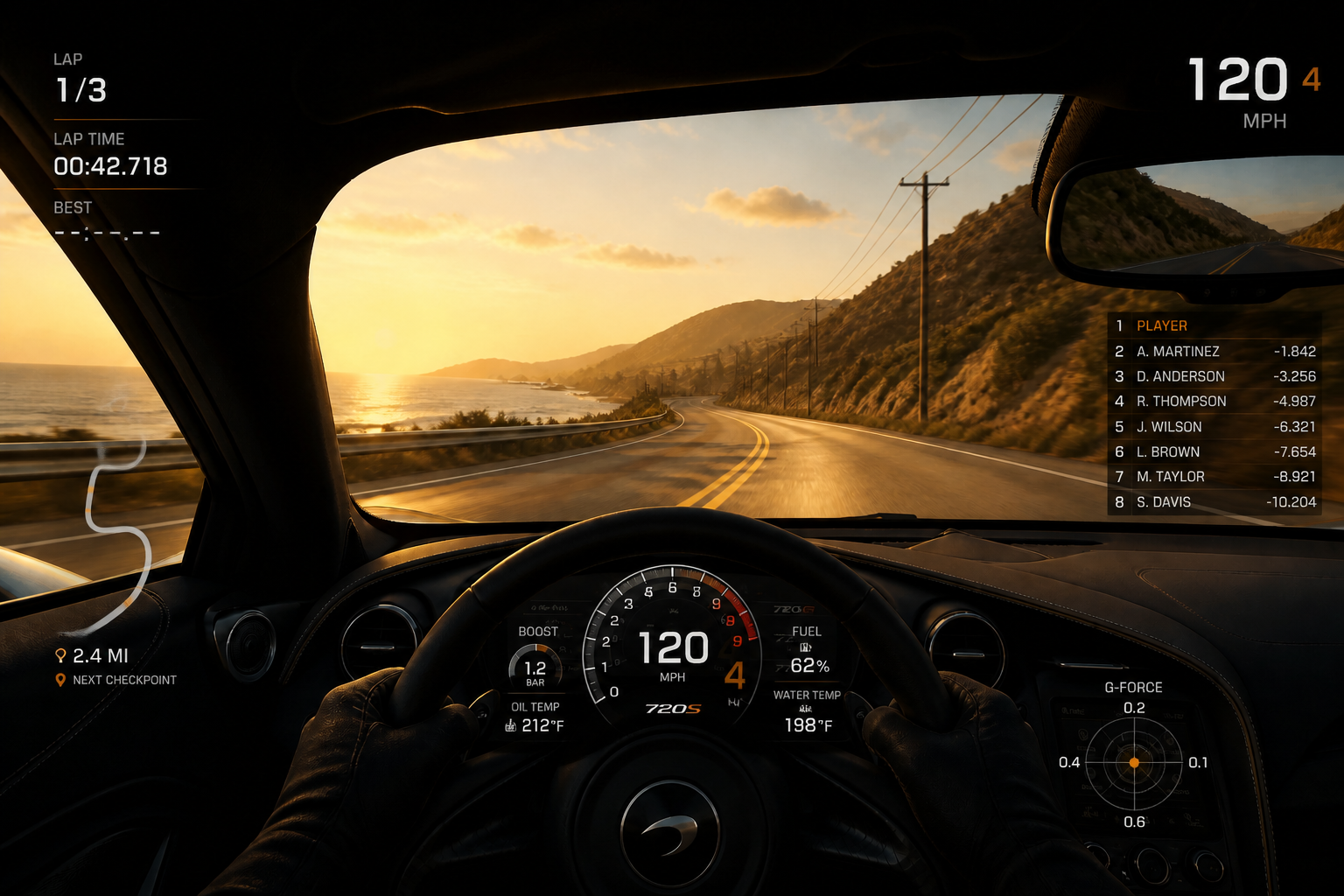 AFTERBEFOREAFTERBEFOREAFTERBEFOREAFTERBEFOREAFTERBEFOREAFTER
Key Features
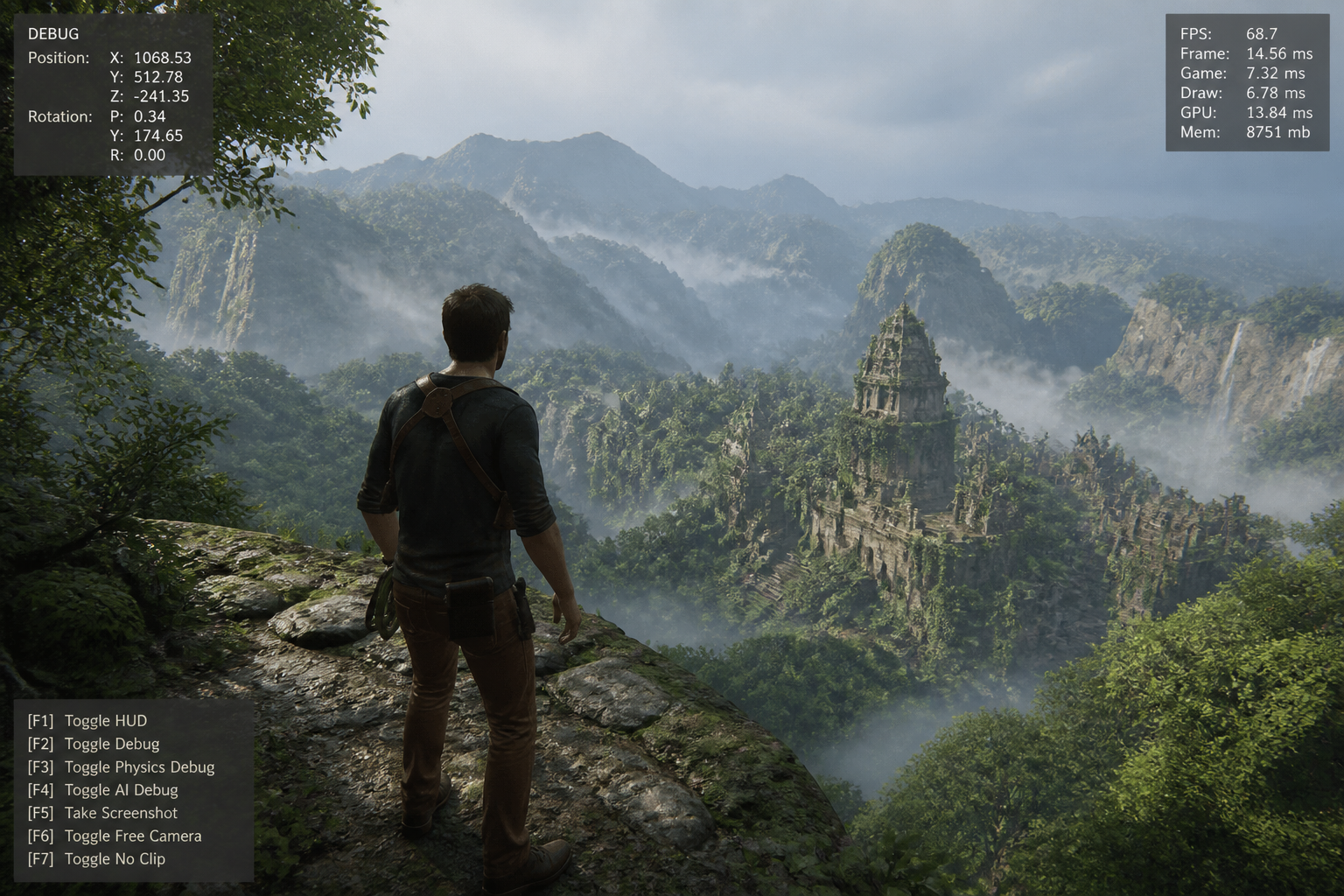
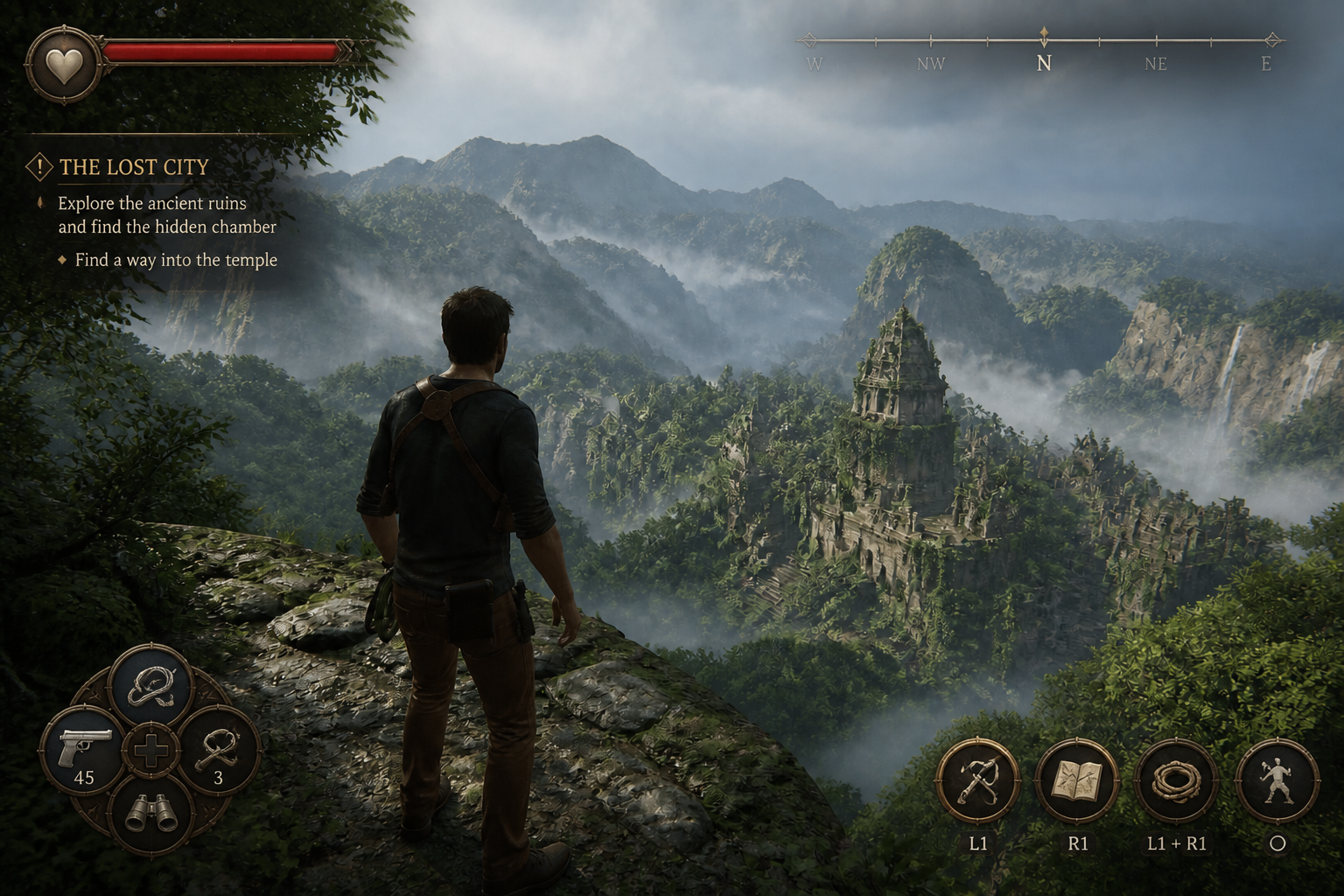
Redesign rough HUDs fast
Start with a plain screenshot, mockup, or debug overlay and turn it into a presentable interface concept. This helps you move from functional placeholders to something players and teammates can react to visually. It is much faster than drawing every panel, icon frame, and status bar by hand. You keep the original scene while the interface gets the upgrade.
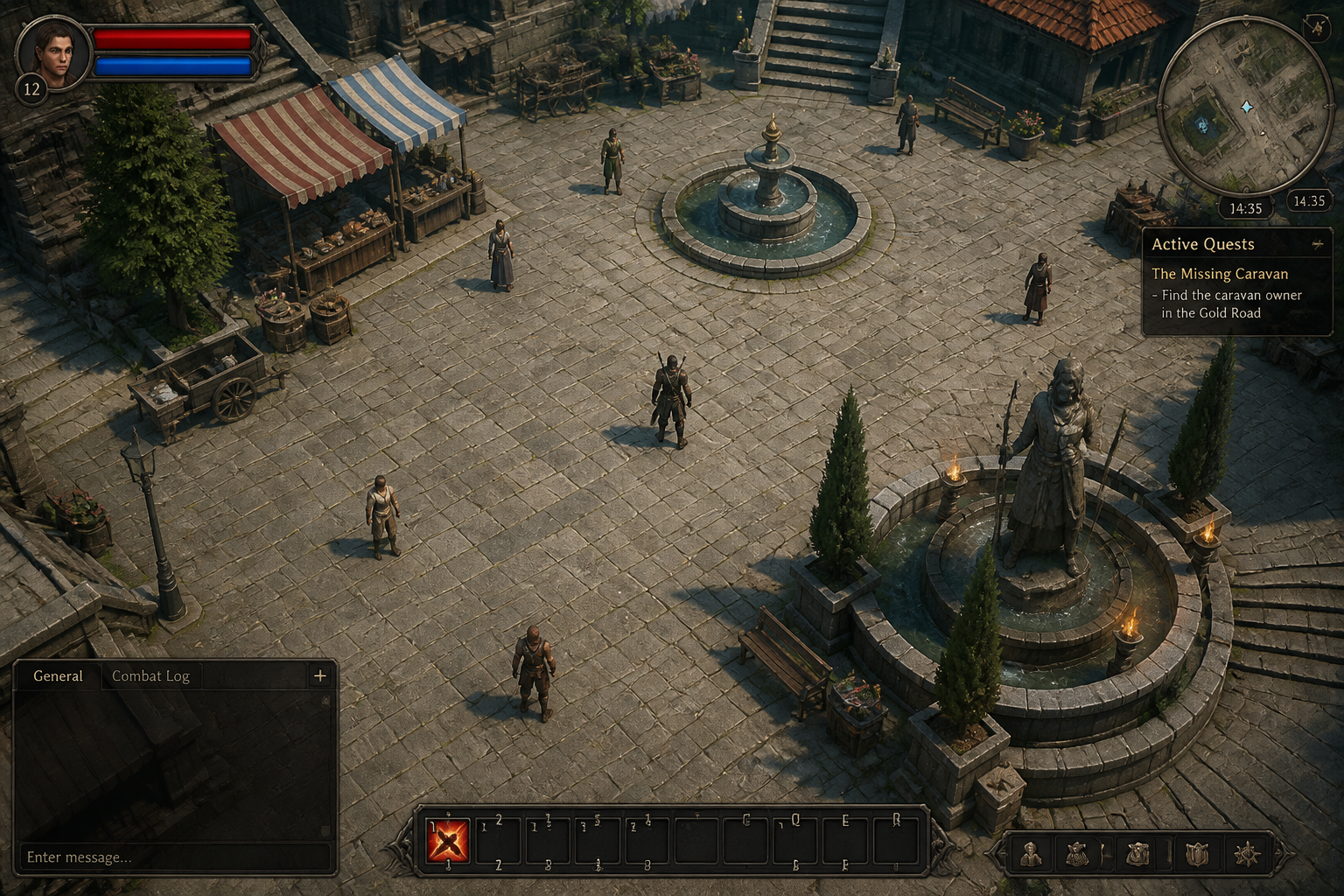
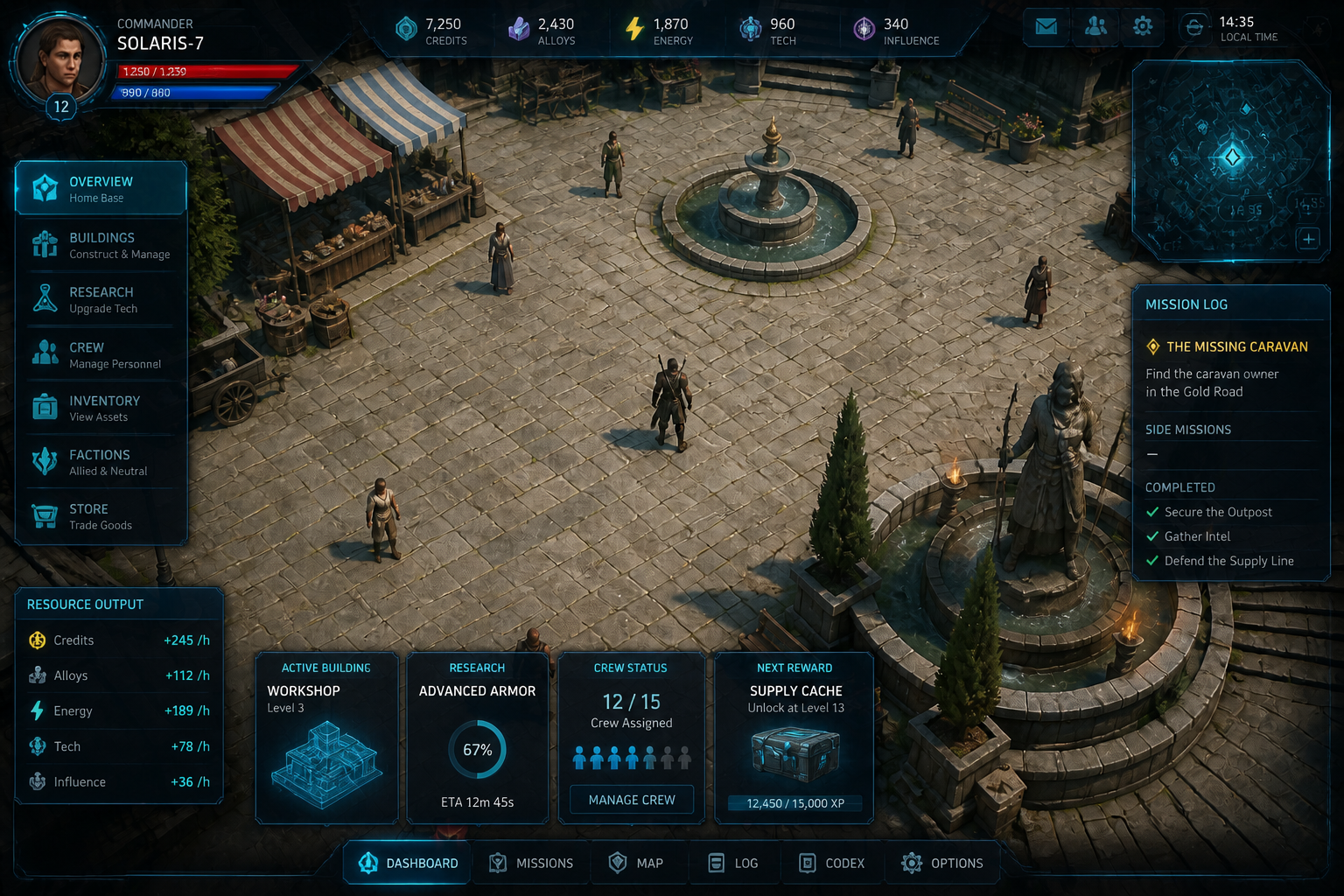
Match any game genre
The same base scene can be restyled for very different genres and audiences. That makes it useful for pitch decks, art direction tests, and early product exploration. Instead of rebuilding a layout from scratch, you can quickly compare fantasy, sci-fi, casual, or hardcore interface directions. It gives teams more visual options with less production time.
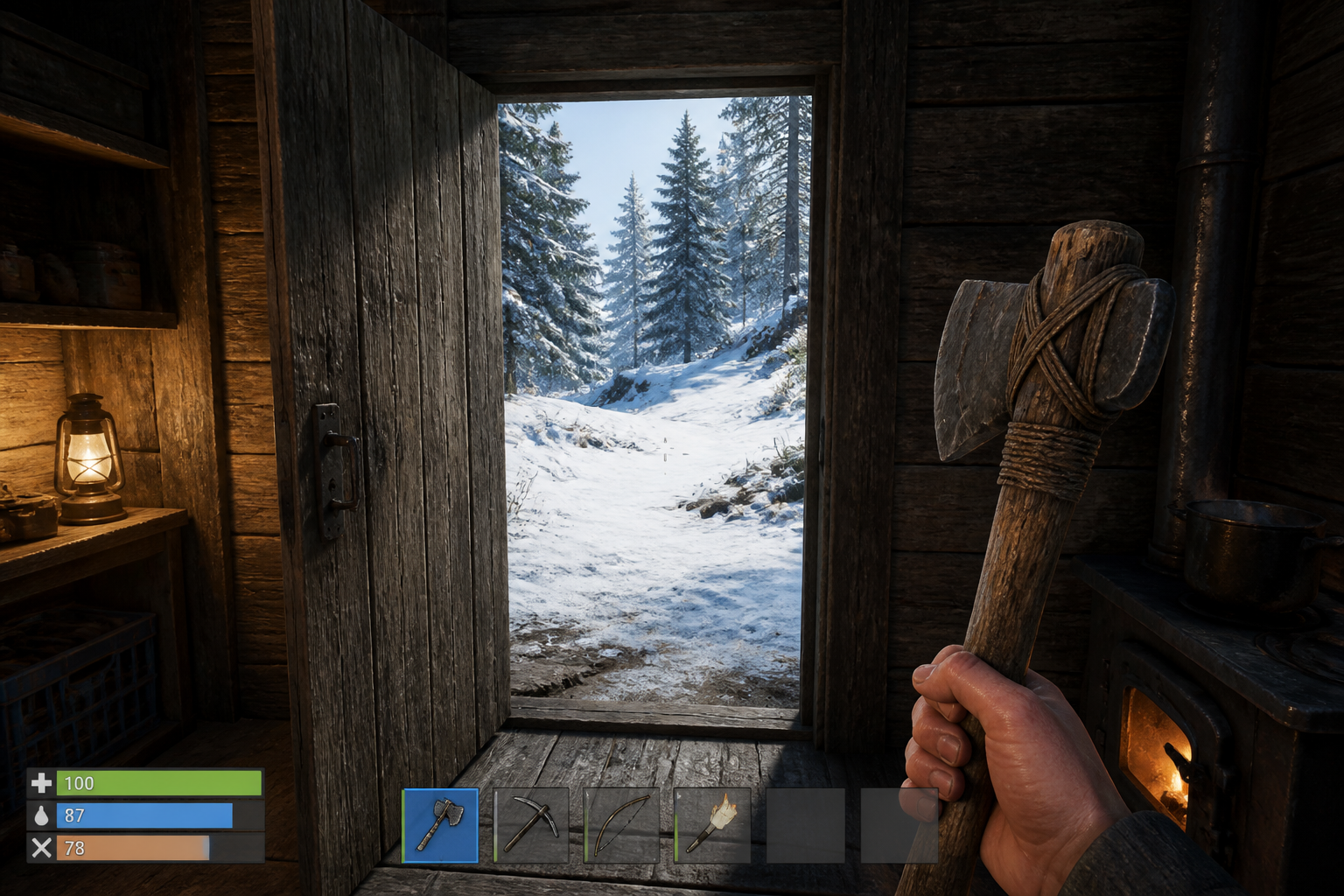
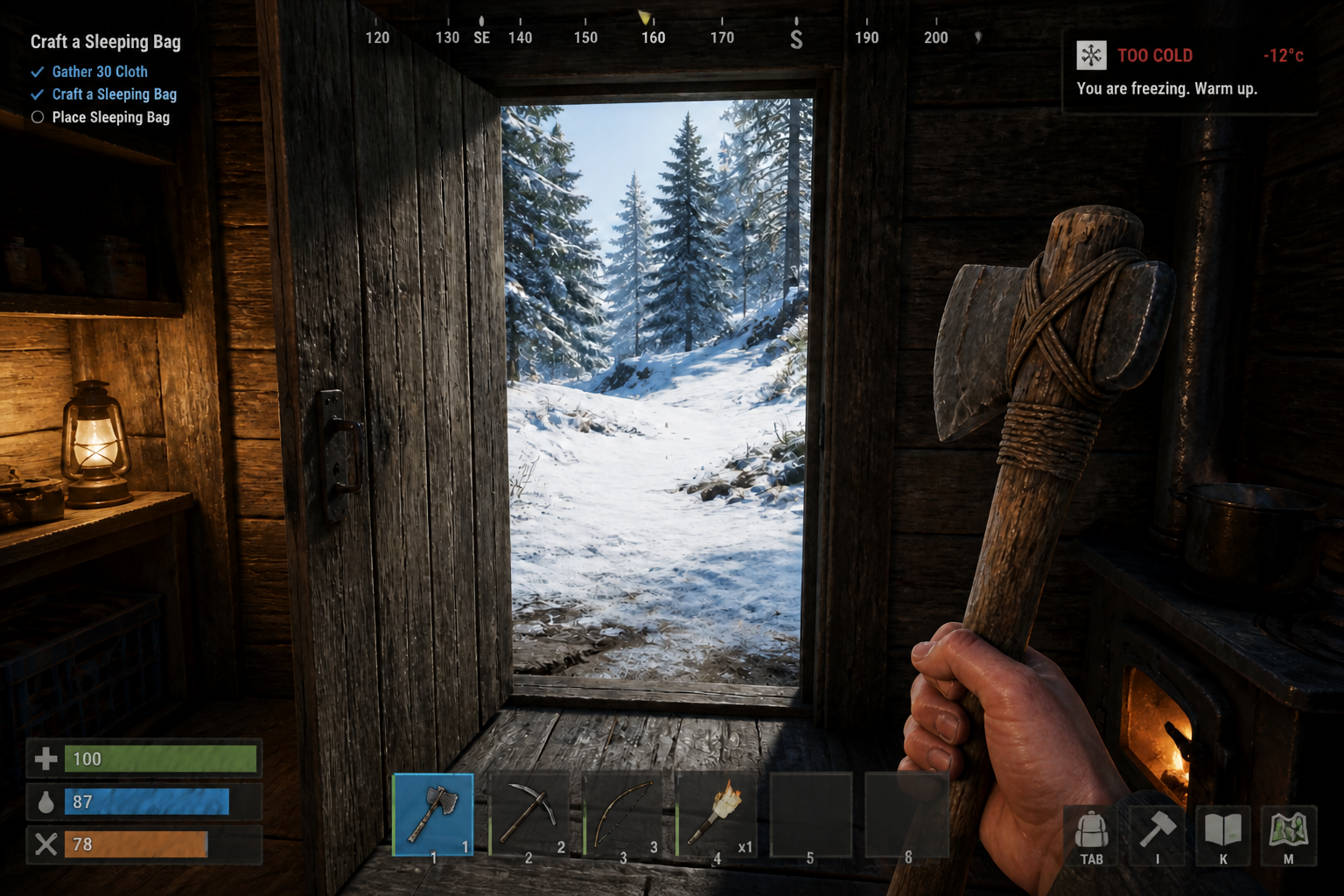
Keep the scene intact
A UI concept is only useful if the underlying game view still reads clearly. Our AI updates the interface while preserving the environment, camera framing, and on-screen action. That makes before and after comparisons easier for internal reviews. You can judge the interface itself instead of being distracted by unrelated scene changes.
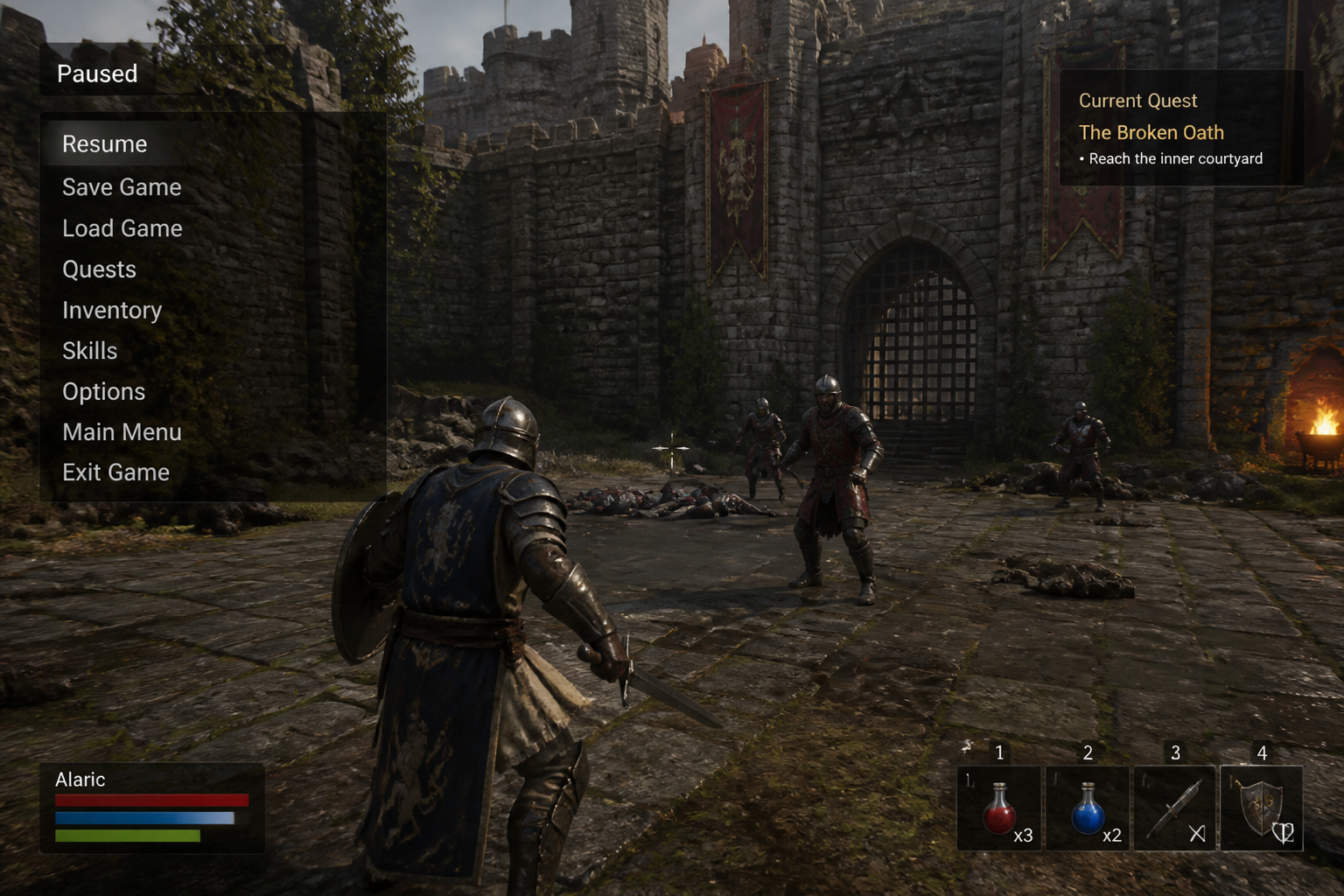
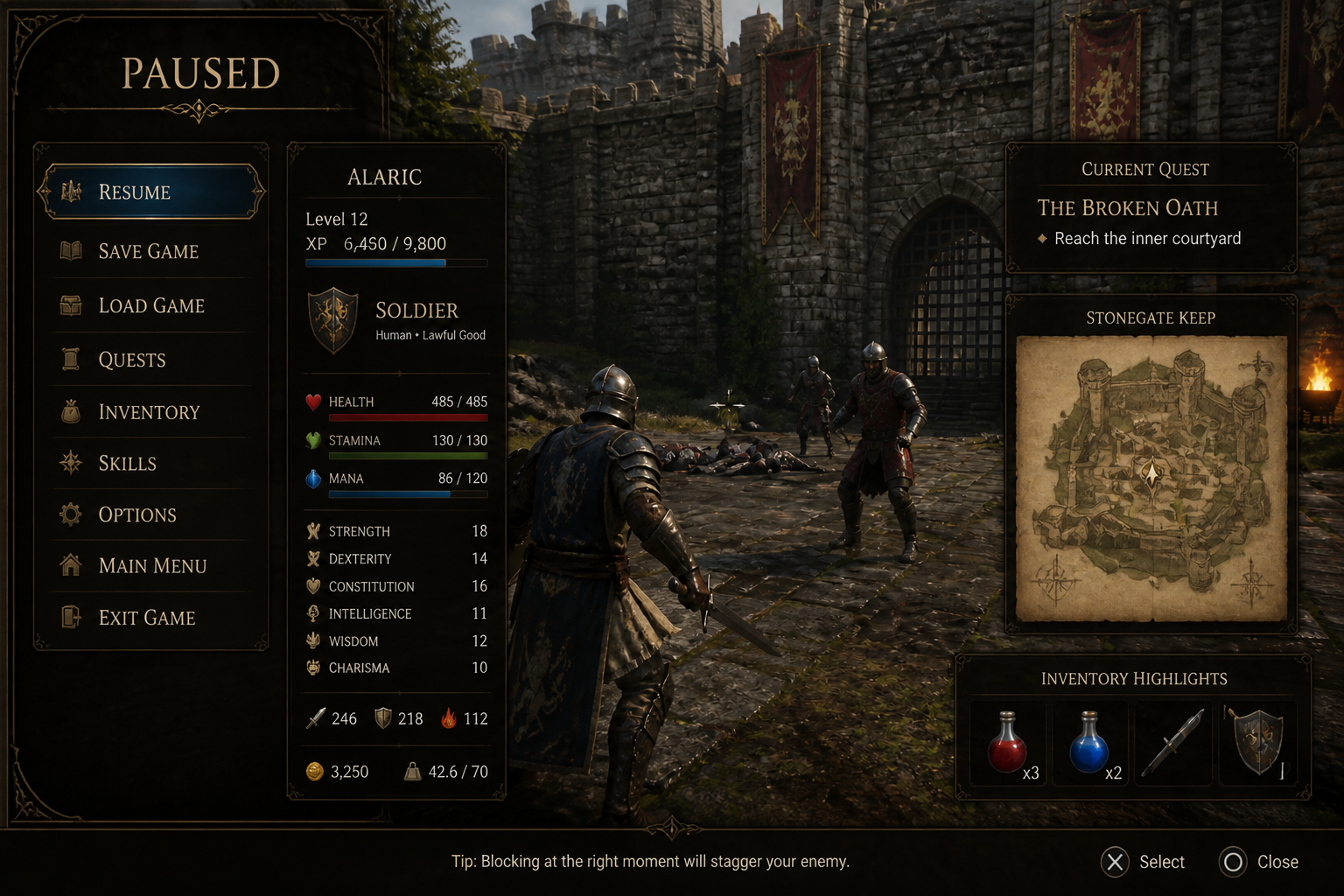
Explore menu and overlay ideas
Game UI is more than a health bar. You can test inventory layouts, mission panels, minimaps, ability trays, and menu overlays in the same workflow. This makes it easier to present a fuller interface direction instead of isolated components. It is especially useful when you need concept-quality visuals before committing design time.
How It Works
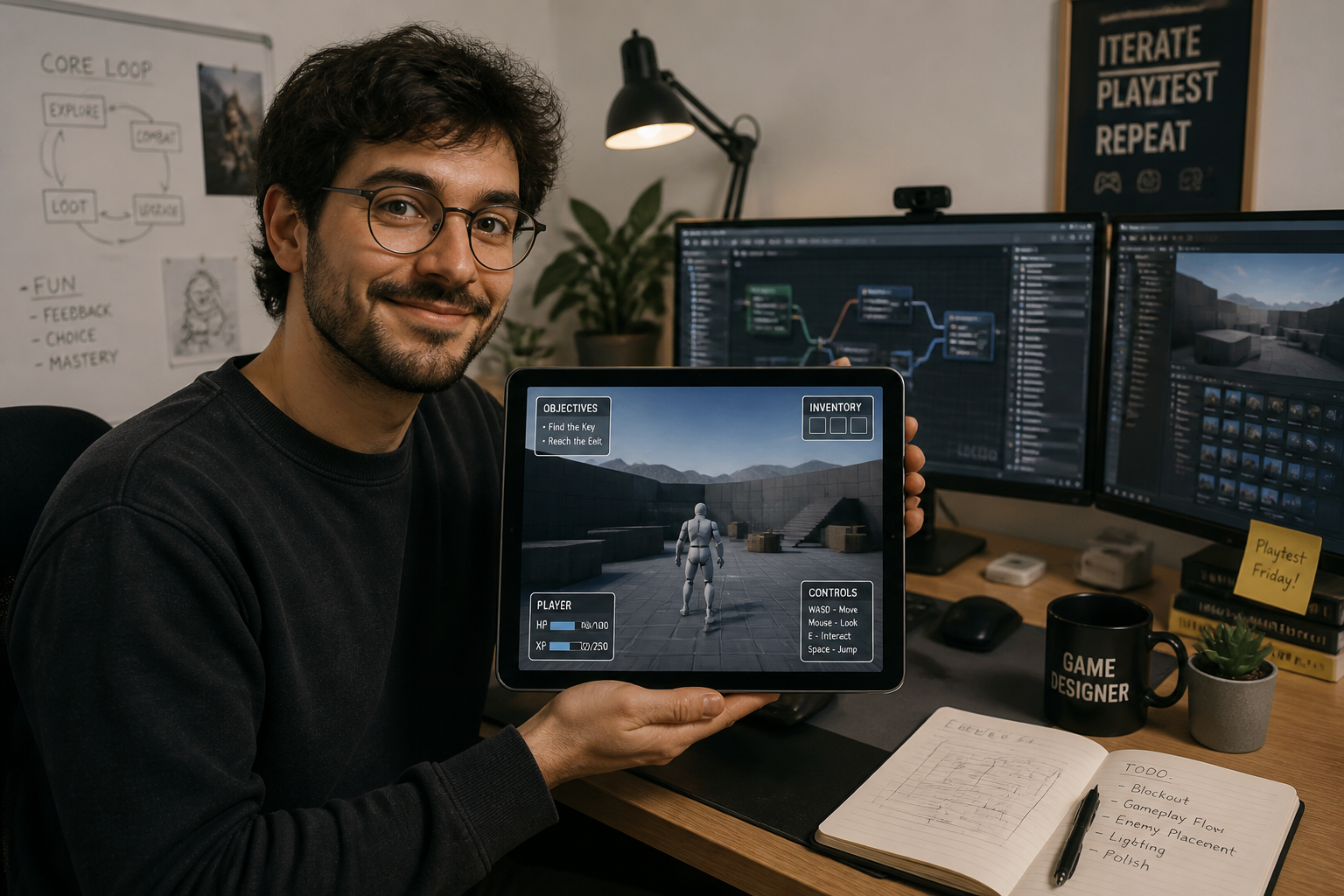
Upload your game screen
Start with a gameplay screenshot, rough prototype, or interface mockup. Clear framing and visible UI areas make the result easier to control.
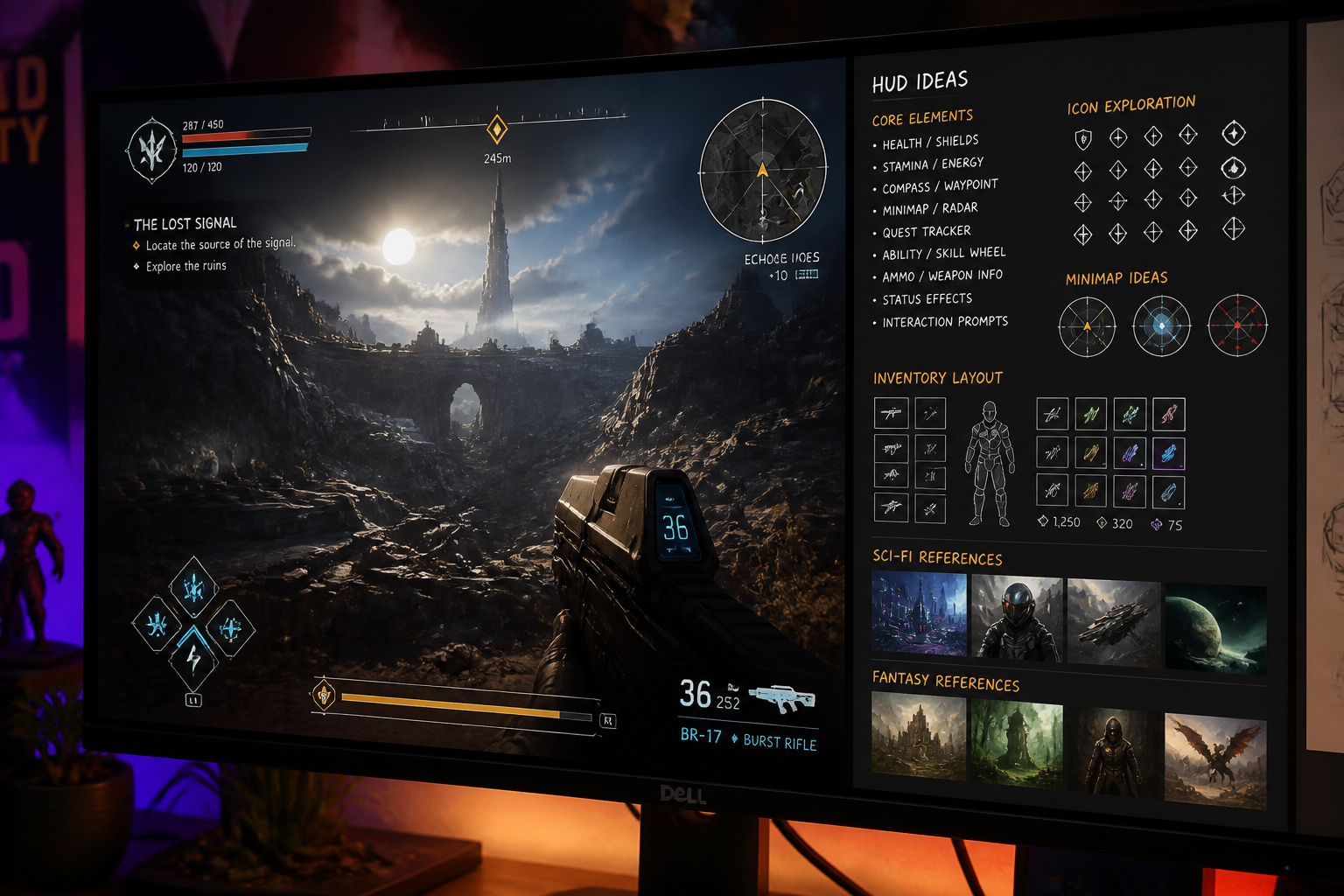
Describe the interface style
Tell the AI what kind of HUD, menu, or overlay you want. Mention the genre, visual mood, and interface elements you want to add or replace.
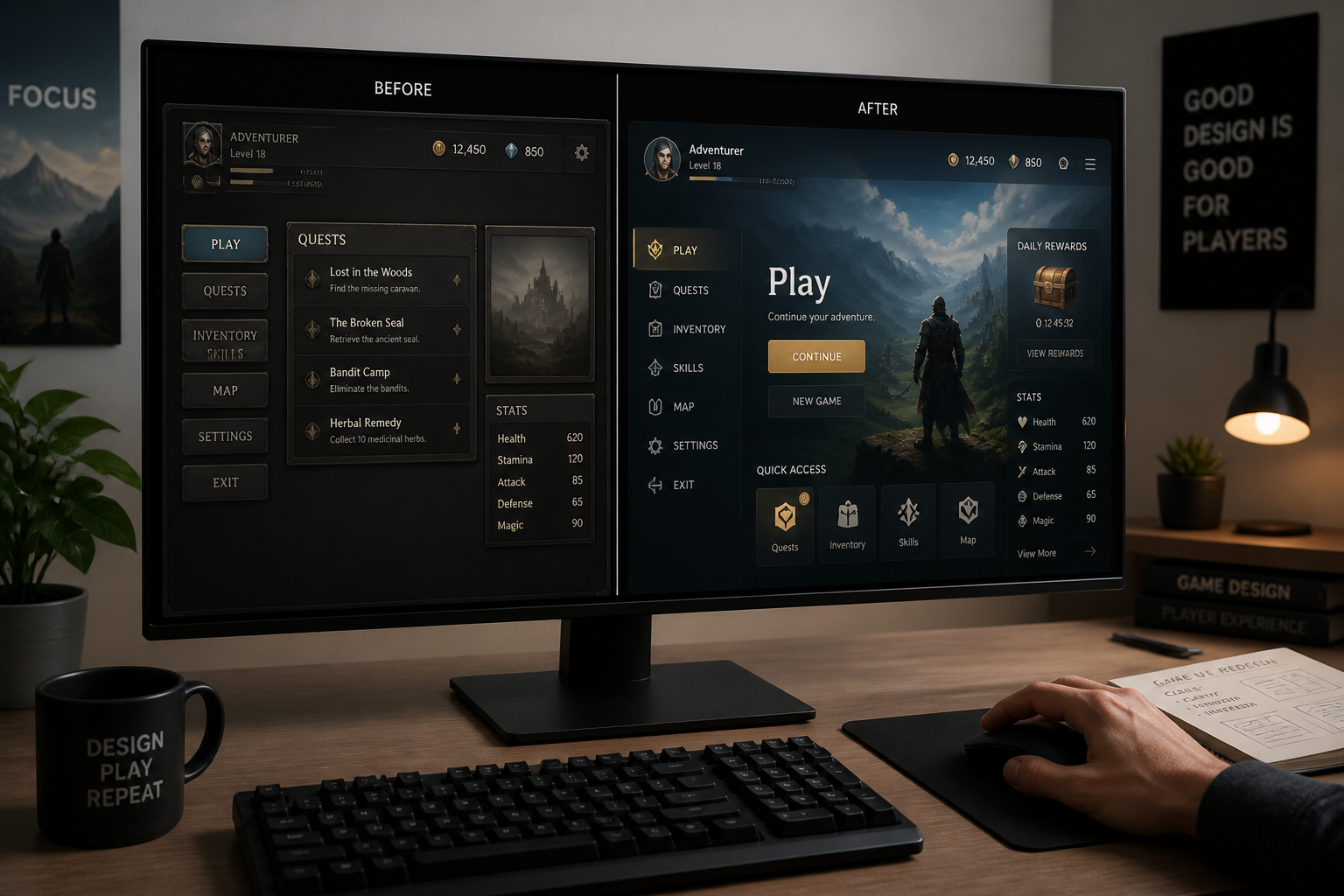
Compare and refine
Review the generated interface concept and adjust the prompt if needed. You can iterate on layout, style, density, and readability until the direction fits your project.
Perfect For
Discover how creators and professionals use ai game ui generator
HUD concepting
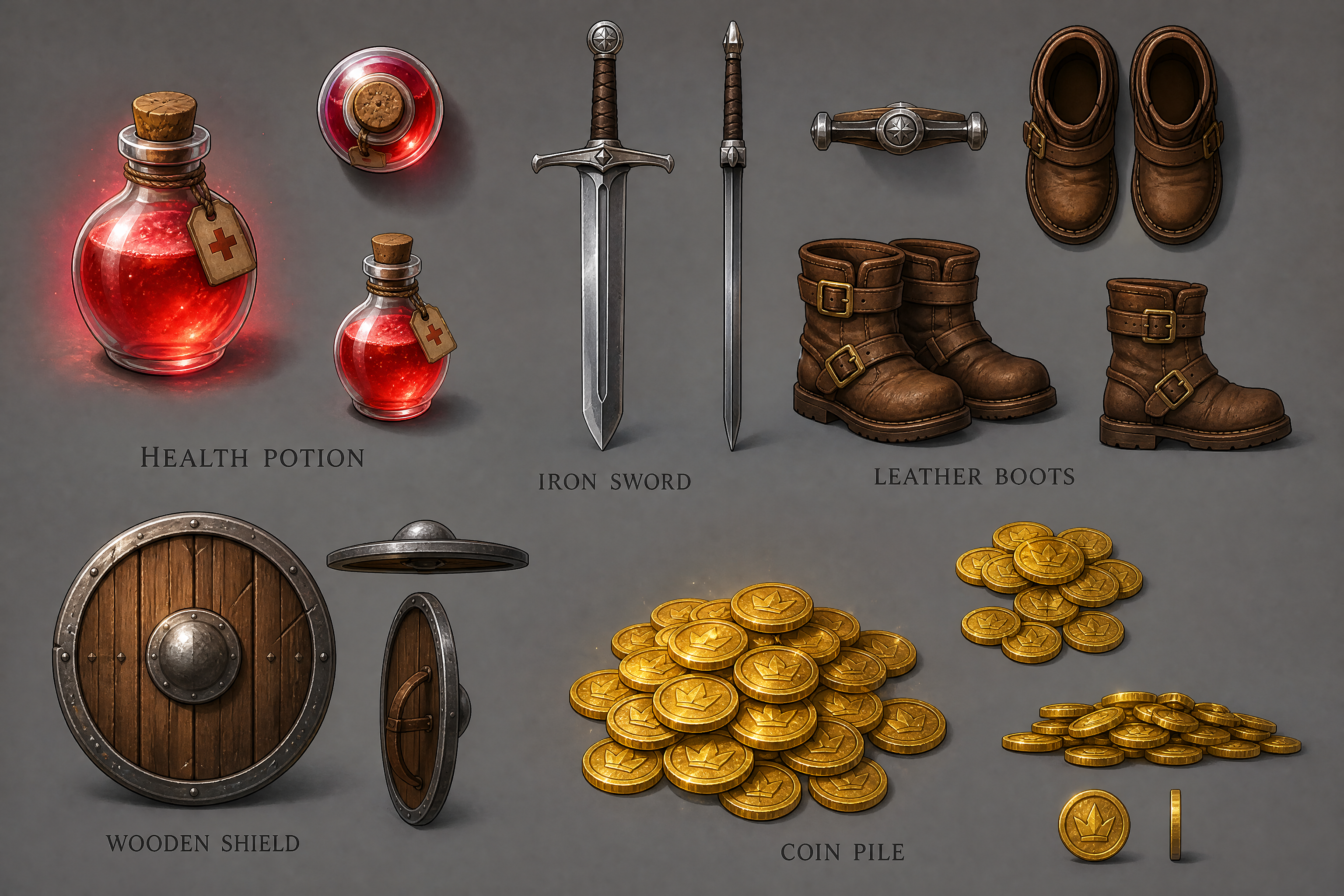
Turn basic gameplay captures into clearer health bars, minimaps, ability trays, and status panels for early design reviews.
Menu exploration
Generate pause screens, inventory layouts, quest panels, and other overlays without building every screen manually first.
Pitch deck visuals
Create polished UI mockups for investor decks, store materials, or team presentations using existing game scenes.
Art direction tests
Try multiple interface styles on the same scene to compare genre fit, readability, and overall visual tone.
Built For
Indie game developers
Quickly mock up UI directions before committing engineering or UI art time.
Game artists and UI designers
Explore visual language, panel styling, icon framing, and interface density from a real game view.
Studios and pitch teams
Create cleaner presentation assets from rough builds, prototypes, or vertical slice screenshots.
Why use it for game UI concepts
A quick look at how we compare on the things that matter for this niche.
| Feature | BudgetPixel | Generic AI editors | Manual editing apps |
|---|---|---|---|
| Works from gameplay screenshots | ✓ | ✓ | ✓ |
| Fast UI style exploration | ✓ | — | — |
| Before/after concept comparison | ✓ | ✓ | ✓ |
| Useful for HUD and menu mockups | ✓ | — | — |
| No manual layer building required | ✓ | ✓ | — |
Frequently Asked Questions
What kind of images work best with the AI Game UI Generator?
Can it generate different UI styles for different game genres?
Does it keep the original game scene?
Can I use it for menus as well as HUDs?
Is this a replacement for full UI production?
Create together.
Share your creations, discover trending AI art, and grow with fellow creators.