AI Fashion Ad Generator for Instant Campaign Visuals
Turn basic fashion photos into polished ad-ready creatives.
Upload a clothing or model photo and turn it into a clean fashion ad with styled lighting, layout cues, and campaign energy. Our AI helps you create premium-looking visuals for launches, lookbooks, and social promos without building every ad from scratch.
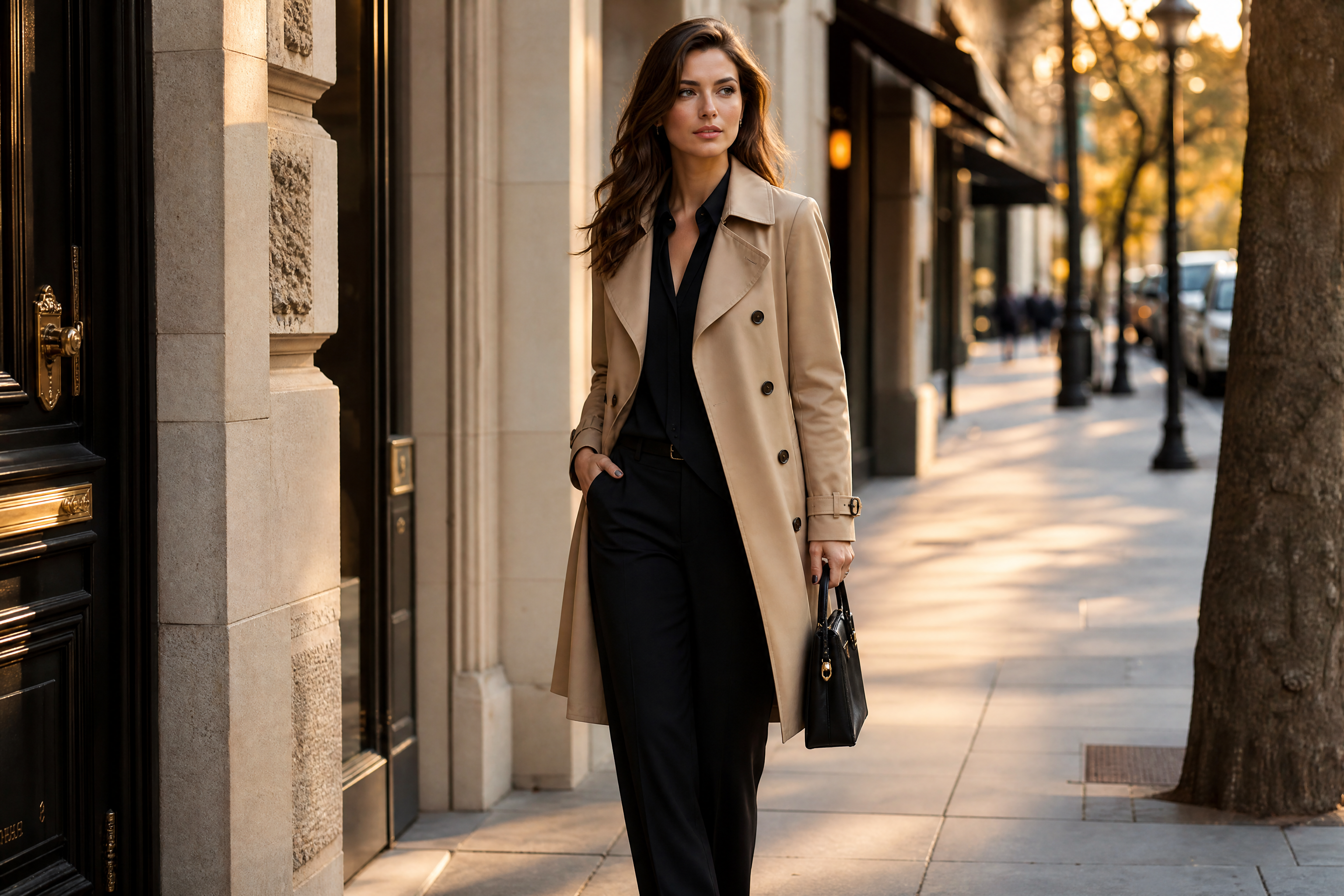
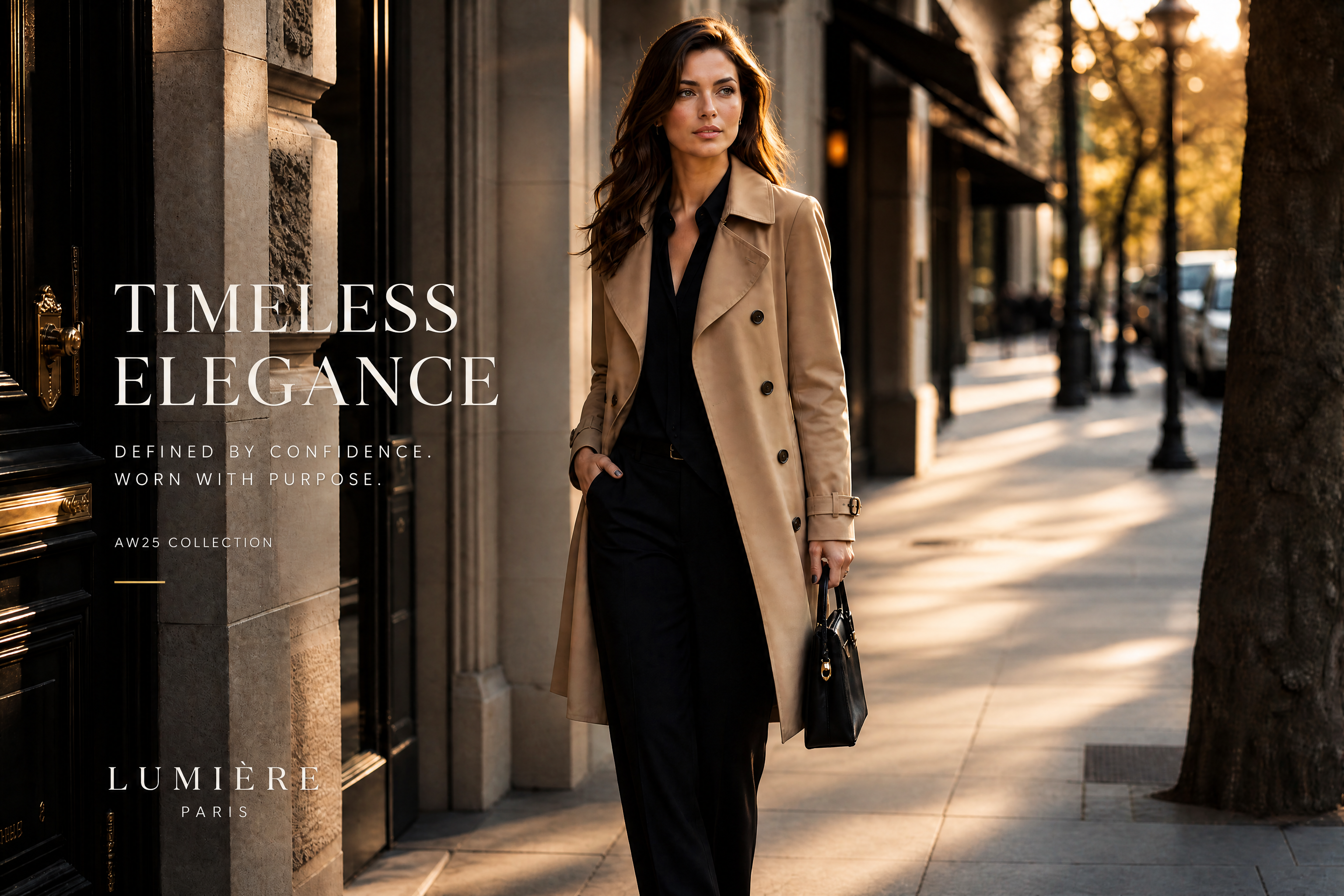
Watch the Transformation
See ai fashion ad generator in motion — generated end-to-end by our AI.
See It In Action
Real outputs from ai fashion ad generator.
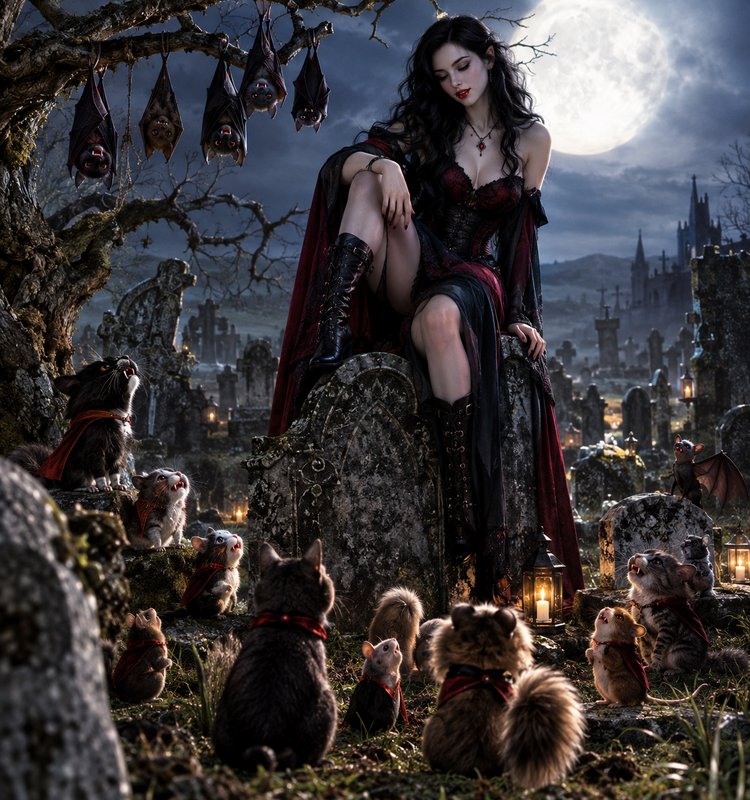
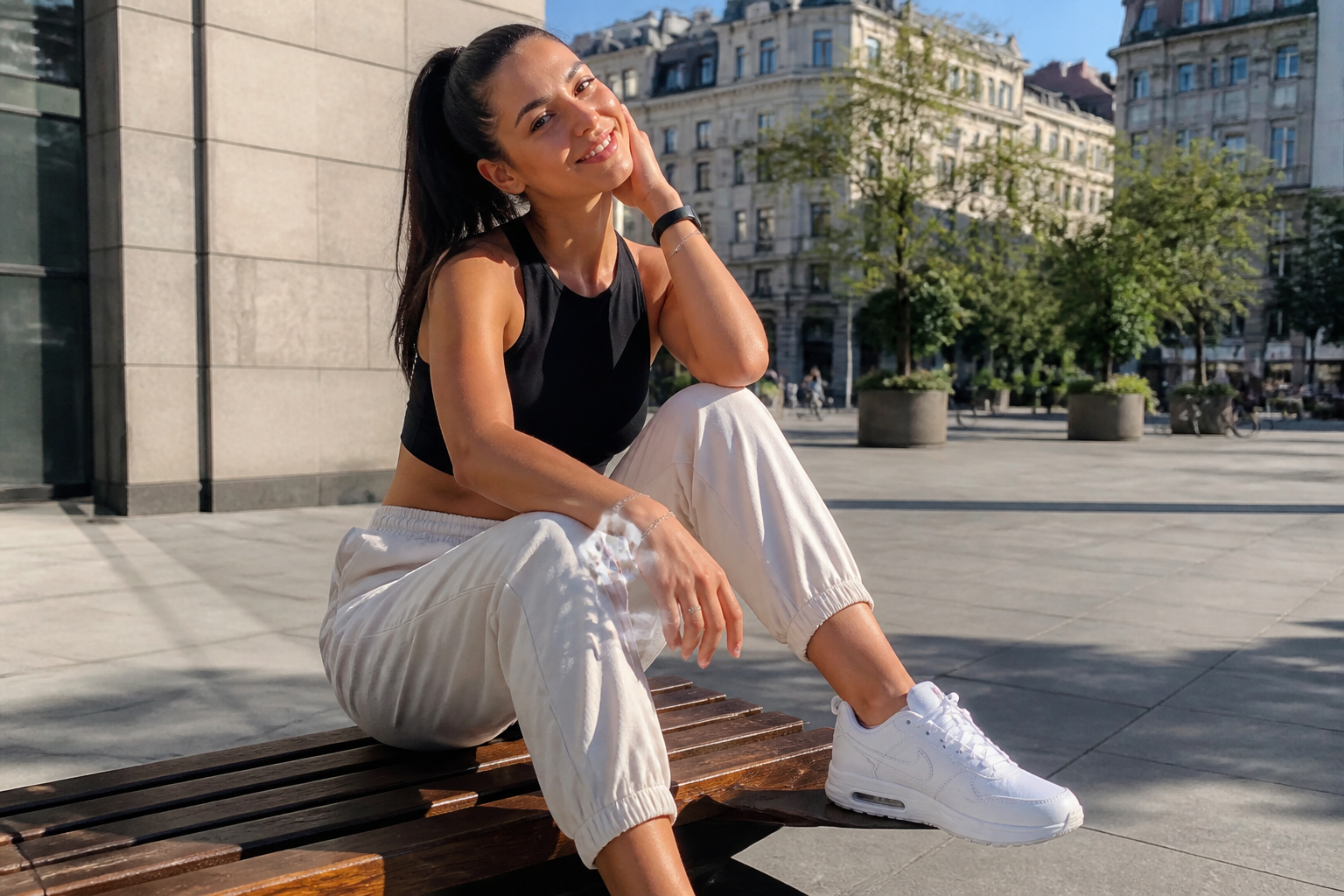
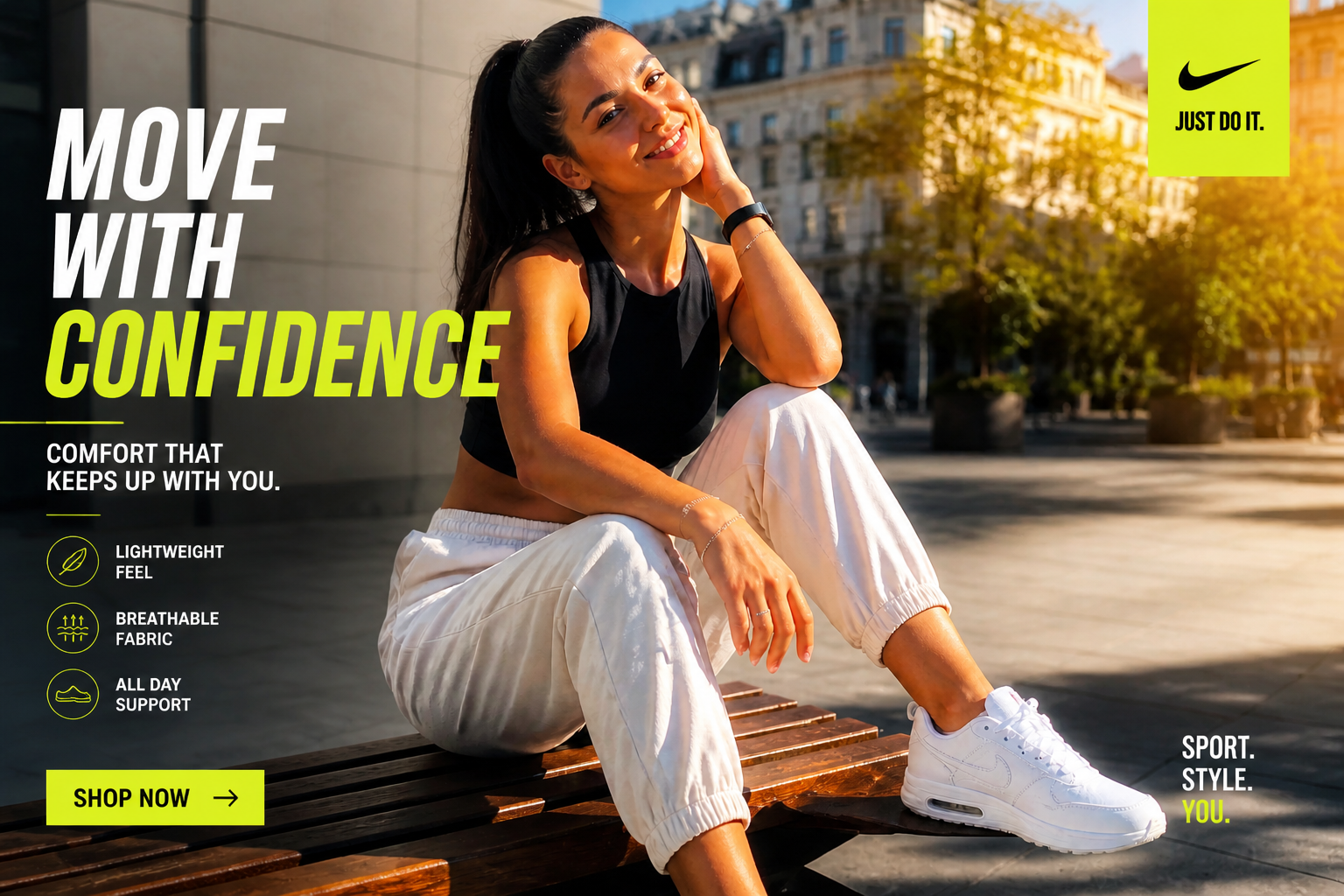
BEFOREAFTER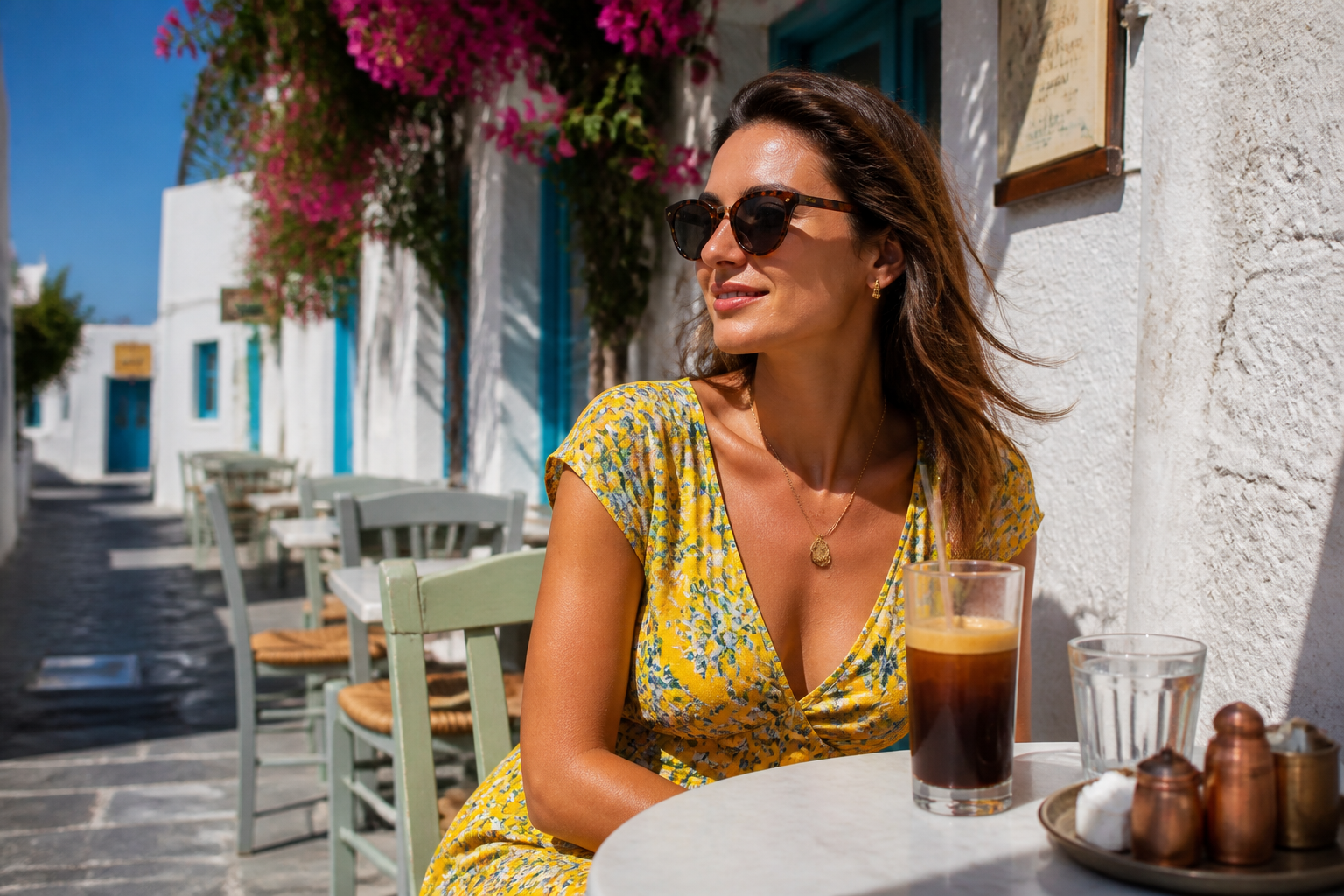 BEFORE
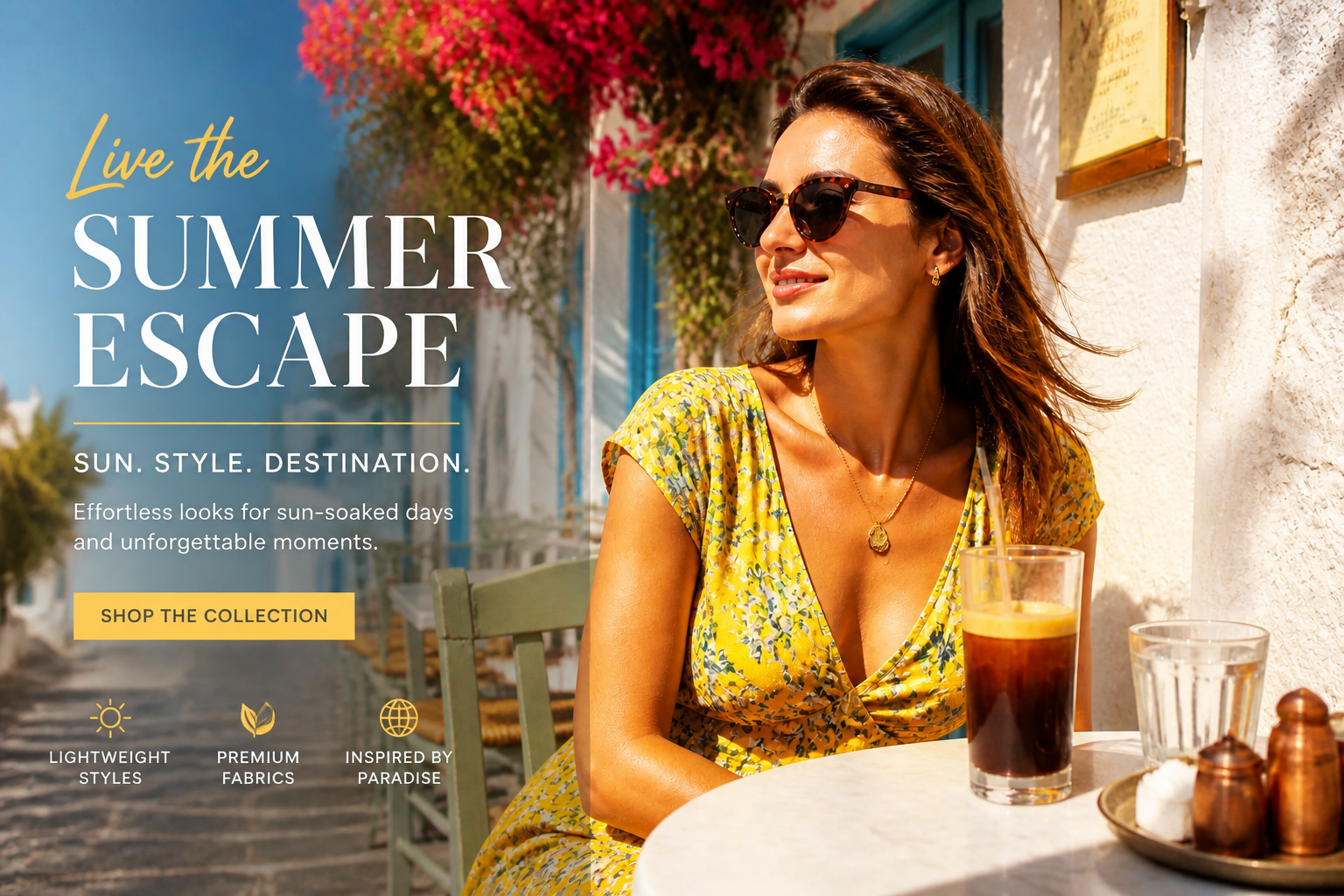 AFTER
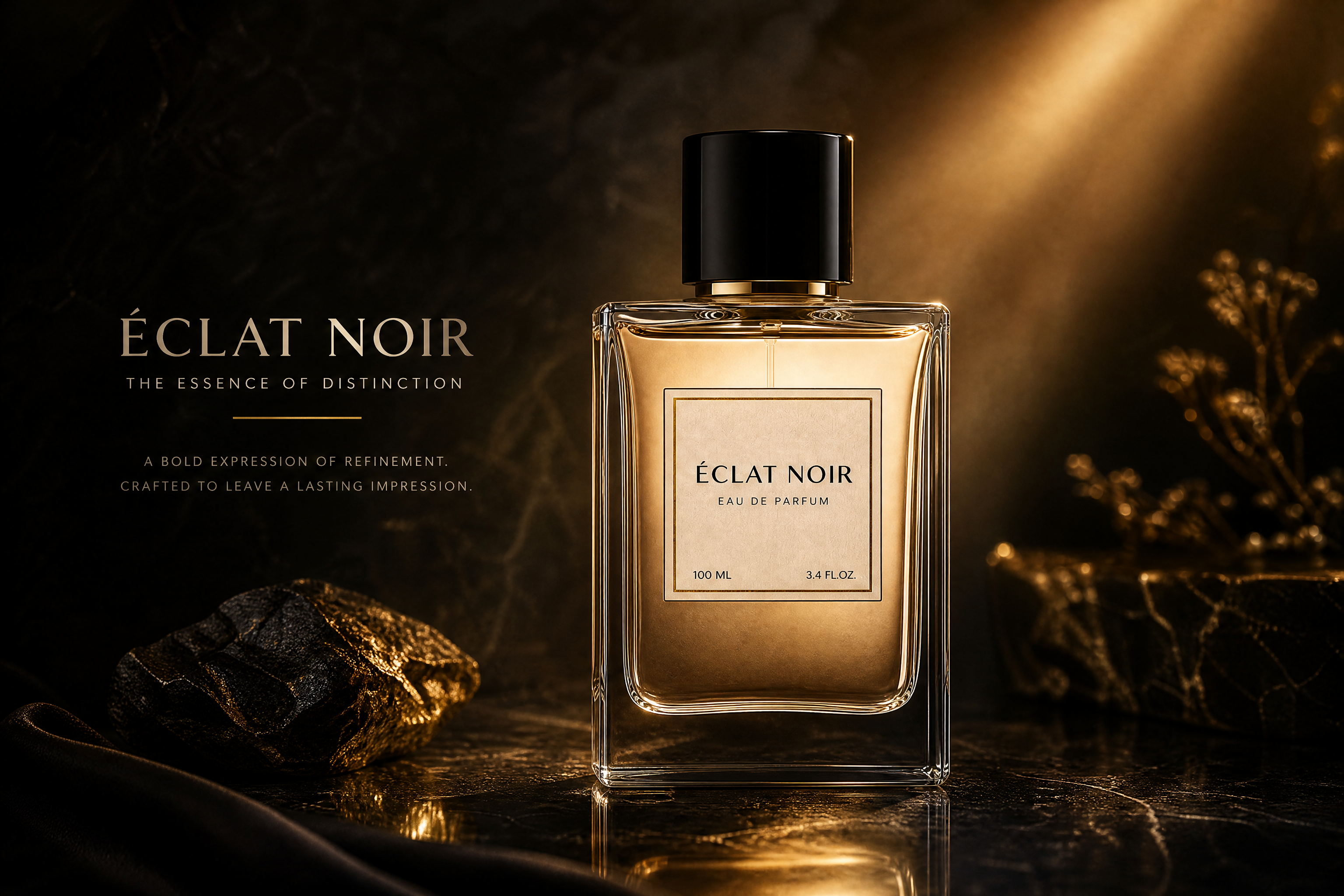
AFTER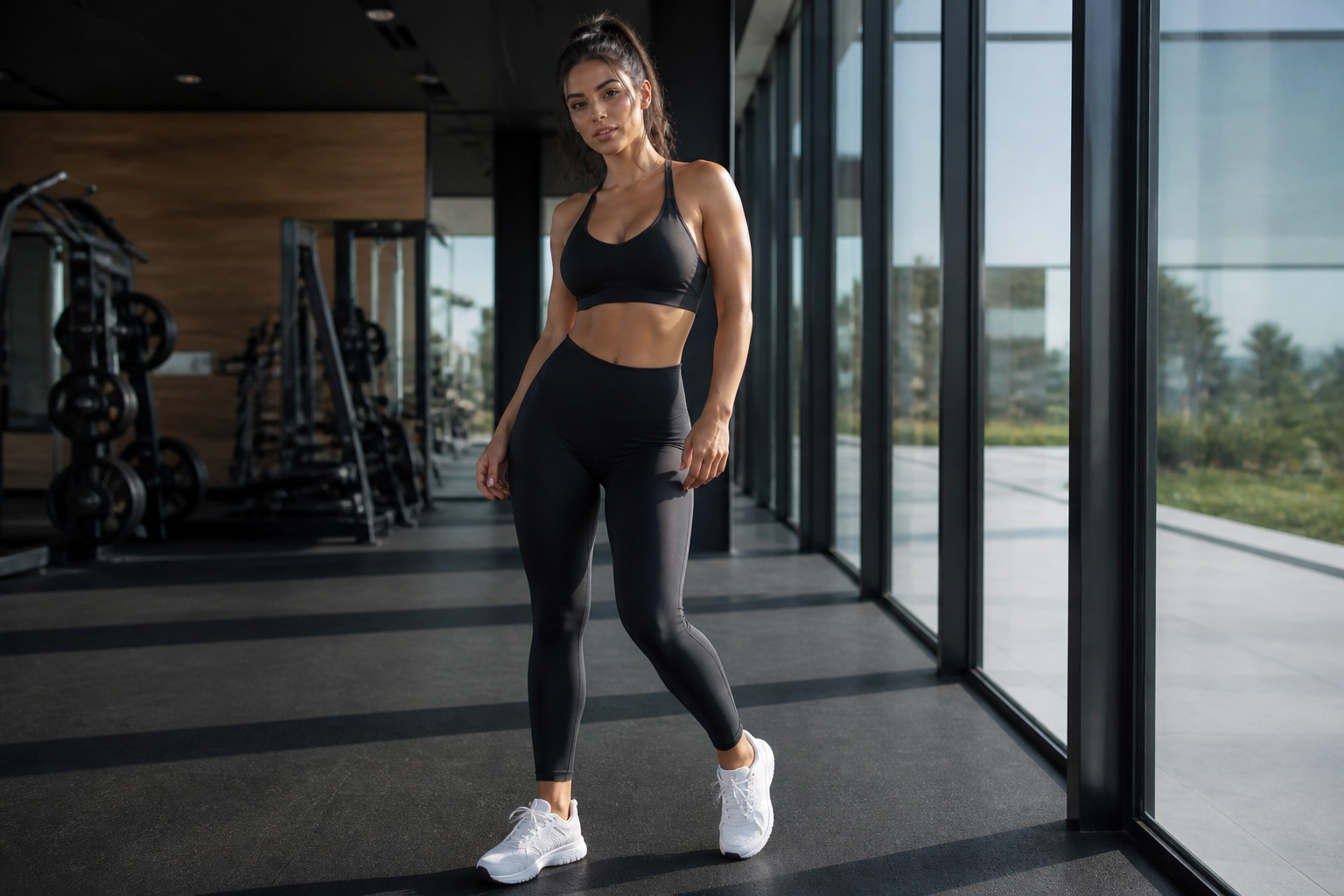 BEFORE
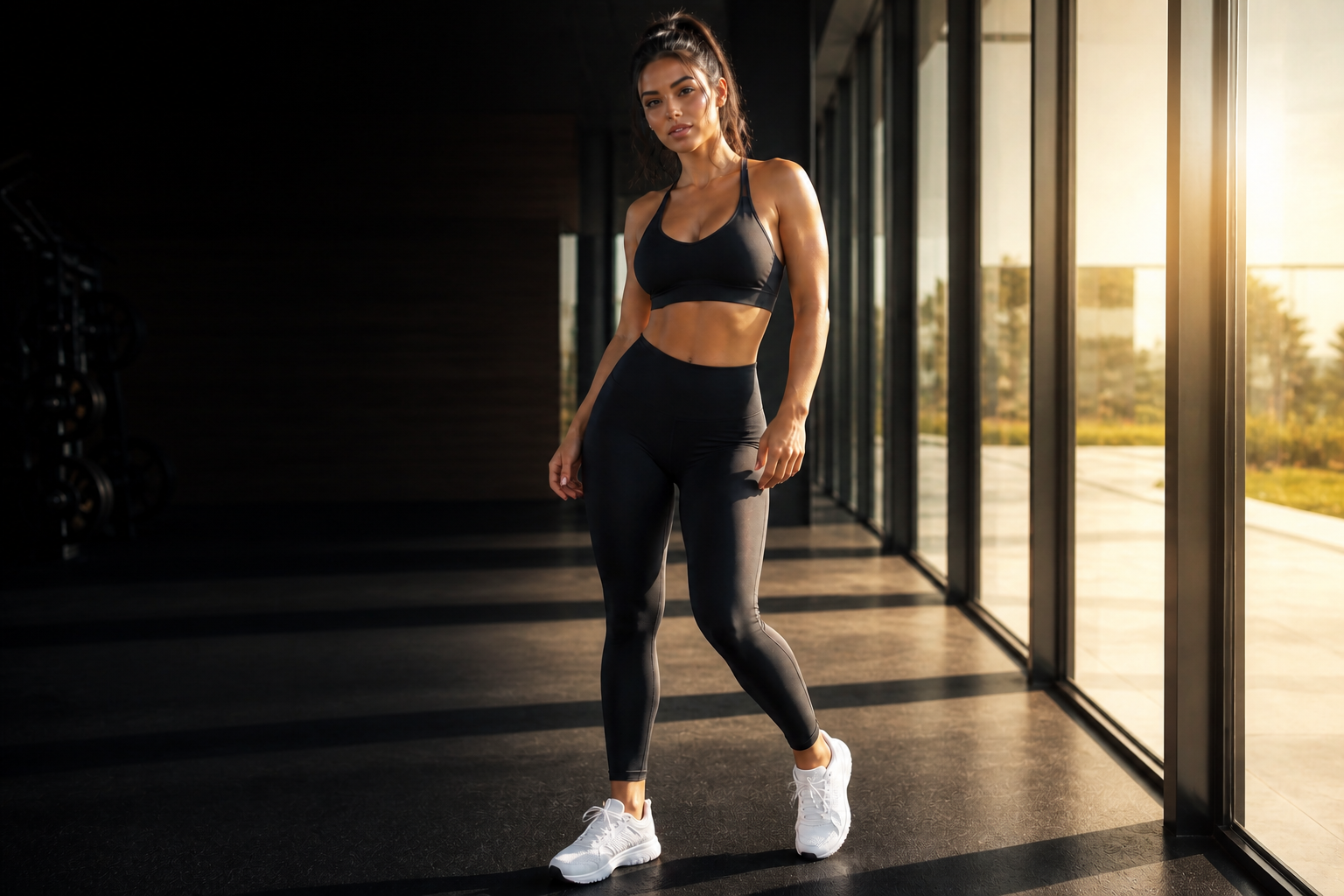 AFTER
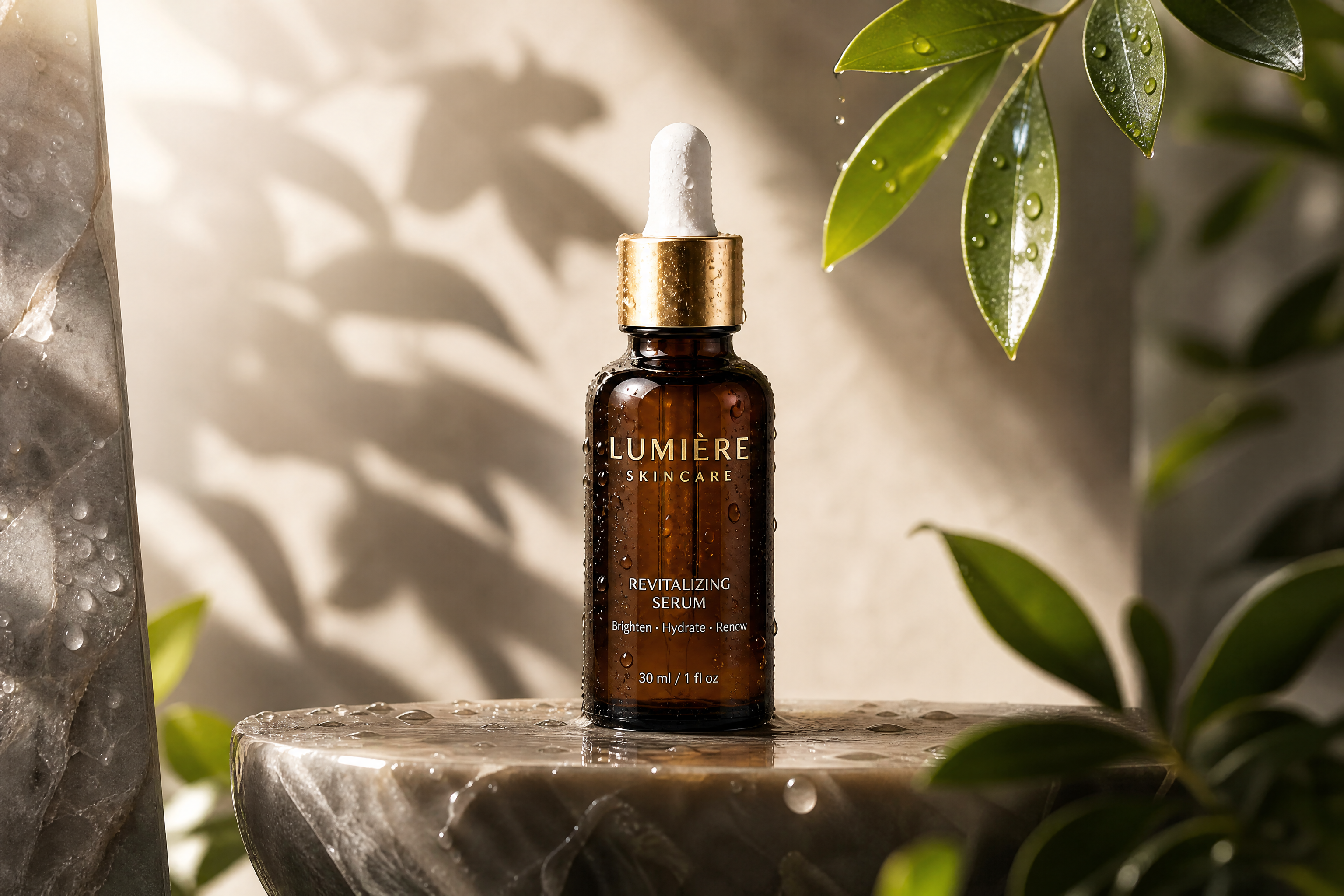
AFTER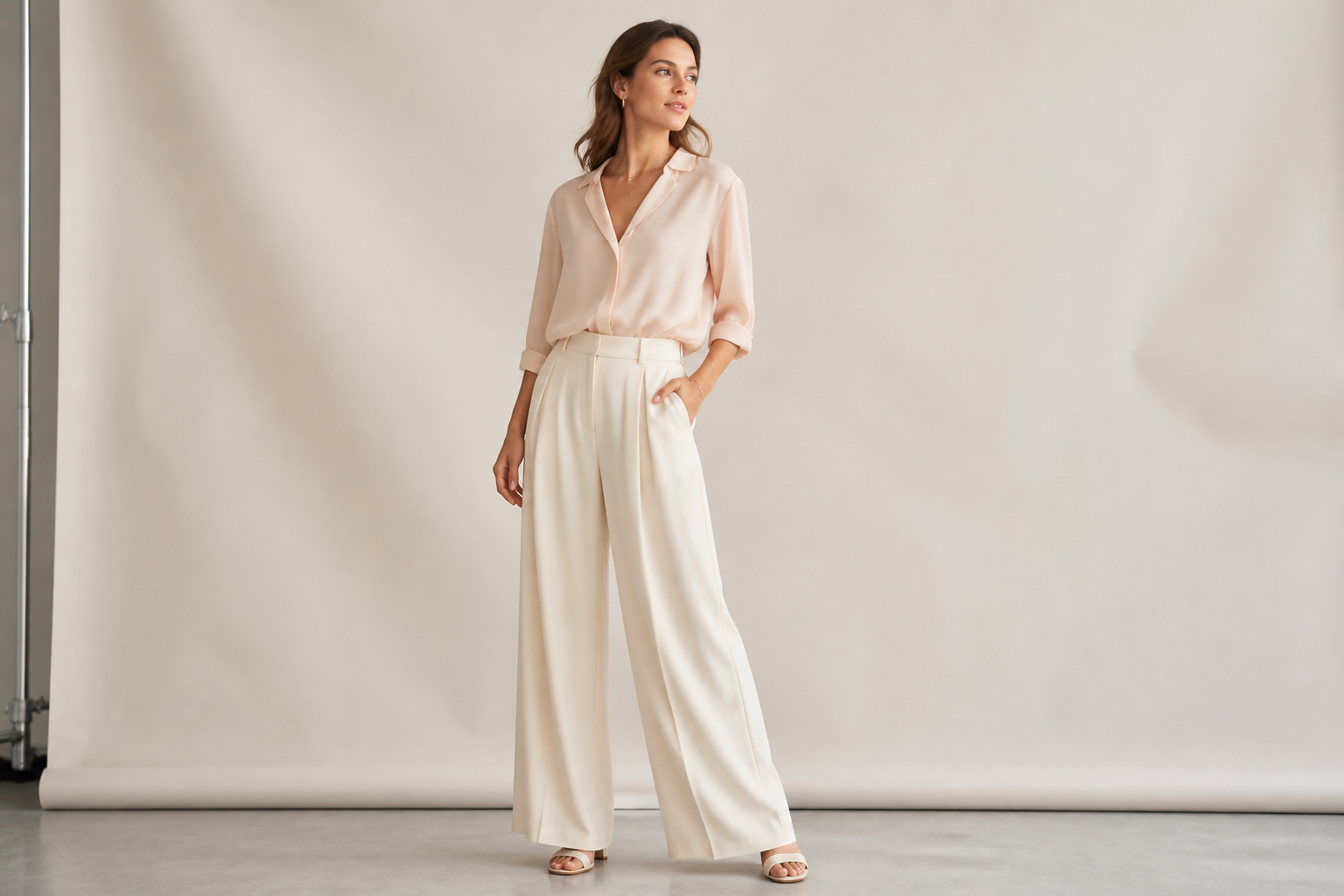 BEFORE
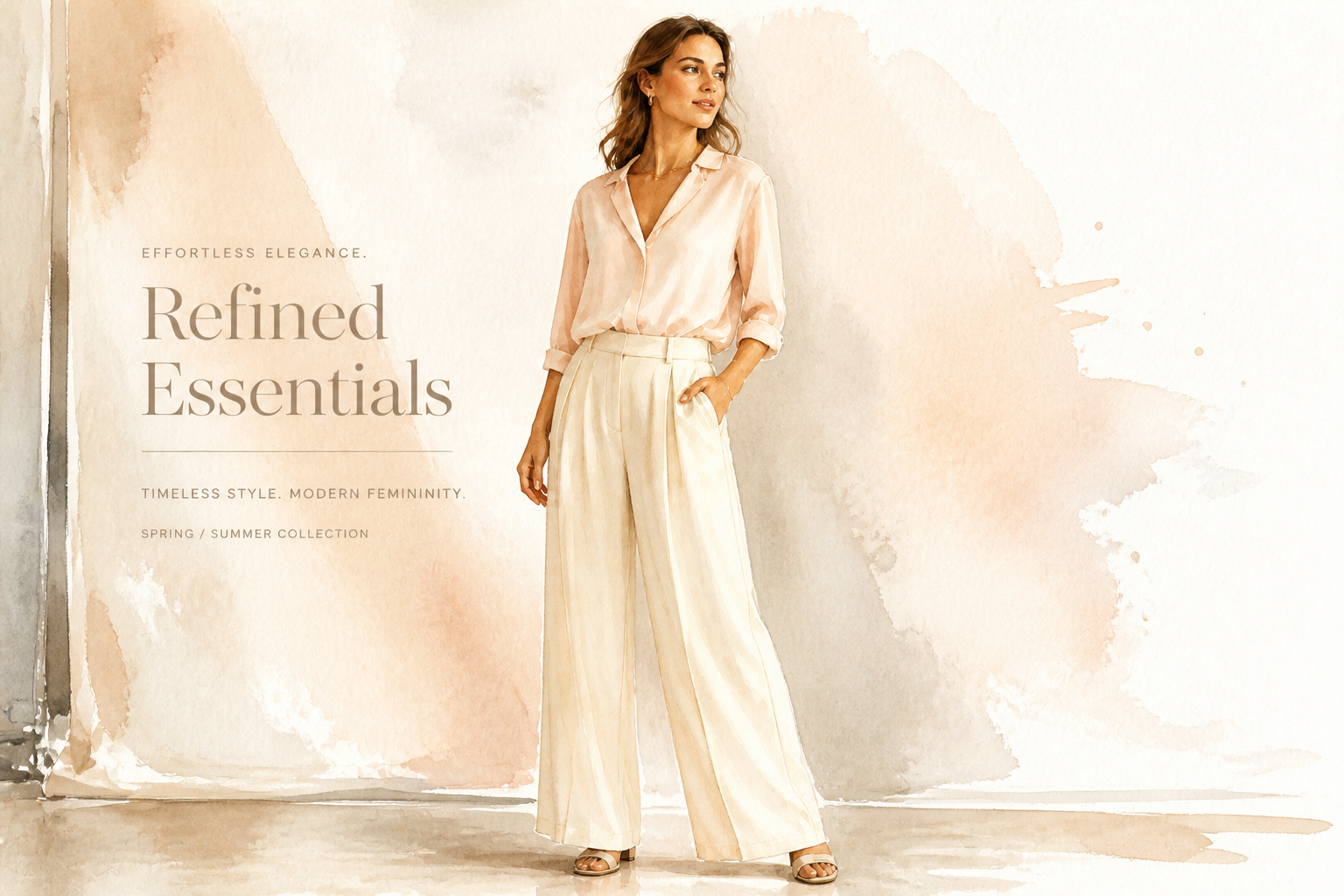 AFTER
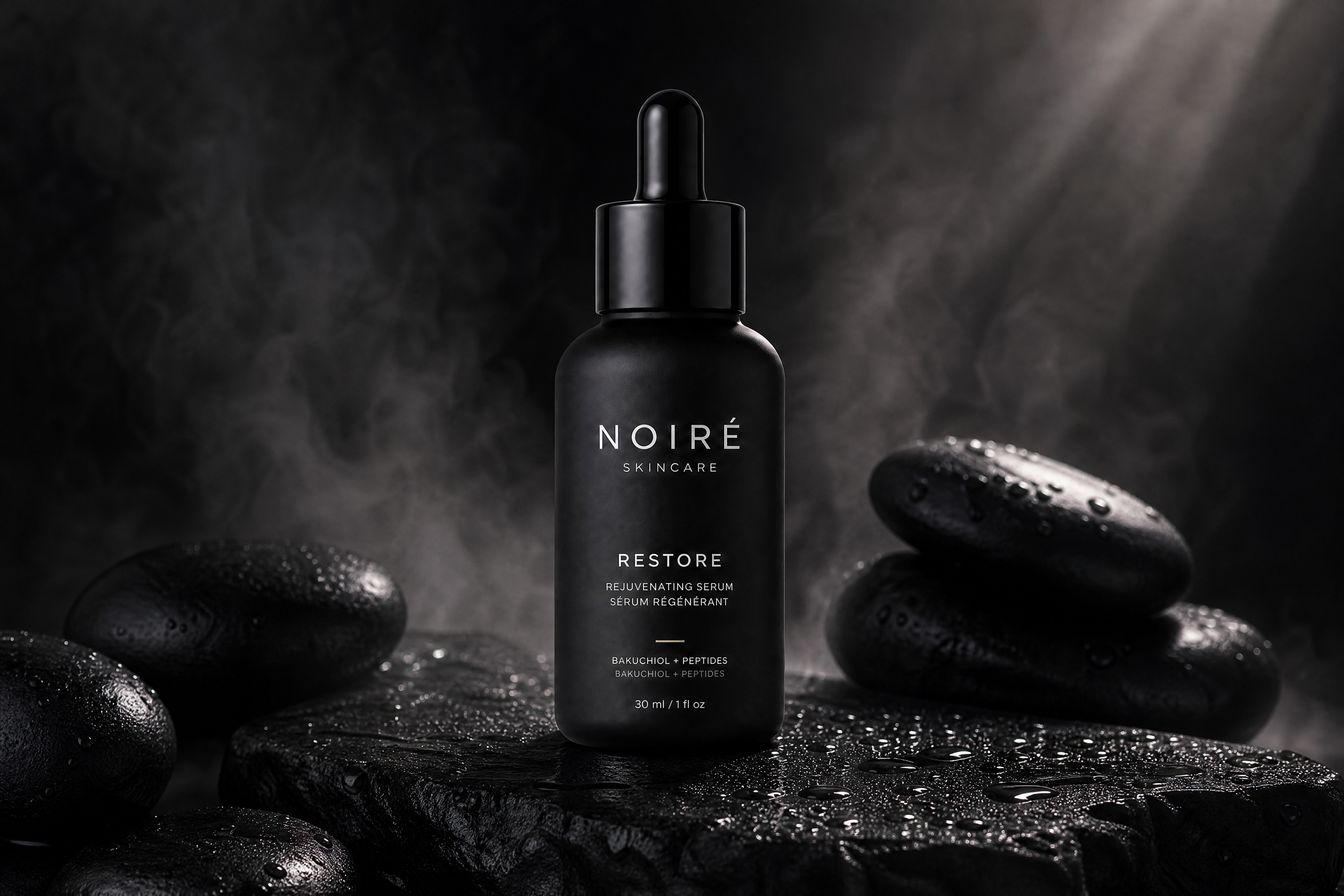
AFTER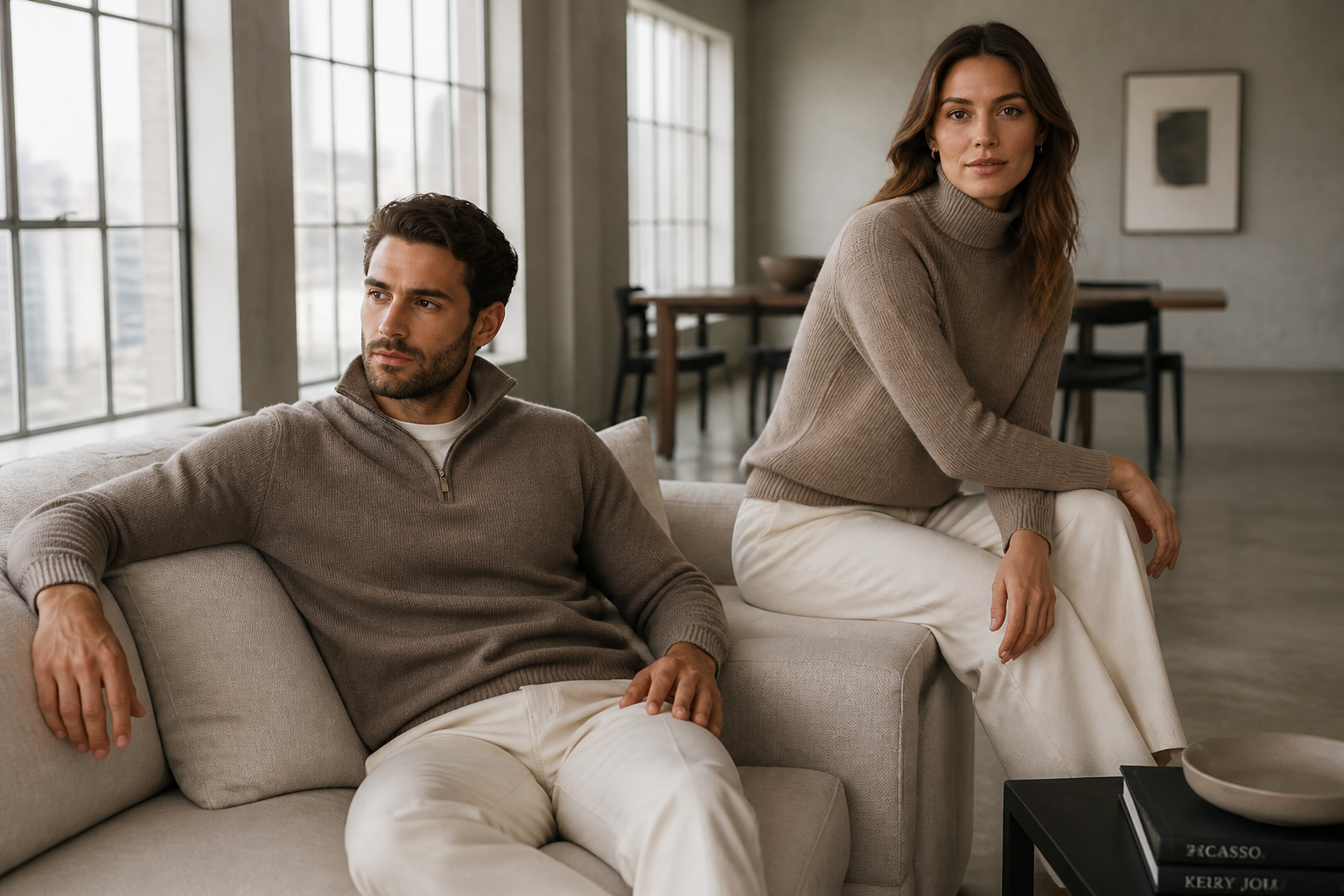 BEFORE
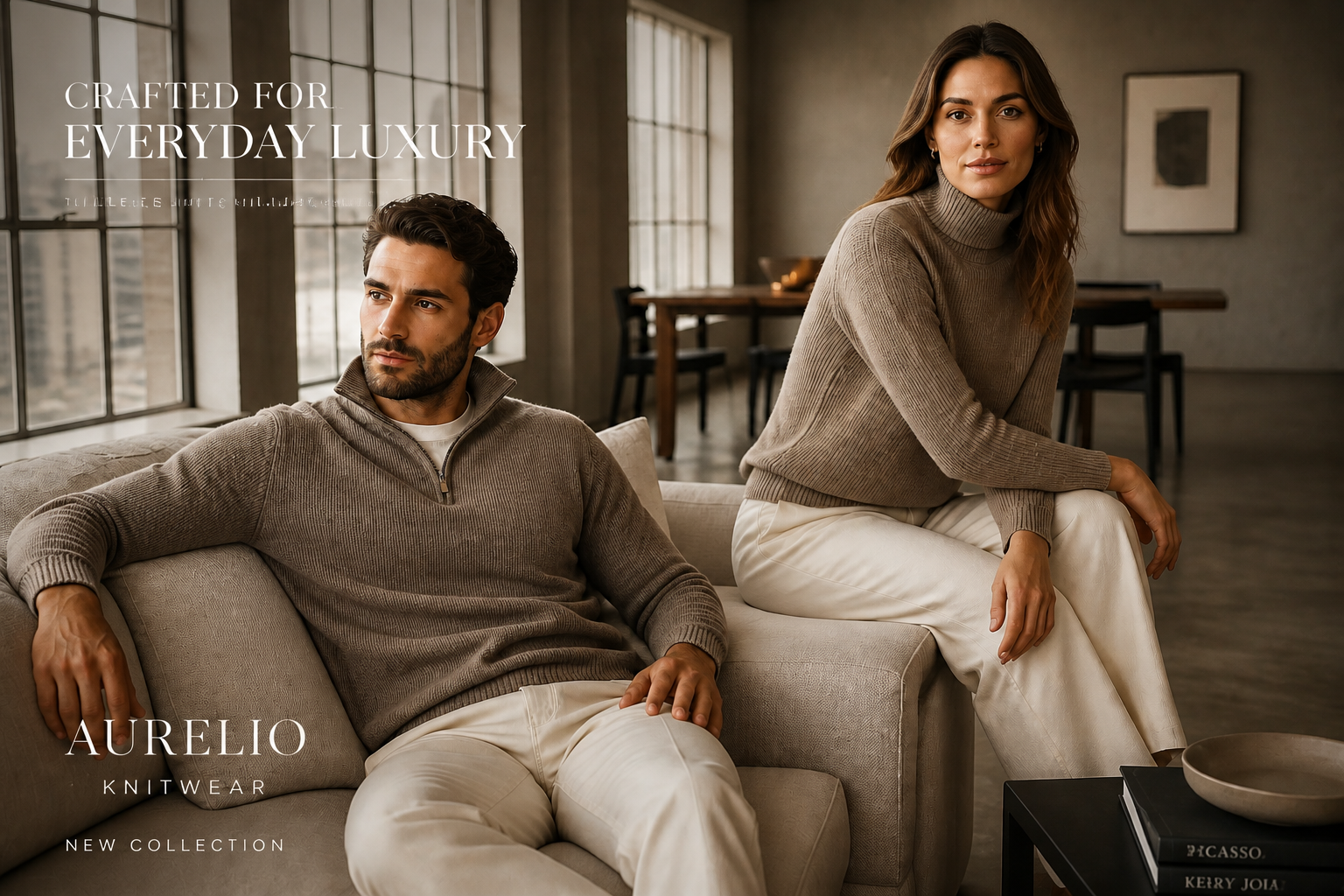 AFTERBEFOREAFTERBEFOREAFTERBEFOREAFTERBEFOREAFTERBEFOREAFTER
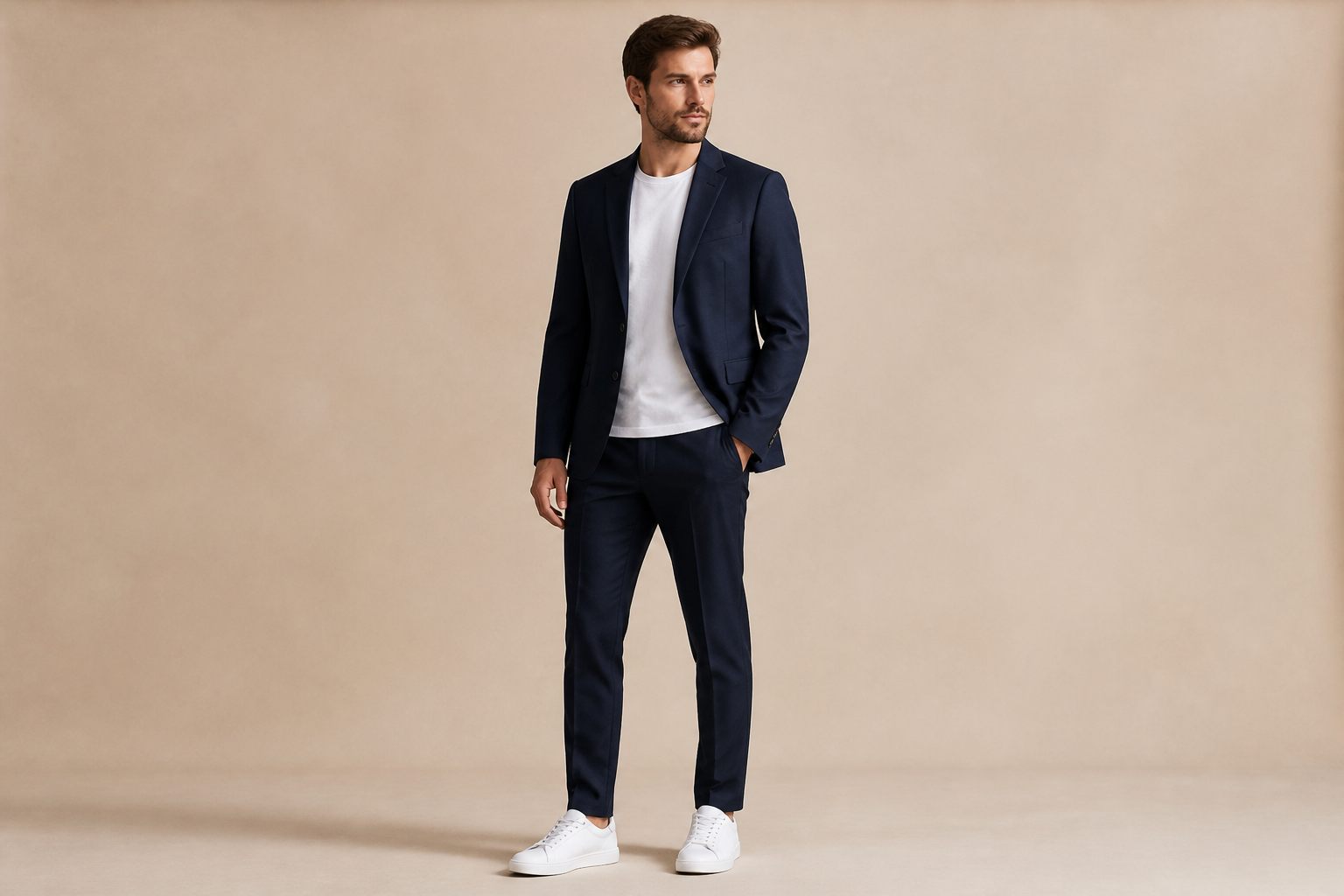 BEFORE
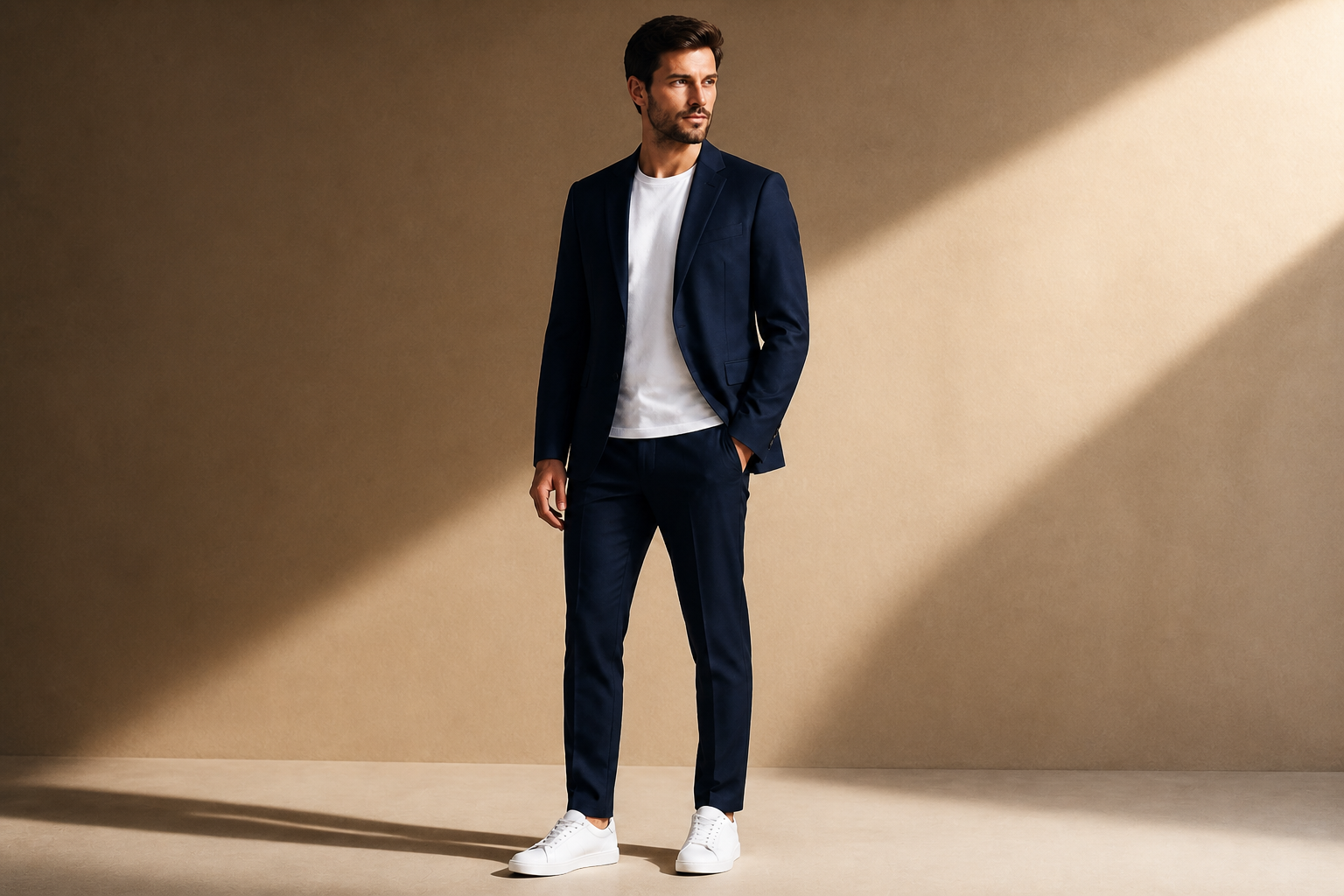 AFTER
AFTER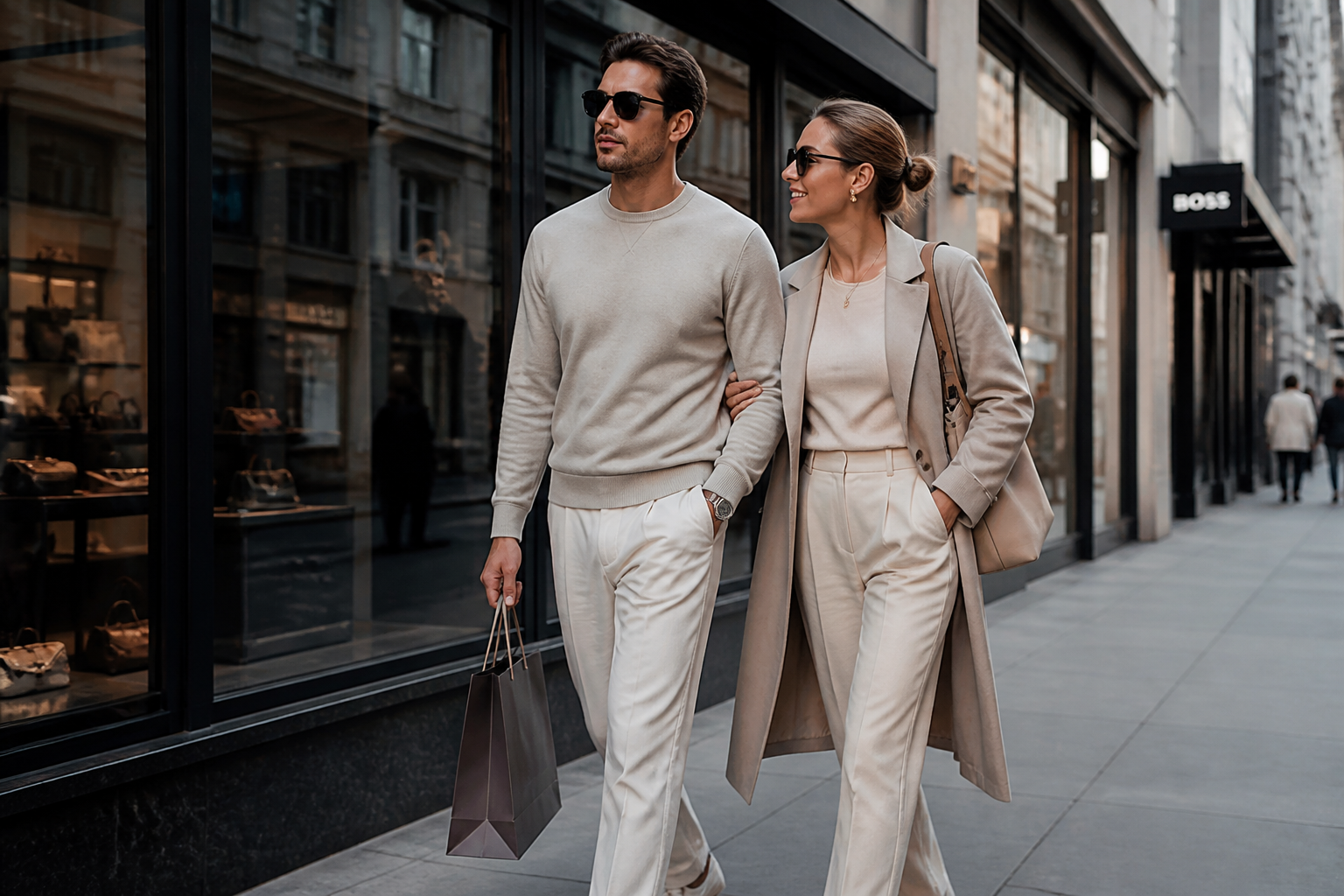 BEFORE
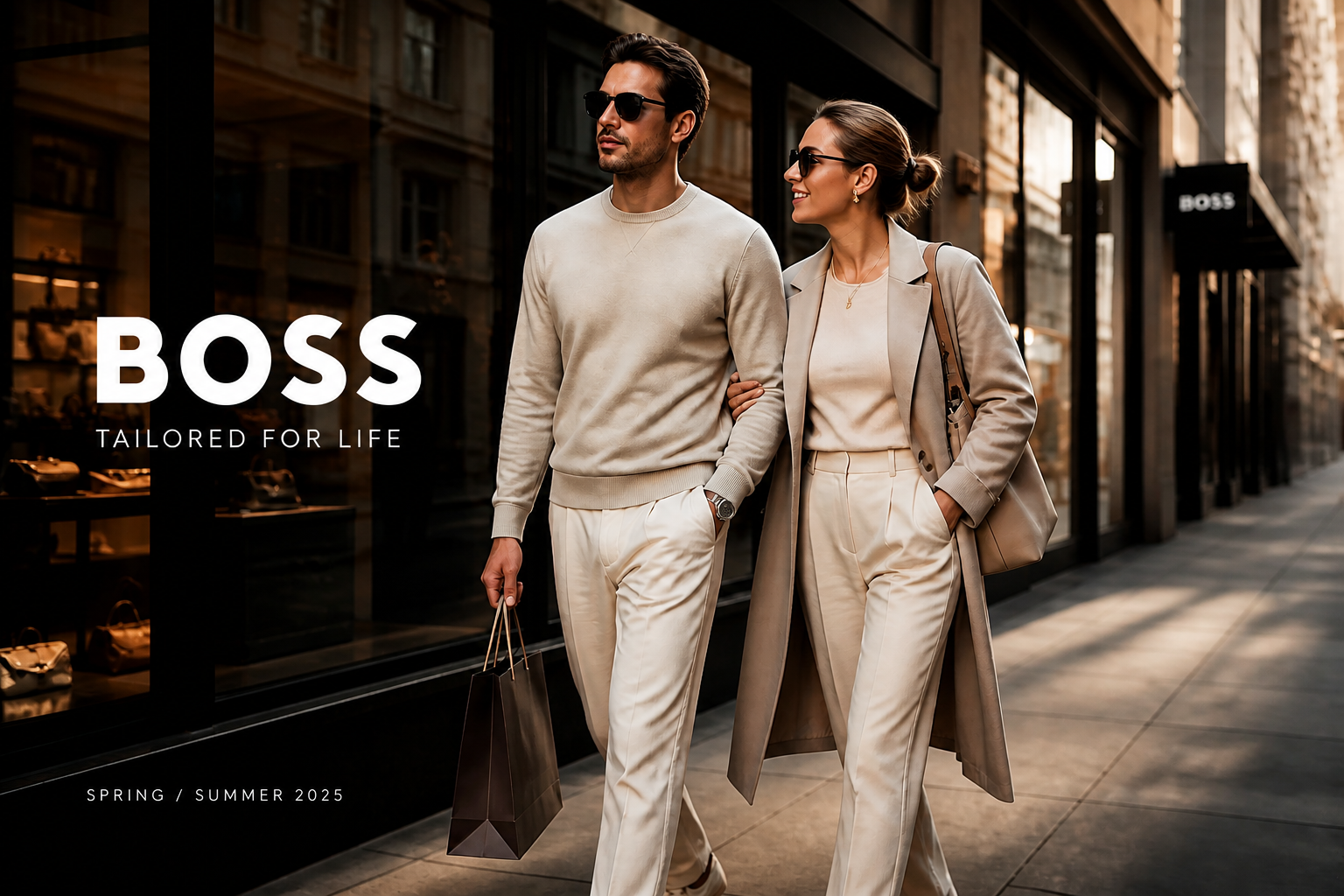 AFTER
AFTER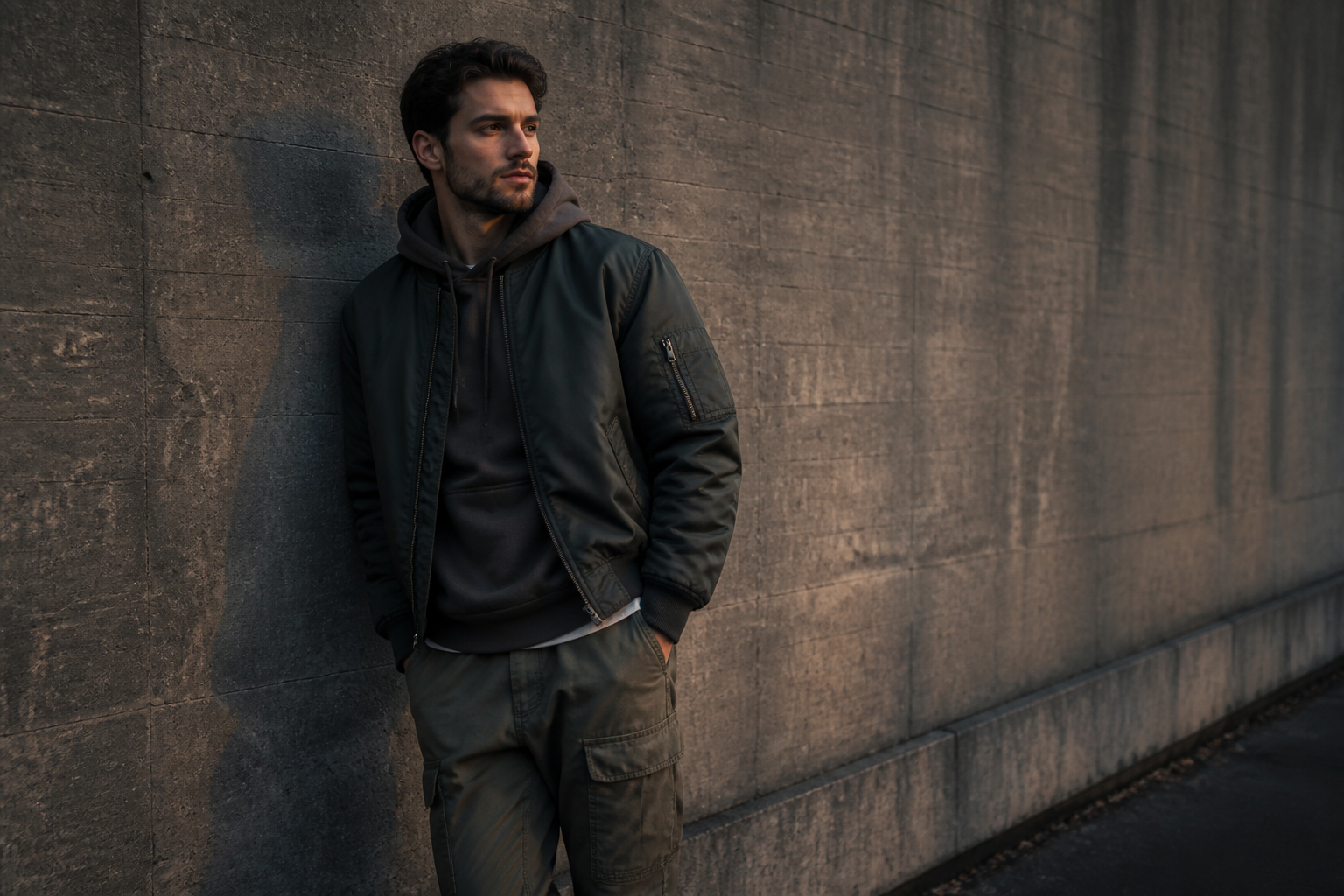 BEFORE
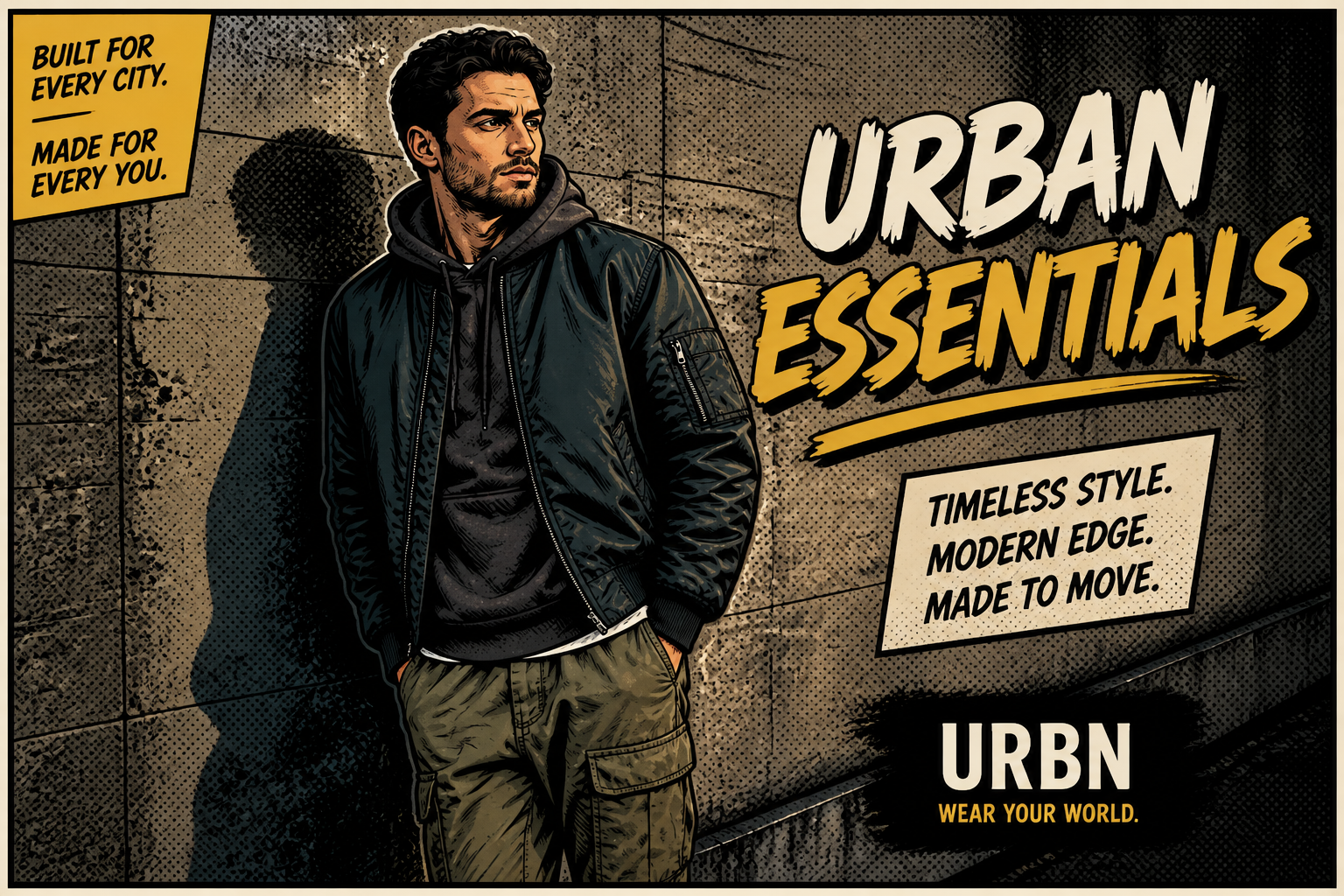 AFTER
AFTER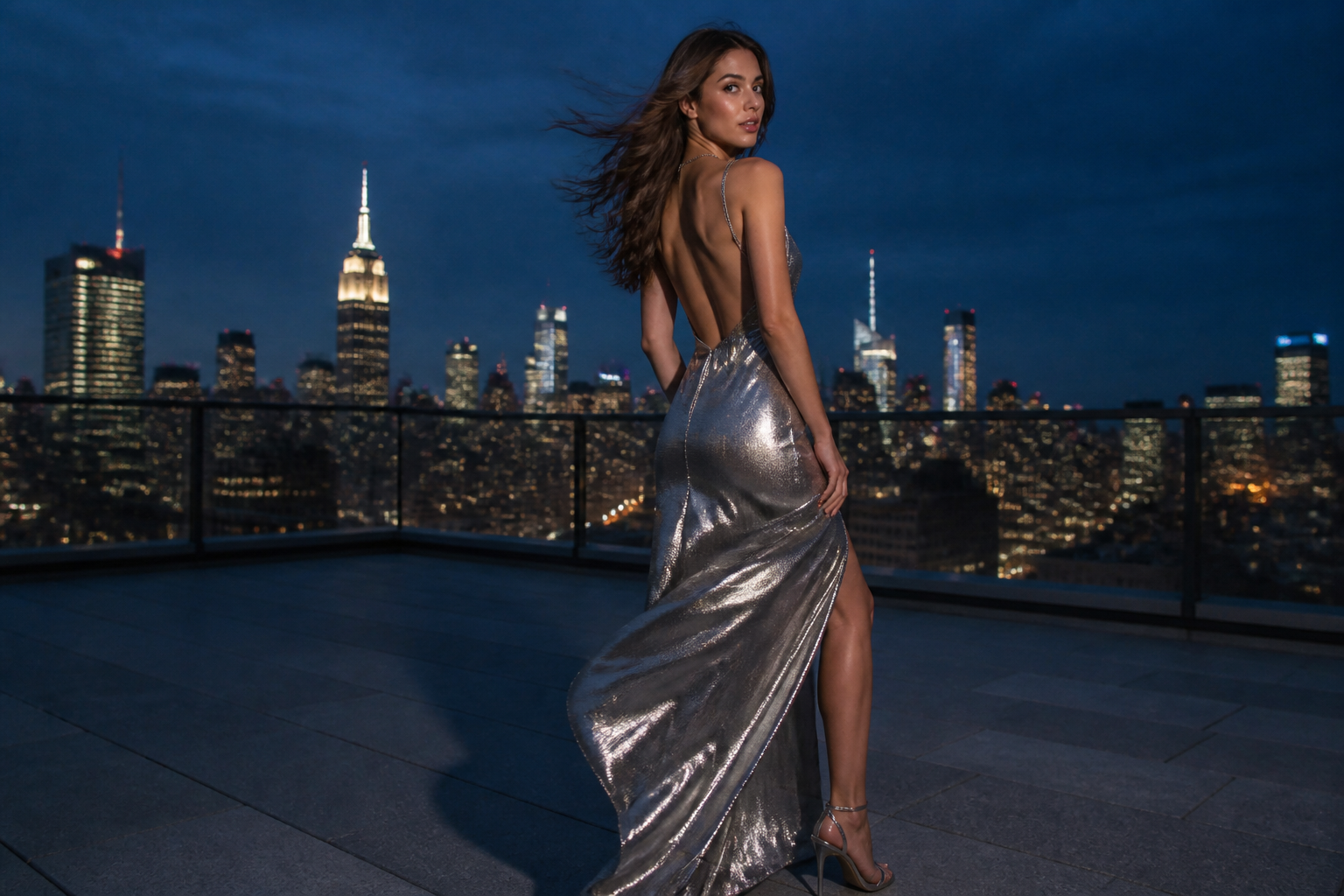 BEFORE
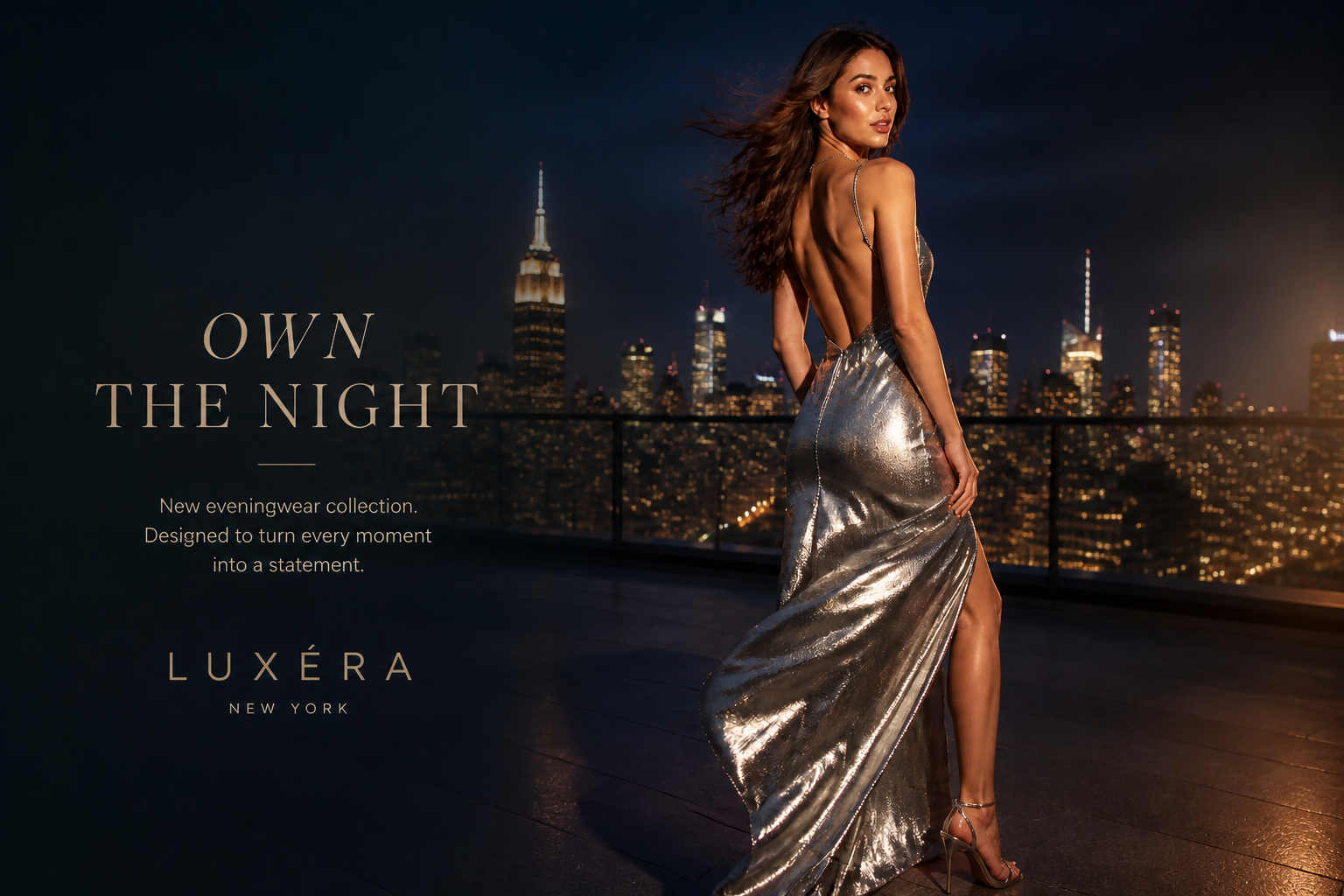 AFTER
AFTER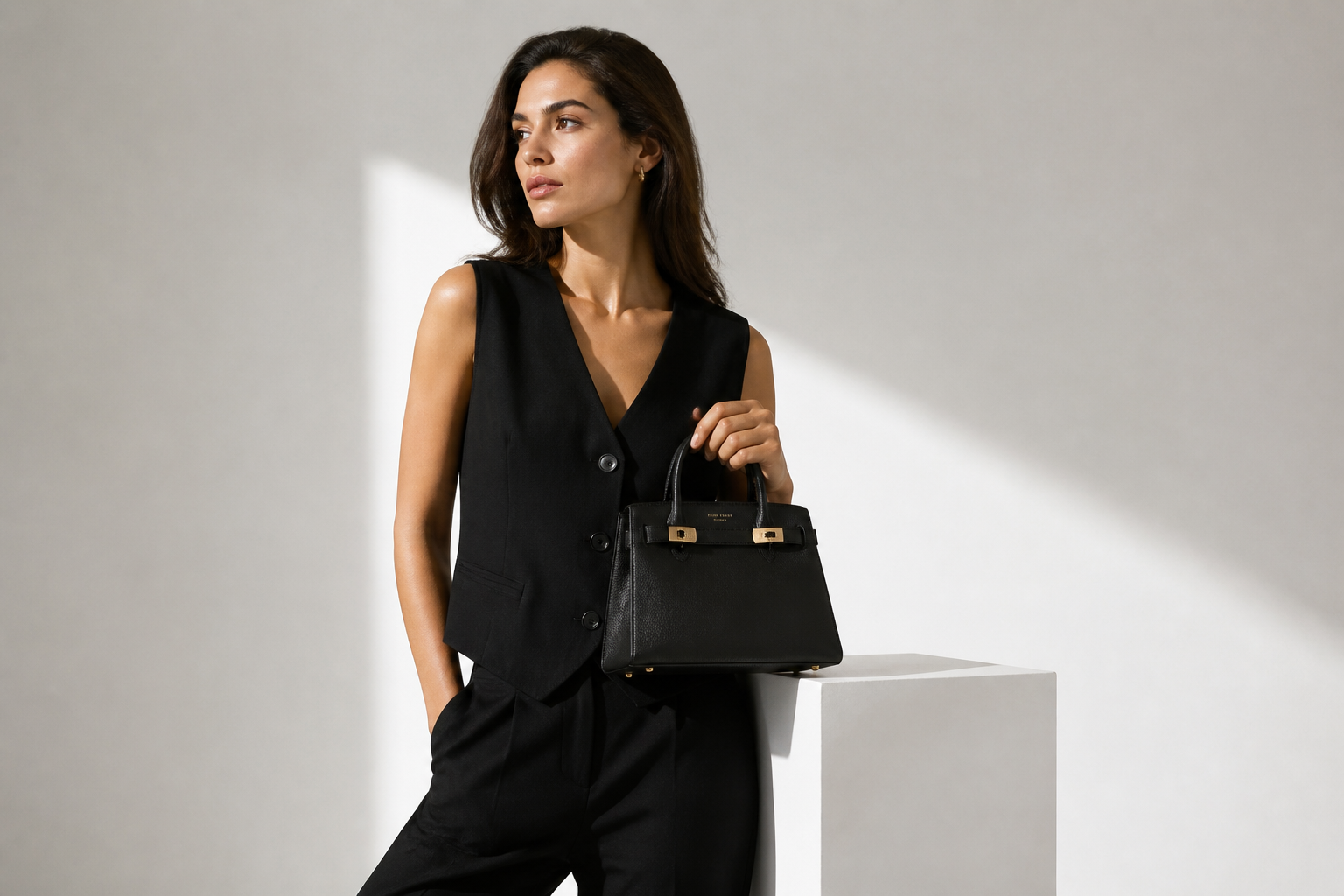 BEFORE
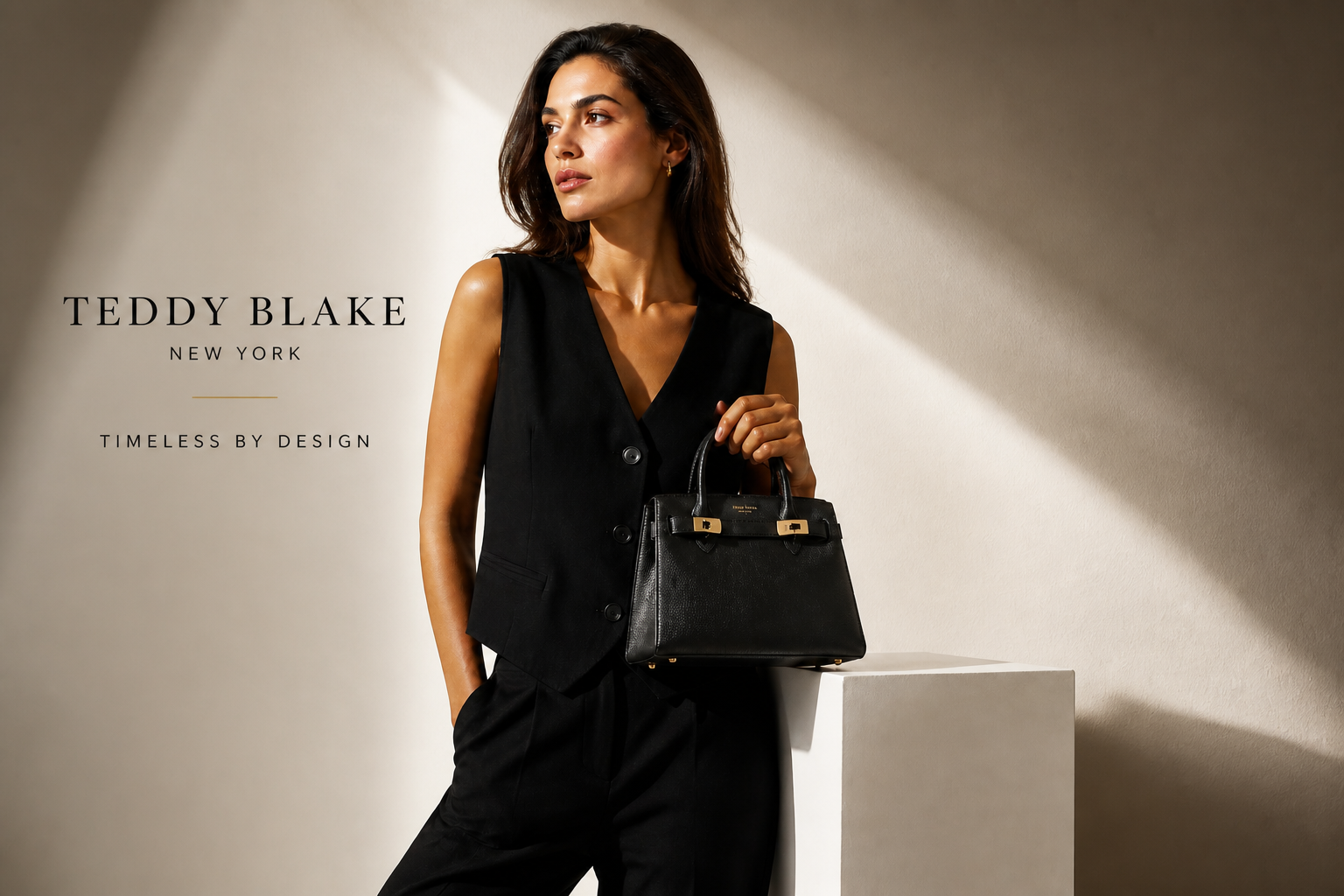 AFTERBEFOREAFTERBEFOREAFTERBEFOREAFTERBEFOREAFTERBEFOREAFTER
Key Features
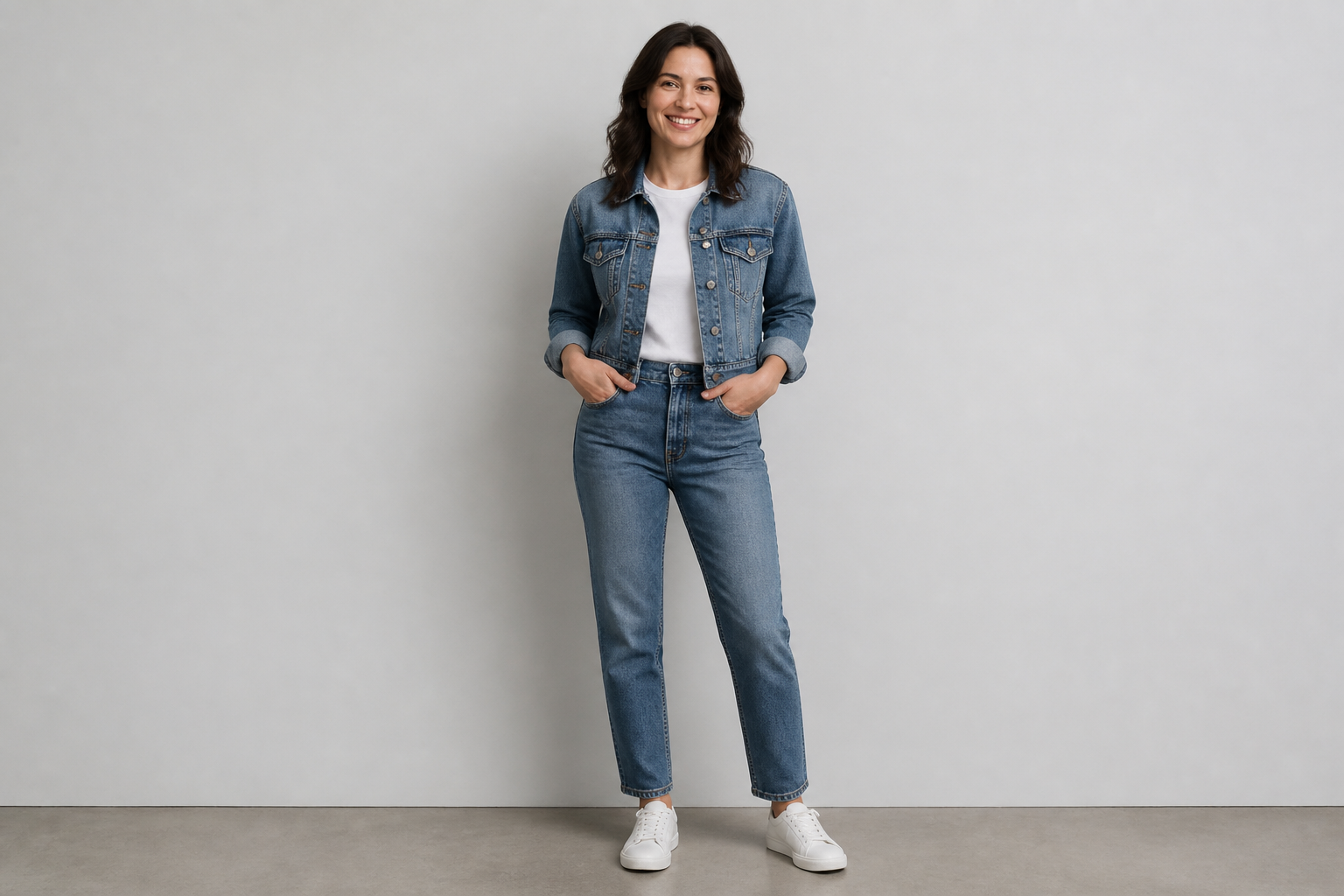
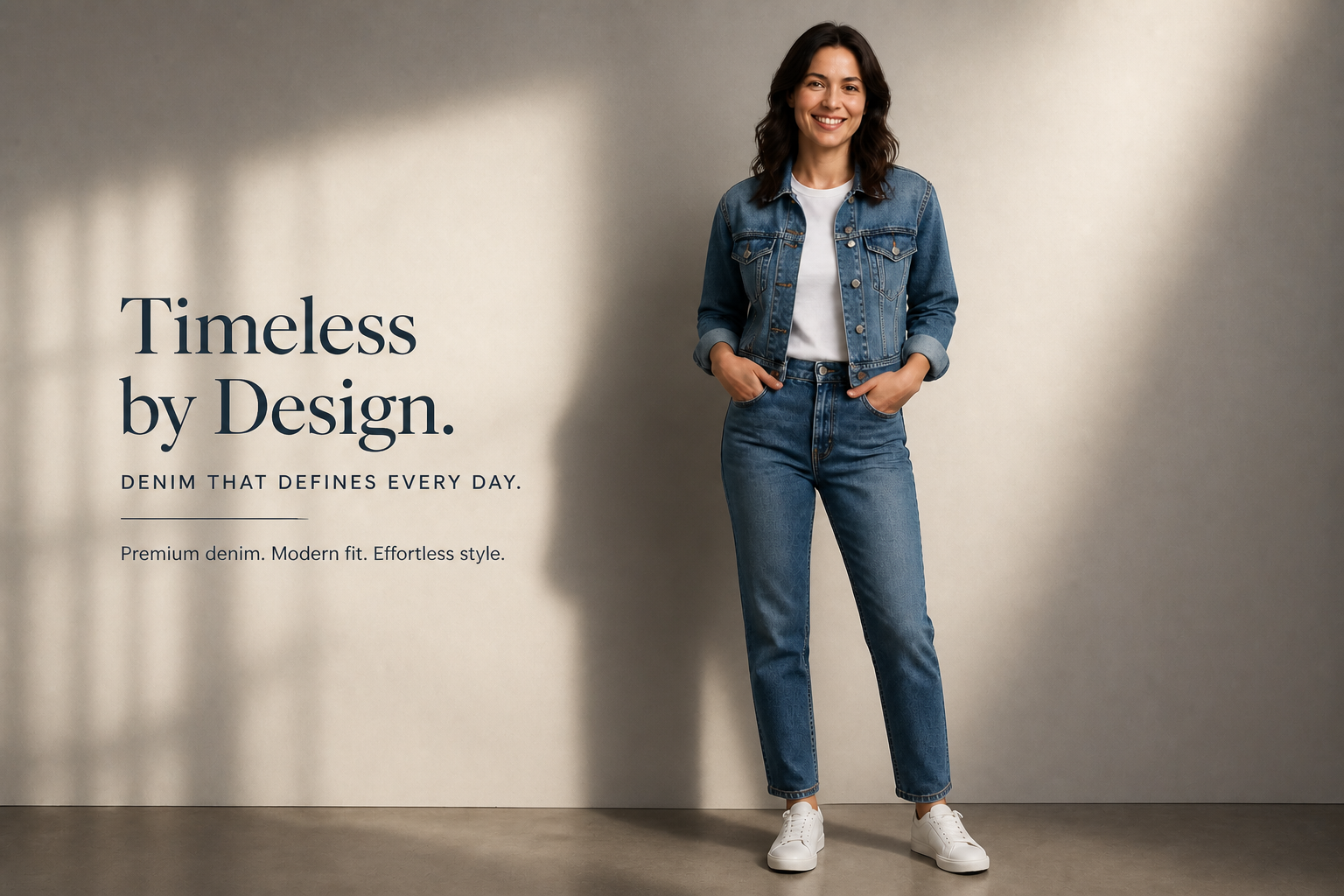
Turn plain photos into ads
Start with a simple apparel shot and turn it into something that looks campaign-ready. The edit adds stronger visual hierarchy, cleaner lighting, and a more intentional fashion-ad feel. That helps small teams present products with more polish without planning a full studio production. It is much faster than manually rebuilding the same image in a design tool.
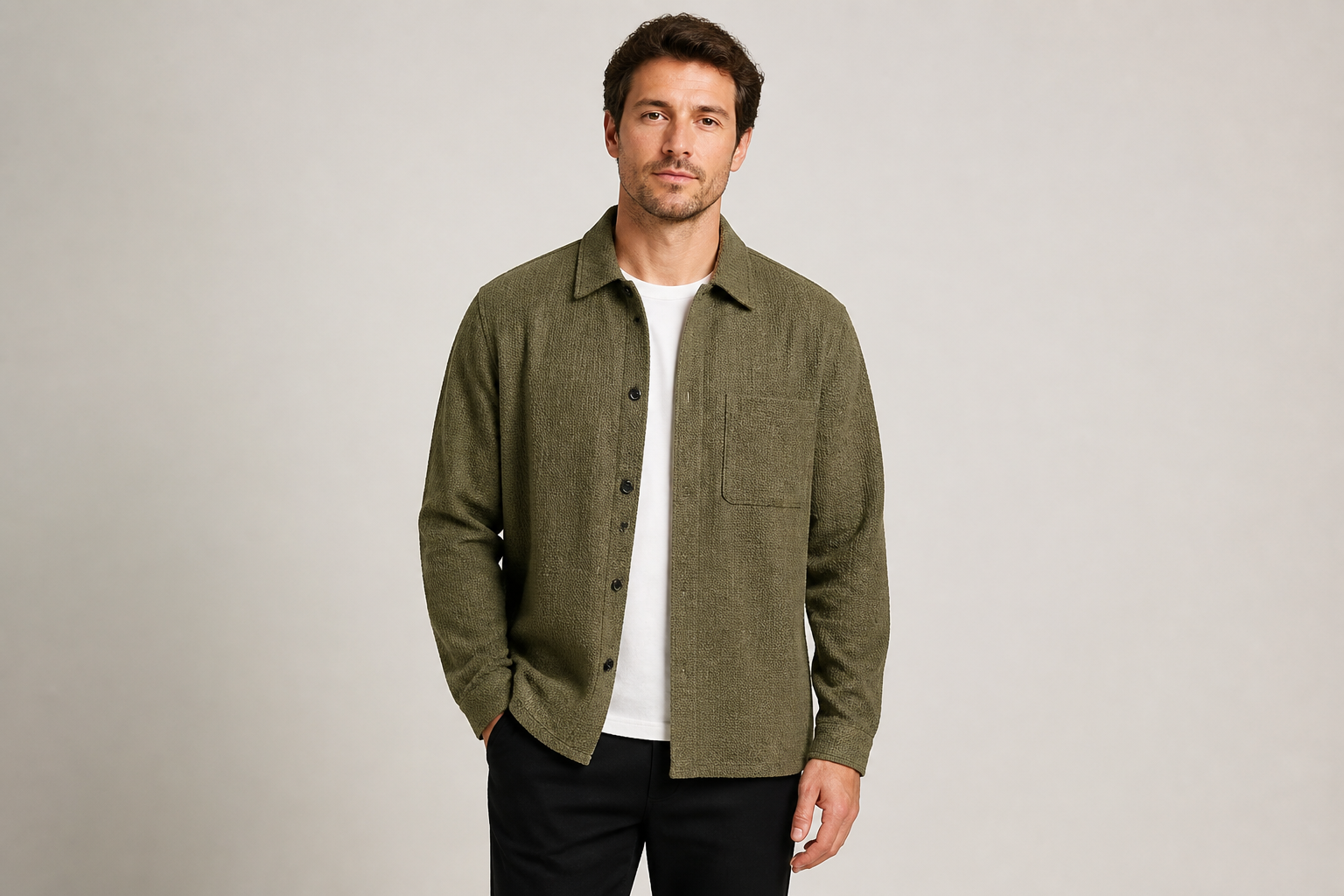
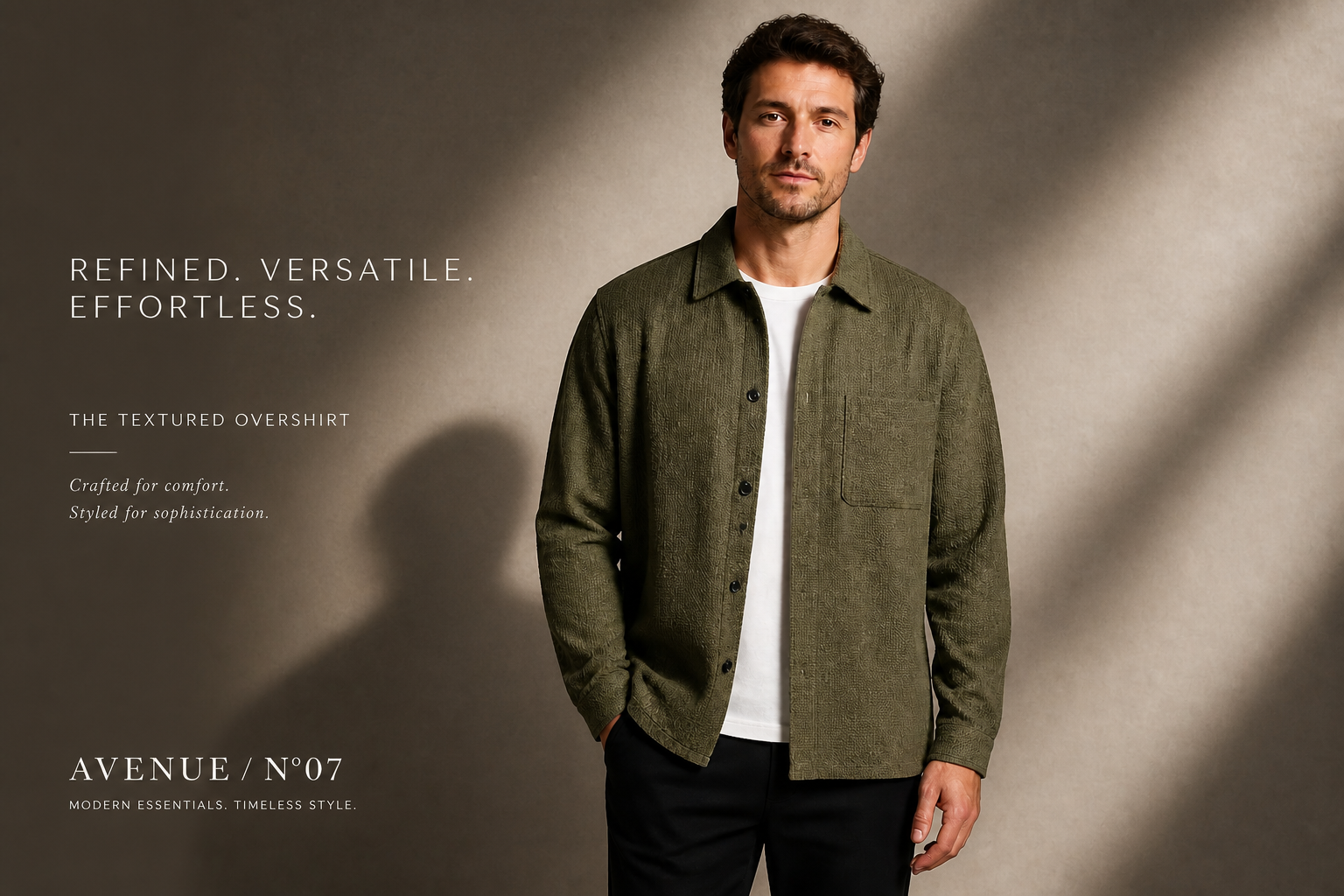
Keep the outfit consistent
The clothing stays recognizable while the presentation becomes more premium. That matters when you need the ad to still match the real product customers will buy. Instead of repainting the garment into something else, the edit focuses on mood, framing, and campaign styling. It gives you better marketing visuals without losing product clarity.
Explore multiple ad styles
You can test different campaign directions from the same source image. Try glossy luxury, sporty commercial, boutique editorial, or illustrated concepts without reshooting. This makes creative exploration cheaper and faster for launches, seasonal drops, and social campaigns. It is a practical way to generate options before committing to final creative.
Make social creatives faster
Fashion teams often need many ad variations for product pages, launches, and paid social. This workflow gives you a strong visual starting point in minutes instead of waiting on a full creative cycle. The result is useful for testing hooks, layouts, and moods before finalizing campaign assets. That speed is especially helpful for fast-moving collections.
How It Works
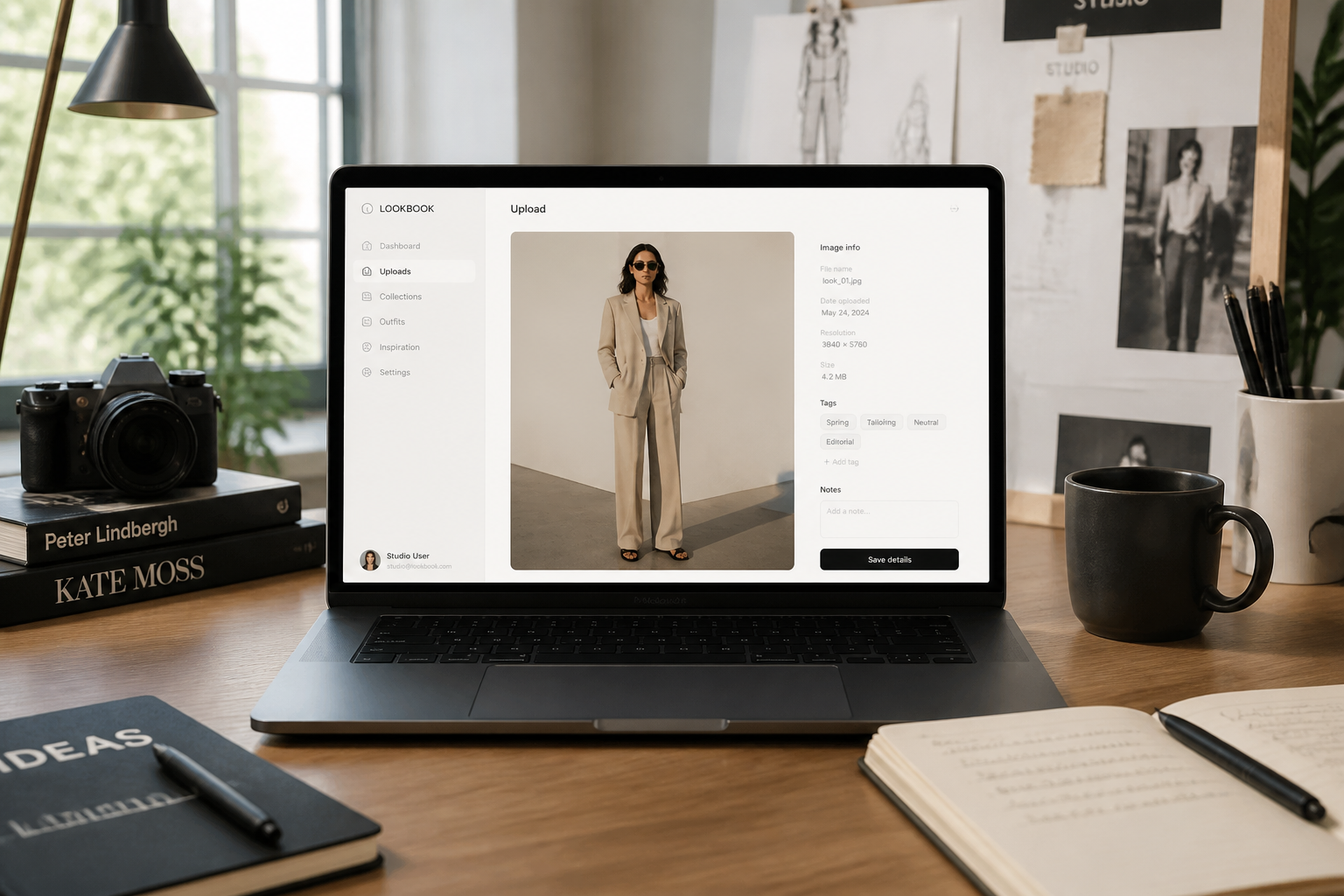
Upload your fashion photo
Start with a clear image of a model, outfit, or accessory. Well-lit photos with visible clothing details usually give the strongest ad-style results.
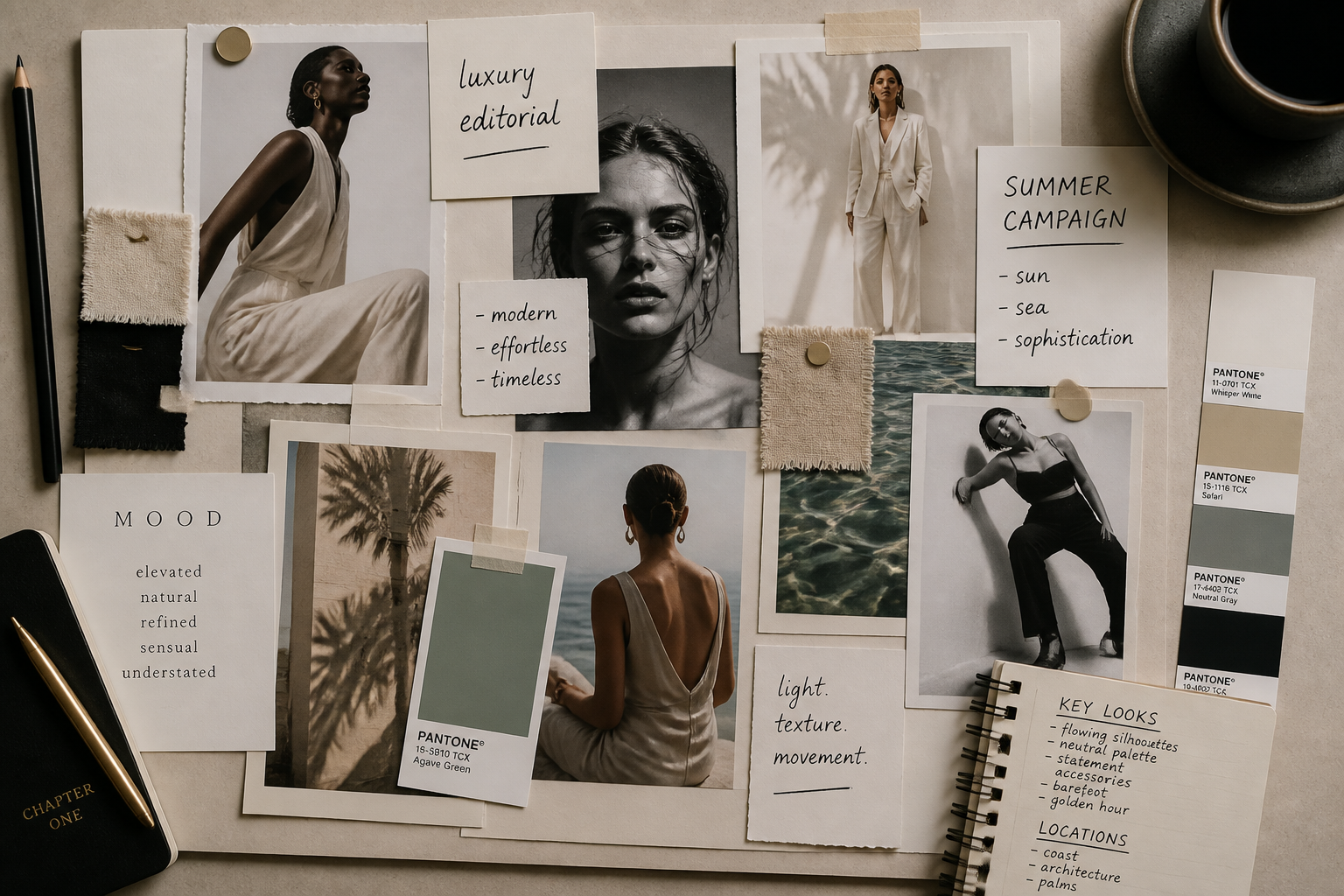
Describe the campaign look
Tell our AI what kind of ad you want, such as luxury editorial, activewear launch, or clean ecommerce campaign. You can also mention mood, lighting, and brand direction.
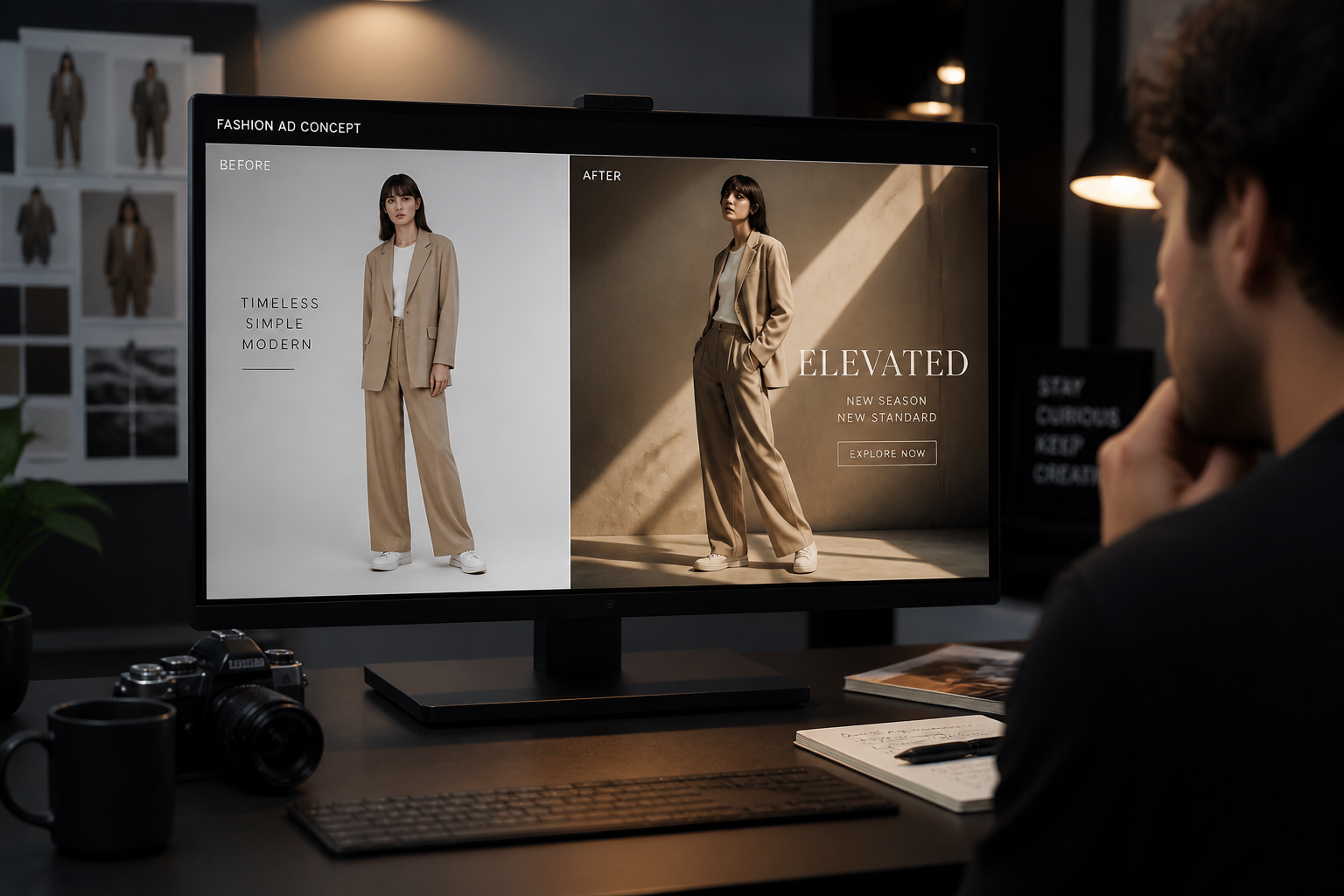
Generate and compare versions
Review the before and after, then refine until the image fits your campaign. This makes it easy to test multiple creative directions from the same original photo.
Perfect For
Discover how creators and professionals use ai fashion ad generator
Product launch creatives
Turn new collection photos into polished campaign visuals for launch pages, social posts, and ads.
Lookbook upgrades
Give basic catalog images a stronger editorial feel for digital lookbooks and seasonal drops.
Paid social testing
Create multiple ad directions from one source photo to test different campaign moods quickly.
Boutique brand campaigns
Help smaller fashion labels present products with a more premium visual identity.
Built For
Fashion brands
Create cleaner campaign visuals for launches, promos, and online storefronts without a large production budget.
Creative marketers
Generate ad concepts fast so you can test positioning, mood, and audience fit before finalizing assets.
Content studios
Speed up concepting for apparel clients who need multiple polished visual directions from one shoot.
Why use it for fashion ads
A quick look at how we compare on the things that matter for this niche.
| Feature | BudgetPixel | Generic AI editors | Manual editing apps |
|---|---|---|---|
| Ad-style fashion outputs | ✓ | — | — |
| Keeps source outfit visible | ✓ | — | ✓ |
| Fast concept variations | ✓ | ✓ | — |
| Before/after workflow | ✓ | ✓ | — |
Frequently Asked Questions
What kind of photos work best?
Can it keep the clothing accurate?
Is this for ecommerce only?
Can I create different campaign styles from one image?
Do I need design skills to use it?
Create together.
Share your creations, discover trending AI art, and grow with fellow creators.