AI Red Eye Remover for Natural-Looking Photos
Fix flash-eye glare in portraits, pet photos, and low-light shots.
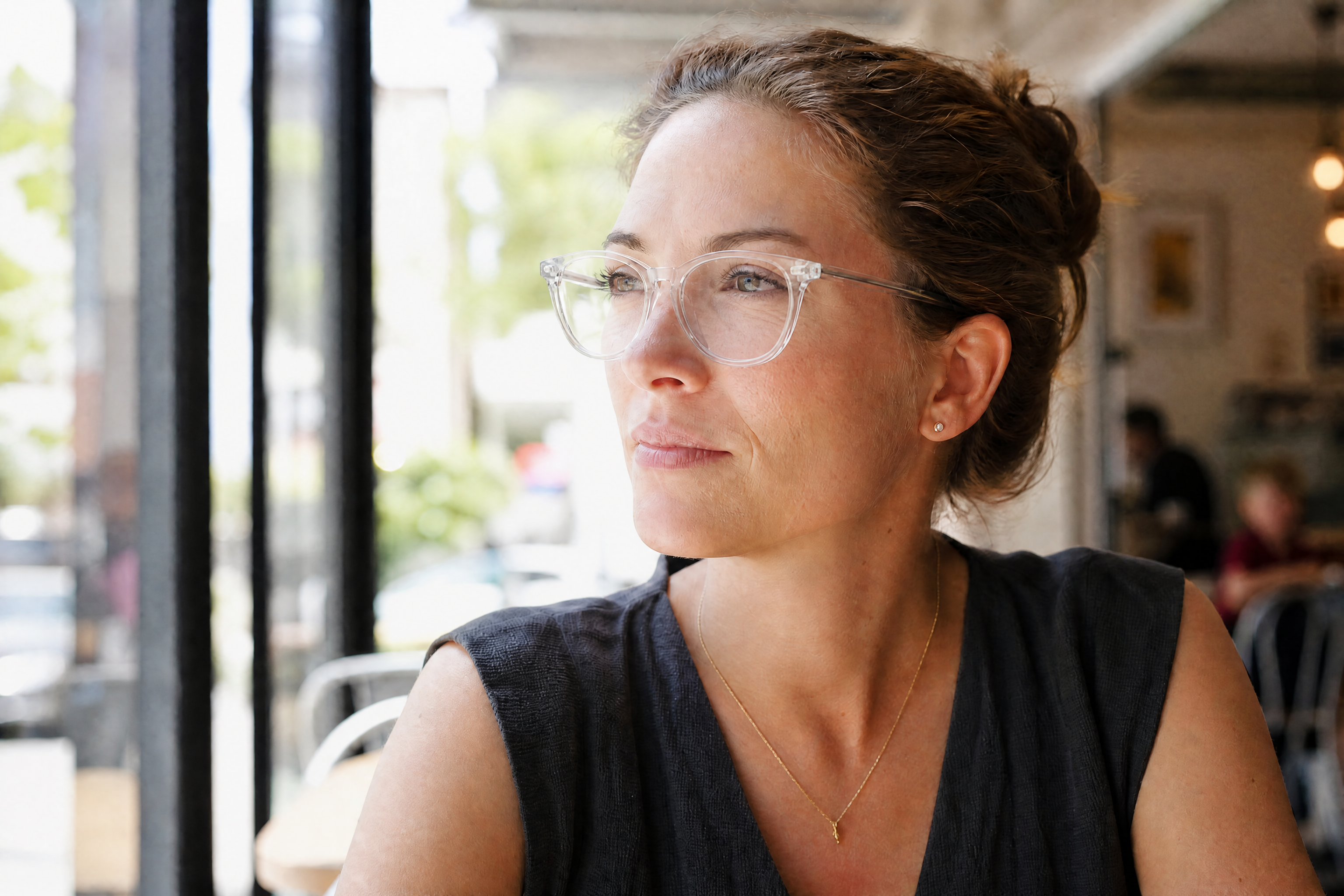
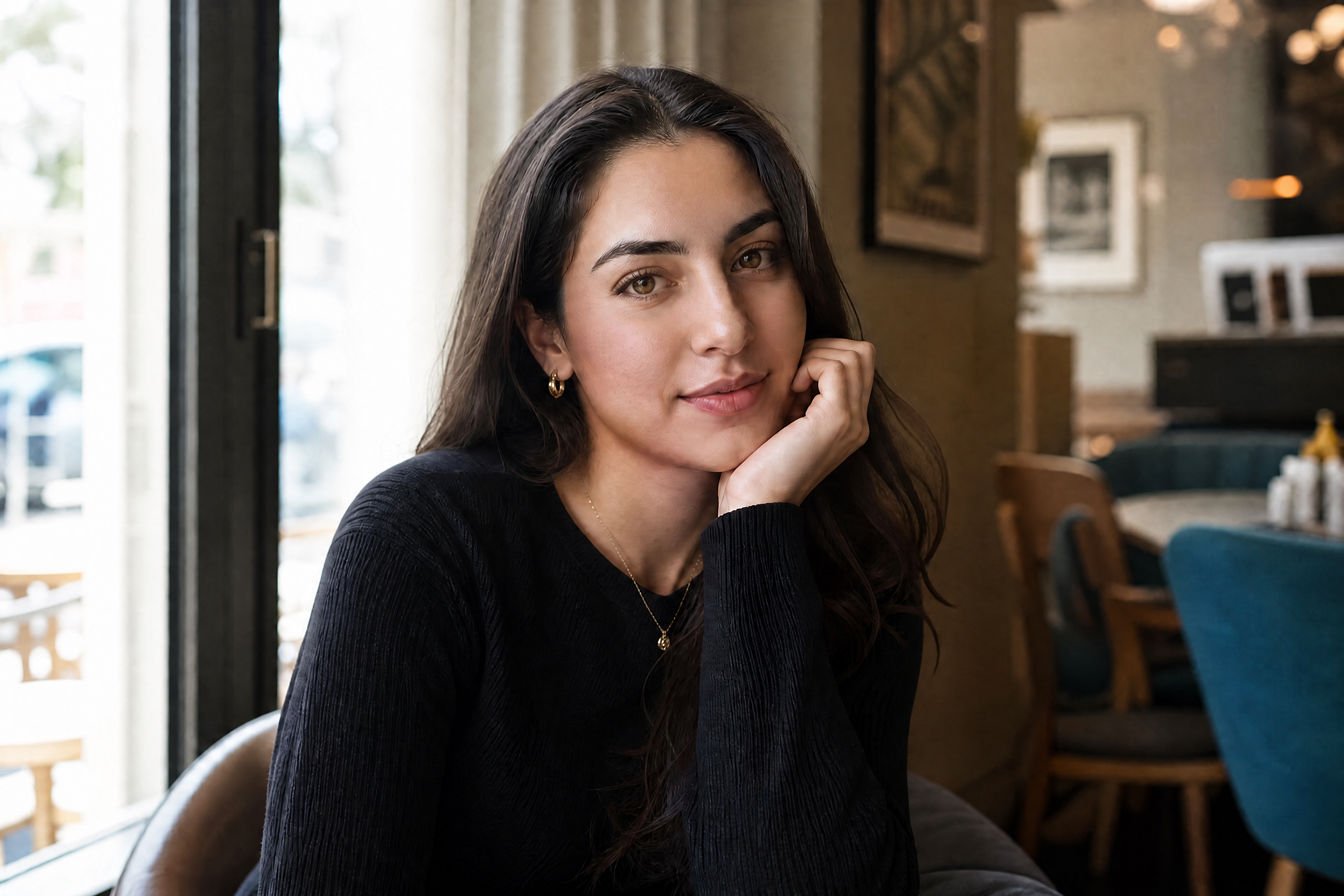
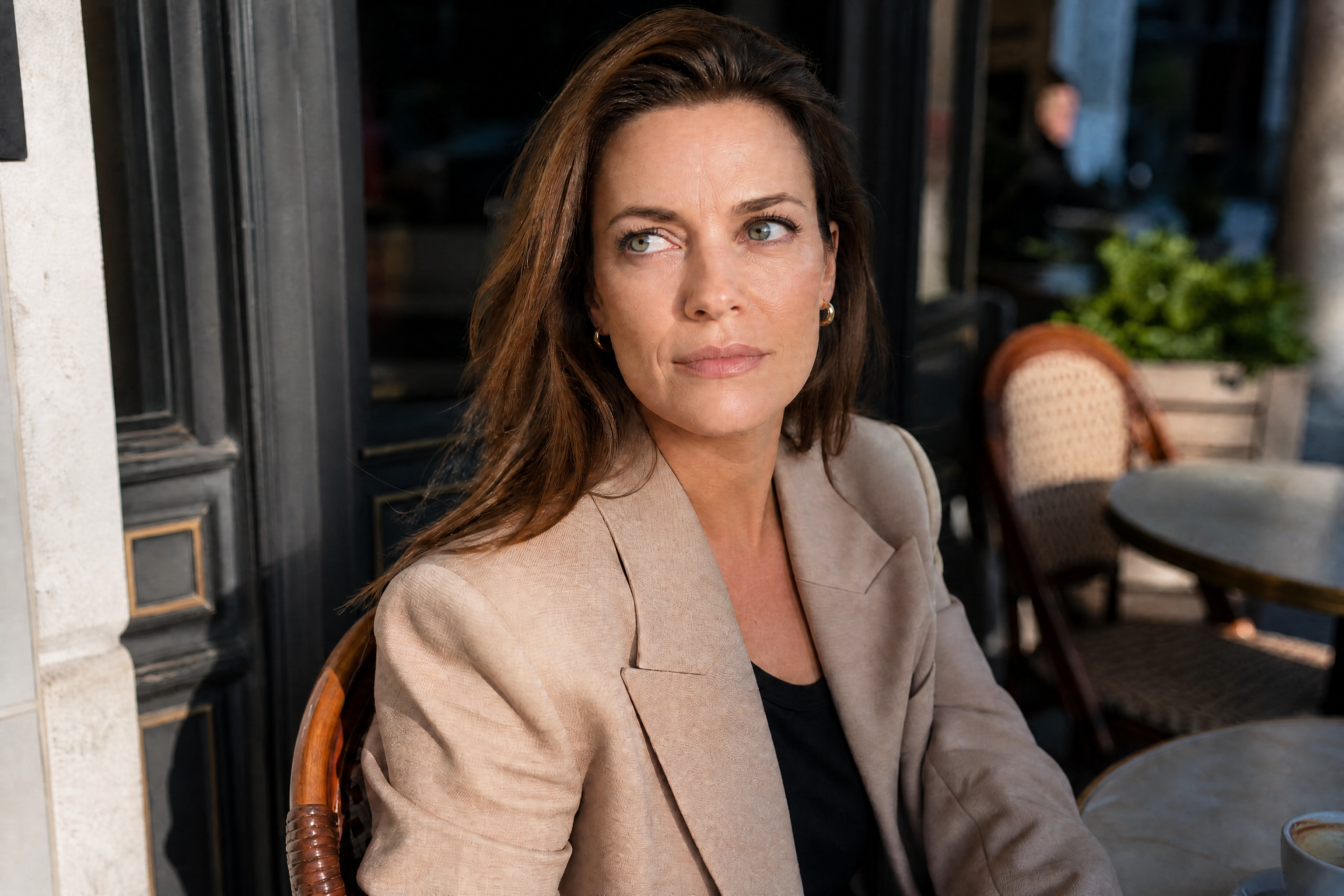
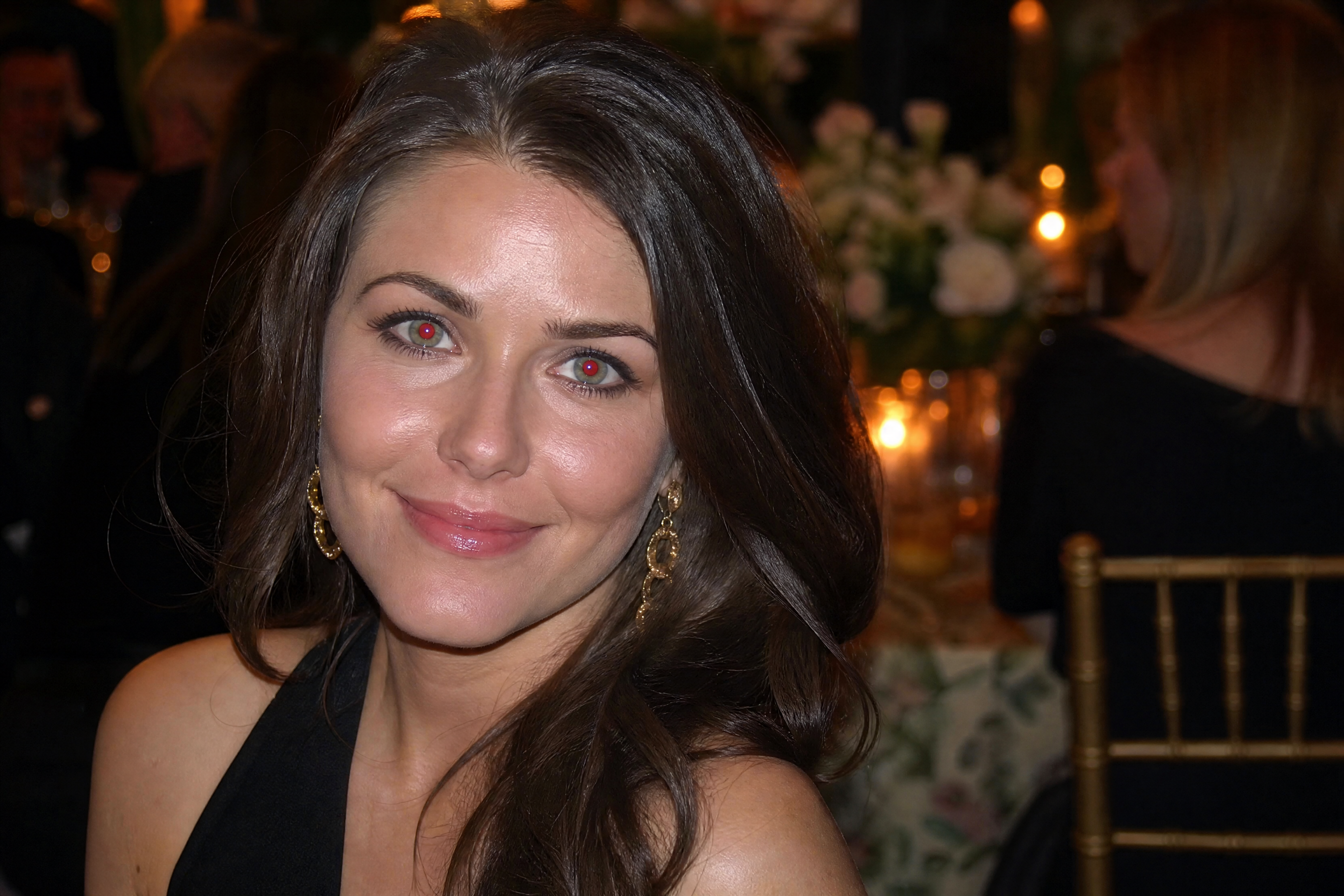
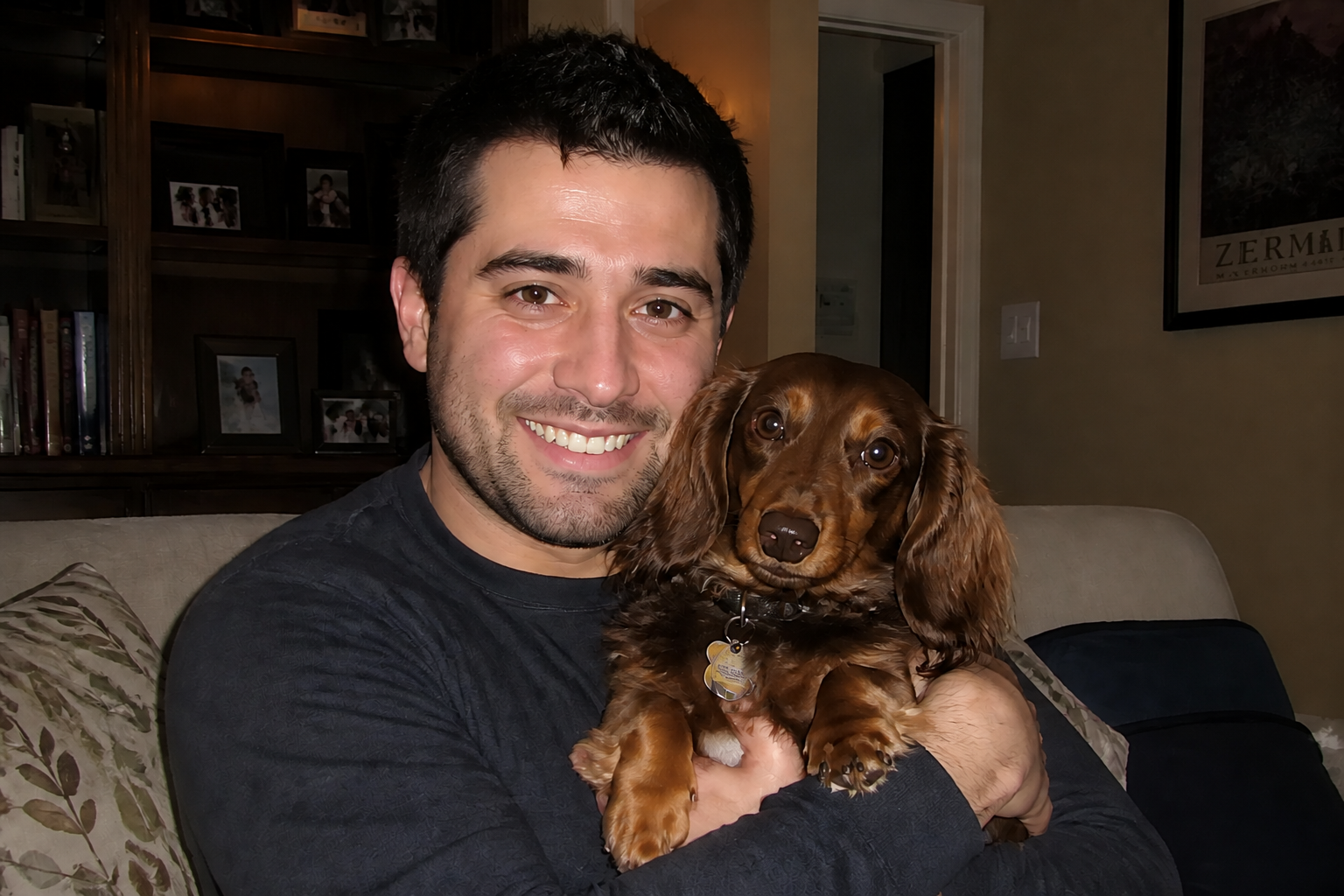
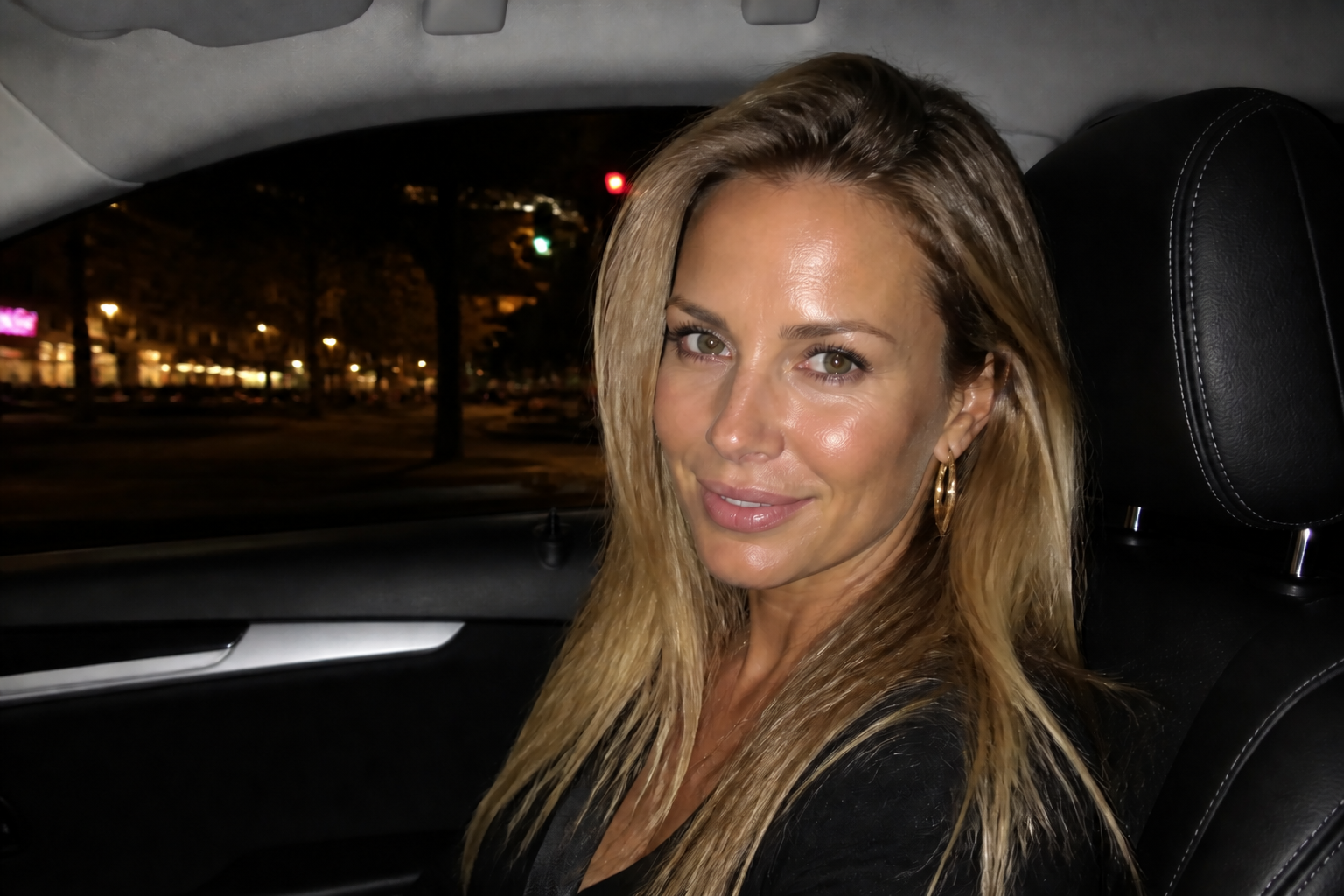
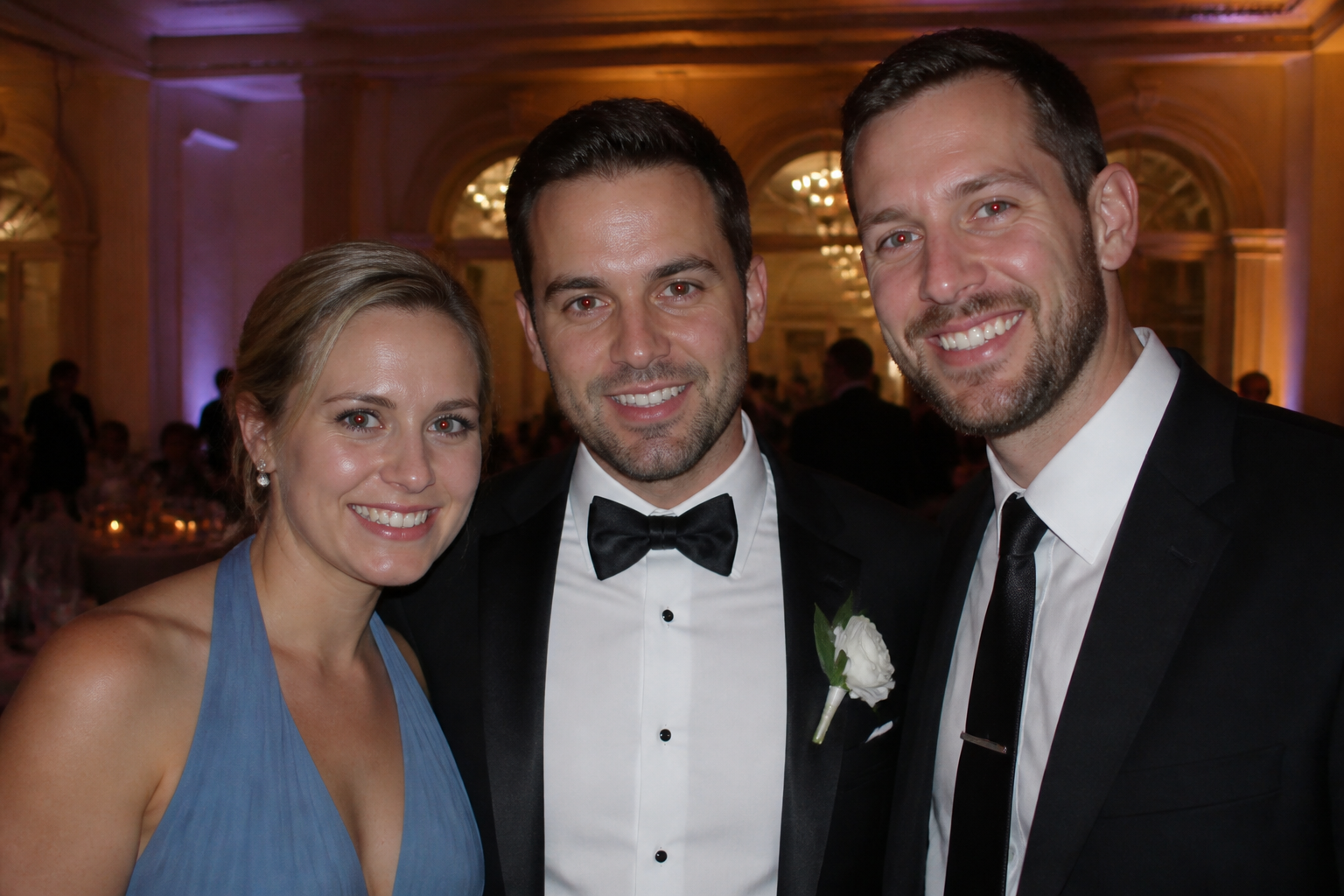
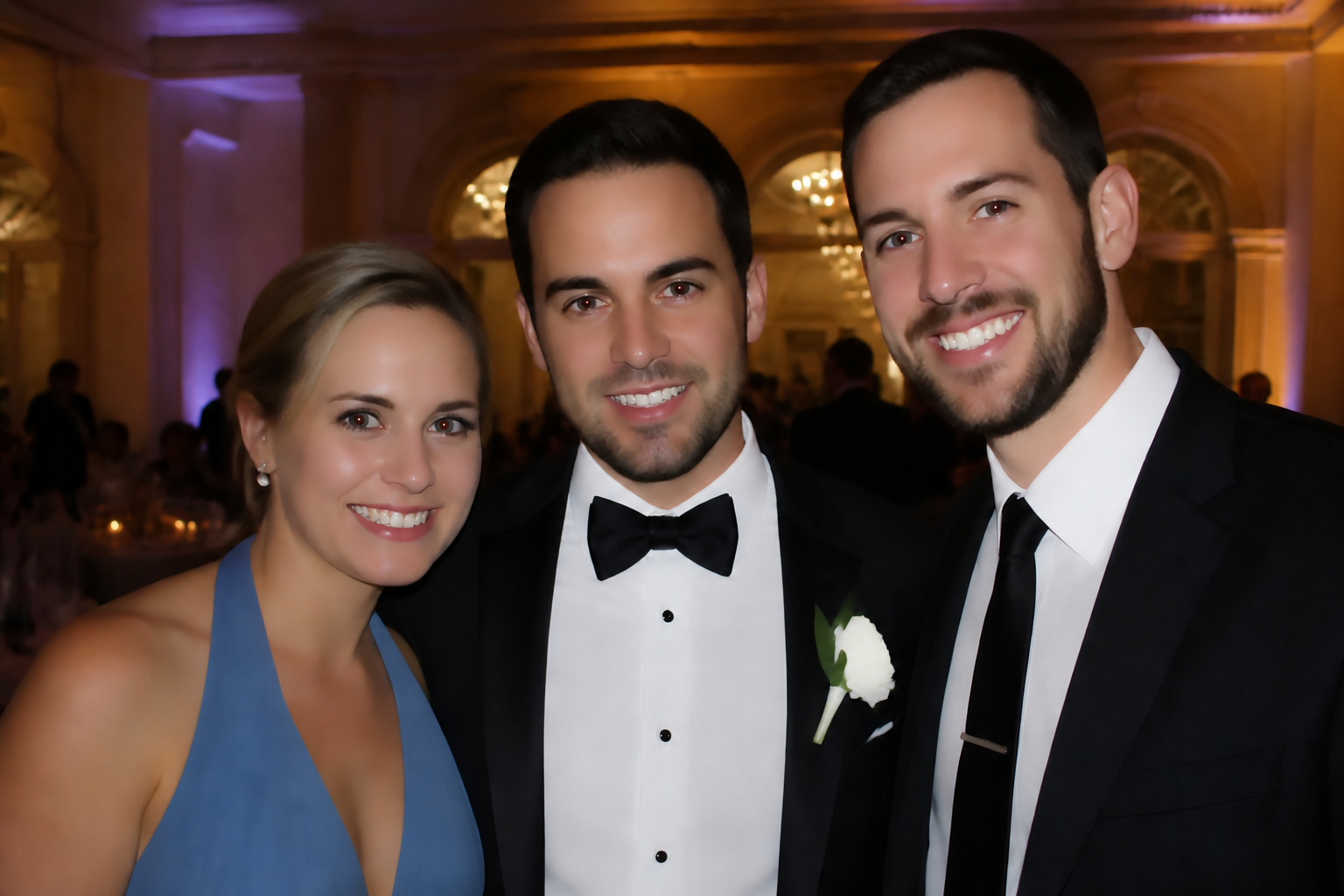
BudgetPixel's AI Red Eye Remover detects red-eye caused by flash and replaces it with natural-looking eyes in seconds. It keeps the original expression, lighting, and detail intact so the photo still looks like your photo, just cleaner.
Watch the Transformation
See ai red eye remover in motion — generated end-to-end by our AI.
See It In Action
Real outputs from ai red eye remover.
BEFOREAFTER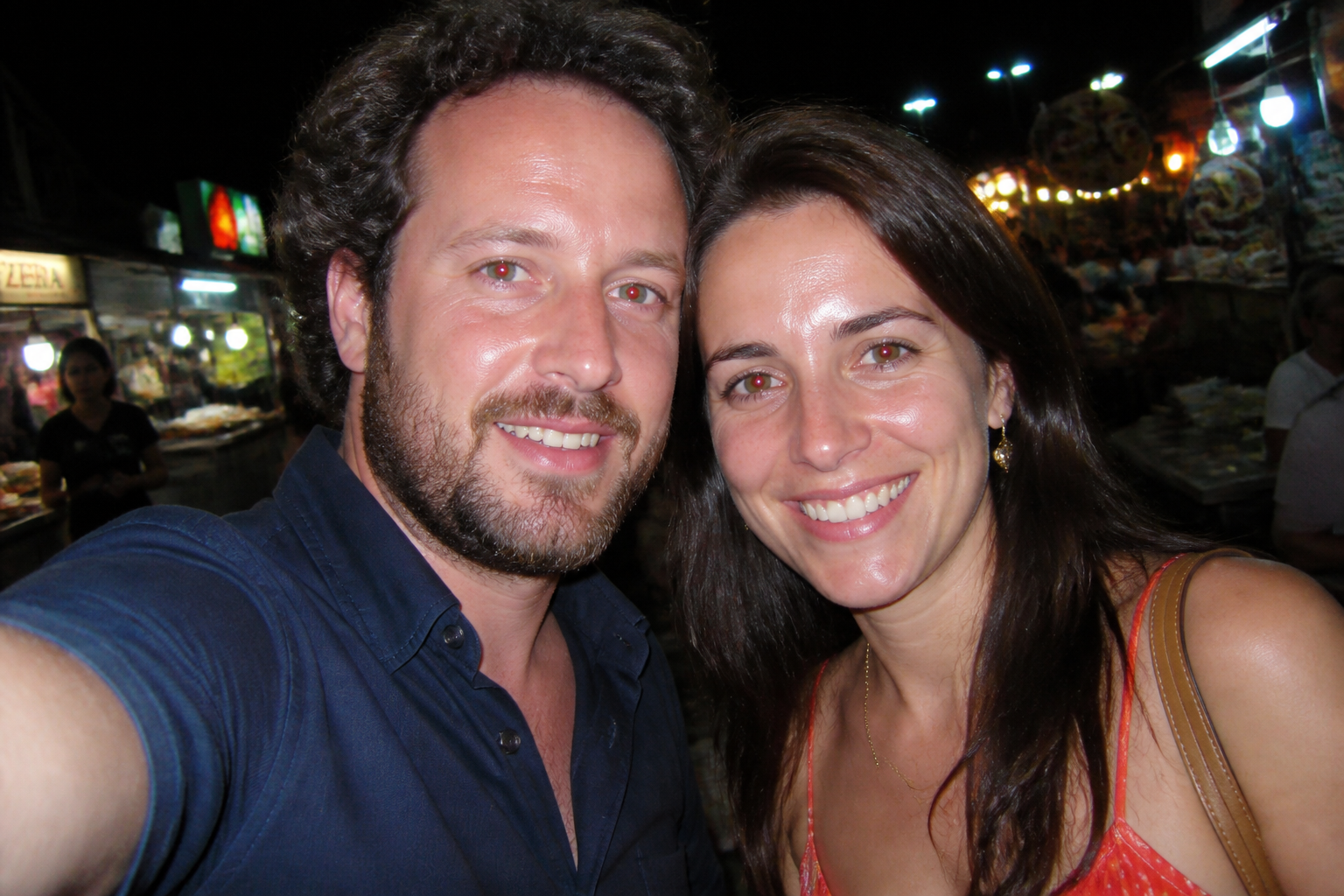 BEFORE
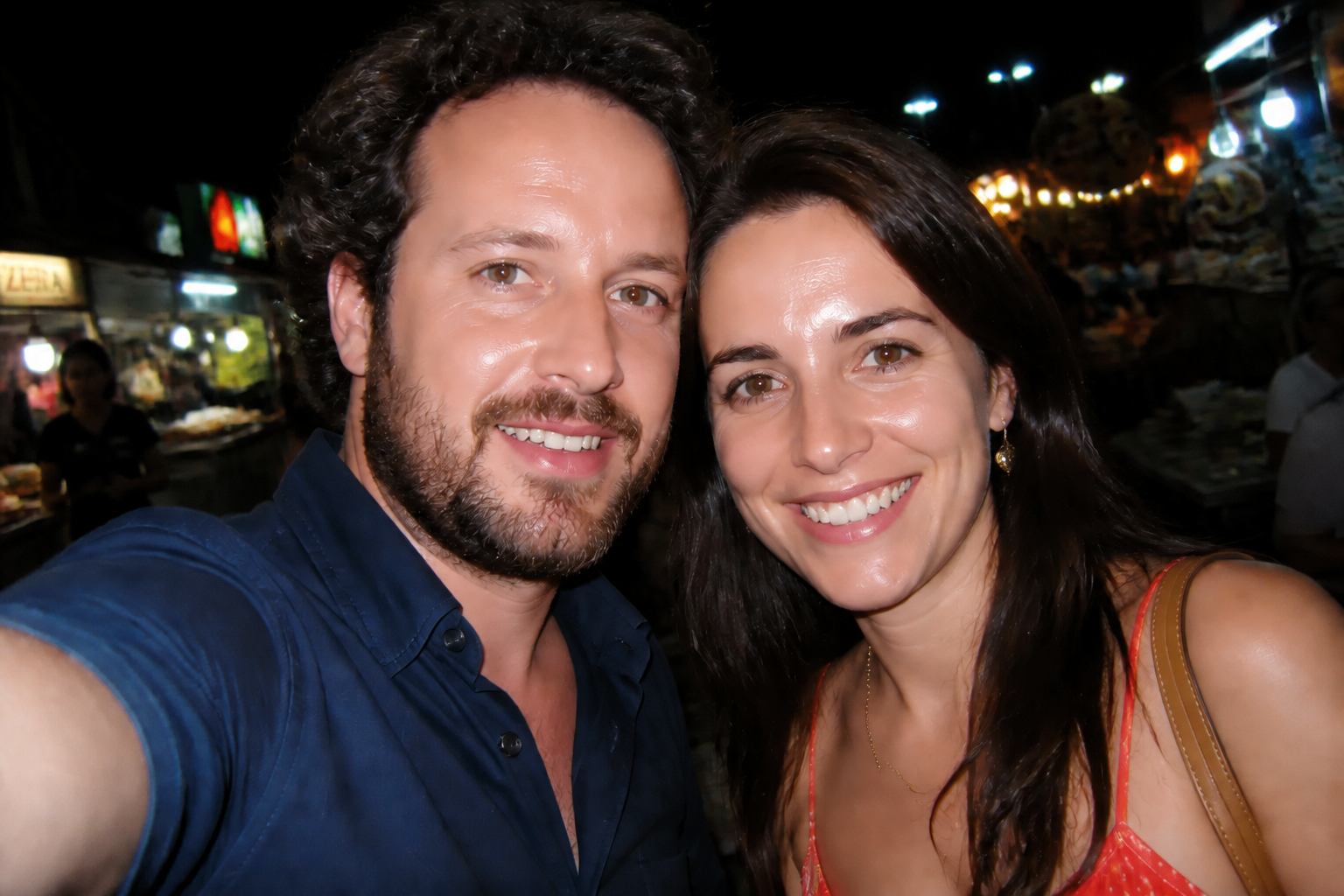 AFTER
AFTER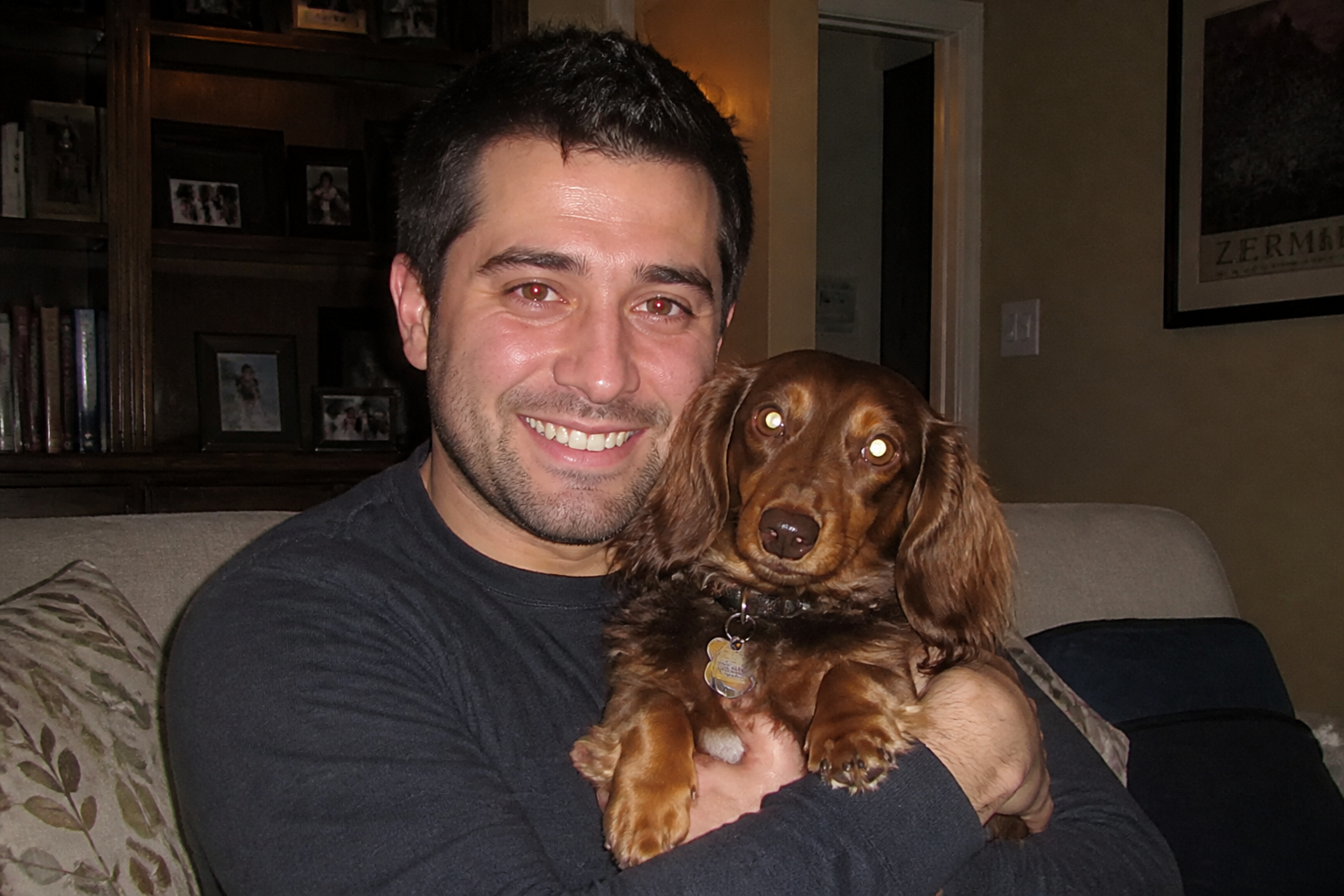 BEFORE
 AFTER
AFTER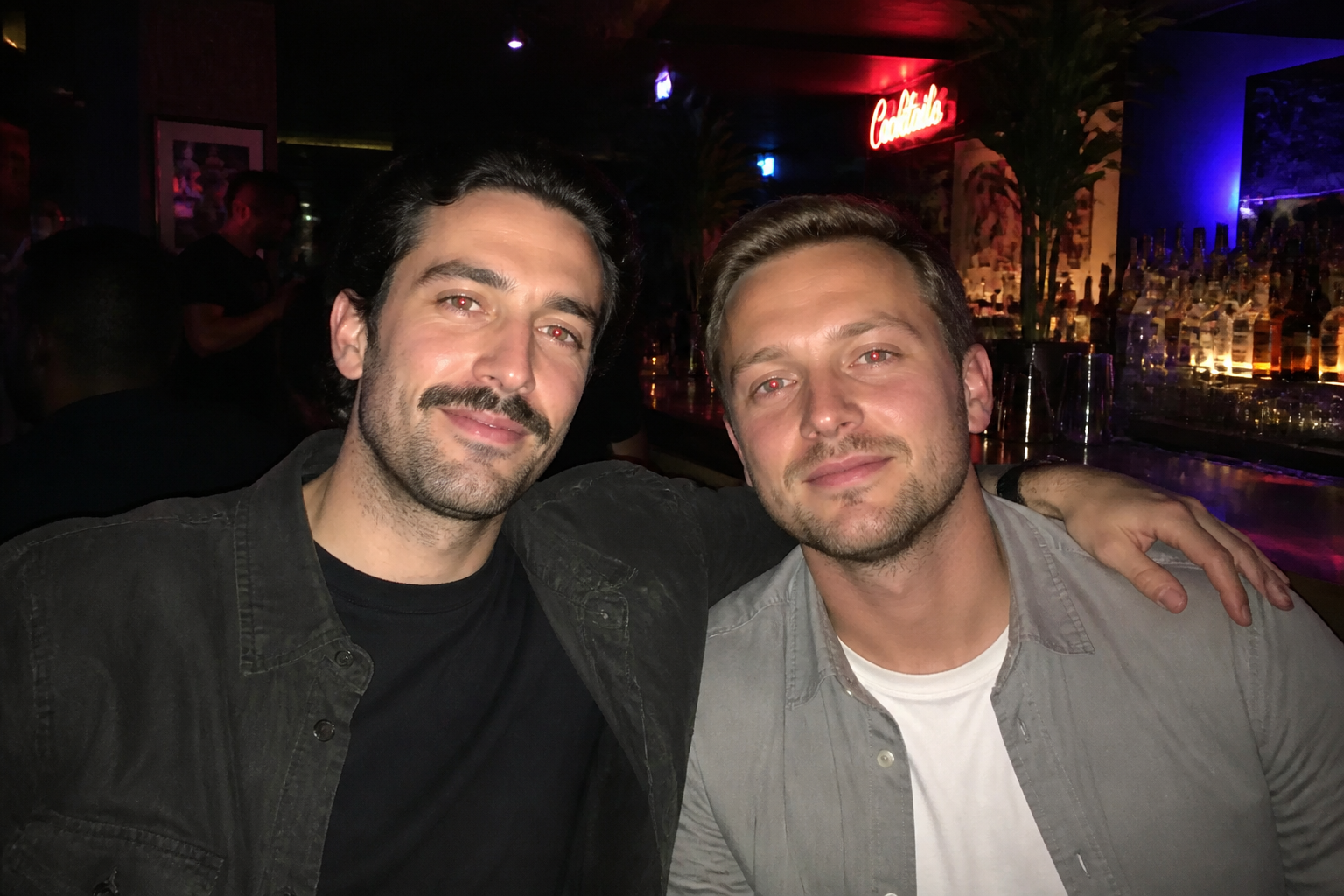 BEFORE
 AFTER
AFTER BEFORE
 AFTERBEFOREAFTERBEFOREAFTERBEFOREAFTERBEFOREAFTERBEFOREAFTER
 BEFORE
 AFTER
AFTER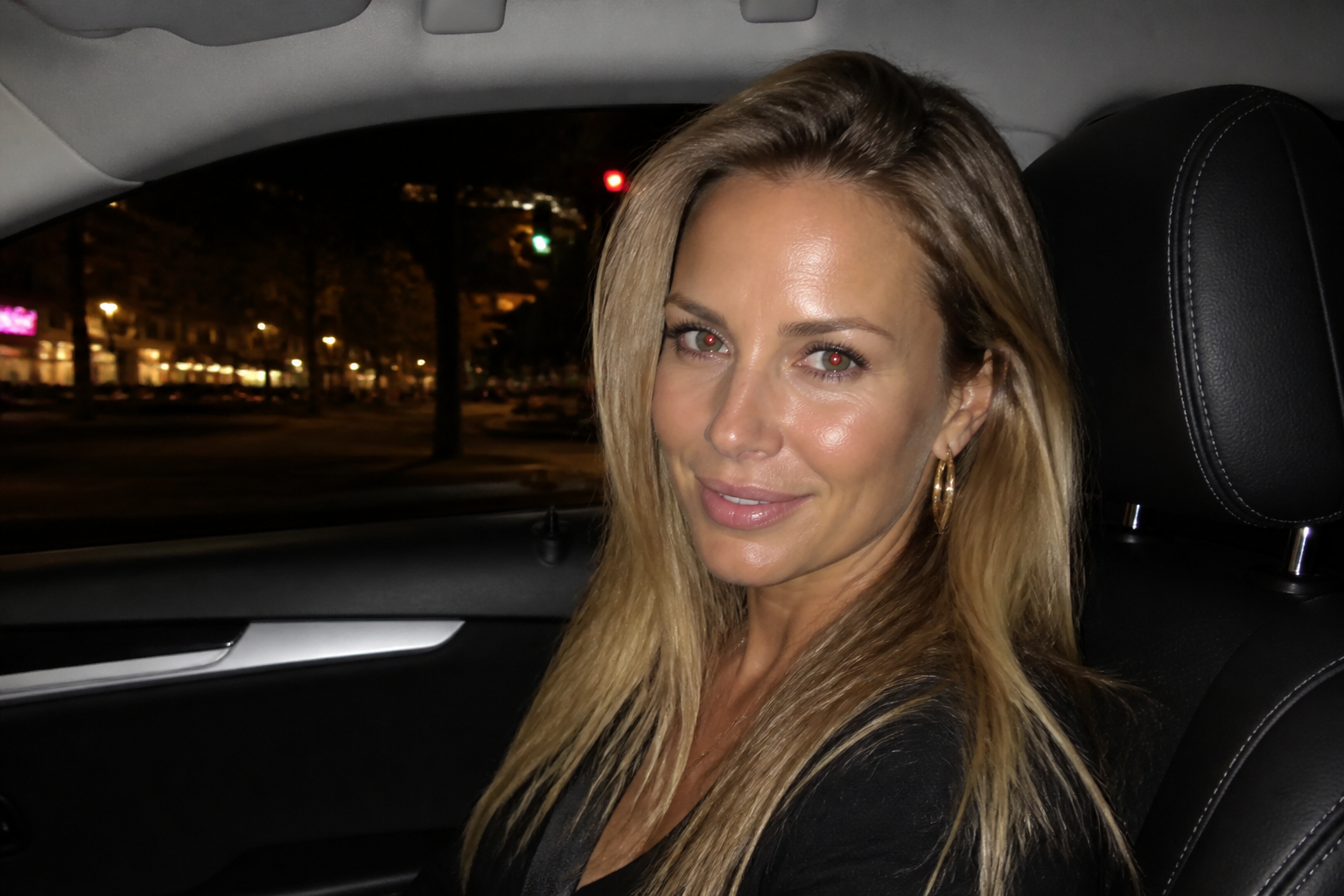 BEFORE
 AFTER
AFTER BEFORE
 AFTER
AFTER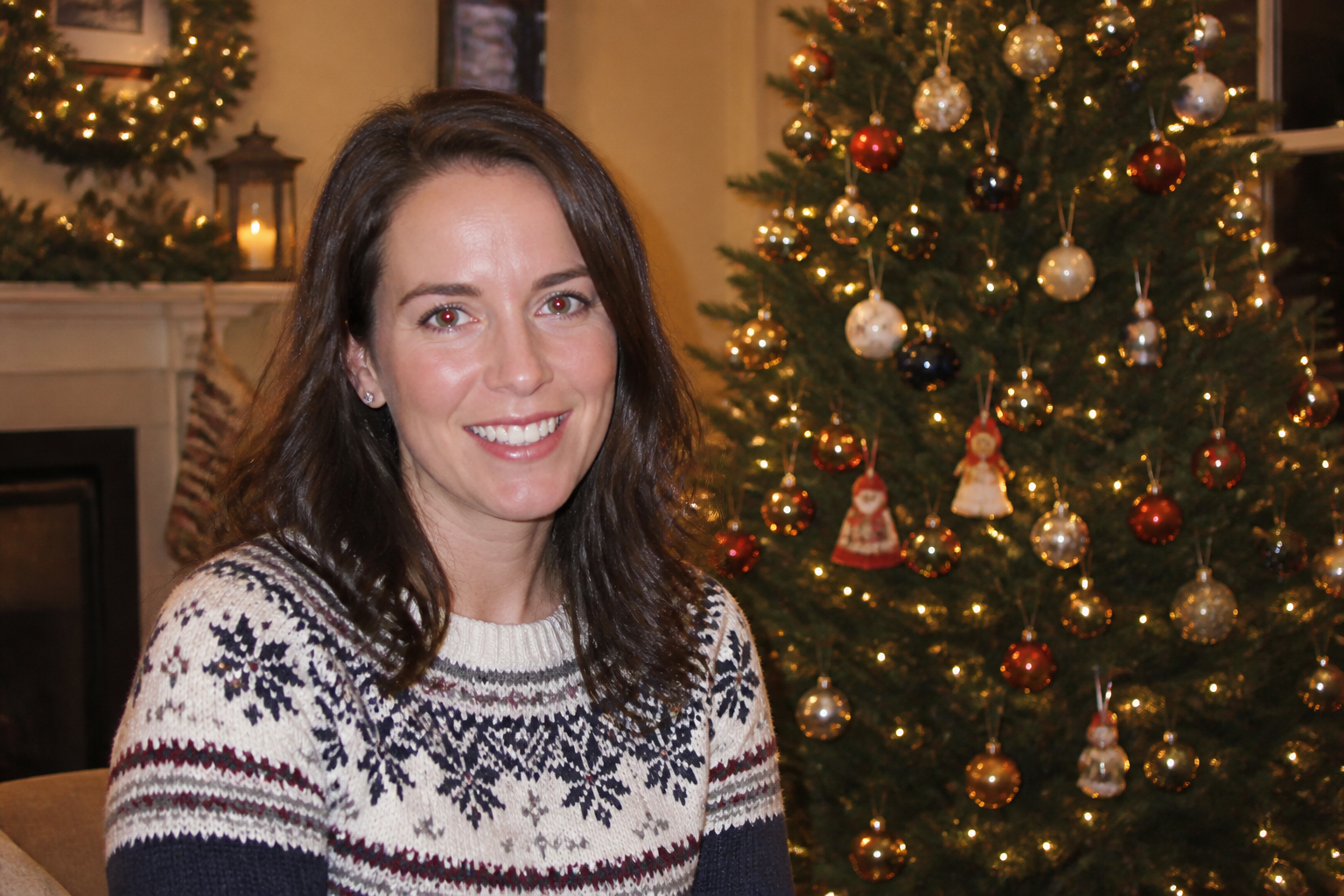 BEFORE
 AFTER
AFTER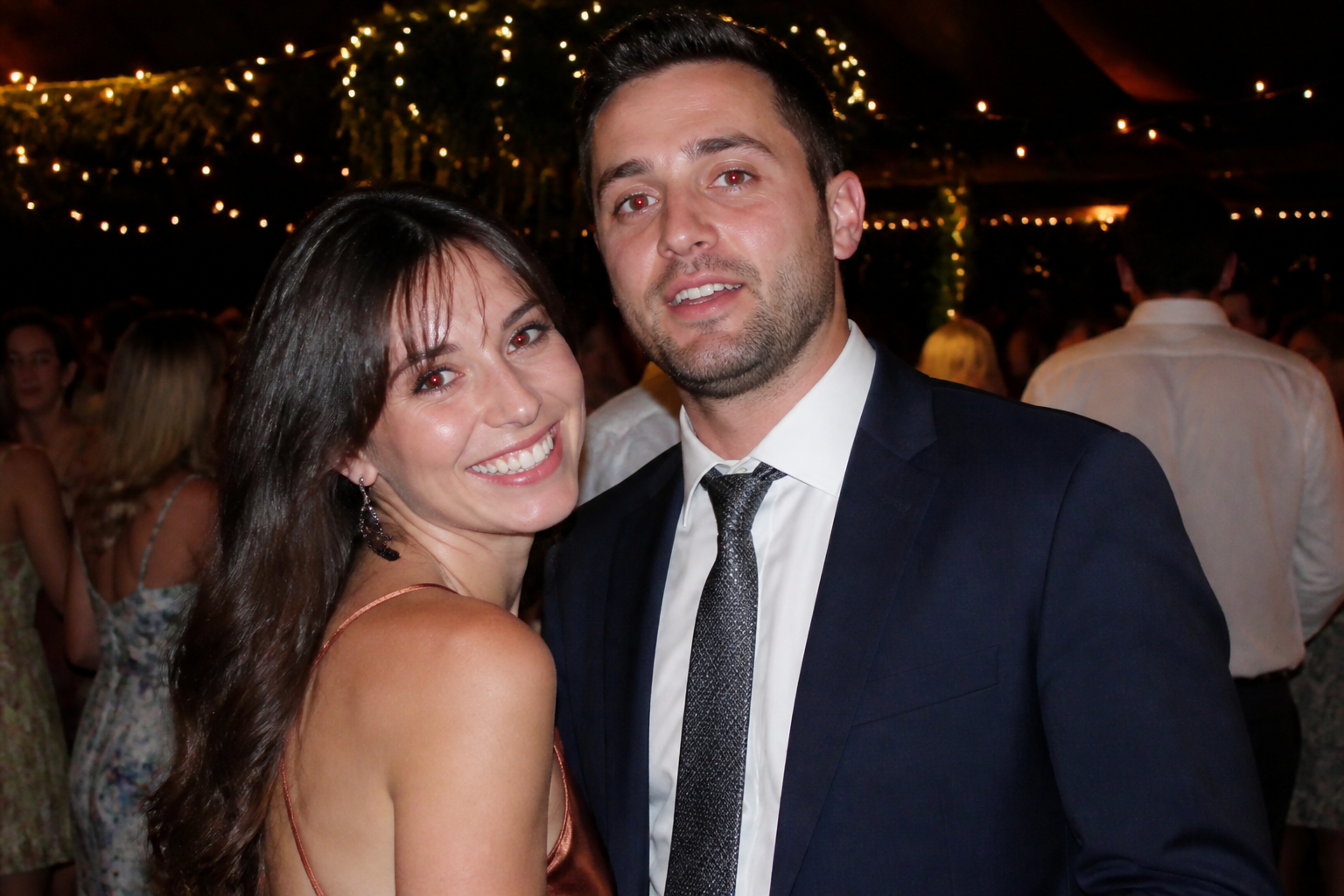 BEFORE
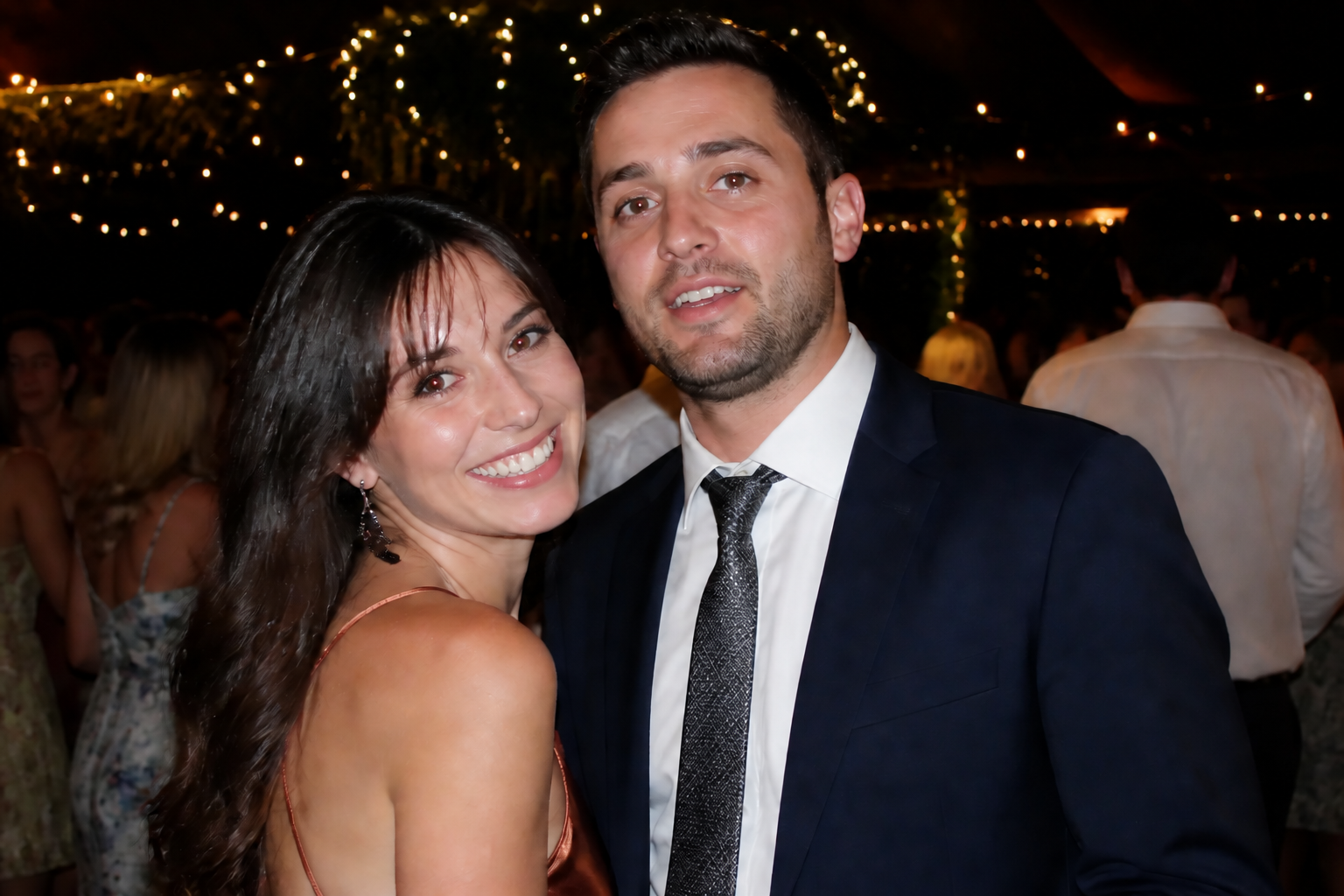 AFTERBEFOREAFTERBEFOREAFTERBEFOREAFTERBEFOREAFTERBEFOREAFTER
Key Features
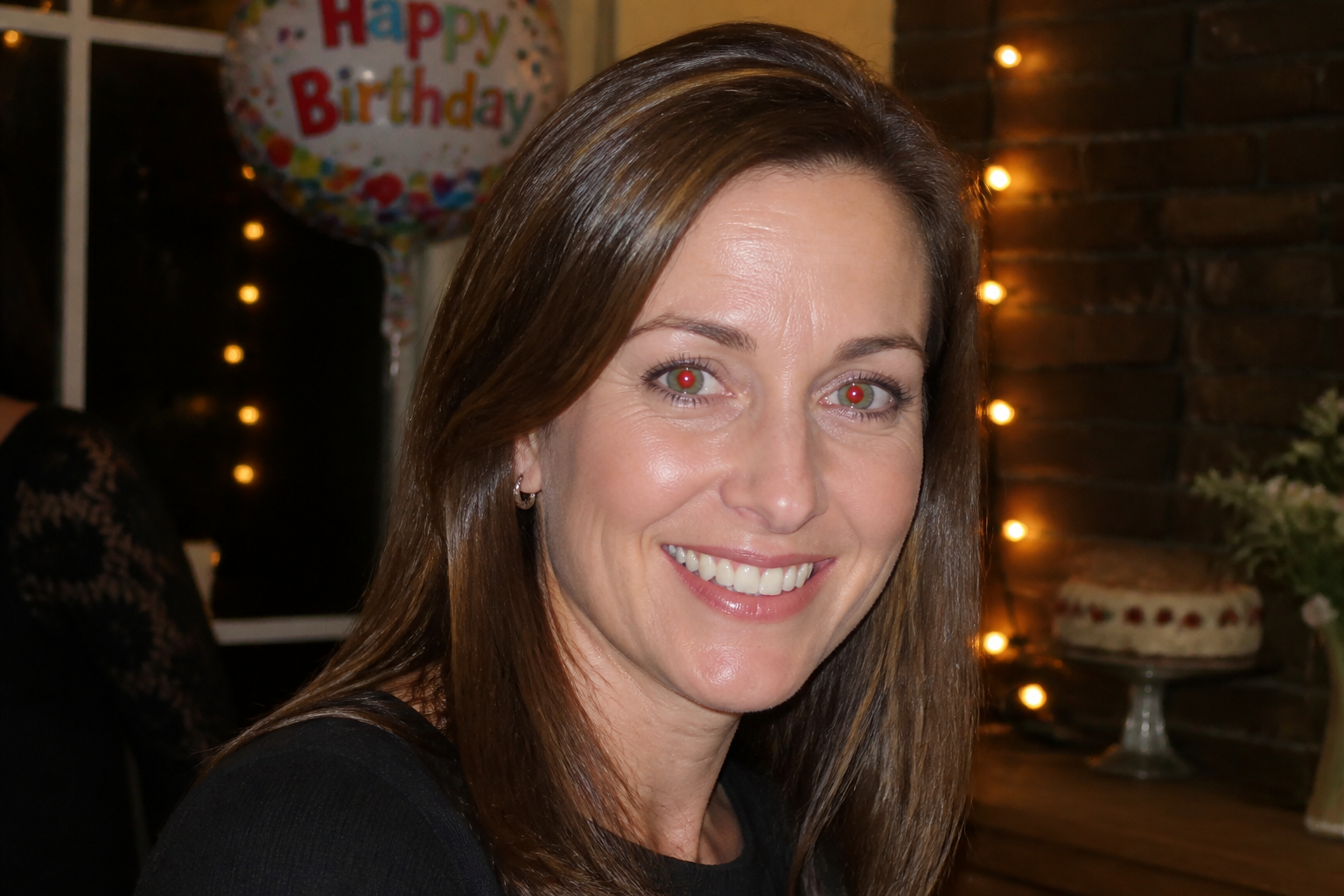

Fixes flash glare fast
Red-eye usually shows up in photos you cannot easily retake, like parties, dinners, or indoor events. This tool targets the bright red pupil glow and replaces it with believable eye detail in one pass. You do not need to zoom in, paint masks, or manually brush each eye. It is a quick cleanup for photos that are otherwise worth keeping.
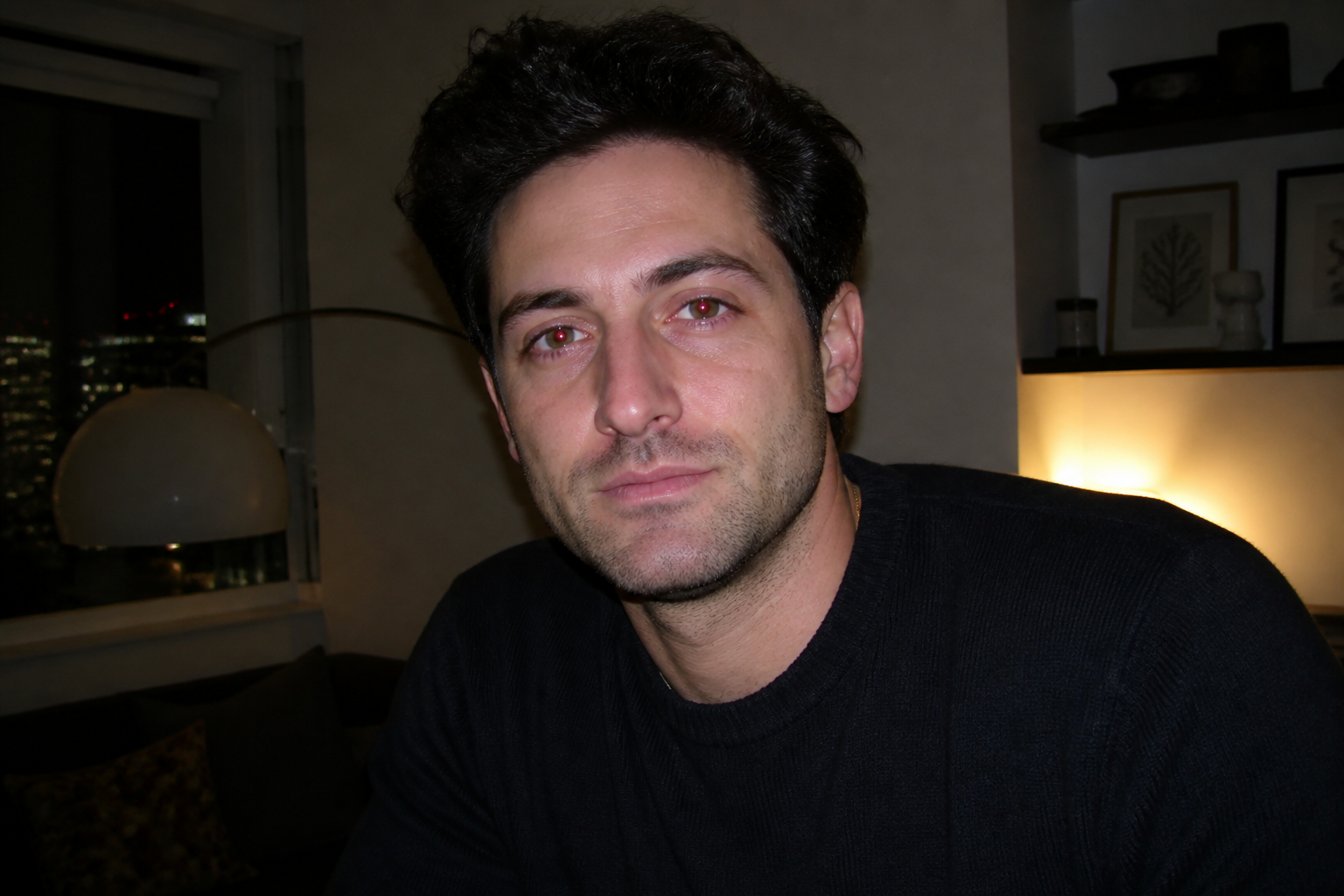
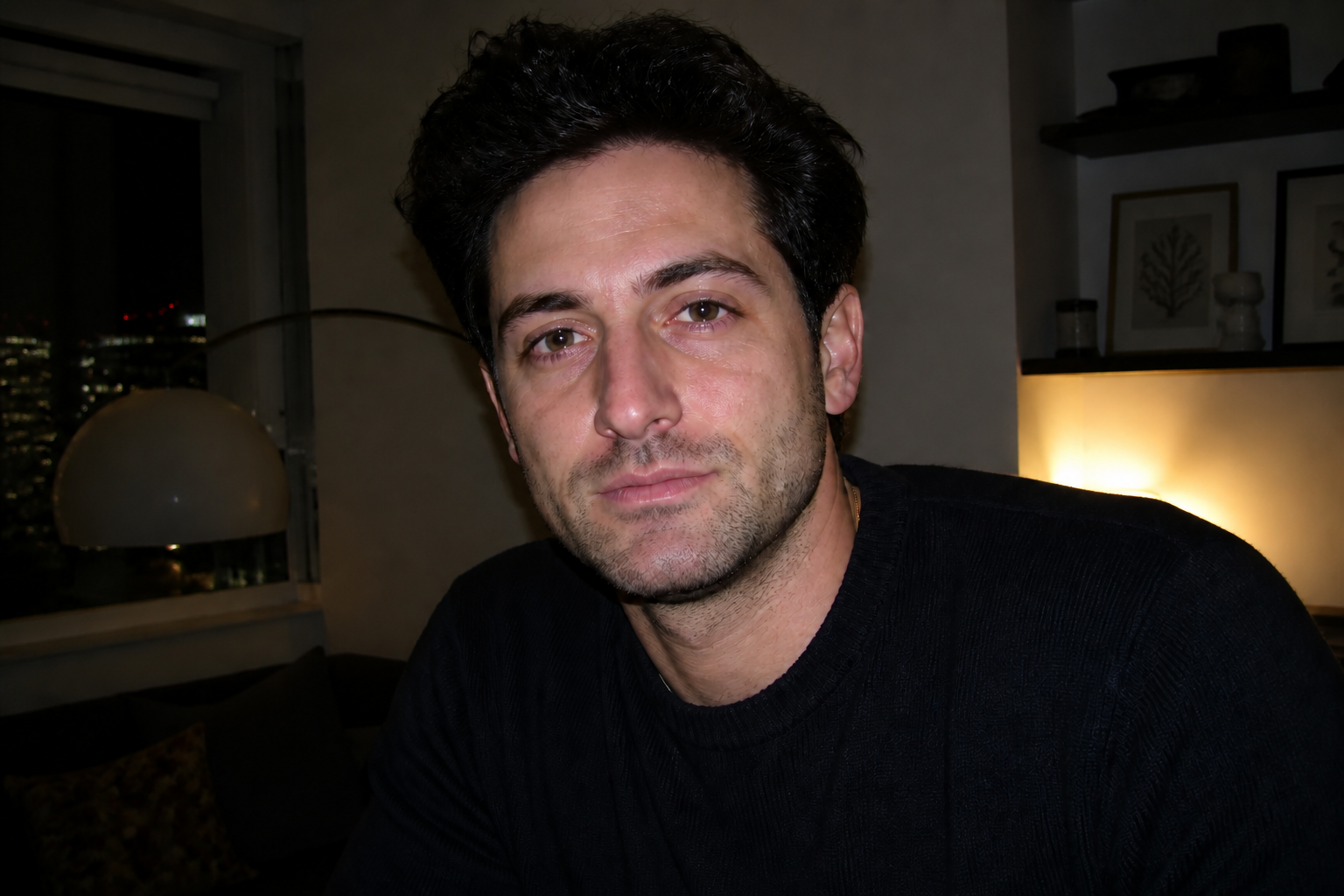
Keeps the photo natural
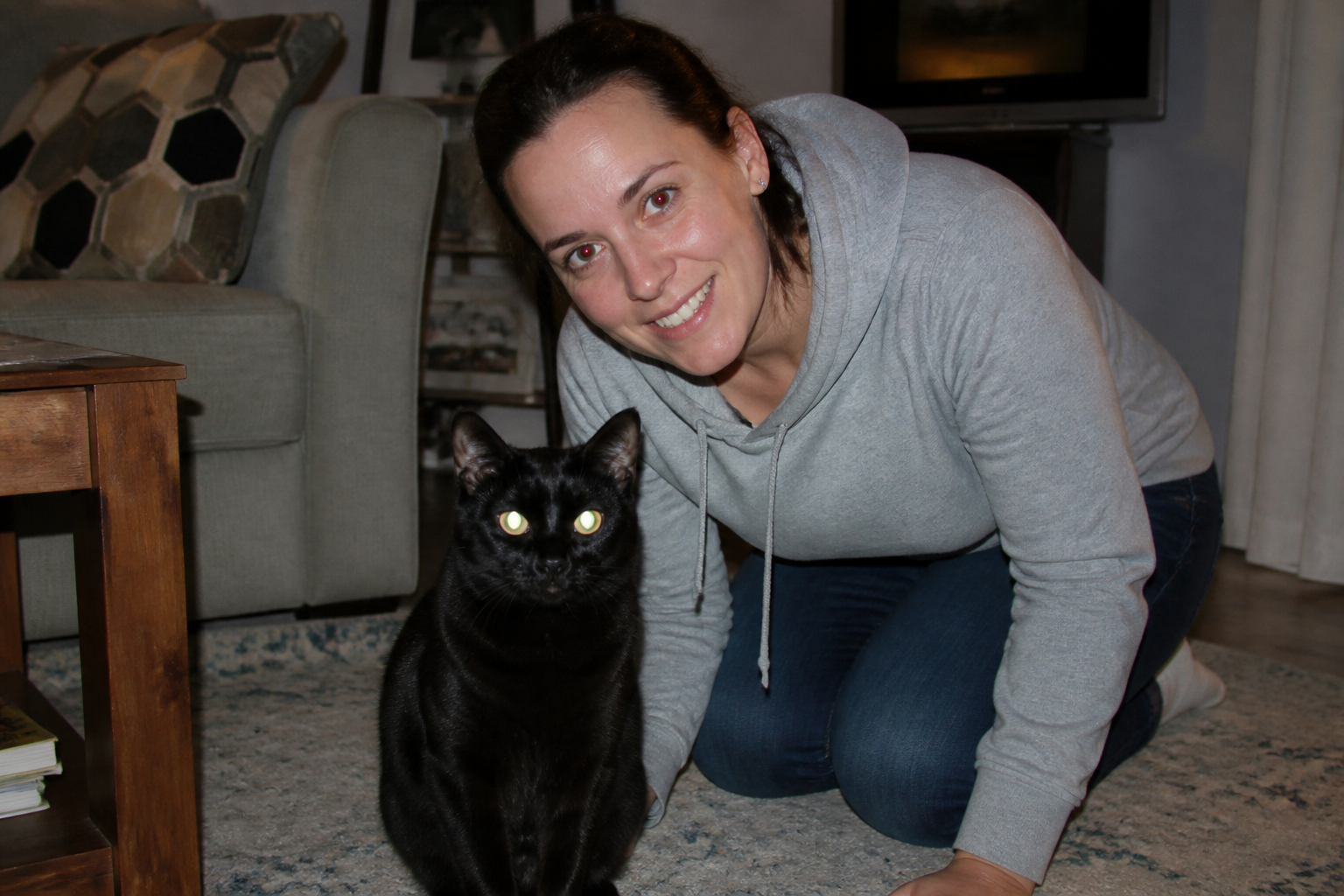
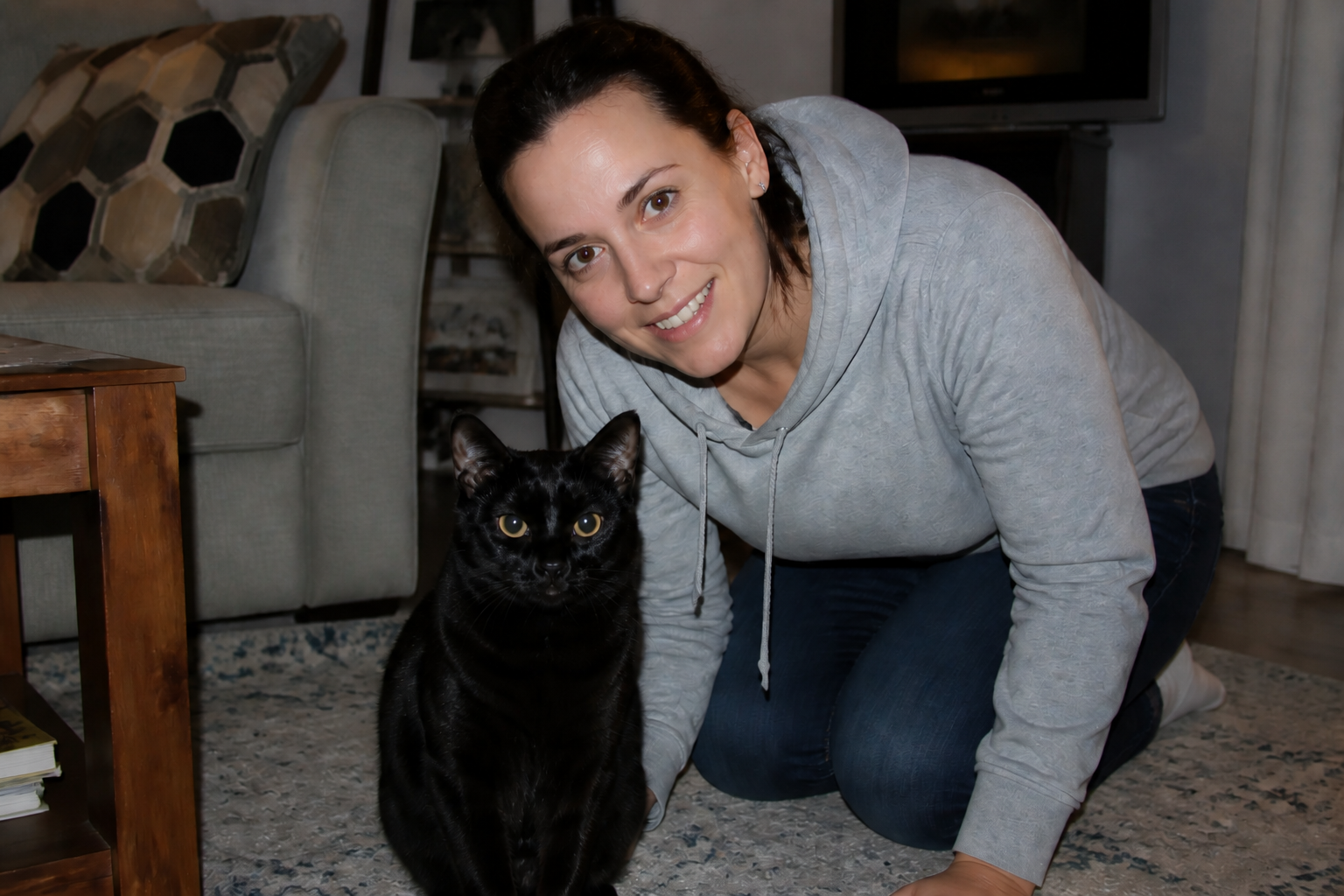
A good correction should not make eyes look flat, blurry, or painted over. Our AI preserves the original expression, skin texture, and lighting while only correcting the eye glow. That matters in portraits where small facial details carry the whole image. The result looks like a clean camera shot instead of a heavy edit.
Works on pet photos too
Pet eyes often reflect flash differently than human eyes, which makes manual fixes even more annoying. This tool can correct bright eye glow in animal photos while preserving fur detail and the natural look of the face. It is useful for quick phone snapshots taken indoors or at night. You get a cleaner result without overediting the whole image.
Great for batch cleanup
Event galleries often contain many strong photos ruined by the same flash issue. This kind of edit is repetitive by hand, especially when multiple people appear in one frame. Our AI makes it easy to apply the same correction logic across a whole set. That saves time for creators, families, and anyone sorting through a big camera roll.
How It Works
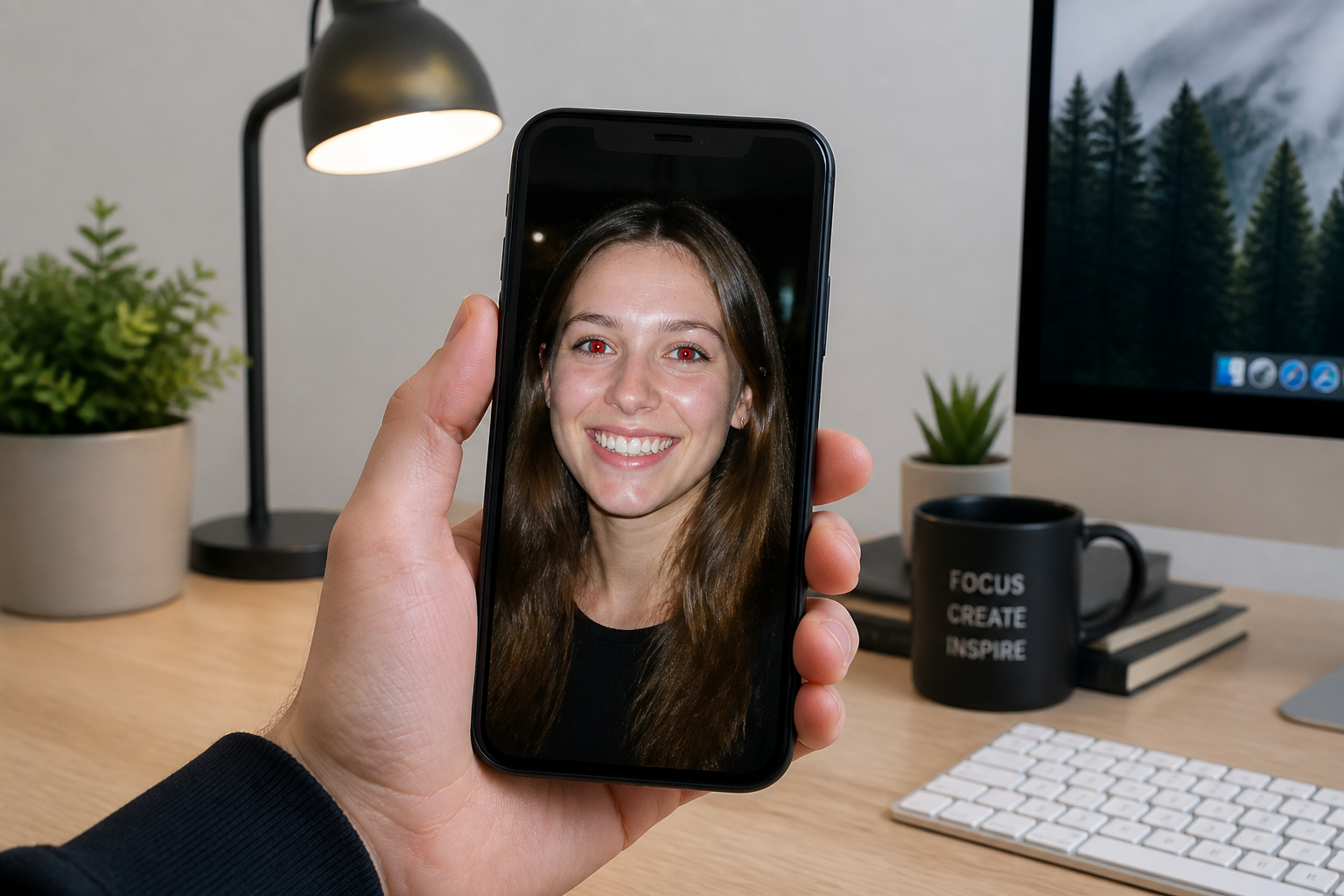
Upload your photo
Start with any image where flash caused red or glowing eyes. Portraits, group shots, pet photos, and low-light phone pictures all work well.
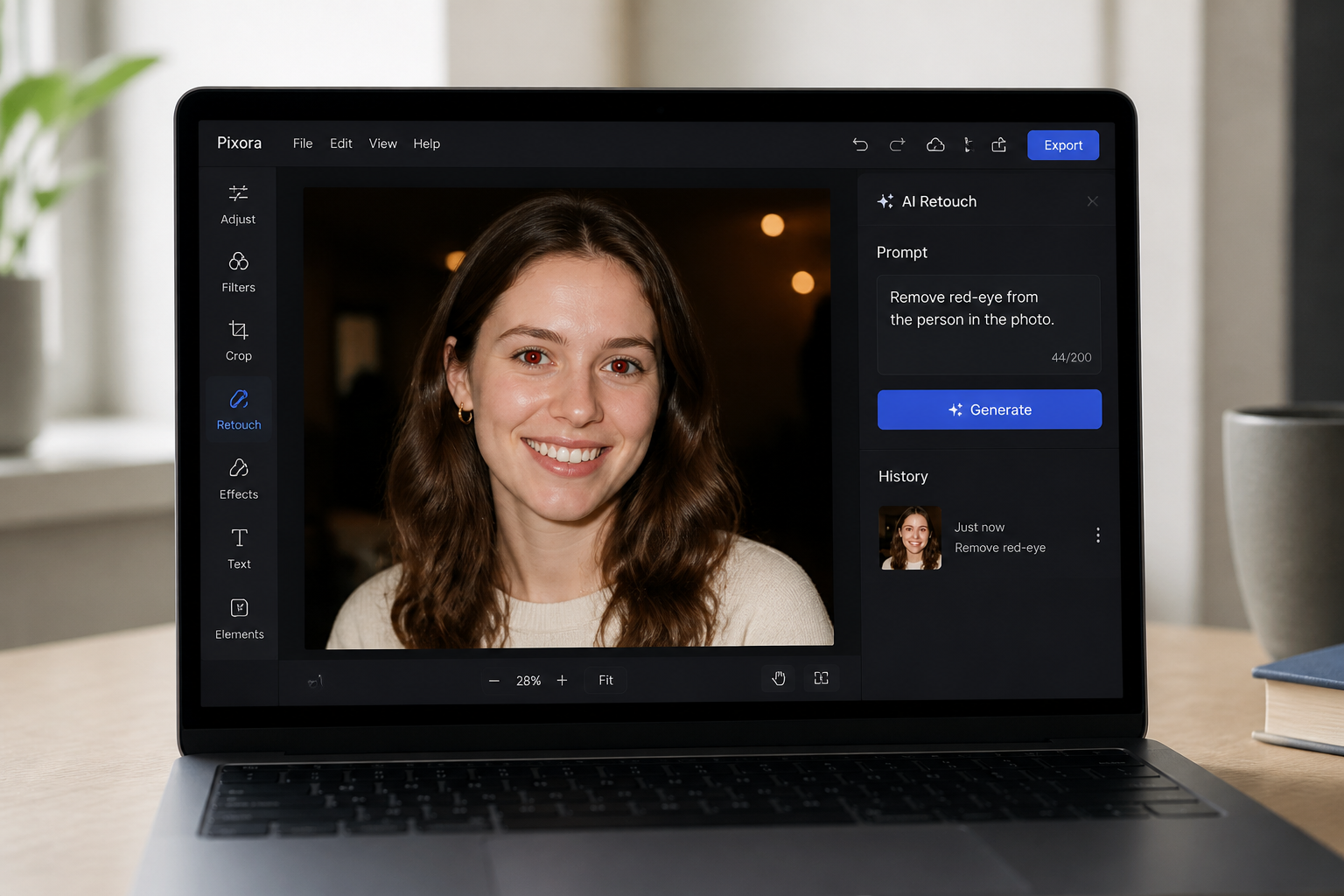
Apply the eye fix
Tell the editor to remove red-eye or use the suggested prompt. Our AI focuses on the pupils and iris area while keeping the rest of the image unchanged.
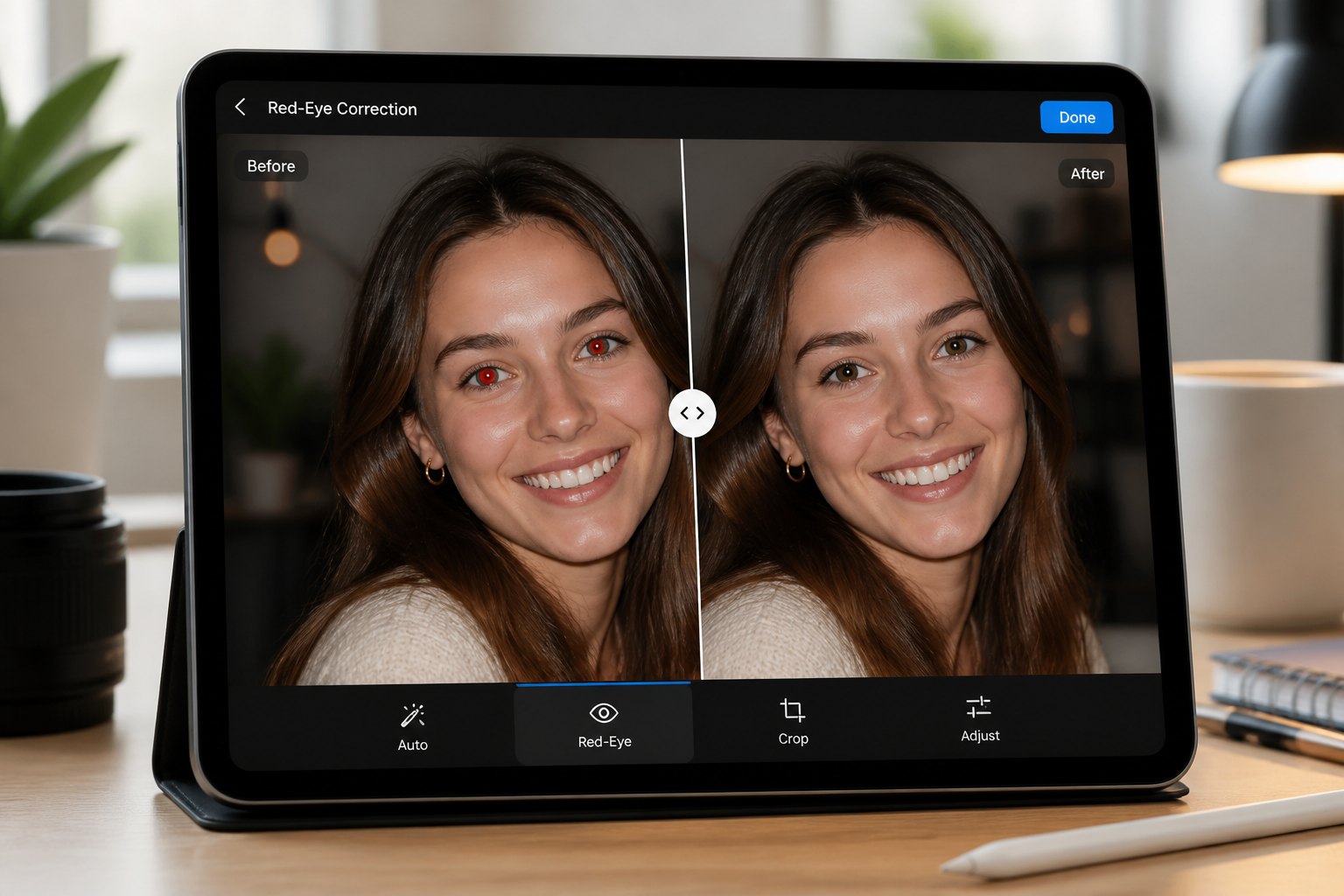
Compare and download
Check the before and after to make sure the eyes look natural. Then download the cleaned image and use it anywhere you share photos.
Perfect For
Discover how creators and professionals use ai red eye remover
Party and event photos
Fix quick flash shots from birthdays, dinners, receptions, and reunions without changing the mood of the image.
Family photo cleanup
Rescue casual home snapshots that matter emotionally but have distracting red-eye in one or more faces.
Pet picture correction
Remove reflective eye glow from cats and dogs in indoor photos while keeping fur and expressions intact.
Social media touch-ups
Clean up low-light selfies and group pictures before posting, printing, or adding them to albums.
Built For
Everyday photo users
Make fast fixes to phone photos without learning a full editing app.
Event photographers
Clean flash-related eye issues across many keeper shots more efficiently.
Pet owners and families
Repair candid indoor photos you want to save, share, and print.
Why use this for red-eye correction
A quick look at how we compare on the things that matter for this niche.
| Feature | BudgetPixel | Generic AI editors | Manual editing apps |
|---|---|---|---|
| Fast red-eye cleanup | ✓ | ✓ | — |
| Natural-looking eye detail | ✓ | — | Depends on skill |
| Multi-subject photos | ✓ | — | Slow |
| Pet eye correction | ✓ | — | Manual |
| No precise brushwork needed | ✓ | ✓ | — |
Frequently Asked Questions
What does the AI Red Eye Remover fix?
Can it handle photos with multiple people?
Does it work on pet photos?
Will the eyes look fake after editing?
Do I need editing skills to use it?
Create together.
Share your creations, discover trending AI art, and grow with fellow creators.