AI Shoe Model Generator
Turn shoe photos into polished on-model fashion images.
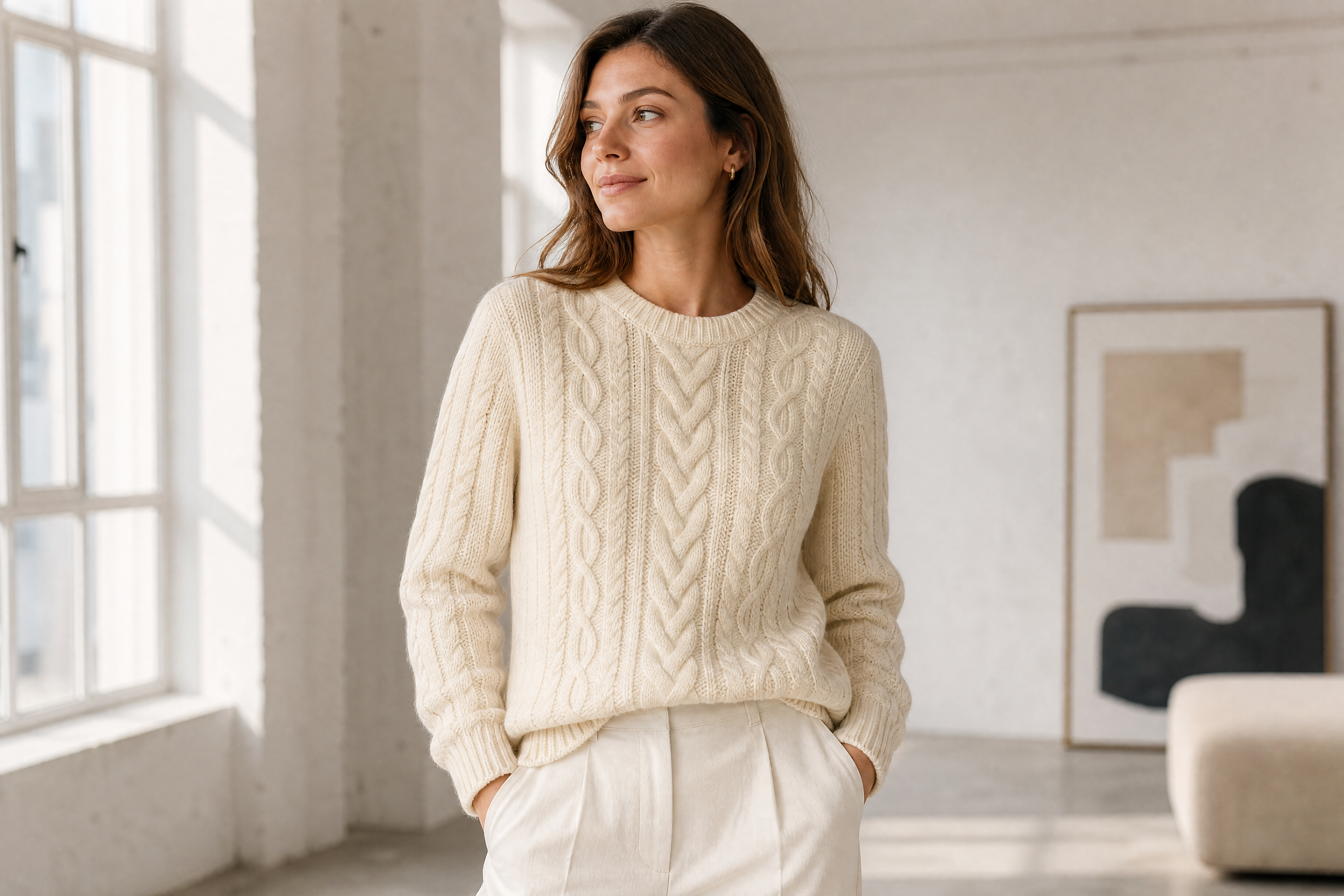
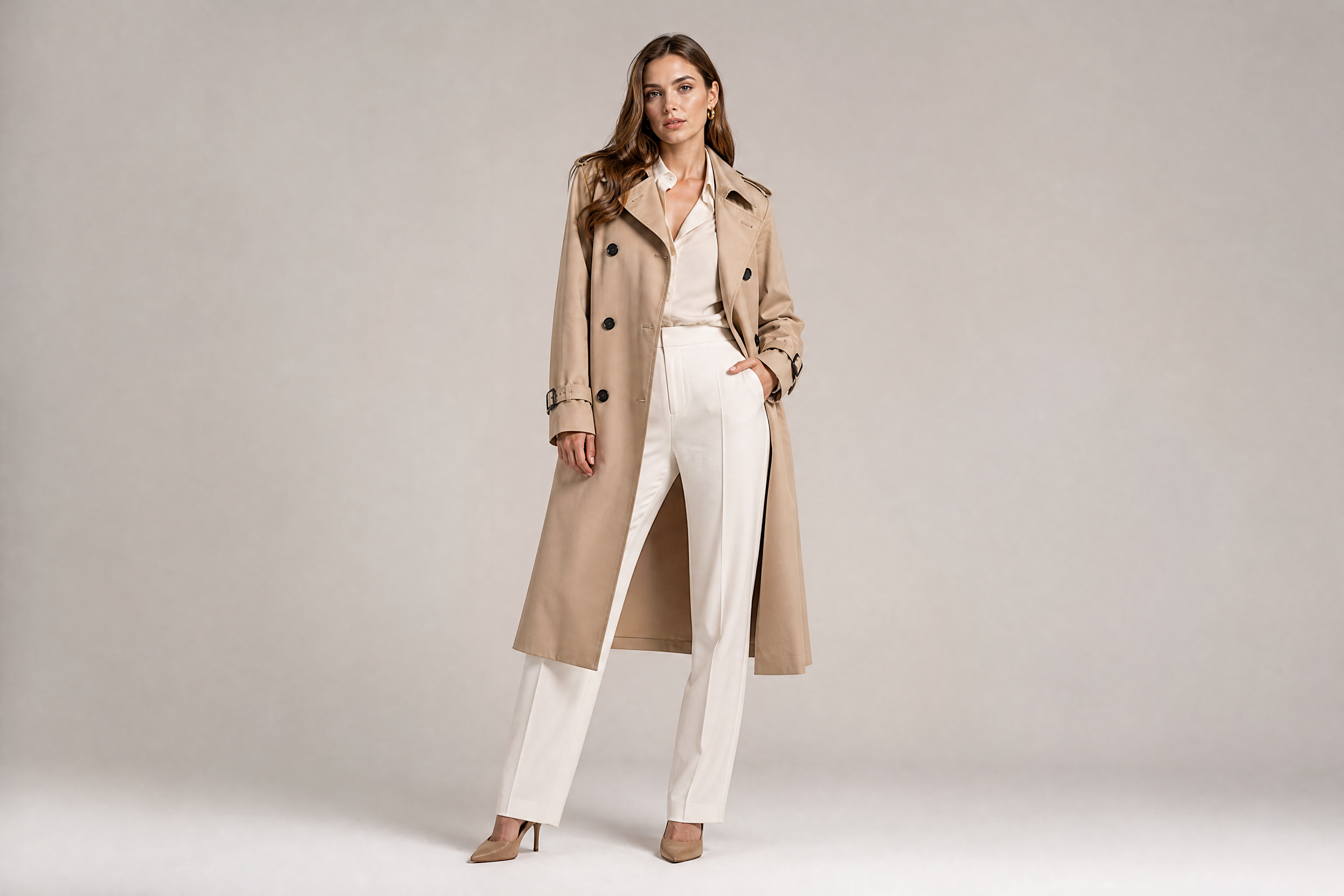
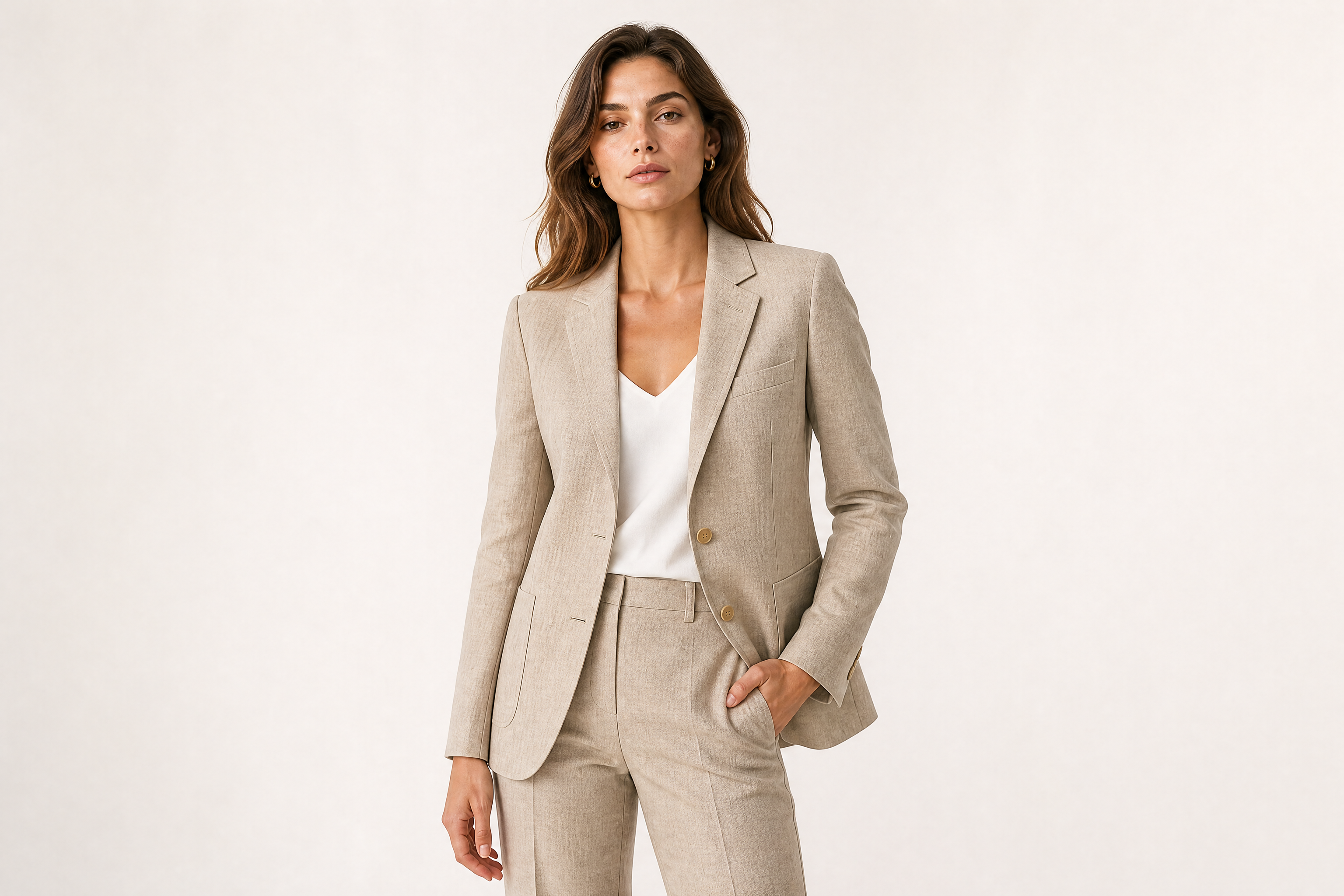
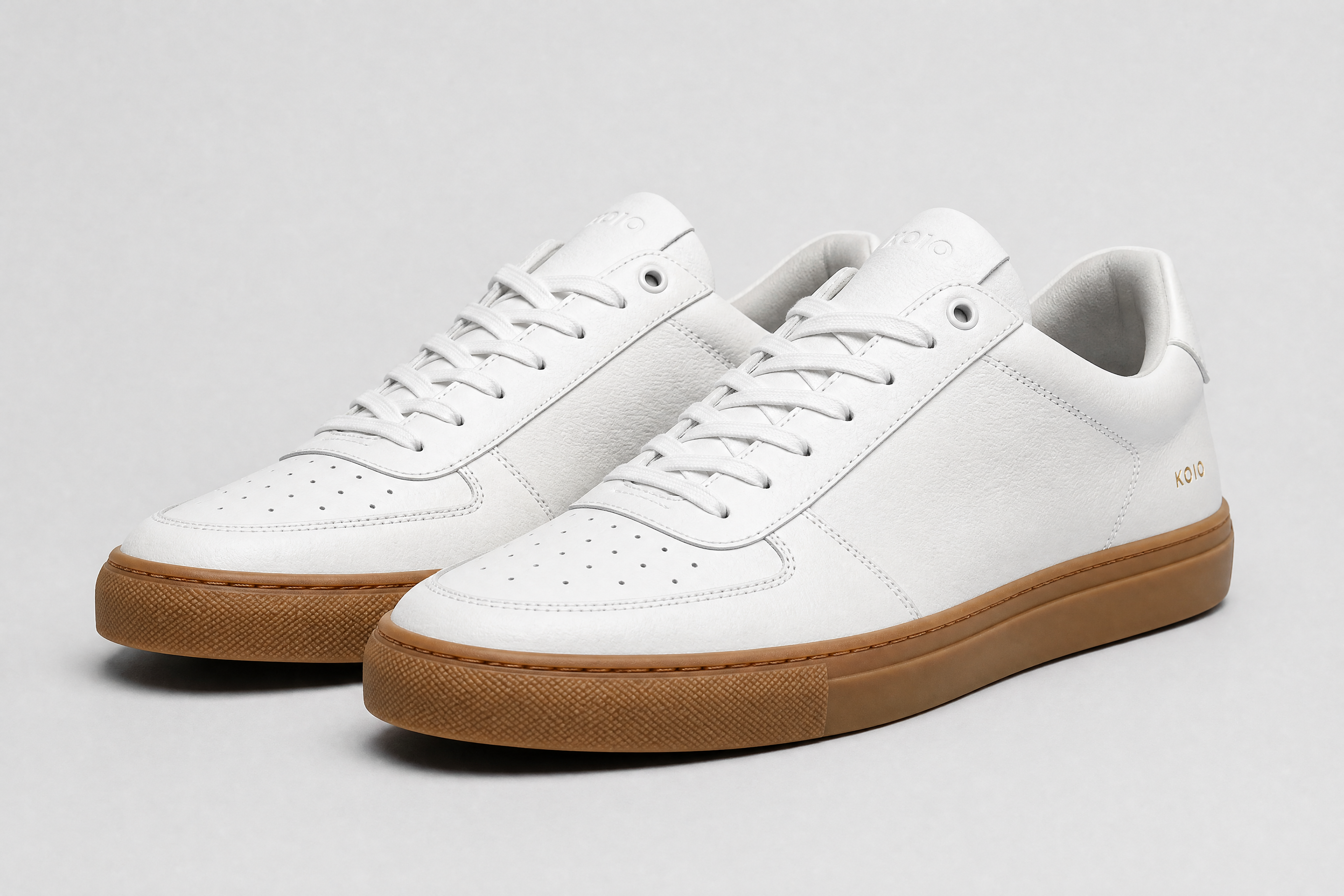
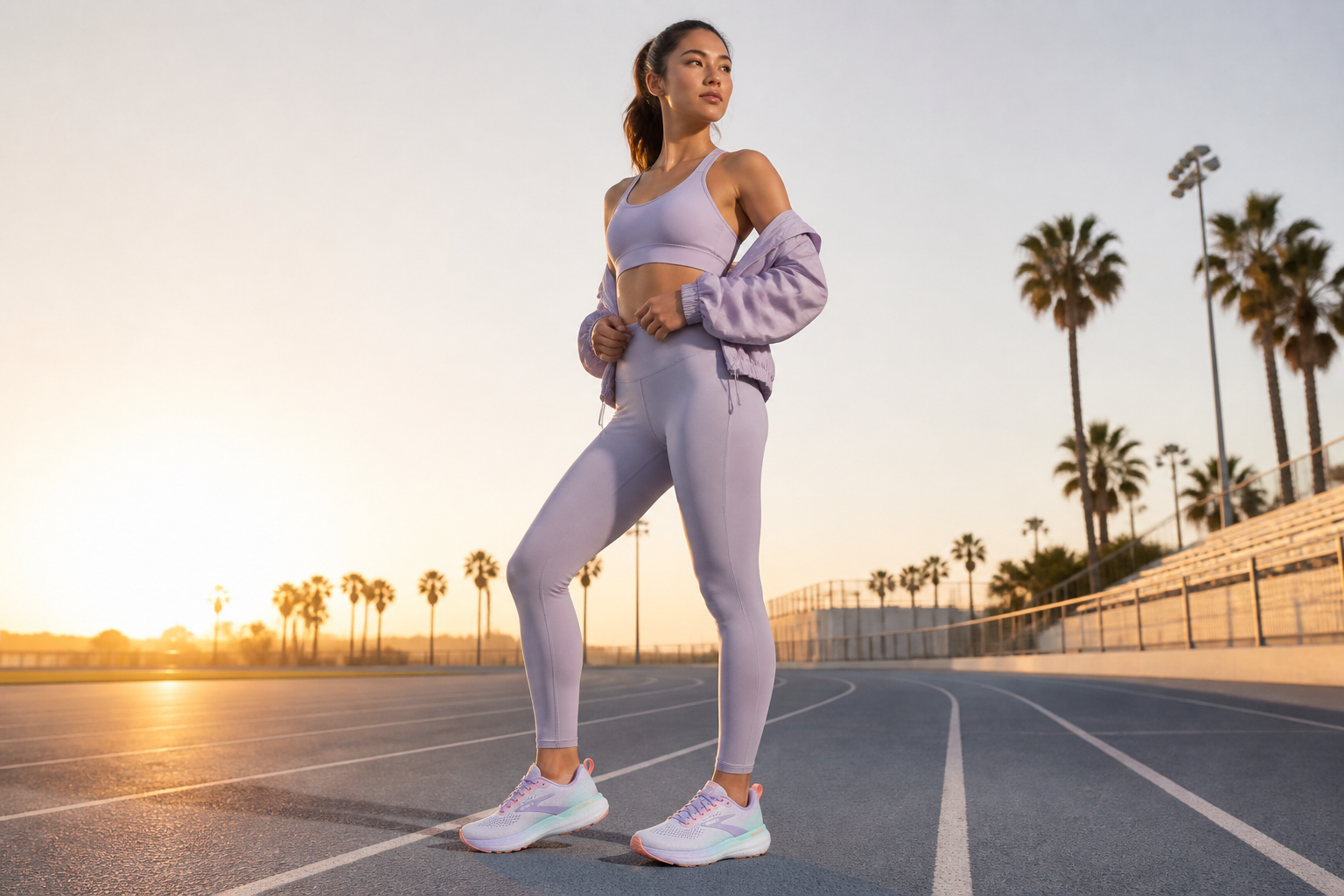
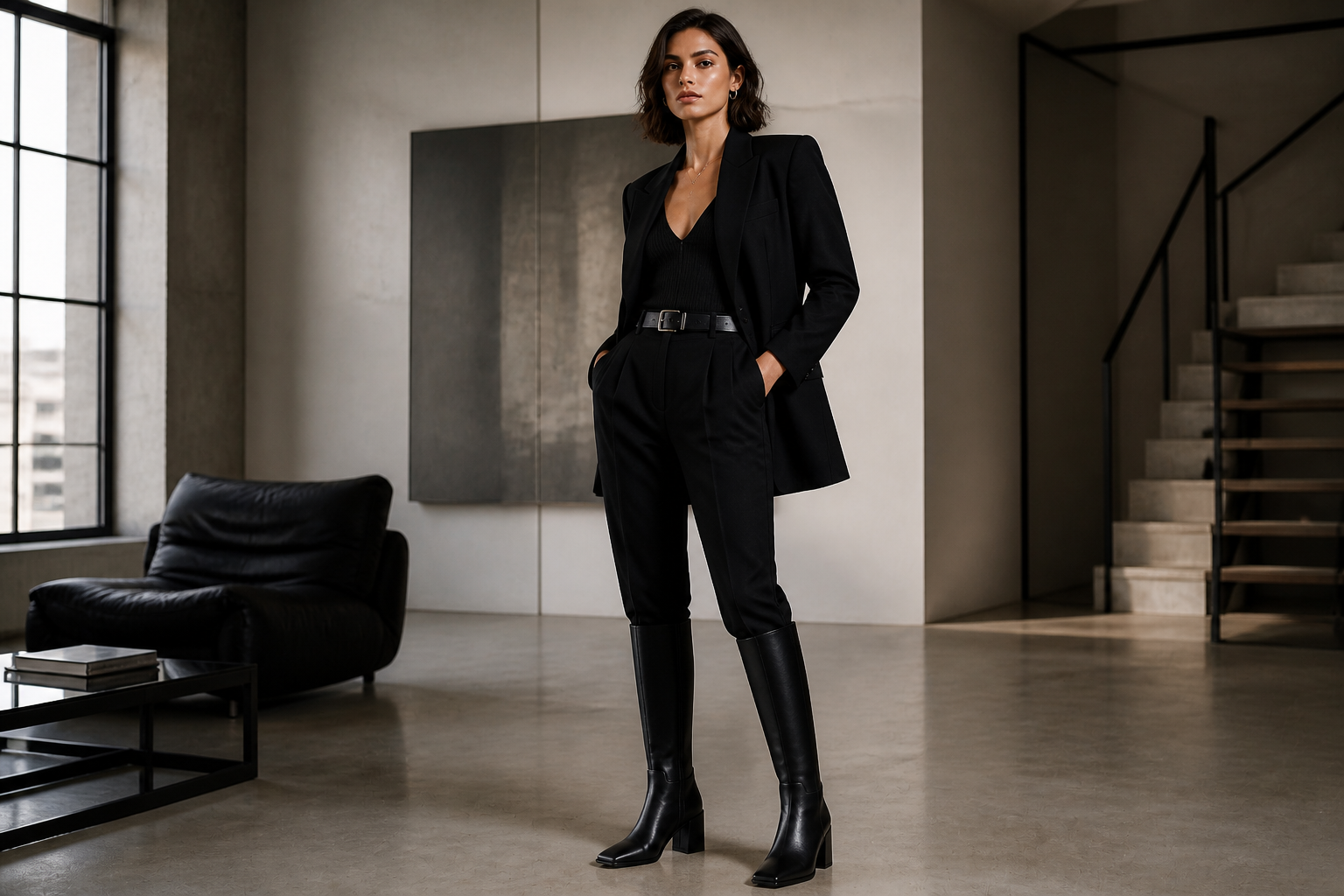
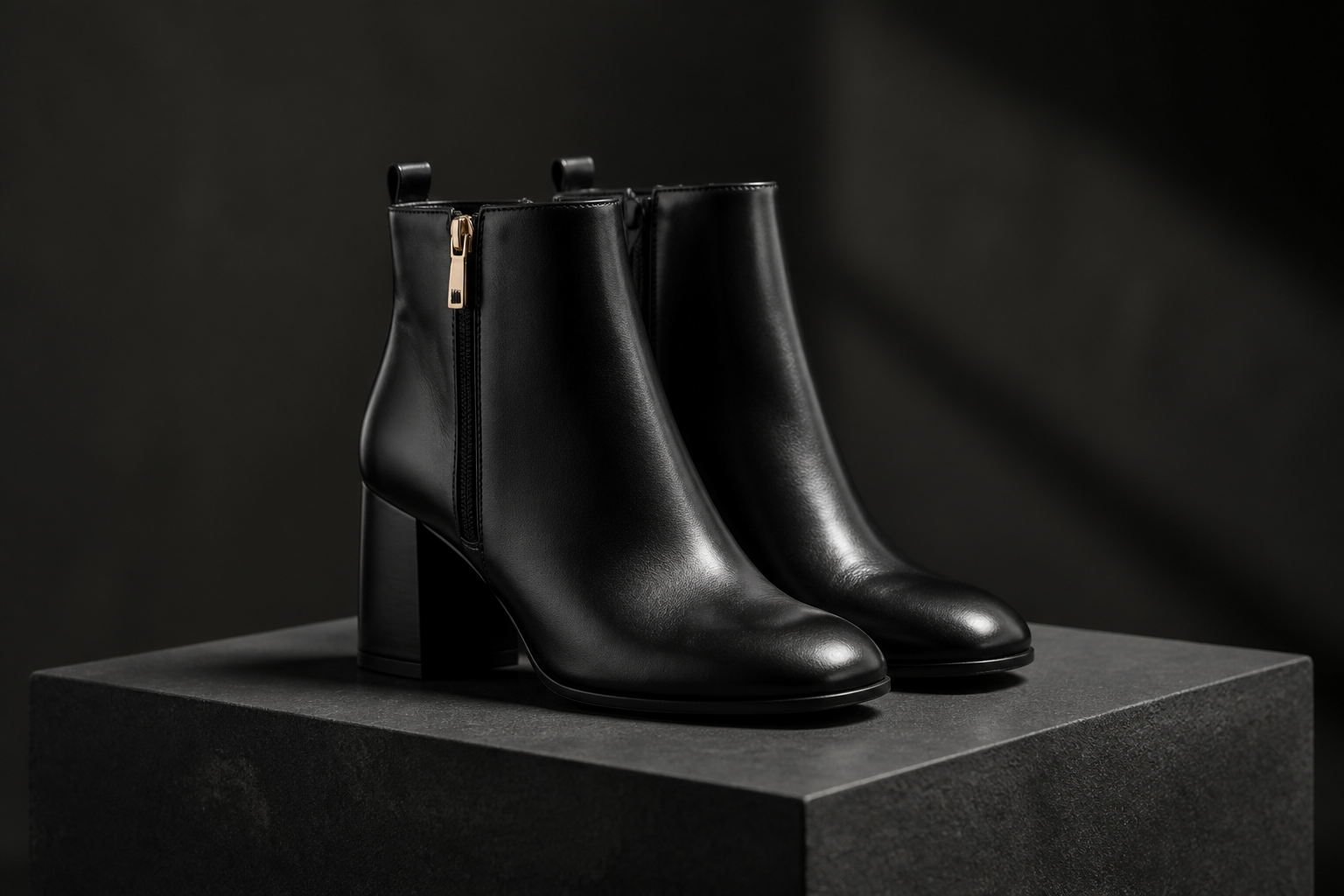
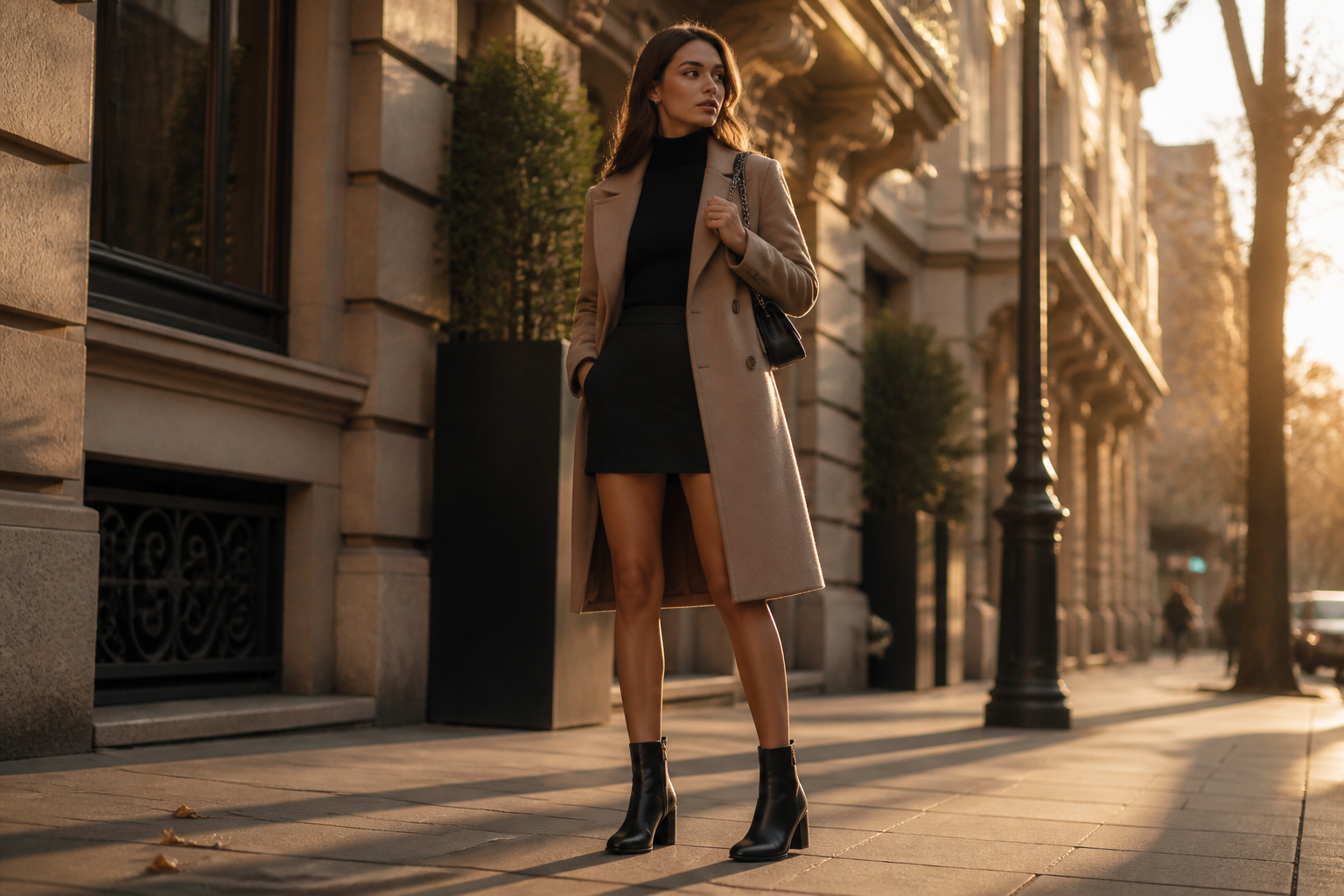
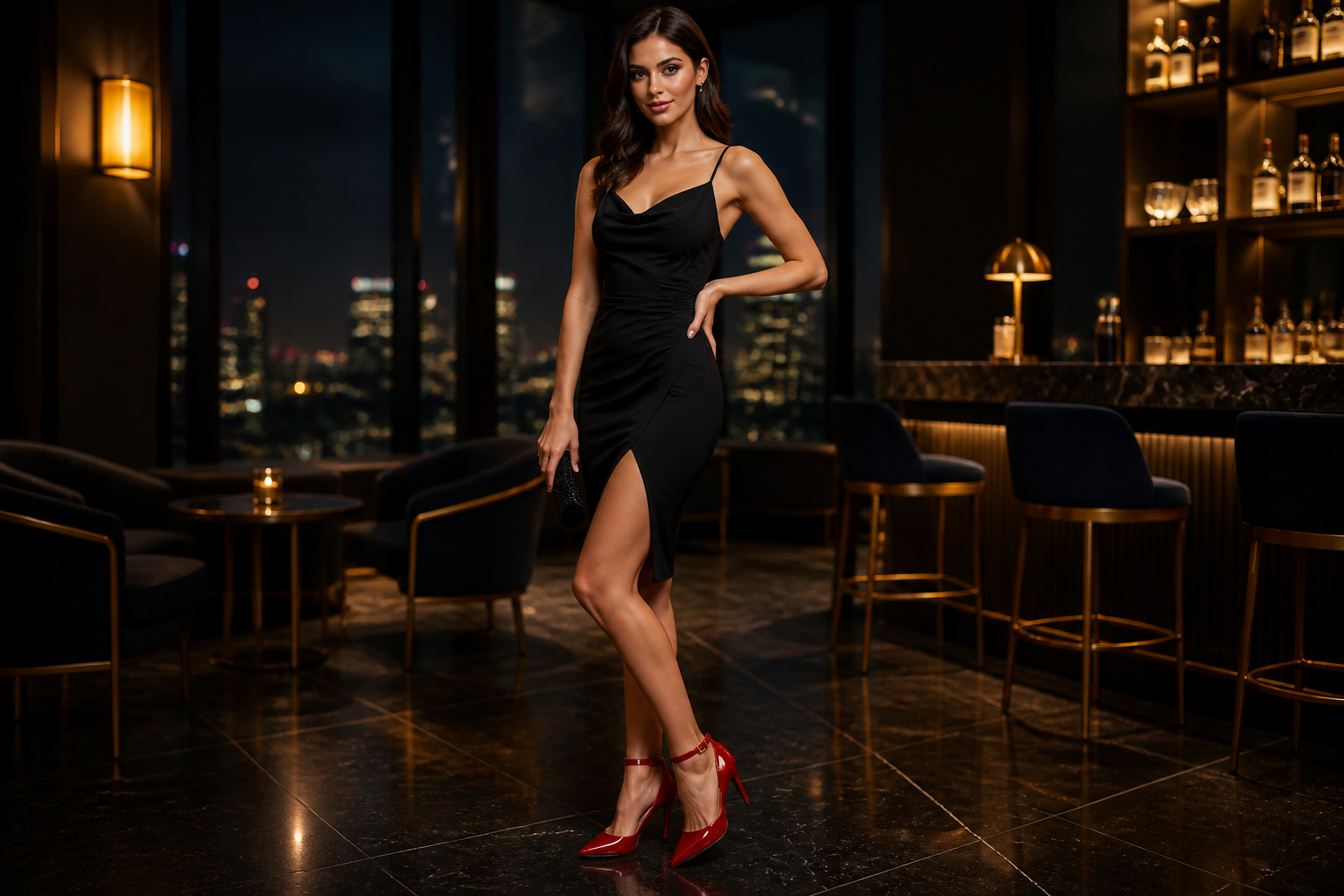
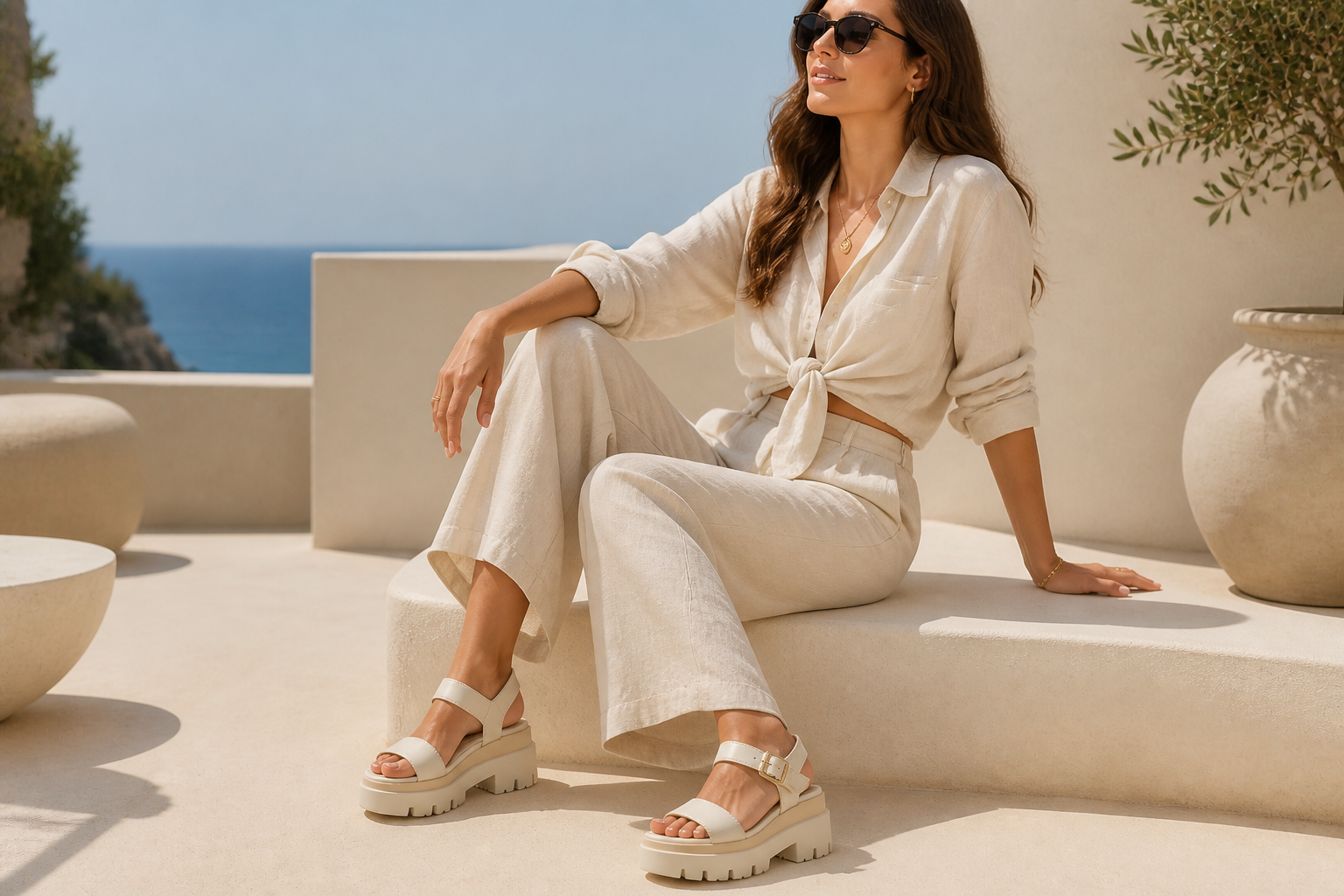
Upload a shoe image and our AI places it on a realistic adult model in a styled scene. Create ecommerce shots, social creatives, and campaign-style visuals without arranging a full photo shoot.
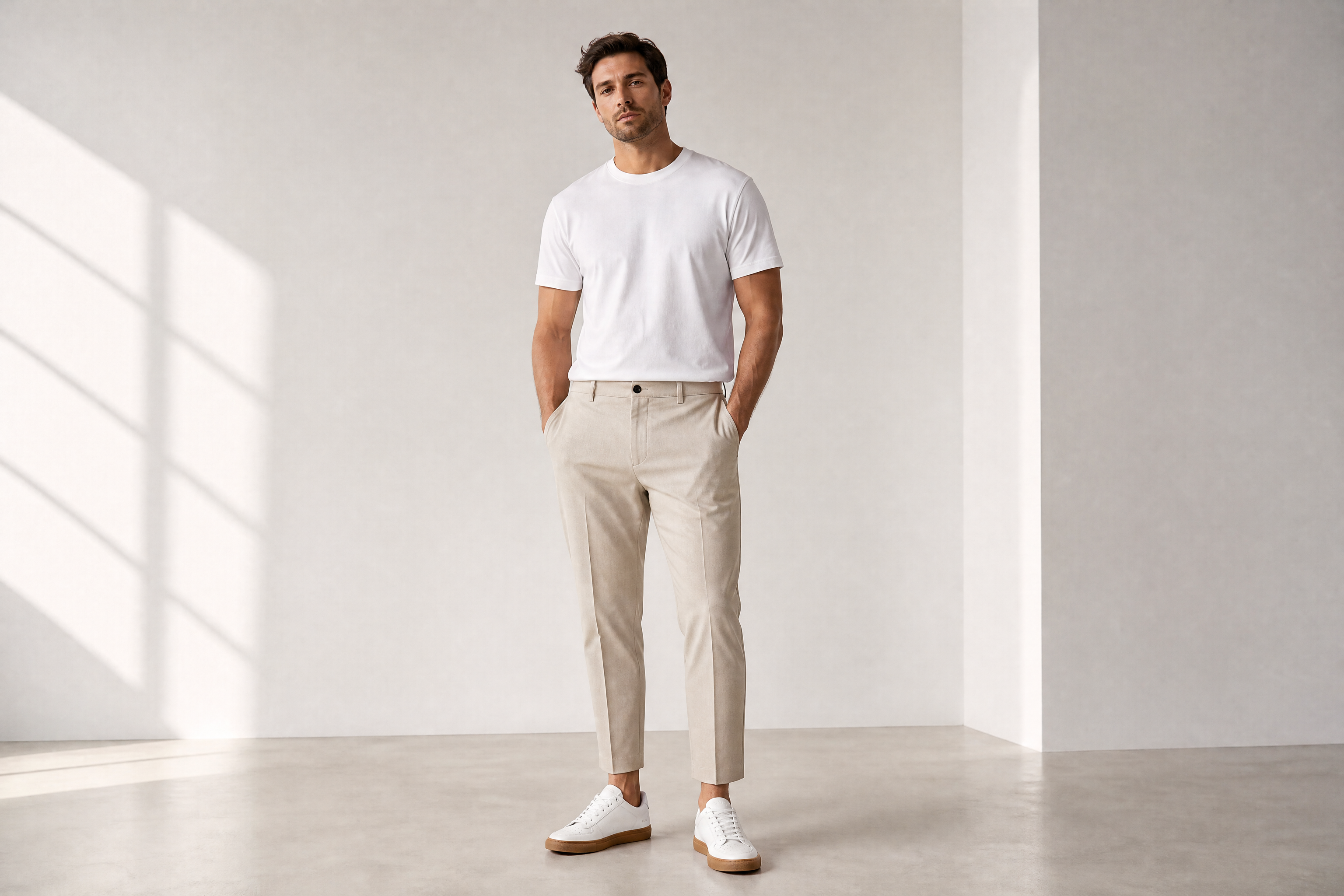
Watch the Transformation
See ai shoe model generator in motion — generated end-to-end by our AI.
See It In Action
Real outputs from ai shoe model generator.
BEFOREAFTER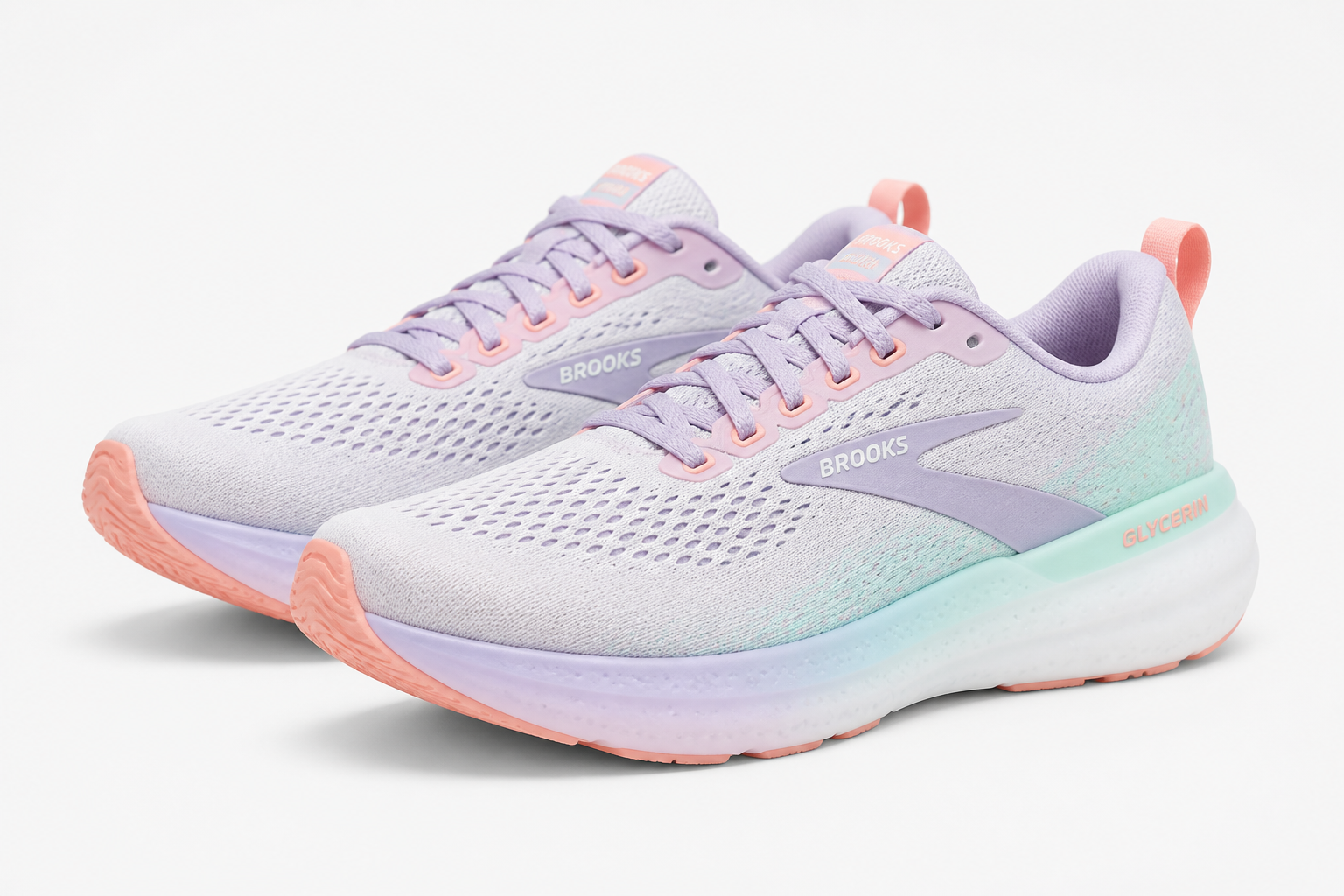 BEFORE
 AFTER
AFTER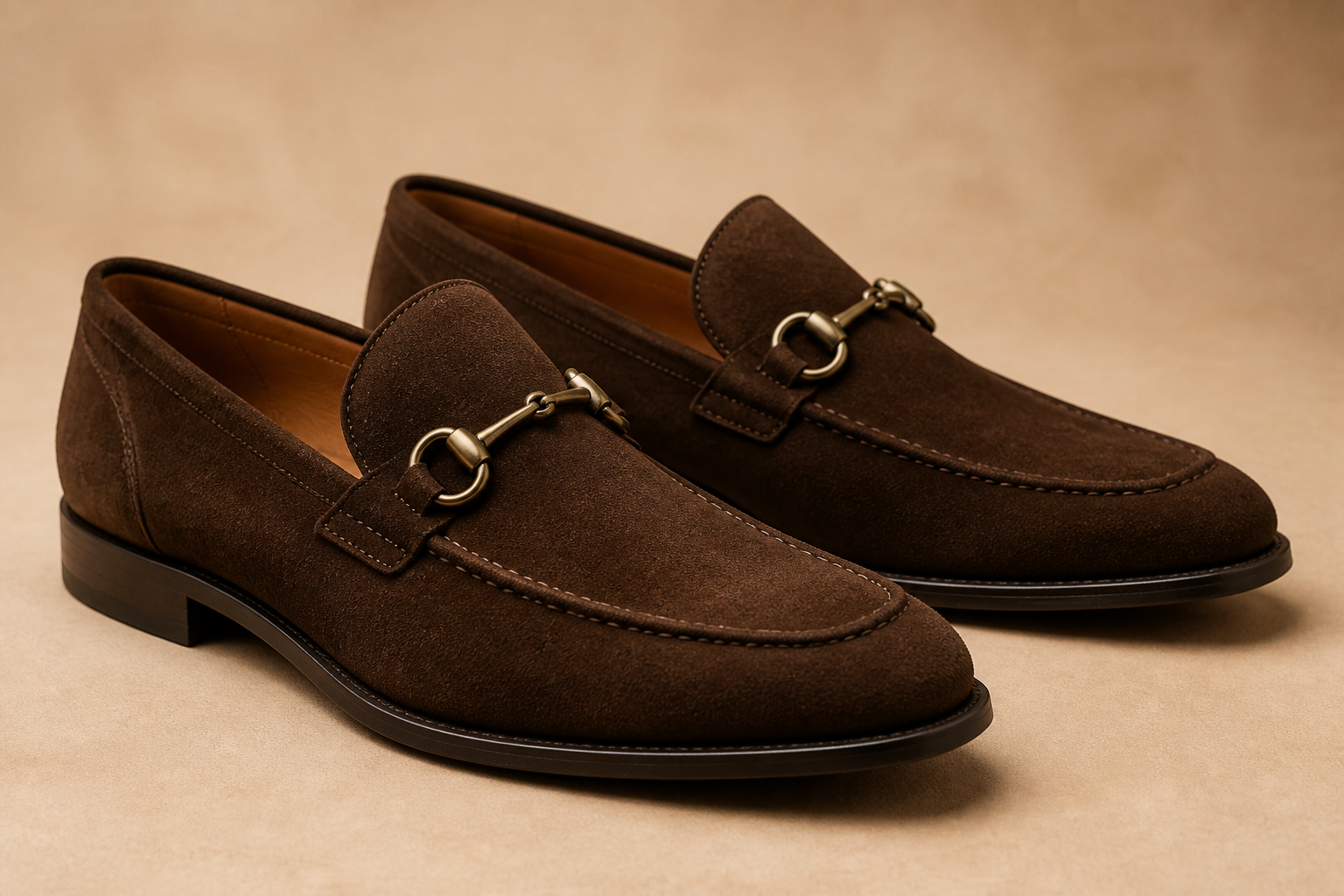 BEFORE
 AFTER
AFTER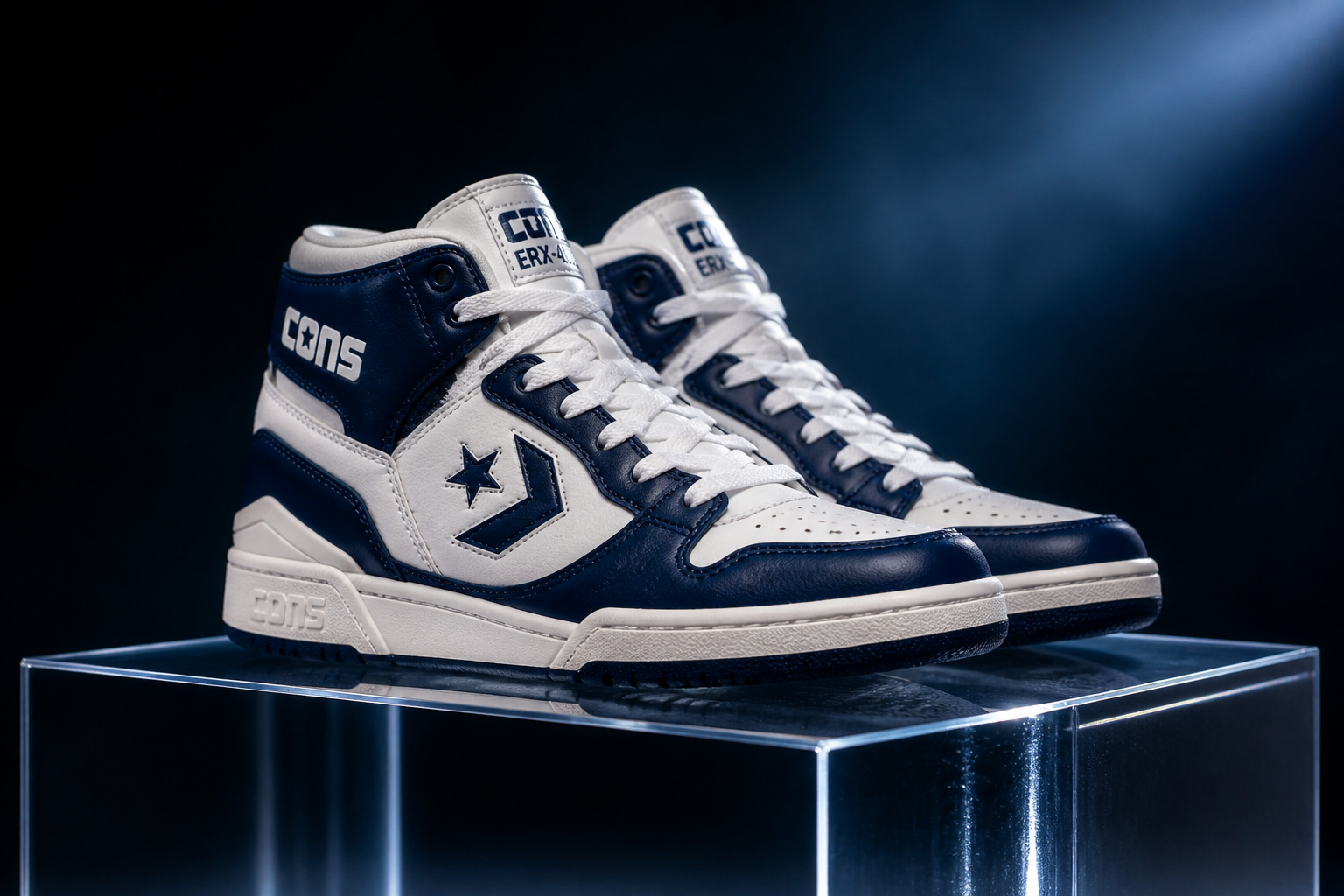 BEFORE
 AFTER
AFTER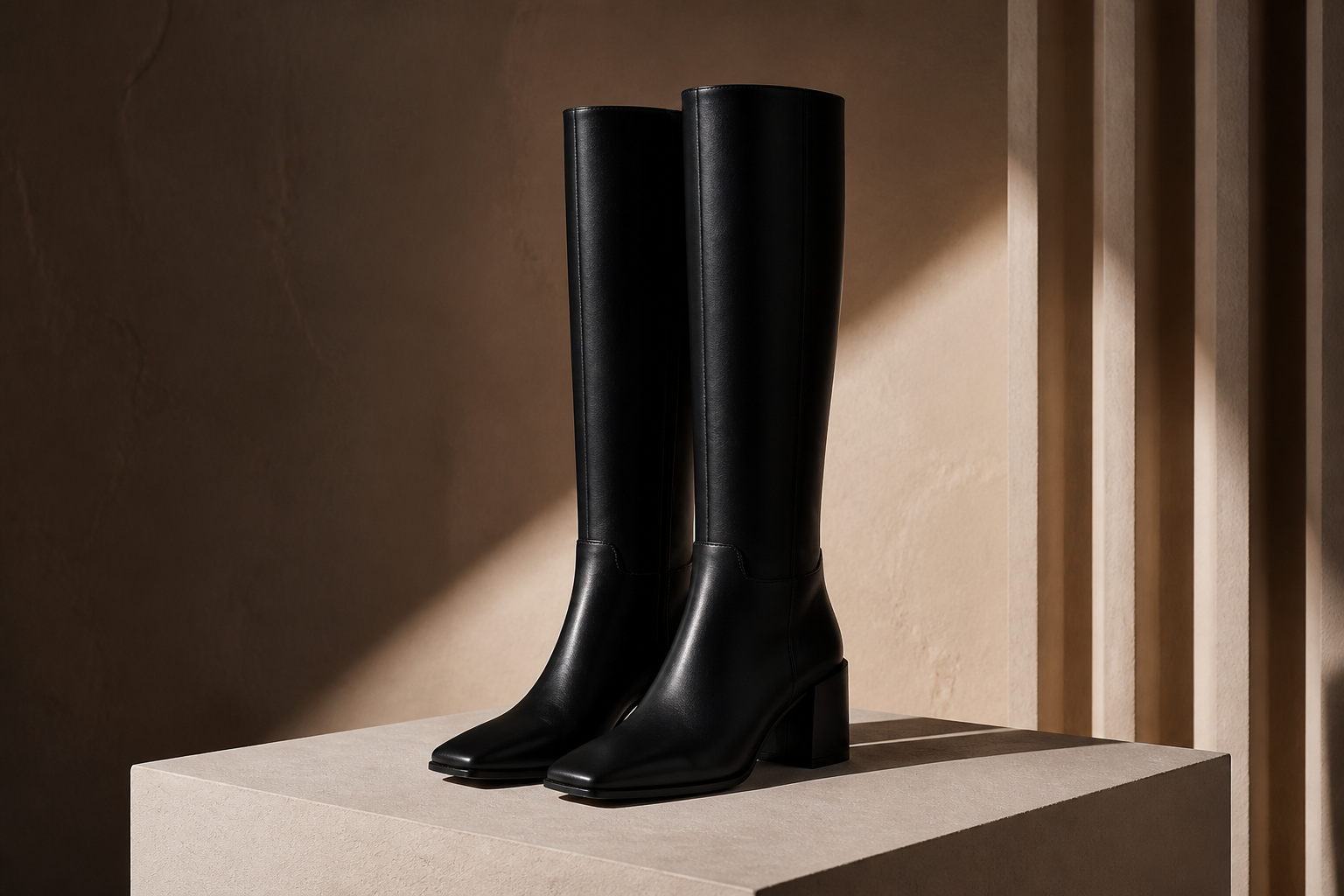 BEFORE
 AFTERBEFOREAFTERBEFOREAFTERBEFOREAFTERBEFOREAFTERBEFOREAFTER
 BEFORE
 AFTER
AFTER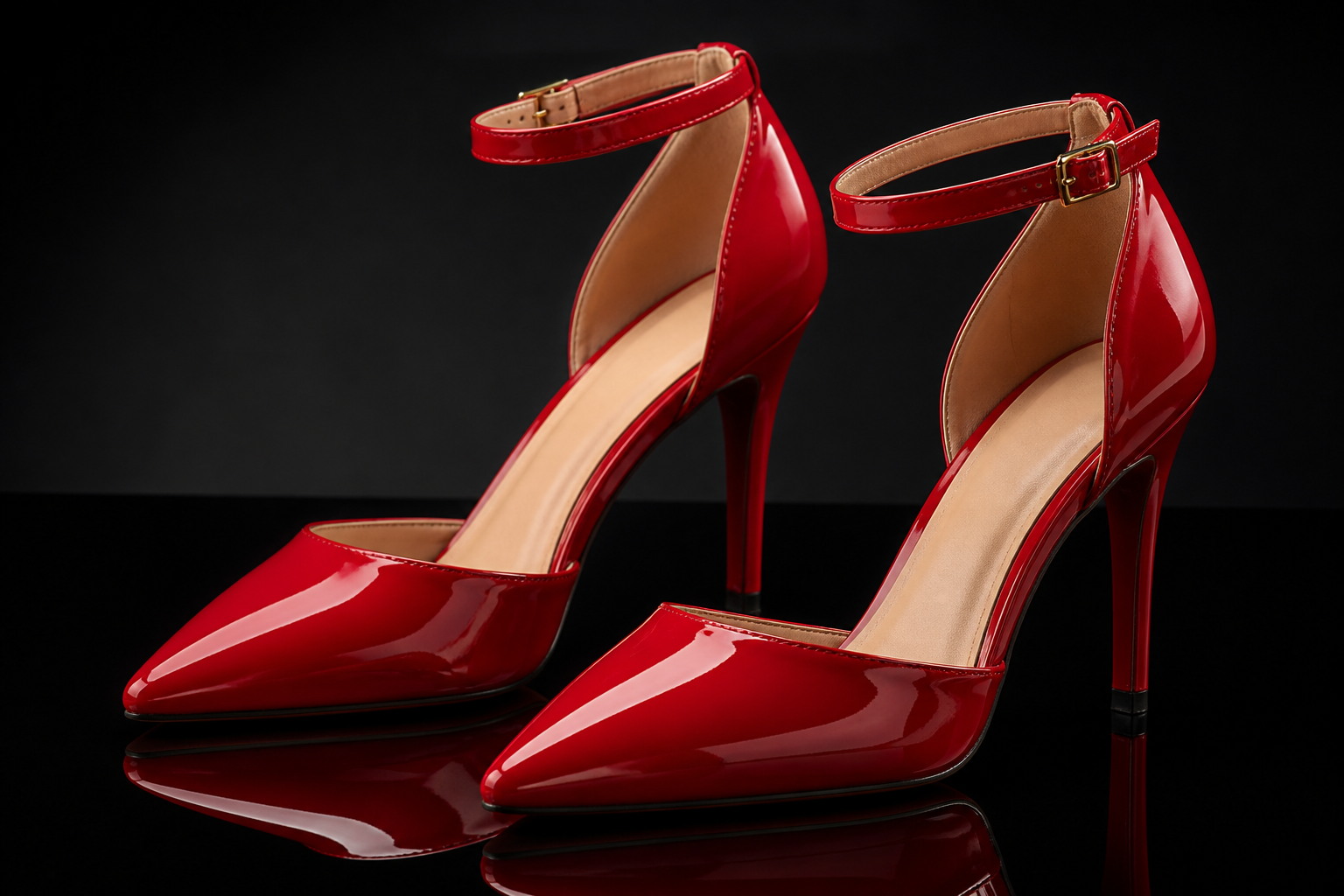 BEFORE
 AFTER
AFTER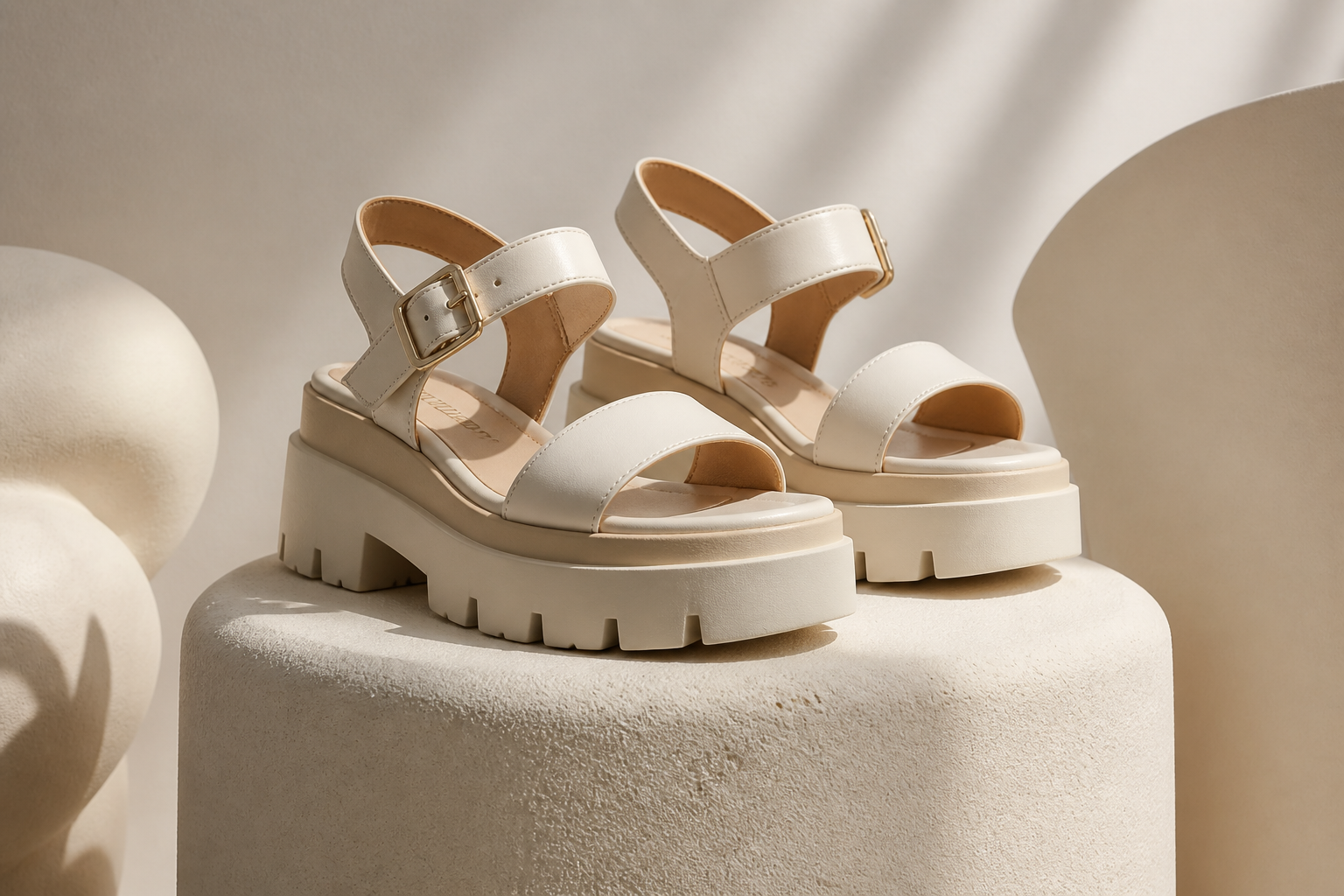 BEFORE
 AFTER
AFTER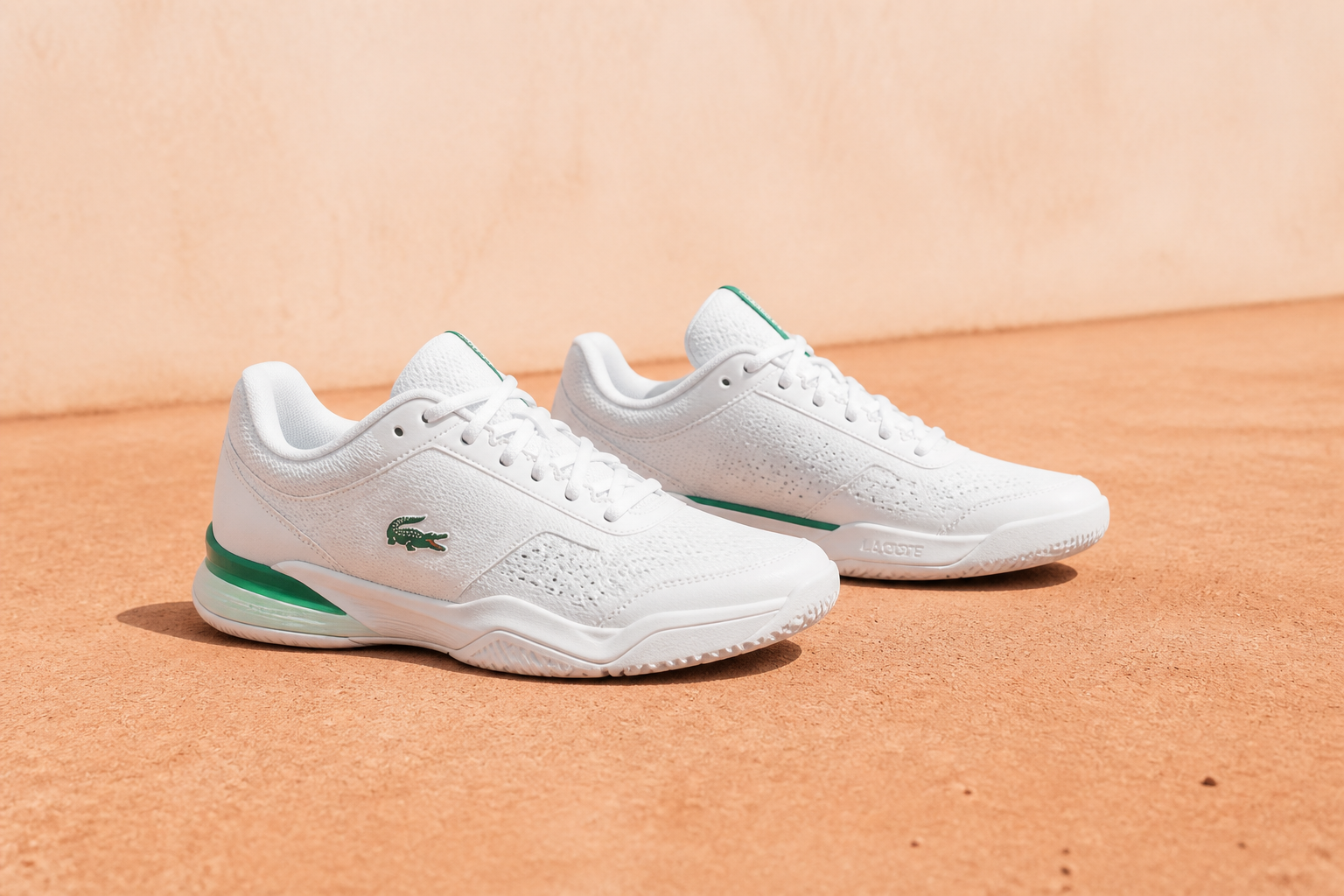 BEFORE
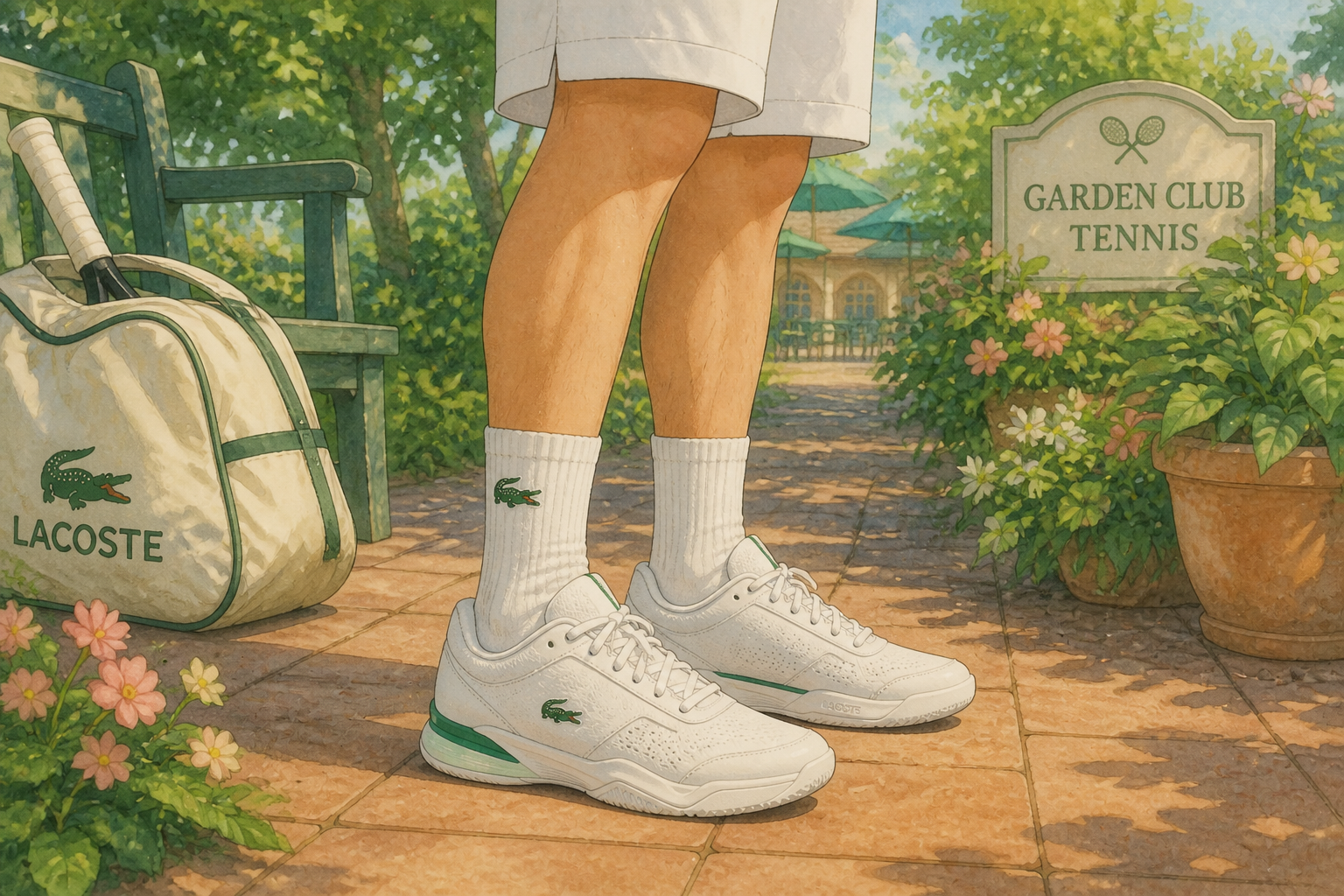 AFTER
AFTER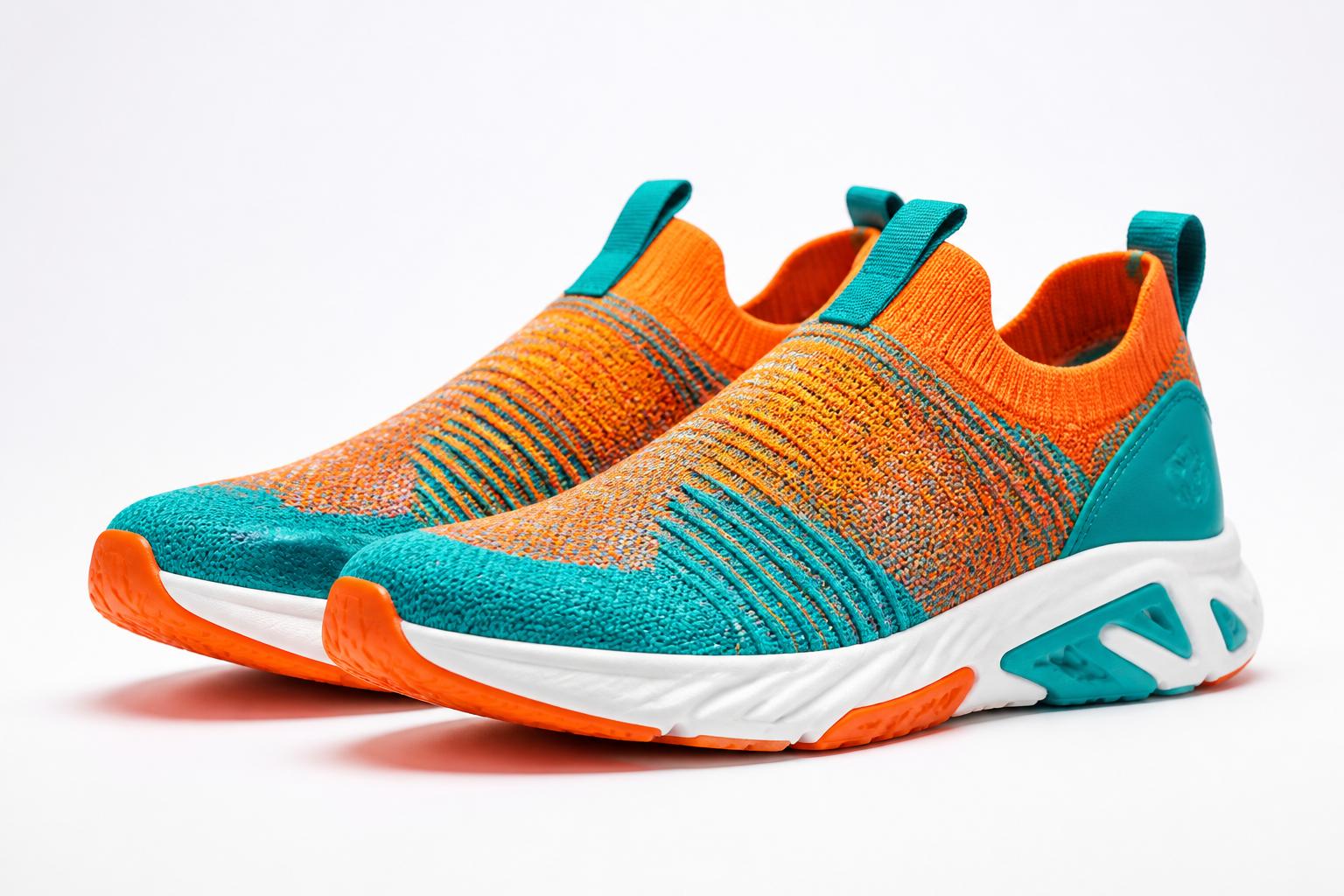 BEFORE
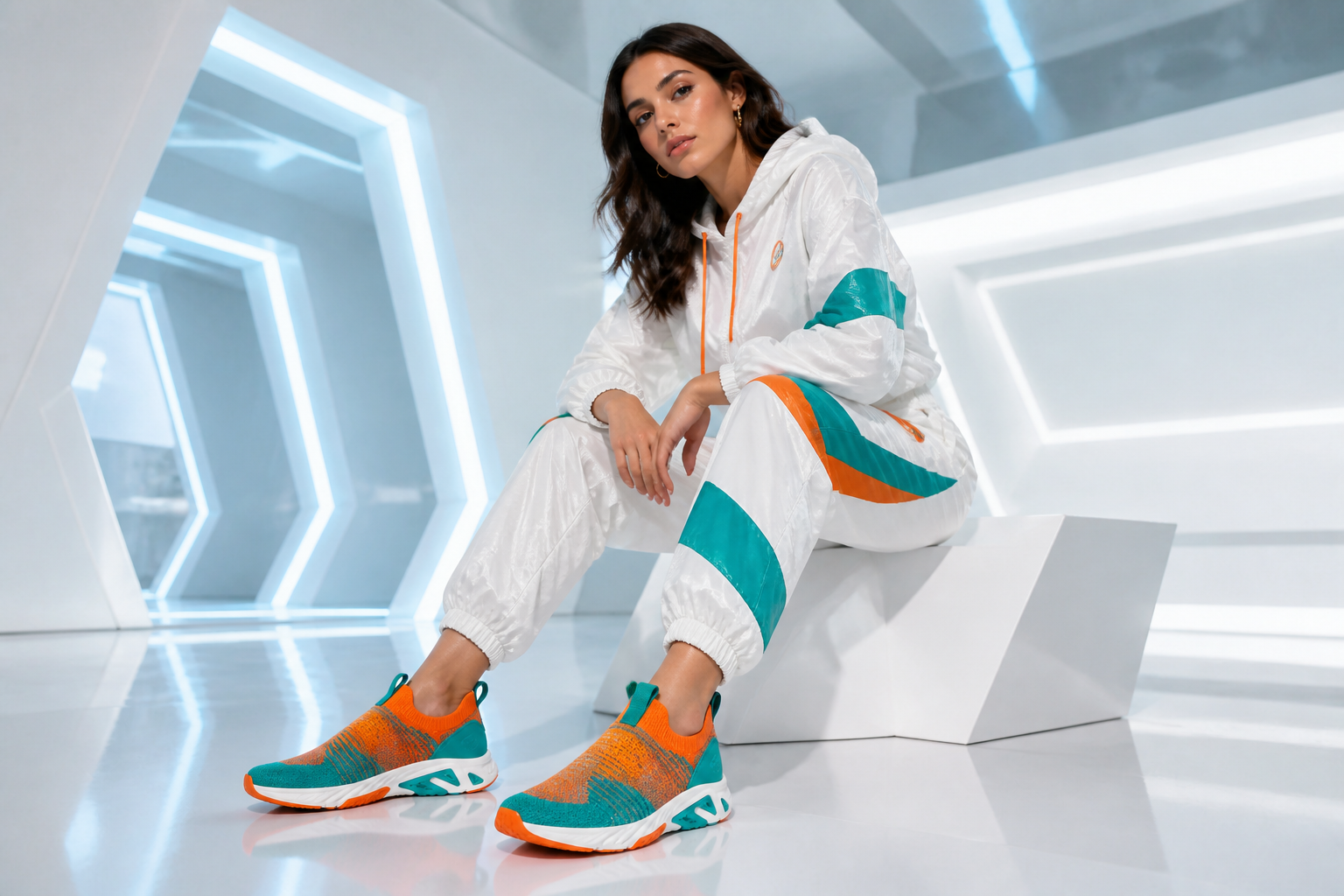 AFTERBEFOREAFTERBEFOREAFTERBEFOREAFTERBEFOREAFTERBEFOREAFTER
Key Features
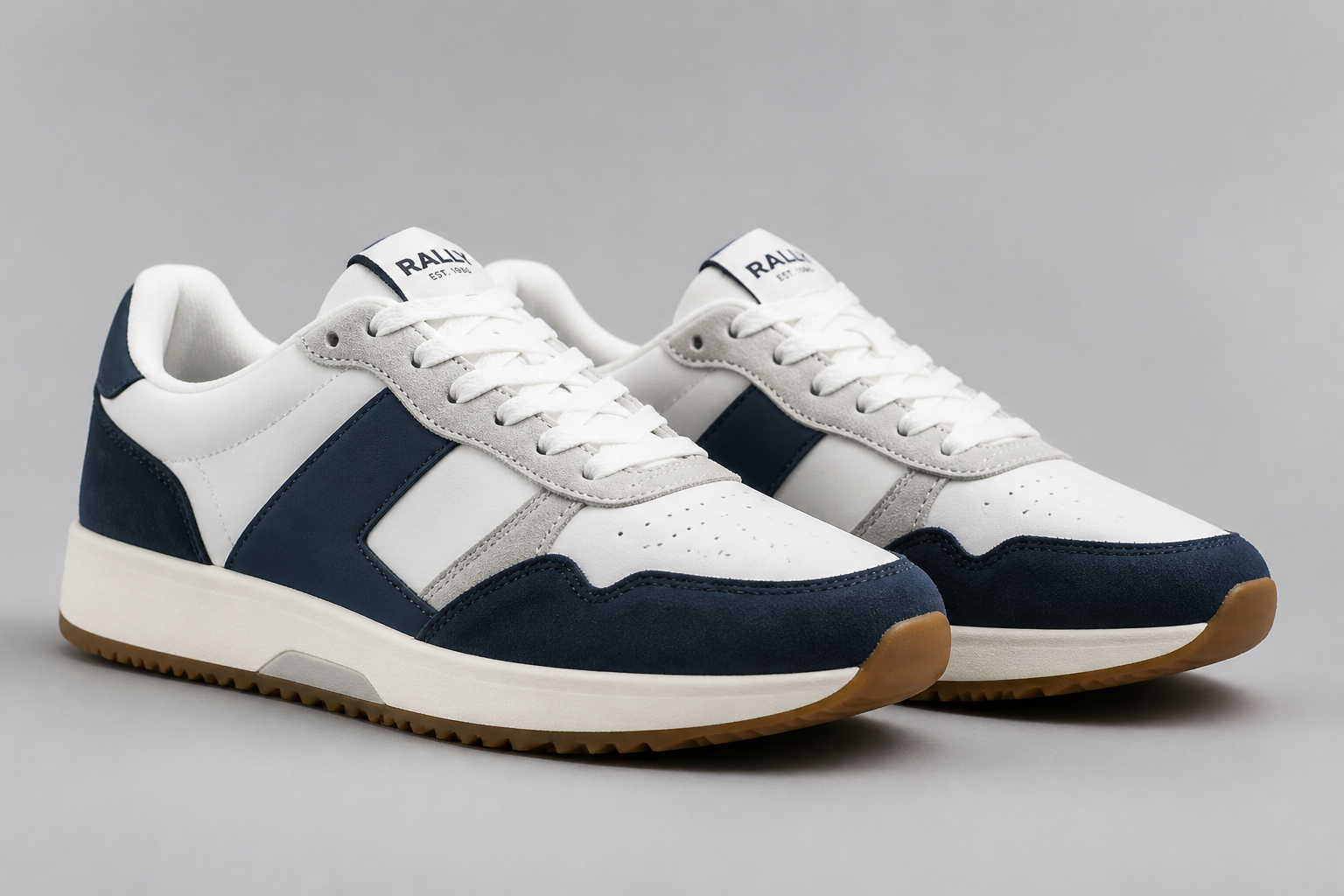
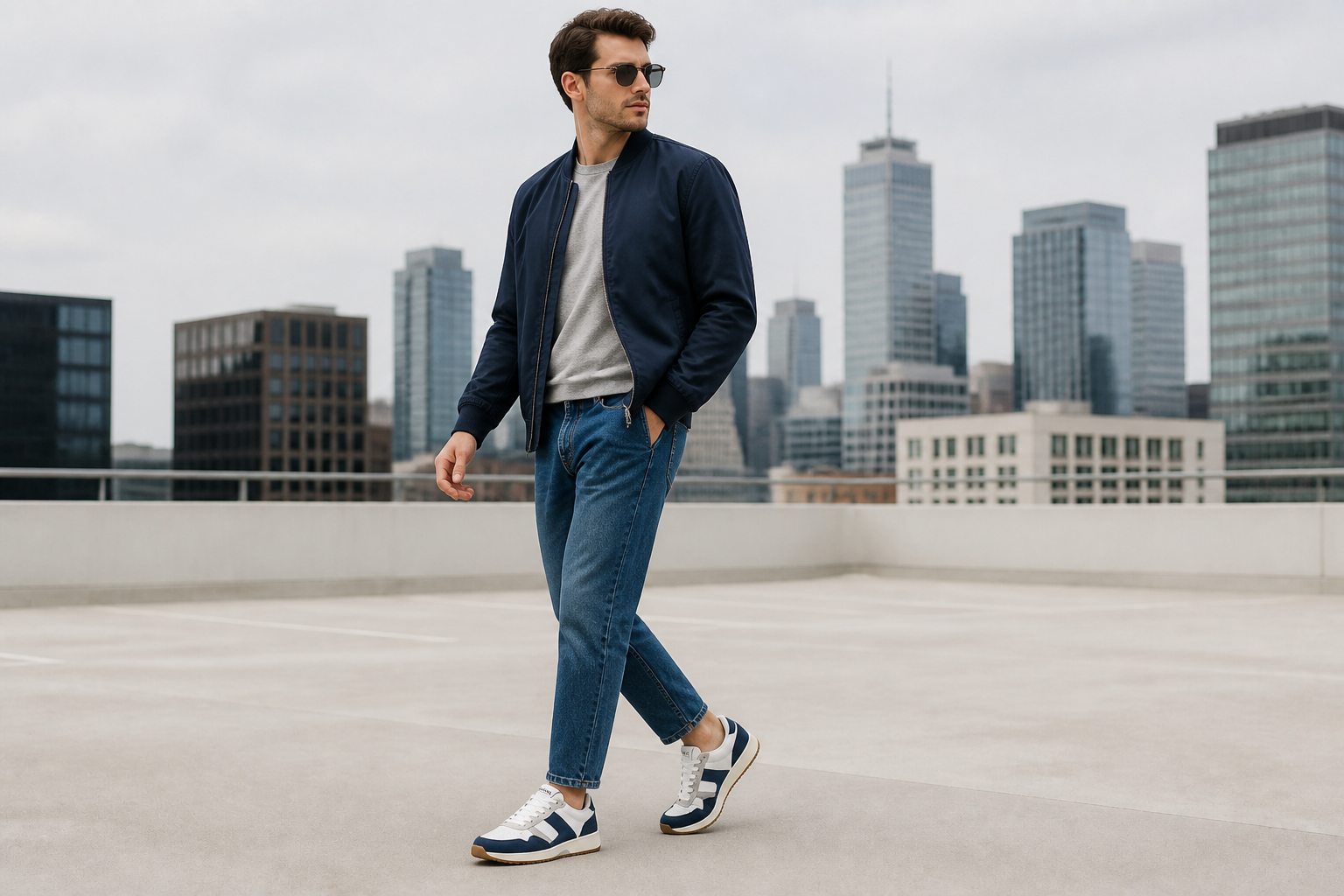
Keep the shoe design accurate
The goal is not to invent a different shoe. Our AI keeps the shape, colors, materials, and visible construction details readable while placing the product on a model. That matters for catalog consistency and ad approval, where buyers need to trust what they see. It saves time compared with manual compositing, masking, and perspective correction.
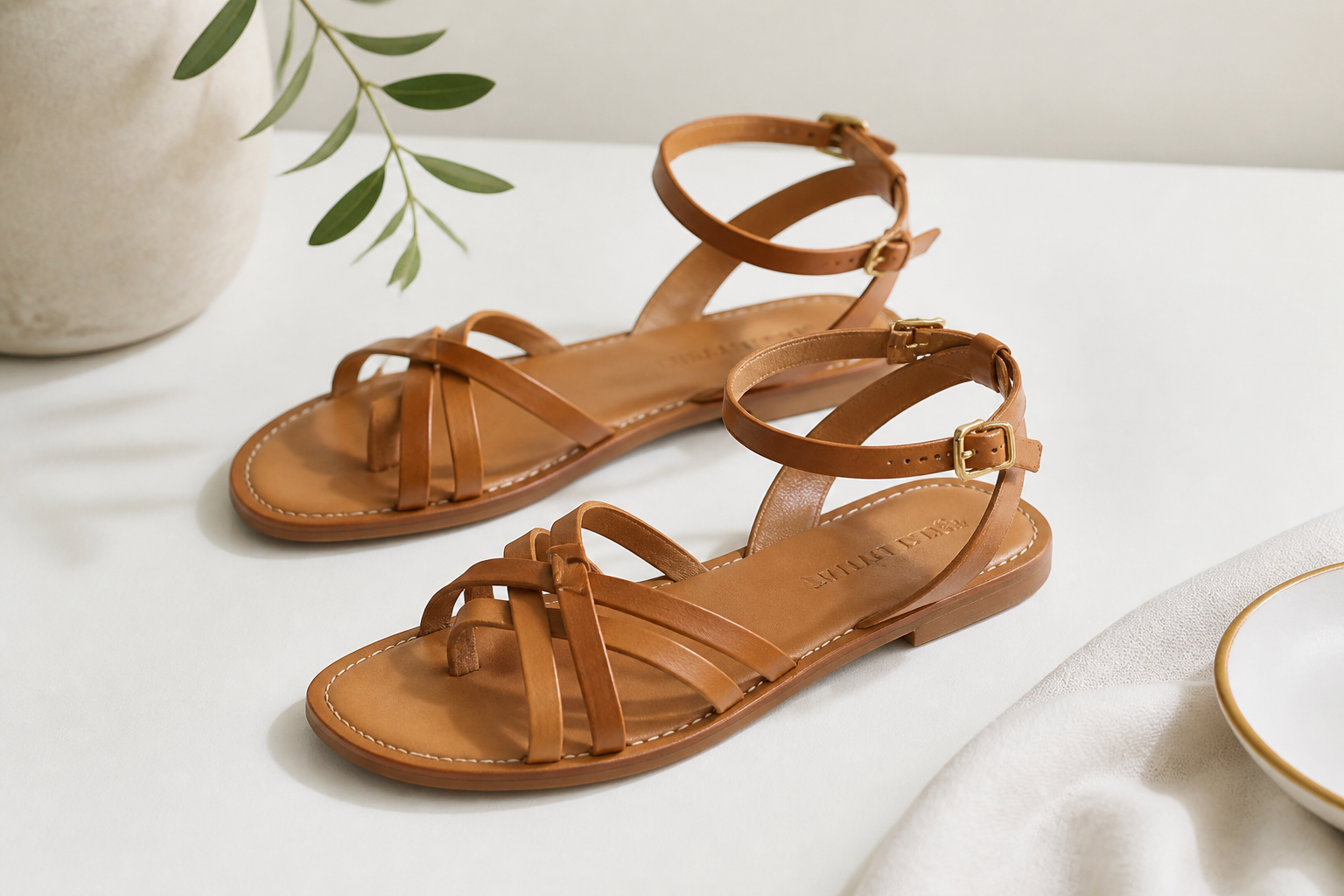
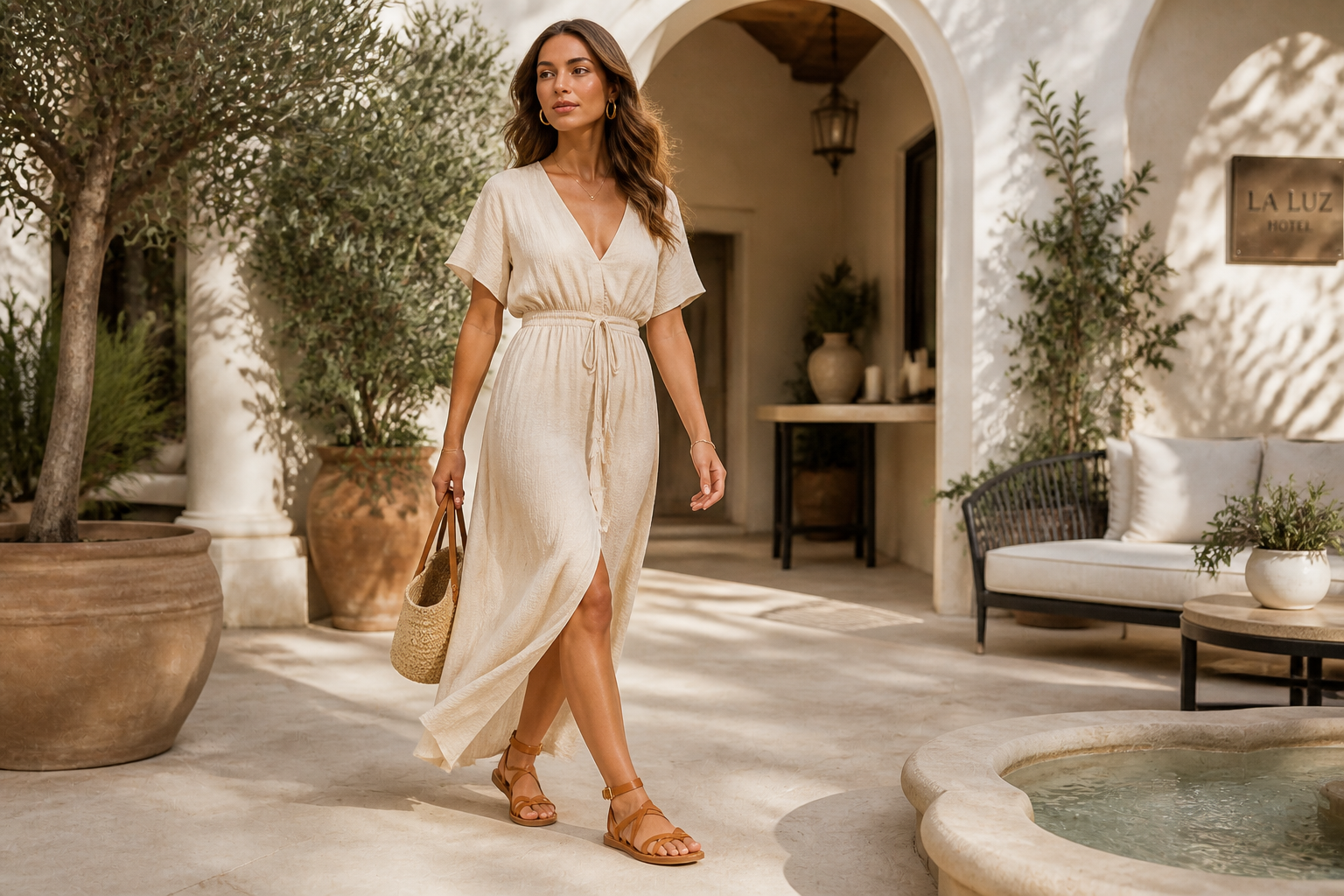
Create full campaign scenes
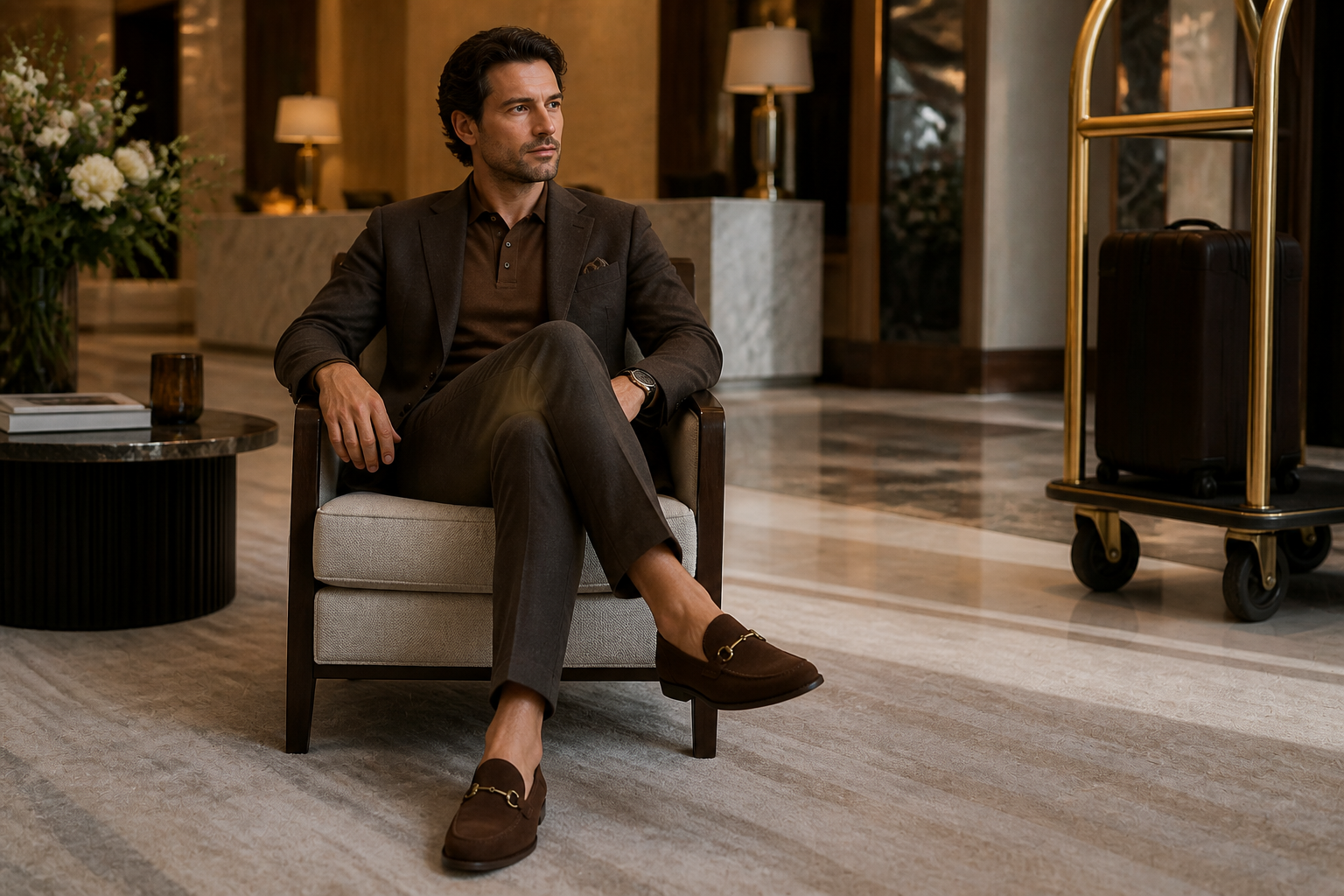
A plain product shot can become a polished editorial image with setting, wardrobe, and mood. You can move from a blank backdrop to a street, studio, hotel, or resort look without planning a full production. This makes it easier to test creative directions for ads, landing pages, and social posts. It also gives smaller brands access to visuals that would normally require a crew.
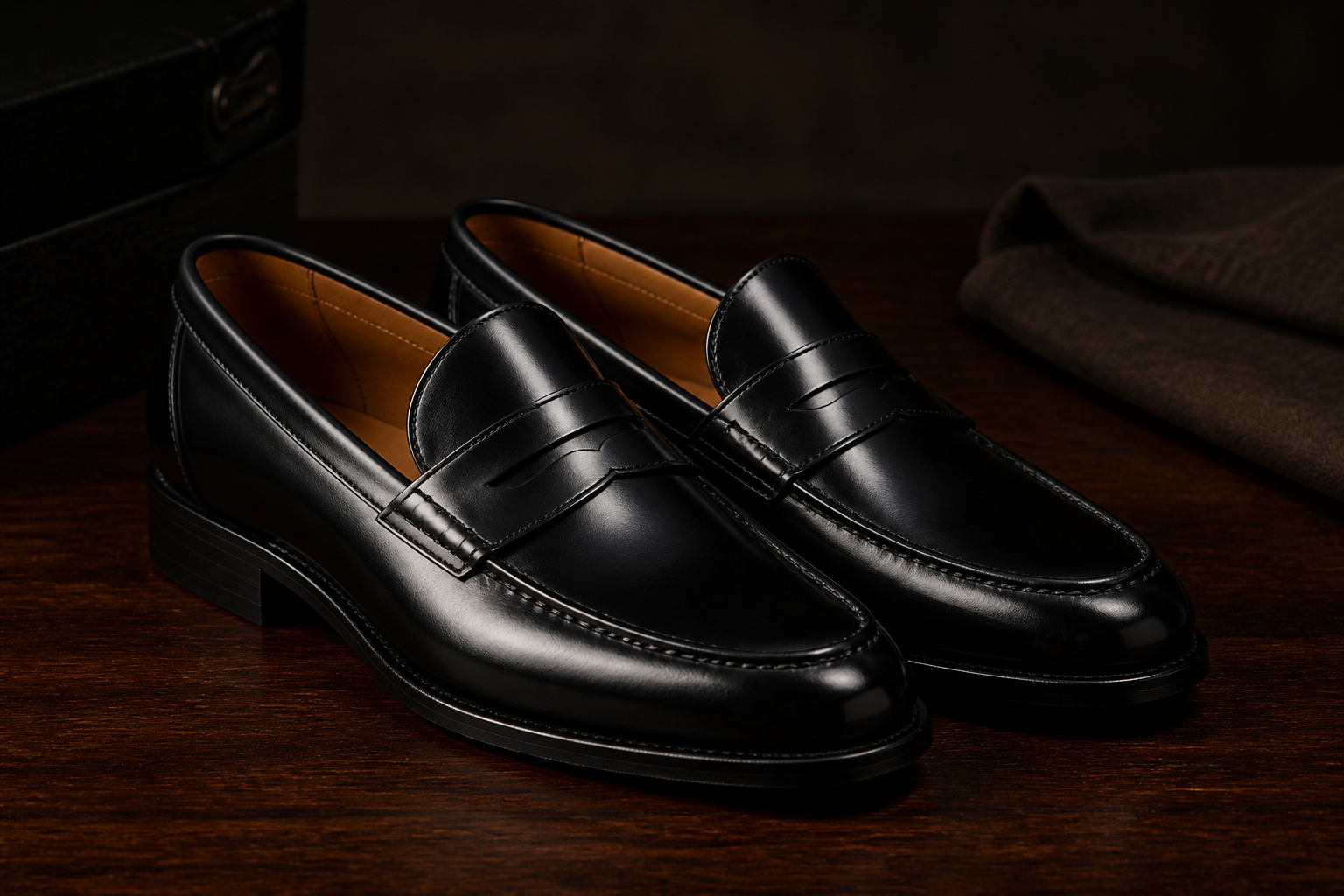
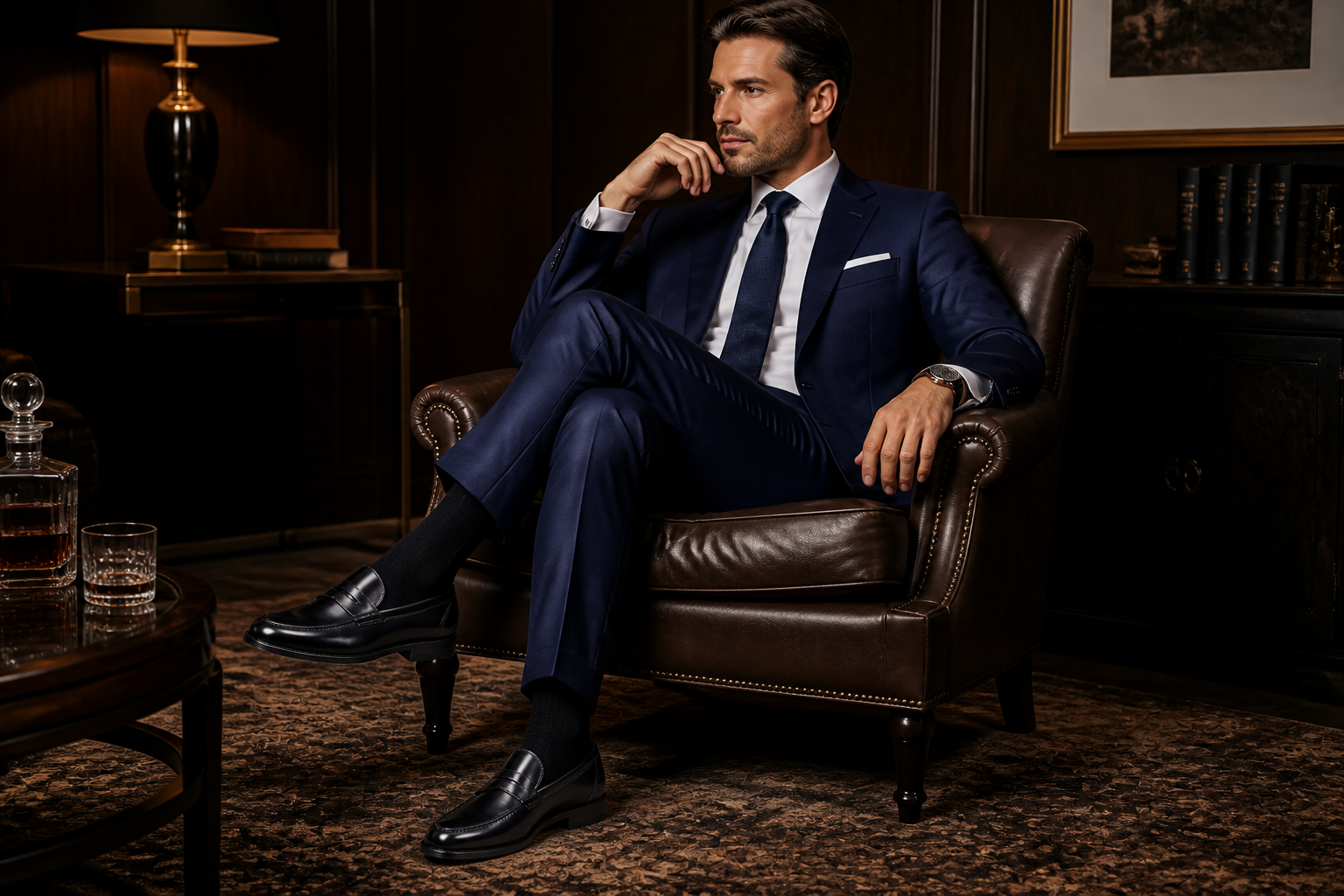
Show many shoe categories
Sneakers, heels, boots, loafers, and sandals need different styling to feel believable. Our AI can adapt the model, wardrobe, and scene to match the product type while keeping the footwear as the focus. That helps teams build broader collections without shooting every category separately. You get more usable variation from the same workflow.
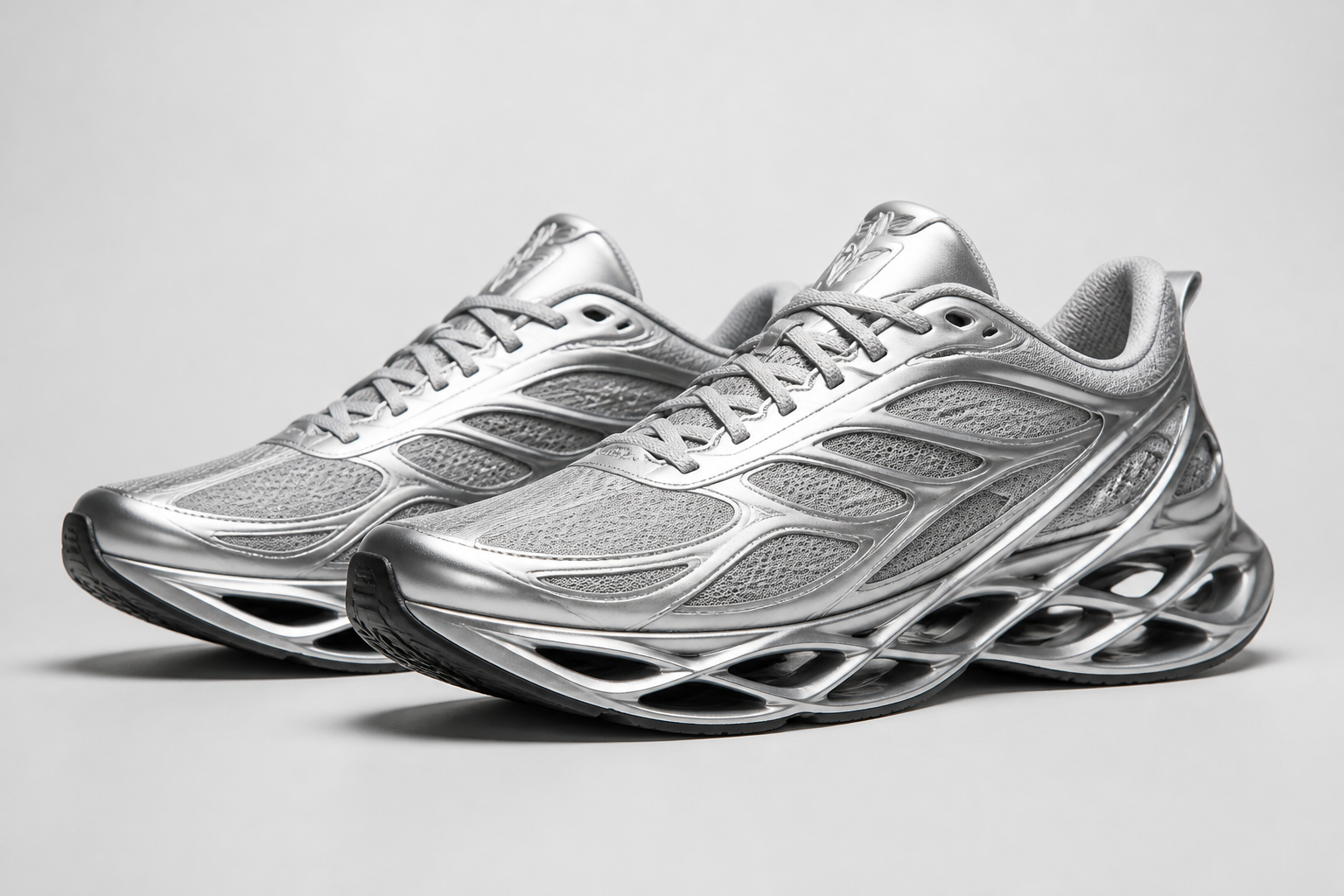
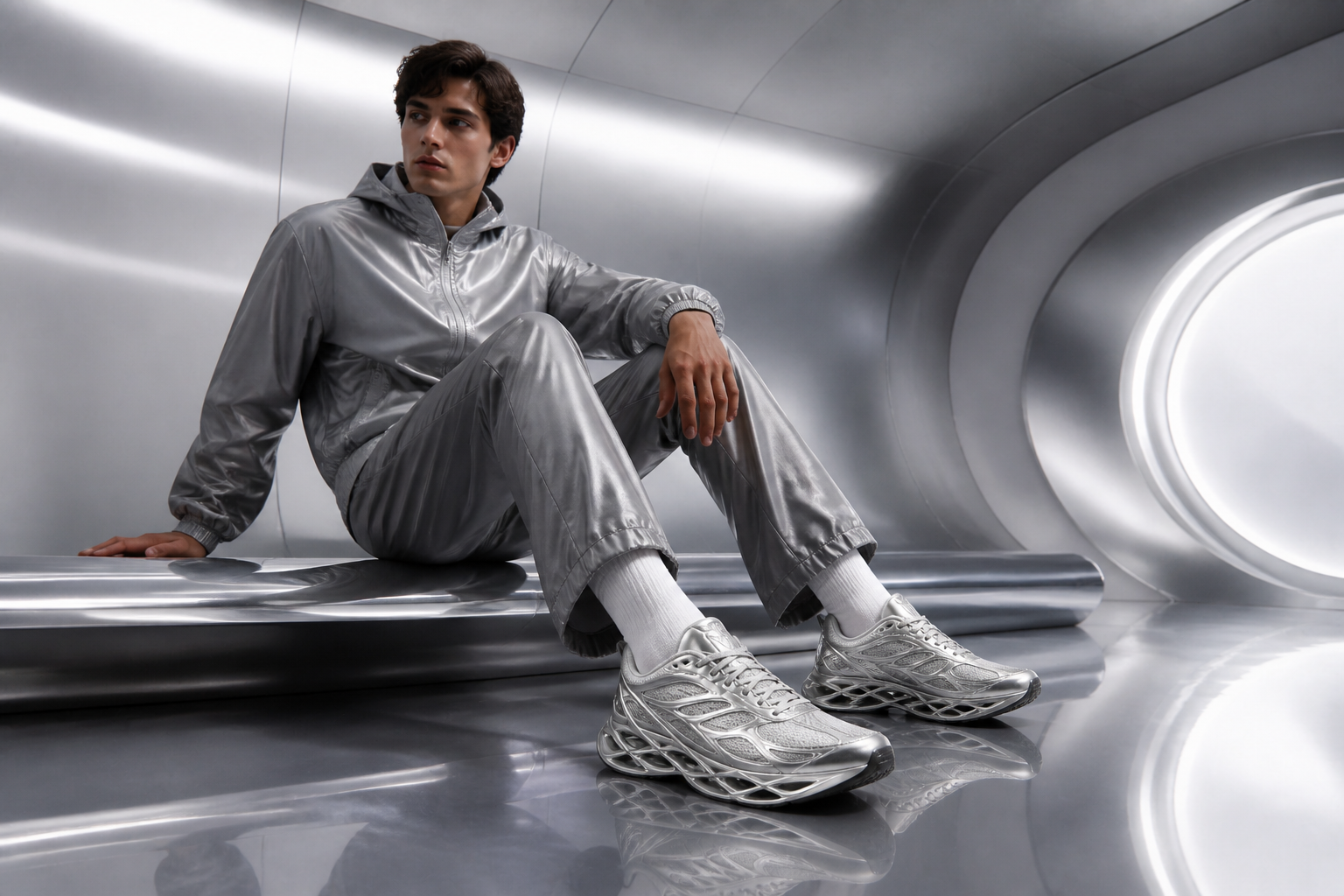
Explore styled visual variants
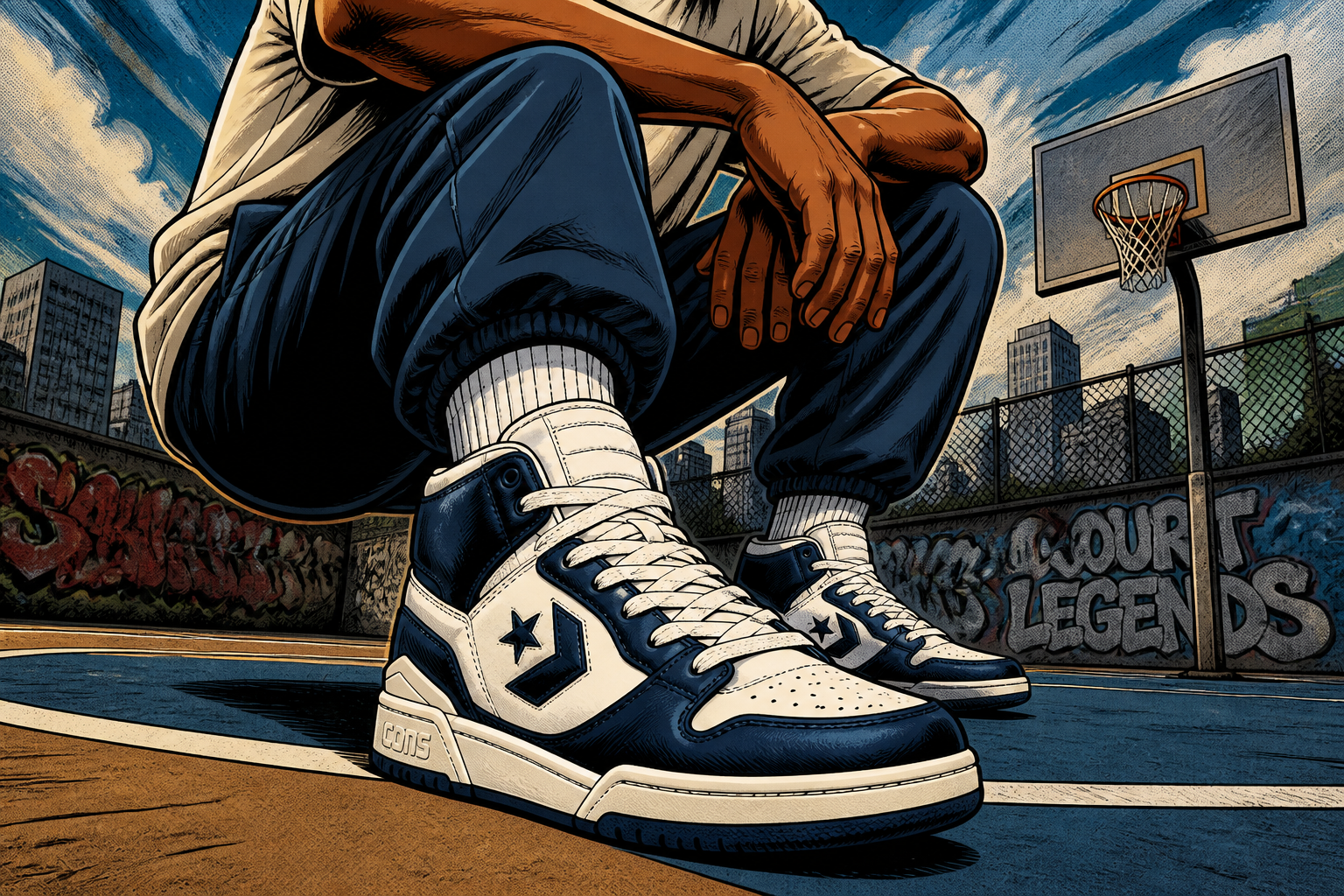
Not every asset needs to look like a standard store photo. You can turn the same shoe into comic, watercolor, or glossy 3D campaign art for paid social, seasonal drops, or moodboards. That range is hard to produce quickly with manual editing because each style needs separate design work. Here, you can test distinct looks from the same starting image.
How It Works
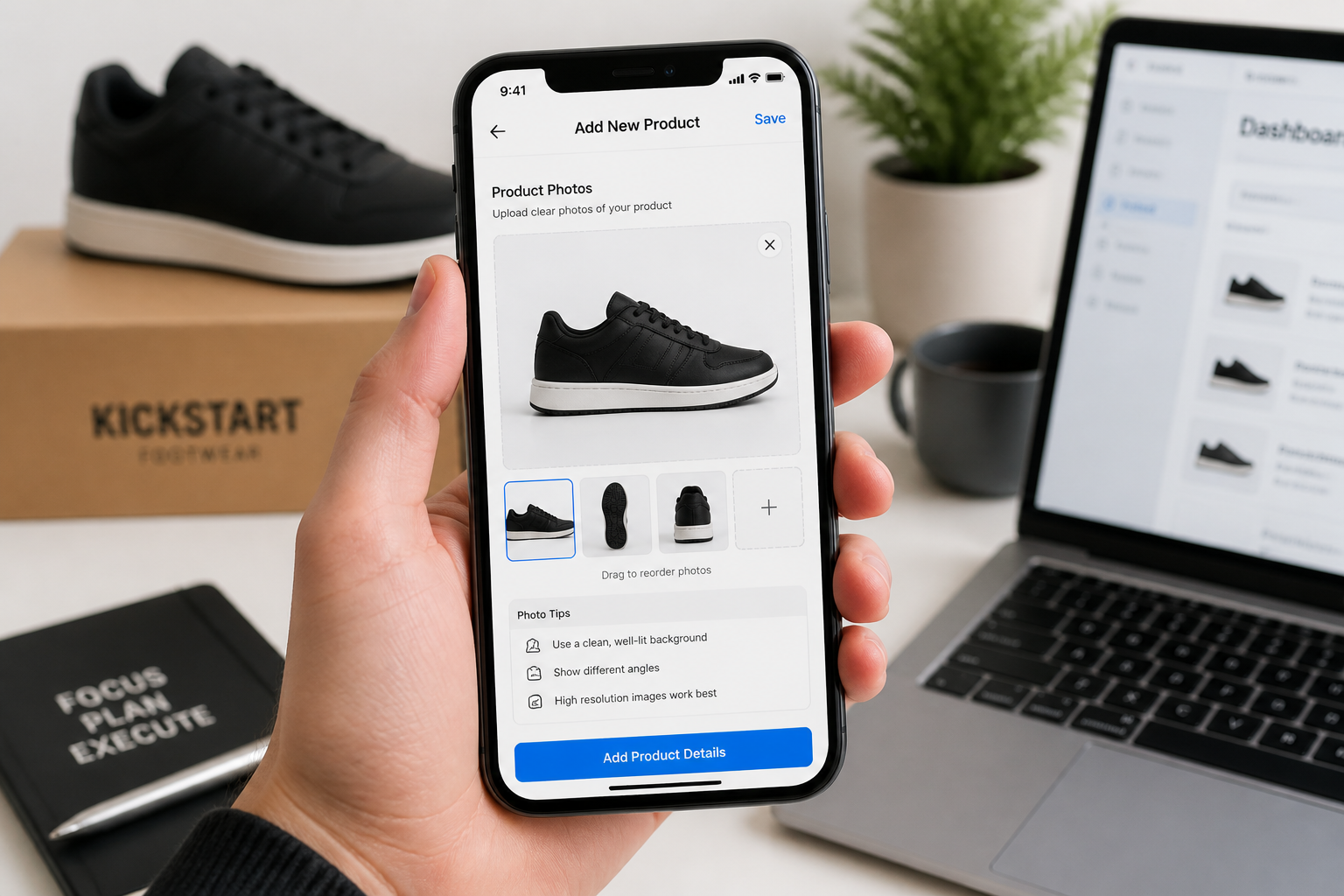
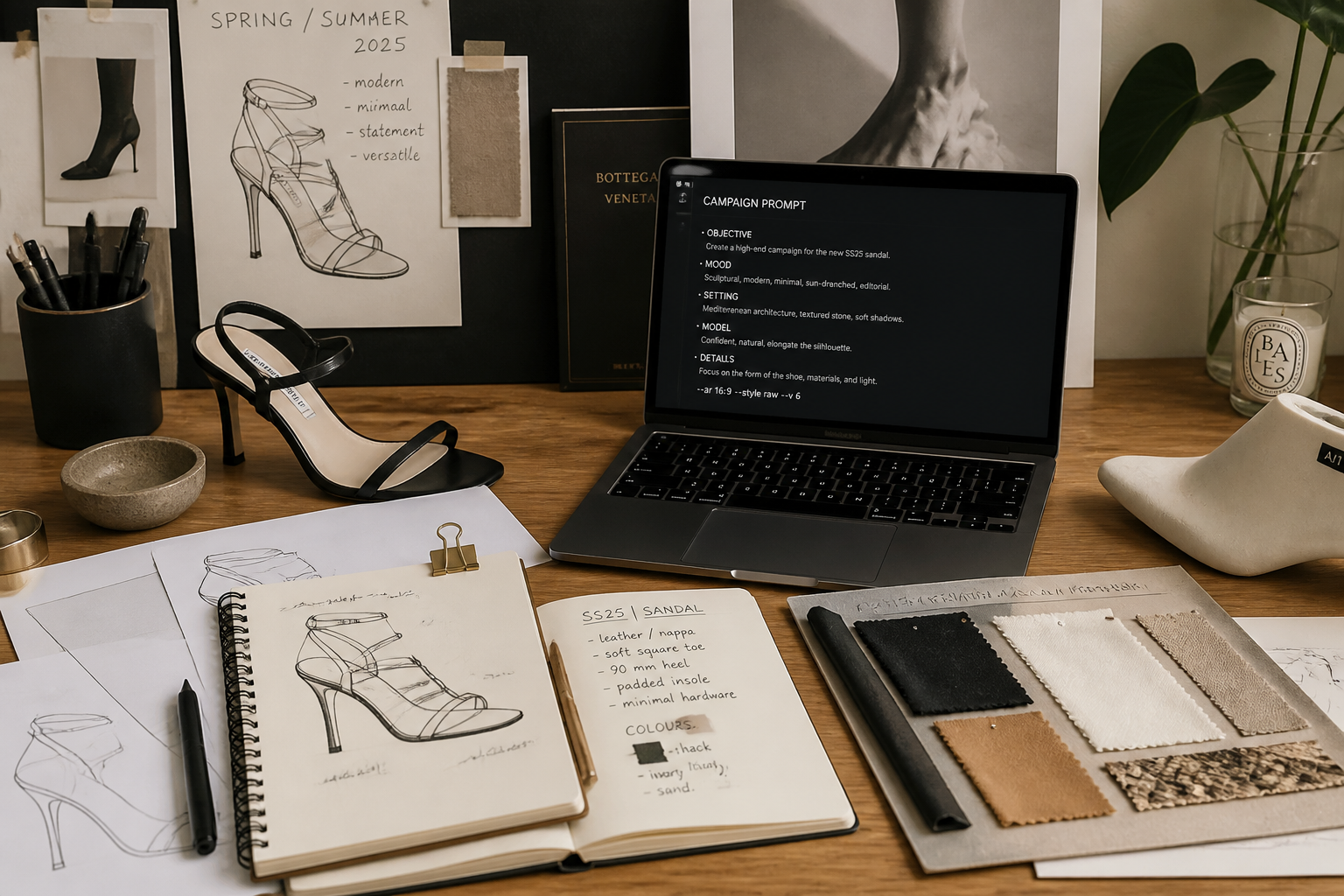
Upload your shoe image
Start with a clean product photo or catalog image of the shoe. Clear angles, good lighting, and visible details usually give the best on-model result.
Describe the model shot
Tell the AI what kind of model, outfit, and setting you want. You can keep it simple, like streetwear studio, luxury evening, or sporty outdoor campaign.
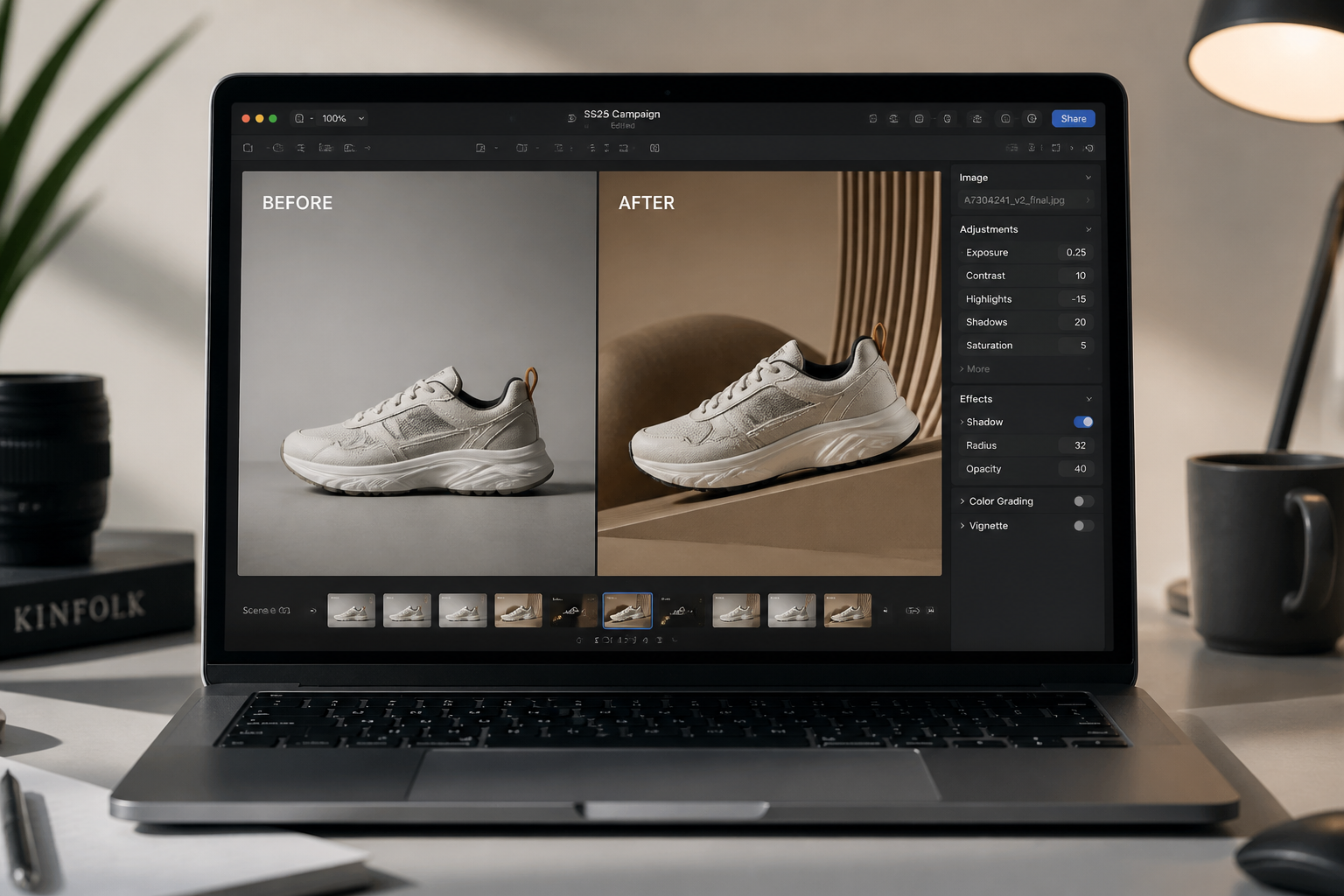
Review and refine
Compare the result, then adjust the scene, styling, or pose direction if needed. Generate multiple options to find the best image for ads, product pages, or social.
Perfect For
Discover how creators and professionals use ai shoe model generator
Ecommerce product pages
Turn isolated shoe shots into on-model lifestyle images that help shoppers understand scale, styling, and use.
Paid social creatives
Make fast variations for ads without booking separate shoots for each audience, colorway, or season.
Lookbooks and launches
Build campaign-style visuals for new drops, seasonal edits, and email features from existing product imagery.
Marketplace listings
Create cleaner branded visuals for listings that need stronger presentation than a plain packshot alone.
Built For
Footwear brands
Create more campaign and catalog assets from the product images you already have.
Creative teams and agencies
Mock up concepts quickly before committing budget to a full production.
Online sellers
Upgrade store and marketplace visuals when traditional model photography is too slow or expensive.
Why teams use this for shoe visuals
A quick look at how we compare on the things that matter for this niche.
| Feature | BudgetPixel | Generic AI editors | Manual photoshoots |
|---|---|---|---|
| On-model shoe visuals | ✓ | ✓ | ✓ |
| Fast concept variation | ✓ | ✓ | — |
| Keeps product-focused framing | ✓ | — | ✓ |
| No studio booking needed | ✓ | ✓ | — |
| Useful from existing product shots | ✓ | ✓ | — |
Frequently Asked Questions
What kind of shoe images work best?
Can it keep the exact shoe design?
Can I generate different types of model shots?
Is this useful for ecommerce stores?
Do I need editing skills to use it?
Create together.
Share your creations, discover trending AI art, and grow with fellow creators.