AI Villain Generator
Turn ordinary portraits into dark, cinematic villain looks.
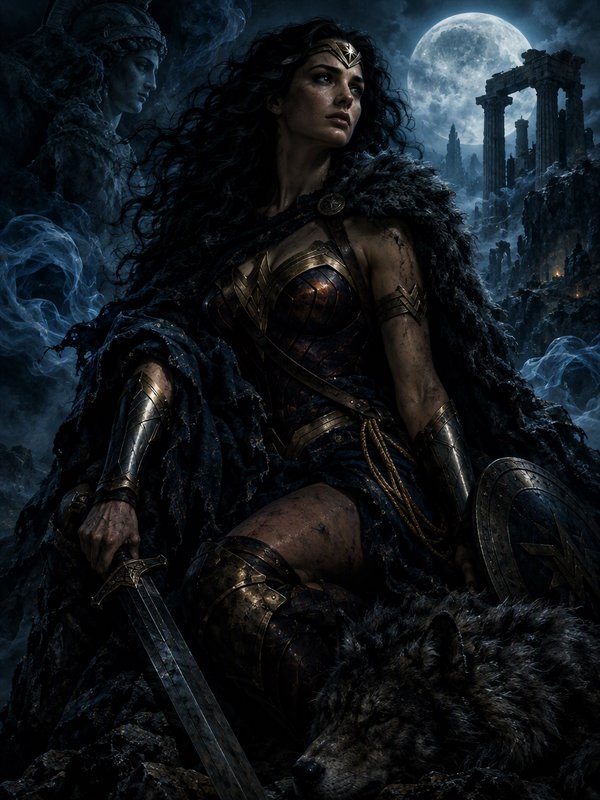
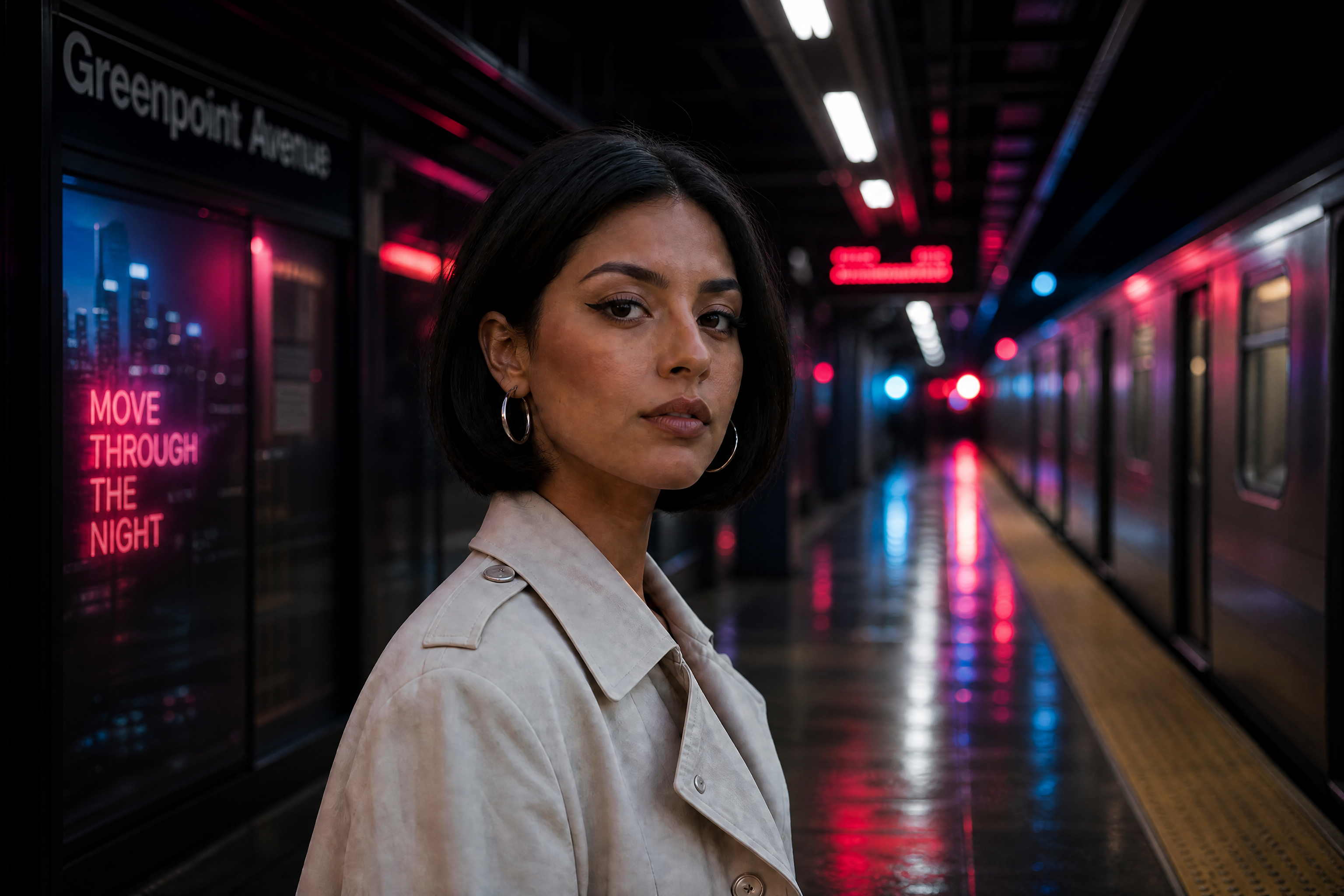
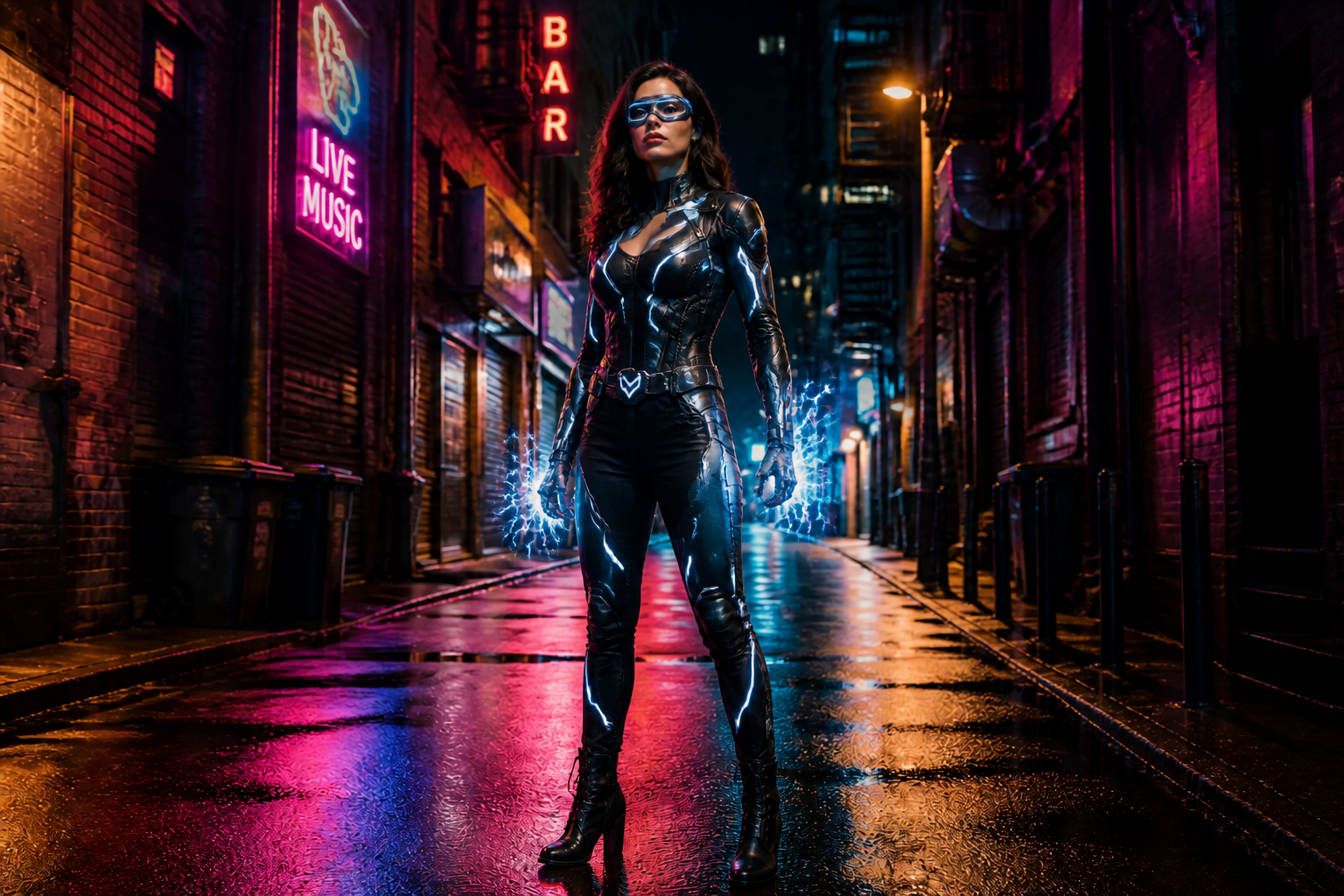
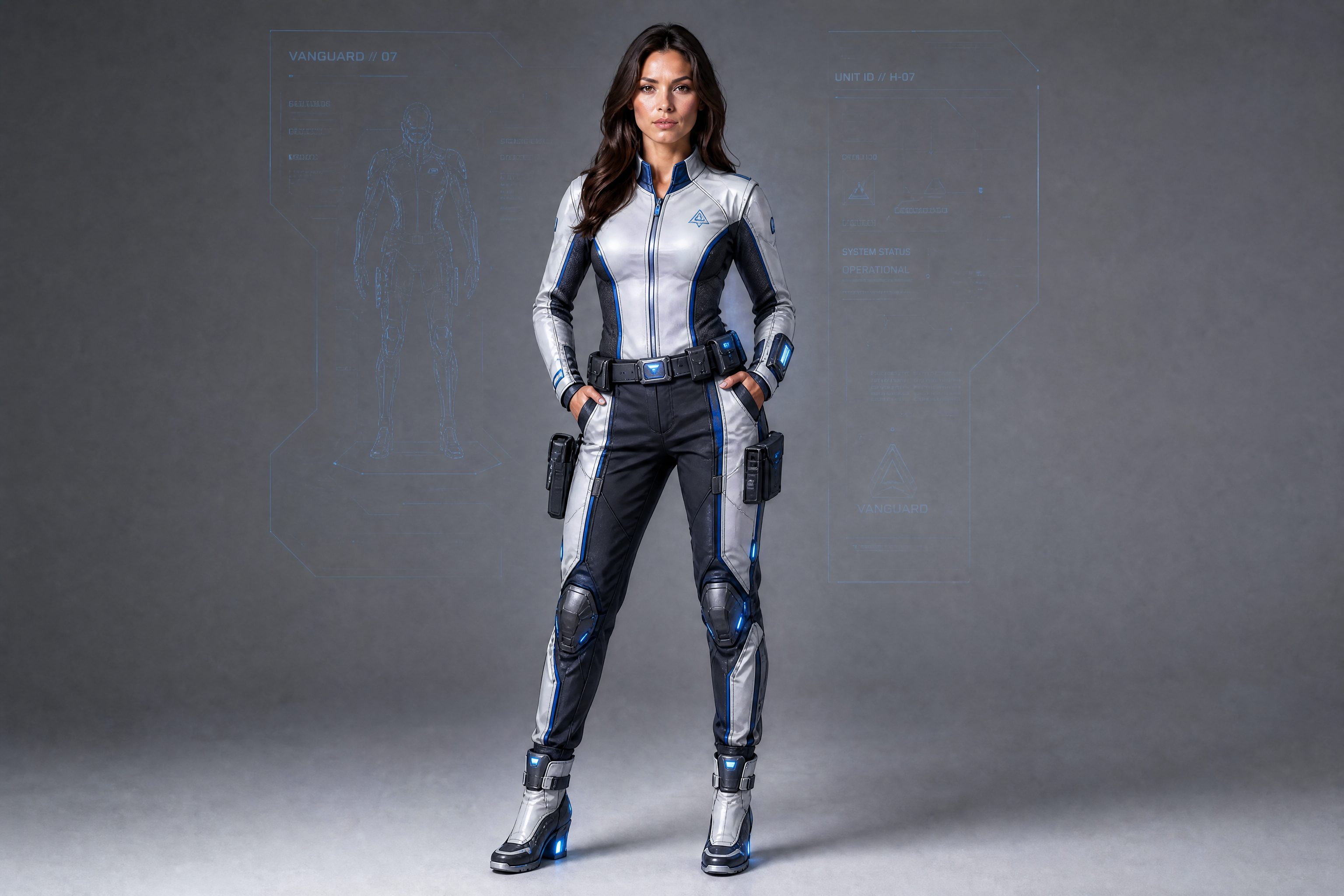
Upload a photo and transform it into a striking villain character while keeping the pose and core identity intact. Create realistic dark makeovers, stylized comic-book antagonists, or fantasy-inspired looks with a single edit prompt.
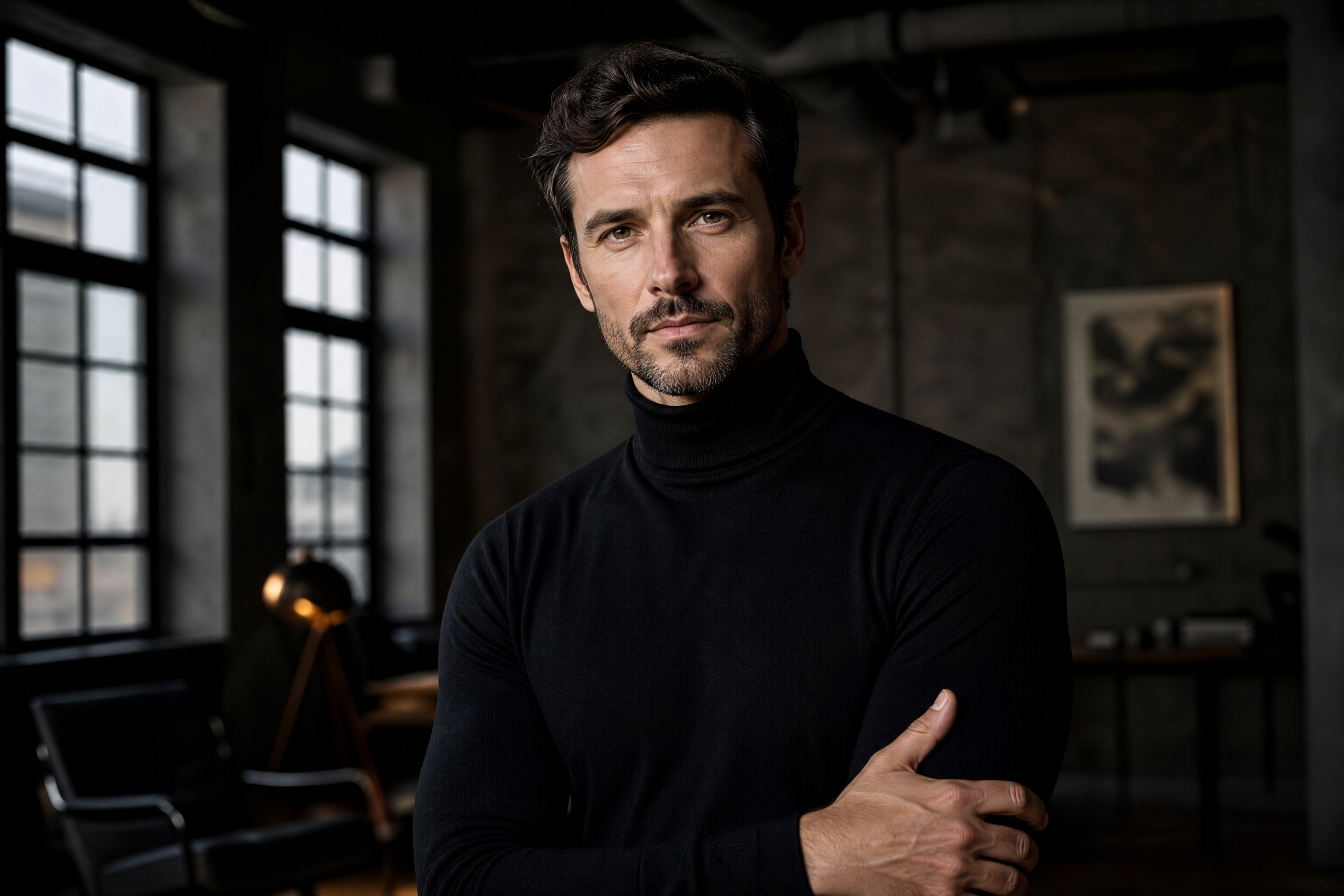
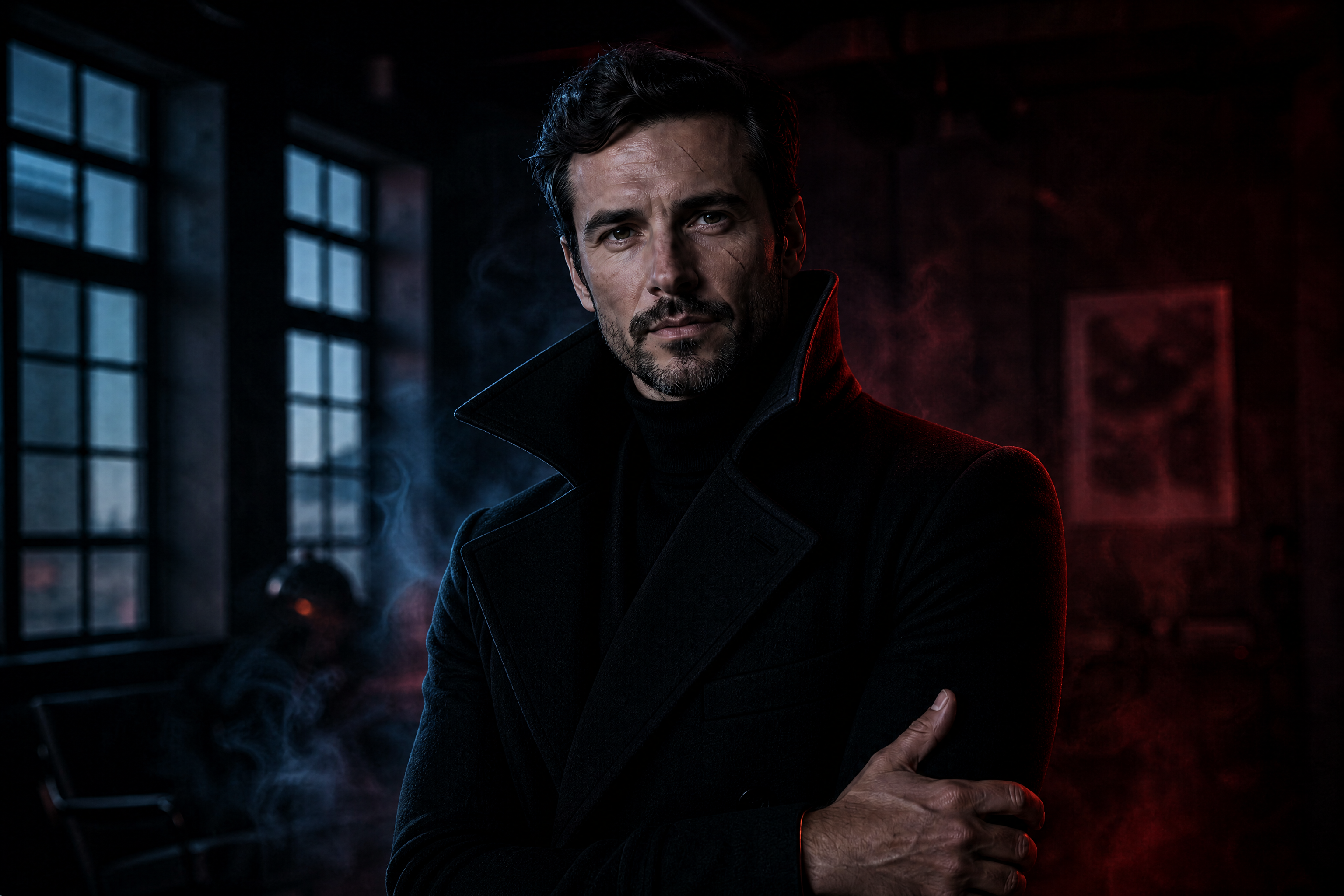
Watch the Transformation
See ai villain generator in motion — generated end-to-end by our AI.
See It In Action
Real outputs from ai villain generator.
BEFOREAFTER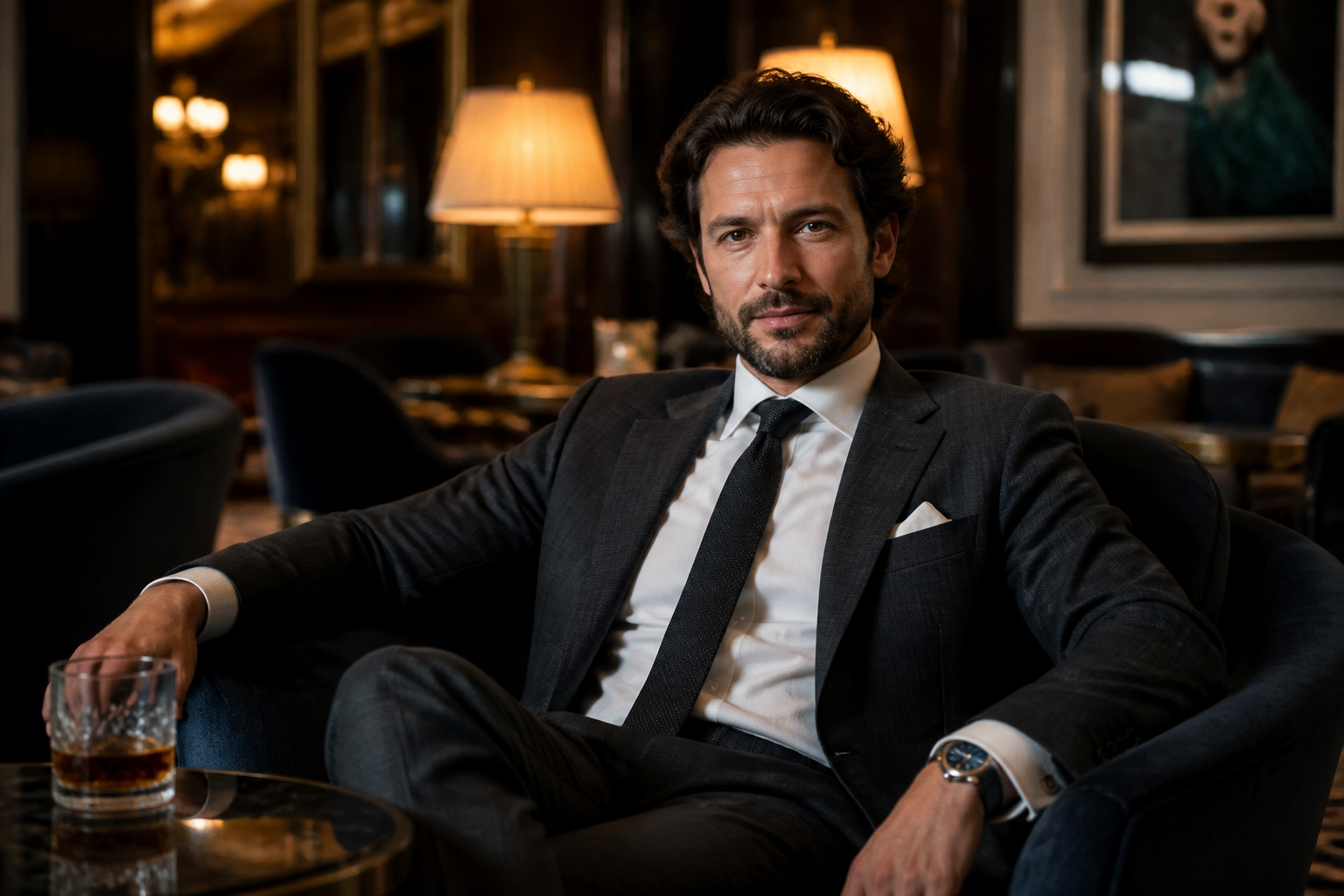 BEFORE
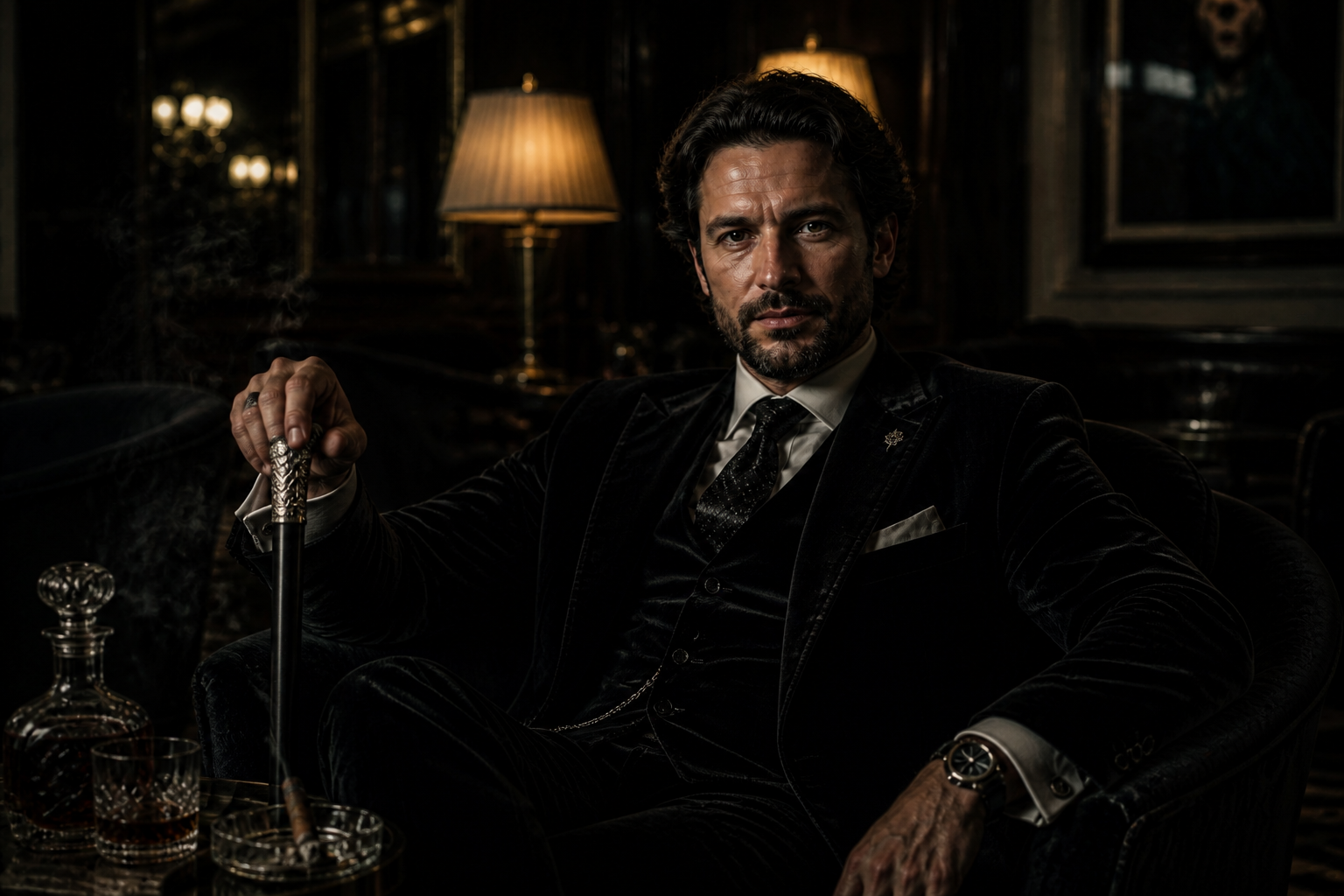 AFTER
AFTER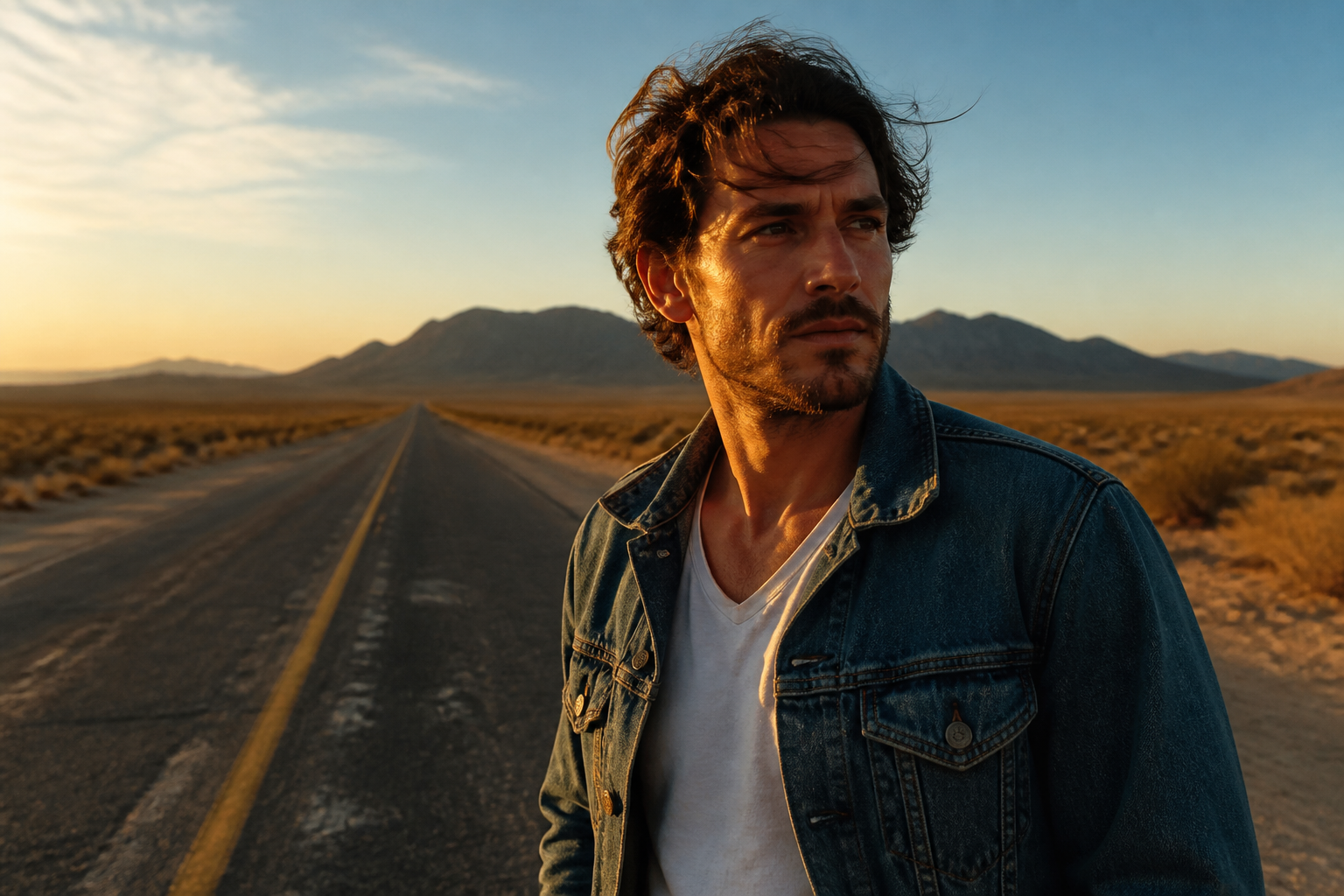 BEFORE
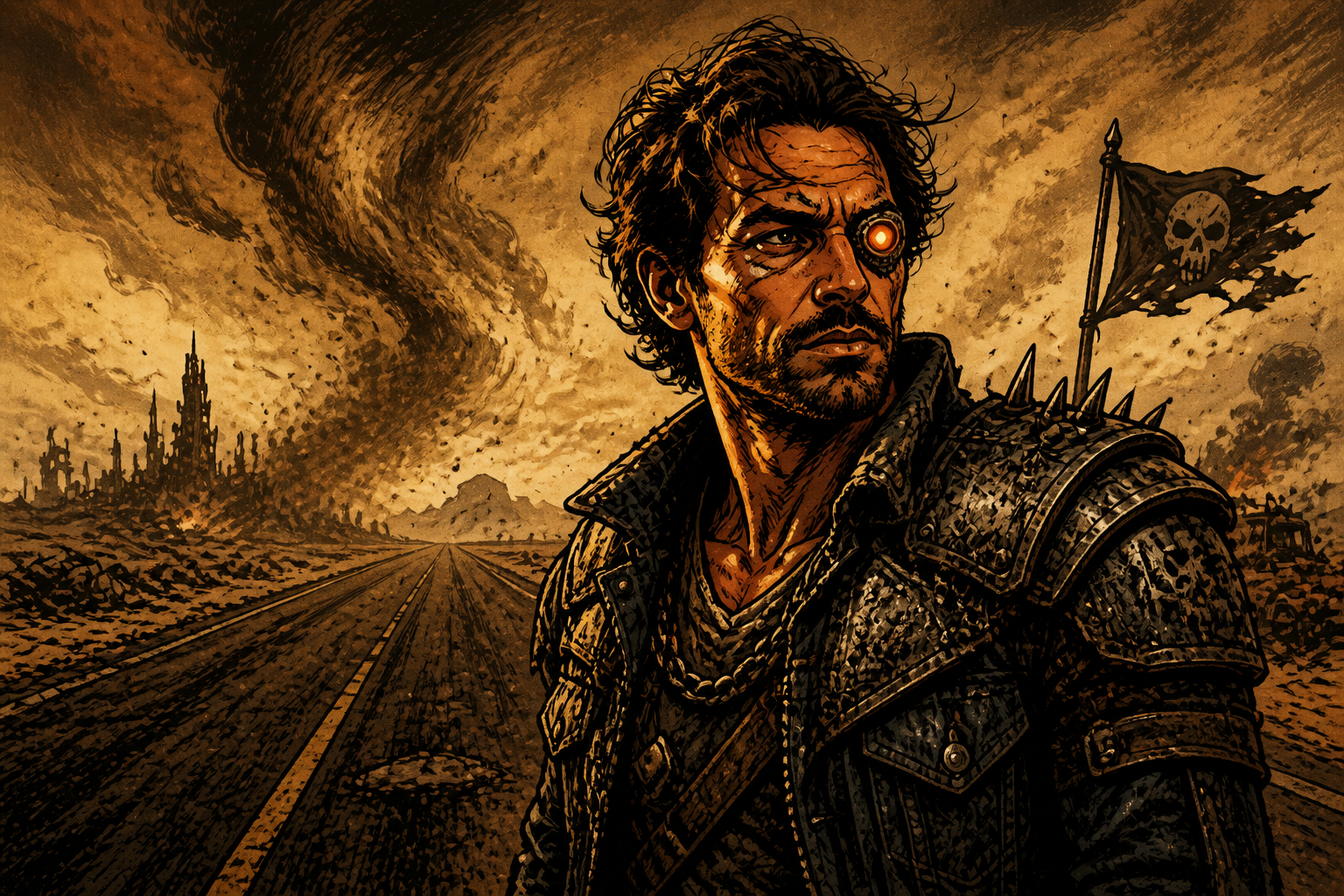 AFTER
AFTER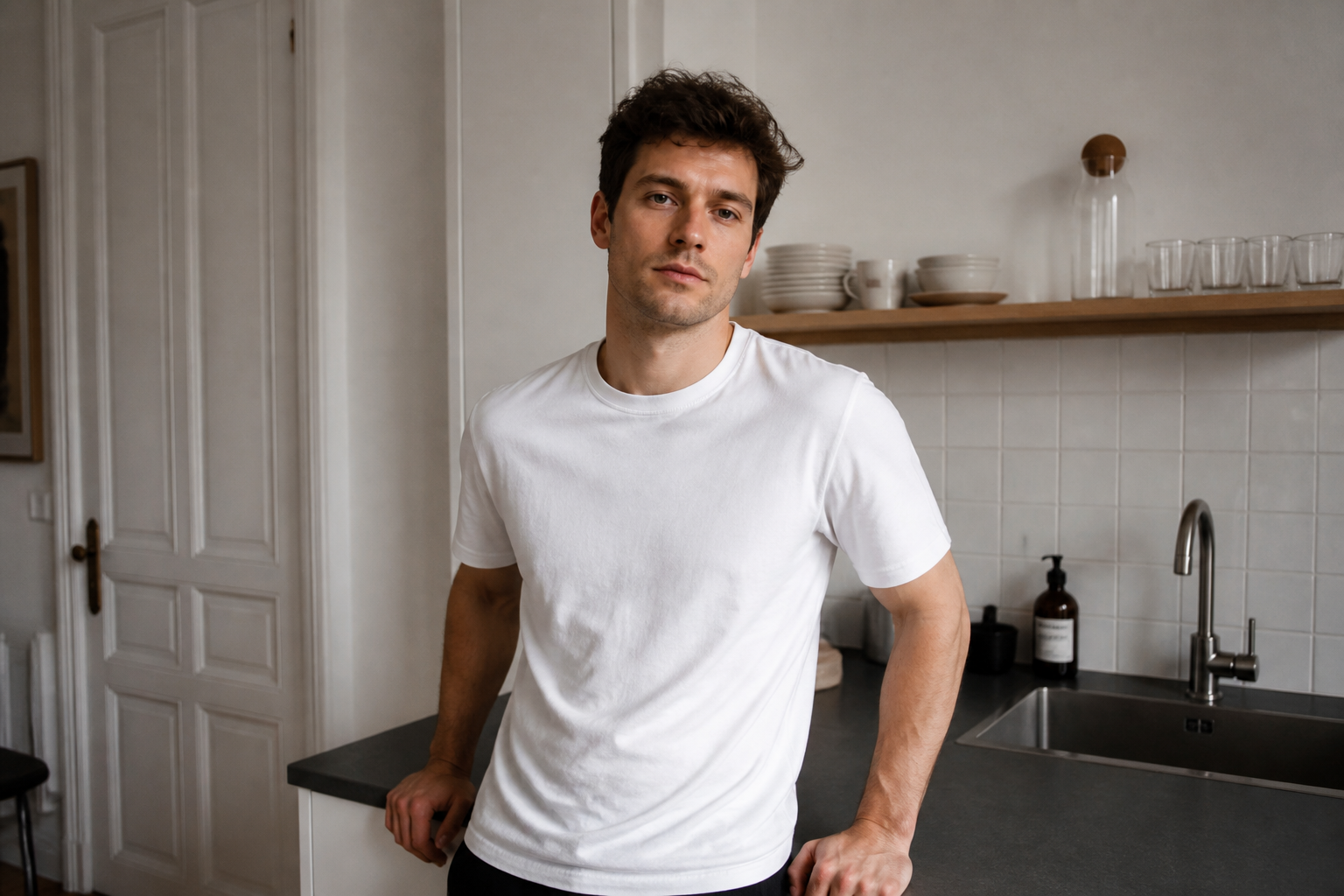 BEFORE
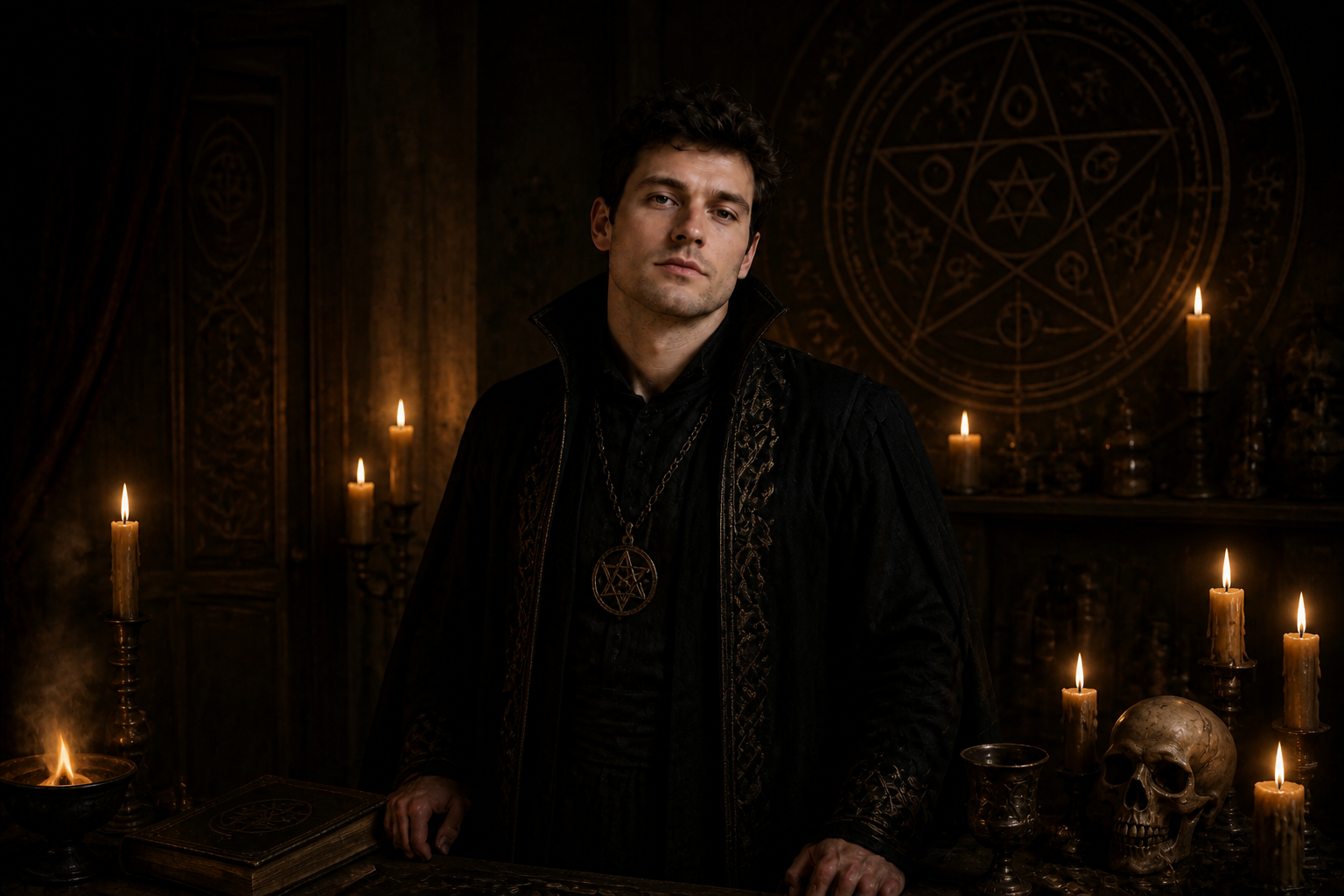 AFTER
AFTER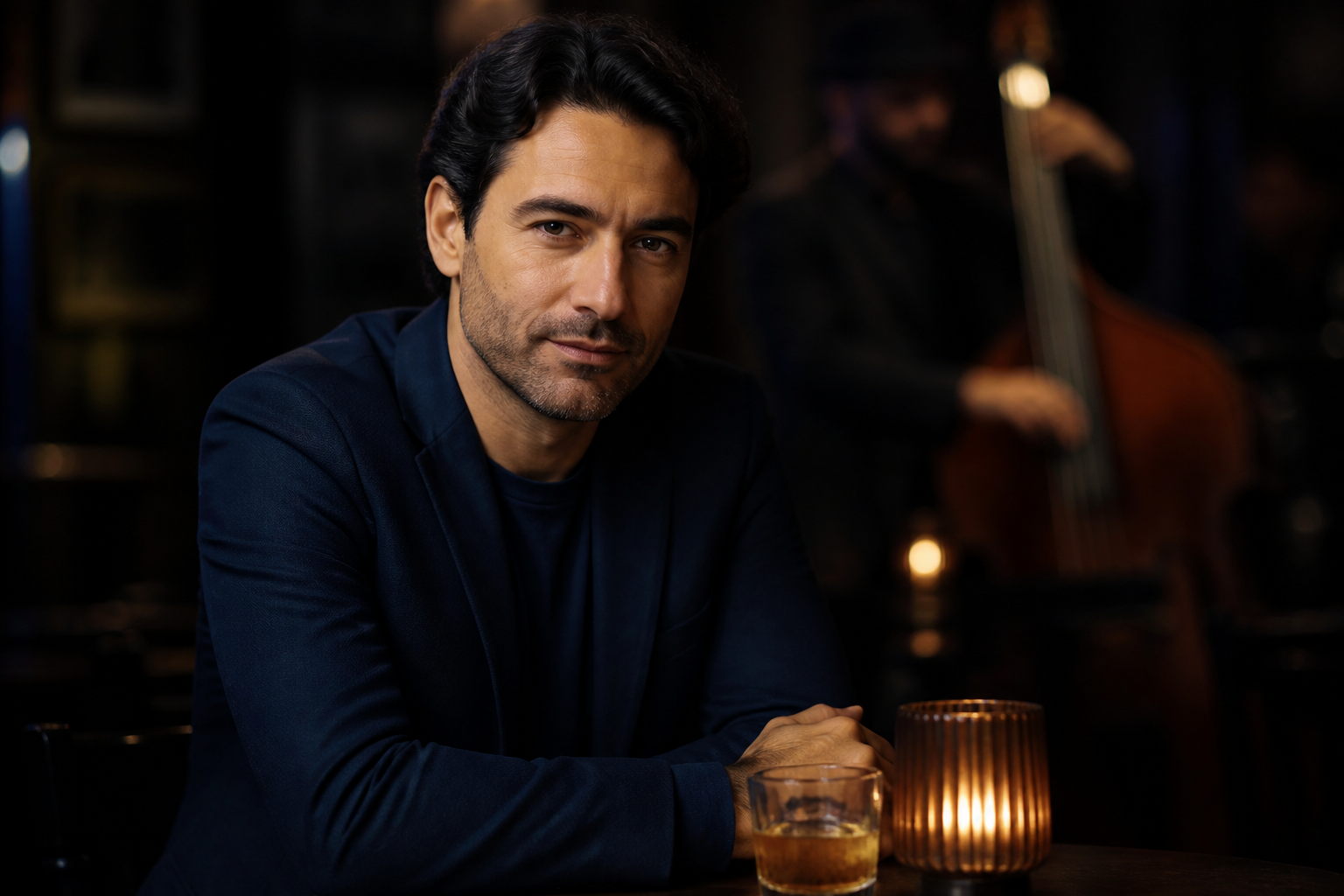 BEFORE
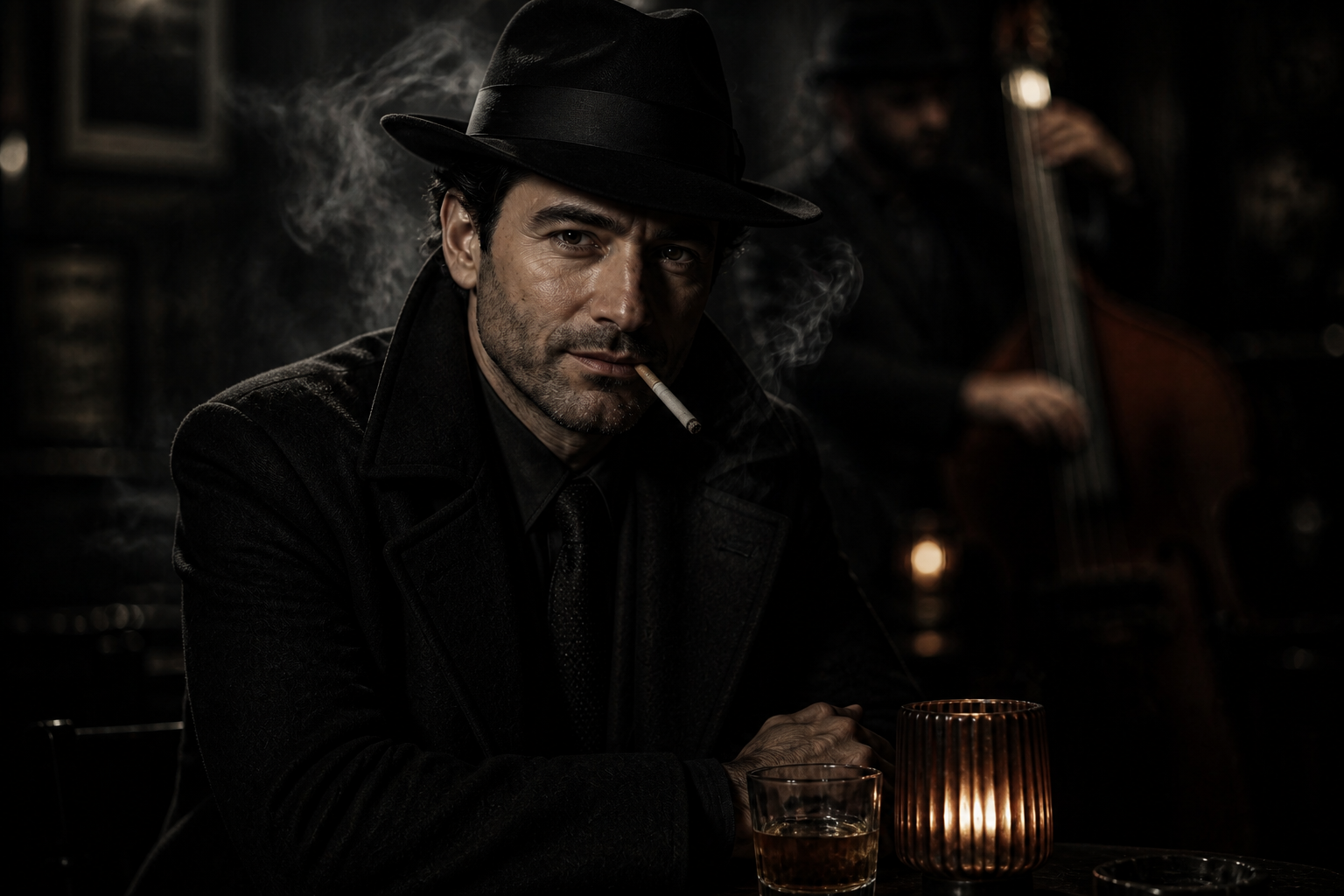 AFTERBEFOREAFTERBEFOREAFTERBEFOREAFTERBEFOREAFTERBEFOREAFTER
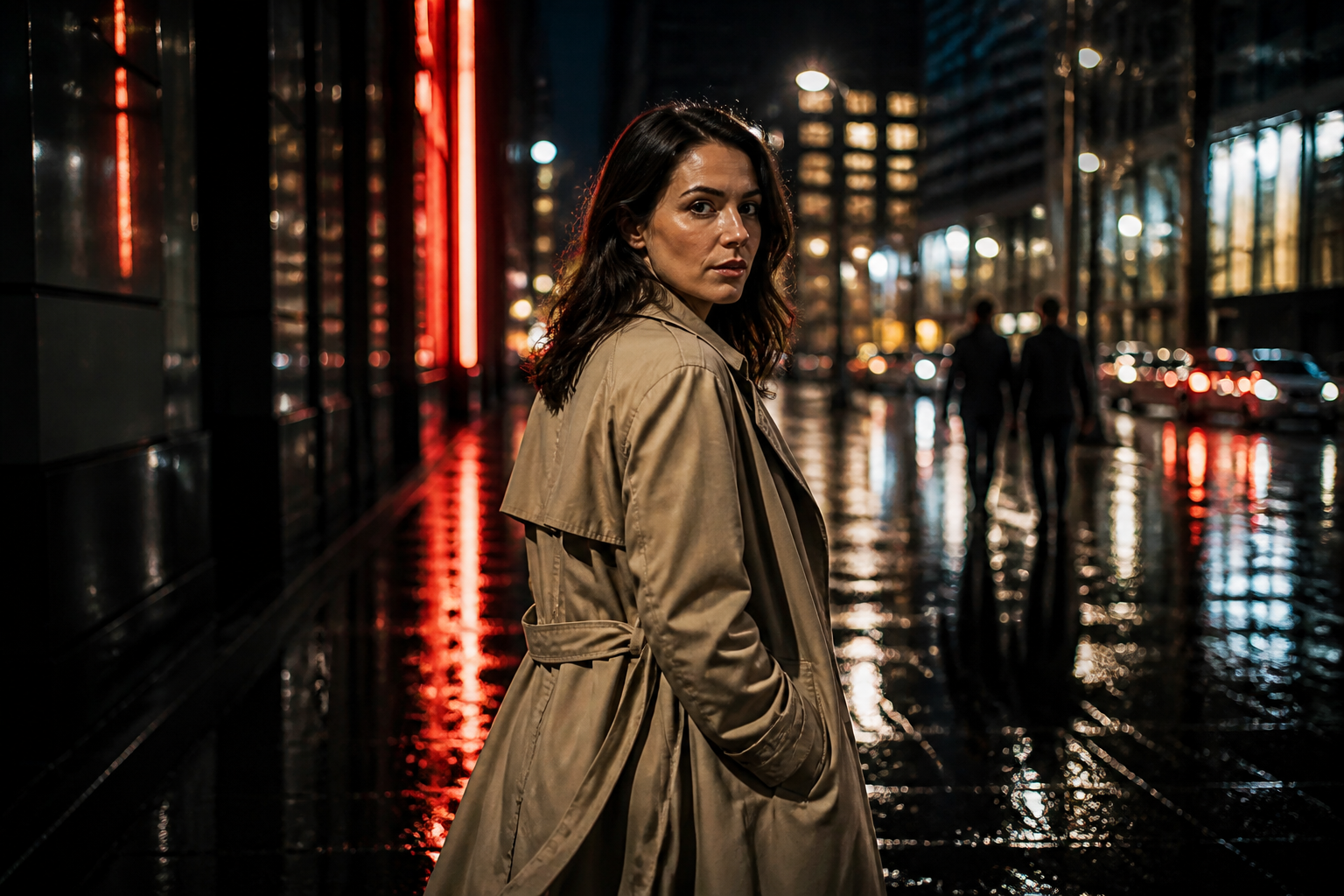 BEFORE
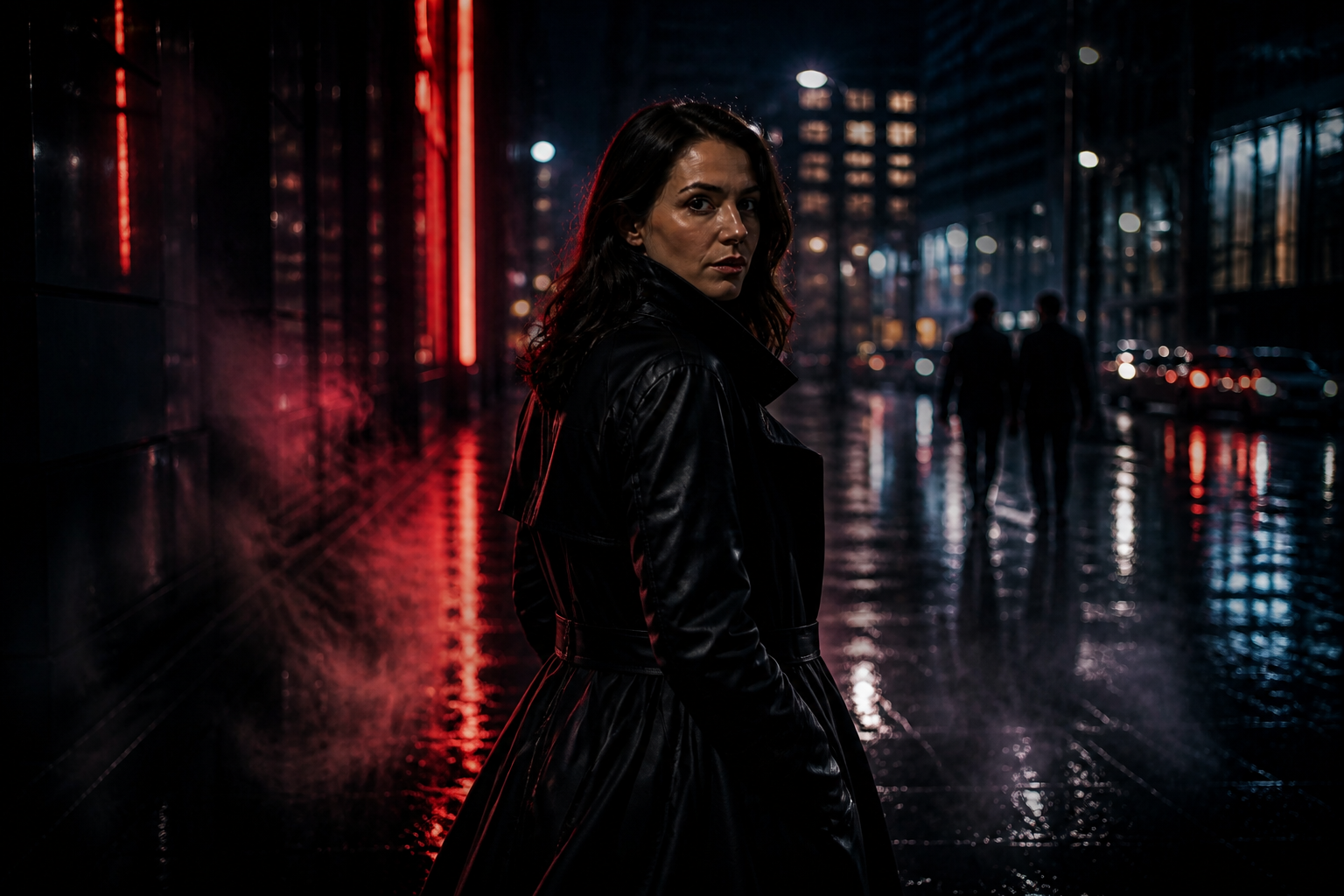 AFTER
AFTER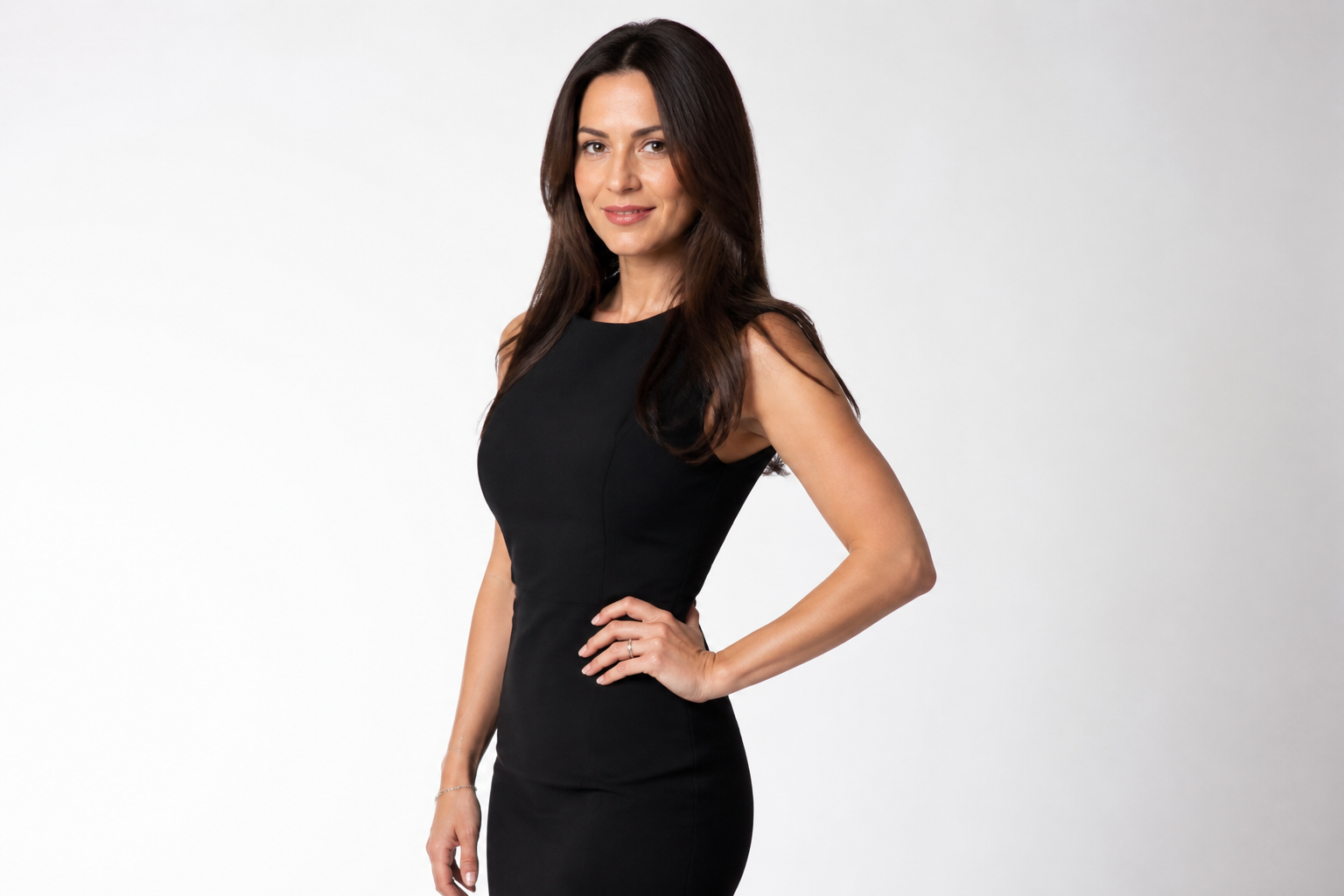 BEFORE
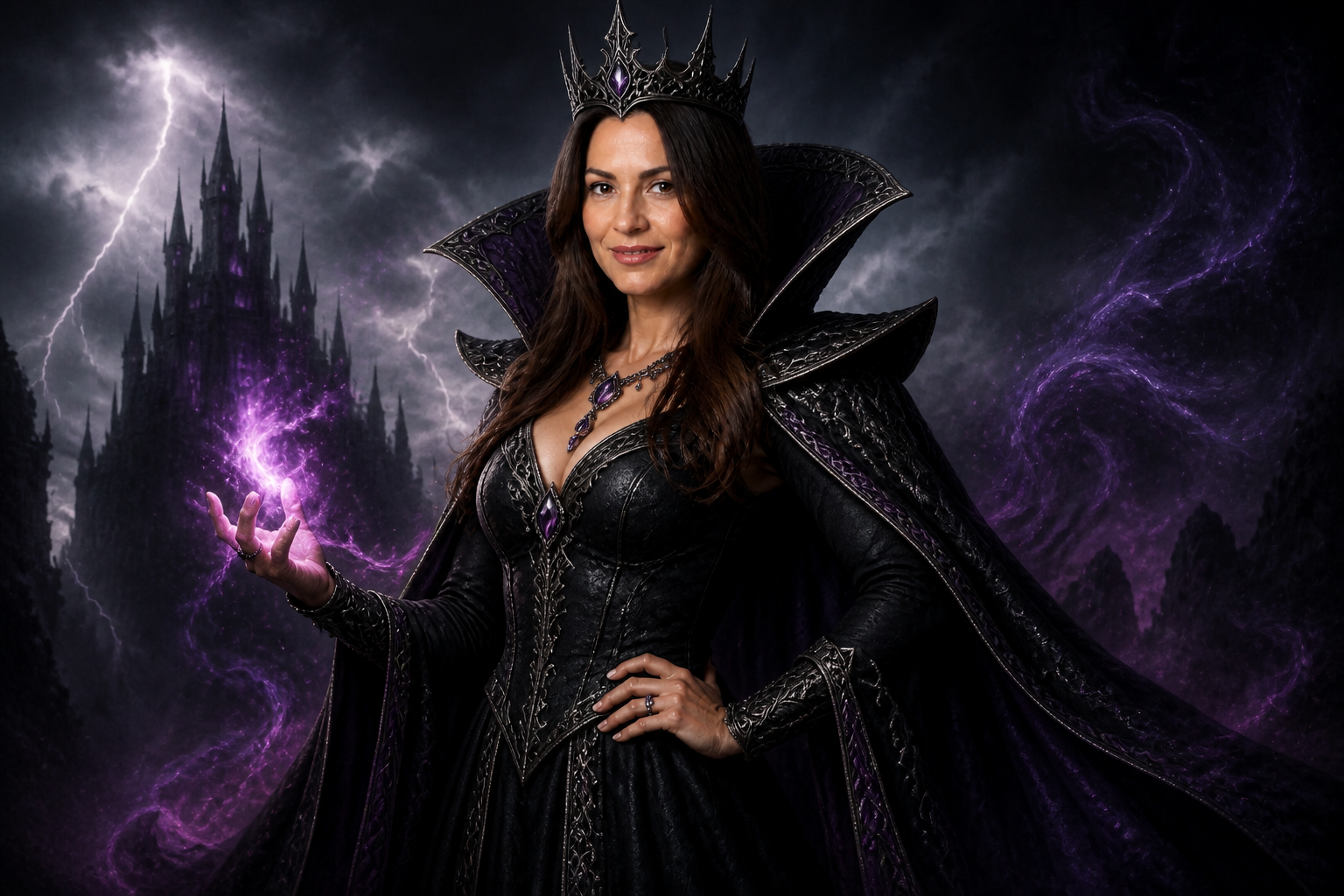 AFTER
AFTER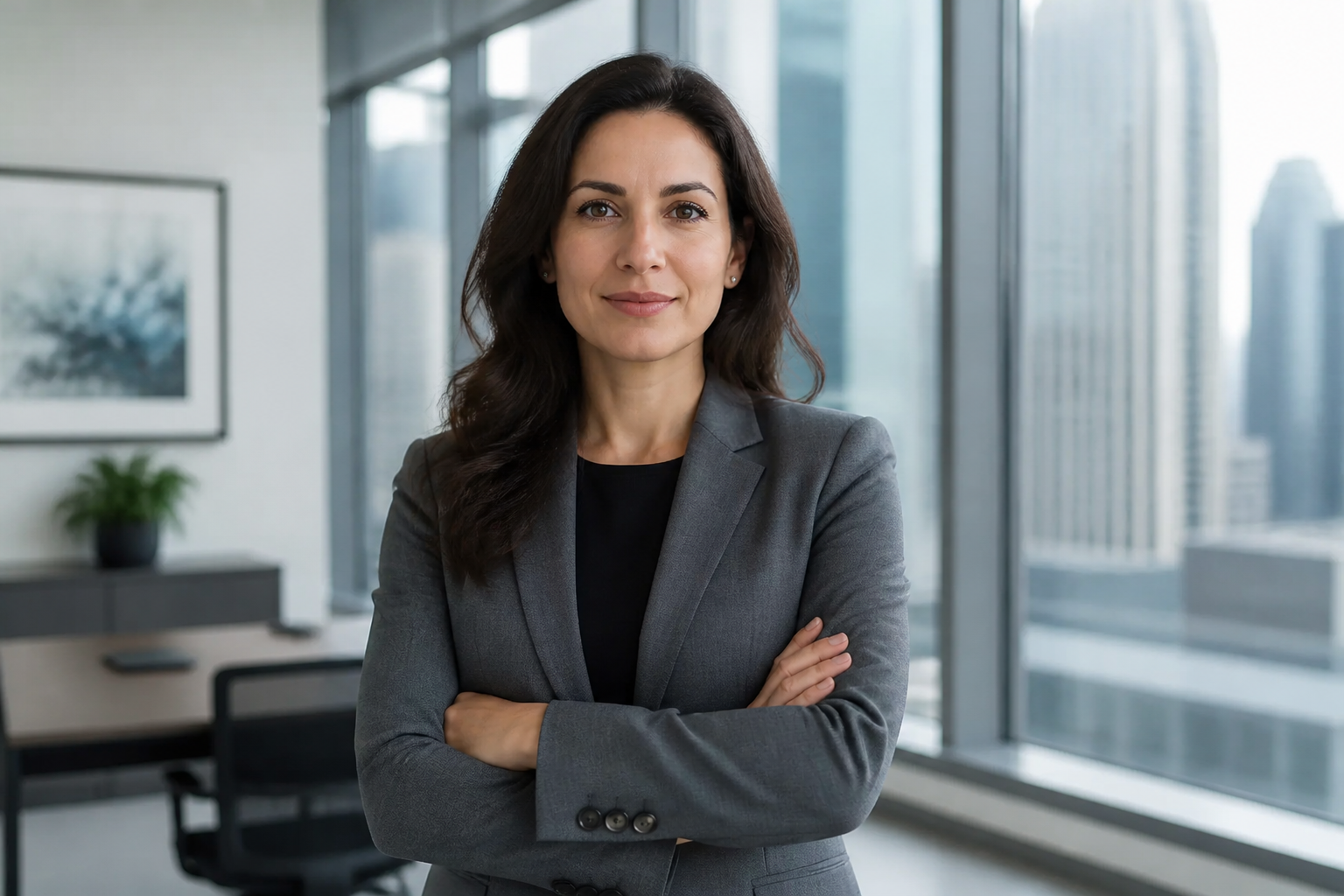 BEFORE
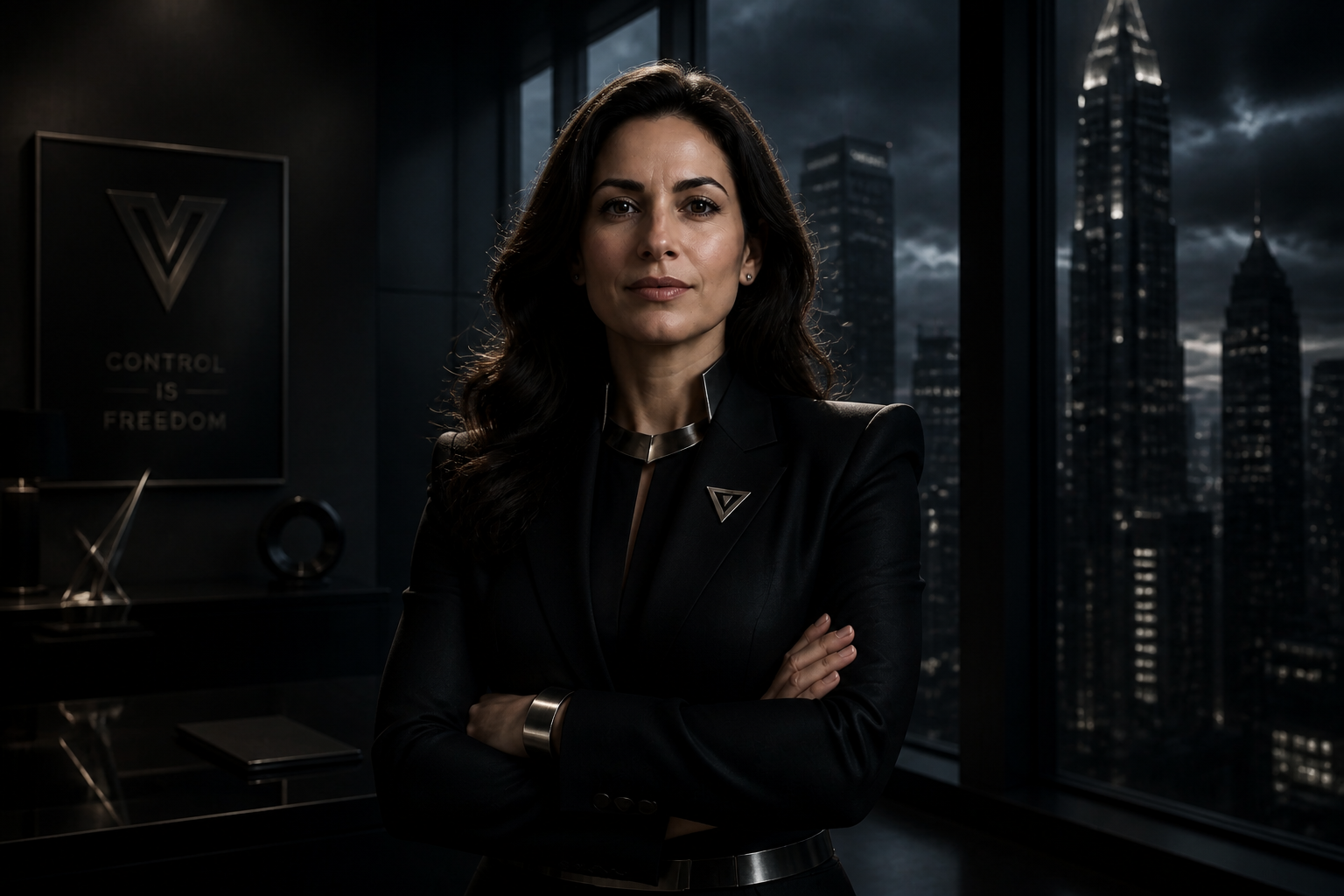 AFTER
AFTER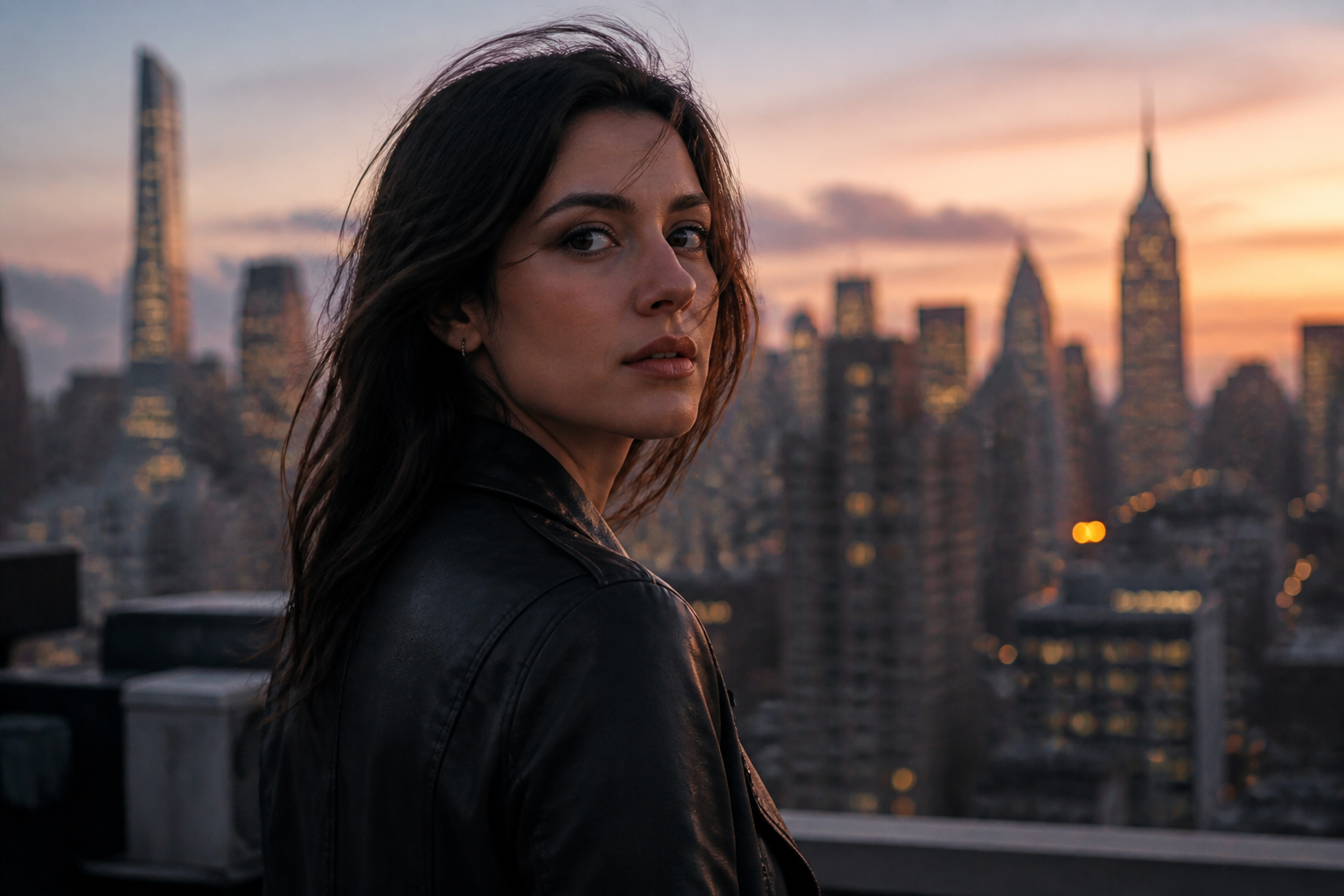 BEFORE
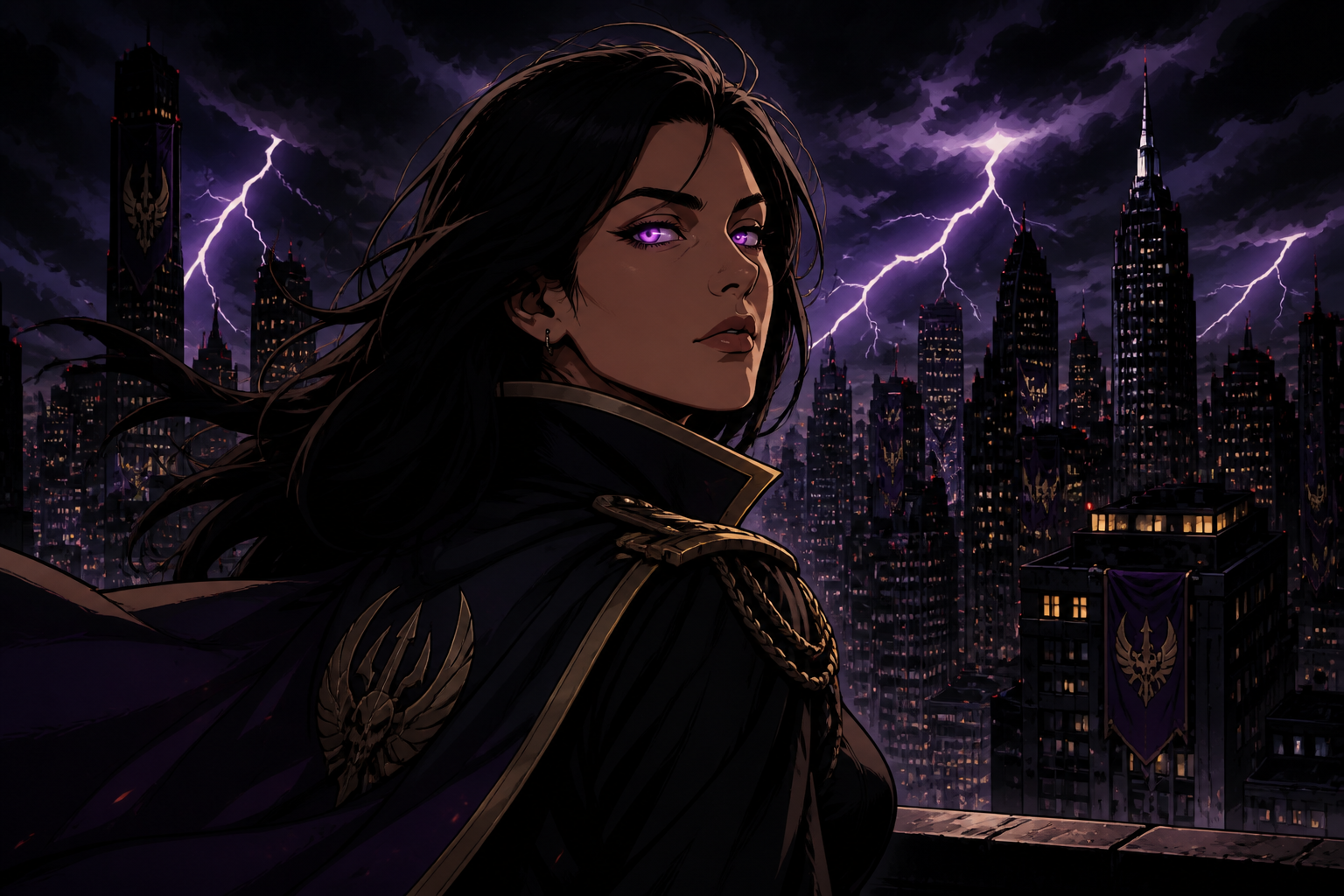 AFTER
AFTER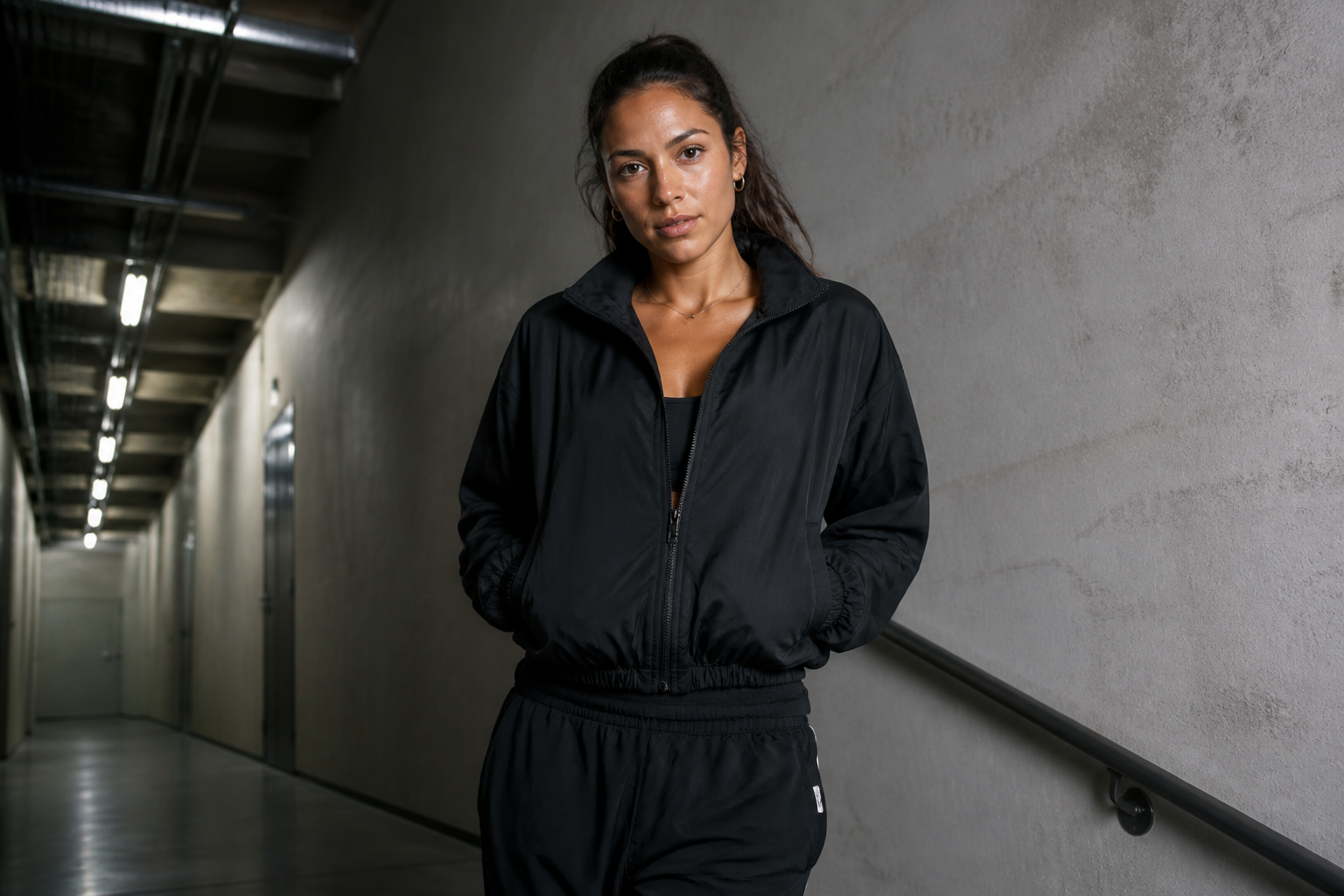 BEFORE
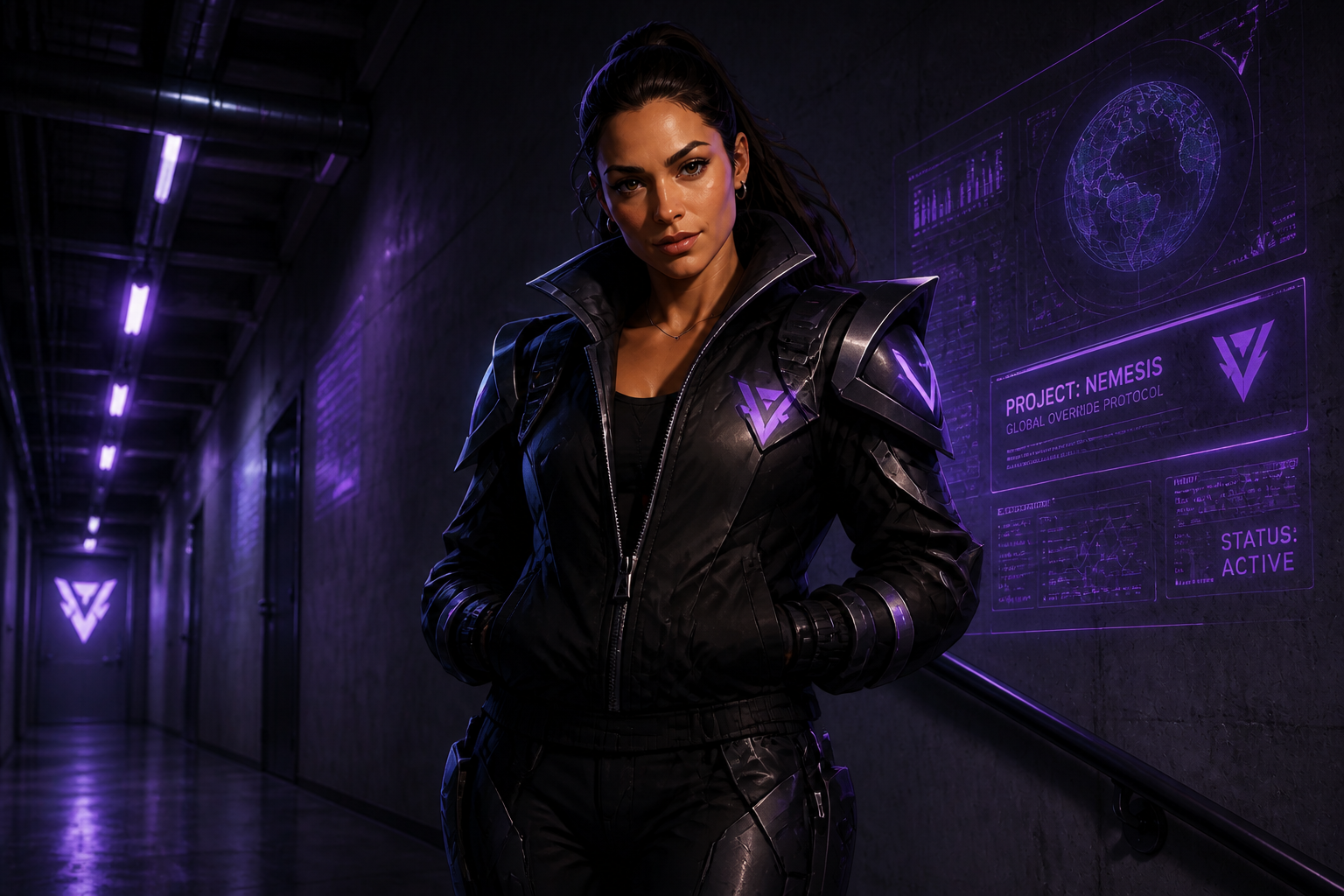 AFTERBEFOREAFTERBEFOREAFTERBEFOREAFTERBEFOREAFTERBEFOREAFTER
Key Features
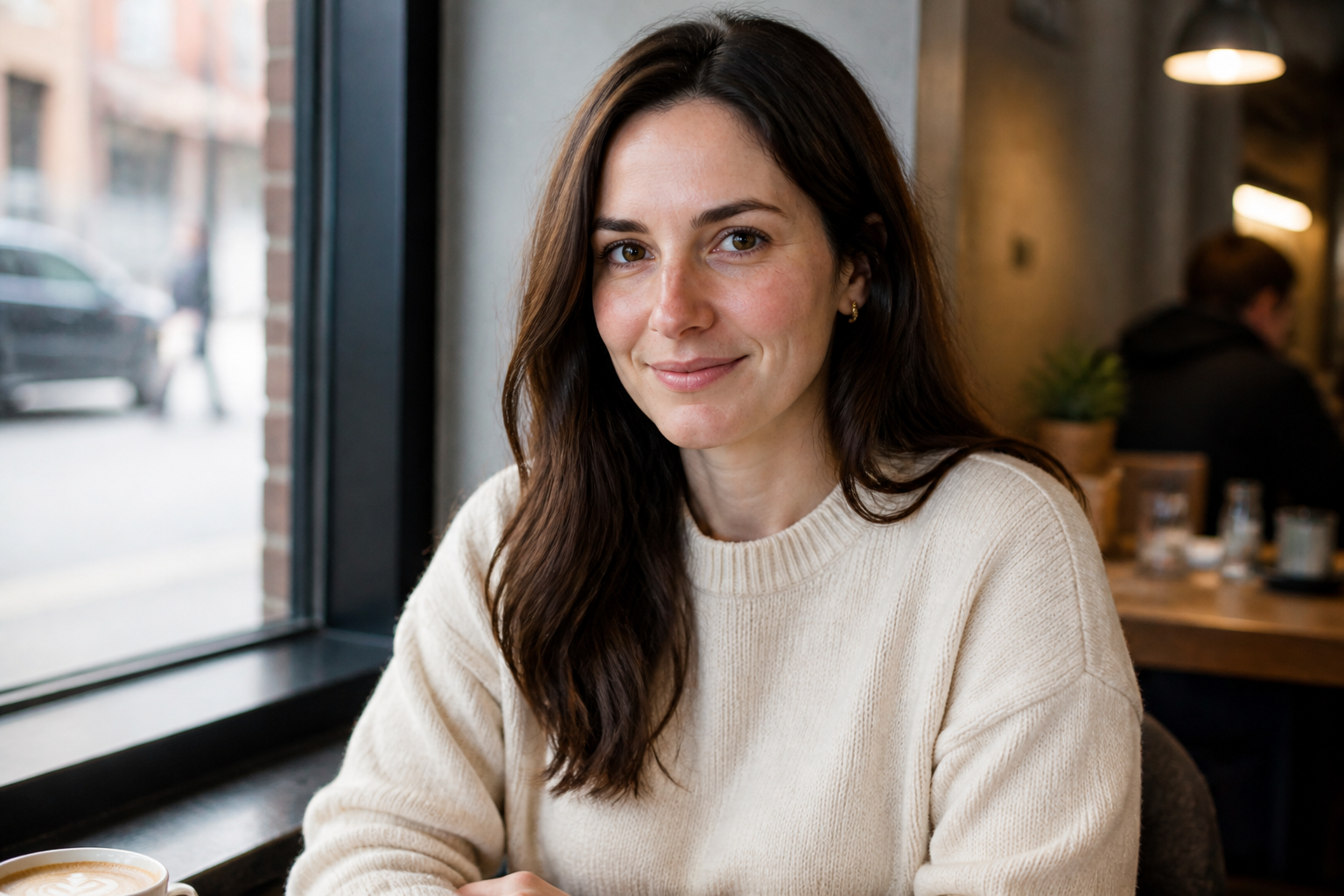
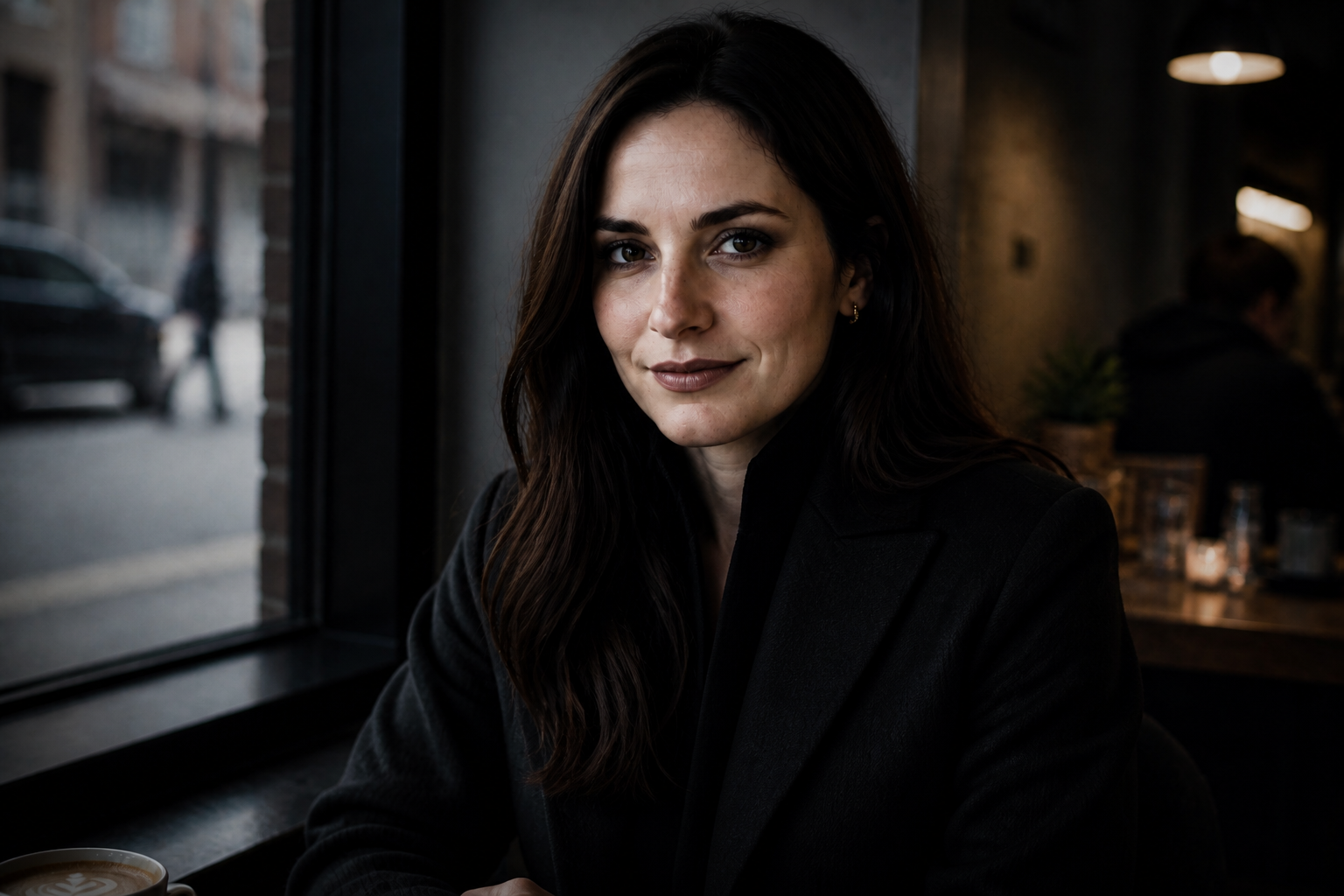
Keep faces recognizable
The edit changes the character, not the person. You can add villain styling, wardrobe, lighting, and attitude while keeping the subject's facial structure and pose recognizable. That matters when you're making character concepts from your own photos instead of creating a random new face. It also saves time compared with rebuilding the look manually in layered editing apps.
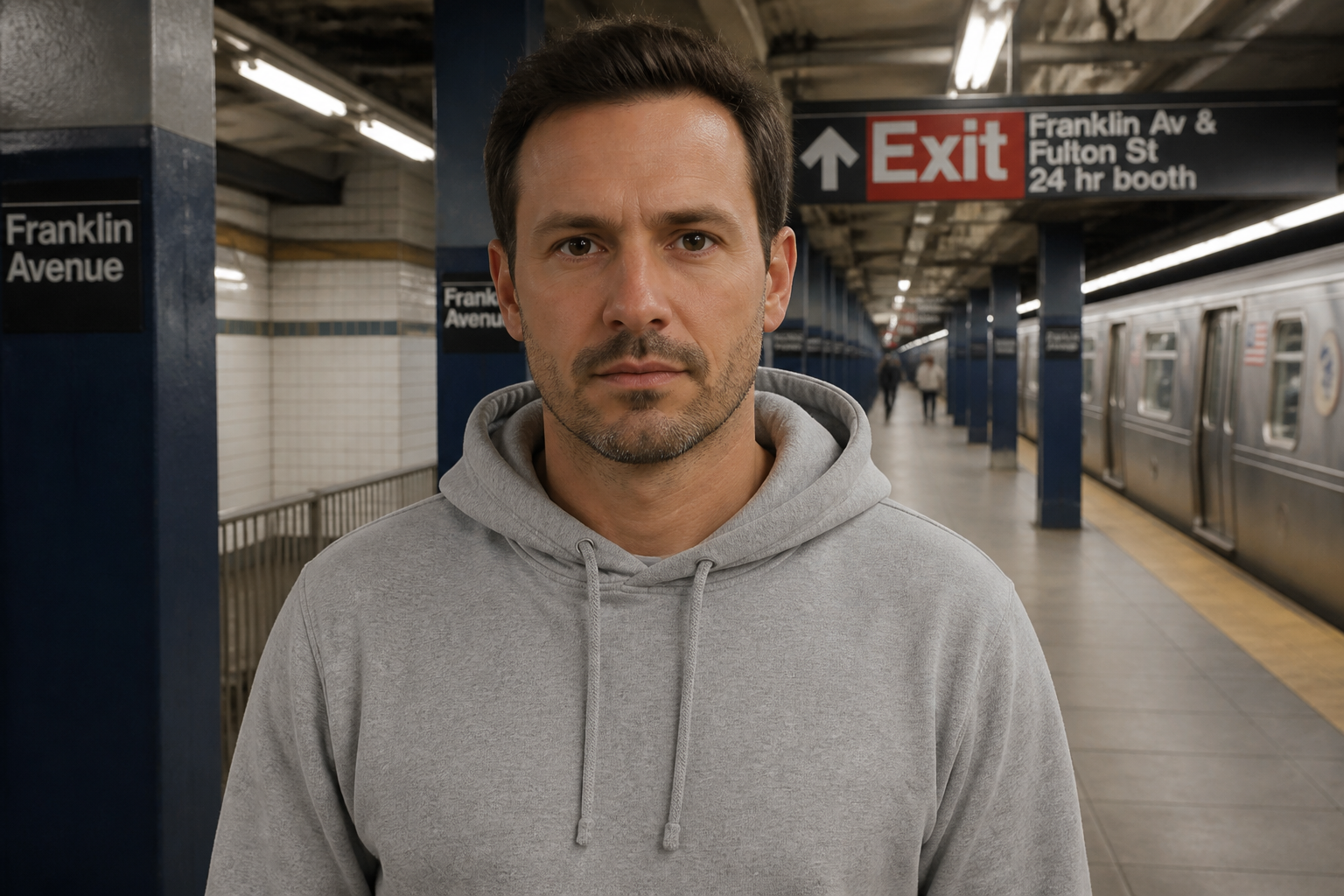
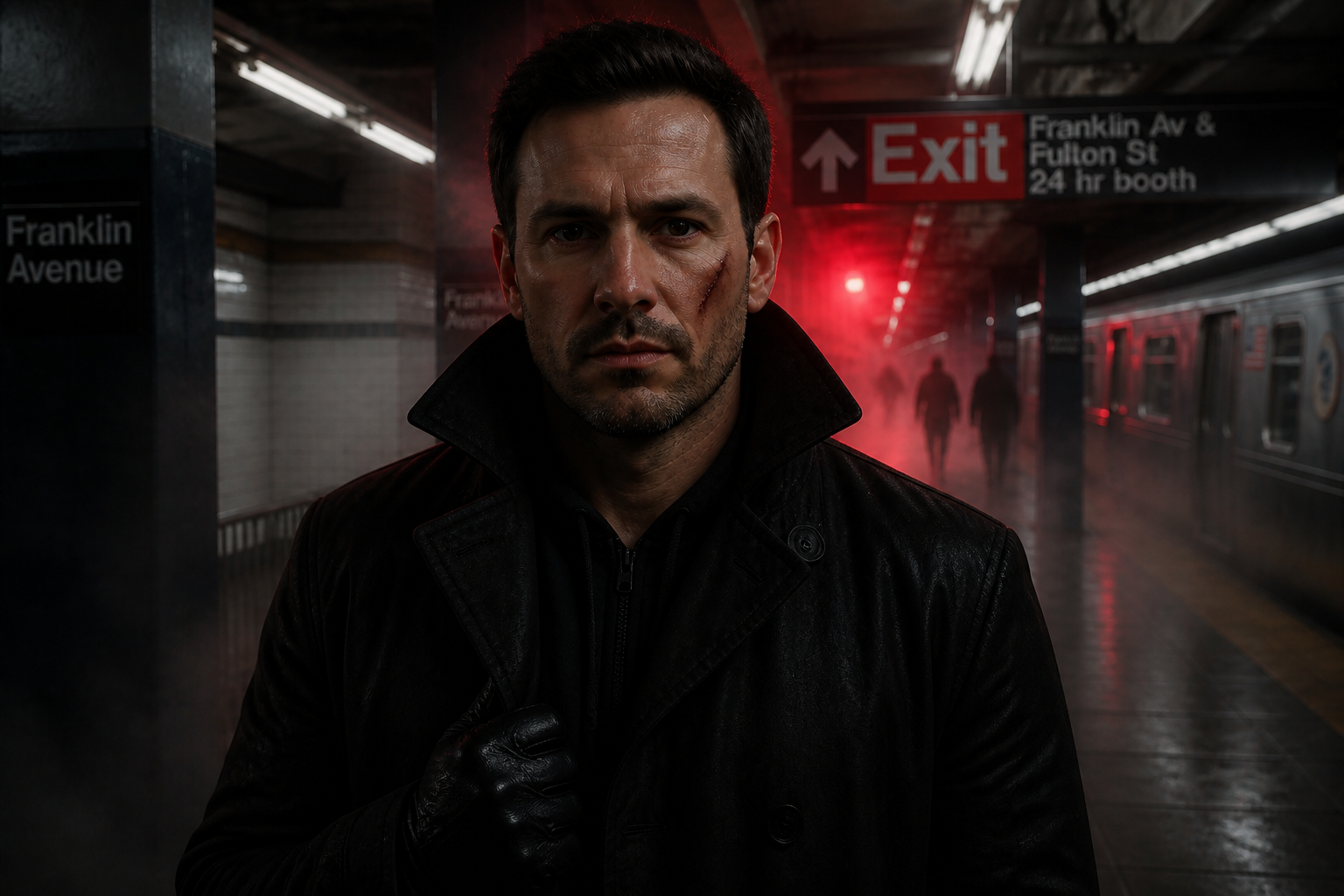
Make the change obvious
Strong visual edits read instantly in a thumbnail. Our AI can push costume, mood, lighting, and character cues far enough that the before and after feel meaningfully different, which is exactly what visitors expect from a villain generator. That gives you dramatic results without needing advanced prompt engineering. It is much faster than making separate wardrobe, color, and atmosphere edits one by one.
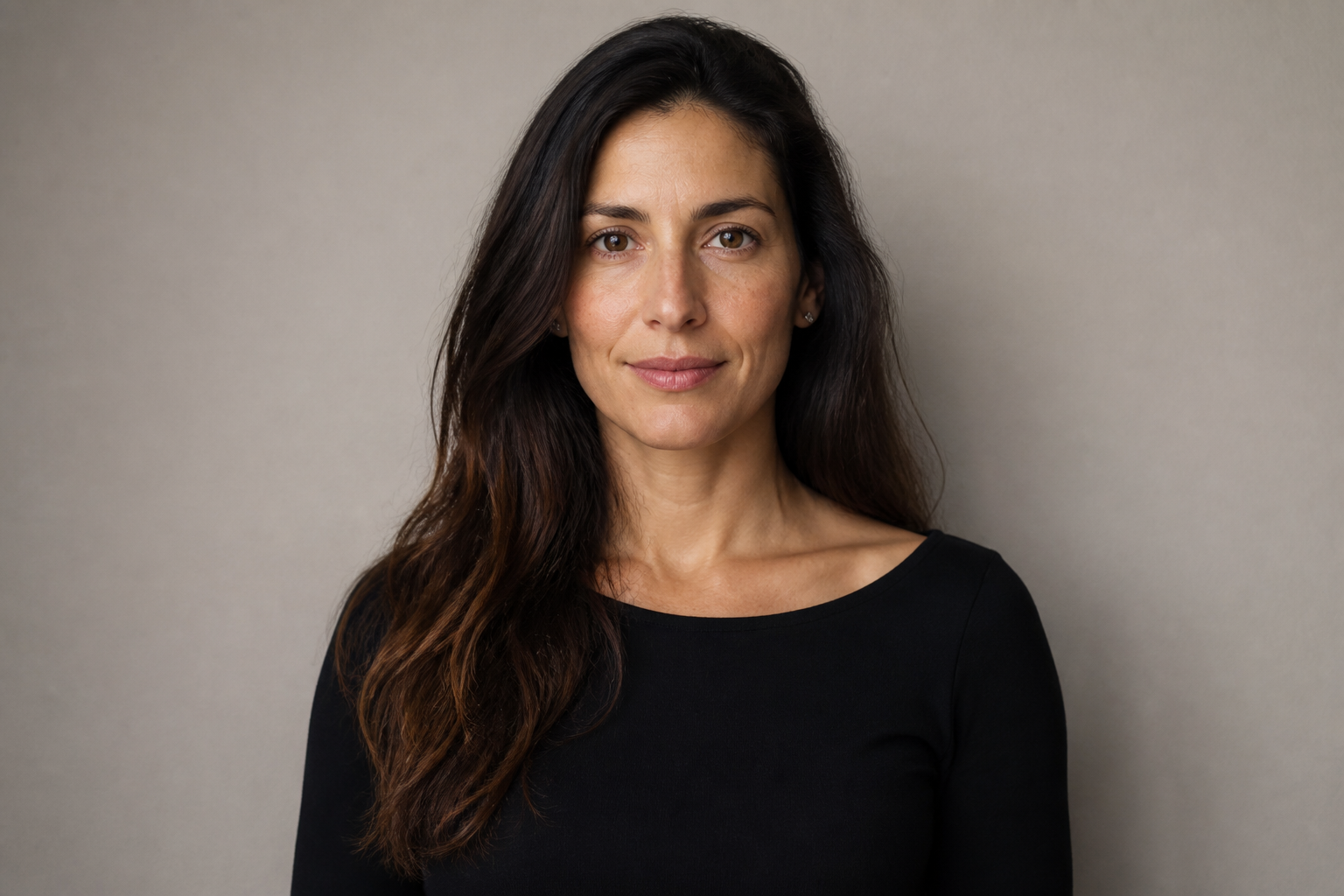
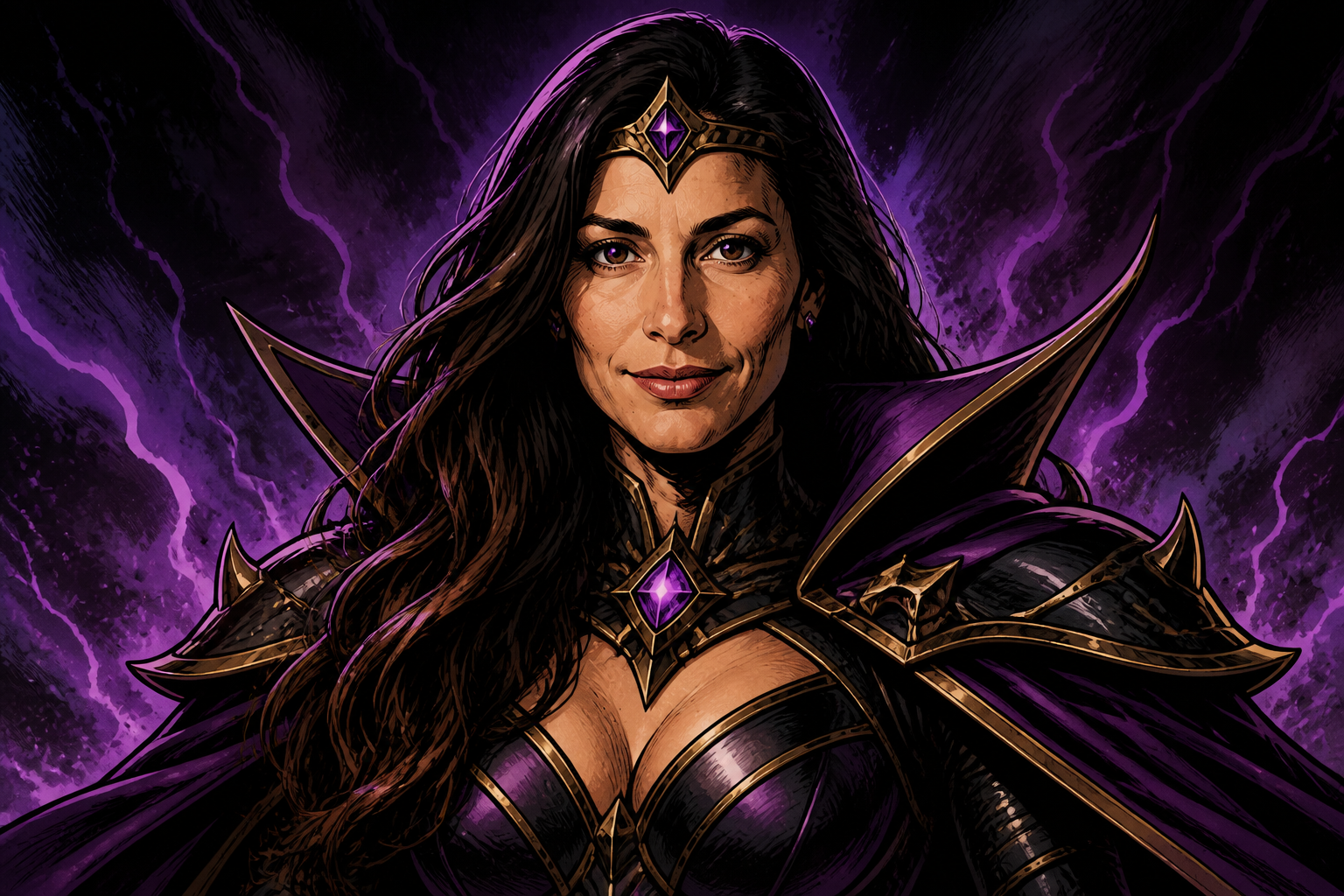
Switch between styles
You are not limited to one visual genre. The same source photo can become a realistic movie villain, a comic-book antagonist, or an animated dark ruler depending on the prompt. That flexibility helps creators test different directions for one character without reshooting anything. It is a quick way to explore tone before committing to a final concept.
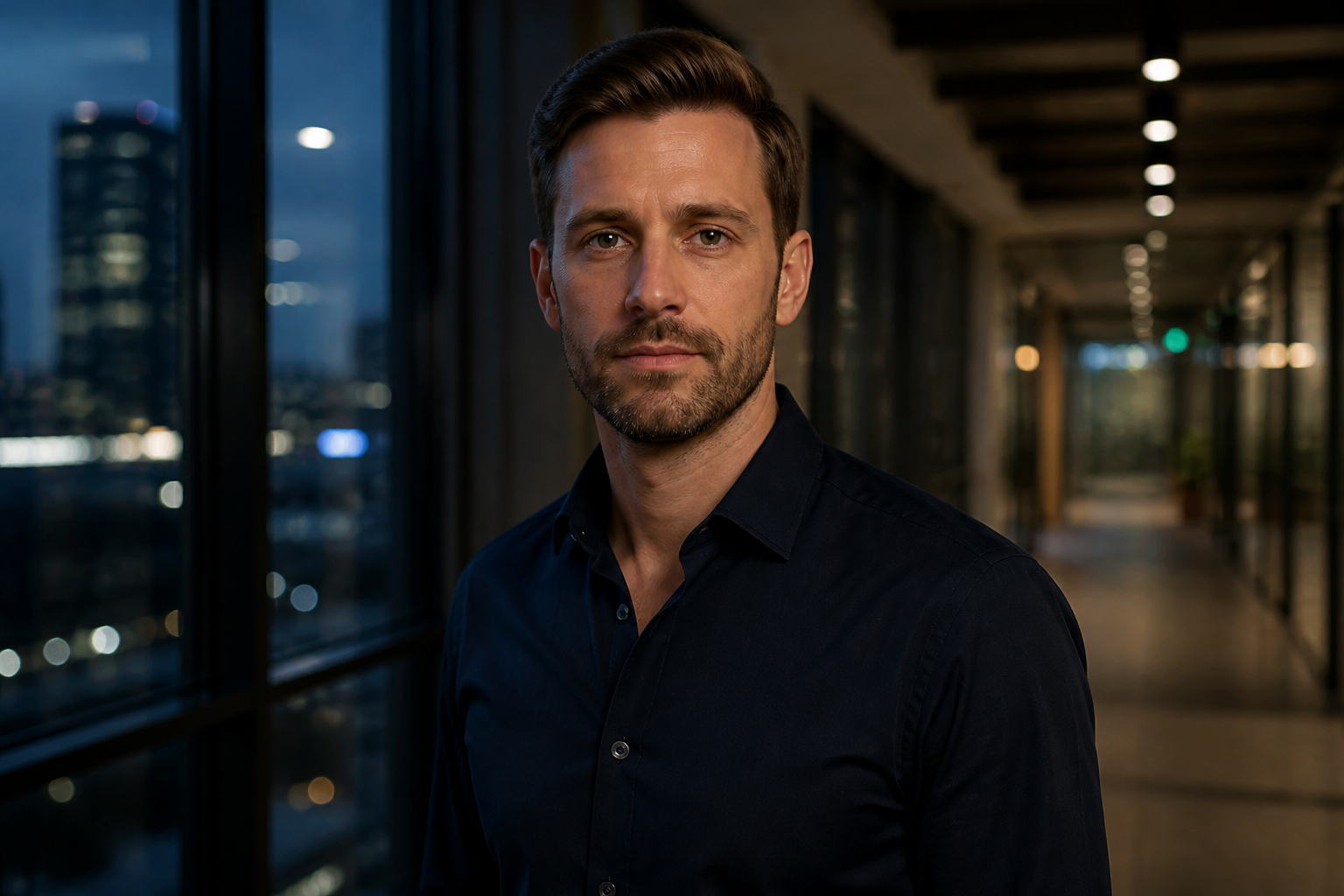
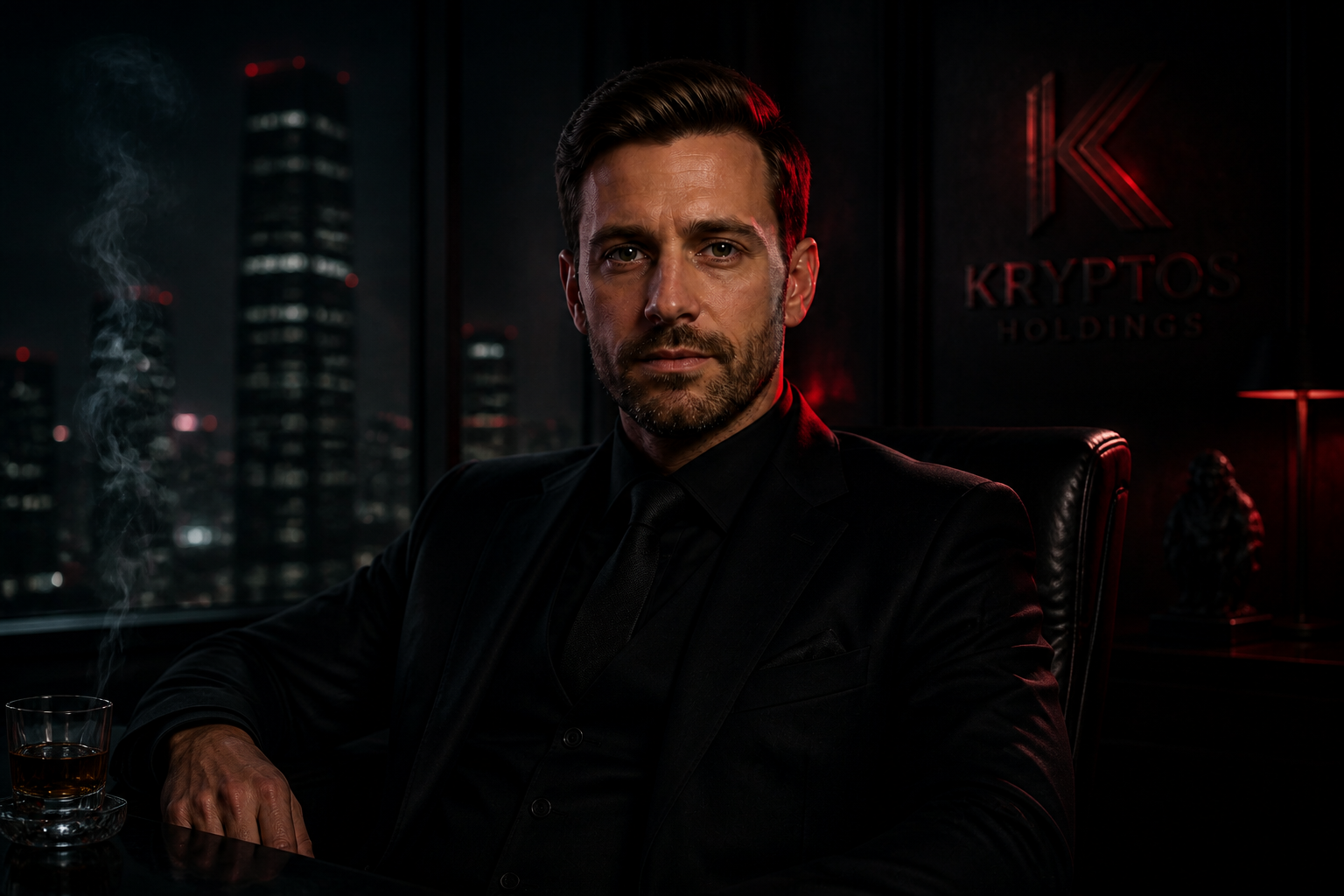
Build cinematic atmosphere
Villain edits work best when the environment supports the character. Our AI can add smoke, stormy light, noir shadows, and high-contrast color to create a full scene instead of just changing clothes. That makes the result feel like a frame from a film or game trailer. You get a polished character image without manually compositing multiple effects.
How It Works
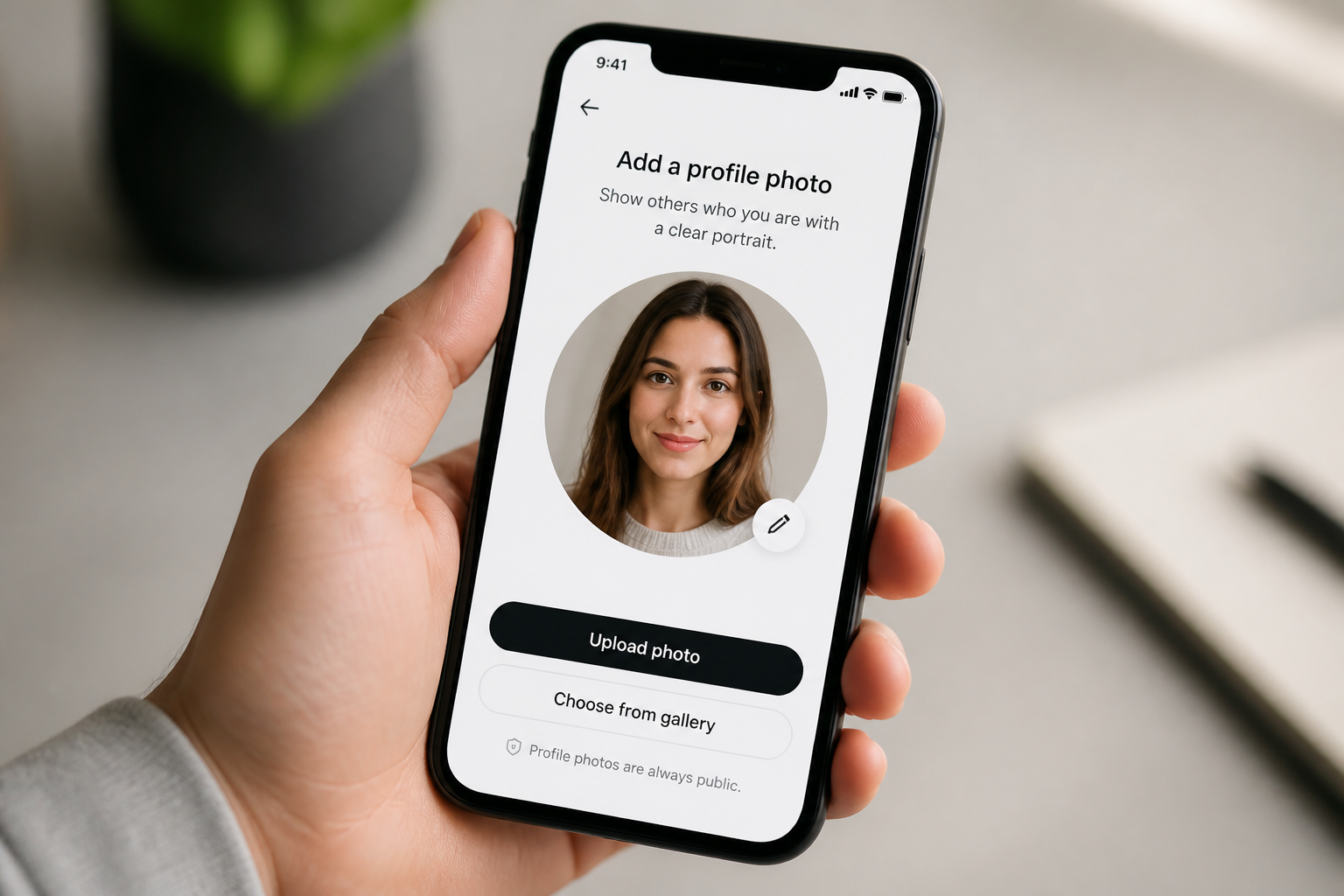
Upload your photo
Start with a clear photo of an adult subject. Images with good lighting and a visible face usually give the strongest villain transformations.
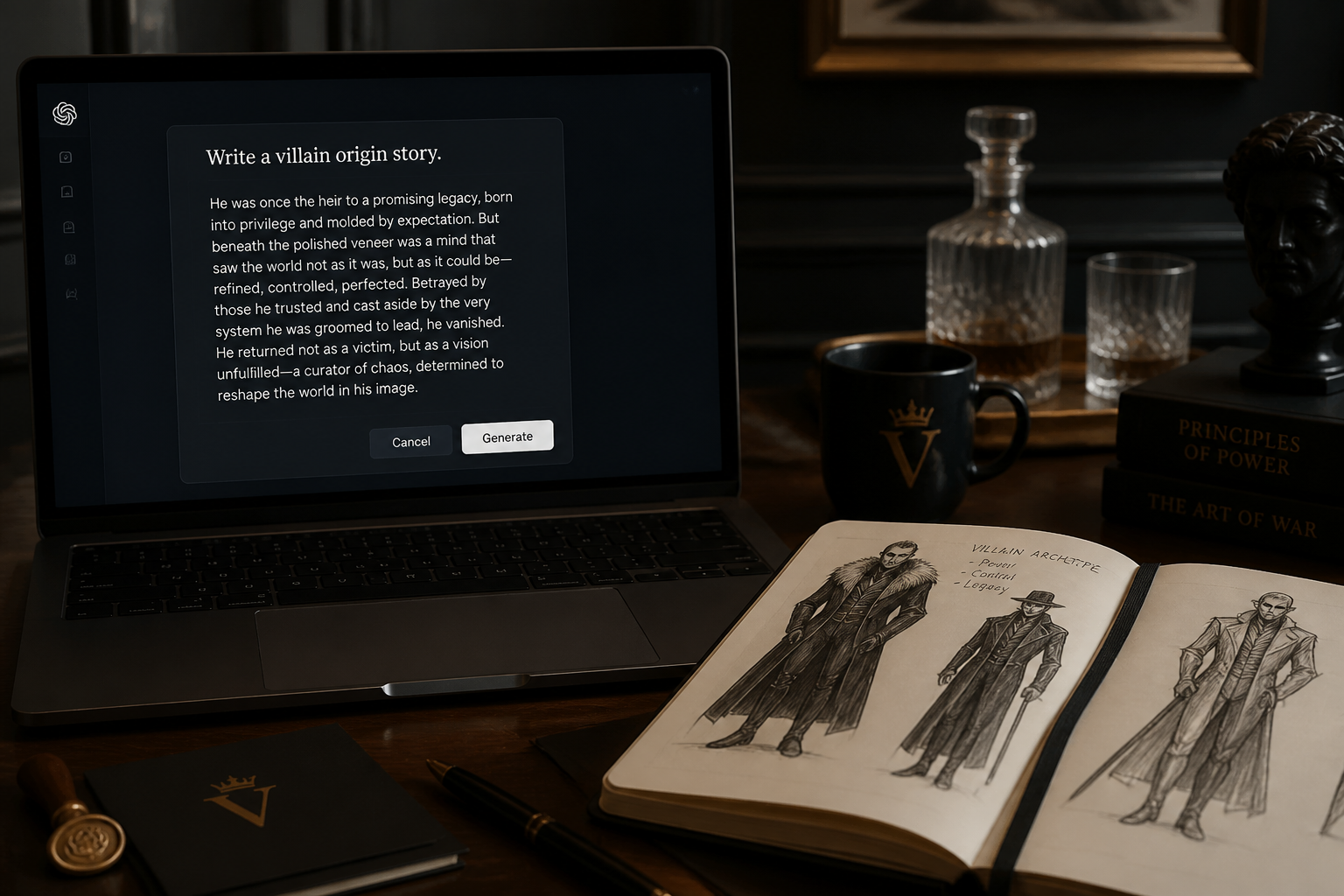
Describe the villain look
Tell the AI what kind of antagonist you want to create. Mention cues like cinematic, fantasy, noir, comic-book, armor, crown, scar, smoke, or dark lighting.
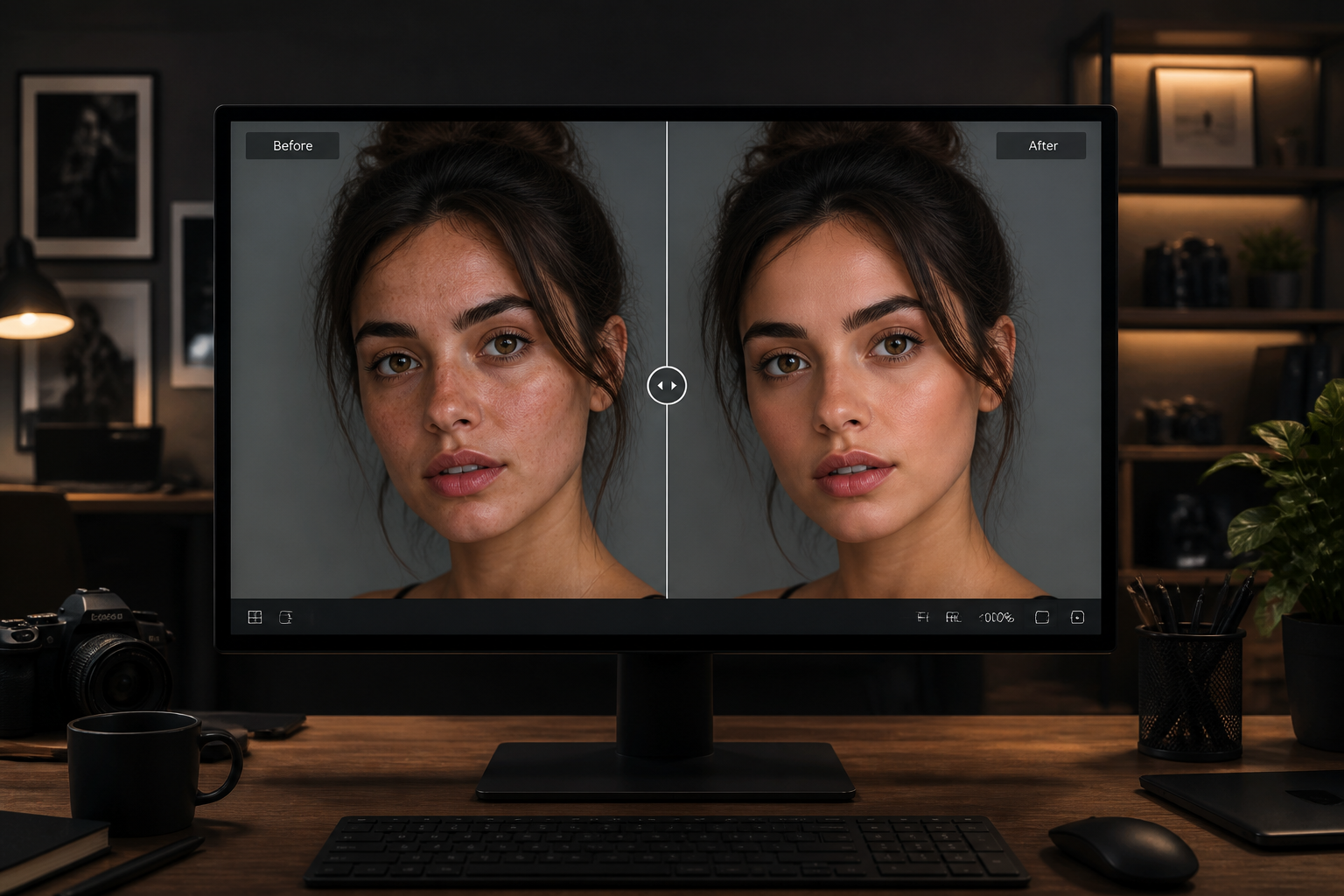
Generate and compare
Create the edit and compare the before and after side by side. If you want a stronger result, refine the prompt and generate another version.
Perfect For
Discover how creators and professionals use ai villain generator
Character concept art
Turn simple portraits into villain concepts for stories, games, comics, or short films.
Social media transformations
Create dramatic before-and-after villain edits for posts, reels, thumbnails, and profile refreshes.
Cosplay planning
Test different dark costumes, makeup directions, and moods before building the real outfit.
Creative profile photos
Make stylized villain avatars that stand out for streaming, roleplay, or themed communities.
Built For
Creators and storytellers
Useful for anyone exploring antagonist character design from a real photo base.
Cosplayers and roleplayers
Quickly preview villain personas, costumes, and moods before a shoot or event.
Fans making shareable edits
Good for dramatic transformation posts that need a clear, eye-catching change.
Why use this for villain edits
A quick look at how we compare on the things that matter for this niche.
| Feature | BudgetPixel | Generic AI editors | Manual editing apps |
|---|---|---|---|
| Character-focused villain prompts | ✓ | — | — |
| Before/after transformation workflow | ✓ | ✓ | — |
| Keeps source pose recognizable | ✓ | — | ✓ |
| Fast style exploration | ✓ | — | — |
| Manual masking required | — | — | Often |
Frequently Asked Questions
What does the AI Villain Generator do?
Will it preserve the person's identity?
Can I make realistic and stylized villains?
What kind of photos work best?
Can I control how dark or dramatic the result looks?
Create together.
Share your creations, discover trending AI art, and grow with fellow creators.