AI Suit Changer
Turn casual photos into sharp suit portraits in a few clicks.
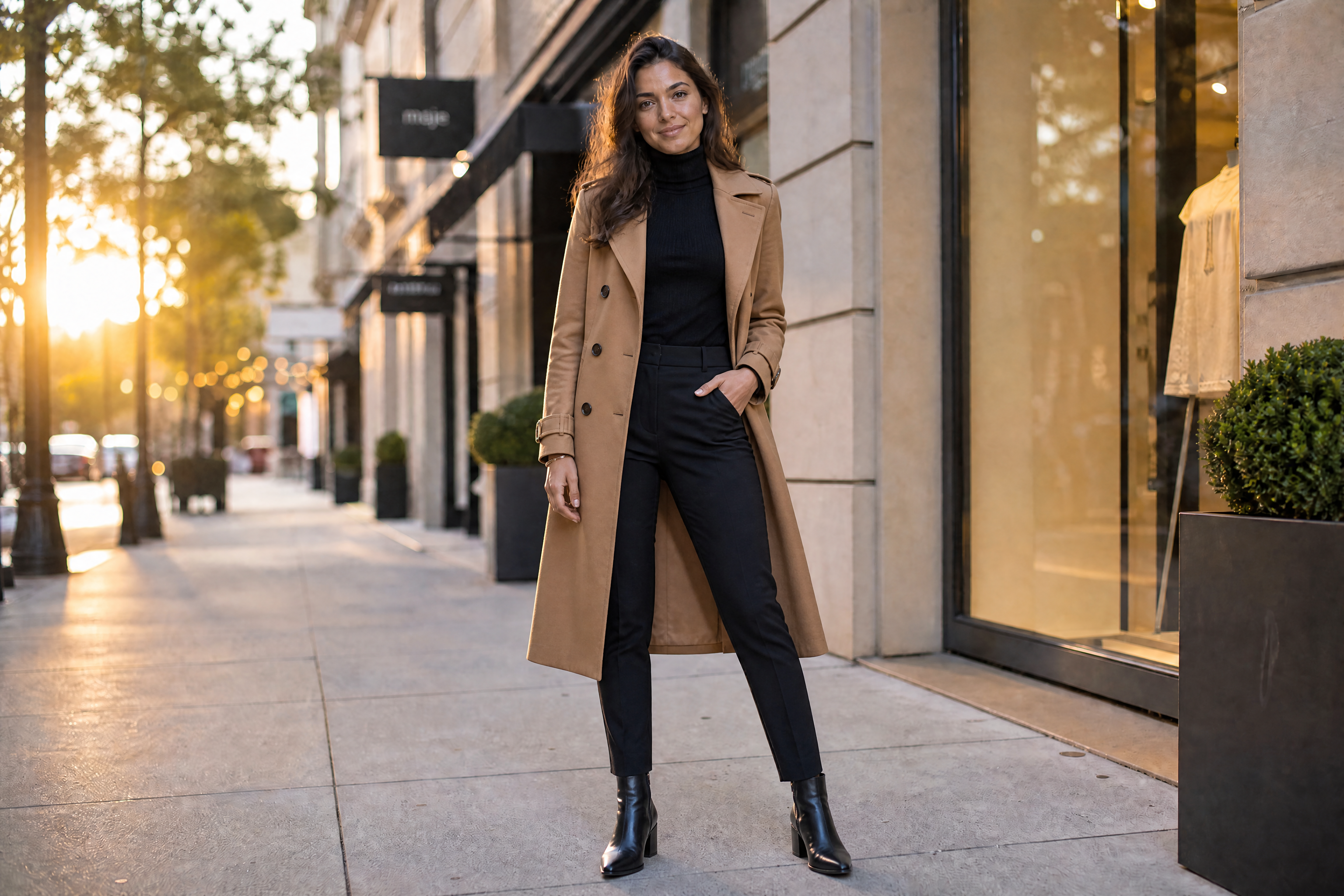
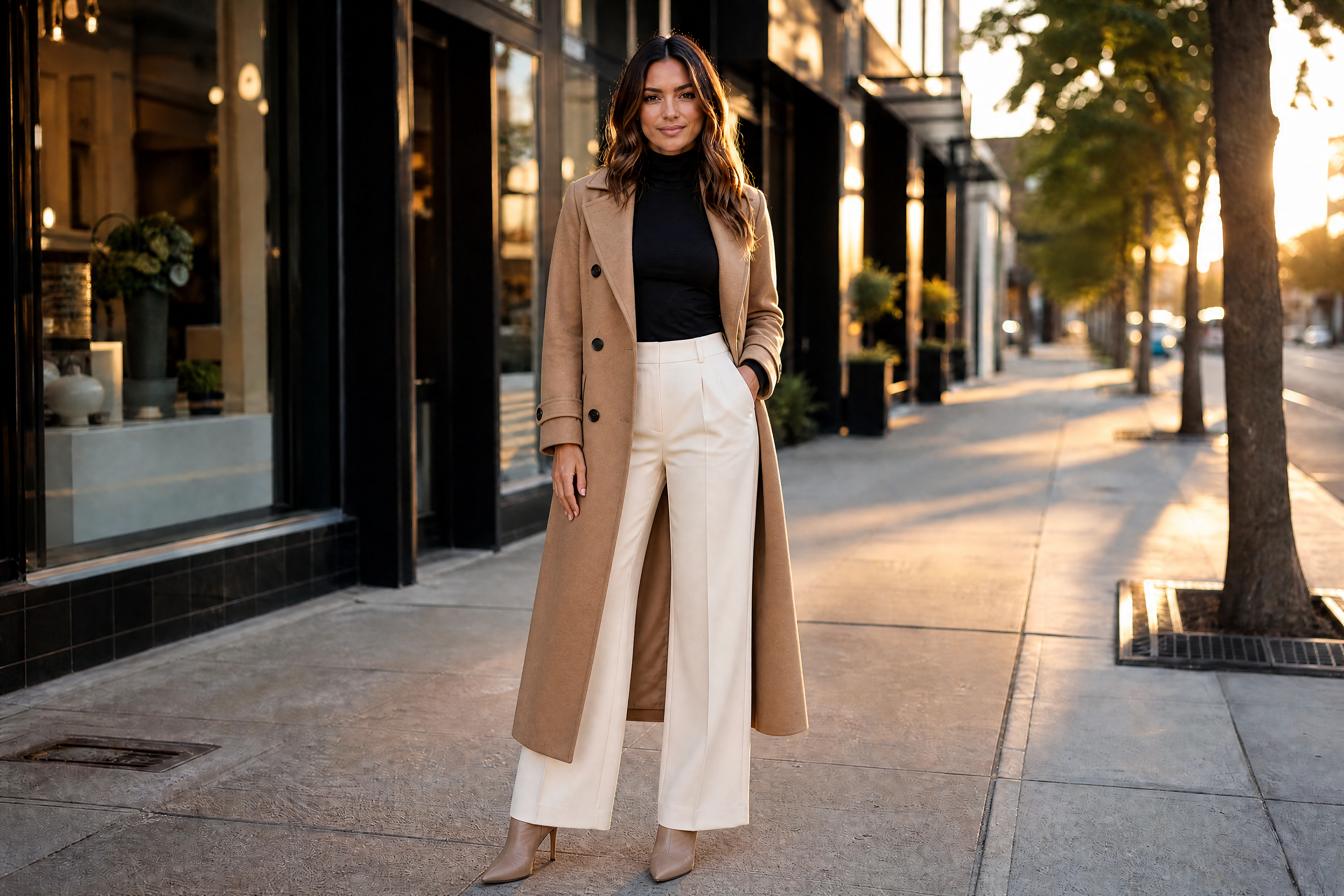
Upload a photo and swap everyday clothing for a tailored suit without rebuilding the whole image. Our AI keeps the person's face, pose, and scene consistent while changing the outfit into a polished formal look.
Watch the Transformation
See ai suit changer in motion — generated end-to-end by our AI.
See It In Action
Real outputs from ai suit changer.
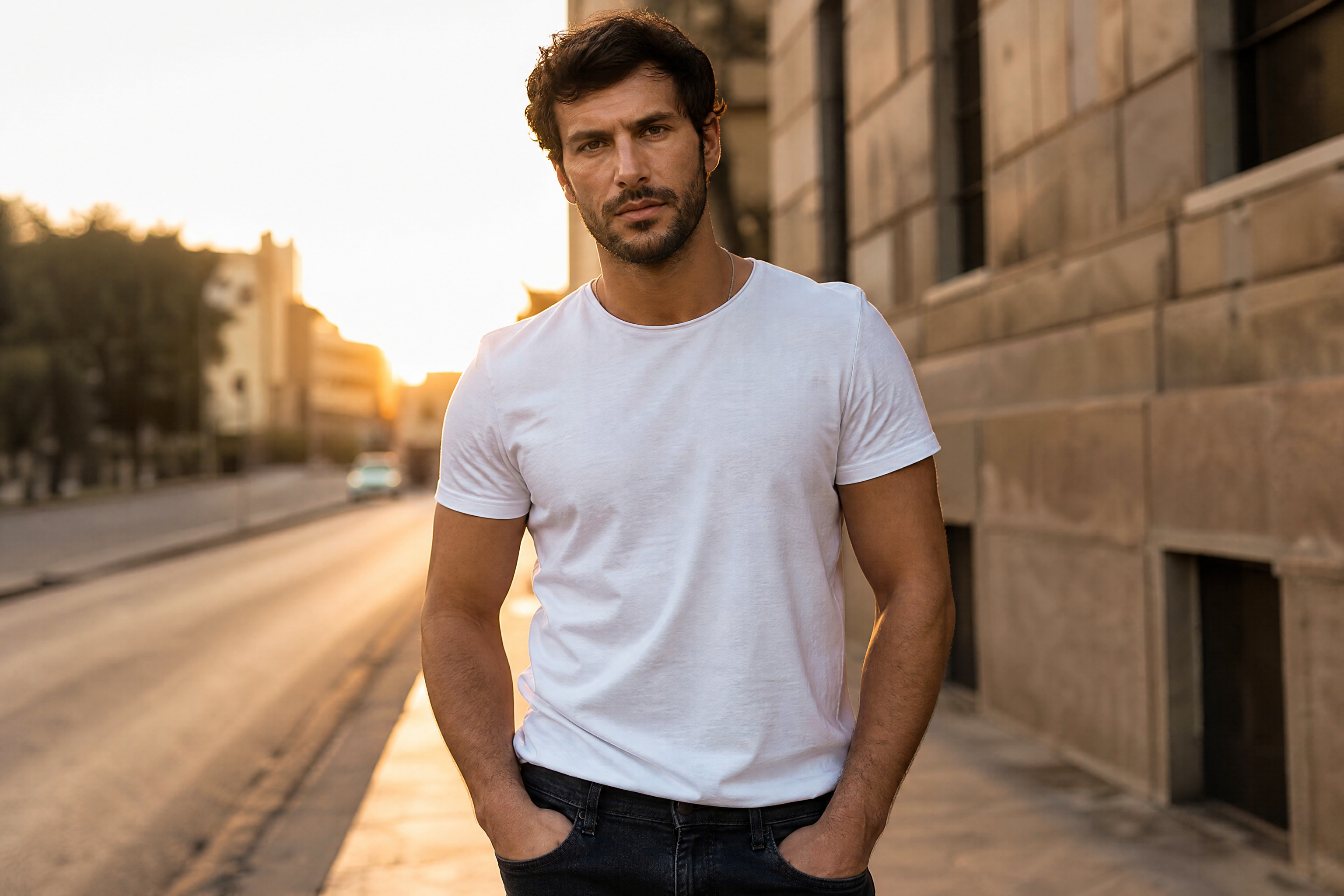
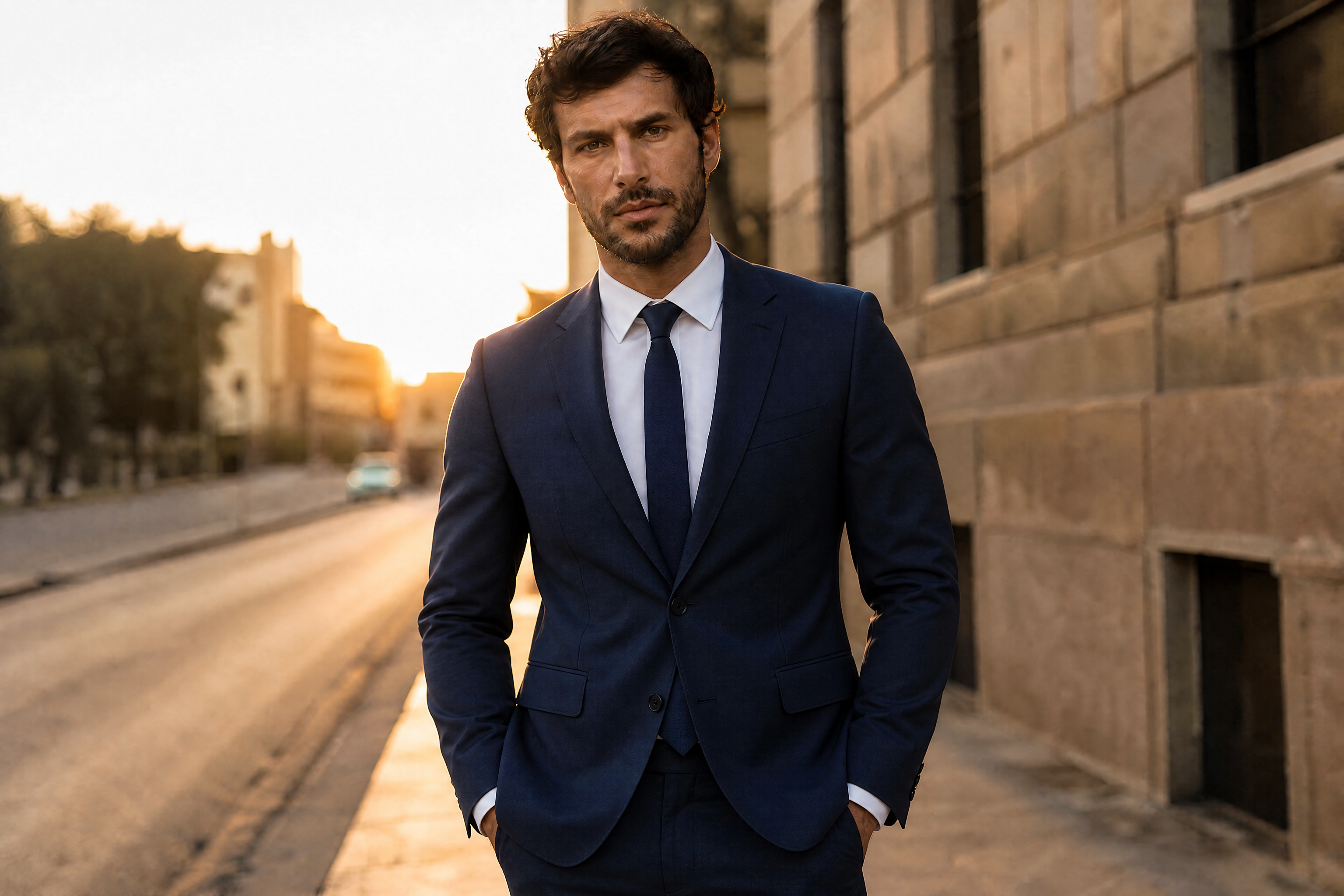
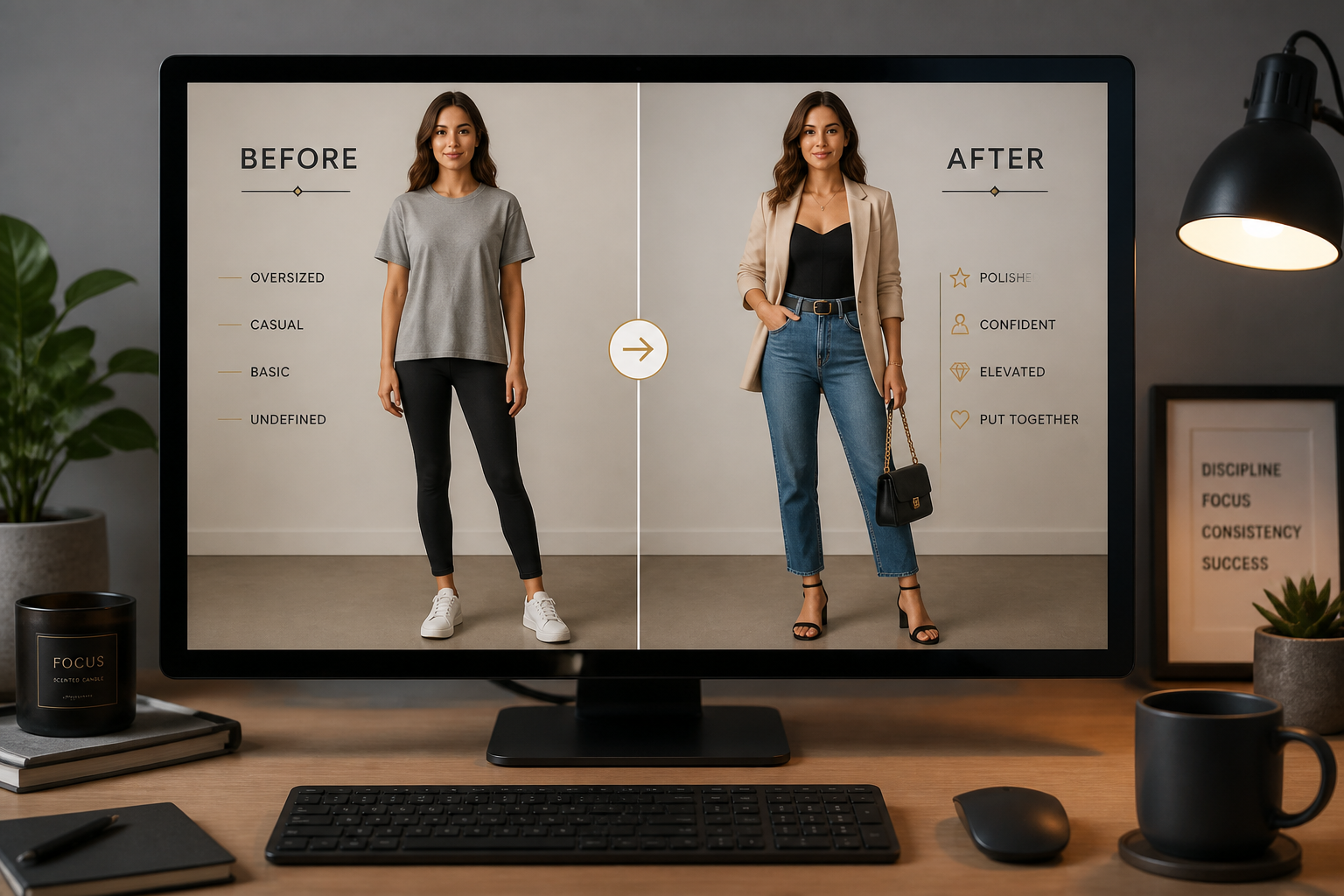
BEFOREAFTER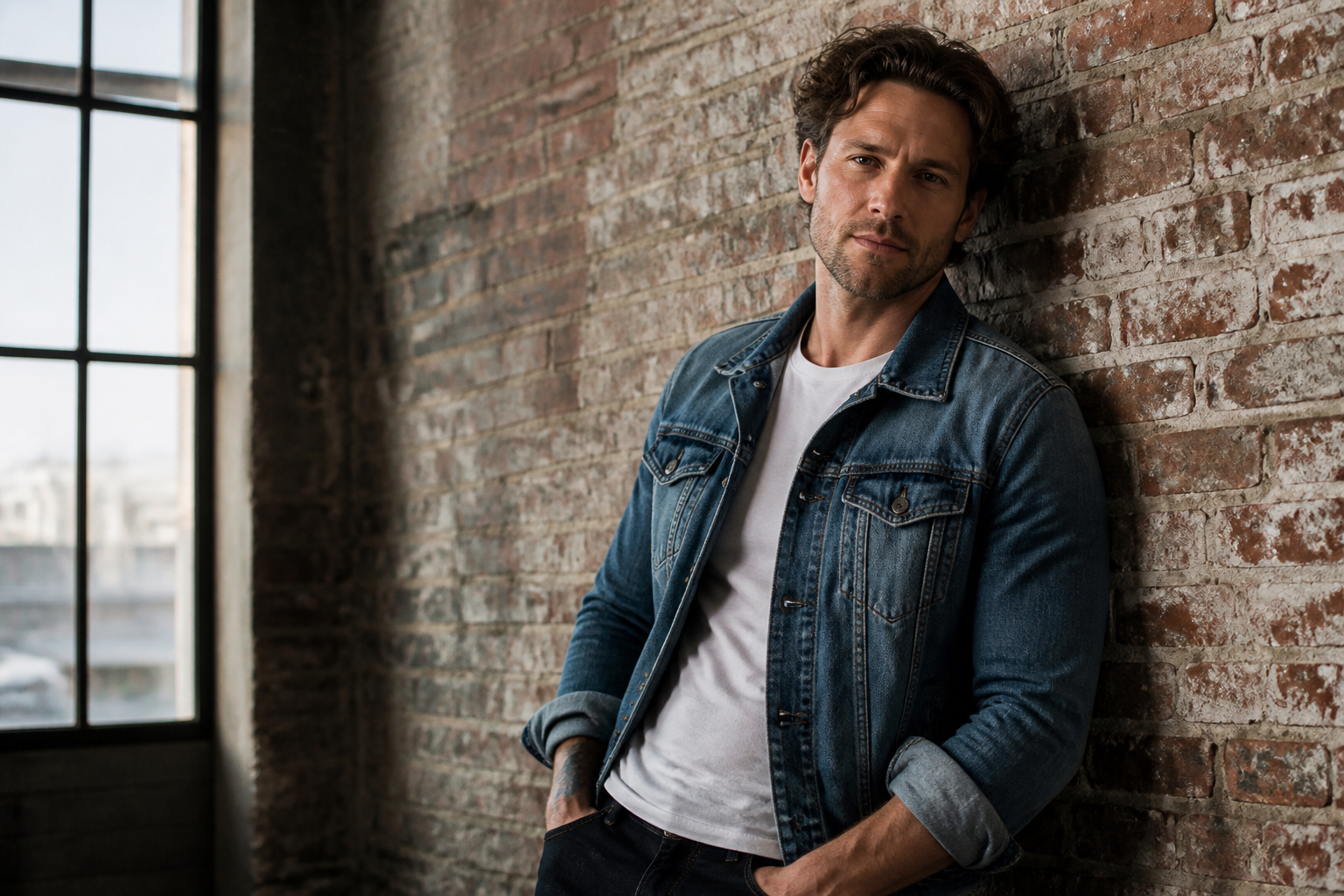 BEFORE
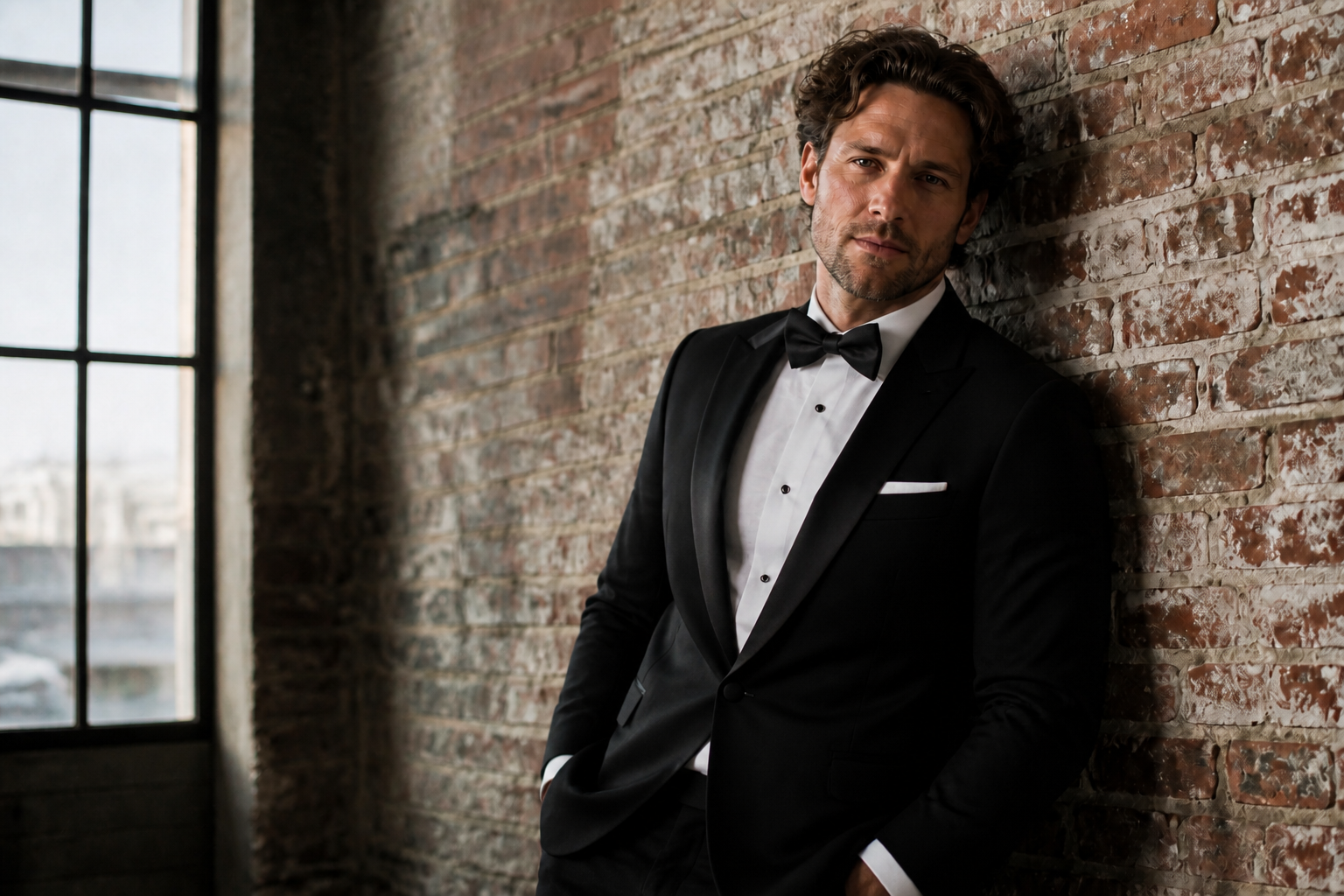 AFTER
AFTER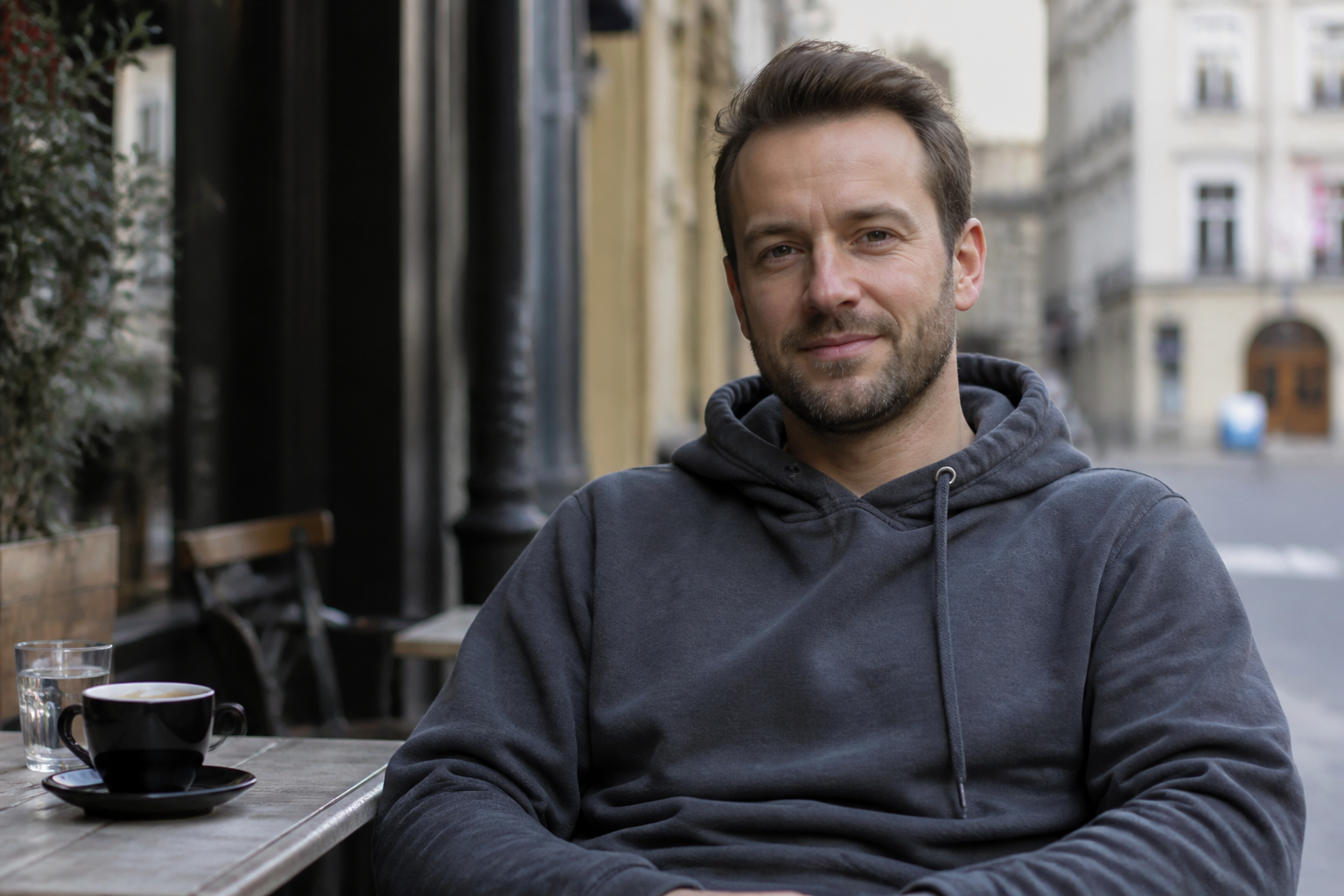 BEFORE
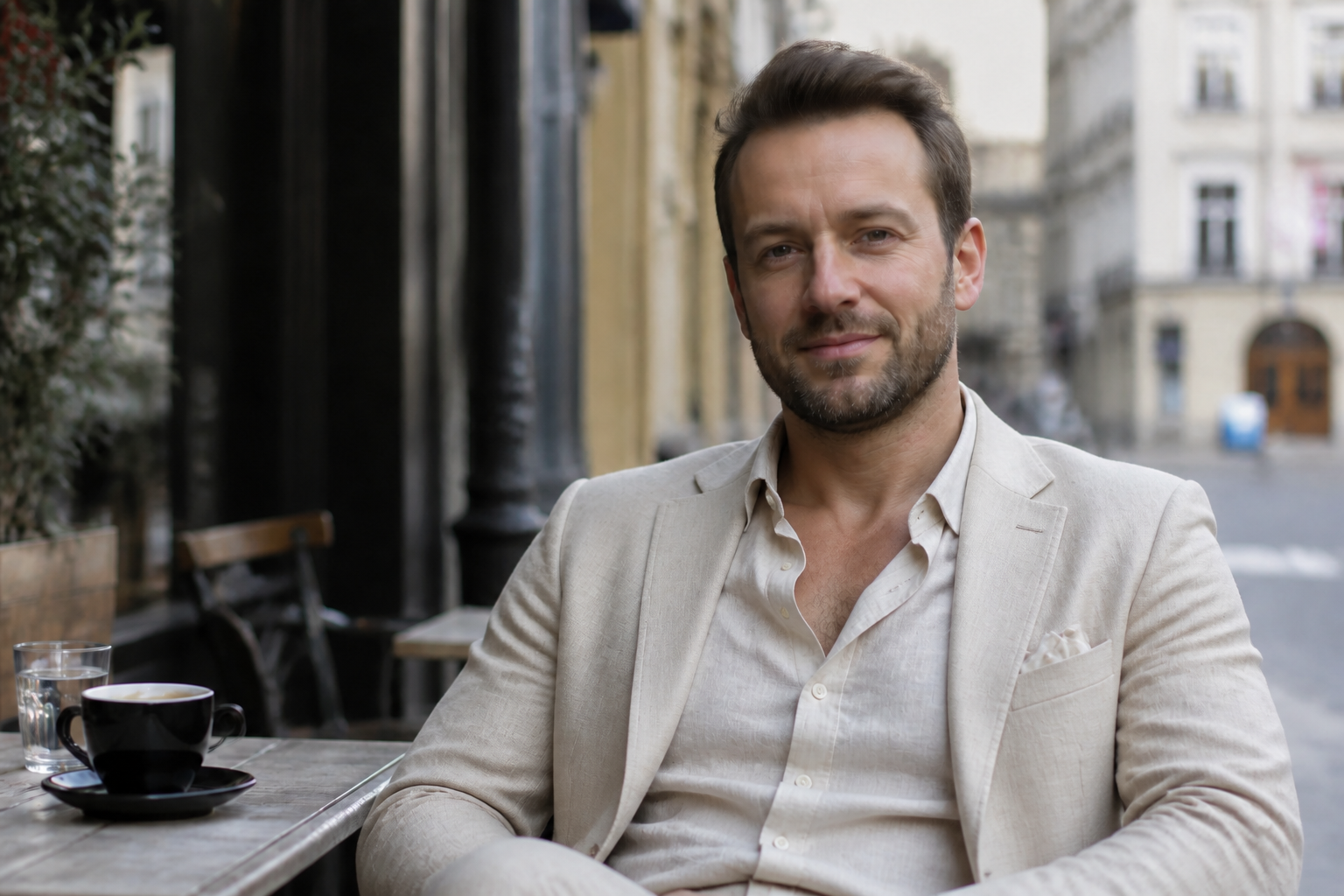 AFTER
AFTER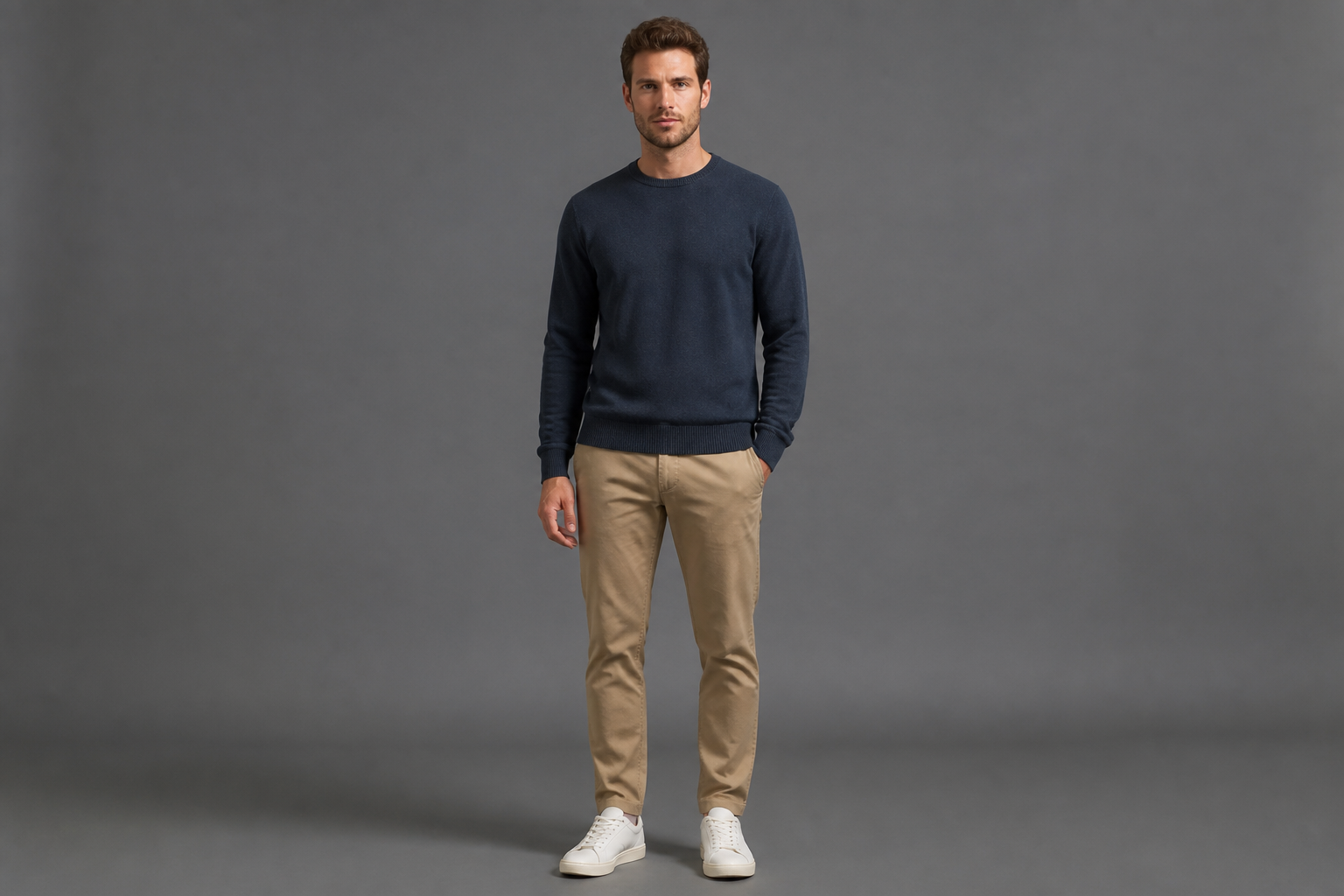 BEFORE
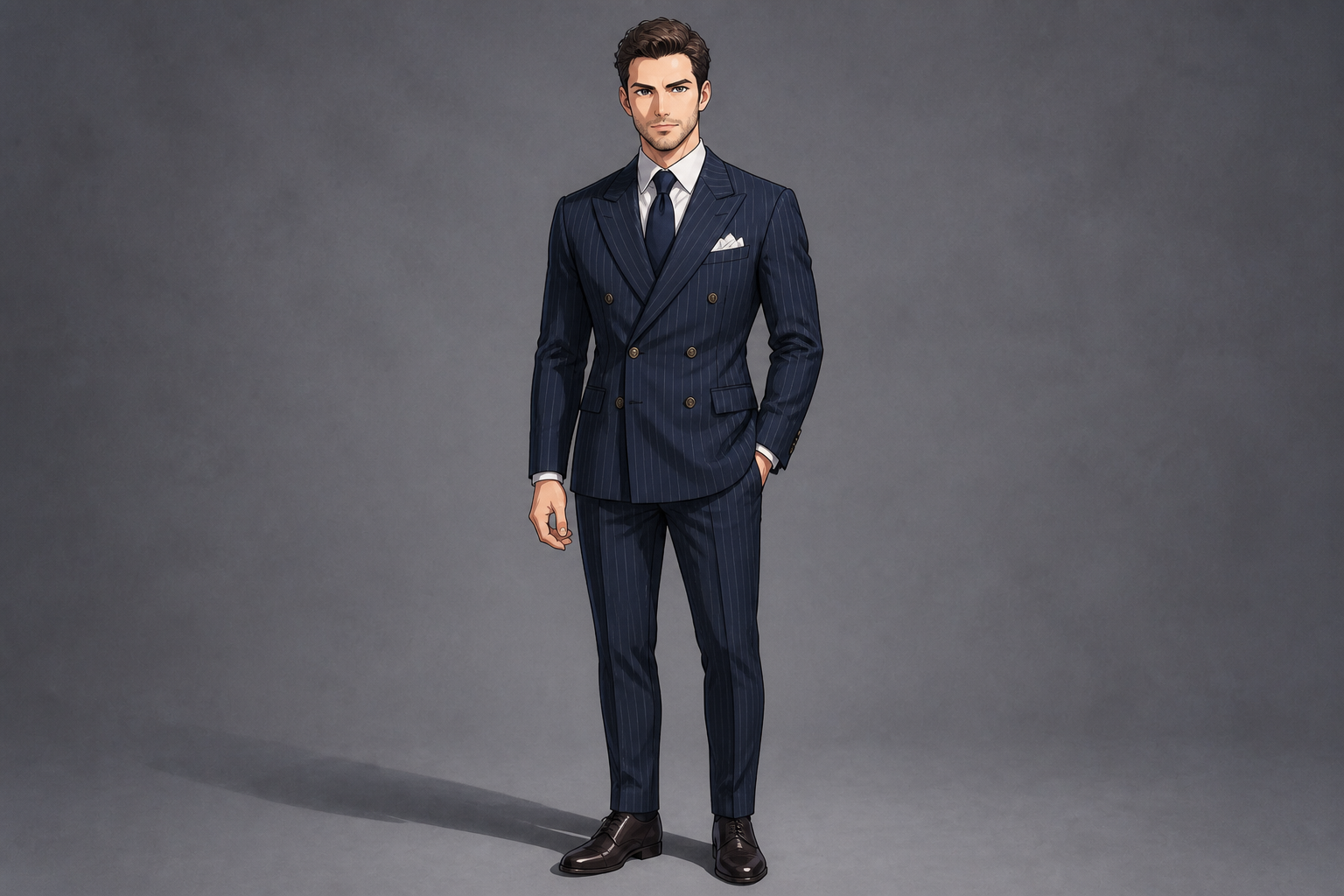 AFTER
AFTER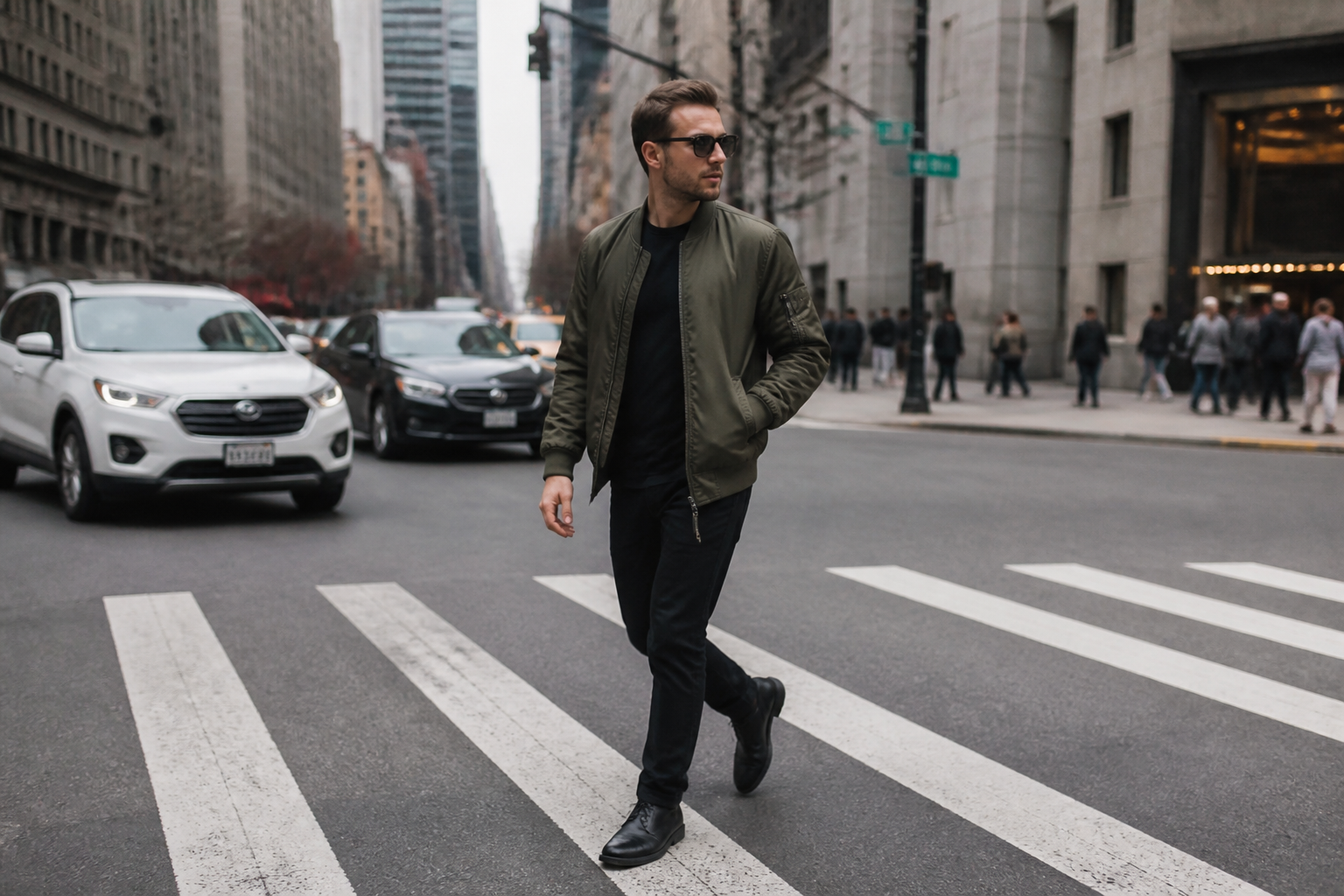 BEFORE
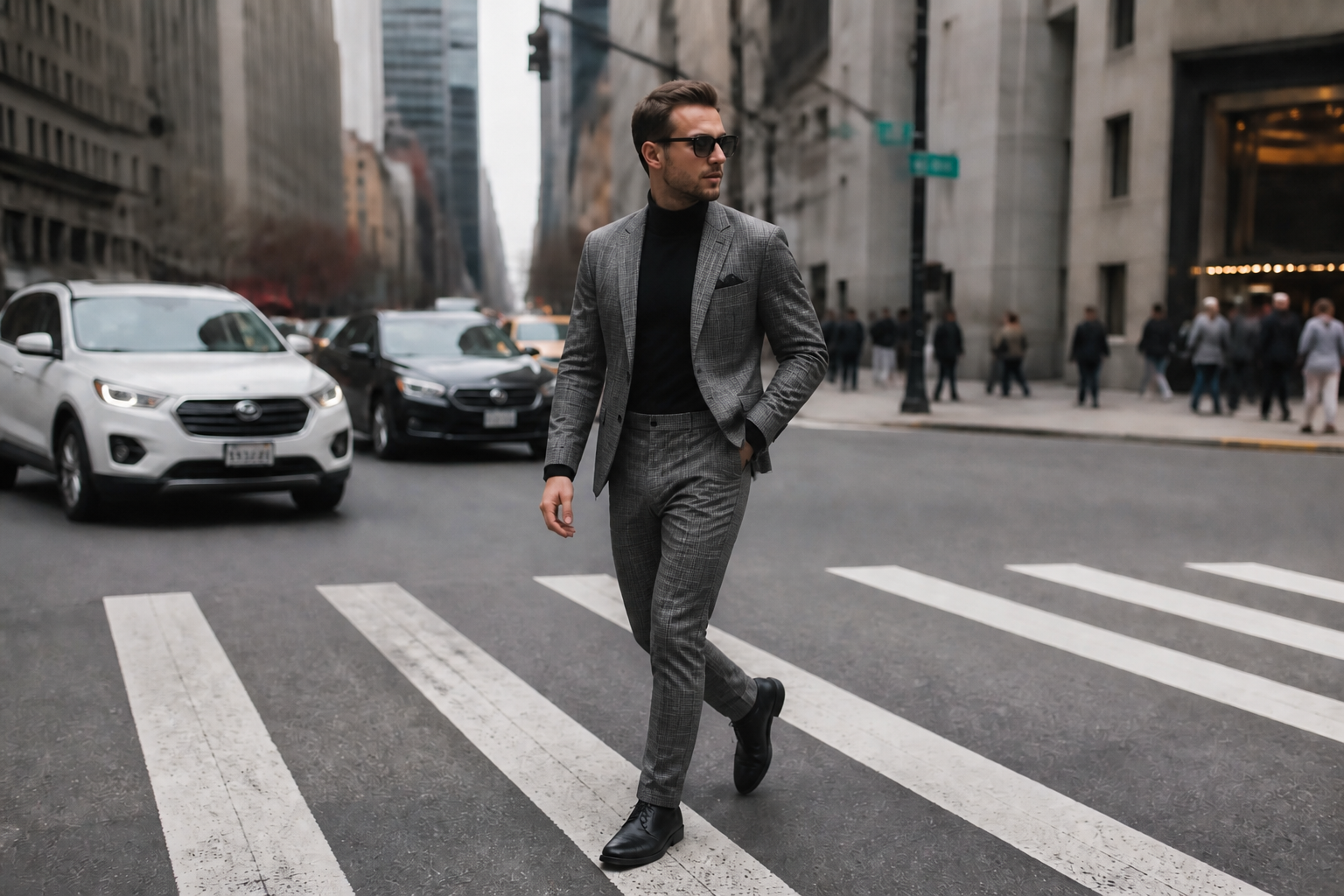 AFTERBEFOREAFTERBEFOREAFTERBEFOREAFTERBEFOREAFTERBEFOREAFTER
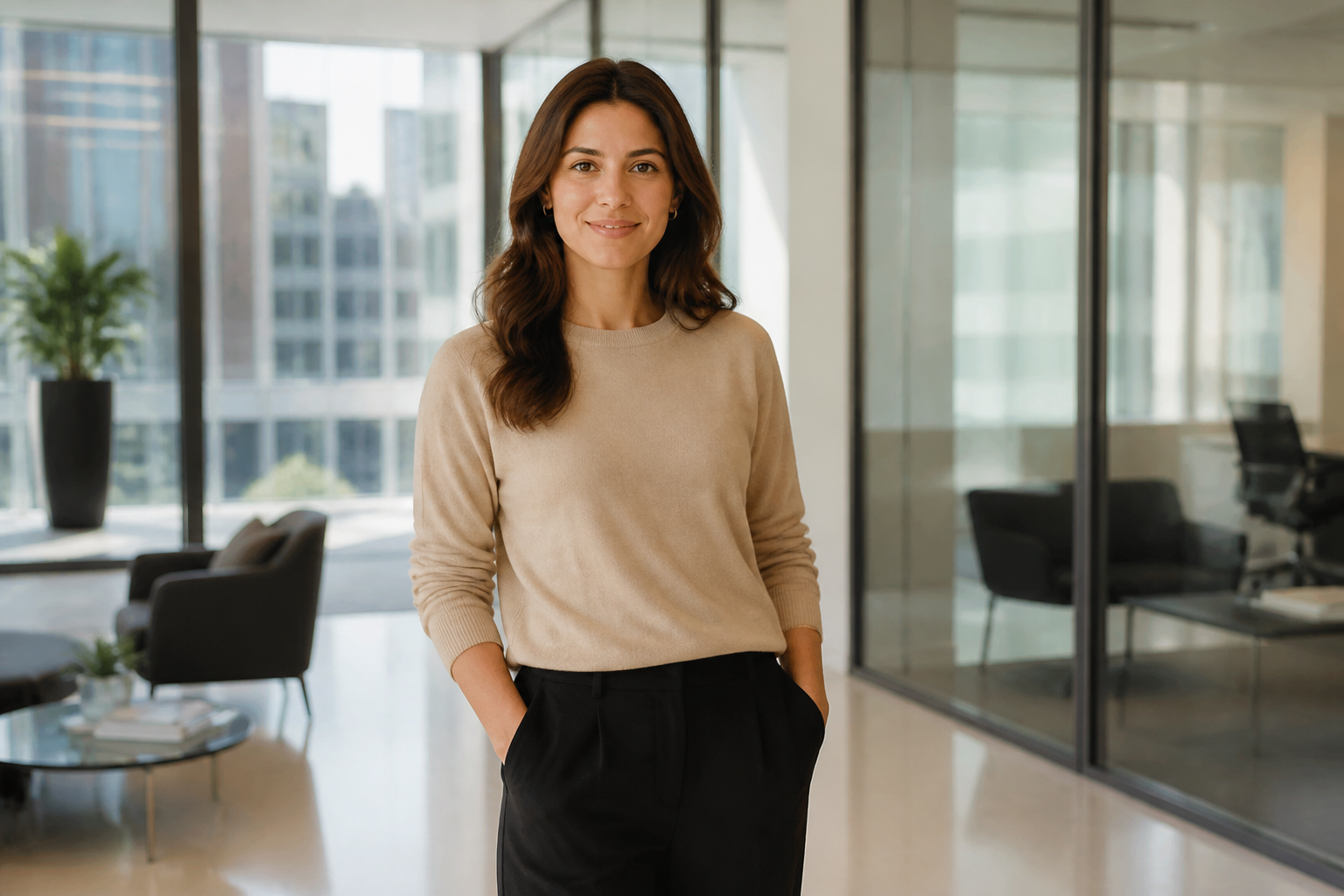 BEFORE
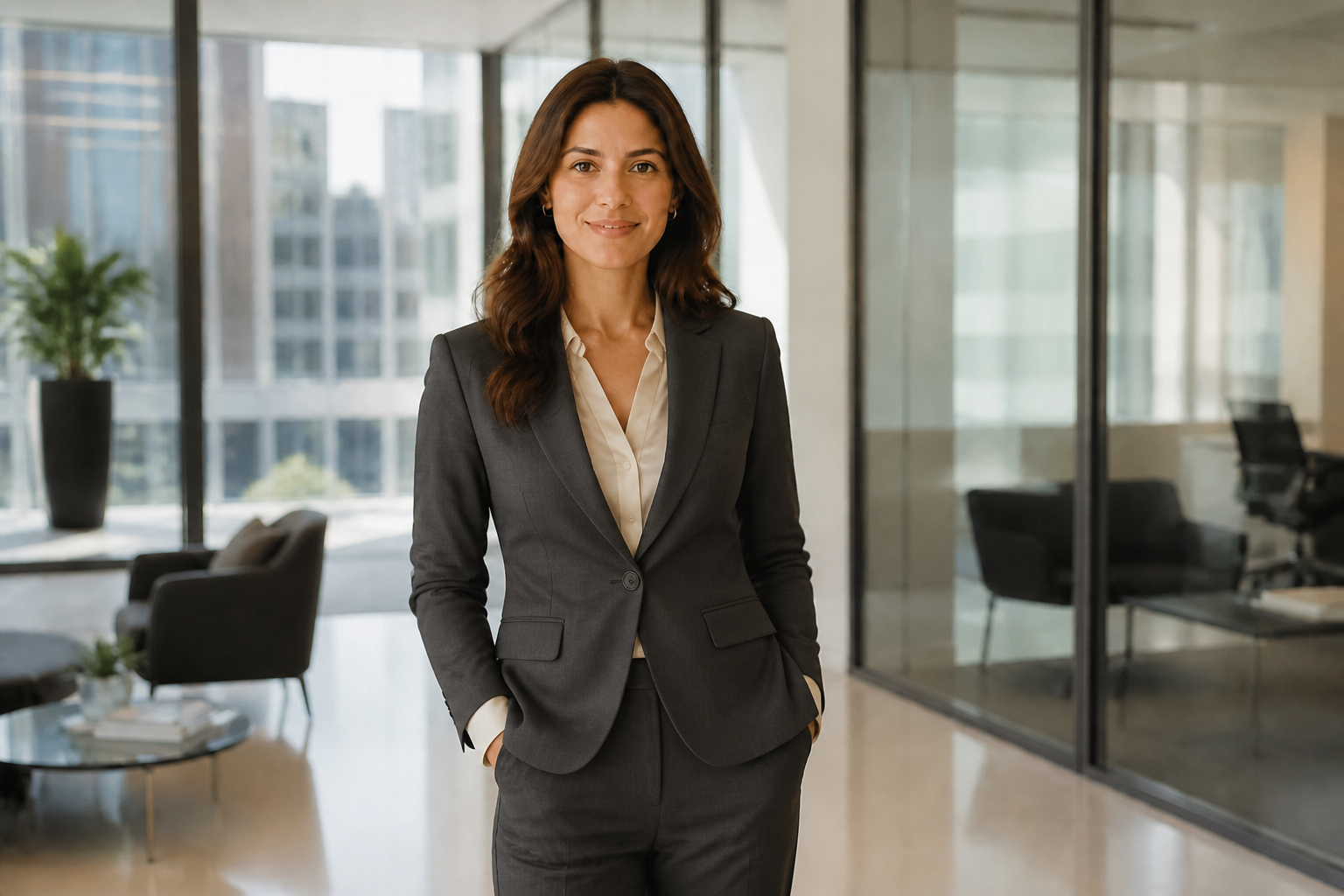 AFTER
AFTER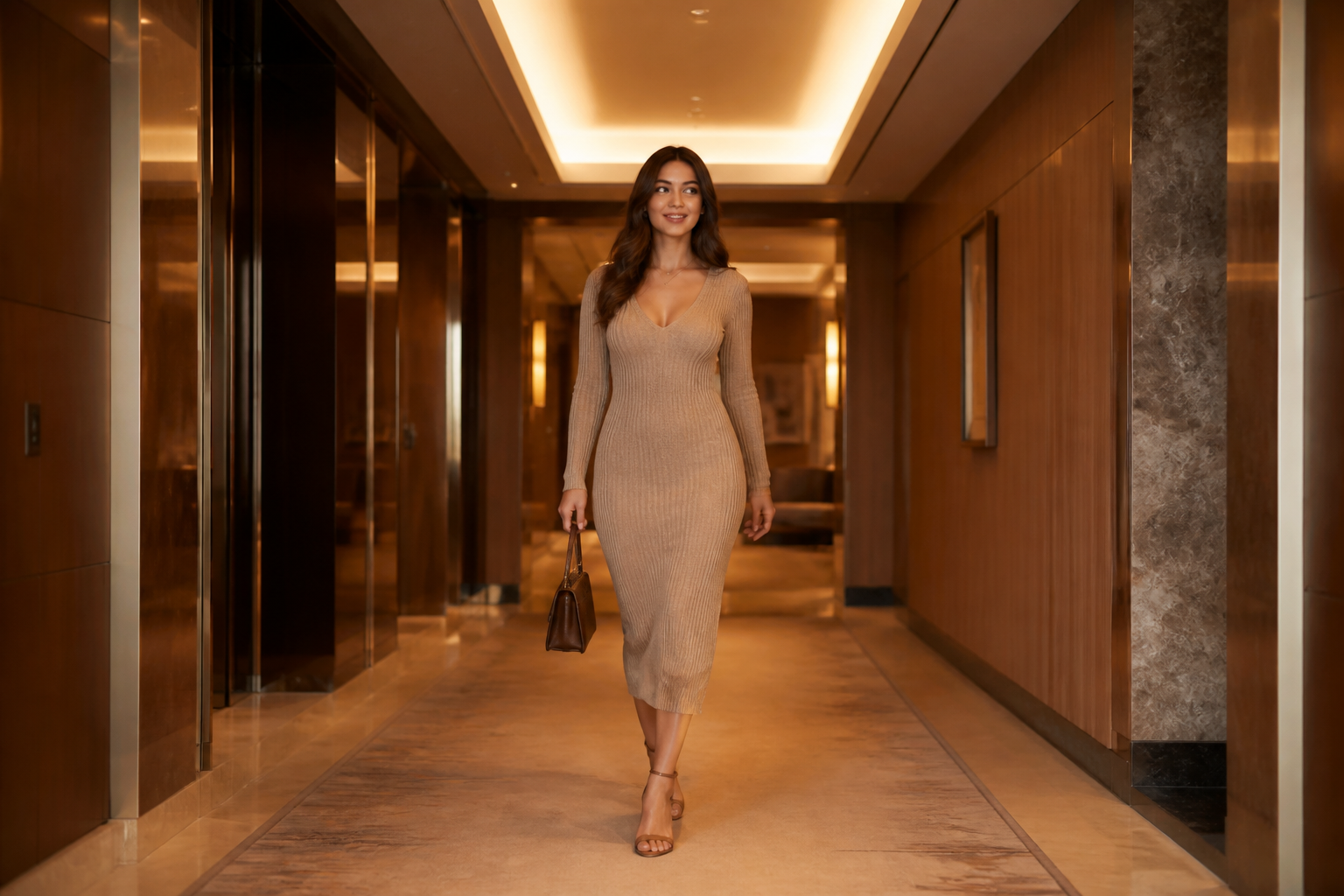 BEFORE
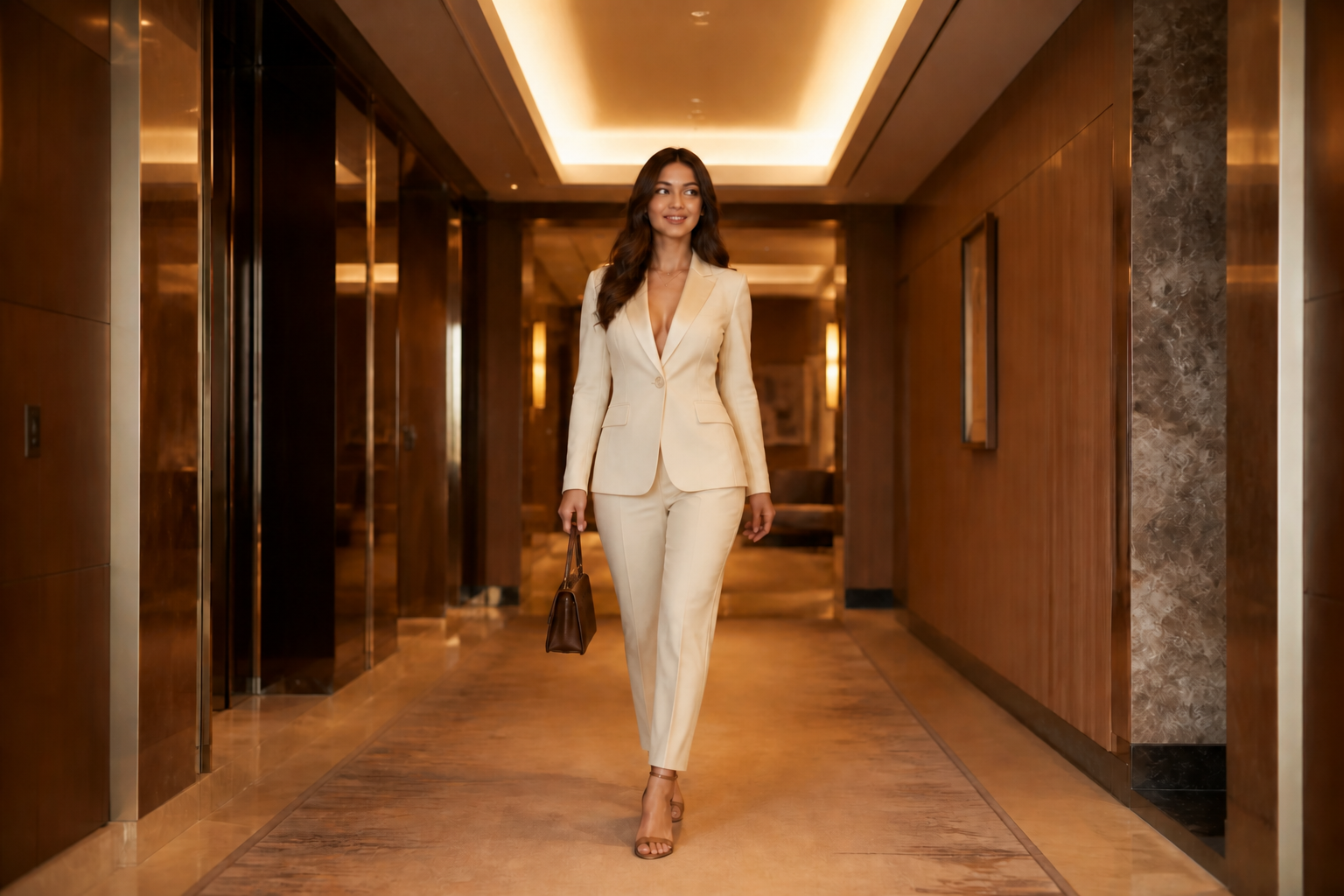 AFTER
AFTER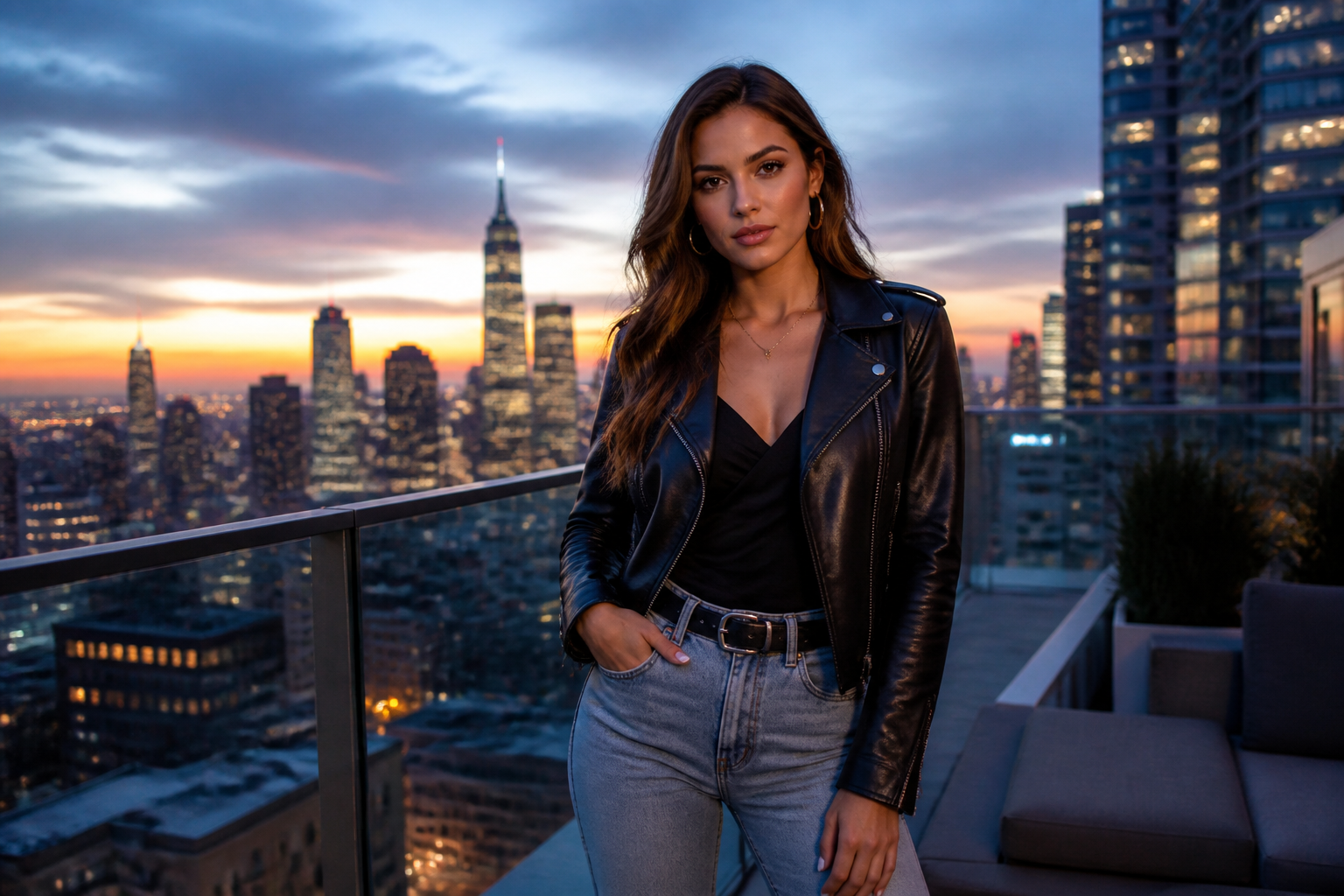 BEFORE
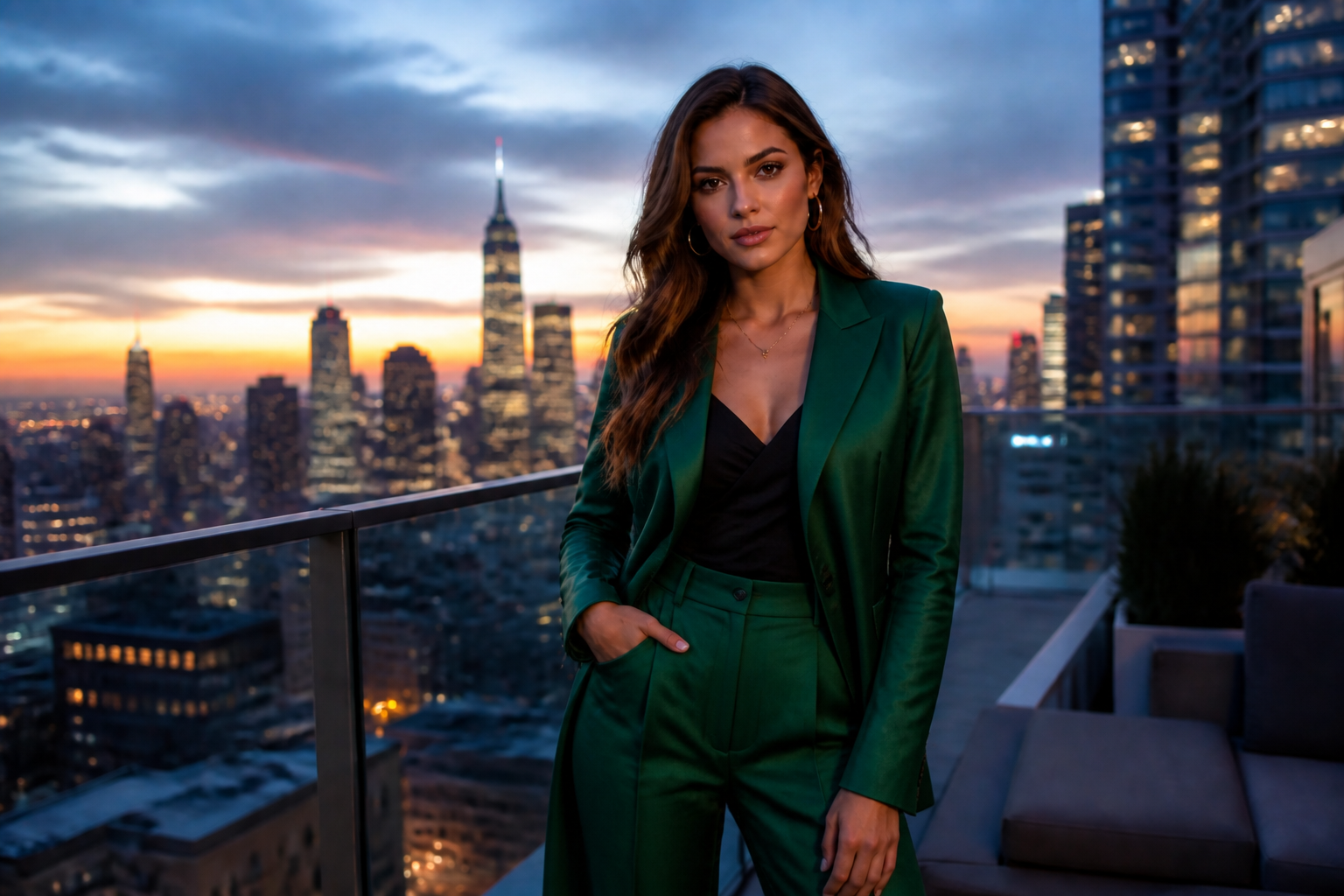 AFTER
AFTER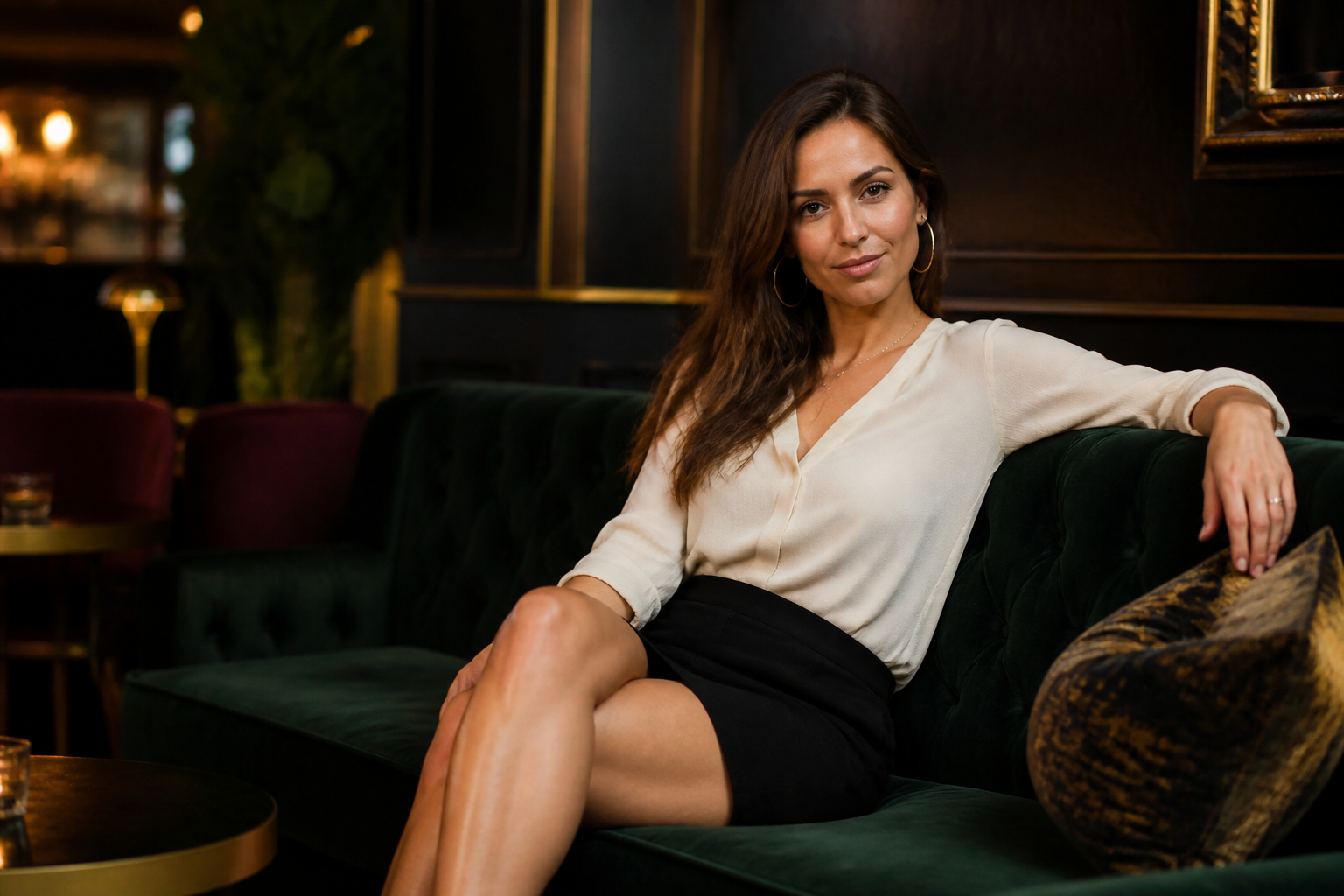 BEFORE
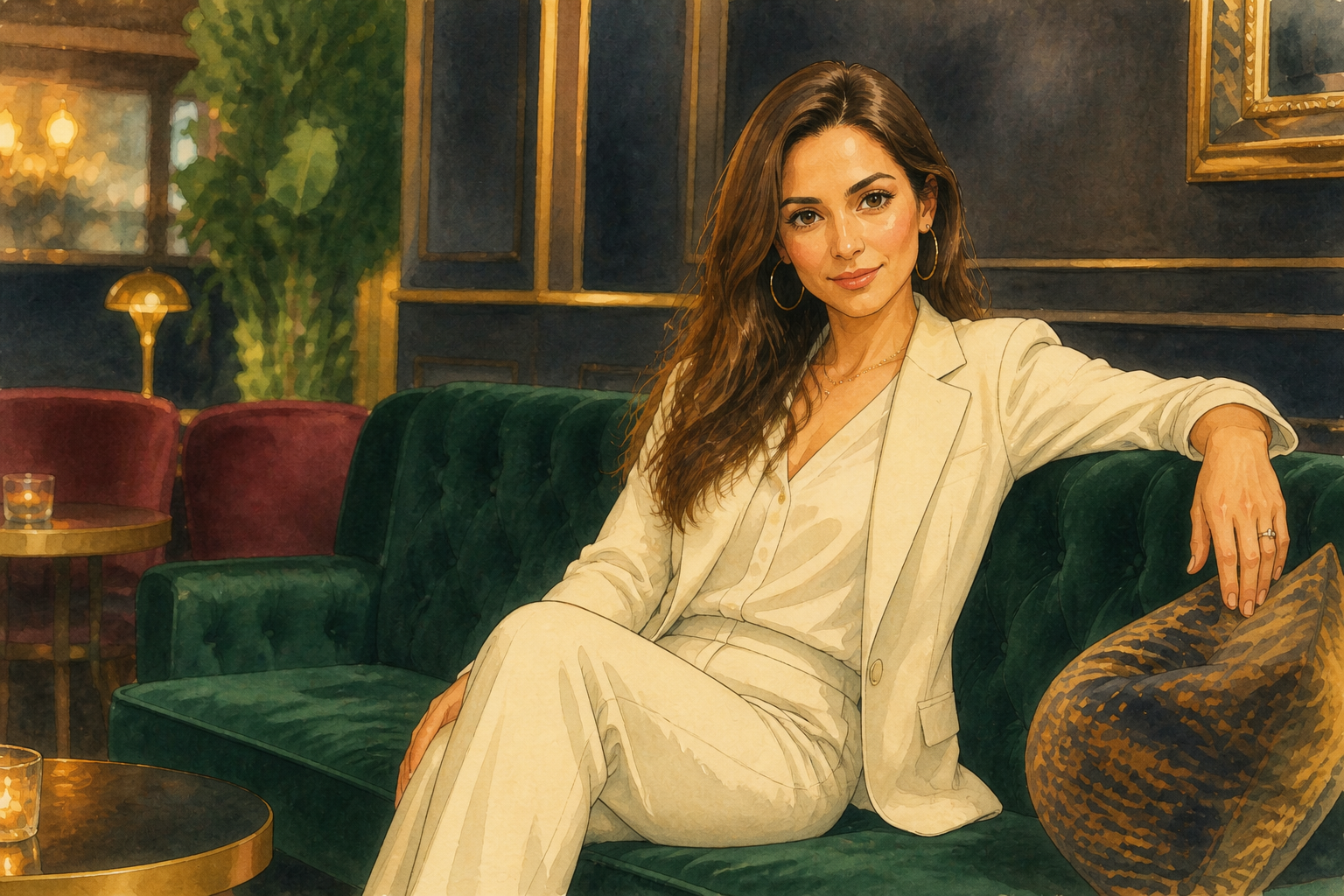 AFTER
AFTER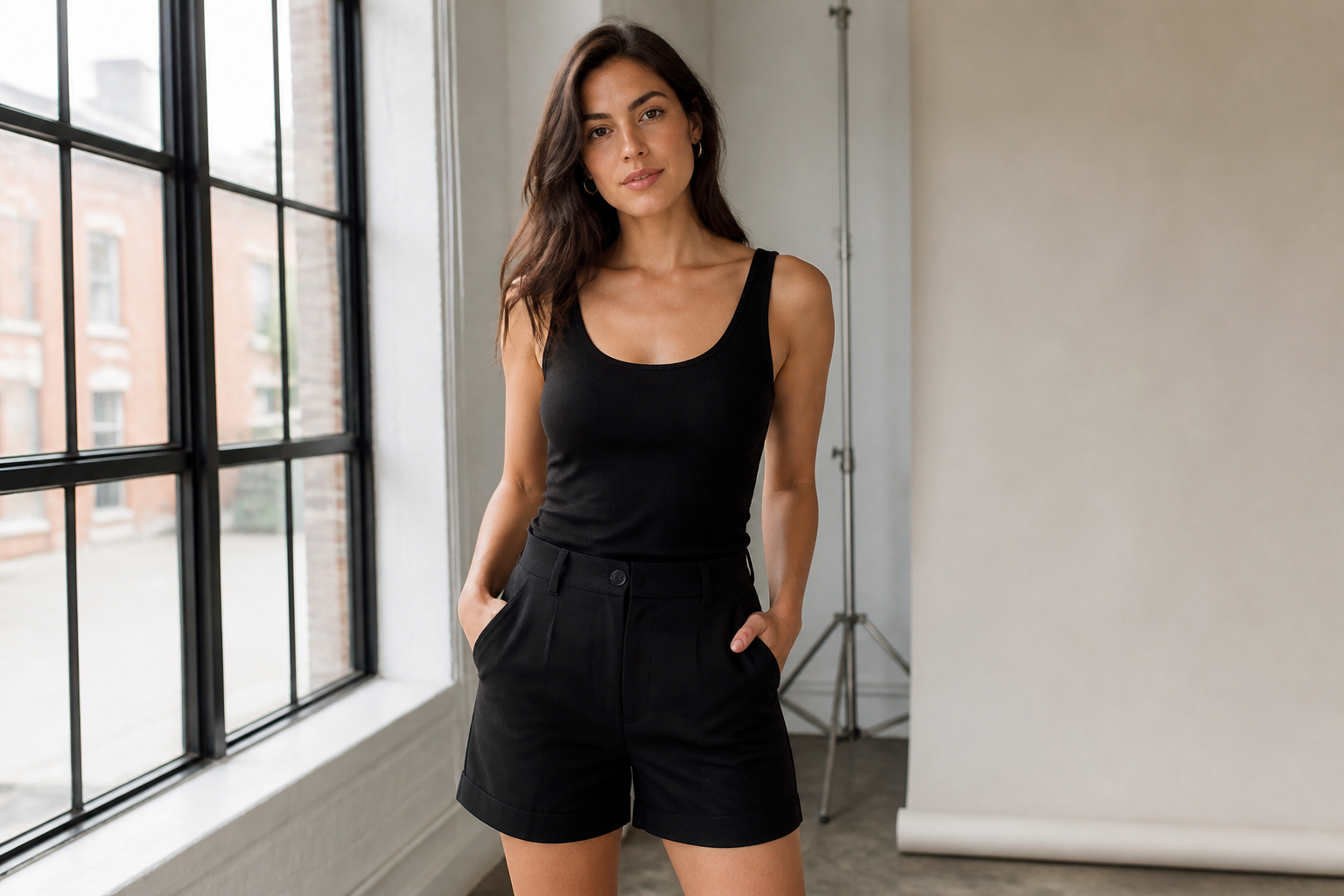 BEFORE
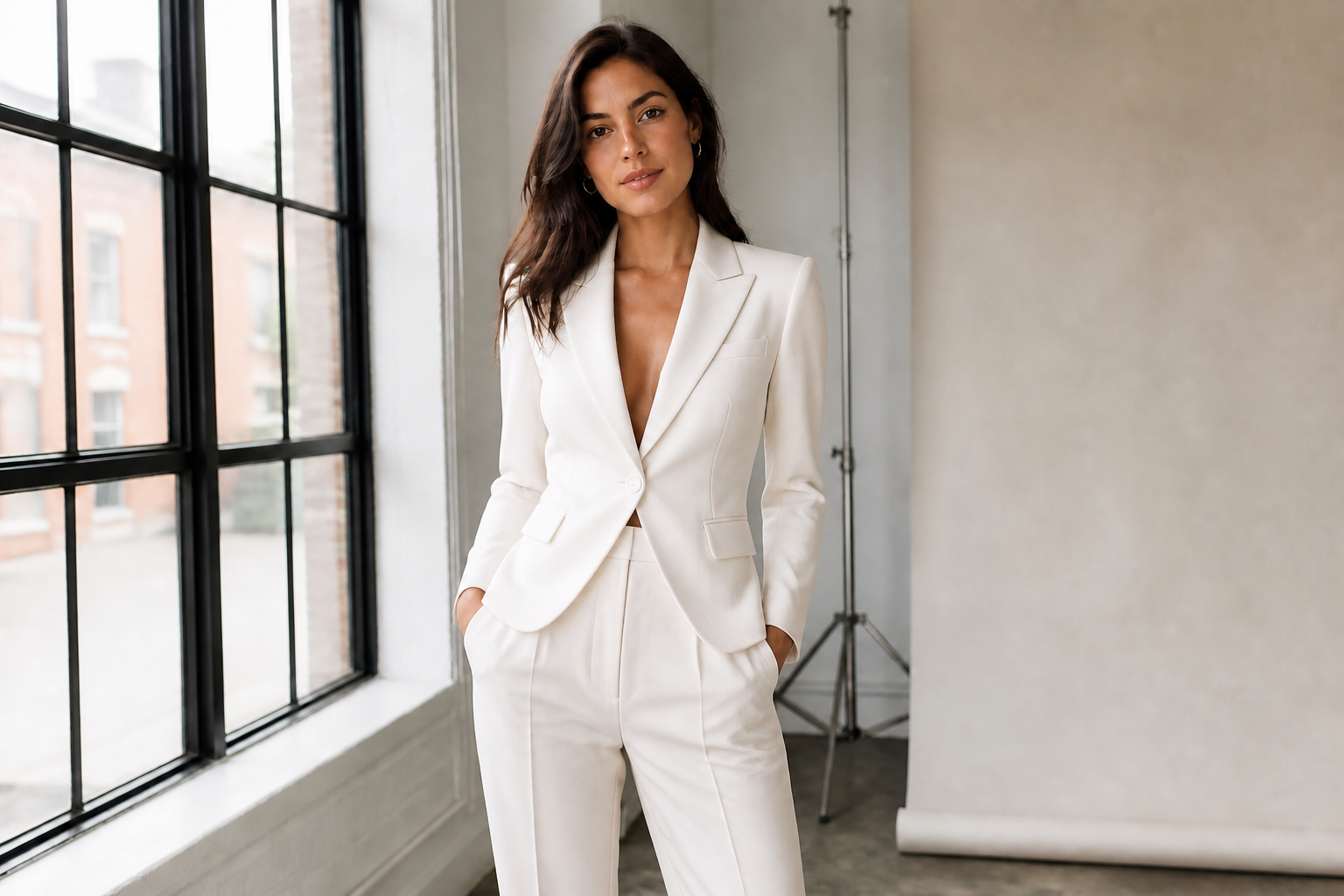 AFTERBEFOREAFTERBEFOREAFTERBEFOREAFTERBEFOREAFTERBEFOREAFTER
Key Features
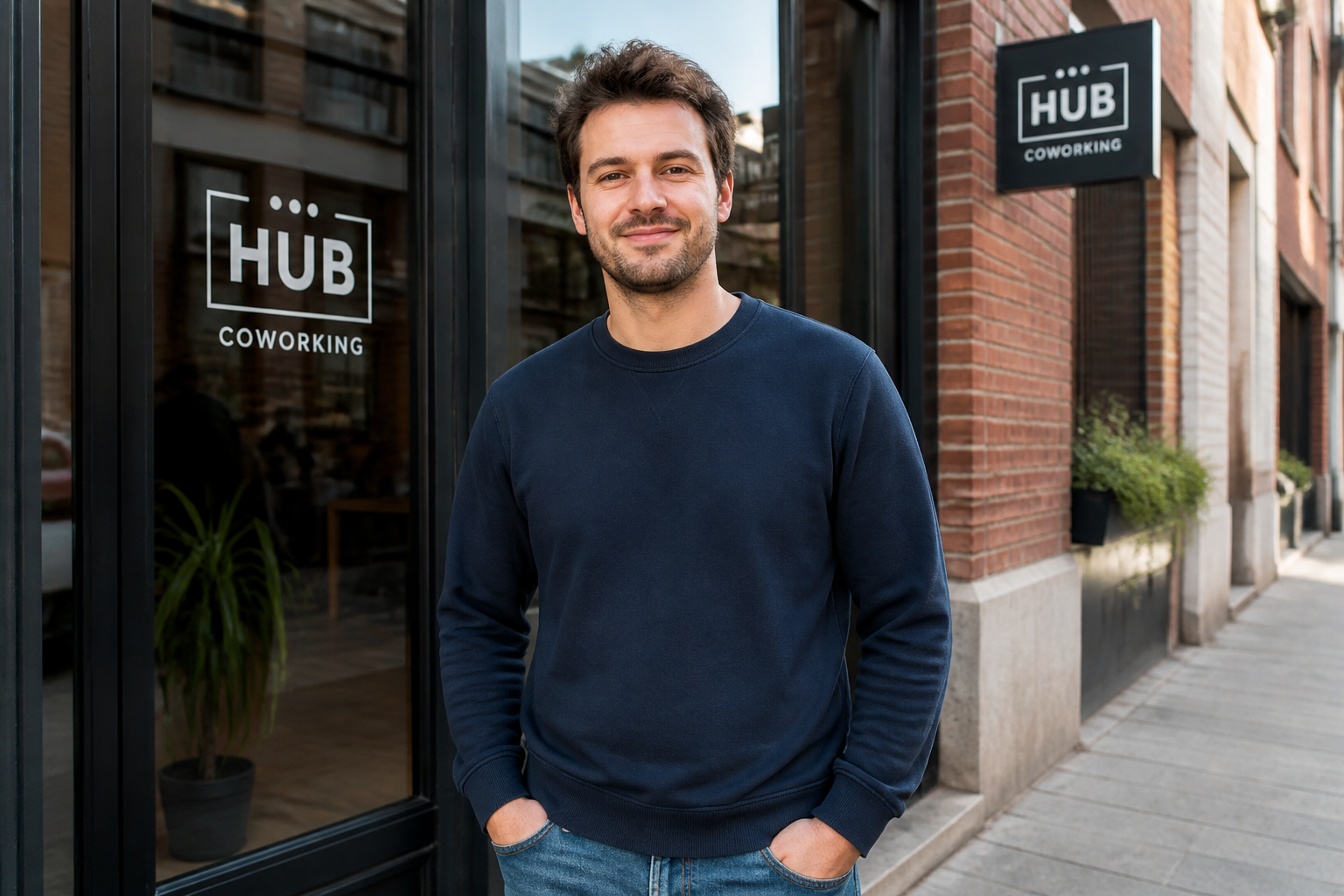
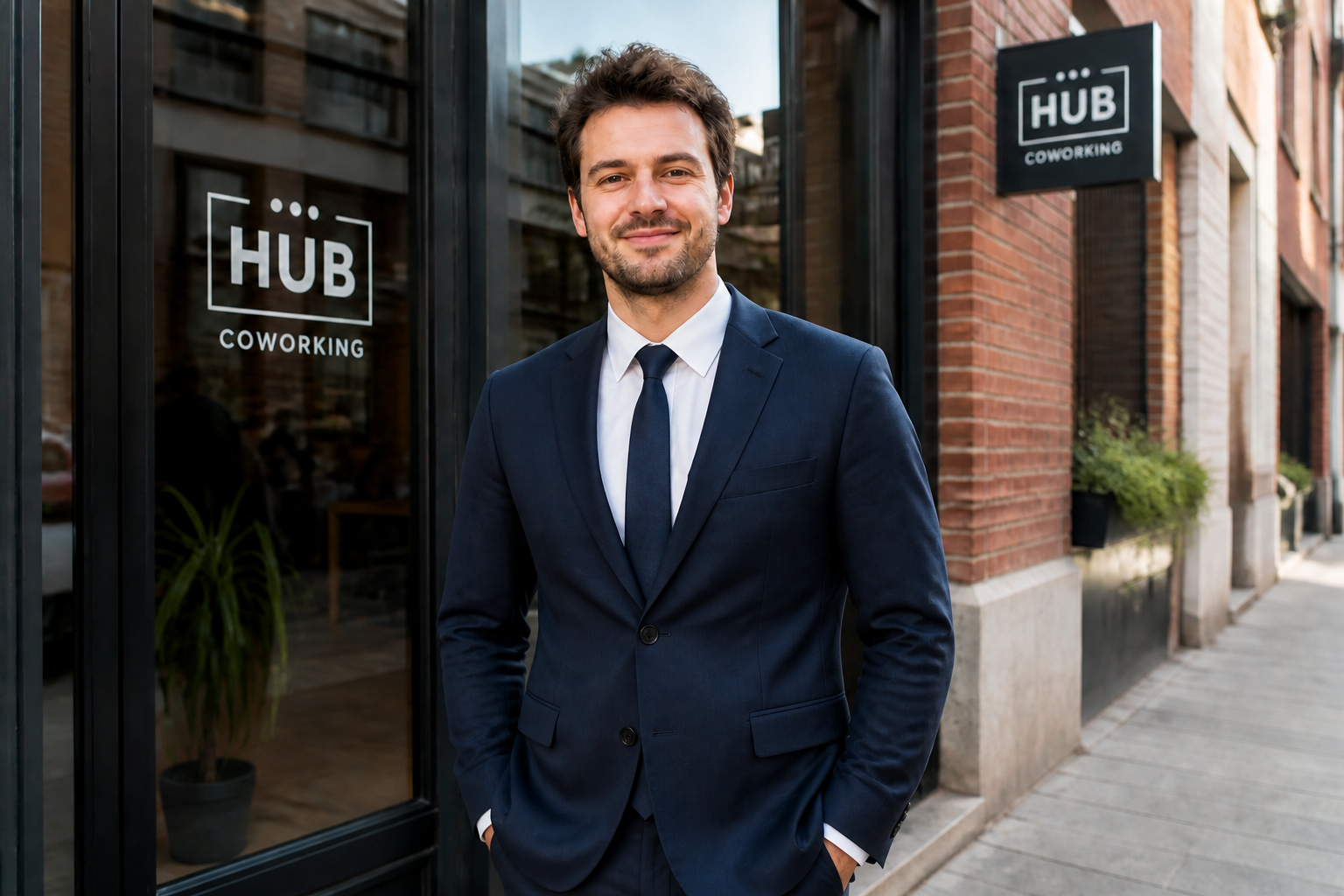
Swap casual for formal
Turn everyday outfits into polished suits without restaging the photo. This is useful for profile pictures, speaker bios, and quick mockups when you do not have a formal wardrobe on hand. Instead of manually masking jackets, shirts, and lapels piece by piece, you can describe the suit you want and get a clean before-and-after result fast.
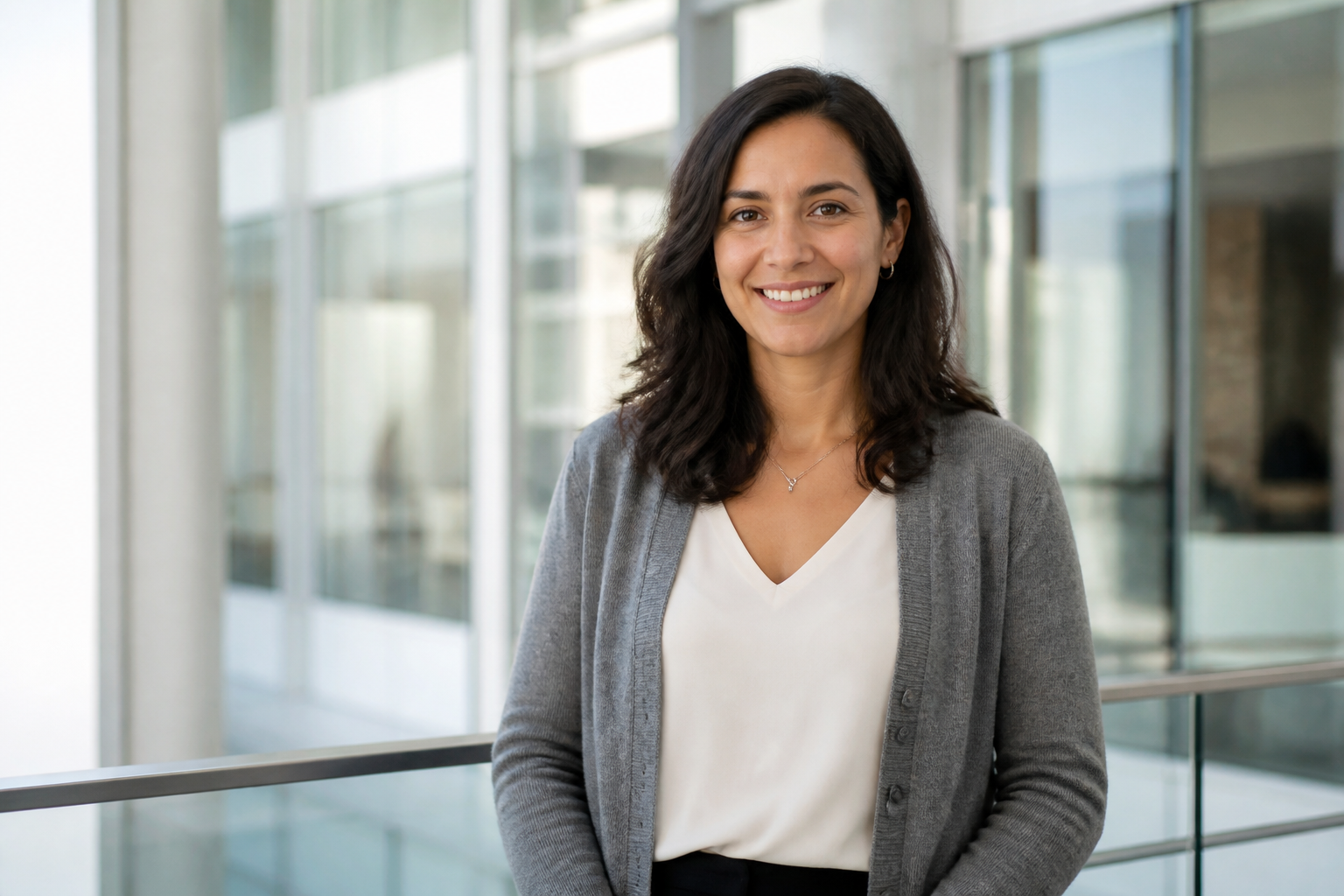

Keep the same identity
The goal is to change the clothing, not the person. Our AI is suited for edits where facial features, hairstyle, pose, and overall scene should stay recognizable while the outfit changes. That makes the result more useful for client previews, team headshots, and personal branding than generic image generation from scratch.
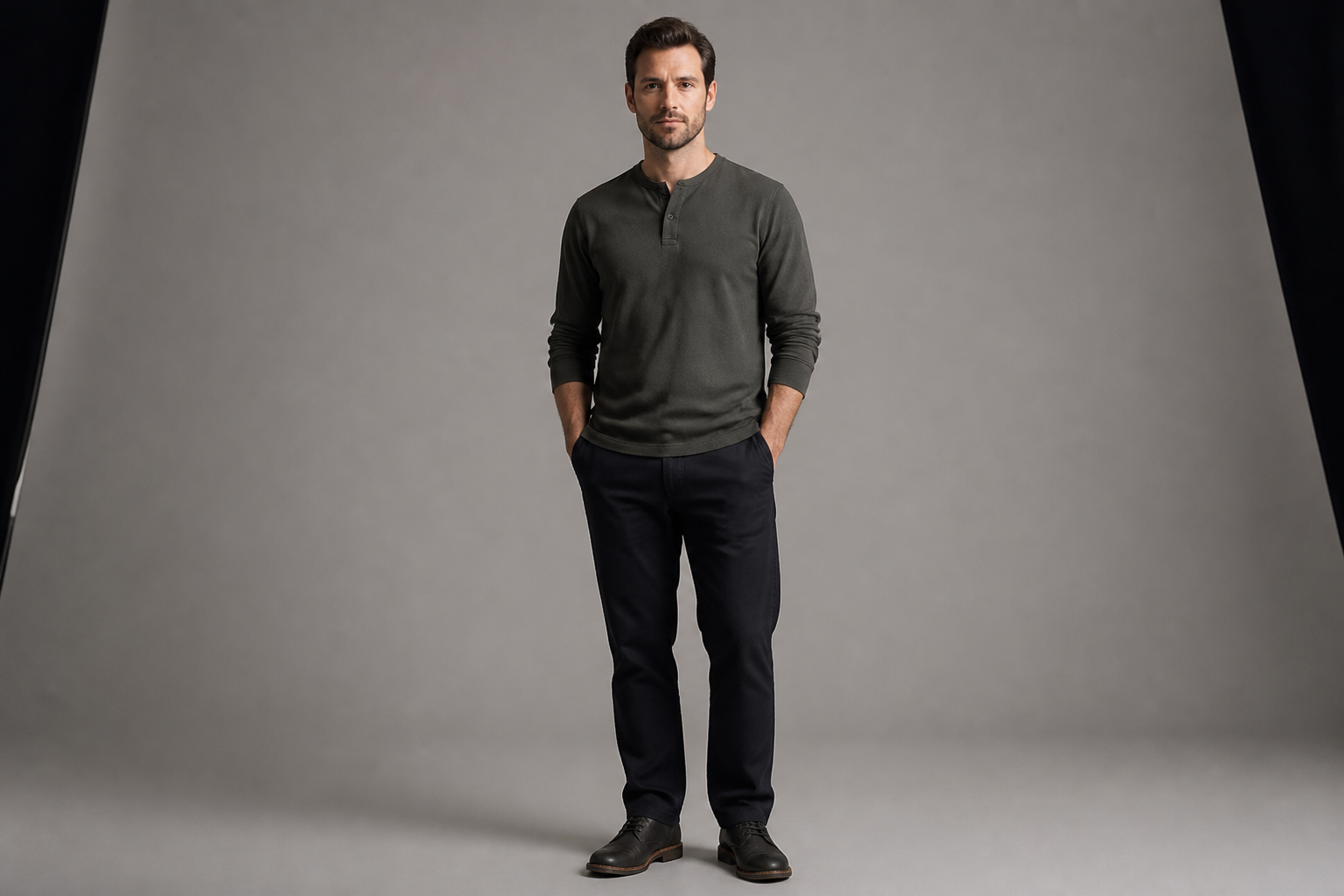
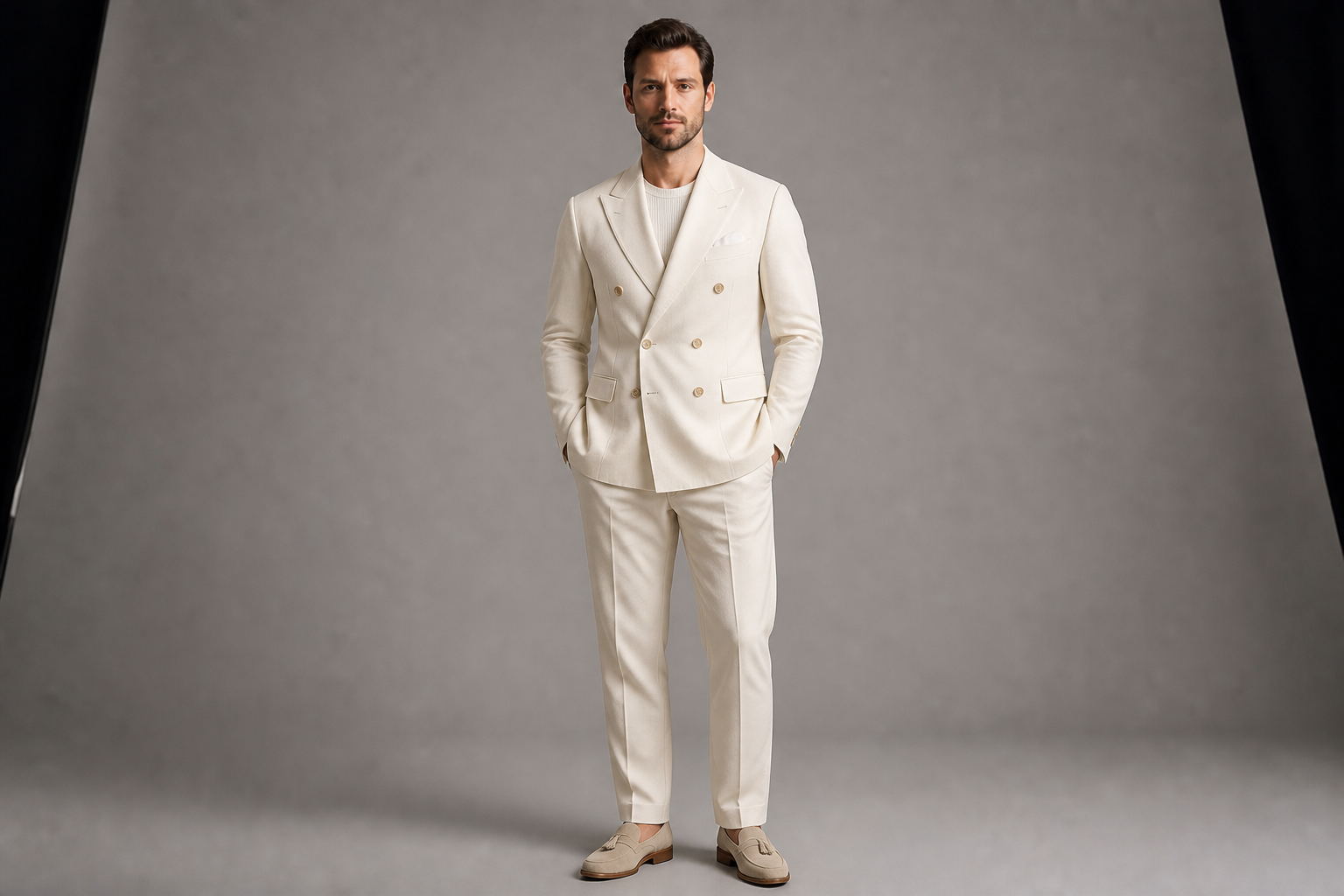
Try different suit styles
You can test business, wedding, editorial, and seasonal suit looks from the same starting photo. That makes it easier to compare cuts, colors, and formality levels before committing to a real purchase or final image. Manual wardrobe comps usually take multiple apps and a lot of cleanup, while one prompt can create a clear direction quickly.
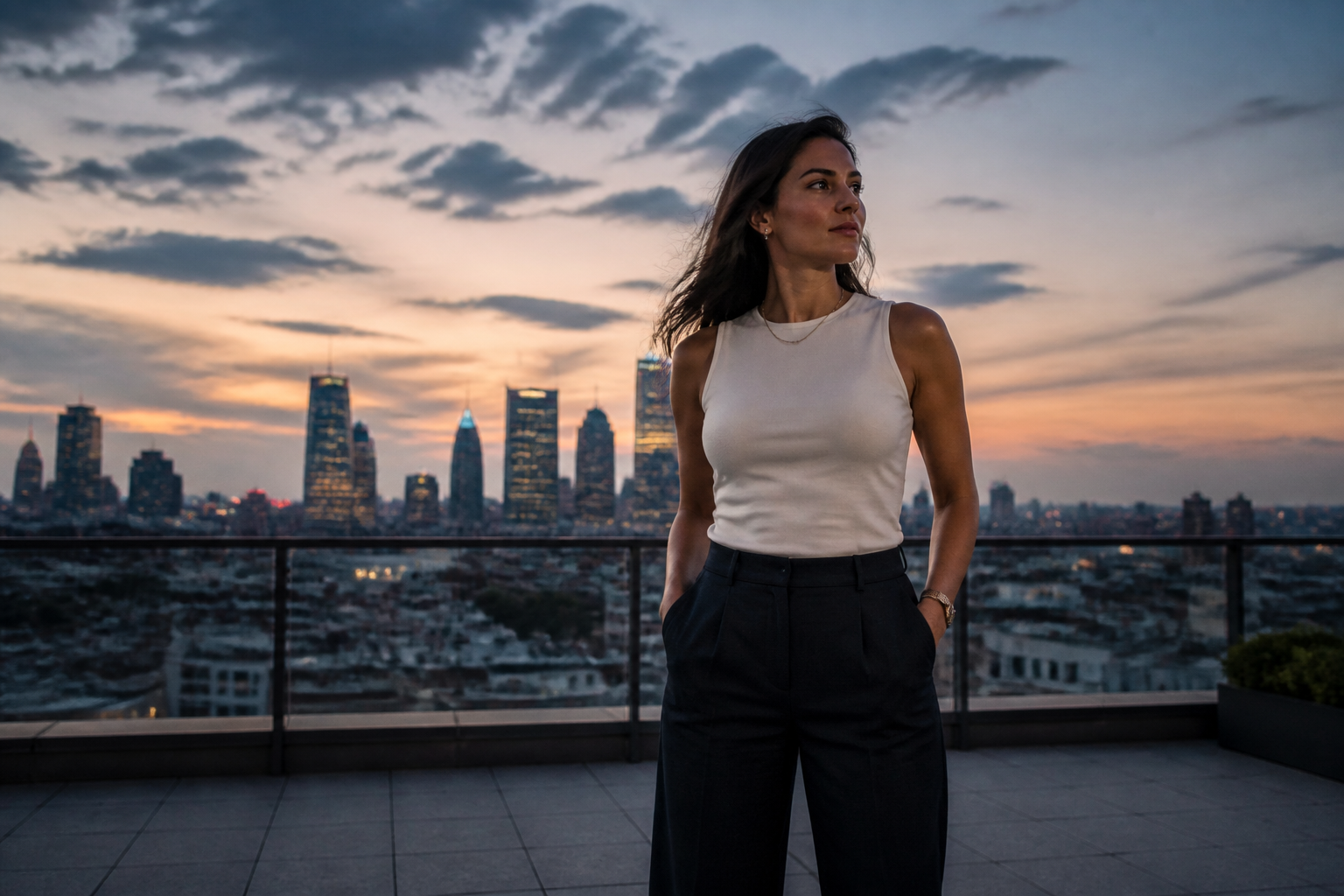
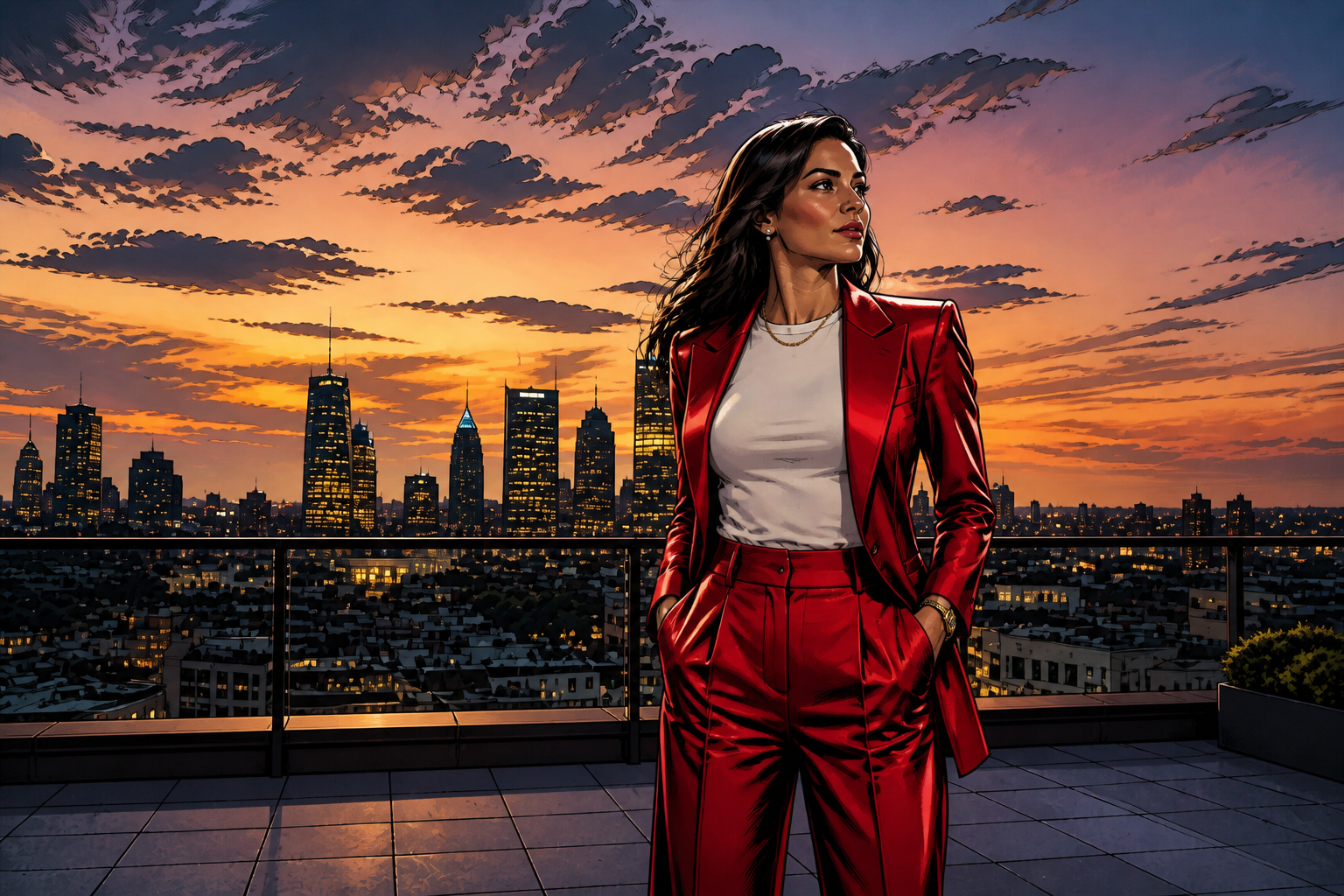
Create stylized fashion versions
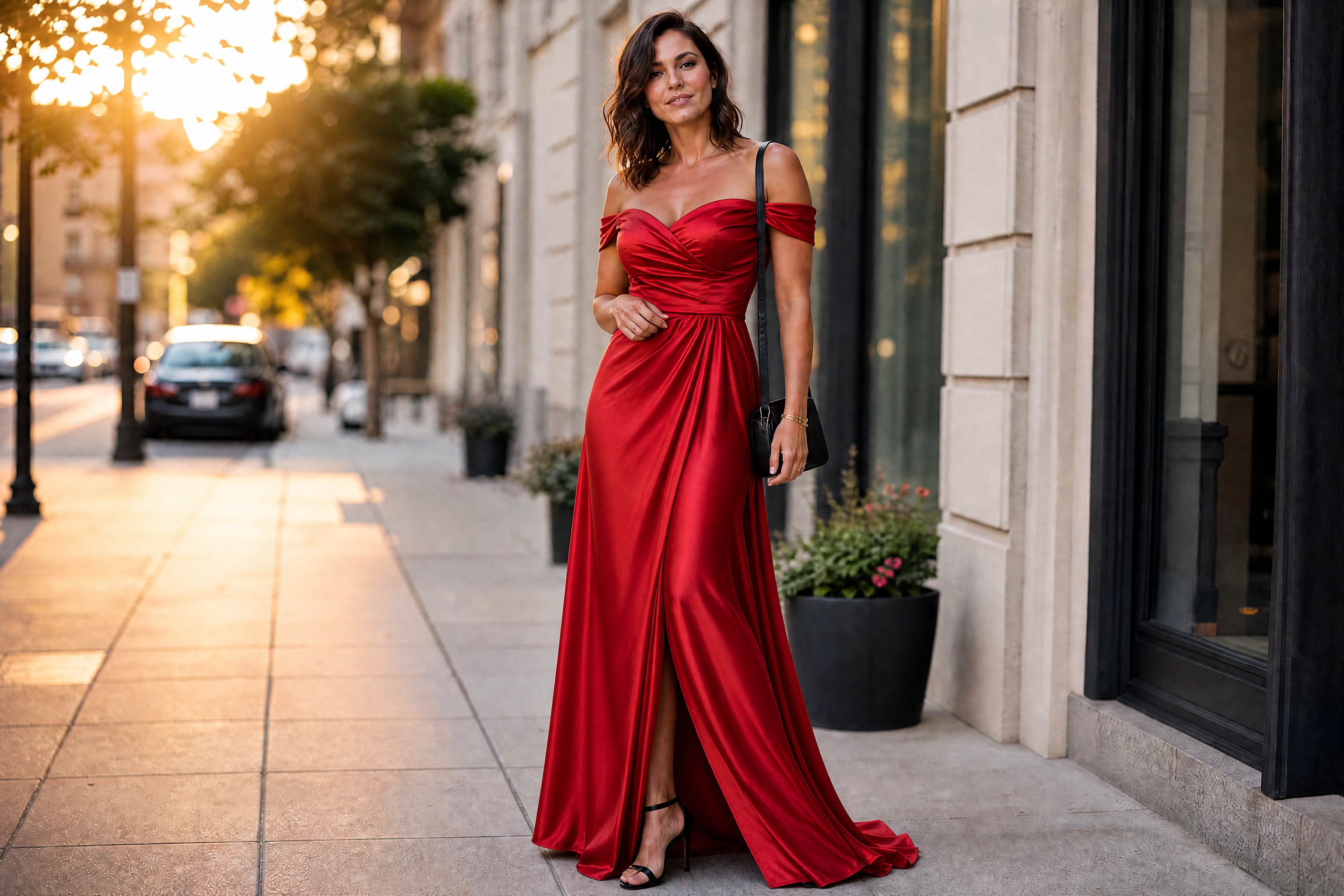
Suit edits do not have to stay purely photoreal. You can turn a standard portrait into a more artistic fashion concept while preserving the same composition, which is helpful for moodboards, pitches, and social posts. This gives you a faster way to explore a creative direction than building a full illustration from zero.
How It Works
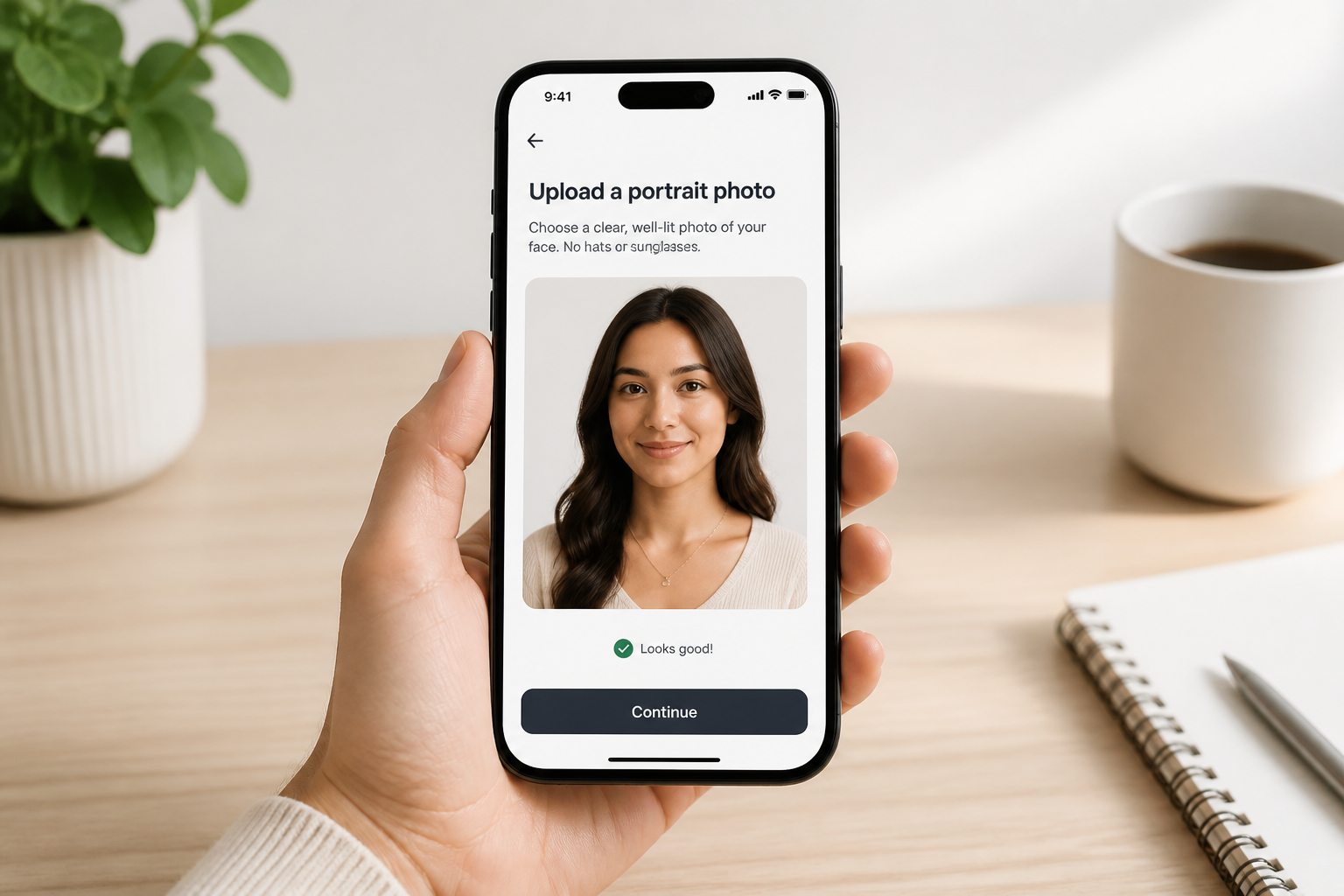
Upload your photo
Start with a clear photo of an adult person. Full-body or waist-up shots work best when the clothing is easy to see and the subject is well lit.
Describe the suit
Enter the type of suit you want, such as navy business suit, black tuxedo, or relaxed linen set. Add details like color, fit, shirt, tie, or lapel style so the result is easier to control.
Compare and refine
Review the before and after, then adjust the prompt if you want a different cut or level of formality. You can quickly rerun variations until the suit matches the look you need.
Perfect For
Discover how creators and professionals use ai suit changer
Professional headshots
Create a more formal look for LinkedIn, company bios, and speaker pages without scheduling a new photo shoot.
Wedding and event previews
Test tuxedos, tailored suits, and formal styling ideas before renting or buying the real outfit.
Fashion concept mockups
Show clients or teammates how a subject would look in different suit cuts, colors, and styling directions.
Social content upgrades
Turn casual portraits into polished editorial-style suit photos for posts, banners, and profile images.
Built For
Professionals
Useful for job seekers, founders, consultants, and speakers who want a sharper wardrobe in existing photos.
Creators and marketers
Helpful for making campaign mockups, thumbnails, and branded portraits without organizing a full styling setup.
Fashion shoppers
A quick way to preview formal looks and compare styles before spending on tailoring, rental, or eventwear.
Why use it for suit edits
A quick look at how we compare on the things that matter for this niche.
| Feature | BudgetPixel | Generic AI editors | Manual editing apps |
|---|---|---|---|
| Outfit-to-suit transformation | ✓ | ✓ | — |
| Keeps pose and scene | ✓ | — | ✓ |
| Fast style variations | ✓ | — | — |
| No manual masking needed | ✓ | ✓ | — |
| Good for before/after previews | ✓ | — | — |
Frequently Asked Questions
What kinds of photos work best with AI Suit Changer?
Can it keep the person's face the same?
Can I generate different kinds of suits?
Does it only work for men?
Is this better than editing a suit on manually?
Create together.
Share your creations, discover trending AI art, and grow with fellow creators.