Photo to Pixel Art Converter
Transform photos into clean retro pixel art with one edit.
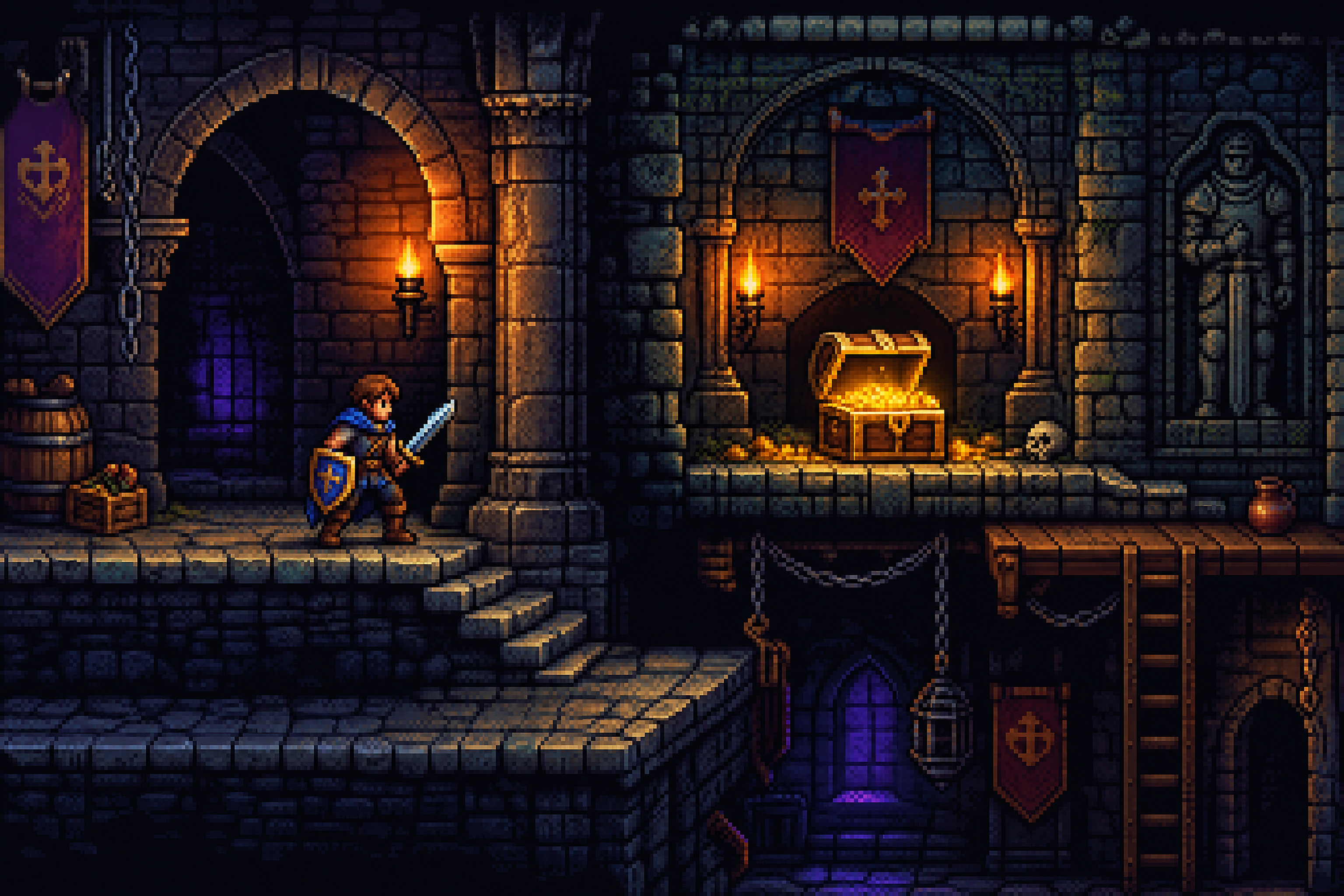
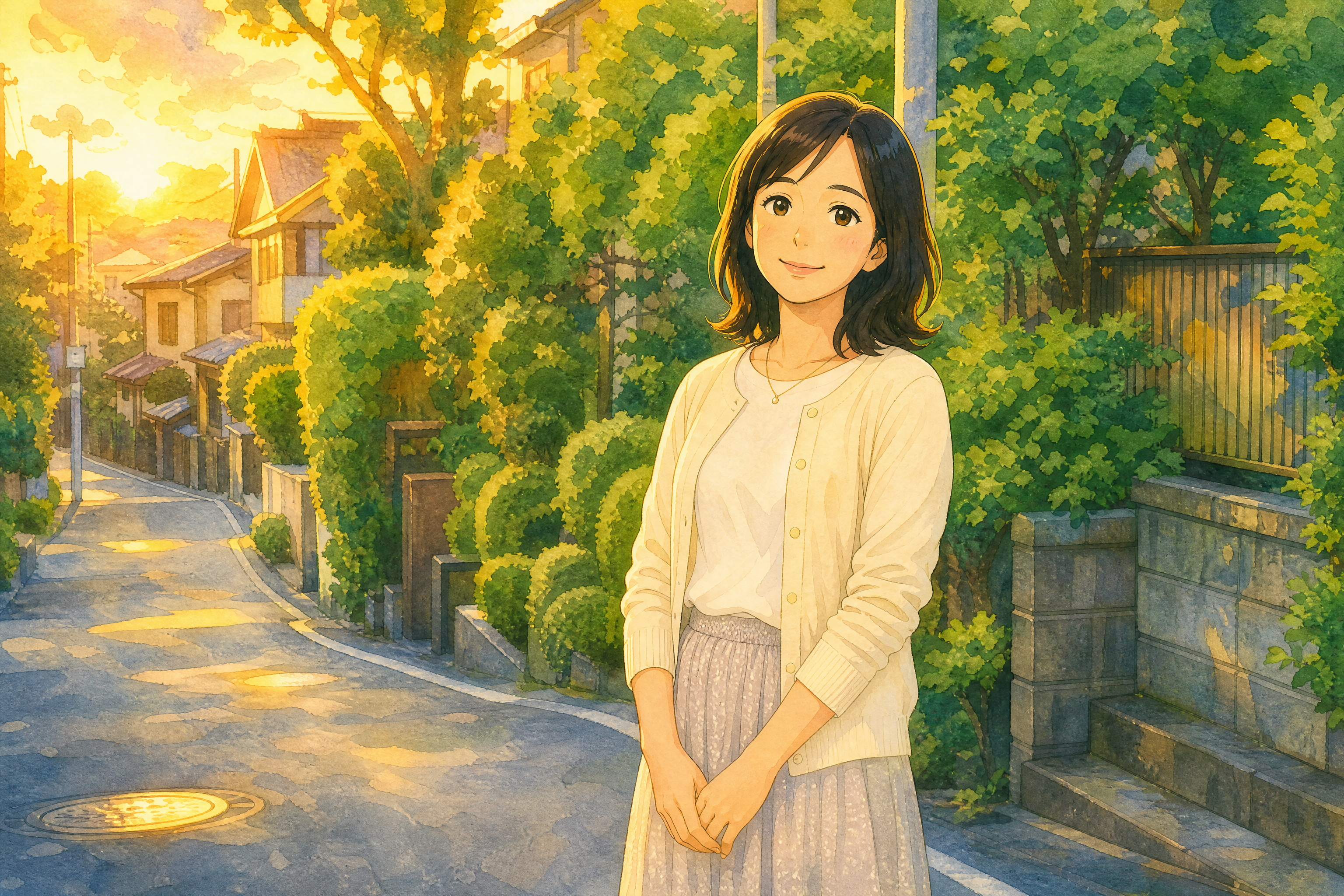
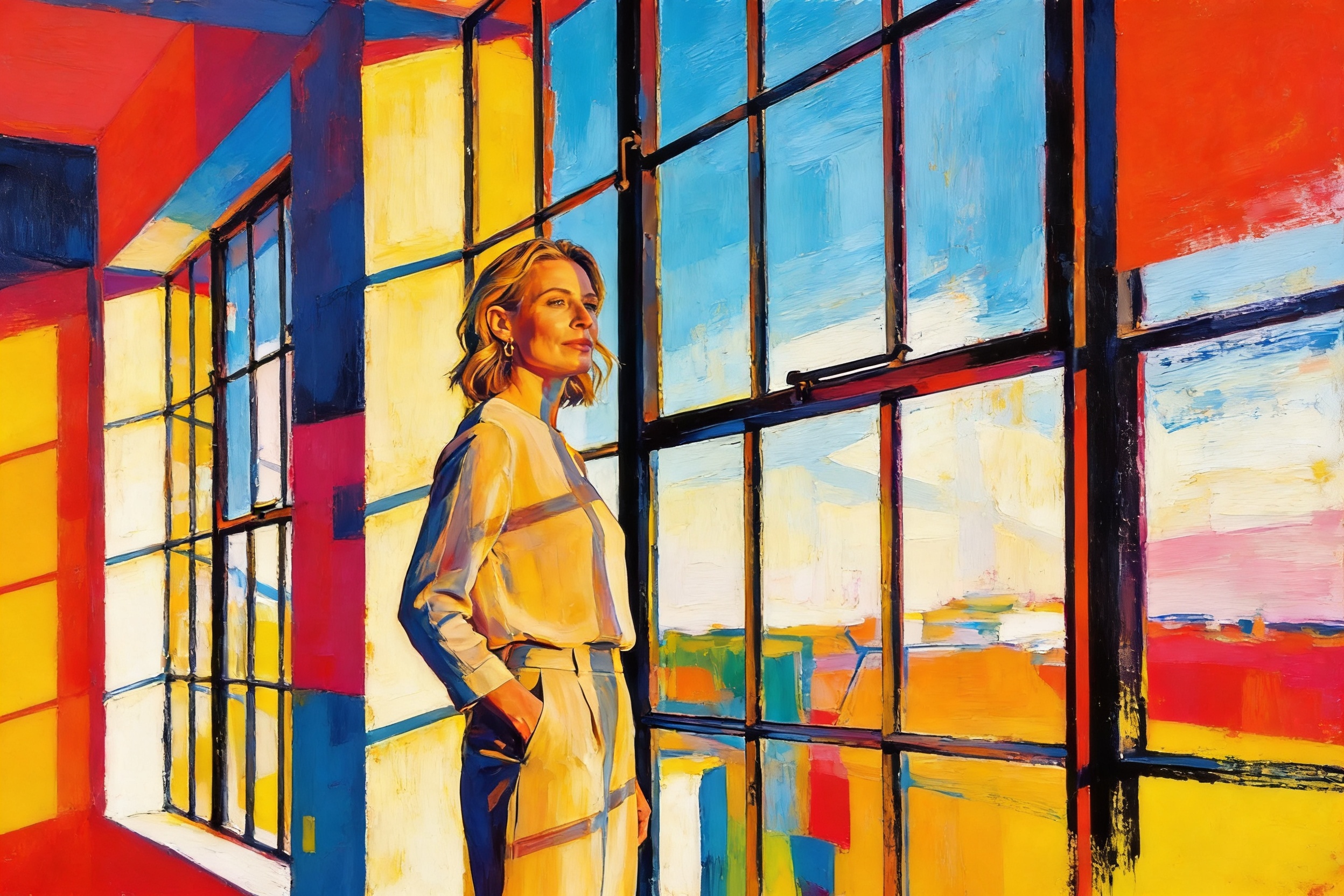
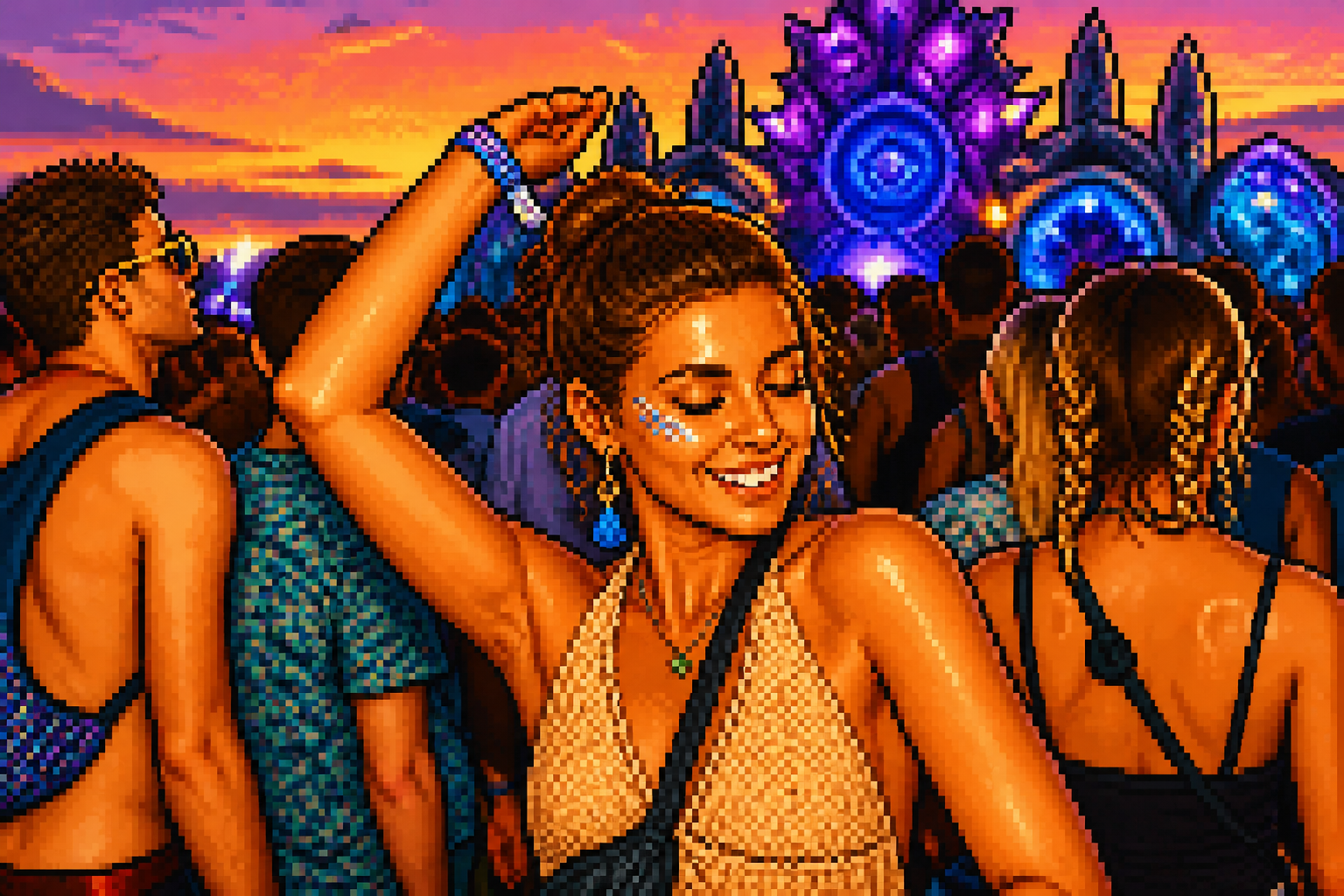
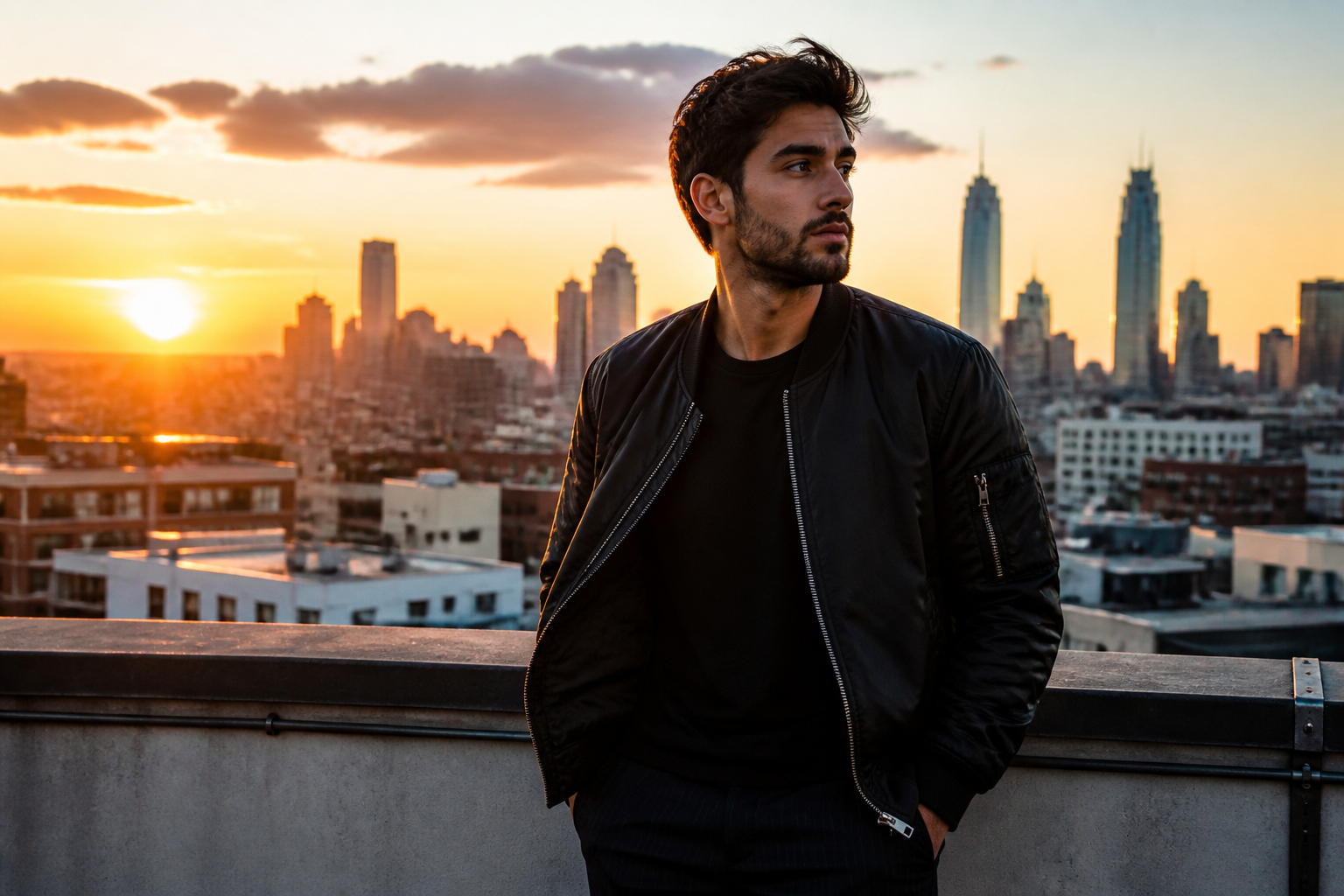
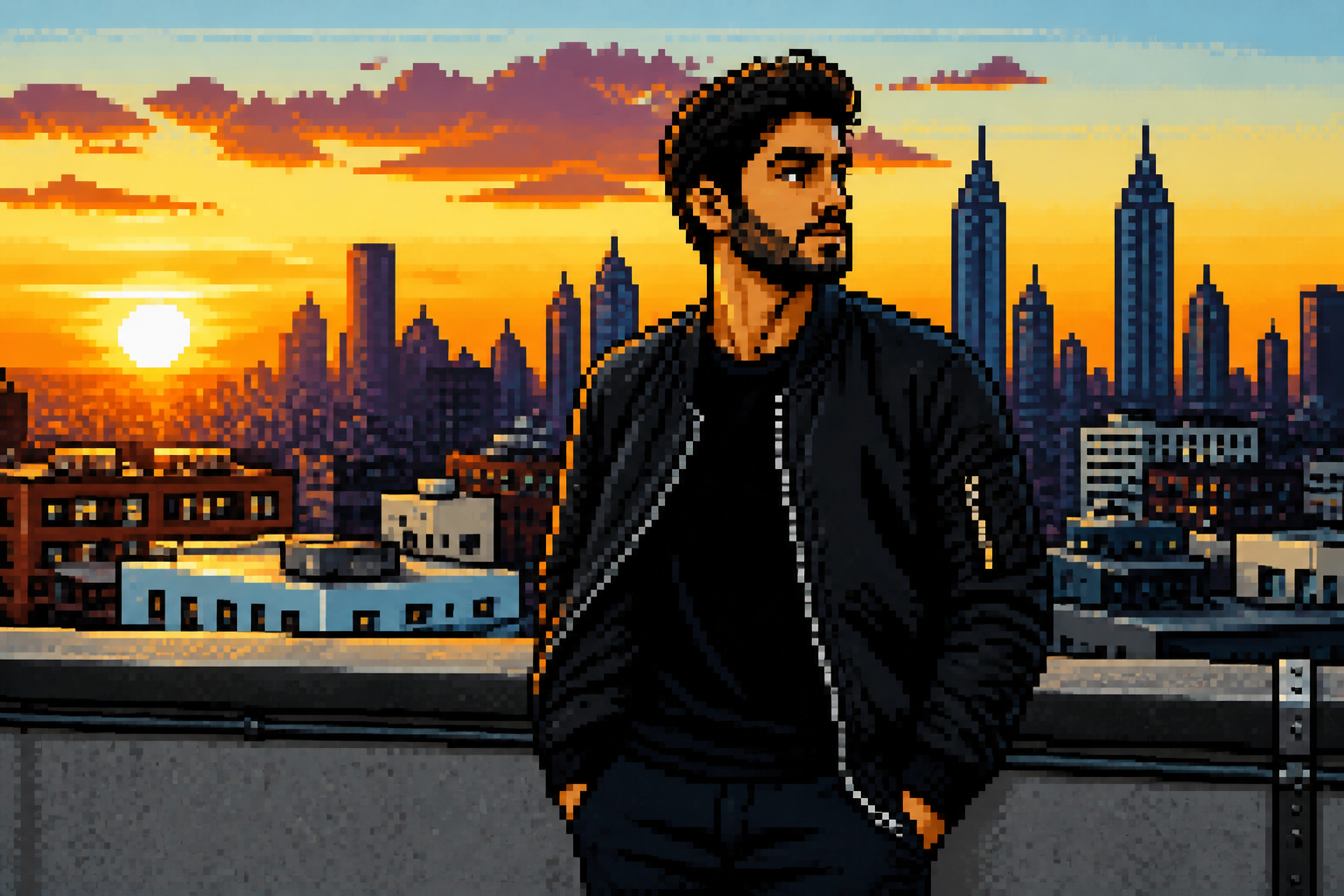
Upload a photo and turn it into pixel art that still reads clearly at a glance. Our AI keeps the main subject, pose, and composition while converting the image into a sharp retro game-inspired style.
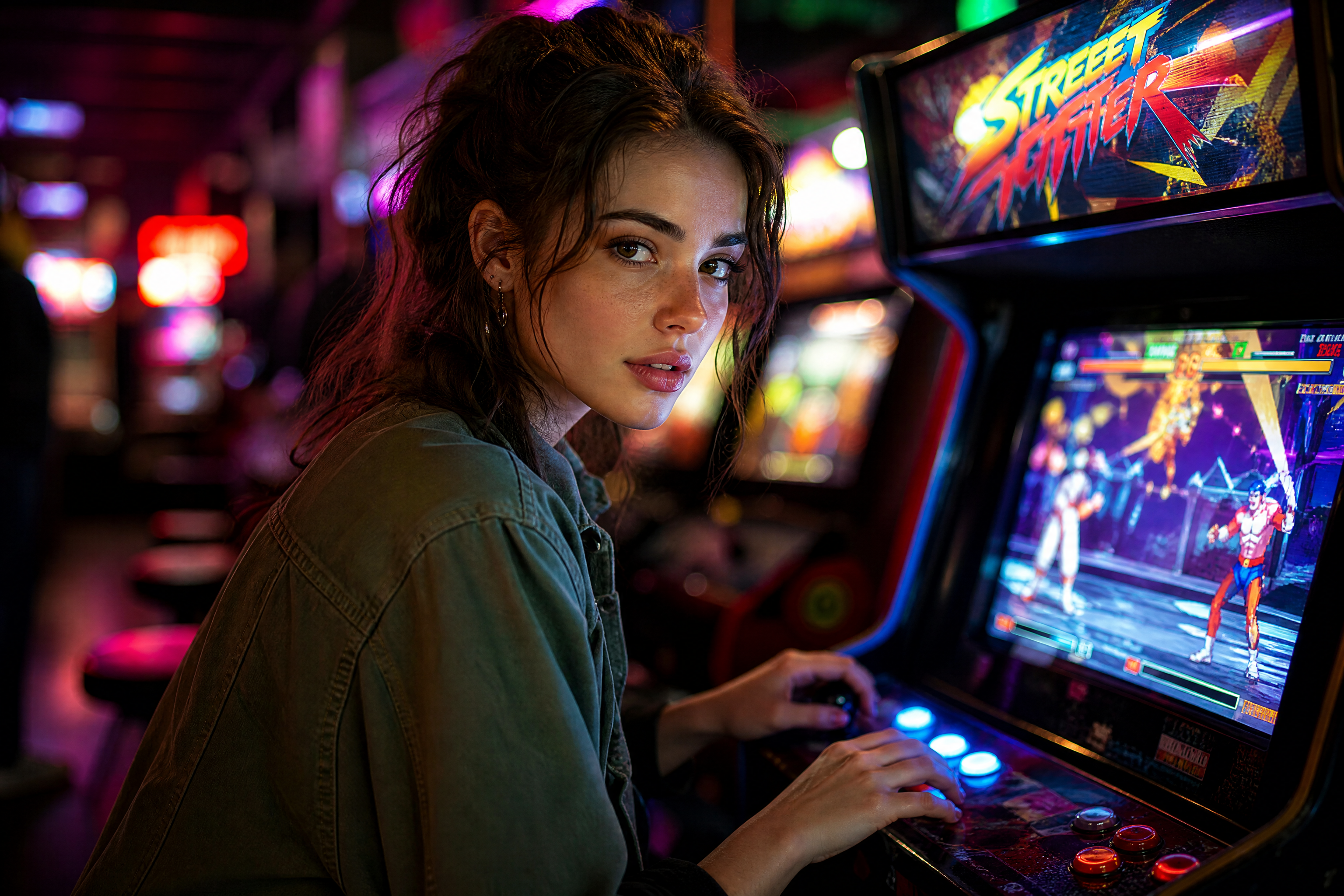
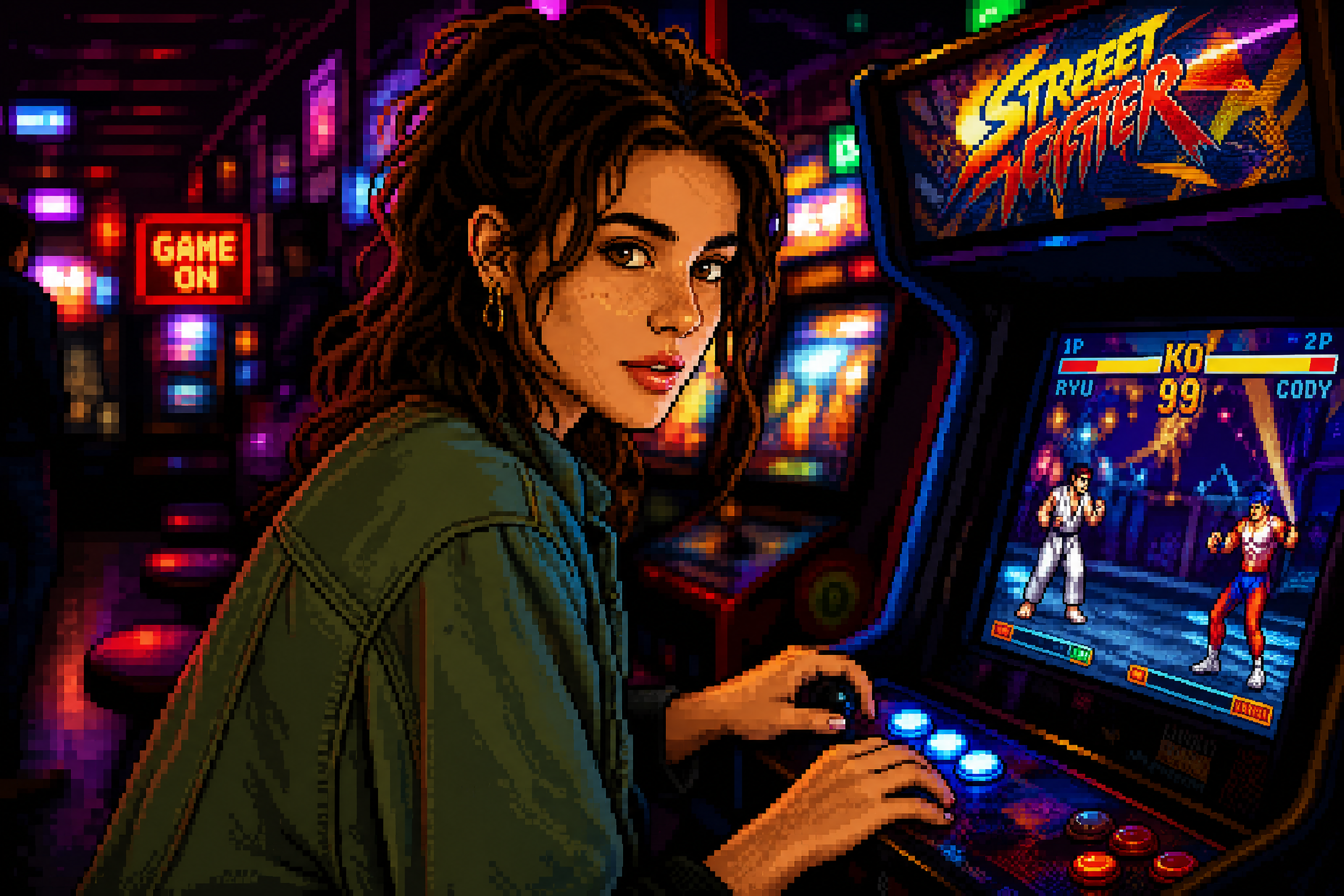
Watch the Transformation
See photo to pixel art converter in motion — generated end-to-end by our AI.
See It In Action
Real outputs from photo to pixel art converter.
BEFOREAFTER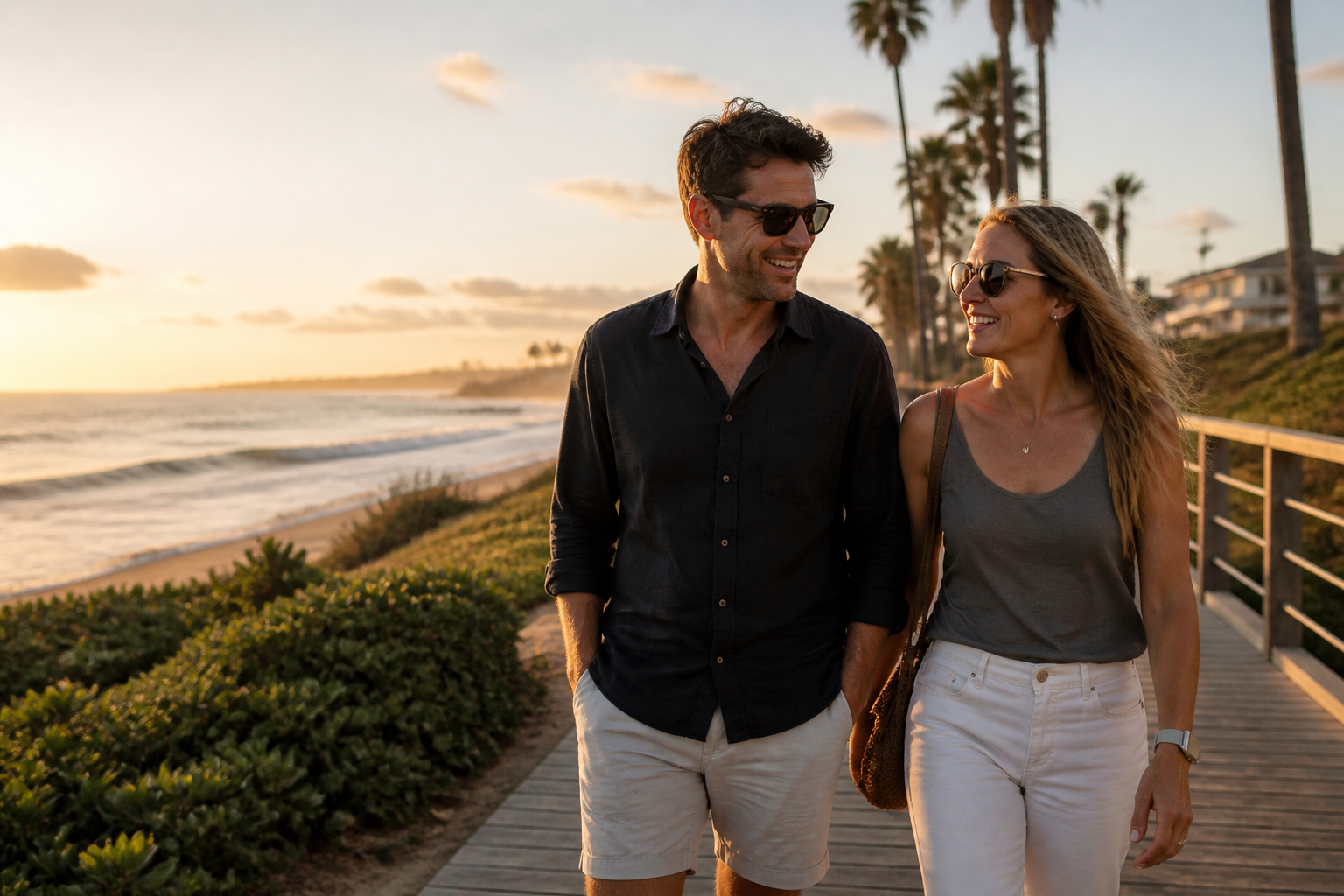 BEFORE
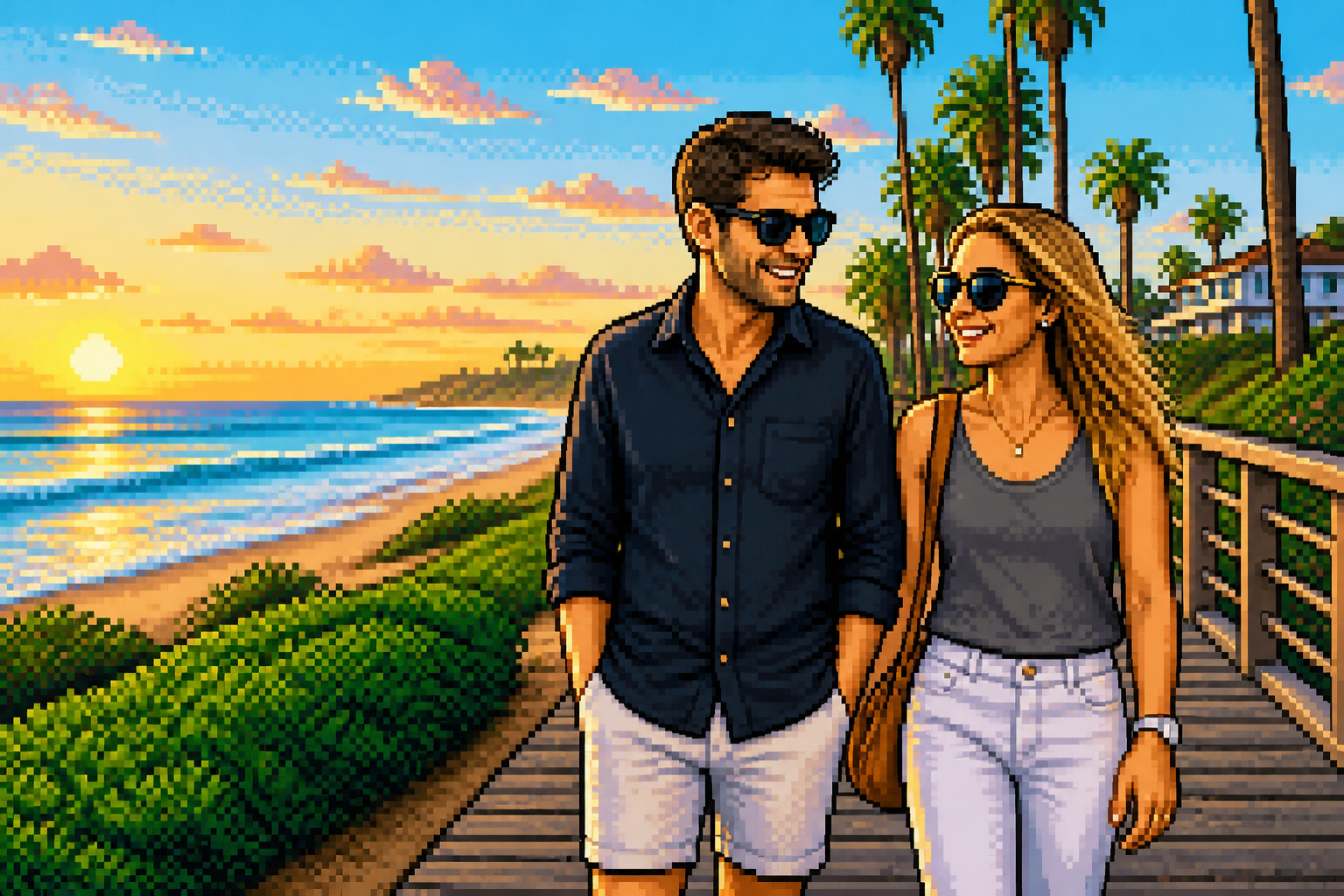 AFTER
AFTER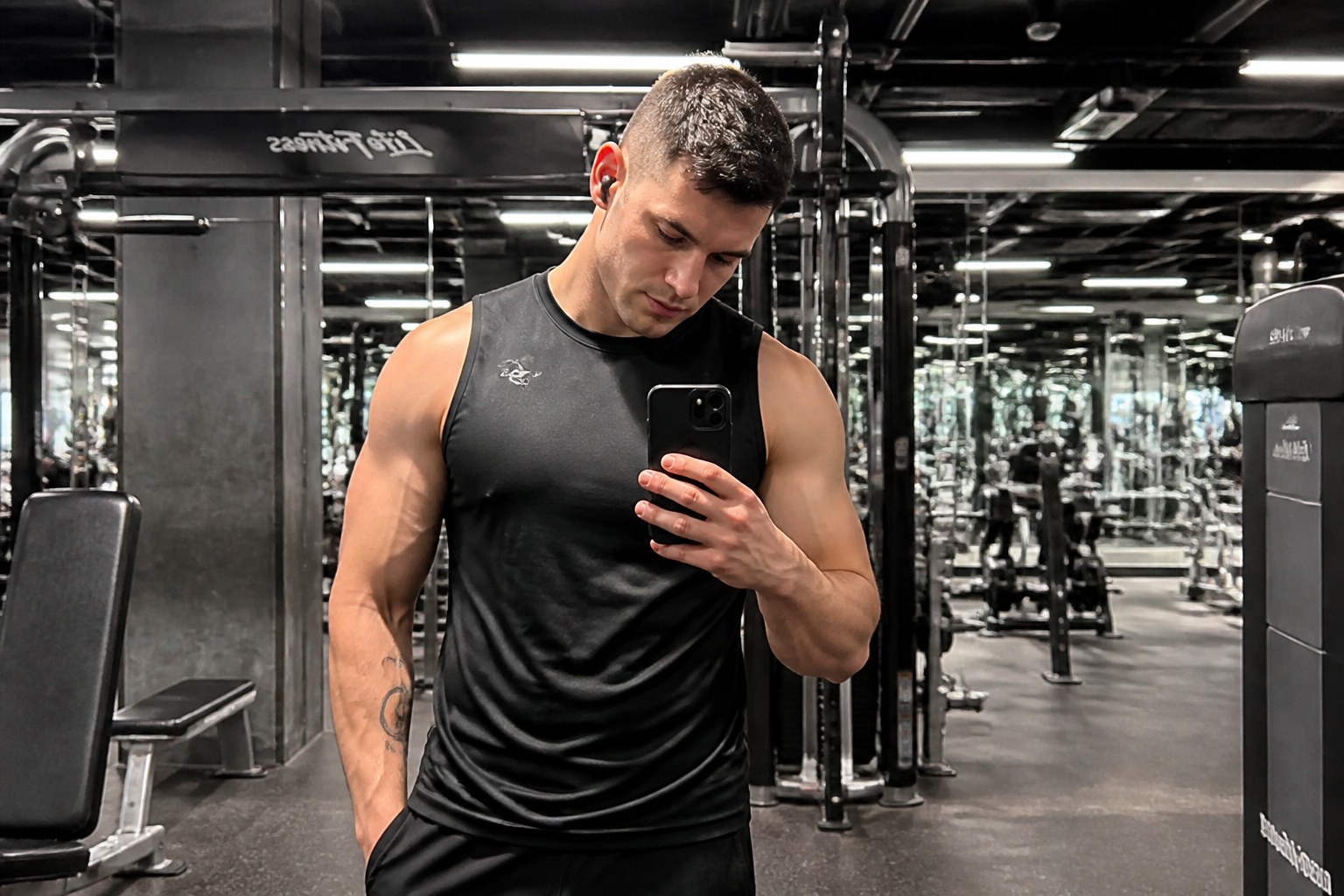 BEFORE
 AFTER
AFTER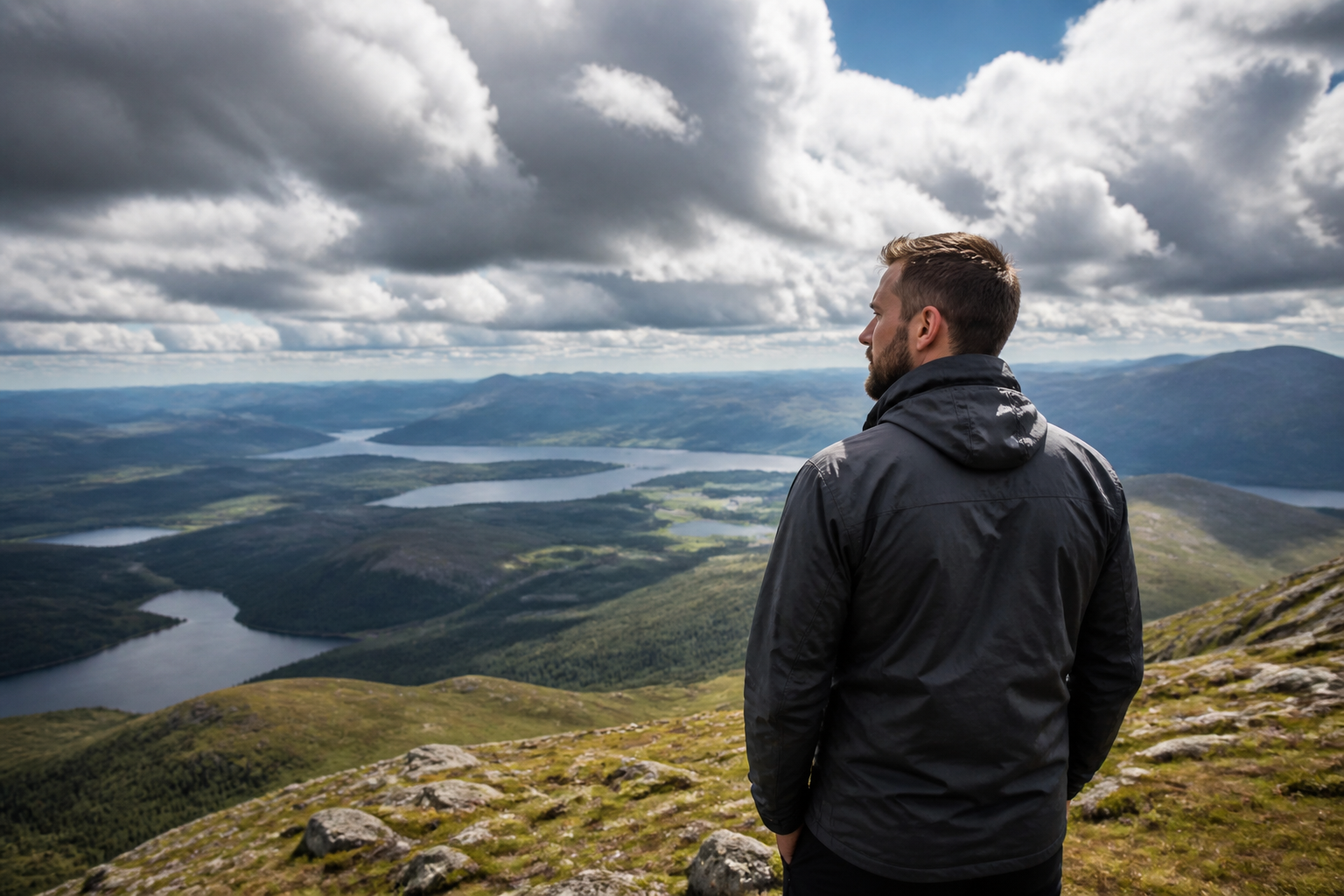 BEFORE
 AFTER
AFTER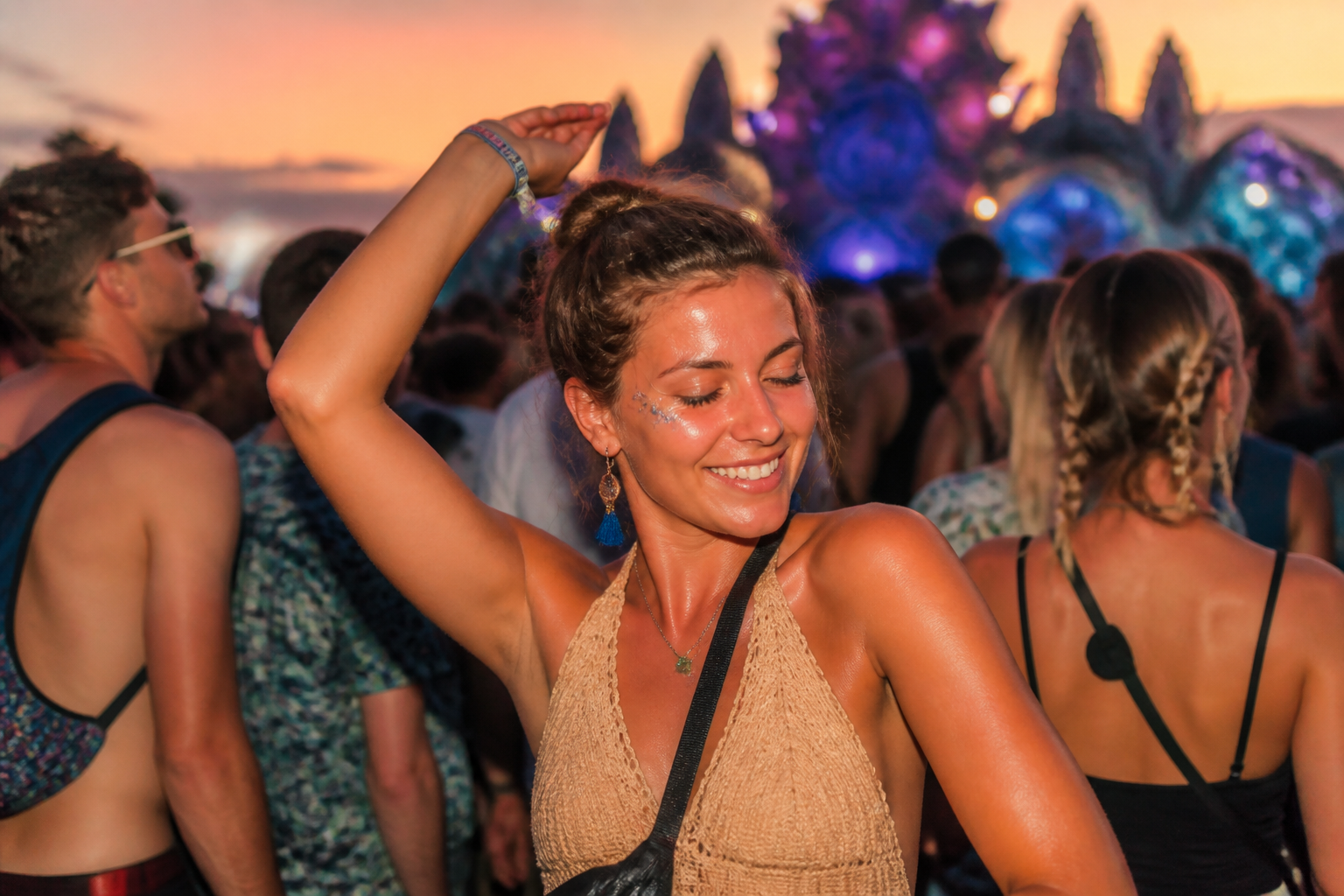 BEFORE
 AFTERBEFOREAFTERBEFOREAFTERBEFOREAFTERBEFOREAFTERBEFOREAFTER
 BEFORE
 AFTER
AFTER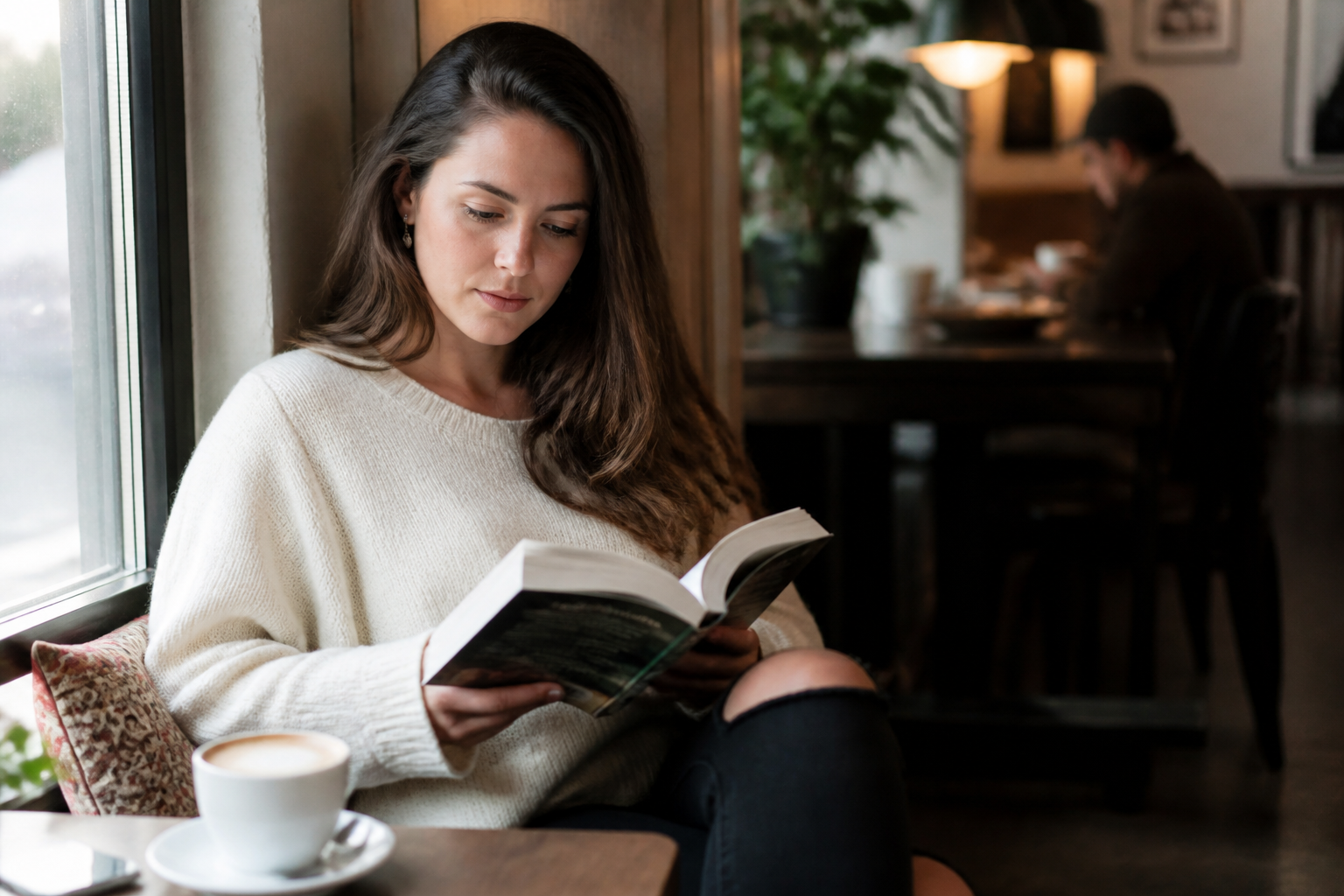 BEFORE
 AFTER
AFTER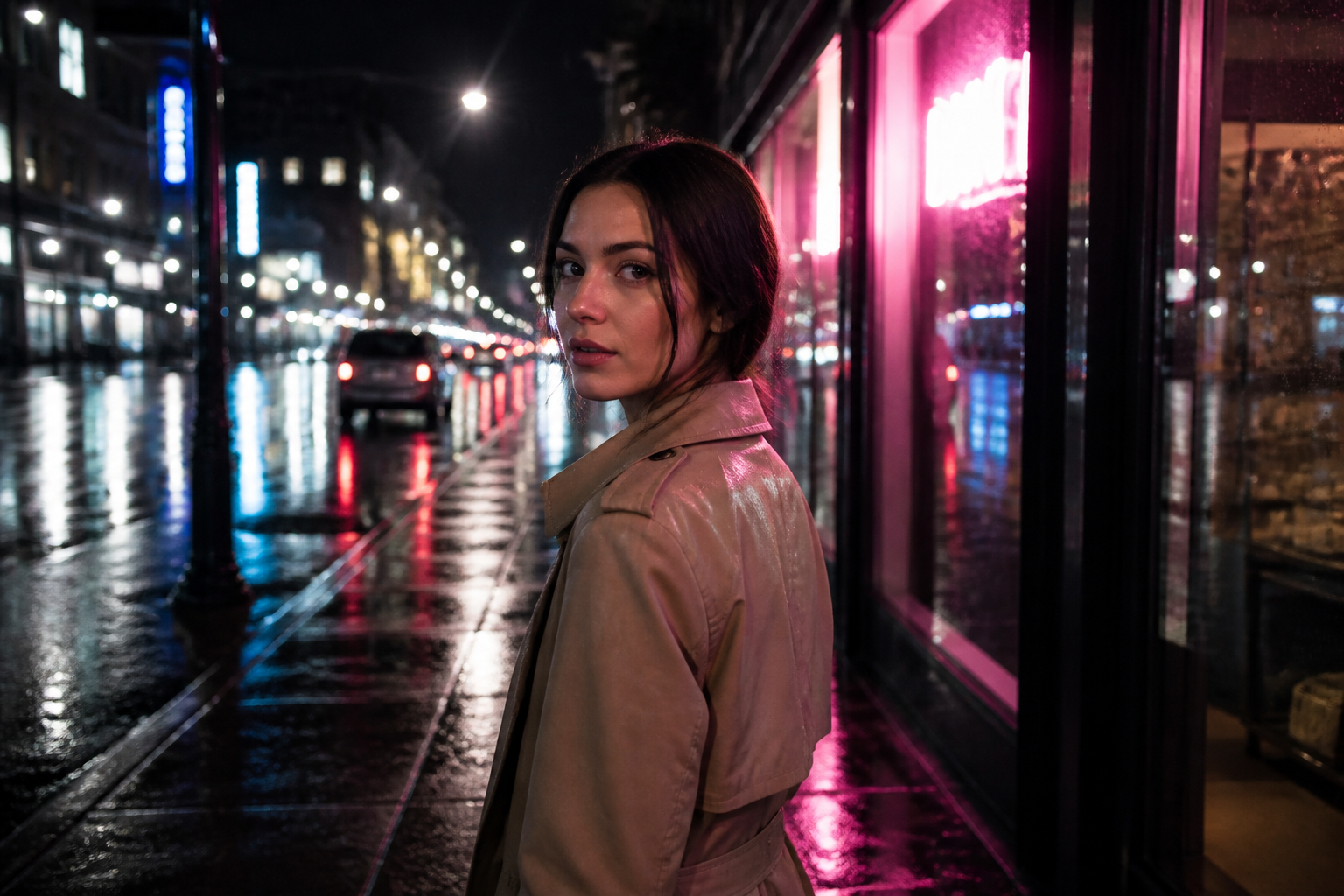 BEFORE
 AFTER
AFTER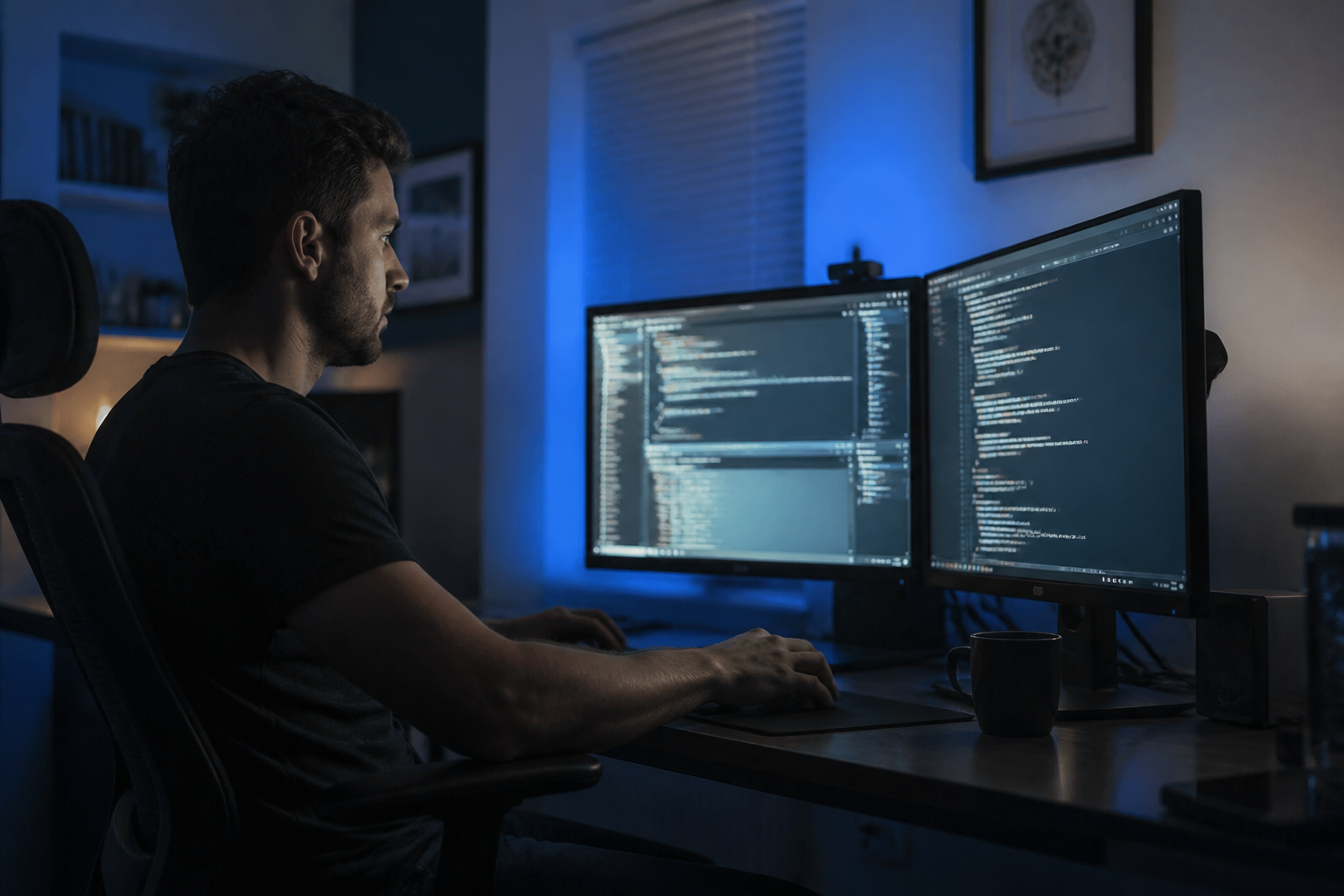 BEFORE
 AFTERBEFOREAFTERBEFOREAFTERBEFOREAFTERBEFOREAFTER
Key Features
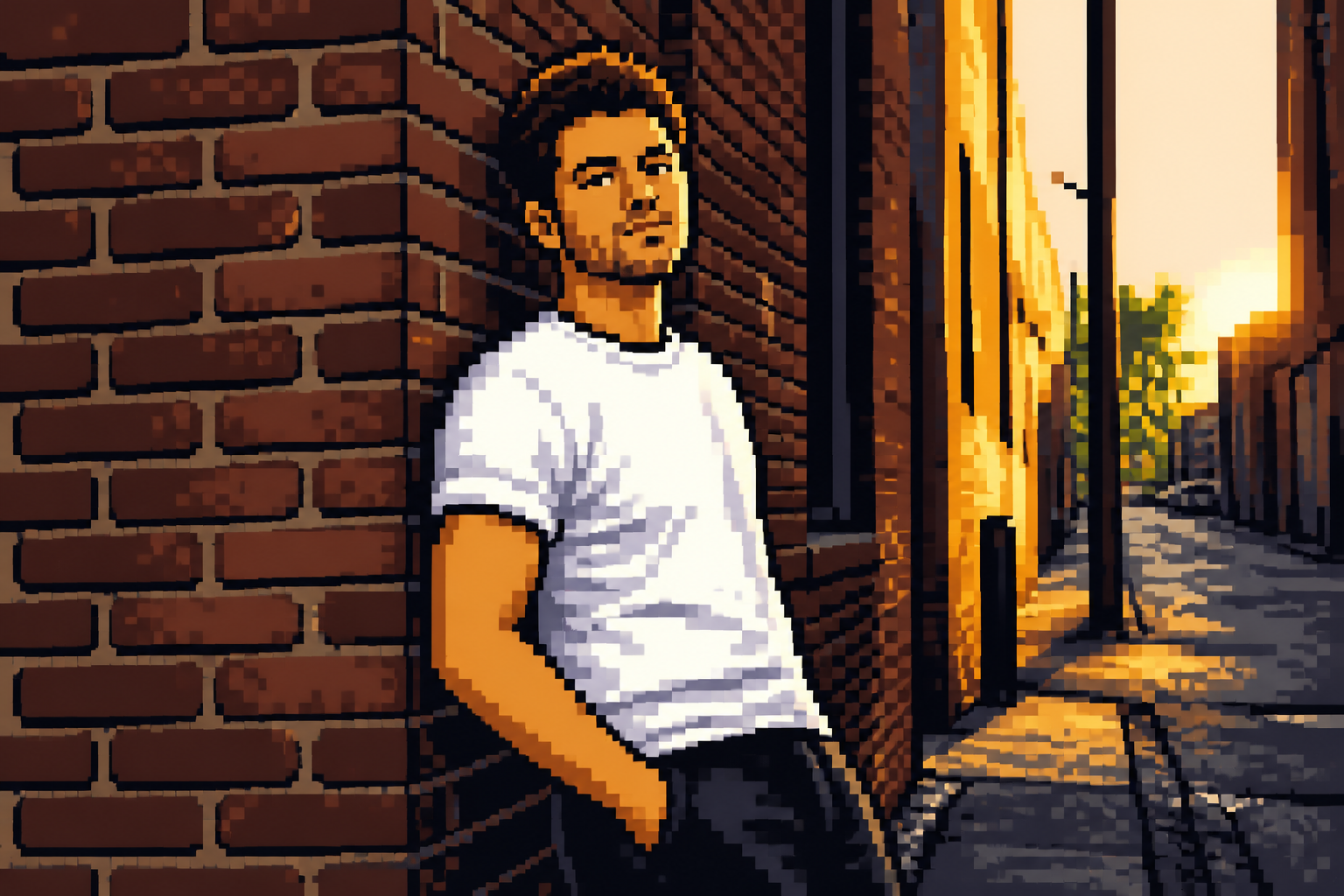
Readable retro detail
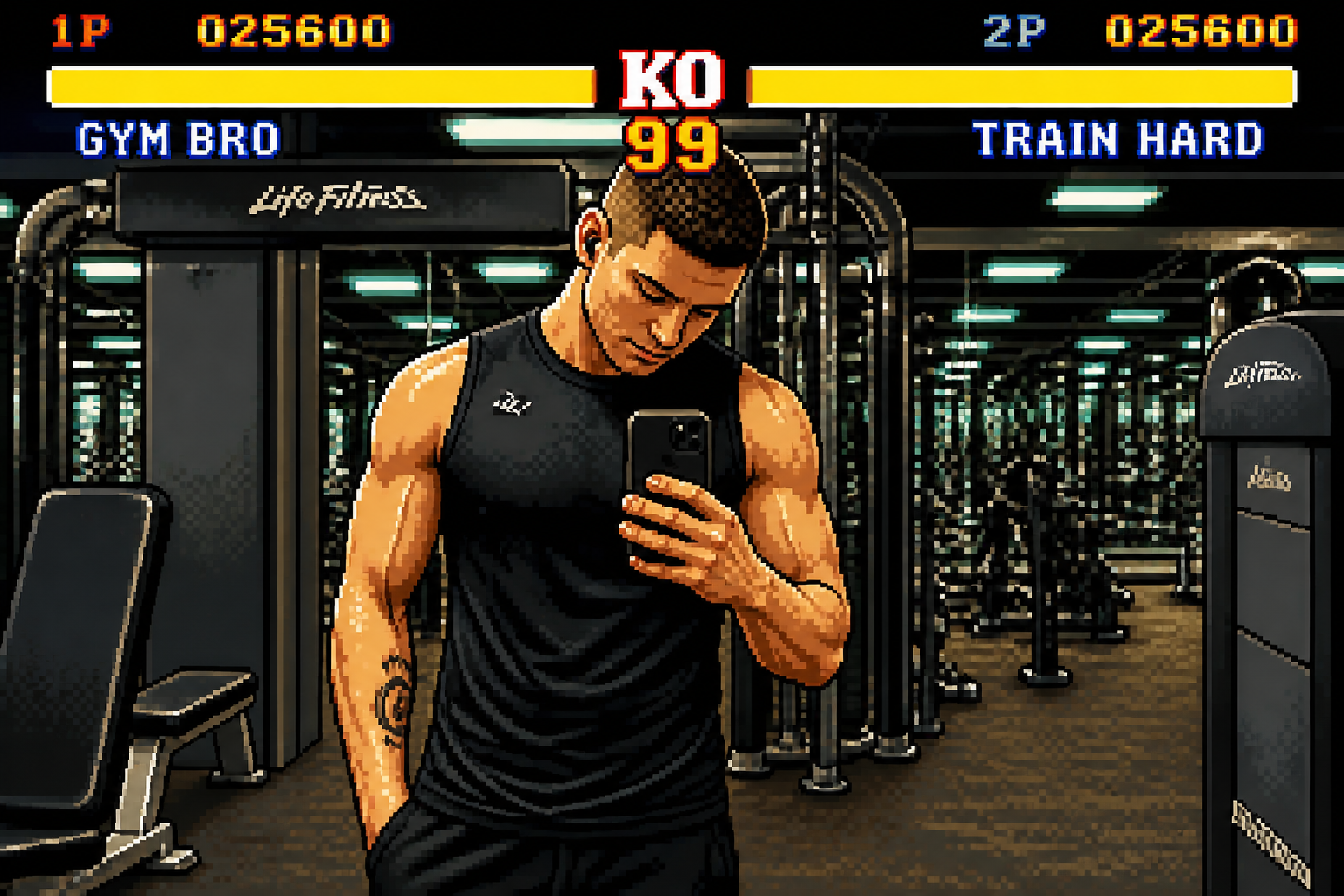
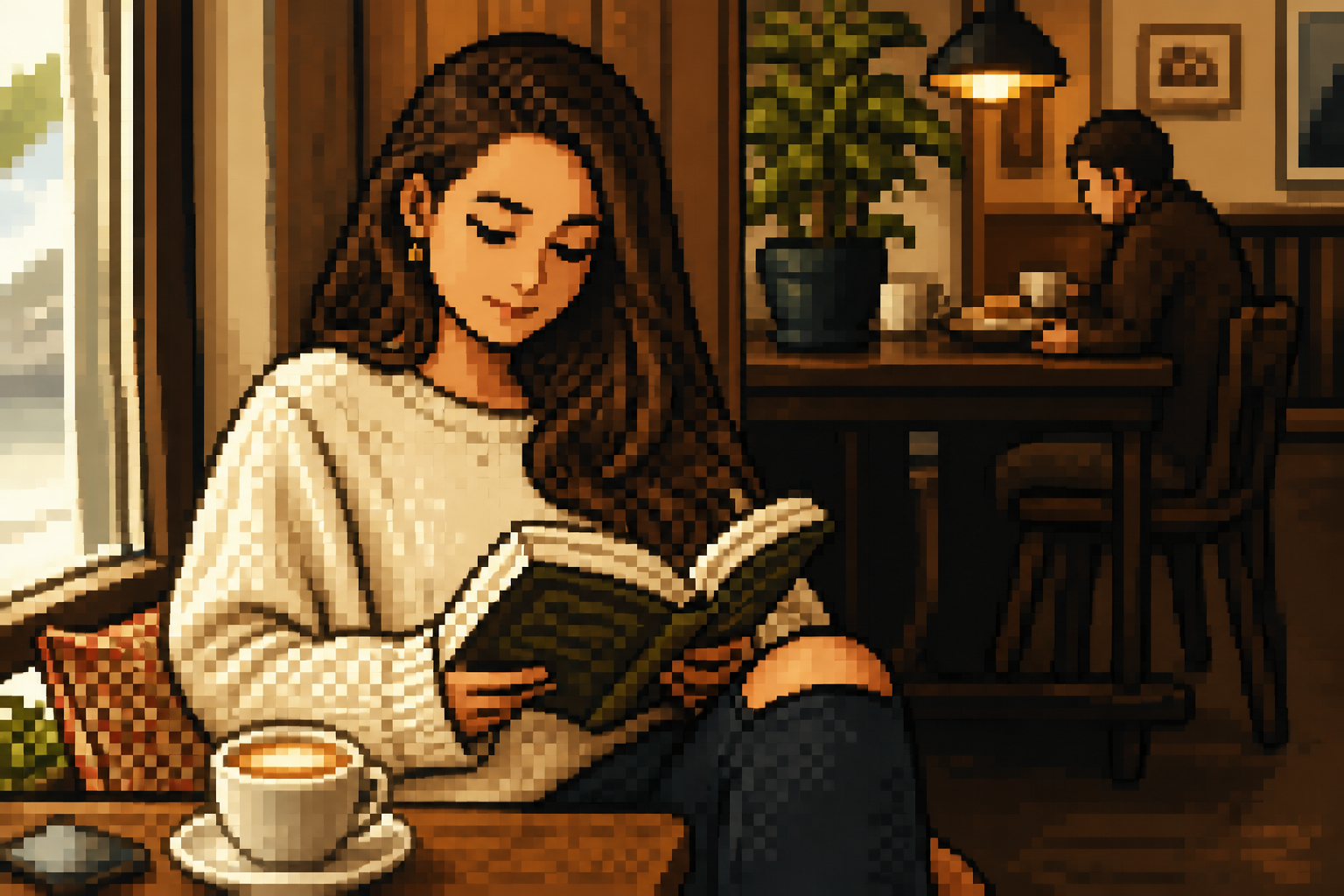
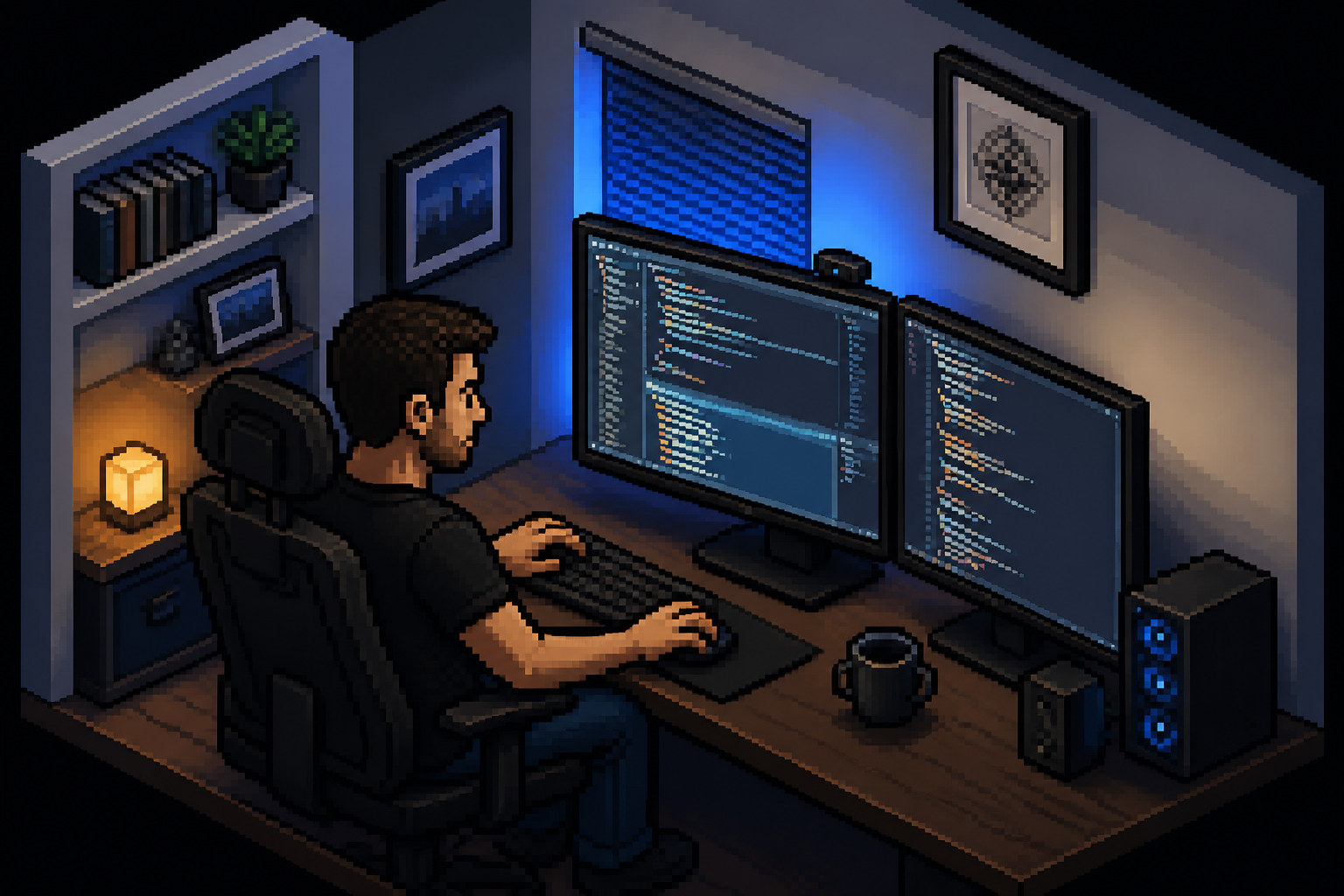
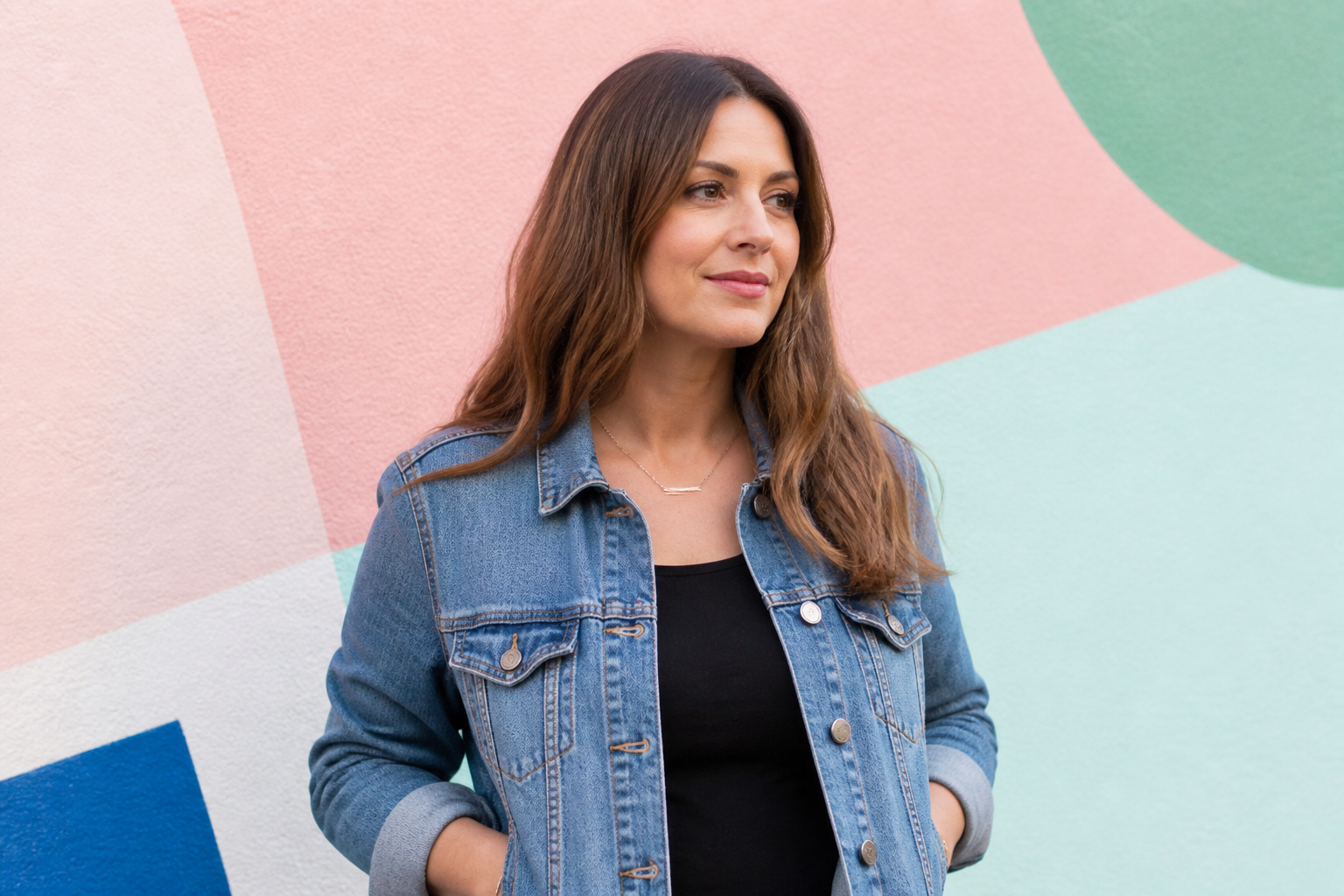
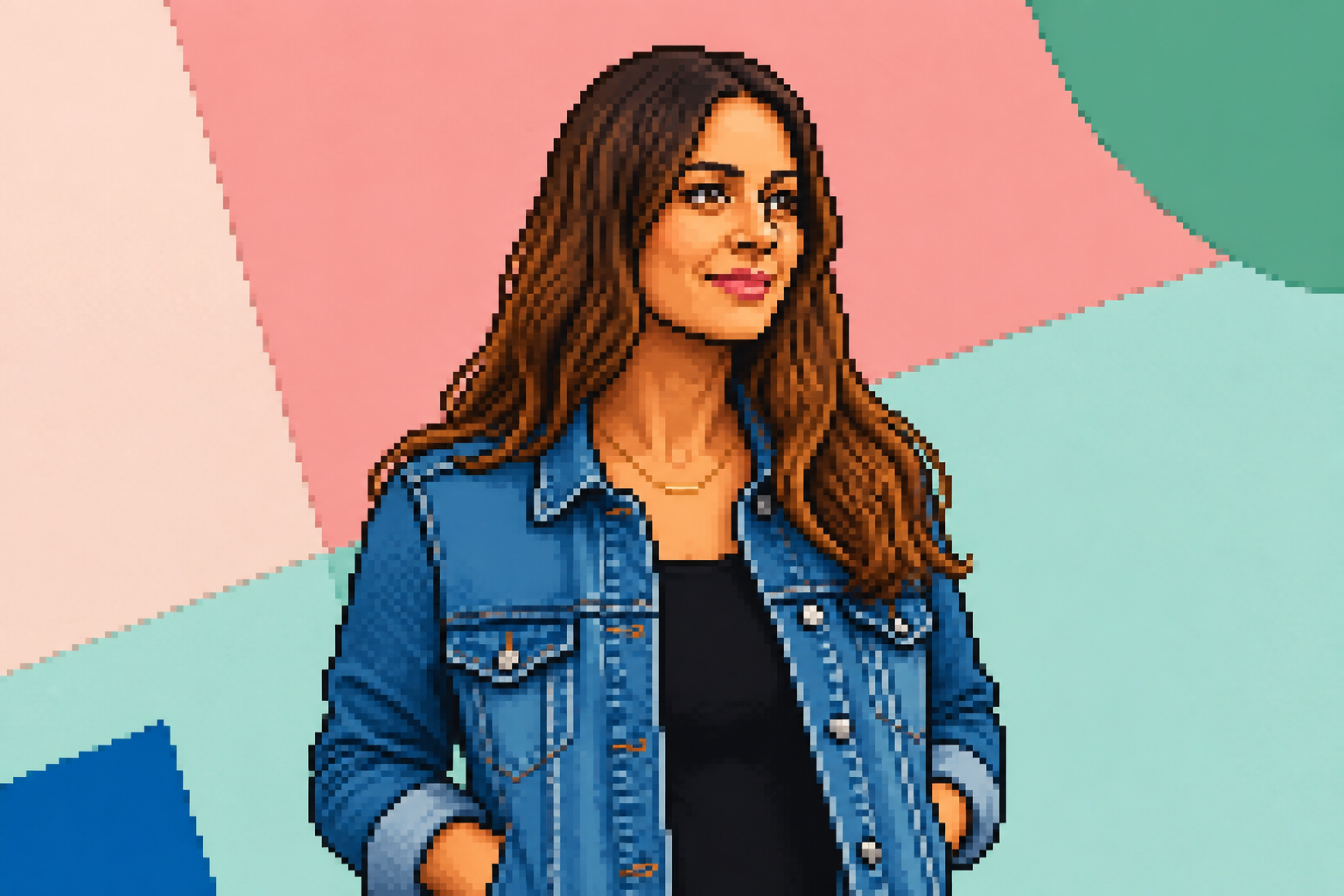
The edit keeps the subject easy to recognize instead of turning the image into random blocks. Faces, clothing, and scene shapes stay clear while the finish becomes distinctly pixelated. That matters when you want a retro look that still works for avatars, posts, and thumbnails. Doing this by hand usually means redrawing the whole image tile by tile.
Multiple pixel art moods
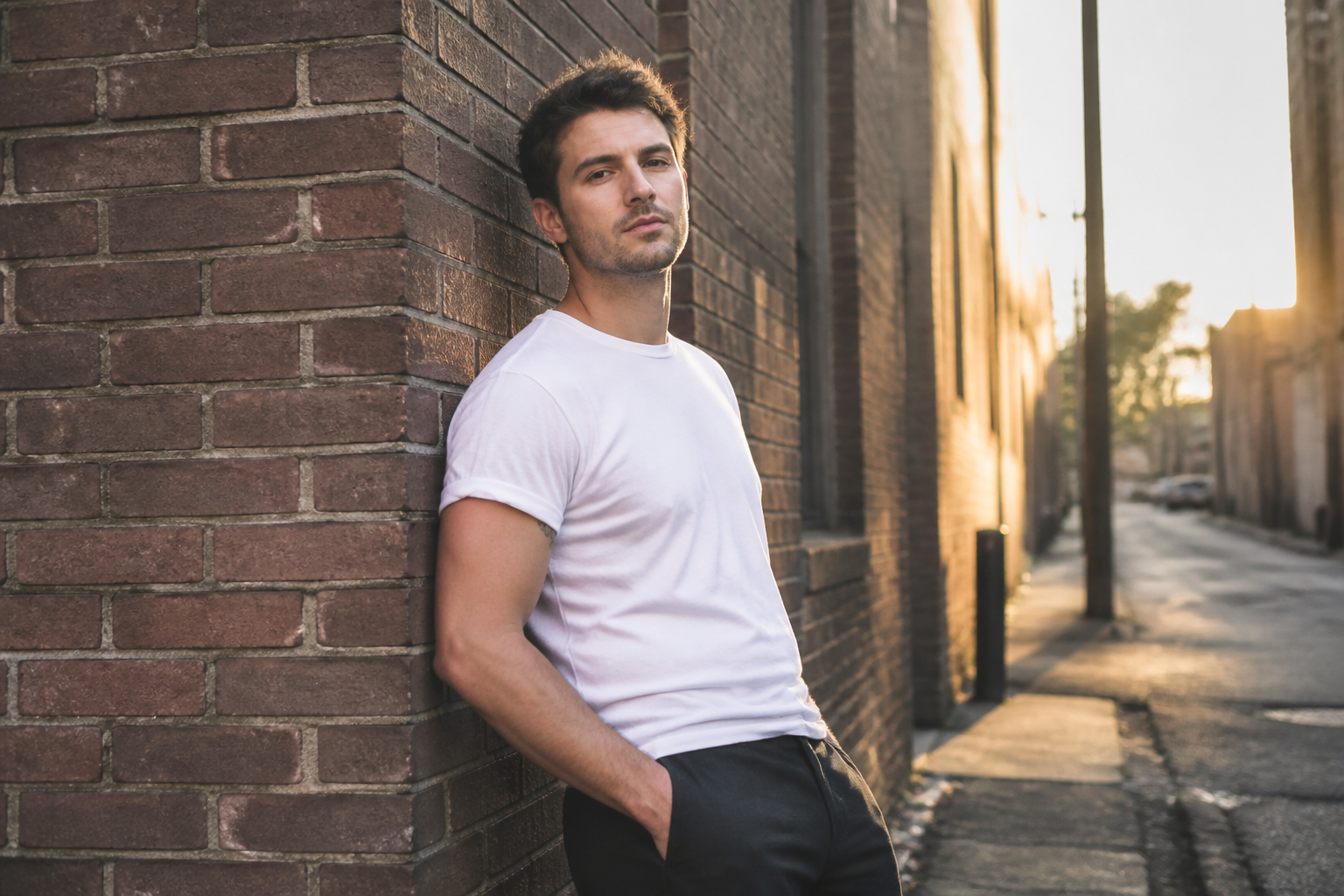
You can push the same kind of photo toward different retro aesthetics, from simple 8-bit sprites to richer 16-bit scenes. This gives you room to match profile art, social posts, game mockups, or nostalgic branding. The tool makes the style shift visible without forcing you to repaint the image from scratch. It is faster than testing several manual filters and then cleaning them up.
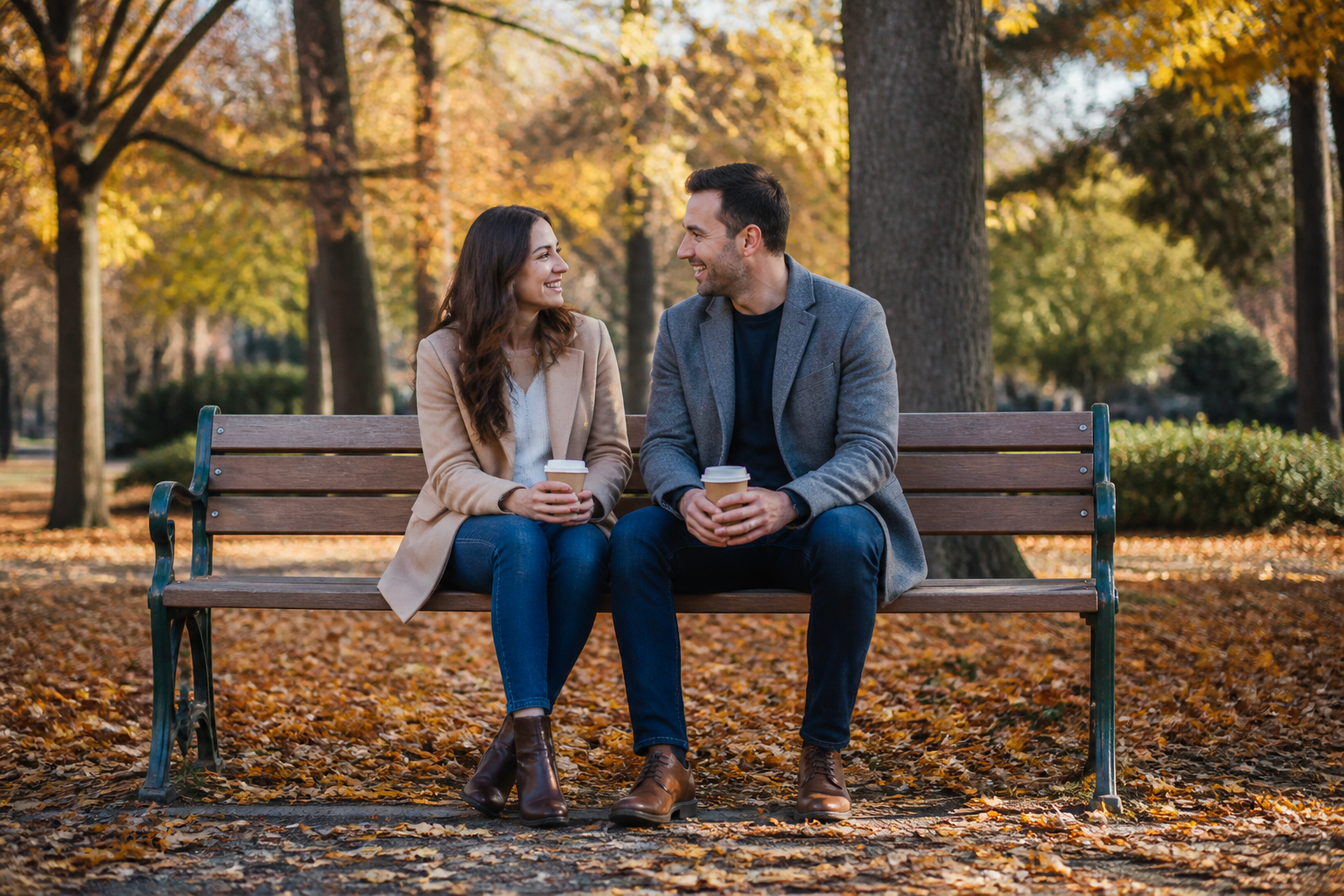
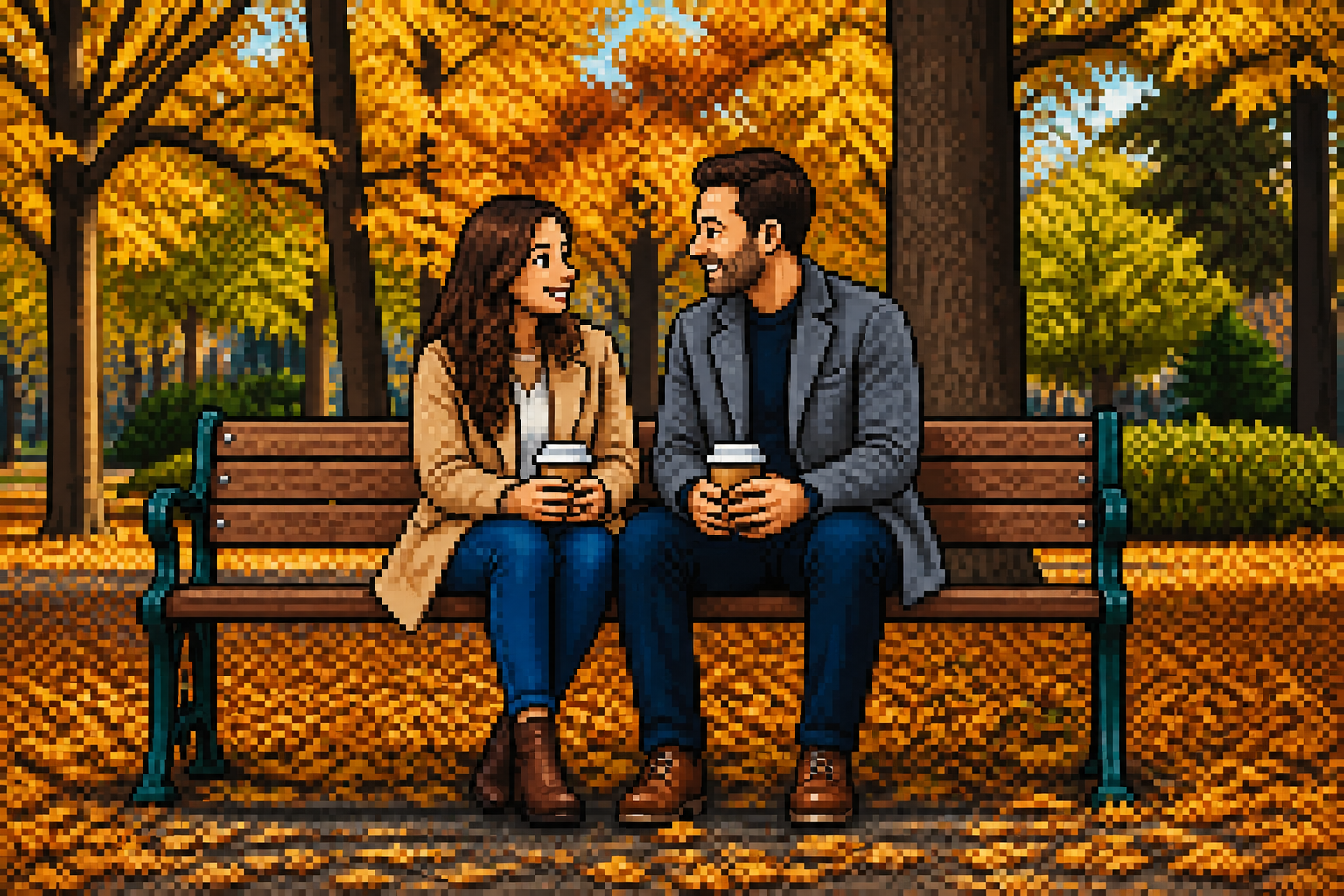
Keeps the original composition
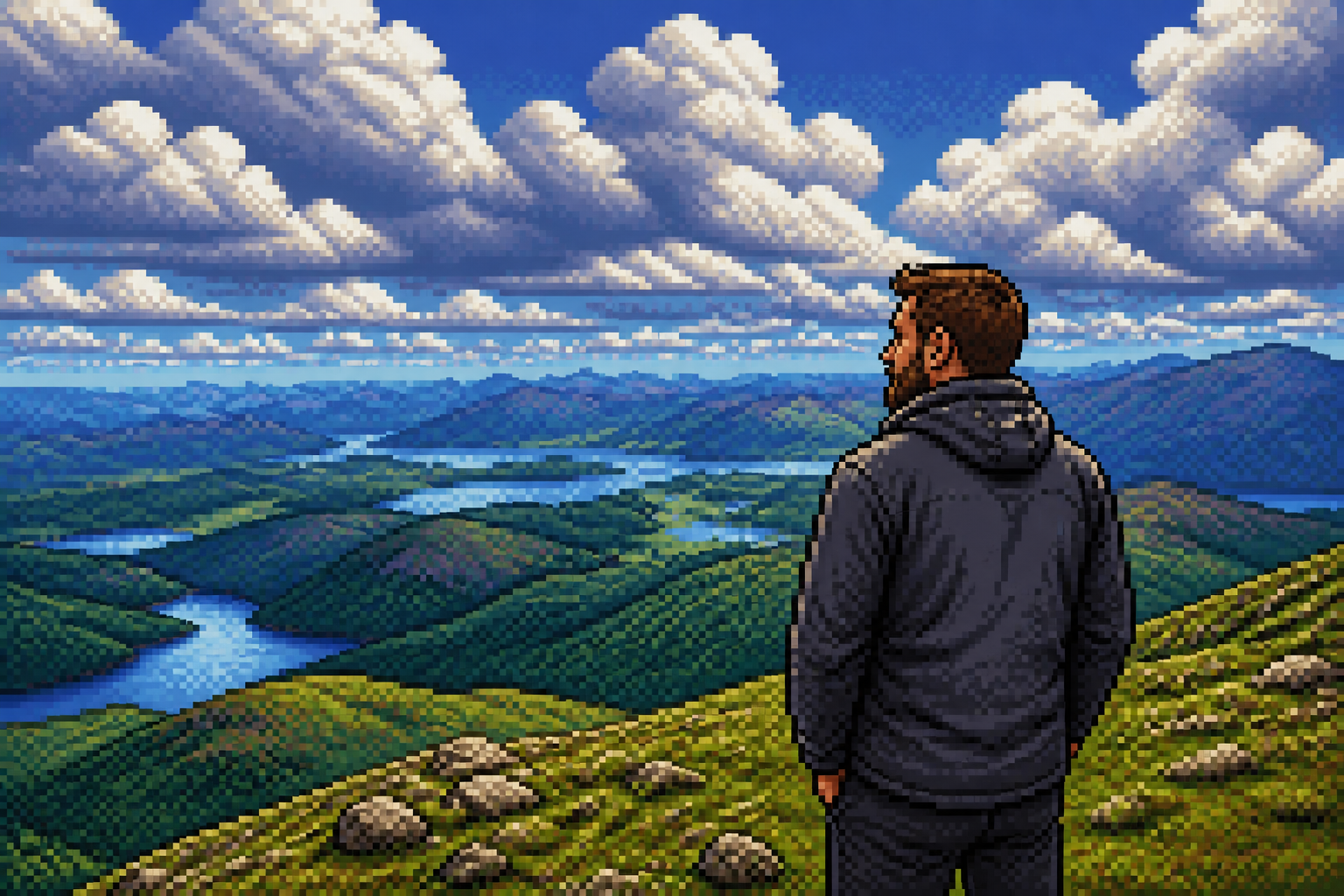
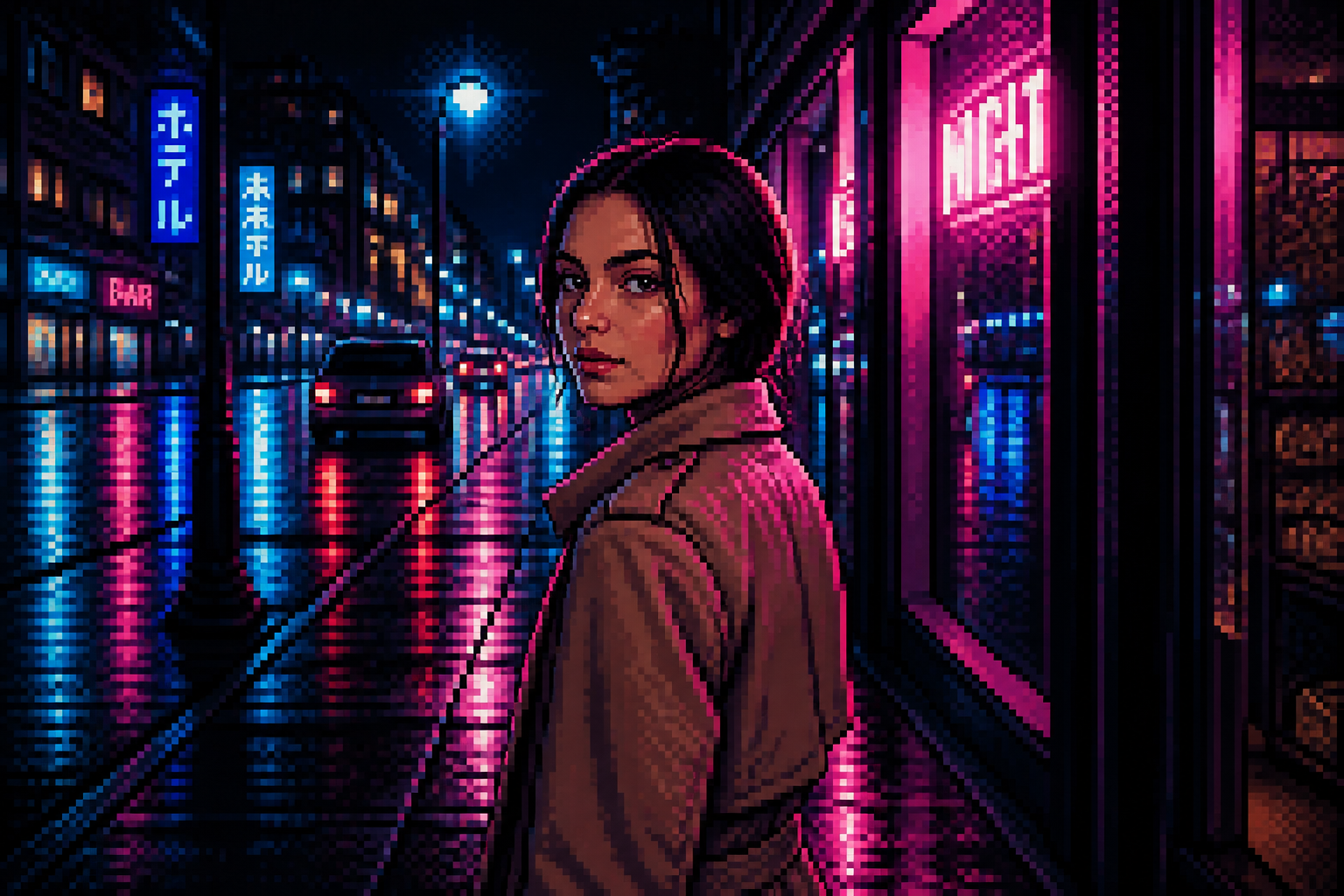
The framing, posture, and scene layout stay close to the source image, so the result still feels like your photo. That is useful when you already like the shot and only want to change the visual style. Manual pixel redraws often drift away from the original composition or take many iterations to line up. Here the edit stays anchored to the source.
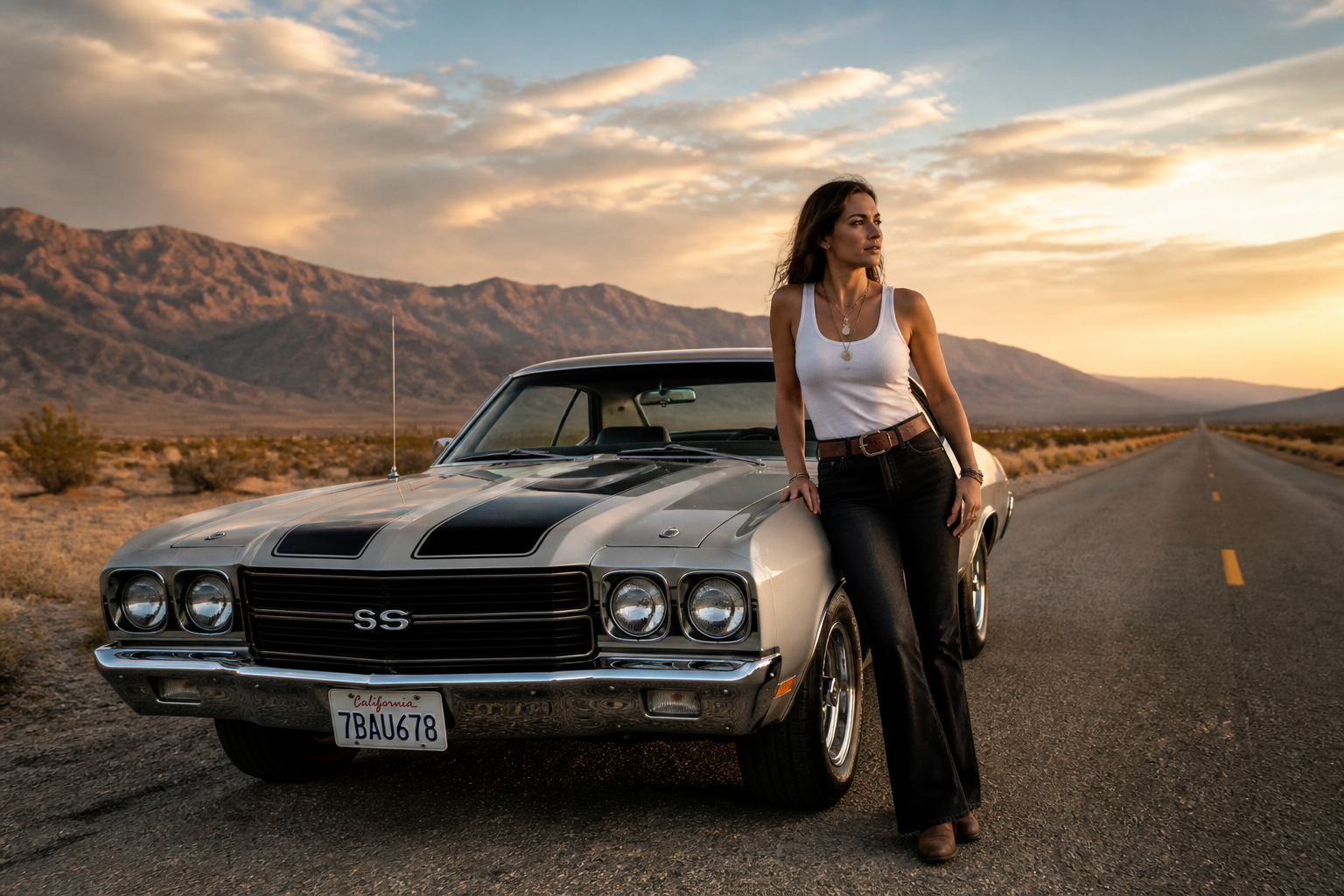
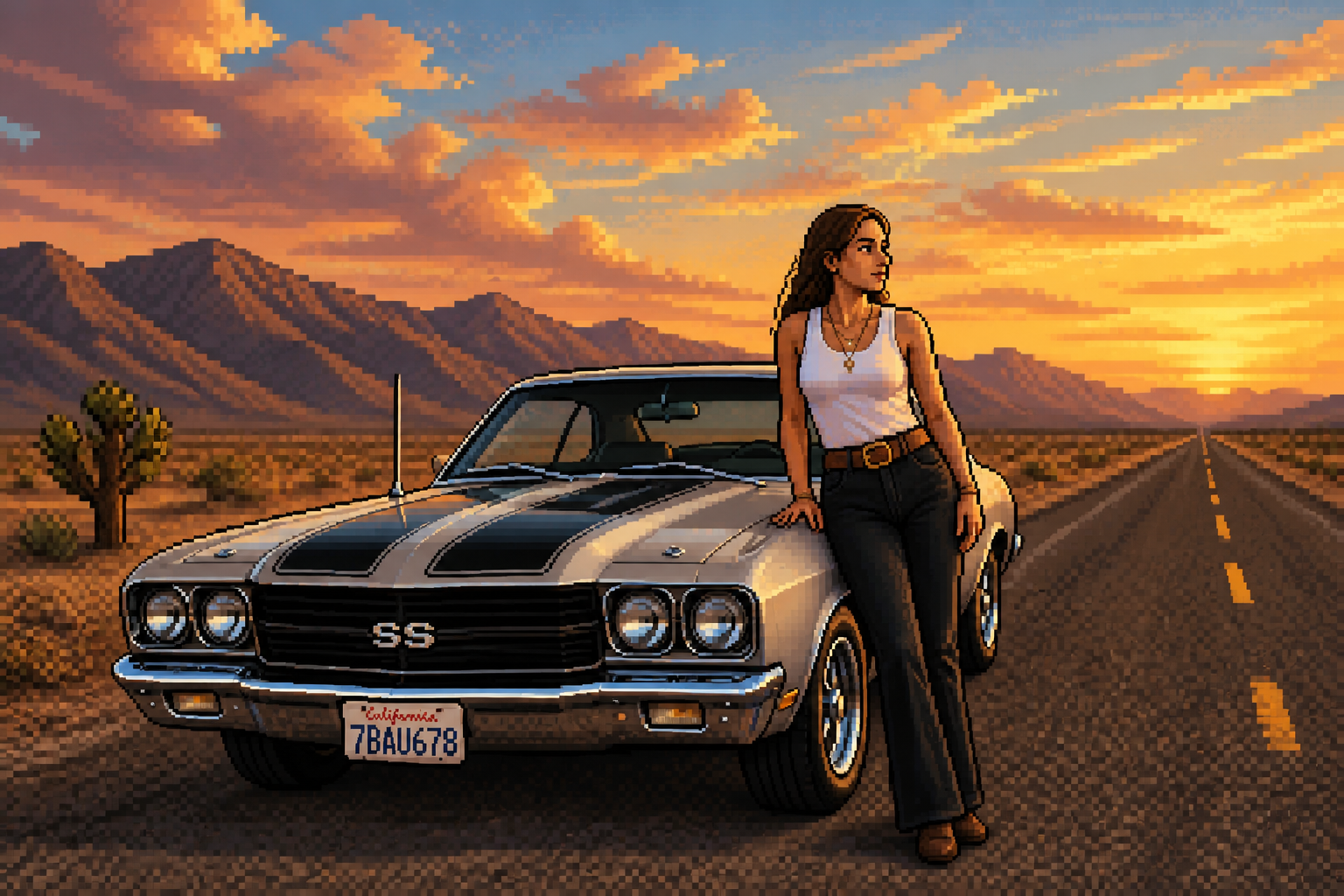
Works for scenes too
This is not limited to close-up portraits. You can convert travel shots, room setups, outdoor scenes, and lifestyle photos into pixel art that still reads at small sizes. That wider range helps if you want more than just a profile picture. It also saves time compared with rebuilding full environments manually in a pixel editor.
How It Works
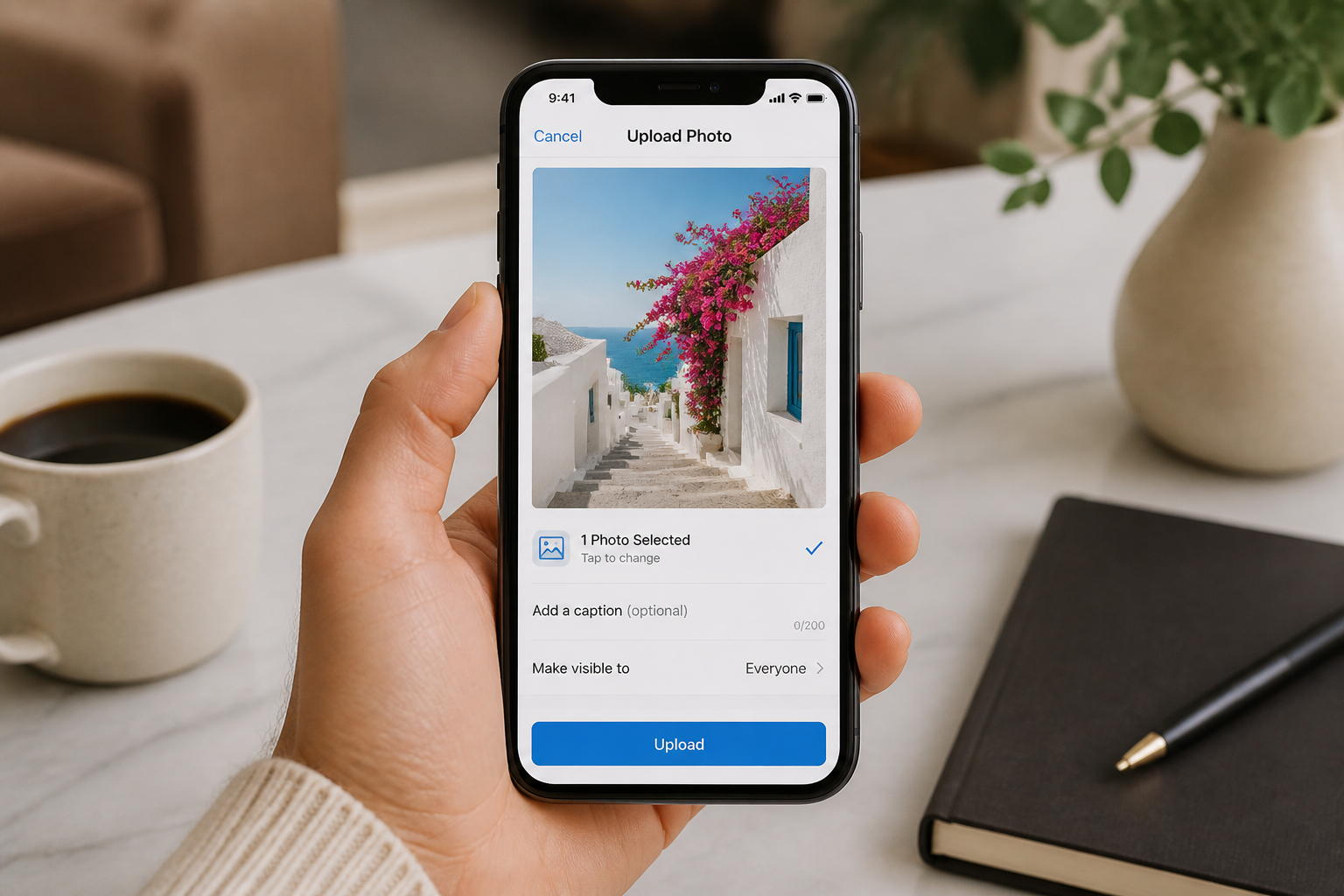
Upload your photo
Start with a clear image of a person, couple, or scene. Landscape shots with good lighting usually give the cleanest pixel art conversion.
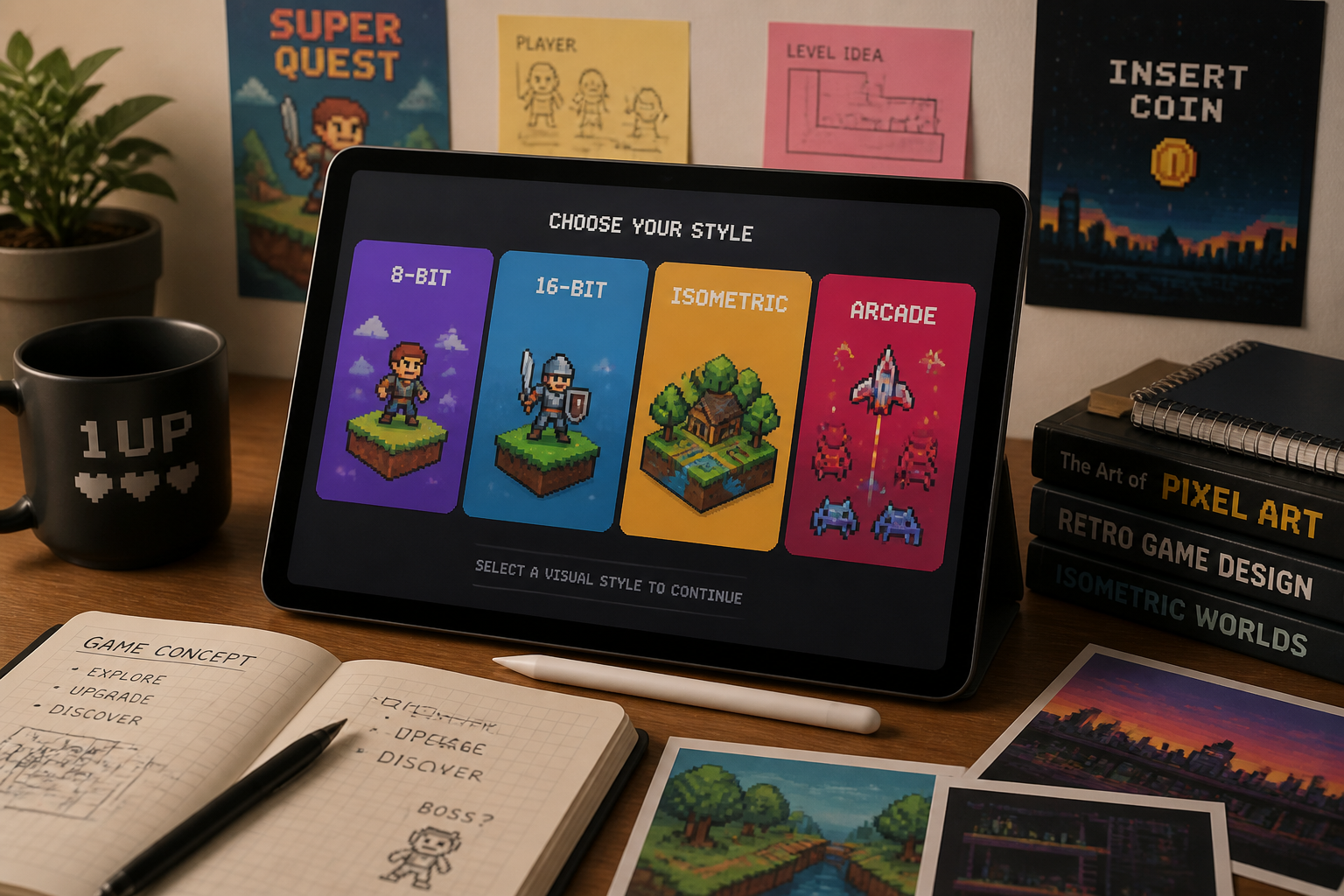
Pick the pixel style
Describe the retro look you want, such as 8-bit, 16-bit, arcade, isometric, or handheld RPG. The clearer your style cue, the easier it is to steer the final look.
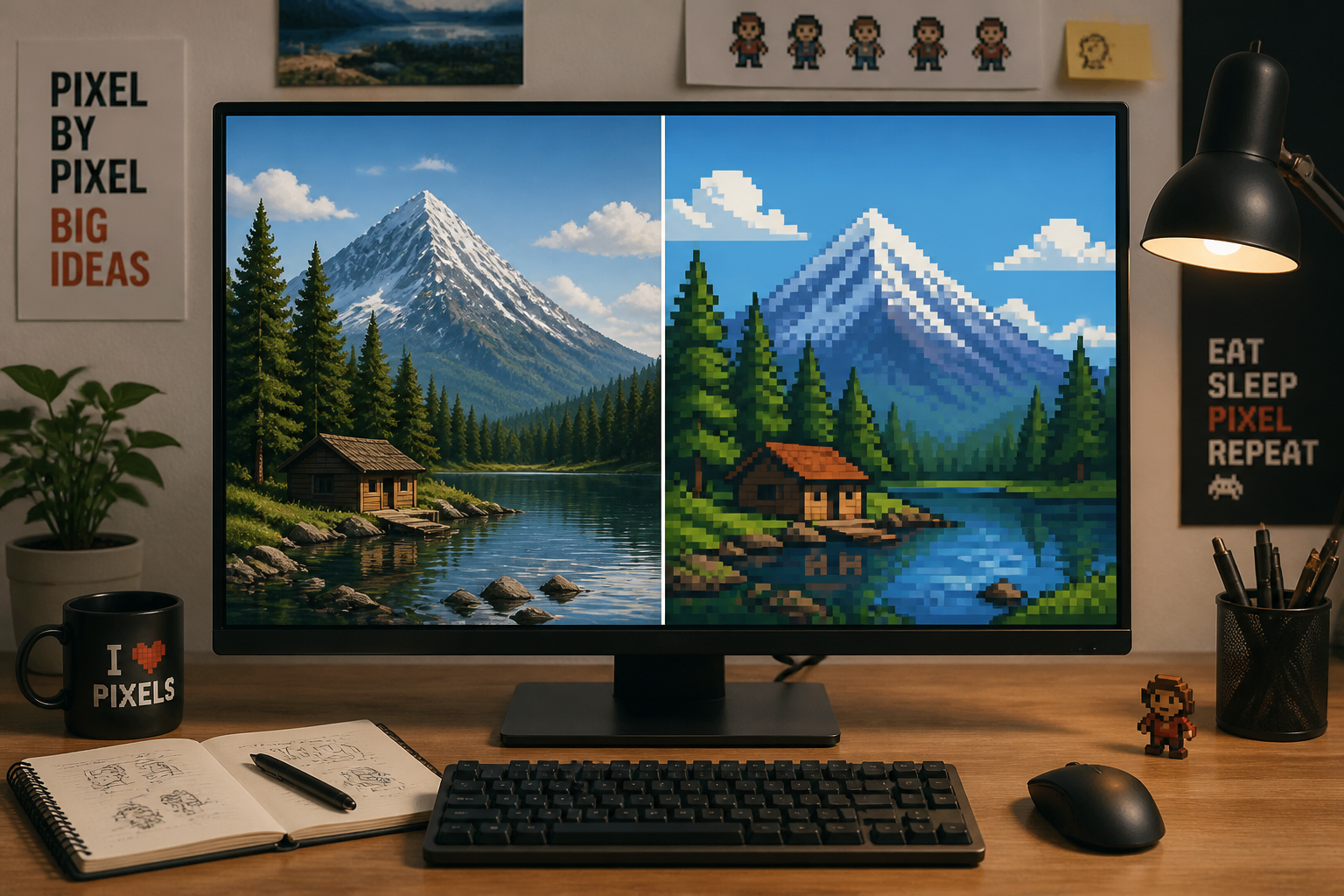
Generate and compare
Create the edit and compare it with the original image side by side. If needed, rerun with a different pixel density or retro art direction.
Perfect For
Discover how creators and professionals use photo to pixel art converter
Retro profile pictures
Turn selfies and portraits into pixel-style avatars for social profiles, forums, and gaming communities.
Game-inspired social posts
Convert lifestyle or travel shots into retro visuals that stand out in feeds and story posts.
Creative content mockups
Use pixelated versions of photos for posters, thumbnails, album concepts, and nostalgic campaign ideas.
Stream and community art
Create pixel art scenes and portraits for banners, overlays, Discord servers, and fan communities.
Built For
Creators and designers
Make fast retro-style concepts for posts, merch drafts, cover art, and campaign visuals.
Gamers and streamers
Turn personal photos into pixel avatars, channel art, and community graphics with a game-inspired look.
Anyone chasing a nostalgic style
Convert everyday photos into retro art without learning manual pixel drawing or complex editing tools.
Why use it for pixel art edits
A quick look at how we compare on the things that matter for this niche.
| Feature | BudgetPixel | Generic AI editors | Manual editing apps |
|---|---|---|---|
| Photo-to-pixel-art workflow | ✓ | ✓ | — |
| Keeps original composition | ✓ | — | ✓ |
| Fast retro style variations | ✓ | — | — |
| No pixel drawing skills needed | ✓ | ✓ | — |
Frequently Asked Questions
What kind of photos work best?
Can I choose between 8-bit and 16-bit styles?
Will the result still look like my original photo?
Is this only for portraits?
Do I need pixel art skills to use it?
Create together.
Share your creations, discover trending AI art, and grow with fellow creators.