AI Banner Ad Generator from Product Photos
Turn a simple product shot into a clean, scroll-stopping ad banner.
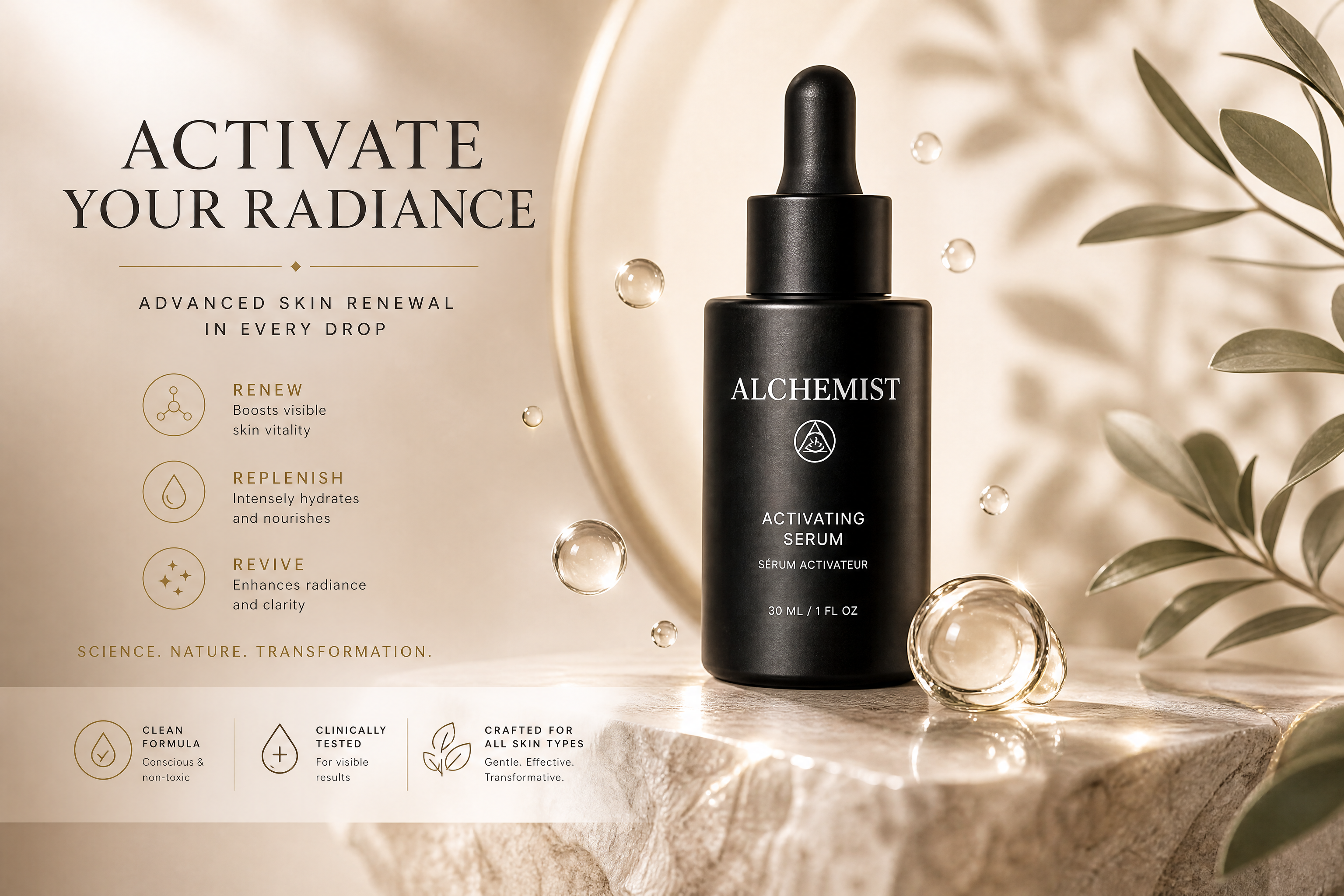
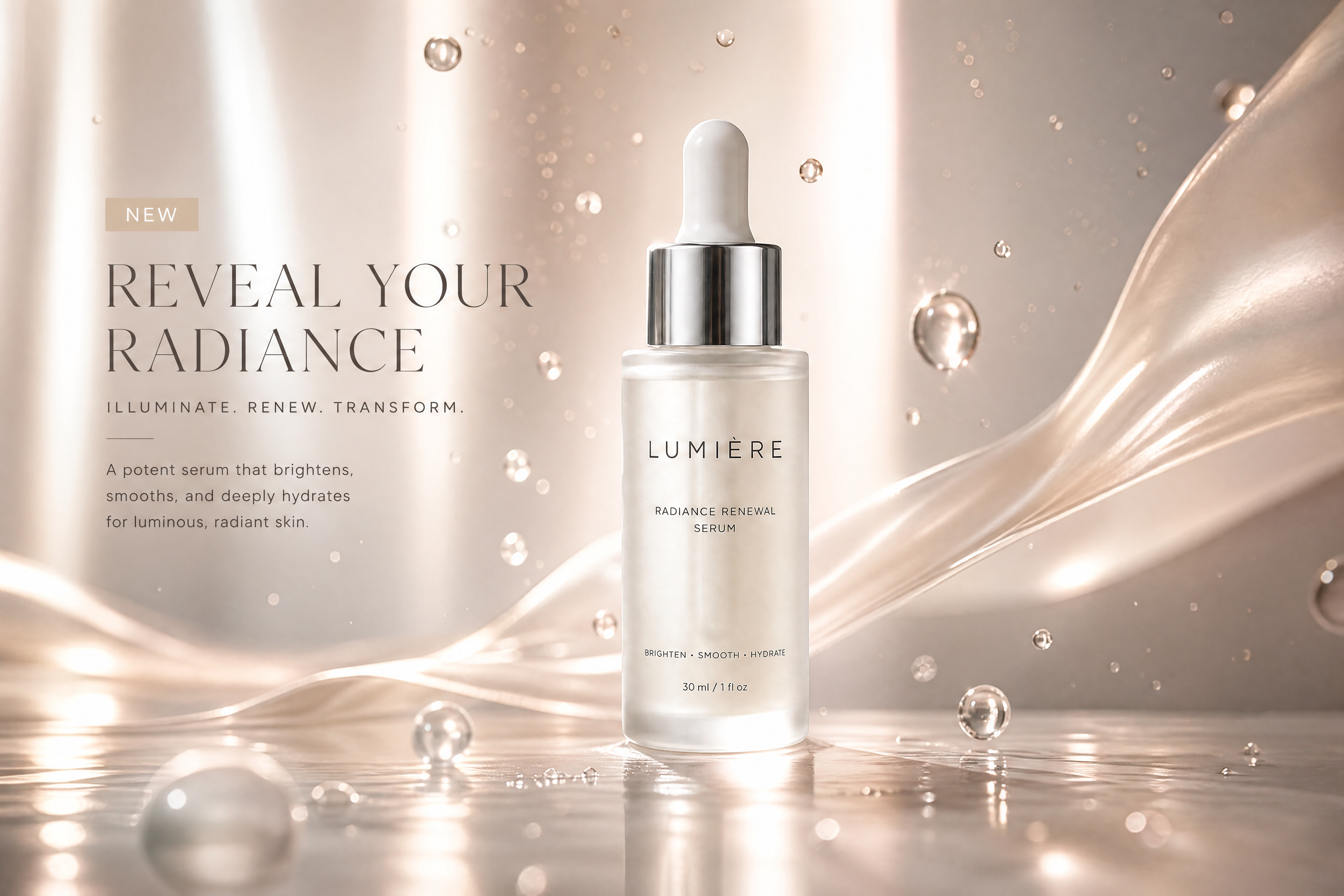
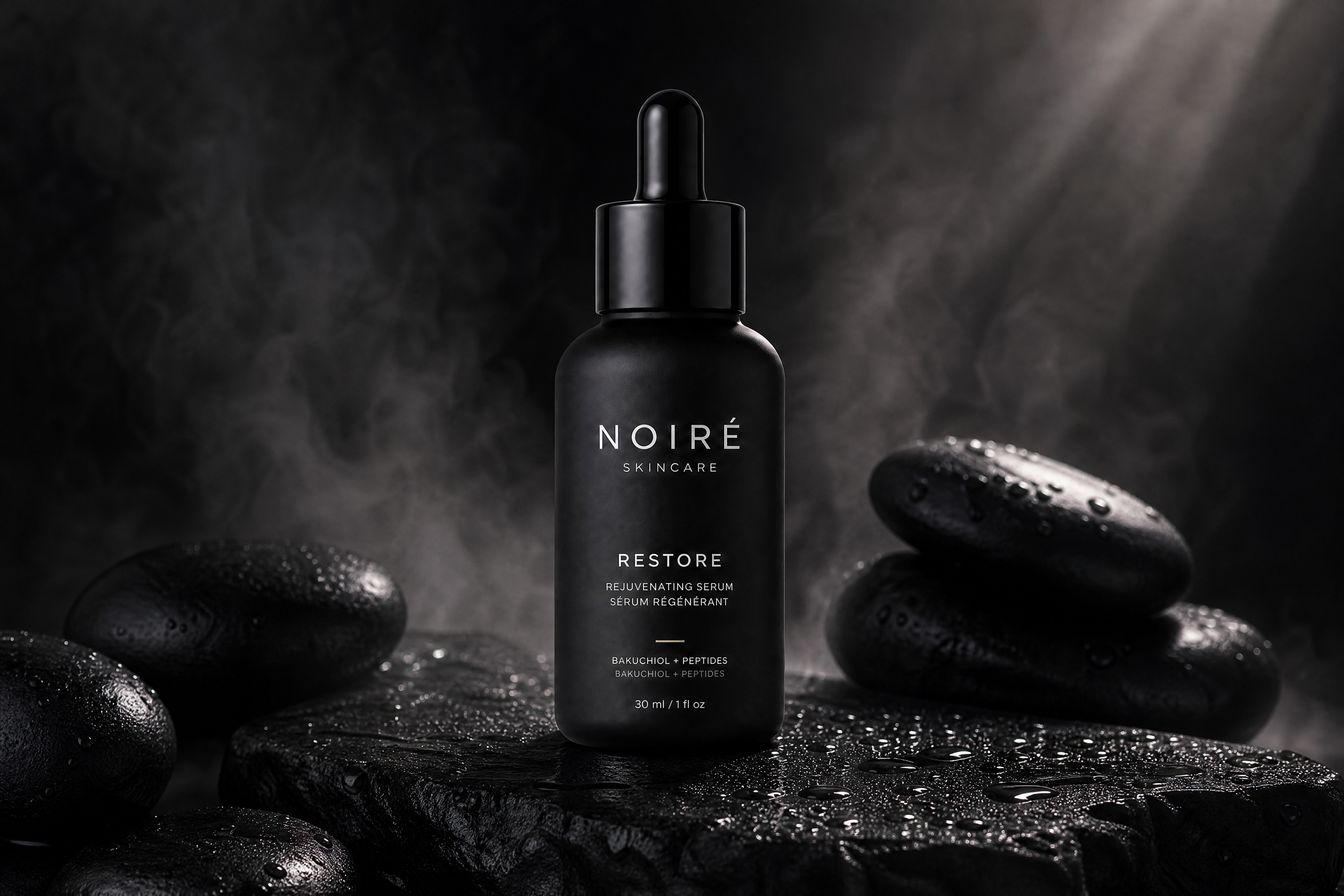
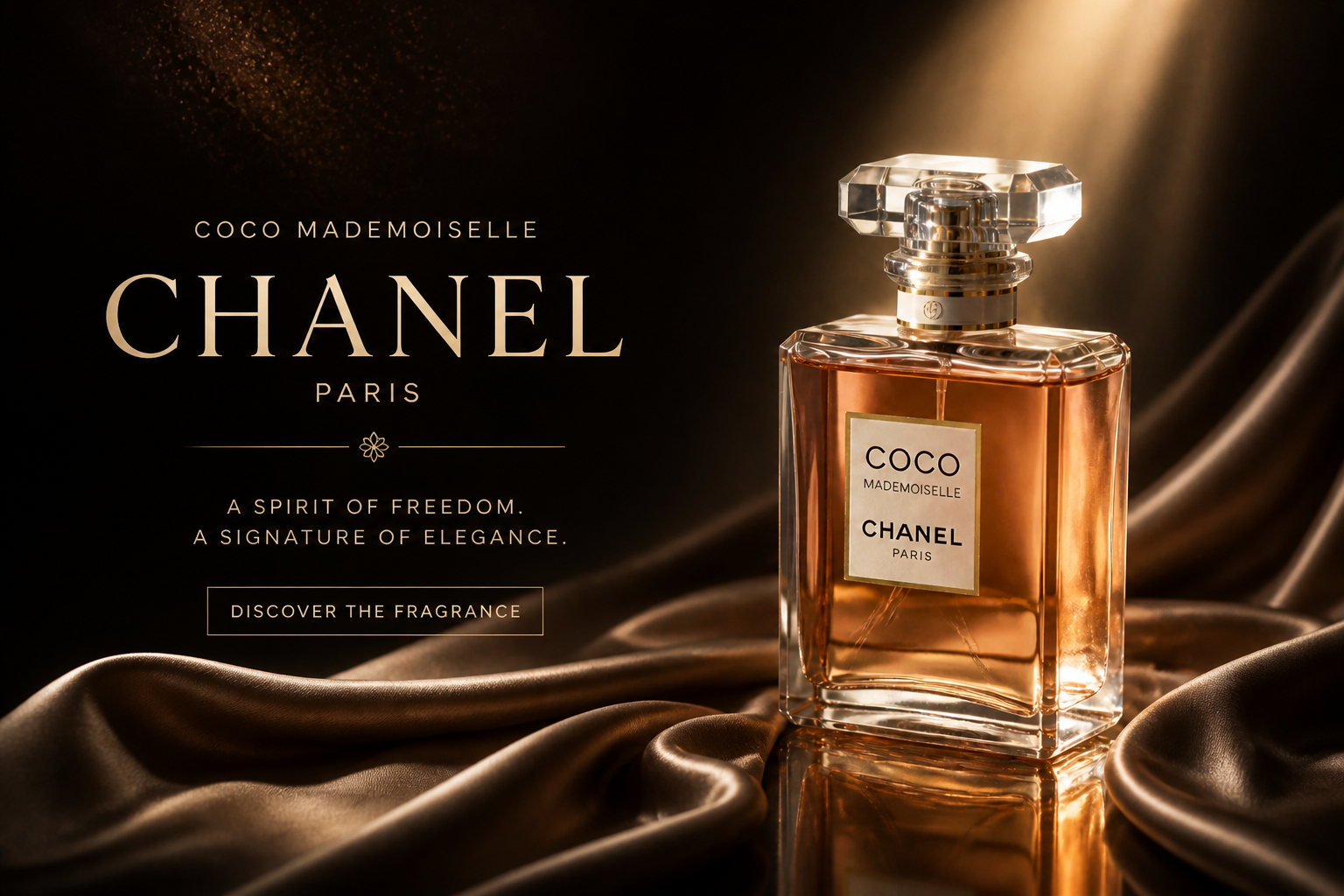
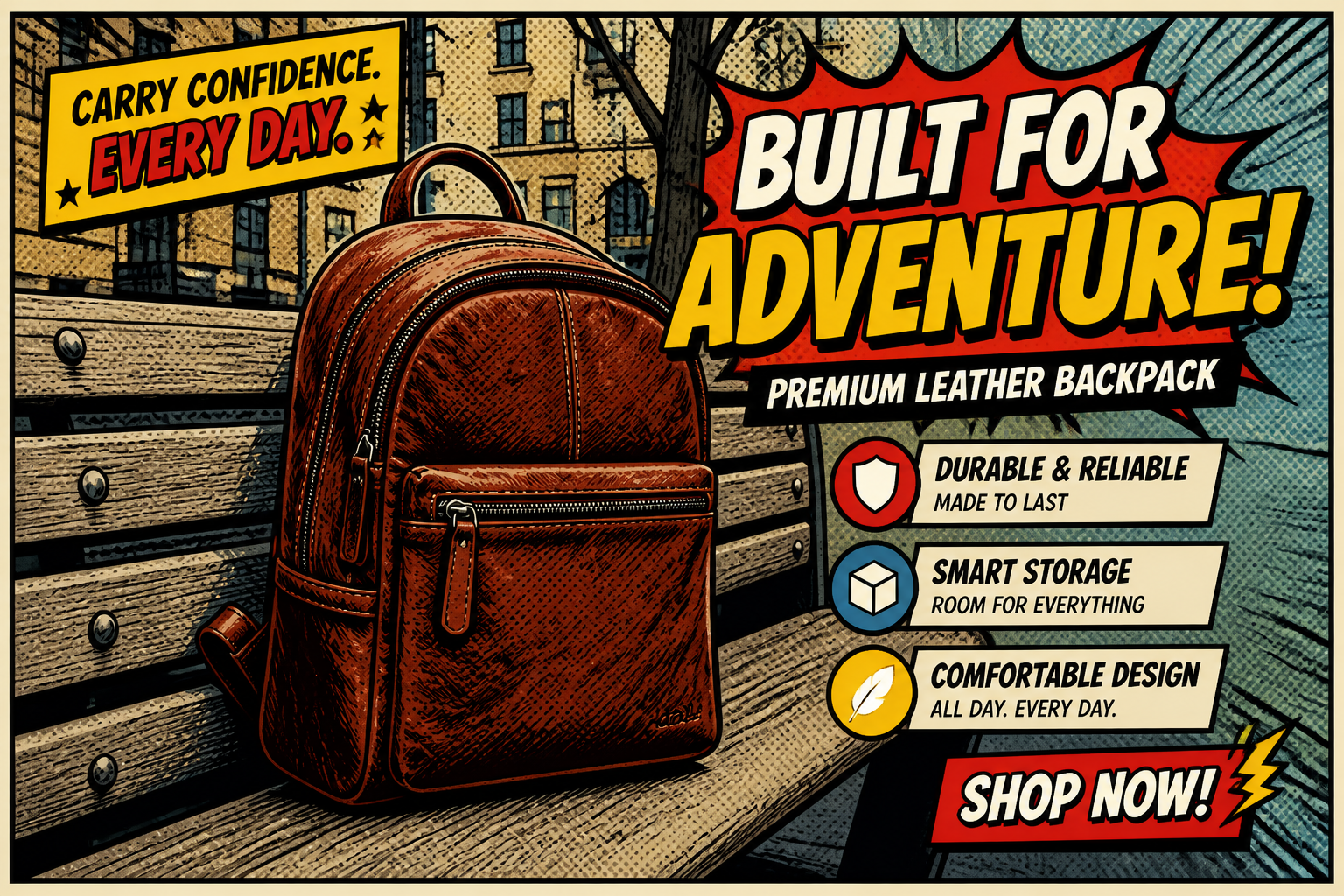
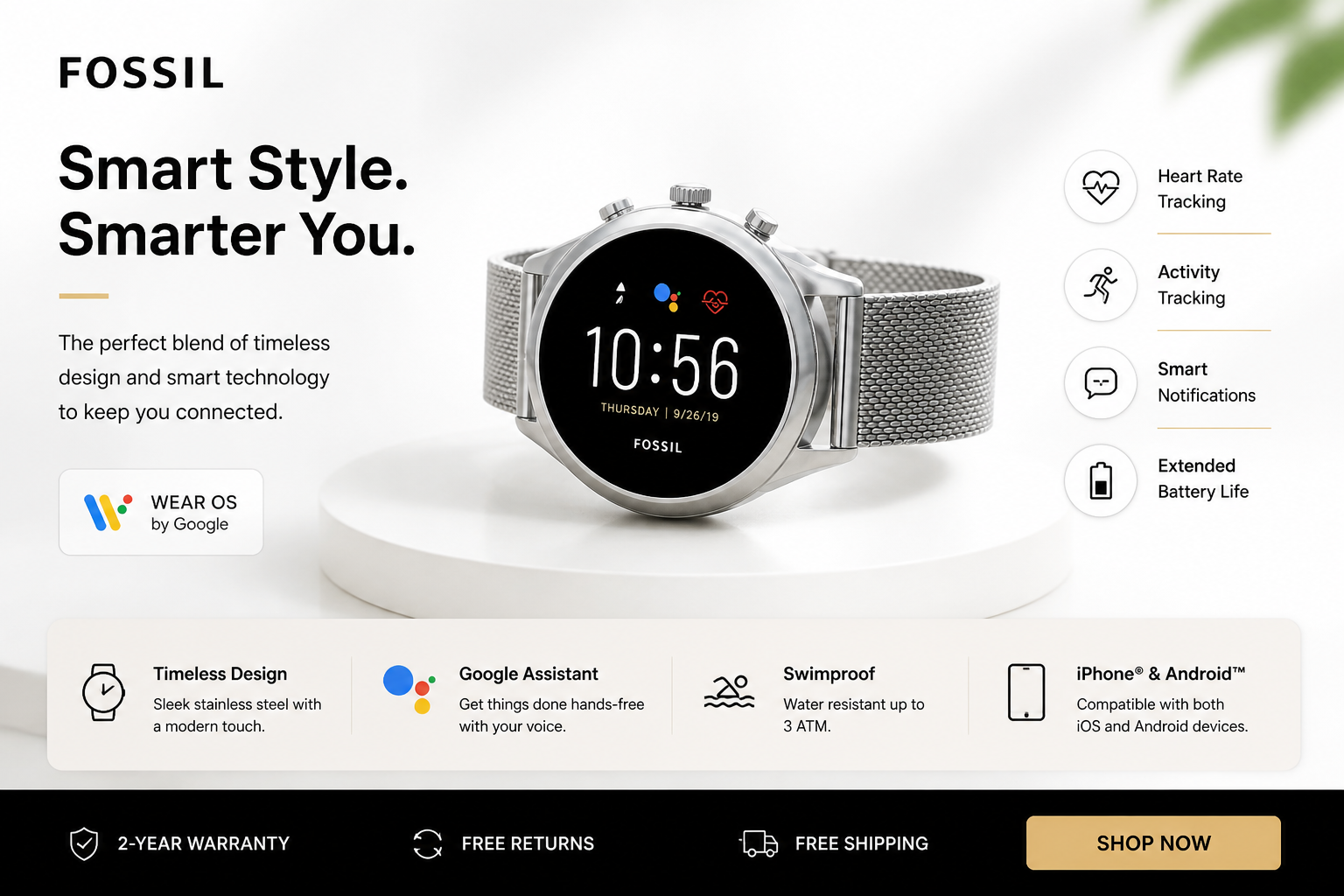
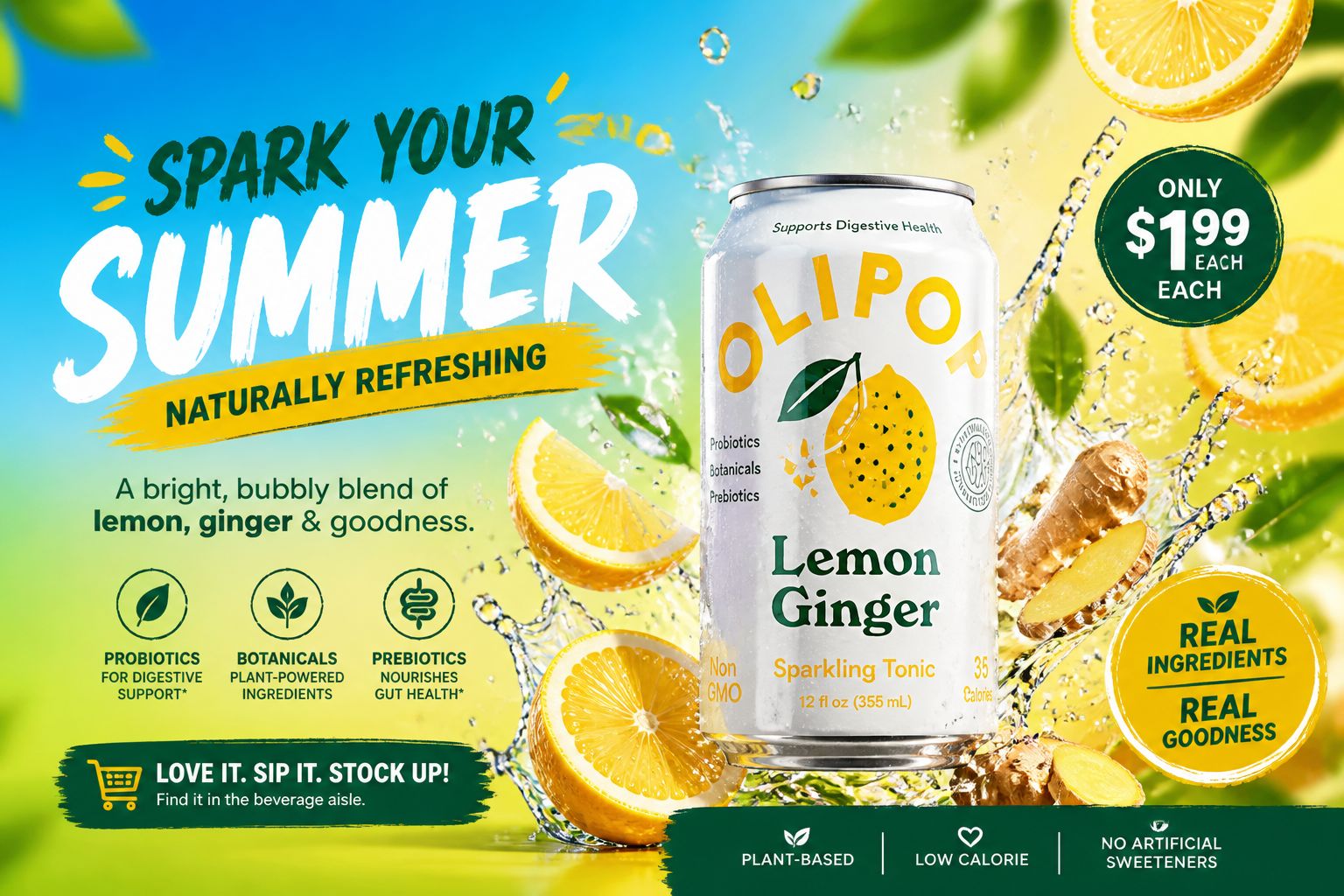
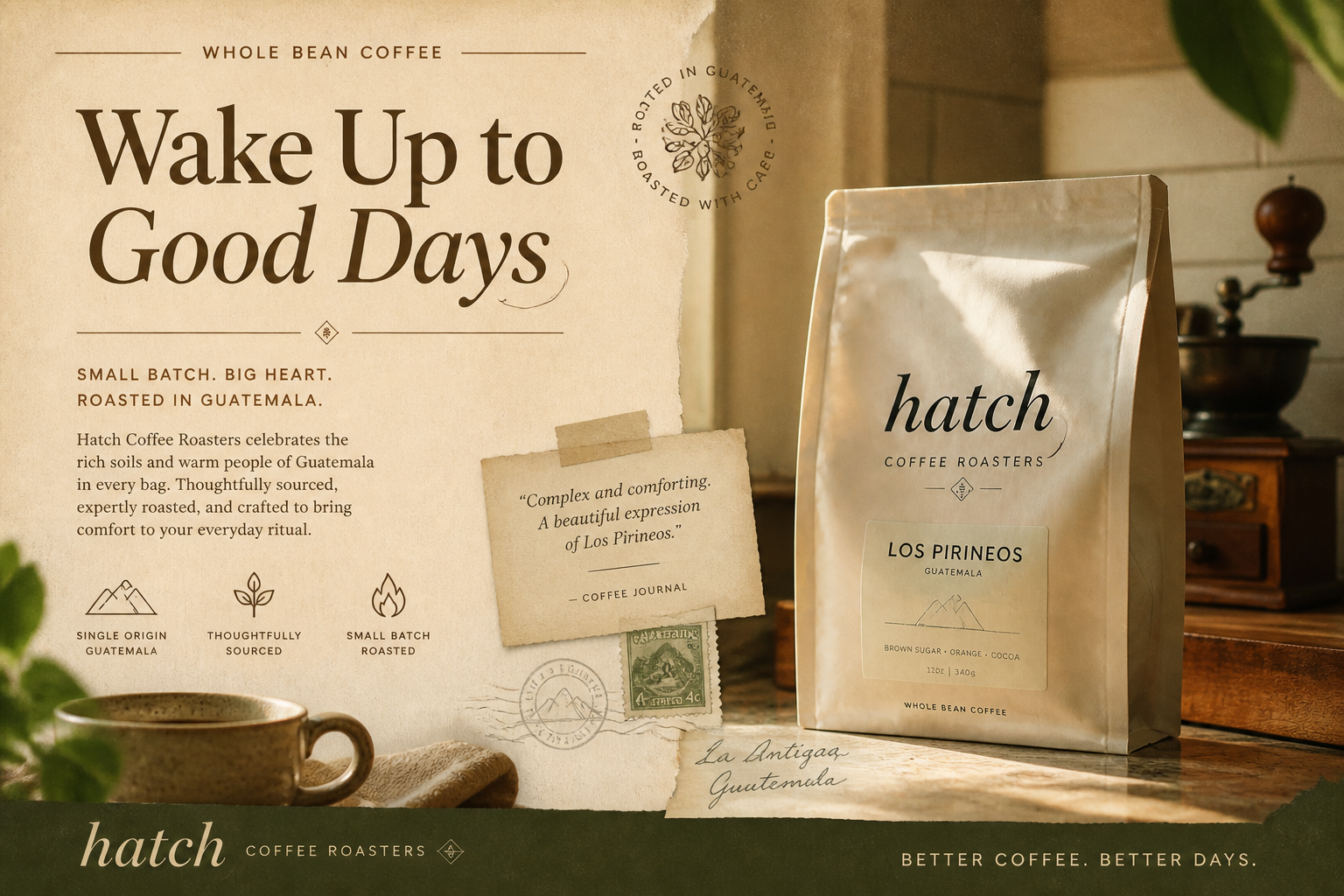
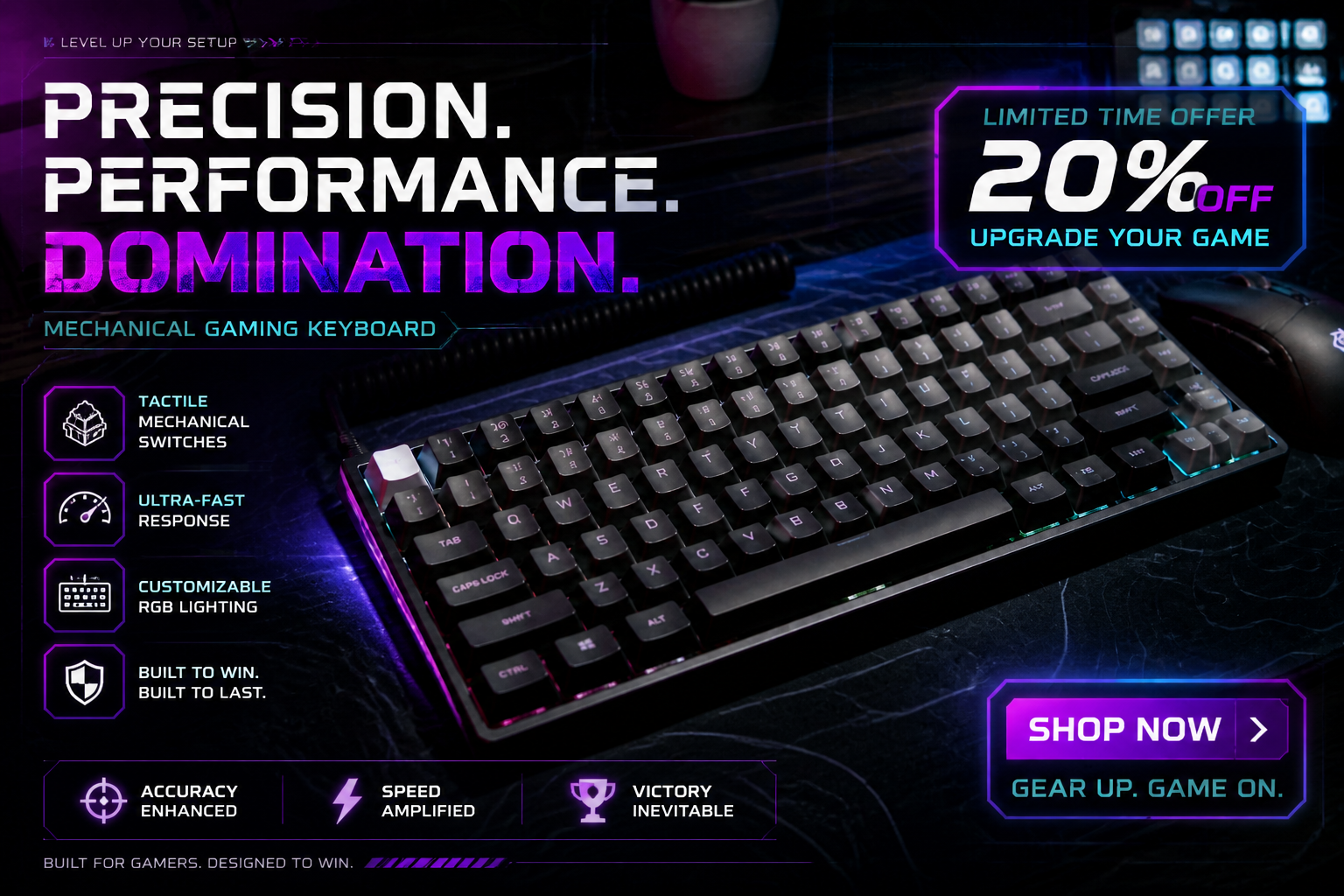
Upload a product photo and turn it into a polished banner ad in seconds. Our AI adds layout, lighting, background, and campaign-ready styling while keeping the product recognizable.
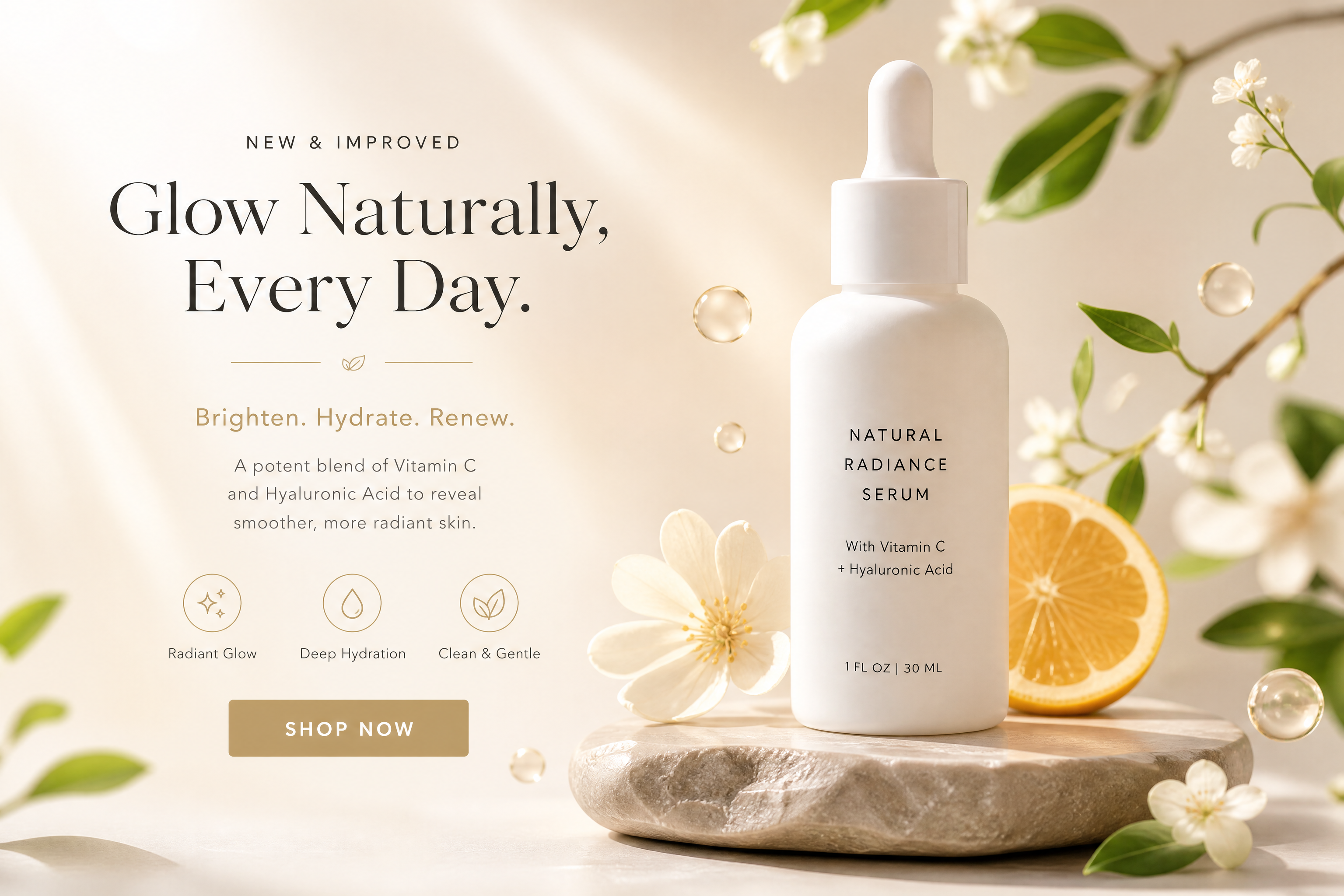
Watch the Transformation
See ai banner ad generator in motion — generated end-to-end by our AI.
See It In Action
Real outputs from ai banner ad generator.
BEFOREAFTER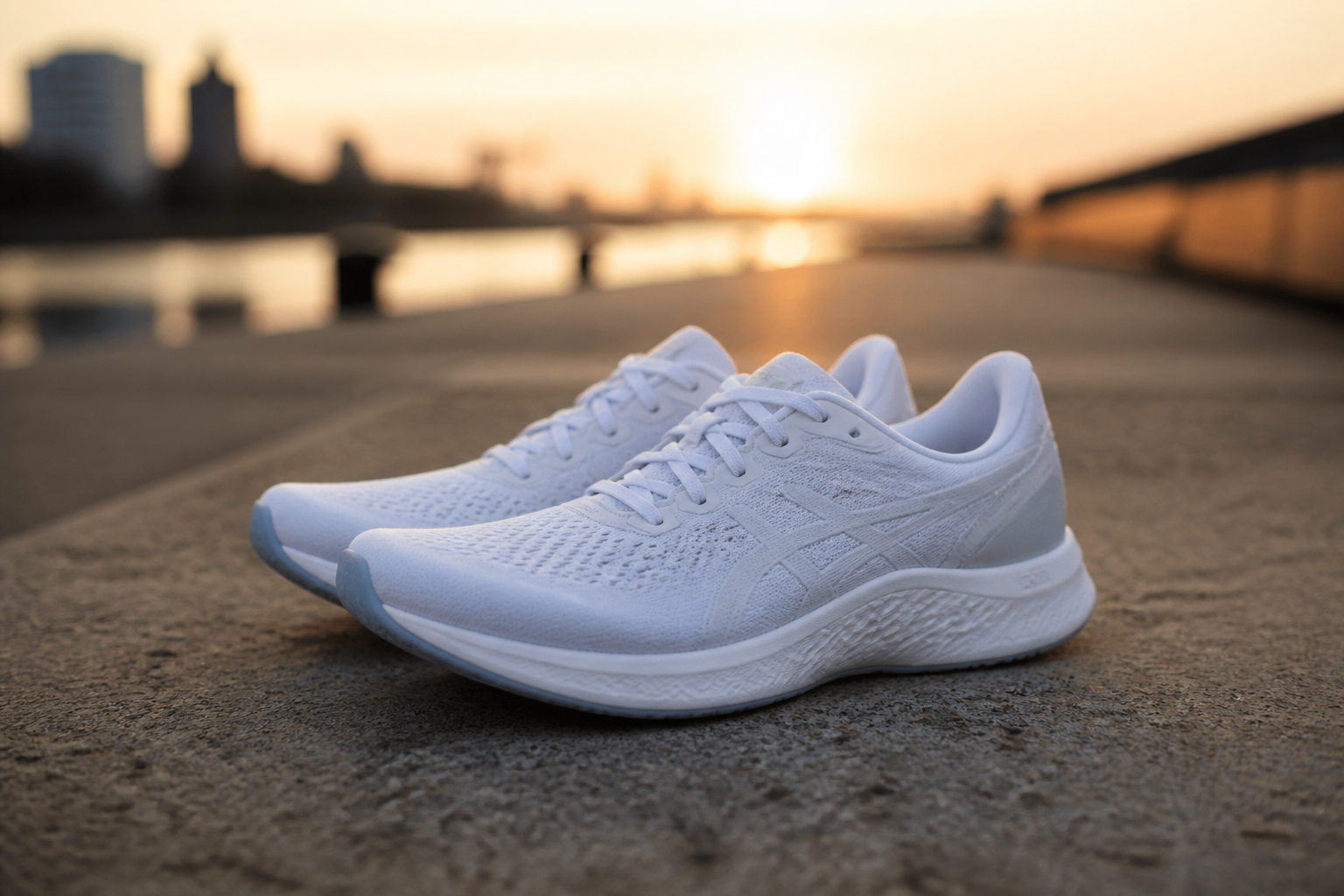 BEFORE
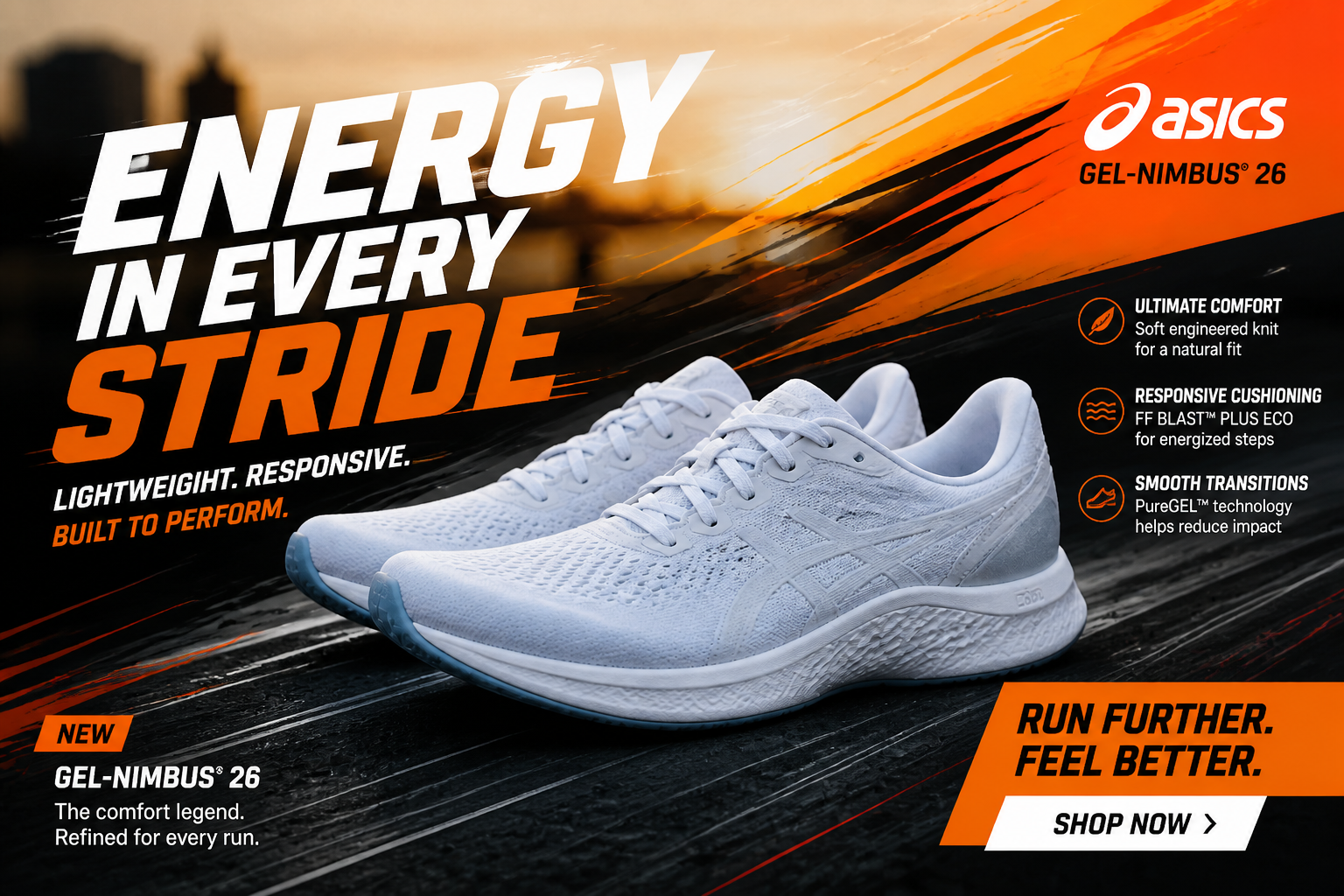 AFTER
AFTER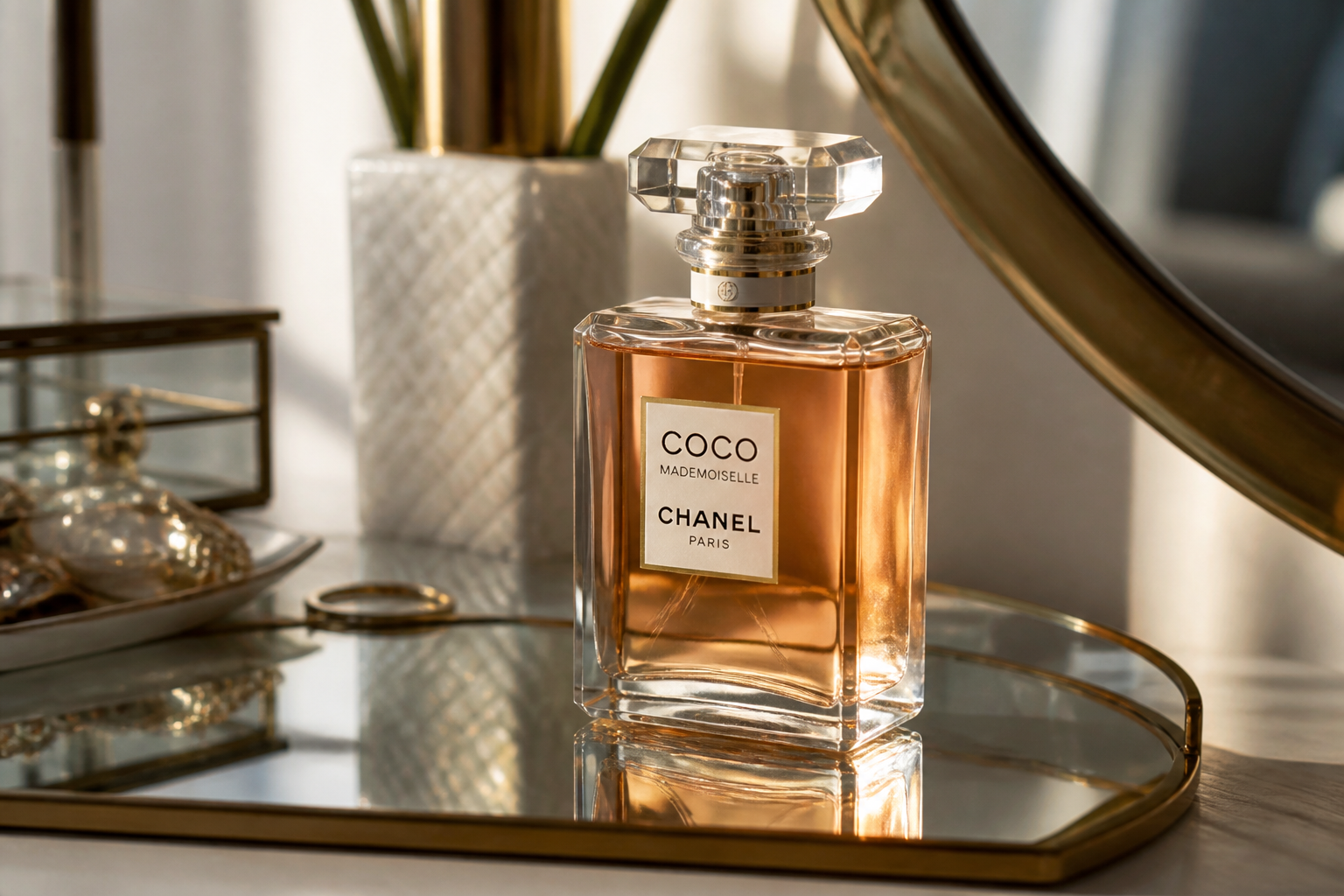 BEFORE
 AFTER
AFTER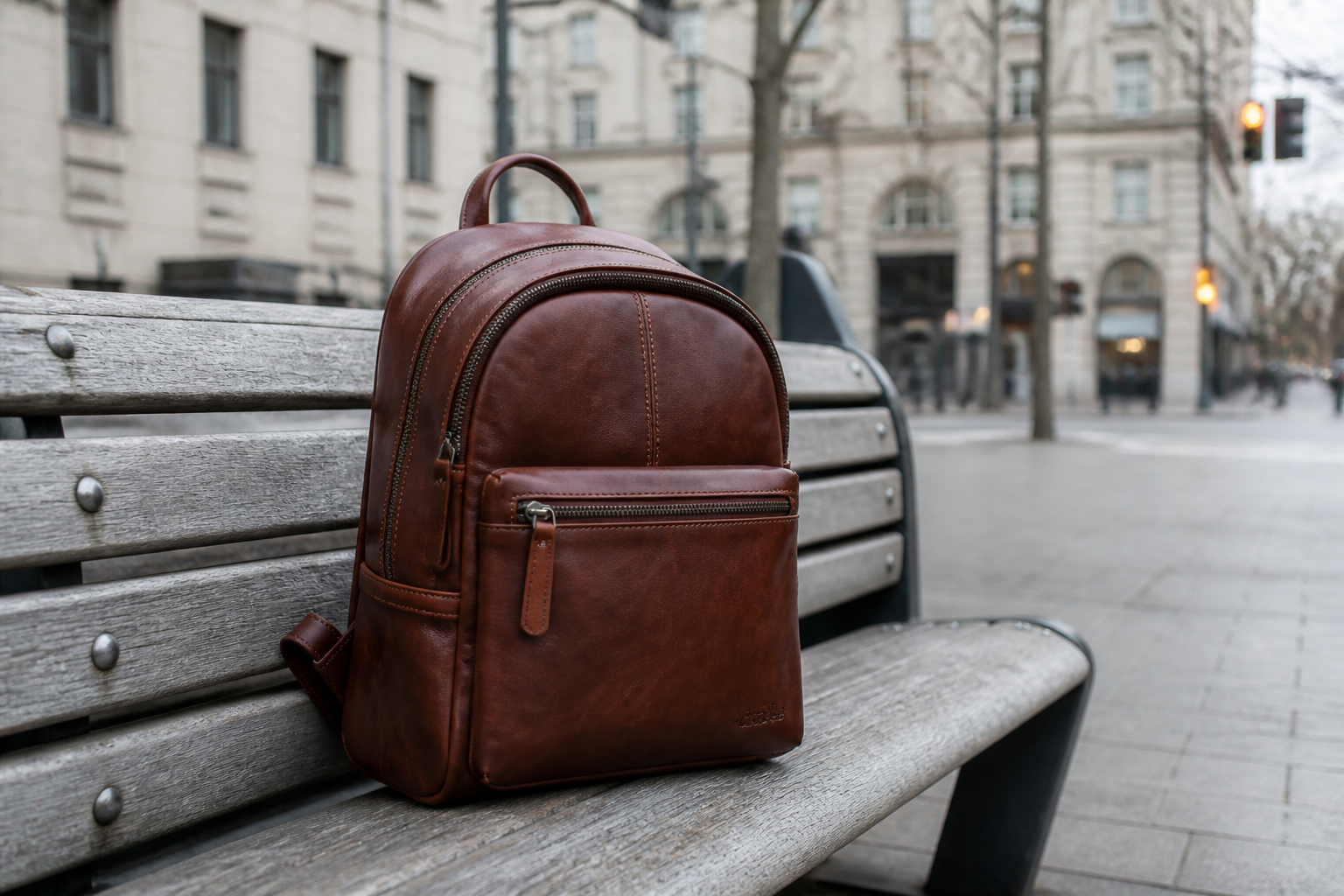 BEFORE
 AFTER
AFTER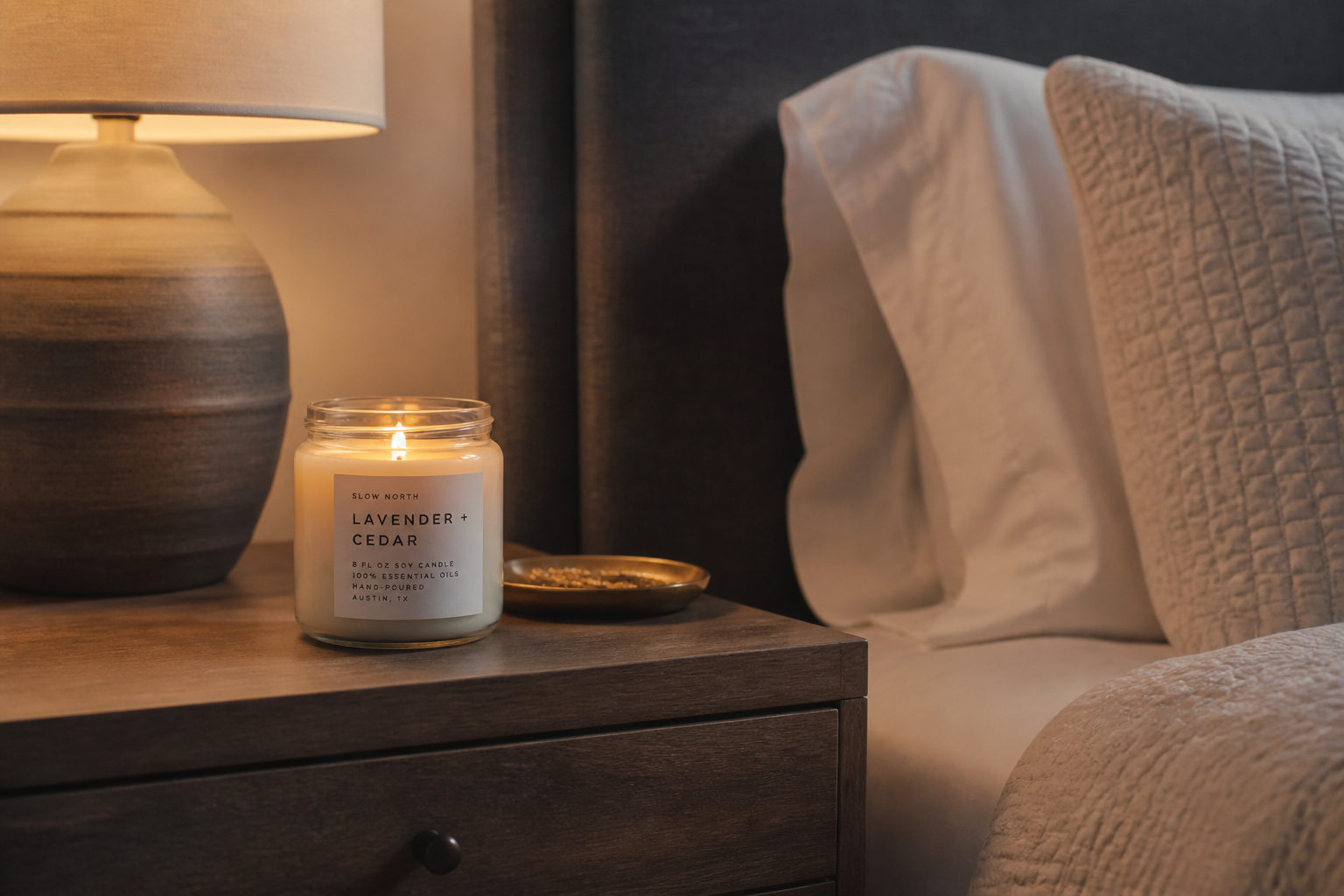 BEFORE
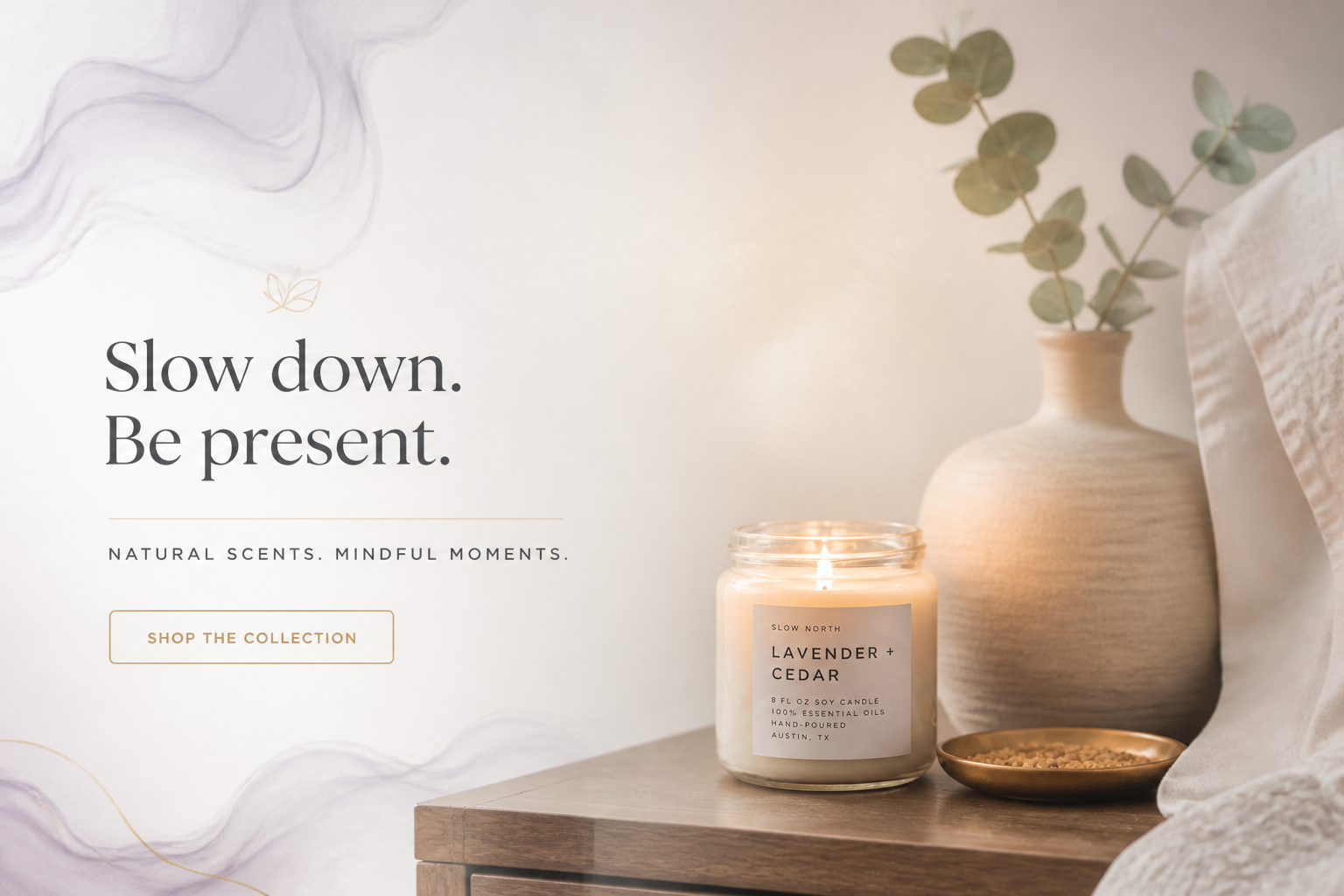 AFTERBEFOREAFTERBEFOREAFTERBEFOREAFTERBEFOREAFTERBEFOREAFTER
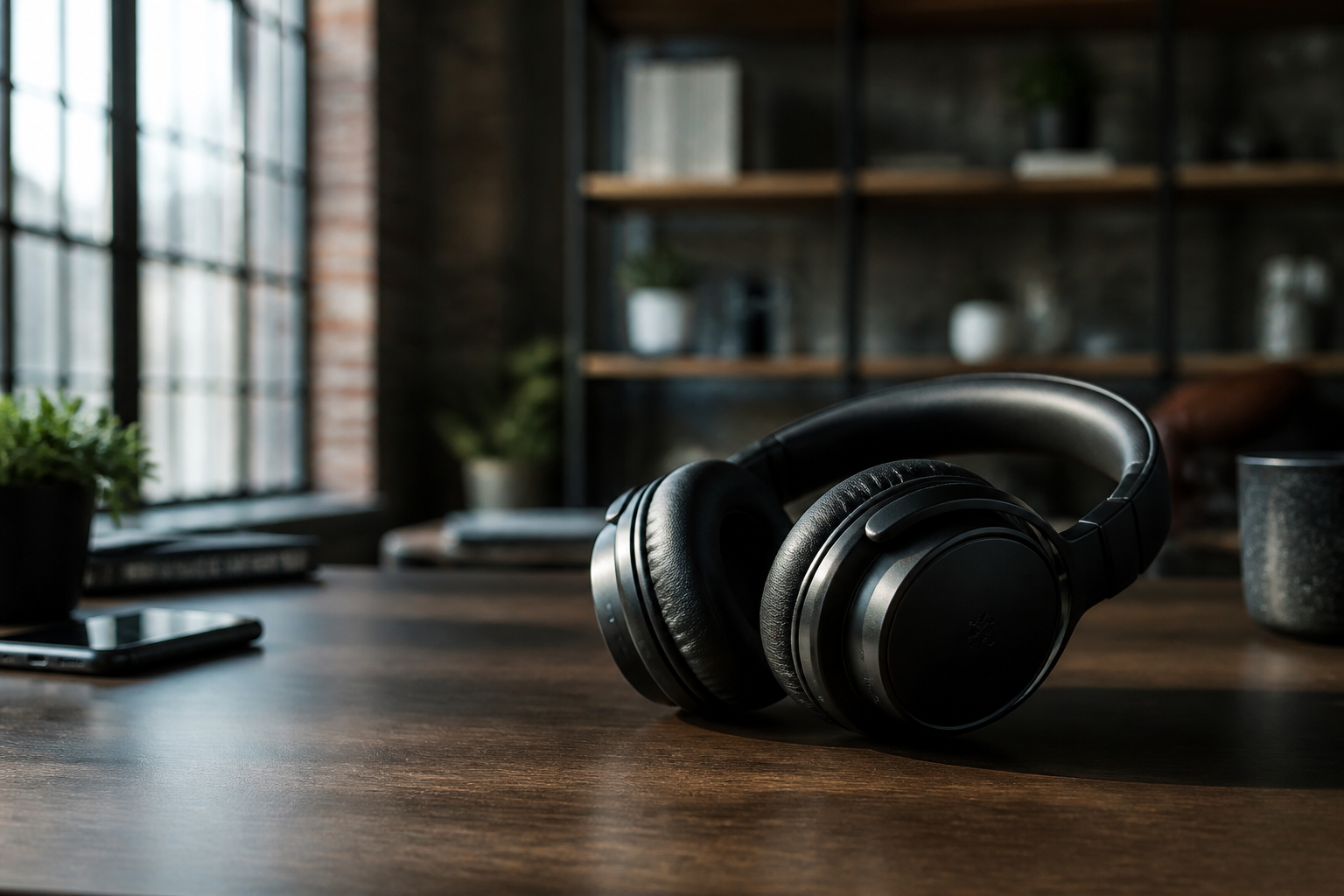 BEFORE
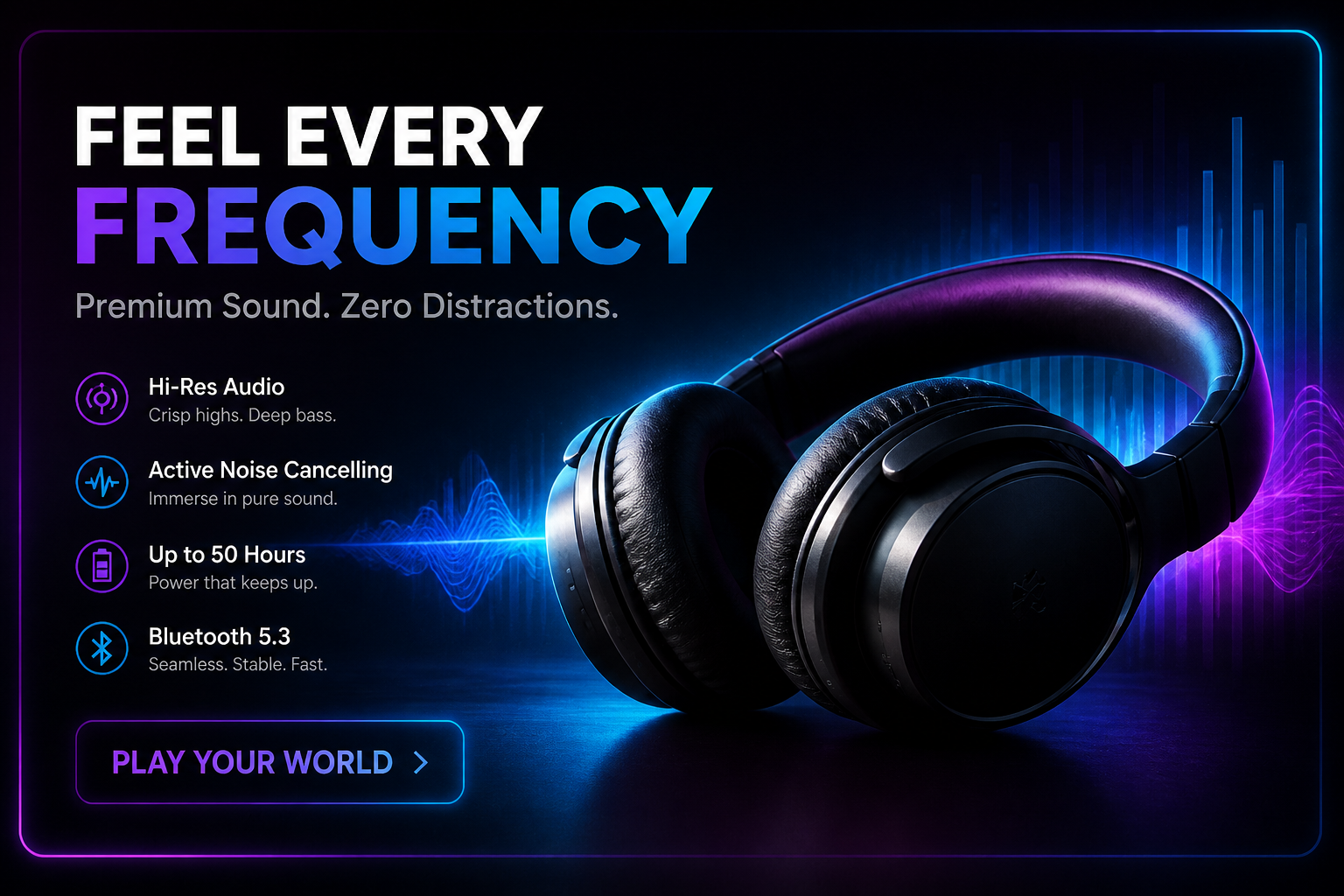 AFTER
AFTER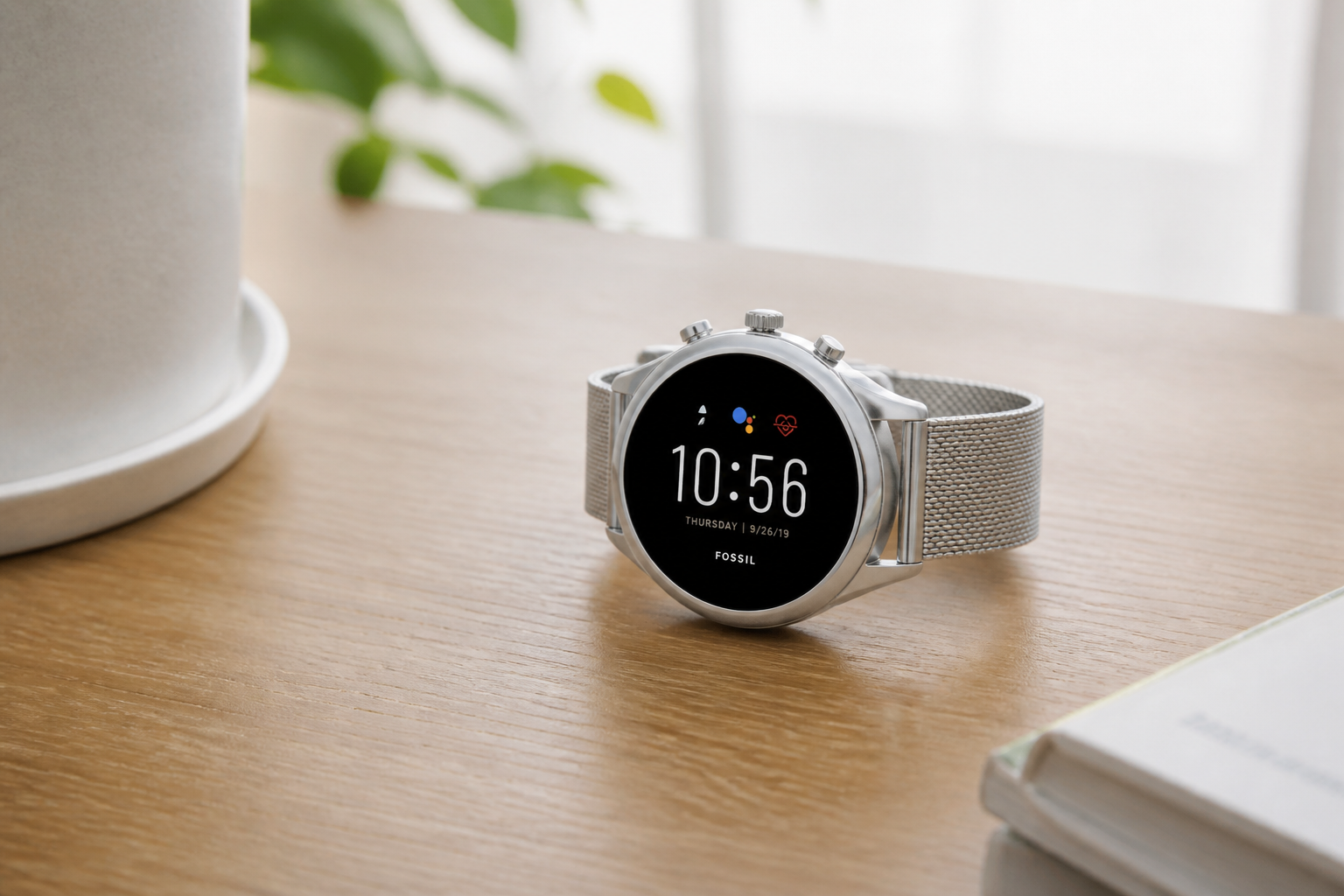 BEFORE
 AFTER
AFTER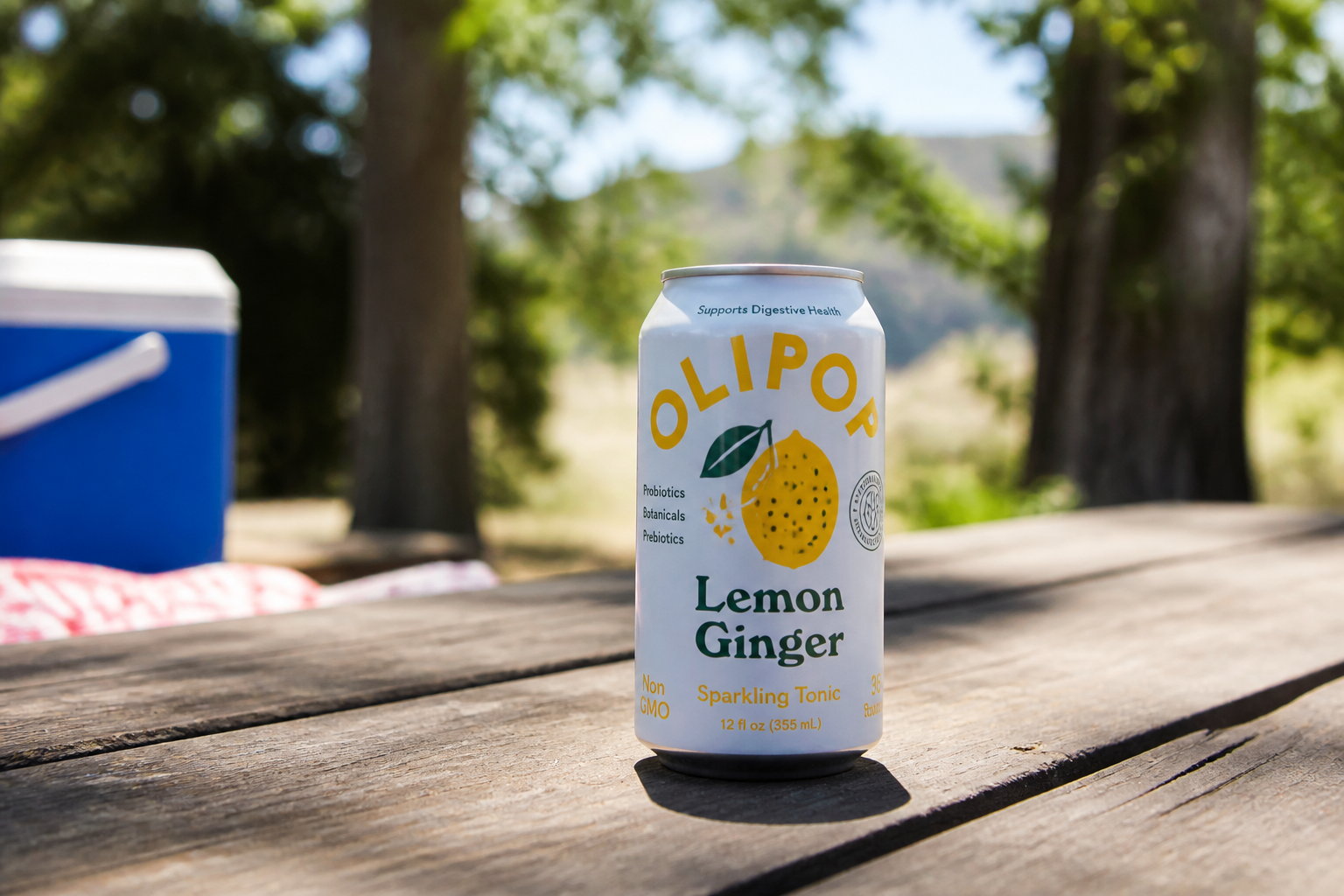 BEFORE
 AFTER
AFTER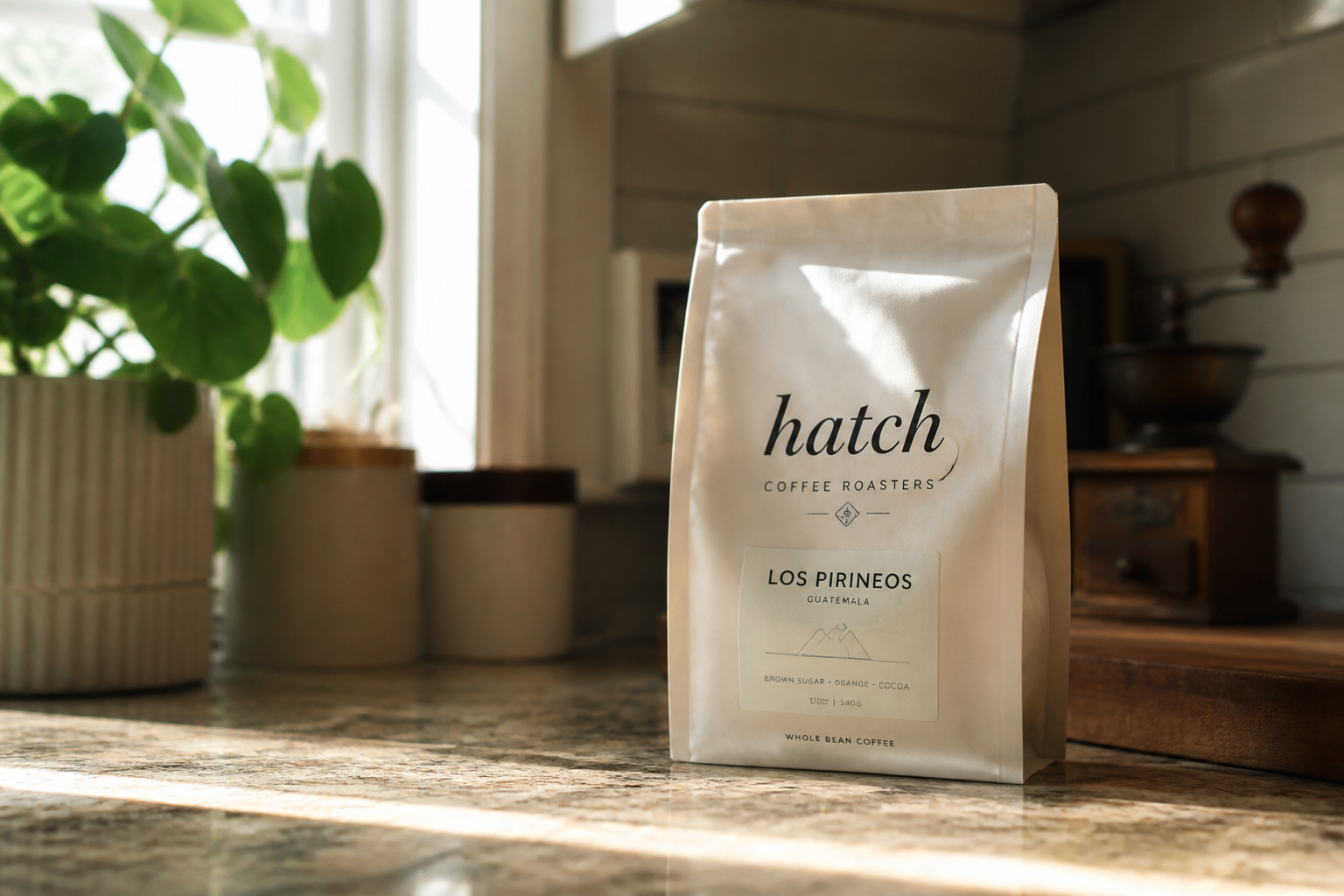 BEFORE
 AFTER
AFTER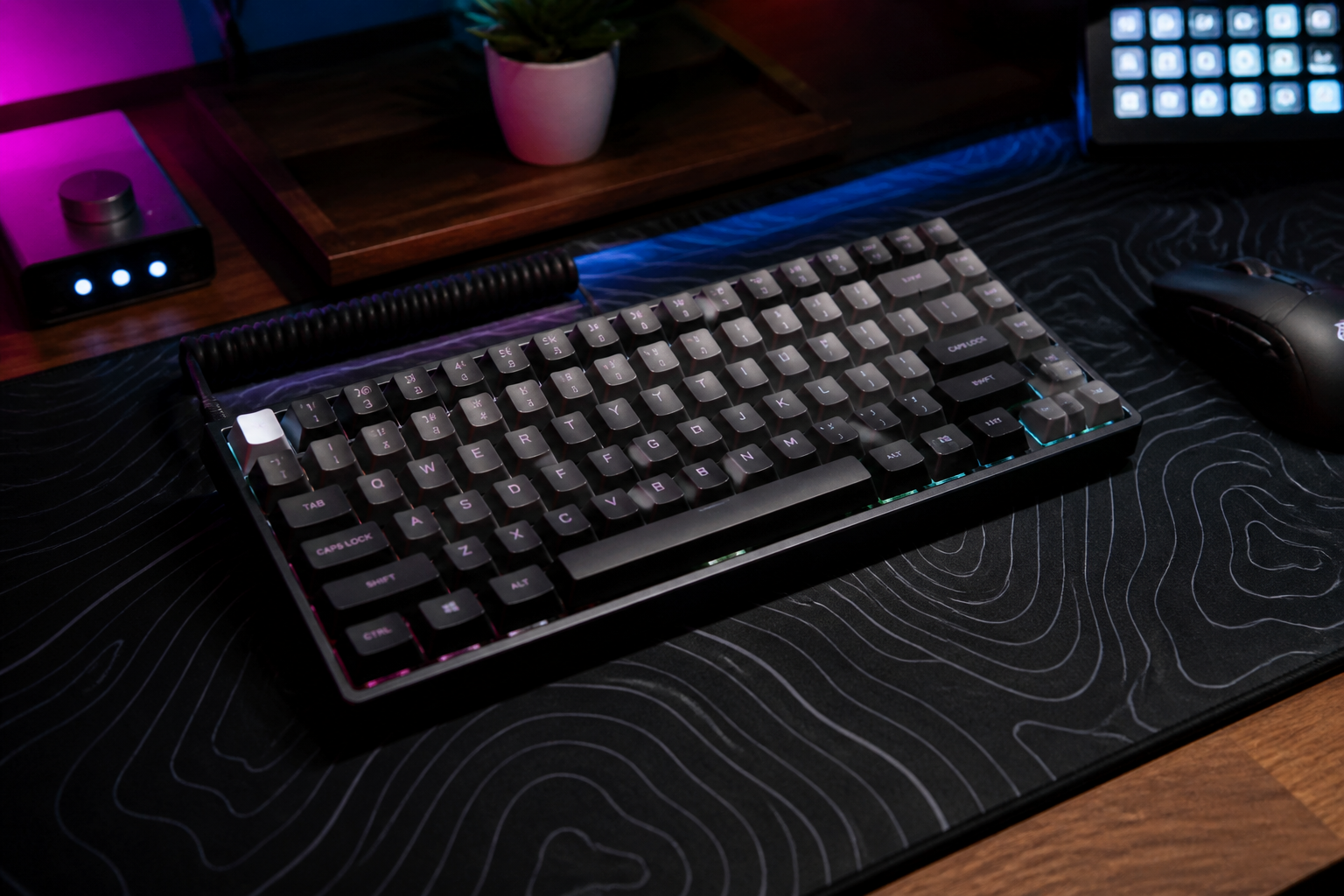 BEFORE
 AFTERBEFOREAFTERBEFOREAFTERBEFOREAFTERBEFOREAFTERBEFOREAFTER
Key Features
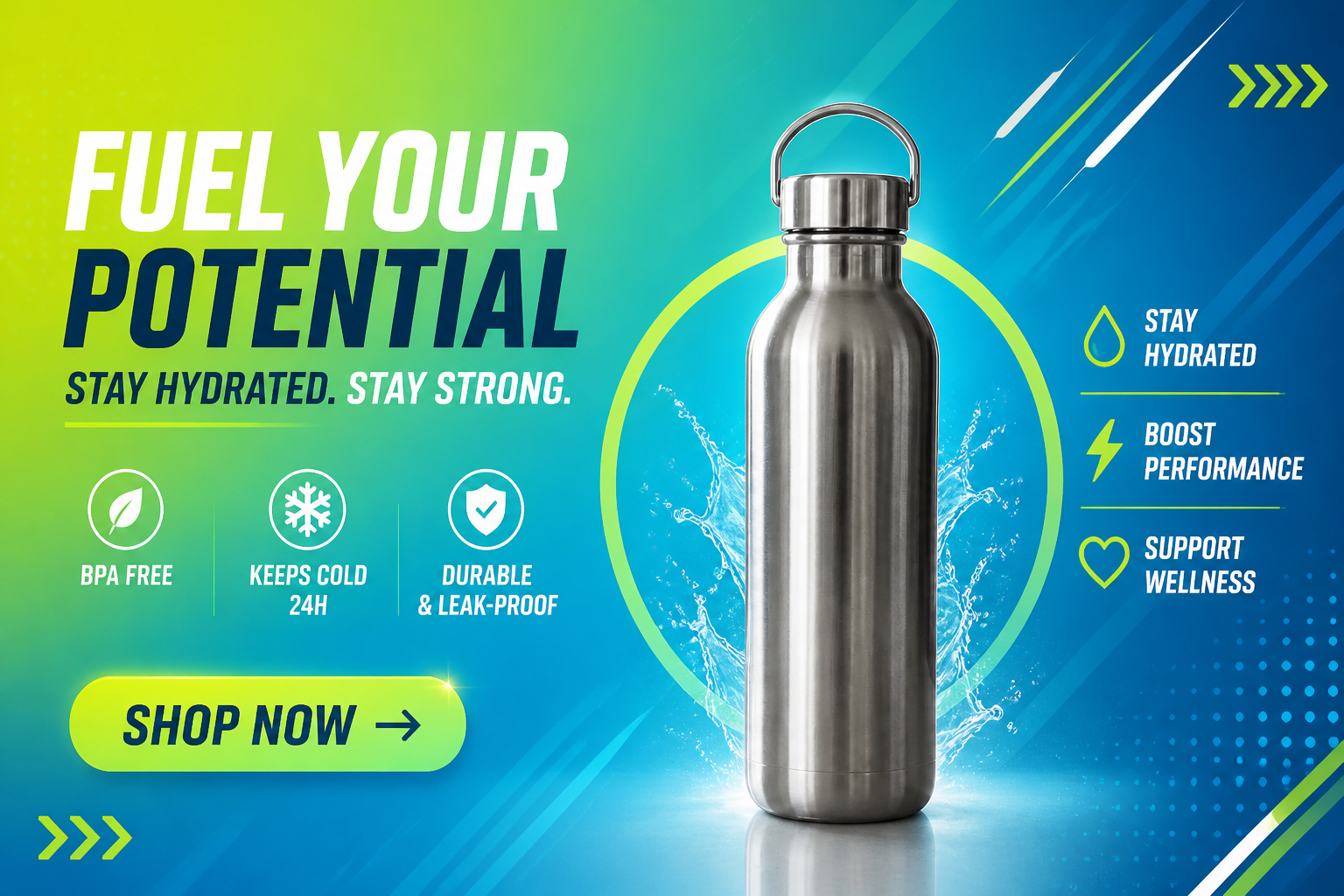
From plain photo to ad
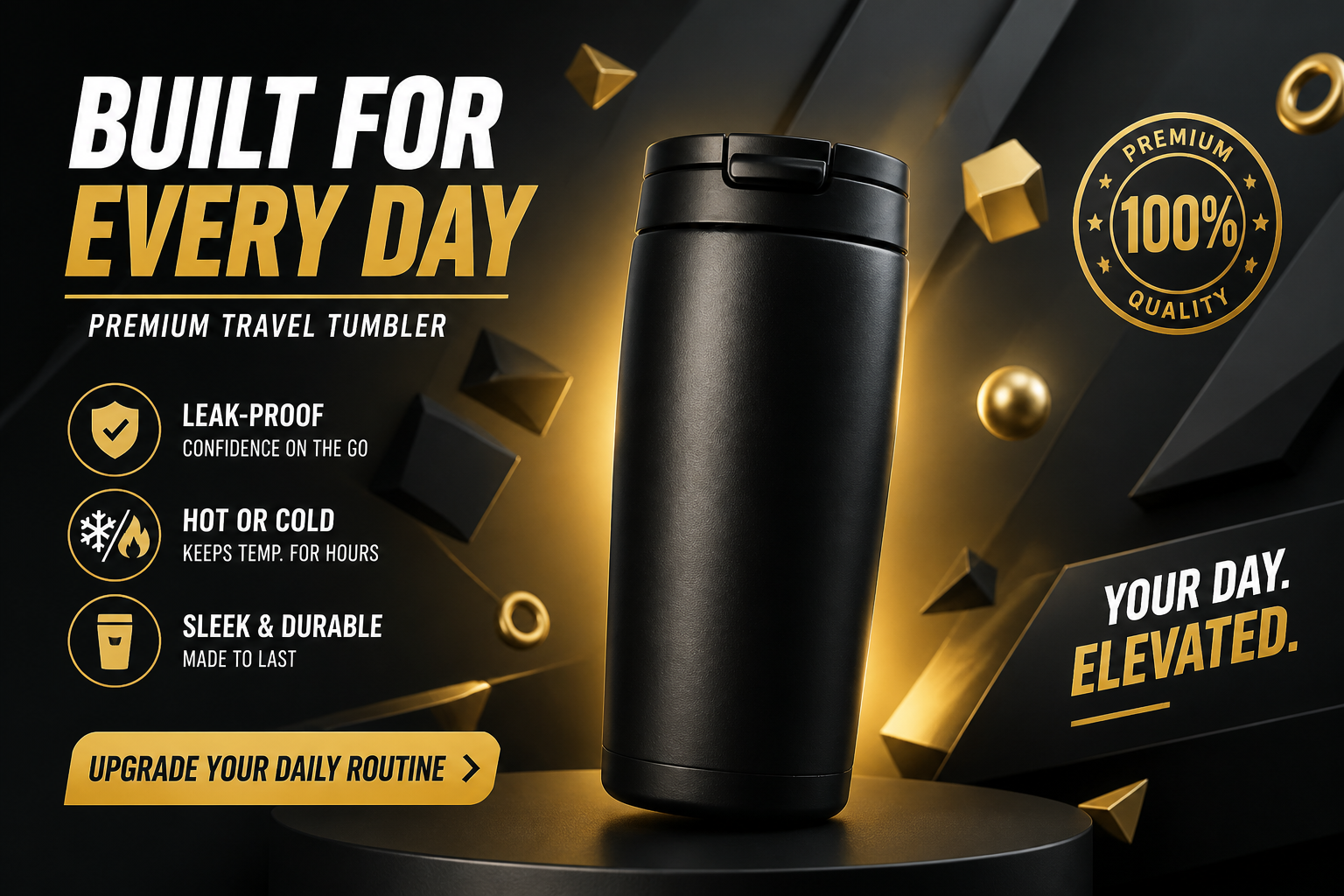
Start with a simple product shot and turn it into a finished banner visual. The AI adds composition, background styling, and ad-ready framing without needing manual design work. That makes it useful when you have product photos but no time to build campaign assets from scratch. You get a clearer starting point for display ads, landing pages, and promotions.
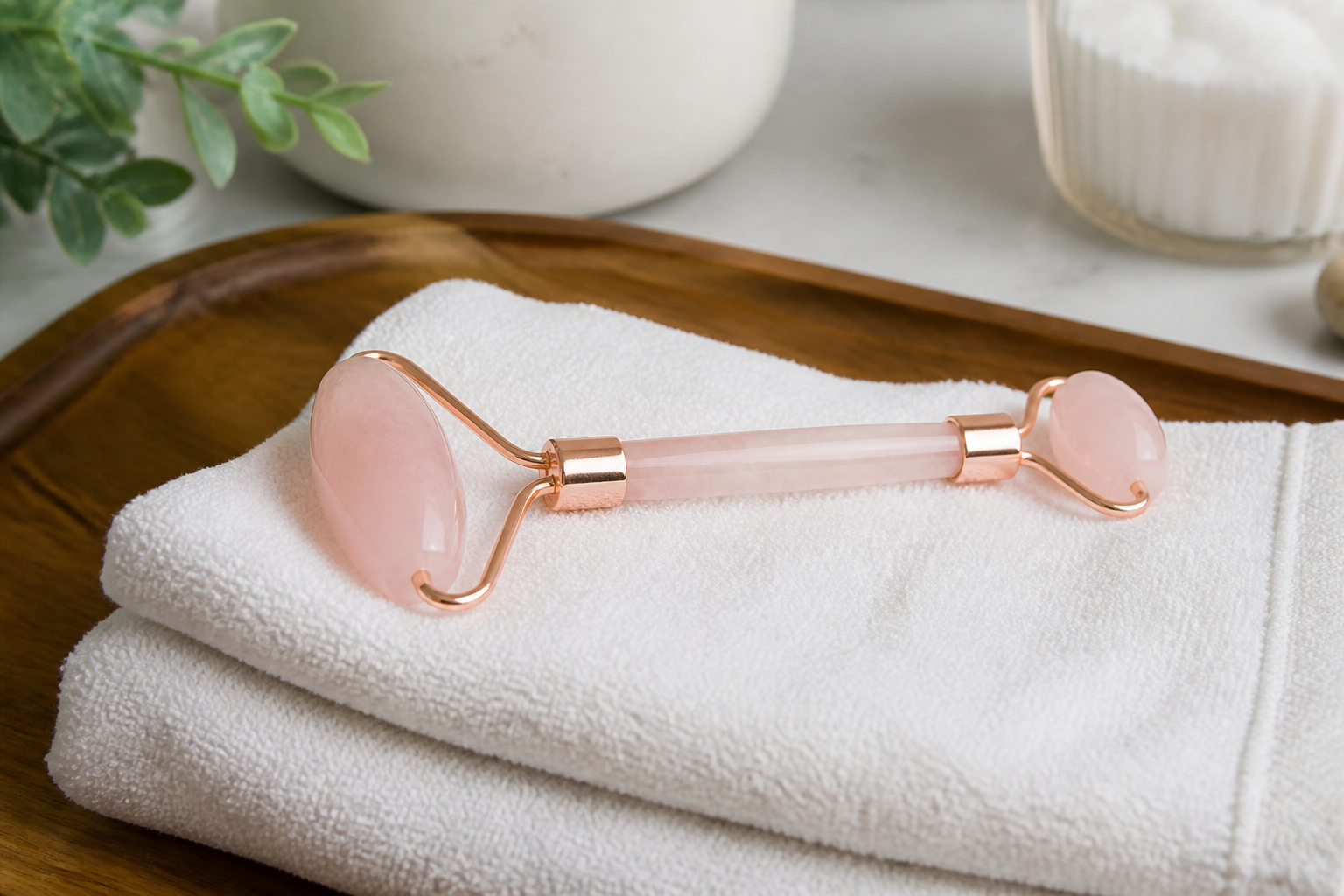
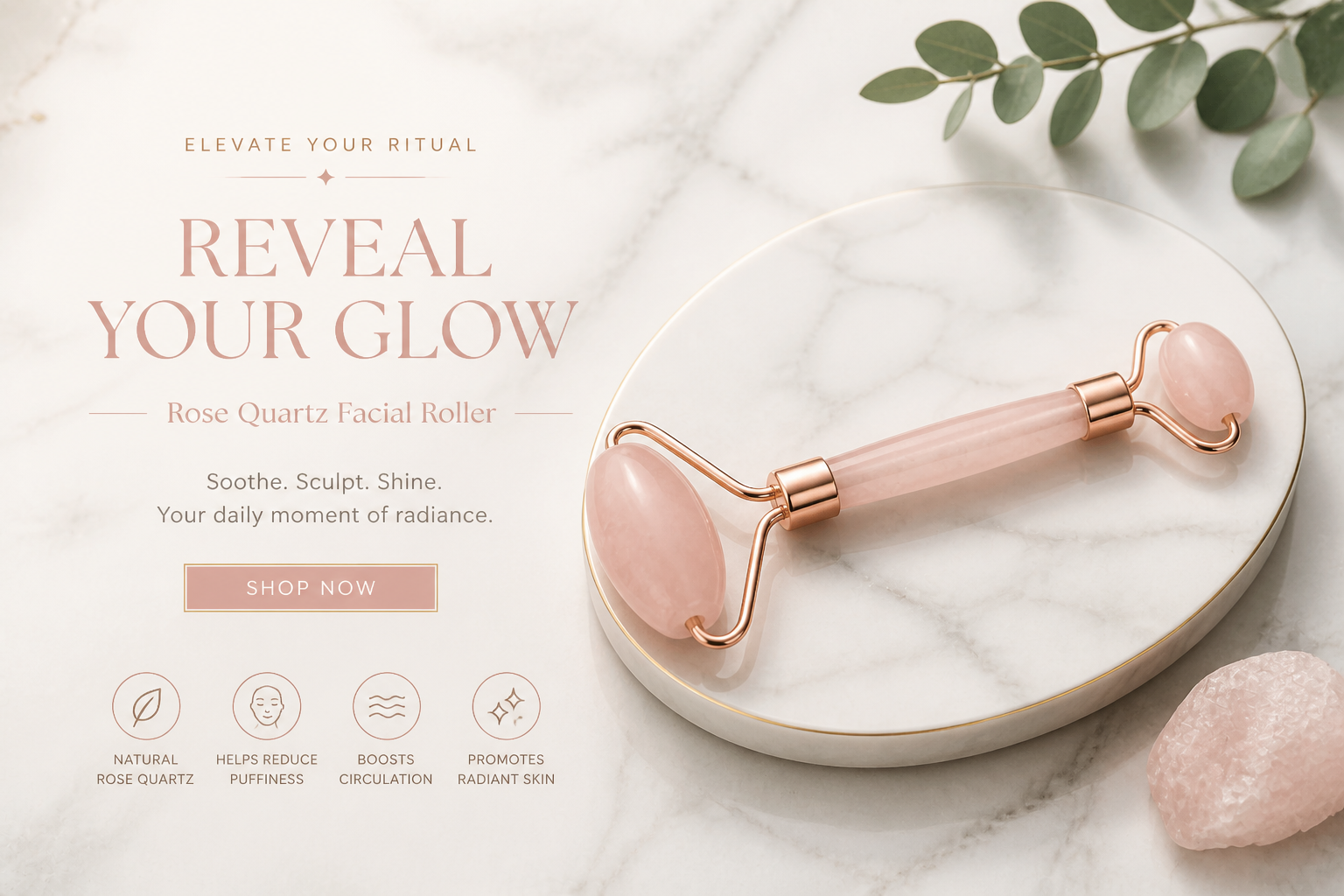
Keeps the product recognizable
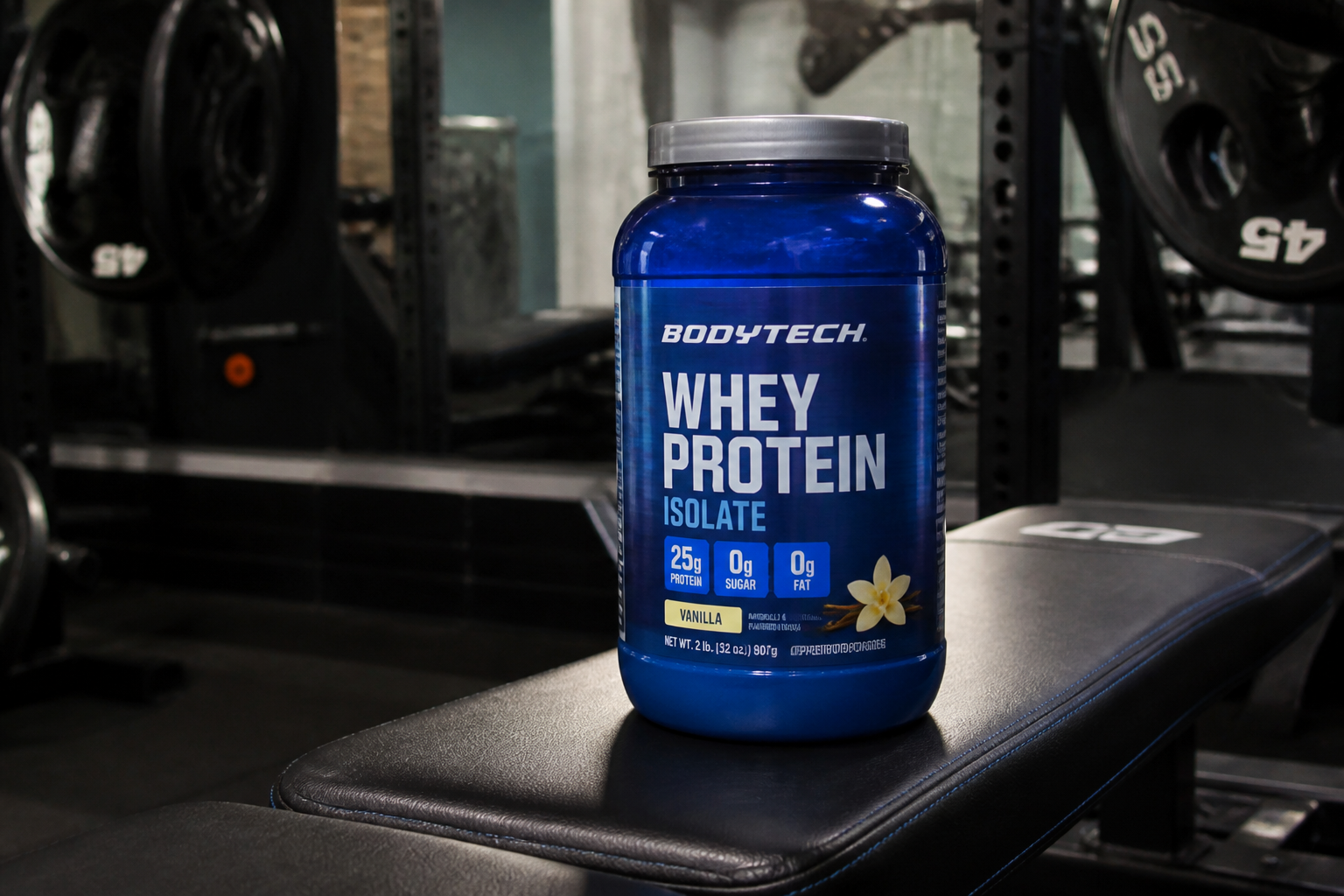
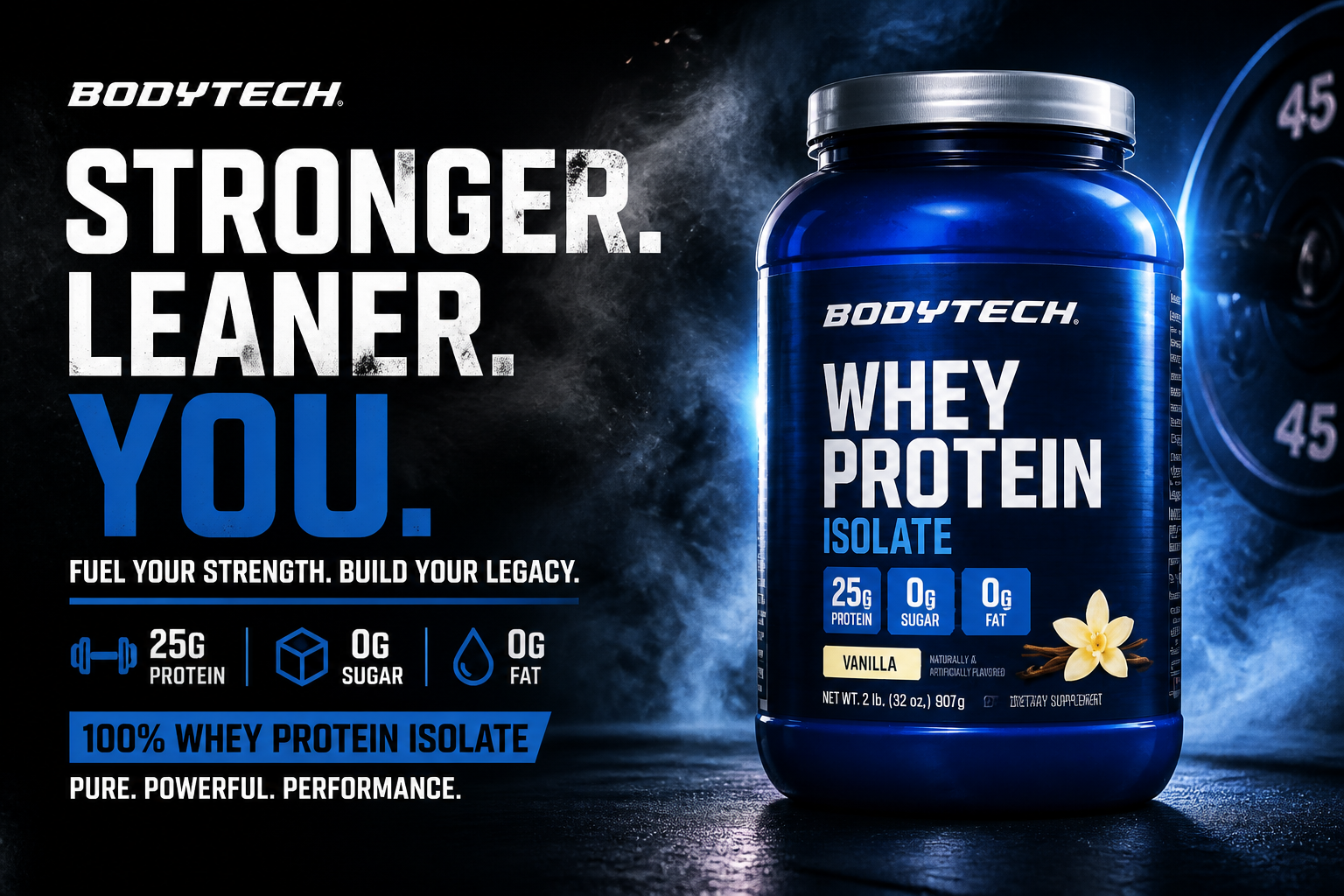
The product stays visually consistent while the surrounding design changes. That matters for stores and brands that need ads to match the actual item customers will receive. Instead of rebuilding the product by hand, you can focus on changing the campaign style around it. The result looks more usable for real promotions and product pages.
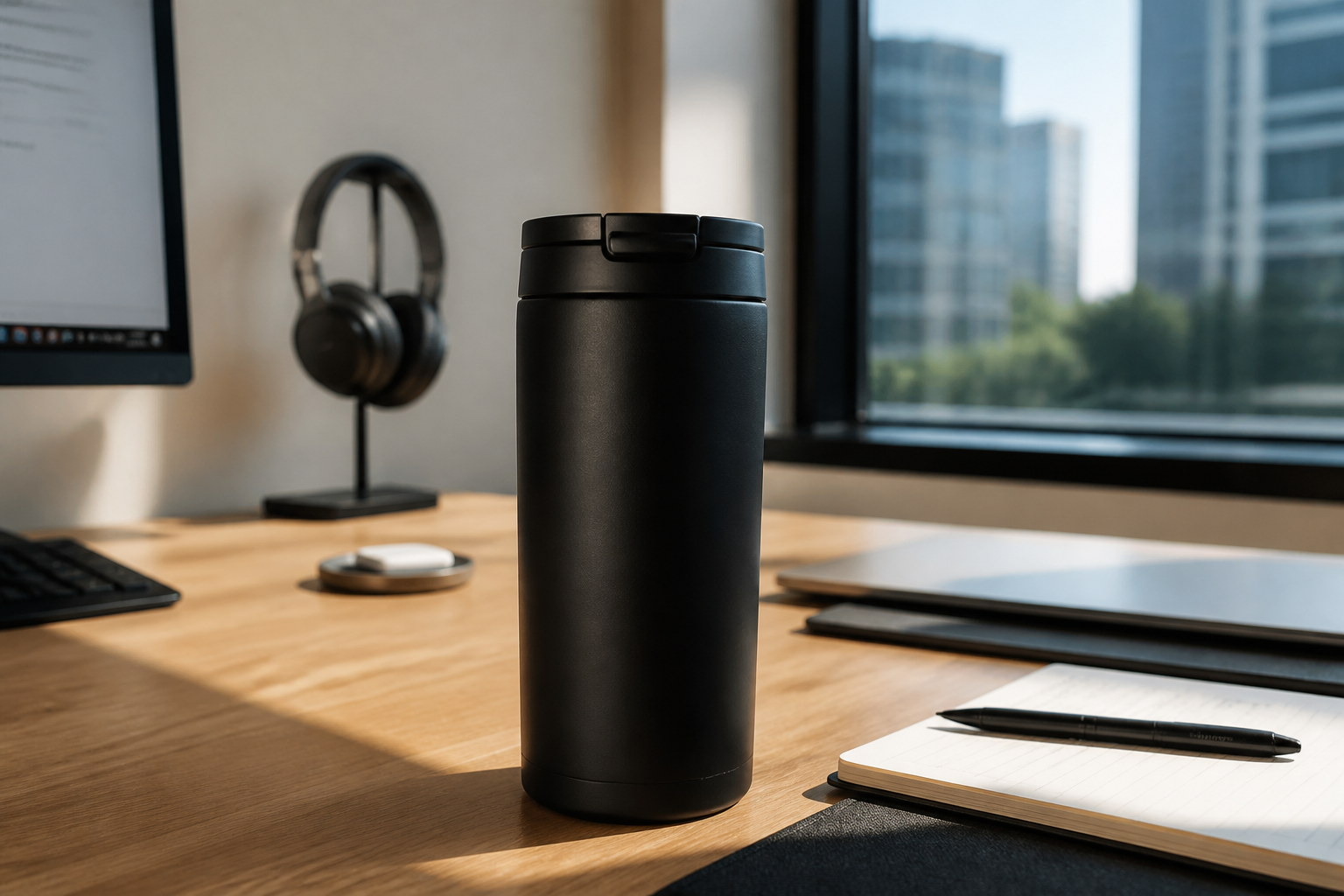
Multiple ad styles fast
You can try different banner directions from the same product image. Make something minimal, premium, energetic, or editorial without rebuilding each concept separately. This is useful for testing campaigns across seasons, audiences, and channels. It gives you a faster way to explore creative options before choosing a final design.
Ready for campaign mockups
Banner concepts are easier to review when they already look close to a real ad. The AI creates visuals that can be used for internal approvals, quick tests, and creative direction. That saves time compared with rough mockups assembled from separate tools. Teams can move from idea to presentable ad concept much faster.
How It Works
Upload your product photo
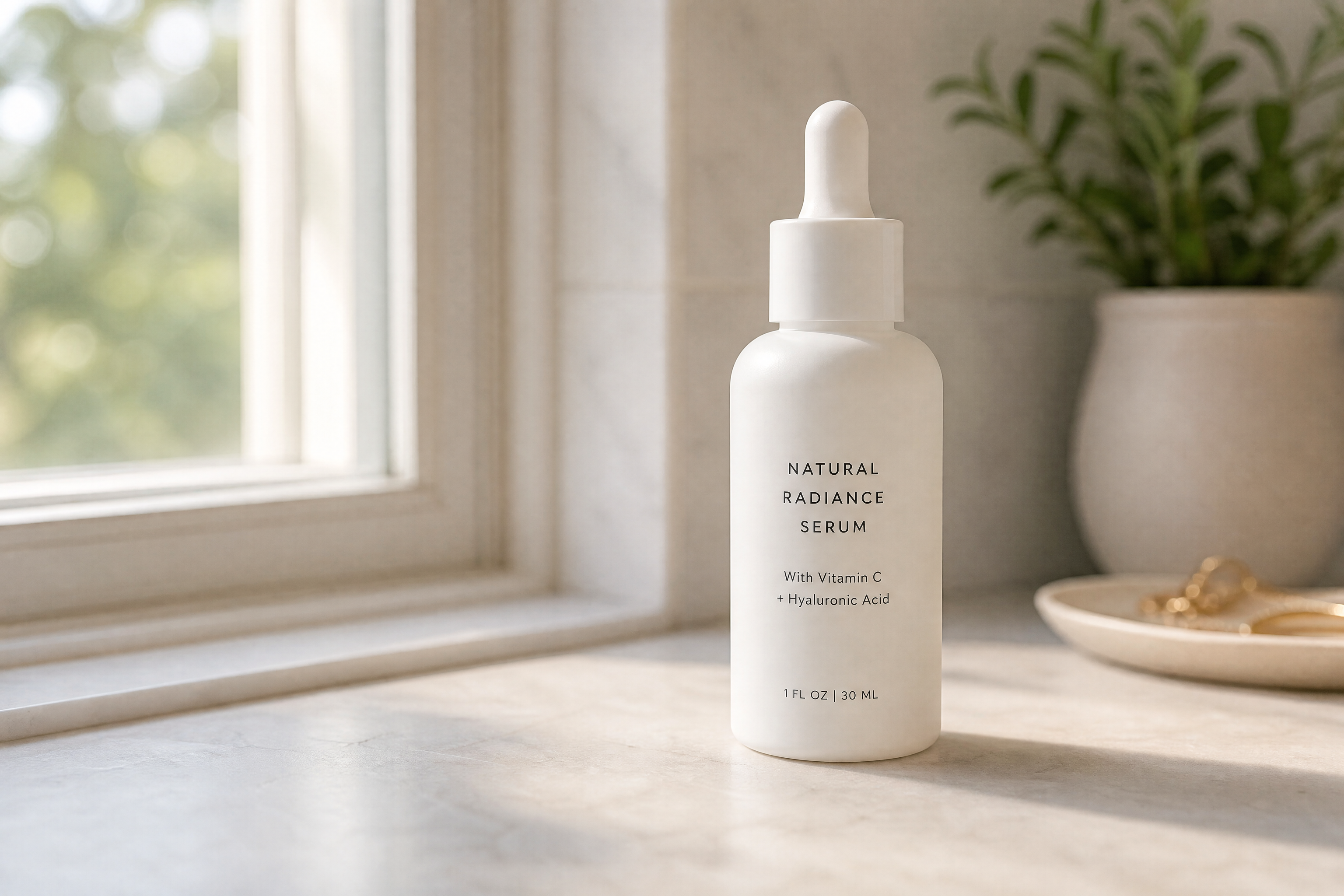
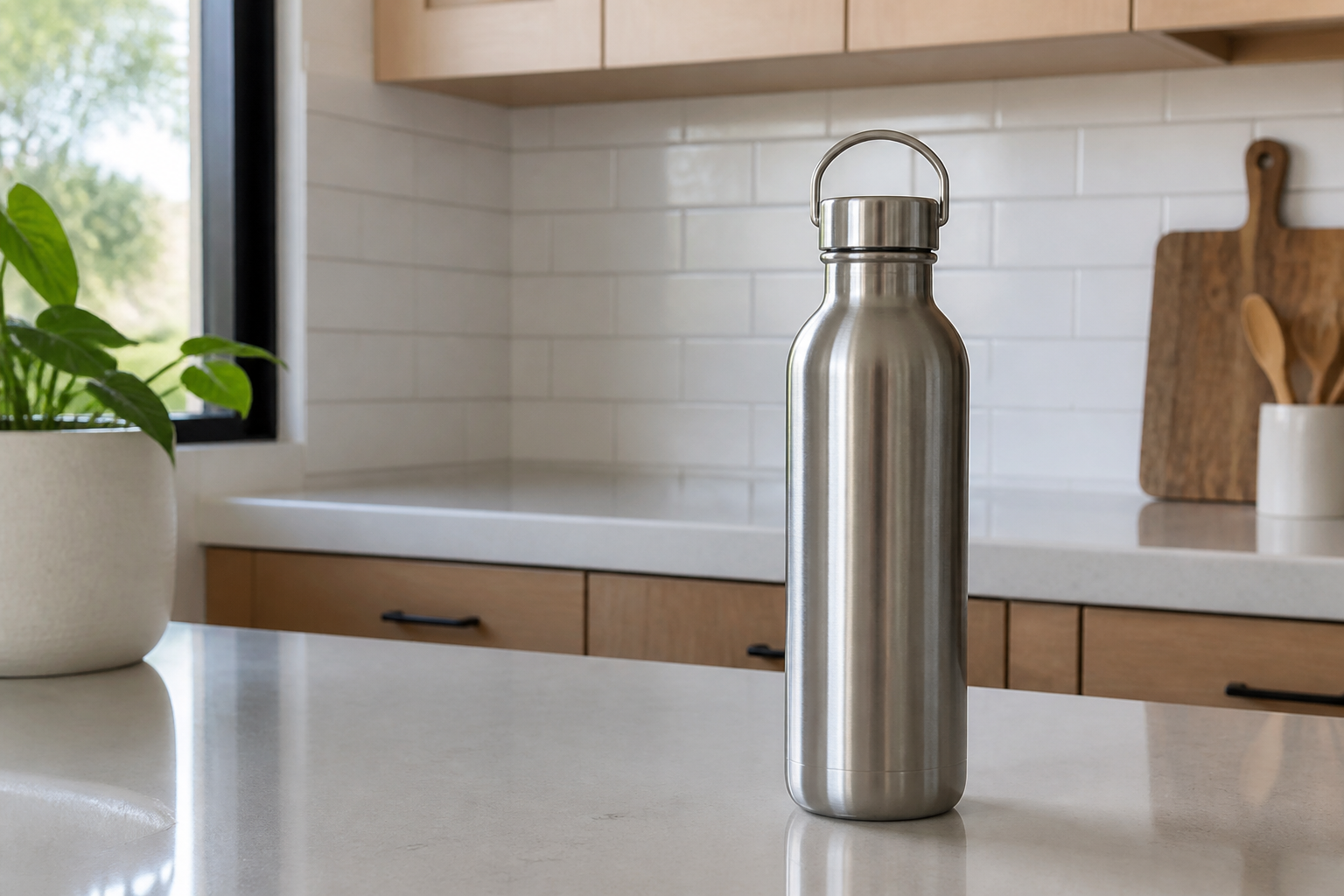
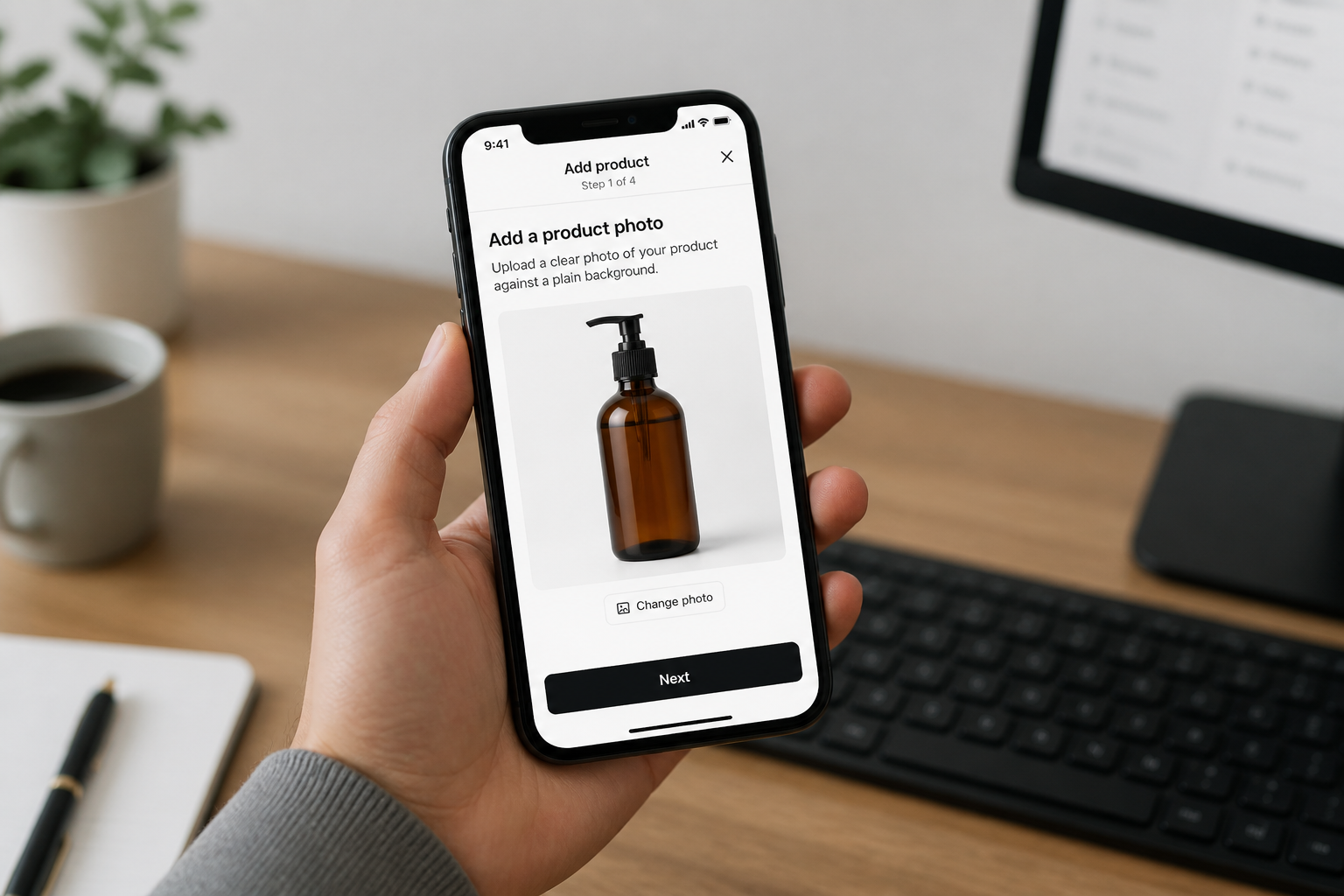
Start with any clear product image. A casual shot works fine as long as the item is visible and not heavily blocked.
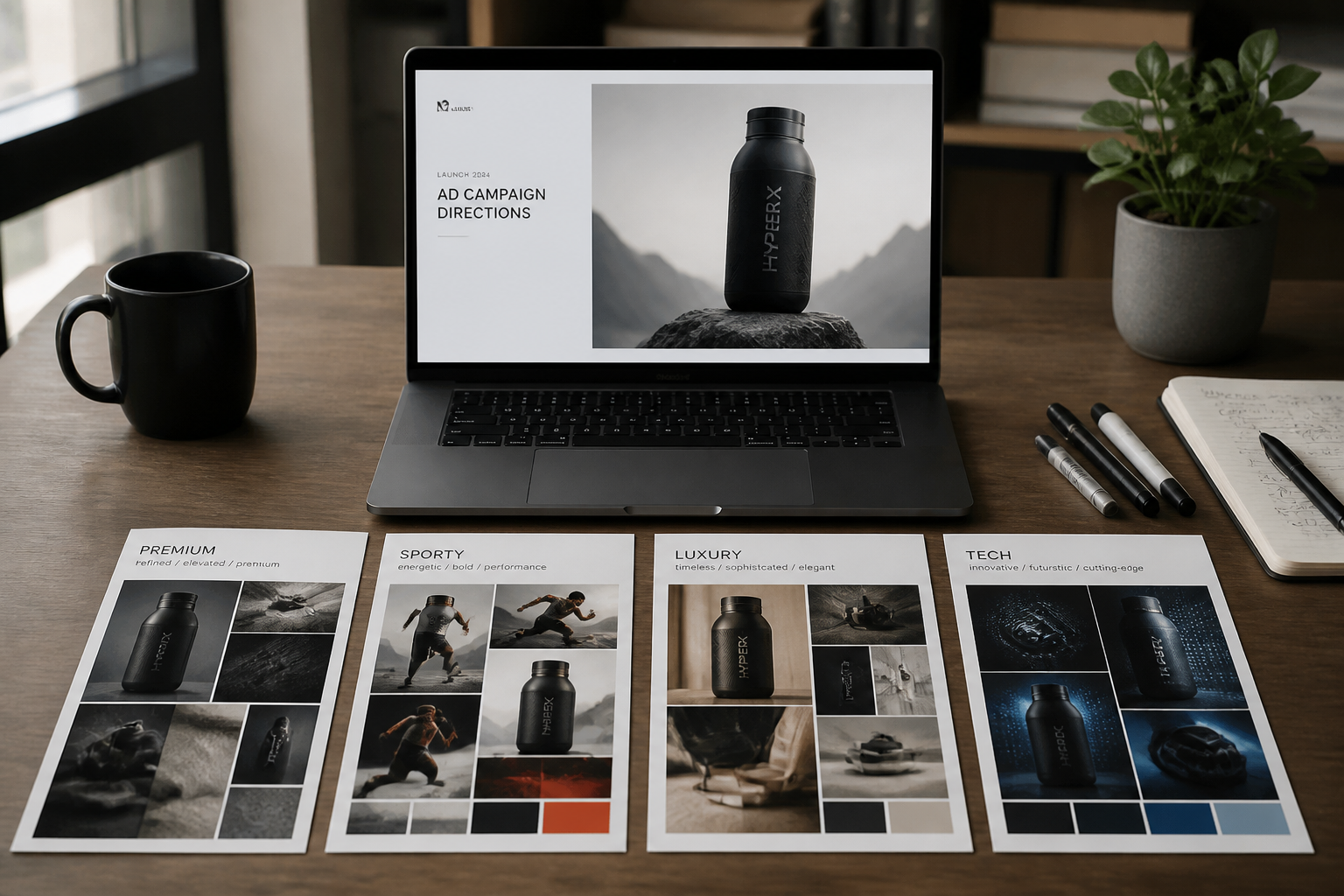
Choose the ad direction
Describe the kind of banner you want, such as premium, minimal, seasonal, or high-energy. The AI uses that direction to style the background and layout around the product.
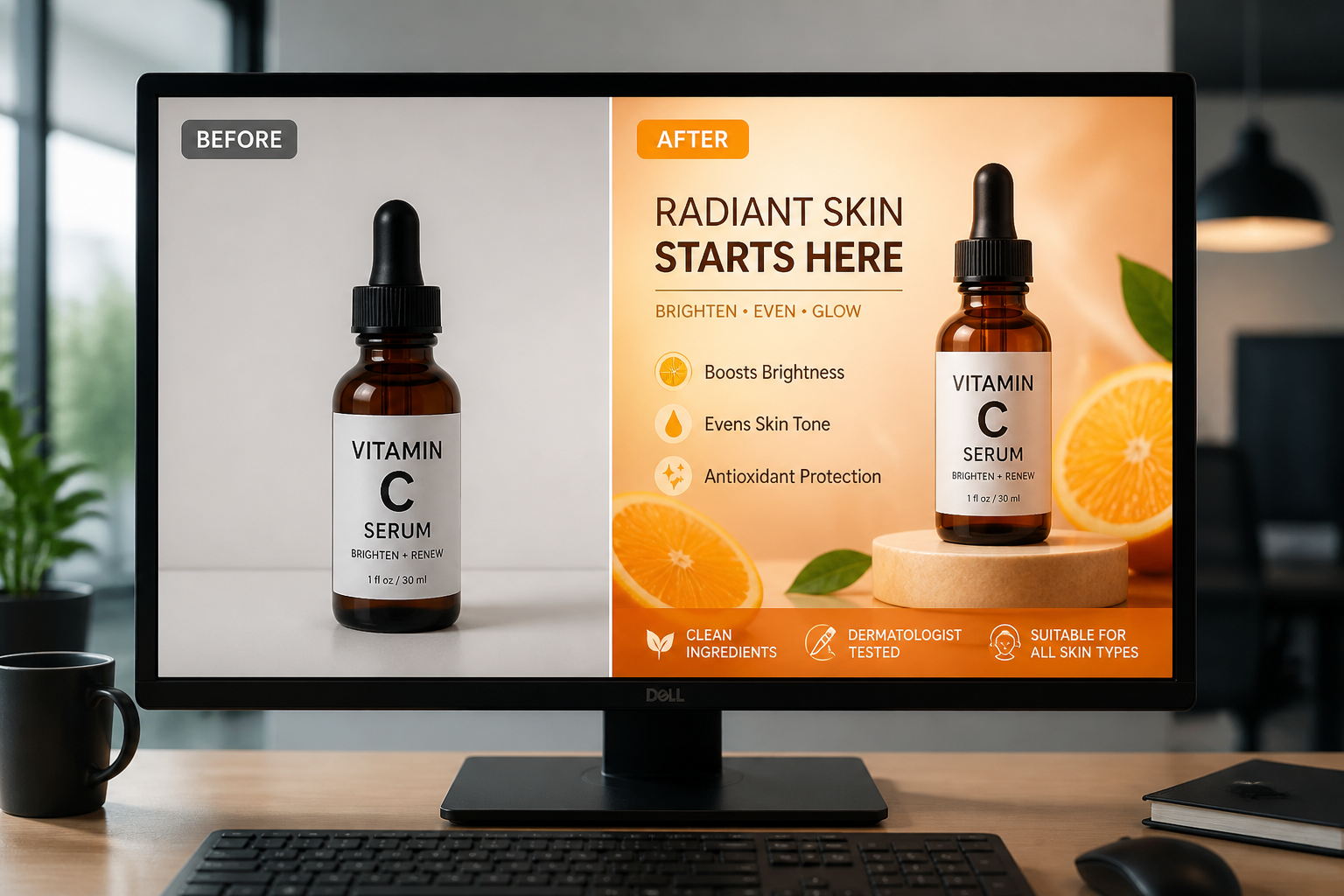
Generate and compare
Review the new banner version next to the original product shot. If you want, run another variation to test a different campaign style.
Perfect For
Discover how creators and professionals use ai banner ad generator
Ecommerce promotions
Turn catalog or lifestyle product photos into homepage banners, sale graphics, and seasonal promos.
Paid ad concepts
Generate fast visual directions for display ads and social campaigns before investing in full design production.
Marketplace creatives
Create cleaner, more polished product banners for storefronts, launches, and limited-time offers.
Creative testing
Try multiple visual angles from the same product image to compare premium, playful, or performance-focused ad styles.
Built For
Ecommerce sellers
Useful when you have product photos but need sharper promotional visuals for launches, discounts, and storefront updates.
Marketing teams
Helps teams generate campaign mockups quickly for reviews, testing, and creative direction.
Designers and freelancers
Speeds up early concept work when clients want banner ideas before full production begins.
Why use an AI banner ad generator
A quick look at how we compare on the things that matter for this niche.
| Feature | BudgetPixel | Generic AI editors | Manual editing apps |
|---|---|---|---|
| Starts from a product photo | ✓ | ✓ | ✓ |
| Ad-style banner layouts | ✓ | — | — |
| Fast style variation | ✓ | ✓ | — |
| Keeps product recognizable | ✓ | — | ✓ |
| Design skills required | Low | Low | High |
Frequently Asked Questions
Do I need a studio-quality product photo?
Will the product still look like the original item?
Can I create different ad styles from one image?
Are the results suitable for real campaigns?
Can I use it for any product category?
Create together.
Share your creations, discover trending AI art, and grow with fellow creators.