Family Feud Game Generator for Custom Party Boards
Turn simple photos and ideas into polished survey-game visuals.
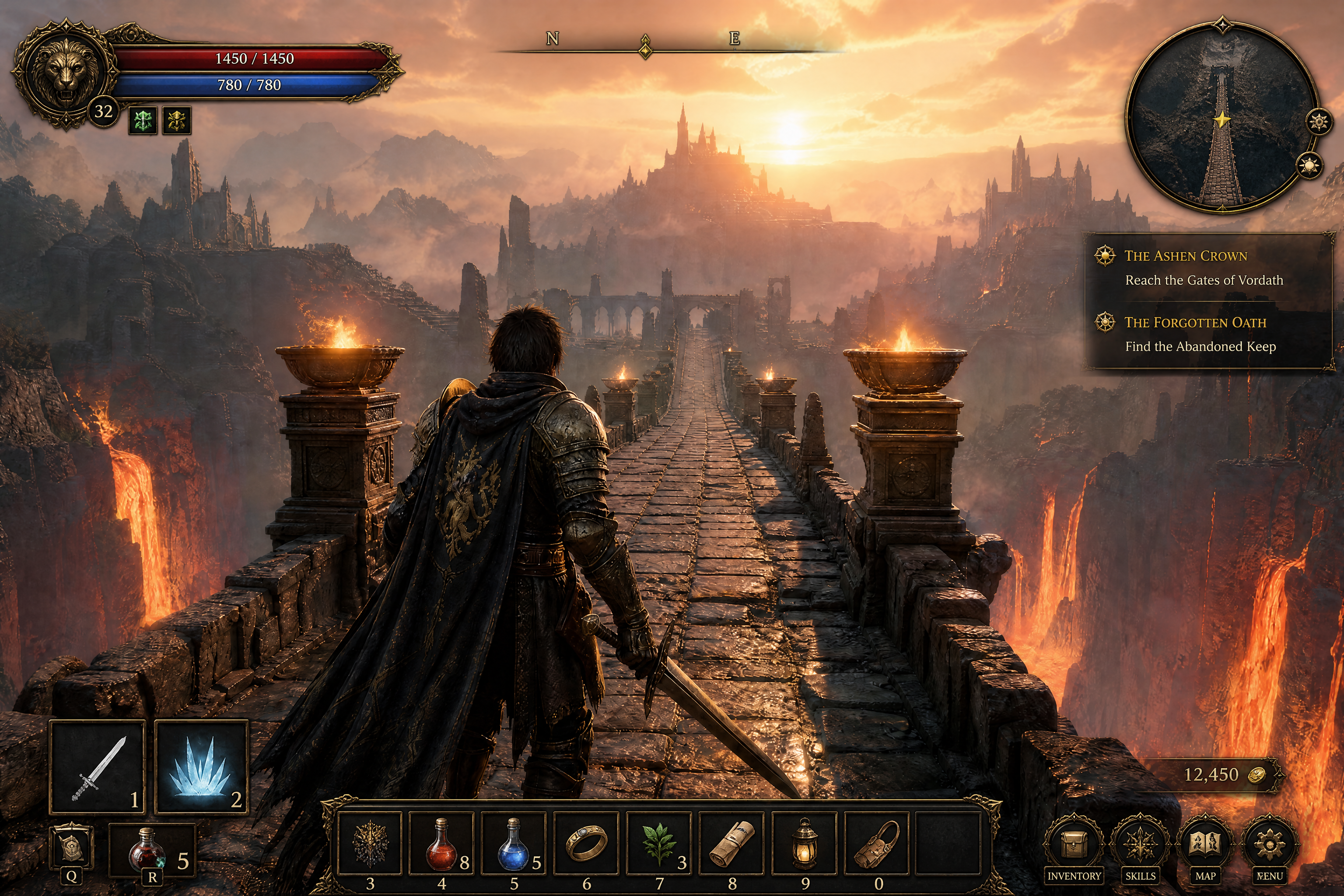
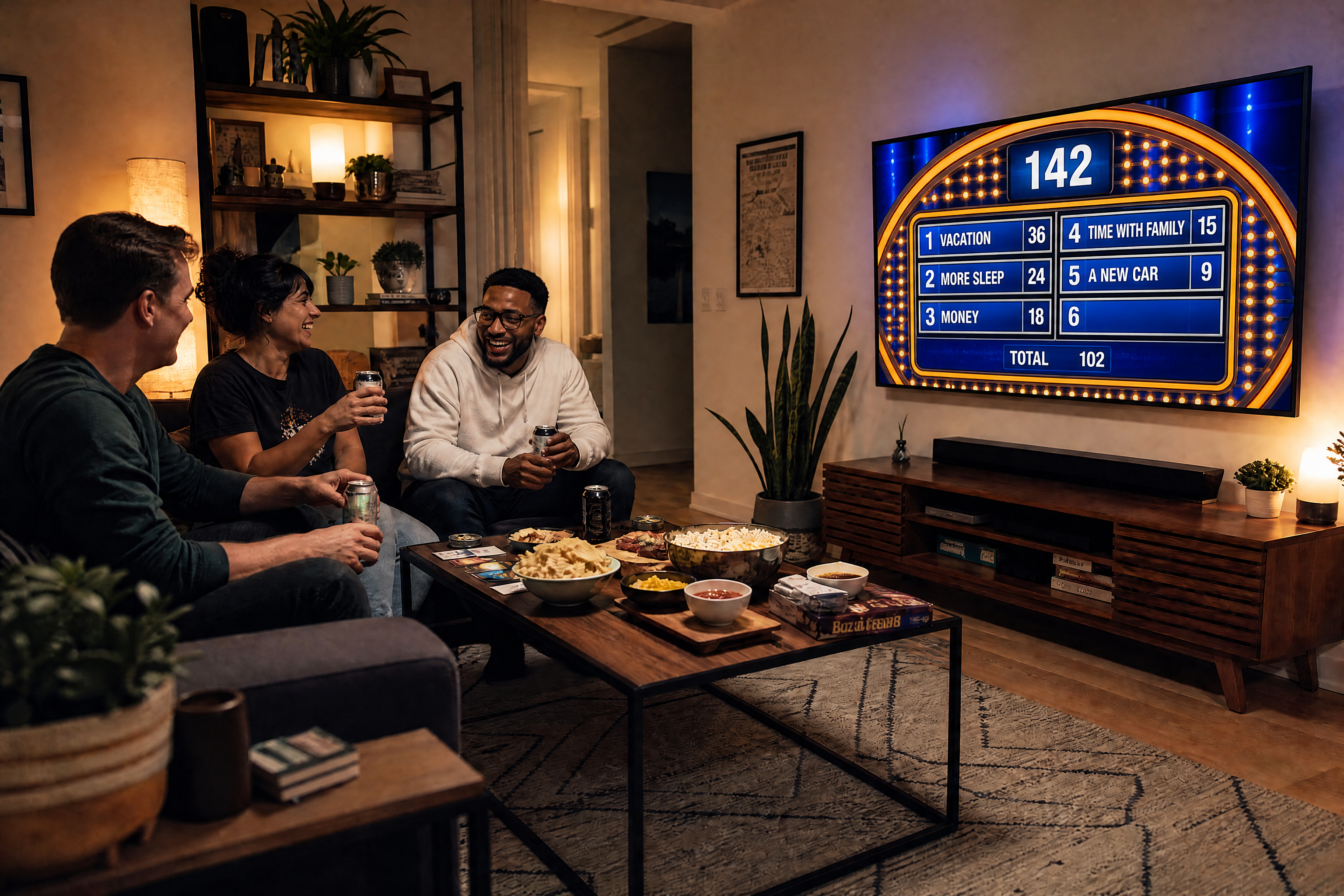
Build custom Family Feud-style game boards for parties, classrooms, team events, and fundraisers. Upload a photo or start with a simple scene, then turn it into a bright, readable game-night visual with your own theme, answers, and scoreboard layout.
Watch the Transformation
See family feud game generator in motion — generated end-to-end by our AI.
See It In Action
Real outputs from family feud game generator.
BEFOREAFTER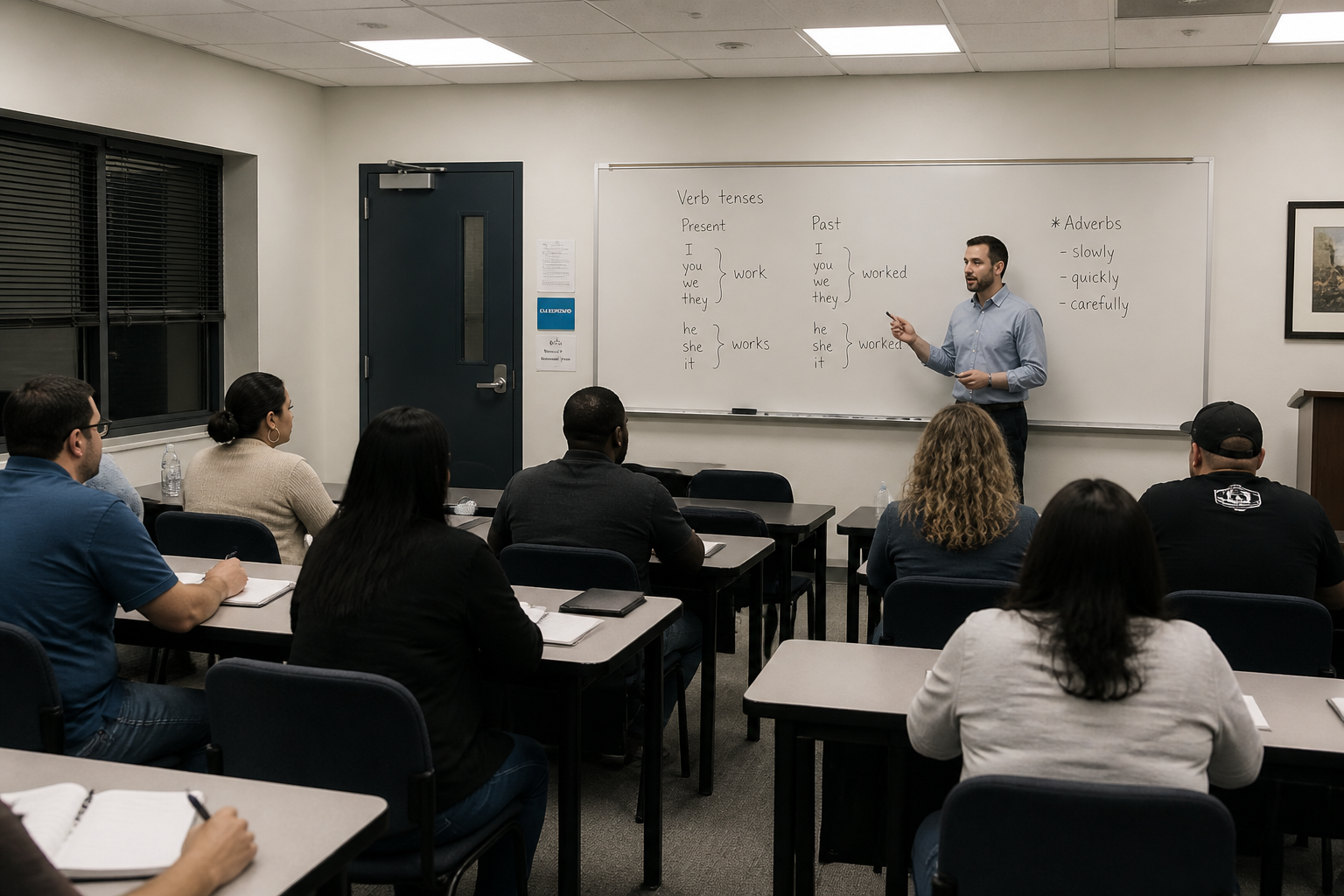 BEFORE
 AFTER
AFTER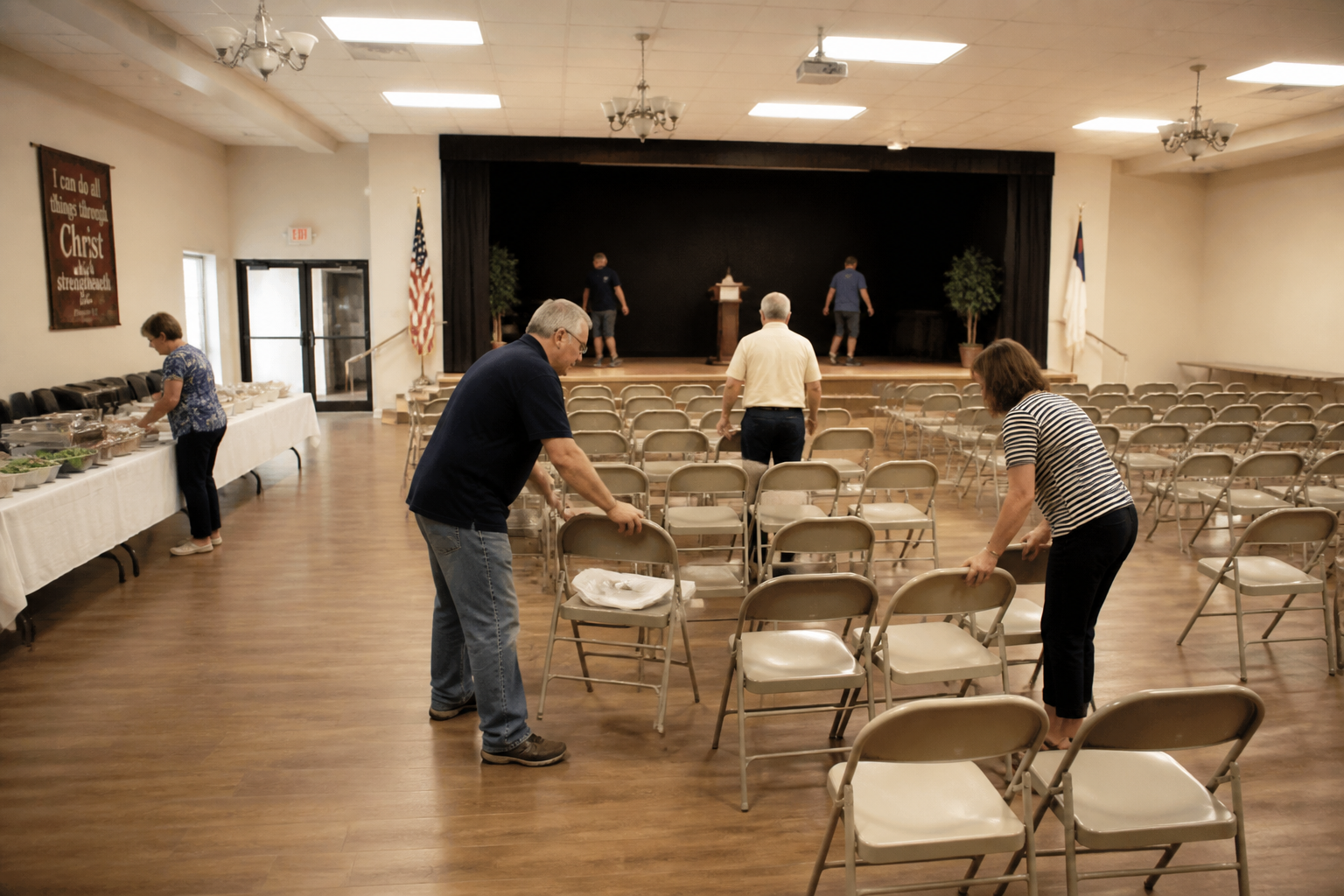 BEFORE
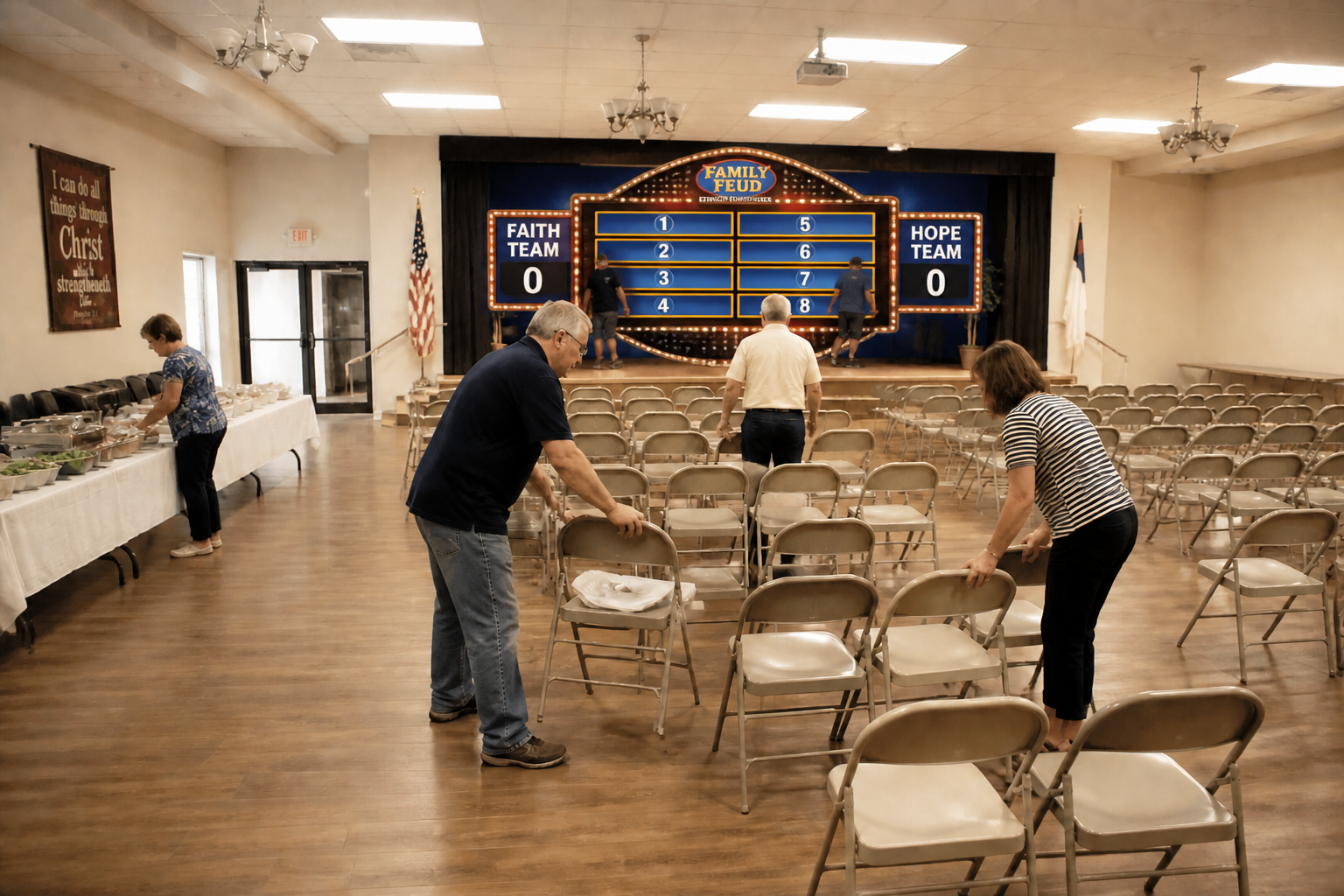 AFTER
AFTER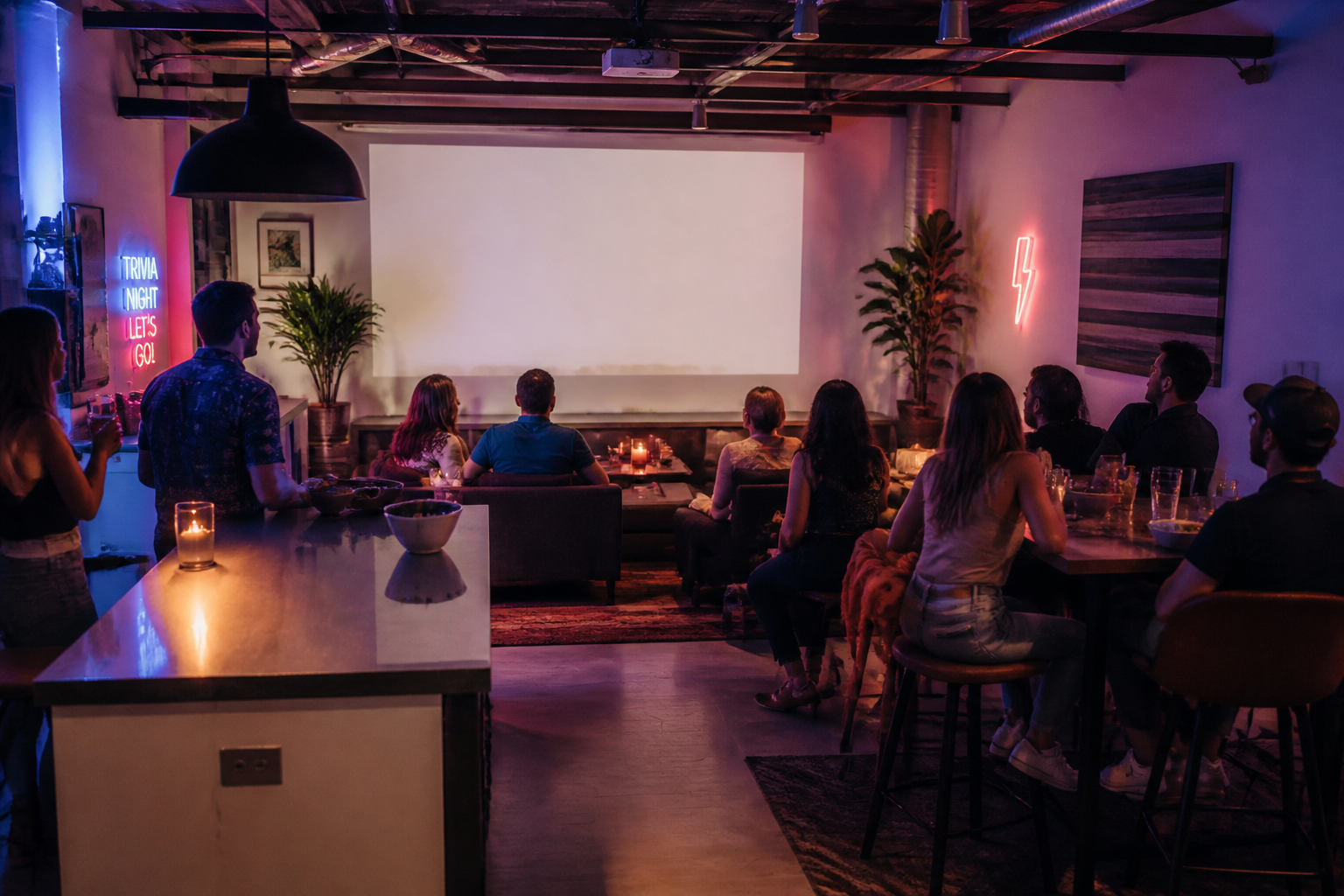 BEFORE
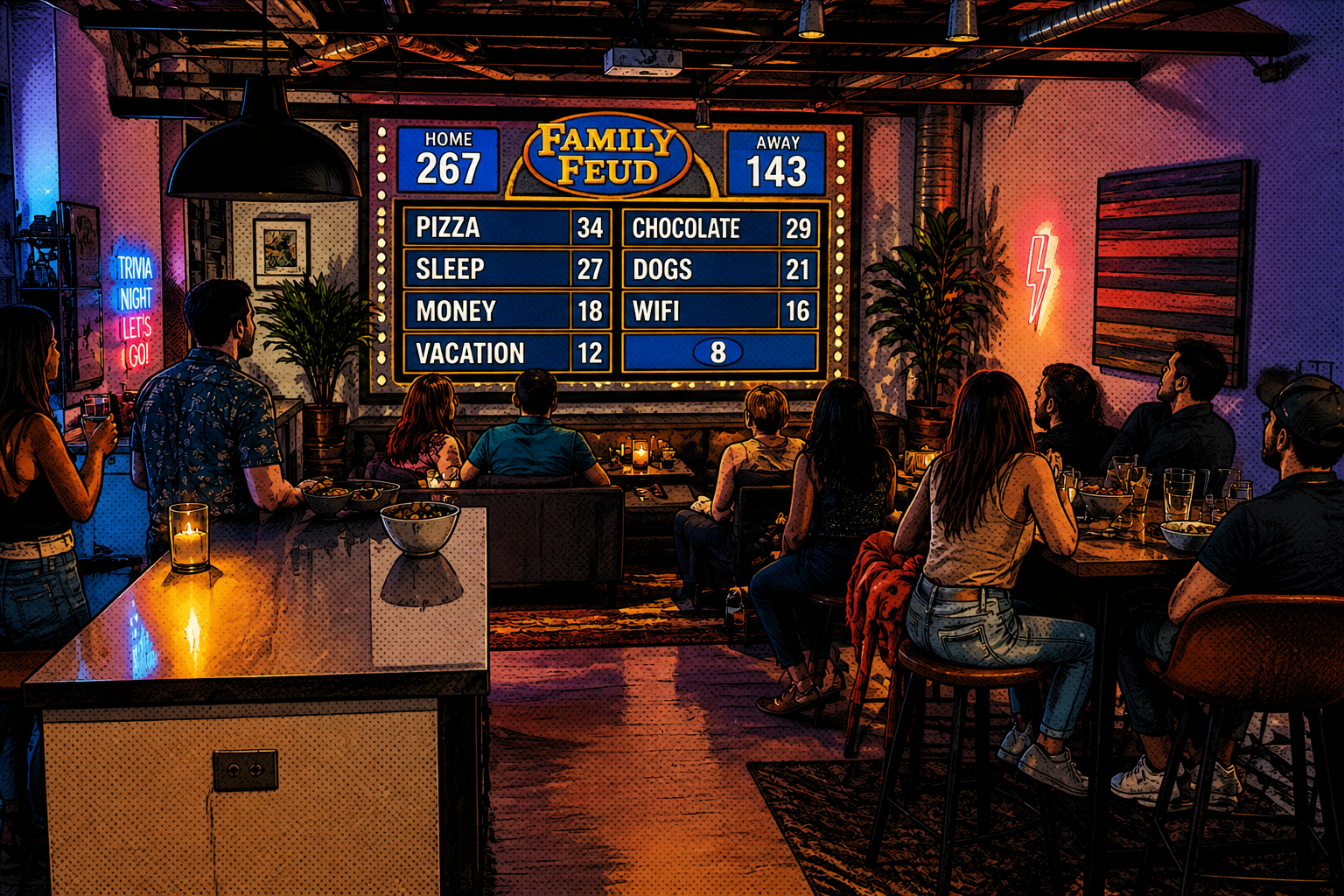 AFTER
AFTER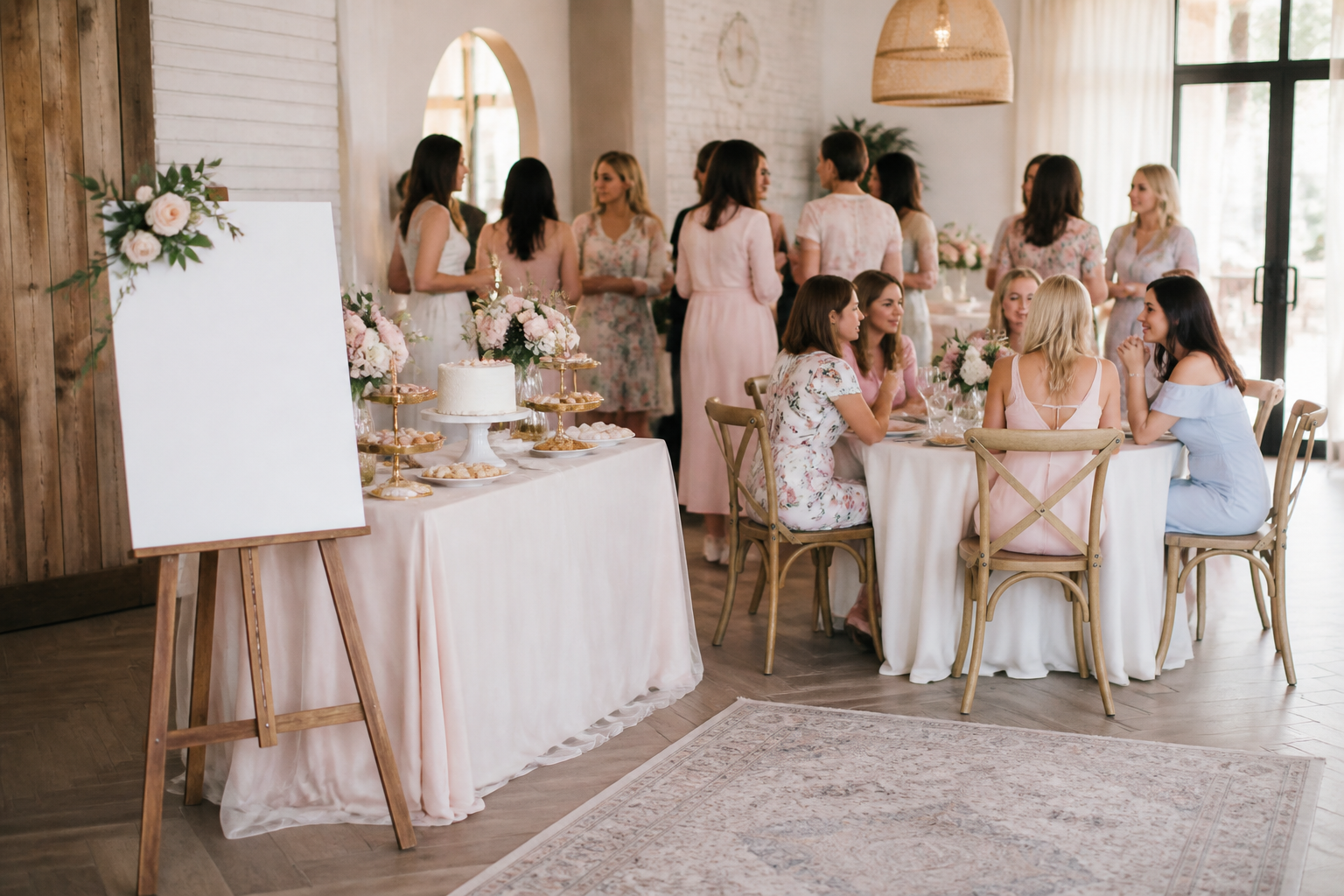 BEFORE
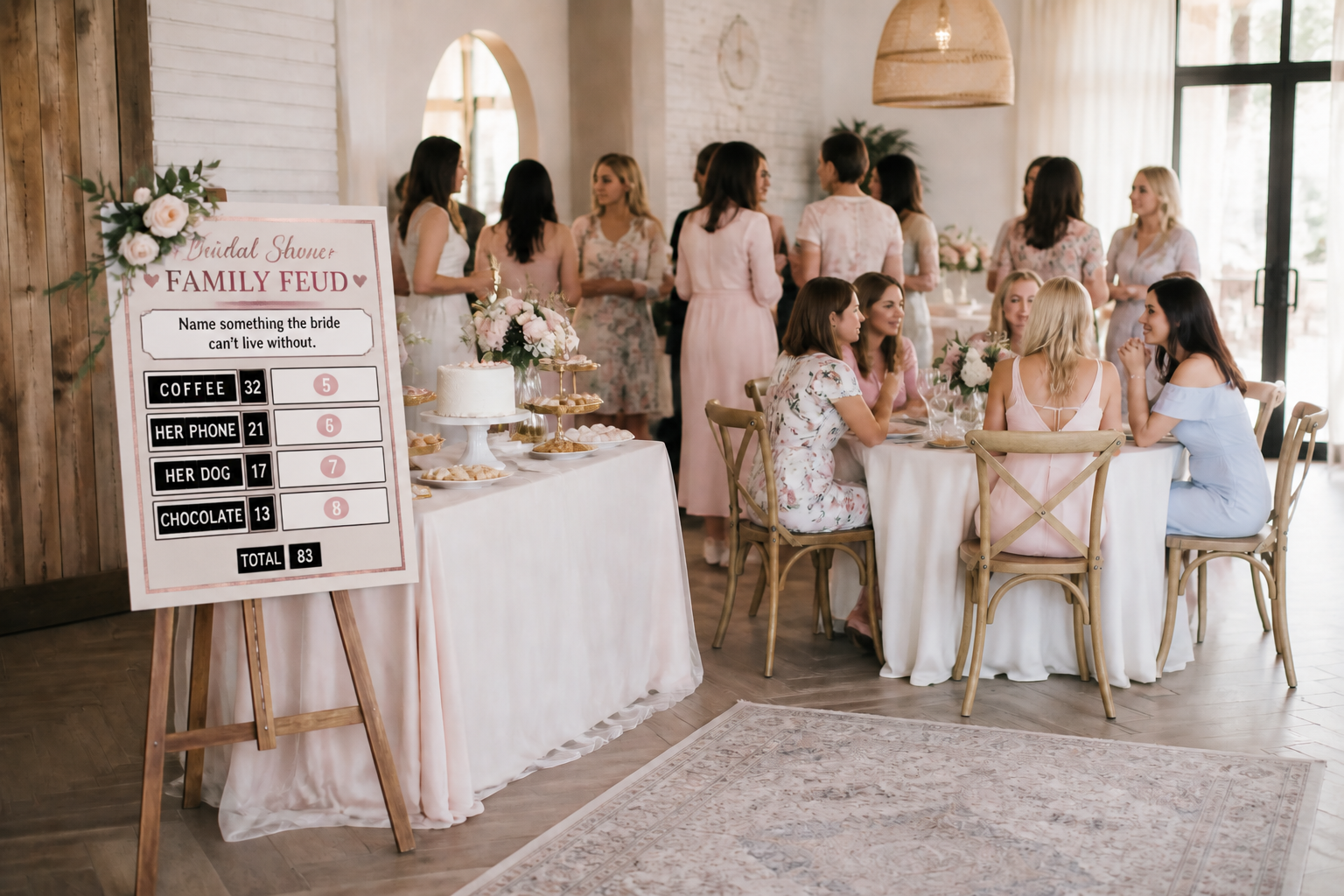 AFTERBEFOREAFTERBEFOREAFTERBEFOREAFTERBEFOREAFTERBEFOREAFTER
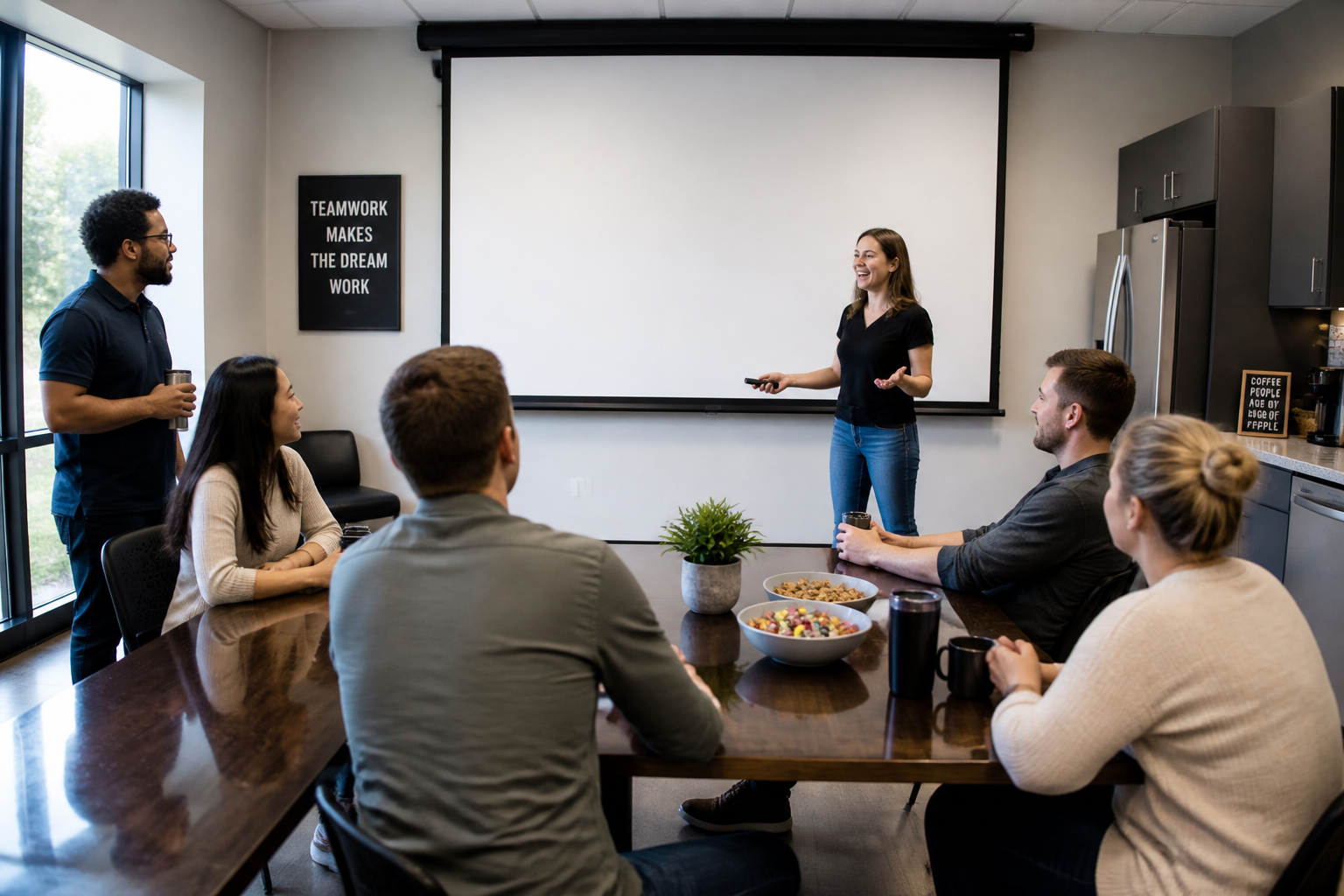 BEFORE
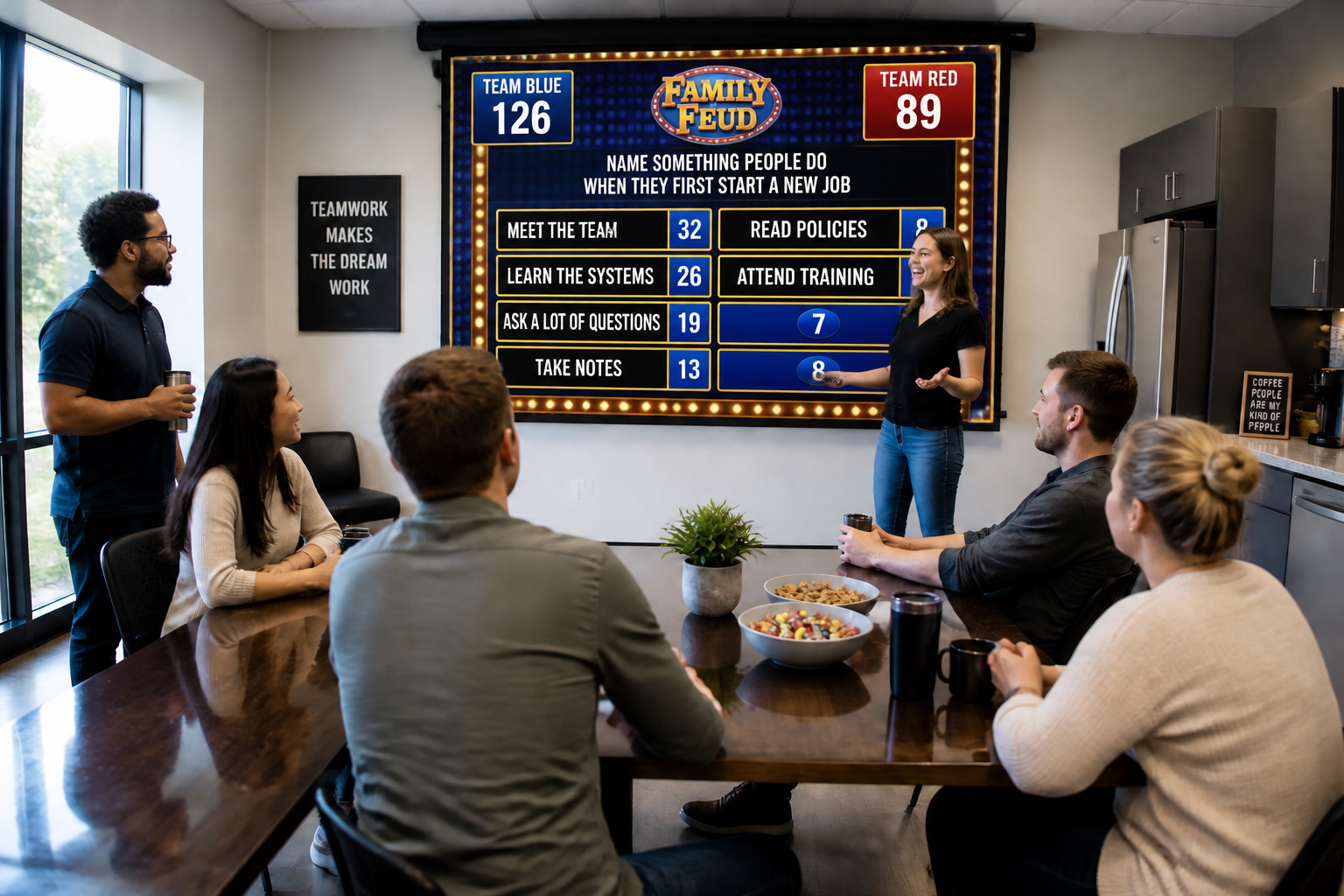 AFTER
AFTER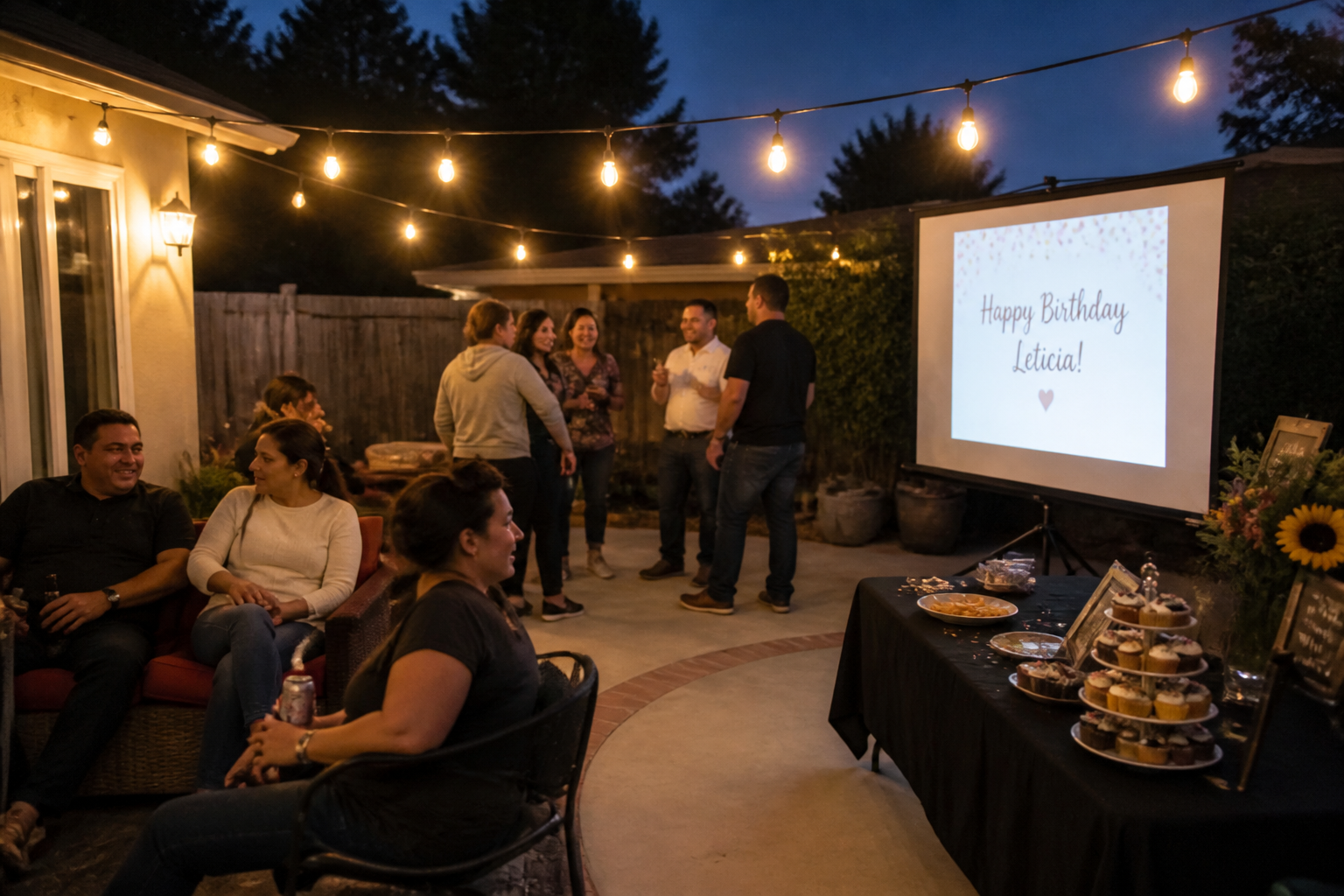 BEFORE
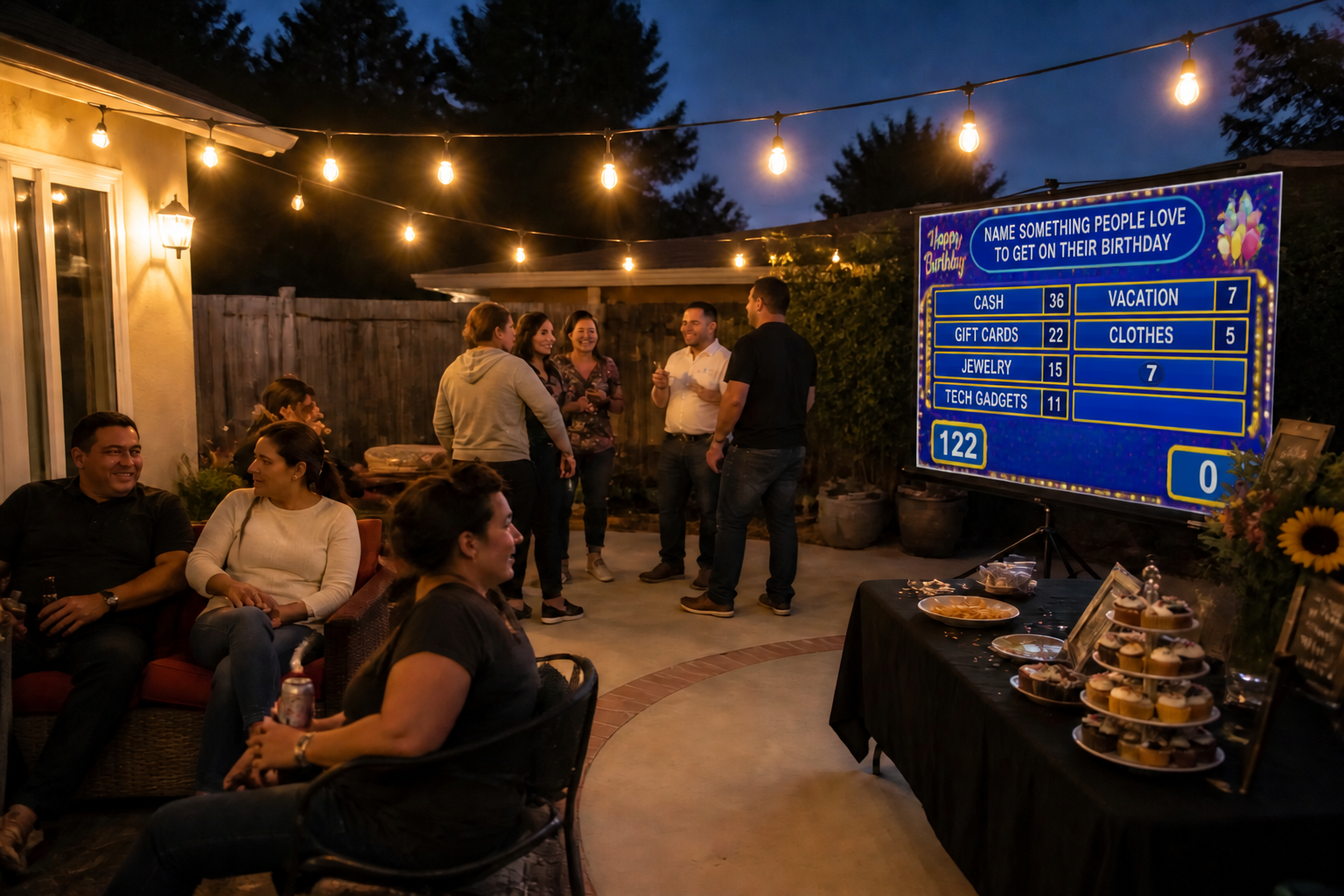 AFTER
AFTER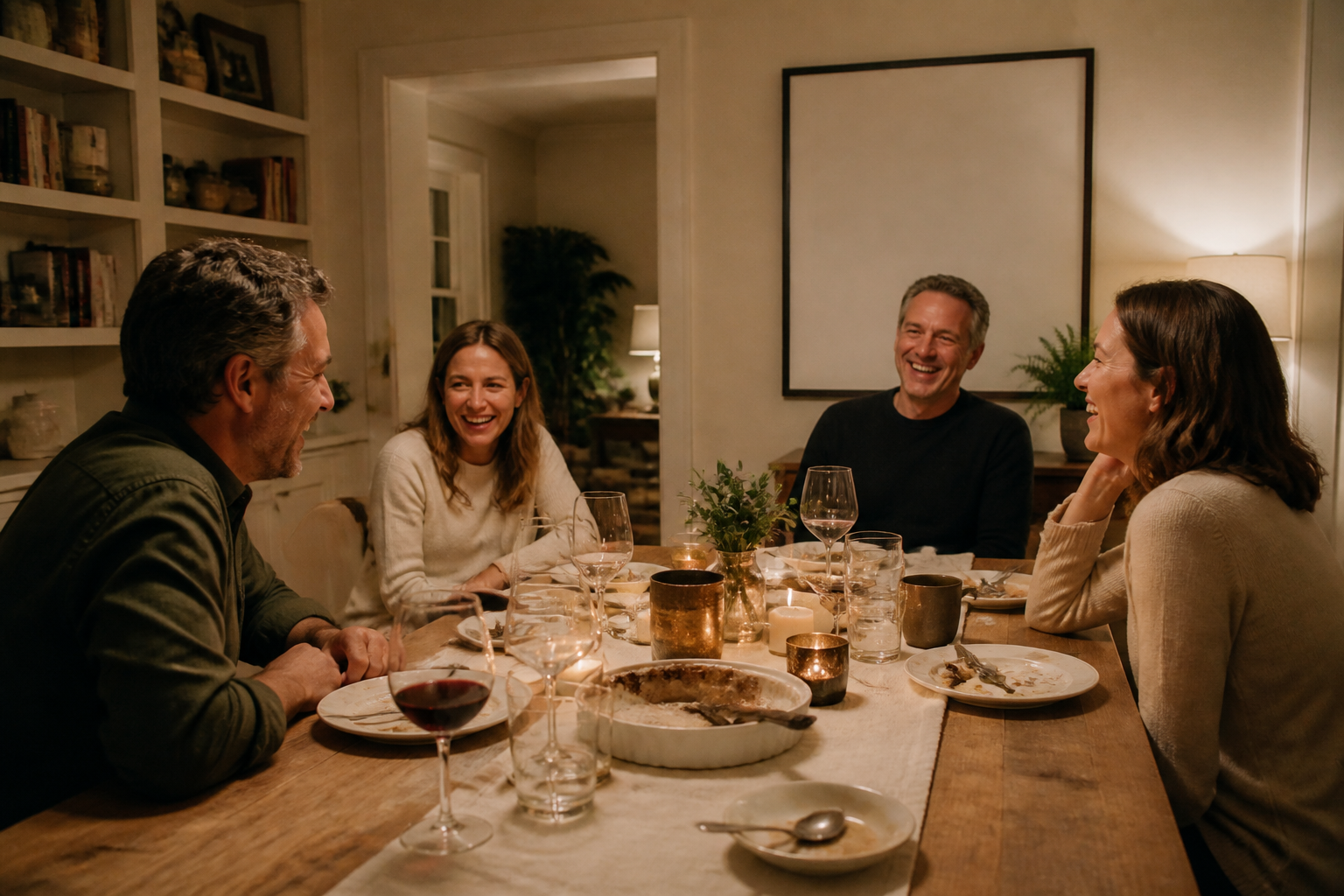 BEFORE
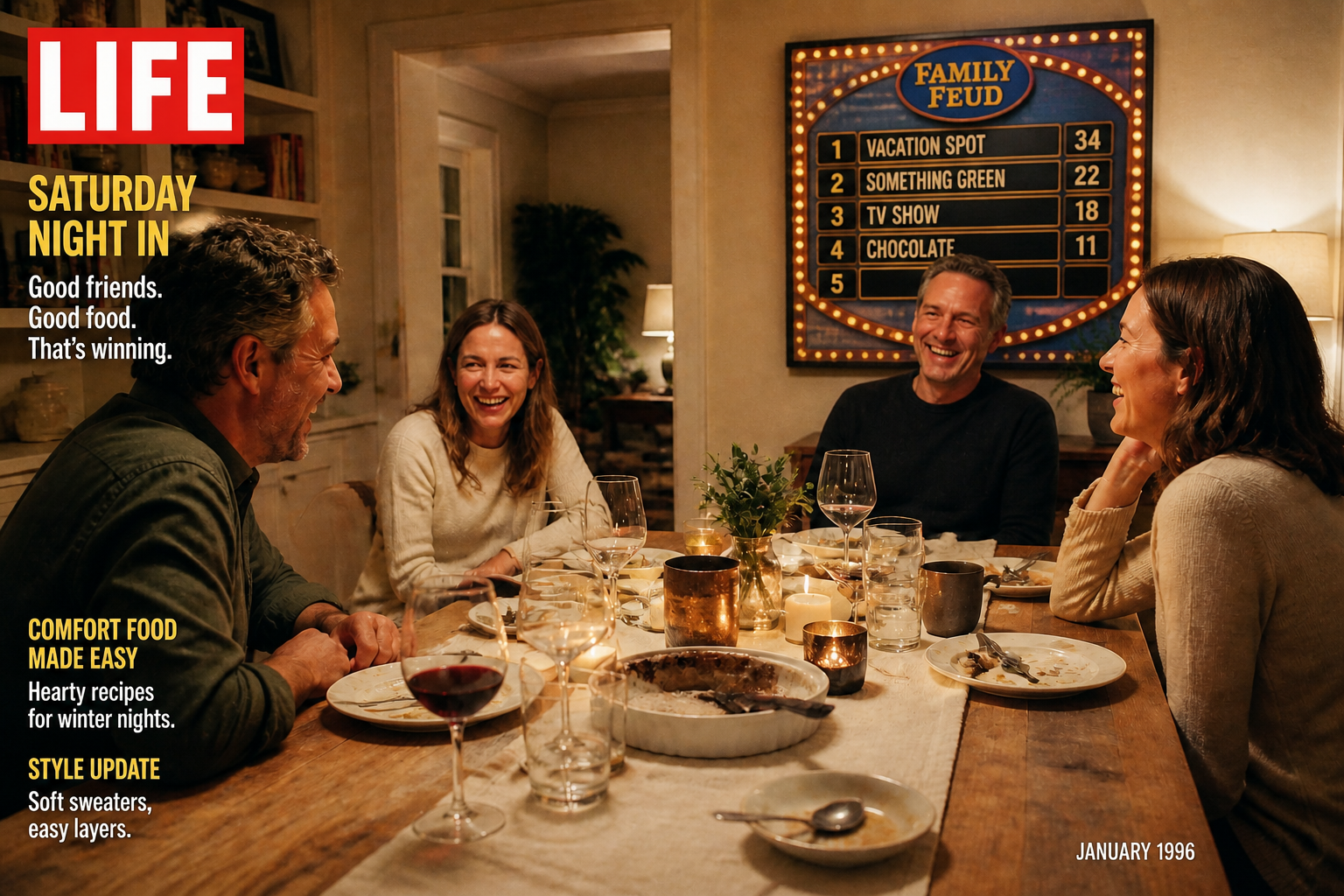 AFTER
AFTER BEFORE
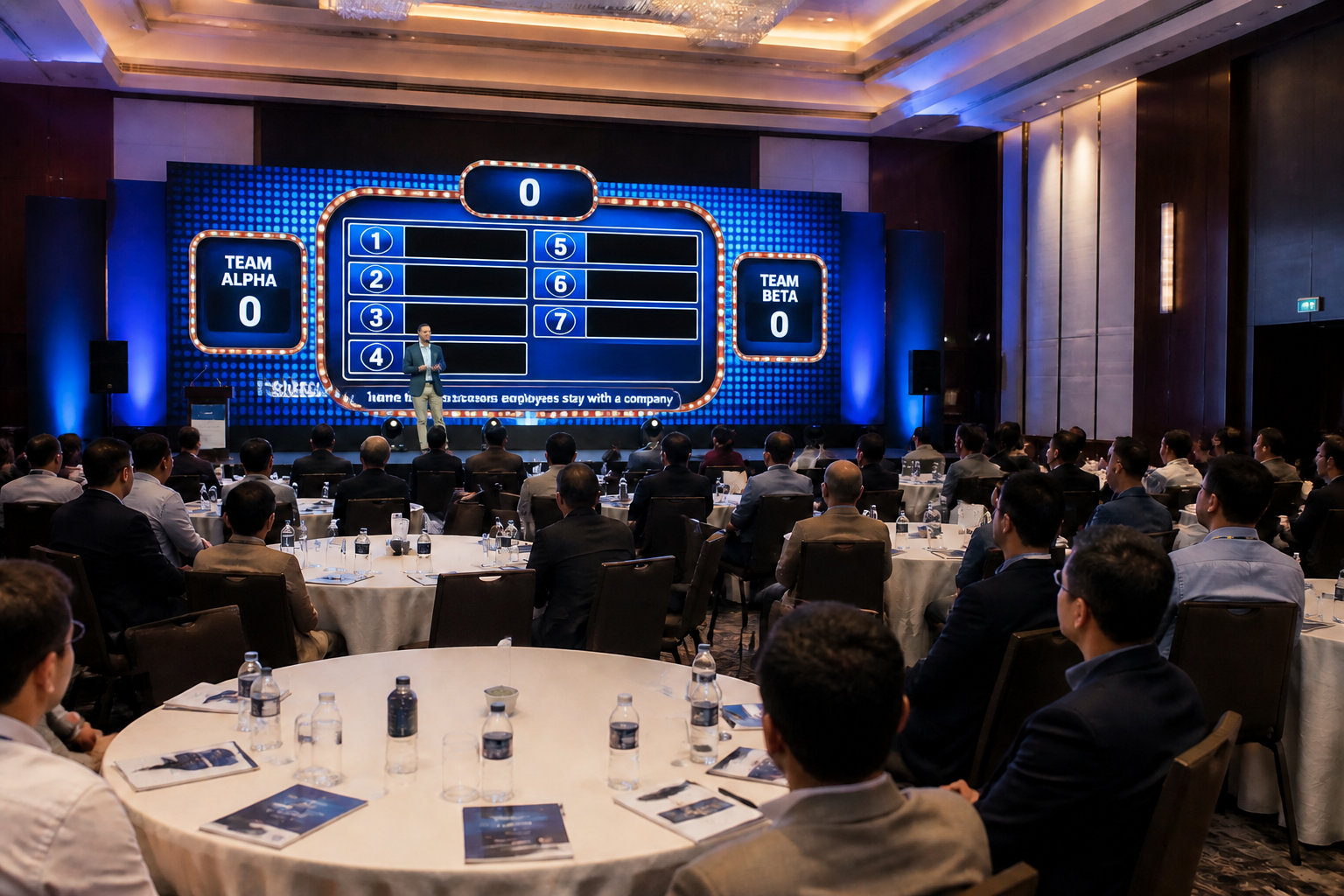 AFTER
AFTER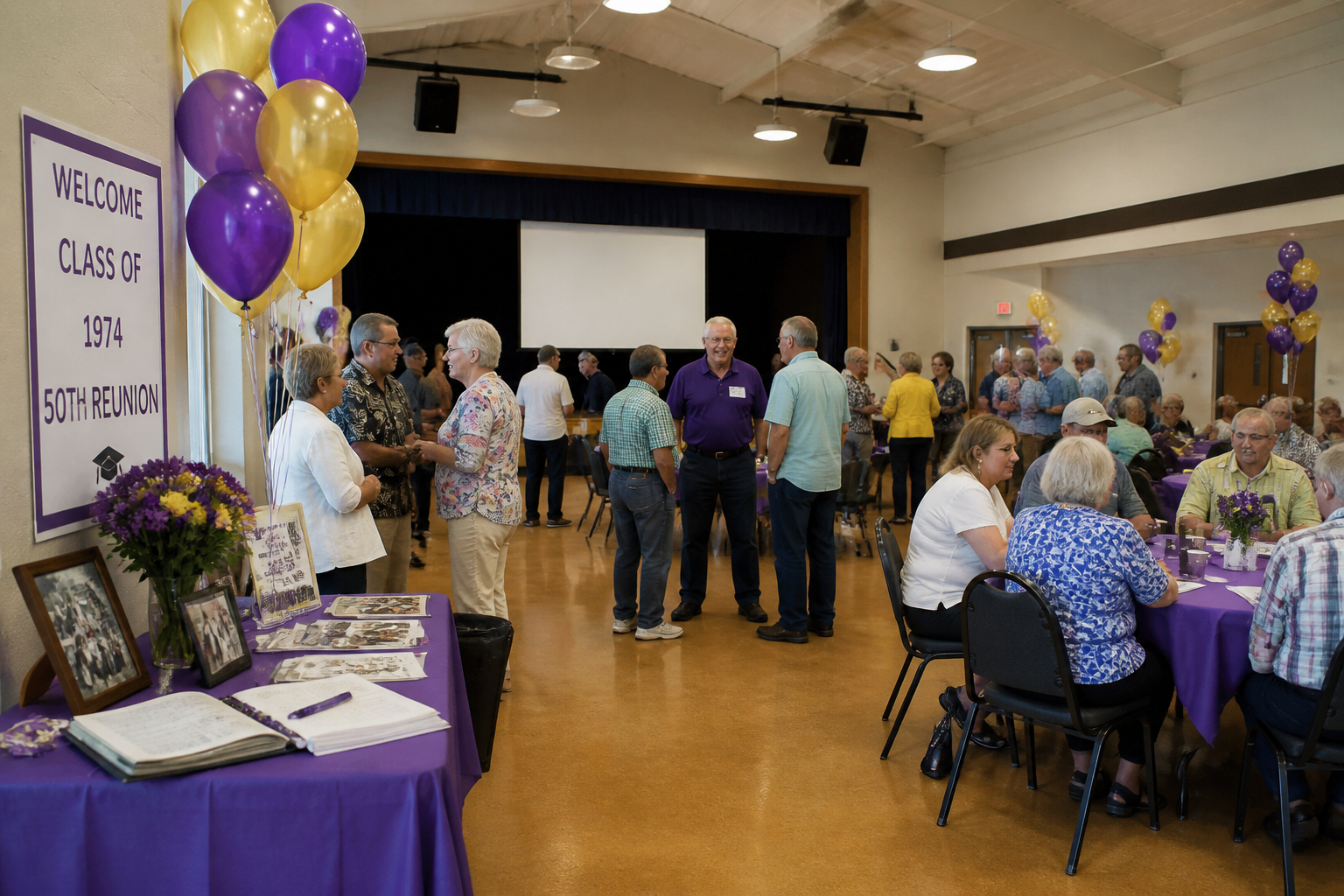 BEFORE
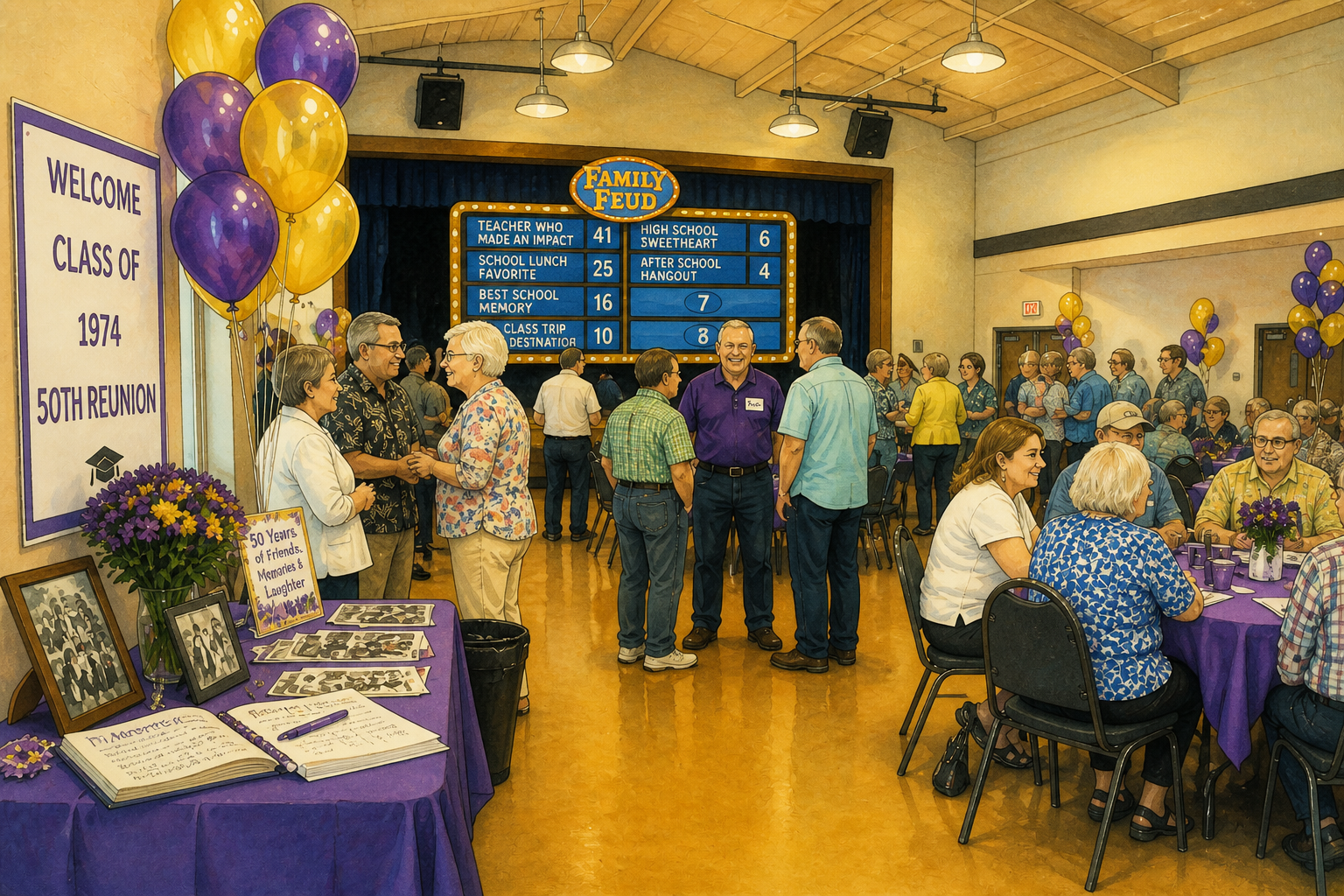 AFTERBEFOREAFTERBEFOREAFTERBEFOREAFTERBEFOREAFTERBEFOREAFTER
Key Features
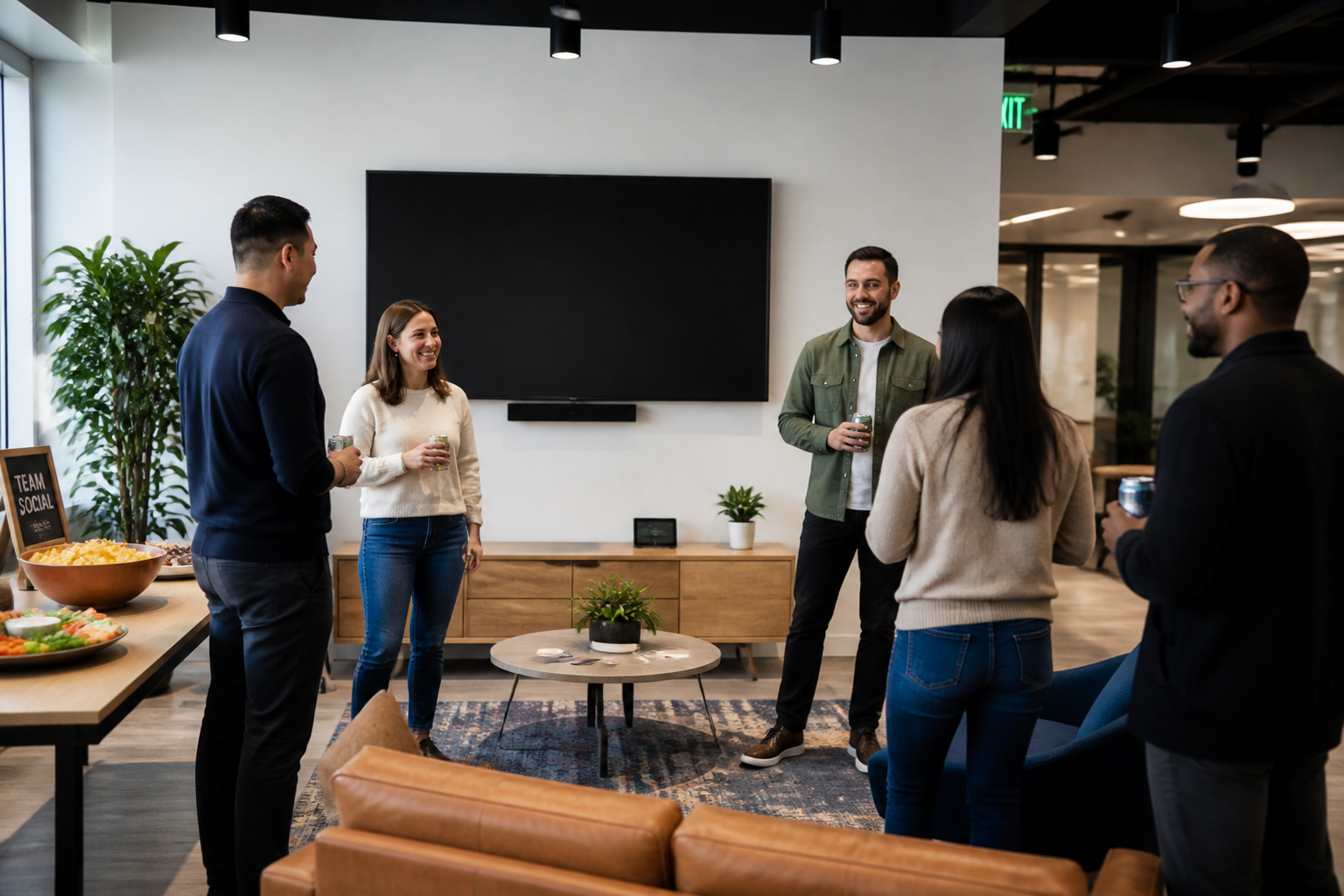
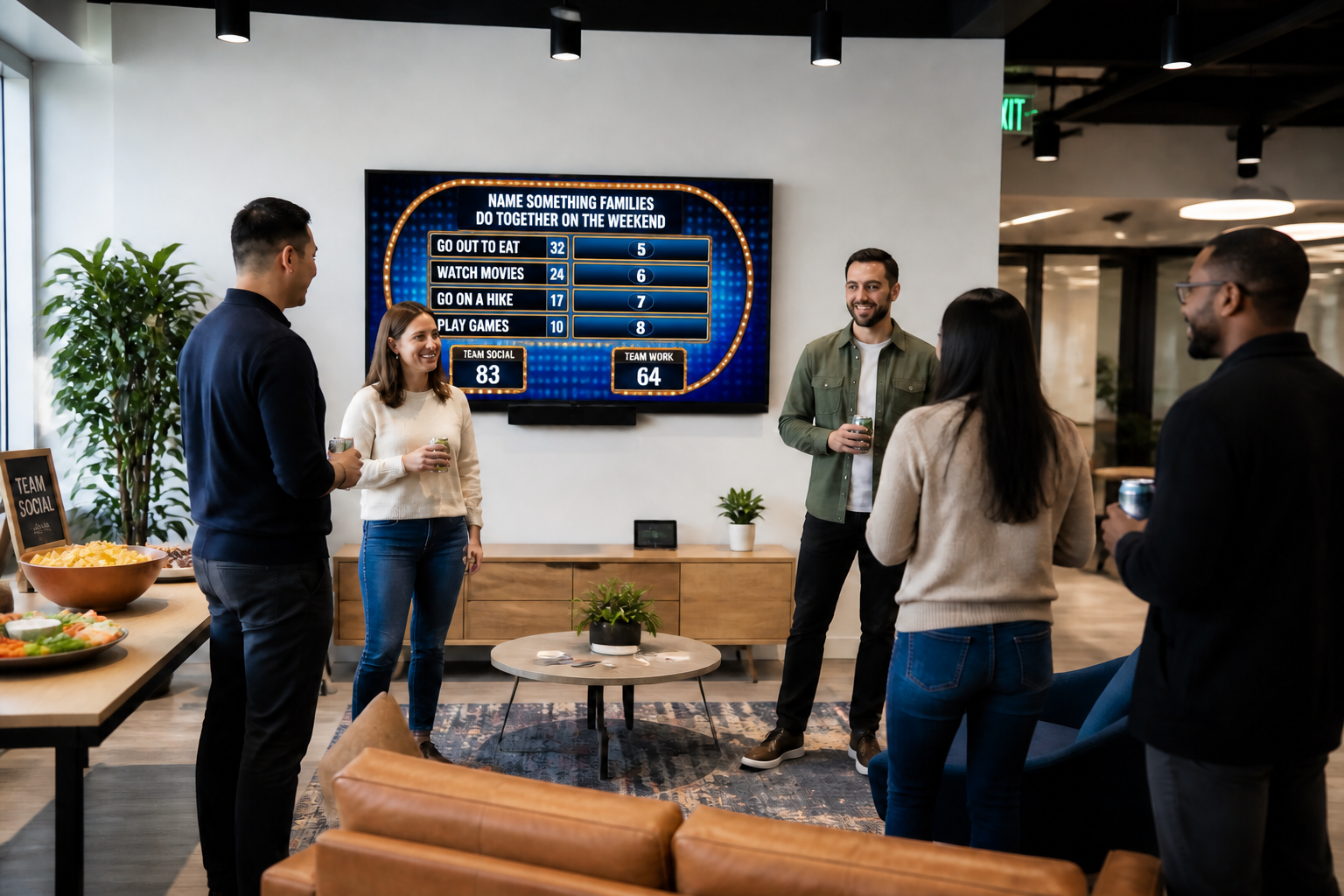
Build boards from any event
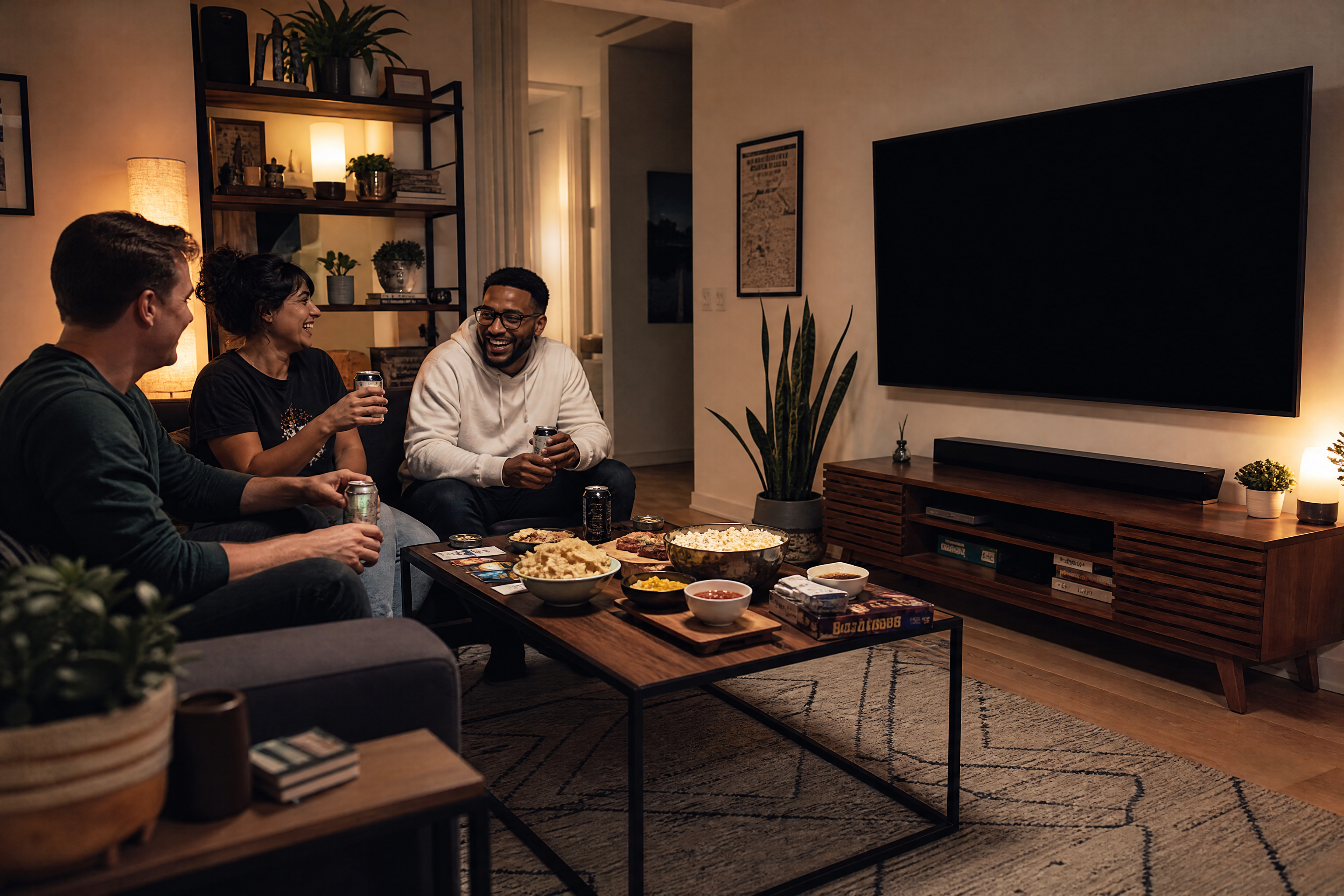
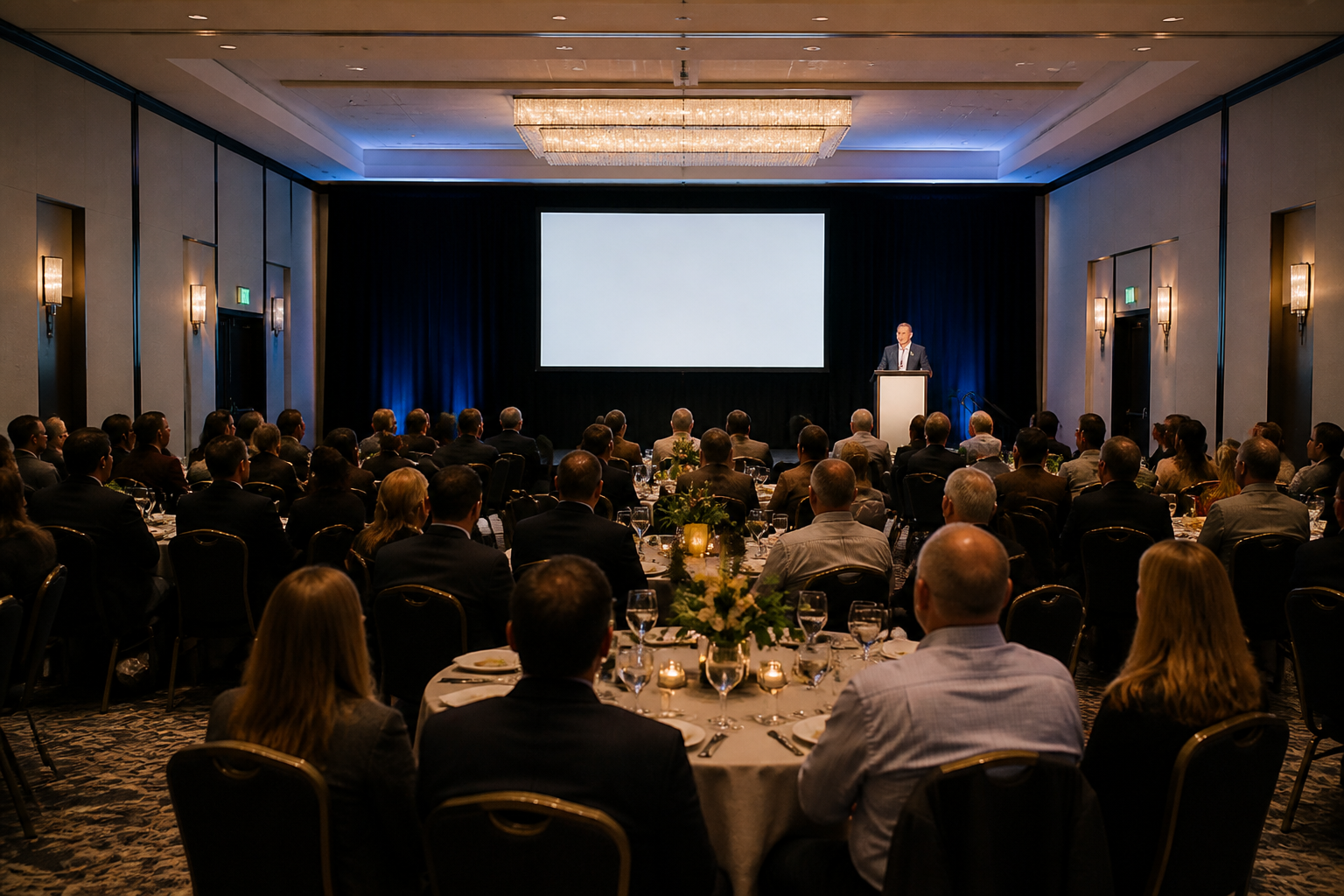
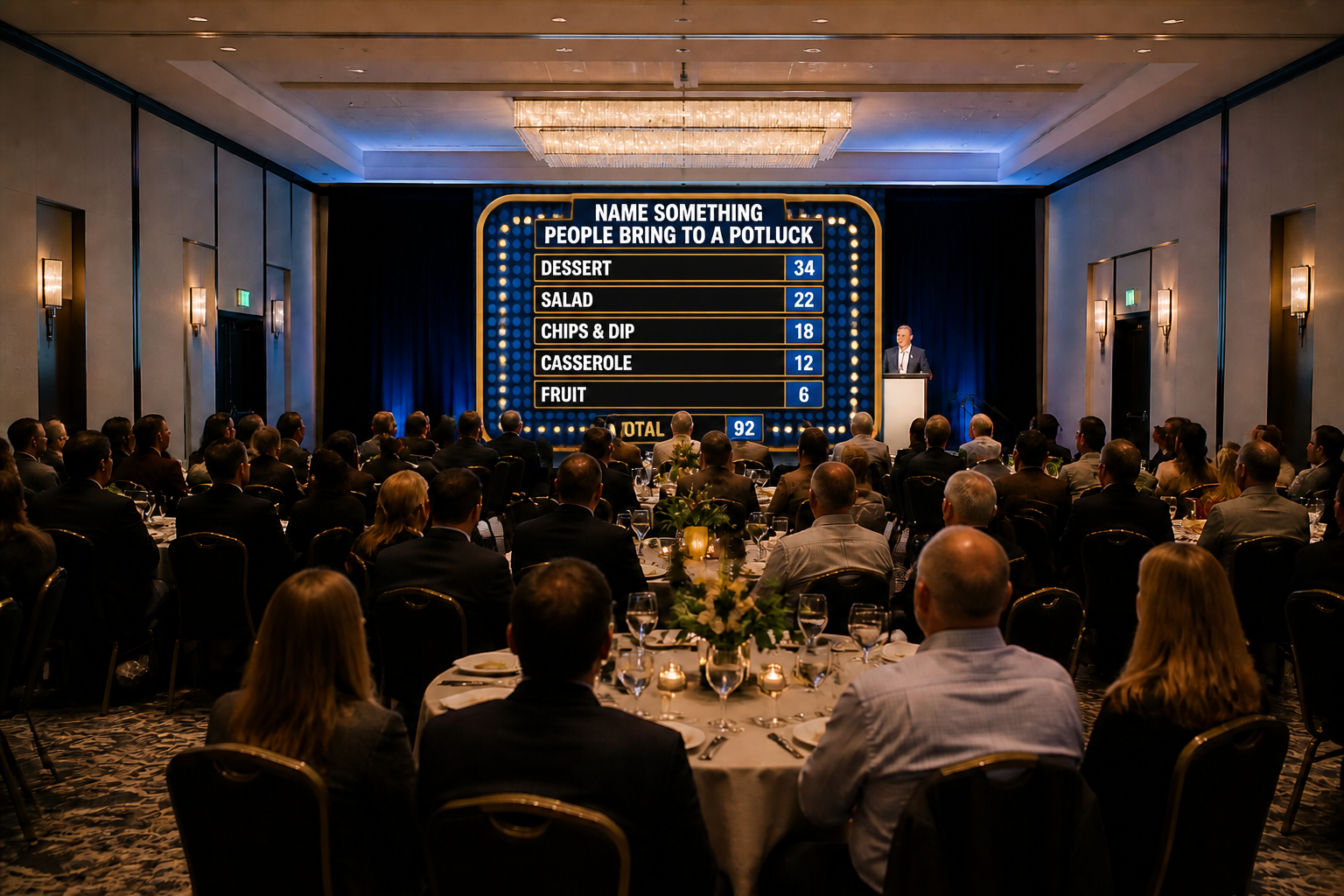
Start with a living room, classroom, office, or party venue and turn it into a ready-to-use survey-game visual. Our AI adds a clean game-board layout without making you rebuild the whole scene from scratch. That makes it faster than designing every slide manually in presentation software. You get something that already fits the mood of the event.
Make answers easy to read
A game board only works if people can scan it quickly across the room. This feature focuses on bold tiles, clean spacing, strong contrast, and obvious score areas. It helps your board look organized in classrooms, party rooms, and meeting spaces. You spend less time tweaking text boxes and alignment by hand.
Match your event theme
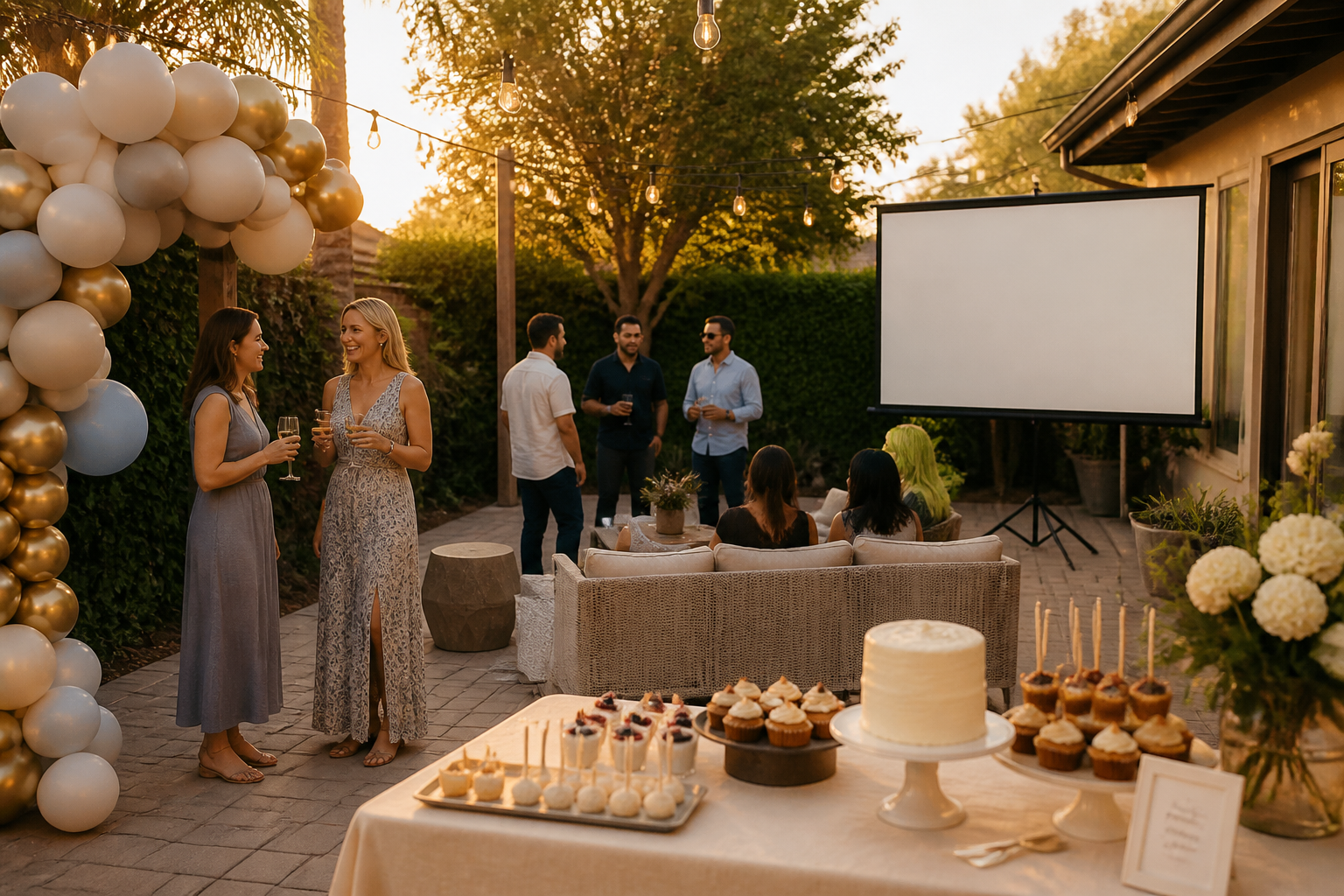
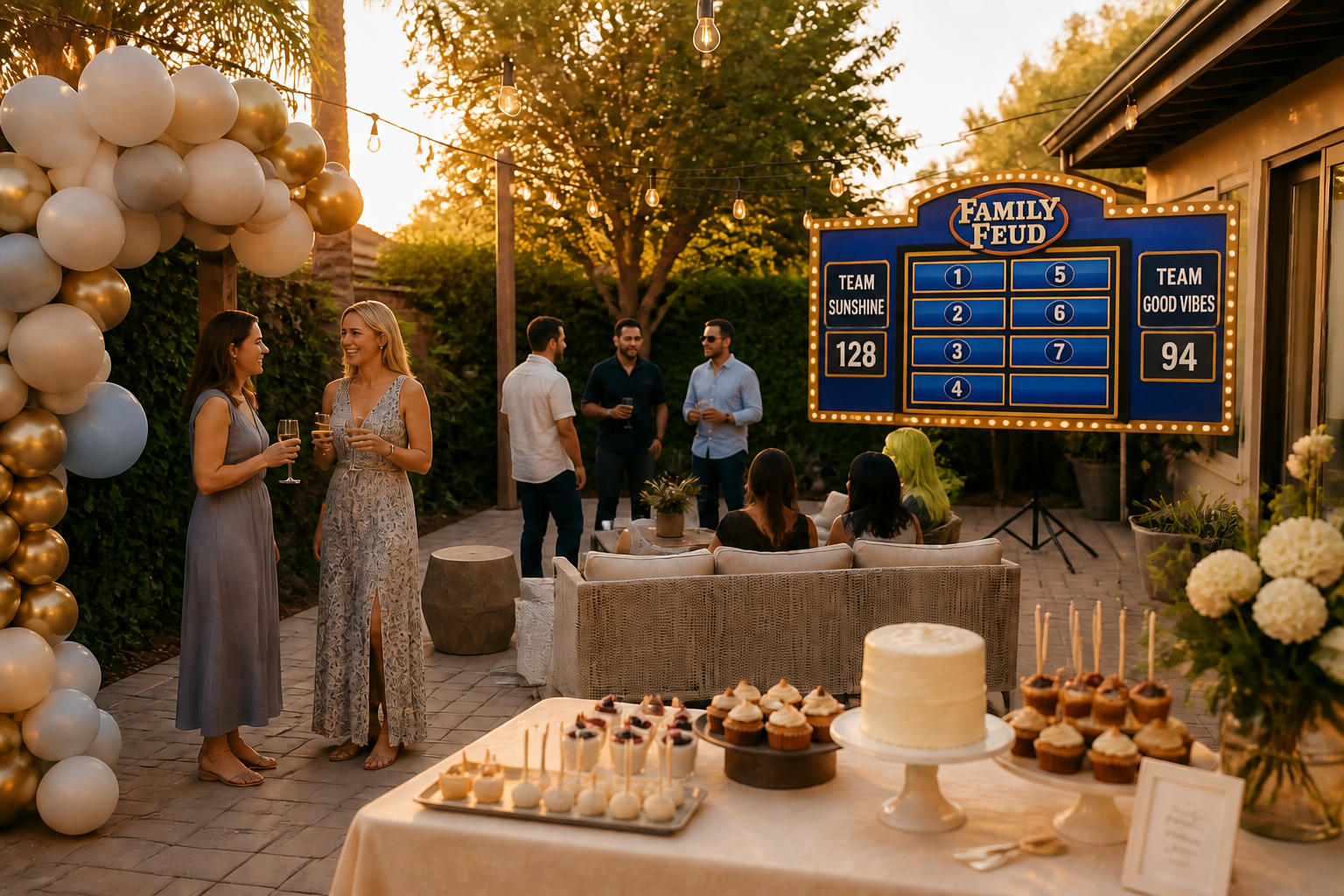
Custom game boards feel better when they look like they belong at your event. You can shift the visual style toward birthday parties, school nights, weddings, church events, or office sessions while keeping the same basic game format. That gives you a more personal result than a one-size-fits-all template. It is a quick way to make the game feel planned, not improvised.
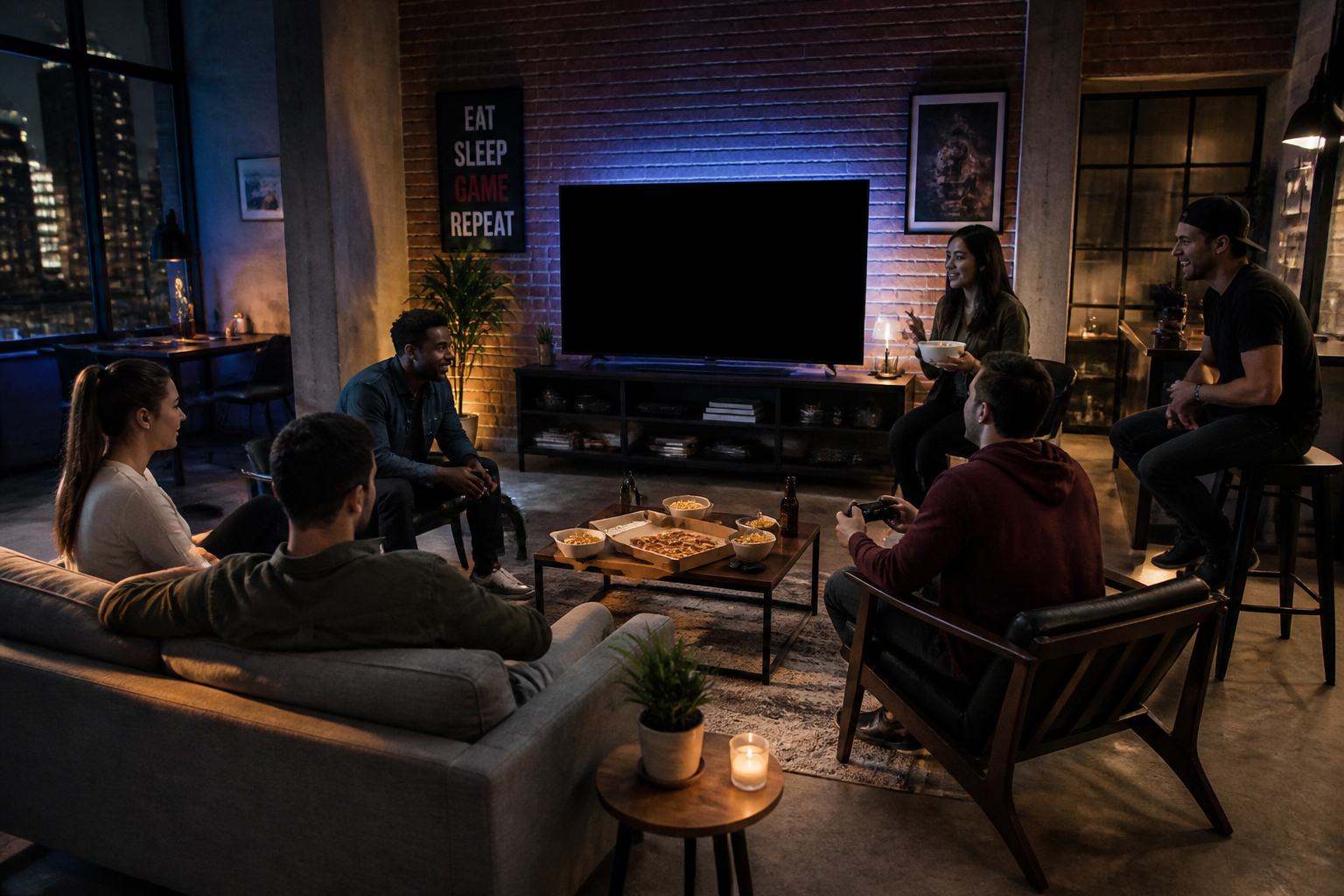
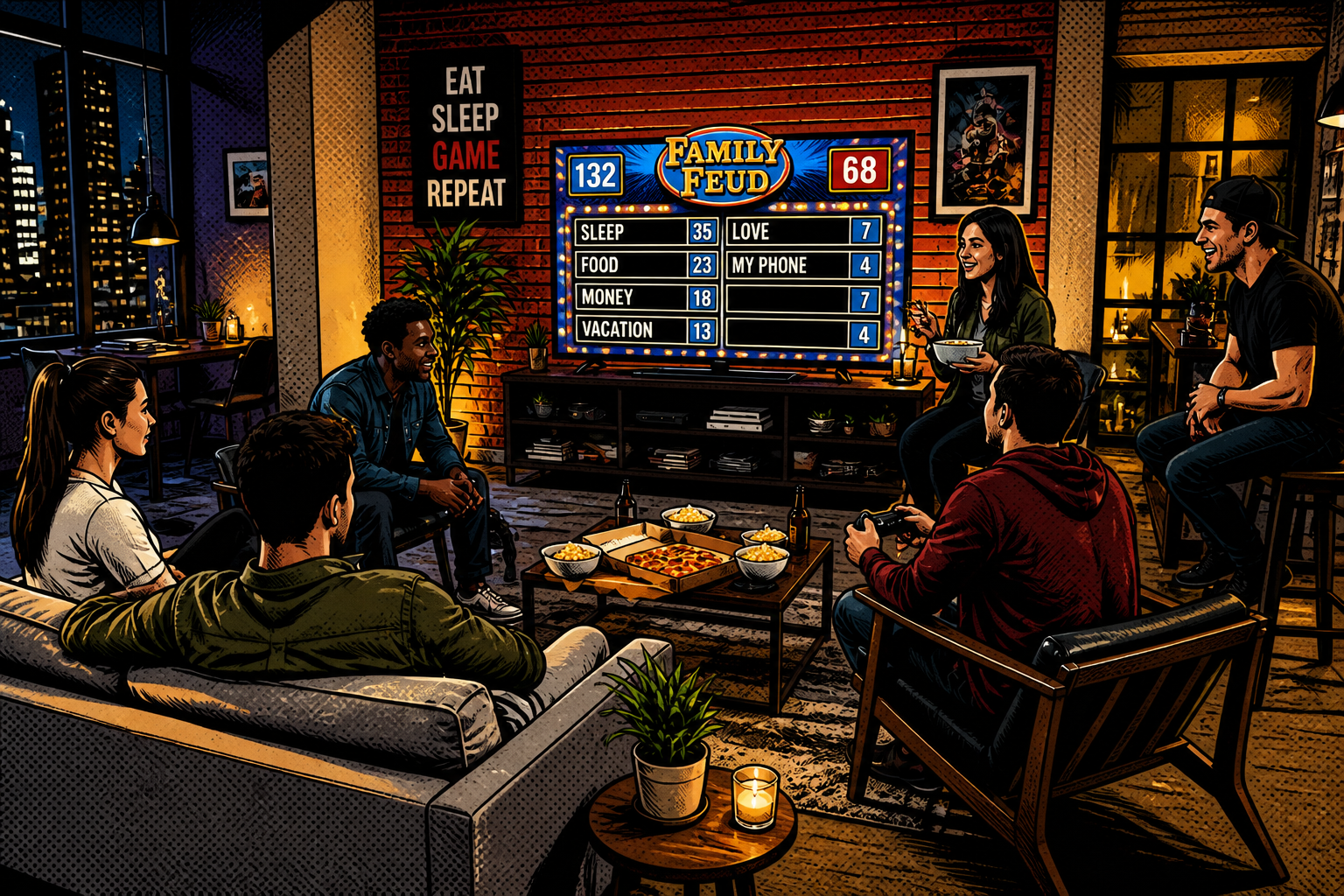
Show the game in different styles
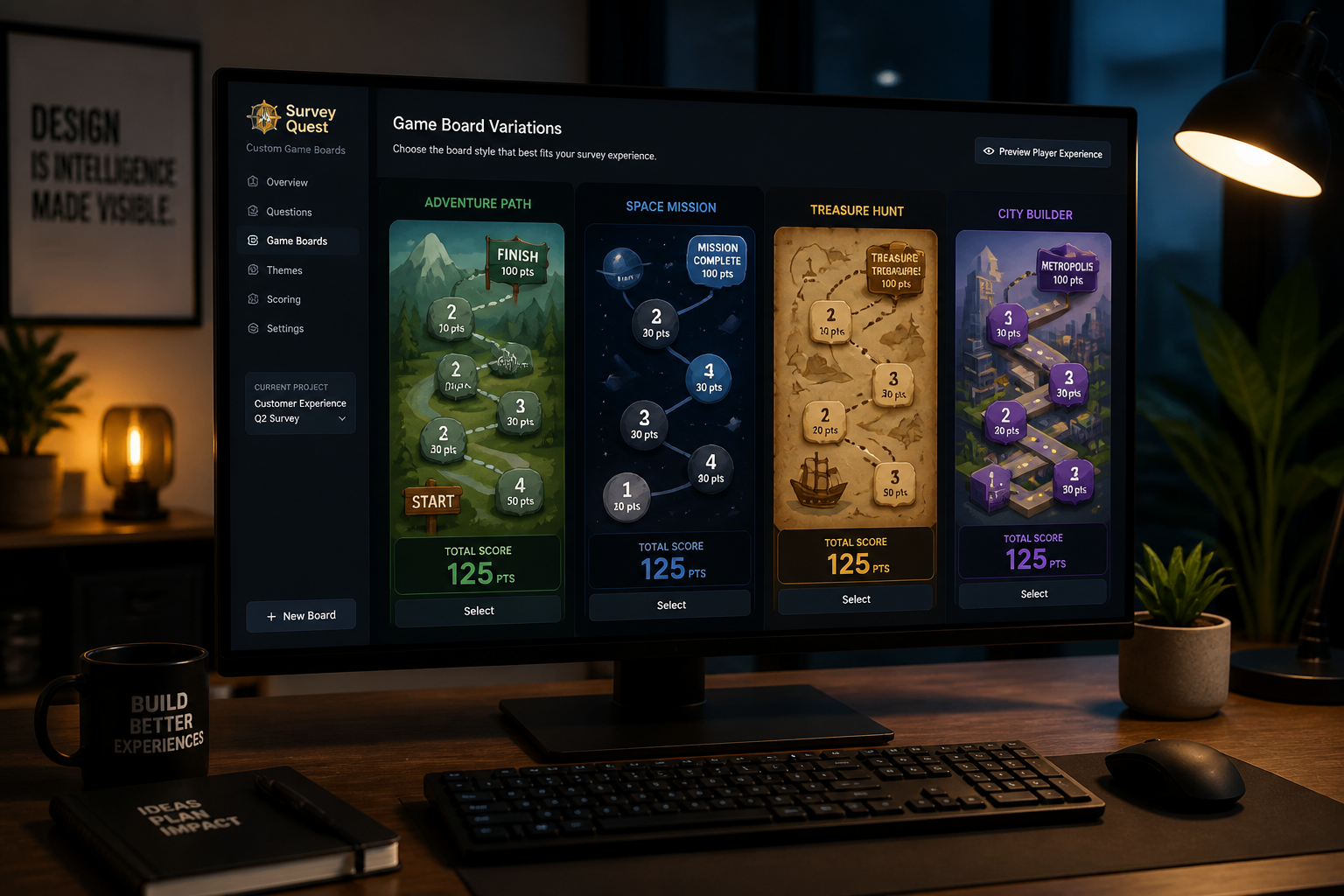
You are not limited to one visual look. The same setup can become a crisp photo-real game display, a comic-book version, or another stylized presentation for social posts and themed events. This is useful when you want one practical board for play and another more eye-catching version for invites or promotions. Manual redesigns take time; style changes here are much faster.
How It Works
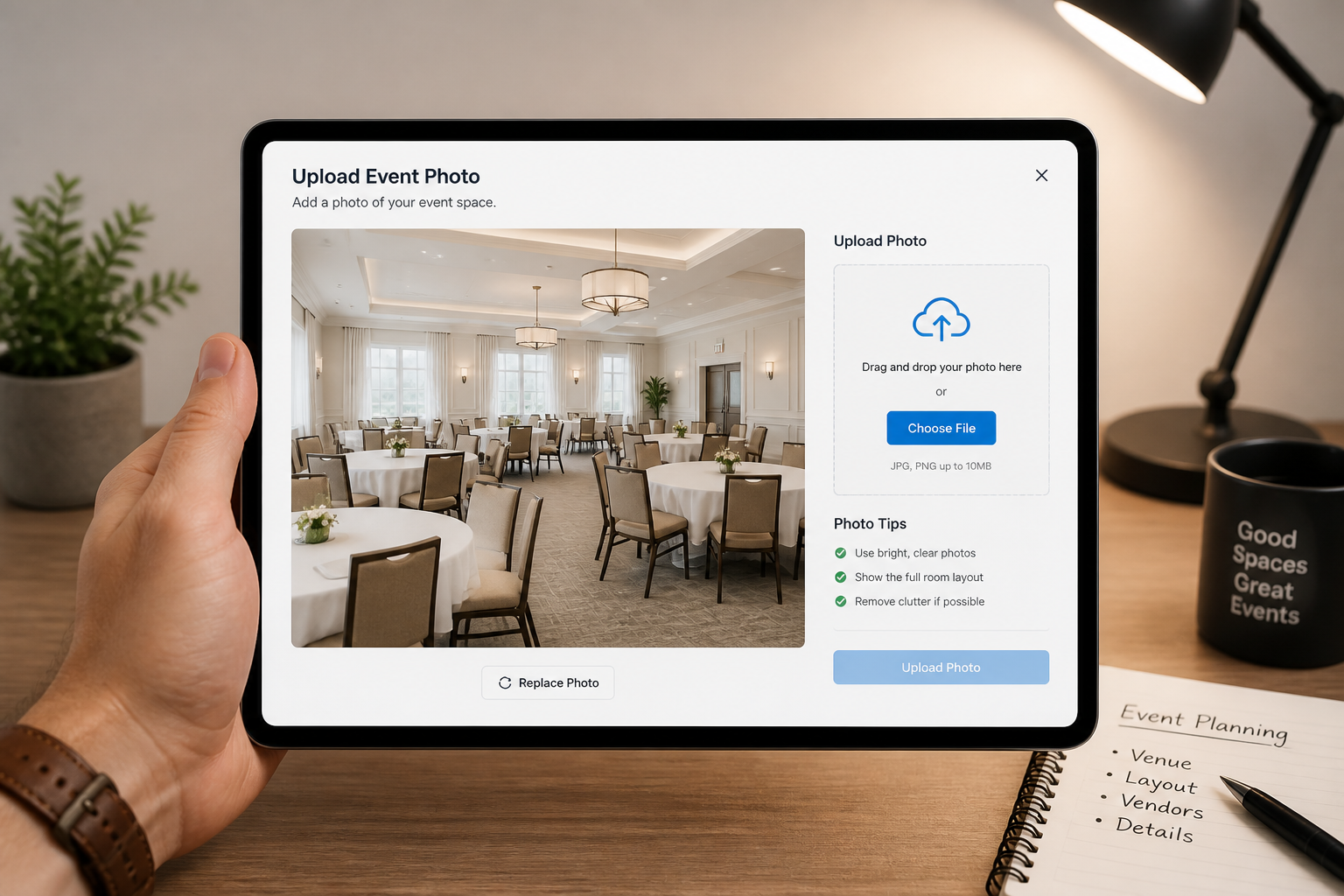
Upload your event photo
Start with a room photo, screen mockup, or simple venue shot. Choose one where the display area or wall is clearly visible so the board has a natural place to appear.
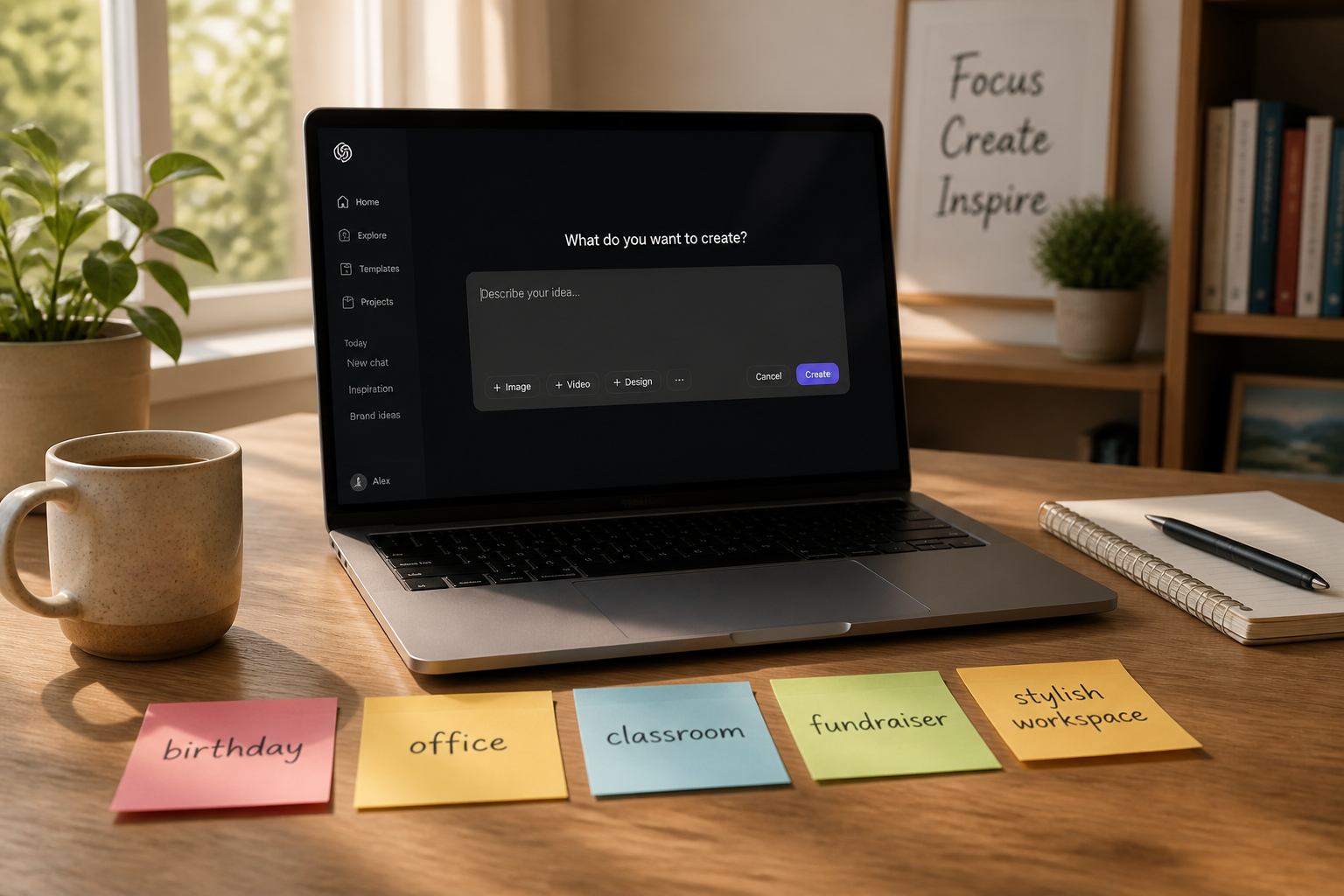
Describe the game theme
Tell our AI what kind of survey game you want to make. Include the event type, tone, and any board details like answer slots, score areas, or theme colors.
Generate and compare versions
Review different board looks and pick the one that fits your event. You can compare layouts, readability, and style before using the final visual in your game materials.
Perfect For
Discover how creators and professionals use family feud game generator
Party game nights
Create custom survey boards for birthdays, reunions, holiday dinners, and house parties.
Classroom review games
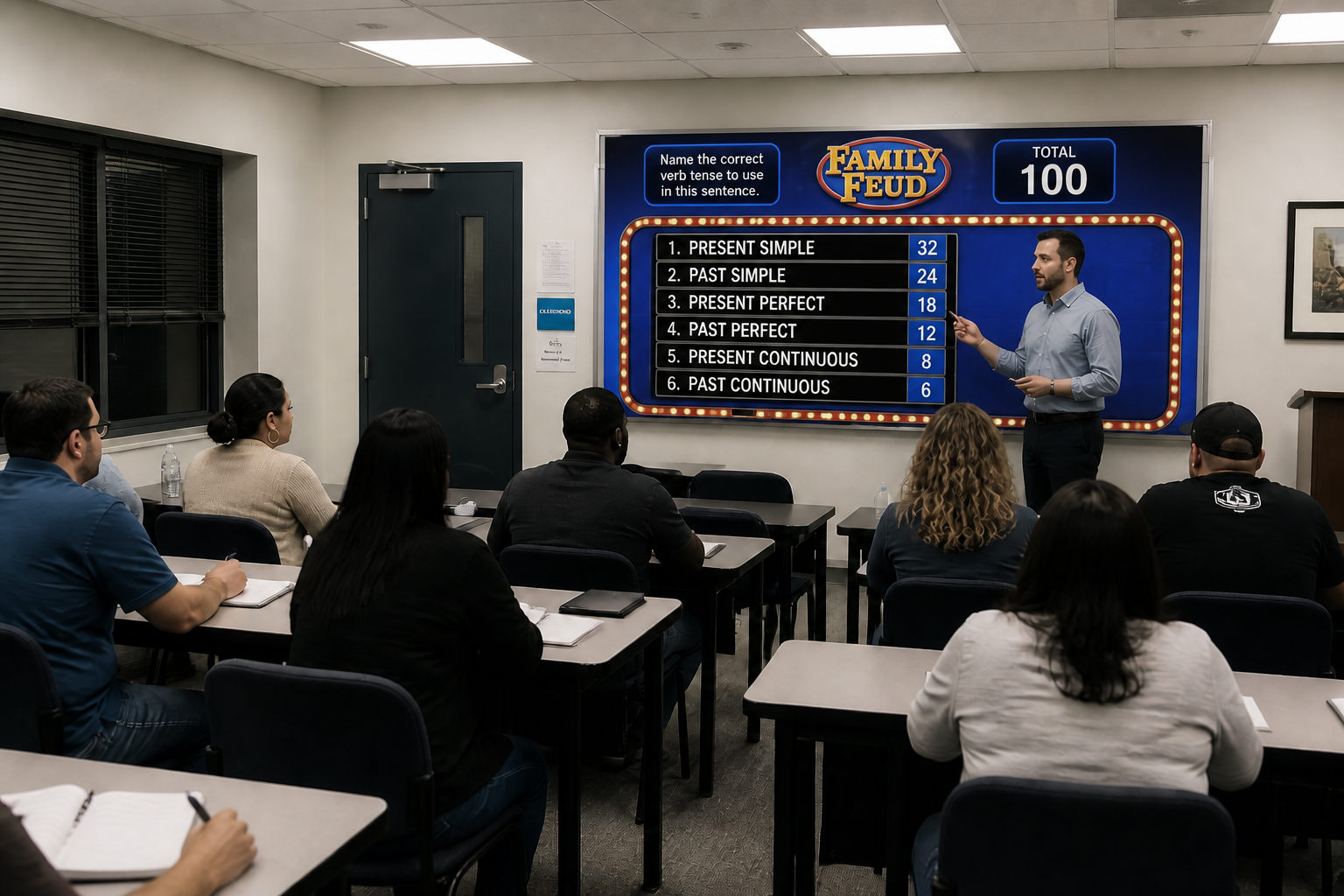
Turn study prompts into a familiar survey-game format for adult learners and school events.
Office team building
Make branded game visuals for icebreakers, retreats, and internal culture events.
Fundraisers and community events
Design themed boards that look polished on stage, on slides, or on event screens.
Built For
Event hosts
For people running parties or gatherings who want custom game visuals without building every screen by hand.
Teachers and facilitators
Useful for classroom review sessions, workshops, and group activities that need a fun, structured format.
Team leads and organizers
Helps HR teams, managers, and community organizers create game-night assets that look clean and on-theme.
Why use BudgetPixel for custom game boards
A quick look at how we compare on the things that matter for this niche.
| Feature | BudgetPixel | Generic AI editors | Manual editing apps |
|---|---|---|---|
| Turns event photos into game visuals | ✓ | ✓ | — |
| Readable survey-board layouts | ✓ | — | — |
| Fast theme variations | ✓ | ✓ | — |
| No manual slide-by-slide design | ✓ | — | — |
Frequently Asked Questions
Can I make a board for a specific event theme?
Do I need design skills to use it?
Can I use my own room or venue photo?
Will it create different styles of game boards?
Is this only for family parties?
Create together.
Share your creations, discover trending AI art, and grow with fellow creators.