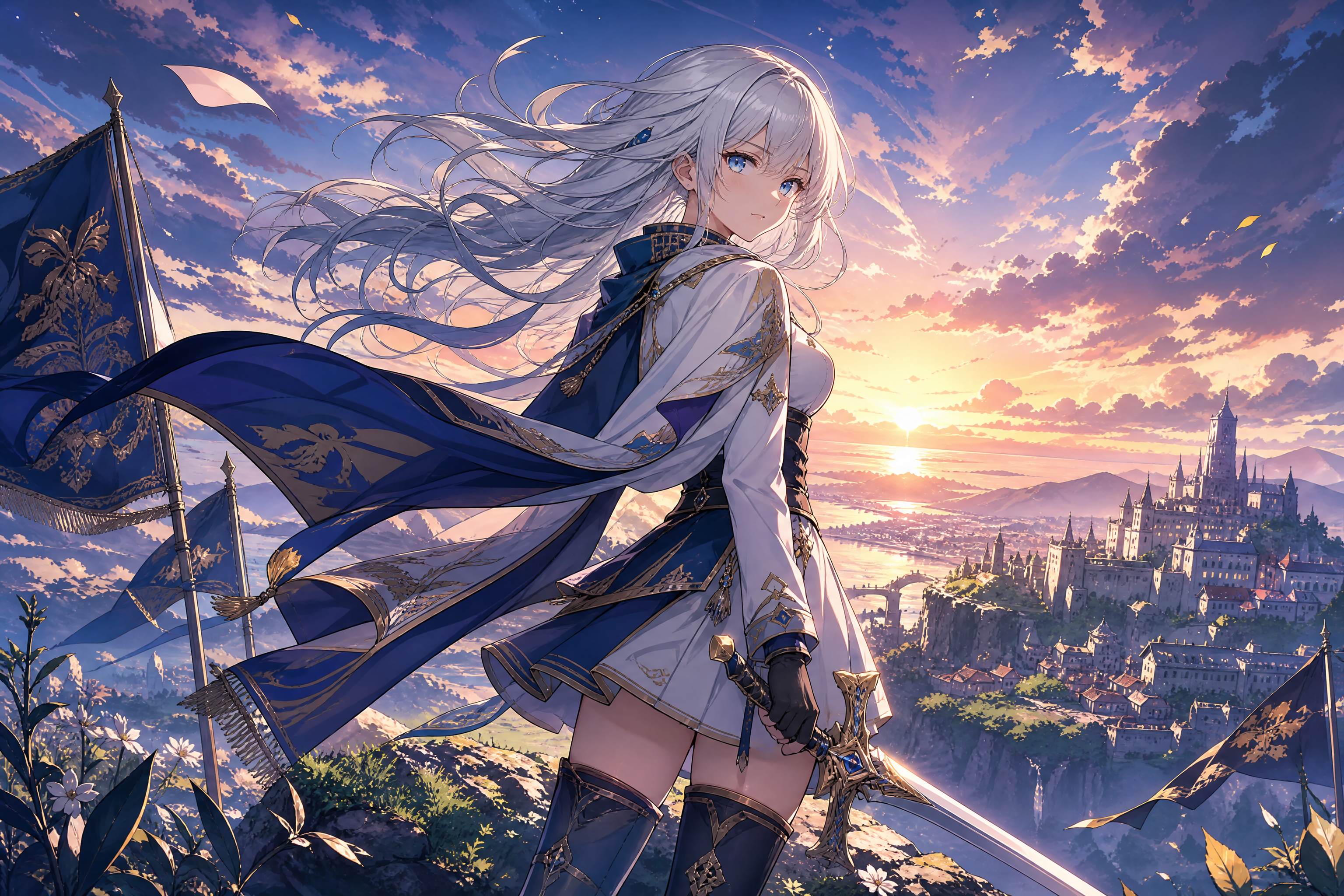
AI Studio Ghibli for Your Photos
Transform real images into soft, cinematic storybook art.
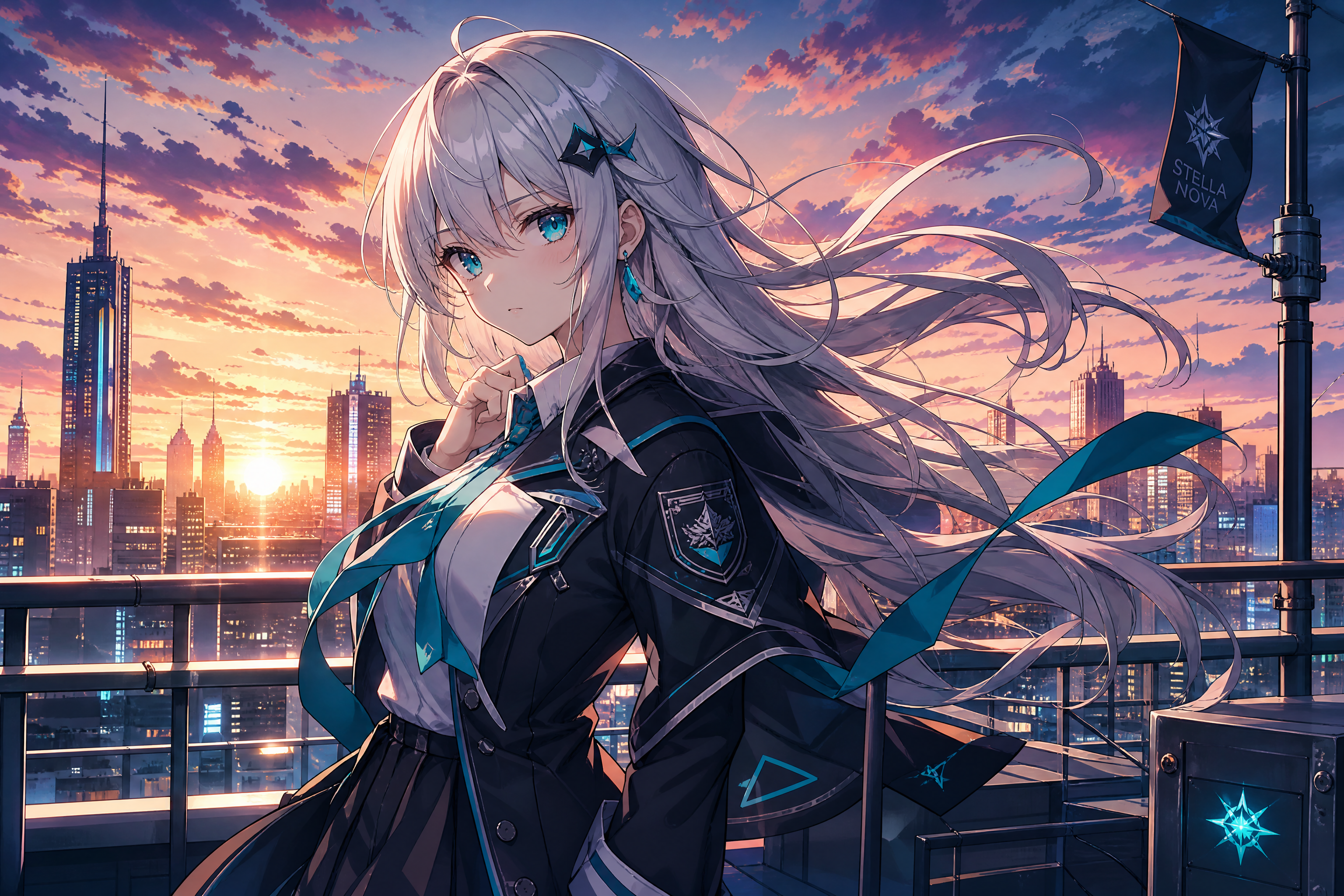
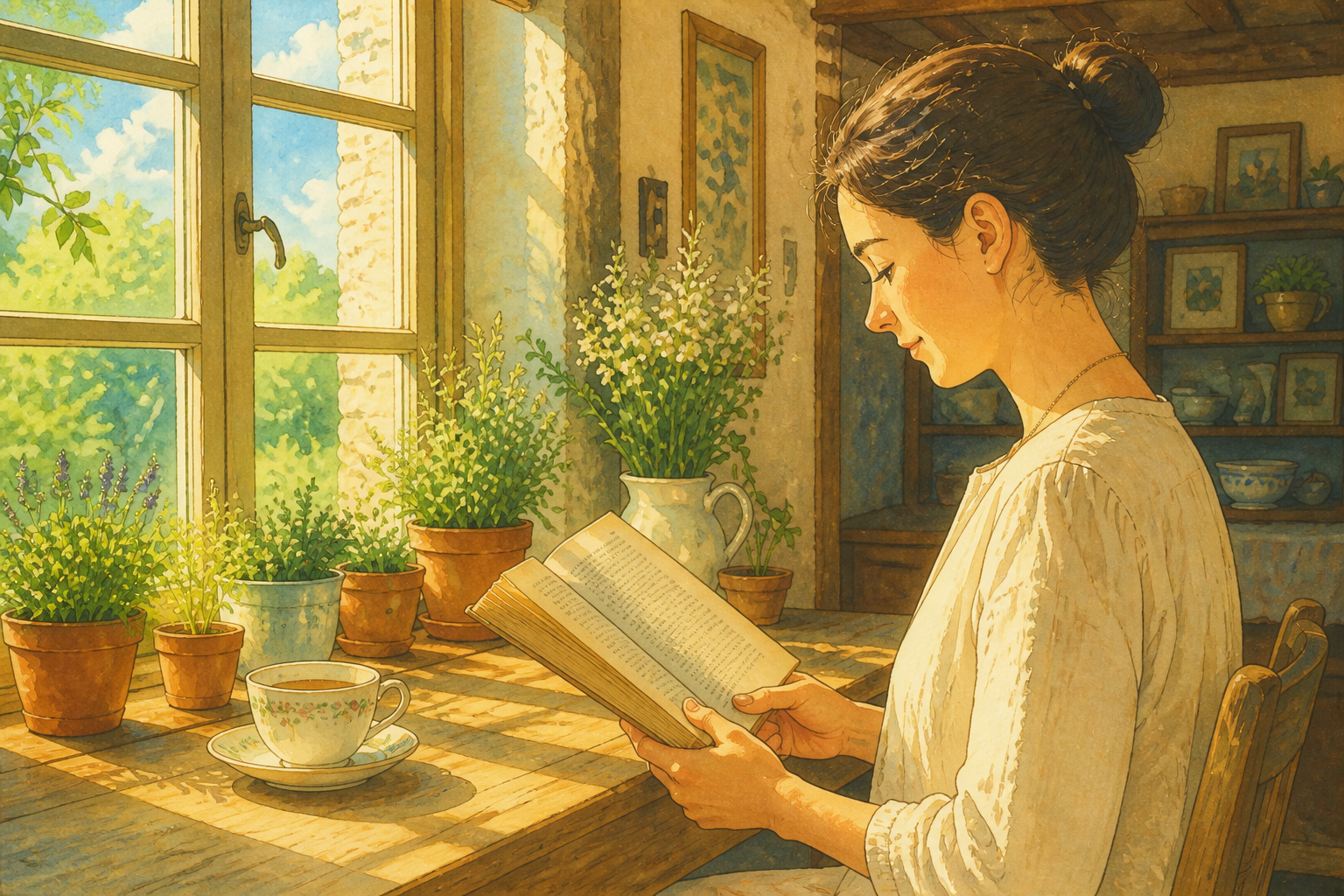
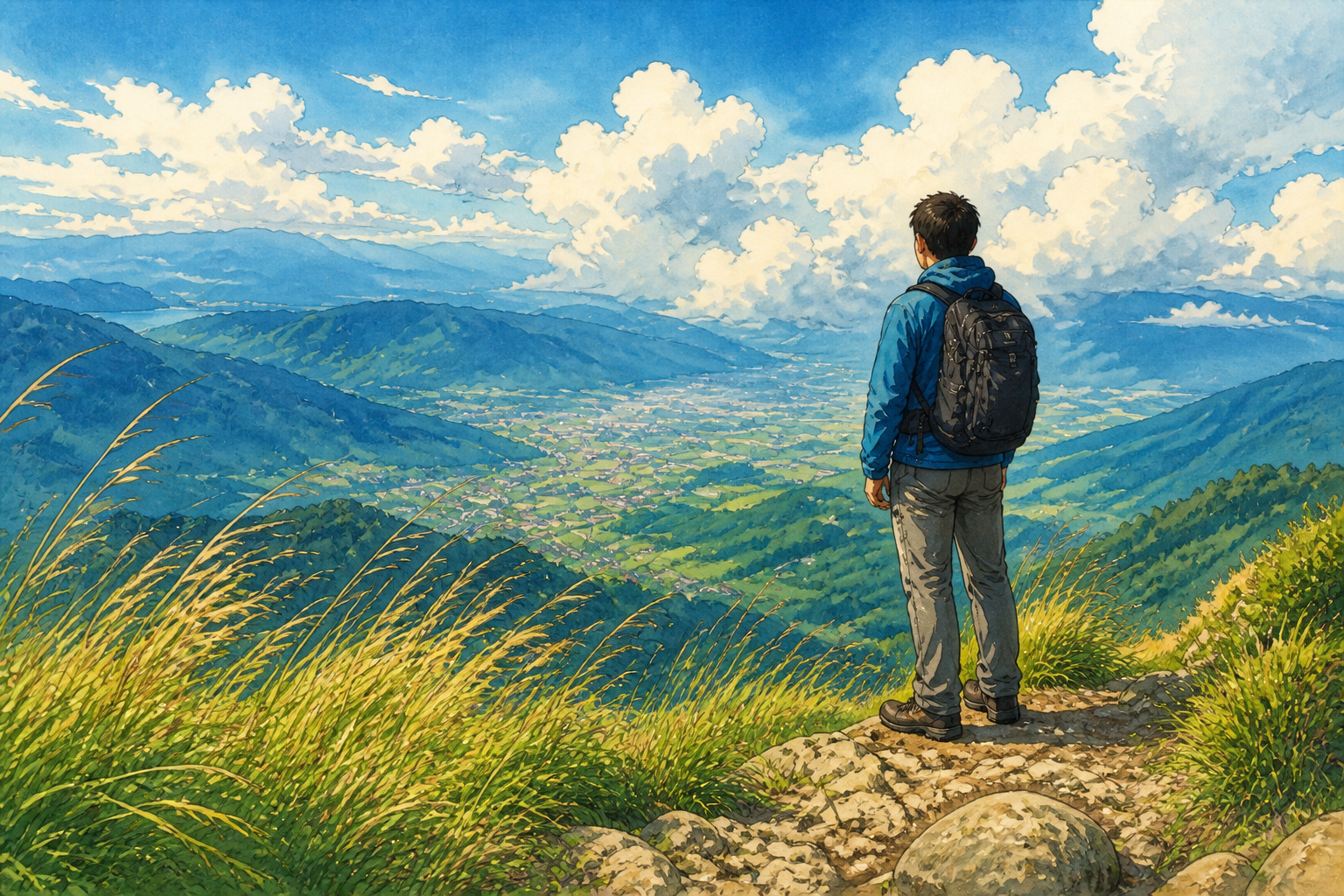
Upload a photo and turn it into an AI Studio Ghibli-inspired illustration in seconds. Our AI keeps the main subject, pose, and scene structure while changing the image into a warm watercolor animation look. It works for portraits, travel shots, pets, and everyday moments.
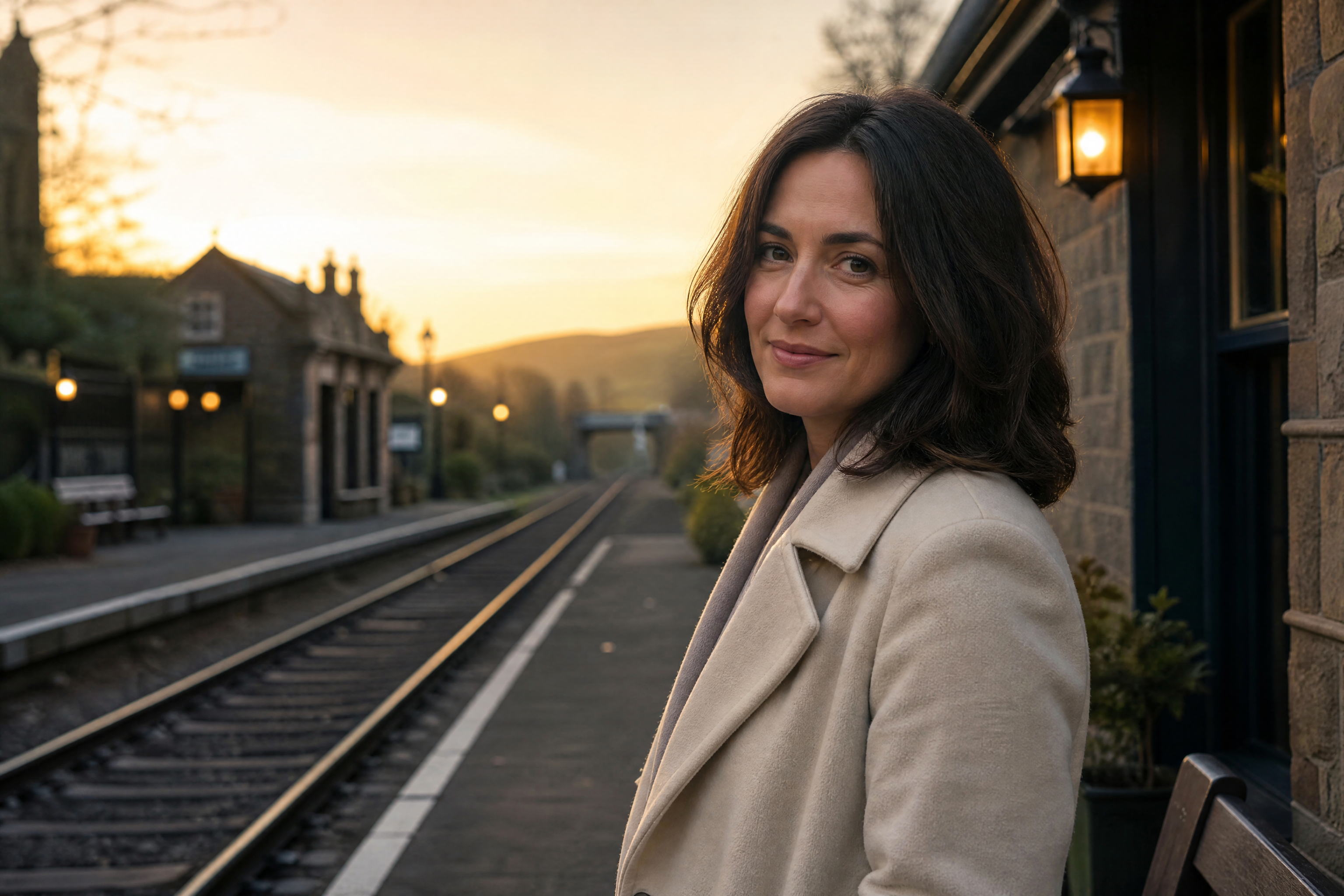
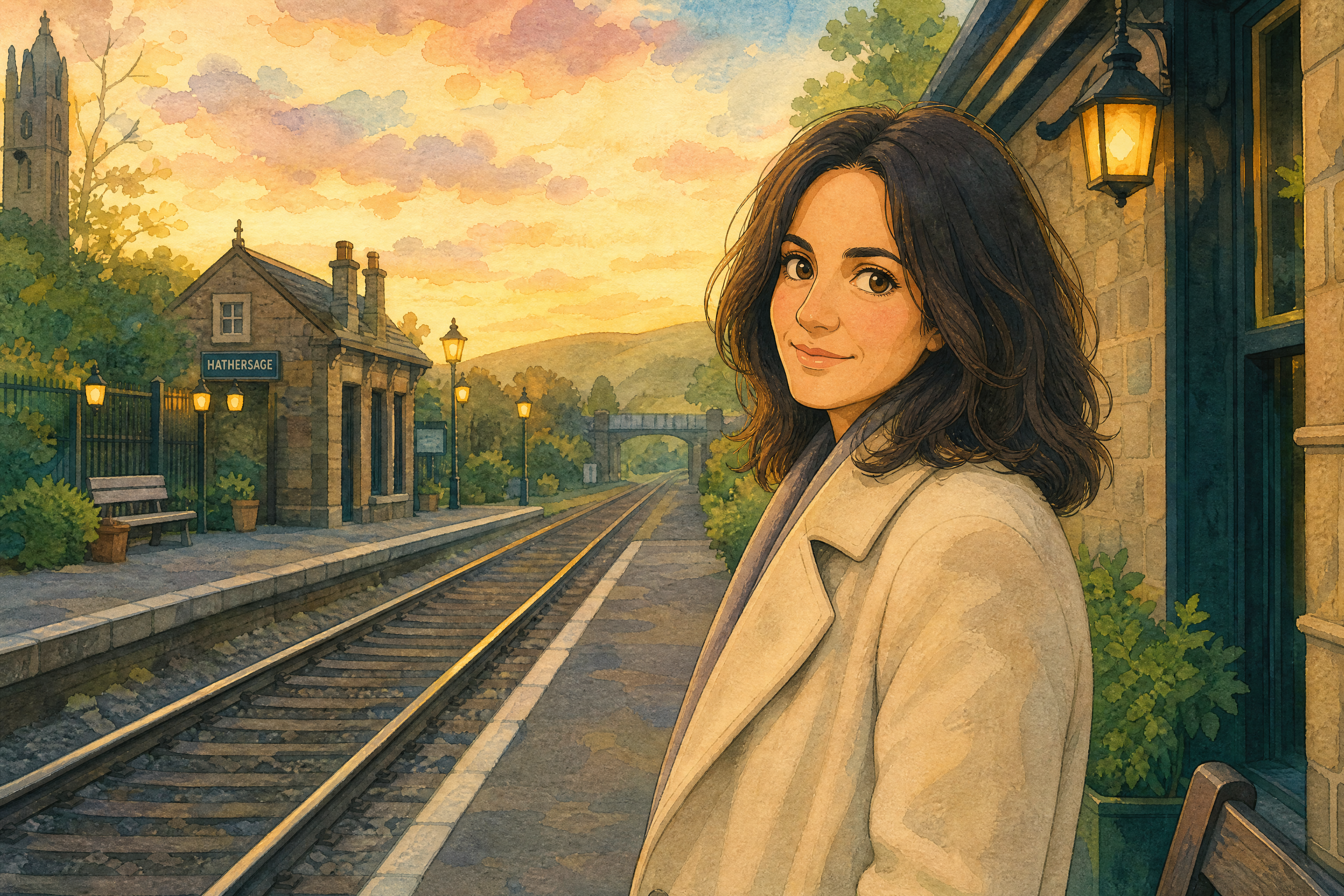
See It In Action
Real outputs from ai studio ghibli.
BEFOREAFTER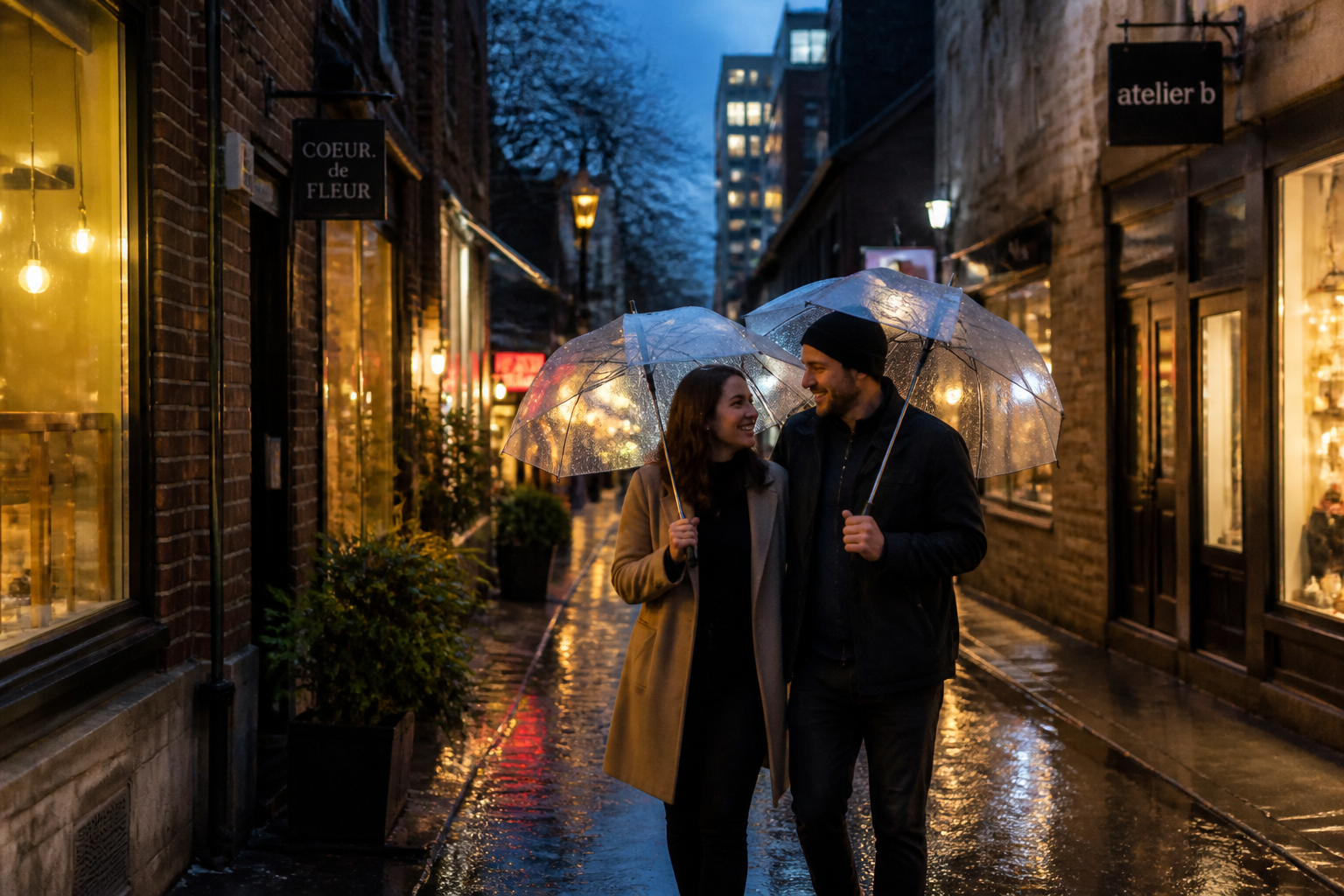 BEFORE
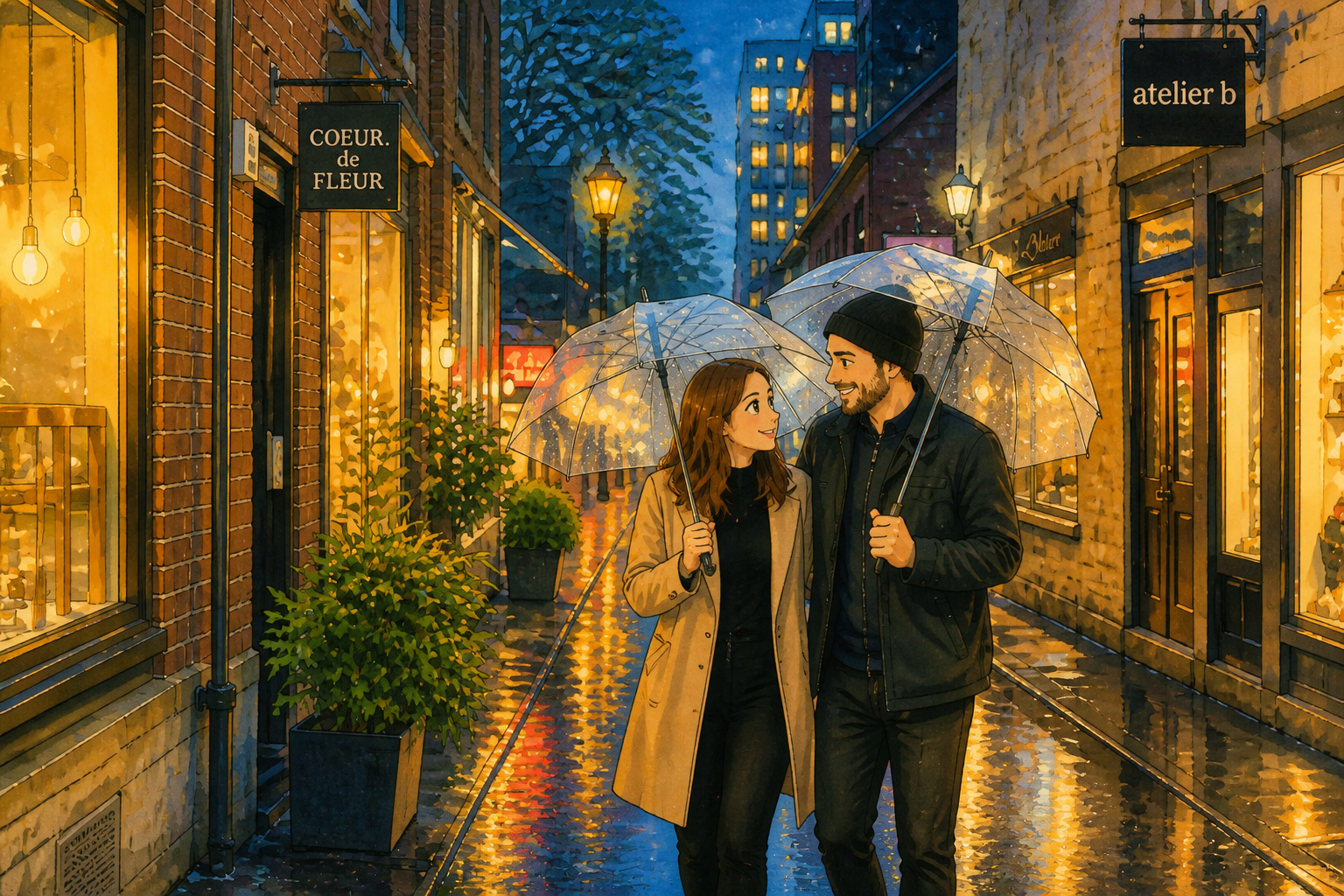 AFTER
AFTER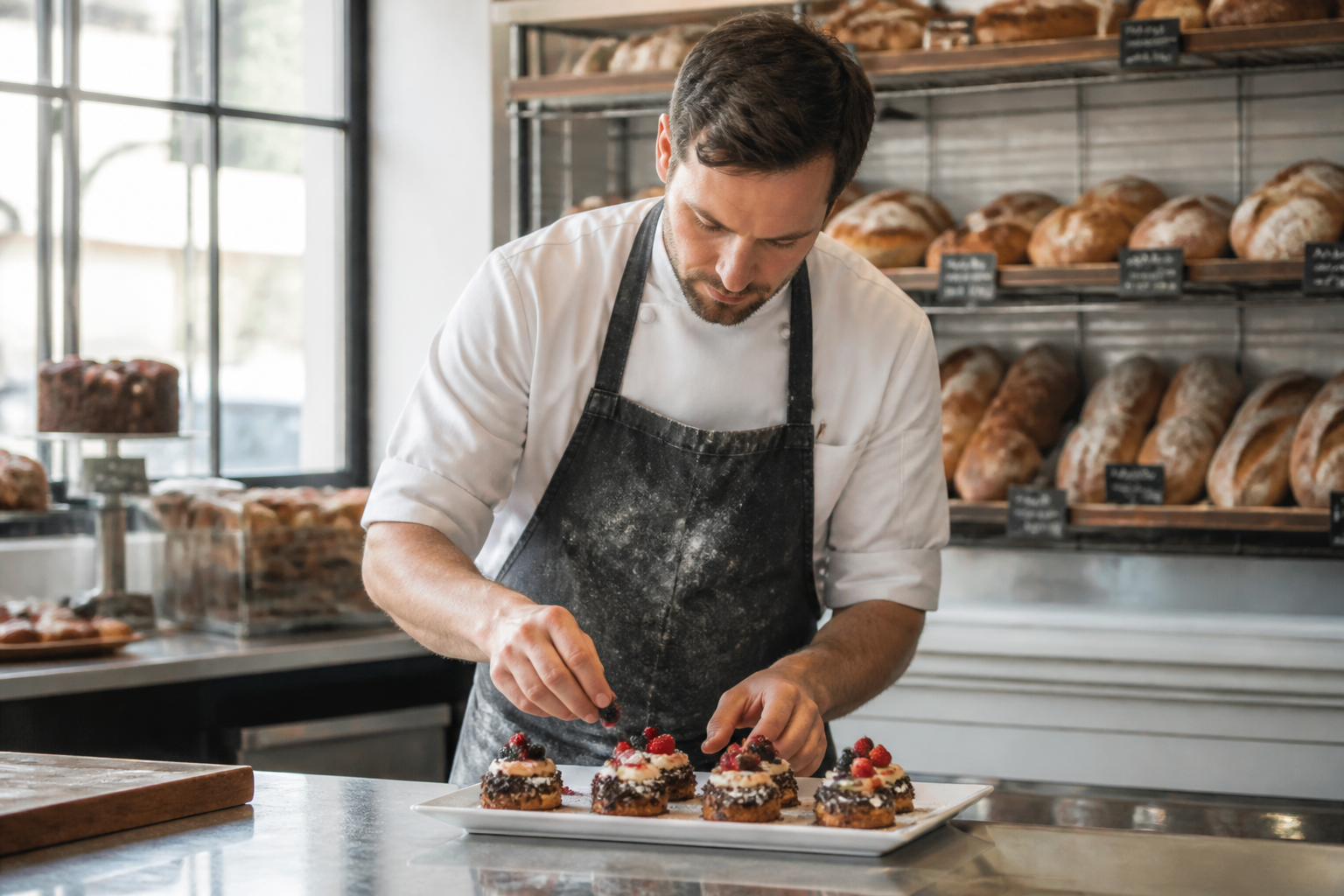 BEFORE
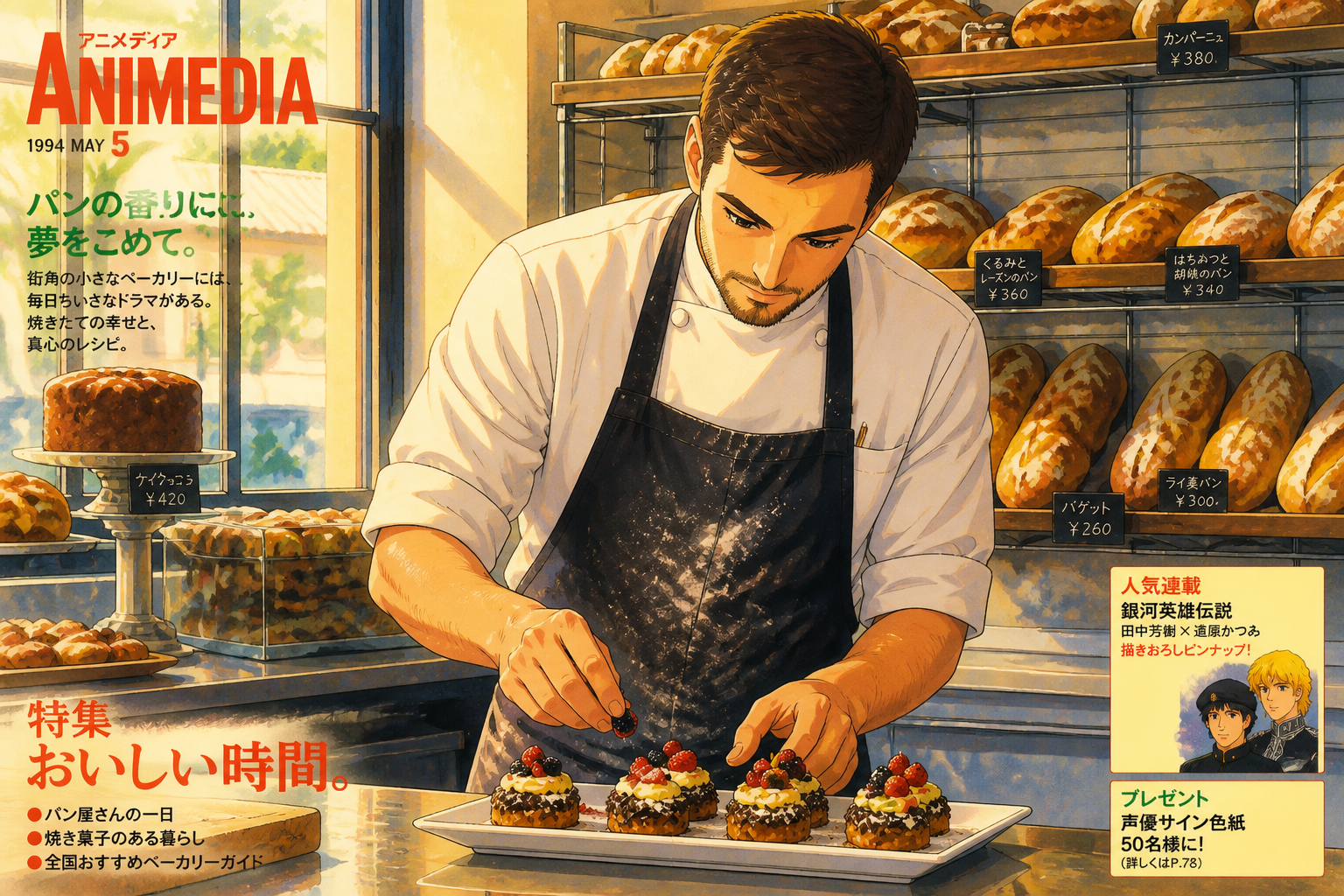 AFTER
AFTER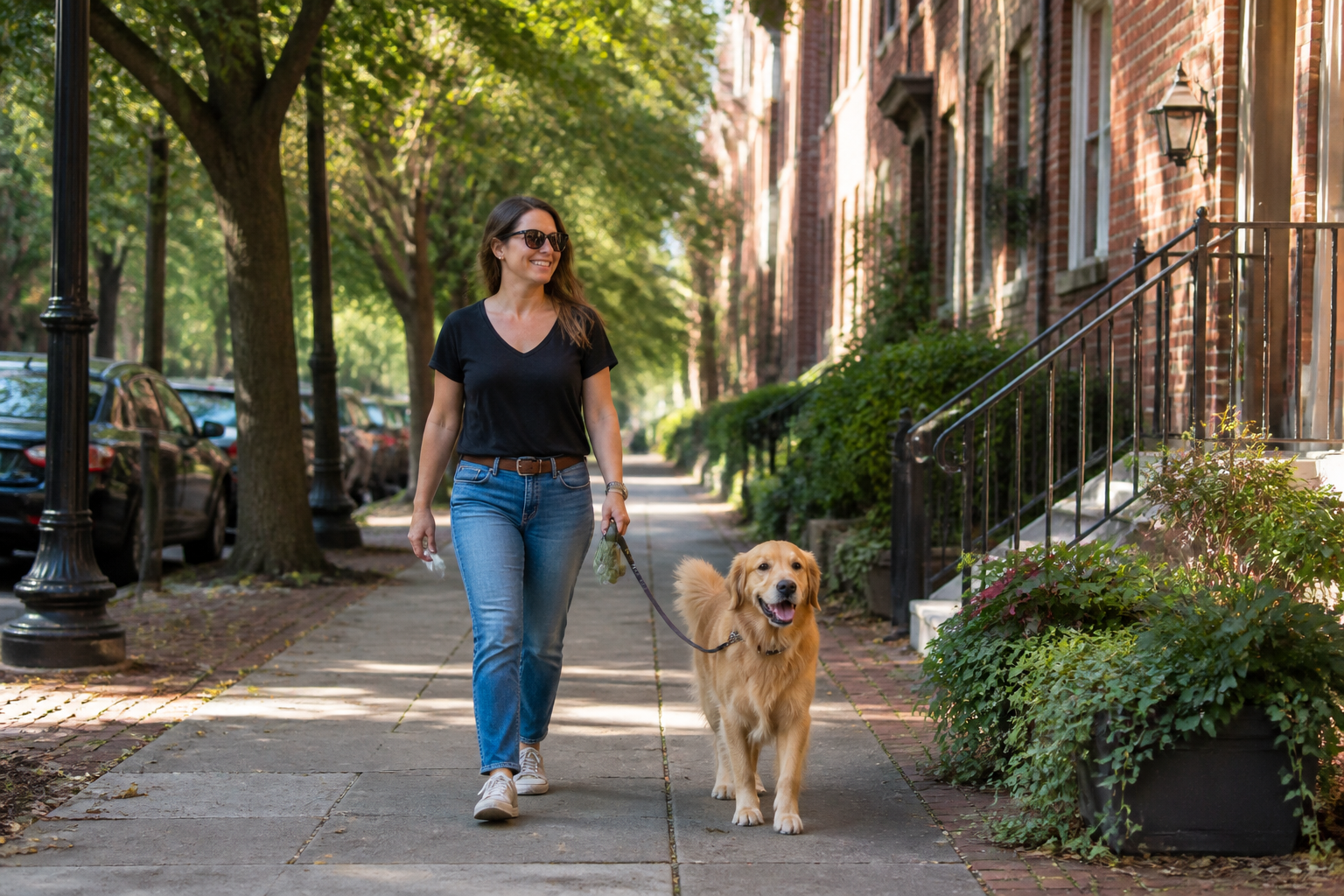 BEFORE
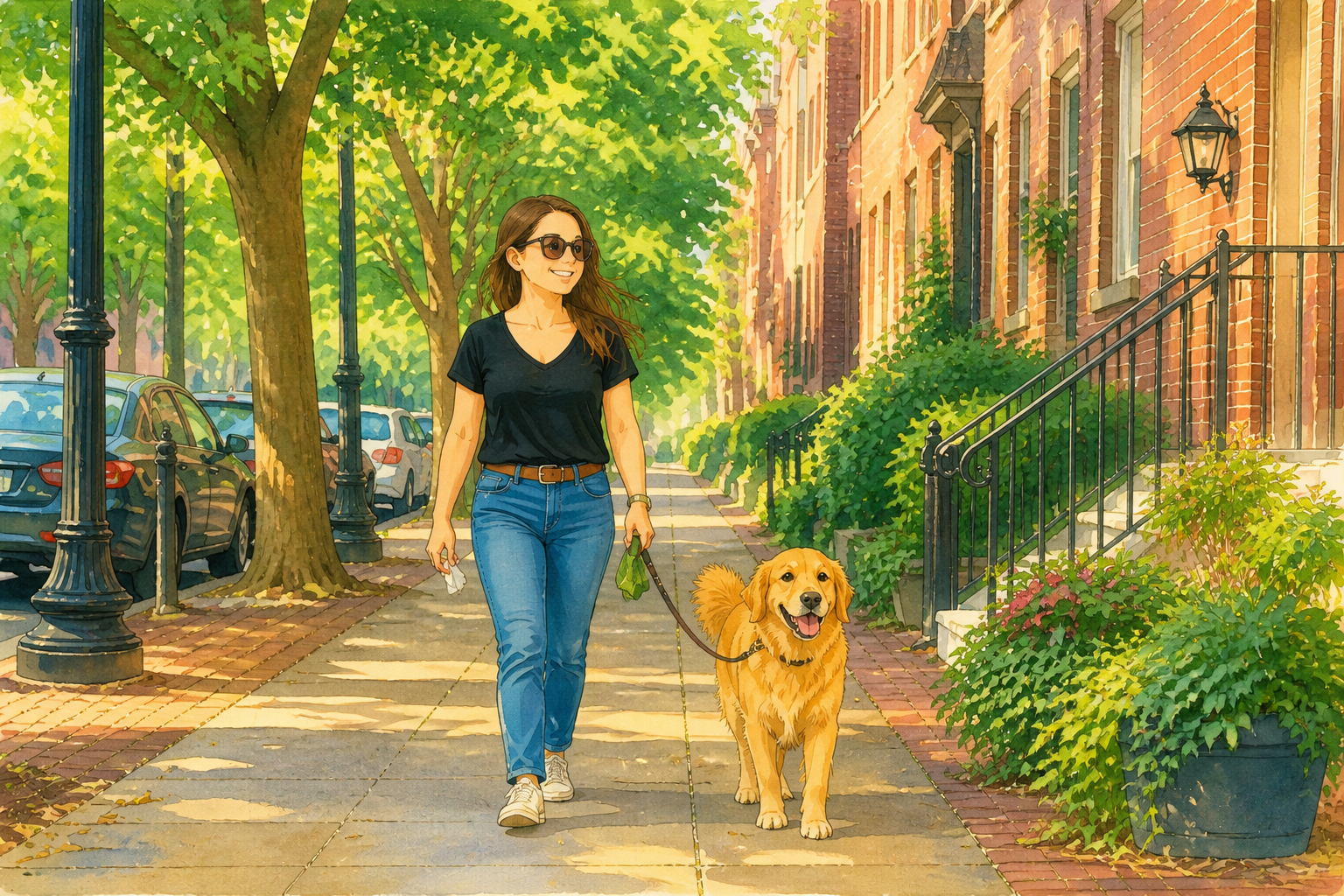 AFTER
AFTER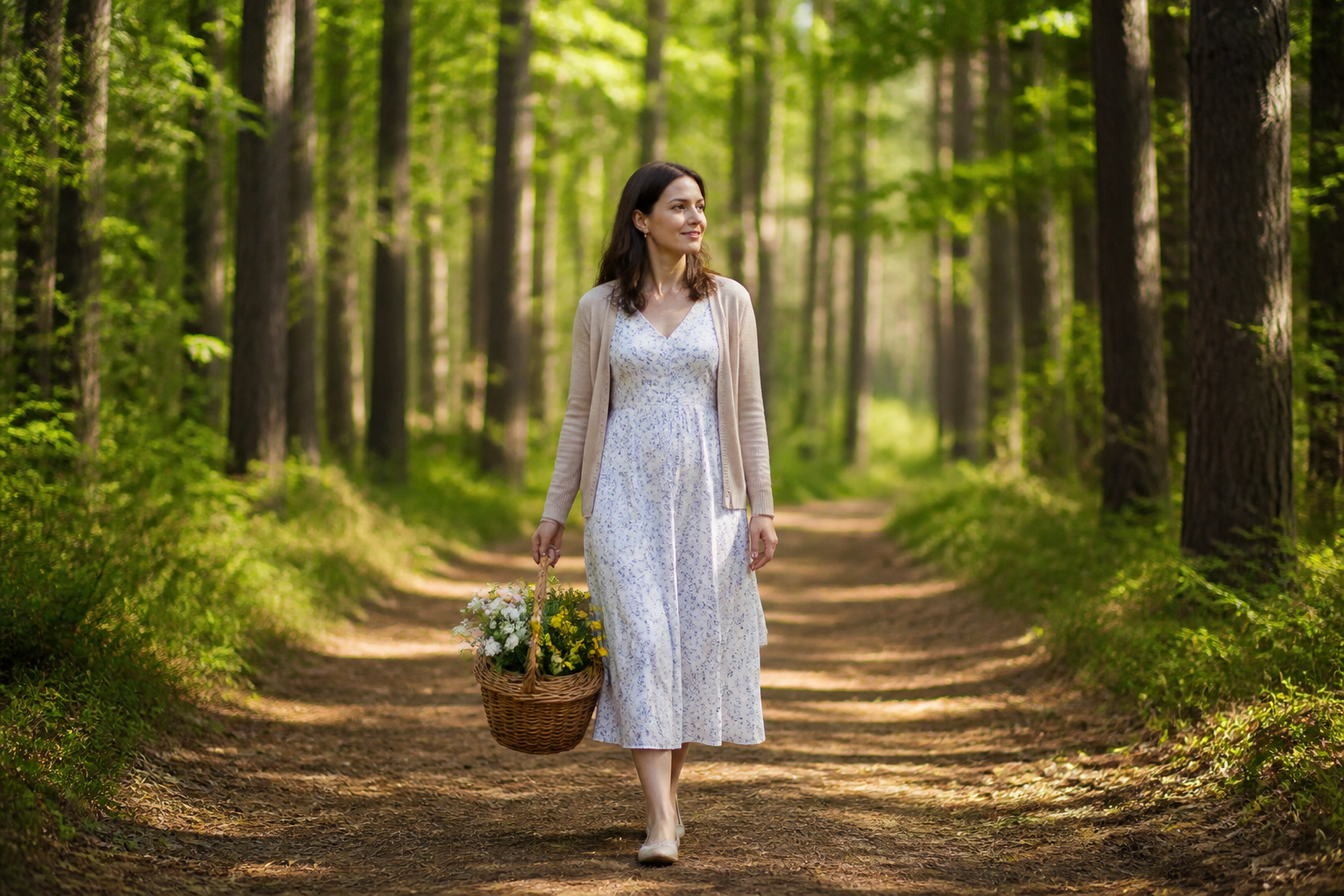 BEFORE
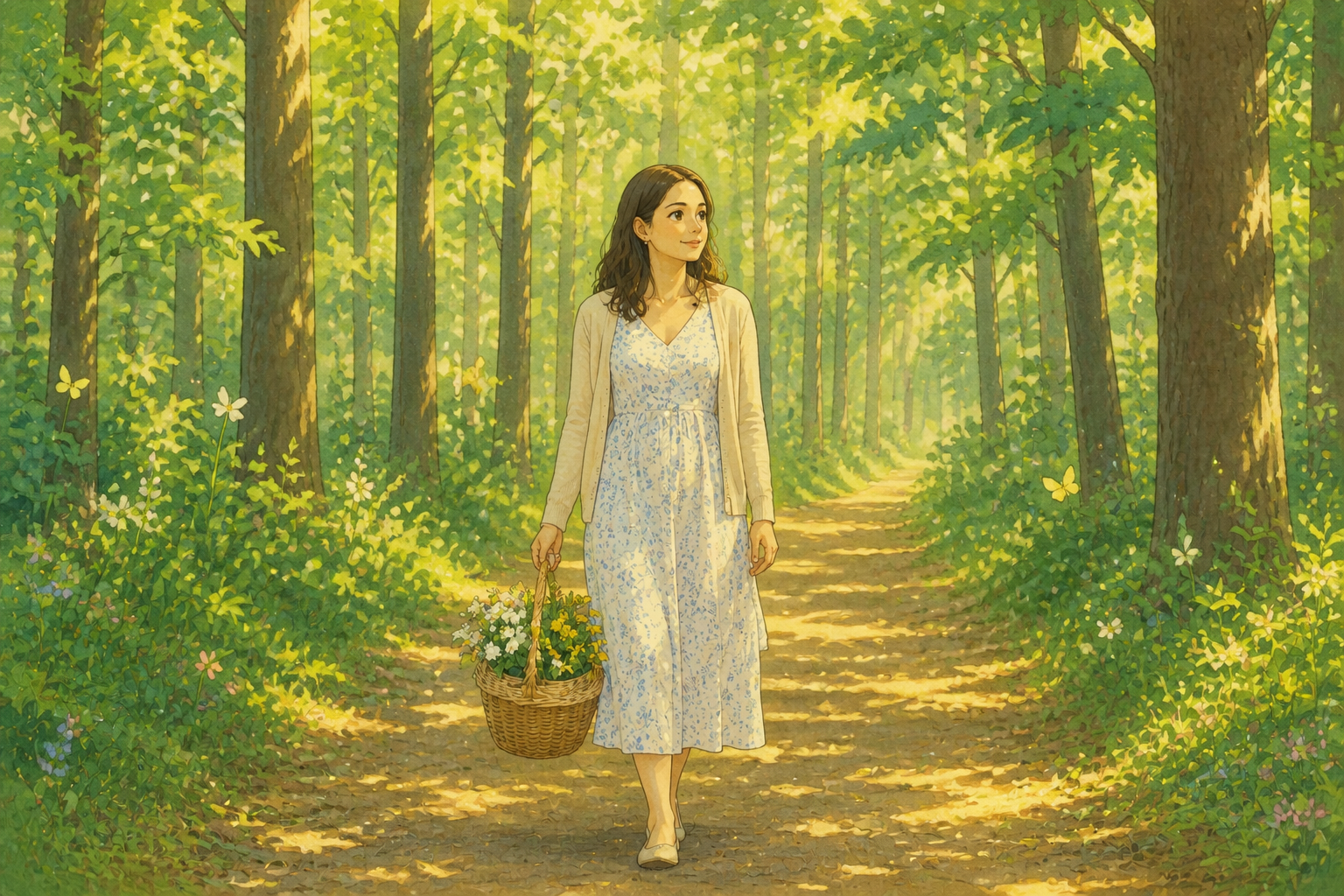 AFTER
AFTER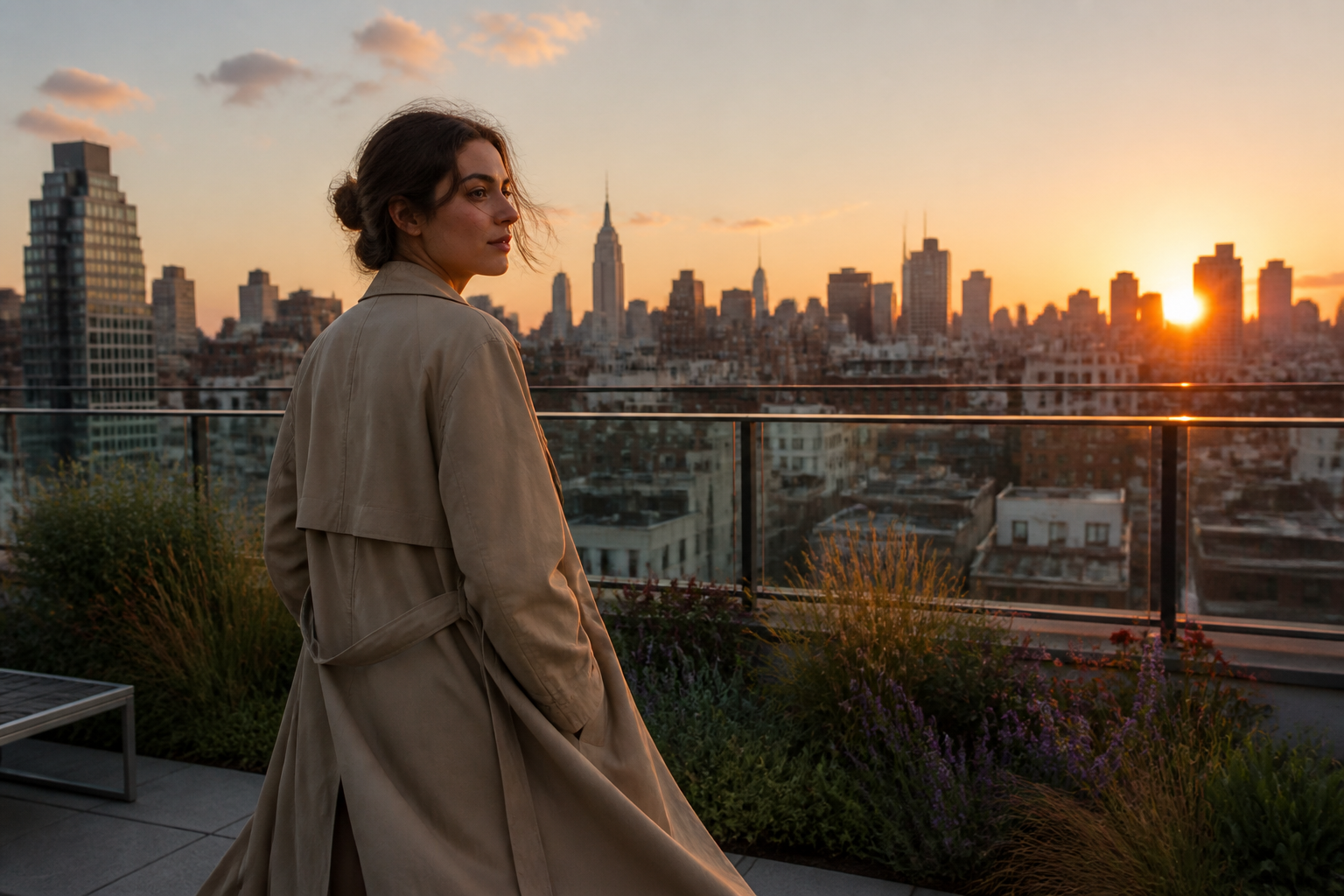 BEFORE
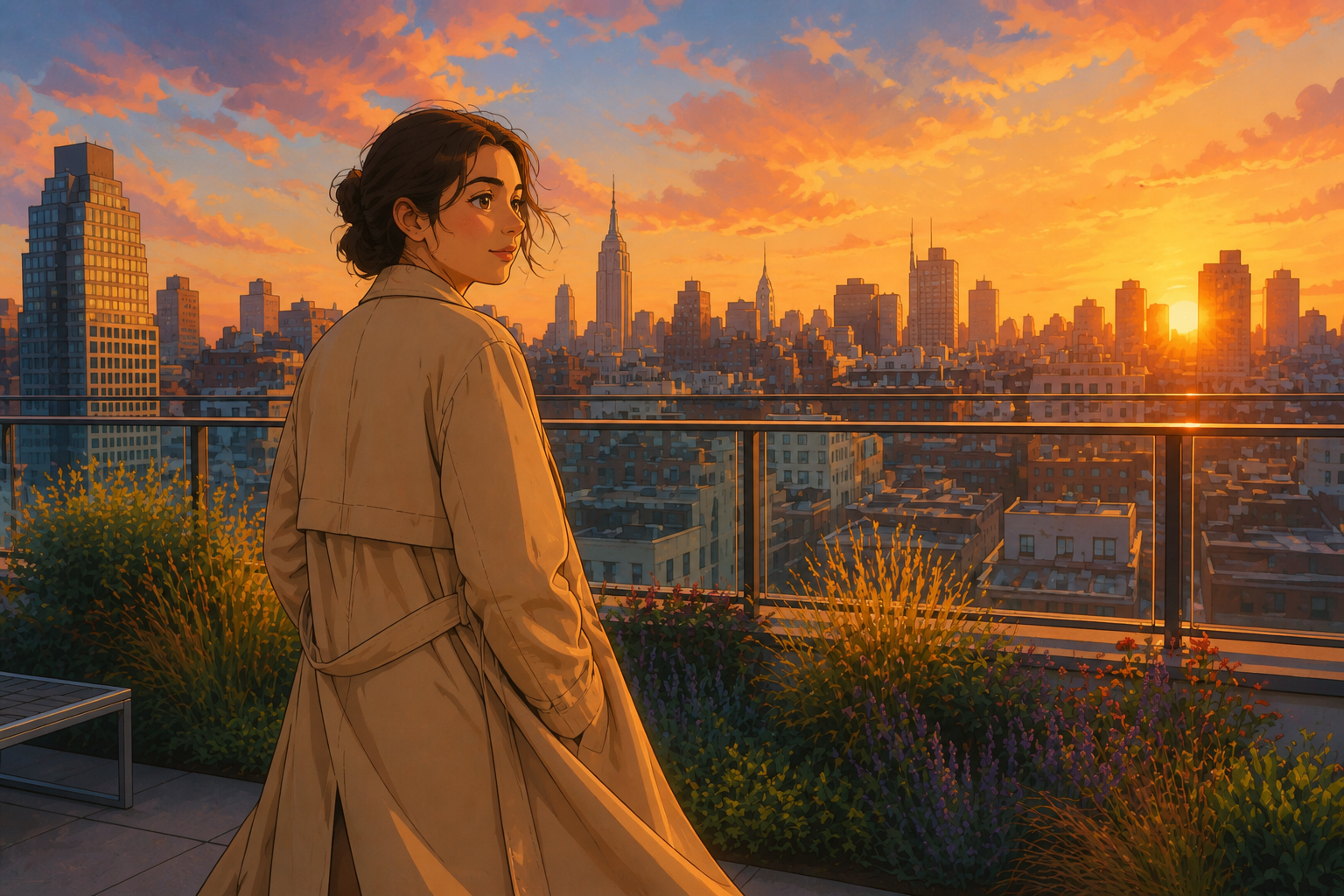 AFTERBEFOREAFTERBEFOREAFTERBEFOREAFTERBEFOREAFTERBEFOREAFTERBEFOREAFTER
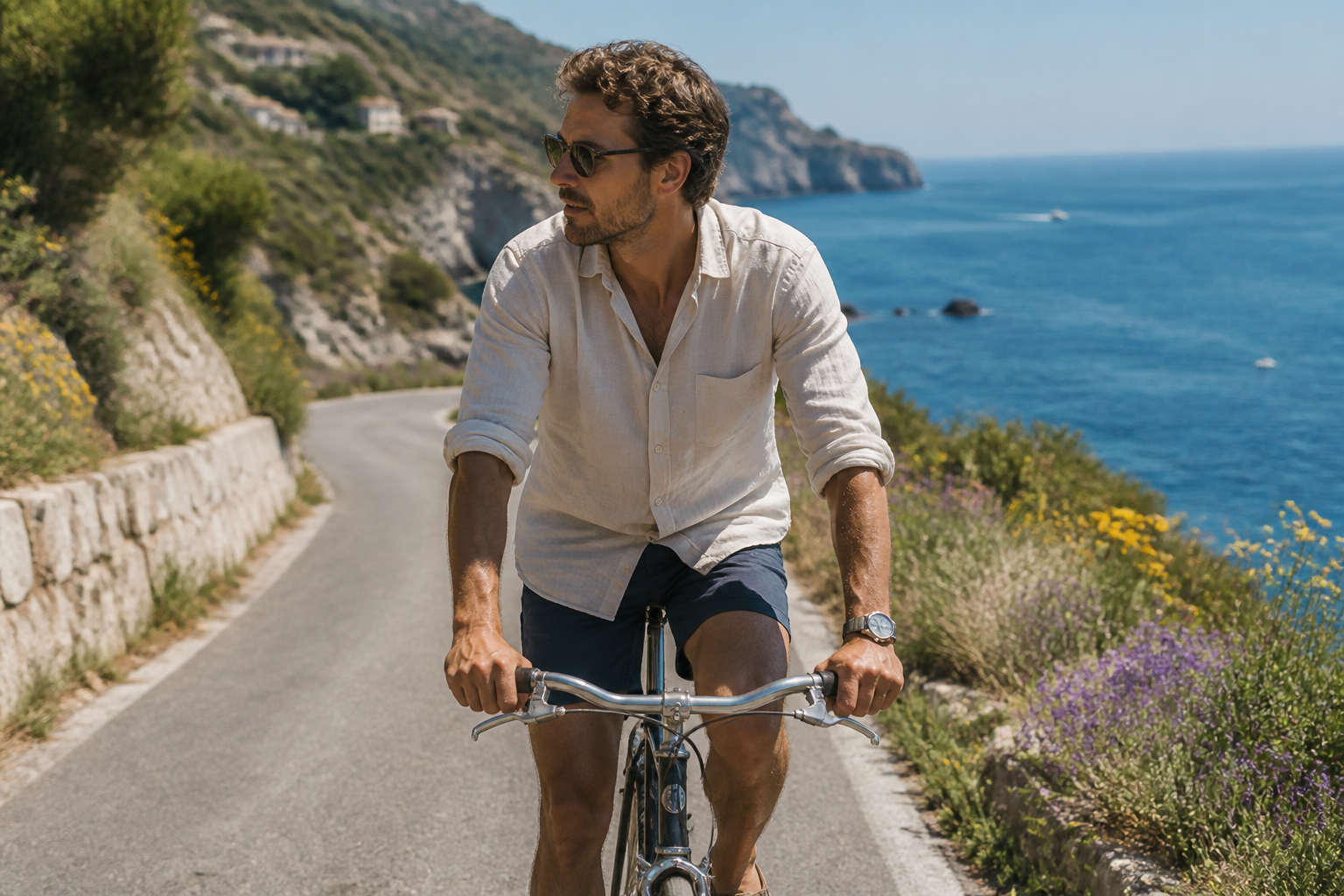 BEFORE
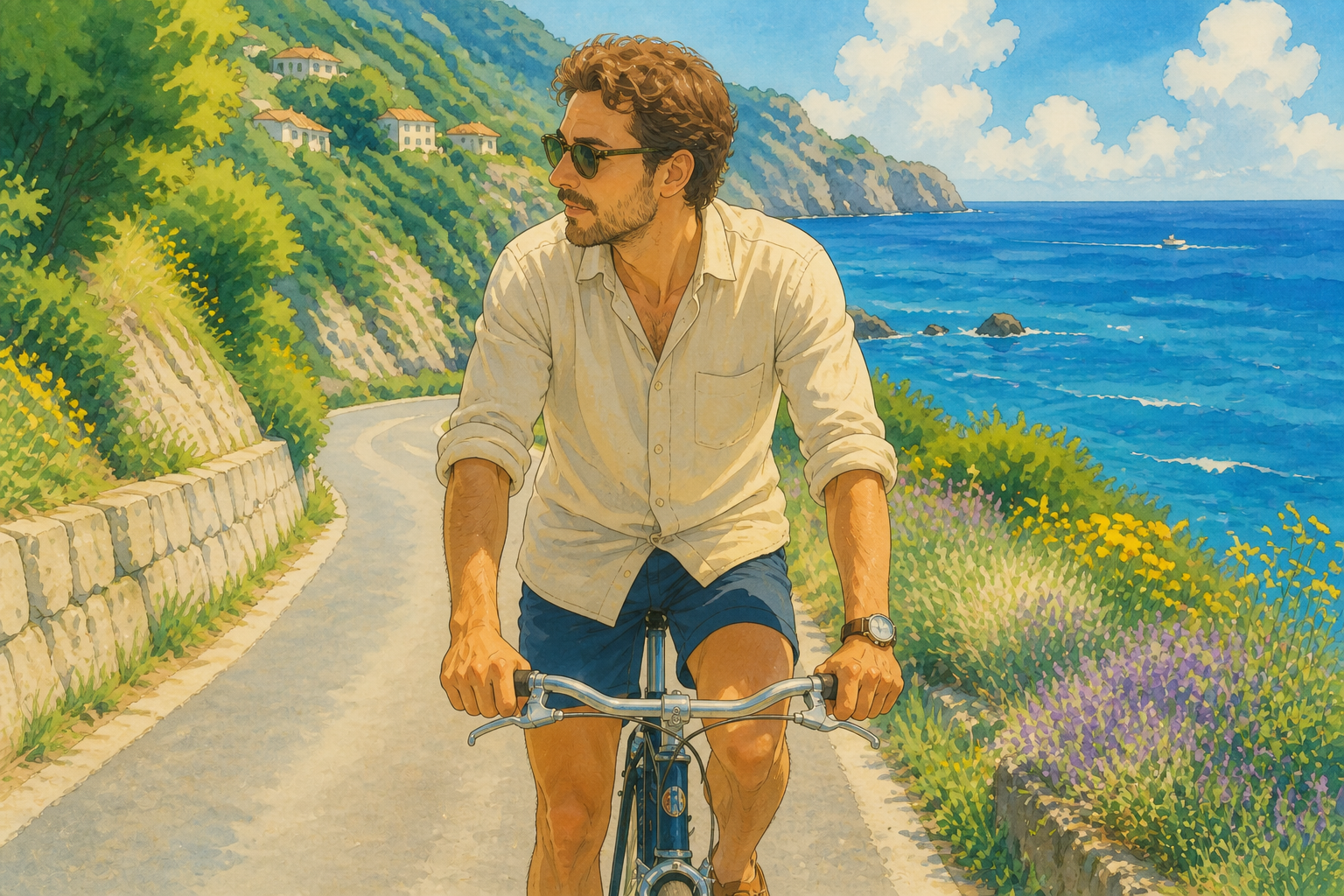 AFTER
AFTER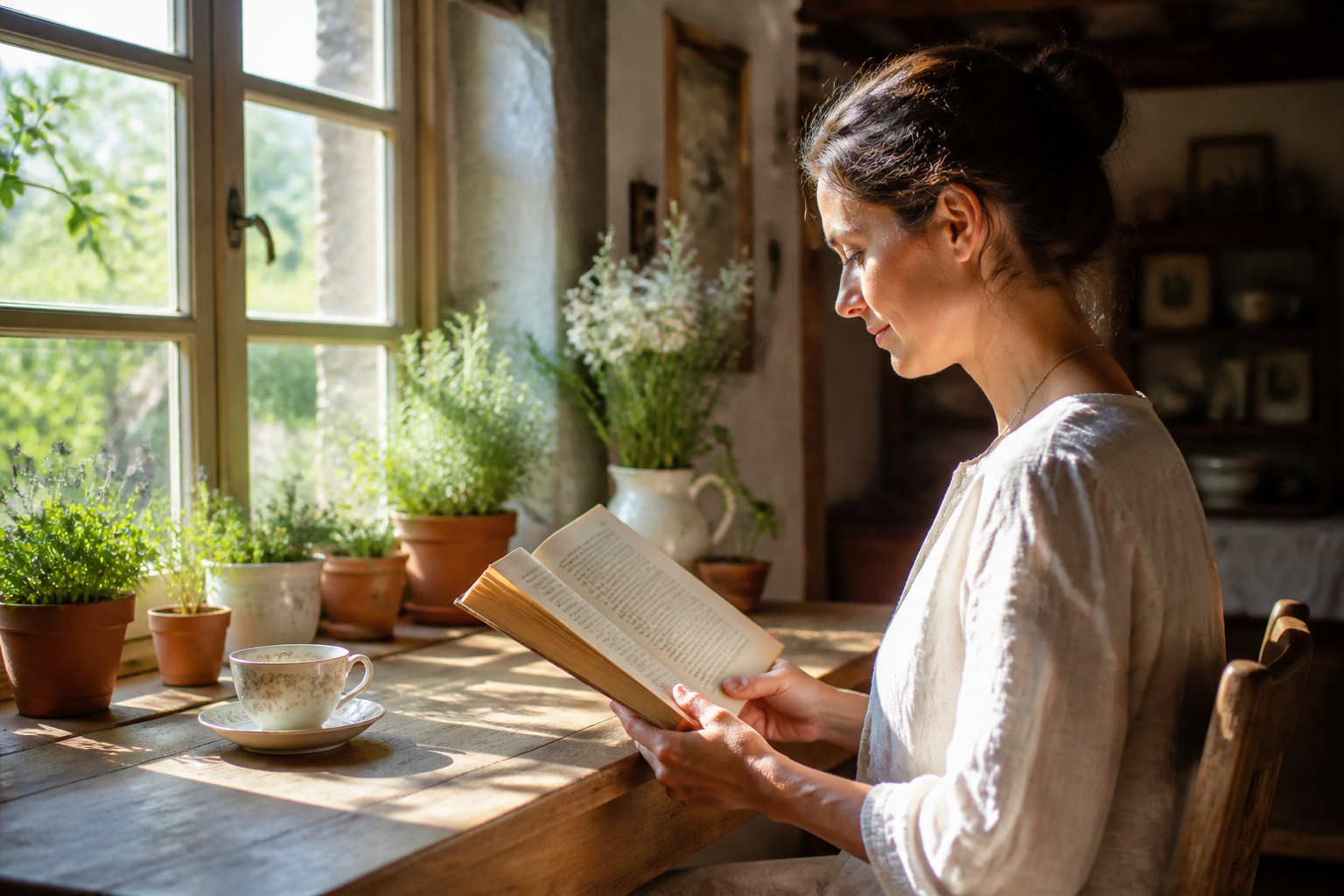 BEFORE
 AFTER
AFTER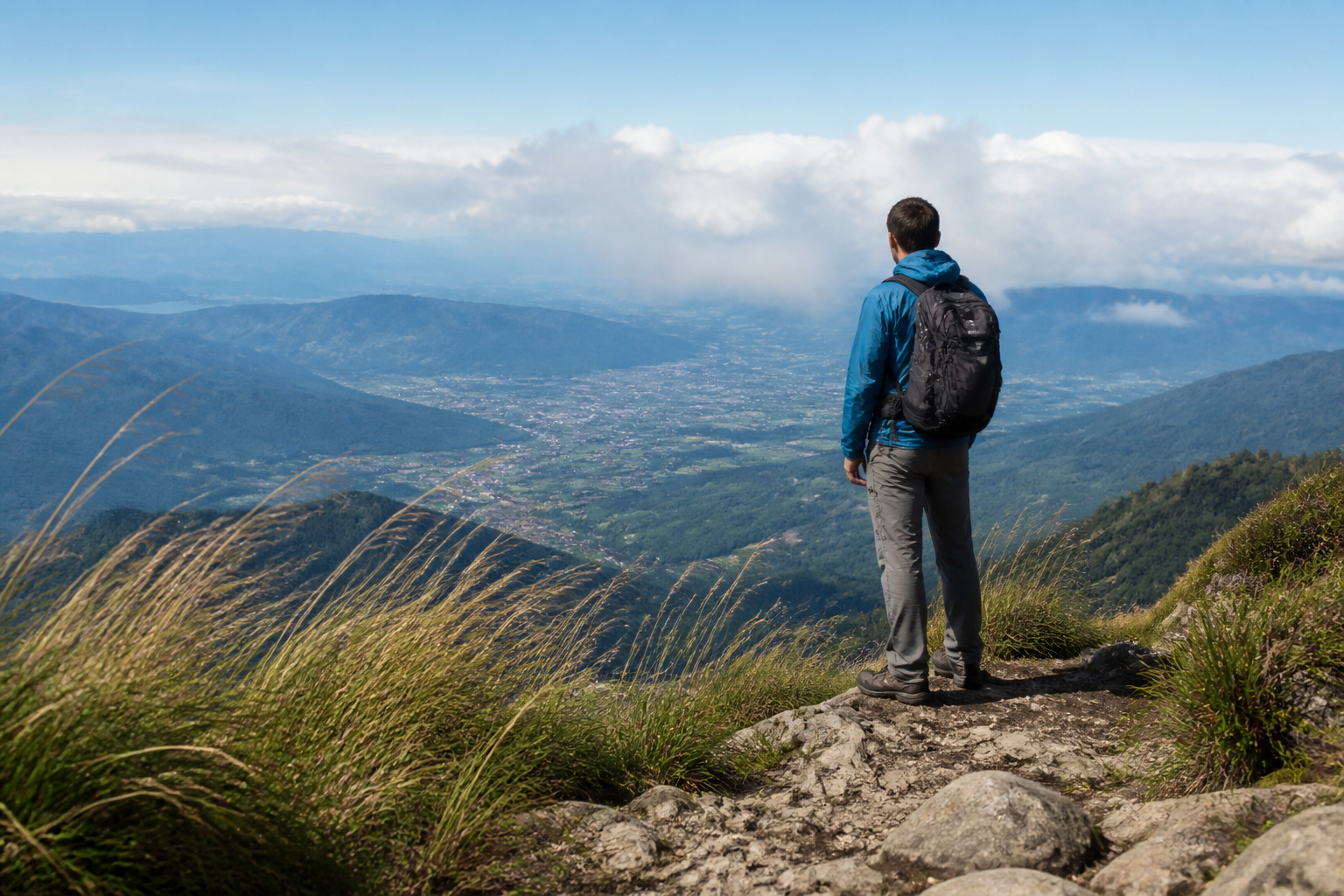 BEFORE
 AFTER
AFTER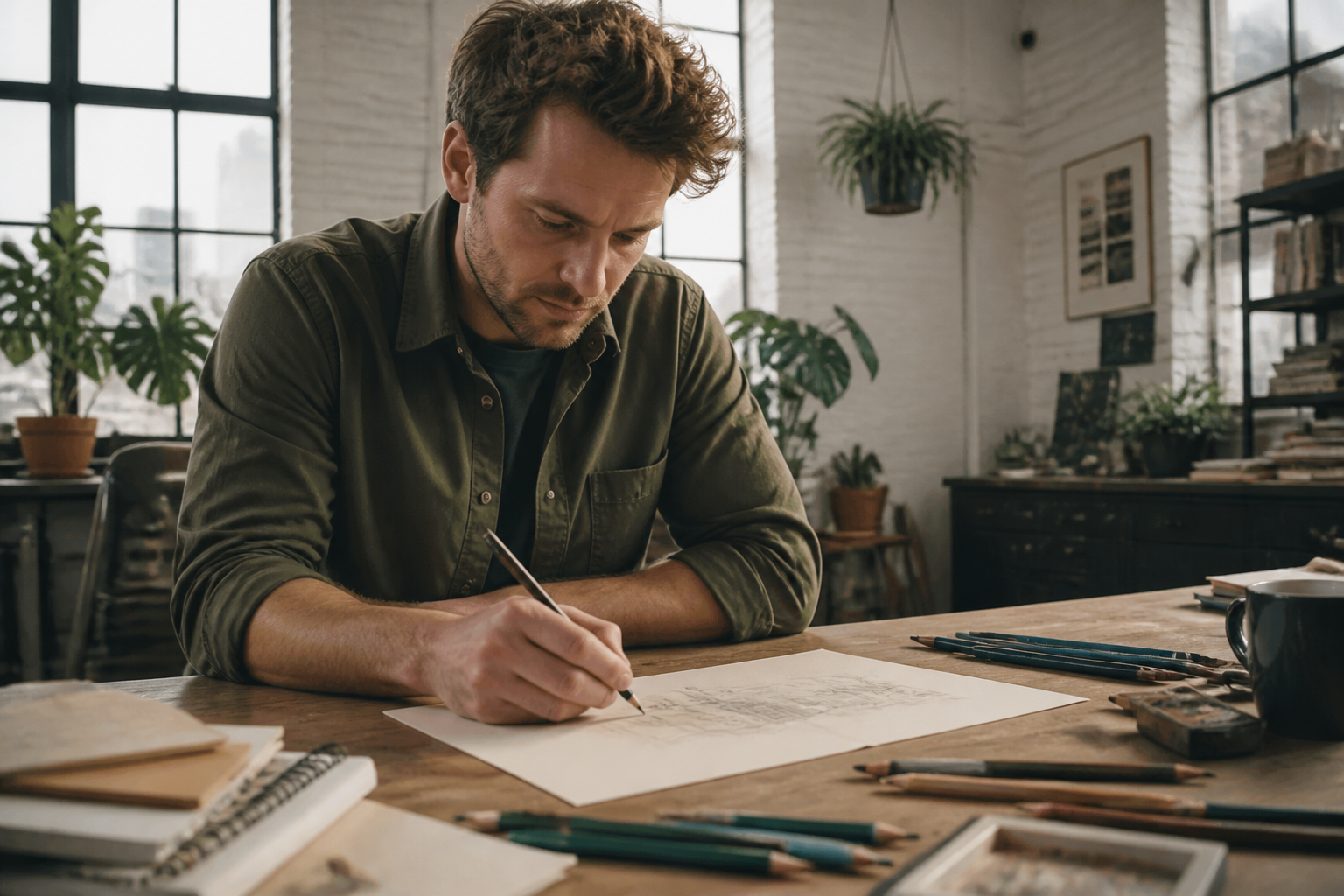 BEFORE
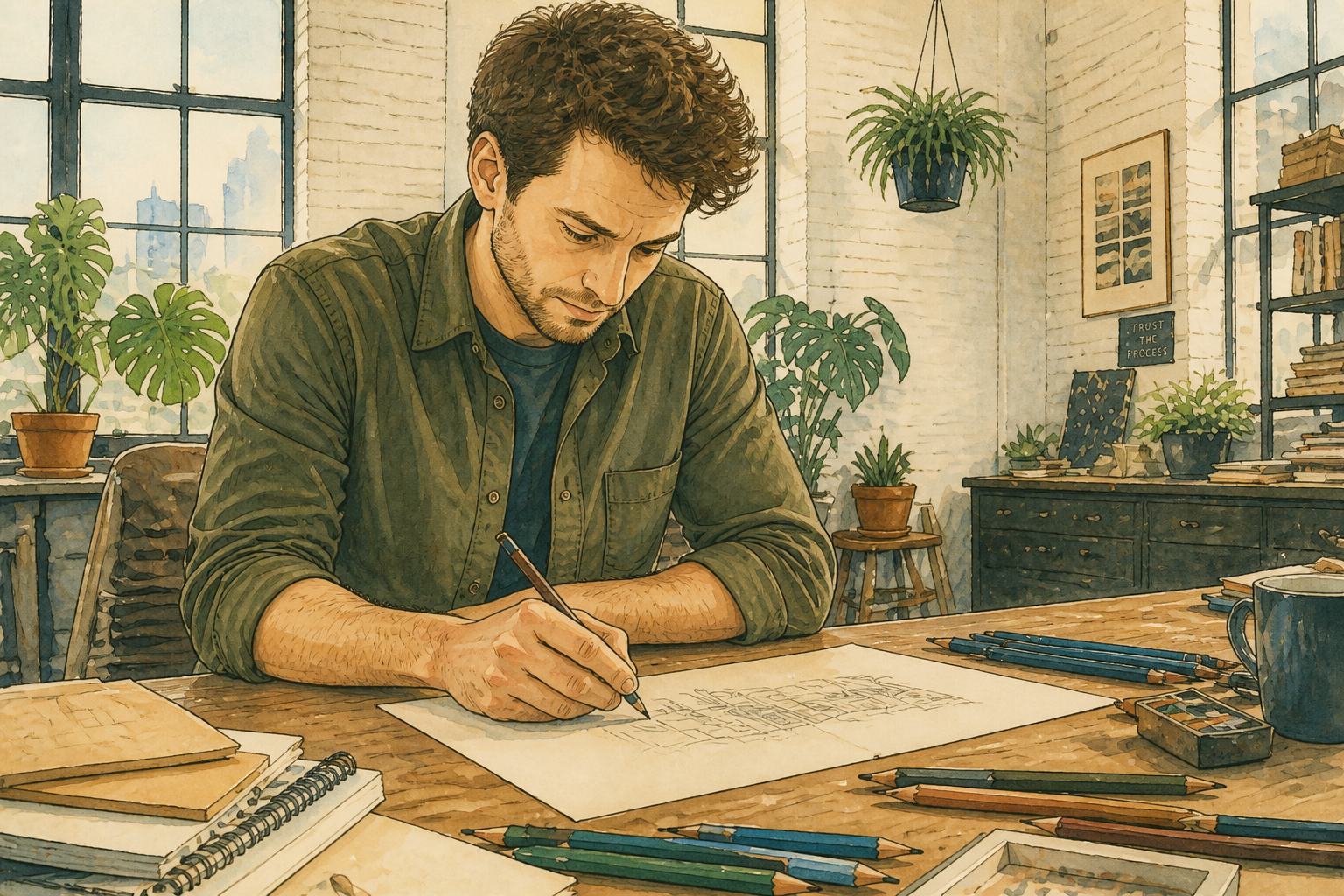 AFTER
AFTER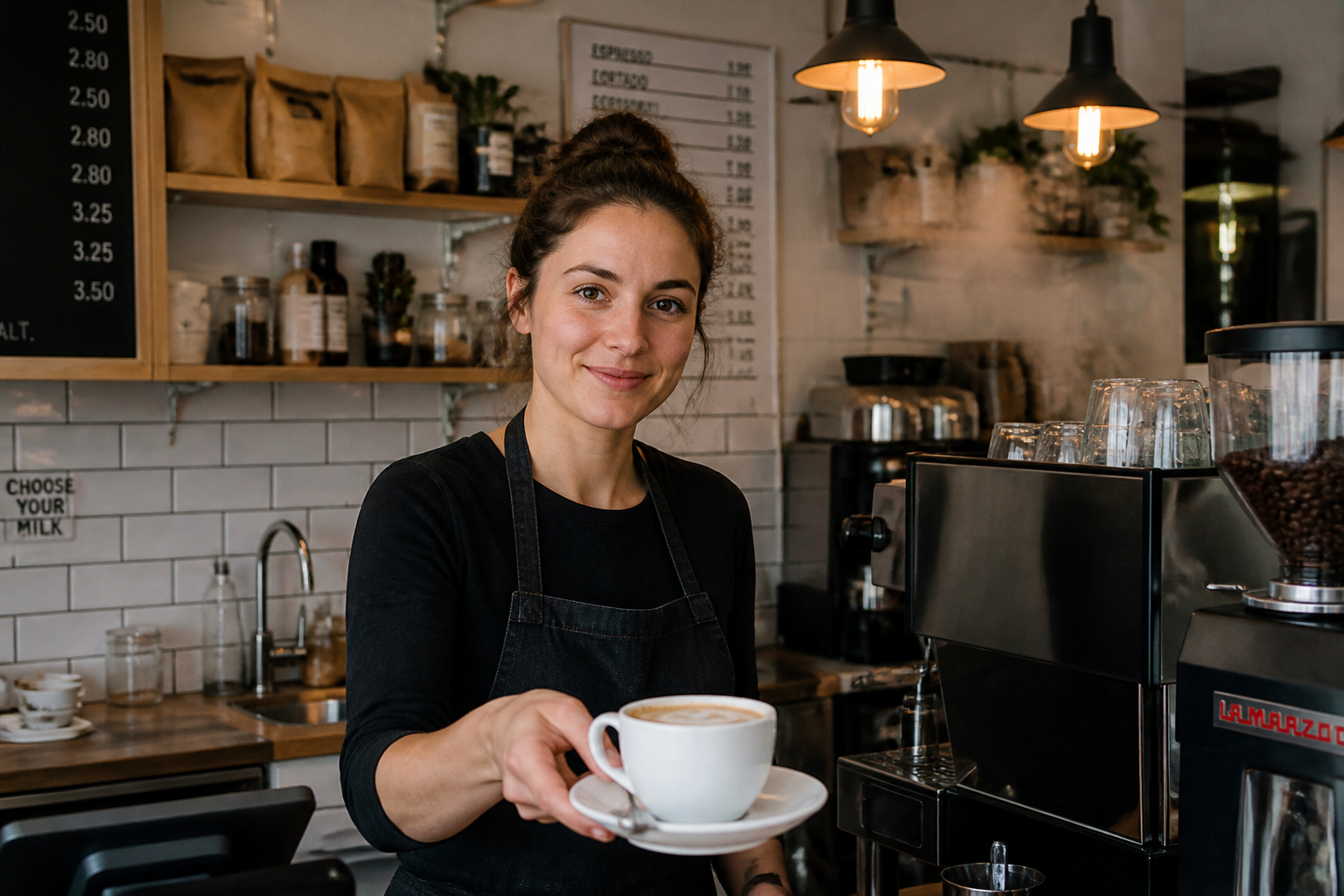 BEFORE
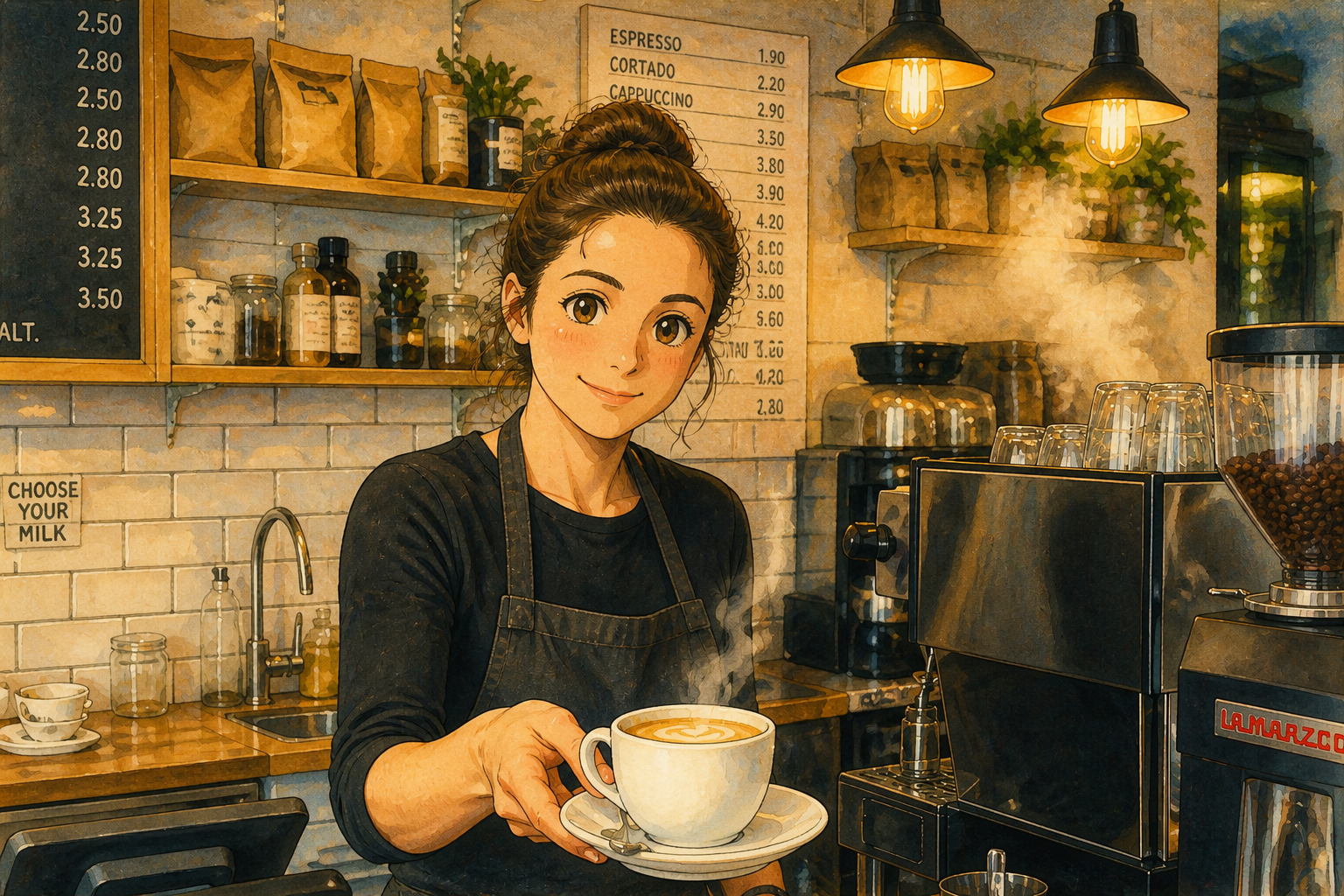 AFTER
AFTER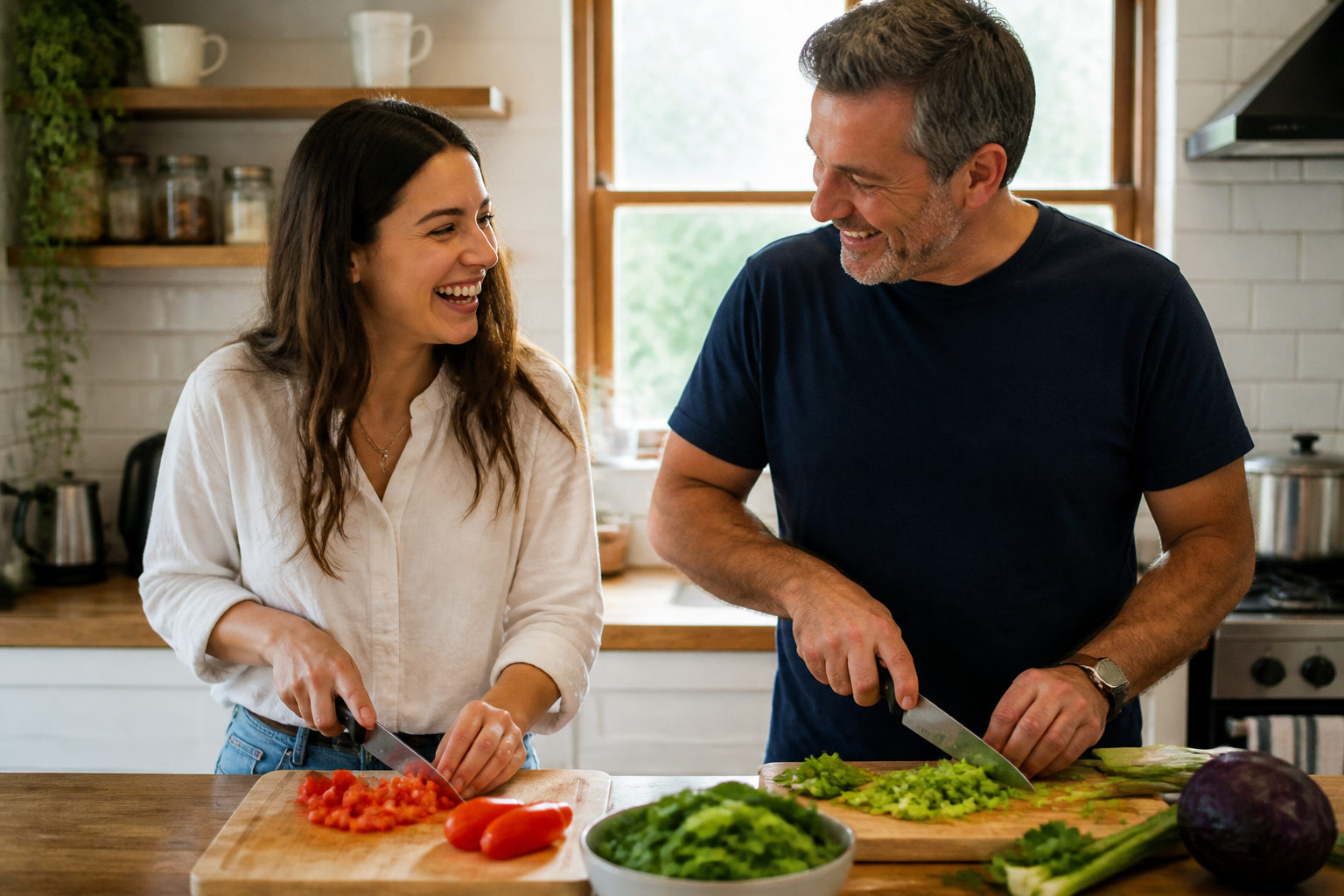 BEFORE
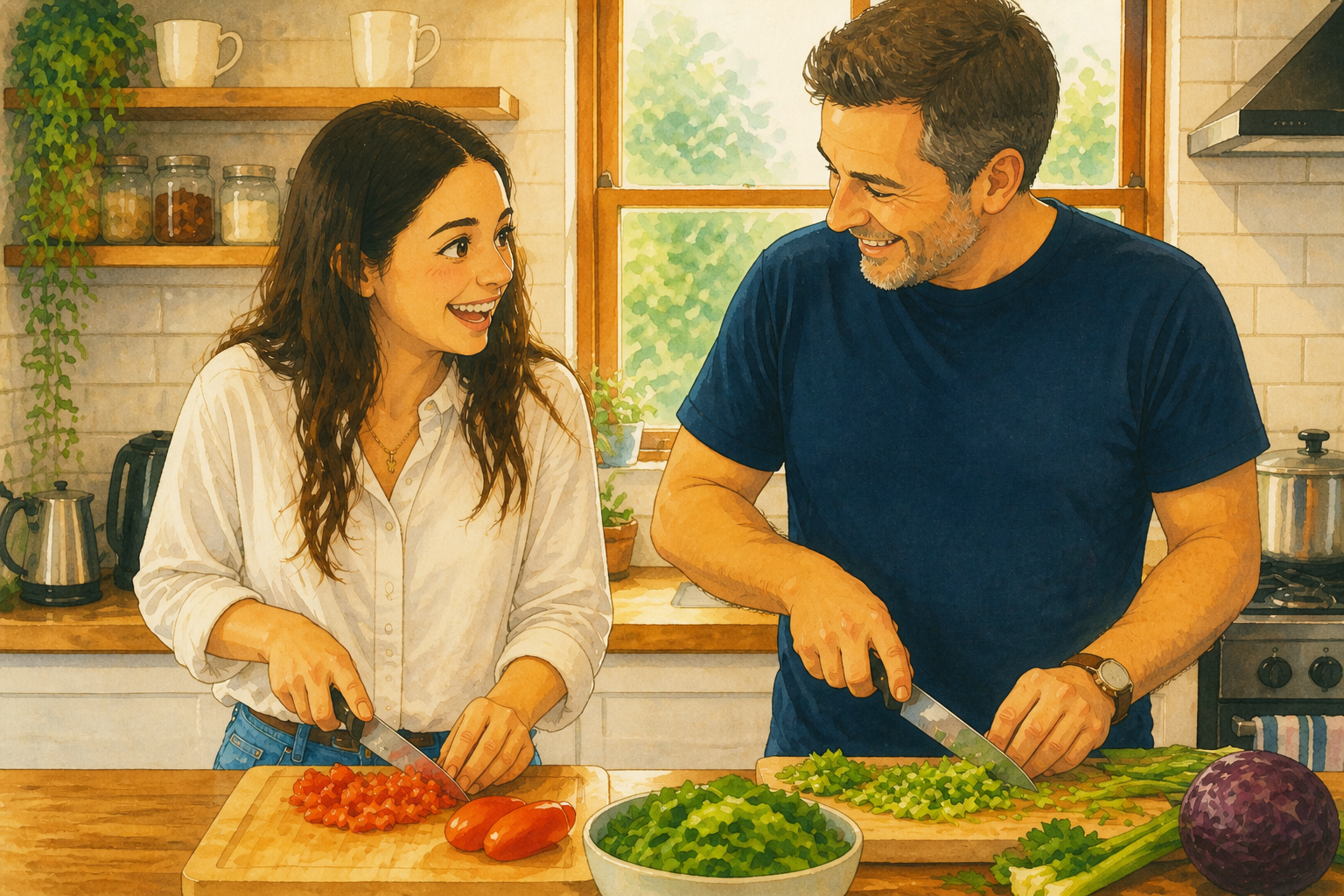 AFTERBEFOREAFTERBEFOREAFTERBEFOREAFTERBEFOREAFTERBEFOREAFTERBEFOREAFTER
Key Features
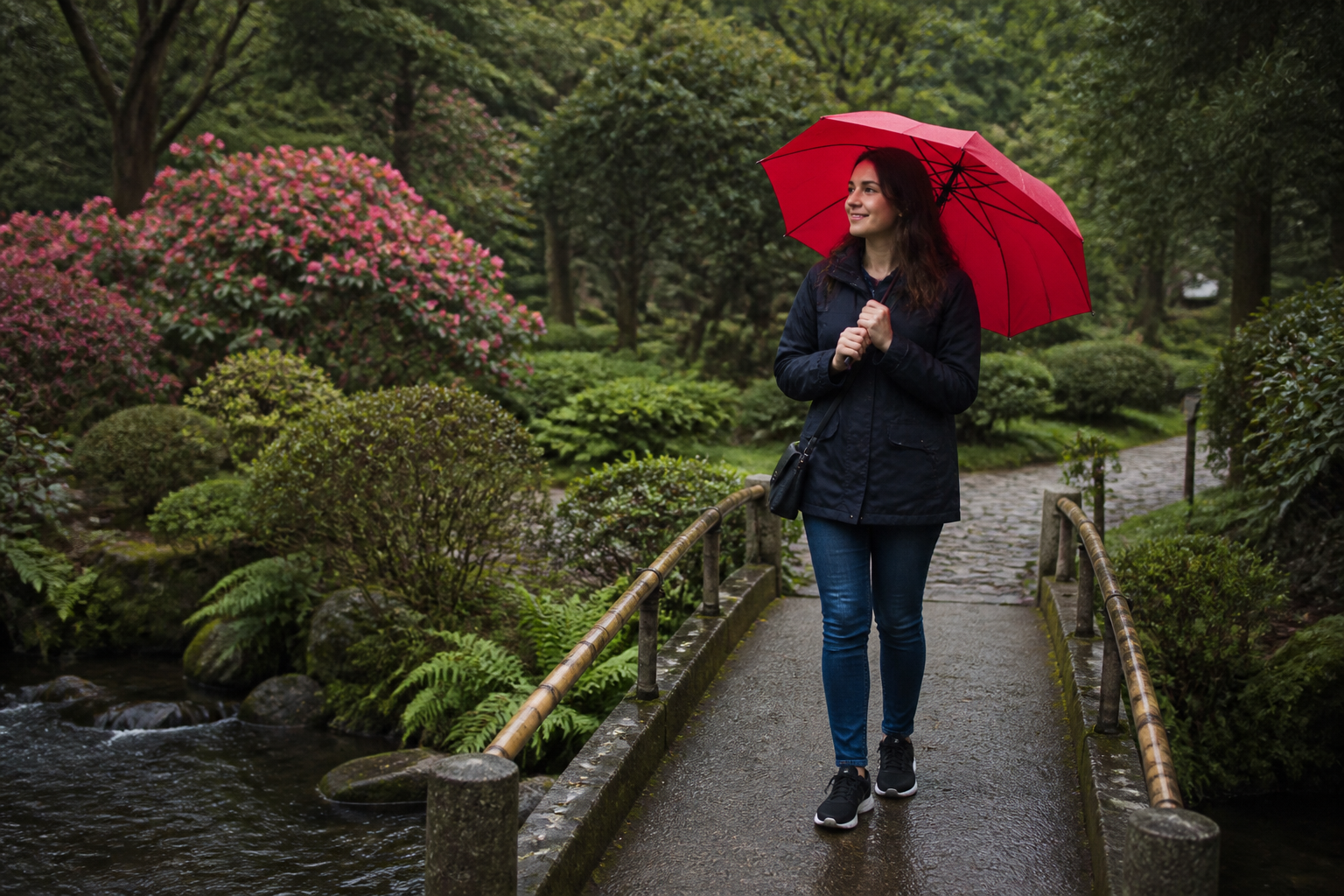
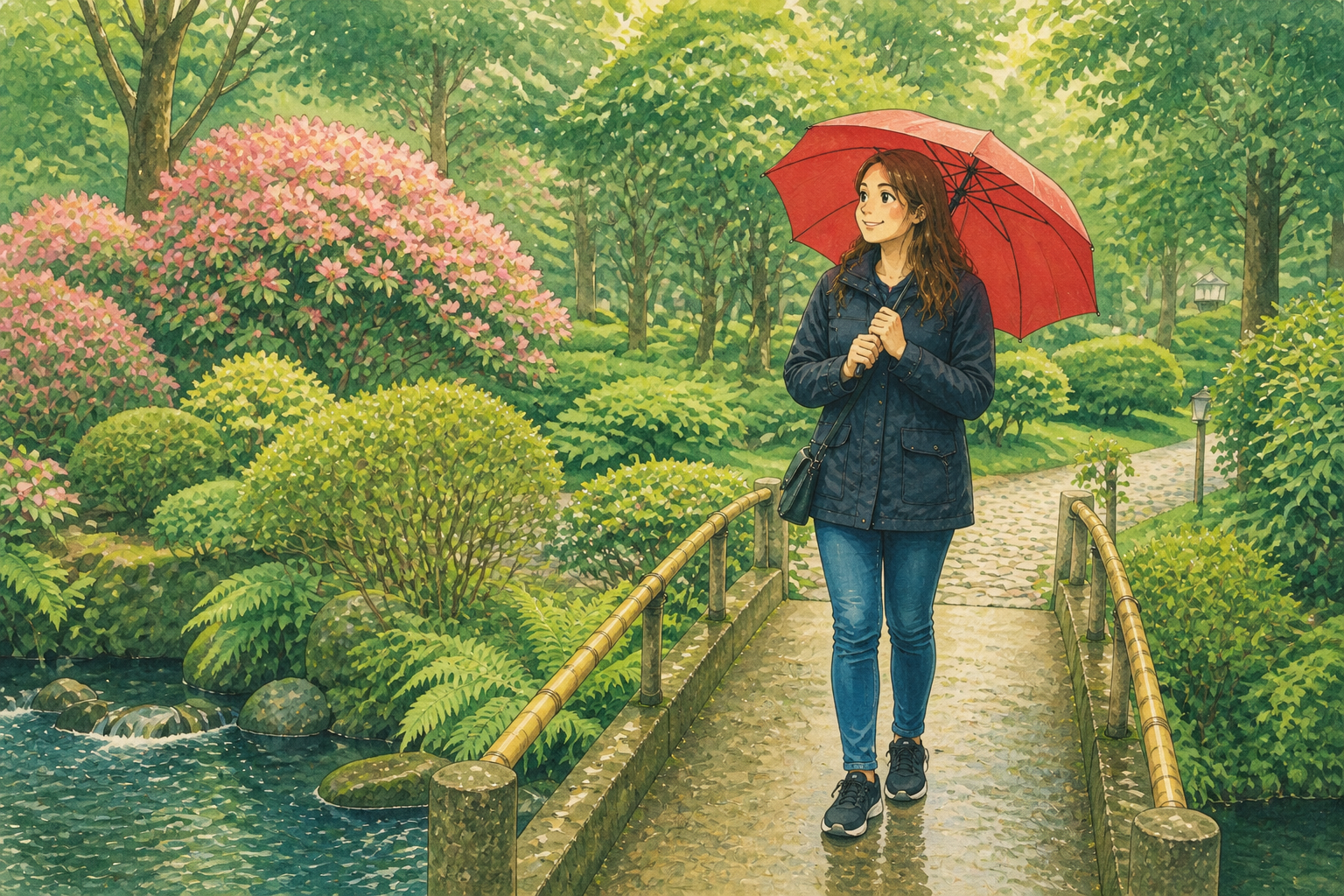
Keep the original scene
You do not need to rebuild your image from scratch. The edit keeps the main framing, subject placement, and visual story so the result still feels like your photo. That makes the transformation more useful than a generic art generator. You get a clear style shift without losing what made the image worth saving.
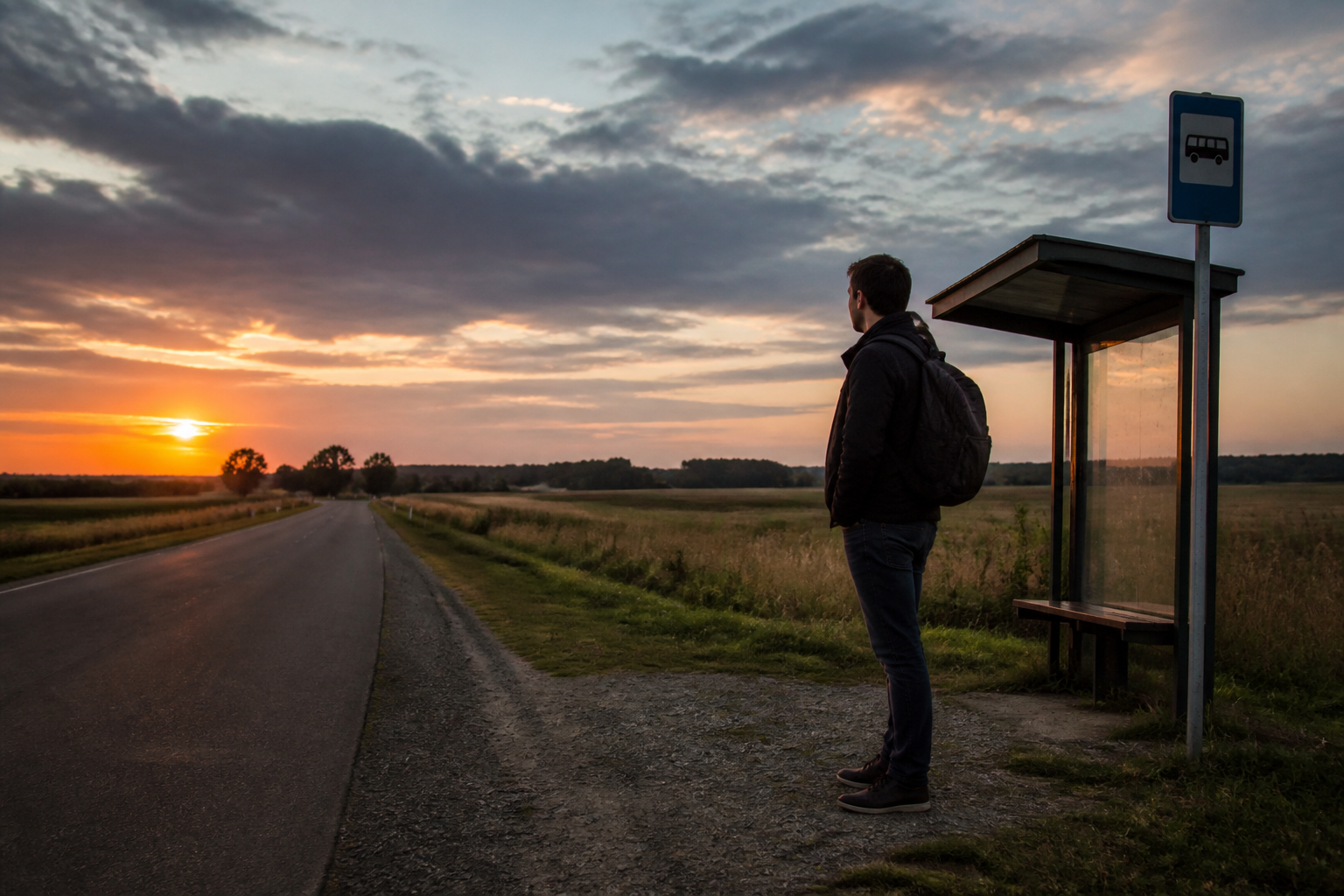
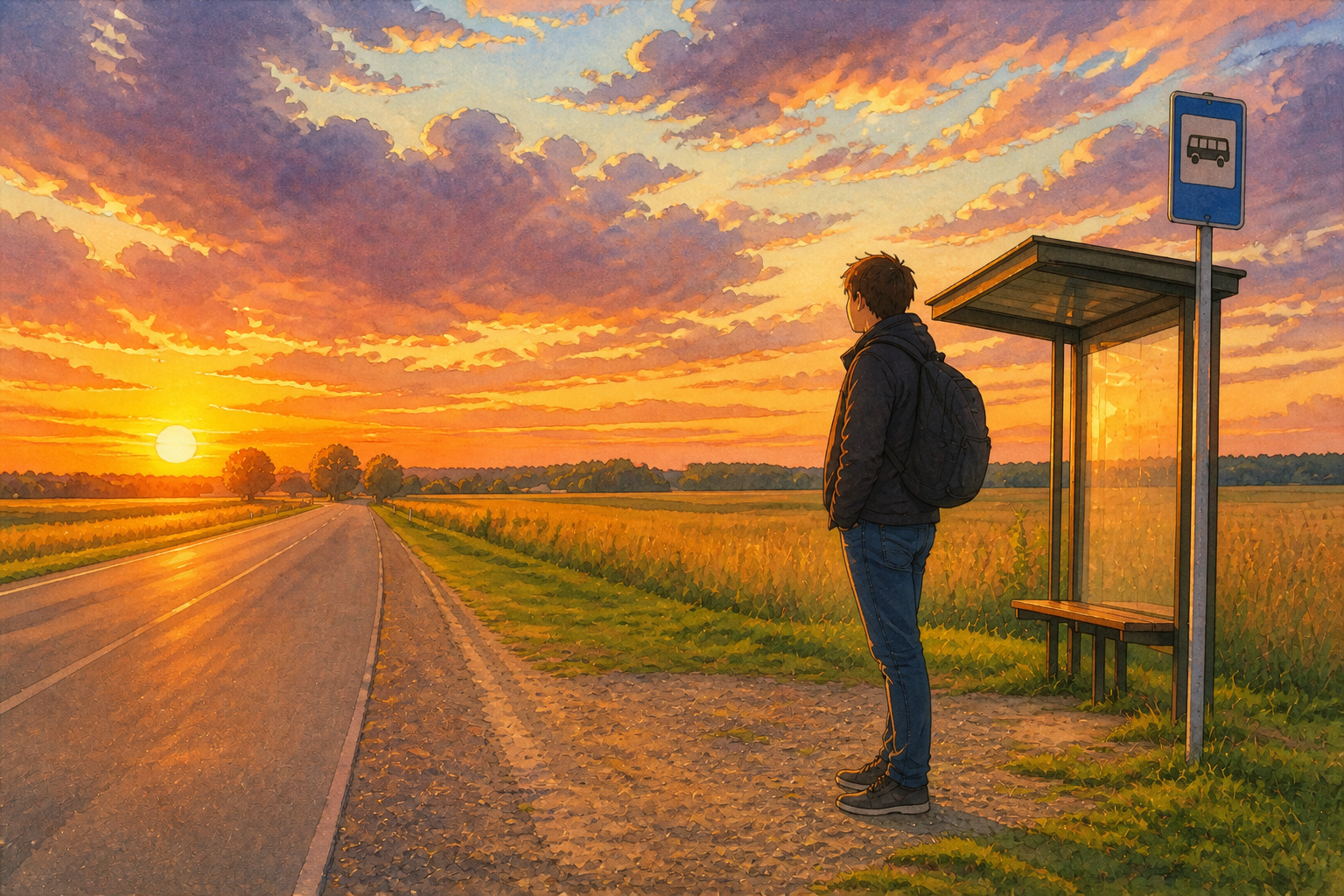
Soft cinematic color
The tool turns flat snapshots into warmer, more atmospheric artwork. It adds gentle color harmony, painterly skies, and the kind of light people associate with animated storybooks. Doing that by hand takes layers, brushes, and time. Here it happens in one edit while still reading clearly at thumbnail size.
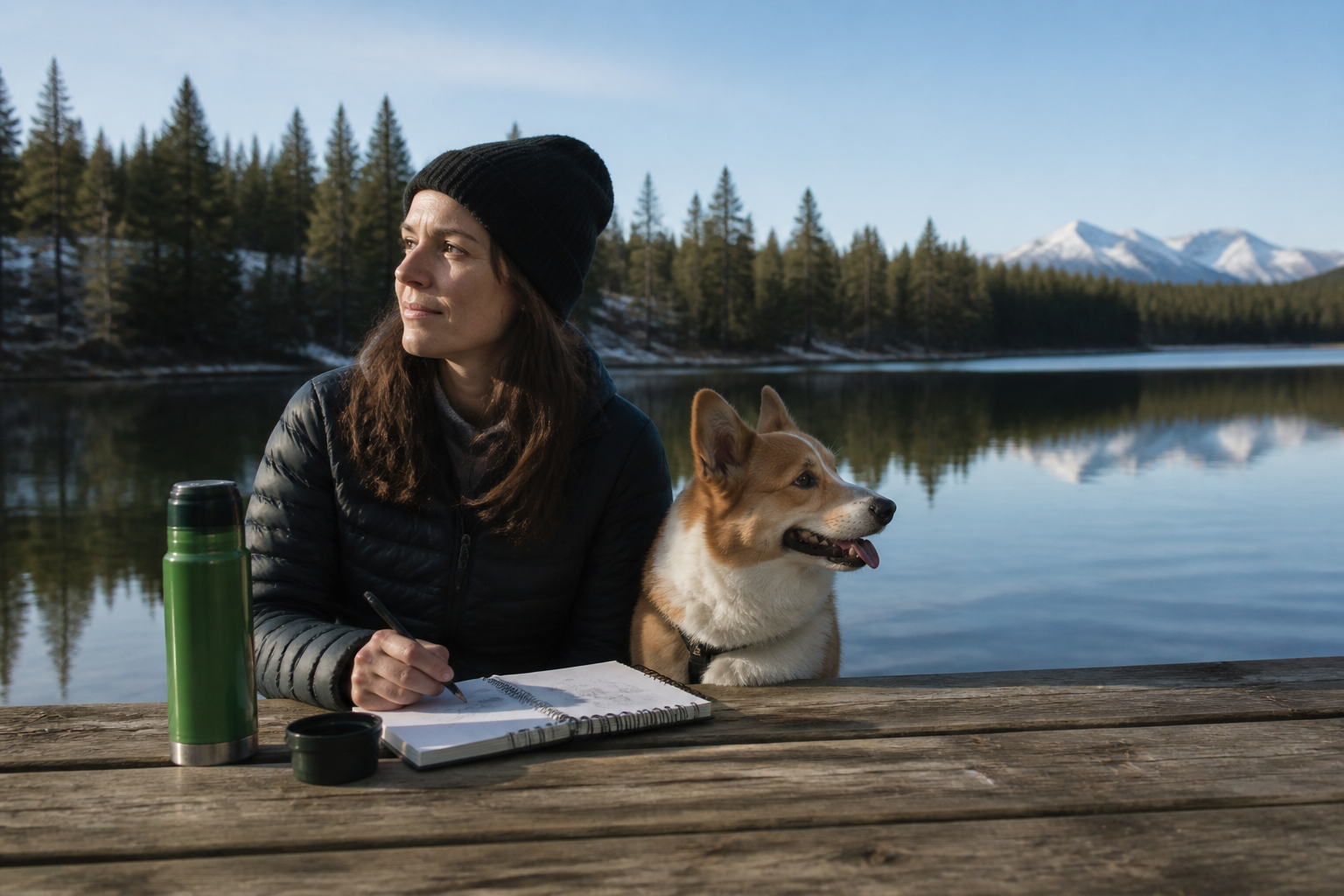
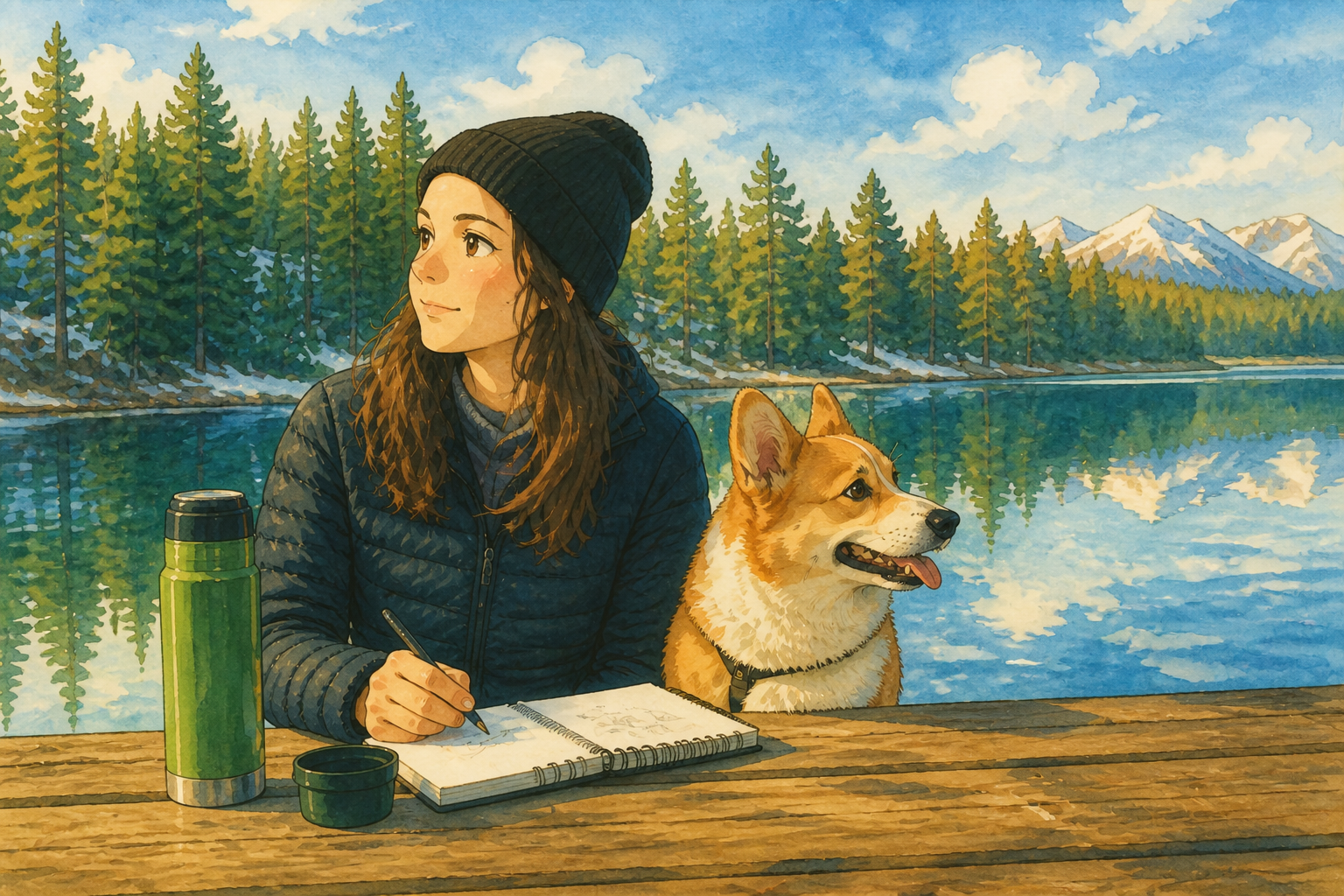
Works on many subjects
The style is not limited to portraits. You can apply it to travel photos, pets, cafes, streets, interiors, and quiet everyday moments. That makes the page useful for creators who want a consistent look across different kinds of images. You get variety without needing a different workflow for each subject.
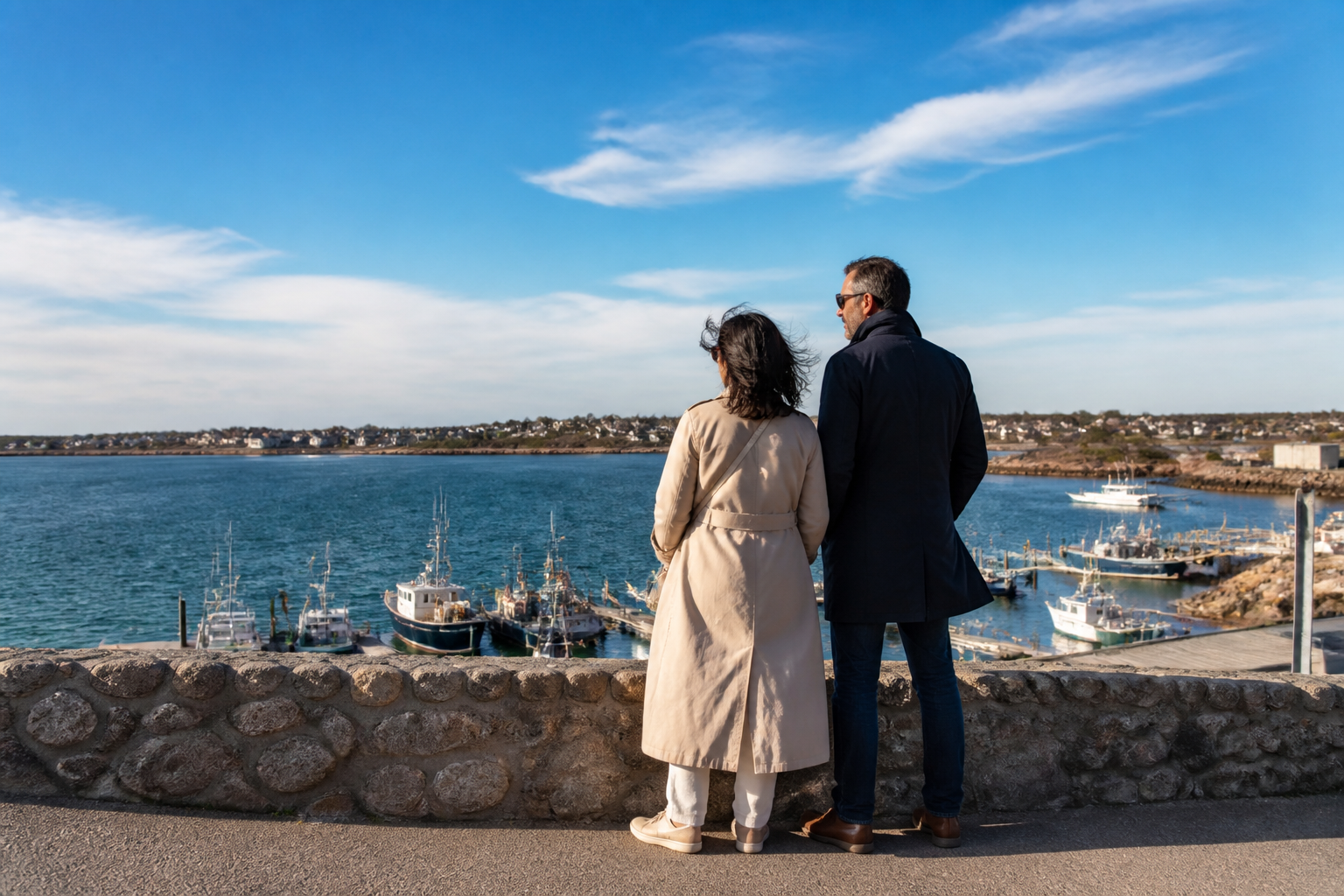
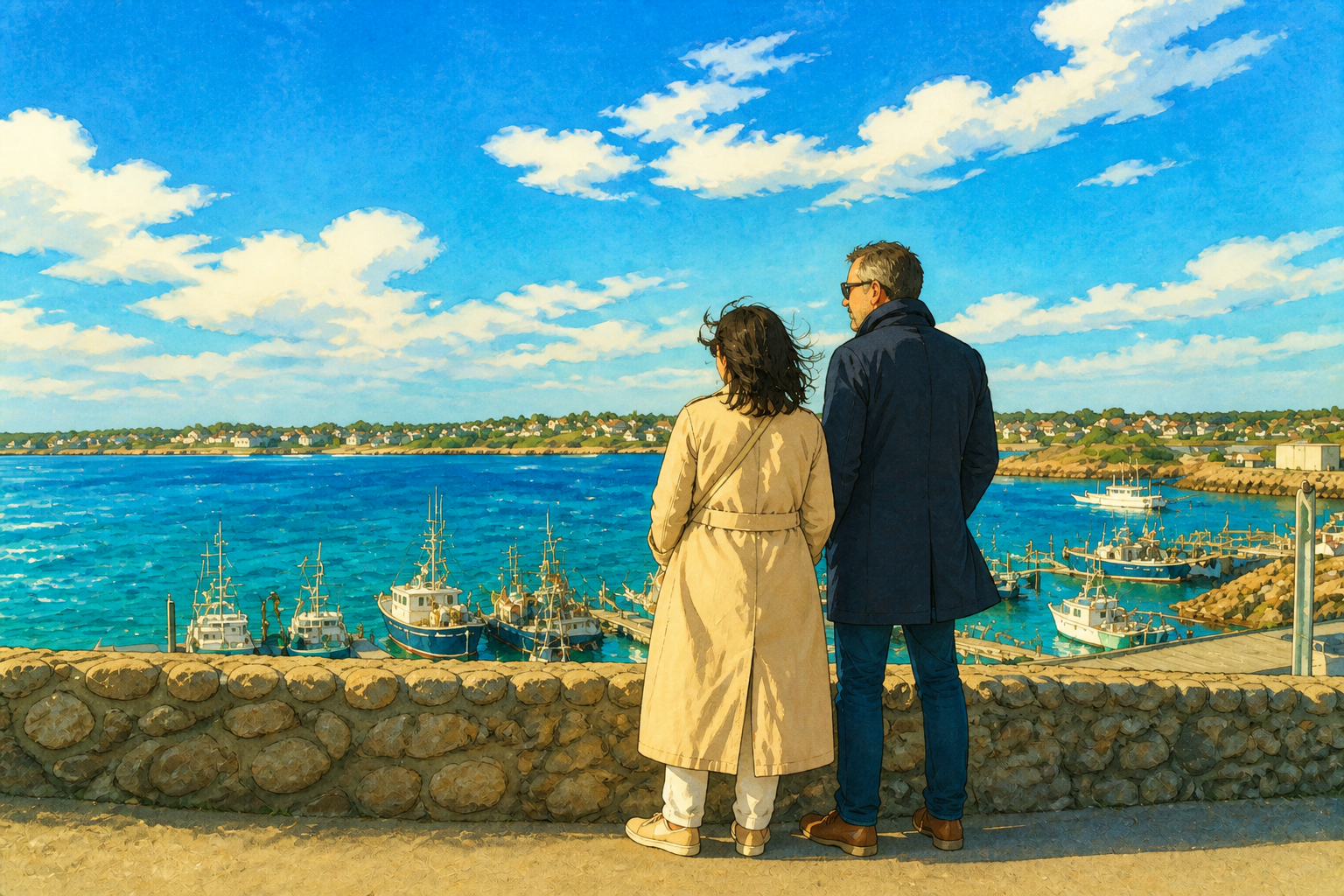
Clear, shareable results
The after image looks distinct enough to post, print, or use in a mood board. The transformation is visible right away, so visitors do not have to guess what changed. That matters for social content, thumbnails, and personal projects where style needs to read instantly. You get a strong before-and-after without manual retouching.
How It Works
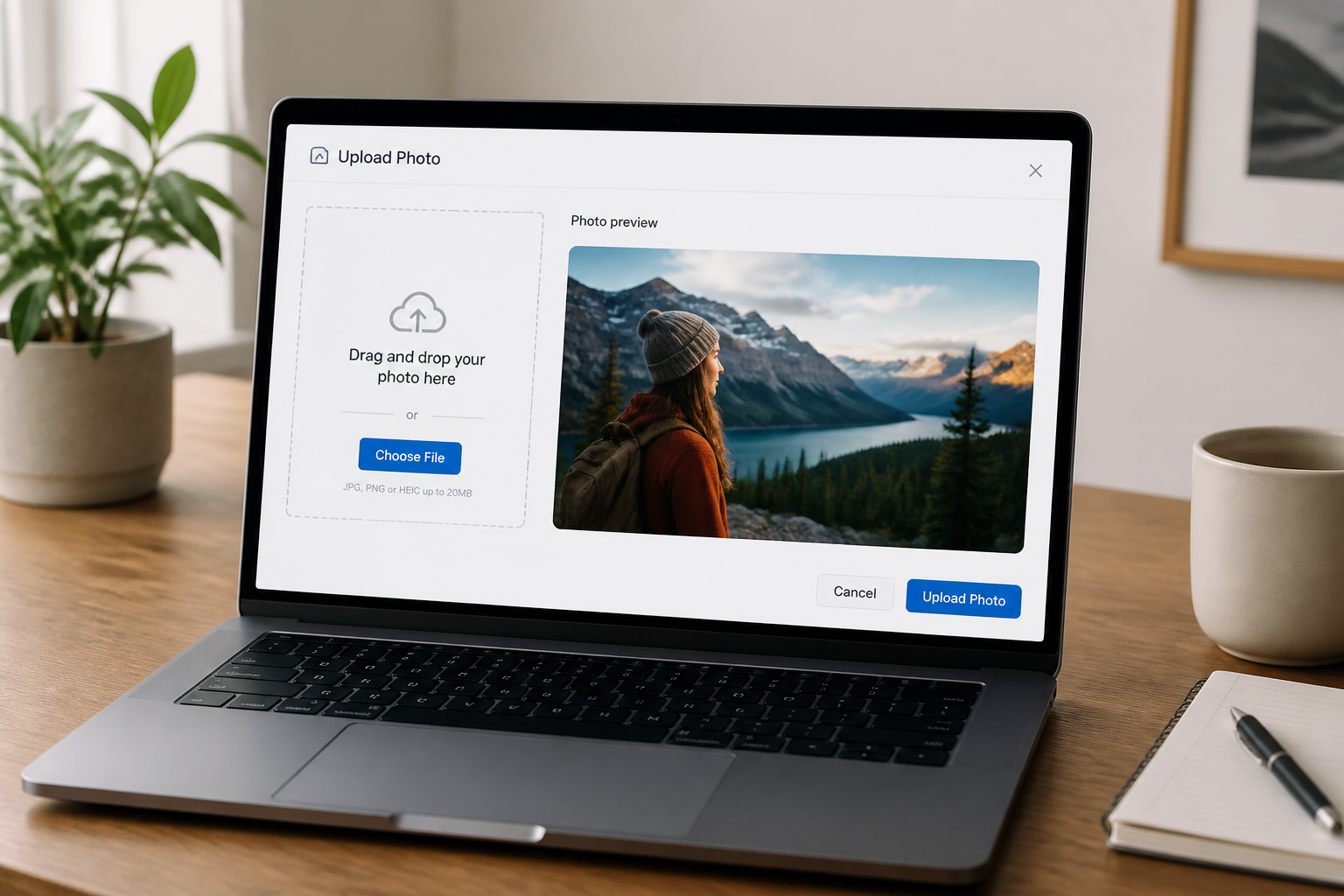
Upload your photo
Start with any clear image you want to restyle. Landscape travel shots, portraits, pets, and daily scenes all work well when the subject is easy to read.
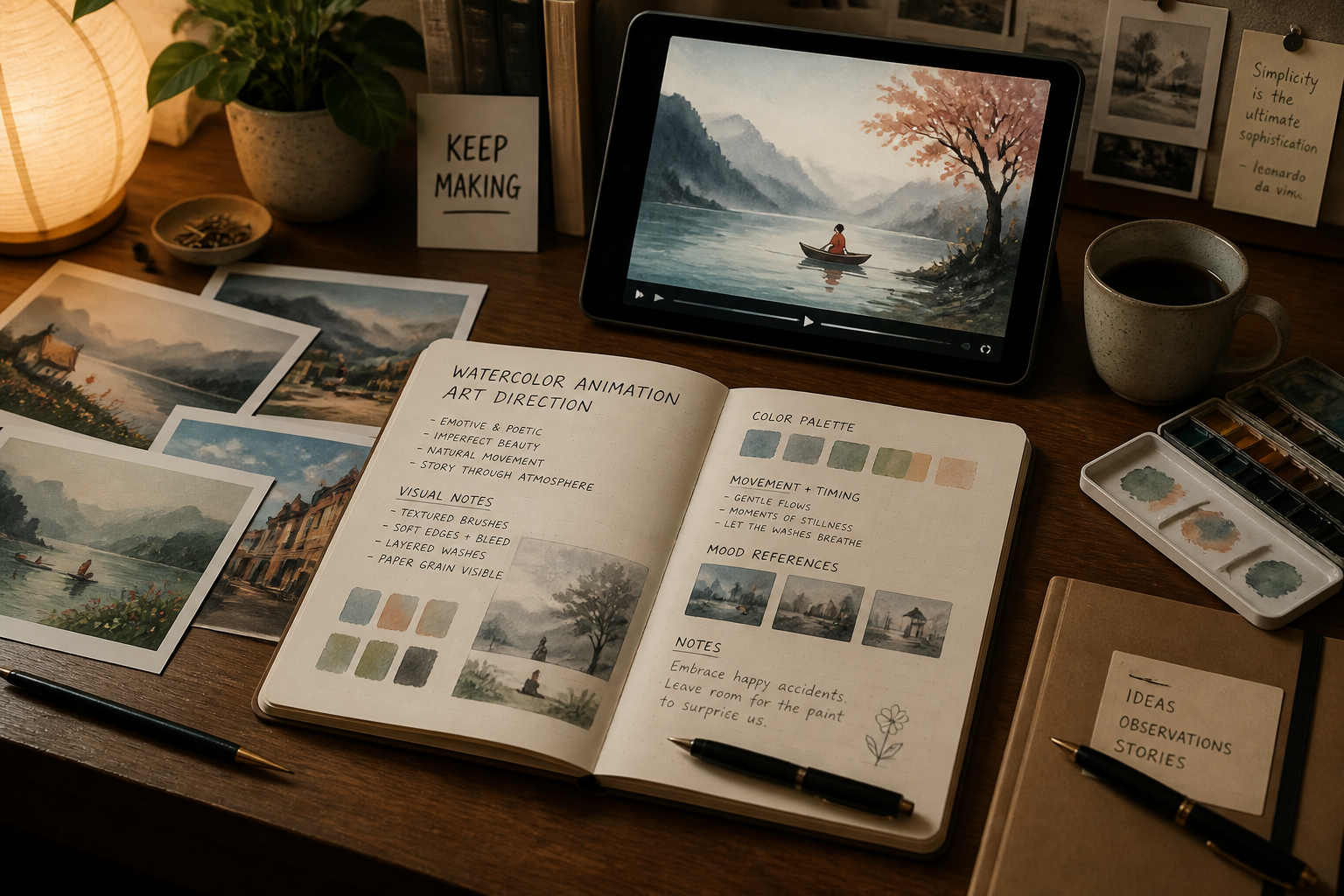
Choose the Ghibli look
Use the preset or describe the mood you want, like softer watercolor, richer greenery, or warmer evening light. Our AI applies the style while keeping the core image structure intact.
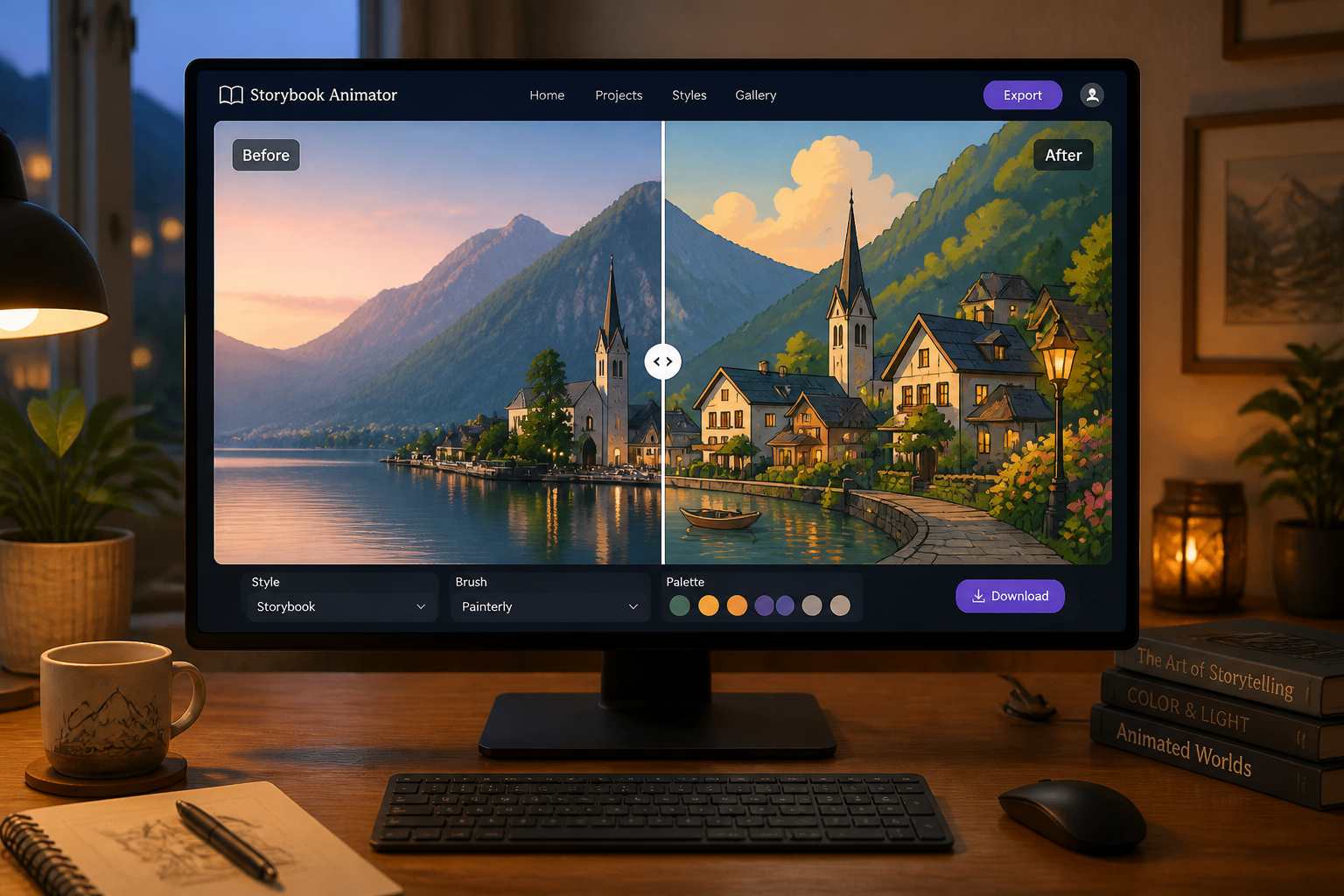
Compare and download
Review the before and after side by side to check that the scene still feels true to the original. When you like the result, save it for sharing, posting, or personal projects.
Perfect For
Discover how creators and professionals use ai studio ghibli
Turn travel photos into storybook scenes
Restyle landscapes, streets, trains, and coastlines so they look like moments from a hand-painted animated film.
Create stylized portraits
Transform portraits into softer illustrated images while keeping the person's pose, outfit, and overall composition recognizable.
Make social posts stand out
Use the style shift to create eye-catching before-and-after content for short videos, reels, or carousel posts.
Build mood boards and prints
Generate cohesive, painterly visuals for scrapbooks, gifts, room decor, or personal creative references.
Built For
Casual creators
People who want a simple way to turn ordinary photos into warm illustrated art without learning advanced editing tools.
Content makers
Creators who need a recognizable visual style for thumbnails, posts, and short-form content that reads instantly.
Design hobbyists
Anyone building mood boards, prints, journals, or personal projects from their own photos and scenes.
Why use this for Ghibli-style edits
A quick look at how we compare on the things that matter for this niche.
| Feature | BudgetPixel | Generic AI editors | Manual editing apps |
|---|---|---|---|
| Photo-to-style workflow | ✓ | ✓ | — |
| Keeps original composition | ✓ | Varies | ✓ |
| Fast stylized results | ✓ | ✓ | — |
| No drawing skills needed | ✓ | ✓ | — |
| Made for before/after edits | ✓ | Varies | — |
Frequently Asked Questions
What kinds of photos work best?
Will the edited image still look like my original photo?
Can I use it for portraits and landscapes?
Do I need to write a prompt?
Is this meant for exact movie replication?
Create together.
Share your creations, discover trending AI art, and grow with fellow creators.