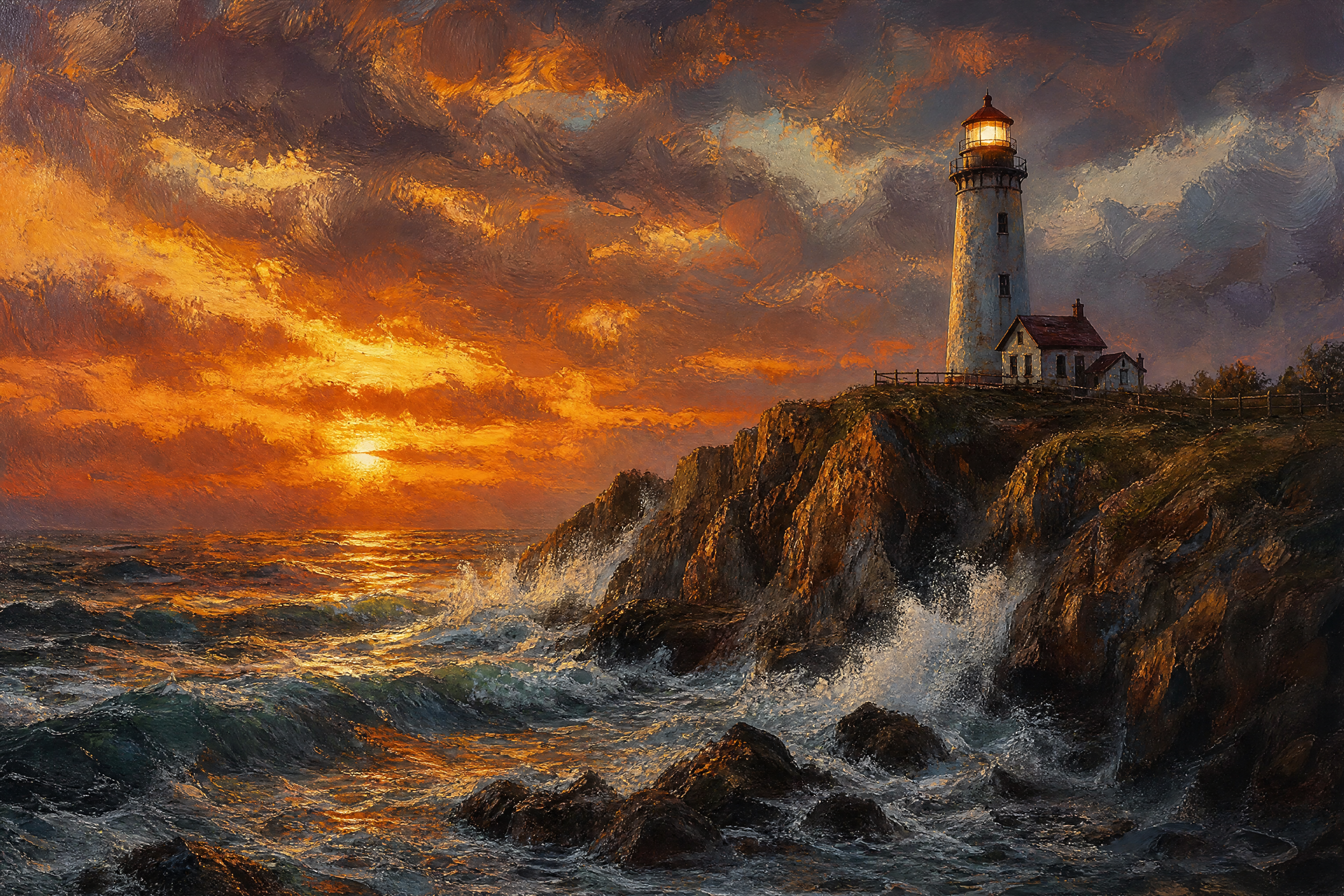
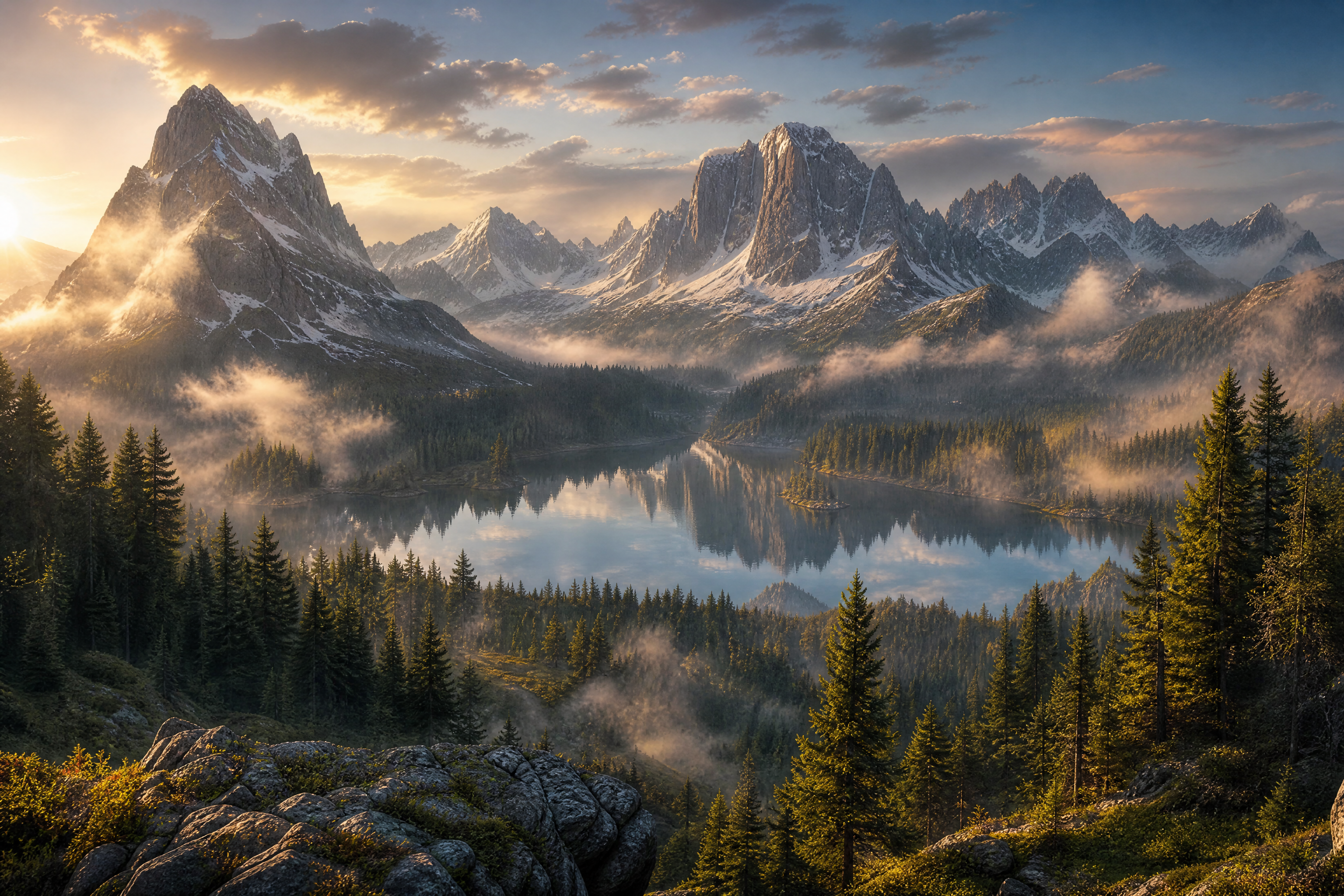
AI Watercolor Generator
Turn text prompts into soft, painterly watercolor artwork
Generate watercolor-style images from a text prompt in seconds. Create dreamy landscapes, expressive portraits, botanical art, and illustrated scenes without painting by hand.
See It In Action
Real outputs from ai watercolor generator.
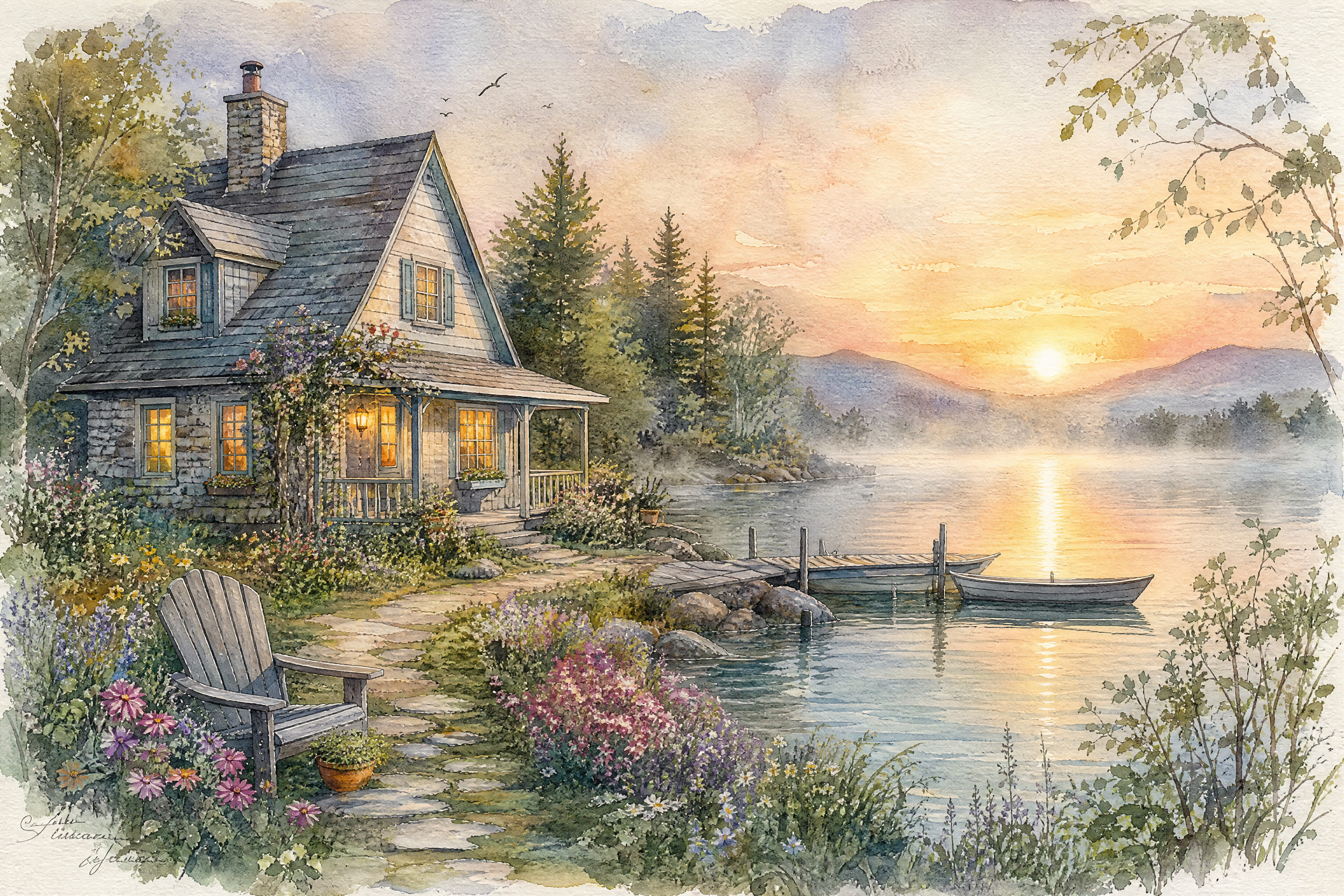
watercolor painting of a cozy lakeside cottage at sunrise, soft pastel washes, delicate brush texture, mist over the water, botanical foreground, elegant handmade paper look, airy composition, painterly detail
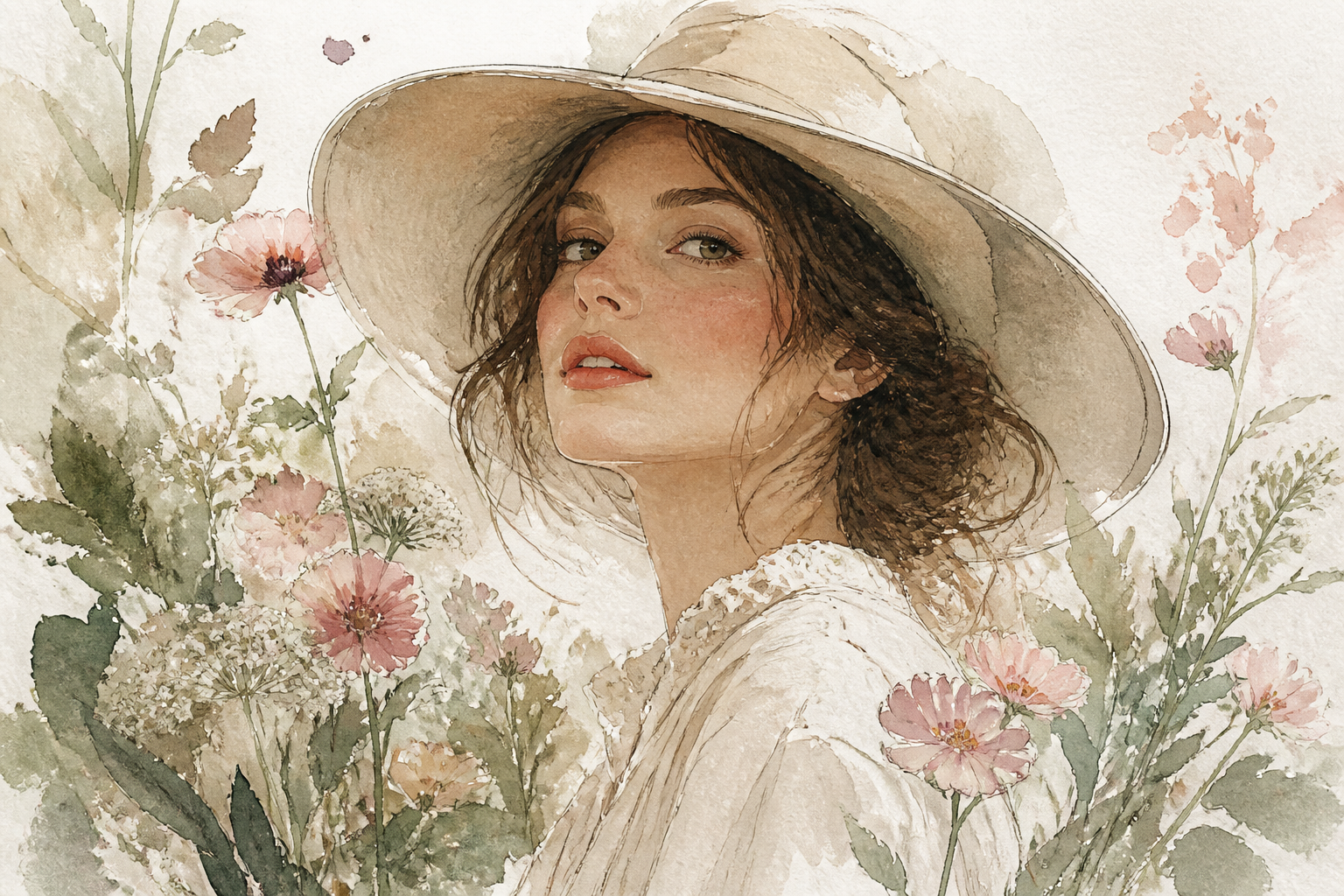
watercolor portrait of an adult woman in a wide-brim hat surrounded by wildflowers, soft blush and sage palette, loose expressive brushstrokes, subtle ink outlines, textured cold-press paper, fine art editorial composition
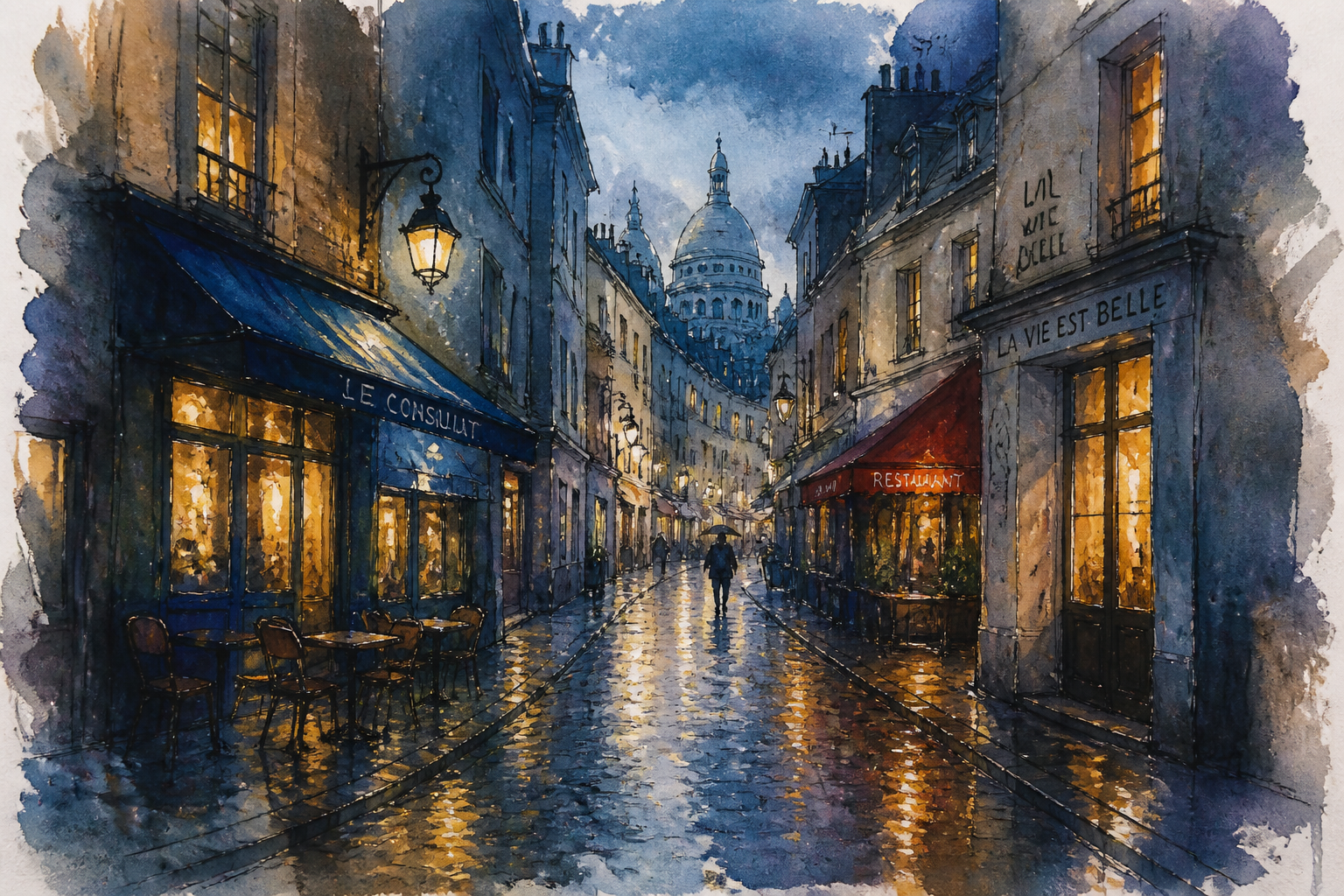
watercolor painting of a narrow European street after rain, glowing window light, reflections on cobblestones, loose urban sketch style, indigo and amber palette, layered transparent washes, atmospheric perspective
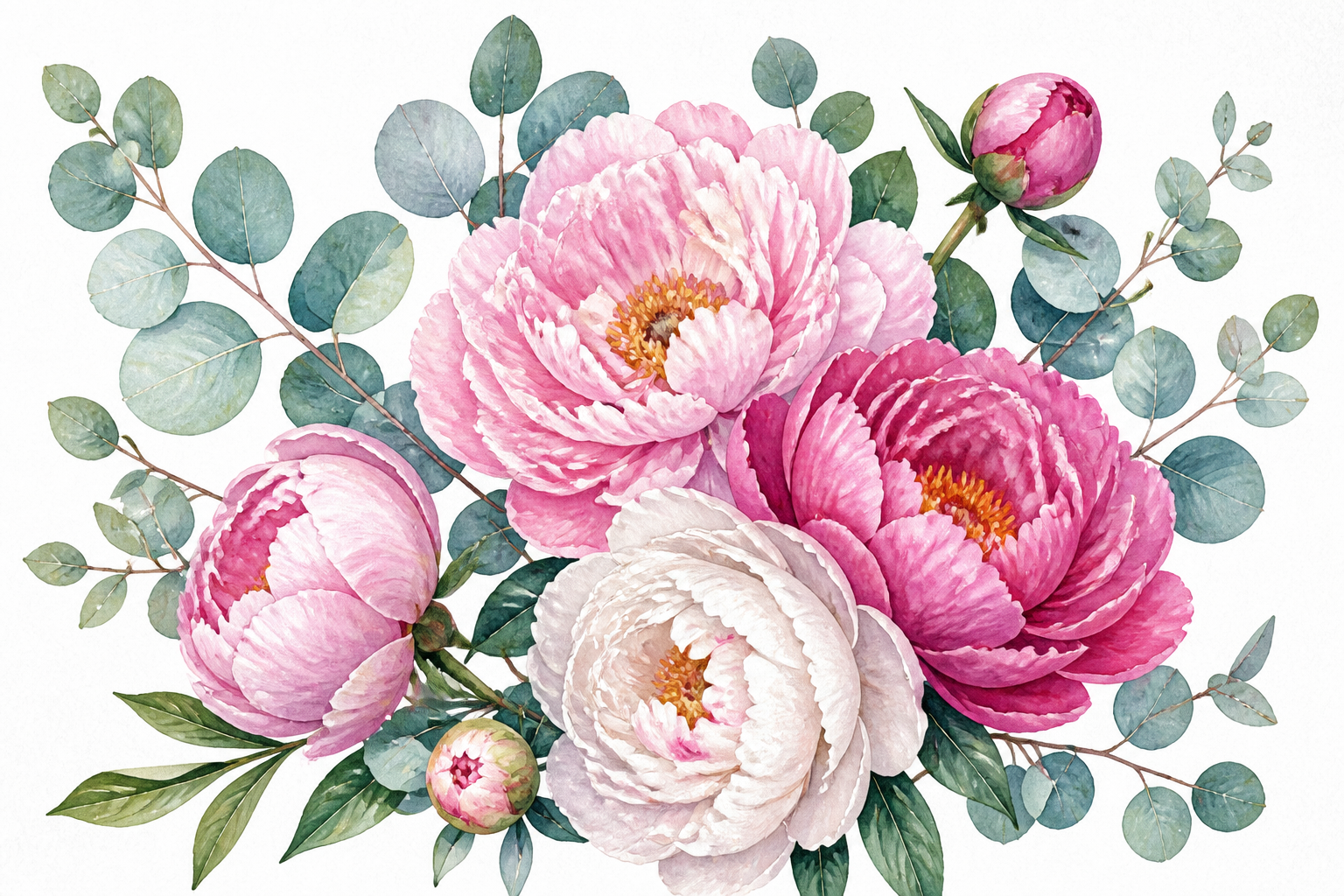
watercolor botanical illustration of blooming peonies and eucalyptus branches, clean white background, delicate pigment gradients, refined naturalist style, visible paper grain, balanced composition for wall art
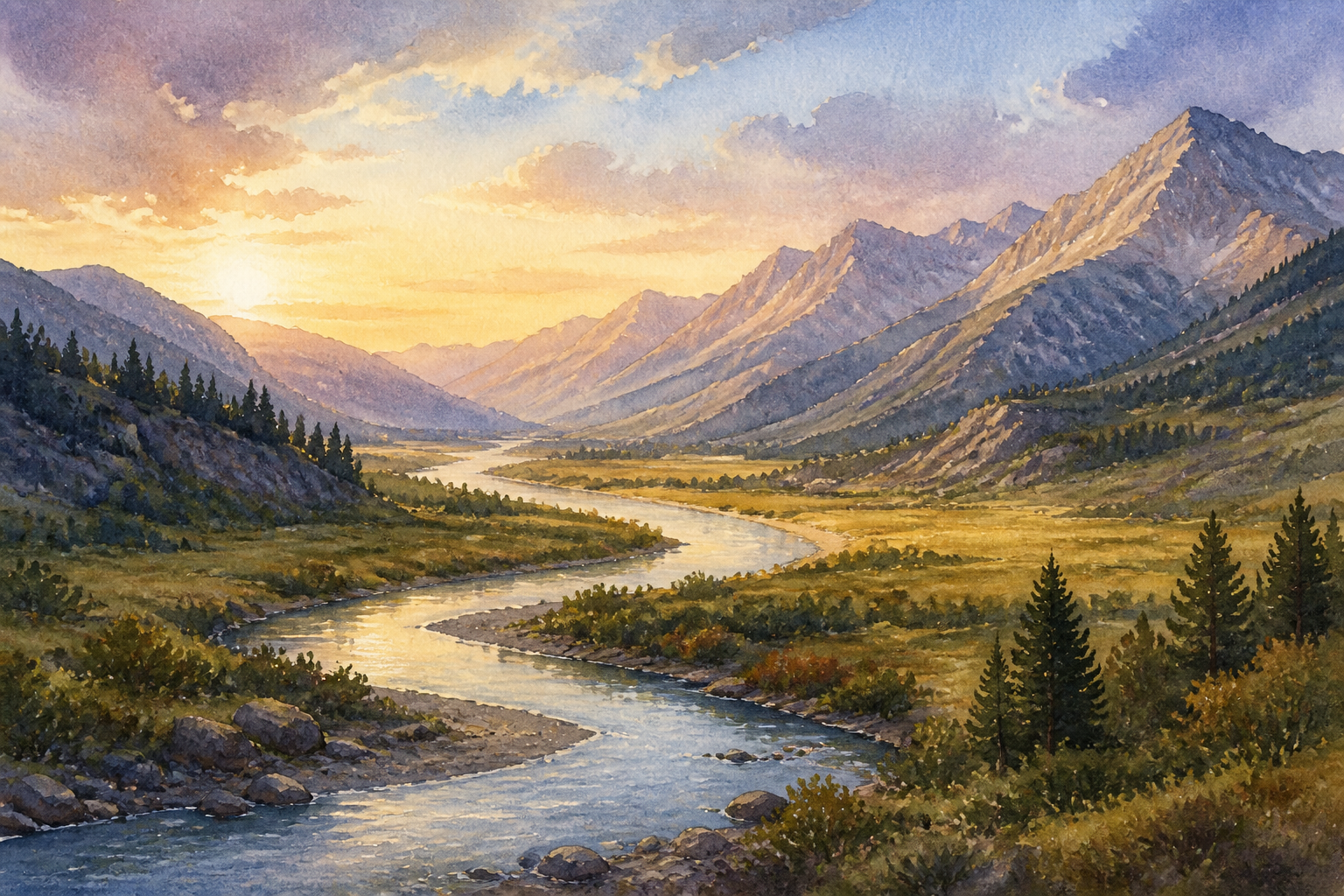
watercolor painting of a mountain valley with a winding river, golden hour light, soft blue shadows, expansive sky, layered washes, subtle granulation, tranquil landscape composition
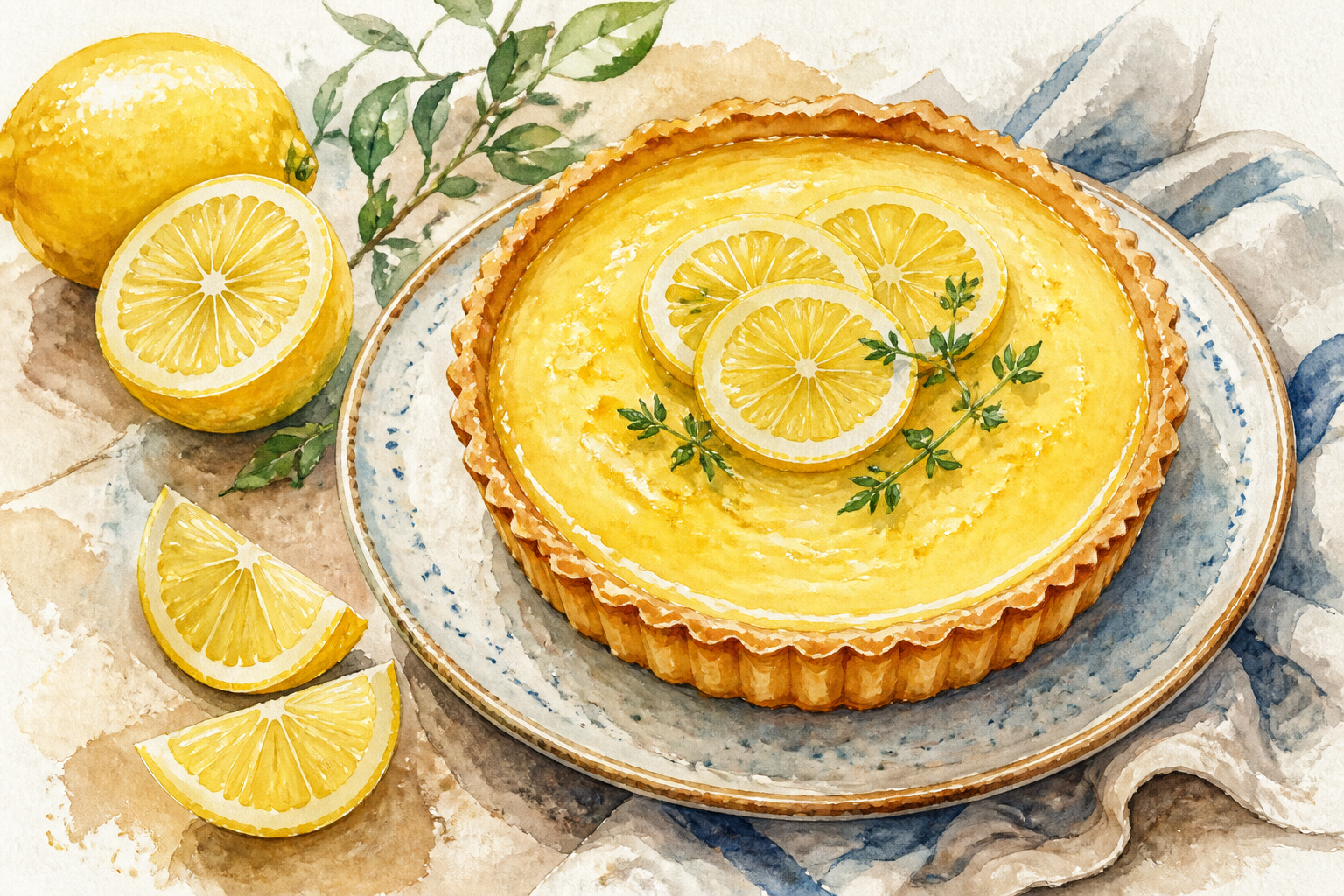
watercolor food illustration of a rustic lemon tart on a ceramic plate, fresh sliced lemons, linen napkin, soft kitchen light, loose modern watercolor style, bright citrus palette, textured paper background
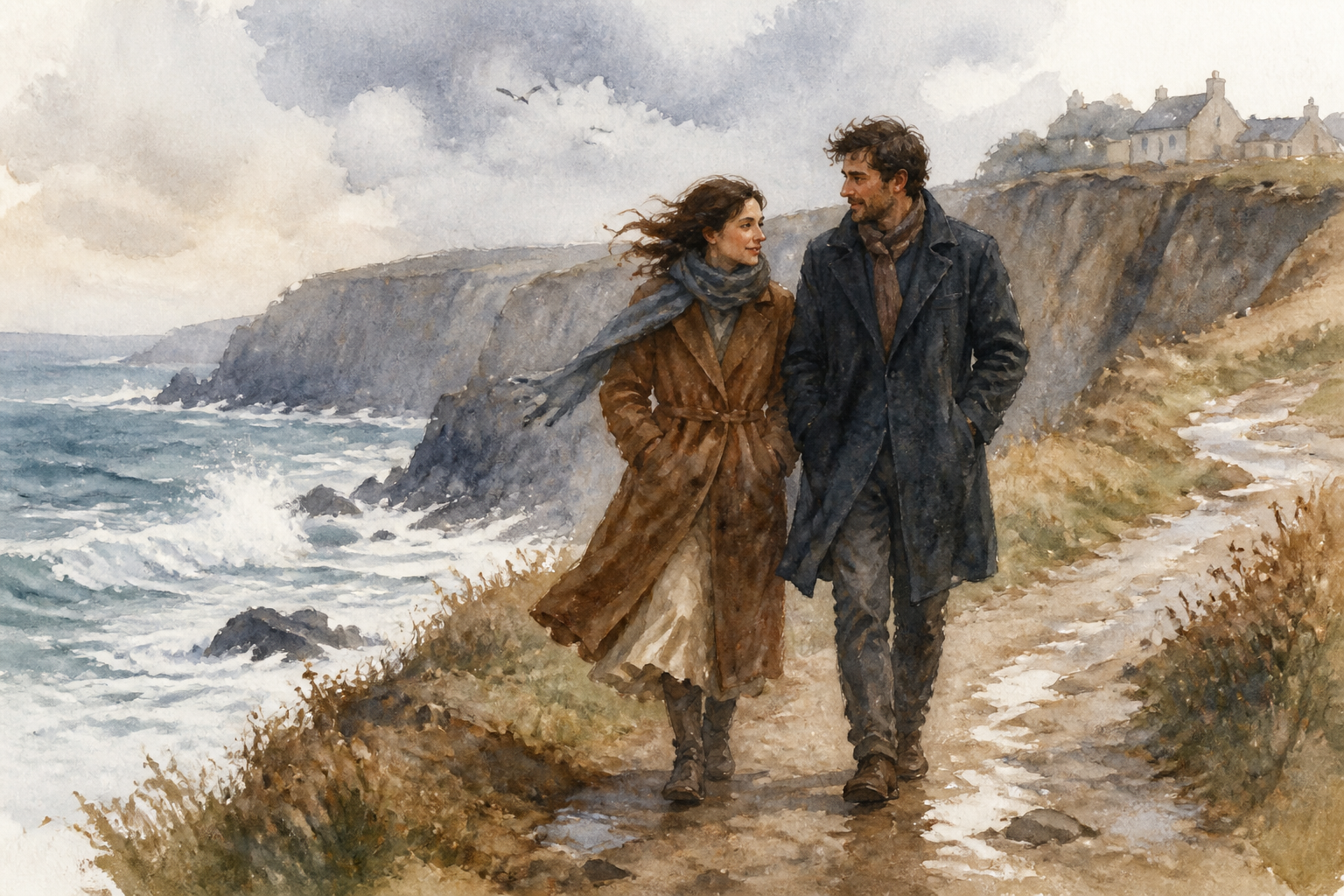
watercolor painting of an adult couple walking on a windy seaside path, long coats, cliffs and ocean spray, muted coastal palette, soft edges, expressive brushwork, storybook illustration feel
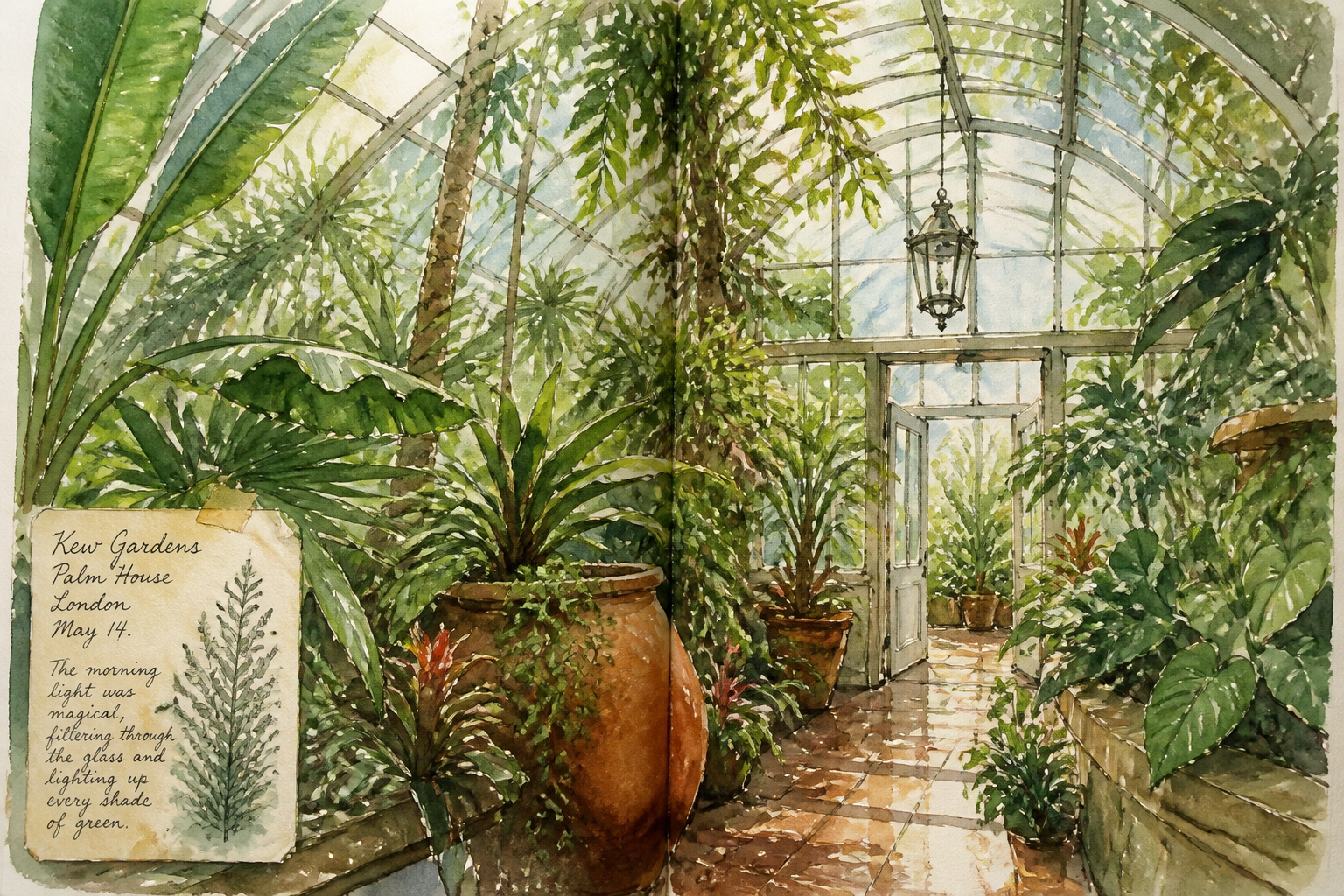
watercolor painting of a greenhouse interior filled with tropical plants, filtered morning light, glass reflections, lush greens with warm earth tones, layered transparent washes, elegant travel journal style
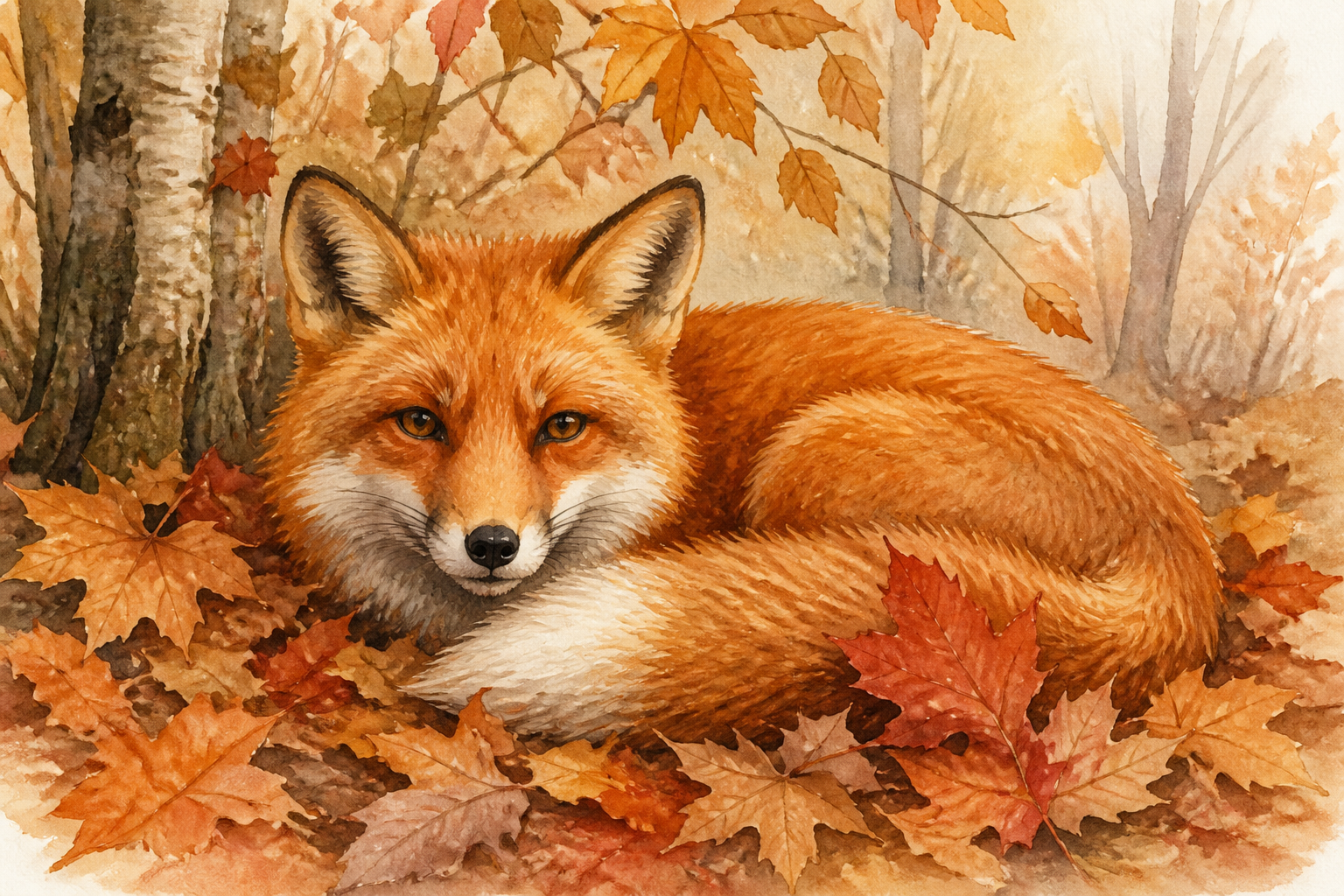
watercolor illustration of a red fox resting in autumn leaves, warm rust and ochre palette, soft feathered edges, woodland setting, gentle detail, classic children's book watercolor style
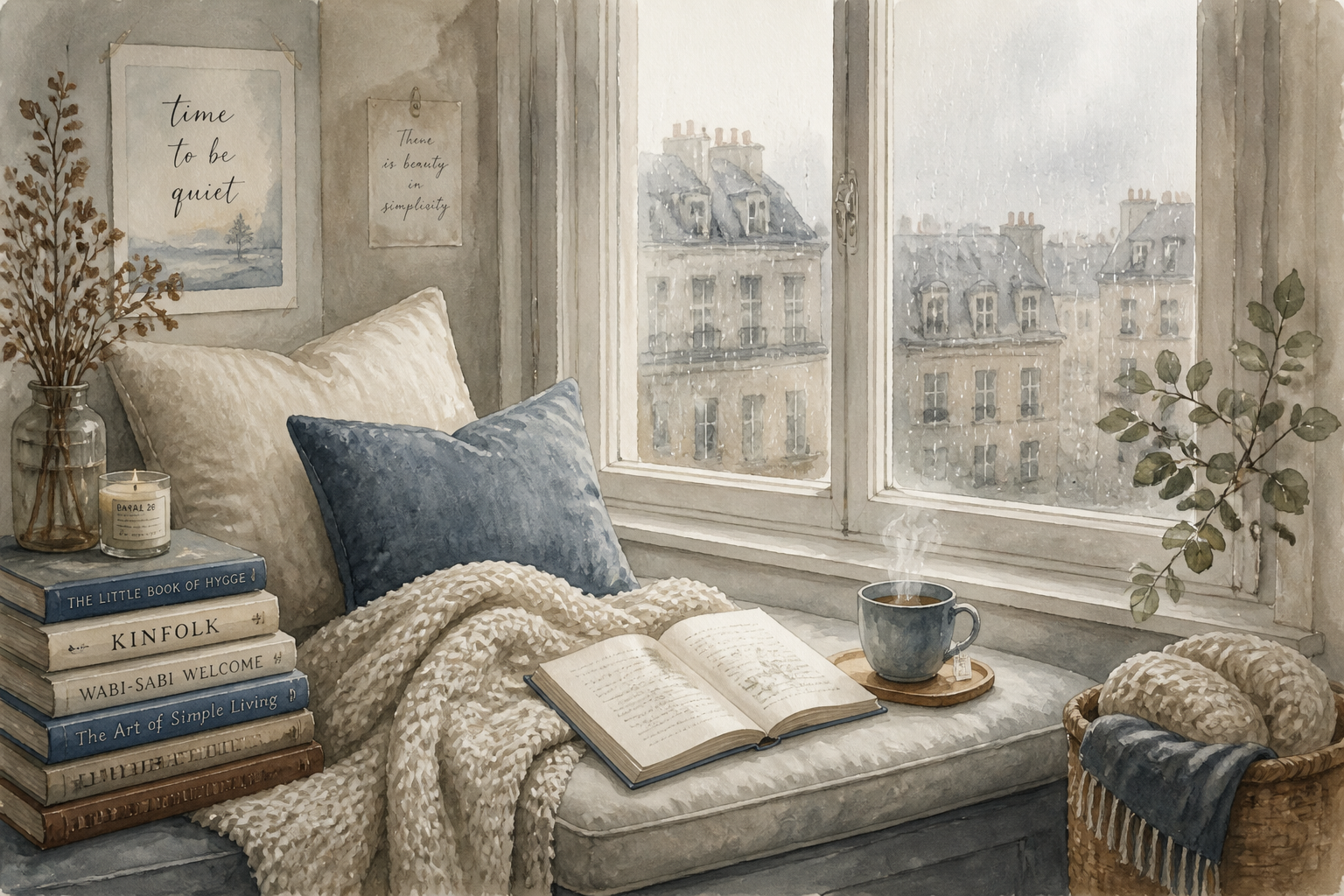
watercolor painting of a cozy reading nook by a tall window, stacked books, knitted blanket, steaming tea, rainy day outside, muted neutrals with dusty blue accents, soft washes, calm editorial interior illustration
Key Features
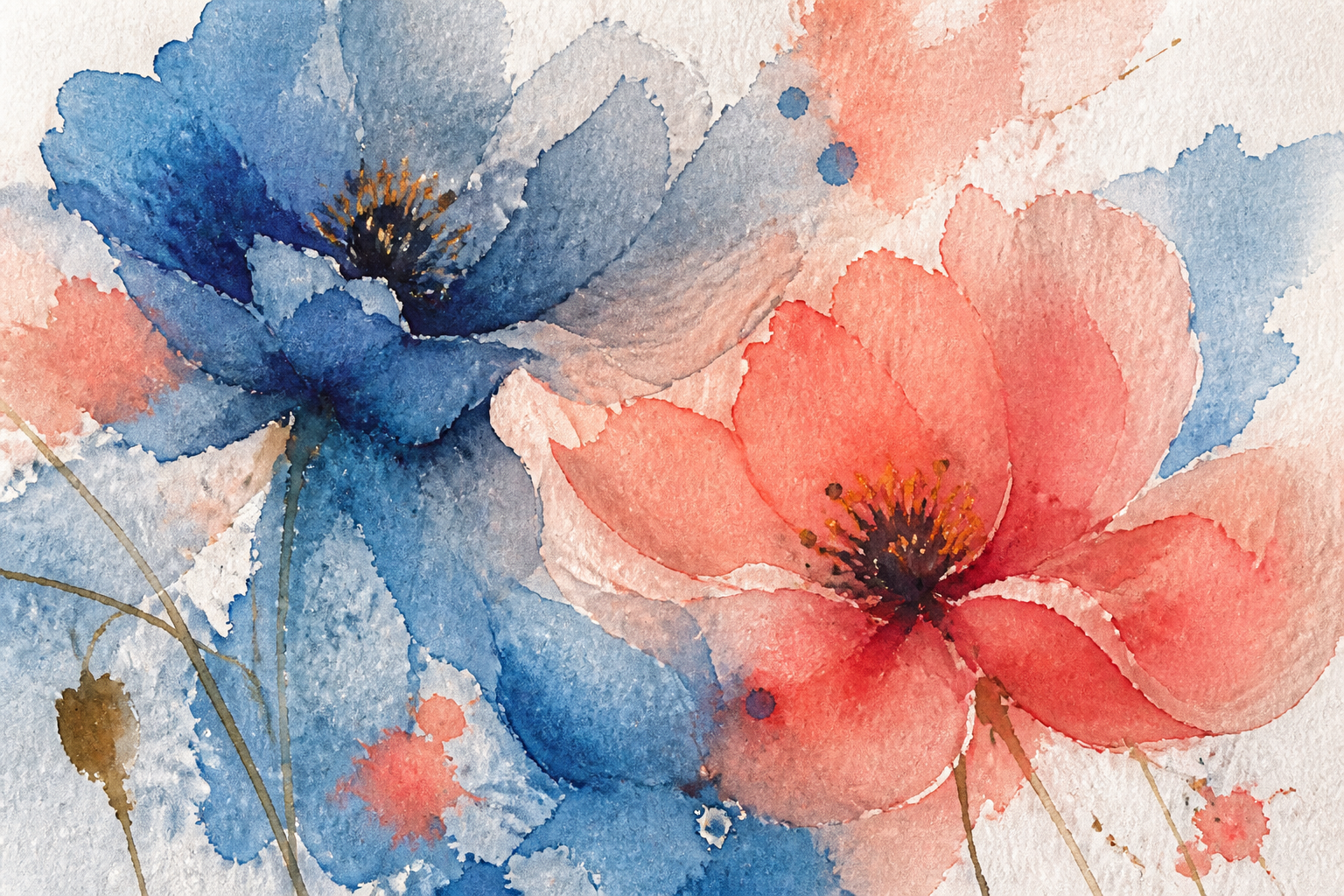
Soft Painterly Texture
This tool is tuned for the washed color, paper grain, and layered transparency people expect from watercolor art. You can describe a scene in plain language and get images that feel hand-painted instead of glossy or overly digital. That makes it useful for prints, moodboards, blog visuals, and personal art concepts. A generic image generator often misses the subtle softness that gives watercolor its charm.
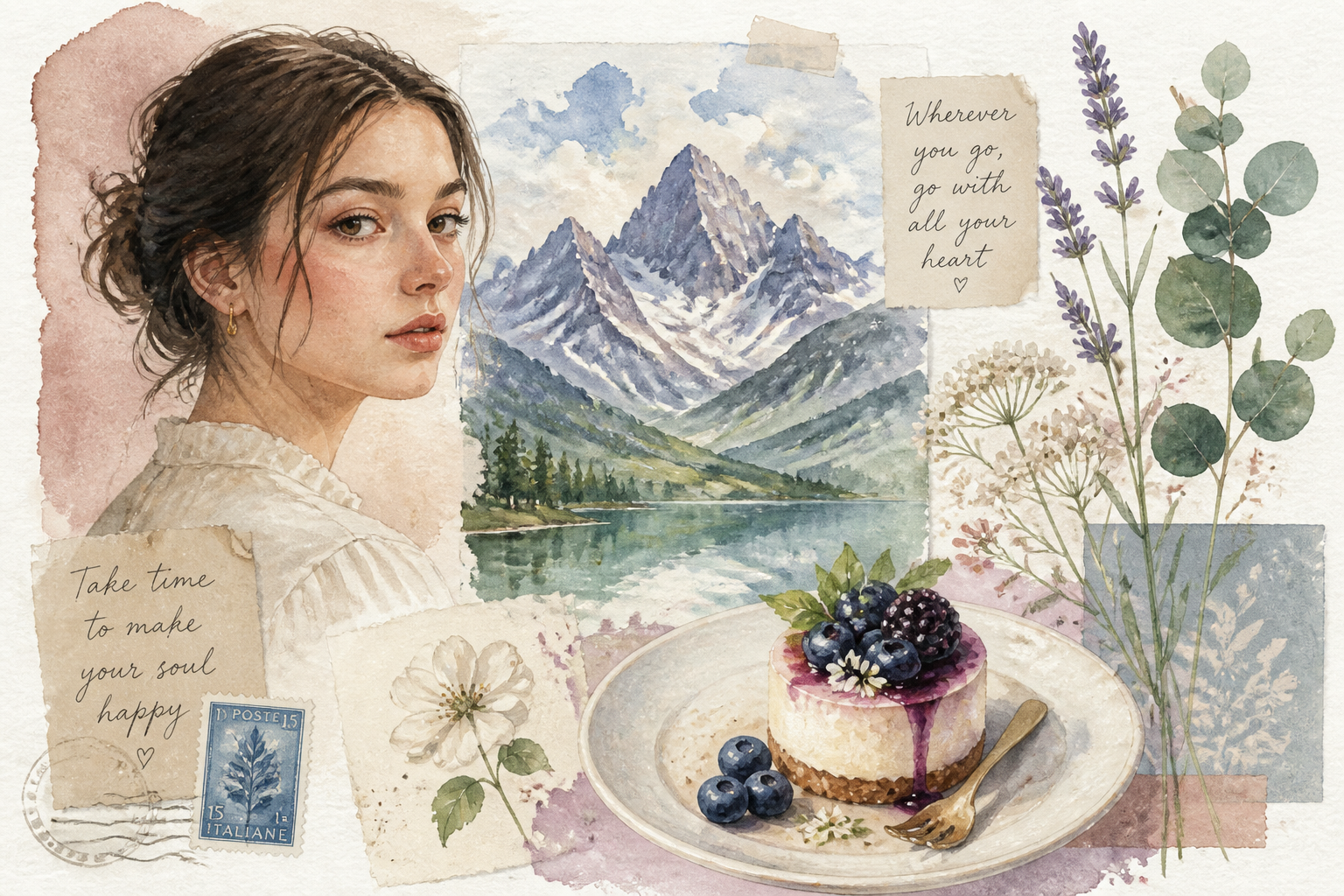
Works Across Many Subjects
Use the same workflow for portraits, landscapes, botanicals, interiors, food art, and illustrated scenes. The prompts can stay simple, while the output keeps a consistent watercolor feel across very different subjects. That saves time when you need a matching set of visuals for a project. You do not need separate tools for each category of artwork.
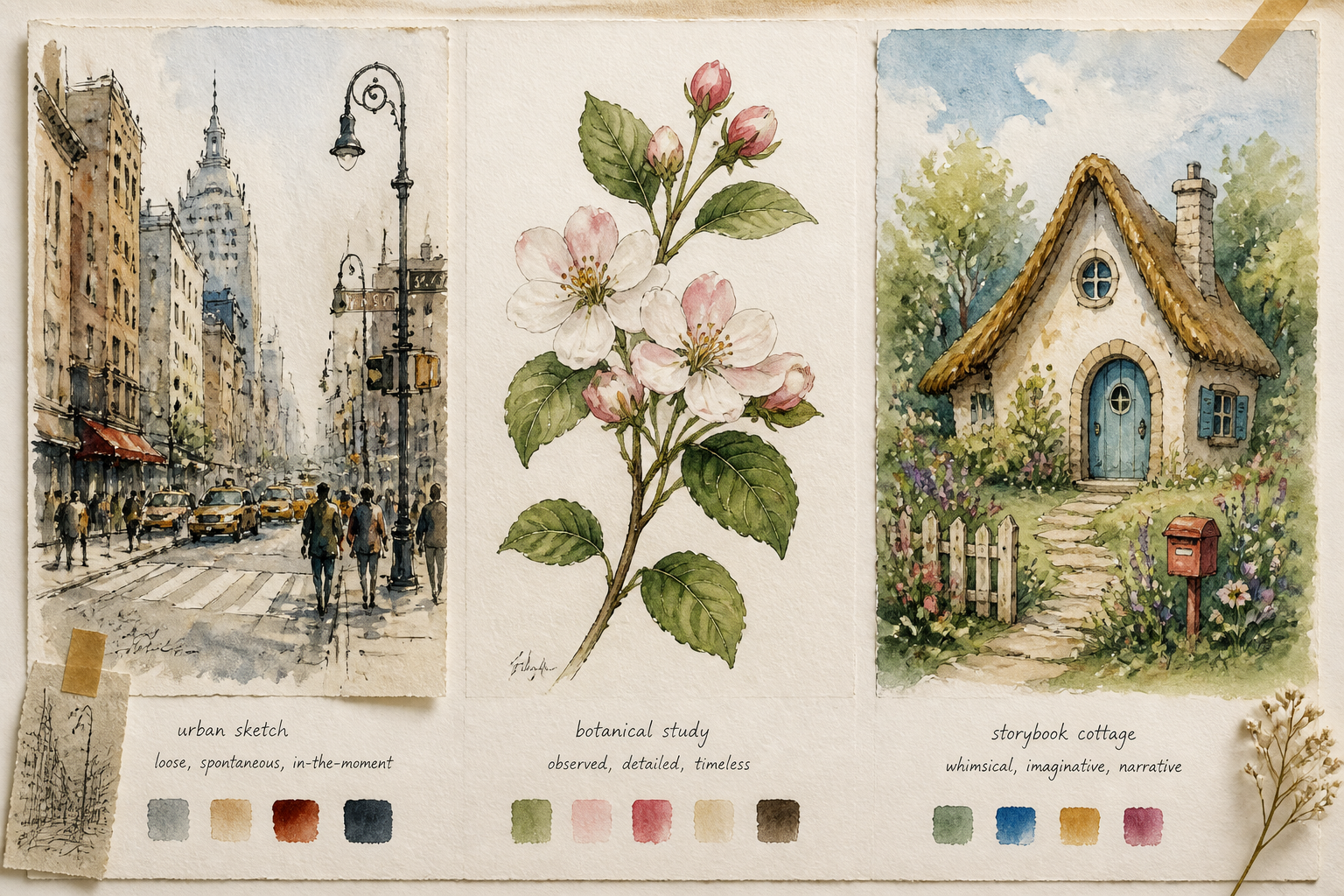
Easy Style Direction
You can steer the result toward loose sketchbook washes, refined botanical illustration, storybook art, or modern editorial watercolor just by changing the wording. This gives you more creative control than relying on broad art presets alone. It is especially helpful when you want a specific mood without learning traditional painting techniques. A few prompt edits can shift the entire look.
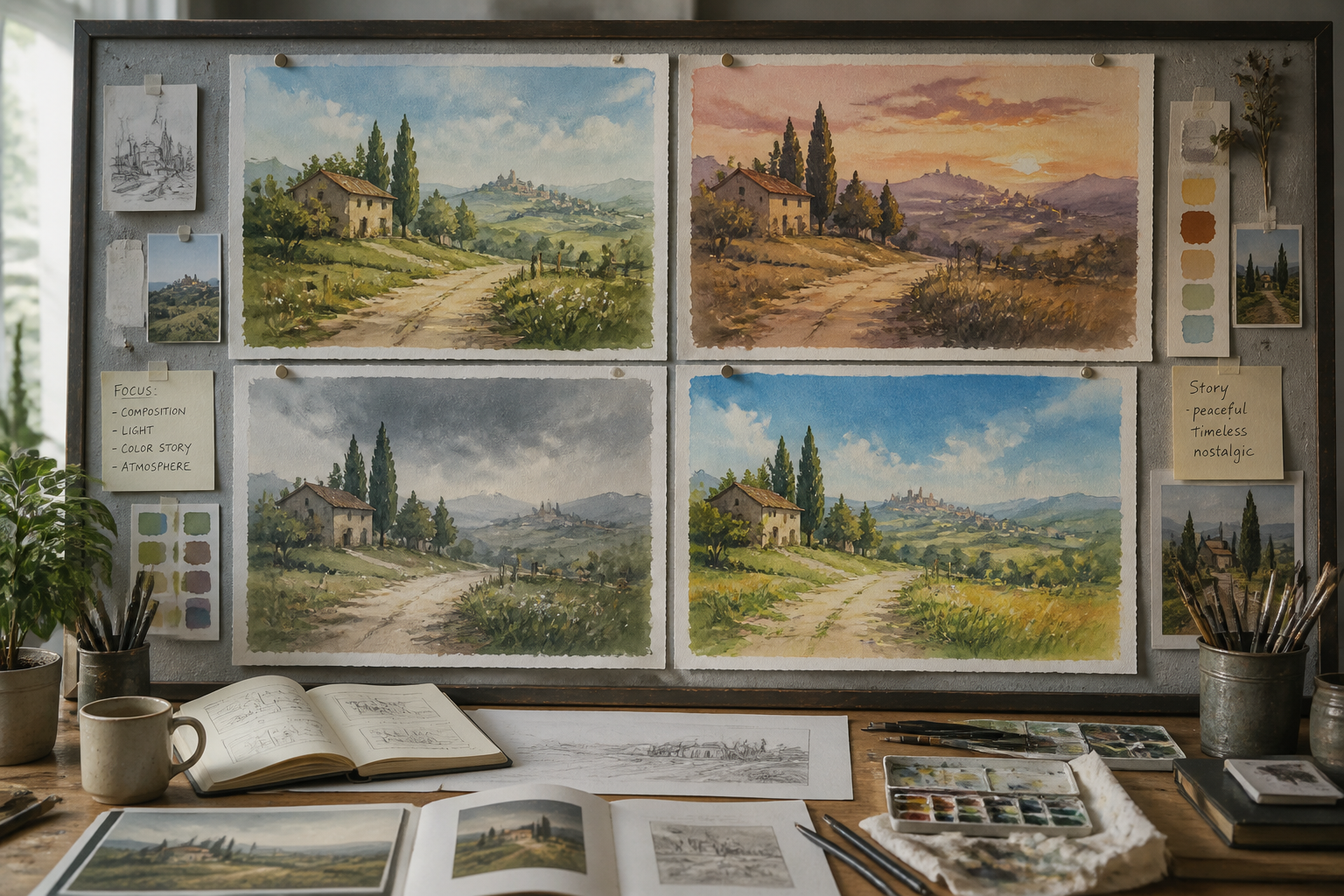
Fast Concept Exploration
Watercolor is often used to test mood, color, and composition early in a project. With AI, you can generate multiple painterly directions quickly before committing to one idea. That helps designers, creators, and hobbyists compare scenes, palettes, and framing without painting each version manually. It is a practical way to explore more concepts in less time.
How It Works
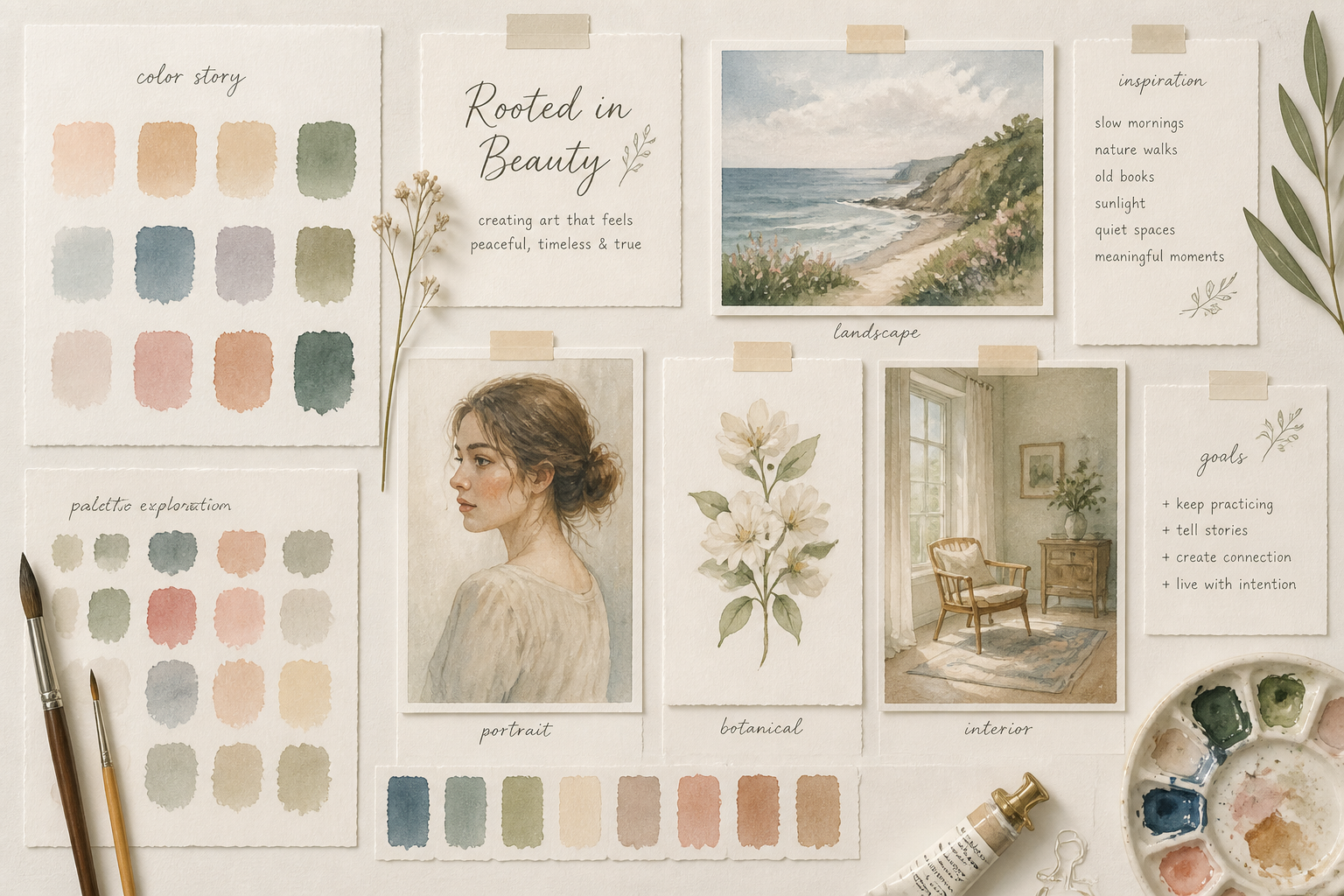
Pick a watercolor style
Start with a prompt that already leans watercolor, such as botanical, storybook, landscape, or editorial. This gives you a strong base look before you customize the subject.
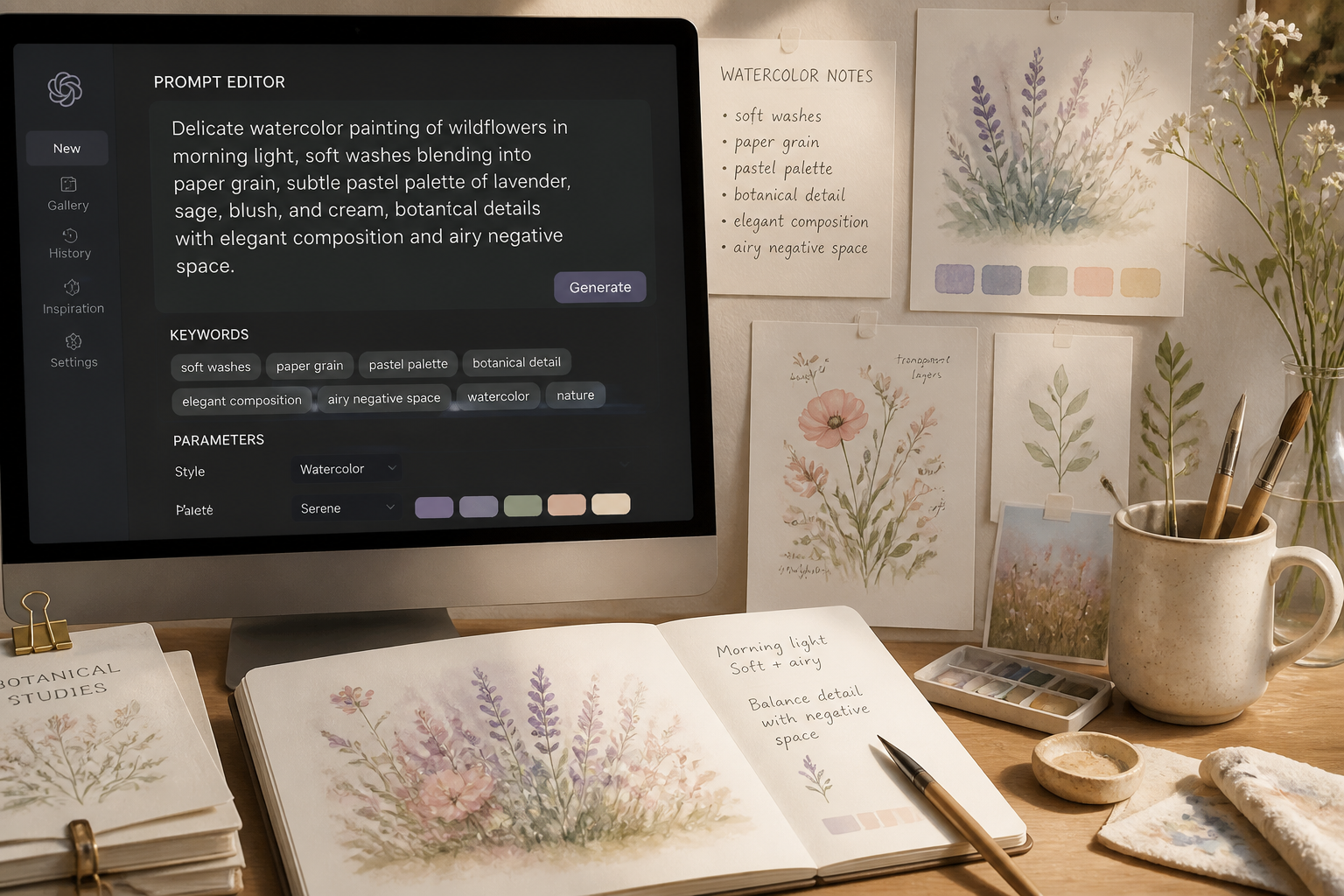
Describe the scene
Add the subject, setting, lighting, and mood you want to paint. Mention details like soft washes, paper texture, muted palette, or loose brushwork to guide the result.
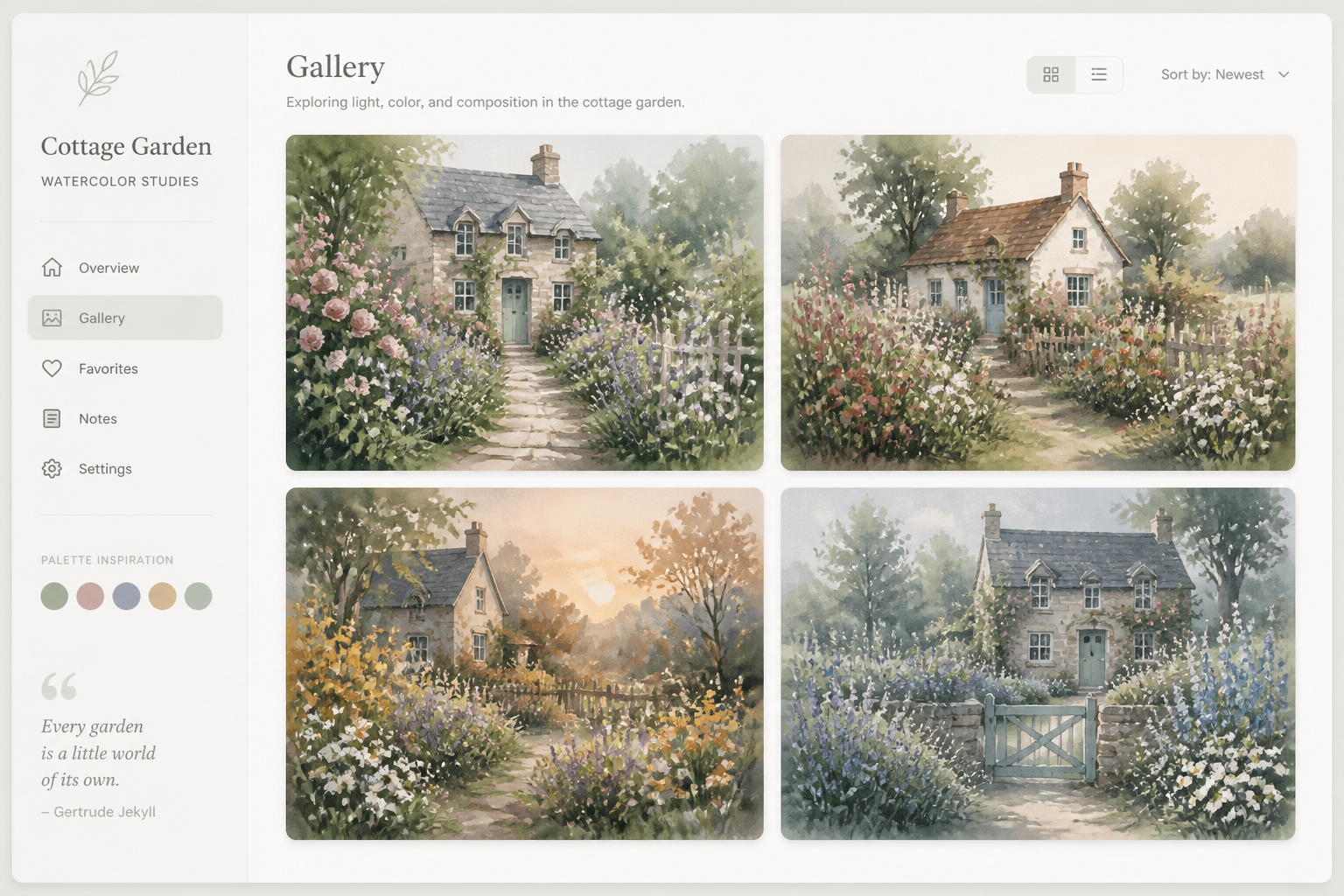
Generate and refine
Create variations, compare compositions, and keep the watercolor version you like best. Then download your image or reuse the prompt as a starting point for another idea.
Perfect For
Discover how creators and professionals use ai watercolor generator
Wall art concepts
Generate watercolor scenes and florals for print ideas, room mockups, or personal decor planning.
Book and blog illustrations
Create soft editorial-style artwork for articles, covers, reading lists, and visual storytelling.
Stationery and invitations
Make painterly florals, venue scenes, and themed artwork for cards, event pieces, and digital stationery.
Creative moodboards
Explore color palettes, atmospheres, and composition ideas for design projects in a watercolor look.
Built For
Designers and illustrators
Quickly explore watercolor directions for client work, concept boards, and visual references.
Writers and publishers
Generate painterly scenes and covers for stories, articles, and light editorial artwork.
Hobbyists and art lovers
Create beautiful watercolor-style images without needing traditional painting supplies or technique.
Frequently Asked Questions
What does the AI Watercolor Generator make?
Do I need painting experience to use it?
Can I make different watercolor styles?
What kinds of prompts work best?
Can I generate multiple versions of one idea?
Create together.
Share your creations, discover trending AI art, and grow with fellow creators.