What's new on BudgetPixel

Every new AI model, feature and price change on BudgetPixel, newest first. Each entry describes the product on the day it shipped, so prices and limits may have changed since: the page it links to has today's.

138 updates since August 2025, the latest on . Follow them by RSS or JSON Feed.

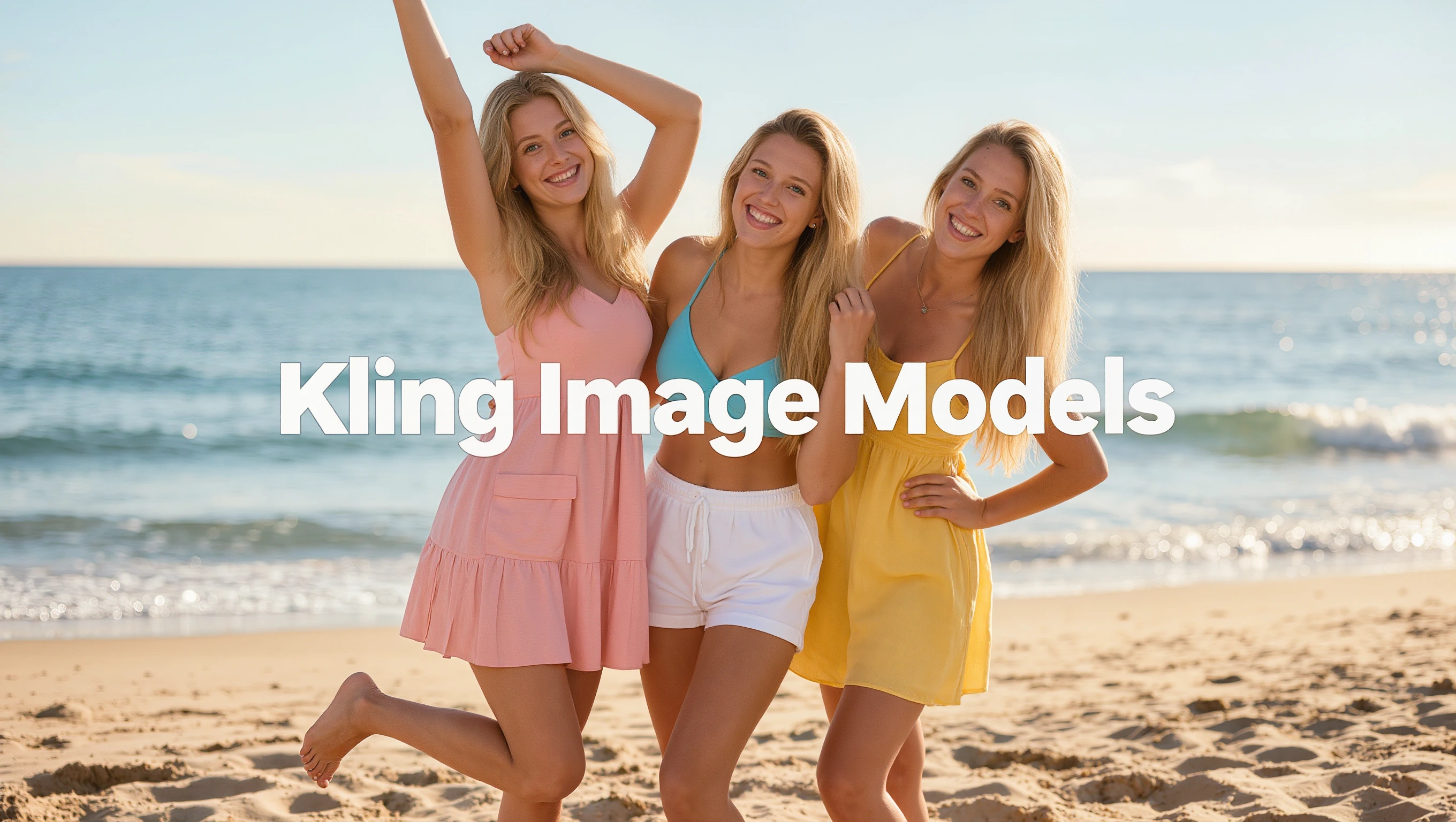
  1. Kling Image 4.0, Kling's newest image model, is now on BudgetPixel in the Image Workshop, the API and the MCP connector: it makes images from a prompt at 2K or 4K, and edits or combines up to 10 of your pictures.

    • 2K or 4K: about 4 or 16 megapixels.
    • Up to 10 pictures: edit one, or combine several into one image; name them in your prompt as @image_1, @image_2 and so on.
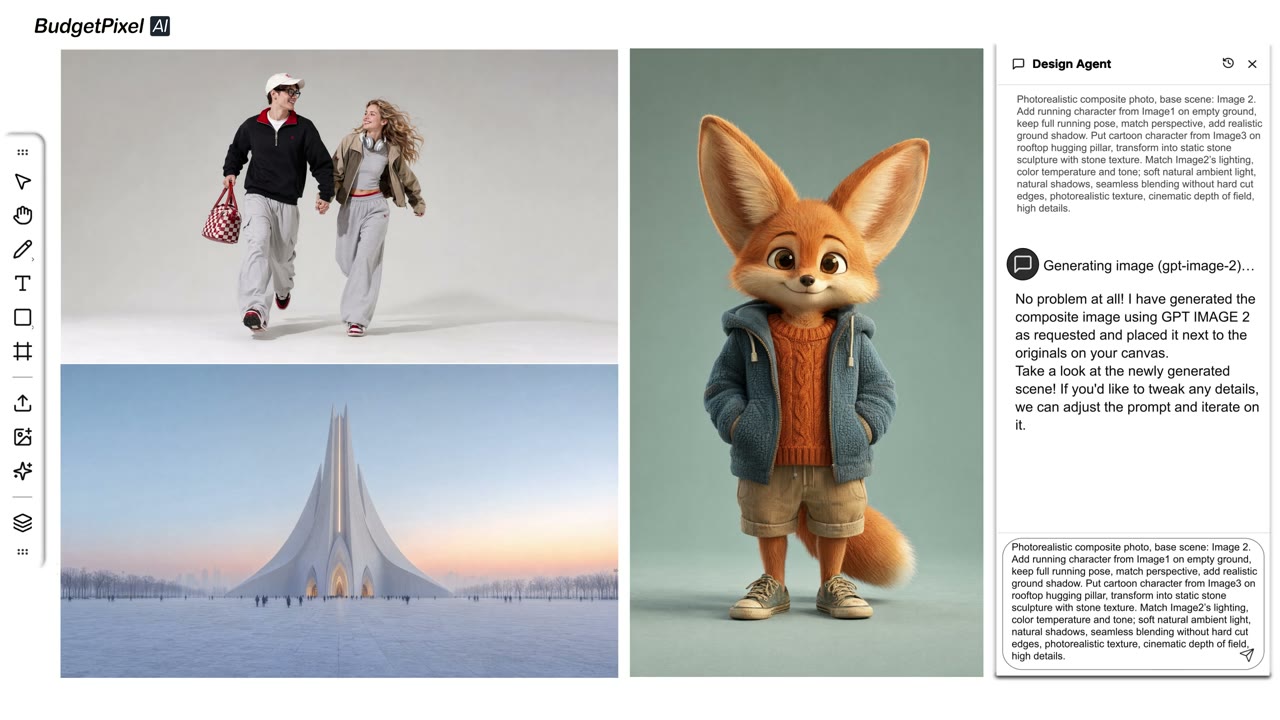
    • Kling Image 4.0 Long: one tall page, 1024 px wide: a full webpage design, or a product detail page made from 1 to 3 photos of your product, written in your prompt's language.

    Try Kling Image 4.0, or design a page with Kling Image 4.0 Long.
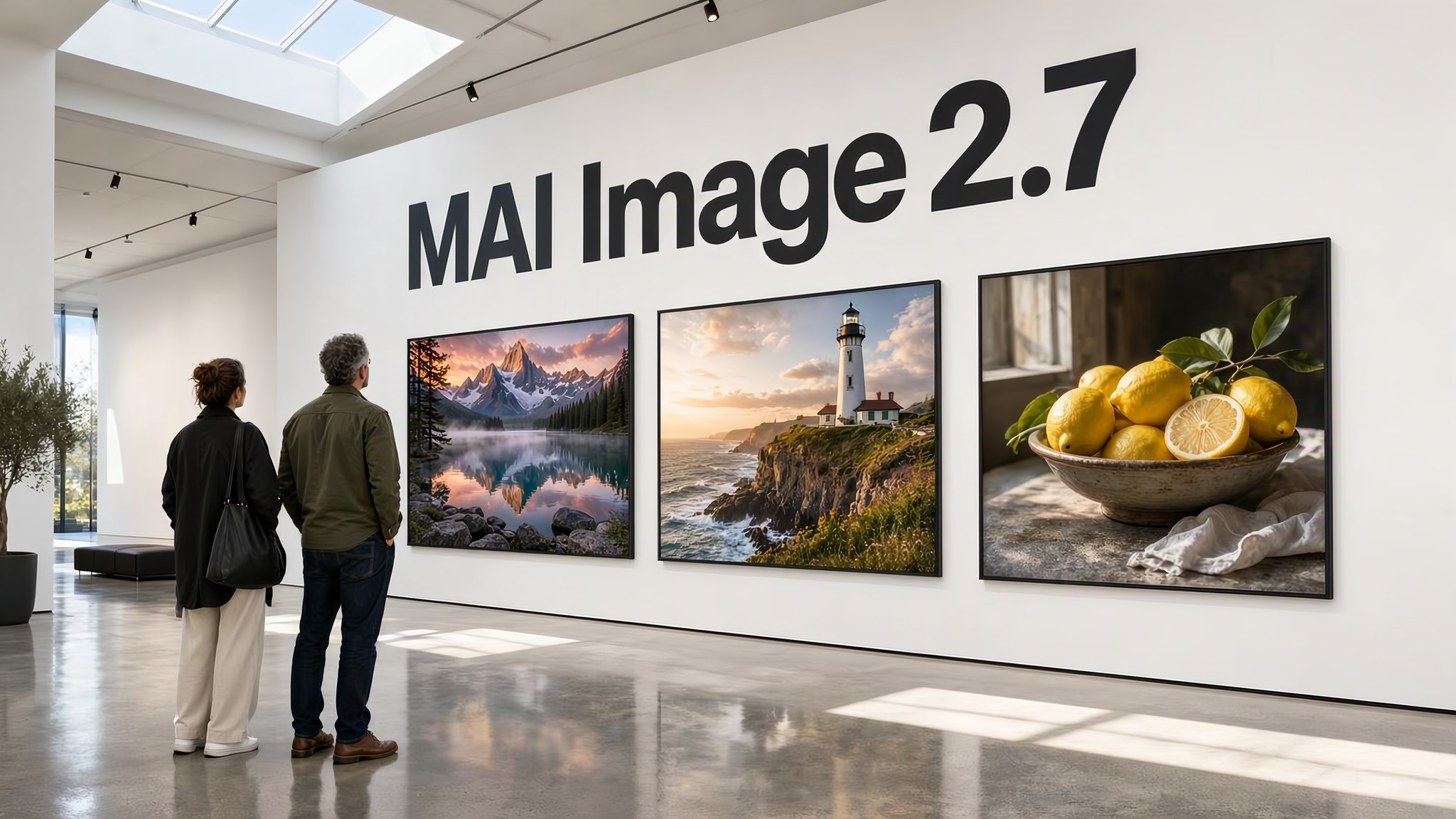
  2. MAI Image 2.7: Sharp Text, Realistic Photos and Precise Edits

    MAI Image 2.7, Microsoft's newest image model, is now on BudgetPixel in the Image Workshop, the API and the MCP connector: it makes images with sharp text and realistic detail, and precise edits of your own pictures.

    • Sharp text: headlines, signs and labels come out crisp.
    • Realistic photos: people, places and products that look like real photographs.
    • Precise edits of up to 5 pictures: describe the change to make, or combine several pictures into one.
    • Transparent backgrounds: cut-outs with no background, ready for stickers, logos and products.
    • 1K or 2K: about 1 or 4 megapixels.

    Try MAI Image 2.7.

  3. BudgetPixel Music Video Studio is now available: it turns your song into a music video with you, one step at a time, on the same engine as Director. Bring your track or have one made, and it picks the part that hooks, writes the treatment, casts the artists, builds the sets, films them performing your song and cuts it on the beat.

    • Your song or a new one: upload your track, or get three versions to pick from, made from your idea or your lyrics.
    • A solo artist or a group: say who is in it, the genre and the feel, and add your logo for one or two scenes.
    • Wide or vertical: 16:9 for YouTube, or 9:16 for Shorts, Reels and TikTok. 30 seconds by default, up to 2 minutes.

    The film here is MANGO by MARI MANGO, an original Bronx rapper, made on BudgetPixel in real places: see how it was made. Music Video Studio is on Premium and up, and every step shows its price before it starts. Start a music video, and subscribe on YouTube to catch the next one.

  4. Update,

    Music Video Studio is now available, on Premium and up. Start a music video.

    BudgetPixel Music Video Studio makes a music video for your song, and it is coming soon. Bring your track or make one in the studio: it casts the artists, builds the sets, films them lip-syncing to the vocal and cuts it on the beat, with you, one step at a time, on the same engine as Director. The film is MANGO by MARI MANGO, an original Bronx rapper: every place in it is a real photo with her placed in it, and the song and every shot were made on BudgetPixel. See how it was made, with the real photos behind it, and press Notify me to hear the day the studio opens. Subscribe on YouTube to catch the next one.

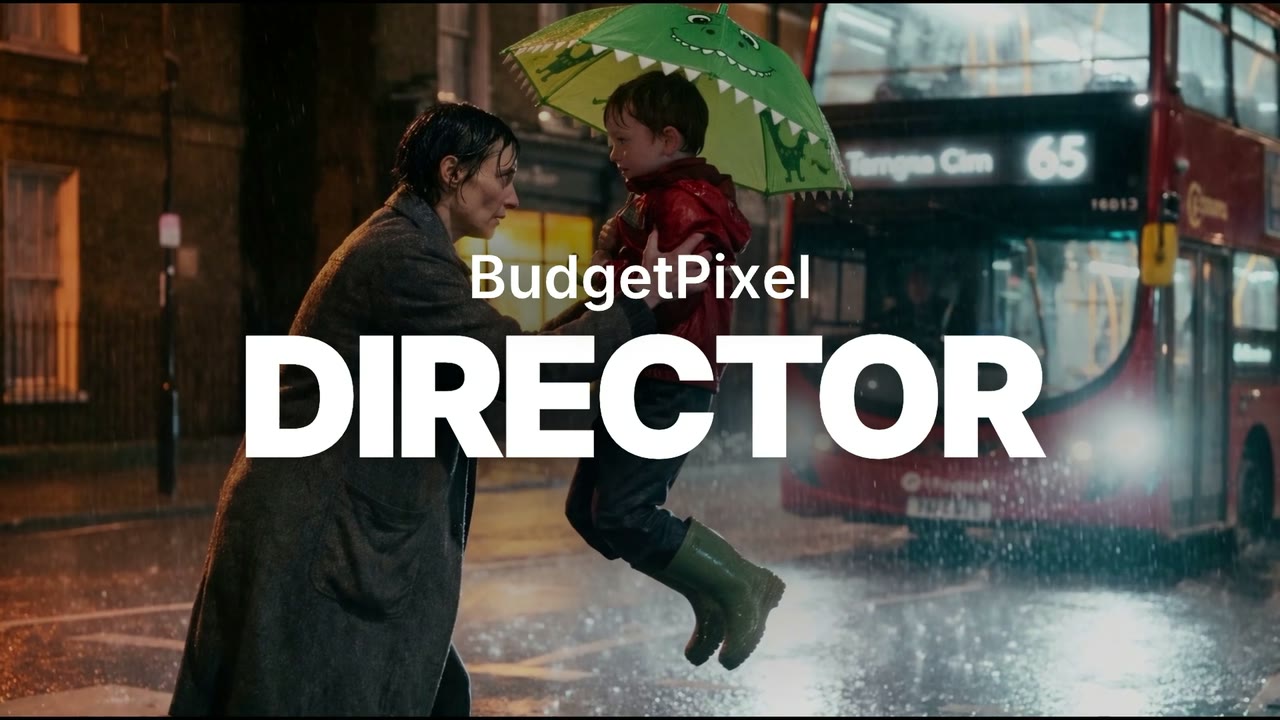
  5. Director: Turn One Idea Into a Finished Short Film

    BudgetPixel Director is open: a film director you work with in a chat. Tell it your idea and it makes a short film with you, one step at a time: the story and script, a cast whose faces stay the same in every shot, the world, the storyboard, the scenes with acting and voices, a song written for the film, and the final cut in 1080p.

    • Your notes at every step: change a line, a face or a shot, and only that is made again.
    • Your own material: add photos, clips, songs, documents or a link, and @mention the characters you already made.
    • A page to share: when the film is finished, share it as its own page, with the link or in public.

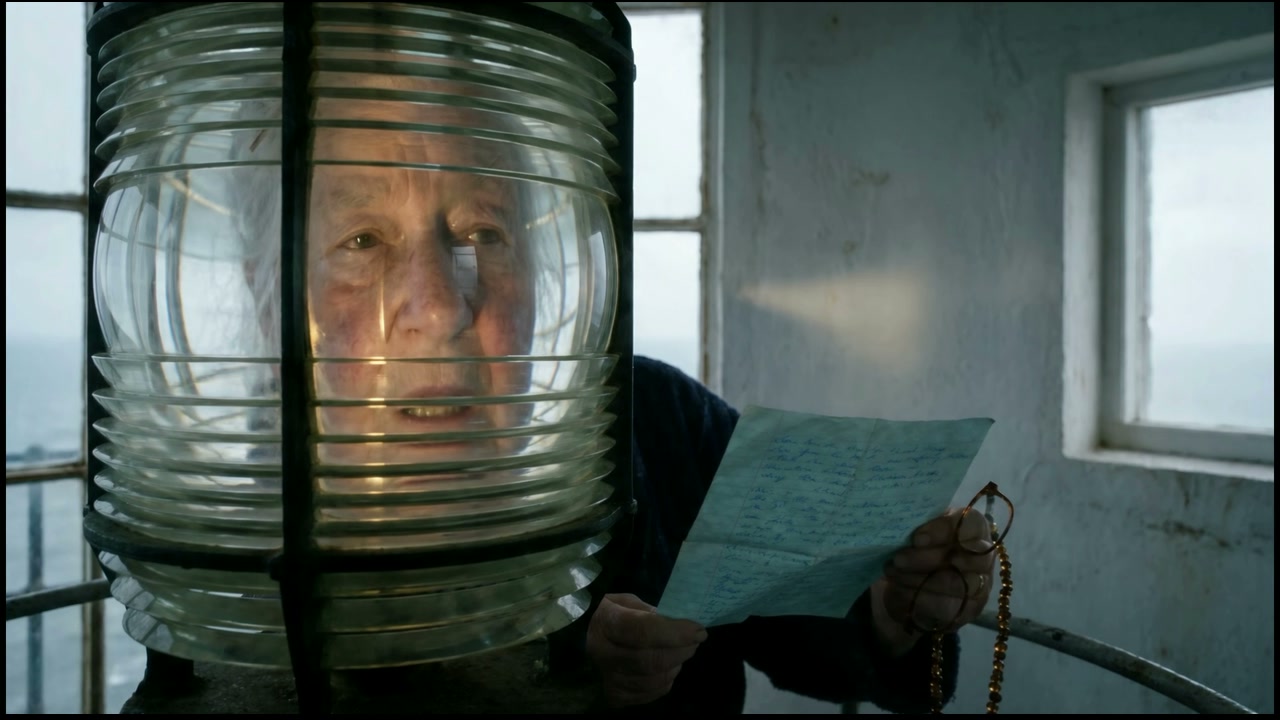
    The film here shows Tomorrow's Post being made in Director, step by step, from one sentence: "A lighthouse keeper finds a letter dated tomorrow." Director is on Premium and up. Start a film.

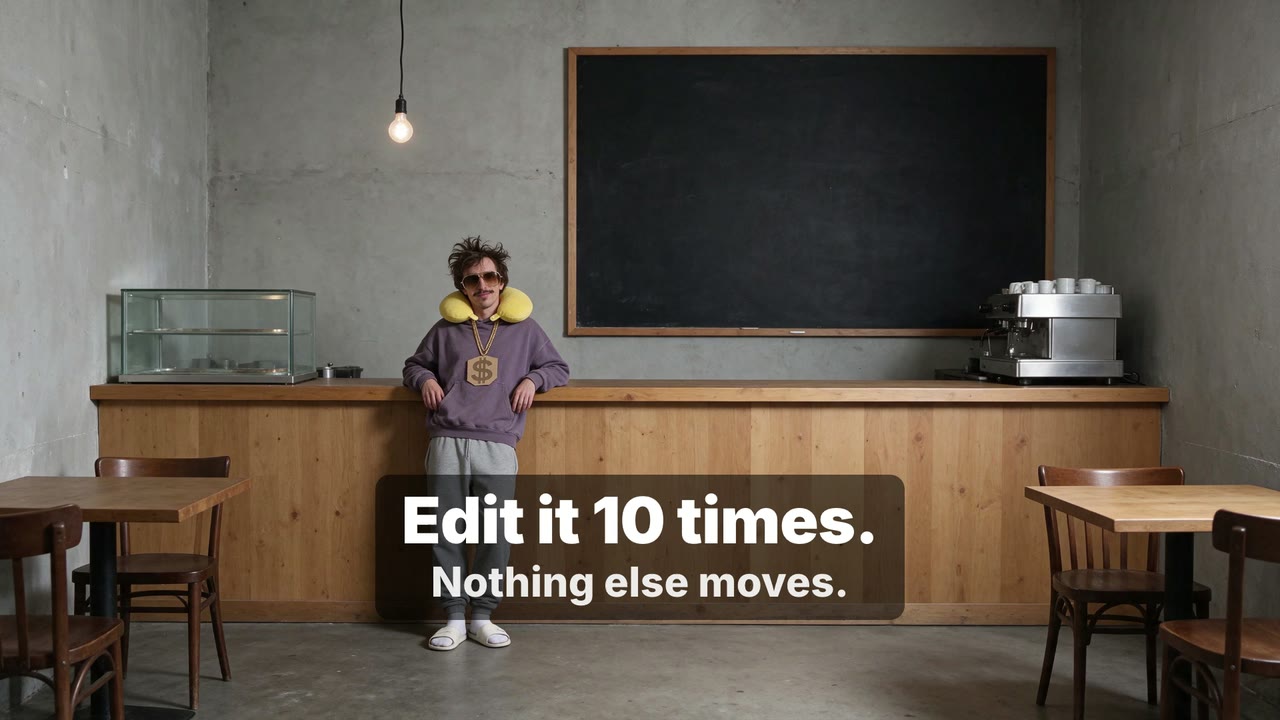
  6. Seedream 5.5: Change One Thing, Keep Everything Else

    Seedream 5.5, ByteDance's newest image model, is now on BudgetPixel in the Image Workshop, the Design Studio, the API and the MCP connector. In the film, Barry edits one picture of his café ten times with it, from the walls to the chalk menu, and the rest of the room stays as it was.

    • Edits that keep everything else: change one thing and the rest of the picture stays as it was, round after round.
    • More natural light and skin: faces, skin and materials look closer to a real photo.
    • Small, dense text that reads: labels, menus and fine print come out sharp.
    • Transparent backgrounds from a prompt: ask for a sticker, a logo or a product cut-out and get a PNG with no background.
    • Layers in the Design Studio: Decompose splits a picture into named layers, with each line of text on its own.

    From 26 credits an image. Try Seedream 5.5.

  7. Update,

    Director is open now, on Premium and up. Start a film.

    Director: Turn One Sentence Into a Short Film, Coming Soon

    BudgetPixel Director is a film director you work with in a chat, and it is coming soon. Give it an idea and it makes a short film with you, one step at a time: the story and script, the cast, the world, the storyboard, the scenes, the music and the final cut in 1080p. You can give notes at every step.

    The film here, Tomorrow's Post, was made in Director from one sentence: "A lighthouse keeper finds a letter dated tomorrow."

    Press Notify me on the Director page and we will tell you the day it opens.

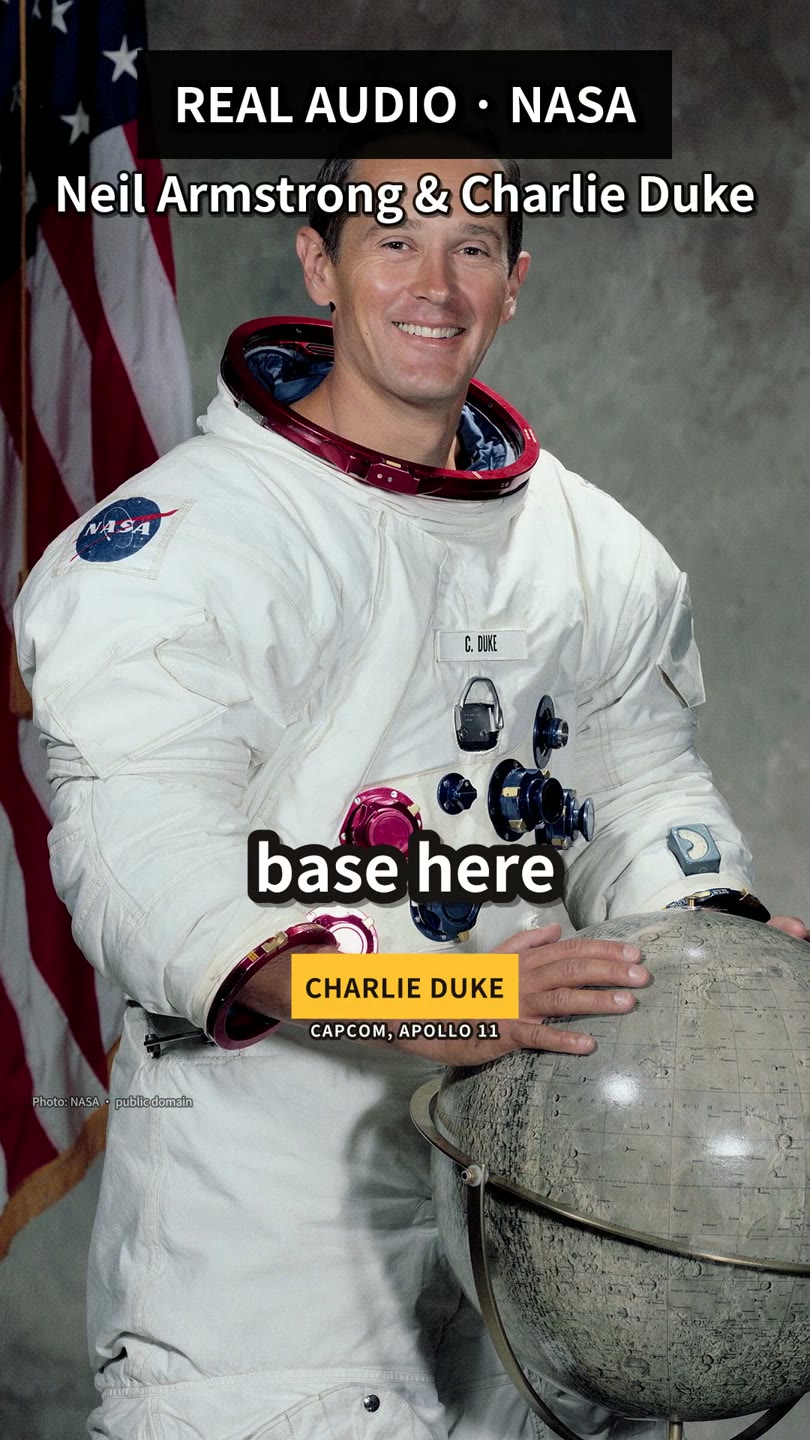
  8. Explainer Studio: Real Audio, Found and Clipped for You

    Explainer Studio on BudgetPixel now finds the real audio your story mentions, like a briefing, a pilot's radio call or a speech, clips the exact line and plays it in your faceless video with its own captions and a REAL AUDIO tag naming the source.

    • Found for you: when the narration names a recording, the editor searches for it, listens through it and clips the line, up to 14 seconds. The narration pauses while it plays.
    • Or ask for one: write [REAL AUDIO: what to find] in your script, ask the editor in the chat, paste a link, or attach your own recording.
    • Credited and marked: every recording names its source. U.S. government recordings (NASA, the NTSB, the FAA) and freely licensed files are free to use; a recording from anyone else is marked on your fact sheet, so you decide whether it stays before you post.
    • Real photos too: the people, companies and places you name get real photos with their credits, places go on a map, and numbers go on screen as they are said.

    Make an explainer.

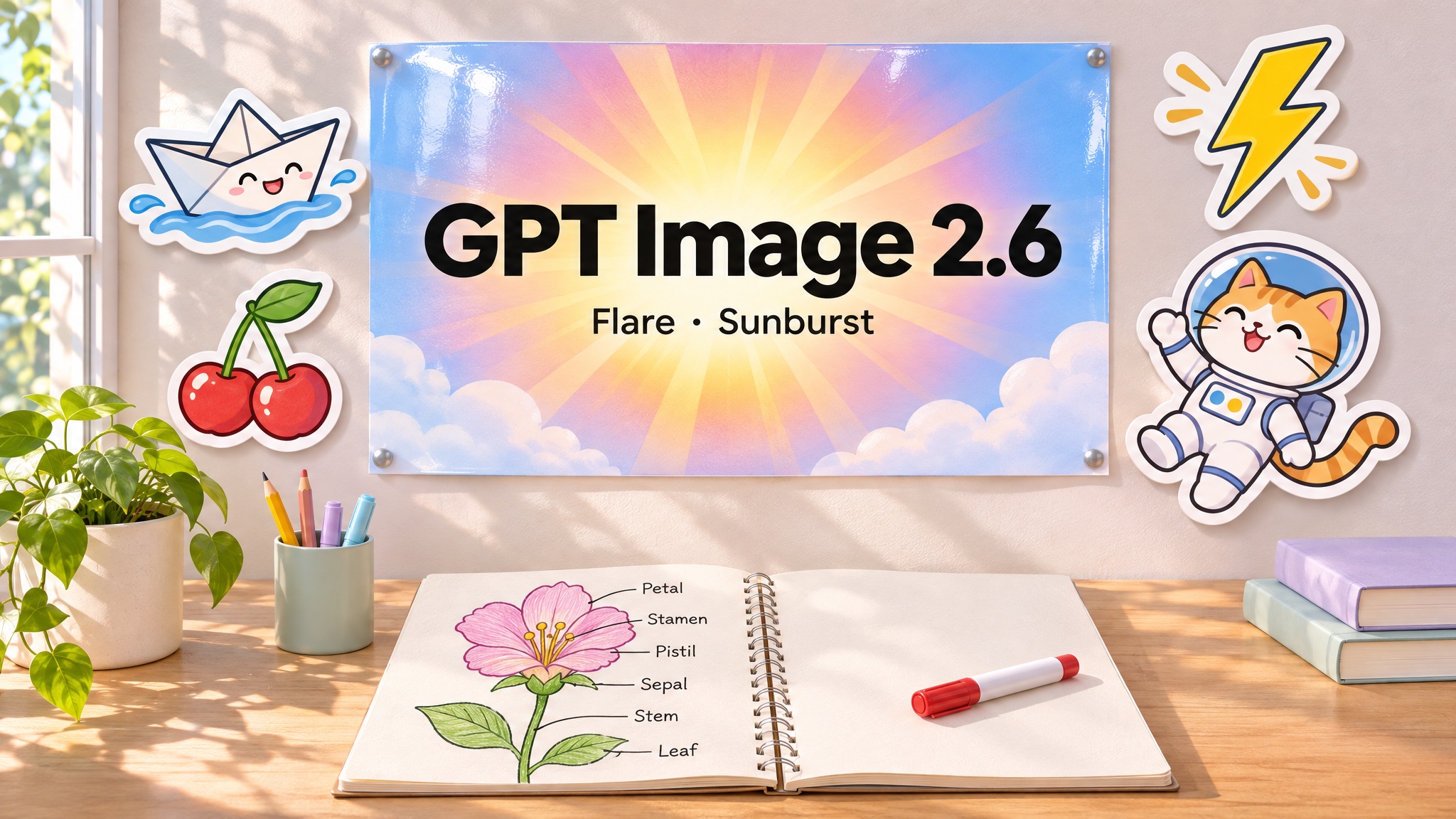
  9. GPT Image 2.6: Transparent Cut-Outs and Edits You Can Point To

    GPT Image 2.6 from OpenAI is now on BudgetPixel, in the Image Workshop, Design Studio, the API and the MCP connector. It comes in two versions: Sunburst for dense text, complex layouts and precise edits, and Flare for speed.

    • Transparent cut-outs: stickers, logos and products with no background, straight from a prompt or an edit.
    • Mark what to change: in the Image Workshop, draw a circle or an arrow on your picture, say what to do, and only that spot changes.
    • Planning: choose how much the model plans before it draws, high for dense text and busy layouts, low for quick, focused edits.
    • Up to 4K and 16 reference pictures, at one price for every size.

    In Design Studio it takes over from GPT Image 2.5. Try GPT Image 2.6.

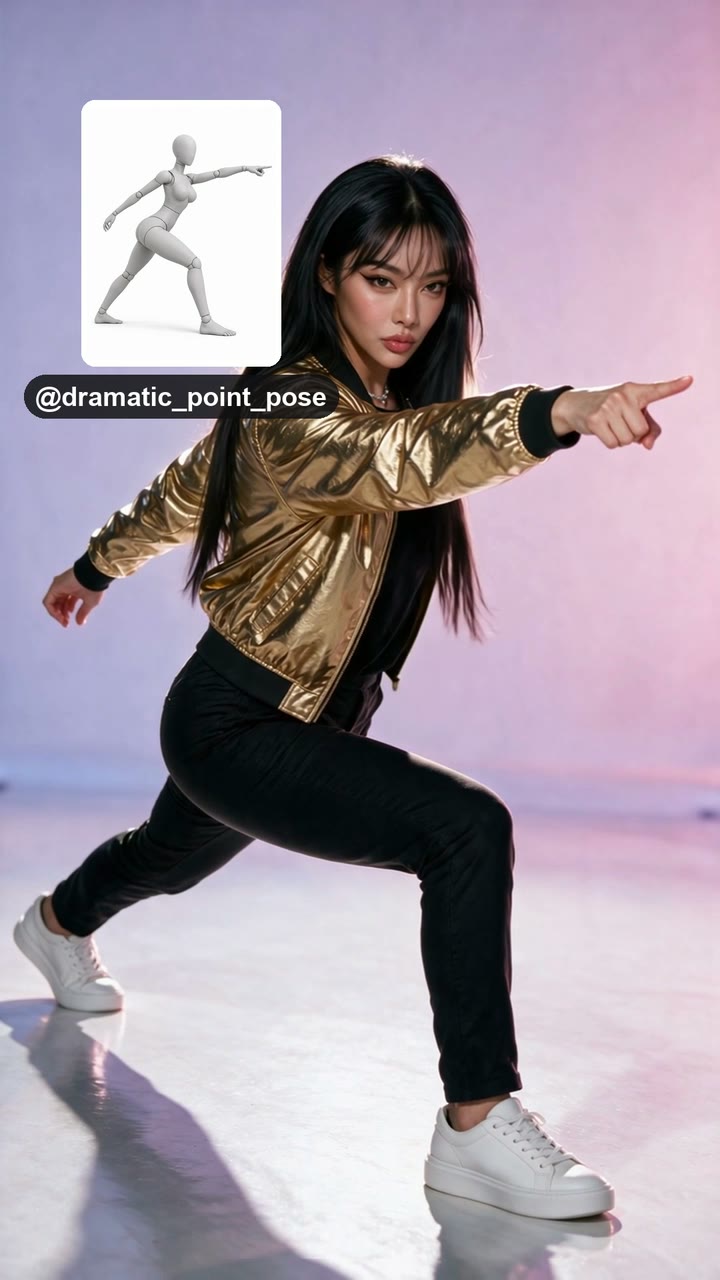
  10. Poses: Put Any Character in Any Pose, From Any Angle

    Poses on BudgetPixel is a free library of body poses on grey mannequins, a woman and a man: put any character in a pose with one click or one @handle, and see the pose from any angle.

    • Ten shelves: standing, sitting, lying, kneeling and crouching, walking and running, jumping and action, dance, sports and fitness, glamour, and gestures. Every pose is checked to be one a real body can do.
    • Pose a character: open a pose and press Pose a character, or write it in a prompt: @your_character in @hand_on_hip_pose on a rooftop at dusk. Your character takes the position and keeps their own face, body and clothes.
    • Any angle: turn a pose on the camera globe to see it from the side, the back or above. If an angle is missing, press Make this angle: it is made once and joins the library for everyone. Send it with a word after the handle, like @hand_on_hip_pose.back.
    • Design a pose: describe a new one head to toe, or add a picture of it, and it joins the library with its own @handle (paid plans).

    Dress them too: @your_character wearing @gold_bomber_casual_outfit in @hero_landing_pose puts a Wardrobe outfit and a pose in one prompt, as in the film. Open the pose library, and see the pose guide for every angle word.

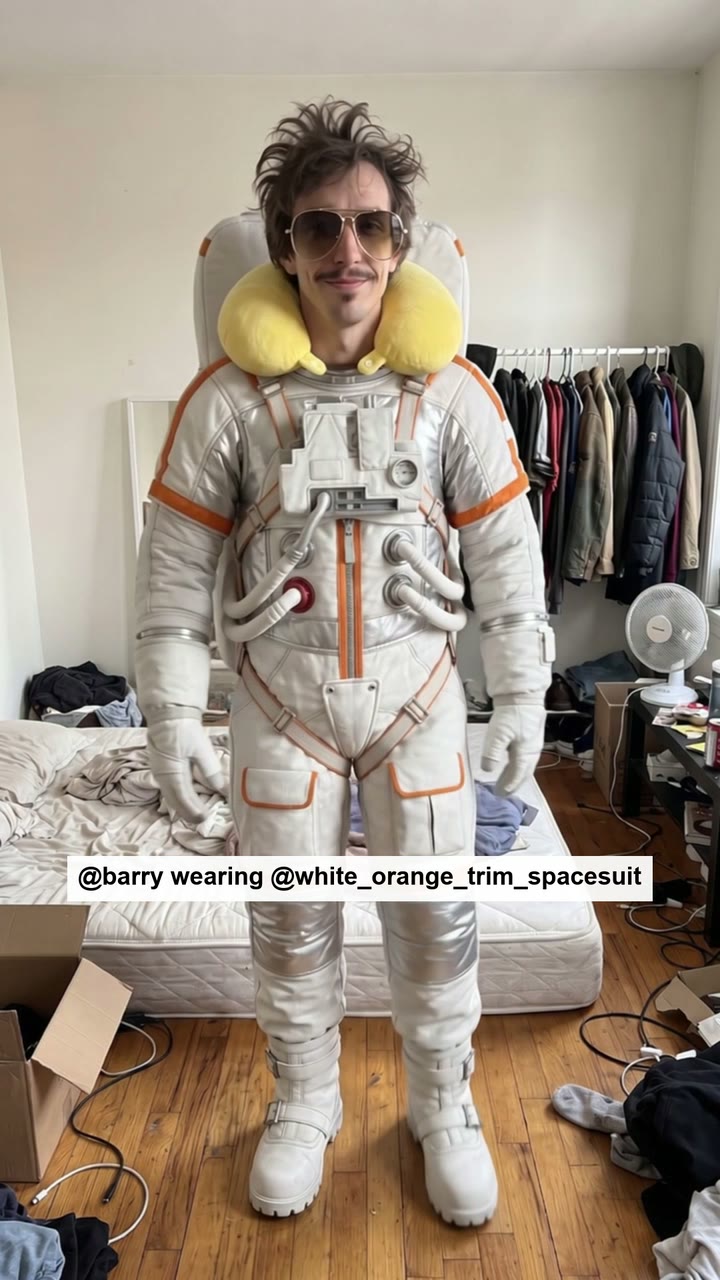
  11. Wardrobe: Dress Any Character in Hundreds of Free Outfits

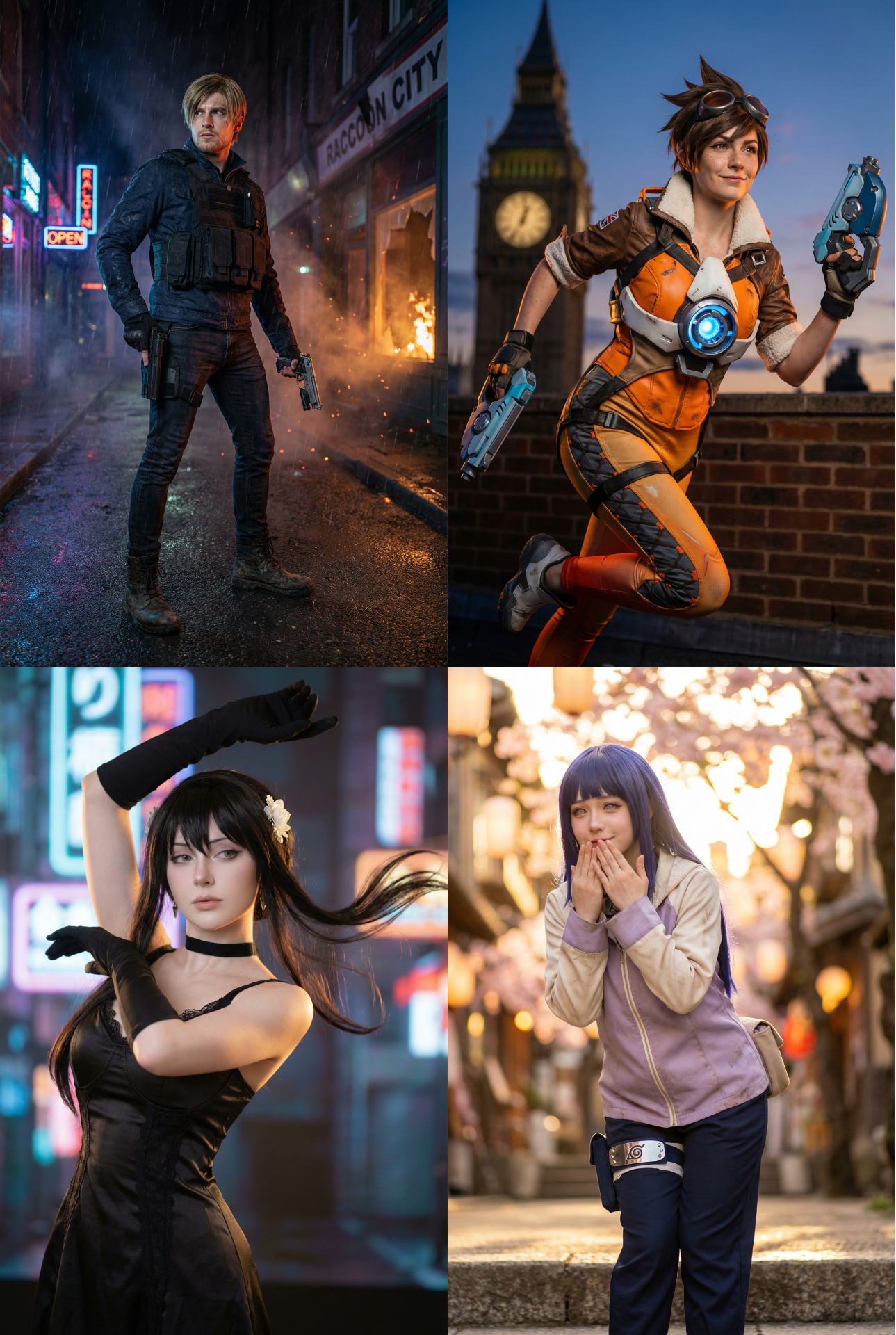
    Wardrobe on BudgetPixel is a free library of more than 360 outfits that any character can wear: write @your_character wearing @outfit in an image or video prompt, and the face and the clothes carry over from scene to scene.

    • Every kind of outfit: everyday, work, formal, party, sport, outerwear, swimwear, sleepwear, traditional dress and costumes, women's, men's and unisex, plus our AI influencers' signature looks.
    • Cosplay: more than 240 anime and game outfits from 60 series, each series on its own page.
    • Try on: open an outfit, press Try on, and pick your character and one of eight poses. Every try-on is kept in the Try-ons tab.
    • Add your own clothes: from a photo, a shop's link or a short video, the wardrobe makes a clean picture of the outfit to use in any prompt. Keep it to yourself, or publish it for everyone (paid plans).

    The film is Barry's fit check: every outfit in it came from one prompt, @barry wearing the outfit. Open the wardrobe.

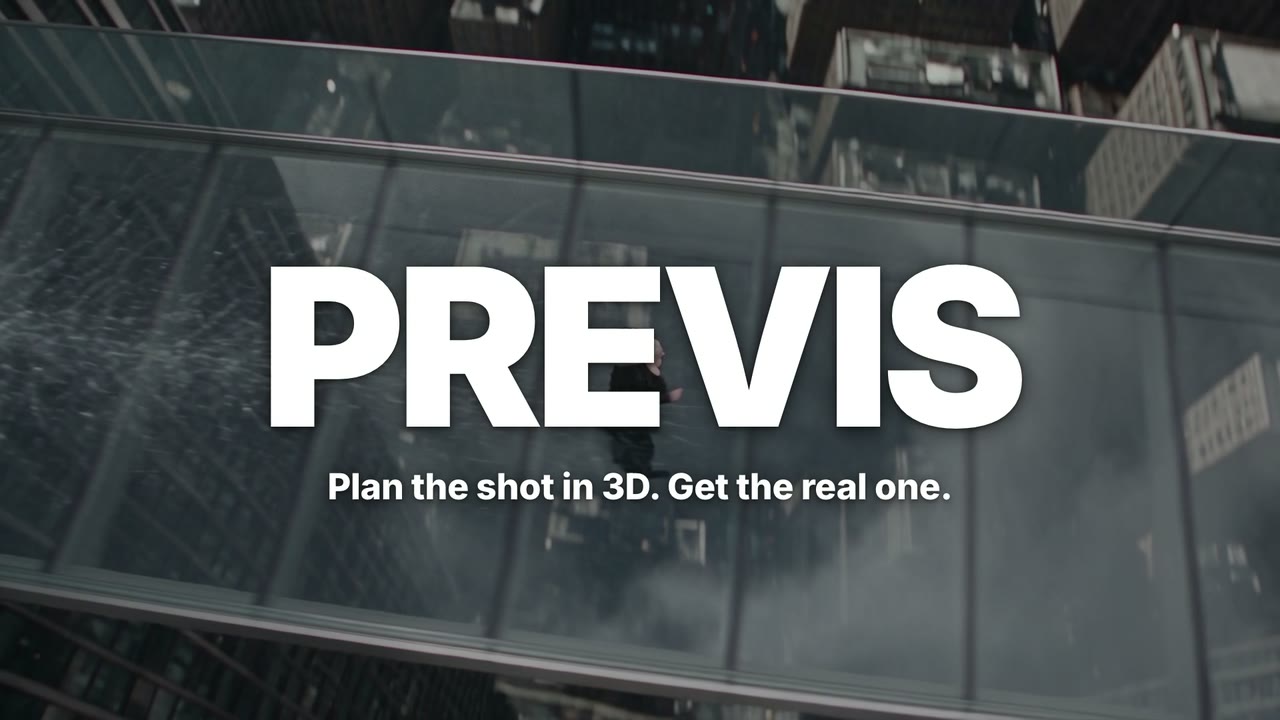
  12. Previs: Plan the Shot in 3D, Get the Real Video

    Previs on BudgetPixel plans a shot in 3D before you make it: describe it or name the camera move, check it as a quick clay 3D sketch, then make the real video with Seedance 2.5, which keeps the exact same camera move.

    • Describe it or name the move: dolly zoom, orbit, crane up, crash zoom, pull-out, or just say it in plain words.
    • Check it in 3D: watch the move from every side, then change the lens, the speed or the move with sliders or in the chat.
    • Cast anyone: up to six characters by @handle, your own or the free AI influencers, with their real faces in the video.
    • Make it real: a quick 480p draft first, then HD from the draft you like. Shots run 4 to 15 seconds in 16:9, 9:16 or 1:1.

    Planning costs 10 credits a second of preview (30 with Better planning); sliders, undo and the sketch video are free.

  13. Recast Community Motions: Share Your Moves, Earn Credits

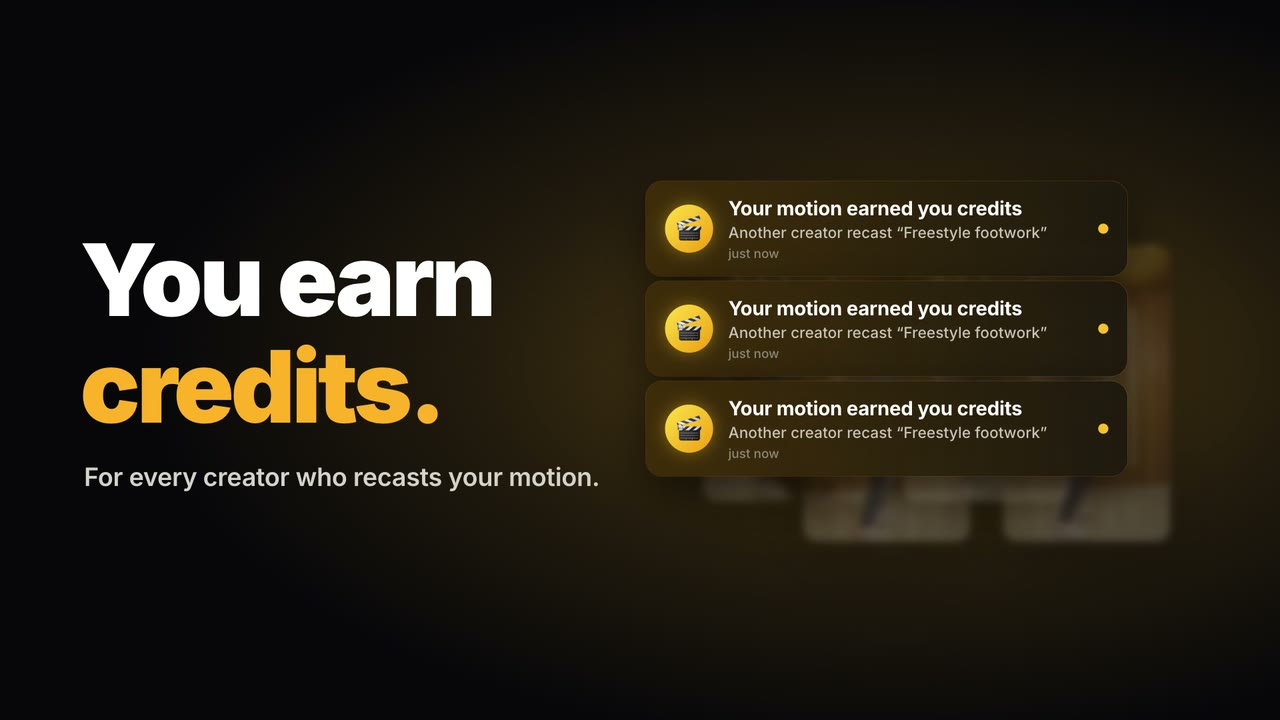
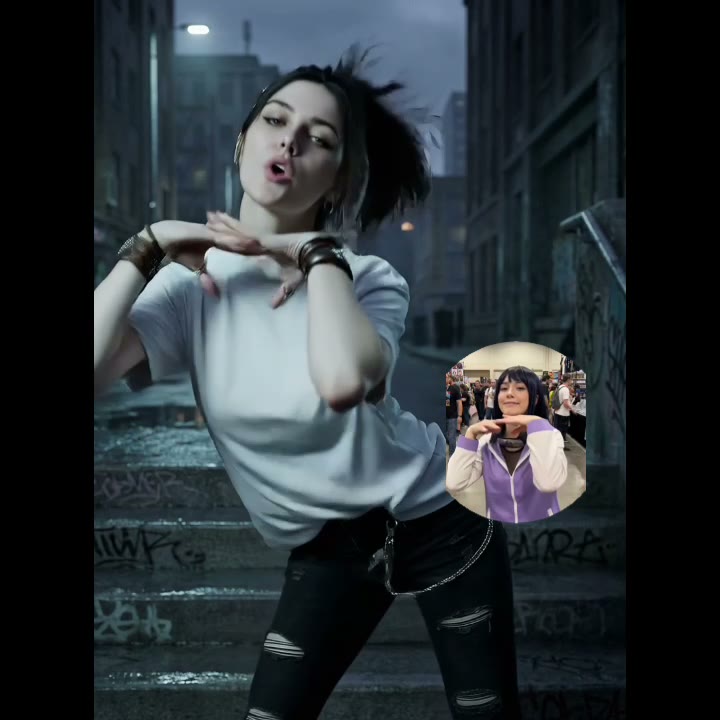
    Community motions on BudgetPixel's Recast let you share the moves from your recasts with every creator, and you earn 10 credits for each creator who recasts one.

    • Publish from My recasts: open a finished recast, tap Publish to the community and name the motion. We check every motion before it is listed: sexy is fine, nudity and sexual acts are not.
    • Earn as it spreads: 10 credits for each creator whose recast from your motion is ready, up to 300 credits a day, each with a notification. Reward credits last two months.
    • Climb Community Trending: likes and recasts move a motion up the shelf, beside BudgetPixel's own motions and the newest ones.
    • A page for your motions: everything you publish is listed on your creator page, /recast/@yourname, ready to share.

    Share only videos you made or have the rights to, sound included. Go to My recasts.

  14. Recast: Remake Any Video with a New Cast

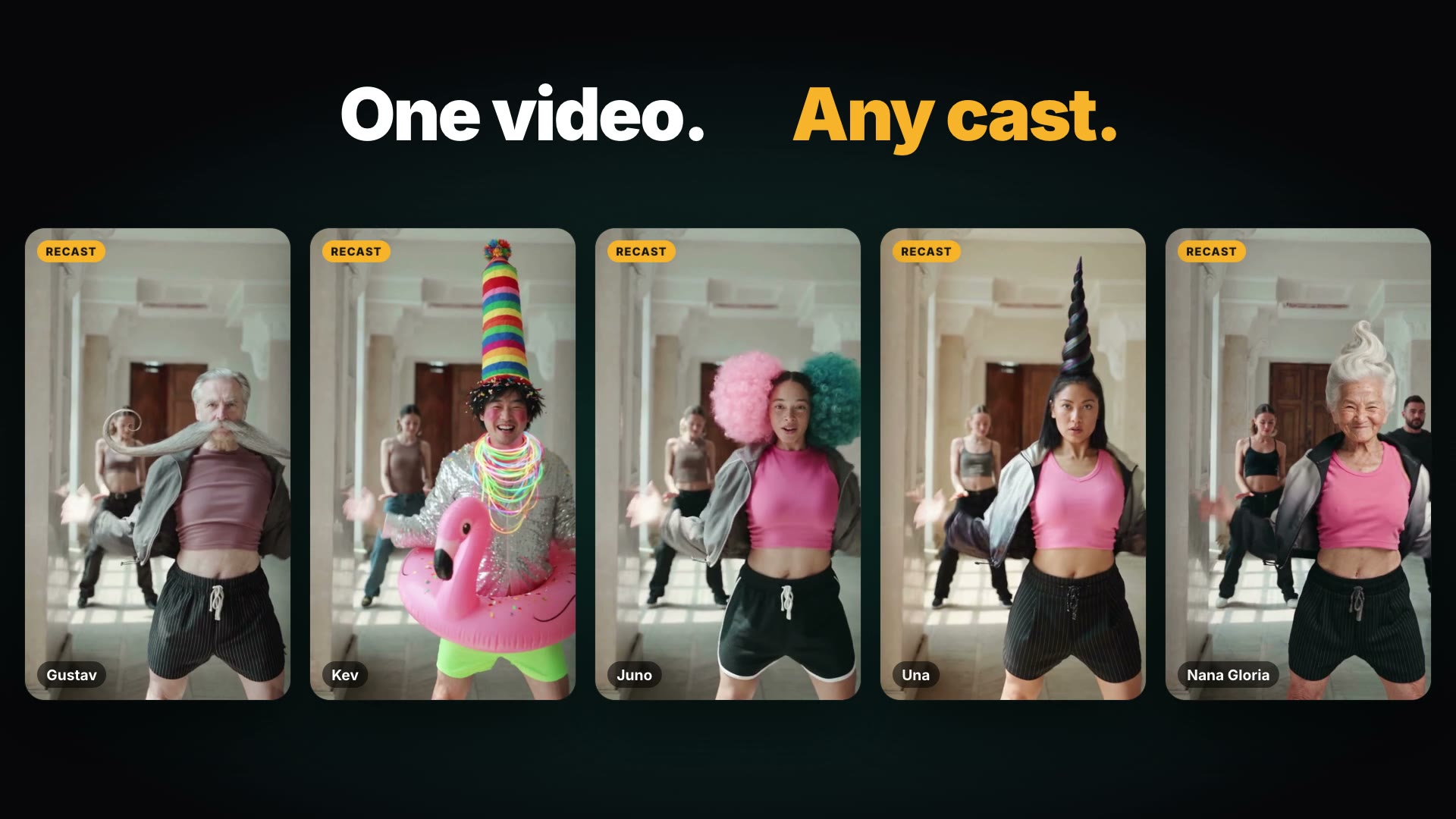
    Recast on BudgetPixel takes a video you love and remakes it with a new cast: the same moves, timing and camera with new people in it, and the clip keeps its own sound.

    • Paste a link or drop a clip: a TikTok, Reel, Short, Facebook or X video, or a file of your own, trimmed to the part you want.
    • Pick who is in it: our AI influencers, your own characters, or a product and outfit you add as pictures, up to four people.
    • Draft first, then HD: see a quick 480p draft, then make the same video 1080p.

    Start from the Motion library of ready-made trends, or bring your own clip. Try Recast.

  15. Update,

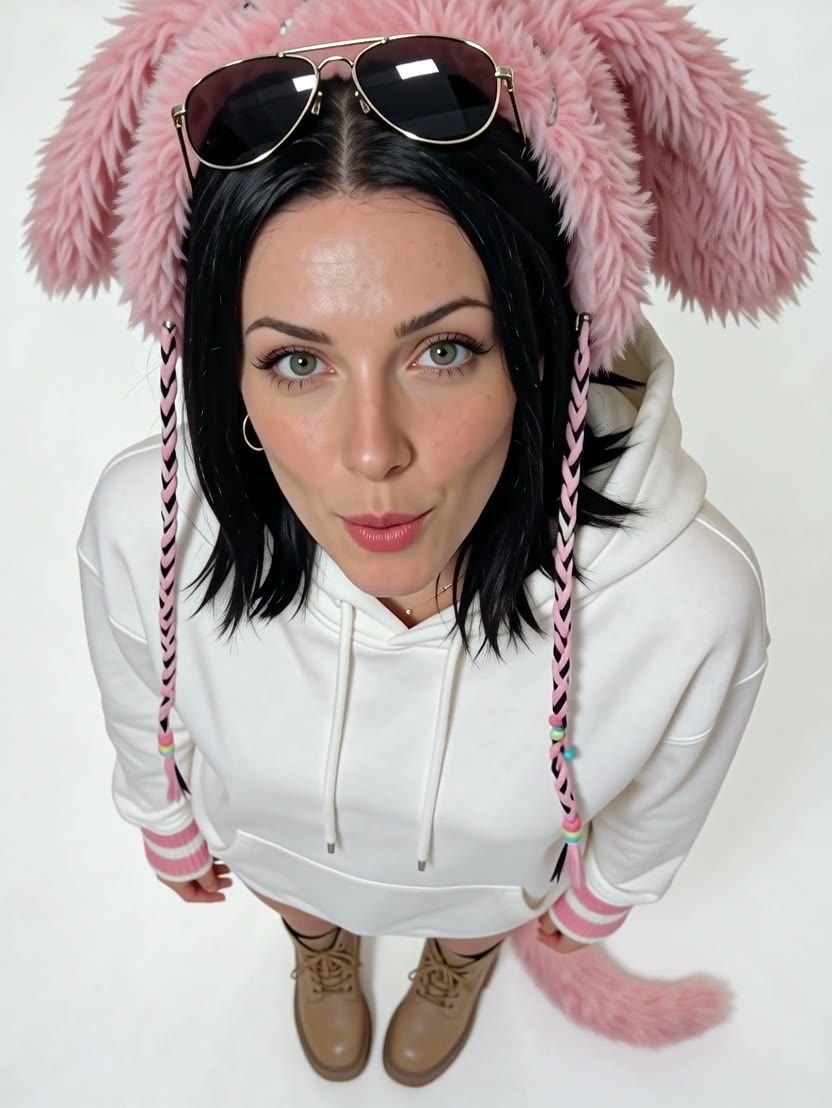
    Ten more influencers joined: Marco the explorer, Tex the delivery cowgirl, Fifi the beauty guru, Barnaby the one-man band, Sunny the goth sunshine, Hank the lumberjack ballet dancer, Pâté the food-critic cat, Yuzu the zen capybara, Jai the kung fu trainer and Kev the party animal. Meet them all.

    Update,

    Fourteen more joined, led by Linda, Barry's girlfriend (she's a model): Darren and his two-metre mullet, Brick who never skips chest day, Gustav and his metre-wide moustache, Walter the power-walking grandpa, Rafa the realtor with the smile, Victor the petty supervillain, Danger Dave, Margot from HR in her ruff collar, Tammy the 80s aerobics queen, Stella and her endless legs, Una the unicorn founder, Brenda who is always shocked, and Lulu, whose ponytail forecasts the weather. Meet them all.

    BudgetPixel AI Influencers: Cast Official Characters in Any Image or Video

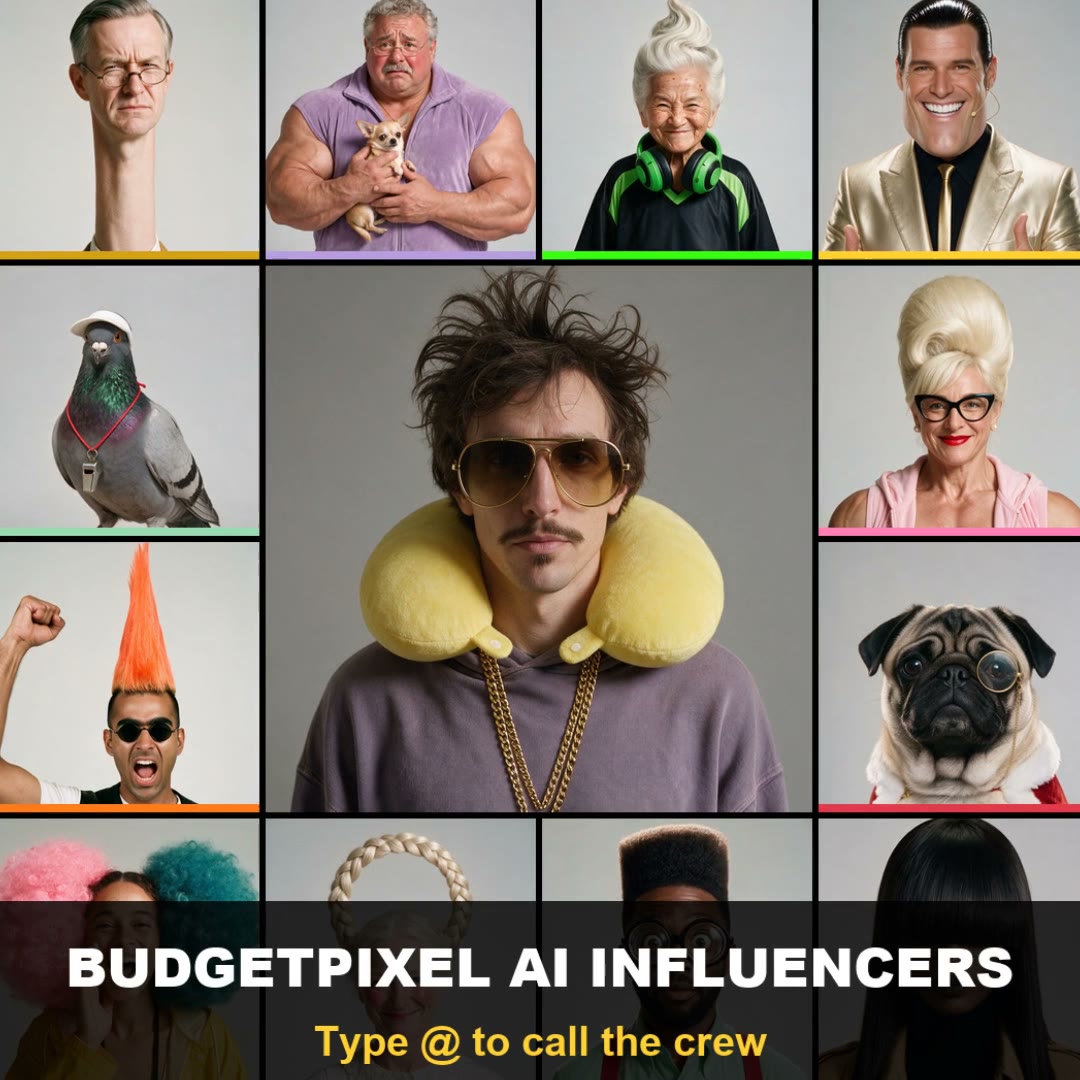
    BudgetPixel AI Influencers are official characters that anyone on BudgetPixel can cast in an image or a video, led by Barry, our ambassador. Type @ in any image or video prompt, pick one, and they come out looking like themselves.

    • Nothing to buy — official influencers are free for everyone: no collecting, just @mention them.
    • Made to stay consistent — each comes with a 4K portrait and a 4K full-length picture, plus up to a dozen more: expressions, side and back views, scenes and the life in their head.
    • Pick the exact picture — @barry.inmyhead or @neville.side_profile uses that one.
    • Characters to direct — every influencer has a story, a catchphrase and notes on how to film them, on their own page.

    Meet Barry, Neville, Rocco, Nana Gloria, Rosa, Chad, Sir Reginald, Ophelia and the rest of the crew. Meet them in full screen.

  16. Depth Map: Turn Any Video into a Depth Map

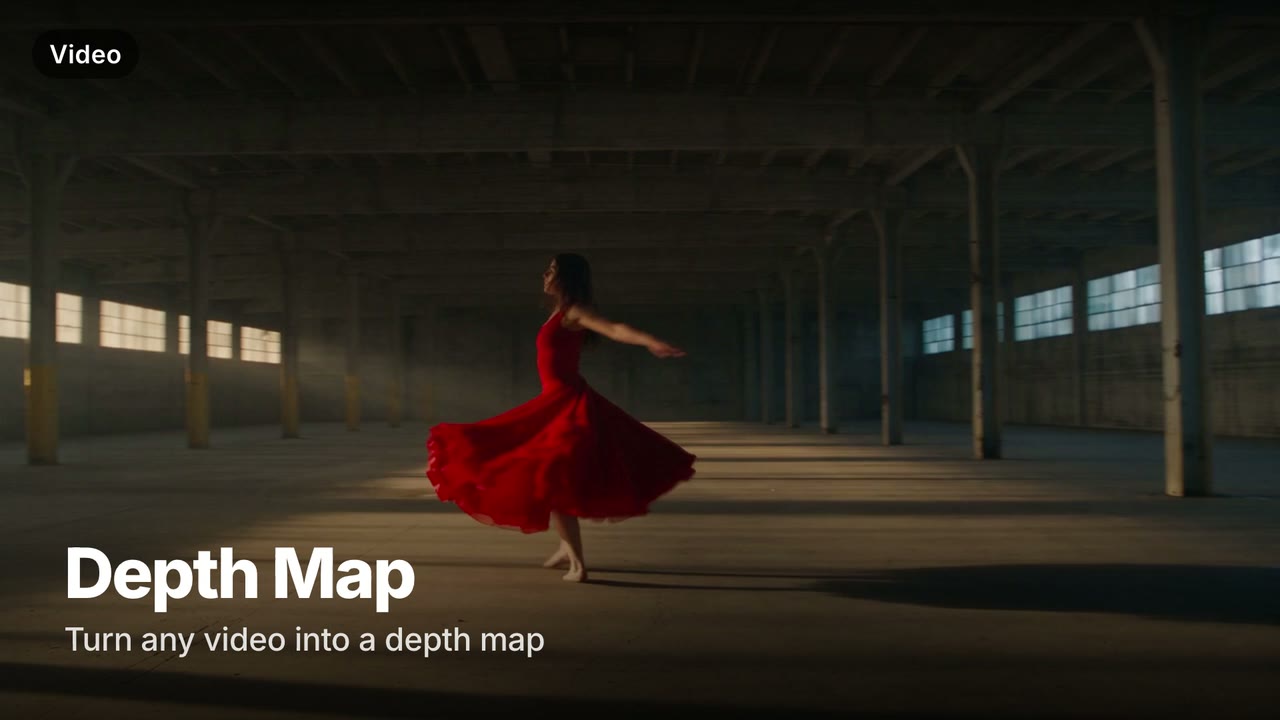
    Depth Map is a new tool in the Video Workshop, the API and the MCP connector. It turns any clip into a depth map video with ByteDance's Video Depth Anything: near is white, far is black, and the depth holds steady from frame to frame.

    • Use it as a reference — give a video model your clip's layout and motion, then describe a new scene.
    • Small, Base or Large — 20, 30 or 40 credits a second; Large draws the finest detail.
    • Same length, size and frame rate — clips up to 30 seconds, up to 1080p and 30 fps.
    • Grayscale or colour — grayscale for video models; turbo, inferno, magma and viridis for viewing.

    Try Depth Map.

  17. OmniHuman 2.0: Make Any Photo Talk

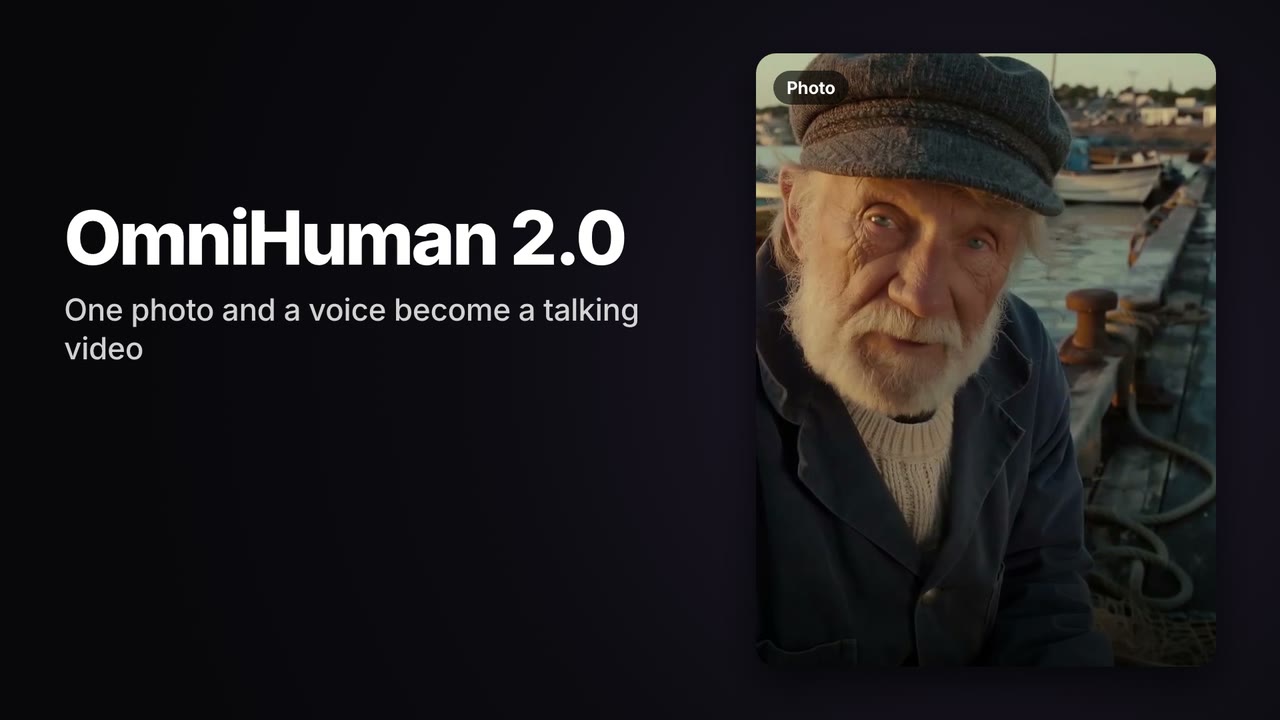
    OmniHuman 2.0 from ByteDance is now in the Lip Sync tool of BudgetPixel's Video Workshop and in the API. Give it one photo and a voice, and it makes a video of them speaking: the lips follow every word, and the face, head and hands move with the speech.

    • Any photo — people, illustrated characters, even pets.
    • Any voice, any language — upload a recording, record yourself, or type a line and pick a built-in voice or your cloned voice.
    • Up to 2 minutes of speech in one video, at 720p.
    • Direct it with a prompt — an expression, a gesture or a camera move.

    Character videos and the Studio's lip sync and video translation now use OmniHuman 2.0 as well.

    See every lip sync model.

  18. FLUX 3 Video: Text, Image or Extend, Up to 4K with Sound

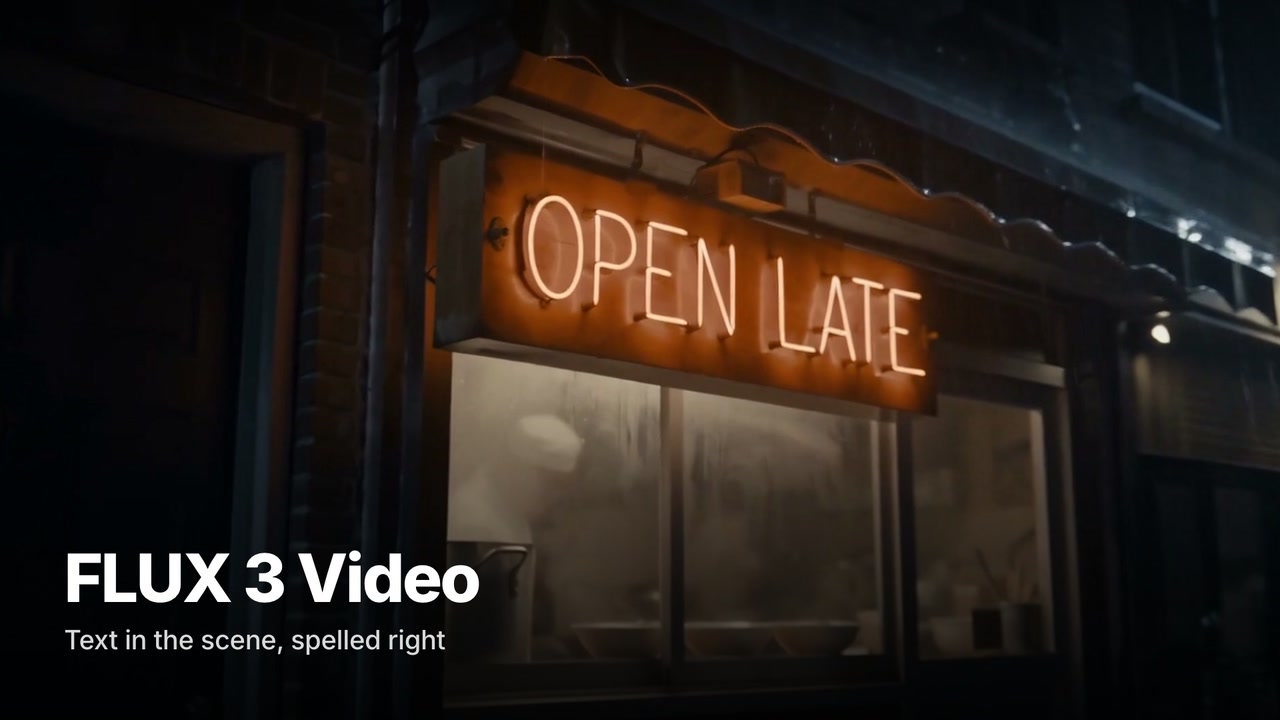
    FLUX 3 Video from Black Forest Labs is now in BudgetPixel's Video Workshop, the API and the MCP connector. It makes clips with their own sound, from a prompt, from a still image, or by continuing a video you already have.

    • 720p to 4K, 5 to 20 seconds in one go, at 24 fps.
    • Sound made with the picture — ambience, effects, and spoken lines with lip sync.
    • First and last frame — start from a still, or move from one frame to another.
    • Extend — continue any clip from its last frames; you get one video back, your clip followed by the new seconds.
    • Text in the scene — signs and titles come out legible.

    Try FLUX 3 Video.

  19. FLUX 3 Video Upscale: 480p to 1440p, 720p to 4K

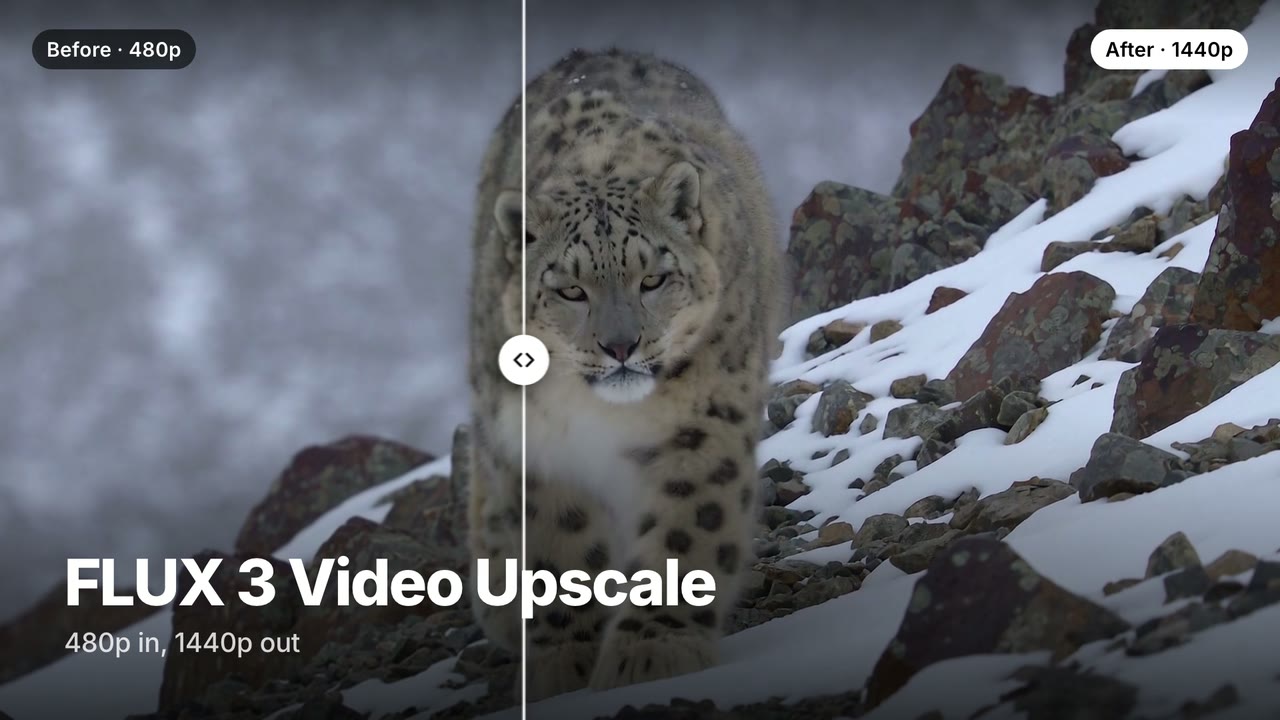
    FLUX 3 Video Upscale from Black Forest Labs is now in BudgetPixel's Upscale Video tool, the API and the MCP connector. It makes a video 1.5 to 3 times larger and redraws every frame with real detail instead of stretching it.

    • 1.5× to 3× — 480p to 1440p, 720p to 4K.
    • Precise or creative — keep faces and products exactly as they are, or let FLUX add fine texture.
    • Frame rate and sound kept — in an H.264 MP4 that plays everywhere.
    • Priced by output size — one second of 1080p output is 188 credits in precise mode.

    The Upscale Video tool now has a model picker: Topaz for 1080p or 4K at up to 60 fps, FLUX 3 for detail.

    Try FLUX 3 Video Upscale.

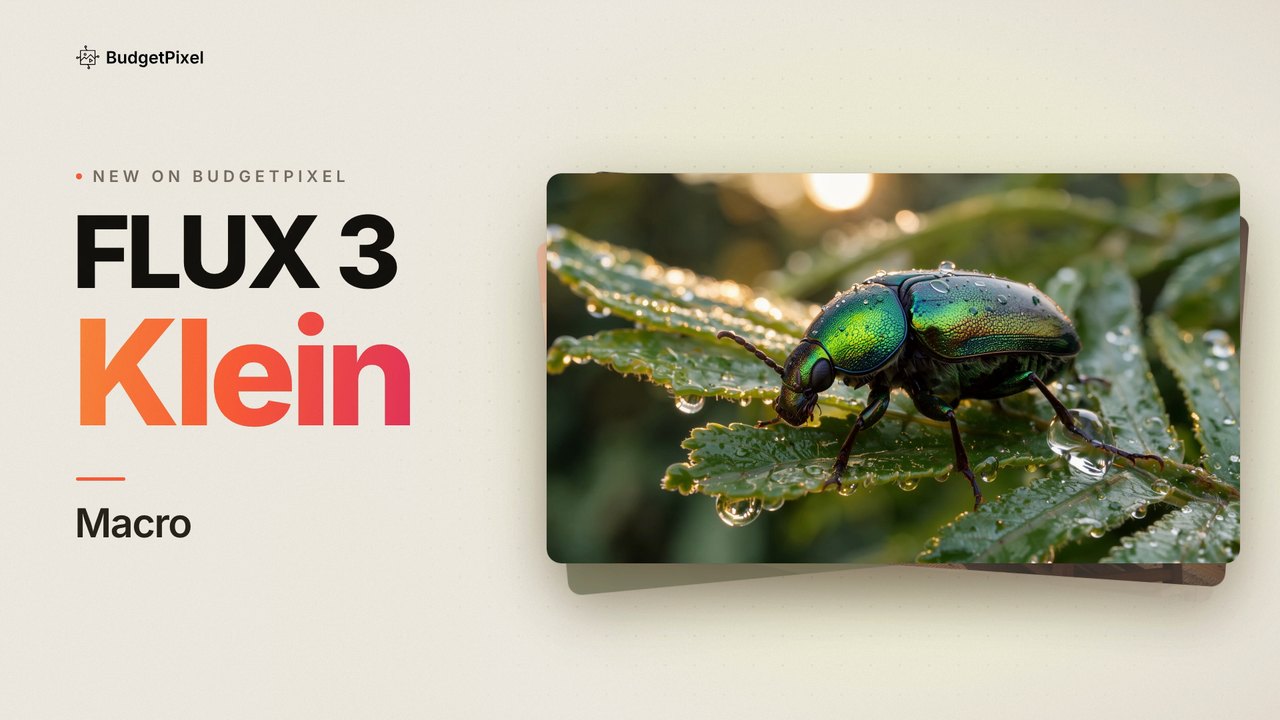
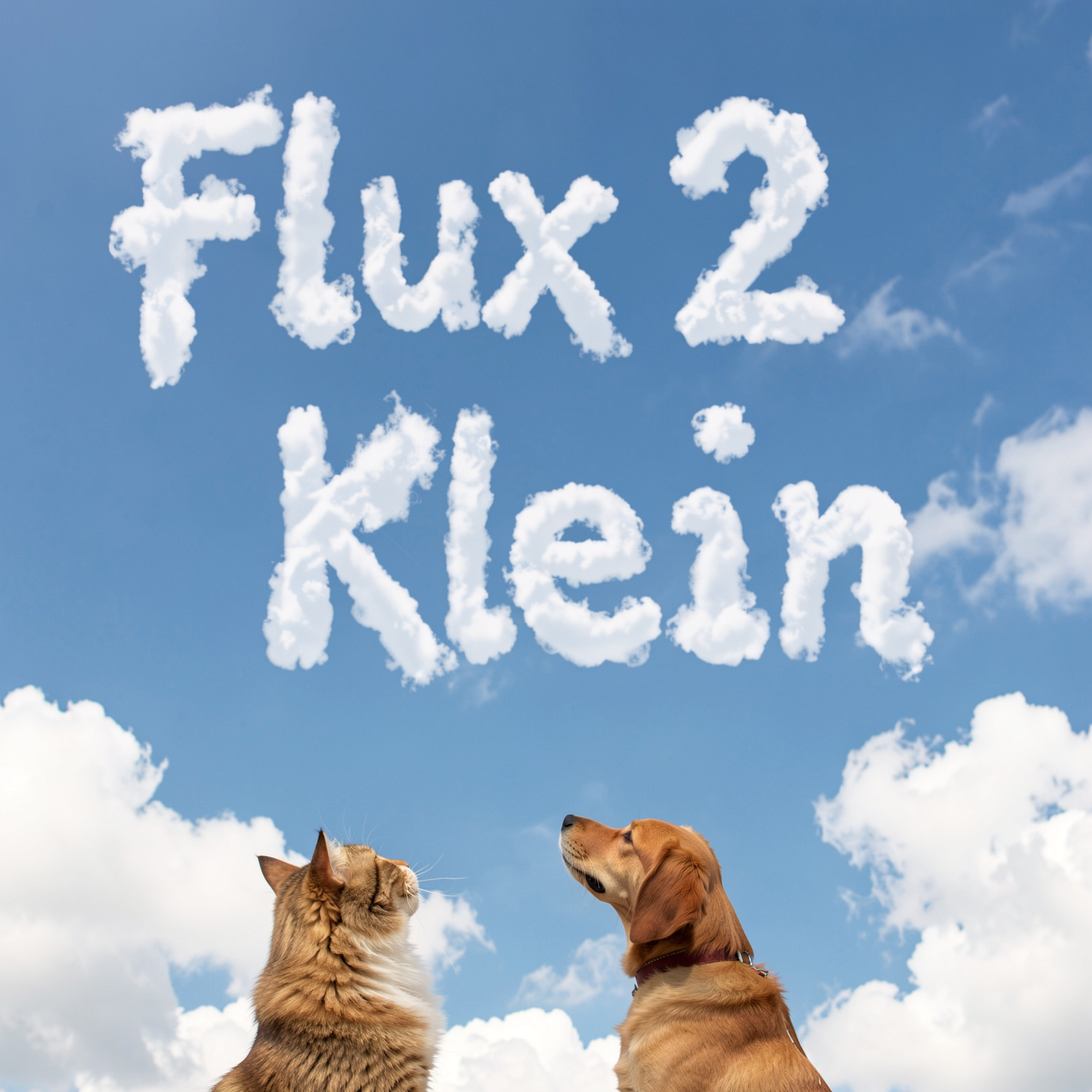
  20. FLUX 3 Klein: The Fast, Low-Cost FLUX 3

    FLUX 3 Klein, the fast, low-cost FLUX 3 from Black Forest Labs, is now in the Image Workshop, Design Studio, the API and the MCP connector, and Ava companions can use it too.

    • Fast — most images are ready in seconds.
    • Low cost — from 11 credits an image at 768px, 12 at 1K.
    • Edit by asking — change a picture with a sentence, or combine up to 10 reference images at no extra cost.
    • 768px to 4K — five sizes, priced per image.

    In Design Studio and Ava it takes over from Flux 2 Klein as the quick-draft model.

    Try FLUX 3 Klein.

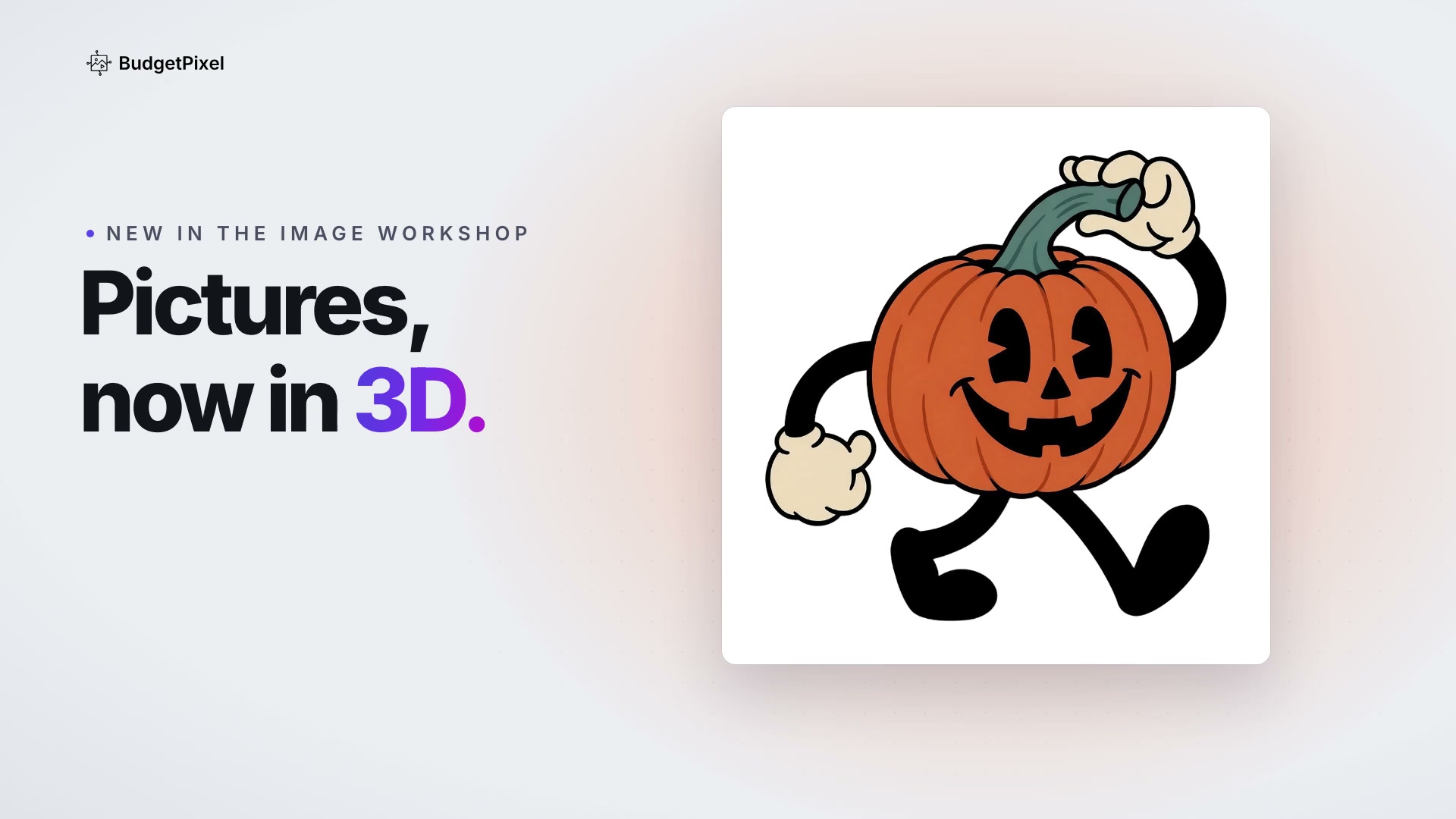
  21. 3D Models: Turn Any Picture Into a 3D Model

    New in BudgetPixel's Image Workshop: turn a picture into a 3D model you can spin, inspect and download.

    • One picture in, a textured 3D model out — a product photo, a character, a cartoon. One subject on a plain background works best.
    • Two models — Tripo H3.1 stays closest to your picture, with realistic materials; Meshy 7.1 makes light models and can rig a character to walk and run.
    • Spin it in your browser — textured, clay or wireframe. The viewer shows a light preview; downloads are full quality.
    • Download for anything — GLB from both; Meshy adds FBX, USDZ for iPhone AR and STL for 3D printing.
    • In the API and MCP too — POST /v1/3d/{model}, or ask your agent for a 3D model.

    Try it in the Image Workshop.

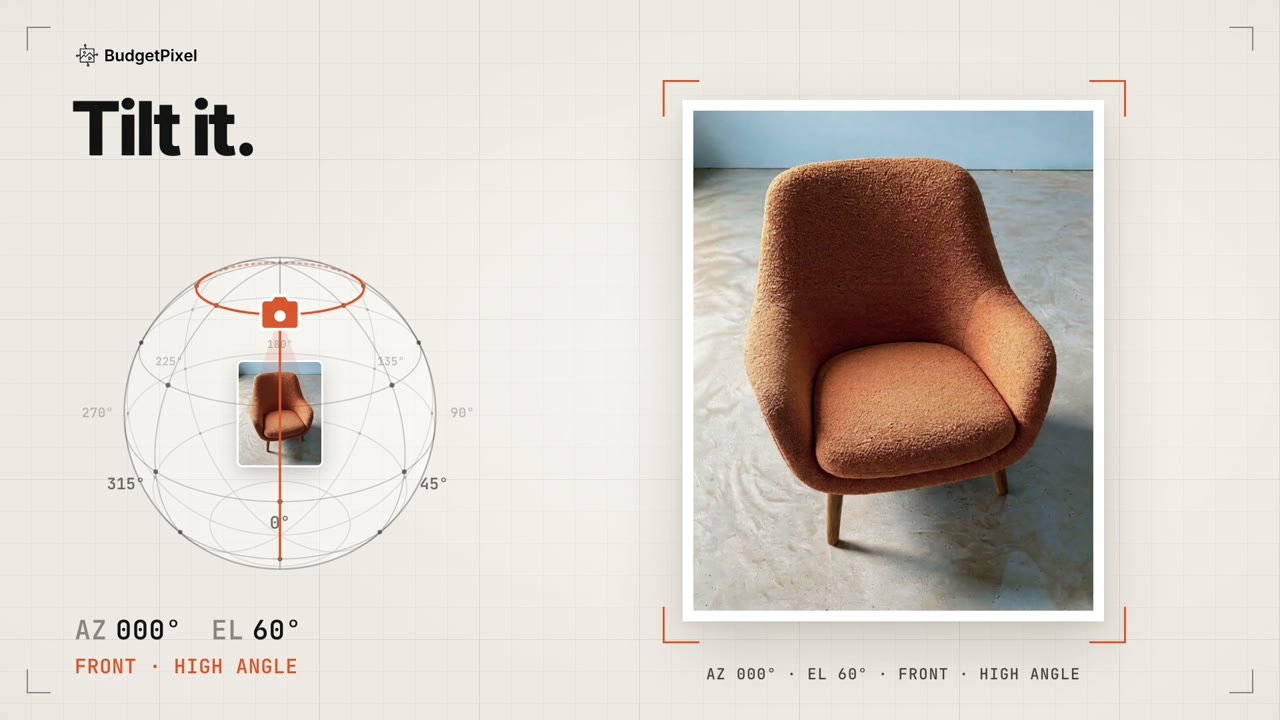
  22. Camera Angle: Move the Camera After the Shot

    New in BudgetPixel's Design Studio: see any picture in your design from another camera angle.

    • Select a picture, then Angle — orbit or tilt the camera on the globe, and pick a close-up or a wide lens.
    • It lands beside the original — drag it into your layout. A cut-out stays a cut-out.
    • Or ask the agent — "show this chair from the left, the right and the back" makes each view for you.
    • A new globe — the same smoother camera control is in the Camera Angles app.

    Best on desktop.

  23. P-Video 2 Pro, Pruna AI's video model built on MiniMax H3, is now in the Video Workshop, the API and the MCP connector.

    • Video with sound — every clip comes with generated audio, at 24 fps.
    • From text or a picture — start from a prompt, a first frame, or a first and a last frame.
    • Three modes — Cost is the cheapest and typically the quickest, Speed is the default, Quality spends longer on detail.
    • 480p or 768p, 5 to 15 seconds — any length in between.

    Try P-Video 2 Pro.

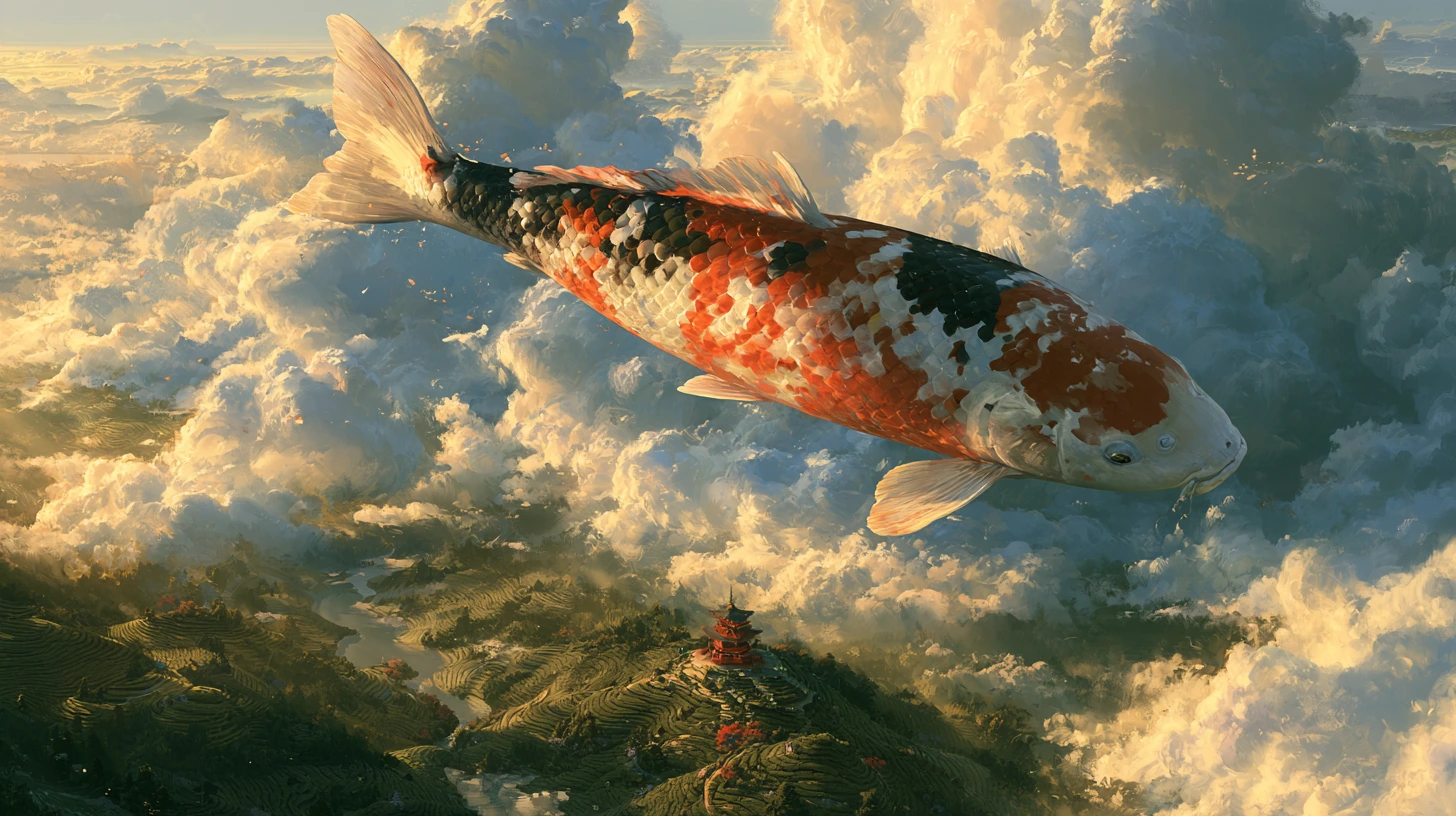
  24. A giant orange, white and black koi swimming through golden morning clouds above green terraced hills, with a small red pagoda on a ridge far below — an image made with Midjourney V8.2

    Midjourney V8.2, Midjourney's current default model, is now in the Image Workshop on paid plans, next to V7.

    • Finer detail, a bolder look — from the same prompt, V8.2 draws more texture and a more dramatic picture than V7.
    • Four pictures every time — each generation returns four takes on your prompt, in 7 aspect ratios, with Stylize, Chaos and seed controls.
    • Style references on V8.2 — add up to 3 images and V8.2 borrows their palette, materials and mood. It doesn't copy what is in them.
    • New on V7: a reference image — add one picture of a character or an object and V7 carries it into the scene you describe. Small details can change, and the picture itself isn't edited.
    • Niji 7 has been retired — links and saved selections now open V7.

    Try Midjourney V8.2, or put your character in a new scene with V7.

  25. Story View: Read Blog Stories Page by Page

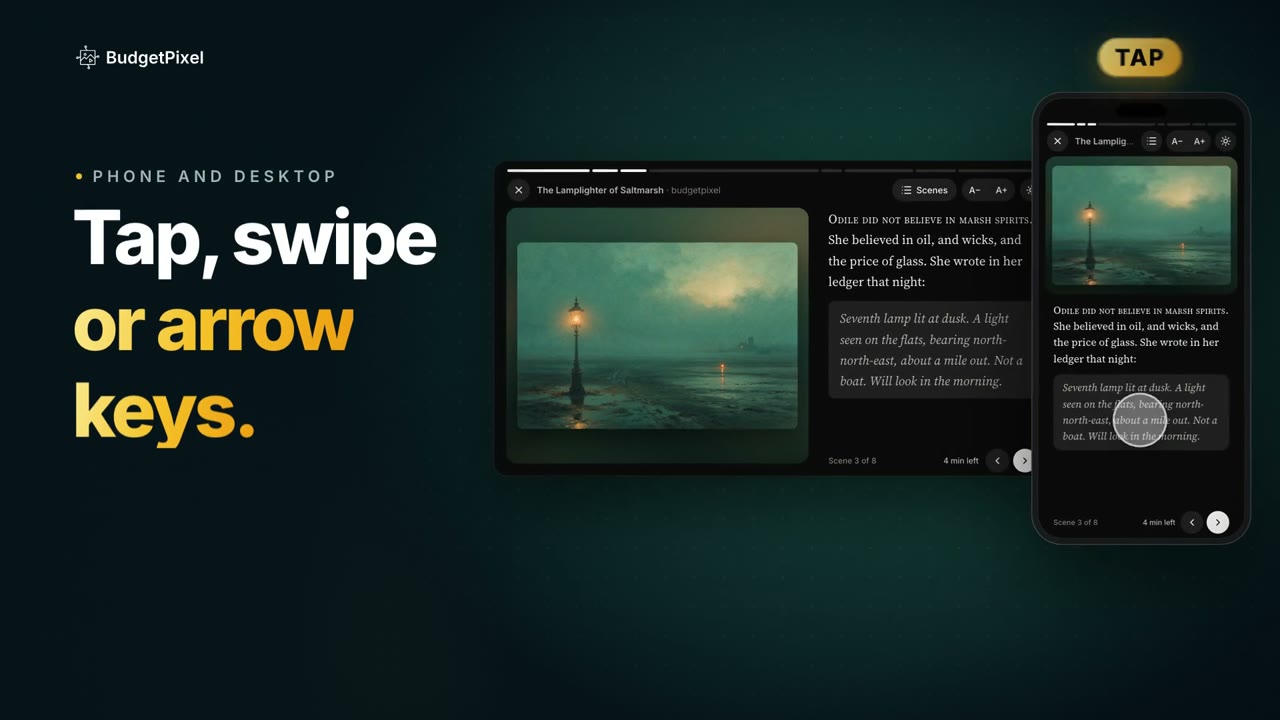
    Blog posts that read as stories now offer Read as story: a page-by-page reader.

    • One picture at a time — held beside the passage it belongs to, or above it on a phone.
    • Turn pages your way — tap, swipe, arrow keys or the scroll wheel, on phone and desktop.
    • Your place is kept — continue where you stopped. Pick your text size, light or dark.
    • For writers — automatic on posts that read as stories, with a switch in the editor.
  26. Daily Challenges: Now Ranked by Win Rate

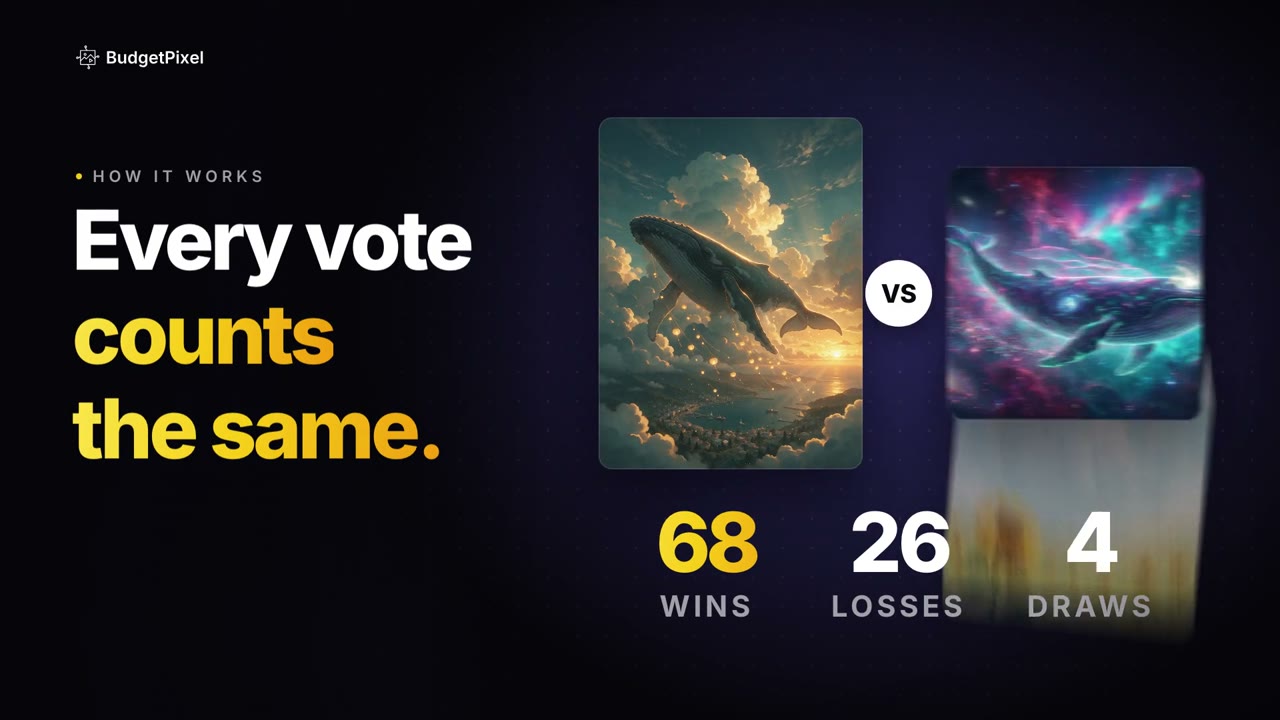
    Daily Challenges have a new ranking: win rate. ELO points are gone.

    • One simple score — wins plus half your draws, divided by your matchups. Your record is on the page, so anyone can check it.
    • Every vote counts the same — a loss is one loss, whoever it was against.
    • A clear tie rule — level on win rate? More wins goes first, then fewer losses, then the earlier entry.
    • Results that play out — when a challenge ends, the top 20 are dealt from a deck, then 3rd, 2nd and 1st place come forward.

    Mechanical Life and every challenge after it are ranked by win rate. Earlier results stay as they are.

  27. Nano Banana 2.1 Is Here: Sharper Images, Cleaner Text, Up to 4K

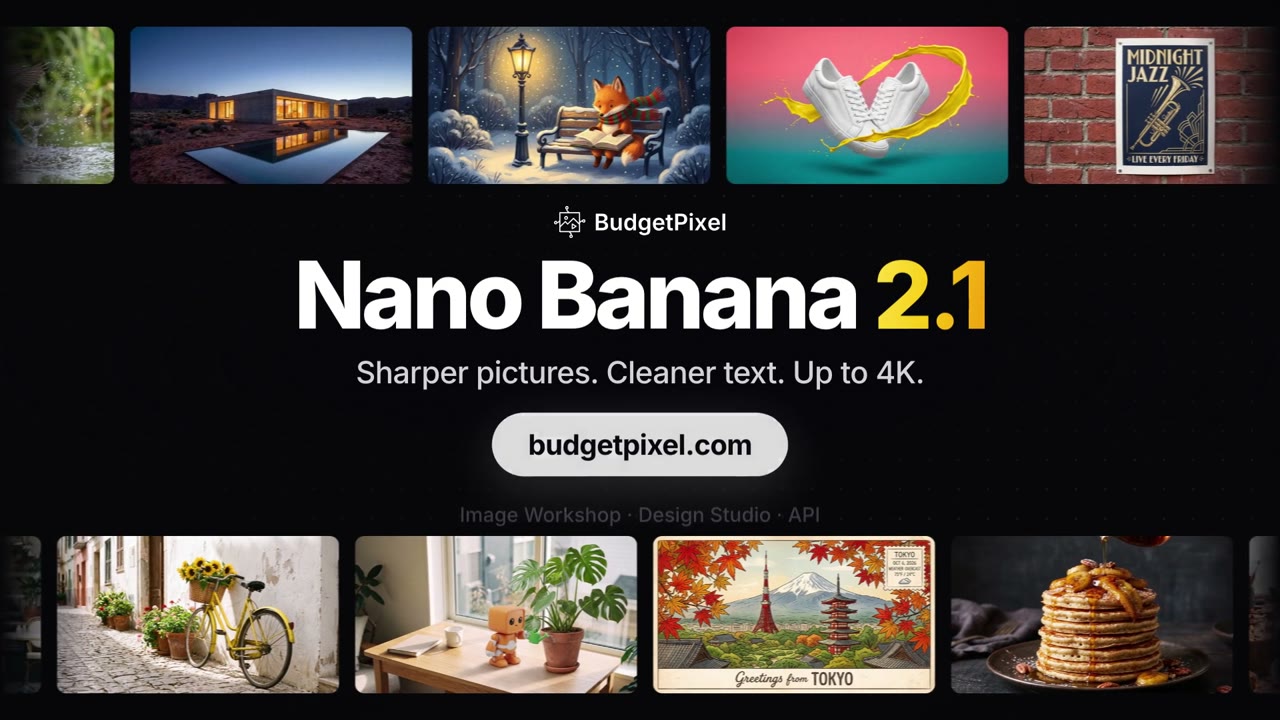
    Nano Banana 2.1, Google's newest fast image model, is now in the Image Workshop, Design Studio, the API and the MCP connector.

    • Text that reads — signs, posters, labels and infographics come out crisp. Short phrases are the most reliable.
    • Edit by asking — add an image and describe the change: a new colour, a new background, a new setting.
    • Up to 9 reference images, at no extra cost — combine products, people and places into one picture. Edits keep your first image's shape unless you pick an aspect ratio.
    • 1K, 2K or 4K — in 14 aspect ratios, including extra-wide and extra-tall.
    • Search grounding when you need it — switch on Google Search for a picture that depends on today's facts, or Image Search to look up what something real looks like. Both are optional and off by default.

    Try Nano Banana 2.1, or edit an image with it.

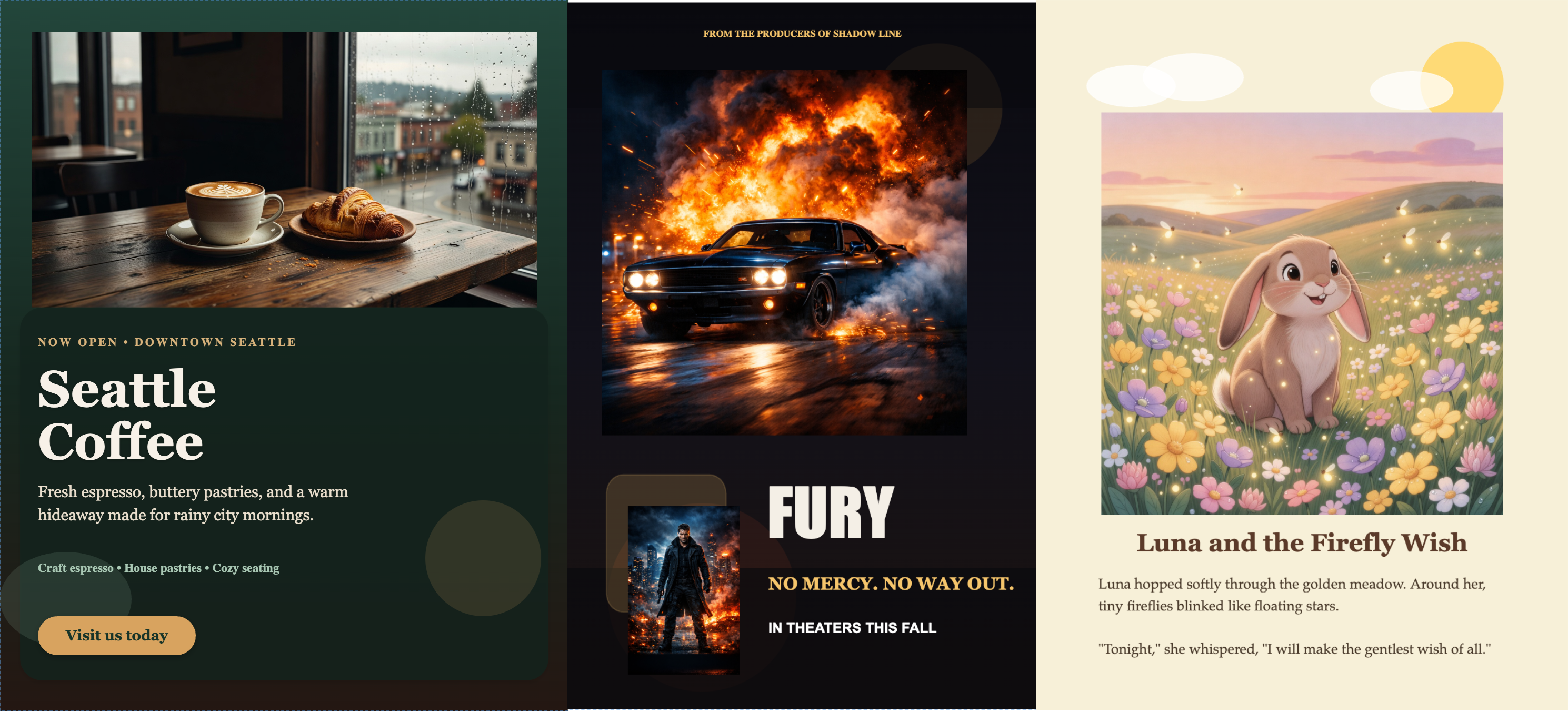
  28. Halloween party invitation template: a sheet ghost beside a full moon on purple, with the title Halloween Party in orange
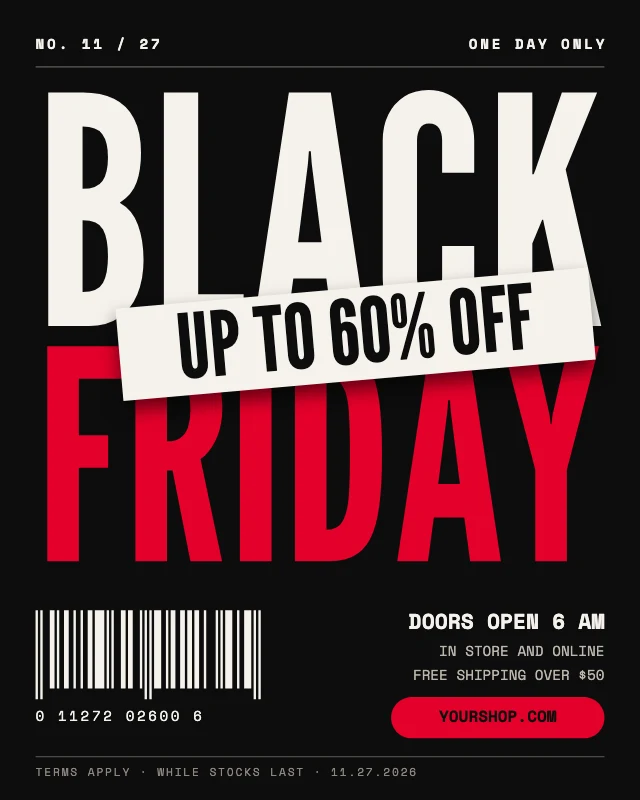
    Black Friday sale post template: the words Black Friday in giant white and red type on black, with an up to 60% off label across them
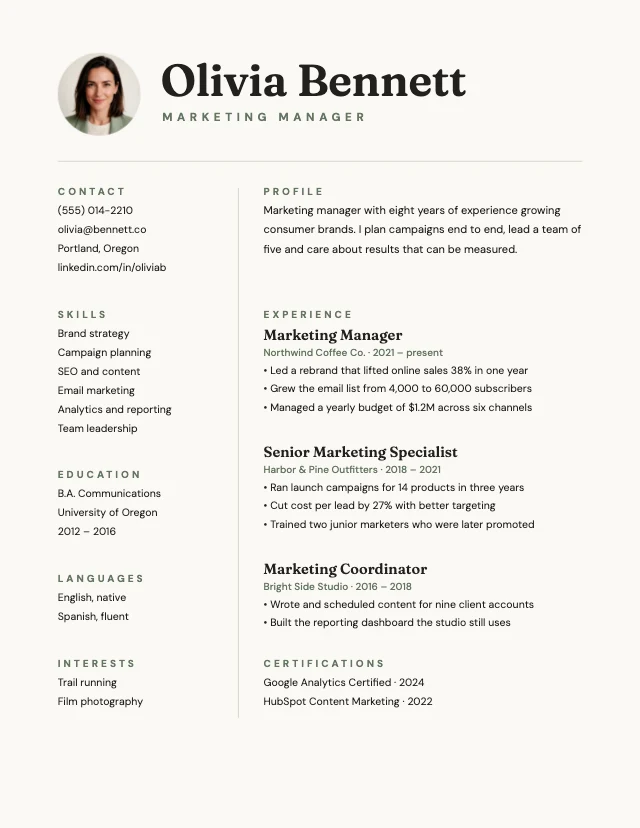
    Minimal résumé template: a name and photo at the top, a narrow column of contact details and skills, and experience on the right

    Templates are now in Design Studio: 140 ready-made designs to open and make your own. Each one is a real design, not a flat picture — every text, photo and shape is its own layer.

    • For the season and for every day — Halloween, Diwali, Thanksgiving, Black Friday, Christmas and New Year sets, plus invitations, menus, flyers, résumés, planners, calendars, certificates, business cards, presentation slides, Pinterest pins, YouTube thumbnails and banners for LinkedIn, YouTube, X and Facebook.
    • Find one fast — search, or filter by what it's for and by occasion.
    • Make it yours — click any text to retype it; click a photo and press Replace to use your own.
    • Or just ask — tell the Design Agent what to change, like turn this into a Taco Tuesday special with a photo of tacos, and it rewrites the text and makes the picture.

    Browse the templates — free to use, best on desktop.

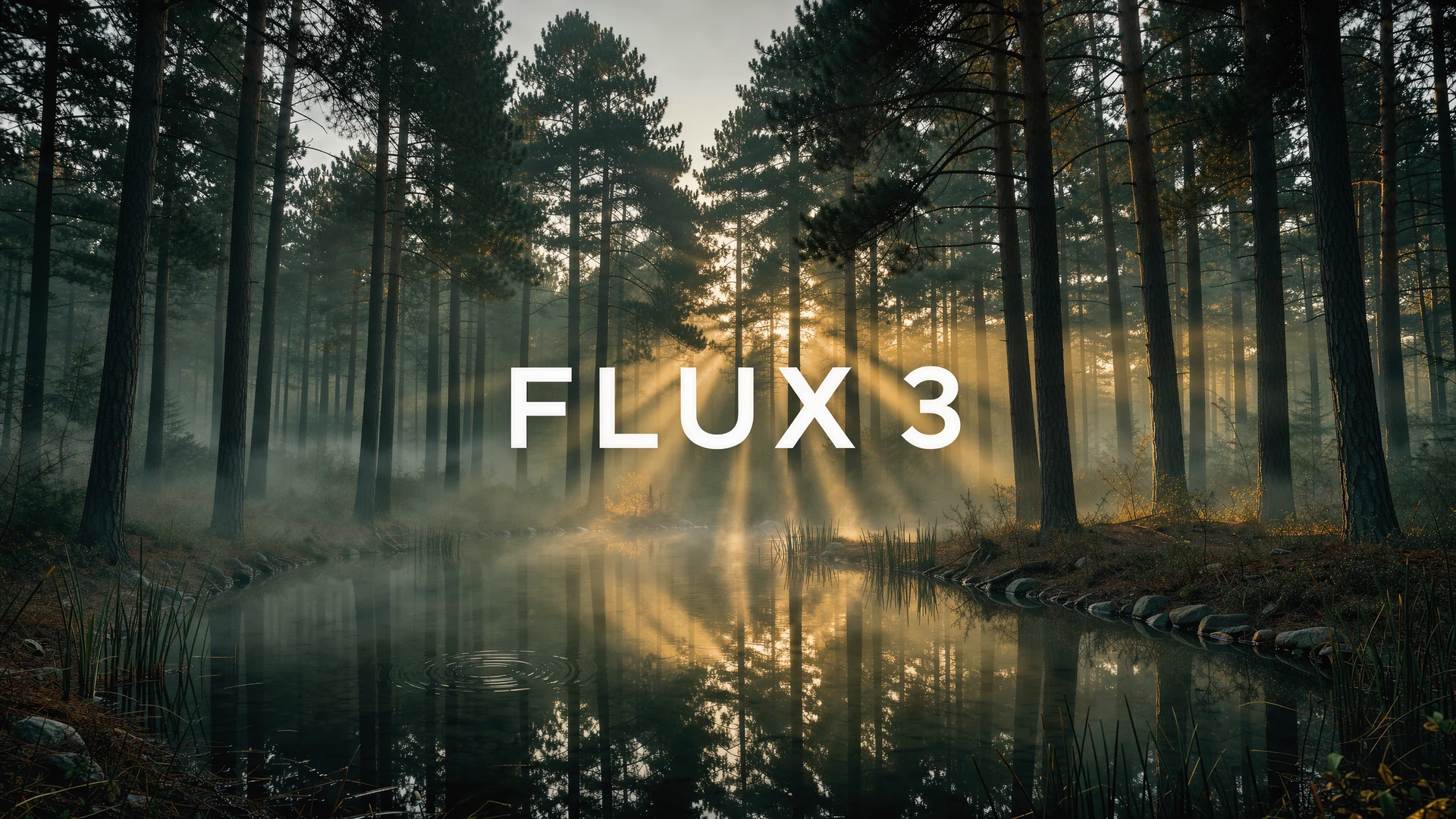
  29. The text FLUX 3 centred over a misty pine forest at dawn, with golden sunbeams between tall dark trunks and a still pond reflecting the trees — an image made with FLUX 3

    FLUX 3, the newest image model from Black Forest Labs, is now in the Image Workshop, the API and the MCP connector.

    • One model for generating and editing — describe an image, or add reference images and describe the change.
    • Up to 10 reference images, at no extra cost — keep a subject, product or style consistent while the model builds a new scene around it. Edits keep your first image's shape unless you pick an aspect ratio.
    • Five sizes, from 768px to 4K — pick the size that fits the job; 1K is the default.
    • Grounding — FLUX 3 can look things up with web and image search before it renders, which helps when a prompt depends on what something real looks like. It's on by default; switch it off for faster results.

    Try FLUX 3, or edit an image with it.

  30. Design Studio: Decompose Any Image Into Editable Layers

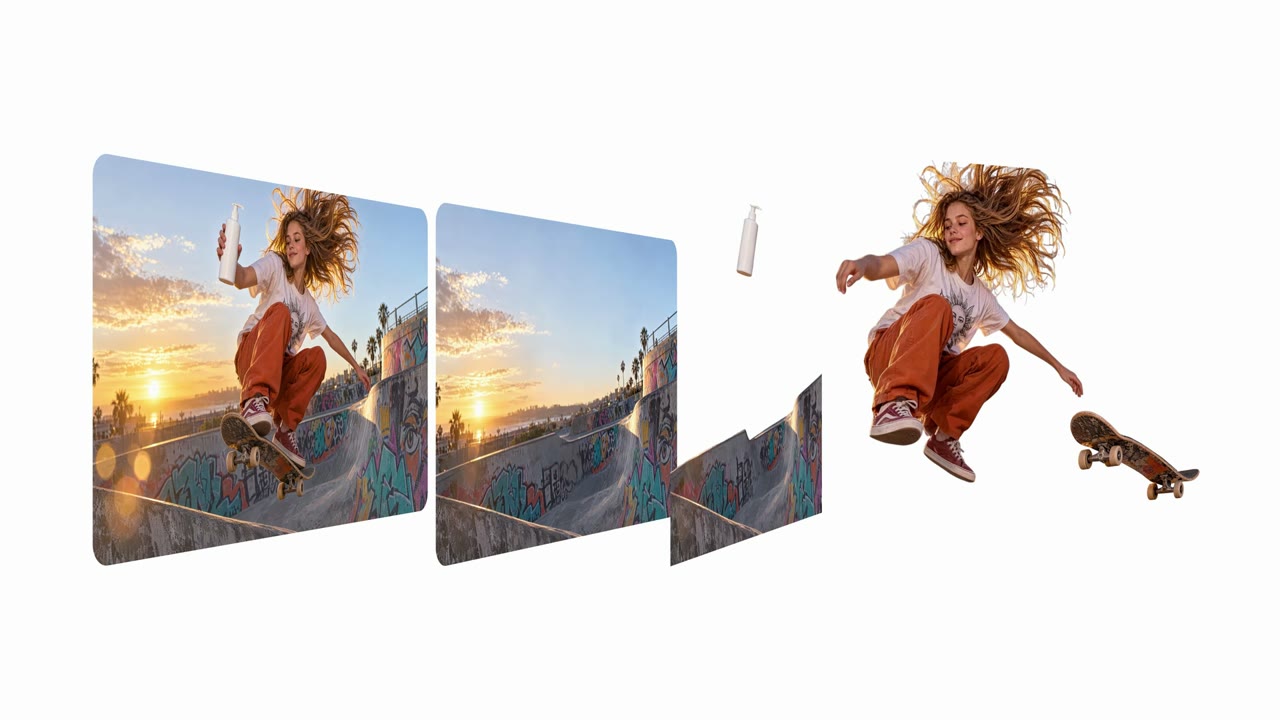
    Decompose is now in Design Studio: split a picture into a clean background and separate, transparent layers — the subjects, the props and each block of text — ready to move, resize, edit or delete on their own.

    • One click — select an image and press Decompose in the toolbar above it. The layers are placed next to the original, each named after what it is.
    • Just the part you need — type what to separate, like the coffee cup or the headline, and only that comes out.
    • Or ask the Design Agent — "split this photo into layers" works in the chat too.
    • No holes left behind — the background behind each separated part is filled in, so moving a layer reveals the scene, not a gap.

    Turn flat posters, product shots and photos into designs you can keep editing. Open Design Studio — best on desktop.

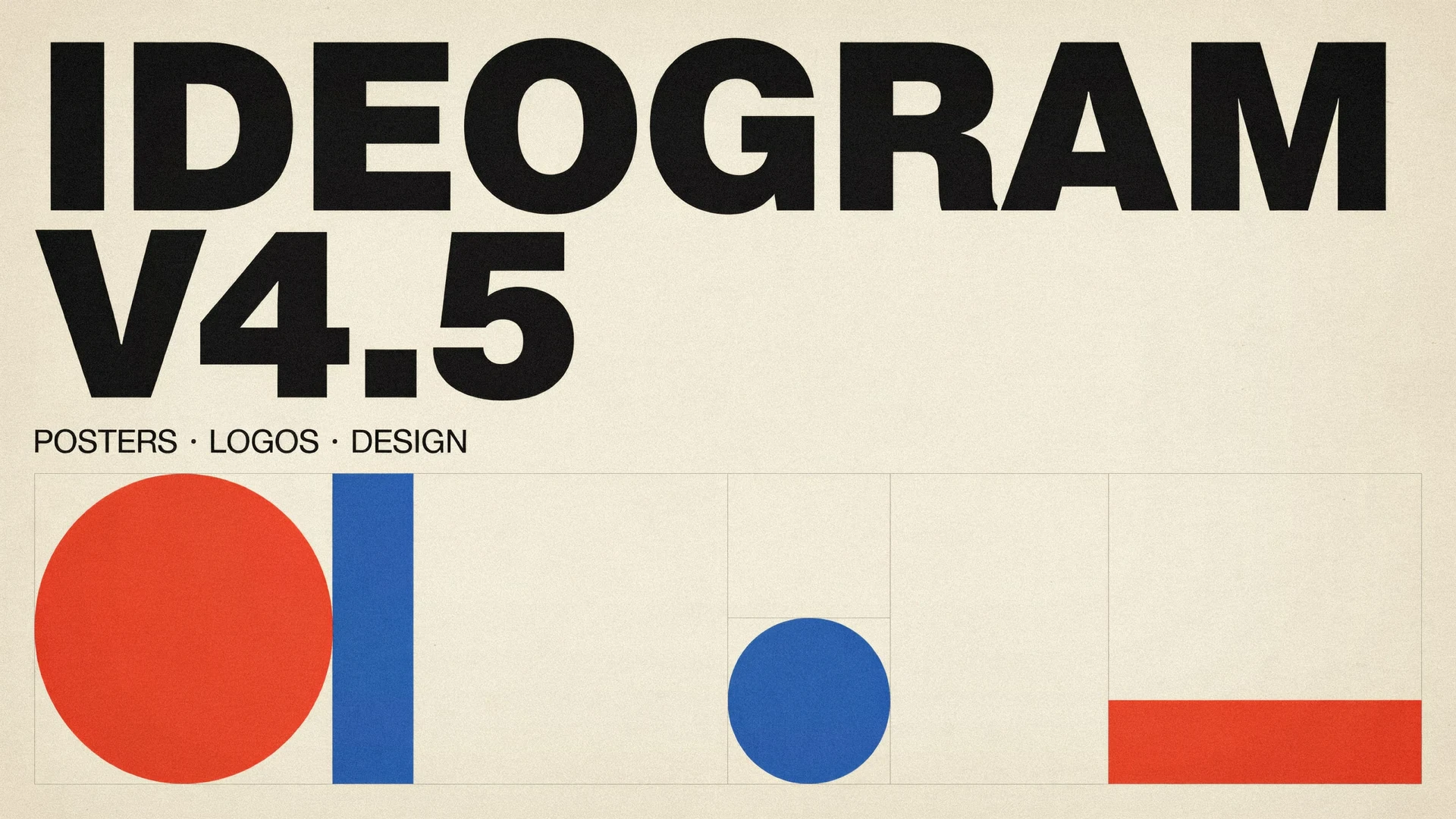
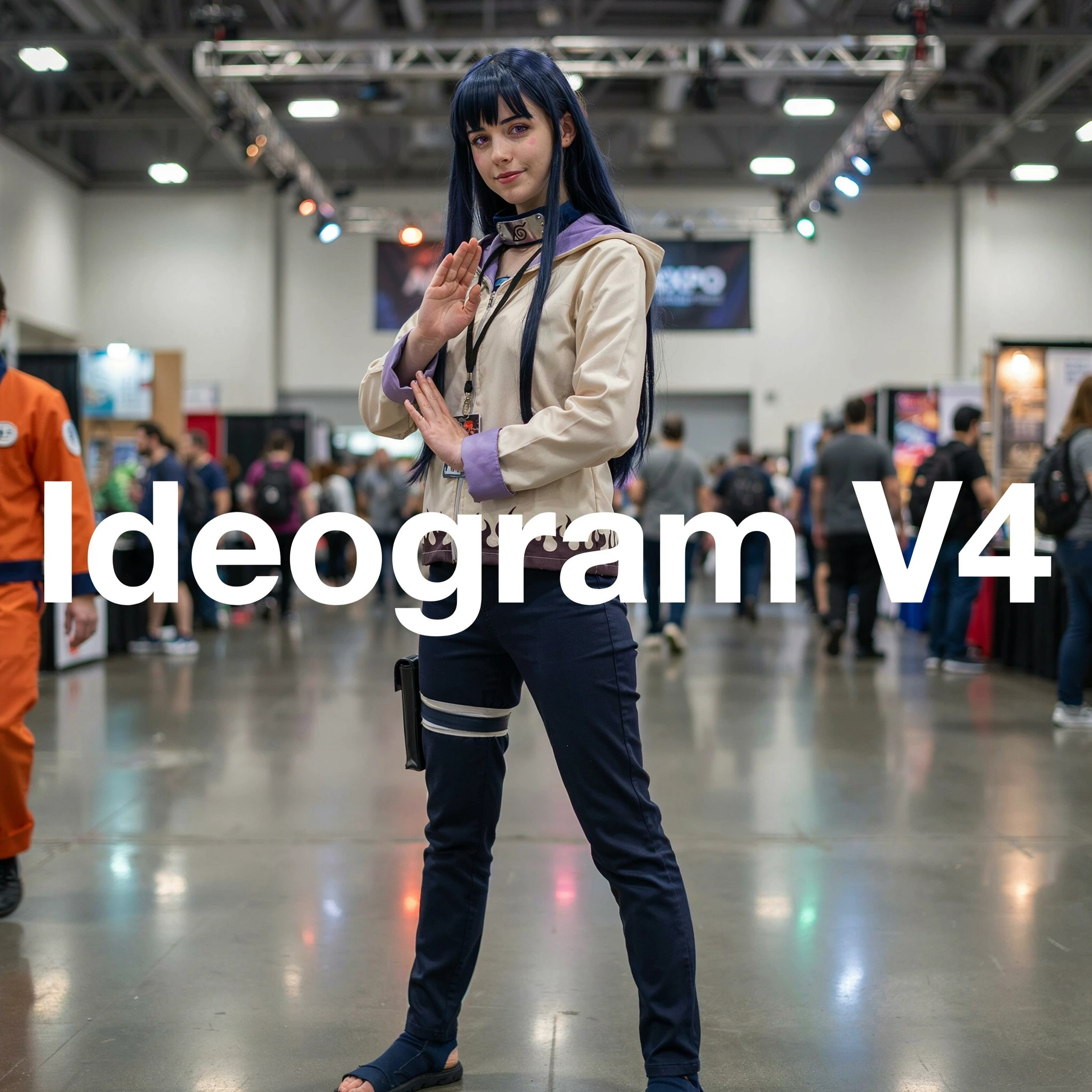
  31. A Swiss-style typographic poster on cream paper with the giant black headline IDEOGRAM V4.5, the line POSTERS · LOGOS · DESIGN, and red and blue circles and bars on a thin grid

    Ideogram V4.5 is now in the Image Workshop: Ideogram's newest model, built for posters, logos and designs where the words have to come out right.

    • Accurate typography — headlines, signs, labels and wordmarks come out crisp and readable.
    • Edit with references — on the Image to Image tab, add the image to change first, then up to 4 more (a product, a logo, a style or a character) and describe the edit. Edits keep your image's shape unless you pick an aspect ratio.
    • Three quality levels — Low for quick drafts, Medium for everyday work, High for final artwork.
    • 13 aspect ratios, from square to 21:9 banners and 9:21 phone wallpapers, each at its largest size.
    • Seed control for repeatable results.

    Try Ideogram V4.5, or edit an image with it.

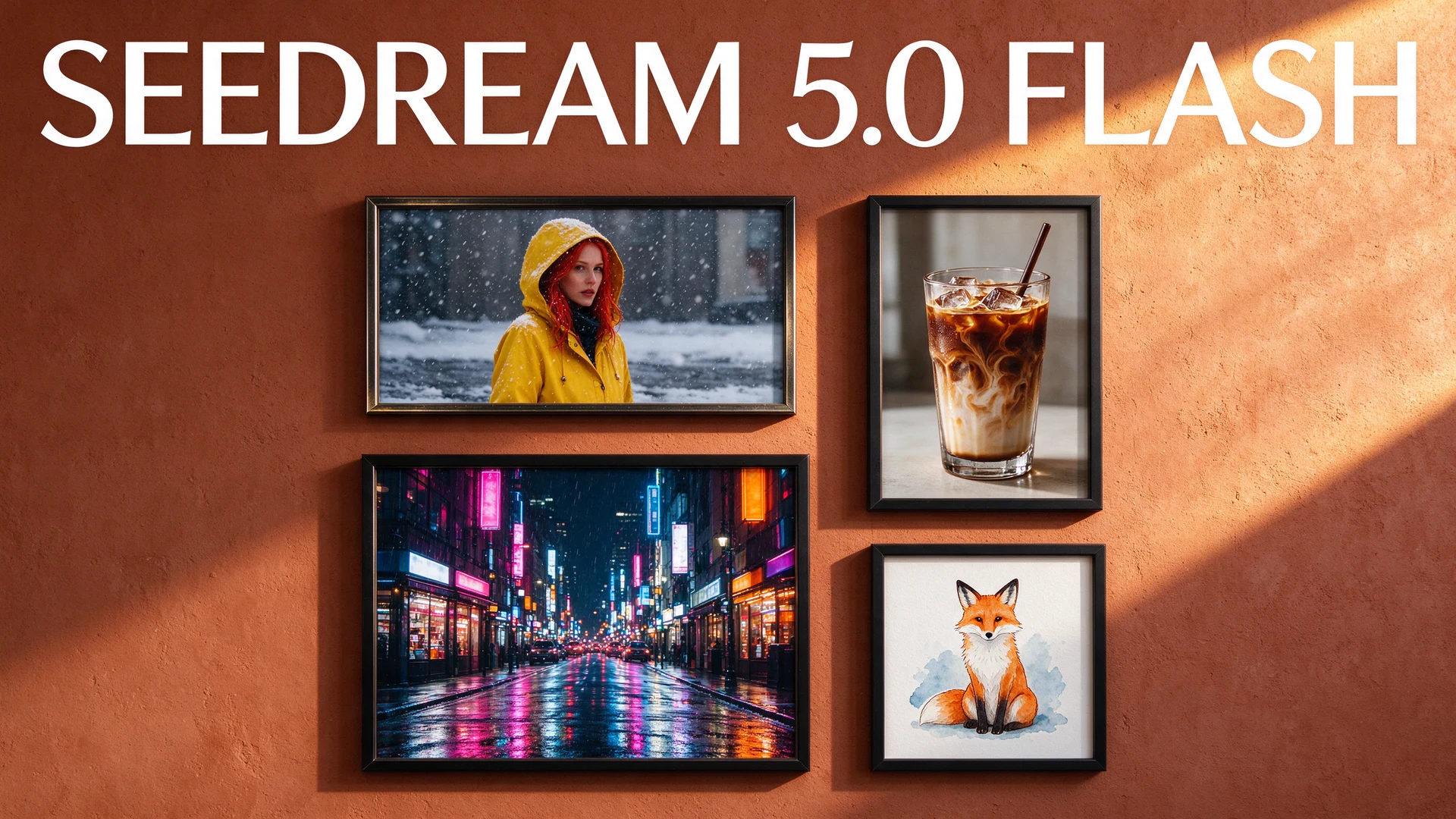
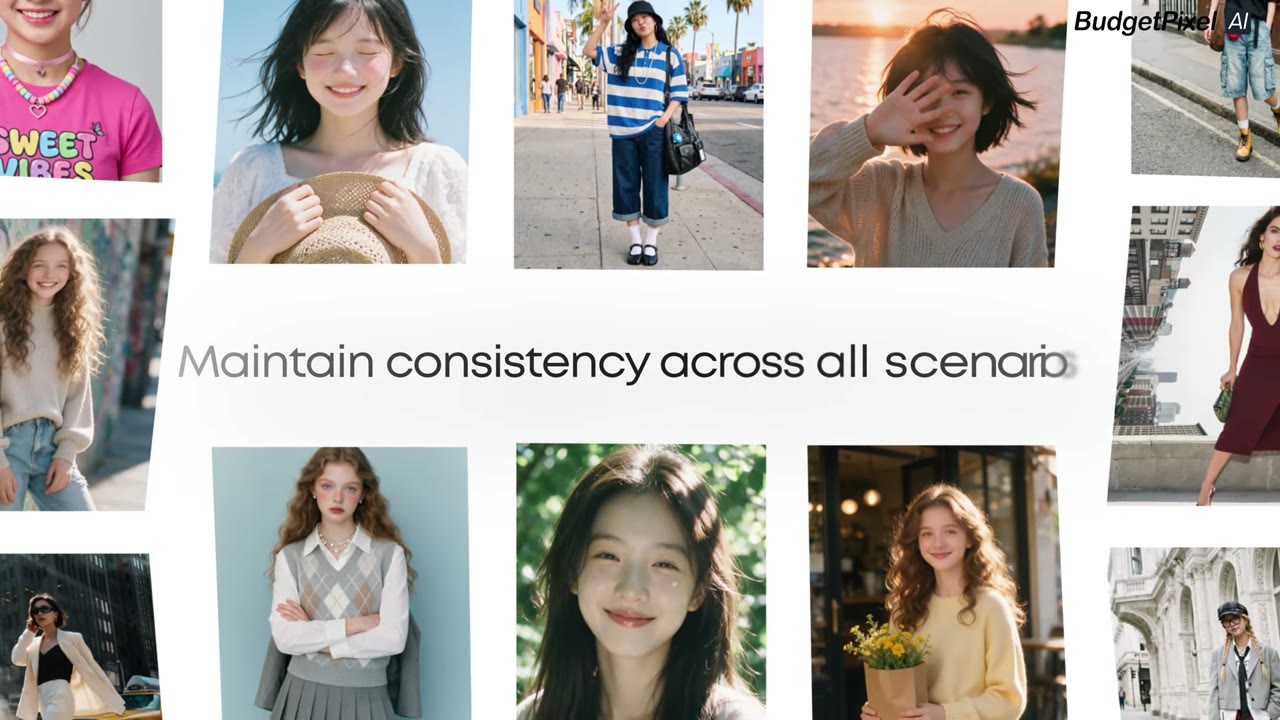
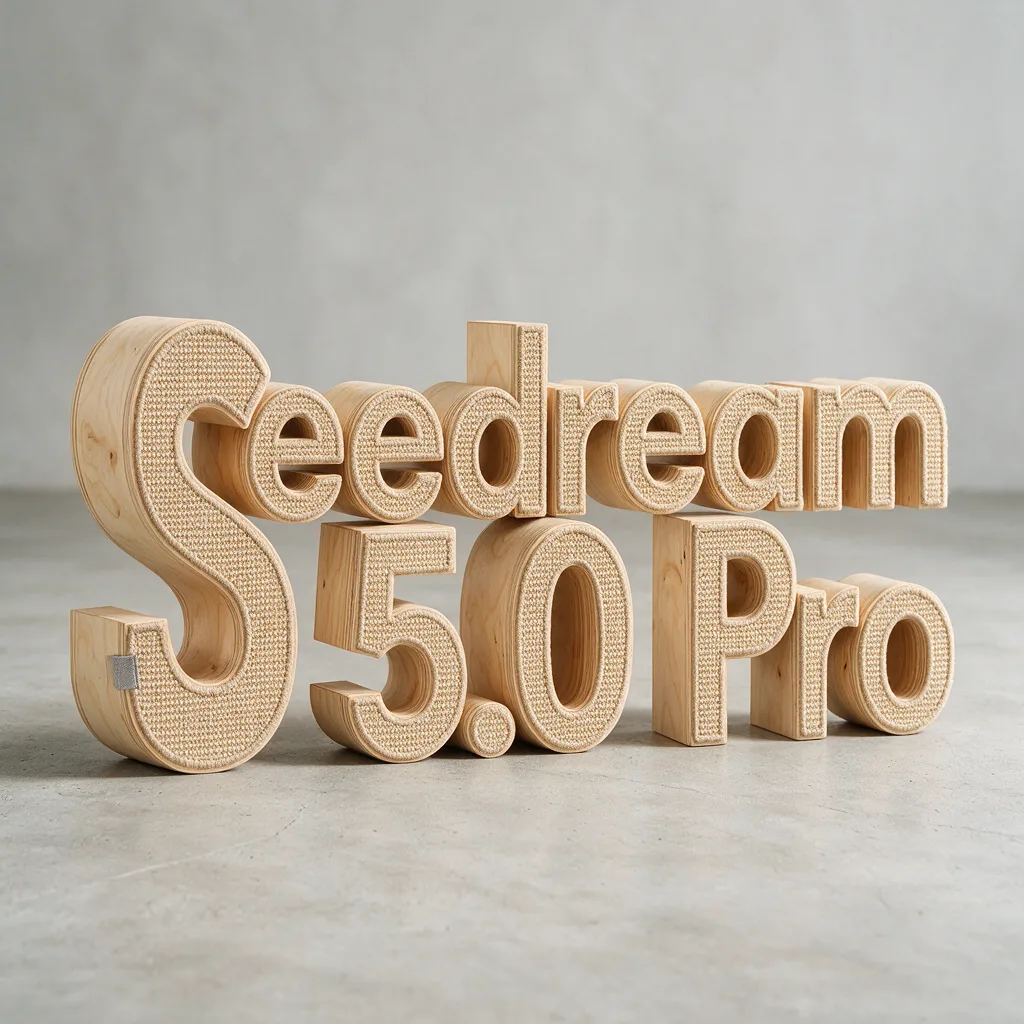
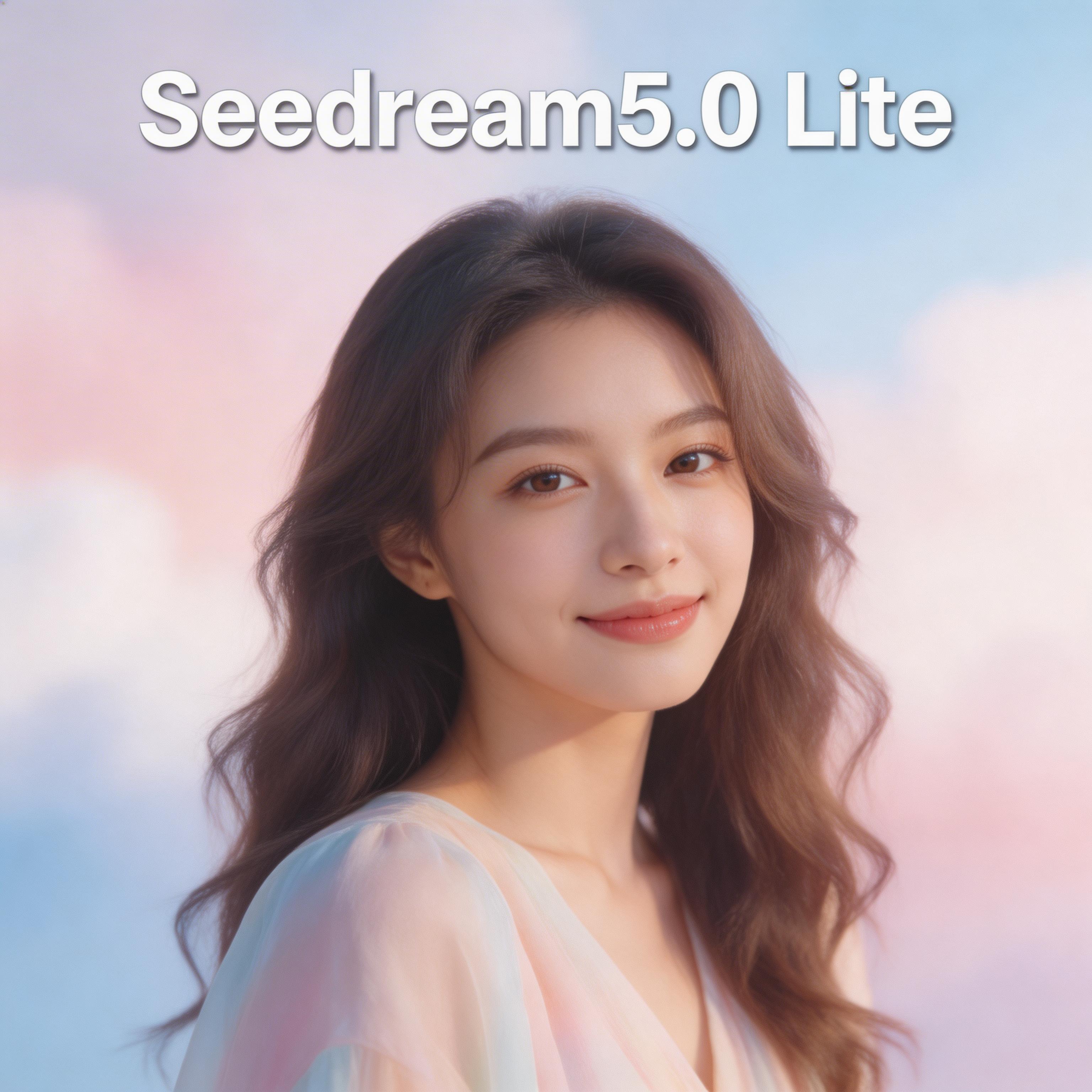
  32. A collage of images made with SeeDream 5.0 Flash under the headline SeeDream 5.0 Flash

    SeeDream 5.0 Flash is now in the Image Workshop, the API and the MCP connector: the fast member of ByteDance's Seedream 5.0 family.

    • Fast — most images arrive in under 20 seconds.
    • Same price at 1K and 2K, so 2K is the default.
    • Up to 10 reference images, at no extra cost — put a face, an outfit and a place into one shot, or edit a photo by describing the change.
    • Transparent backgrounds — on the Image to Image tab, add one PNG cutout, sticker or logo, set Background to Transparent, and the edited image comes back as a PNG that keeps its transparency. This also works on SeeDream 5.0 Pro.

    Try SeeDream 5.0 Flash for quick drafts and high-volume work, and switch to Pro for the hardest edits.

  33. Design Studio: Chatting With the Design Agent Is Now Free

    Chatting with the Design Agent in Design Studio is now free. Brief it, ask for ideas and go back and forth as much as you like — the conversation itself no longer uses credits.

    • Free on every plan, Free included — up to a generous daily allowance that resets at midnight UTC. If you ever reach it, the canvas and the image tools keep working.
    • Quick images by default — ask for a picture and it's made and placed on your canvas straight away.
    • Editable designs when you need them — ask for a poster, flyer, thumbnail or social post and the agent builds it in layers you can keep editing: text, frames, shapes and images. Not sure which you want? It asks.
    • Long sessions keep going — earlier messages are summarized automatically, so the agent keeps the thread.
    • 50 projects on every plan, Free included.

    Images the agent generates or edits use credits as usual. Open Design Studio and describe what you want to make!

  34. MiniMax H3 Max and H3 Max Turbo: Sharper Video with Native Audio

    Two new MiniMax models just landed in the Video Studio, both with sound generated alongside the picture (turn your volume up on the clip above):

    MiniMax H3 Max — a post-trained H3 tuned for stronger prompt adherence and better-looking results:

    • Every mode in one model — text-to-video, image-to-video from a first frame, a last frame or both, and reference-to-video mixing images, video clips and audio (call them "Image 1", "Video 1" in your prompt).
    • Extend any clip — upload a video on the Extend Video tab, describe what happens next, and H3 Max continues it in the same framing, up to 2K.
    • Edit Video — restyle or rework a clip from a prompt.
    • Also available through the developer API and the MCP connector.

    MiniMax H3 Max Turbo — the faster, lower-cost version for quick ideas and high-volume work:

    • Text-to-video and image-to-video — start from a prompt, or from a first frame, a last frame or both.
    • Half the price of H3 Max, with fast renders — ideal for drafting shots before committing to a final.

    Both run at 480p to 1080p, 5–15 seconds. Try H3 Max Turbo.

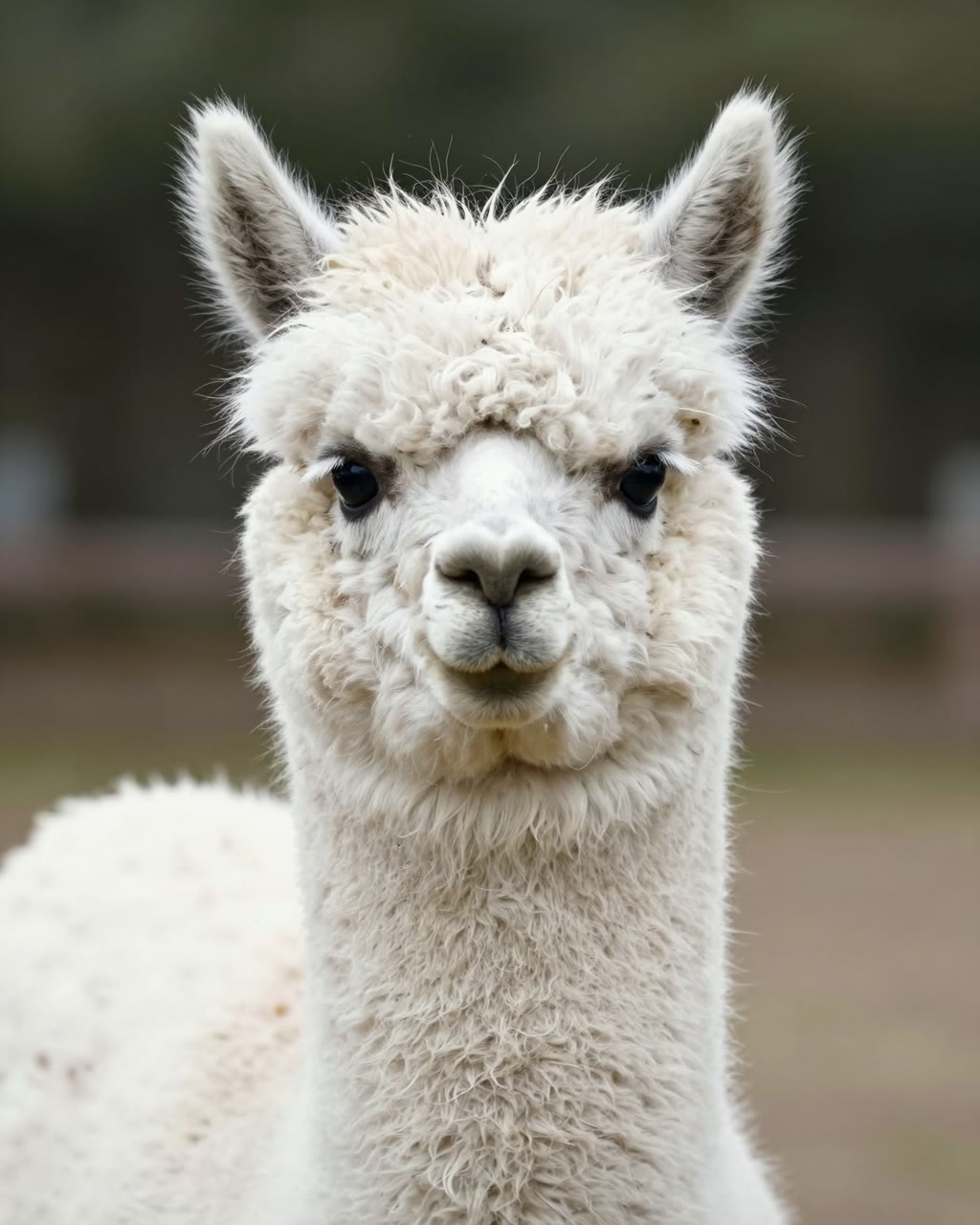
  35. Close-up portrait of a fluffy white alpaca looking directly at the camera with a soft blurred rural background
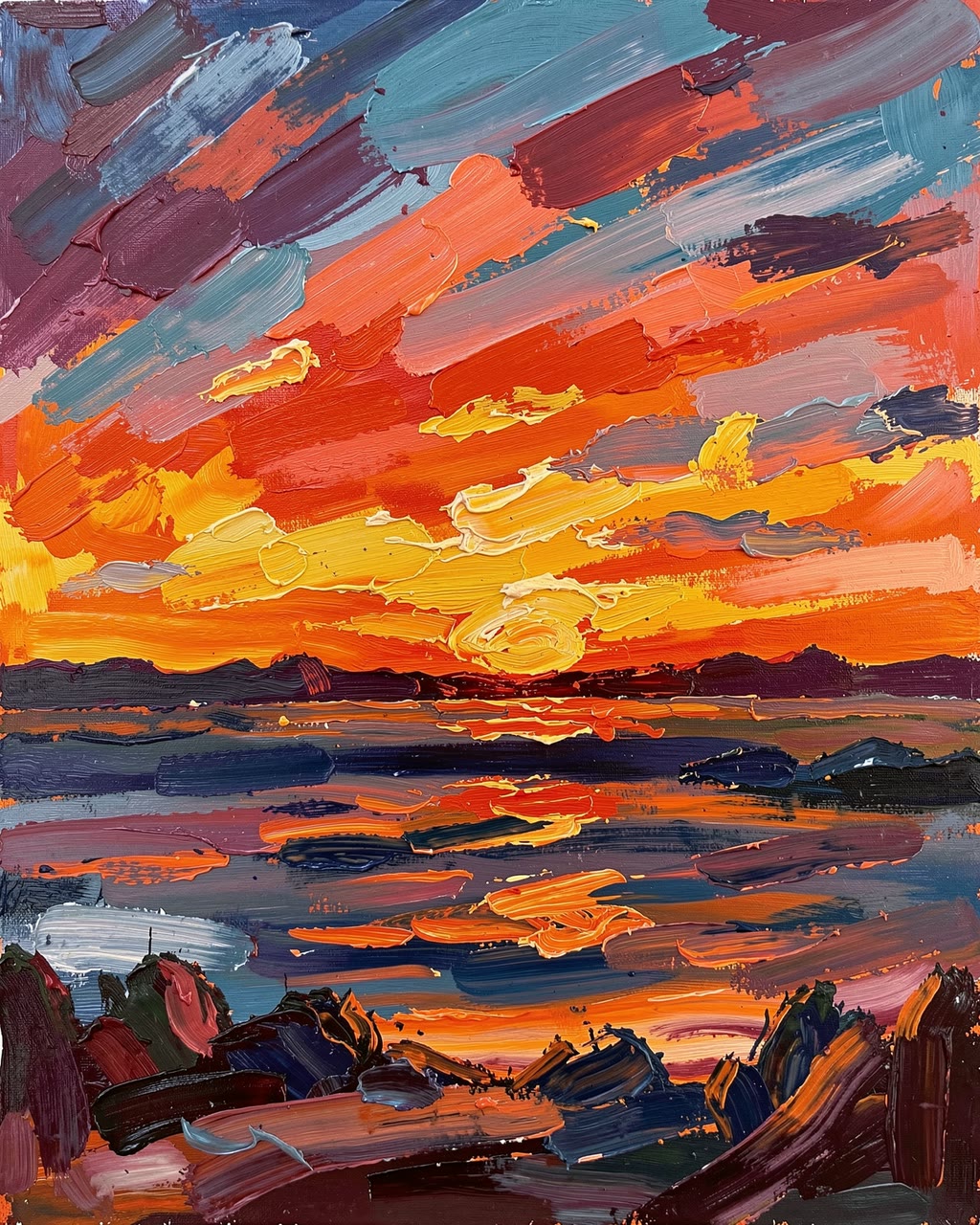
    Thick textured oil painting of a vibrant sunset reflecting across calm coastal water with distant land silhouettes
    Top-down view of a white coffee cup holding a latte with heart latte art on a light marble table

    Free Images is live at budgetpixel.com/images — a growing library of free stock photos and illustrations. No sign-up needed to search or download:

    • Photos, illustrations, backgrounds, wallpapers and textures — browse by category (nature, animals, food, business, technology, holidays and more) or search, and filter by colour, orientation and type.
    • Free for commercial use under CC BY 4.0 — websites, videos, ads and client work. The one condition is a credit to BudgetPixel AI, and every image page has the credit line ready to copy.
    • High-resolution JPG downloads in three sizes, with the licence built into each file.
    • Reviewed before listing — every image is AI-generated and checked for quality, with no real-person likenesses, logos or lettering.
    • Can't find it? Generate it — describe the picture and the free generator on the page makes it, usually in under a minute. Results that pass review join the library for everyone.
    • For developers and AI agents — search the library from your code with the developer API, or from Claude, ChatGPT and Cursor with the search_stock_images tool on the MCP connector. Both work on every plan, including Free.

    Browse the free images and grab something for your next project!

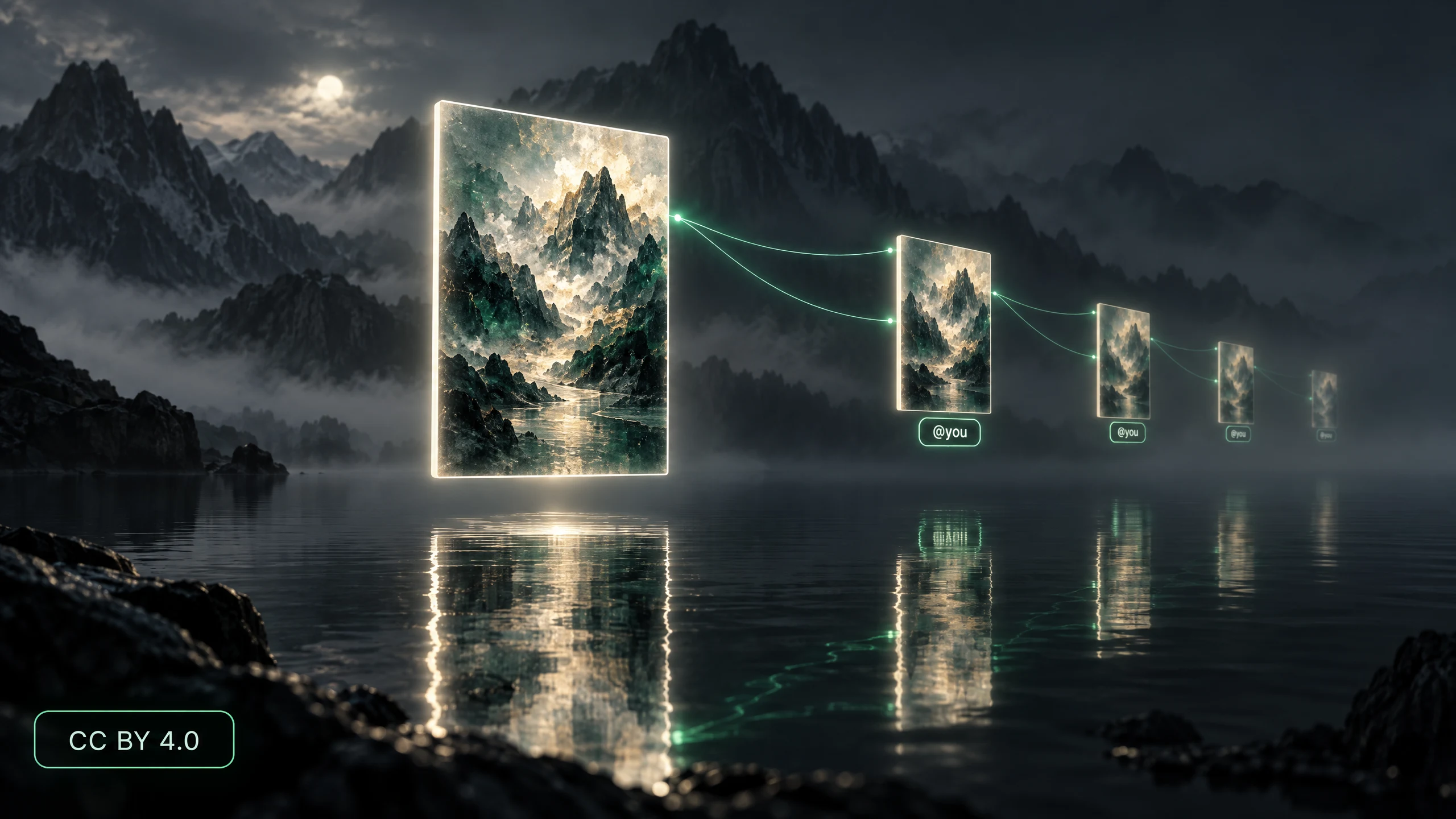
  36. A glowing artwork panel above a dark lake, with copies of it drifting away into the mist, each carrying a small illuminated credit tag reading @you, connected back to the original by green threads

    You can now choose a license when you publish — images, video and music alike. It sits in the composer, just above the Post button.

    • All Rights Reserved is the default, and nothing about your existing posts changes. Nobody may reuse your work without asking you first.
    • CC BY 4.0 lets anyone use and adapt your work, including commercially, as long as they credit you by name. You keep the copyright.
    • CC0 1.0 places it in the public domain, with no credit required.
    Why creators pick CC BY:

    • Every reuse names you. That is the license's condition, not a polite request.
    • Your work appears in Google's usage-rights image search — a filter that excludes All Rights Reserved images completely.
    • Google can show a Licensable badge on your image, linking back to you. Unlicensed images get no such link.
    • Every extra person who finds your work that way is another possible follower — and another chance to earn 20% of a subscriber's monthly credits when someone who discovered BudgetPixel through your post upgrades.

    One thing to know before you pick one: a Creative Commons license is permanent. You cannot change it after posting, and deleting the post does not withdraw rights from anyone who already copied it. If you are unsure, leave it on All Rights Reserved — it changes nothing about what you can do with your own work.

    Our own example images and videos on model and feature pages are now CC BY as well, so you are free to use those with credit too. Full details and copy-paste credit lines are on the content license page.

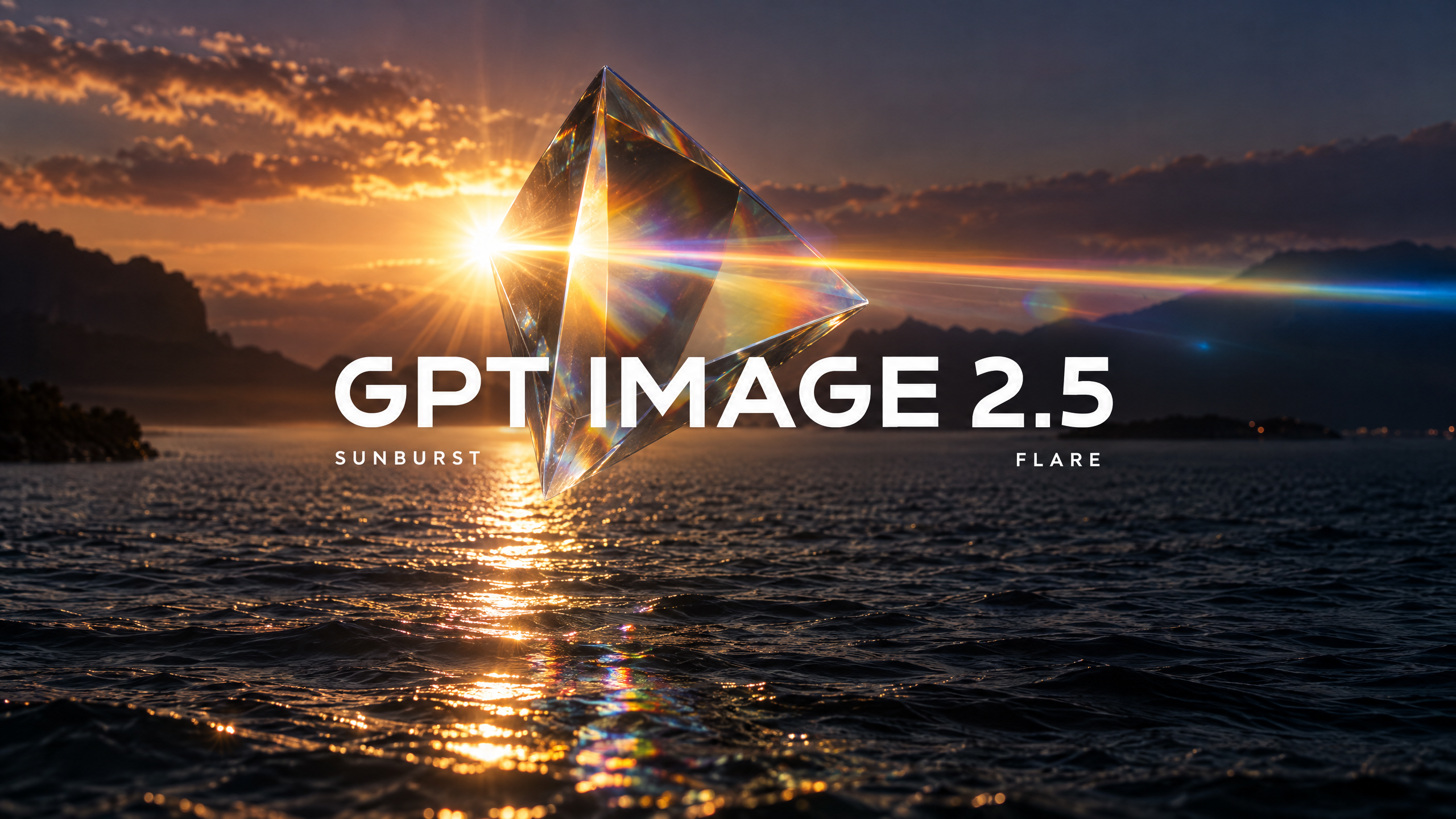
  37. GPT Image 2.5 Is Here: Sunburst and Flare

    OpenAI's newest image models are live in the Image Workshop, the API and the MCP server — two variants, both built on the same engine:

    • GPT Image 2.5 Sunburst — the most capable GPT Image model yet. Precision edits that change only what you ask and keep the subject, composition and background intact; the pick for premium visuals, product retouching and text-heavy layouts.
    • GPT Image 2.5 Flare — the fast, everyday model. High-quality generation with natural text rendering and dependable edits at noticeably lower latency.

    Both take up to 9 reference images, output at 1K, 2K or 4K, and add two new quality tiers above High — Extra High and Max — for when every detail matters. Try Sunburst for precision work or Flare for speed.

  38. Grok Imagine Video 1.5: Video With Sound, Now Up to 1080p

    Grok Imagine Video 1.5 just landed in the Video Studio — xAI's video model with sound built in (turn your volume up on the clip above):

    • Native audio — background music, sound effects and ambience are generated together with the picture. Describe the sound you want in your prompt, or add an AUDIO: line at the end.
    • Full-HD 1080p — pick 480p for fast drafts, 720p for social, or 1080p for delivery.
    • Text-to-video and image-to-video — animate a photo, a product shot or an illustration from a single start image.
    • Any length from 1 to 15 seconds, seven aspect ratios, and prompts that understand camera language: dolly in, orbit, tracking shot, handheld.
    • Per-second pricing — 120 credits/sec at 480p, 200 at 720p, 350 at 1080p.
    It replaces the previous Grok Imagine Video. Pick Grok Imagine Video 1.5 in the Video Studio and give it a listen!

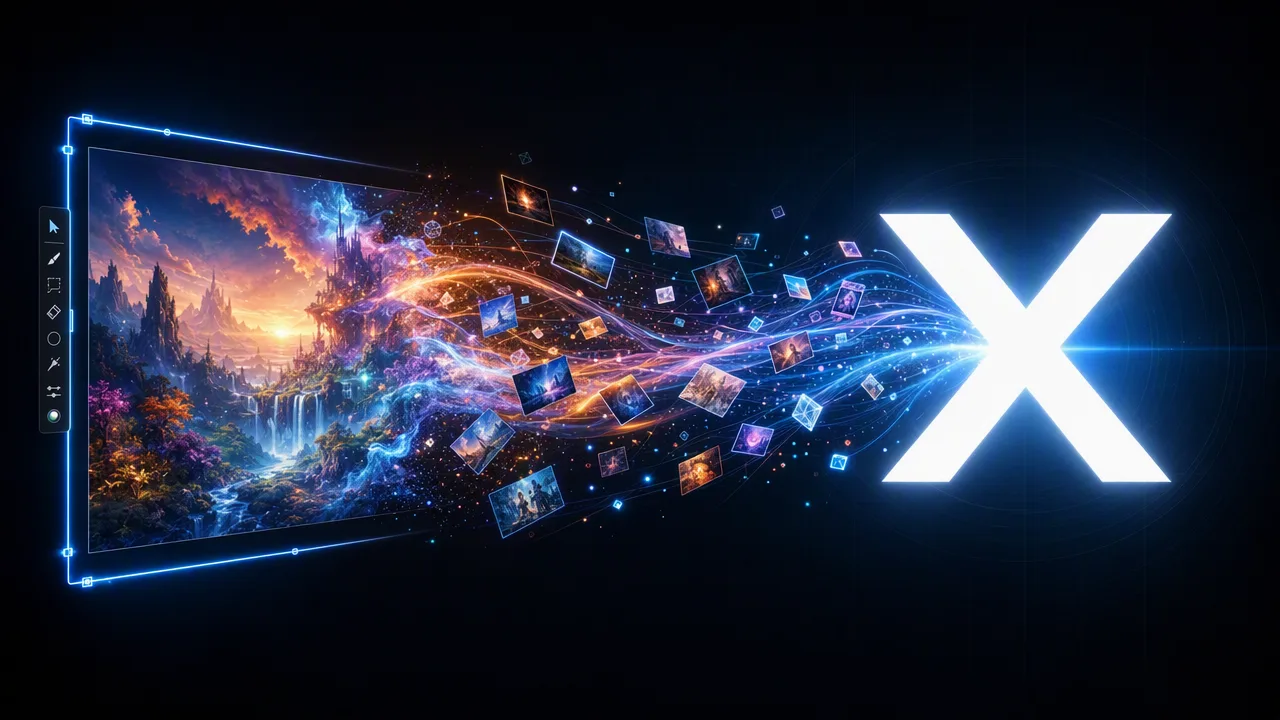
  39. An AI artwork lifting off a BudgetPixel canvas and streaming as glowing picture cards into a large white X logo

    Your creations can now go straight to X — media and all, no downloading and re-uploading. Available on every paid plan:

    • Share any of your posts in one tap — open a post's share menu and hit Post to X. Your images upload natively (up to 4 in one post) or your video does, which travels much further on X than a bare link.
    • Or post from the composer — cross-post to BudgetPixel and X together, or flip the destination and post only to X.
    • Free with attribution — posts that include "created at @budgetpixel" are free; you can remove the mention for a small credit fee.
    • Connect once, post anywhere — link your X account in Profile → Connections and it works across BudgetPixel and BP Studio.

    Every share passes a quick content review before publishing, keeping your X account safe. Connect your account and give it a try!

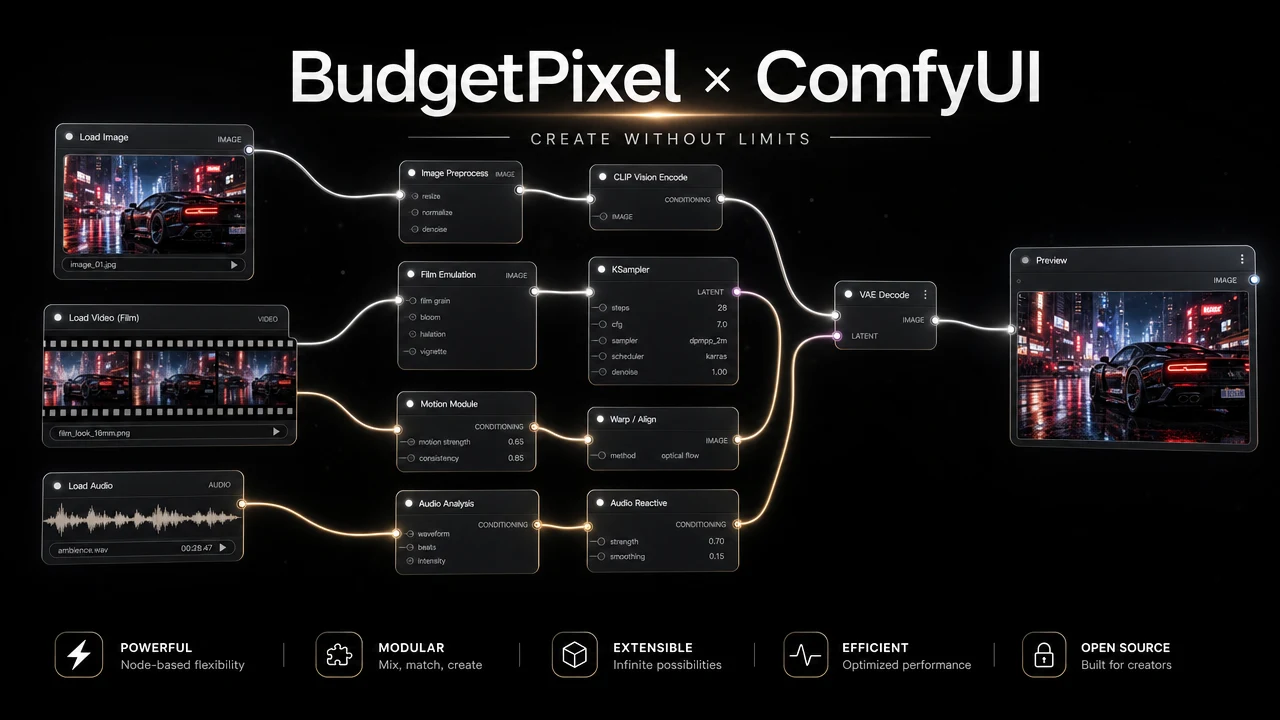
  40. BudgetPixel × ComfyUI — a glowing node graph weaving images, film frames and audio into a finished render

    ComfyUI-BudgetPixel just shipped — the official, open-source node pack that puts the whole catalog inside ComfyUI:

    • 58 nodes, every modality — FLUX 2, Seedream 5.0, Qwen-Image 3.0, Kling v3, Seedance, Wan, music & sound effects, upscalers, lip sync and motion control. One node per model, with typed widgets generated straight from the API.
    • No local GPU needed for these nodes — the models run on BudgetPixel and compose freely with your local pipeline: preprocess locally, generate hosted, wire the result onward.
    • Your key, kept safe — works with an API key from any paid plan, and it is never stored in workflow JSON, so workflows you share stay safe to share.
    • Two-minute install — search “BudgetPixel” in ComfyUI-Manager or run comfy node install comfyui-budgetpixel; starter workflow templates are included.

    See the ComfyUI plugin page for setup, nodes, and examples — and if you build something great, share the workflow!

  41. Listen to a sample

    Video to Music just landed in the Audio Studio — drop in a video and get a licensed soundtrack composed for it:

    • The music follows your footage — content, pacing, and mood are read from the clip, and the track matches its length exactly (up to 6 minutes). The preview above was scored straight off a montage of AI-generated clips.
    • Steer it with a line of direction — genre, mood, or instrumentation ("warm acoustic indie, builds gently, no vocals") — or let the video speak for itself.
    • Licensed for commercial use — safe for ads, social posts, and client work. MP3 or WAV output.
    • API & MCP ready — available through the developer API (POST /v1/audios/sonilo-video-music) and your agents via the MCP connector (pass a video to generate_music).

    Open Video to Music and score your next clip!

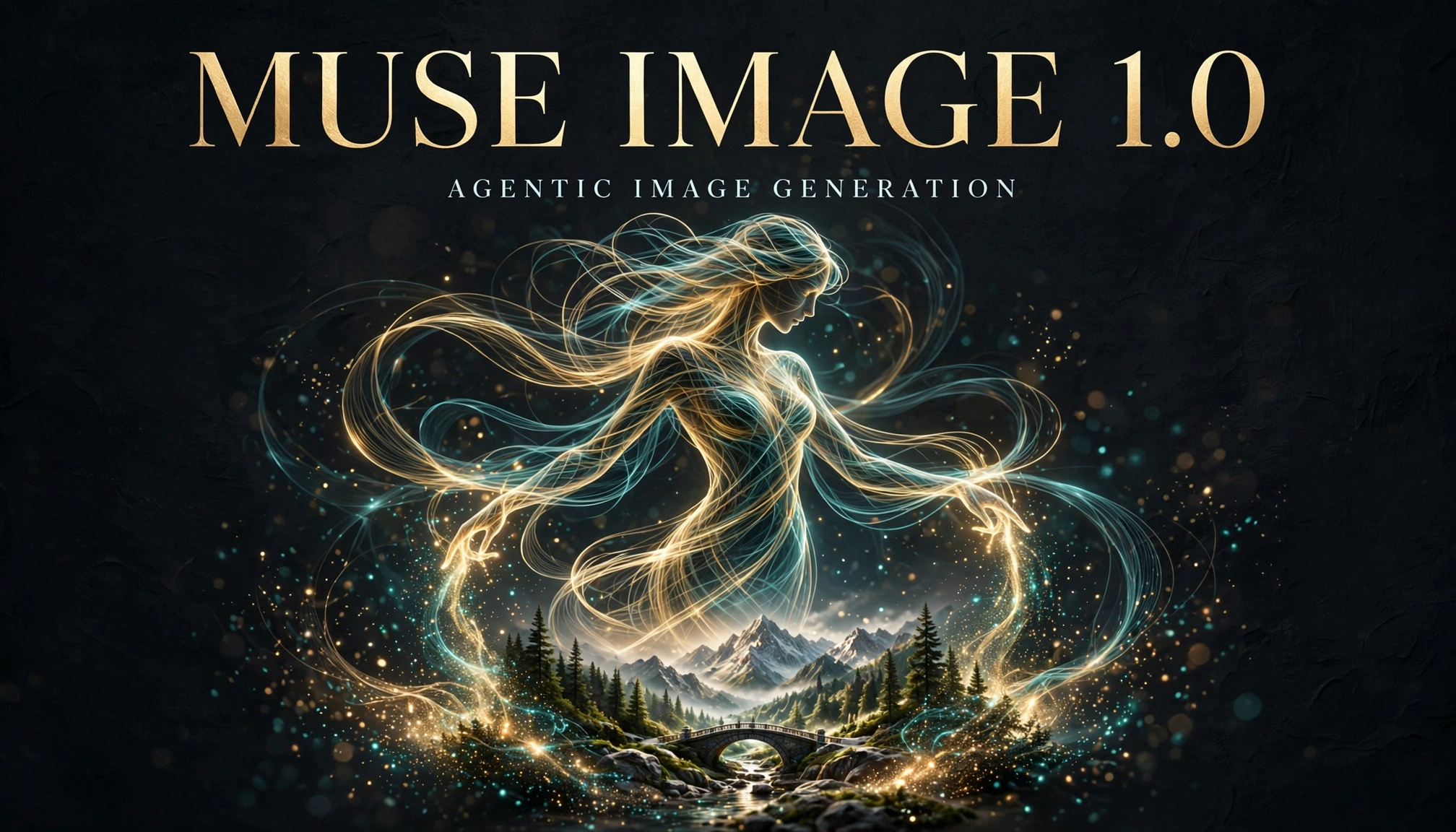
  42. Muse Image 1.0 — agentic image generation, a luminous muse figure weaving a photorealistic landscape from threads of light

    Muse Image 1.0 just landed in the Image Studio — Meta's first image model, and it works differently:
    • It researches your prompt before rendering — built-in web and image search ground real places, products, logos, and current facts, so "the tallest building in the world" comes out as the actual Burj Khalifa with the right numbers.
    • Charts, tables, and layouts that add up — it can run code to plan structured compositions before drawing them.
    • Superb typography — poster-grade headlines, menus, and infographic labels that spell correctly.
    • Editing and composition too — bring up to 4 images to edit or fuse into one scene, with inputs free.
    • Pick your reasoning strength — High refines over multiple passes; Low is snappier for quick drafts. Same price either way.
    • API & MCP ready — available through the developer API (POST /v1/images/muse-image-1.0) and your agents via the MCP connector.

    Pick Muse Image 1.0 in the Image Studio and try it now!

  43. After

    P-Image Upscale just landed in the Image Studio's Upscale tool — Pruna AI's fast upscaler (drag the slider above to compare):

    • Results in seconds — no more waiting a minute for an upscale.
    • Up to 32 megapixels of output — pick your target: 4, 8, 16, or 32 MP, priced by tier.
    • Detail & realism enhancers — optional toggles that recover textures and make AI-generated images look photoreal.
    • API & MCP ready — upscaling (this model and Clarity Upscaler) is now also available through the developer API (POST /v1/upscales/...) and the new upscale_image tool on the MCP connector.

    Open the Upscale tool and try it on your own images!

  44. Wan 3.0 Prime: The Same All-in-One Model, Now Built for Speed

    Wan 3.0 Prime just landed in the Video Studio — the high-speed tier of Alibaba's all-in-one flagship:

    • Significantly faster end-to-end generation — built for rapid iteration, drafts, and tight deadlines.
    • Everything Wan 3.0 does — text-to-video, image-to-video with first & last frames, and reference-to-video mixing up to 10 images, 5 video clips, and 5 audio clips.
    • Edit, replicate, extend — pass a clip as a reference video to restyle it, copy its camera moves, or continue it.
    • Input media is still free — you only pay for the seconds you generate.
    • Up to 30 seconds at 30fps, 480p/720p/1080p, optional audio.
    • API & MCP ready — available through the developer API and your agents via the MCP connector.

    Pick Wan 3.0 Prime in the Video Studio and try it now!

  45. Wan 3.0: Alibaba's All-in-One Video Model — 30-Second Videos

    Wan 3.0 just landed in the Video Studio — Alibaba's new all-in-one flagship:

    • Videos up to 30 seconds at 30fps — any length you pick, from 2 to 30 seconds.
    • One model for everything — text-to-video, image-to-video with first & last frames, and reference-to-video.
    • Mix references freely — up to 10 reference images, 5 reference video clips, and 5 reference audio clips, and address them right in your prompt ("Image 1 hands Video 1 the guitar…").
    • Edit, replicate, extend — pass a clip as a reference video with an instruction to restyle it, copy its camera moves, or continue it.
    • Reference images and audio are free — reference video is billed per second at the output rate.
    • API & MCP ready — available through the developer API and your agents via the MCP connector.

    Pick Wan 3.0 in the Video Studio and try it now!

  46. Listen to a sample

    Two new tools just landed in the Audio Studio — AI sound design, no sample packs required:

    • Text to Sound Effect — describe the sound and get it: Foley, ambience, UI chimes, whooshes and transitions, impacts, action effects. Pick any length from 1 to 180 seconds, MP3 or WAV. The preview above is a montage straight out of the model (rain on a tin roof, footsteps on gravel, a campfire, a whoosh-and-impact, a UI chime).
    • Video to Sound Effect — upload a clip (up to 6 minutes) and get frame-accurate effects synced to what happens on screen. You get the SFX track and your video with the effects mixed in, ready to share.
    • Drop them into Clip Studio — generated effects show up as SFX in your audio assets, so you can layer them on your edits right away.
    • API & MCP ready — both tools are available through the developer API and your agents via the MCP connector.

    Open the Audio Studio and try it now!

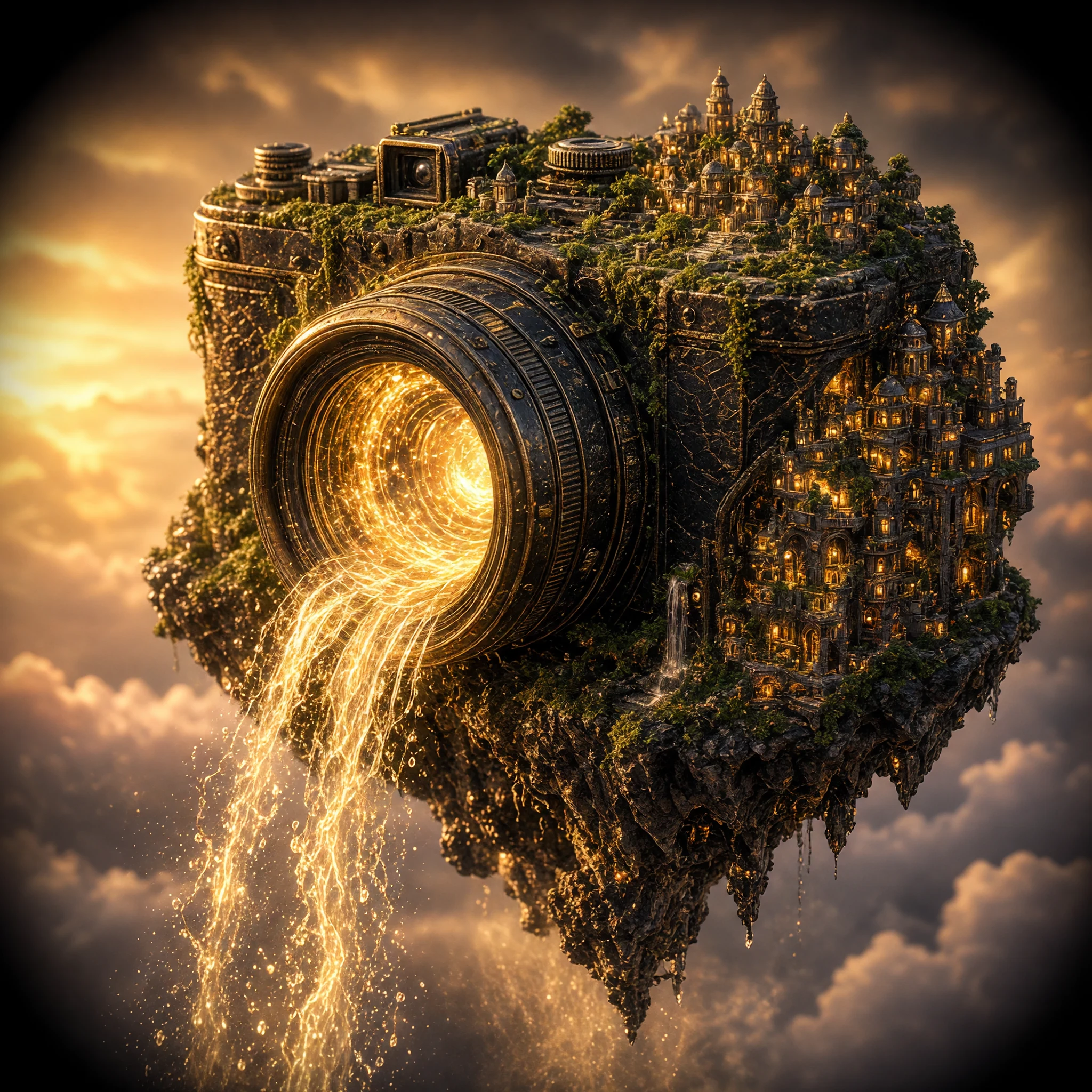
  47. Grok Imagine 2.0 example: a floating island shaped like a vintage camera pouring light from its lens
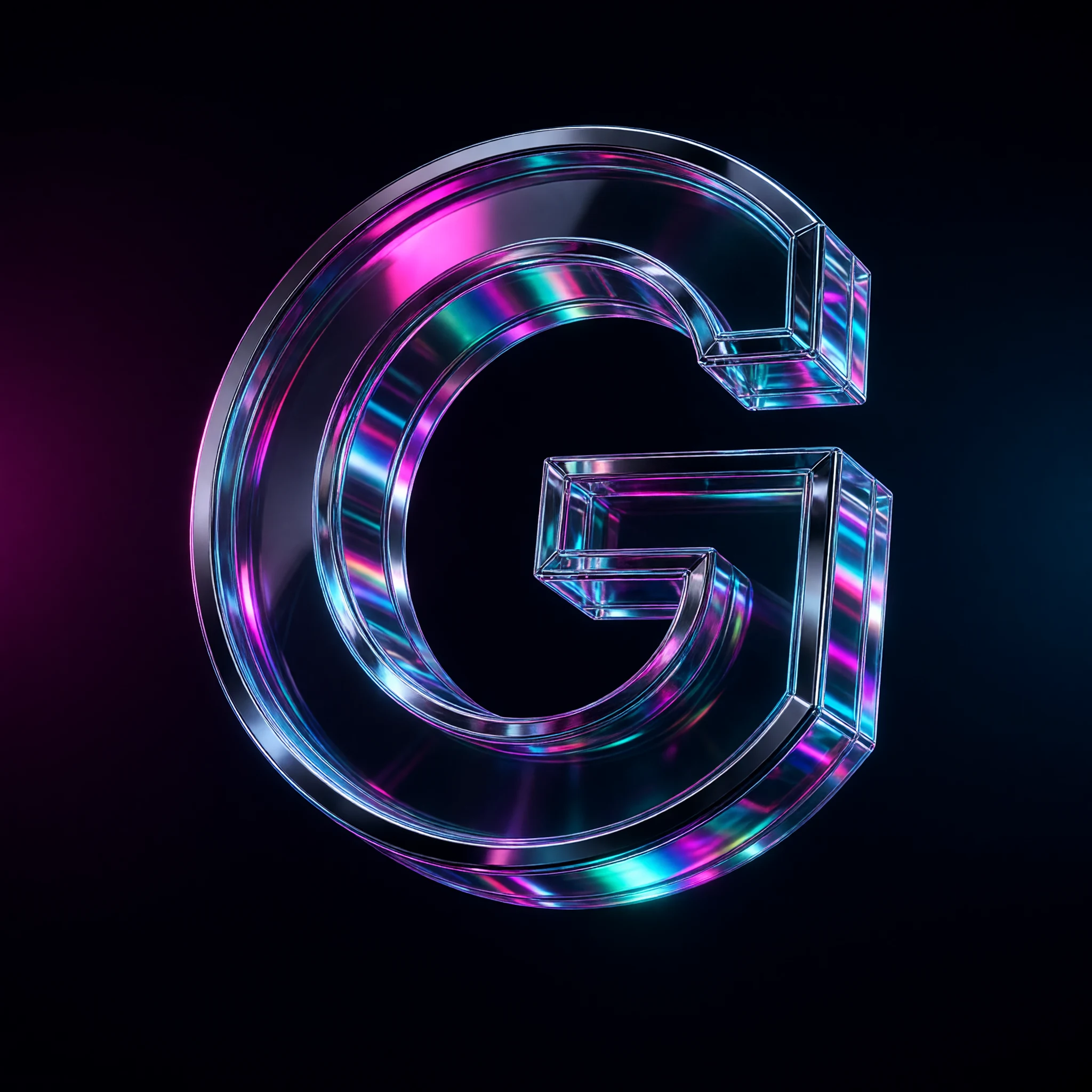
    Grok Imagine 2.0 example: an iridescent chrome and glass typographic sculpture

    Grok Imagine 2.0 just landed in the Image Studio — xAI's newest image model:

    • Surgical edits — describe the change, not the whole image, and the rest of the frame stays put.
    • Sharper text rendering — a real step up for posters, infographics, ads, and UI mockups.
    • Built for design work — game assets, storyboards, product visuals, and diagrams.
    • Pick your quality and resolution — two quality tiers across 1K and 2K, so you can iterate cheaply and re-run the keeper at full fidelity.
    • Editing input is free — bring one image to edit at no extra cost.

    Pick Grok Imagine 2.0 in the Image Studio and try it now!

  48. SeeDance 2.5: ByteDance's Flagship Multimodal Video — up to 30s, Edit & Extend Built In

    SeeDance 2.5 just landed in the Video Studio — ByteDance's new flagship:

    • Coherent videos up to 30 seconds — double the previous limit.
    • One model for everything — text-to-video, image-to-video with start & end frames, and multimodal reference-to-video.
    • More references than ever — mix up to 15 reference images, 5 reference video clips, and 5 reference audio clips (audio-only input works too) to carry identity, motion, and sound into the result.
    • Edit & extend built in — reshape or continue an existing clip by passing it as a reference; no separate edit mode.

    Pick SeeDance 2.5 in the Video Studio and try it now!

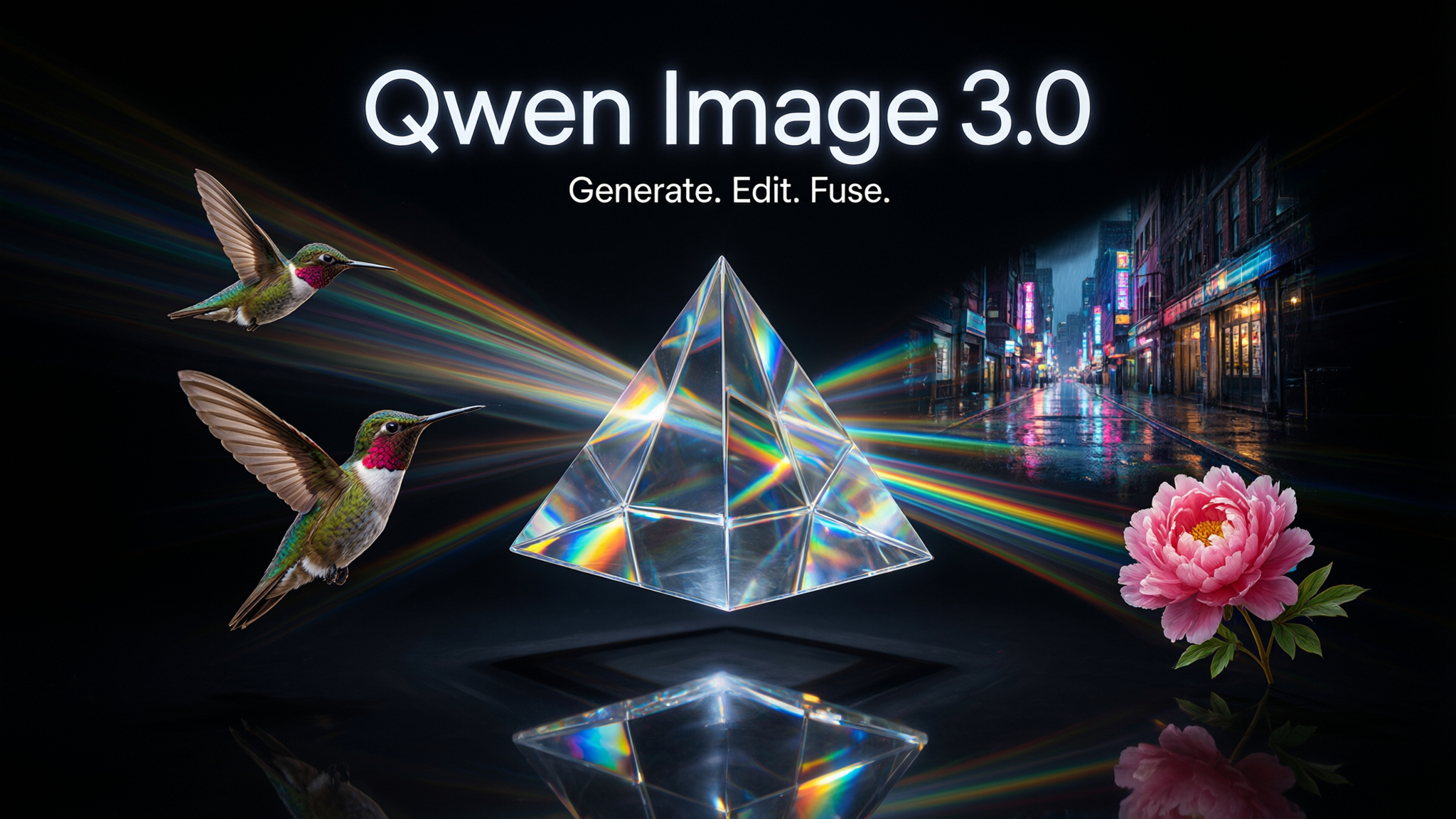
  49. Qwen Image 3.0 and Qwen Image 3.0 Pro image generation examples

    Qwen Image 3.0 and Qwen Image 3.0 Pro just landed in the Image Studio:

    • One model for everything — text-to-image, image editing, and multi-image fusion with up to 3 reference images.
    • Pro tier — professional infographics, exquisite photorealism, and stronger prompt adherence.
    • 1K and 2K output, negative prompts, and seed control.
    • Ultra plan subscribers get 20% OFF both models.

    Pick Qwen Image 3.0 in the Image Studio and try it now!

  50. MiniMax H3: 2K Multimodal Video with Reference Clips

    MiniMax H3 just landed in the Video Studio — MiniMax's flagship multimodal model:

    • 2K output at any duration from 4 to 15 seconds.
    • Text to video and image to video with start and end frame control.
    • Reference to video — mix up to 5 reference images, up to 3 short reference video clips, and reference audio in a single generation to carry identity, motion, and sound into the result.

    Pick MiniMax H3 in the Video Studio and try it now!

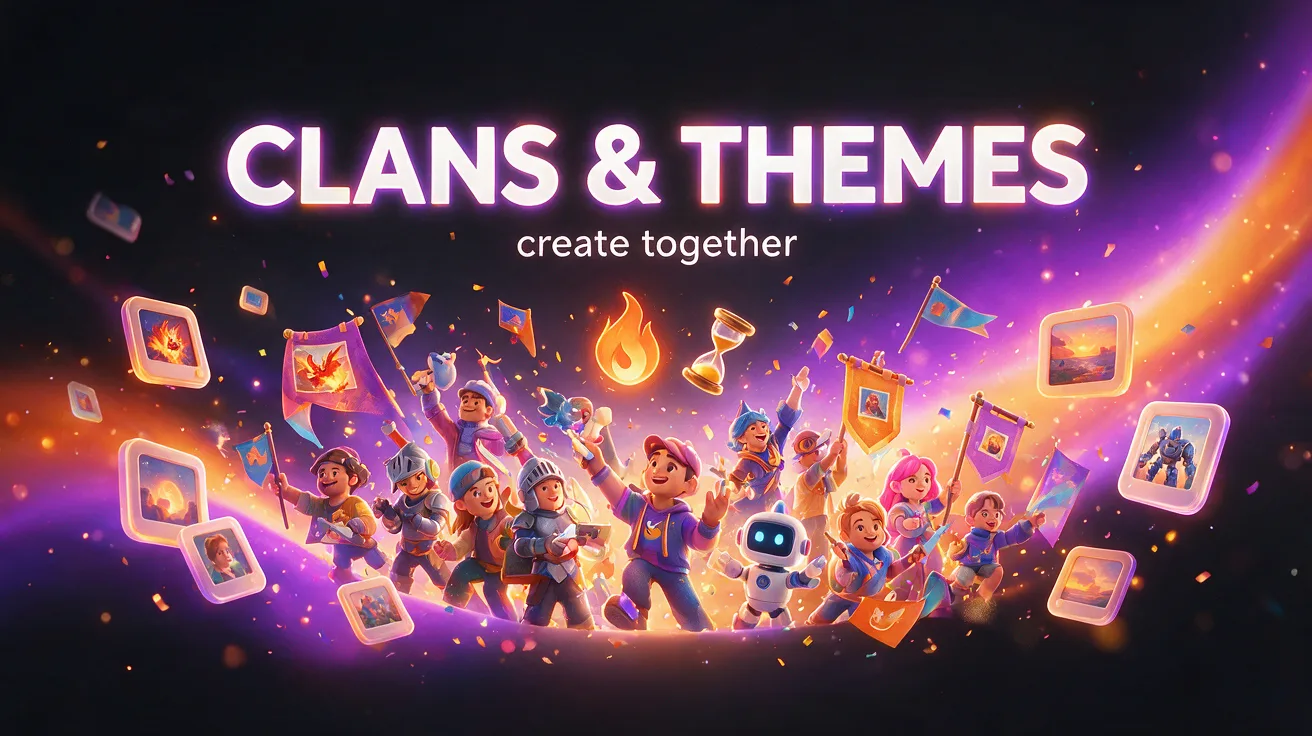
  51. BudgetPixel Clans and Themes — creative communities running time-boxed events

    Meet Clans & Themes — a new home for creating together:

    • Join a clan — browse the clan directory and join a community with one tap. Your clans live on your profile, and leaving is just as easy.
    • Post to themes — every clan runs short creative events (1 day to 2 weeks). Post your take before the timer runs out; entries are visible from the start, so you create alongside everyone else, and every entry wears its theme badge in the feed.
    • Browse every live theme on the new Themes page — sort by Trending, New, or Ending soon — or catch Trending Themes right in your feed sidebar. Posting to a theme joins its clan automatically.
    • Run your own clan — established creators on a paid plan can start a clan, appoint moderators, and keep up to 4 themes live at once. Members get a ping when a new theme starts (mutable per clan, of course).

    It's just landing in beta — find your people on /clans and jump into a live theme now!

  52. Characters: Create Once, Use Everywhere — and a Marketplace

    Meet Characters — build a character once and keep them perfectly consistent across everything you create:

    • Create a character from your photos or a text description — name them, add tagged reference views (avatar, full body, side profile, expressions, and more), and let AI generate the missing angles from your default image.
    • @mention them anywhere — type @yourcharacter in the Image Studio, Video Studio, or Design Studio prompt box (and the Design Agent chat) and they appear in the scene, same face every time. Use @name.tag to pick an exact photo, like @mia.full_body.
    • Give them a voice — attach a system voice or one of your cloned voices for what's coming next.
    • Character Marketplace — publish your characters for others to collect and use, earn credits on every collect and tip, or browse trending characters made by other creators and add them to your own library.

    Find it under Workspace → Characters, or start creating now!

  53. SeeDream 5.0 Pro precise image editing examples

    SeeDream 5.0 Pro is now in Image Studio — ByteDance's flagship editing model, built for surgical, layer-level control:

    • Excellent image editing — change exactly what you ask for and nothing else: outfits, backgrounds, lighting, objects, while faces, products, and text stay untouched.
    • Identity that holds — the strongest subject preservation in the SeeDream family, ideal for character consistency and product shots.
    • Multi-reference composition — blend up to 9 reference images into one cohesive result.
    • A strong alternative to GPT Image 2 and Nano Banana 2 for demanding edits — with a more permissive content policy, so it won't refuse work those models might.

    Also available in Design Studio, through your Ava companions, and via the Developer API. Try it now in Image Studio!

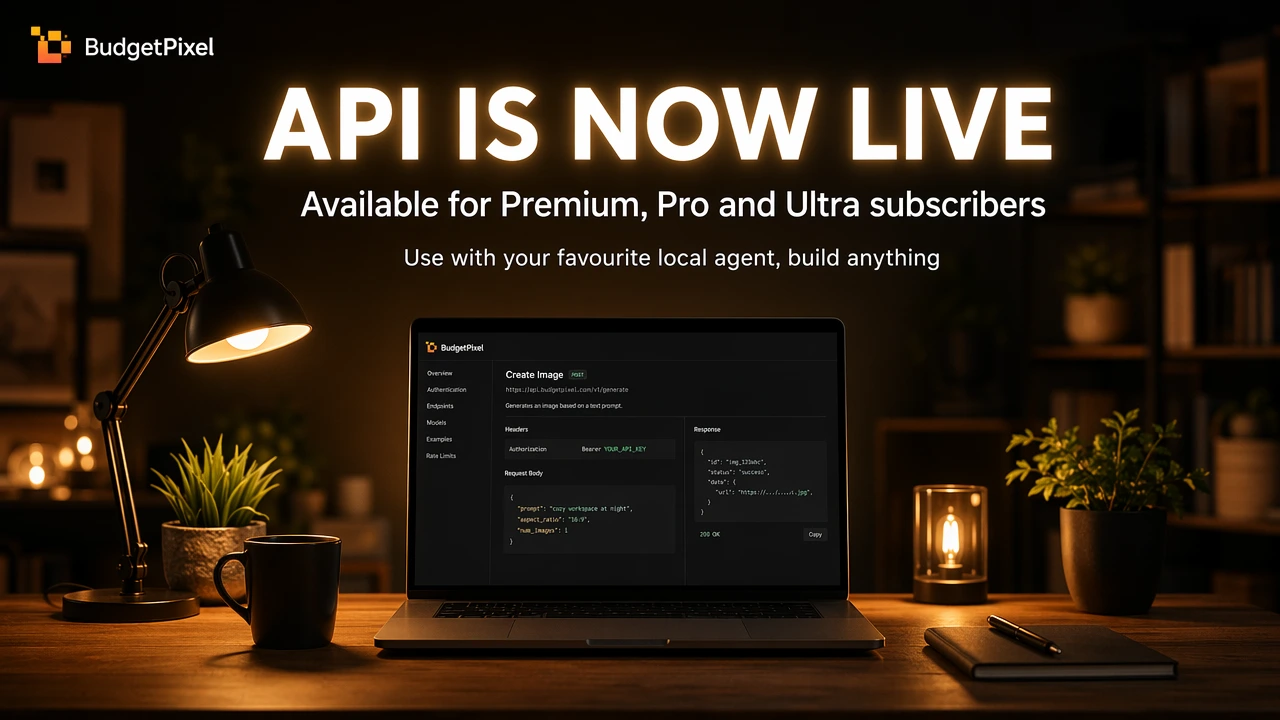
  54. BudgetPixel developer API now available on Premium, Pro, and Ultra plans

    The BudgetPixel developer API — previously an Ultra exclusive — is now included on the Premium and Pro plans too.

    • Generate programmatically — call the same image and video models you use in the studios (FLUX, SeeDream, Qwen, Wan, Kling, SeeDance, and more) from your own code, scripts, and apps.
    • Simple async workflow — submit a job, poll for the result, get back hosted URLs. Generations draw from the same credit balance you already have.
    • Get started in minutes — create an API key in the Developer Console, then follow the quickstart.

    On Premium, Pro, or Ultra? Your API access is already live — no action needed.

  55. Nano Banana 2 Lite image generation examples

    Nano Banana 2 Lite is now in Image Studio — the budget-friendly member of the Nano Banana family, built for fast everyday creation:

    • Text-to-image & image editing — same clean Nano Banana quality, snappy 1K output.
    • Multi-image fusion — combine up to 14 reference images in a single edit, the most of any Nano Banana model.
    • All the aspect ratios — from square to ultra-wide banners (1:8 / 8:1 included).

    Great for rapid iteration before switching to Nano Banana 2 or Pro for a final high-res render. Try it now in Image Studio!

  56. Listen to a sample

    Mureka V9 is now in Audio Studio — a new music model with two modes:

    • Song mode — write your own lyrics and hear them sung verbatim (structural tags like [verse]/[chorus]/[bridge] supported), with a vocal gender picker (Auto / Female / Male) to steer the voice.
    • Instrumental mode — flip the Instrumental toggle and describe the vibe in a prompt for vocal-free background music, beats, and BGM.

    Your Ava companions can use it too — just ask for a song in chat.

    Try it now in the Audio Workshop!

  57. Update,

    This sale has ended. The code worked through July 5, 2026.

    4th of July Sale: 20% Off Any Purchase with Code JULY20OFF

    Happy Independence Day! 🎆 To celebrate the 4th of July, everything on BudgetPixel is 20% off through the weekend.

    • Your code: JULY20OFF
    • Works on any purchase — subscription plans and credit packs alike.
    • How to redeem: enter the code at checkout when you upgrade or top up.

    The sale runs now through Saturday, July 5 at midnight — don't miss it. 🎇

  58. New in Audio Studio: Voice Cloning + Speech to Text

    Two big additions to Audio Studio:

    • Voice Cloning (Voice Library) — clone your own voice from a short sample (upload or record), then use it for Text to Speech. Re-train a voice anytime, and manage all your voices in a reusable Voice Library. Available on the Premium, Pro, and Ultra plans.
    • Speech to Text — transcribe uploaded or recorded audio, with automatic language detection (English, Chinese, Cantonese, Japanese, and more). Handles long files, and a new Live mode transcribes in real time as you speak.

    Open Audio Studio → All tools to try Voice Library and Speech to Text.

  59. SeeDance 2.0 Now Generates in 4K

    SeeDance 2.0 now supports 4K output — a new resolution tier on top of 480p, 720p, and 1080p.

    • Native 4K detail — sharper, crisper results with rich color, ideal for hero shots and big-screen playback.
    • Same workflow — pick 4K from the resolution selector in Video Studio; works for text-to-video and image-to-video.

    Try it now in Video Studio.

  60. Kling 3.0 Turbo Now in Video Studio: Fast Generation with Native Audio & Lifelike Lip Sync

    Kling 3.0 Turbo is now in Video Studio — Kling's fast tier with native audio built in, via our direct Kling AI integration:

    • Native audio, always on — every clip comes with synced sound, no toggle needed.
    • Lifelike lip sync — characters speak your script naturally, making it a great fit for storytelling, narration, and talking-character shorts.
    • Text-to-video & image-to-video — start from a prompt or animate a first frame.

    Available at 720p and 1080p, any duration from 3 to 15 seconds. Try it now in Video Studio.

  61. Free daily image and video generations on BudgetPixel

    Selected image and video models now come with free daily generations — the credit charge is on us, automatically, whenever you use an eligible model.

    • Nothing to claim — eligible models just generate for free until your daily quota runs out, then fall back to your normal credits.
    • Refills every day — your free generations reset daily.
    • See what's free for you — open the gift 🎁 menu (top bar; Daily Rewards on mobile) to see every eligible model and how many free generations you have left today. You'll also spot a FREE tag on the Generate button whenever your selected model qualifies.

    The lineup rotates, so check back often. Tap Open Daily Rewards below to see what's free for you right now.

  62. Ultra plan now includes 10% off PixVerse models and all viral effects

    The Ultra plan just got better. On top of its existing model discounts, Ultra now includes two more — applied automatically whenever you generate:

    • 10% off all PixVerse models — covering PixVerse V6 and PixVerse C1.
    • 10% off all Viral Effects — every effect, every provider, at any resolution.

    These stack with Ultra's existing discounts on ByteDance, Google, and Alibaba models. Already on Ultra? You're getting the new discounts automatically. Not on Ultra yet? Upgrade on the subscription page to unlock them.

  63. Kling V3 Omni Now in Video Studio: Text, Image, Reference & Video-to-Video in One Model

    Kling V3 Omni is now in Video Studio — one model that does it all, via our direct Kling AI integration:

    • Text-to-video & image-to-video — start and end frame control, with optional generated audio.
    • Multi-image reference-to-video — guide a shot with up to 7 reference images (characters, style, scene).
    • Video-to-video — edit an existing clip with a prompt; the output keeps the input's length.

    Available in Standard (720p), Pro (1080p), and 4K, at any duration from 3 to 15 seconds. Try it now in Video Studio.

  64. Kling v3 and Kling v3 Omni image generation on BudgetPixel

    Two new image models from Kling AI are now in Image Studio, via our direct Kling integration:

    • Kling v3 — strong prompt adherence and clean aesthetics. Text-to-image and image-to-image at 1K/2K.
    • Kling v3 Omni — Kling's omni model with text-to-image, image-to-image, and multiple reference images, up to 4K output.

    Both support the full set of aspect ratios. Try them now in Image Studio.

  65. Ideogram V4 aesthetic-first image generation example

    Ideogram V4 is now in Image Studio — an aesthetic-first text-to-image model with stunning realism, creative designs, and remarkably consistent styles. It's especially strong at the things Ideogram is known for: clean typography, logos, posters, and text inside images.

    Pick your rendering speed: • Turbo — fastest, great for quick iteration • Balanced — the everyday default • Quality — highest fidelity for final, polished output

    Choose an aspect ratio, pick a speed, and generate. Try it now in Image Studio.

  66. SeeDance 2.0 Just Got More Flexible: Looser Content Moderation Live

    SeeDance 2.0 in Video Studio just got a lot more flexible. Image and text inputs that used to get rejected — realistic faces, edgier prompts — now go through cleanly. Same model, same pricing, far fewer "content blocked" errors.

    The Fast variant (SeeDance 2.0 Fast) keeps its tighter moderation profile, so pick standard SeeDance 2.0 when you want the looser flow.

    Try it now in Video Studio.

  67. Three ways to earn on X with BudgetPixel: Affiliate Tasks, Creator Program, and Sponsorship

    Three ways to earn on X — pick the one that fits your reach:

    • Affiliate Tasks — Like, comment, or repost @budgetpixel posts. 200–500 credits per task. Just 50+ X followers required.
    • Creator Program — Post your own content tagging @budgetpixel and earn based on impressions. 500–10,000 credits per post.
    • Sponsorship — Paid monthly cash deal ($50–$300/mo via PayPal) for creators with 14,000+ followers, plus a 30,000-credit grant on acceptance to fund your promo content.

    Connect your X handle and pick a program in Creator Programs.

  68. Workflow: generate a character with Seedream 4.5 or 5.0 Lite, then animate it with SeeDance 2.0

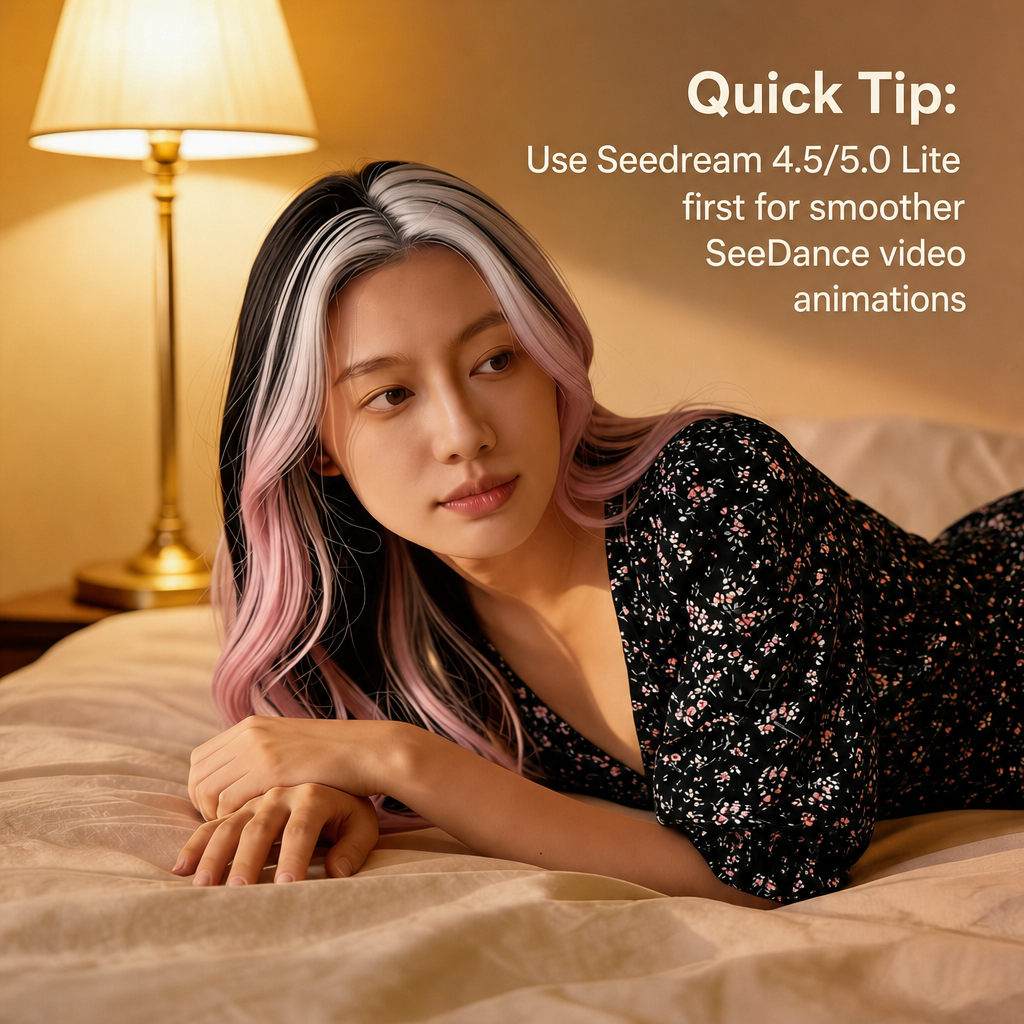
    SeeDance 2.0 delivers state-of-the-art video quality, but its input moderation is strict — image-to-video requests with realistic human faces are often rejected.

    For smoother acceptance, generate your source image with Seedream 4.5 or Seedream 5.0 Lite (text-to-image) first, then animate it in SeeDance 2.0. Text-to-image outputs from either model carry a signature SeeDance recognizes, so they pass content checks at a much higher rate — less retrying, more creating. Pick 5.0 Lite for cheaper iteration or 4.5 for higher photorealism.

    The workflow:

    1. Create your character or scene in Image Studio with Seedream 4.5 or Seedream 5.0 Lite in text-to-image mode.
    2. Send it straight to Video Studio and pick SeeDance 2.0.
    3. Generate — and skip the moderation back-and-forth.
  69. Grok Imagine Quality high-fidelity image generation example

    Grok Imagine Quality is now in Image Studio — xAI's high-quality tier with explicit 1K and 2K resolution selection for sharper, print-ready output.

    Great for: • Detailed creative artwork and concept design • Marketing visuals and editorial illustrations • Product photography and high-resolution prints • Image editing and multi-image fusion (up to 3 references)

    Try it now in Image Studio.

  70. Ava Upgraded: Free Daily Turns + Pick Your Chat Depth

    Ava just got a big upgrade.

    • Free daily turns. Every plan now gets free Ava turns each day — 5 on Free and Starter, up to 30 on Ultra. A turn is one message + Ava's reply, shared across all your Avas. Beyond the daily allowance, chat keeps going from your regular credits — no interruption. • Three chat depths, your choice. Each companion now has a Quick / Standard / Premium picker — Quick is snappy and light on credits, Standard is the balanced default, Premium thinks the hardest. Higher tiers also do better when you ask Ava to create images. Switch any time from the chat right rail or the companion's settings page. • Simplified credits — no more agent credits. Conversations with Ava now use the same regular credits as image, video, and audio generation. One pool, one balance, no separate agent budget to track.

    Meet your companions on the Companions page.

  71. GPT-Image-2: 4K Resolution, Superior Text Rendering

    GPT-Image-2 is here — OpenAI's next-gen image model, now in Image Studio.

    What it's good at: • Legible text in images — a significant leap over 1.5 for posters, UI mockups, infographics, and branded visuals. • 4K resolution — pick 1K / 2K / 4K depending on where it's going; final price scales with the tier you choose. • Better instruction following — stronger adherence to composition and layout details. • Reference-based edits — multiple input images for multi-reference composition. • Flexible output format — choose PNG, JPEG, or WebP for smaller files when you don't need lossless.

    Try it now in Image Studio.

  72. Update,

    Niji 7 has been retired. Midjourney V7 stays, and Midjourney V8.2 is the newest version.

    Midjourney V7 image generation example
    Midjourney V7 photorealistic example
    Midjourney Niji 7 anime art example

    Midjourney is now available on BudgetPixel! Two powerful new models:

    • Midjourney V7 — the latest flagship model with breakthrough quality, realism, and creative capabilities. • Midjourney Niji 7 — purpose-built for anime and manga artwork with enhanced character detail and expression.

    Both models generate 4 images per request and feature Stylize (0–1000) and Chaos (0–100) controls for fine-tuning aesthetics and variation. 40 credits per image. Try them now in Image Studio!

  73. Grok Imagine Pro premium image generation example

    Introducing Grok Imagine Pro by xAI! A premium upgrade to Grok Imagine with higher quality output, enhanced detail, and superior photorealism.

    What's new: • Grok Imagine Pro — premium model at 90 credits per image • 1K / 2K resolution selector — now available on both Grok Imagine and Grok Imagine Pro • Supports text-to-image, image editing, and multi-image fusion (up to 3 references)

    Try it now in Image Studio!

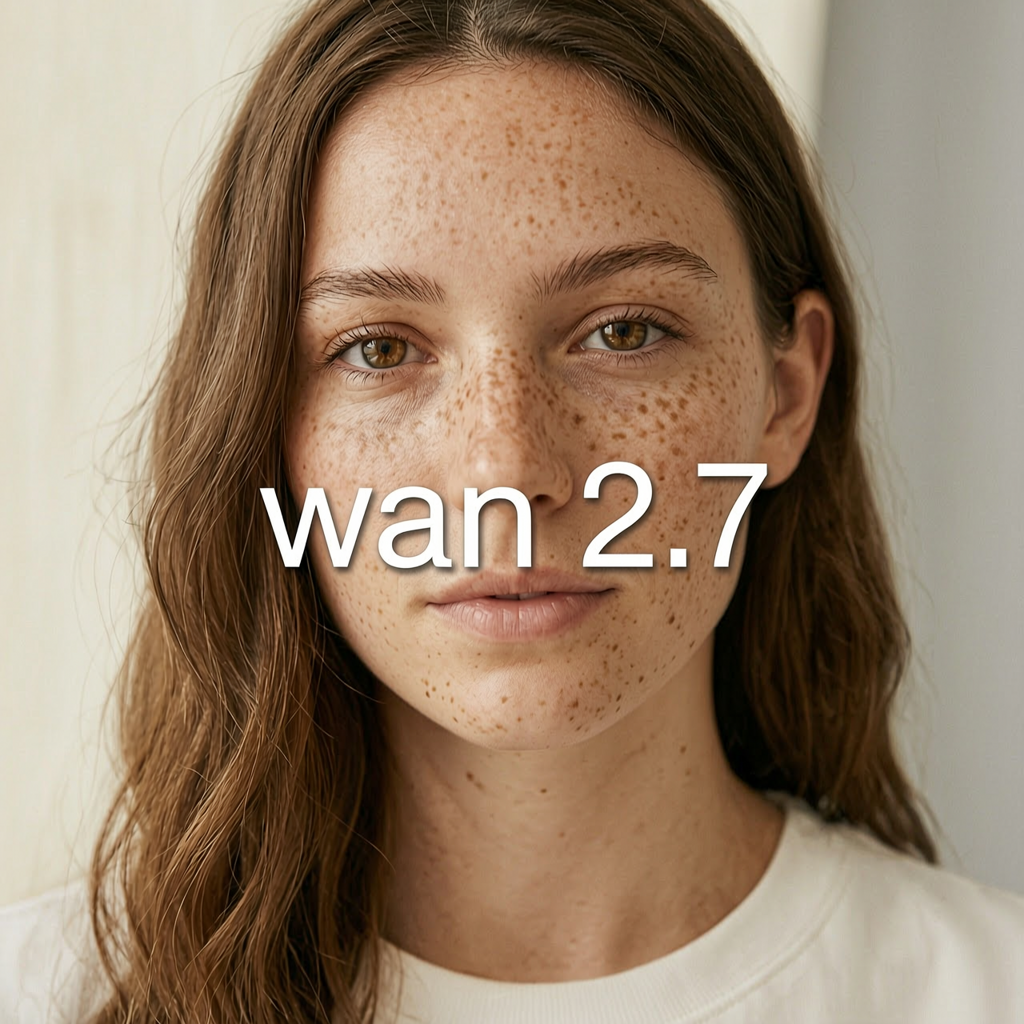
  74. Wan 2.7 image generation example
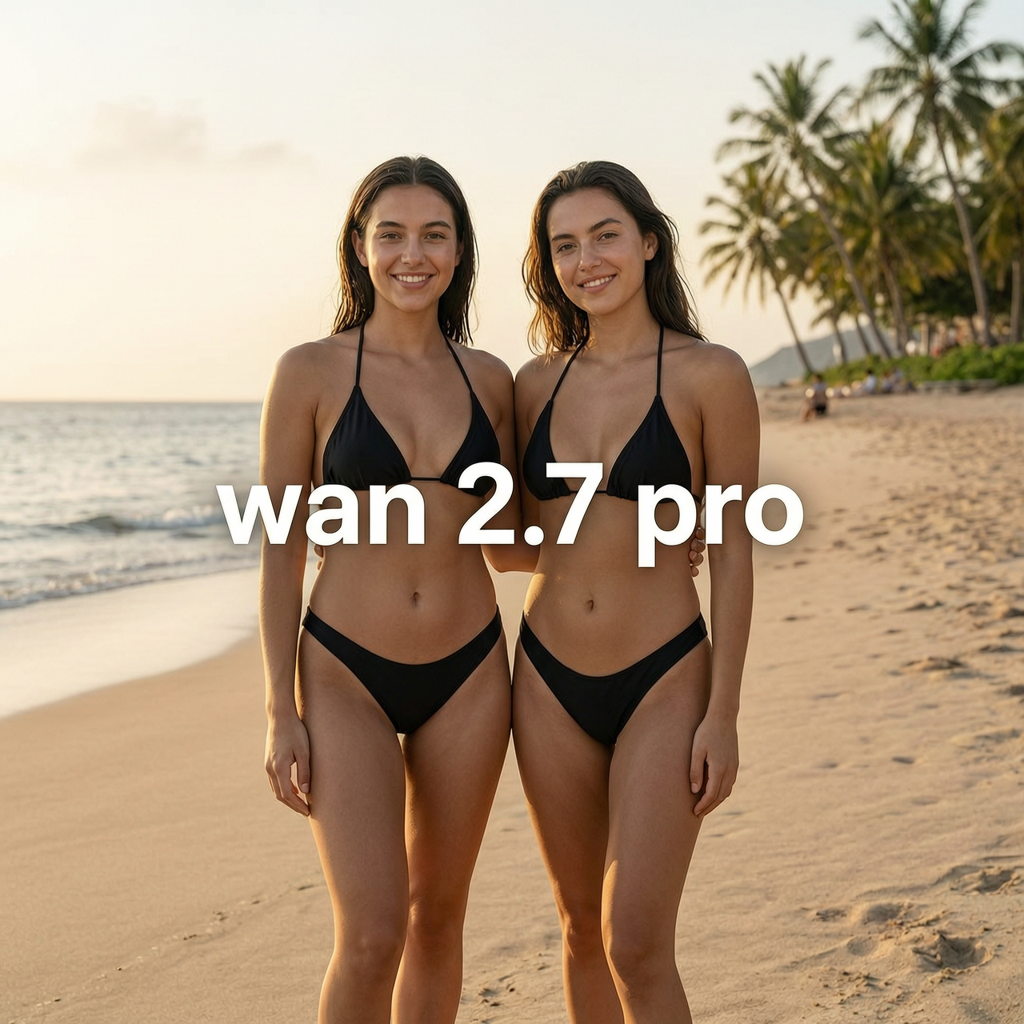
    Wan 2.7 Pro image generation example

    Introducing Wan 2.7 and Wan 2.7 Pro by Alibaba! The latest image generation models featuring:

    • Exceptional realistic face generation with natural skin tones and expressions
    • Thinking Mode for enhanced quality through deeper reasoning
    • Multi-reference images (up to 9) for precise image editing and fusion
    • Native img2img support with automatic aspect ratio matching
    • Up to 4 images per generation

    Wan 2.7 supports up to 2K resolution. Wan 2.7 Pro supports up to 4K for ultra high-fidelity output. Try them now in Image Studio!

  75. Listen to a sample

    Upgraded to MiniMax Music 2.5+! Two powerful new features:

    • Instrumental Mode — generate music-only tracks without vocals, perfect for background music and beats. • Lyrics Optimizer — automatically generate lyrics from your prompt description. Just describe the vibe and let AI write the words.

    The demo song simply uses the lyrics optimizer and the prompt is "pop, blues". Try it now in the Audio Workshop!

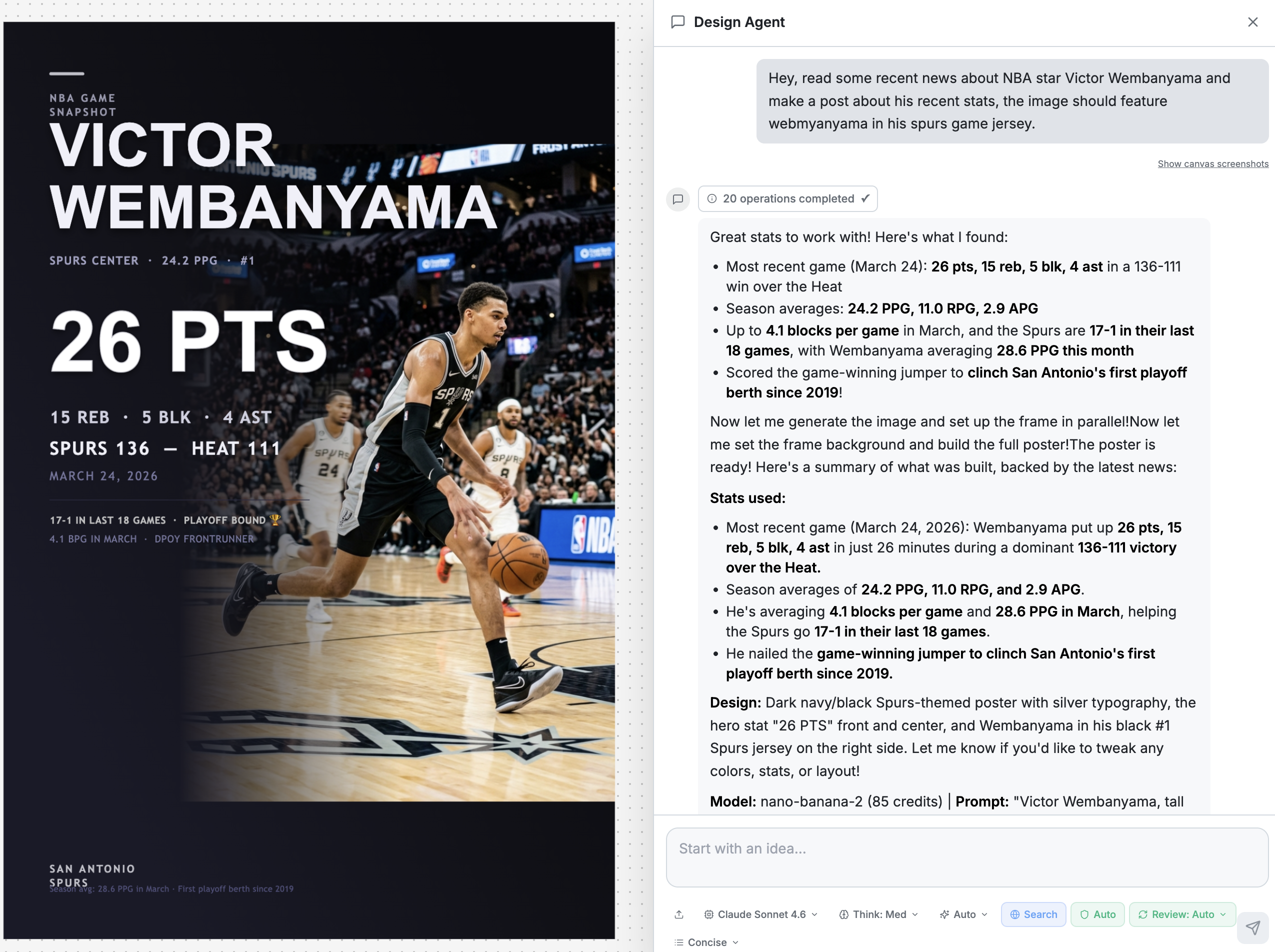
  76. Design Studio AI Agent creating designs on canvas

    Introducing the Design Studio AI Agent! An intelligent assistant that can add shapes, text, images, and manipulate objects on your canvas through natural language. Just describe what you want — generate images, create layouts, adjust colors, and more. Powered by GPT-5.4 with auto-review and multi-model image generation. Try it now in Design Studio!

  77. Qwen Image 2.0 and Qwen Image 2.0 Pro image generation examples

    Introducing Qwen Image 2.0 and Qwen Image 2.0 Pro! Alibaba's fast unified image generation and editing models with accurate text rendering, multi-image fusion (up to 3 reference images), negative prompt support, and seed control. Pro offers enhanced realism and stronger semantic adherence. Ultra plan subscribers get 20% OFF on both models! Try them now in Image Studio!

  78. Nano Banana 2 - Gemini 3.1 Flash Image generation examples

    Introducing Nano Banana 2 powered by Gemini 3.1 Flash Image! Features 0.5K/1K/2K/4K resolution output, up to 6 reference images for multi-image fusion, Google Image Search grounding, advanced text rendering, and a configurable thinking mode for complex prompts. Starting at just 60 credits (0.5K) with new ultra-wide aspect ratios (1:4, 4:1, 1:8, 8:1). Try it now in Image Workshop!

  79. Seedream 5.0 Lite - Fast lightweight unified image generation and editing

    Introducing Seedream 5.0 Lite from ByteDance - a fast, lightweight unified generation and editing model with superior aesthetics! Features 2K and 3K resolution output, multi-reference image support for img2img, and sequential generation for batch outputs. Priced at just 40 credits per image (cheaper than Seedream 4.5). Perfect for rapid creative workflows that demand both quality and speed. Try it now in Image Workshop!

  80. AI Wallpaper Generator - Create stunning phone lock screen and home screen wallpapers

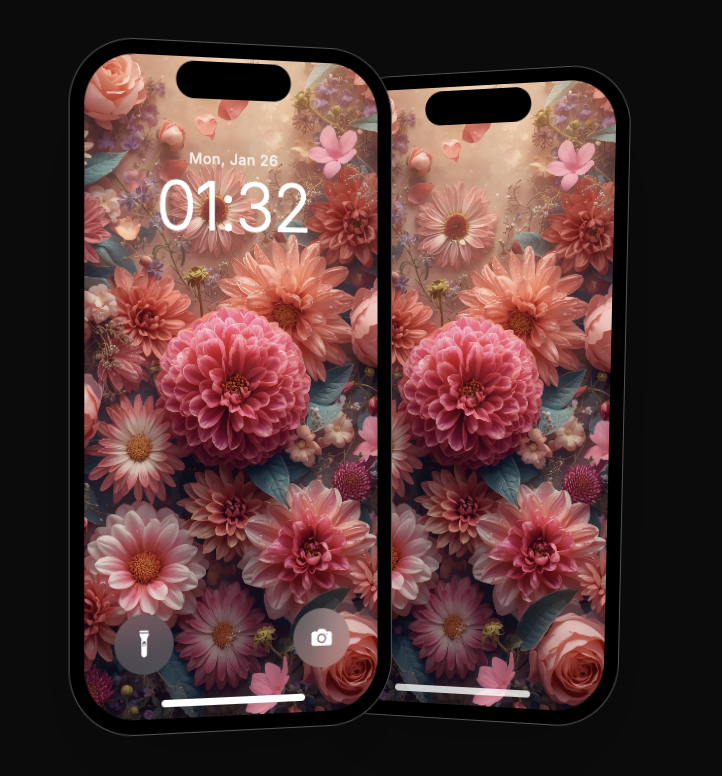
    Introducing AI Wallpaper Generator - create beautiful, unique wallpapers for your phone with AI! Choose from 25+ styles including cyberpunk, nature, abstract, minimalist, anime, vaporwave, and more. Preview your wallpapers on realistic iPhone lock screen and home screen mockups. Apply filters like B&W, duotone, and color wash. Perfect for personalizing your device with one-of-a-kind artwork. Try it now in the Apps section!

  81. Flux 2 Klein - Ultra-fast image generation with reference image support

    Introducing Flux 2 Klein - the fastest Flux model yet! Generate high-quality images in under a second with the 9B parameter FLUX.2-klein model. Supports both text-to-image and image-to-image with up to 3 reference images for style transfer and character consistency. Features excellent prompt adherence and optimized 4-step inference. Perfect for rapid iteration and creative workflows. Try it now in the Image Workshop!

  82. Cosplay - AI-generated anime and video game character cosplay images

    Introducing Cosplay - generate stunning cosplay images of your favorite anime and video game characters with AI! Choose from 200+ popular characters including Makima, 2B, Raiden Shogun, Tifa Lockhart, and more. Customize poses, scenes, clothing, camera angles, and body figures to create the perfect cosplay photo. Powered by Nano Banana Pro for ultra-realistic results. Try it now in the Apps section!

  83. Motion Control: Transfer Motion from Any Video to Your Character

    Introducing Viral Dance - transform any character into a viral dance sensation! Upload a reference image of any character and a TikTok/social media video, and our AI will seamlessly transfer the dance moves to your character. Perfect for creating engaging social media content, memes, and viral videos. Works with photos, illustrations, anime characters, and more. Try it now in the Apps section!

  84. Affiliate Task Rewards - Earn credits by engaging with our tweets on X

    Introducing Affiliate Task Rewards - earn free credits by supporting BudgetPixel on X (Twitter)! Simply like, comment, or repost our tweets to complete tasks and earn credits. Power influencers with 300+ followers can earn double rewards! Each task shows the required actions and credit rewards. Submit your proof, and once approved, credits are added to your account. Check out available tasks in the Affiliate Tasks page and start earning today!

  85. Social Bonus - Earn 20% credits when users you attract convert to paid

    Introducing Social Bonus - a new way to earn credits by sharing your content! When you share your posts and blogs on social media (X, Reddit, Facebook, etc.) and someone discovers BudgetPixel through your link and signs up, they're attributed to you. If they convert to a paid subscription within 30 days, you earn 20% of their plan's monthly credits! Track your attributed users and earnings in the new Social Bonus tab in your profile settings. Start sharing your creations and watch your credits grow!

  86. Update,

    SeeDance 1.5 Pro has been retired. SeeDance 2.0 replaces it, and SeeDance 2.5 is the newest SeeDance model.

    Introducing SeeDance 1.5 Pro from ByteDance - their most advanced video generation model with optional AI-generated audio! Features text-to-video and image-to-video with start and end frame support for precise control over your video transitions. Available in 480p and 720p resolutions with durations of 5, 10, or 12 seconds. Pricing: 720p costs 60 credits/sec with audio or 30 credits/sec without; 480p costs 40 credits/sec with audio or 20 credits/sec without. Perfect for creating dynamic video content with synchronized sound. Experience the next generation of AI video creation in Video Studio!

  87. ImagineArt 1.5 - Ultra photorealistic generation with industry-leading text rendering

    Introducing ImagineArt 1.5 - the next evolution in ultra-photorealistic AI image generation! Building on the success of ImagineArt 1.0, version 1.5 adds industry-leading text rendering capabilities for signs, packaging, book covers, and more. Features flawless typography integration, candid portrait photography, and advanced natural lighting. At just 10 credits per image, ImagineArt 1.5 delivers exceptional value for photorealistic renders with perfect text. Ideal for product mockups, marketing materials, and any project requiring readable text in images. Available now in Image Studio!

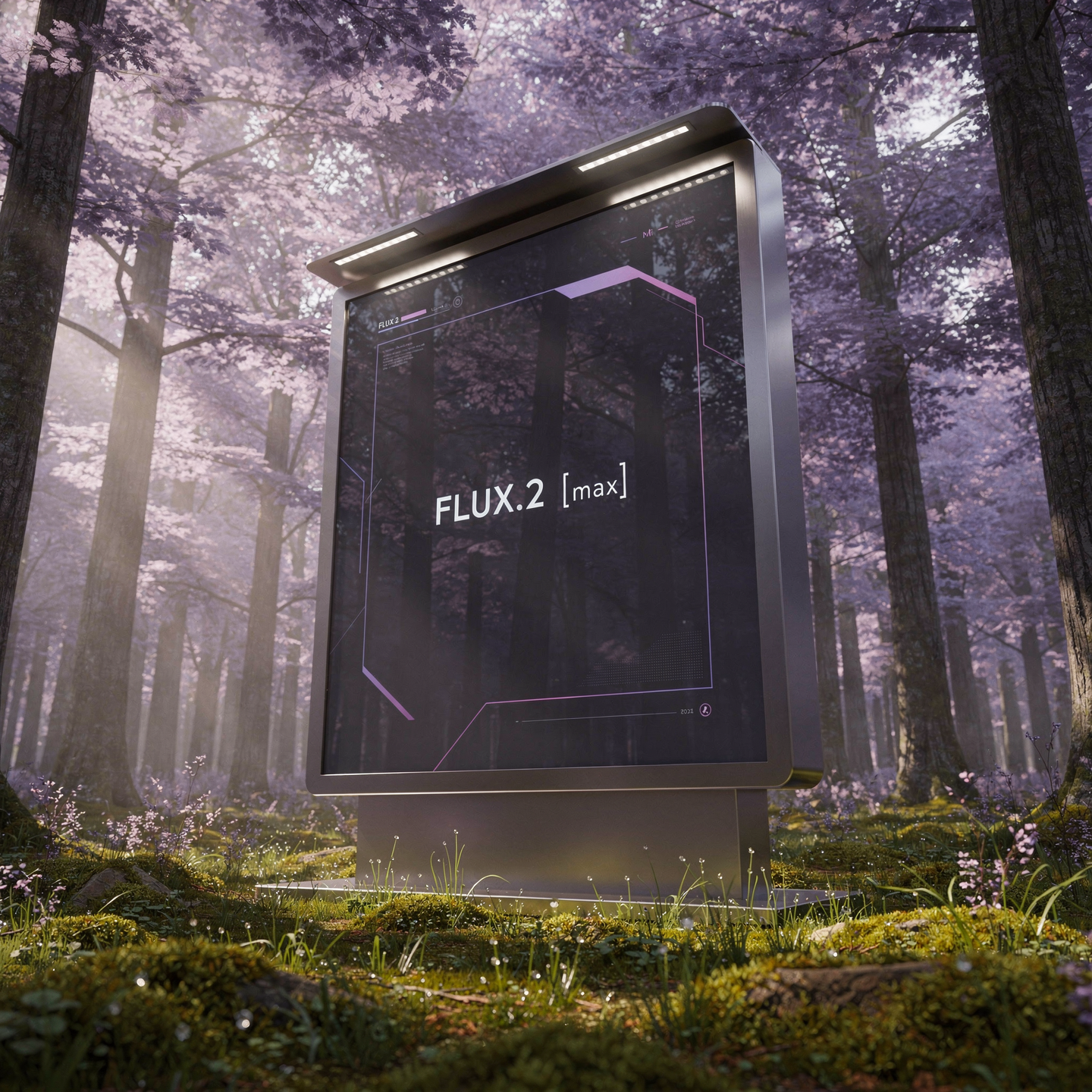
  88. FLUX 2 Max - Ultra high-quality image generation from Black Forest Labs

    Introducing FLUX 2 Max from Black Forest Labs - their most powerful and highest-quality image generation model! FLUX 2 Max delivers exceptional detail, stunning realism, and superior prompt adherence across all resolutions from 0.5MP to 4MP. Features multi-image reference support for style transfer and creative compositions. Perfect for professional-grade artwork, detailed illustrations, and photorealistic renders. Experience the pinnacle of FLUX technology in Image Studio!

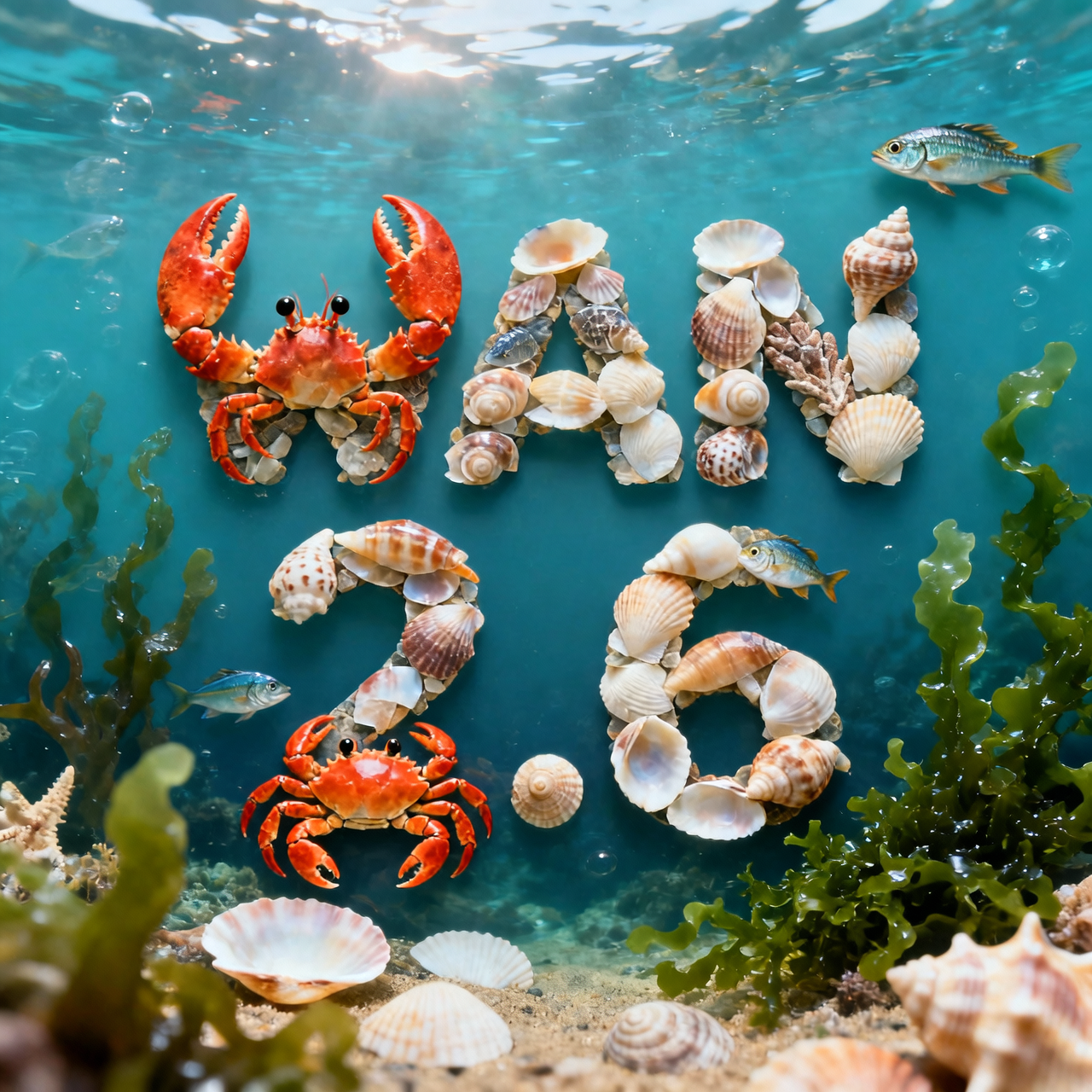
  89. Wan 2.6 - Advanced image and video generation from Alibaba

    Introducing Wan 2.6 from Alibaba - the latest generation of their powerful AI models! Wan 2.6 brings significant improvements in image quality, prompt adherence, and detail rendering for both text-to-image and video generation. The image model features enhanced realism and artistic versatility at 30 credits per image. Video generation includes both text-to-video and image-to-video capabilities with improved motion consistency and temporal coherence - perfect for creating vertical, platform-native clips for TikTok, Instagram Reels, and YouTube Shorts. Experience the next evolution of Alibaba's AI generation technology in Image Studio and Video Studio!

  90. Introducing Kling 2.6 Pro - the latest advancement in AI video generation from Kuaishou! Experience enhanced motion quality, improved temporal consistency, and stunning visual fidelity. Kling 2.6 Pro delivers superior prompt adherence, realistic physics simulation, and exceptional detail preservation across every frame. Perfect for filmmakers, content creators, and visual artists seeking professional-quality video generation. Create cinematic videos with natural camera movements, lifelike character animations, and photorealistic scenes. Available now in Video Studio!

  91. Seedream V4.5 example image 1
    Seedream V4.5 example image 2

    Introducing Seedream V4.5 from ByteDance - their most advanced unified text-to-image and image editing model! Features exceptional prompt adherence, stunning detail, and support for up to 6 reference images in img2img mode. Available in 2K and 4K resolutions with sequential generation for batch outputs. Priced at 45 credits per image. Experience the next level of AI image generation in Image Studio!

  92. P-Image and P-Image Edit - Ultra-fast image generation and editing

    Introducing P-Image and P-Image Edit from PrunaAI! P-Image generates stunning 1 megapixel images in just a few seconds at only 10 credits - our most cost-efficient model yet. P-Image Edit supports up to 3 reference images for complex compositions, style transfer, and creative remixing at 15 credits. Both models are built on optimized Qwen architecture with seed support for reproducibility. Perfect for rapid iterations, batch processing, and budget-conscious workflows. Try them in Image Studio!

  93. Z-Image-Turbo - Ultra-fast high-quality image generation

    Z-Image-Turbo from Tongyi-MAI generates high-quality images in just 3-5 seconds using an optimized 9-step process. Perfect for rapid iterations and time-sensitive workflows. Supports all major aspect ratios, seed control, and negative prompts - all at just 15 credits per image. Try it in Image Studio!

  94. Introducing Nano Banana Pro - powered by Google's Gemini 3 Pro! Combine up to 6 reference images for stunning multi-image fusion. Perfect for character consistency, style transfer, and complex compositions. Supports 1K, 2K, and 4K resolution with all aspect ratios. Pricing: 160 credits for 1K/2K or 260 credits for 4K. Start creating in Image Studio!

  95. Wan 2.5 - Unified text-to-image and image editing

    Big news for Wan 2.5 users! Alibaba's flagship unified model now supports both text-to-image generation AND intelligent image editing capabilities - all in one model with automatic mode selection. Simply upload an image to transform it with AI-powered editing, or start from text to create stunning new images. Even better news: we've reduced the price by 25% from 40 to just 30 credits per generation! Wan 2.5 features exceptional quality and detail, outstanding prompt adherence, support for multiple aspect ratios (1:1, 16:9, 9:16, 4:3, 3:4, 21:9), seed control for reproducibility, and automatic capability detection based on your input. Whether you're generating fresh content or editing existing images, Wan 2.5 delivers professional results at an incredible value. Try both text-to-image and image editing modes in our Image Studio!

  96. Flux Schnell Ultra - Fast and detailed image generation

    Introducing Flux Schnell Ultra - our newest budget-friendly model for ultra-fast, highly detailed image generation! Built on Flux-Schnell and optimized with Pruna, this 4-megapixel model delivers exceptional quality at just 15 credits per image. Perfect for quick iterations, rapid prototyping, and time-sensitive projects. Features blazing-fast 3-5 second generation times, support for all major aspect ratios (1:1, 16:9, 9:16, 4:3, 3:4, 3:2, 2:3, 21:9), and seed control for reproducible results. Ideal for detailed landscapes, high-resolution portraits, architectural visualization, product design concepts, and fast prototyping workflows. Get professional-quality results without breaking your budget. Start creating with Flux Schnell Ultra in our Image Studio today!

  97. HiDream I1 sample - High-quality image generation
    HiDream I1 sample - Fast and detailed results

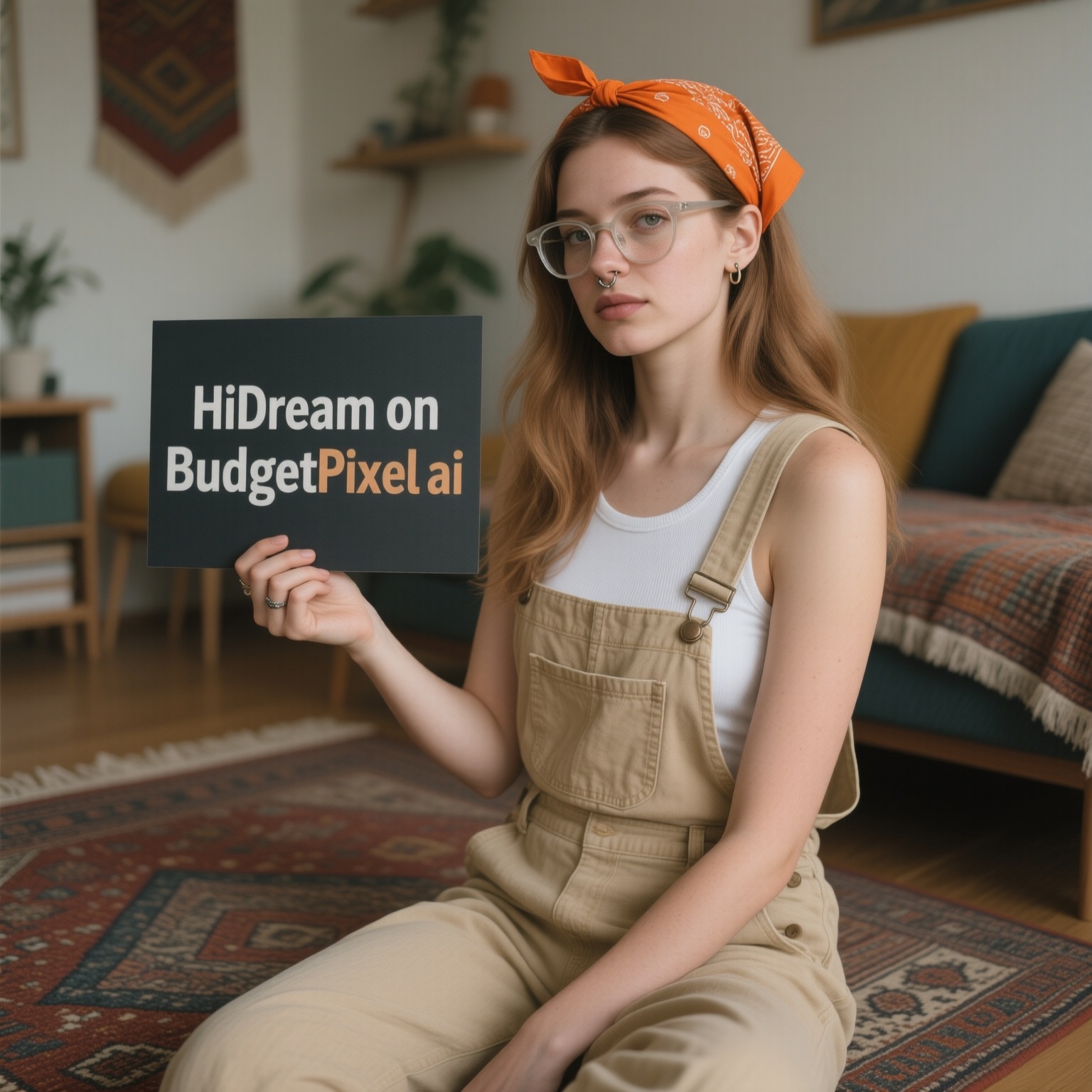
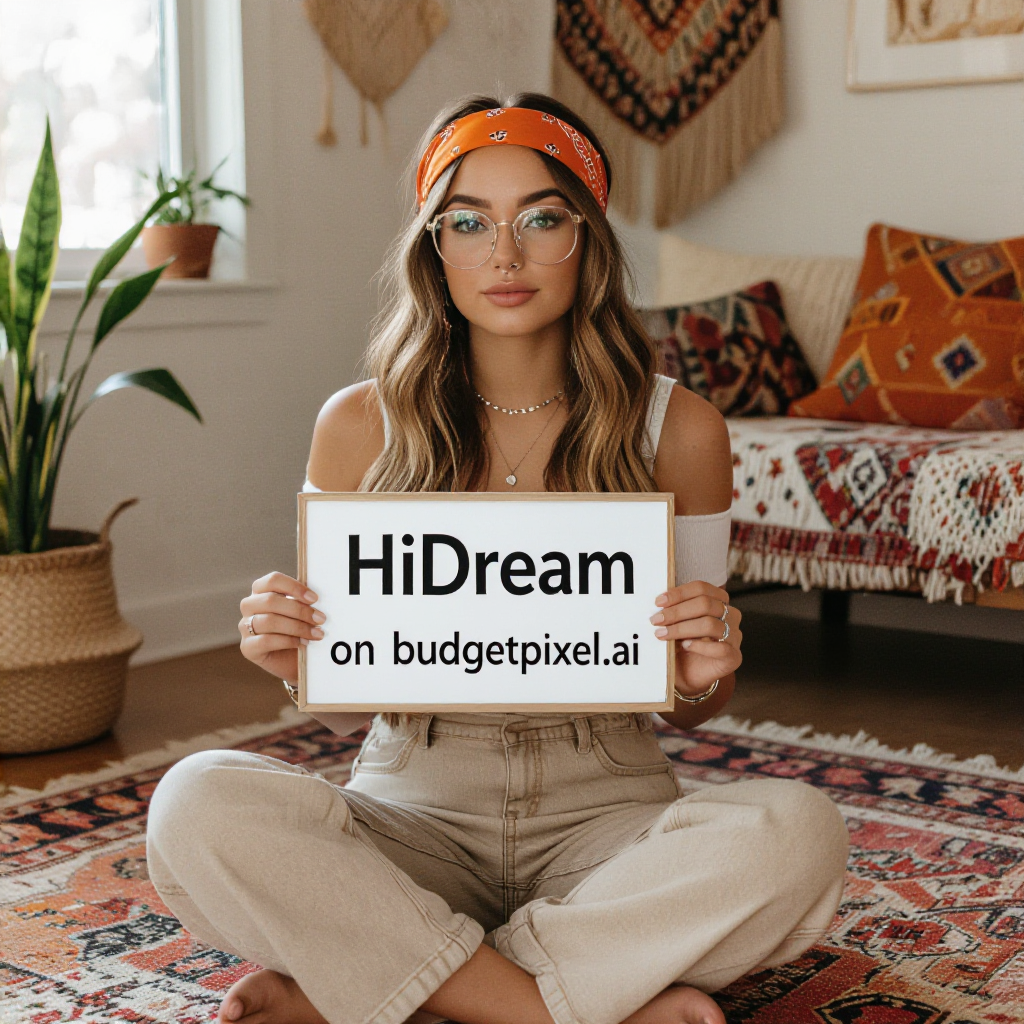
    Introducing the HiDream I1 family - powerful new AI image generation models from Atlas Cloud AI! Choose between HiDream I1 Full for balanced quality and speed (30 credits, 15-20s generation), or HiDream I1 Dev for rapid prototyping (20 credits, 10-15s generation). Both models feature 1536px maximum resolution, support for all aspect ratios, seed control for reproducible results, and optimized performance for professional workflows. HiDream I1 Full excels at high-detail rendering for professional designs, creative artwork, marketing materials, and social media content. HiDream I1 Dev is perfect for quick iterations, concept testing, development workflows, and rapid experimentation. Whether you need production-ready images or fast prototyping, the HiDream I1 family delivers exceptional quality at affordable prices. Also available: HiDream I1 Fast (15 credits, 3-5s) for optimized speed with multiple speed modes. Start creating with HiDream I1 today in our Image Studio!

  98. Introducing Hailuo 2.3 - the next evolution in AI video generation with groundbreaking ultra-clear quality and precise response! MiniMax's latest flagship model delivers unprecedented visual clarity, exceptional detail preservation, and industry-leading prompt accuracy. Hailuo 2.3 features ultra-HD output with crystal-clear sharpness, enhanced physics simulation for realistic motion, superior temporal consistency across frames, and intelligent scene composition. Perfect for professional filmmakers, content creators, marketing teams, and visual artists who demand the highest quality. Create cinematic videos with stunning realism, lifelike character animations, natural camera movements, and photorealistic lighting. From product showcases to storytelling and visual effects, Hailuo 2.3 brings your creative vision to life with unmatched clarity and precision. Experience the future of video generation - available now in our Video Studio!

  99. Listen to a sample

    Experience the future of AI music generation with MiniMax Music 2.0! The latest evolution in our music creation technology delivers exceptional audio quality, natural-sounding vocals, and rich instrumental arrangements. Music 2.0 features enhanced prompt understanding, improved musical structure, better genre versatility, and studio-quality output. Create full-length songs up to 4 minutes with professional-grade sound, dynamic range, and musical coherence. Perfect for content creators, filmmakers, game developers, podcasters, and musicians seeking custom soundtracks, background music, and original compositions. From cinematic scores to catchy pop tunes, folk ballads to electronic beats - bring your musical vision to life with just lyrics and a style description. Replaces Music 1.5 with the same affordable pricing. Available now in our Audio Studio!

    See also: AI music models

  100. Discover the magic of Draw to Video! Transform your hand-drawn sketches, doodles, or concept art into fully animated videos with AI. Simply draw what you imagine, add a text prompt to guide the style and motion, and watch your creation come to life. Perfect for storyboarding, animation previsualization, creative brainstorming, and bringing artistic ideas to reality. Whether you're sketching simple shapes or detailed scenes, our AI understands your intent and creates dynamic, professional-quality videos. Great for artists, animators, educators, and anyone who loves to create. Try it now in Video Studio's Draw to Video tab!

  101. Introducing OmniHuman 1.5 - the upgraded version of our popular character animation model! Transform static images into professional-quality animated videos with enhanced visual quality, smoother motion, and more natural character movements. New in 1.5: optional prompt control to guide animation style and character actions, giving you more creative control over your results. Perfect for creating talking characters, animated portraits, social media content, and engaging visual storytelling. Features improved lip sync accuracy, better facial expressions, enhanced detail preservation, and support for audio up to 30 seconds. For best results, use audio clips under 15 seconds. Available now in Video Studio's Enhance tab.

  102. Introducing Wan 2.2 Animate - the latest breakthrough in image-to-video generation! Transform static images into captivating animated videos with stunning motion quality and natural movement. Wan 2.2 Animate excels at bringing characters and scenes to life with realistic physics, smooth transitions, and creative animation effects. Perfect for breathing life into artwork, creating engaging social media content, animating product showcases, and storytelling. Features enhanced motion coherence, improved temporal stability, superior detail preservation across frames, and intelligent animation that respects scene context. Whether you're an artist, content creator, marketer, or filmmaker, Wan 2.2 Animate makes it effortless to transform your static images into mesmerizing videos. Start animating your images today in our Video Studio!

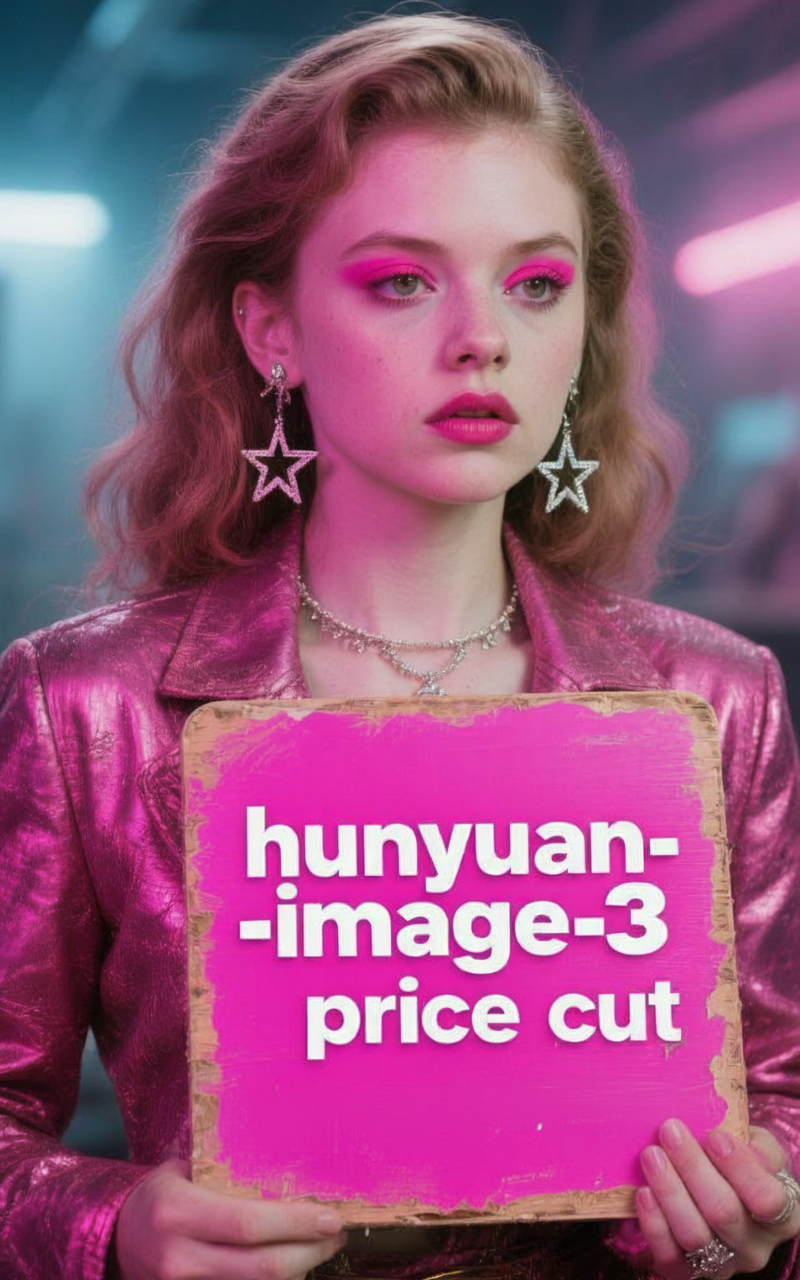
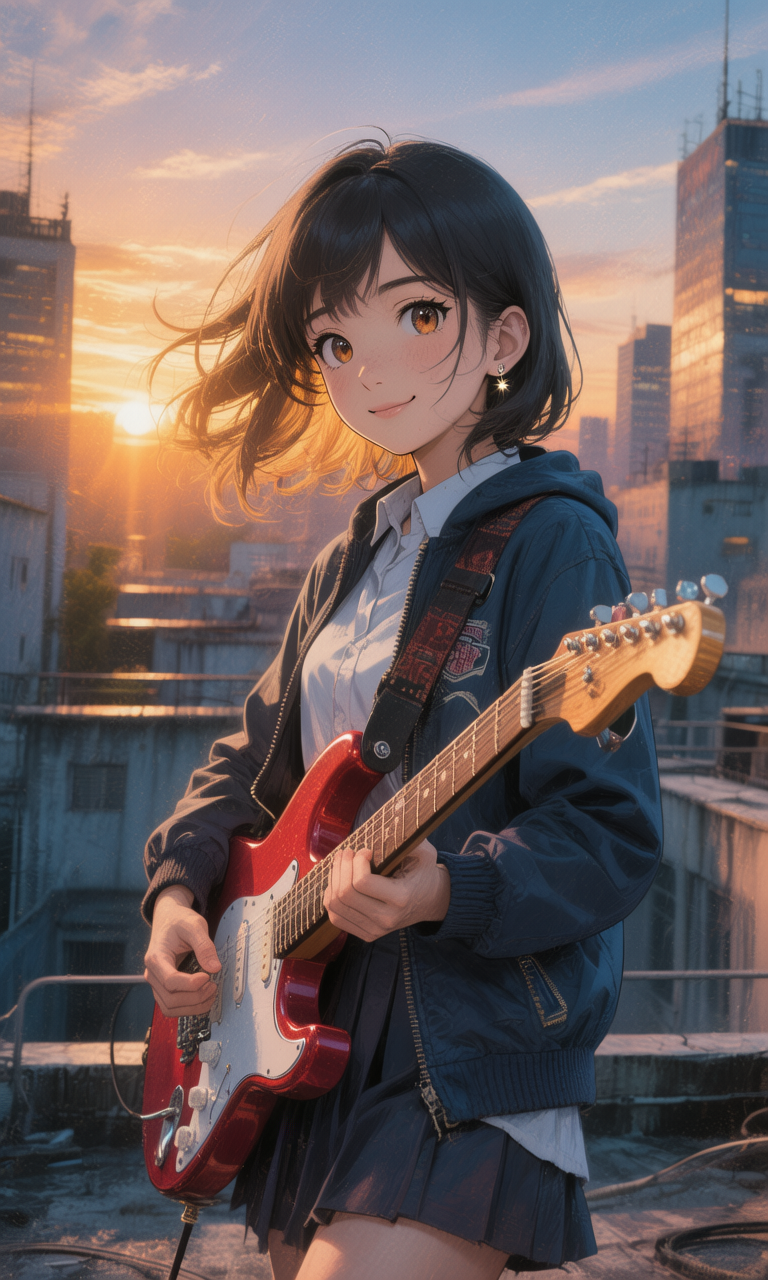
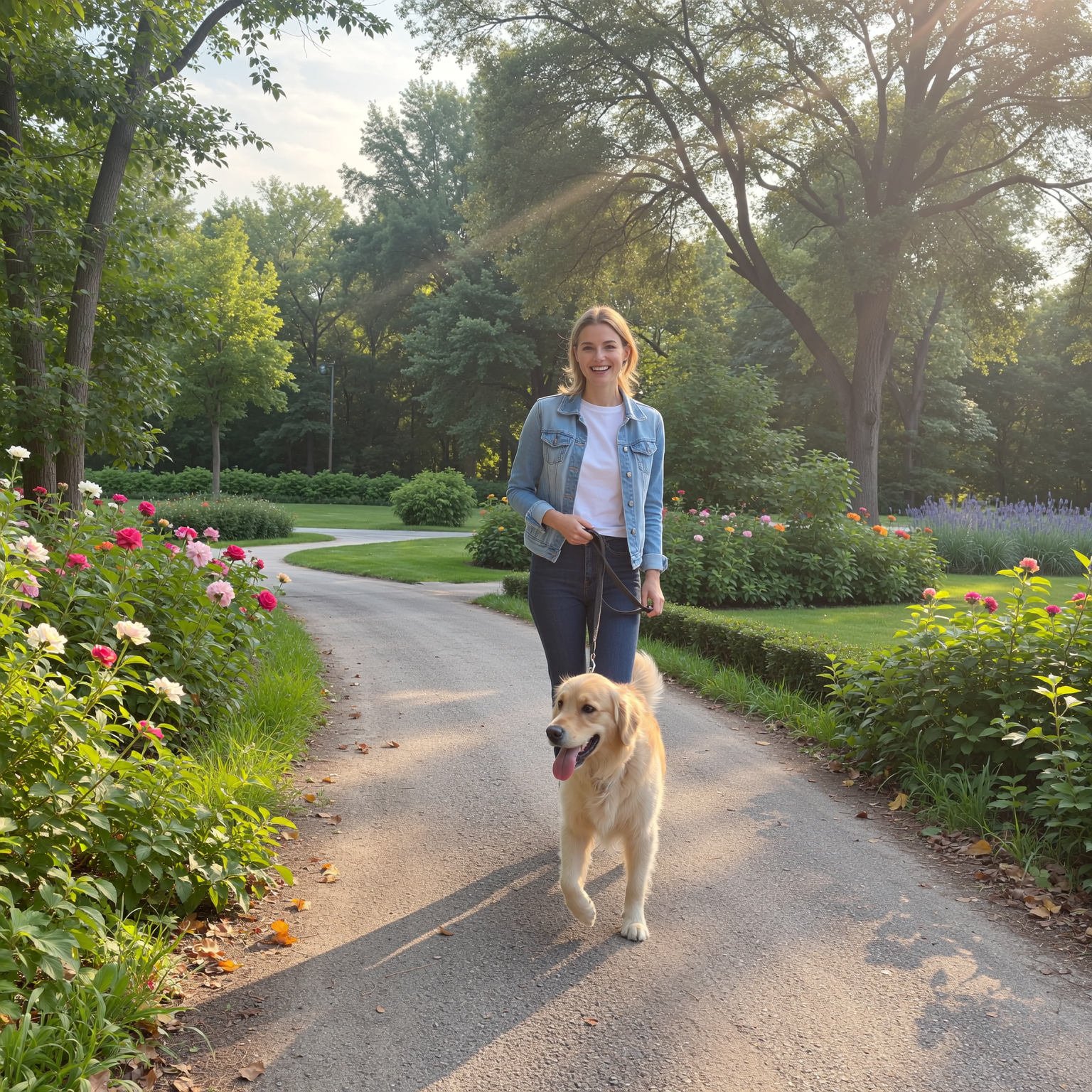
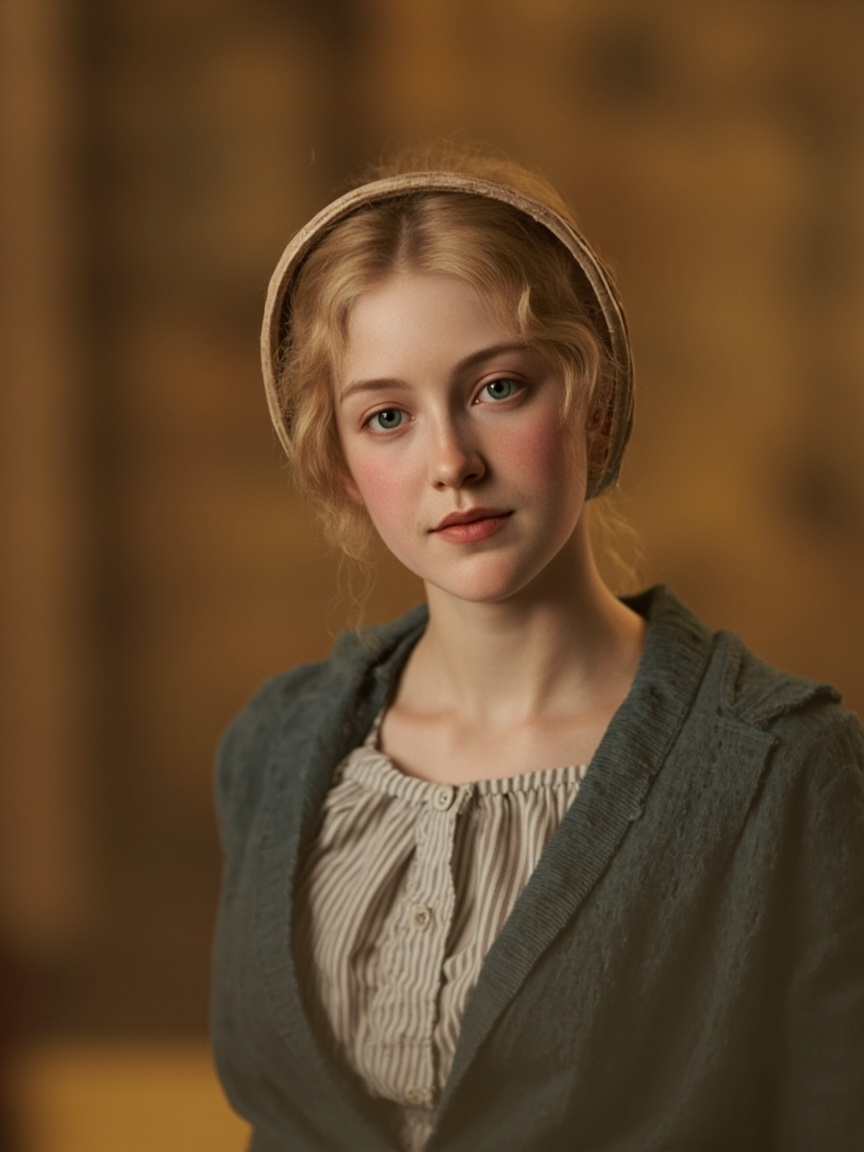
  103. Hunyuan Image 3 sample - Professional portrait
    Hunyuan Image 3 sample - Artistic composition
    Hunyuan Image 3 sample - Photorealistic scene

    Exciting news! We've reduced the price of Hunyuan Image 3 from 85 to just 60 credits per image - a massive 30% savings! Tencent's flagship 80B parameter Mixture of Experts model delivers groundbreaking photorealistic quality with superior prompt adherence, intelligent world-knowledge reasoning, and exceptional fine-grained details. Features include seed support for reproducible generation, ultra-high quality output perfect for professional imagery, complex scene composition, and creative visual storytelling. Now more affordable than ever while maintaining the same premium quality. Start creating stunning AI-generated images with Hunyuan Image 3 today in our Image Studio!

  104. Experience the cutting edge of AI video generation with Google Veo 3.1! This latest advancement delivers unprecedented photorealism, superior motion quality, and exceptional temporal consistency. Veo 3.1 features enhanced physics simulation, improved prompt understanding, and stunning detail preservation across every frame. Perfect for filmmakers, content creators, marketing professionals, and visual artists pushing creative boundaries. Generate cinematic-quality videos with natural camera movements, realistic lighting, and lifelike character animations. From product demonstrations to storytelling and visual effects, Veo 3.1 transforms your vision into reality. Available now on BudgetPixel.com with support for text-to-video and image-to-video generation!

  105. Listen to a sample

    Experience the future of AI music creation with two powerful new models: Google Lyria 2 and Stable Audio 2.5! Generate professional-quality music tracks with incredible audio fidelity, natural instrument synthesis, and sophisticated musical composition. Lyria 2 brings Google's advanced music generation technology with exceptional prompt understanding and genre versatility. Stable Audio 2.5 delivers studio-quality soundtracks with enhanced stereo imaging, dynamic range, and musical coherence. Perfect for content creators, filmmakers, game developers, and musicians looking for custom background music, soundtracks, and original compositions. Create everything from ambient atmospheres to full instrumental pieces with just a text description. Available now in our Audio Studio!

    See also: AI music models

  106. Transform your creative vision into reality with AI Idol Creation! Design and bring to life your own virtual idol with stunning visuals, dynamic performances, and unique personality. Create consistent character designs, generate idol performances, produce music videos, and craft a complete virtual persona. Perfect for content creators, entertainment studios, VTubers, and anyone looking to build the next generation of virtual performers. Combine our powerful image generation, video creation, voice synthesis, and music generation tools to create a complete AI idol experience. Start creating your virtual star today on BudgetPixel.com!

  107. ImagineArt 1.0 ultra photorealistic image generation showcase

    Introducing ImagineArt 1.0 - the ultimate photorealistic image generation model! Powered by state-of-the-art Mixture of Experts (MoE) architecture, ImagineArt 1.0 delivers unmatched natural lighting, photographic authenticity, and film-quality output. Perfect for candid portraits, professional photography, and editorial work. Features include natural lighting mastery, high-fidelity details, realistic textures, and flawless human anatomy. Best of all, it's only 10 credits per image - the most affordable ultra photorealistic option on BudgetPixel.com!

  108. Introducing Voice Blending! Create unique custom voices by mixing multiple voice profiles together. Blend characteristics from different voices to craft the perfect tone, style, and personality for your project. Combine up to 4 voices with adjustable blend ratios to create something entirely new. Perfect for creating distinctive character voices, brand identities, or personalized audio content. Available now in our text-to-speech studio!

    See also: AI voice models

  109. Transform your text into natural-sounding speech with our advanced AI text-to-speech engine! Choose from 200+ voices in multiple languages, customize speed, pitch, and emotion. Perfect for voiceovers, audiobooks, podcasts, and content creation. Generate high-quality audio with lifelike intonation and expression.

  110. Introducing Wan 2.5: advanced video generation model with superior motion quality, visual consistency, and built-in audio generation! Create stunning videos with synchronized sound, improved temporal coherence, better prompt adherence, and enhanced detail preservation. Perfect for creative projects, marketing content, and visual storytelling with immersive audio.

  111. Enhanced result with MiniMax Image-01

    Introducing MiniMax Image-01: powerful text-to-image generation with natural image synthesis and strong artistic capabilities! Create stunning visuals with excellent prompt understanding, character preservation in image-to-image mode, and support for multiple aspect ratios. Perfect for artistic projects, character design, and creative workflows. Now available on BudgetPixel.com!

  112. Enhanced high-resolution image with Clarity Upscaler

    Transform your images with our powerful Clarity Upscaler! Get crisp, detailed results that bring out every nuance. Plus explore our complete enhancement suite: remove backgrounds instantly, enhance facial features, and more. Works with both uploaded images and your generated creations—just select any image and hit 'Enhance' in image workshop to get started.

  113. Bring characters to life with automatic lip sync. Upload an audio track and BudgetPixel will synchronize mouth movements to the speech—perfect for dialogue, dubbing, or voiceover content. Works with human faces and supports fine control

  114. Transform your videos to professional quality with Topaz Labs Video Upscale! Now available on BudgetPixel.com - upscale your videos to 1080p or 4K resolution at 30fps or 60fps. Perfect for enhancing older footage, improving video quality for social media, or preparing content for high-resolution displays. Get cinema-quality results with just a few clicks.

  115. Bring your videos to life with AI-generated sound effects! Using MMAudio ehnancement, you can now add realistic audio that perfectly matches your video content. Whether it's nature sounds, urban environments, or dramatic effects, our AI analyzes your video and generates contextually appropriate audio.

  116. Transform your creative vision into stunning videos using start and end images! Choose from our comprehensive collection of video models including Kling, VEO3, Seedance, Hailuo02, and PixVerse. Define your video's journey by setting the starting frame and ending frame, and let AI create the smooth transition between them. Perfect for storytelling, product demos, and creative animations.

  117. 😮 Tired of writing prompts? ✨ Get rid of them — just draw and go. Introducing Draw to Video on BudgetPixel.com 🖌️➡️🎬 Instead of typing long prompts, you can sketch your idea directly on an image, add a quick note, and let AI bring it to life. No guesswork. No rewrites. Just creativity in motion. 🚀