Z-Image Turbo
Fast 8-step image generation with strong English and Chinese text rendering.
Free plan: up to 20 images a month, then from $0.015 an image.
Professional images for every use case
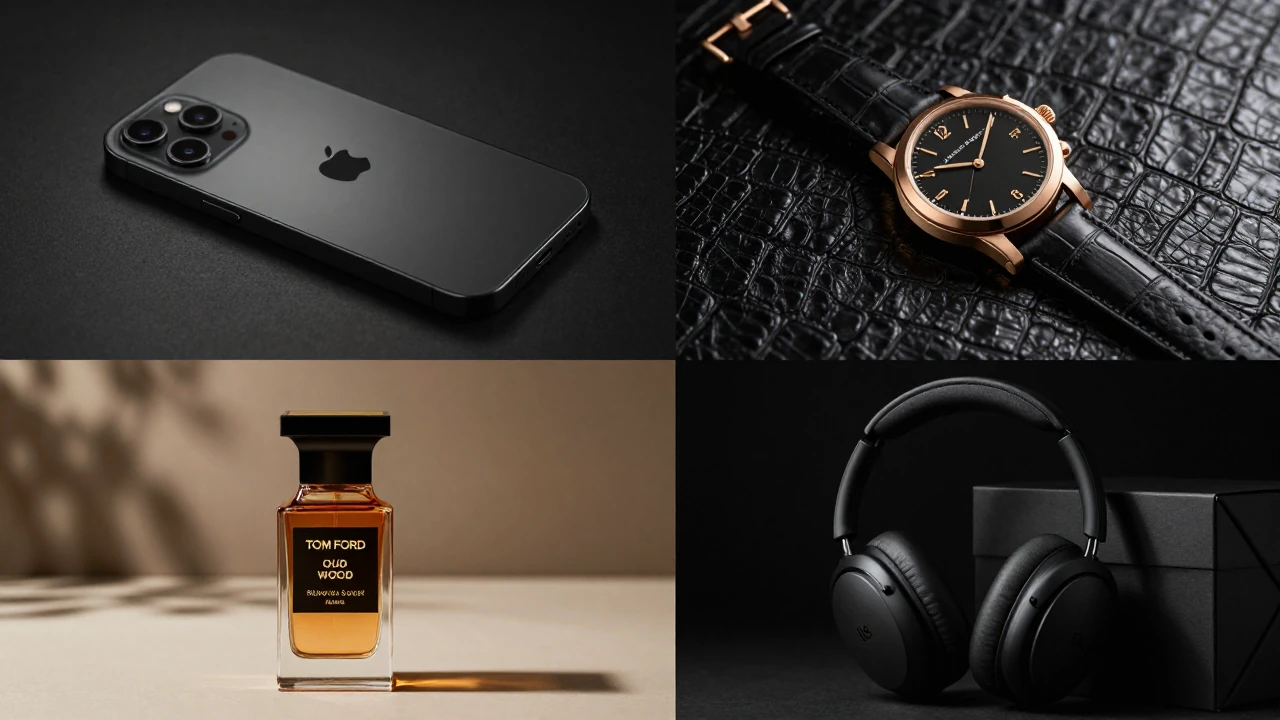
Product photography.
Generate polished studio and lifestyle product shots without a full photo shoot.
Character portraits.
Produce realistic people, wardrobe, and lighting with strong prompt control.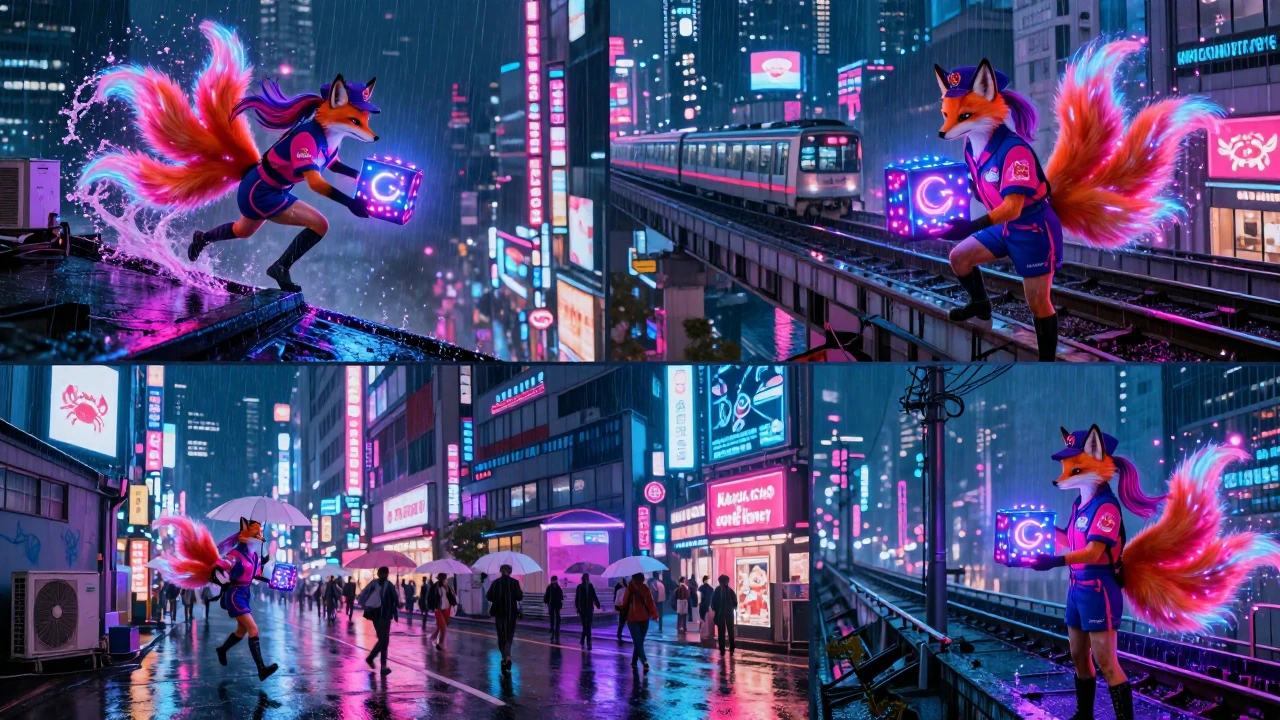
Storyboard keyframes.
Draft cinematic scenes quickly for pitches, pre-production, and visual planning.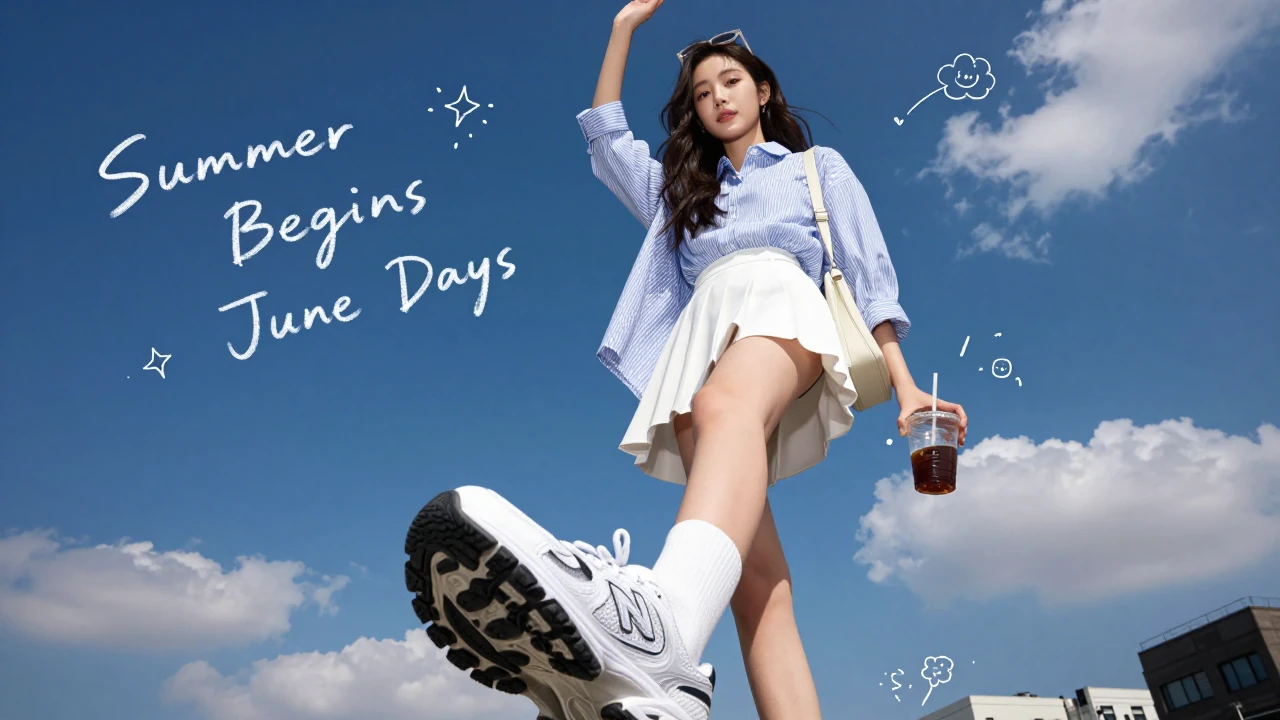
Social ad creatives.
Make scroll-stopping campaign images fast, with room for headline placement and brand direction.Fast 1-8 step generation
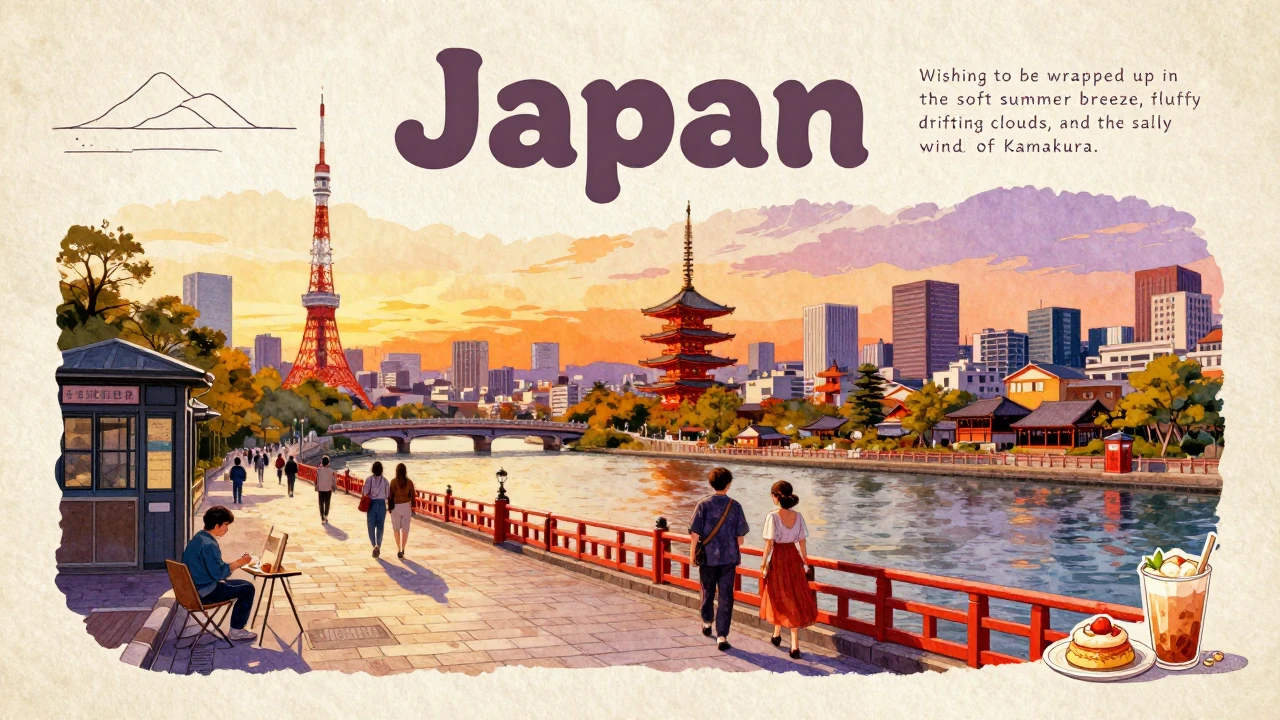
Z-Image Turbo is built for quick iteration. You can use lower step counts for rough ideas and the full 8-step path when you want cleaner finals. That makes it practical for moving from concept to usable assets fast.
- •1-8 configurable inference steps
- •Sub-second on optimized hardware
- •Useful for rapid idea testing
- •Batch up to 4 images
- •Seed support for repeatable runs
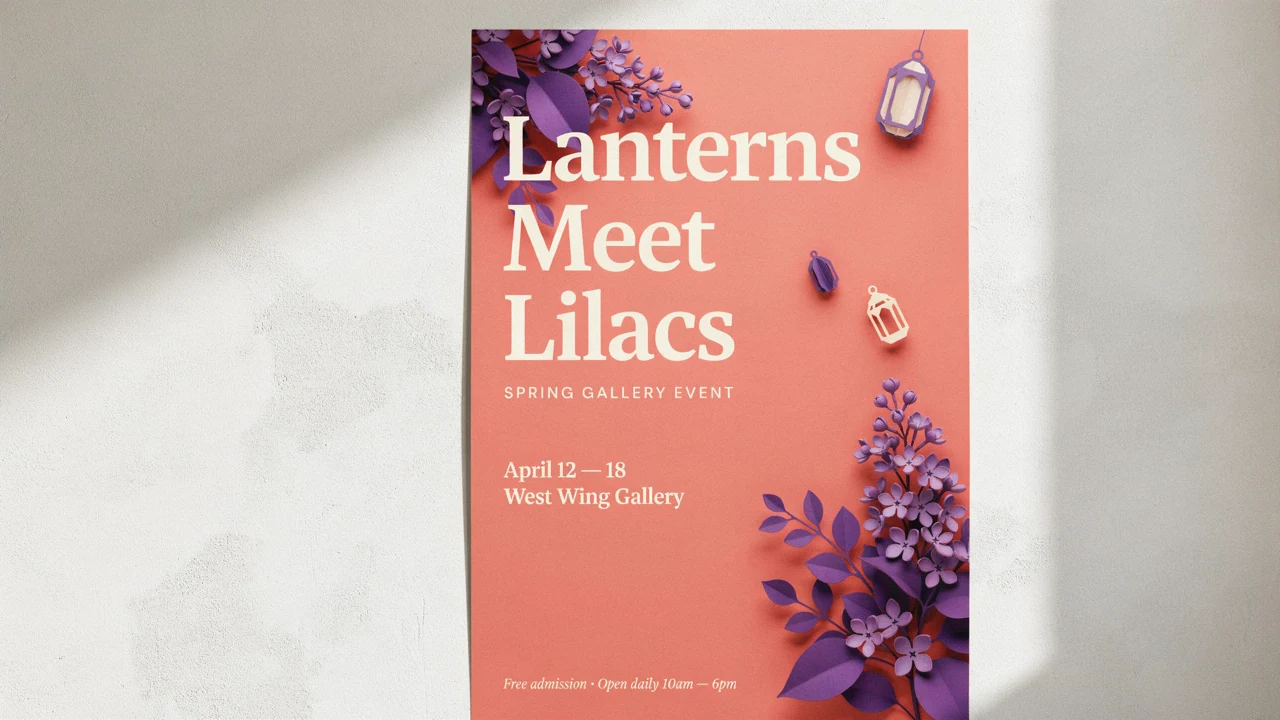
Readable text inside images
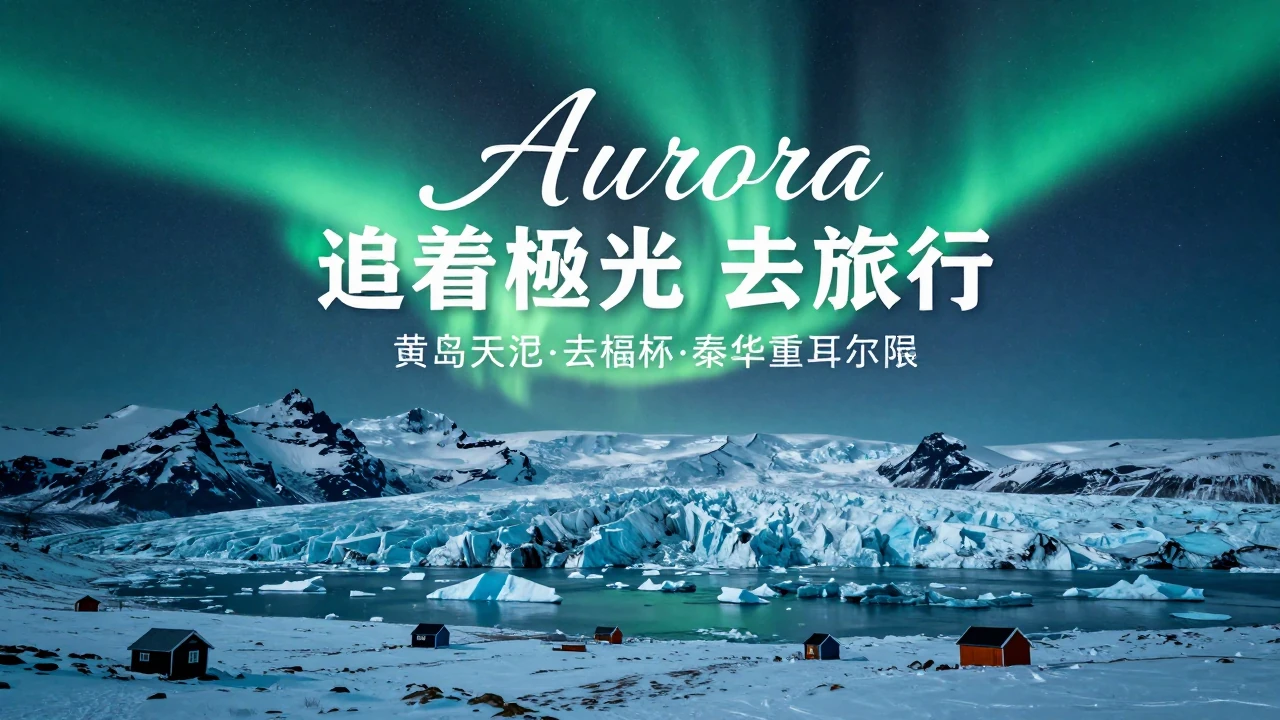
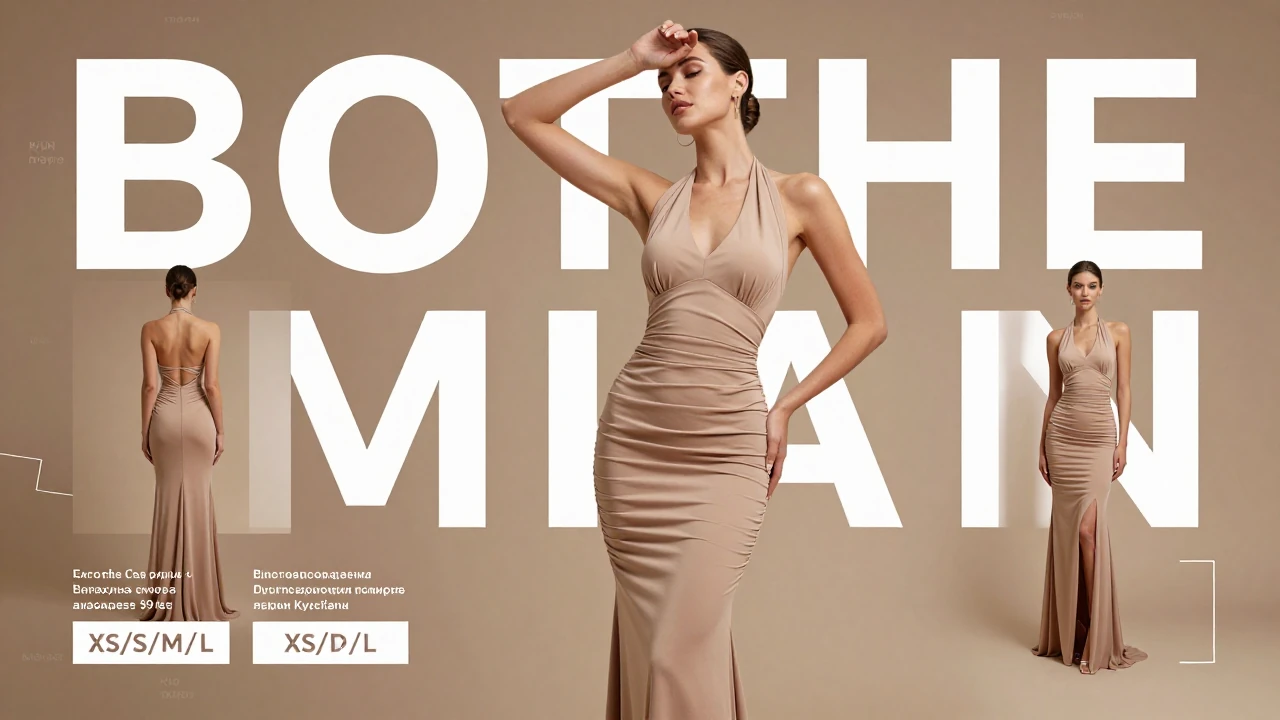
Text is where many image generators fall apart. Z-Image Turbo is notably stronger for English and Chinese words inside posters, packaging, signage, and social graphics. That makes it more useful for typography-led concepts, not just pure illustration.
- •Strong English and Chinese typography
- •Useful for posters and signage
- •Helpful for label and packaging mockups
- •Good fit for promo graphics
- •Works from normal-language prompts
Photoreal scenes with solid prompt control
The model handles subject, lighting, mood, and composition details well. That helps when you need believable portraits, products, and lifestyle scenes without overworking the prompt. It is especially useful for briefs that need visual specificity.
- •Strong photoreal aesthetic
- •Good subject and lighting adherence
- •Useful for portraits and products
- •Handles detailed creative briefs
- •Supports optional prompt expansion on hosted setups

Flexible sizes and guided workflows
Official hosted endpoints support common square, portrait, and landscape formats up to 4MP. They also extend into image-to-image, inpainting, and edge, depth, or pose-guided workflows when you need tighter control than prompt-only generation.
- •Up to 4MP output on hosted endpoints
- •Square, 4:3, and 16:9 presets
- •Image-to-image and inpainting variants
- •Edge, depth, and pose guidance options
- •JPEG, PNG, and WebP output
How it works

1
Describe your image
Start with the subject, setting, and mood. If you want words inside the image, spell them out clearly and keep the copy short.
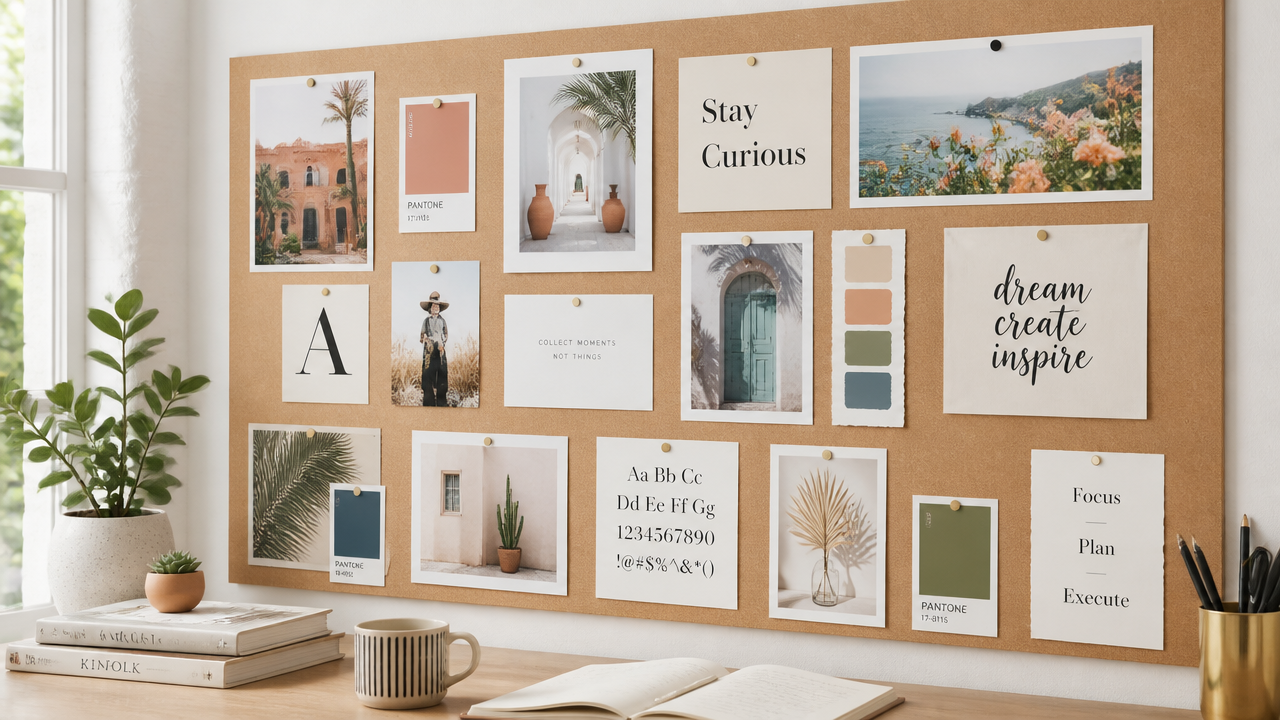
2
Set text, framing, and size
Add the details that shape the result: camera angle, lighting, material cues, aspect ratio, and any English or Chinese text. Specific instructions usually give Z-Image Turbo a cleaner target.

3
Generate and refine
Generate a draft, then tighten the prompt based on what changed. Because the model is fast, it is practical to test multiple variations before choosing a final image.
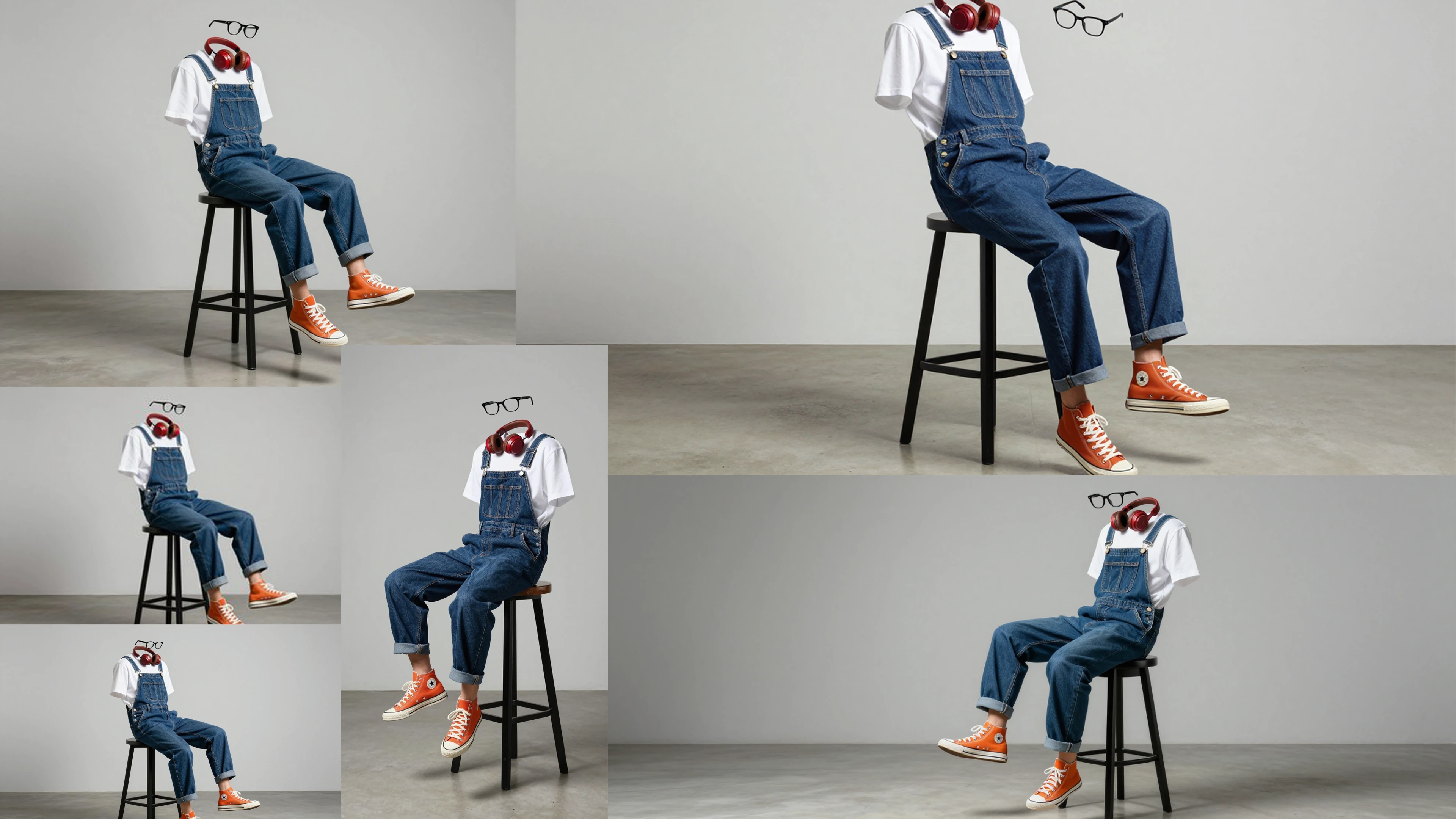
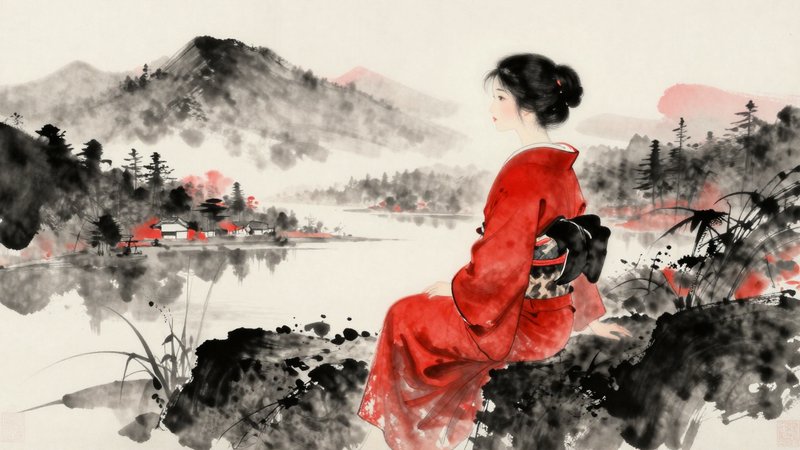
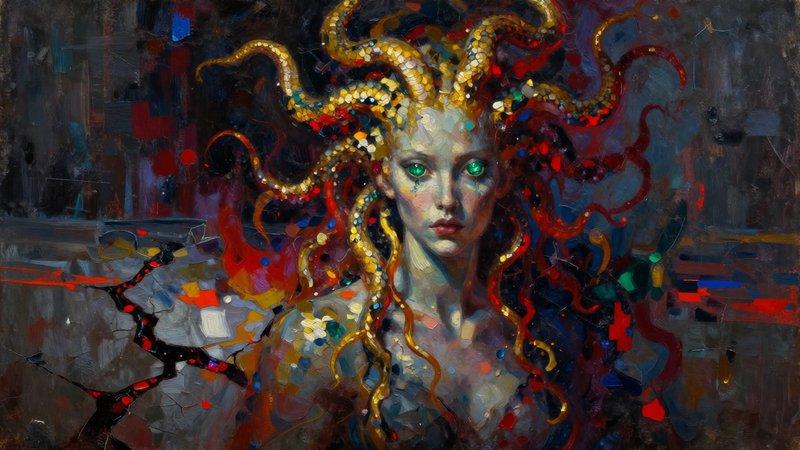
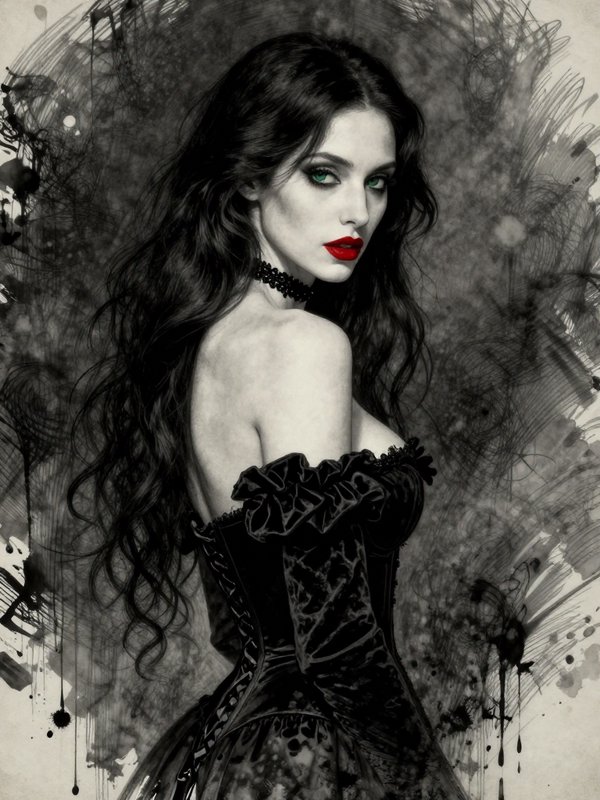
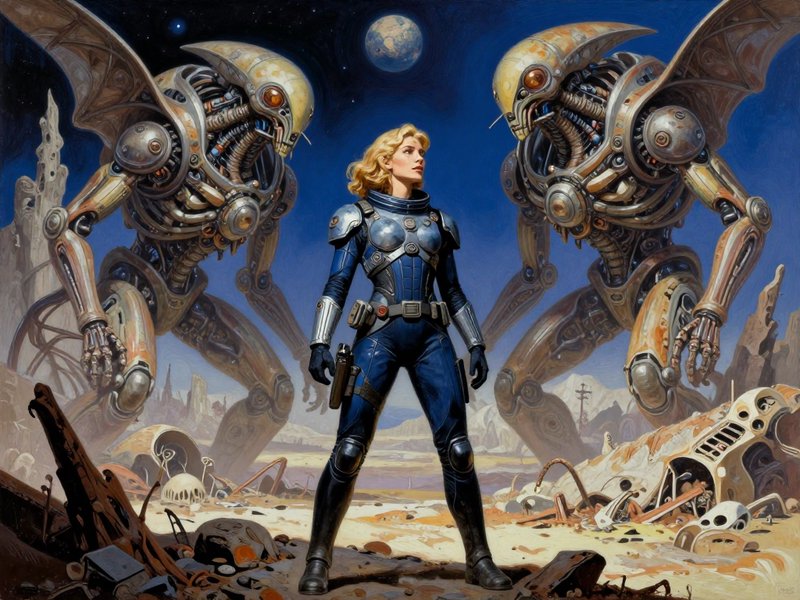
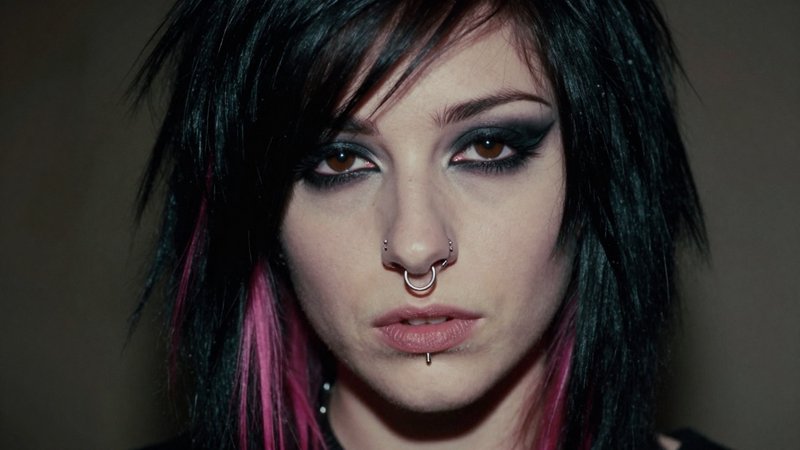
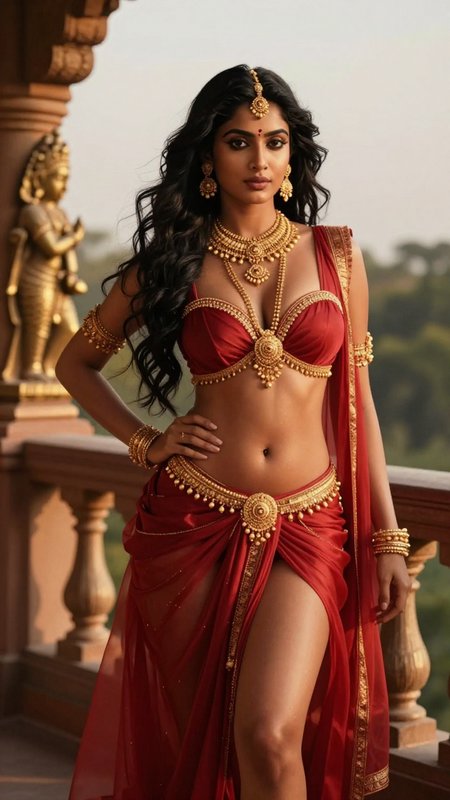
Top community creations
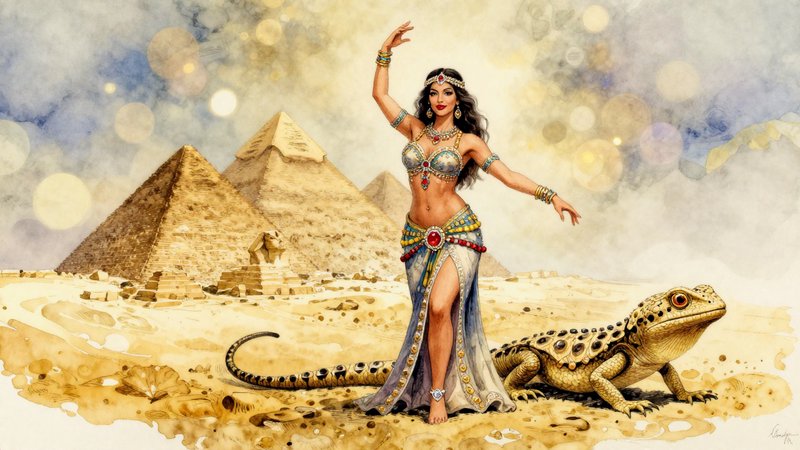
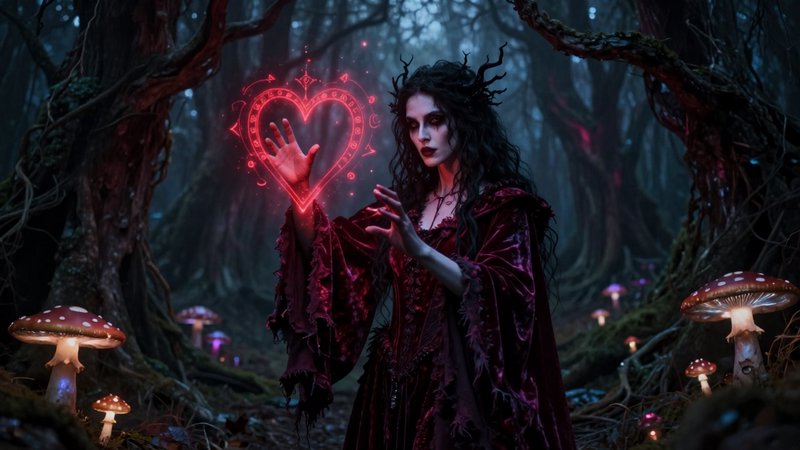
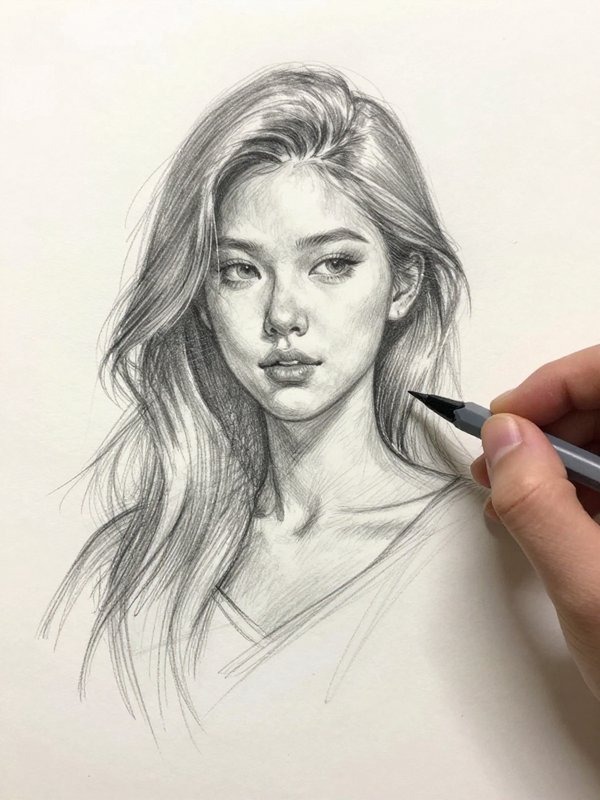
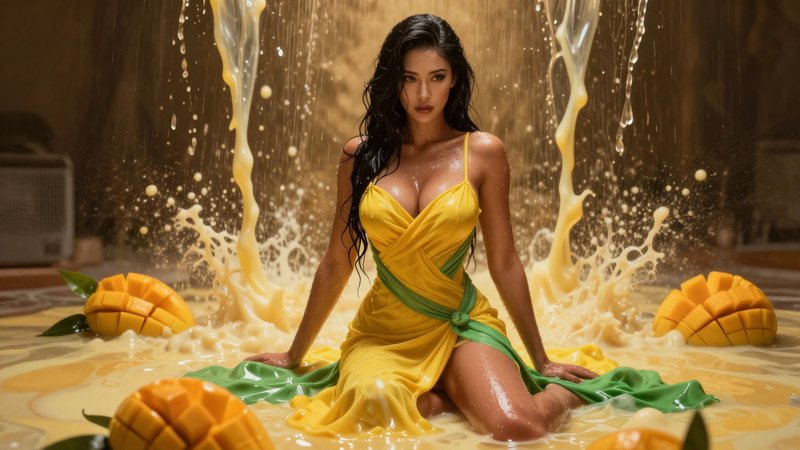
Recent Z-Image Turbo images shared by the BudgetPixel community.










Pricing for Z-Image Turbo
Runs on credits — no per-model surcharges, no surprise billing.
15credits
per generation
15 credits per image
Use Z-Image-Turbo via the API
Z-Image-Turbo is available through the BudgetPixel developer API — the same model the studio runs, supporting text-to-image. Pricing is metered in credits (15 credits per image), charged only on success, with an API key available on Premium plans and above.
curl -X POST https://api.budgetpixel.com/v1/images/z-image-turbo \
  -H "Authorization: Bearer $BUDGETPIXEL_API_KEY" \
  -H "Content-Type: application/json" \
-d '{"prompt": "your prompt here"}'No code? Use Z-Image-Turbo from Claude or Cursor
Z-Image-Turbo is also available through the BudgetPixel MCP server. Connect your account to Claude, Cursor, or any MCP-enabled agent and generate with Z-Image-Turbo by asking in plain language — same credits, same pricing, no code required.
Z-Image-Turbo at a glance
- Ultra-fast generation (3-5s)
- 6B parameters
- Only 9 steps needed
- High quality output
- Multiple aspect ratios
- Seed support for reproducibility
How Z-Image-Turbo compares
The differences that actually change which one you pick.
- Z-Image-Turbo vs FLUX 2 Dev
- Z-Image Turbo prioritizes speed with 6B parameters and 9-step inference, while FLUX 2 Dev offers higher detail fidelity with more parameters. Choose Z-Image for rapid iteration, FLUX for maximum quality.
- Z-Image-Turbo vs FLUX 2 Pro
- Z-Image Turbo delivers fast generation at lower cost per image. FLUX 2 Pro provides enhanced photorealism and detail preservation for final production assets where quality matters most.
- Z-Image-Turbo vs Wan 2.5
- Both support mature content generation. Z-Image Turbo is faster for quick iterations, while Wan 2.5 offers different artistic styles and img2img capabilities.
Frequently asked questions
What is Z-Image Turbo?▾
Z-Image Turbo is a 6B text-to-image model from Tongyi-MAI. It is tuned for fast 8-step generation and is known for photoreal output, strong prompt adherence, and unusually good English and Chinese text rendering. The official checkpoint is published as open weights under Apache 2.0.
How does Z-Image Turbo work?▾
It uses a single-stream diffusion transformer design plus a few-step distillation approach. In practice, you give it a prompt, choose a size, and the model generates an image in 1 to 8 inference steps. Some hosted implementations also offer prompt expansion for richer drafts.
How does Z-Image Turbo compare to other AI image generators?▾
Its biggest strengths are speed, solid prompt following, and better-than-average in-image text. If your workflow depends on fast iteration, poster-style graphics, or photoreal concepts, it is a strong fit. Slower models may still appeal more when maximum diversity or a separate editing-first workflow matters most.
How much does Z-Image Turbo cost?▾
Pricing usually scales with credits or image size rather than a flat per-image fee. Larger outputs and guided modes such as editing or structural control typically cost more than a basic text-to-image run. That makes quick drafts easy to test before spending more on higher-resolution finals.
Does Z-Image Turbo render text well?▾
Yes. Text rendering is one of its standout strengths, especially for English and Chinese words inside posters, labels, signage, and promo graphics. You should still review very small or dense copy, but it is much more practical for typography-led concepts than the general AI-image baseline.
What resolutions and aspect ratios does Z-Image Turbo support?▾
Official hosted implementations support common square, portrait, and landscape presets, including 4:3 and 16:9 layouts. The documented max output is up to 4 megapixels on hosted endpoints. Some apps may expose a simpler set of size presets in their own interface.
Does Z-Image Turbo support reference images?▾
The core text-to-image endpoint is prompt-only. Official hosted variants add single-image conditioning through image-to-image and guided workflows, so you can steer structure from an existing image when that mode is available. It is not a native multi-reference mixing model.
Can Z-Image Turbo edit existing images?▾
It can, depending on the implementation. Official hosted variants include image-to-image and inpainting, which are useful for guided restyling, localized changes, and cleanup. The open model family also has a separate editing-focused variant, so editing depth depends on which endpoint a platform exposes.
Can I use Z-Image Turbo commercially?▾
The official checkpoint is released under Apache 2.0, and official hosted docs also state commercial use is permitted. You still need to follow the serving platform's terms, copyright rules, and any safety policies attached to your account.
Does Z-Image Turbo have safety restrictions?▾
Yes. Official hosted docs describe safety checking and content moderation, and hosted platforms can flag or block NSFW or abusive content. Illegal content and harmful abuse cases remain prohibited under platform trust-and-safety rules. Check the specific platform policy before using it in production.
Does Z-Image-Turbo have an API?▾
Yes — Z-Image-Turbo is available through the BudgetPixel developer API via the `POST /v1/images/z-image-turbo` endpoint, supporting text-to-image. Generate an API key from the developer console (available on Premium plans and above) and see the full reference at docs.budgetpixel.com.
How much does the Z-Image-Turbo API cost?▾
API usage is billed in credits from the same balance your plan includes, at the standard metered rate: 15 credits per image. Failed generations are never charged. You can estimate any request's exact cost with POST /v1/cost before running it.
Can I use Z-Image-Turbo with Claude or other AI agents (MCP)?▾
Yes — Z-Image-Turbo is exposed through the BudgetPixel MCP server, so Claude, Cursor, and any MCP-compatible agent can generate with it from a plain-language request. Connect your account at budgetpixel.com/mcp; generations use the same credit balance and pricing as the web studio and the API.