Grok Imagine Video 1.5
Native audio, full-HD 1080p, and strong prompt control.
Professional video for every use case
Stylized anime shorts.
Start from an illustration or a stylized still and bring it to life in anime, retro, watercolor, or cyberpunk looks. The soundtrack comes with it.Fun Social Media Content Creation.
Generate short videos in about a minute with built-in music, effects, and ambience. Turn any static image, doodle, or text prompt into engaging, ready-to-post content.Character-consistent scenes.
Use a character still as the first frame to carry a person, outfit, or prop into a new short scene while keeping the look consistent.Product Visualization.
Convert static product photos into short videos with matching sound and a smooth 360° turntable move. Product structure stays intact, so the result is ready for a listing or a promo.Native audio generated with the video
Grok Imagine Video 1.5 generates sound with the visual clip instead of treating audio as a separate afterthought. Music, effects, and ambience make short outputs feel finished for demos, concept scenes, and social posts.
- •Audio is created in the same generation flow
- •Music, ambience, effects, and mood
- •Describe the sound in your prompt, or add an AUDIO: line at the end
- •No separate sound-design pass for quick social and concept videos
Promptable camera motion and scene direction
Clear camera language such as zoom out, pan right, tilt up, dolly out, and timelapse gives you more direct control than a vague cinematic prompt.
- •Prompt zooms, pans, tilts, dolly moves, and timelapses
- •Useful for product reveals and environmental shots
- •Works in both text-to-video and image-to-video
- •Clear motion directions improve shot readability
- •Built for short clips where framing matters
Text-to-video and image-to-video, up to 1080p
Start from a text prompt or animate a still image as the opening frame. Grok Imagine Video 1.5 renders natively at 480p, 720p, or full-HD 1080p in both modes, so drafts and final delivery come from the same workflow.
- •Text-to-video from scratch
- •Image-to-video uses a still as the opening frame
- •Native 1080p in both modes
- •One start image per clip; the output follows its aspect ratio
- •Short clips from 1 to 15 seconds
Short-form settings that fit real delivery formats
Practical controls for duration, aspect ratio, and resolution, so you can fit clips to reels, feeds, or widescreen mockups.
- •Any length from 1 to 15 seconds
- •480p, 720p, or 1080p output
- •1:1, 16:9, 9:16, 4:3, 3:4, 3:2, and 2:3 for text-to-video
- •Image-to-video keeps the input image's aspect ratio
- •Per-second pricing: 120 credits at 480p, 200 at 720p, 350 at 1080p
How it works
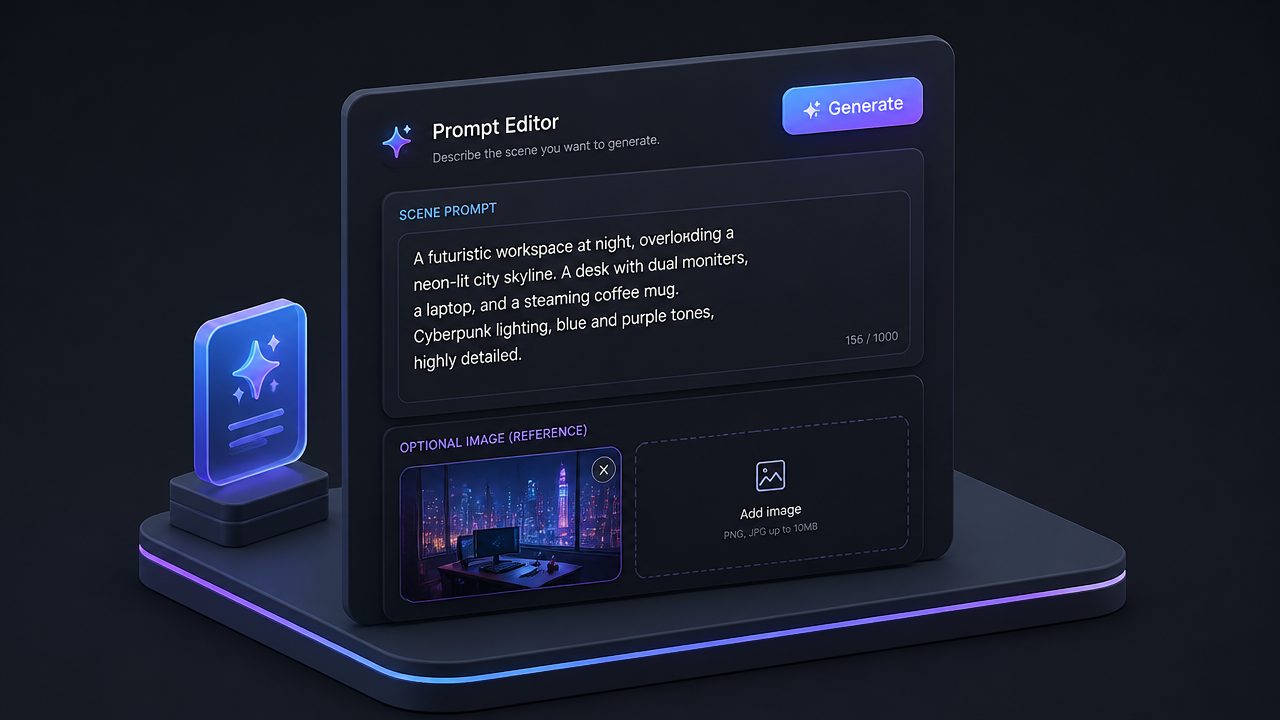
1
Describe your scene
Start with a direct prompt that names the subject, action, camera move, and mood. If you have a still image to animate, add it as the start frame before generating.
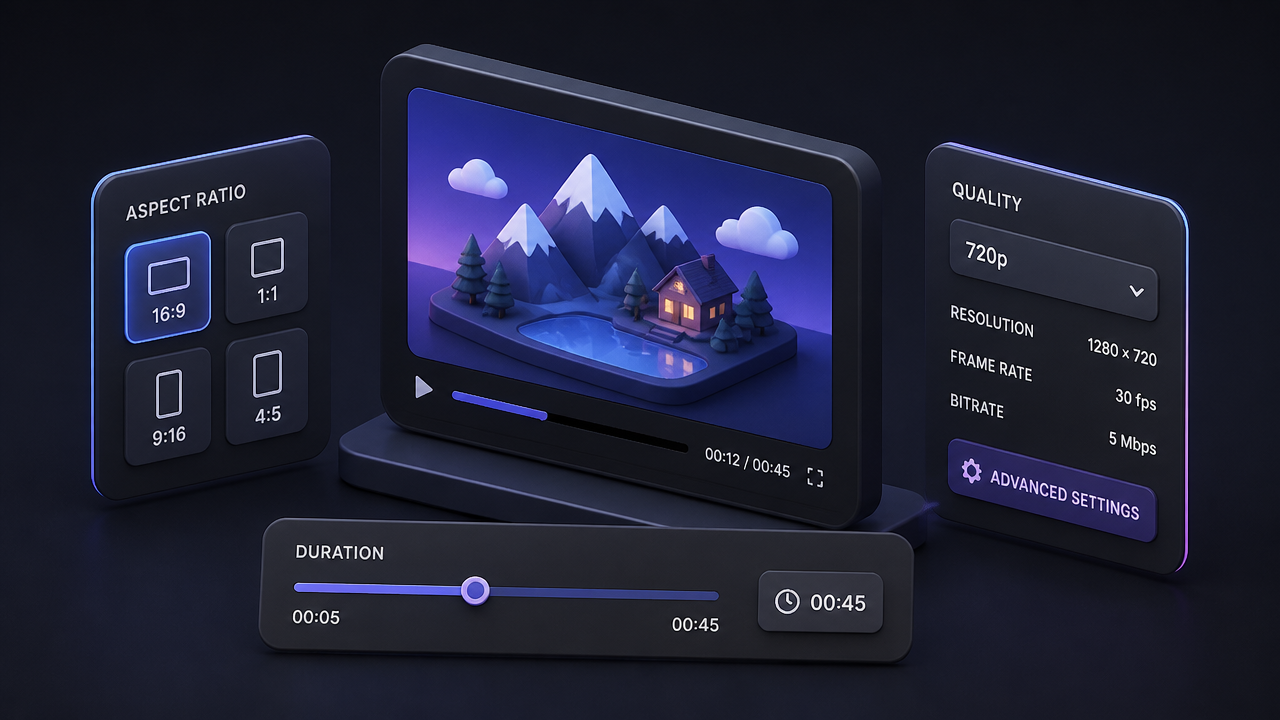
2
Choose format and length
Pick the aspect ratio, clip length (1 to 15 seconds), and resolution that match where the video will be used. 480p drafts are useful for testing motion, 720p suits social feeds, and 1080p is best for final delivery.
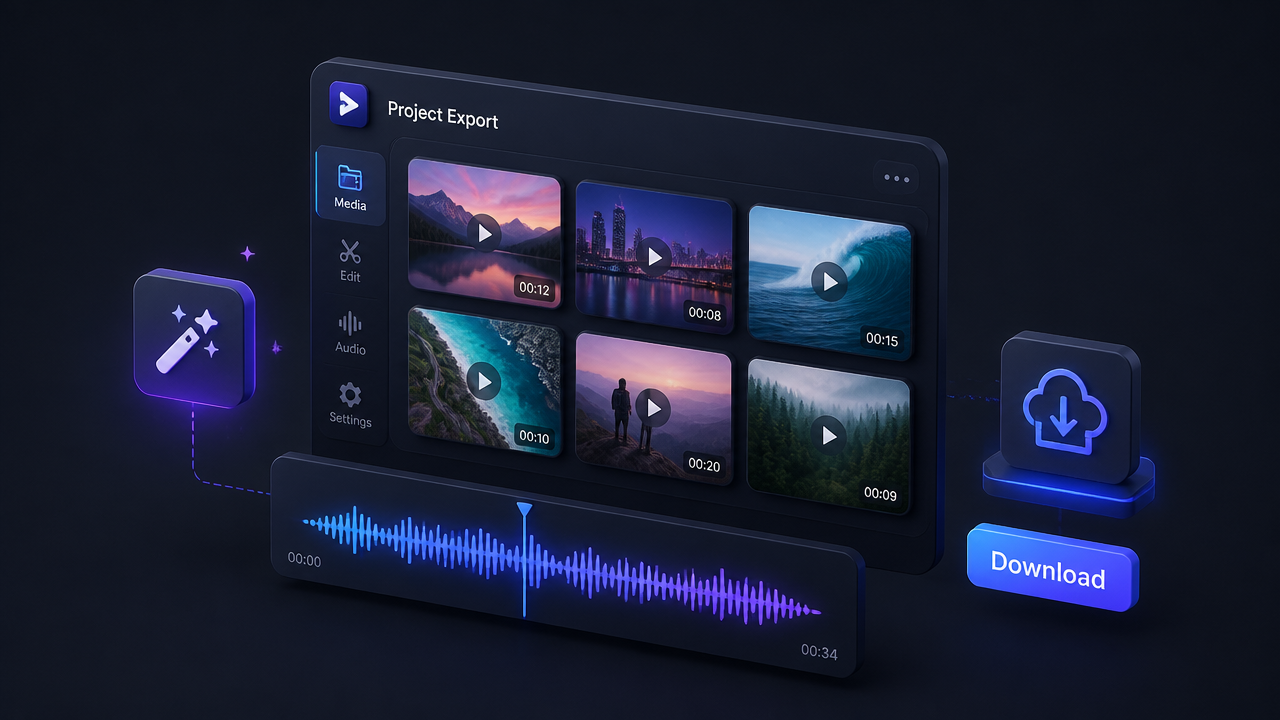
3
Generate and refine
Render the first pass, then tighten the prompt to adjust movement, framing, or sound. Once the clip feels right, download it or post it straight from BudgetPixel.
Pricing for Grok Imagine Video 1.5
Runs on credits — no per-model surcharges, no surprise billing.
0credits
per generation
0 credits per image
Frequently asked questions
What is Grok Imagine Video 1.5?▾
Grok Imagine Video 1.5 is xAI's short-form video generation model with native audio. It creates clips from a text prompt or animates a still image, at 480p, 720p, or full-HD 1080p, from 1 to 15 seconds.
What's new compared with Grok Imagine Video?▾
The 1.5 release adds native full-HD 1080p output for both text-to-video and image-to-video, alongside the native audio the model is known for. On BudgetPixel, Grok Imagine Video 1.5 replaces the previous Grok Imagine Video in the same workshop.
Does Grok Imagine Video 1.5 support audio?▾
Yes. Sound is generated with the clip, including background music, sound effects, and ambience, rather than added afterwards. Describe the sound you want in your prompt, or add an AUDIO: line at the end of it.
What video lengths, aspect ratios, and resolutions does it support?▾
Durations from 1 to 15 seconds, 480p, 720p, or 1080p resolution, and 1:1, 16:9, 9:16, 4:3, 3:4, 3:2, and 2:3 aspect ratios for text-to-video. Image-to-video follows the aspect ratio of the input image.
Can I animate my own image?▾
Yes. Upload a still as the start frame and describe the motion. The model already sees the image, so focus the prompt on what should change: the action, the camera move, and the atmosphere.
How much does Grok Imagine Video 1.5 cost on BudgetPixel?▾
Pricing is per second of generated video: 120 credits per second at 480p, 200 at 720p, and 350 at 1080p. A 5-second 1080p clip is 1,750 credits. You are only charged for clips that finish successfully.
How do I get the best results?▾
Think like a director: one subject, one action, one camera move. Name the shot type and camera movement, use specific verbs, and keep clips in the 5 to 8 second range for the most stable motion. Negative prompts are ignored, so describe what you want instead.
Does it support video editing, extension, or reference images?▾
The BudgetPixel workshop offers text-to-video and image-to-video with a single start image. For editing or extending an existing clip, other models in the Video Studio cover those workflows.
Is Grok Imagine Video 1.5 the same on Higgsfield or ImagineArt?▾
The core xAI model can be the same, but the surrounding product is not. What changes across platforms is the prompt workflow, pricing, asset management, and any extra editing or automation features layered on top.
Can I use Grok Imagine Video 1.5 commercially?▾
Many teams use models like this for ads, product demos, and client content, but you should review the provider's current terms before publishing or selling outputs. Be extra careful with copyrighted material, brand assets, real people, and regulated topics.