Hunyuan Image 3.0 Instruct
Dense prompt control, cleaner text, and guided image edits in one model.
Free plan: up to 2 images a month, then from $0.12 an image.
Professional images for every use case
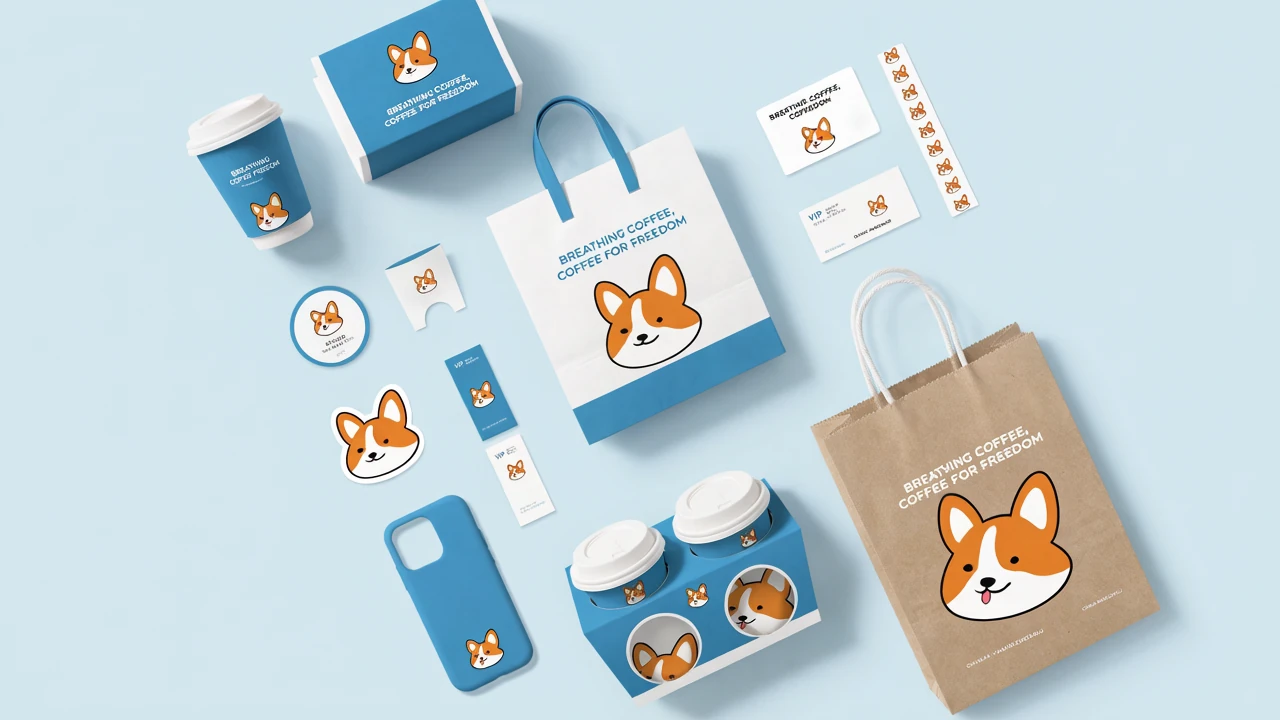
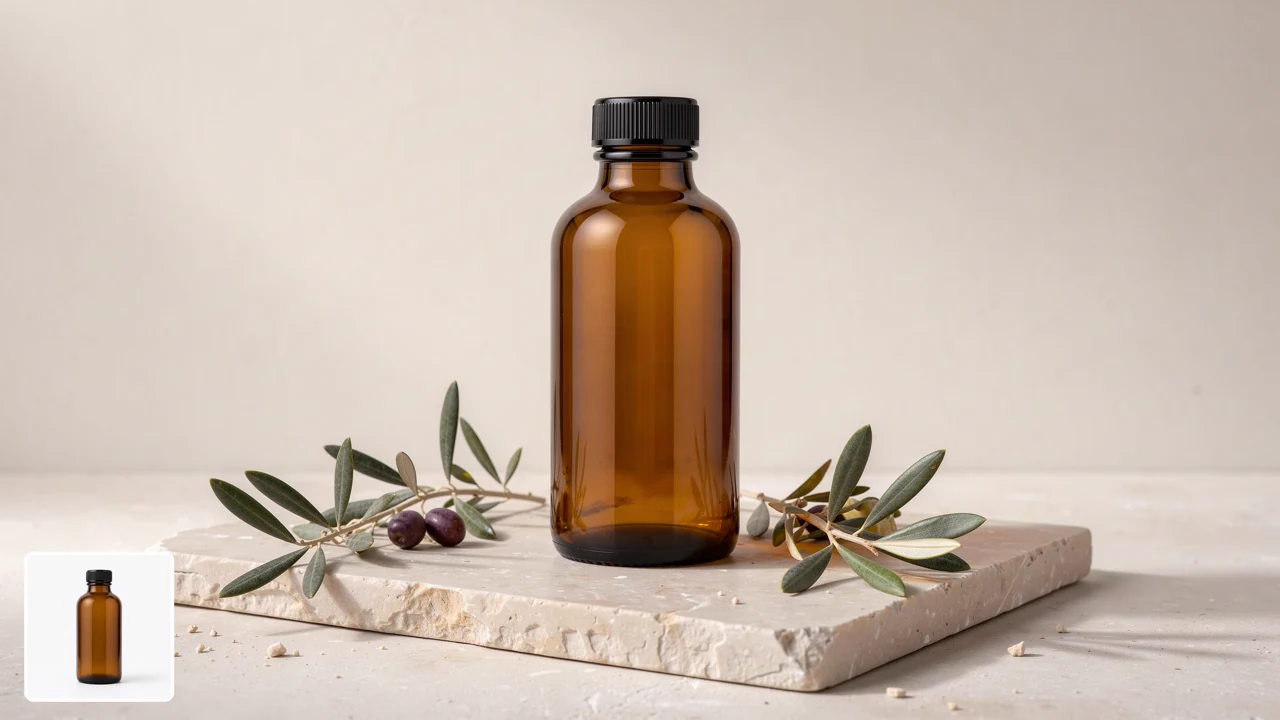
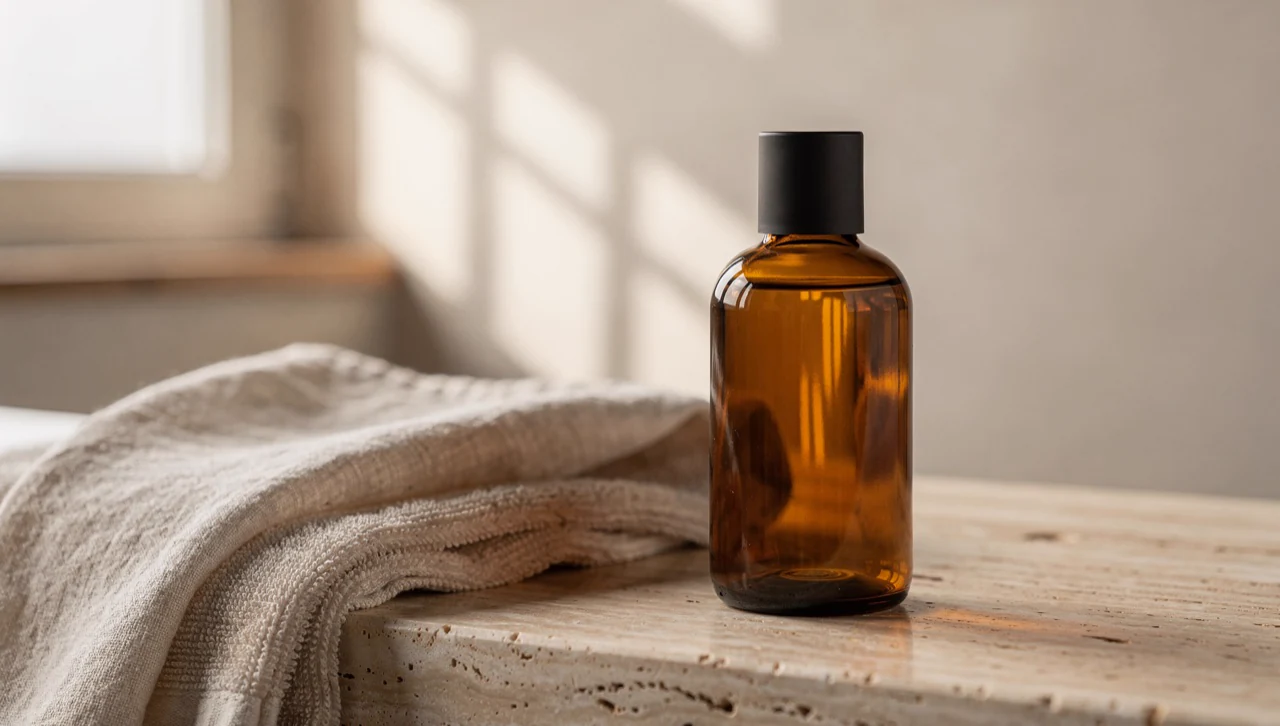
Product packaging mockups.
Build polished packaging shots with label text, realistic materials, and studio-style lighting.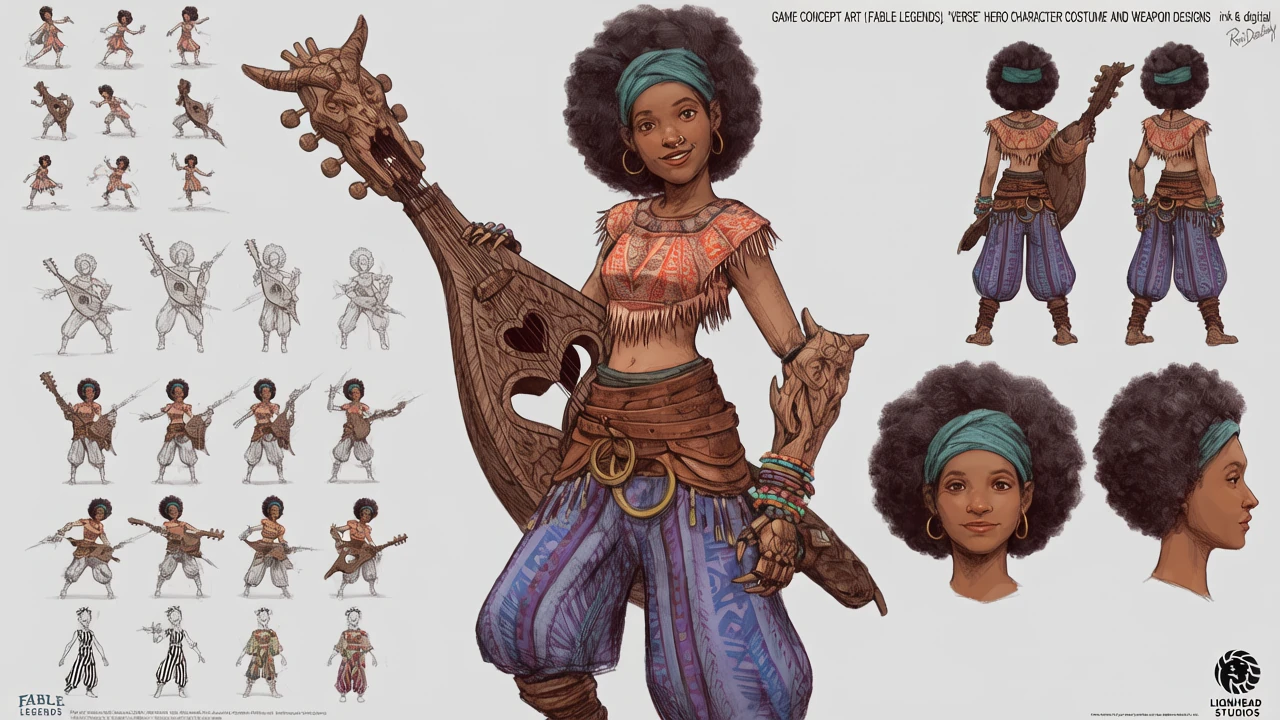
Character concept art.
Handle wardrobe lists, props, and scene notes without losing the composition.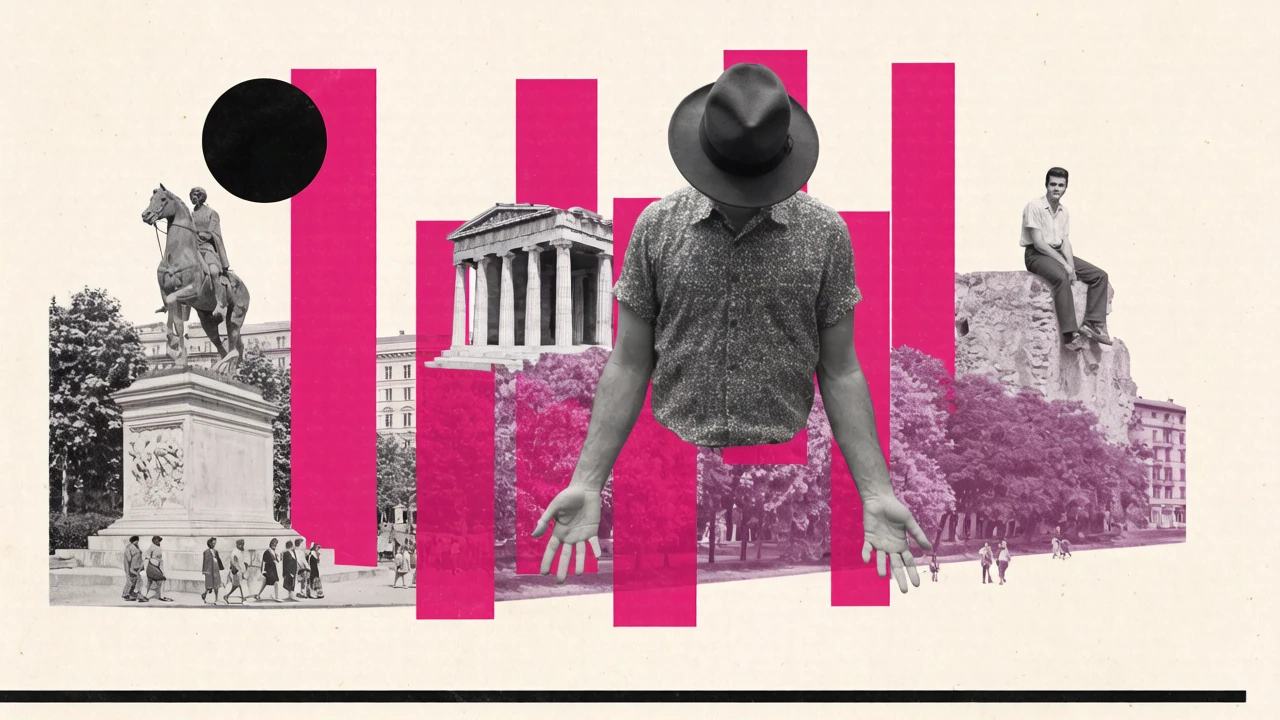
Editorial illustrations.
Turn nuanced article ideas into clear, stylized scenes for covers and social assets.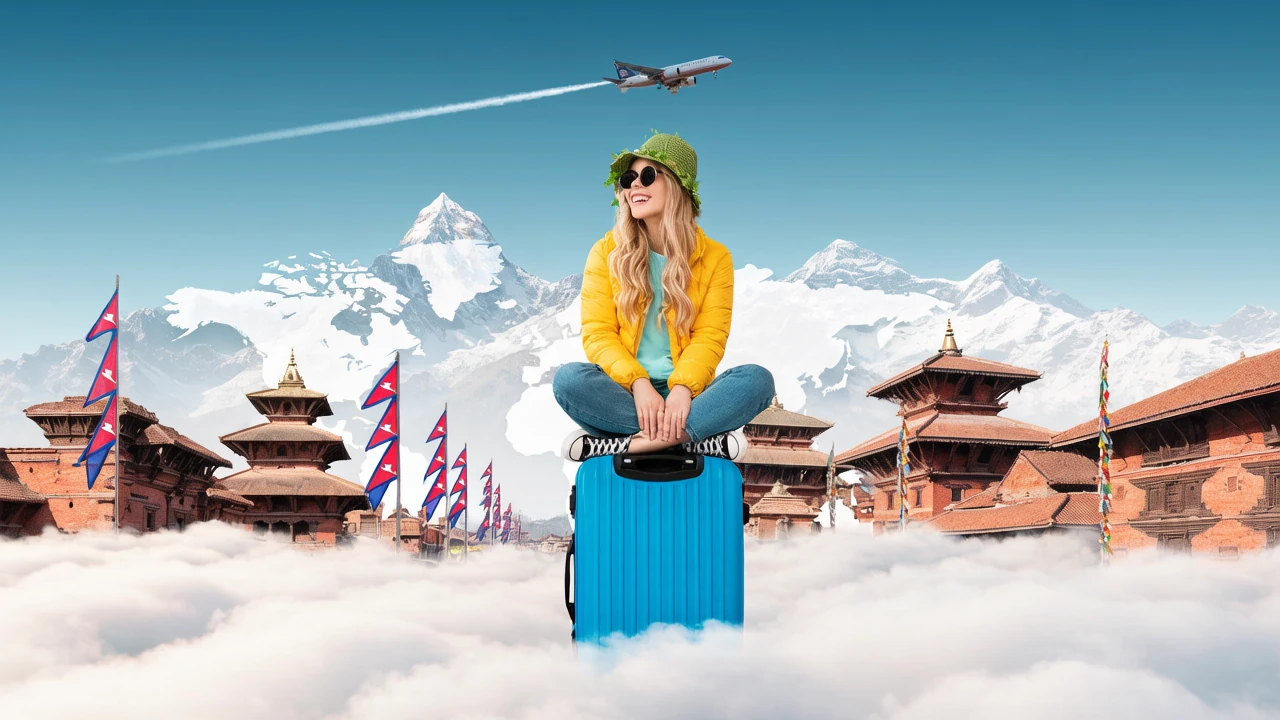
Reference-based image edits.
Modify existing images while keeping the subject and overall scene recognizable.Understands dense, multi-part instructions
This model is built for prompts with many constraints: subject placement, props, mood, lighting, and style in one request. Its instruct tuning and reasoning pass help it keep more of those details intact instead of drifting into a generic scene.
- •Handles long natural-language prompts
- •Keeps multi-part constraints together
- •Useful for story scenes and ad layouts
- •Prompt self-rewrite helps sparse ideas
- •Strong fit for structured art direction
Cleaner text inside generated images
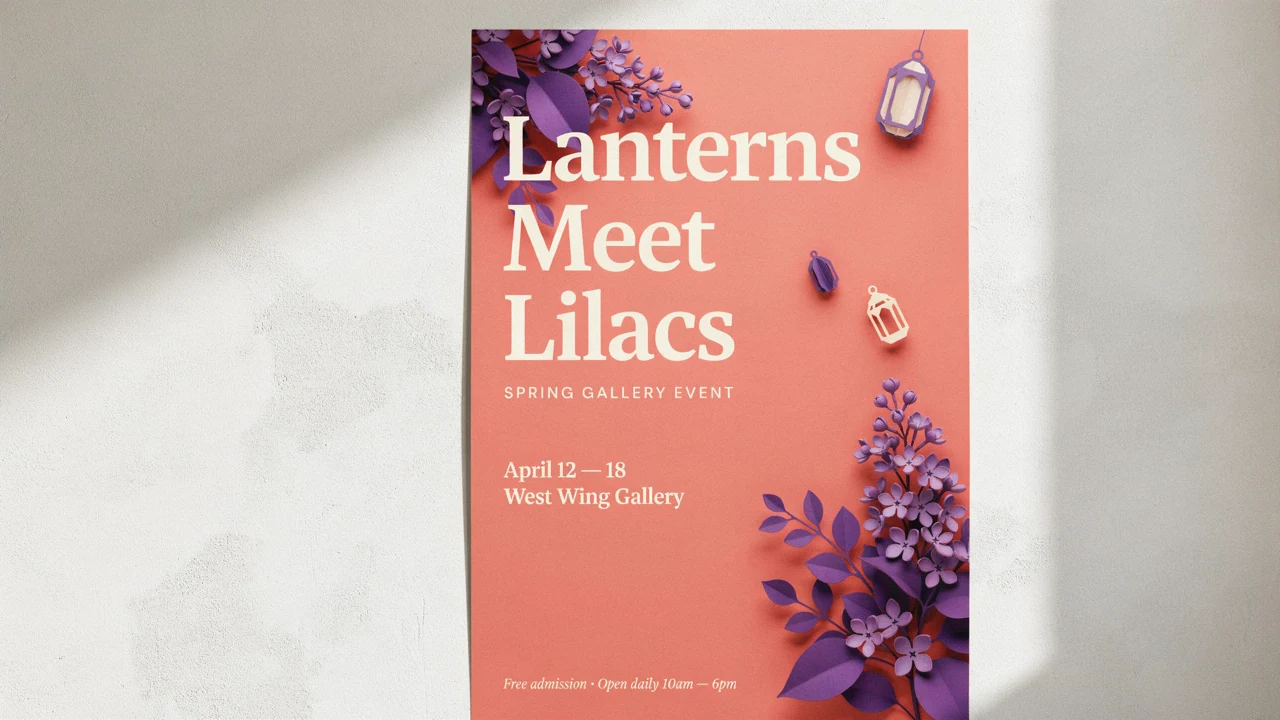
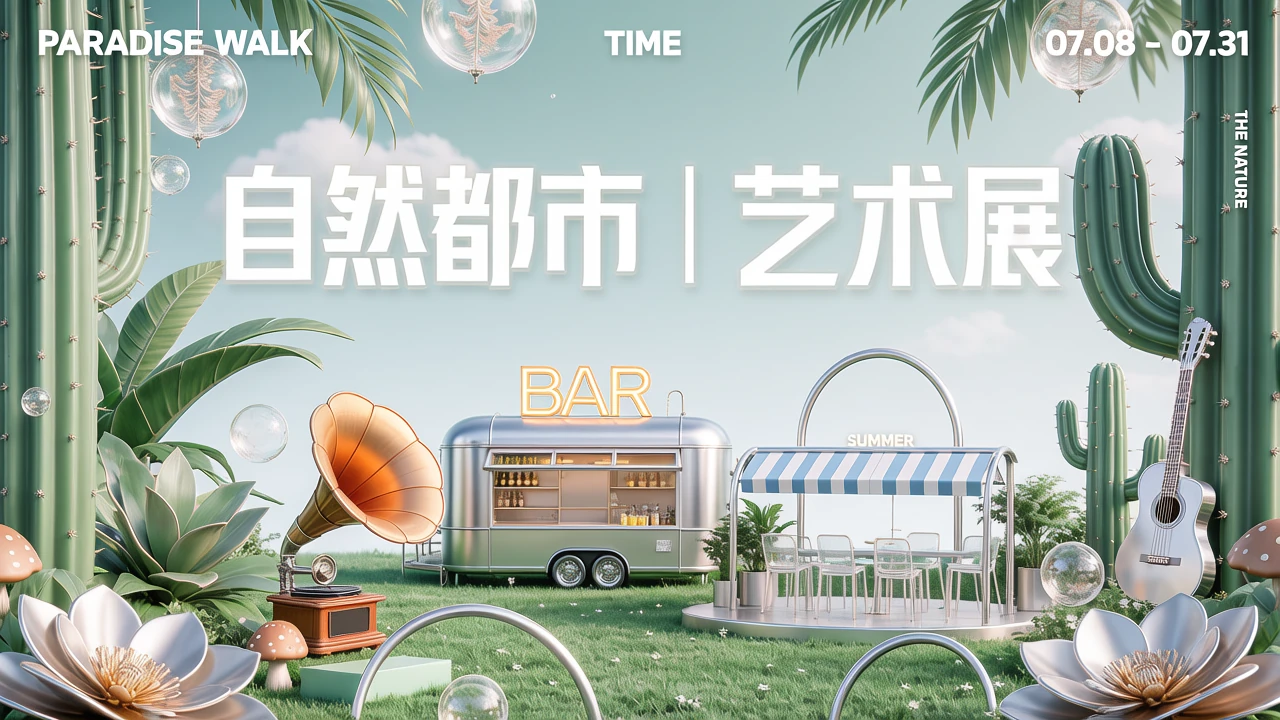
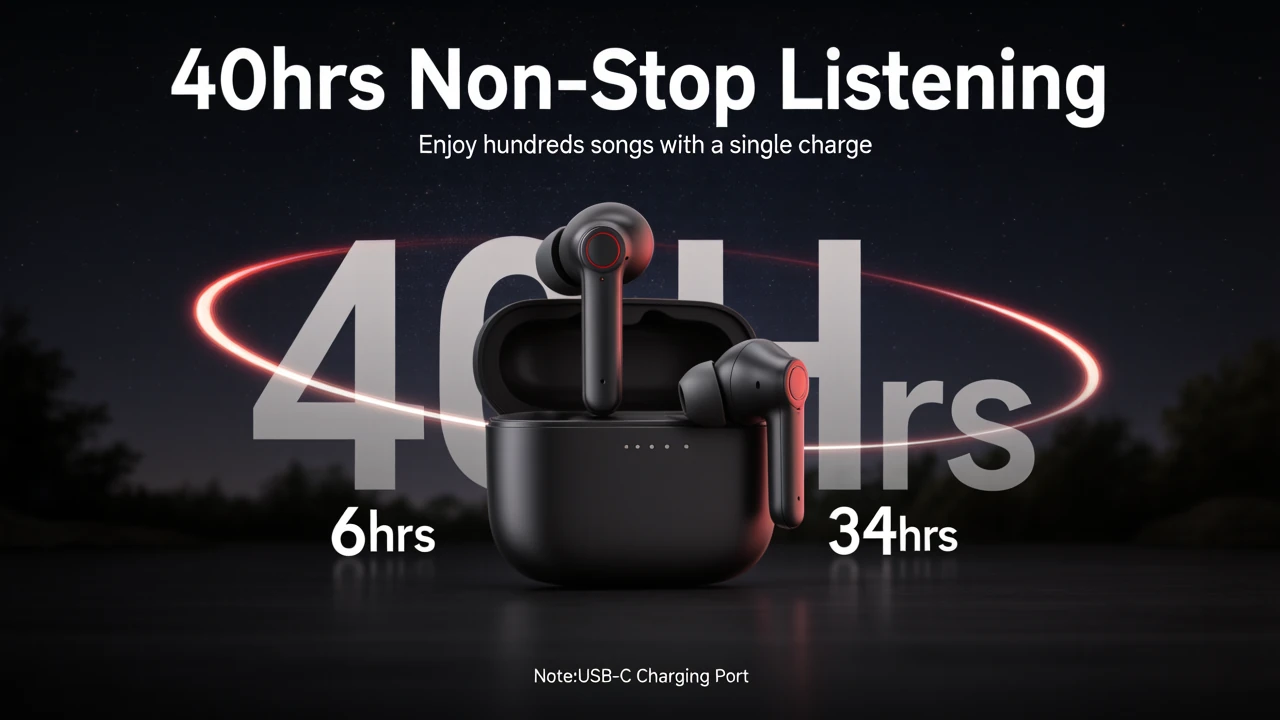
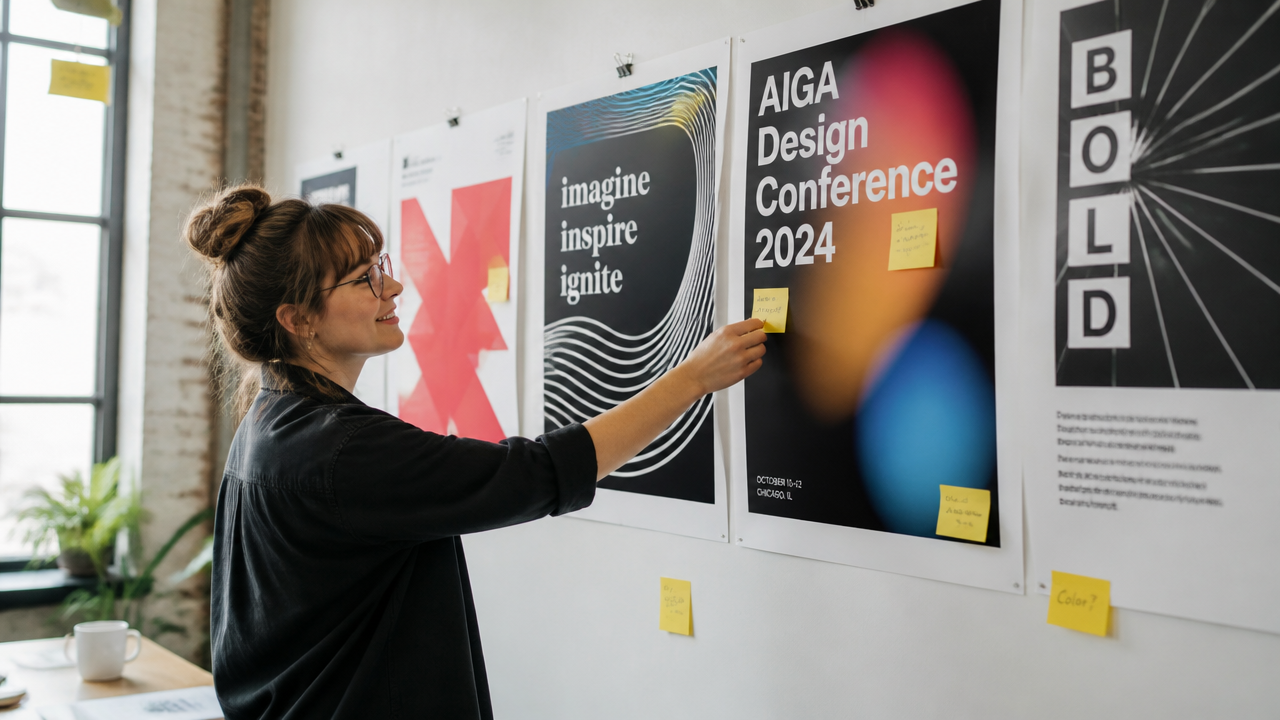
When your image needs real words, Hunyuan Image 3.0 Instruct is especially useful. That matters for posters, packaging, menus, mockups, and social graphics where the text is part of the design, not an afterthought.
- •Better headline rendering
- •Useful for posters and packaging
- •Supports English and Chinese text
- •Less cleanup after generation
- •Natural text placement in layouts
Edits images and combines up to 3 references
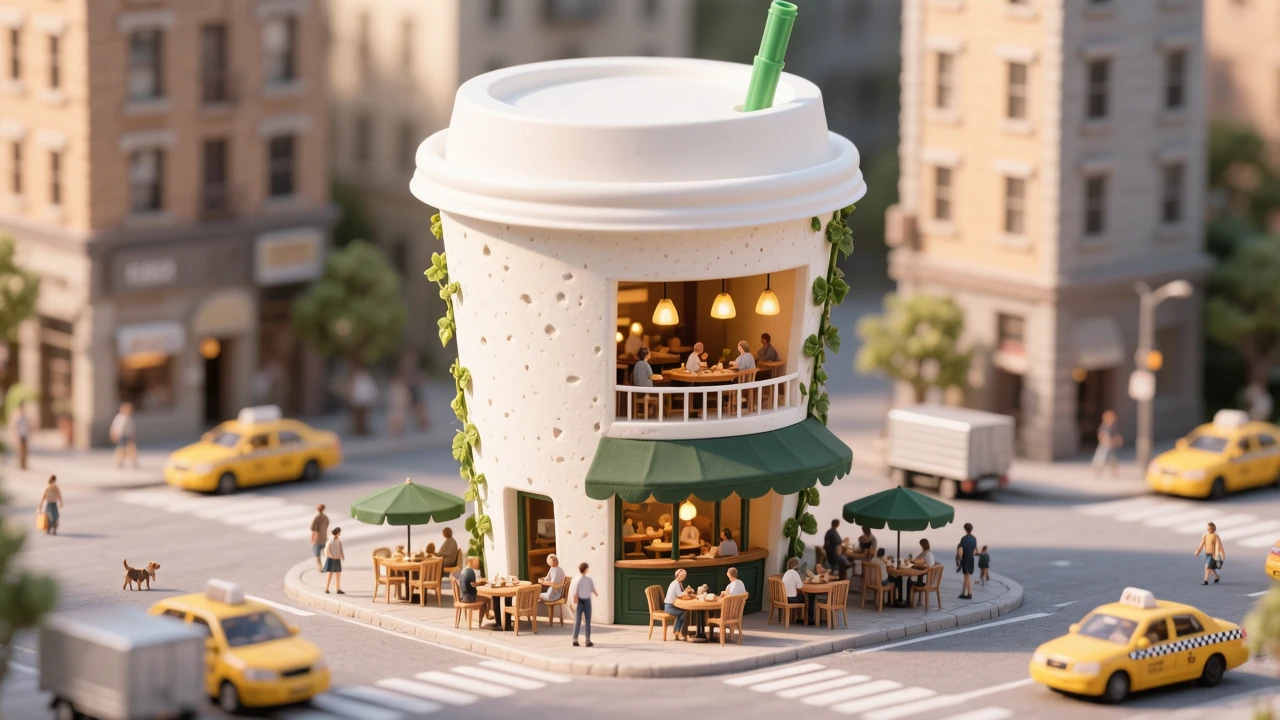
The instruct variant supports text-plus-image workflows, so you can modify an existing image instead of starting from zero. It can also combine up to three reference images for compositing, style transfer, or product-driven creative work.
- •Image-to-image editing
- •Add or remove scene elements
- •Background replacement
- •Style changes with subject retention
- •Up to 3 reference images

Strong English and Chinese prompting
It is positioned as a bilingual model with strong English and Chinese alignment, which is useful for teams creating assets across markets. You can write naturally in either language and still target specific style, copy, and cultural cues.
- •Bilingual prompt support
- •Mixed-language poster ideas
- •Useful for localized creatives
- •Good for signage and packaging
- •Helpful for global content teams
How it works
1
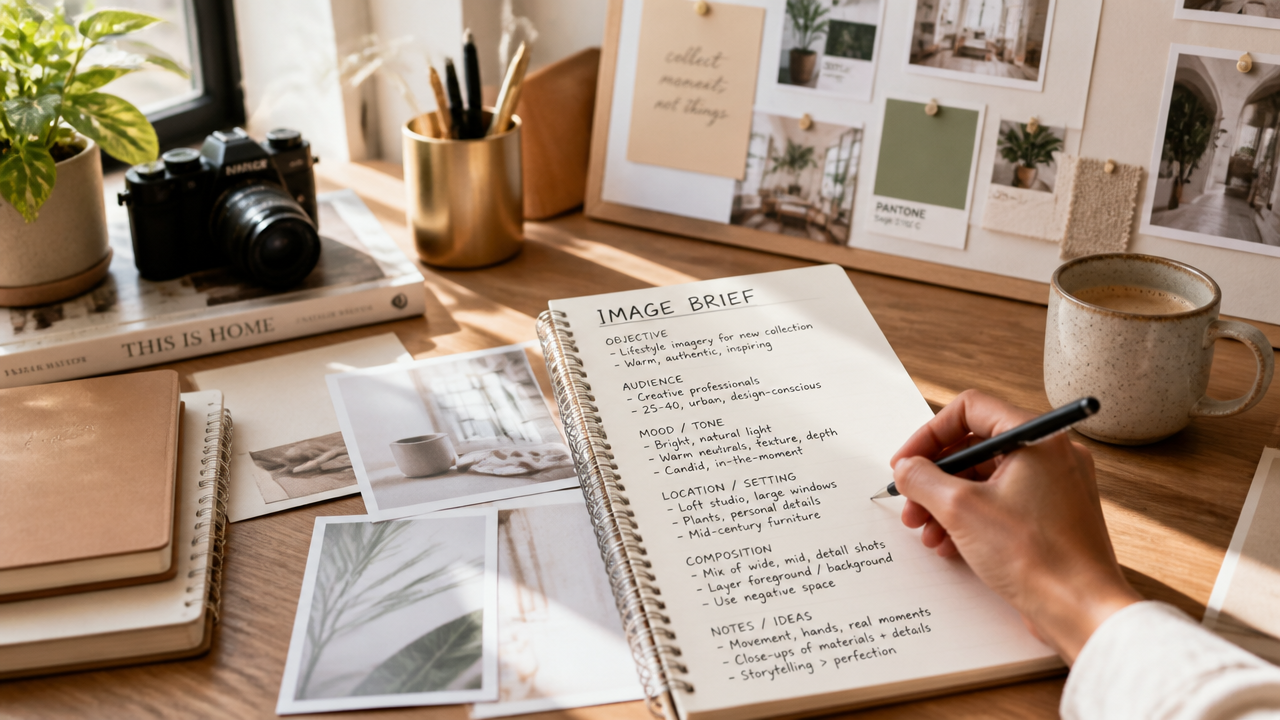
Describe your image
Start with a plain-language brief instead of keyword stuffing. Add the subject, setting, camera angle, lighting, mood, and any exact text you want visible inside the image.
2
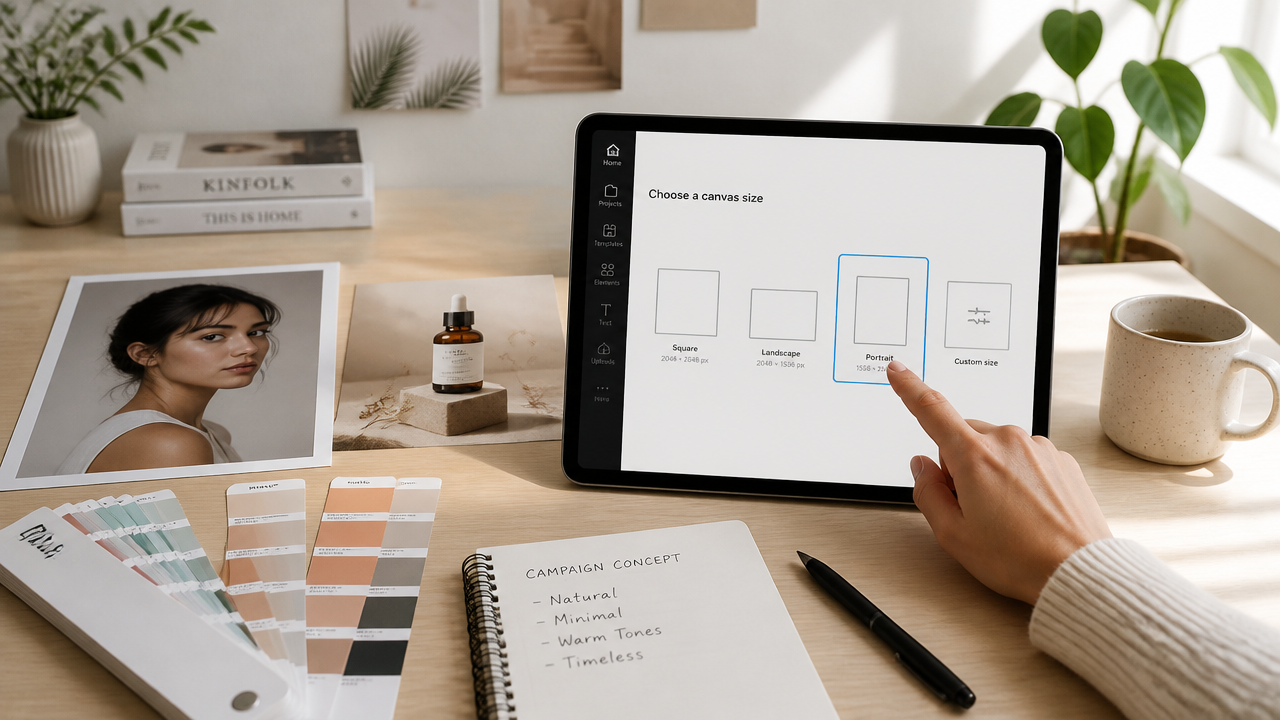
Pick format and references
Choose the aspect ratio that matches the job, such as square, wide, or vertical. If you are editing or compositing, bring reference images to guide the look, subject, or style.
3
Generate and refine
Run a first pass, then tighten the brief around placement, materials, typography, or scene details. Small prompt changes usually get better results than rewriting everything from scratch.
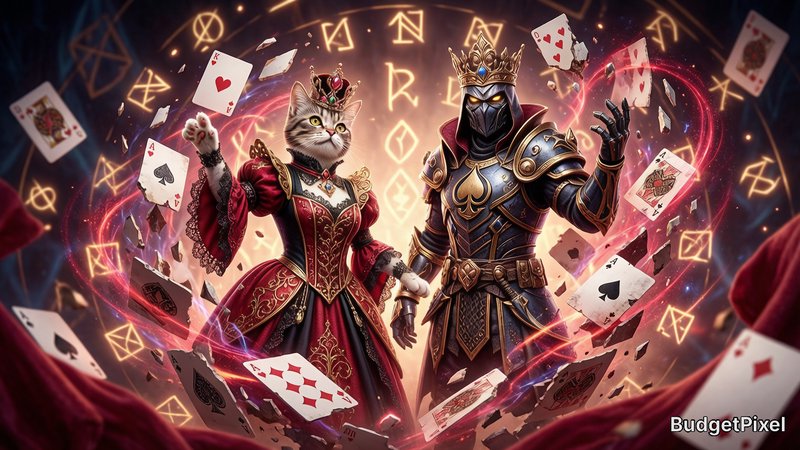
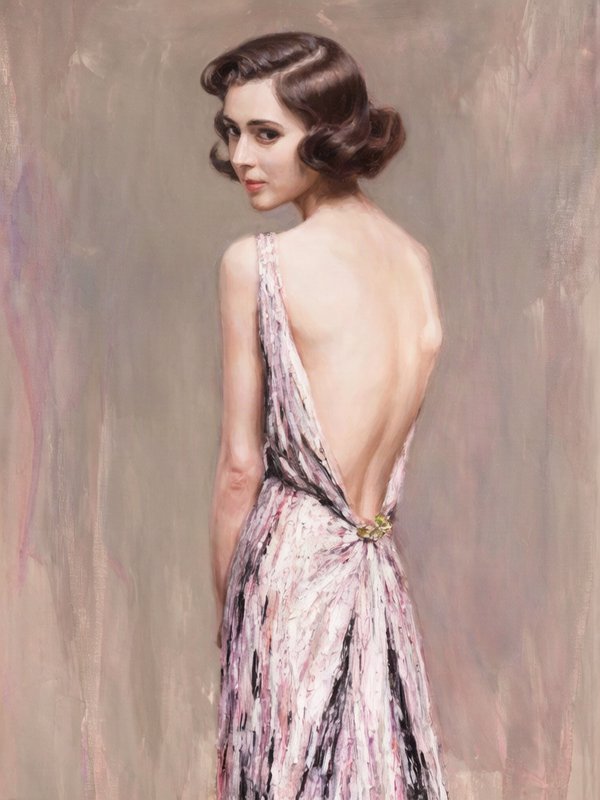
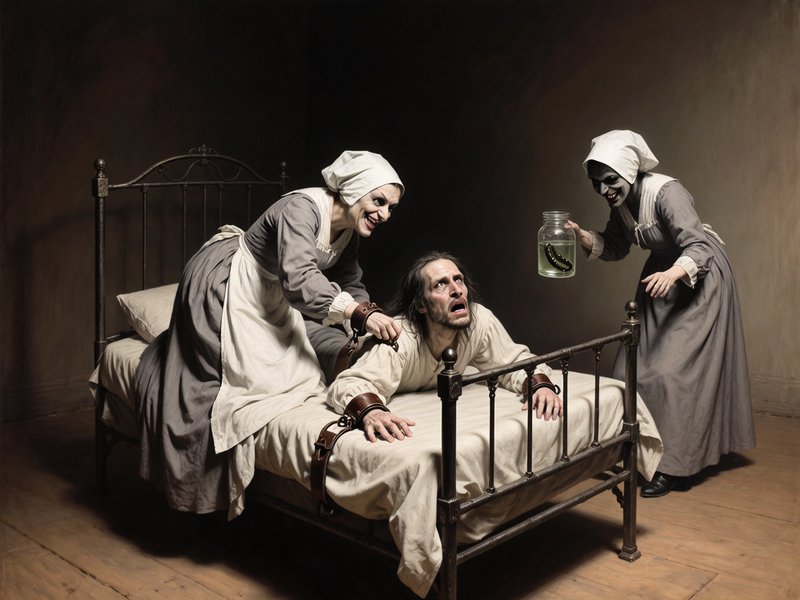
Top community creations
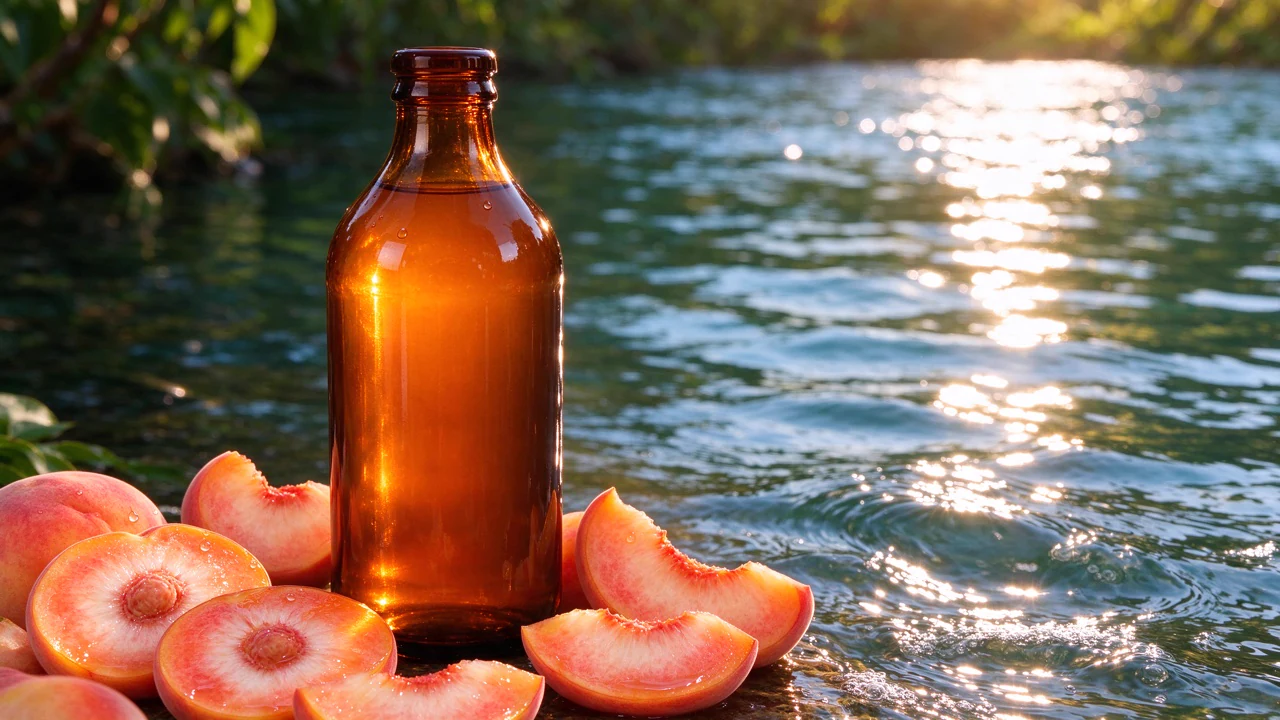
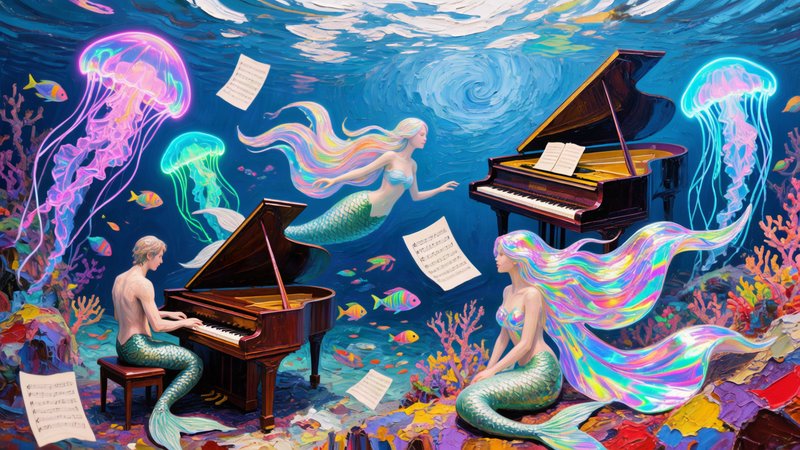
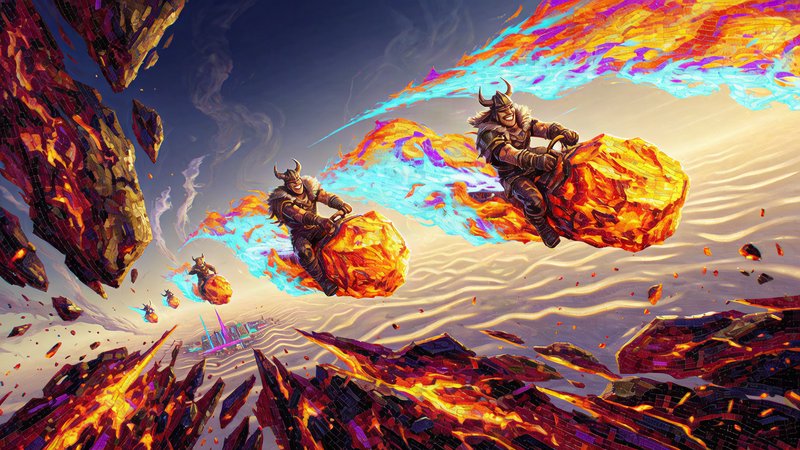
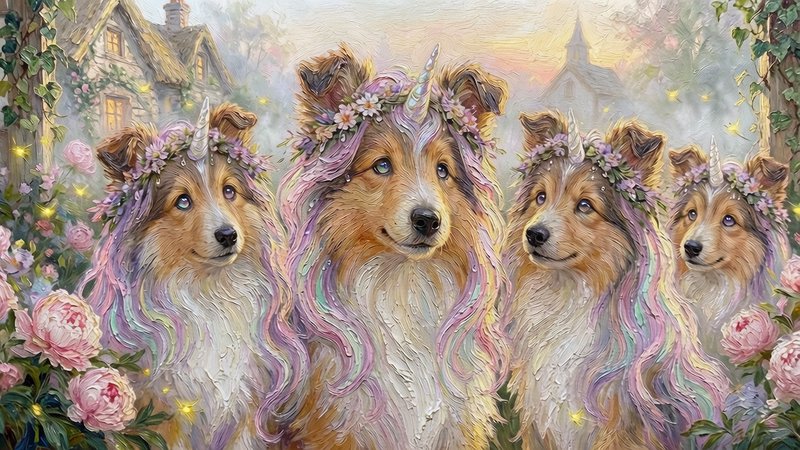
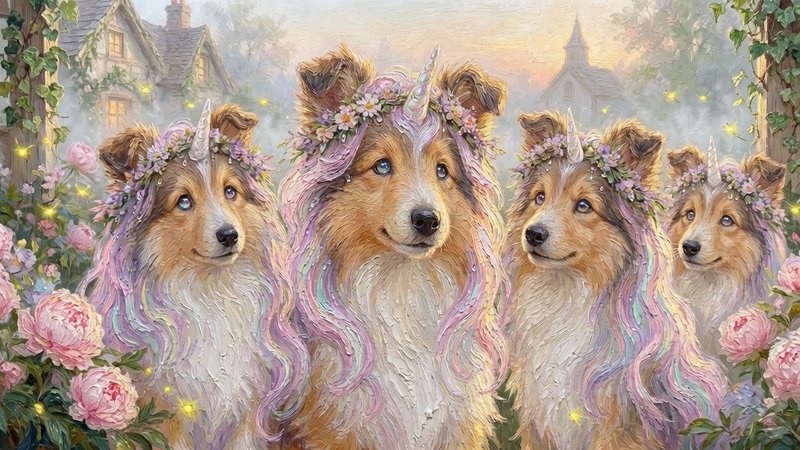
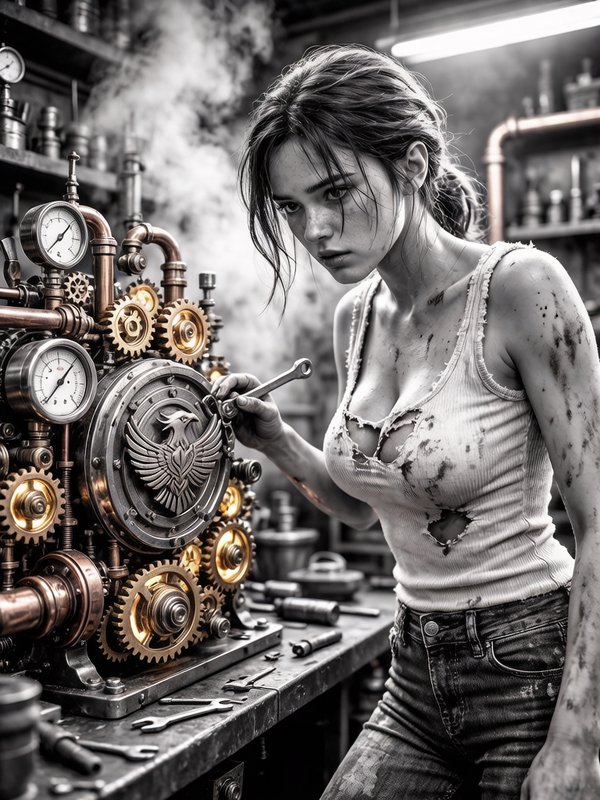
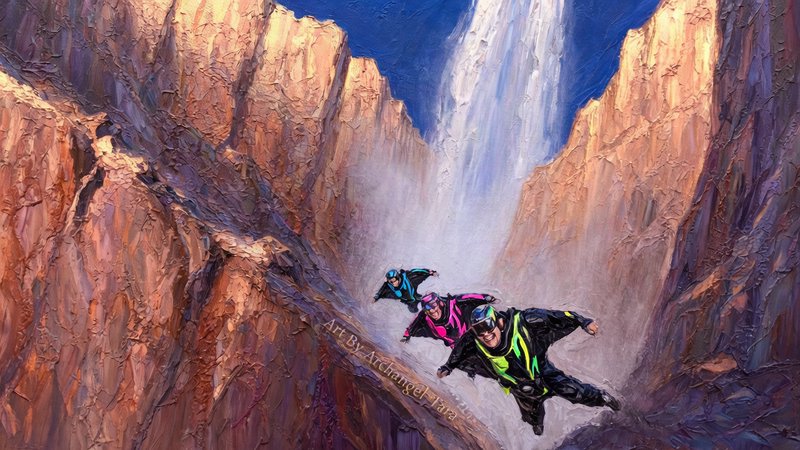
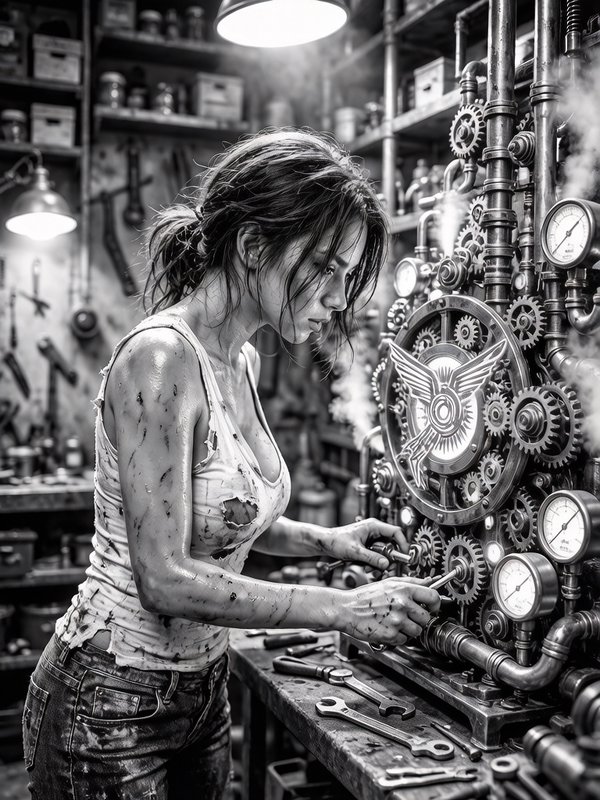
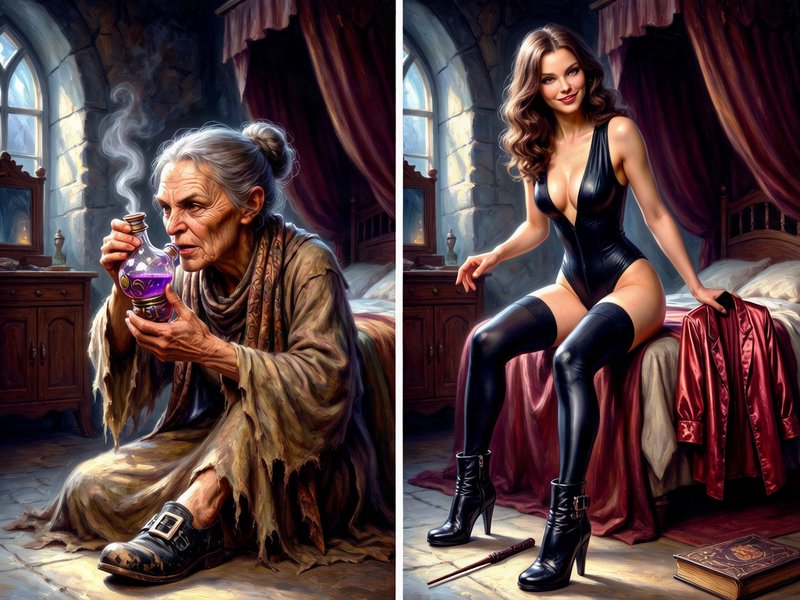
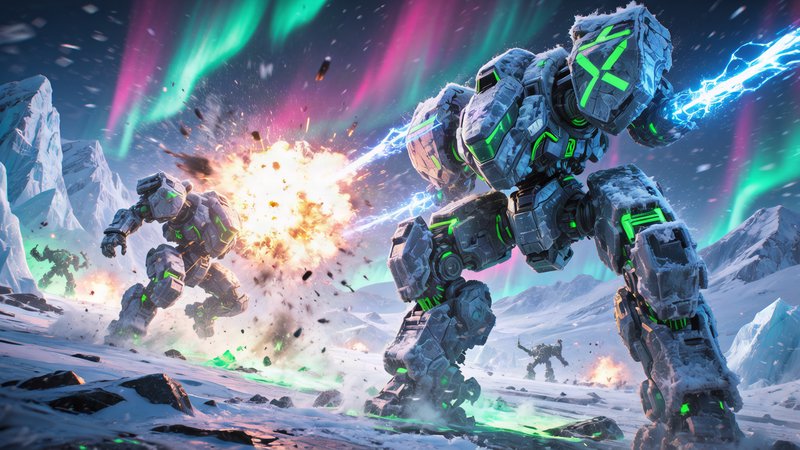
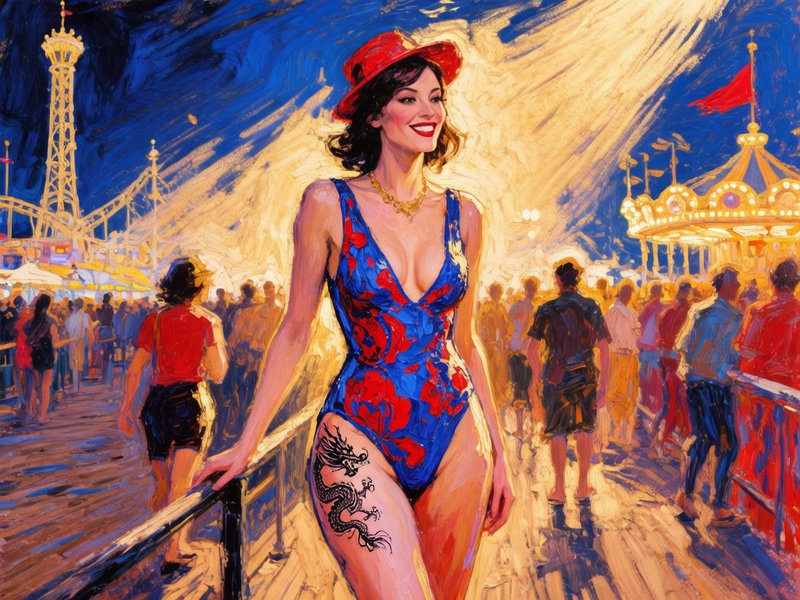
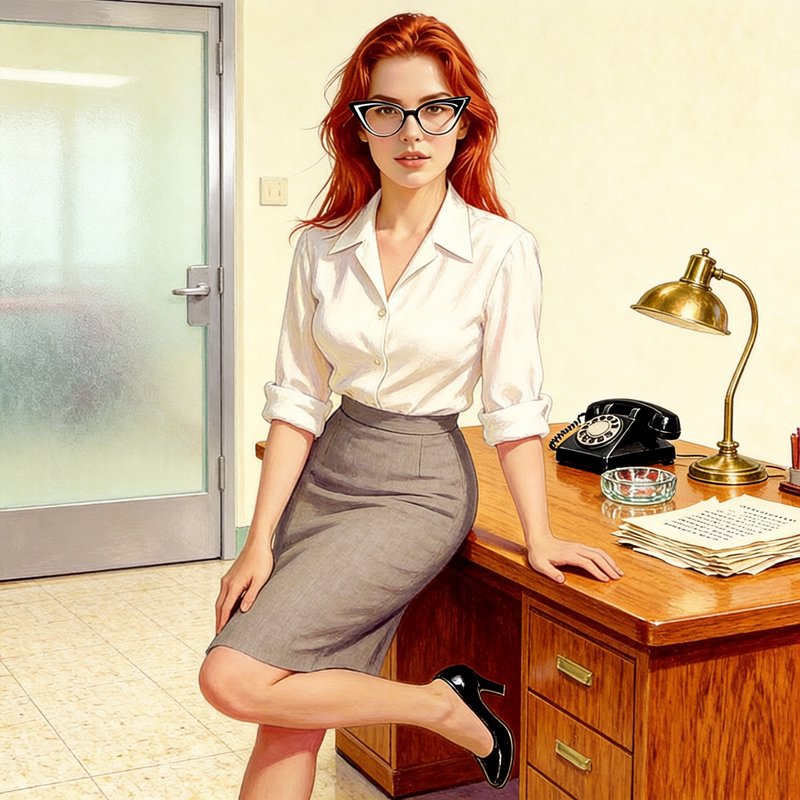
Recent Hunyuan Image 3.0 Instruct images shared by the BudgetPixel community.






Pricing for Hunyuan Image 3.0 Instruct
Runs on credits — no per-model surcharges, no surprise billing.
120credits
per generation
120 credits per image
Hunyuan Image 3 Instruct at a glance
- Instruction-following generation
- Up to 2 reference images
- Text-to-image & image-to-image
- Precise prompt adherence
- High-quality photorealism
- Creative compositions
- Seed support for reproducibility
How Hunyuan Image 3 Instruct compares
The differences that actually change which one you pick.
- Hunyuan Image 3 Instruct vs Qwen Image 2.0 Pro
- Both support multi-reference images. Qwen supports up to 3 references, Hunyuan Instruct supports 2 with stronger instruction adherence.
Frequently asked questions
What is Hunyuan Image 3.0 Instruct?▾
Hunyuan Image 3.0 Instruct is Tencent's instruction-tuned version of Hunyuan Image 3.0. It supports text-to-image generation, image-to-image editing, prompt self-rewrite, and a reasoning step for more structured visual outputs.
How is Hunyuan Image 3.0 Instruct different from the base model?▾
The base model is primarily focused on text-to-image generation. The Instruct version adds image-to-image support, prompt self-rewrite, multi-image fusion, and reasoning-guided workflows, so it is better suited to guided edits and complex briefs.
How much does Hunyuan Image 3.0 Instruct cost?▾
Pricing depends on the app or API host. On creator platforms, usage is usually metered in credits or billed per image, with larger sizes, edits, or reference-based workflows often costing more.
How does Hunyuan Image 3.0 Instruct compare to other AI image generators?▾
Compared with the general AI-image baseline, its clearest strengths are instruction following, bilingual prompting, in-image text, and text-plus-image workflows. If your work depends on layout control or guided edits, those are the areas where it makes the most sense.
Does Hunyuan Image 3.0 Instruct follow long prompts well?▾
Yes. It is built for dense, multi-part instructions and can keep more composition detail than a generic short-prompt generator. That makes it useful for story scenes, product ads, and prompts that combine subject placement, lighting, style, and text.
Does Hunyuan Image 3.0 Instruct render text well?▾
Yes. It is especially useful for posters, packaging, menus, UI mockups, and other images where readable text matters. You should still proof small copy, but it is notably stronger than the general baseline for embedded English and Chinese text.
Does Hunyuan Image 3.0 Instruct support reference images?▾
Yes. The instruct model supports text-image-to-image workflows and multi-image fusion. In Tencent's published model card, it can combine up to three input references, though some apps may expose fewer.
Can Hunyuan Image 3.0 Instruct edit existing images?▾
Yes. You can use it to add or remove elements, swap backgrounds, restyle a scene, or adapt an existing asset for a new campaign. It is designed to keep more of the source image's key identity than starting from scratch.
What resolutions and aspect ratios can I use with Hunyuan Image 3.0 Instruct?▾
The official tooling accepts explicit sizes such as 1280x768 and ratio-style inputs like 16:9, with auto sizing available in some workflows. Exact size caps and presets vary by host, so check the current options in the app you use.
Can I use Hunyuan Image 3.0 Instruct commercially?▾
Commercial use depends on the provider terms and Tencent's Hunyuan Community License. The published license excludes the EU, UK, and South Korea, and products above 100 million monthly active users need a separate Tencent license. If you are using a hosted service, check that service's current terms too.