PixVerse V6
15-second 1080p video with native audio.
From $0.05 a second.
Professional video for every use case
Short drama scenes.
Multi-shot generation and audio help dialogue clips feel more continuous from wide shot to close-up.Action trailers.
Fast camera movement, debris, and complex motion stay clearer in chaotic scenes.Bullet Time.
Break free from device limitations, command time and space with prompts. Your V6 Bullet Time, every frame a blockbuster shot.Realistic human texture.
It generates visuals with lifelike skin texture, pores and fine lines, paired with natural light and reflection. The typical plastic look and over-smoothed skin seen in conventional AI videos are completely eliminated.15-second clips up to 1080p
V6 supports 1-15 second generation at 360p, 540p, 720p, and 1080p across its main workflows. That gives you room to test cheaper drafts first or push straight to longer, cleaner delivery clips without switching models.
- •1-15 second duration window
- •360p, 540p, 720p, and 1080p quality options
- •Works across text, image, transition, extend, and fusion modes
- •1080p is available on the core generation workflows
- •Credit use scales with seconds, resolution, and audio
Native audio and multi-shot storytelling
PixVerse launched V6 around stronger shot execution, character performance, and multi-shot audio-visual generation. For narrative ads or short scenes, more of the pacing, continuity, and sound can happen inside the initial generation.
- •Audio and video can be generated together
- •MultiShot creates continuous multi-angle scenes
- •Built for stronger continuity between cuts
- •Useful for ads, shorts, and dialogue-led clips
- •Designed to reduce separate post-production steps
Strengthen Scenario-based Capabilities
The explosive force and intense combat visuals are greatly enhanced, delivering a thrilling, high-end vibe for action videos.
- •Specialized optimizations have been made for specific high-frequency demands.
- •Useful for transformations and reveal edits
- •Fusion can combine multiple reference images
- •References can include subjects and backgrounds
- •Character reference helps keep a subject stable across shots
Formats that fit different channels
Supported V6 workflows cover common landscape, square, portrait, and ultrawide ratios. Generating the right frame upfront is usually cleaner than cropping a finished clip after the fact.
- •16:9, 4:3, and 1:1 options
- •9:16 and 3:4 for vertical delivery
- •2:3, 3:2, and 21:9 are also supported
- •Useful for landscape, square, portrait, and ultrawide cuts
- •Helps adapt one idea to multiple placements
How it works
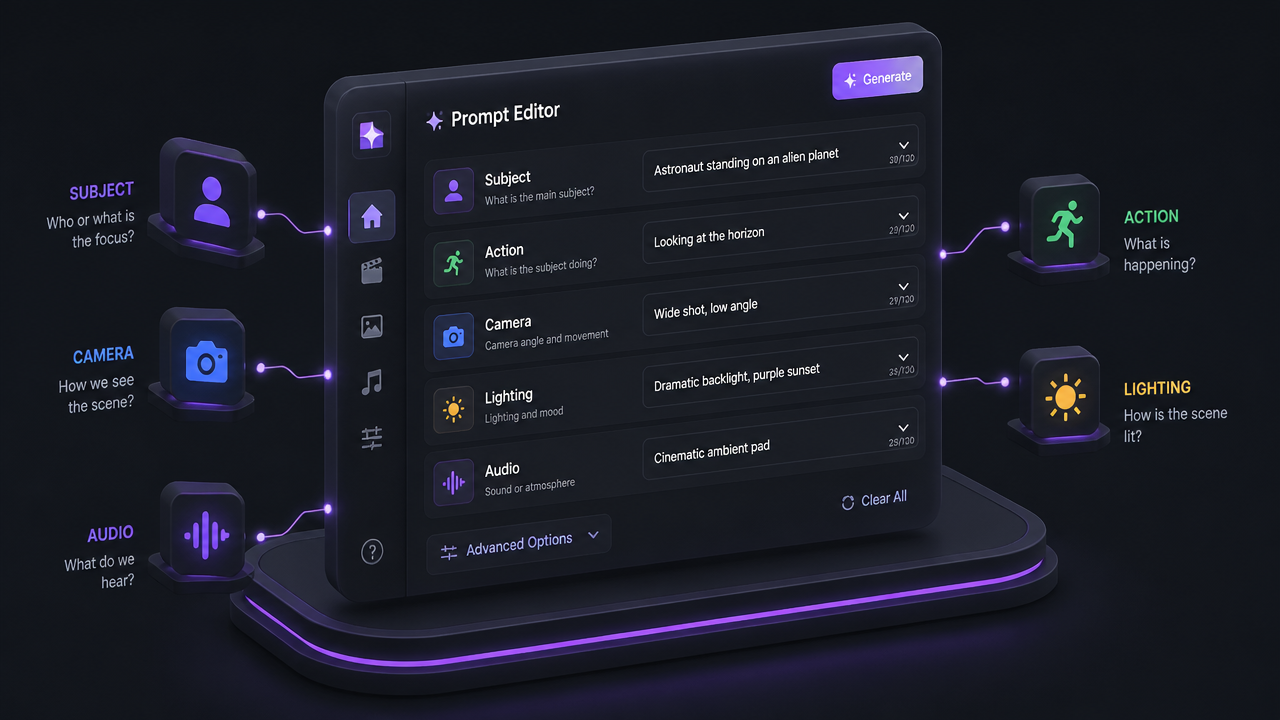
1
Describe the scene
Start with a literal prompt or a reference image. Spell out the subject, action, camera move, lighting, and any sound you want instead of relying on abstract style words.
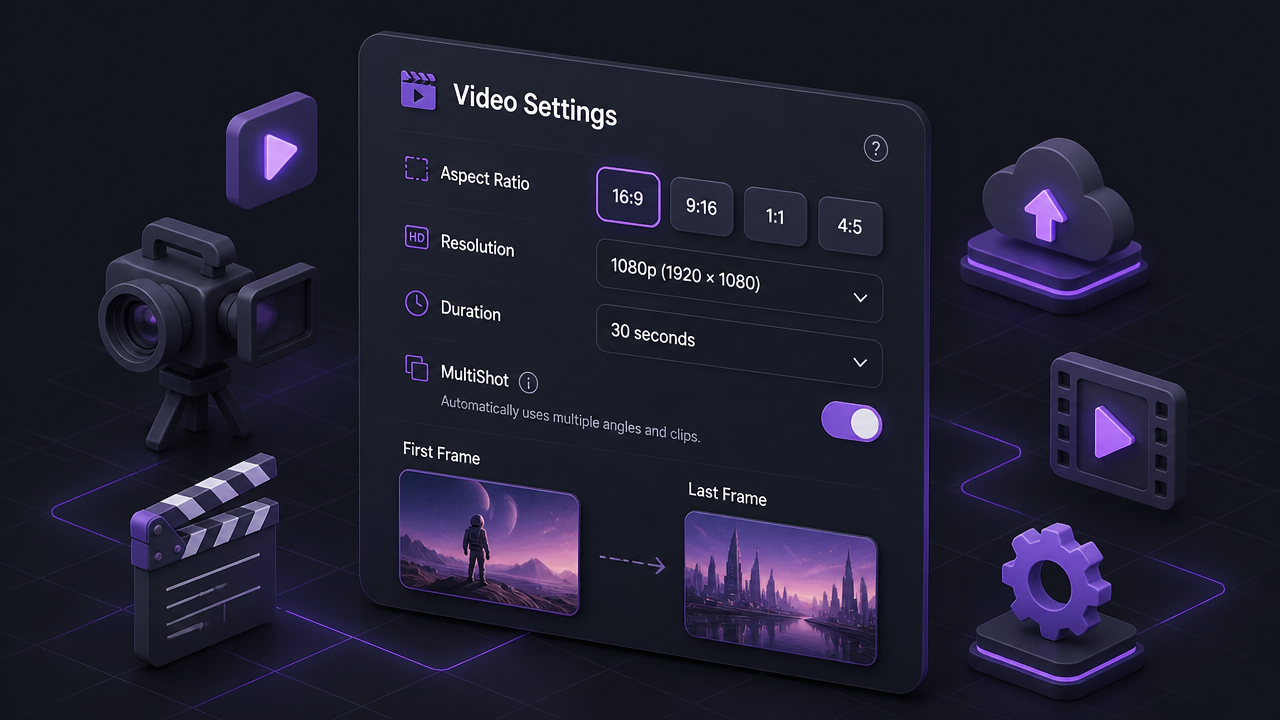
2
Choose controls and format
Select text-to-video or image-to-video, then set length, resolution, and aspect ratio. If the shot needs tighter direction, add MultiShot instructions or first and last frames.
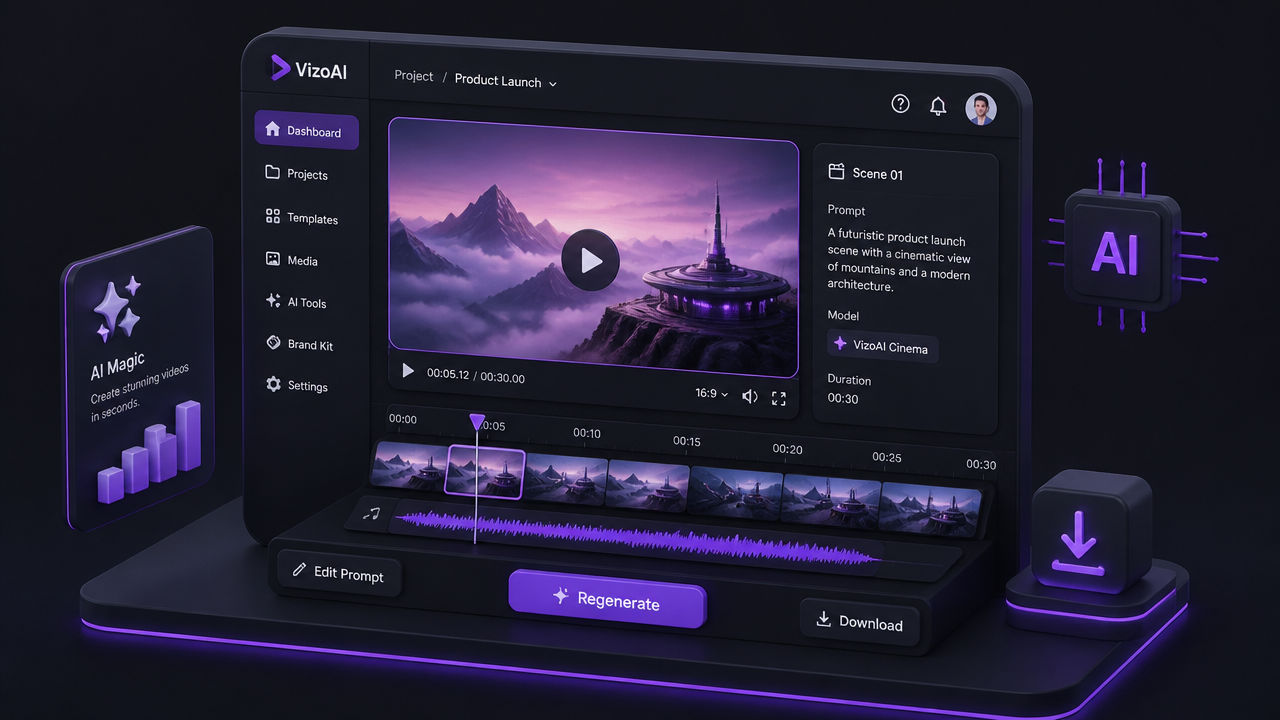
3
Generate and refine
Create the clip and review continuity, framing, and audio. If the result is close, make small prompt changes or swap references rather than rewriting everything.
Pricing for PixVerse V6
Runs on credits — no per-model surcharges, no surprise billing.
50credits
per second of video
≈ 250 credits for a 5-second clip
Show pricing details▾
ResolutionCredits
- 720pdefault50/ sec
- 1080p100/ sec
- 360p30/ sec
Credits work across every plan. See /pricing for credit packages.
PixVerse V6 at a glance
- Thinking mode
- Multi-clip narrative
- 720p/1080p resolution
- Audio support
- 5-15s durations
How PixVerse V6 compares
The differences that actually change which one you pick.
- PixVerse V6 vs Wan 2.7
- PixVerse V6 offers thinking mode for enhanced quality. Wan 2.7 has more permissive content policy.
- PixVerse V6 vs Kling V3.0 Pro
- Both offer high-quality generation. PixVerse V6 has thinking mode and multi-clip. Kling V3.0 Pro offers different motion styles.
Frequently asked questions
What is PixVerse V6?▾
PixVerse V6 is PixVerse's flagship AI video model released on March 30, 2026. It focuses on stronger camera execution, character performance, multi-shot generation, and native audio so one prompt can produce more finished-looking clips.
How does PixVerse V6 work?▾
You can start from text or images, then choose resolution, duration, aspect ratio, and audio settings before generating. V6 also supports transitions, extensions, and fusion-style reference workflows when you need more control than a single prompt.
What inputs does PixVerse V6 accept?▾
It supports text prompts, uploaded images for image-to-video, first and last frame images for transitions, existing video for extension, and multiple reference images for fusion. That range lets you work from scratch or guide the result with existing assets.
What output lengths, resolutions, and aspect ratios does PixVerse V6 support?▾
V6 supports 1-15 second clips at 360p, 540p, 720p, and 1080p across its core generation workflows. Supported modes include aspect ratios such as 16:9, 4:3, 1:1, 3:4, 9:16, 2:3, 3:2, and 21:9.
Does PixVerse V6 support audio?▾
Yes. V6 includes an audio generation switch across its core workflows, so sound can be generated with the video instead of added later. That is one of its clearest advantages for faster ad, promo, and short-scene production.
How much does PixVerse V6 cost?▾
Pricing is credit-based rather than a single flat rate. Official docs bill V6 per second, with higher resolution and audio costing more, so a short 540p draft is much cheaper than a 1080p clip with sound.
Can I use PixVerse V6 commercially?▾
Check the current PixVerse terms before relying on it for paid work. PixVerse's published terms say output use is limited to non-commercial purposes unless you have separate authorization or the relevant commercial-use rights, and platform creative materials are more restricted.
How does PixVerse V6 compare to other AI video generators?▾
Its clearest strengths are 15-second 1080p output, native audio, multi-shot generation, and first-and-last-frame guidance in one model family. If you care about longer shots and fewer separate post steps, that is where it is most compelling.
How do I get better results with PixVerse V6?▾
Use literal prompts instead of abstract adjectives. Describe what is visible and audible, including subject, action, camera, lighting, and sound. When you cut between shots, repeat the key character or product details so the model has stronger continuity anchors.