HappyHorse
Built-in dialogue, sound, and lip sync in one pass.
Professional video for every use case
Localized social ads.
Creates spoken promos in supported languages without separate voiceover and lip-sync passes.Image to Video.
It can vividly animate any static image such as portraits, pets, artworks and products, adding fluid movements, lifelike expressions and perfectly synchronized original sounds. It fully preserves the original subject features and artistic style, generating a complete high-quality video in one go.Talking-head explainers.
Generate complete videos with character dialogues, ambient sounds and background music in one go. Audio achieves frame-level precise synchronization with on-screen movements and lip shapes, requiring no post-dubbing or editing.Product launch teasers.
Adds camera movement, clean 1080p detail, and built-in sound for quick launch videos.Built-in dialogue, sound, and lip sync
HappyHorse is known for generating sound and visuals together in a single run. For short dialogue scenes, that speeds up iteration and keeps speech, mouth motion, and ambience aligned from the first draft.
- •Built-in dialogue and ambient sound
- •Designed for speaking characters
- •Phoneme-level lip-sync focus
- •Useful for fast social drafts
- •Less separate audio cleanup
Text prompts or first-frame animation
You can start from a written prompt or a single reference frame. That makes HappyHorse useful both for blank-page ideation and for animating an existing portrait, product photo, or still scene.
- •Text-to-video and image-to-video
- •Optional prompt steers motion
- •Image input uses one first frame
- •Input image sets output shape
- •Useful for portraits and product stills
1080p short clips with format control
Official endpoints support 720p and 1080p output, with 1080p as the default. Clip length runs from 3 to 15 seconds, and text-to-video includes the common aspect ratios most teams need for social and web.
- •1080p default, 720p optional
- •3 to 15 second duration
- •16:9, 9:16, 1:1
- •4:3 and 3:4 for text prompts
- •MP4 H.264 delivery
- •Seed and watermark settings
Seven-language lip sync for speakers
Current partner documentation lists seven supported lip-sync languages. Combined with strong facial detail, that makes HappyHorse especially useful for explainers, ads, and interview-style clips.
- •English, Mandarin, Cantonese, Japanese, Korean, German and French
- •Best with one clear speaker
- •Strong fit for ads and explainers
How it works
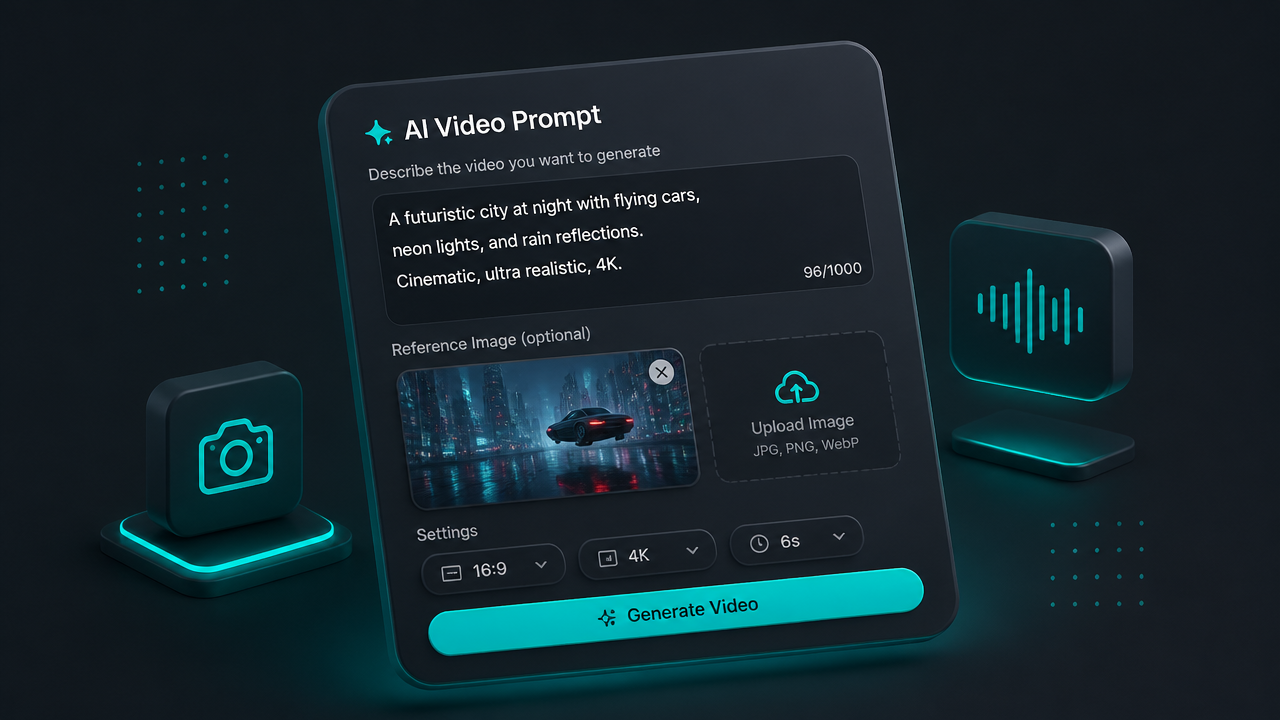
1
Start with text or image
Begin with a text prompt or upload a reference still. Describe the subject, action, camera move, lighting, and any spoken line or ambience you want in the clip.
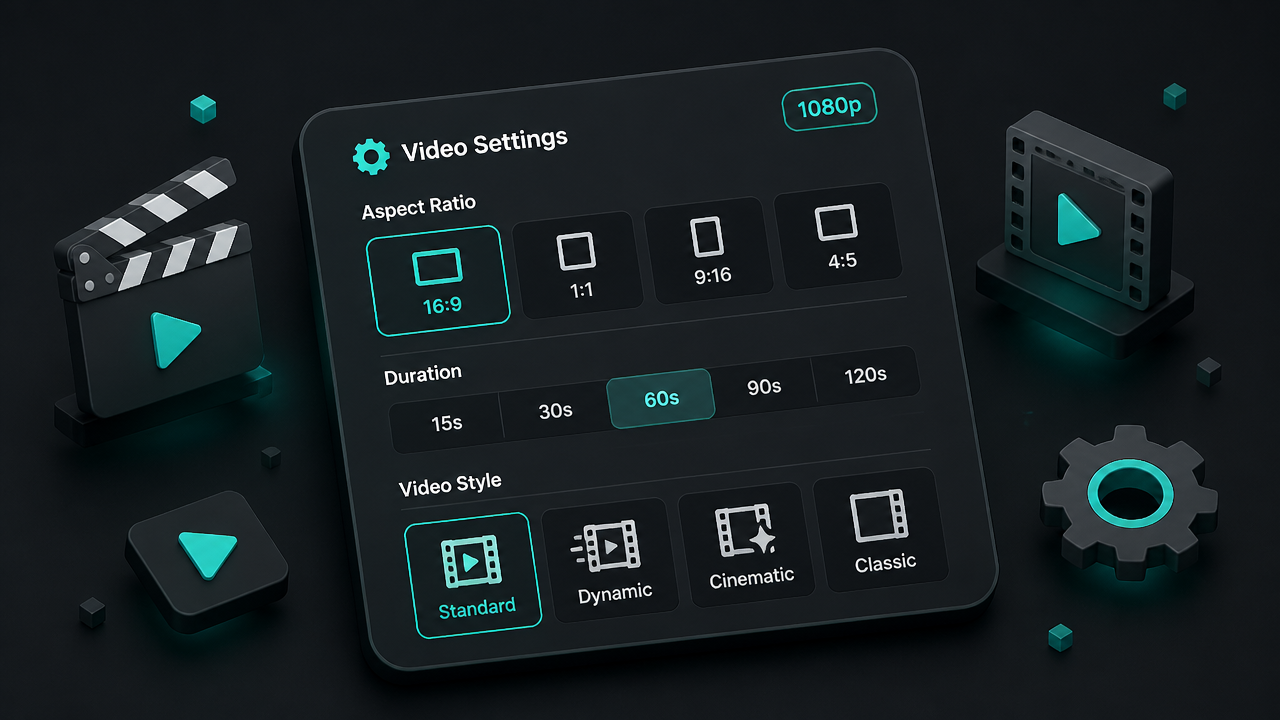
2
Choose format and length
Set the resolution and duration that fit your use case. Text-to-video supports common landscape, portrait, and square ratios, while image-to-video keeps the shape of your uploaded frame.
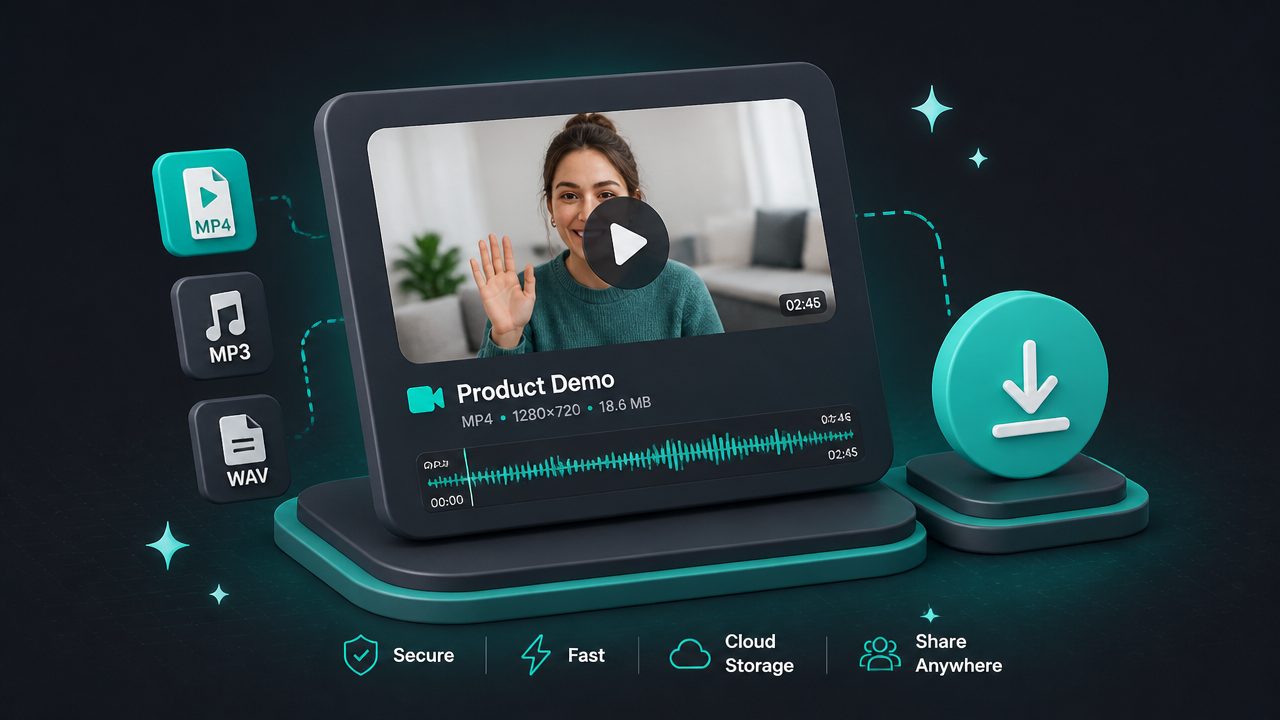
3
Generate and refine
Generate a first pass, then watch for facial motion, lip sync, and prompt adherence. Tweak the wording or seed if needed, and download the take that works.
Pricing for HappyHorse
Runs on credits — no per-model surcharges, no surprise billing.
170credits
per second of video
≈ 850 credits for a 5-second clip
Frequently asked questions
What is HappyHorse 1.0?▾
HappyHorse 1.0 is Alibaba's short-form AI video model. It turns text prompts or images into 3 to 15 second clips and is mainly known for synchronized dialogue, sound, and lip sync.
How does HappyHorse 1.0 work?▾
At its core, you either describe a scene in text or upload a starting image, then the model renders motion, camera behavior, and sound into a short clip. Official API workflows are asynchronous, so you submit a job and then retrieve the finished video when it is ready. On creator tools, this is wrapped in a simpler generate-and-download flow.
What inputs does HappyHorse 1.0 accept?▾
Text-to-video and image-to-video are the main inputs. Official API docs support Chinese and English text prompts, and the image-to-video flow uses one first-frame image plus an optional prompt. A clean, well-lit source image usually helps the model preserve facial detail better.
Does HappyHorse 1.0 support audio and lip sync?▾
Yes. HappyHorse is designed to generate video and audio together, including spoken dialogue and environmental sound, rather than treating audio as a separate add-on. That makes it especially useful for talking-head clips and short narrative scenes.
Which languages does HappyHorse 1.0 support for lip sync?▾
Current partner documentation lists English, Mandarin, Cantonese, Japanese, Korean, German, and French. If language accuracy matters, write the spoken line clearly in the prompt and keep the shot focused on one speaker.
What video lengths, resolutions, and aspect ratios does HappyHorse 1.0 support?▾
Official HappyHorse endpoints support 720p and 1080p output, with 1080p as the default. Clip length is 3 to 15 seconds. Text-to-video supports 16:9, 9:16, 1:1, 4:3, and 3:4, while image-to-video follows the aspect ratio of your source image.
What is HappyHorse 1.0 best at?▾
It is strongest on short, dialogue-led clips with one clear subject, expressive facial motion, and polished 1080p output. That makes it a good fit for spokesperson videos, explainers, micro-stories, and localized ads. It is less about long-form sequences and more about getting a strong short take quickly.
How does HappyHorse 1.0 compare with Seedance 2.0?▾
HappyHorse 1.0 is usually the better fit when you want a short voiced clip fast, especially around a single speaking character. Seedance 2.0 is more often chosen for heavier cinematic control and longer multi-shot workflows. Choose HappyHorse when built-in dialogue and lip sync matter most.
How much does HappyHorse 1.0 cost?▾
Pricing varies by platform and usually scales with duration, resolution, and whether audio is enabled. Treat it like a premium short-form video model rather than a flat-rate export tool. Check the latest per-second or credit pricing wherever you plan to run it.
Can I use HappyHorse 1.0 commercially?▾
Commercial use depends on the terms of the platform that gives you access and the provider's underlying license. Before publishing client work, confirm the current rules for paid use, attribution, and restricted content categories. If you need certainty, check the provider's terms directly.