Kling 3.0
Creates multi-shot cinematic scenes with native audio.
Pick a tier
Professional video for every use case
Talking-head explainers.
Native audio and lip-sync keep speaking scenes usable without stitching together separate voice and video tools.Multilingual ad variants.
Localize the same concept for different markets with language support and more accurate speaking characters.Cinematic short scenes.
Multi-shot storyboards create complete beats with shot changes, pacing, and transitions inside one render.Action-heavy social clips.
Tracking shots, body motion, and moving fabrics read more naturally than in basic short-clip generators.Native audio with multilingual lip-sync
Kling 3.0 can render dialogue, ambience, and effects as part of the video instead of forcing a separate dubbing pass. That makes short explainers, ads, and conversation scenes faster to iterate and easier to finish.
- •Dialogue, ambience, and effects in one render
- •Lip-sync for speaking characters
- •Supports Chinese, English, Japanese, Korean, and Spanish
- •Optional voice tone control on supported tiers
- •Useful for ads, explainers, and dialogue scenes
Multi-shot storyboarding up to 15 seconds
The model can stay in single-shot mode or break a scene into connected shots inside one generation. That makes Kling 3.0 more useful for narrative beats, product sequences, and short-form storytelling than basic clip-only models.
- •Flexible 3 to 15 second duration
- •Single-shot or storyboarded generation
- •Up to 6 shots in one render
- •Shot-level pacing and framing control
- •Automatic transitions between connected beats
Reference locking for characters and products
Reference images, start and end frames, and reusable elements help keep faces, products, and styling stable across motion. This matters when you need the same character or object to survive shot changes without obvious drift.
- •Text-to-video and image-to-video workflows
- •Start and end frame support
- •Reference images or created character elements
- •More stable faces, outfits, and products
- •Multi-character coreference for 3+ characters
Cinematic motion and readable in-frame text
Kling 3.0 is strong at camera-language prompts like tracking shots, push-ins, and dramatic focus shifts. It also handles readable in-frame text and commercial-style product presentation better than many general-purpose video models.
- •Tracking, dolly, and rack-focus style prompts
- •More natural hair, fabric, and liquid motion
- •Readable labels, signs, and captions
- •Useful for product spots and branded content
- •Resolution options vary by tier and platform
How it works

1
Describe or upload your scene
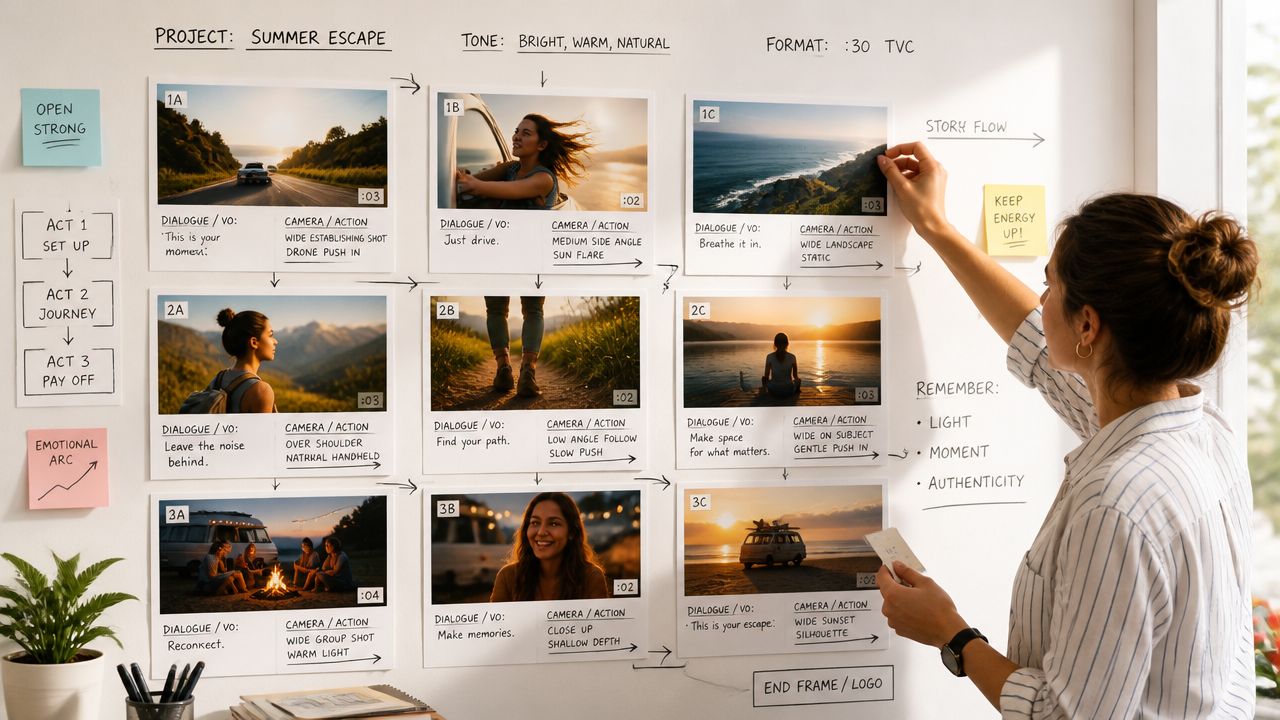
Start with a text prompt, a still image, or both. If you need a person or product to stay recognizable, begin with a clean reference before adding motion and camera details.
2
Set shots, duration, and audio
Choose whether the clip should stay single-shot or switch into a multi-shot sequence. Then set the duration, add dialogue if needed, and use shot-by-shot direction or start and end frames for tighter control.
3
Generate and refine
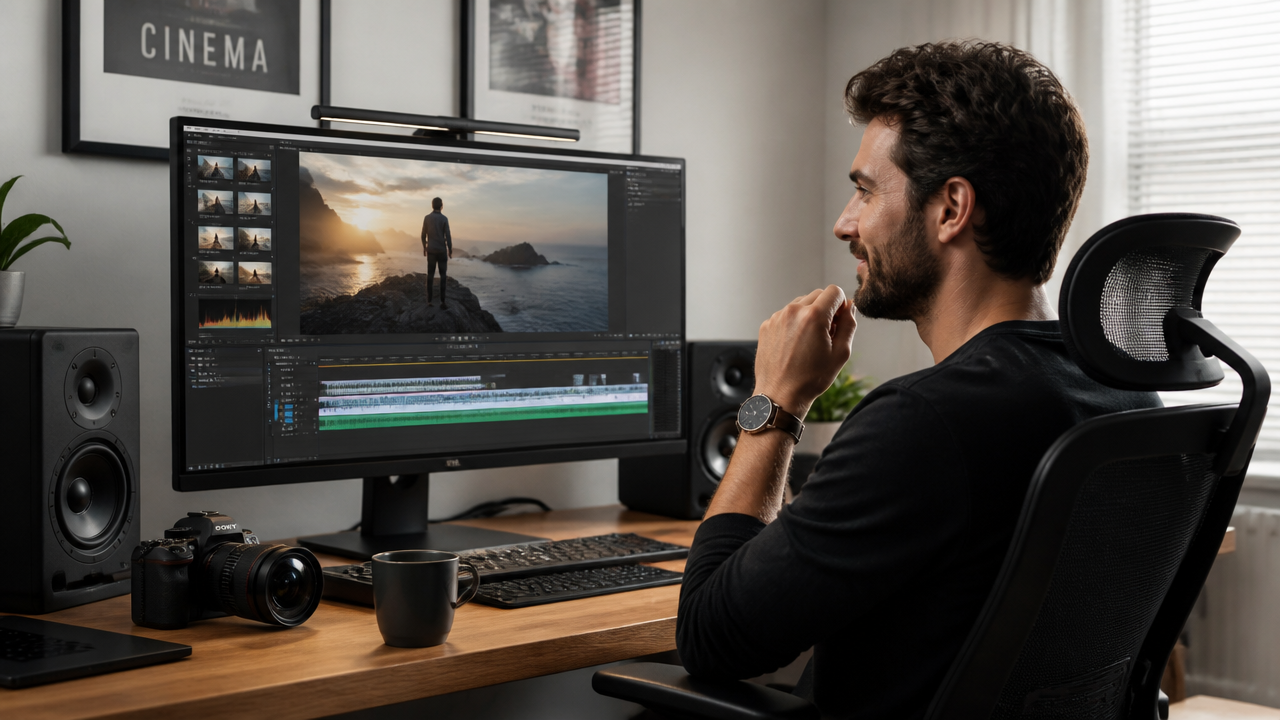
Render the clip and review motion, lip sync, and subject stability. If anything drifts, tighten the prompt or references, then export the version that matches your final delivery needs.
Pricing for Kling 3.0
Runs on credits — no per-model surcharges, no surprise billing.
120credits
per second of video
≈ 600 credits for a 5-second clip
Show pricing details▾
ResolutionCredits
- 720pdefault120/ sec
- 1080p140/ sec
Credits work across every plan. See /pricing for credit packages.
Use Kling 3.0 via the API
Kling 3.0 is available through the BudgetPixel developer API — the same model the studio runs, supporting text-to-video, and image-to-video. Pricing is metered in credits (per tier below), charged only on success, with an API key available on Premium plans and above.
| Endpoint | Pricing | Docs |
|---|---|---|
| POST /v1/videos/kling-v3.0-standard | 85 credits per second | Kling 3.0 Standard docs |
| POST /v1/videos/kling-v3.0-pro | 115 credits per second | Kling 3.0 Pro docs |
| POST /v1/videos/kling-v3.0-4k | 450 credits per second | Kling 3.0 4K docs |
| POST /v1/videos/kling-3.0-turbo | 120 credits/second at 720p, 140 credits/second at 1080p | Kling 3.0 Turbo docs |
curl -X POST https://api.budgetpixel.com/v1/videos/kling-v3.0-standard \
  -H "Authorization: Bearer $BUDGETPIXEL_API_KEY" \
  -H "Content-Type: application/json" \
-d '{"prompt": "your prompt here"}'No code? Use Kling 3.0 from Claude or Cursor
Kling 3.0 is also available through the BudgetPixel MCP server. Connect your account to Claude, Cursor, or any MCP-enabled agent and generate with Kling 3.0 by asking in plain language — same credits, same pricing, no code required.
Frequently asked questions
What is Kling 3.0?▾
Kling 3.0 is a cinematic AI video model that turns text prompts and still images into short video clips. Its biggest upgrades over earlier Kling versions are native audio, multi-shot storyboarding, longer 15-second outputs, and stronger character consistency.
How does Kling 3.0 work?▾
You describe a scene or upload a reference image, then choose settings like duration, aspect ratio, audio, and shot structure. Kling 3.0 generates the clip in one pass, so camera movement, character performance, and sound are planned together instead of pieced together later.
What inputs does Kling 3.0 accept?▾
Kling 3.0 supports both text-to-video and image-to-video workflows. Depending on the version and platform, you can also use start and end frames, reference images, and character elements to keep subjects more consistent.
Does Kling 3.0 support audio?▾
Yes. Kling 3.0 can generate dialogue, ambience, and sound effects as part of the render, with lip-sync for speaking characters. Language and voice controls vary by workflow, but audio is one of the main reasons people choose 3.0 over older models.
Does Kling 3.0 support multiple characters or multilingual dialogue?▾
Yes, the 3.0 series is built for more structured scenes than older short-clip models. It handles multi-character setups better, and official workflows support multilingual dialogue in Chinese, English, Japanese, Korean, and Spanish.
How long and what resolution are Kling 3.0 videos?▾
Kling 3.0 is designed for short-form clips, usually from about 3 to 15 seconds. Resolution depends on the platform and plan you use, with 720p and 1080p common in many workflows and higher-resolution 4K export available in some official tiers.
How much does Kling 3.0 cost?▾
Pricing typically scales with video length, resolution, audio, and quality tier. Short draft renders cost much less than long, high-resolution, audio-enabled outputs, so most creators test prompts in cheaper modes before committing to finals.
Kling 3.0 vs Kling 2.6: what's new?▾
Kling 3.0 adds multi-shot storyboards, better reference-based consistency, multilingual native audio, and longer generations up to 15 seconds. If Kling 2.6 felt best for isolated shots, 3.0 is the more useful option for short narrative scenes and ad sequences.
Is Kling 3.0 good for product demos and ads?▾
Yes. It is especially useful when you need polished camera motion, stable product identity, readable in-frame text, and optional synced dialogue. That makes it a strong fit for short commercials, e-commerce spots, and social hooks.
Can I use Kling 3.0 commercially?▾
Kling positions 3.0 for ad and commercial content, but usage rights depend on the platform and plan you use. If you are publishing client work, paid ads, or branded media, check the applicable terms before launch.
Does Kling 3.0 have an API?▾
Yes — Kling 3.0 is available through the BudgetPixel developer API via 4 endpoints (Kling 3.0 Standard, Kling 3.0 Pro, Kling 3.0 4K, Kling 3.0 Turbo), supporting text-to-video, and image-to-video. Generate an API key from the developer console (available on Premium plans and above) and see the full reference at docs.budgetpixel.com.
How much does the Kling 3.0 API cost?▾
API usage is billed in credits from the same balance your plan includes, at the standard metered rate: Kling 3.0 Standard: 85 credits per second; Kling 3.0 Pro: 115 credits per second; Kling 3.0 4K: 450 credits per second; Kling 3.0 Turbo: 120 credits/second at 720p, 140 credits/second at 1080p. Failed generations are never charged. You can estimate any request's exact cost with POST /v1/cost before running it.
Can I use Kling 3.0 with Claude or other AI agents (MCP)?▾
Yes — Kling 3.0 is exposed through the BudgetPixel MCP server, so Claude, Cursor, and any MCP-compatible agent can generate with it from a plain-language request. Connect your account at budgetpixel.com/mcp; generations use the same credit balance and pricing as the web studio and the API.