
Part 4 of Merchandise
Turn Any Image Into a T-Shirt Design
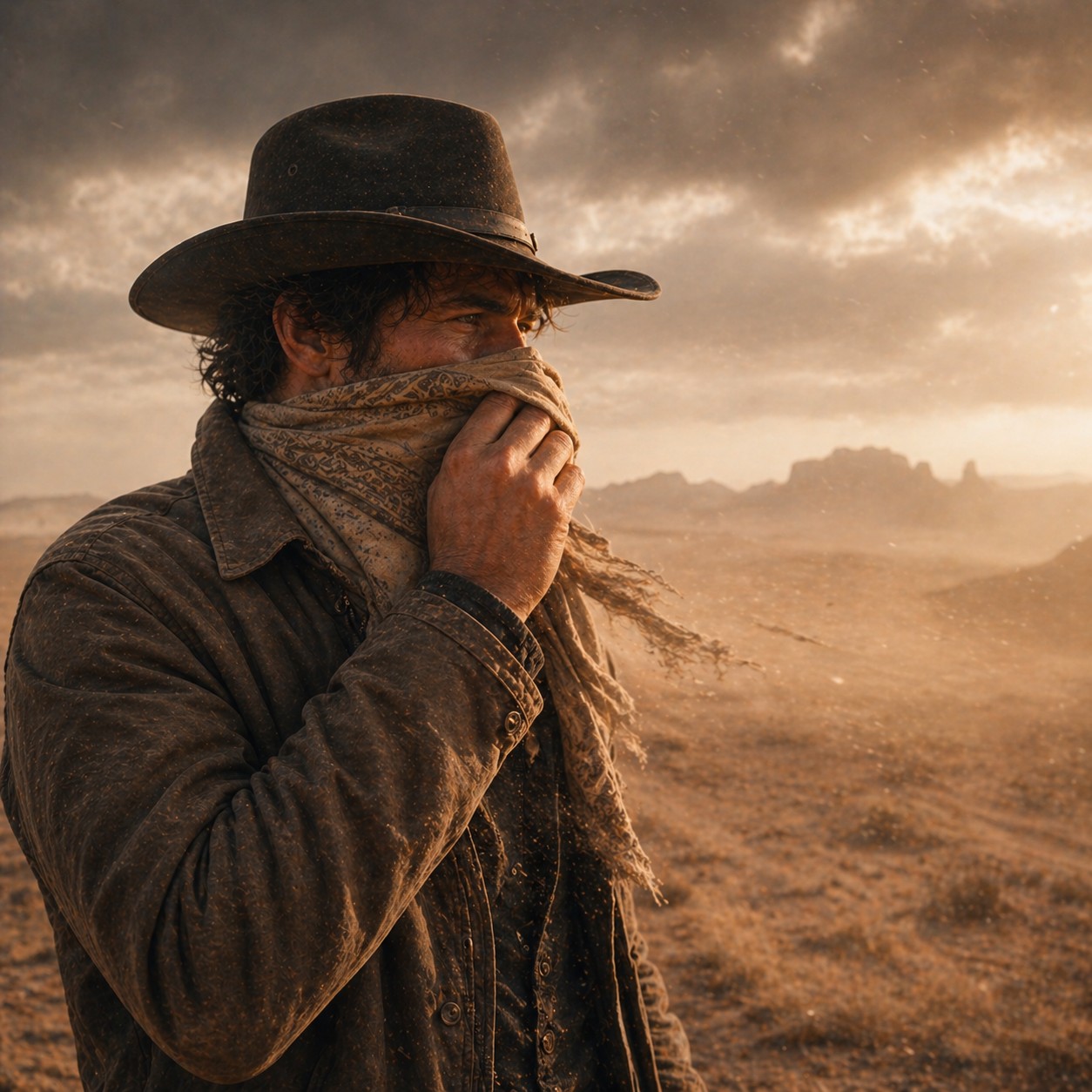 @germancowboy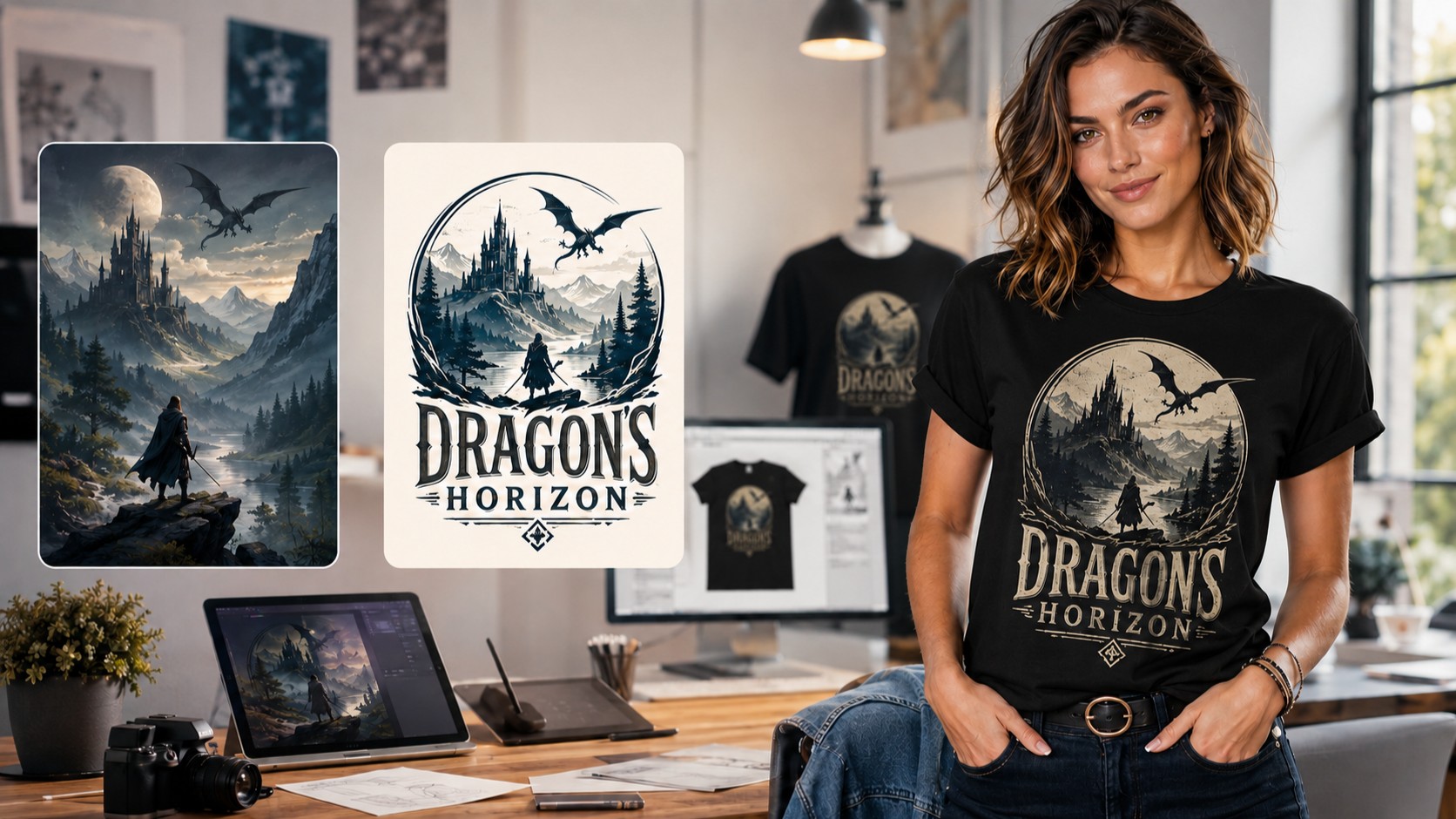
A Quick Method Using GPT Image 2
You do not need to create a completely new image every time you want a T-shirt design. With GPT Image 2, you can take artwork you already have and transform it into a cleaner, more focused design made specifically for printing on a shirt.
The original image can be almost anything: a fantasy scene, an animal, a character, a portrait, a challenge entry, a humorous image, or an older creation you would like to reuse.
The process is simple: choose an image, use the correct prompt, create the design at the highest quality available, and then upload the finished artwork to a T-shirt printing or selling site.
1. Choose Your Image
Start by uploading or selecting the image you want to transform.
Place it in the first reference-image position:
Reference Image 1: Your original artwork
The image does not already need to look like a T-shirt design. GPT Image 2 can simplify the composition, remove unnecessary background details, strengthen the main subject, and arrange everything into a more suitable print layout.
Images with one clear subject often work especially well. However, more detailed scenes can also produce interesting results when the most important elements are easy to recognize.
Before generating, choose the highest image quality available.
Useful formats include:
1:1 for compact, centered designs
3:4 for taller artwork with more vertical detail
4:5 for larger shirt-front compositions
A vertical format usually provides more room for the main artwork, title, and subtitle.
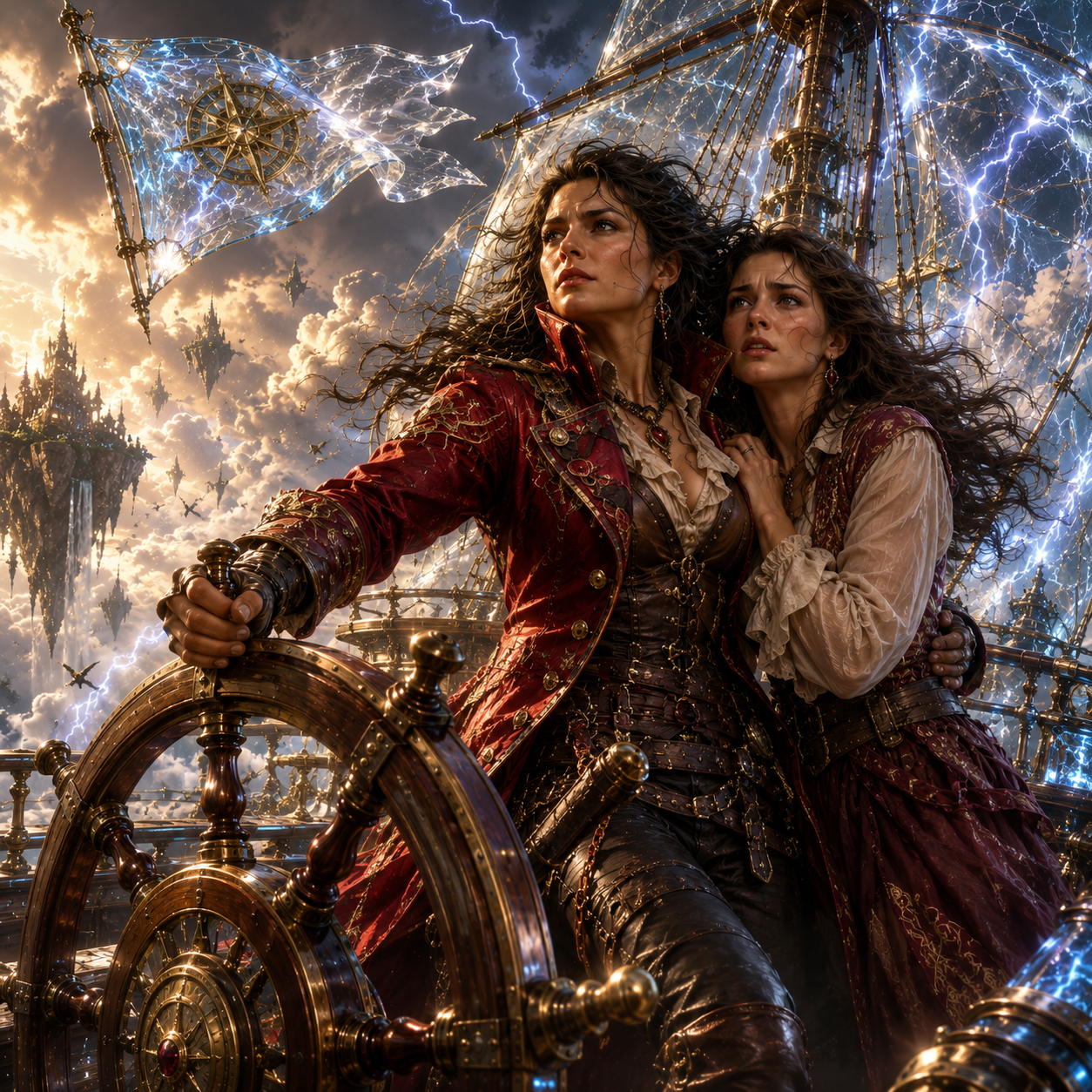
The selected original artwork used as Reference Image 1 for the T-shirt design.
2. Choose the Type of Design
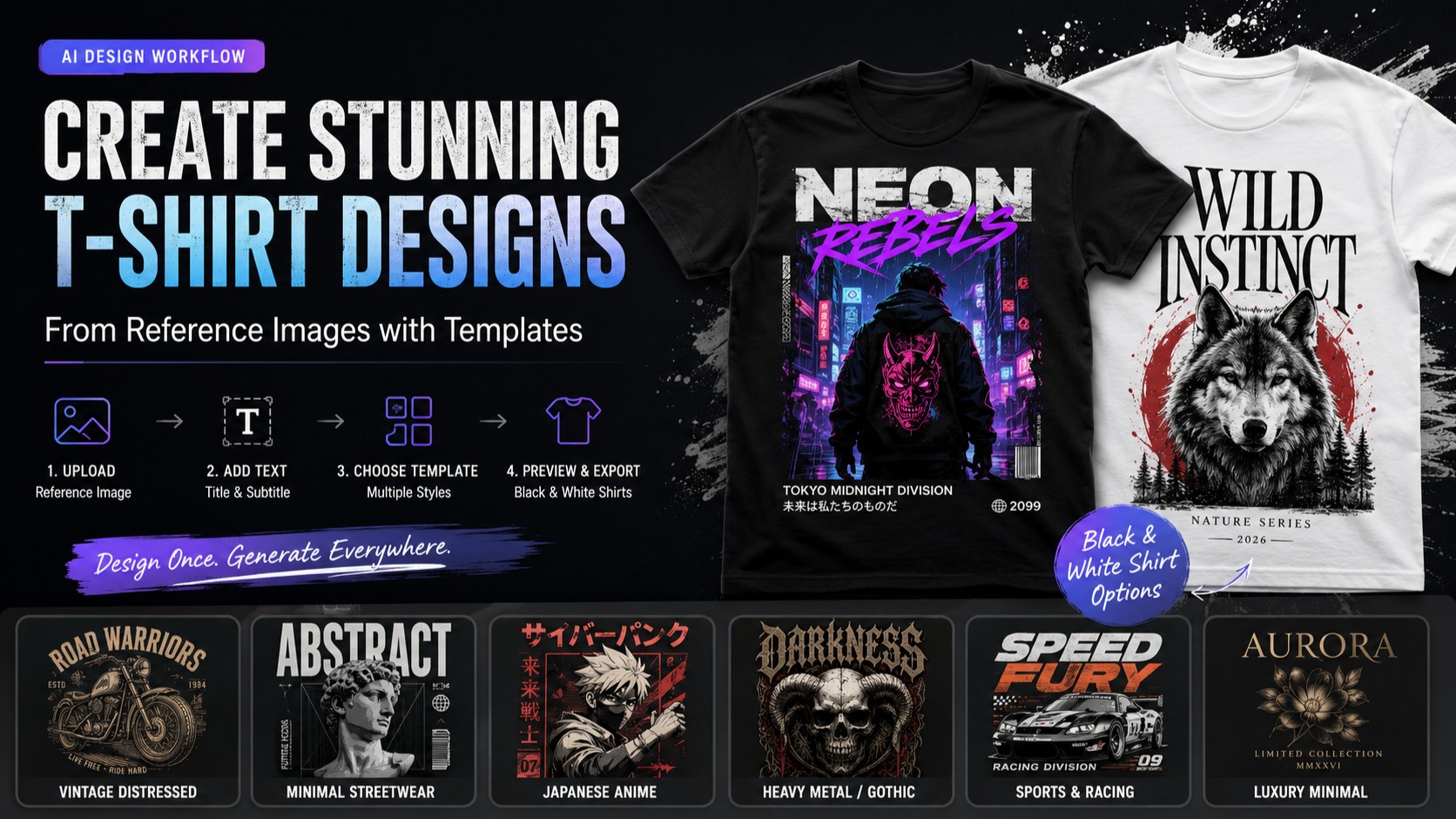
The prompt should tell GPT Image 2 whether the design is intended for a black or white T-shirt.
This is important because the same artwork may need different colors, outlines, highlights, and contrast depending on the shirt color.
Design for a White T-Shirt
Use darker outlines, deeper colors, and enough contrast so the artwork does not disappear against the white fabric.
A graphic t-shirt design featuring image 1.

The central graphic is bold, colorful and bright,
isolated on a solid white background.

Clean typography is integrated smoothly into
the design, reading exactly:

"[TITLE]"

Subtitle:
"[SUBTITLE]"

High contrast, screen-printed aesthetic,
vector illustration, trending on TeePublic,
commercial apparel design, 8K resolution,
vector style, transparent background.

--no photorealism
--no t-shirt mockup
Design for a Black T-Shirt
Use brighter details, pale lettering, stronger highlights, and clearly separated shapes so the design remains visible against dark fabric.
A graphic t-shirt design featuring image 1.

The central graphic is vibrant and highly detailed,
optimized for a black garment.

Typography integrated smoothly into the artwork,
reading exactly:

"[TITLE]"

Subtitle:
"[SUBTITLE]"

Bright highlights, strong contrast,
professional screen-print design,
vector illustration, apparel graphic,
8K resolution, transparent background.

--no photorealism
--no t-shirt mockup
Replace [TITLE] and [SUBTITLE] with your own wording before generating.
The title should usually be short and easy to read. The subtitle can be a slogan, description, location, humorous phrase, or short statement connected to the image.
For example:
Title: Rhea & Isolde
Subtitle: The Sky Will Not Take Us
3. Create the Design
Select the highest available quality and generate the image.
Check the result carefully:
● Is the main subject recognizable?
● Is the title spelled correctly?
● Is the subtitle correct?
● Is the design centered?
● Is the background fully removed when using the transparent version?
● Does the artwork have enough contrast for the intended shirt color?
When something needs correcting, request only the necessary change.
For example:
Keep the complete design unchanged, but correct the title to “[TITLE].”
Keep everything else unchanged, but remove the remaining background.
Keep the artwork unchanged, but make the complete design larger and more centered.
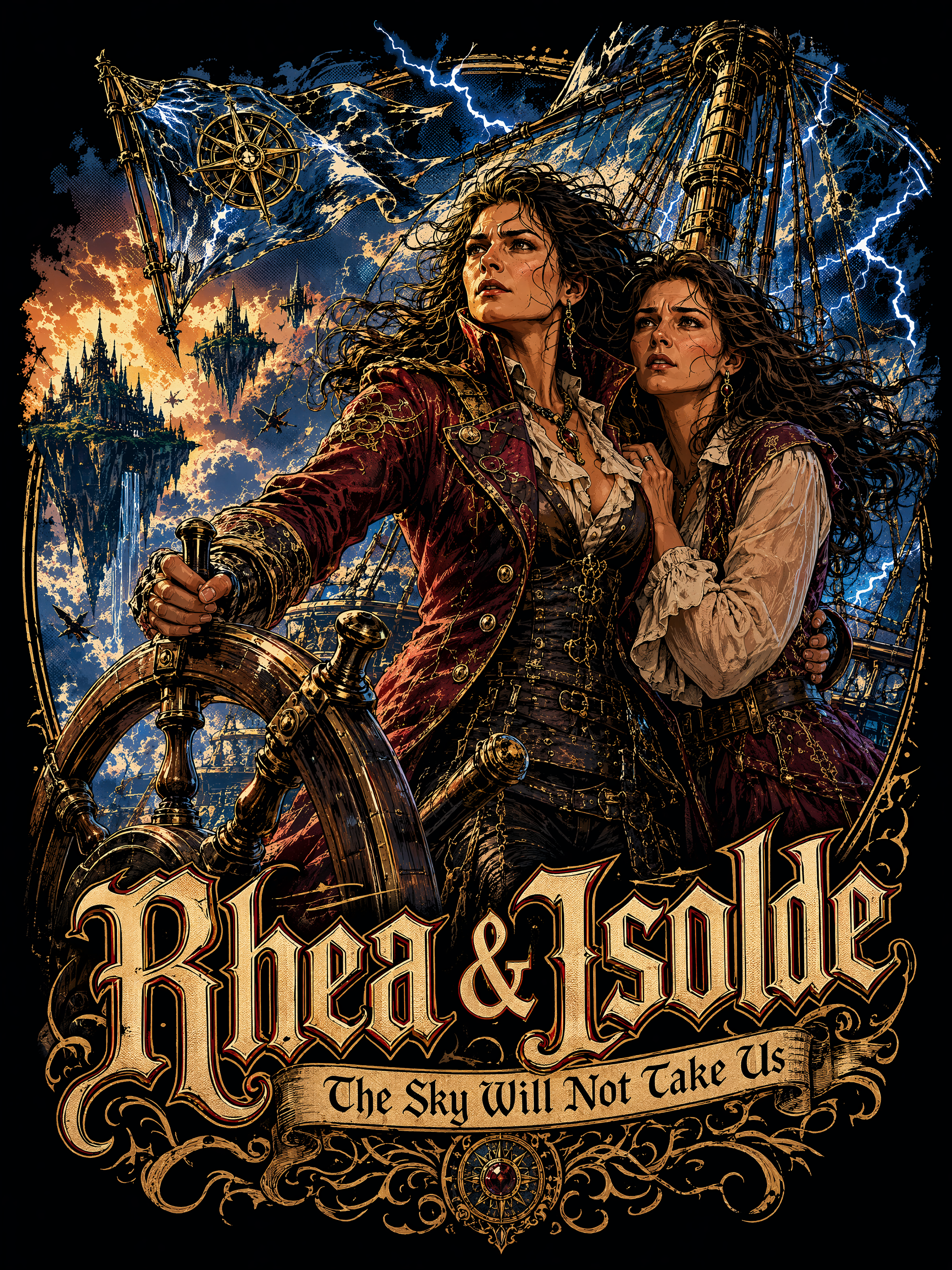
The finished artwork—clean, centered, and ready to be printed on a T-shirt.
A graphic t-shirt design featuring image 1.

The central graphic is vibrant and highly detailed,
optimized for a black garment.

Typography integrated smoothly into the artwork,
reading exactly:

"Rhea & Isolde"

Subtitle:
"The Sky Will Not Take Us"

Bright highlights, strong contrast,
professional screen-print design,
vector illustration, apparel graphic,
8K resolution, transparent background.

--no photorealism
--no t-shirt mockup
The exact prompt used to transform the original image into this finished T-shirt design.
4. Use the Finished Artwork
Once you are satisfied with the design, download the highest-quality version.
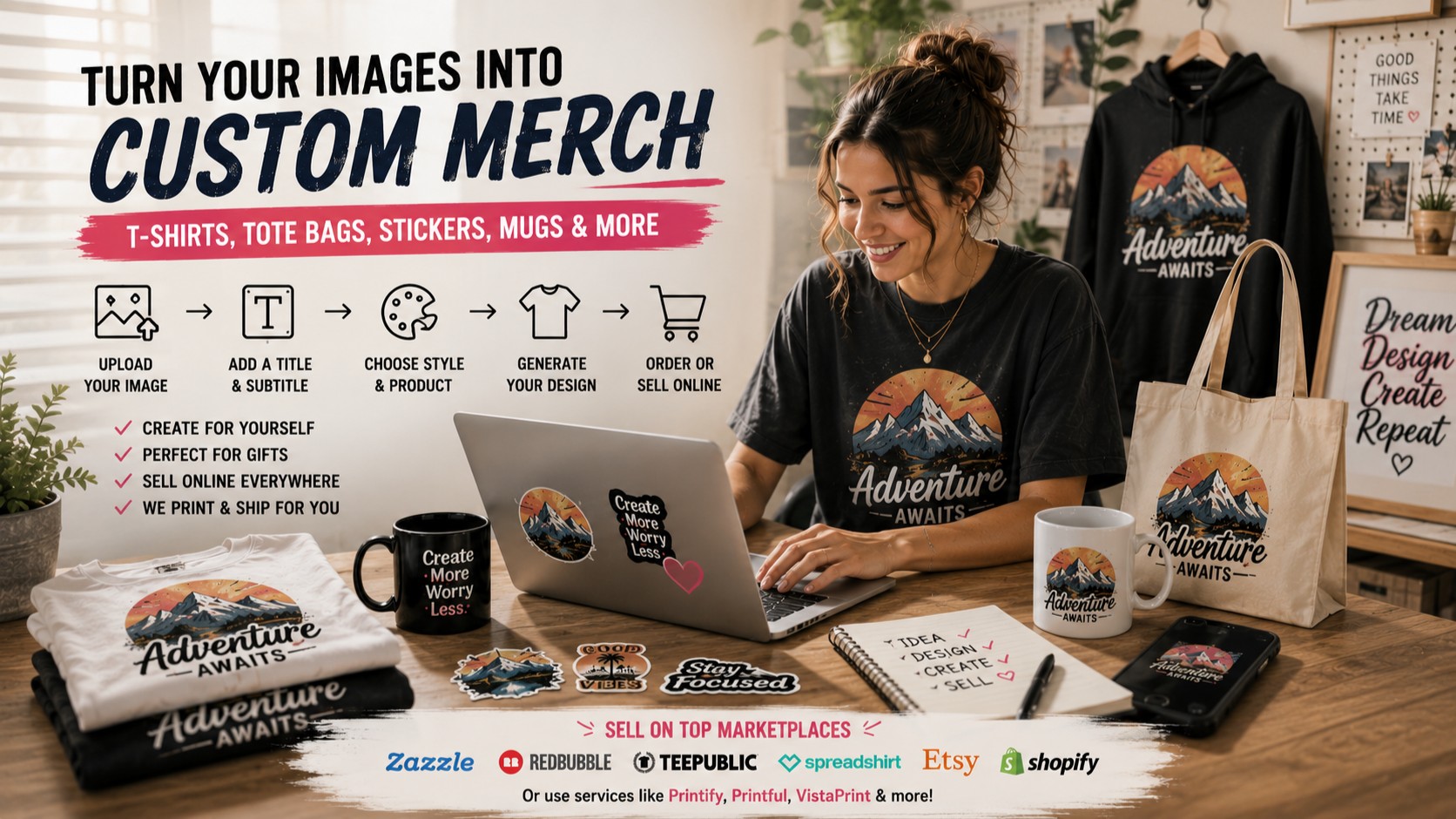
The finished artwork can then be uploaded to an online T-shirt printing service or a site that allows you to sell printed shirts.
Before uploading, check the service’s requirements. Different sites may request different image dimensions, file types, background settings, and print areas.
Pay special attention to:
● Required image size
● Accepted file format
● Maximum upload size
● Transparent or solid background requirements
● Recommended print dimensions
● Placement on the front of the shirt
● Whether the site allows commercial use
Always preview the shirt before ordering or publishing it for sale. A design that looks correct as an image may appear too small, too low, or too close to the edges when placed on a shirt.
The print preview should show the complete artwork clearly without covering seams, sleeves, or areas outside the printable section.
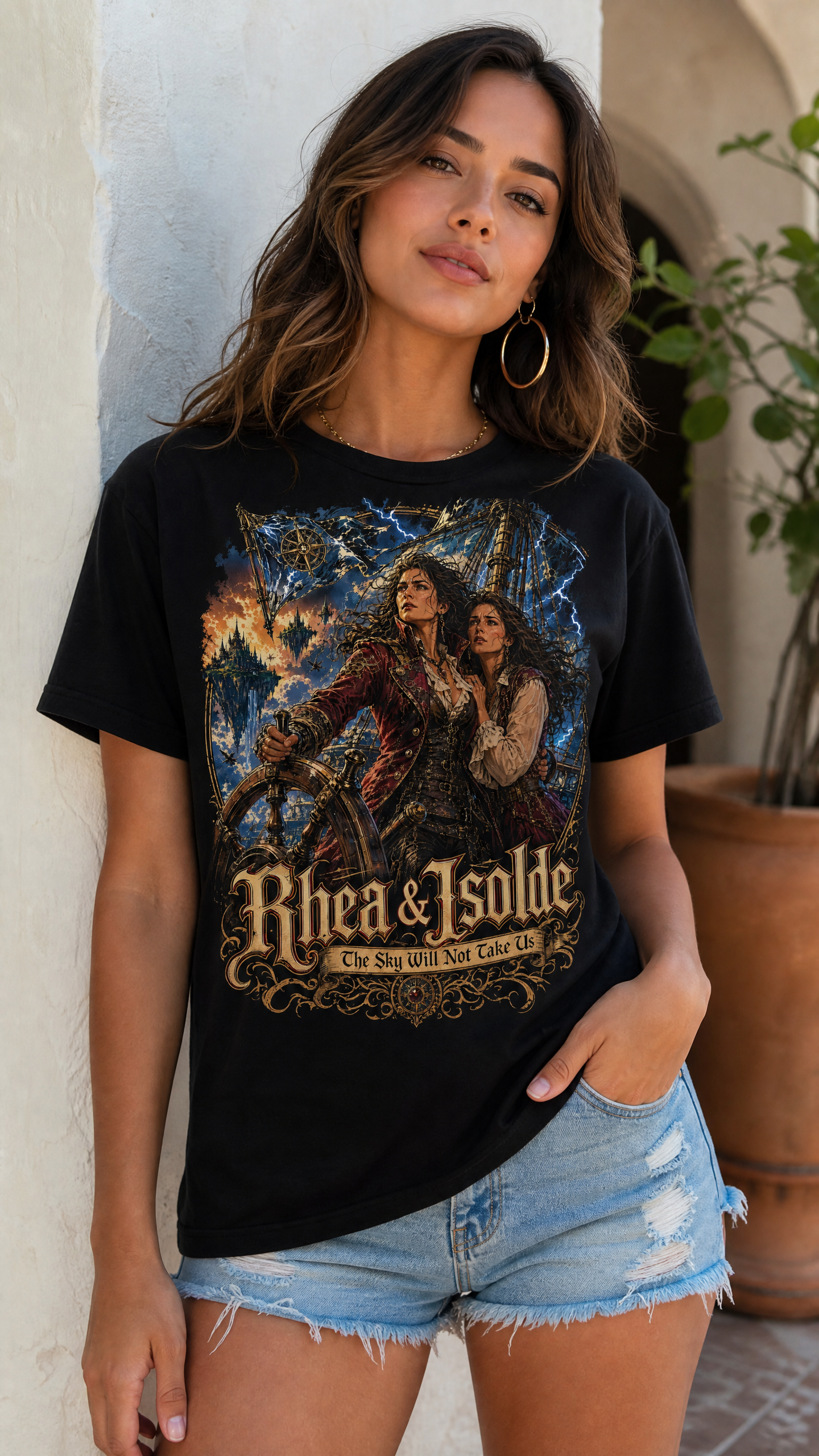
From artwork to wearable design—the finished T-shirt brings the original image to life.
5. Tips and Tricks
When Transparent Background Is Not Available
If the image generator does not offer a transparent-background option, create the design on a plain bright green background and remove the green afterward in an image editor or background-removal tool.
Add this instruction to the prompt:
Create only the isolated design on a plain bright green background. Keep the edges clean and clearly separated from the background. Do not add shadows, textures, scenery, or extra objects.
This works best when the artwork itself does not contain much green. If it does, choose another solid background color that is not used in the design, such as white, black, bright blue, or magenta.
Avoid adding shadows or colored glows around the design, because these can make the background harder to remove cleanly. After removing the background, inspect small details, hair, lettering, and inner gaps before saving the finished artwork as a PNG.
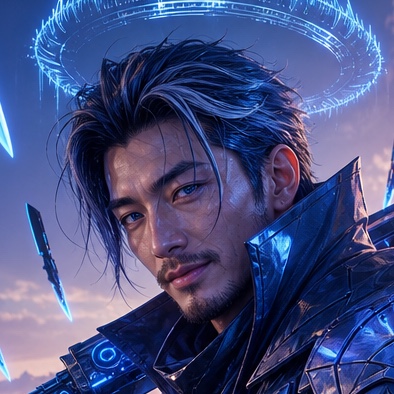 @EternaSky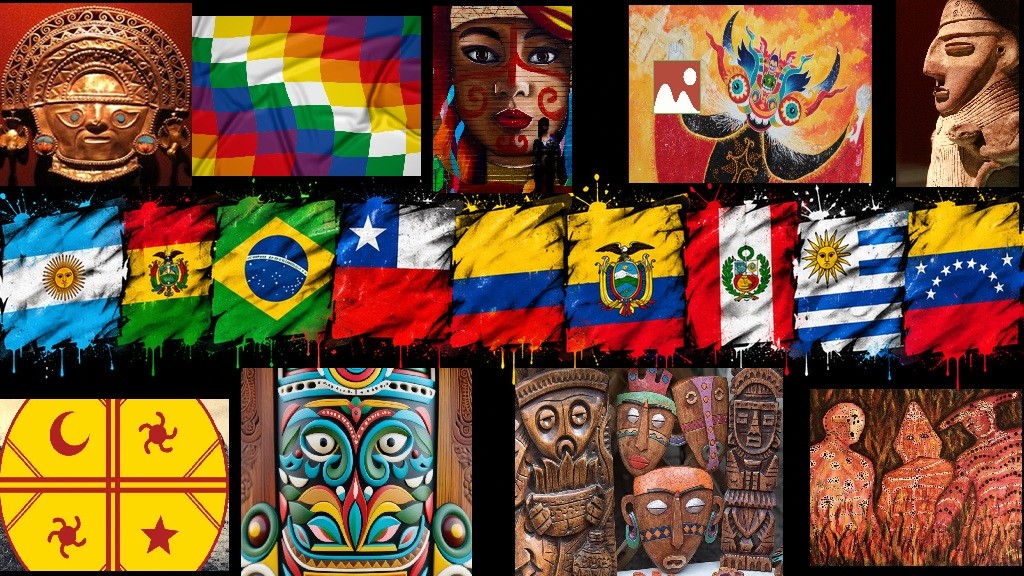
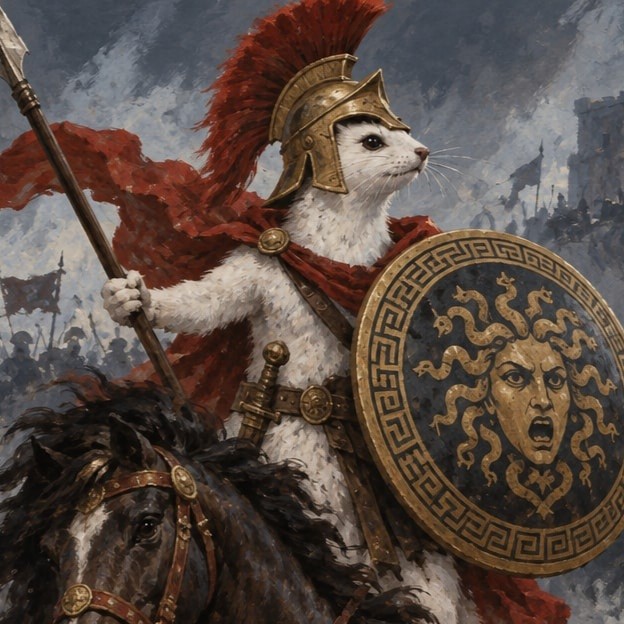 @southamericanmyth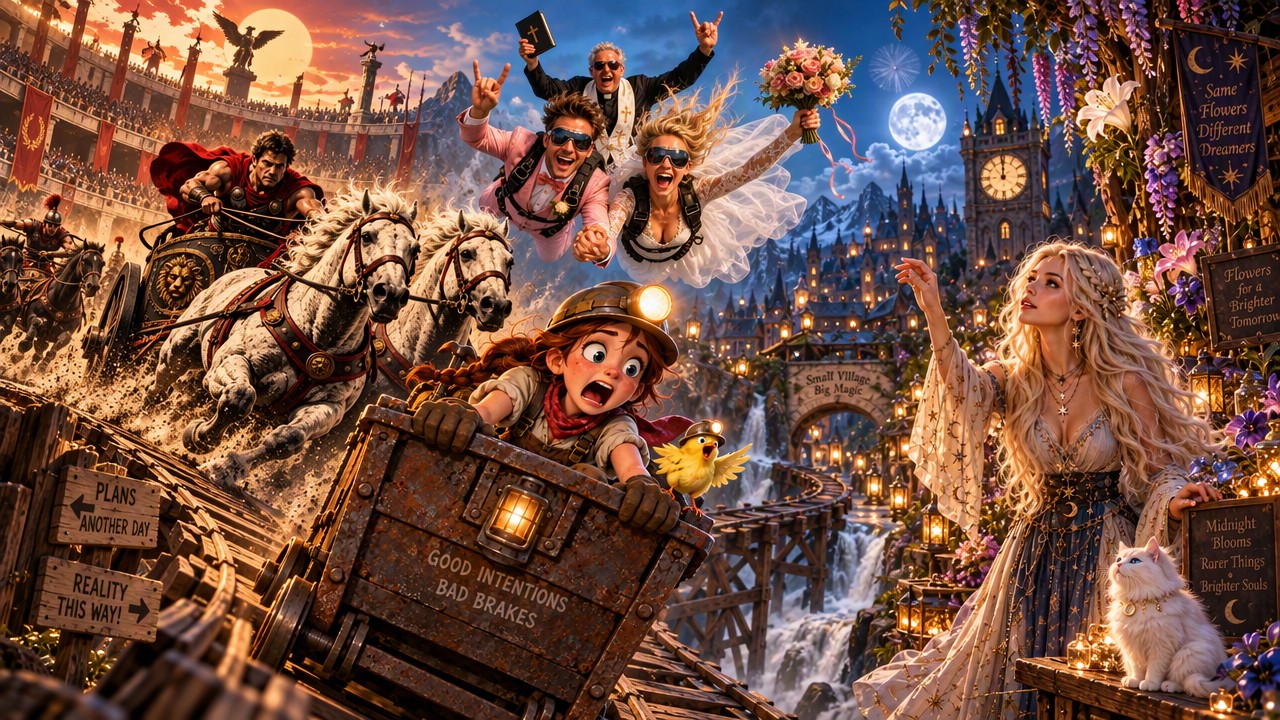
 @Sealine
 @CaylaCatz
 @DavidP
Comments (11)
Fantastic blog Thank you so much for your guidance & help
Thanks so much! Too kind! I think this one is much easier to follow than I previous ones. I also created one for stickers, that will come out soon. Thanks again.
Gute Idee für das Weihnachtsgeschenk für mein Enkel und dessen Frau mit Ihren Sohn (Ihre Hobby) 😉👍
Thank you this really works. I have created quite a few already
Yes most definitely although both blogs are very helpful thank you and can't wait for the sticker one please let me know
Sign in to read all 11 comments and add yours.