
Watercolour AI images
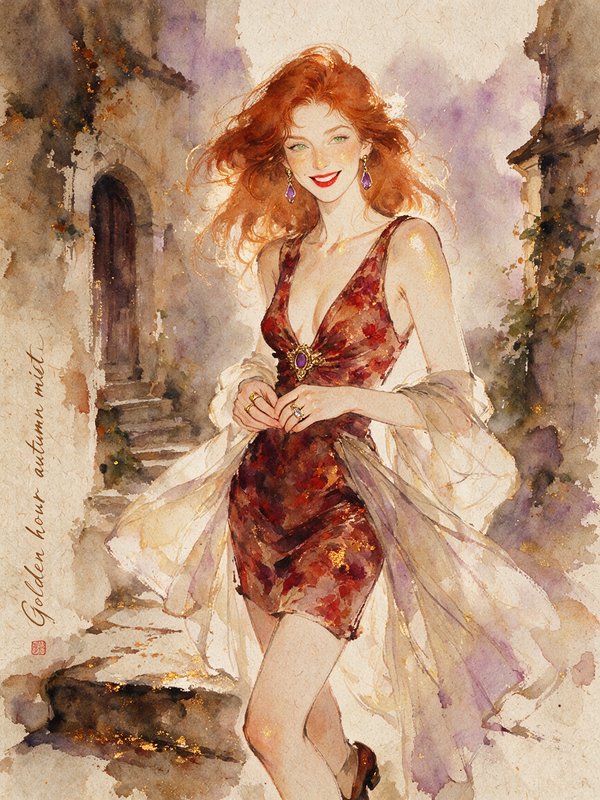
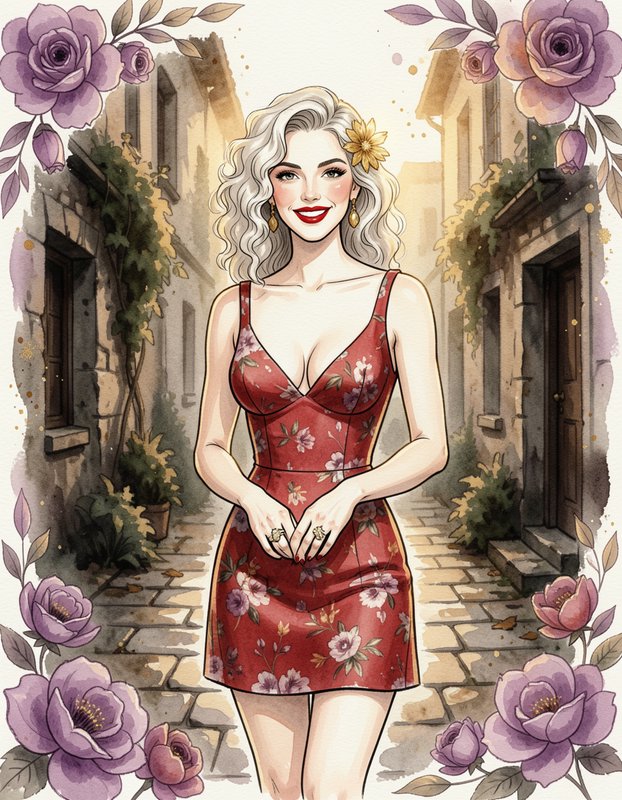
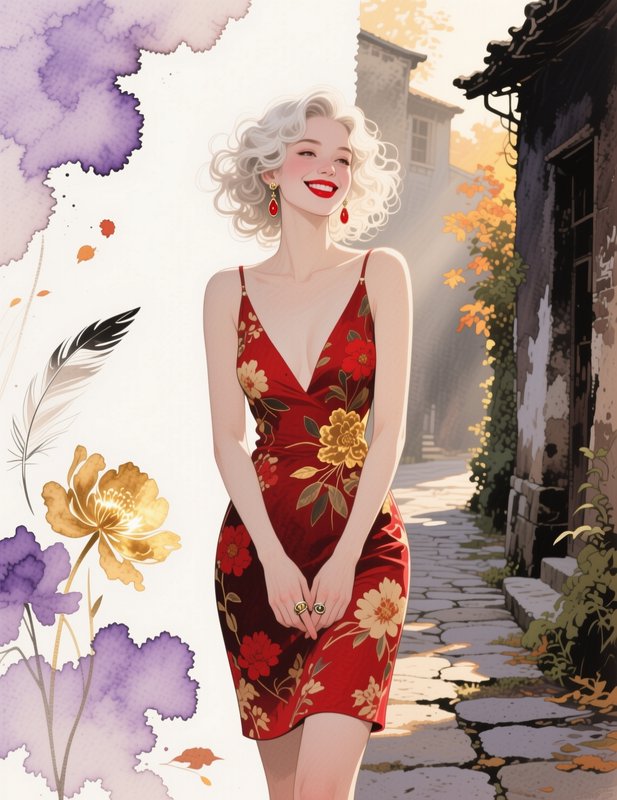
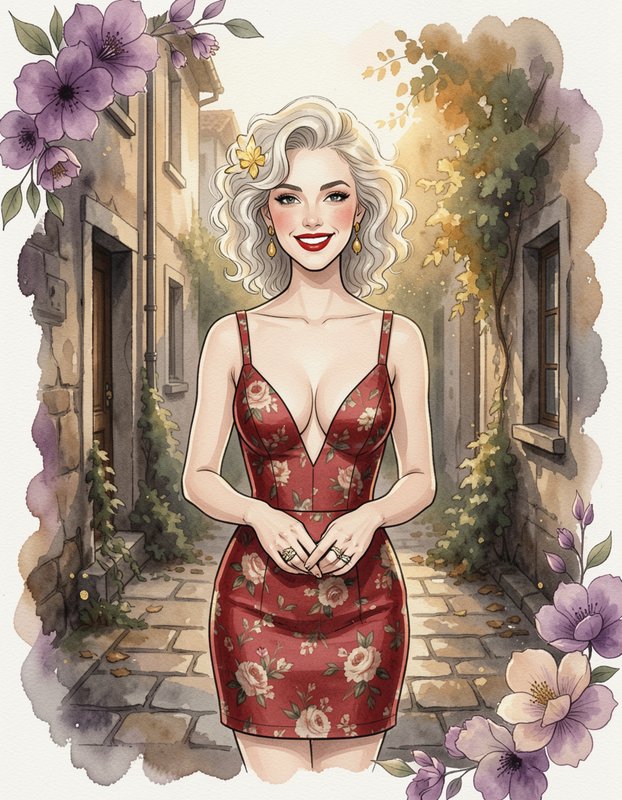
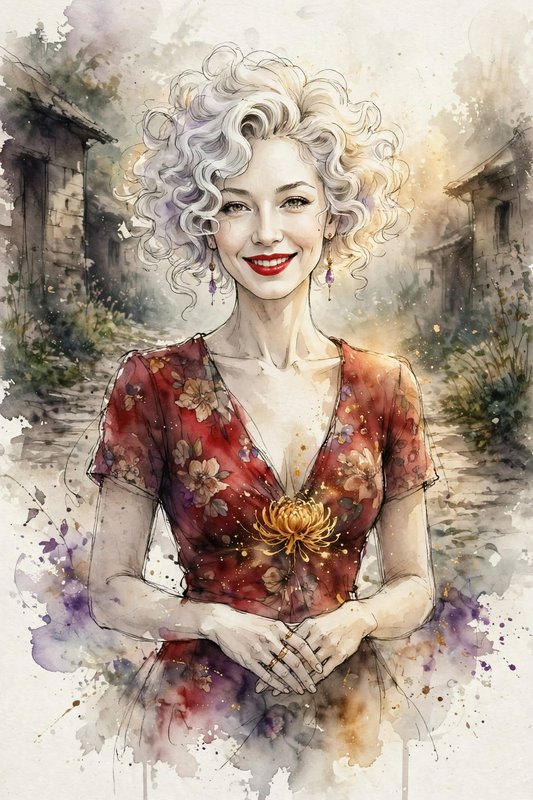
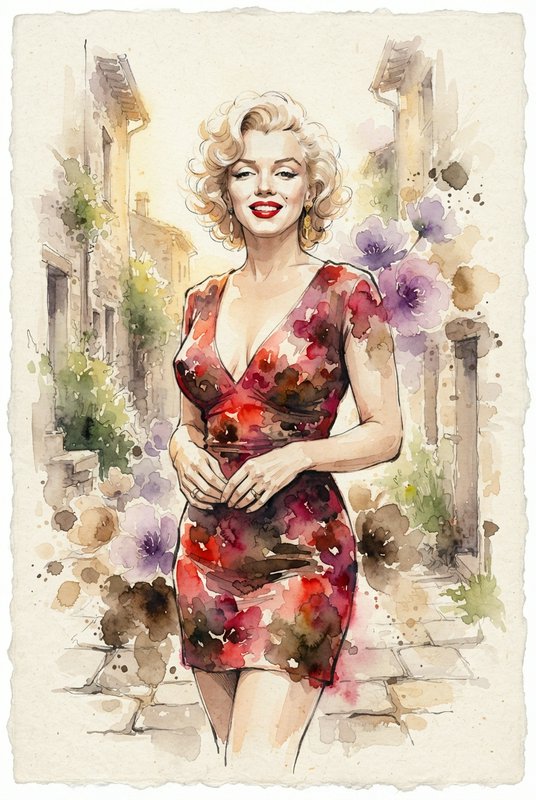
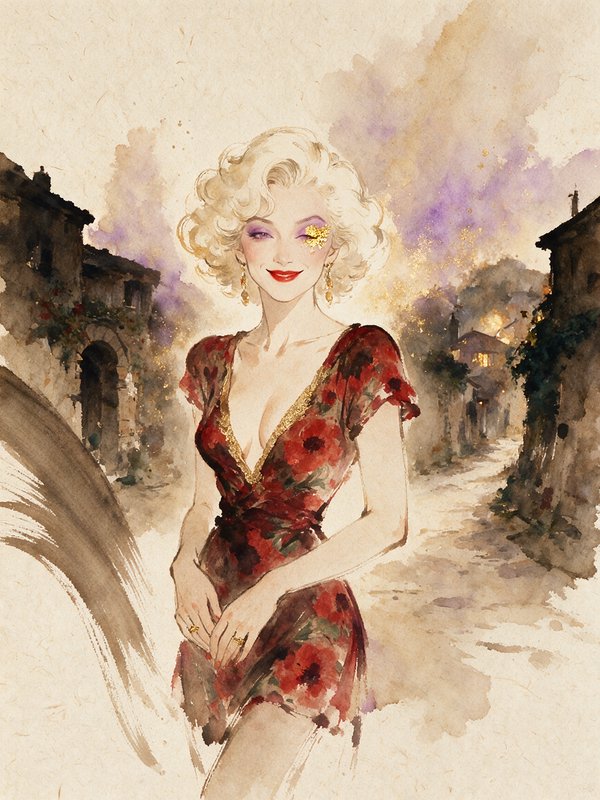
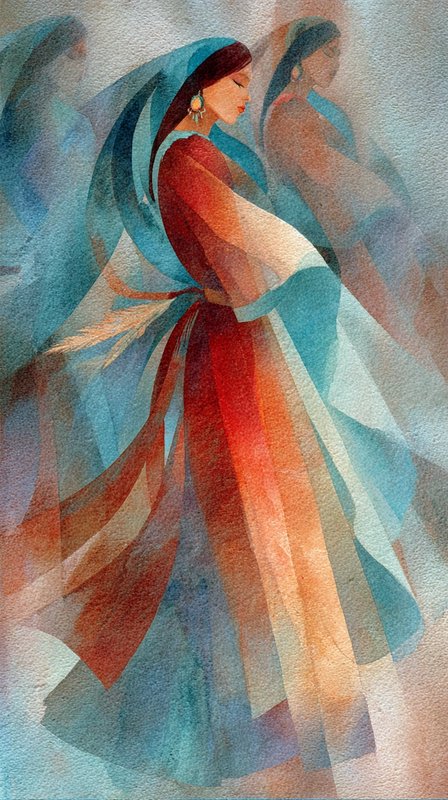
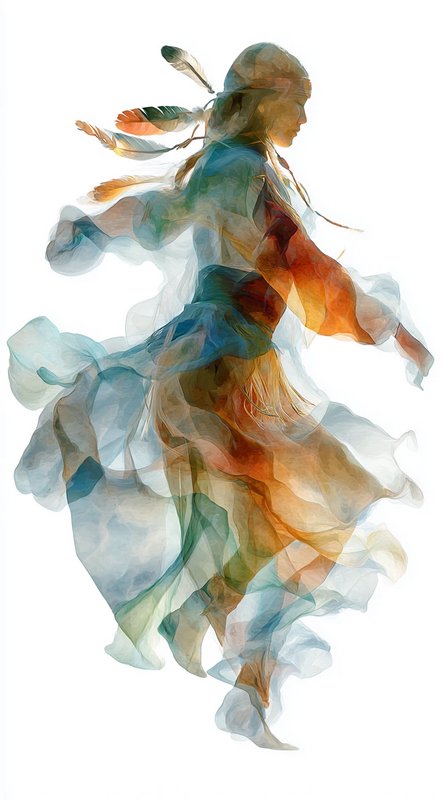
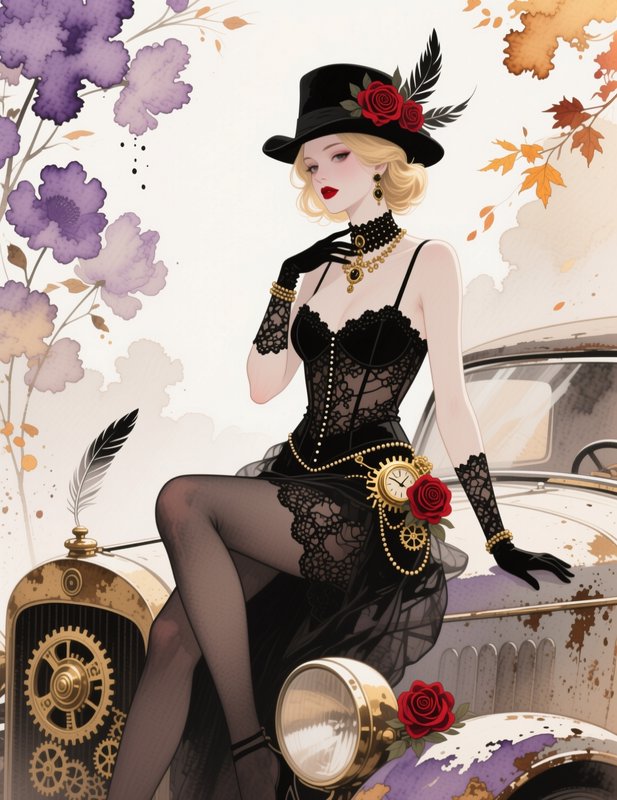
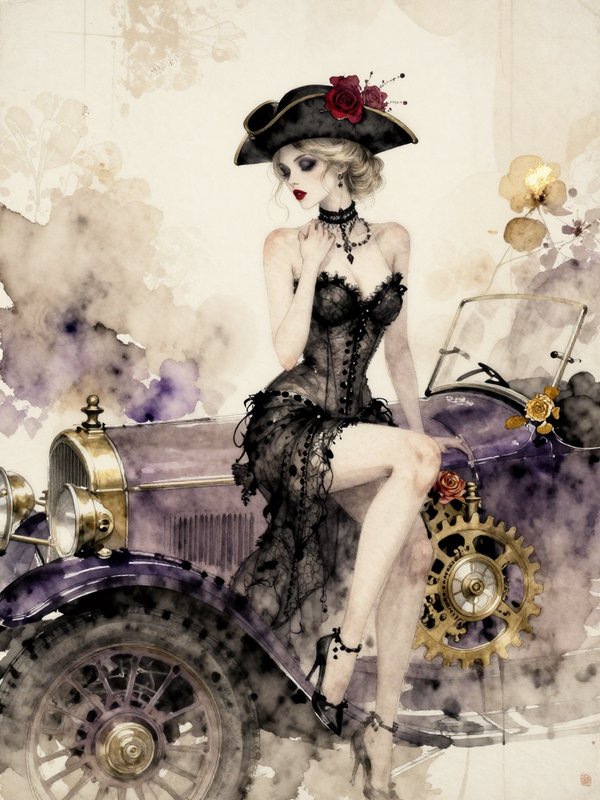
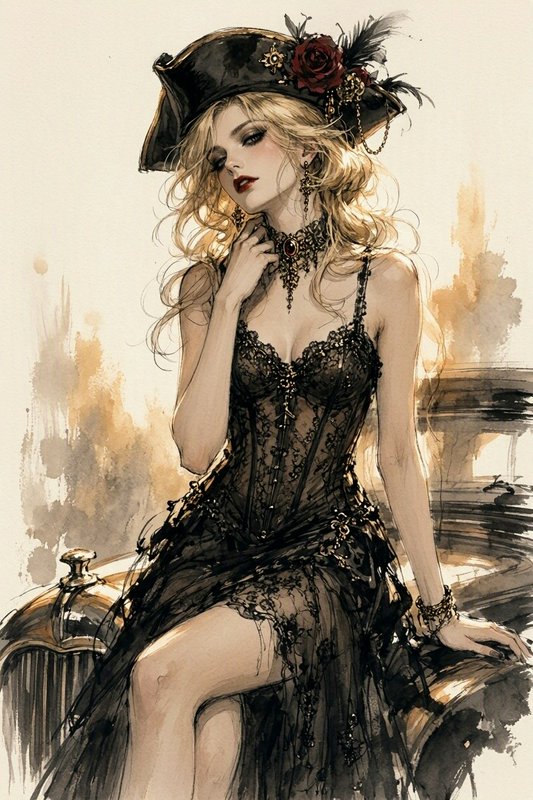
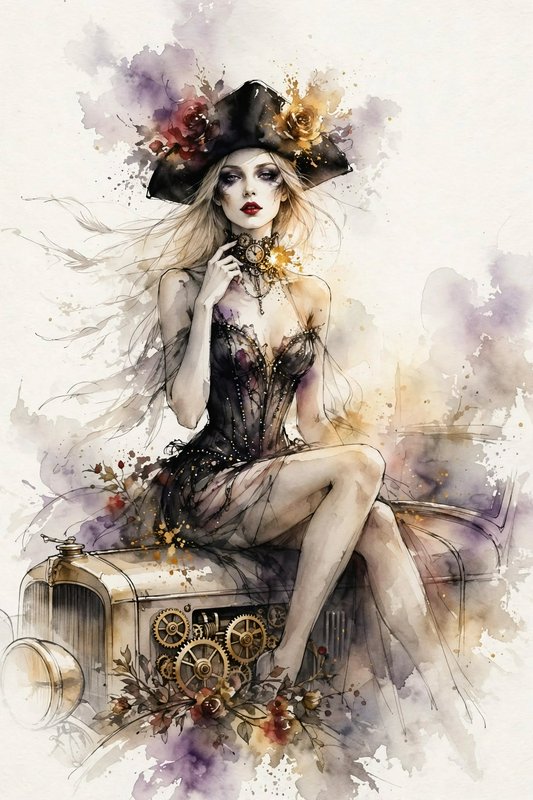
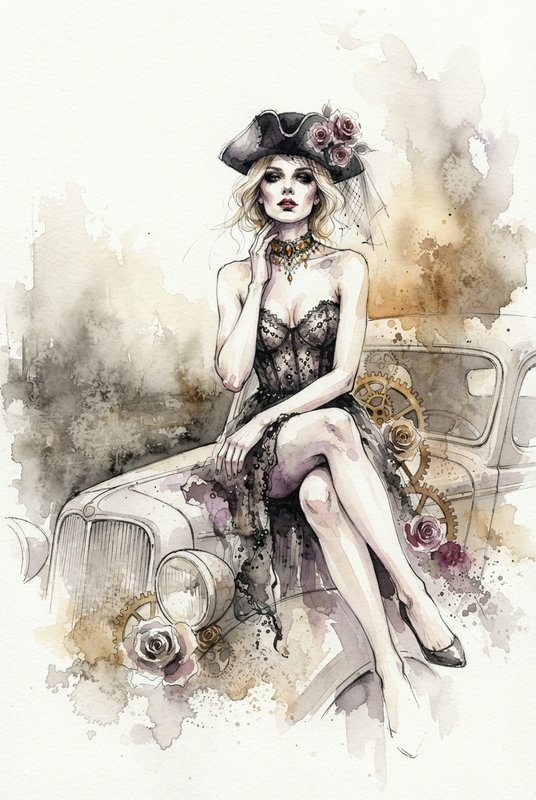
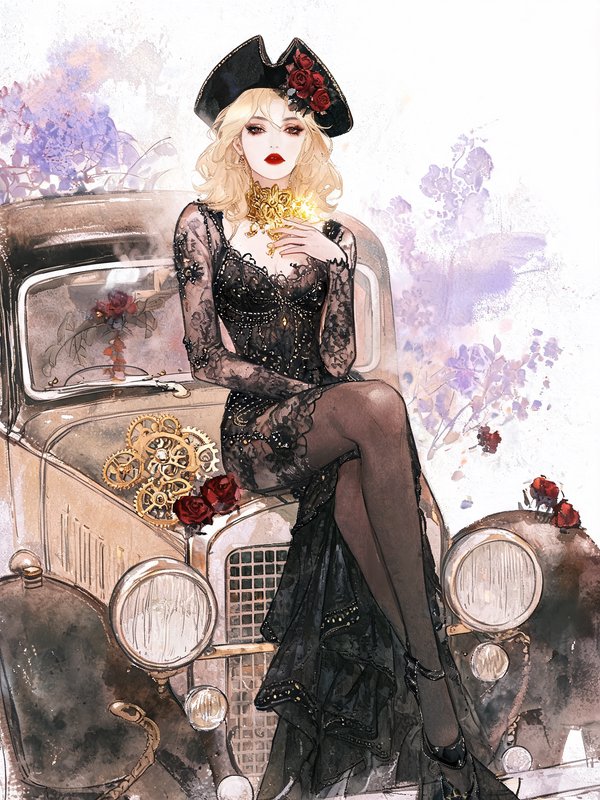
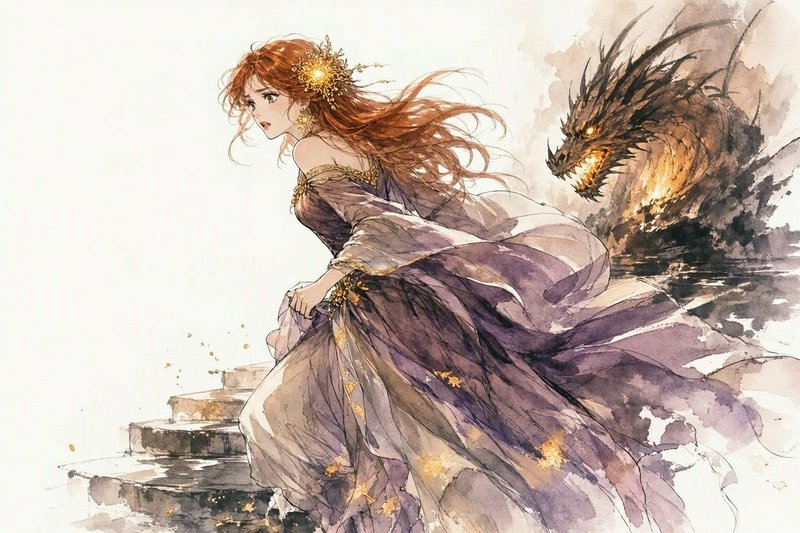
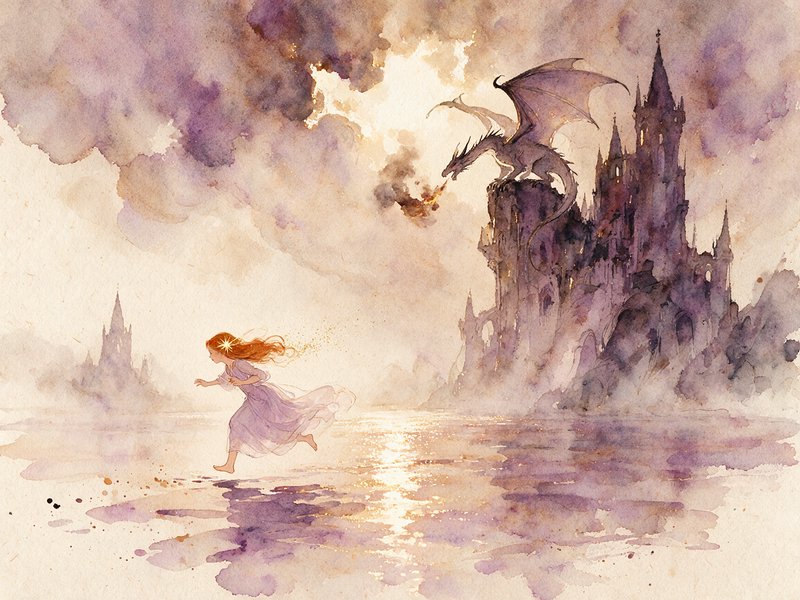
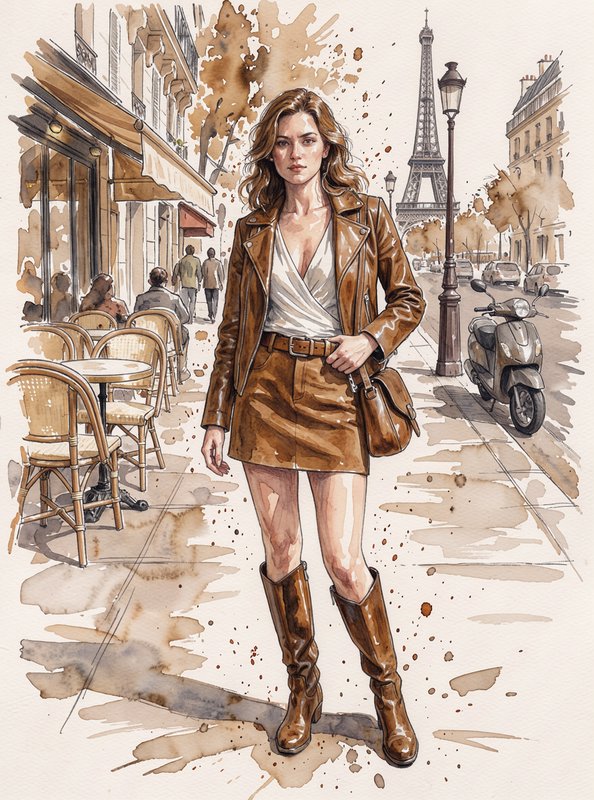
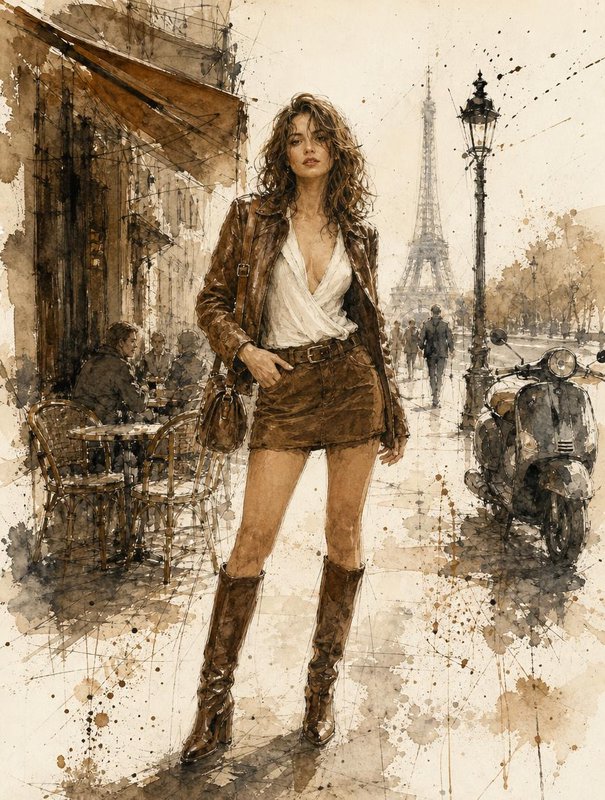
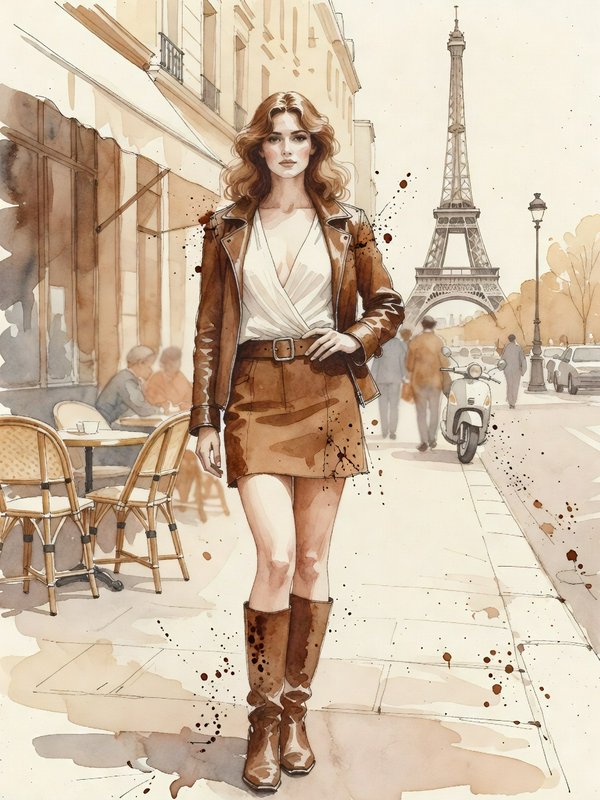
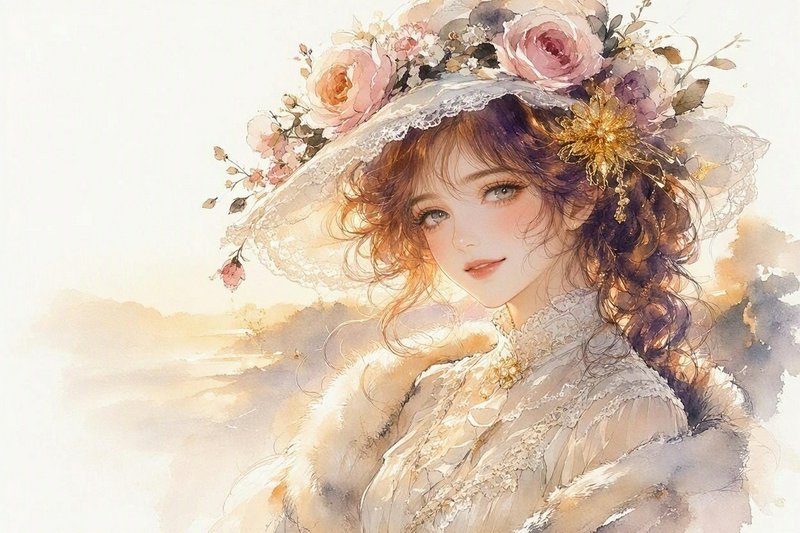
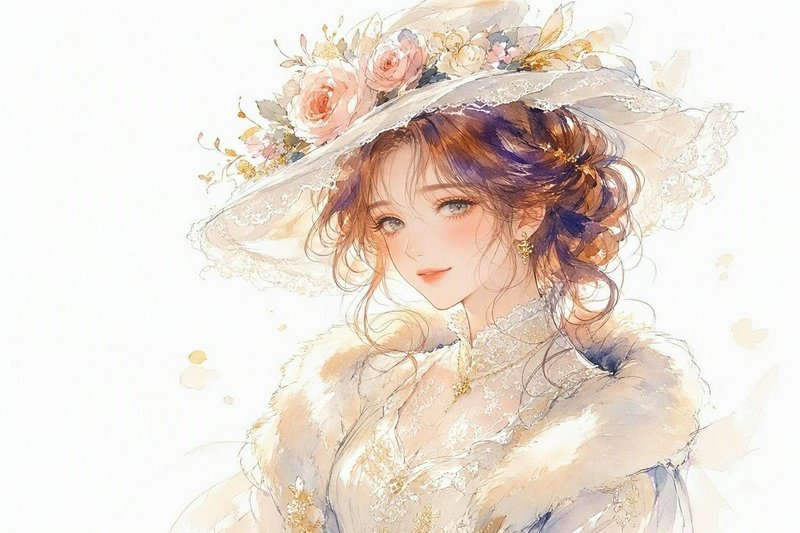
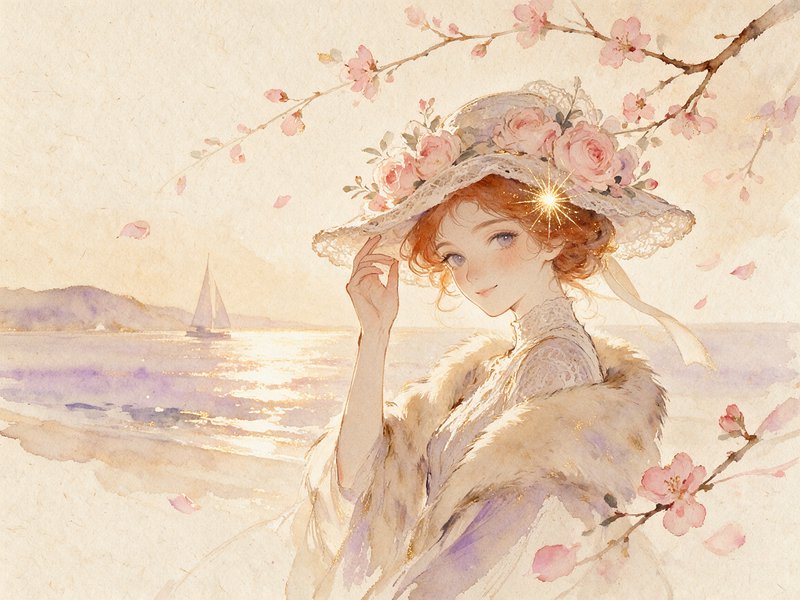
Watercolour washes, bleed and reserved white paper.
1,822 published by the BudgetPixel community
Watercolour is defined by transparency and by the behaviour of pigment in water. Light comes from the white of the paper showing through thin washes rather than from added white paint, and the medium's signature marks — blooms, hard edges where a wash dried, granulation in the pigment — are effects of drying, not brush technique. Prompts that name those marks get far closer than ones that name the medium.
8 images on this page are published under Creative Commons licences — free to use and adapt, including commercially, if you credit the creator. Look for the licence badge on a tile, or open it to see the exact credit line. How licensing works
Make your own watercolour image
Everything in this grid was generated on BudgetPixel. Describe what you want and the same models will make it.
Start creatingMake your own watercolour image
Everything in this grid was generated on BudgetPixel. Describe what you want and the same models will make it.
Start creating
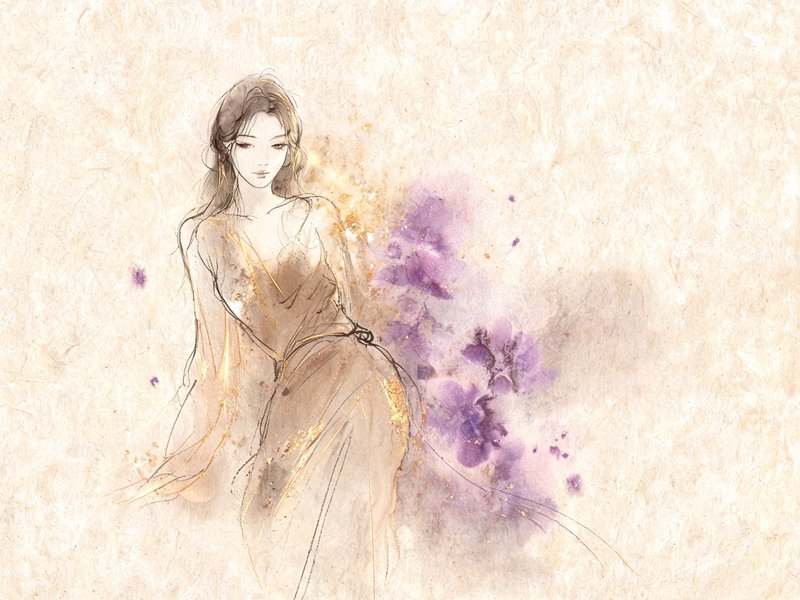
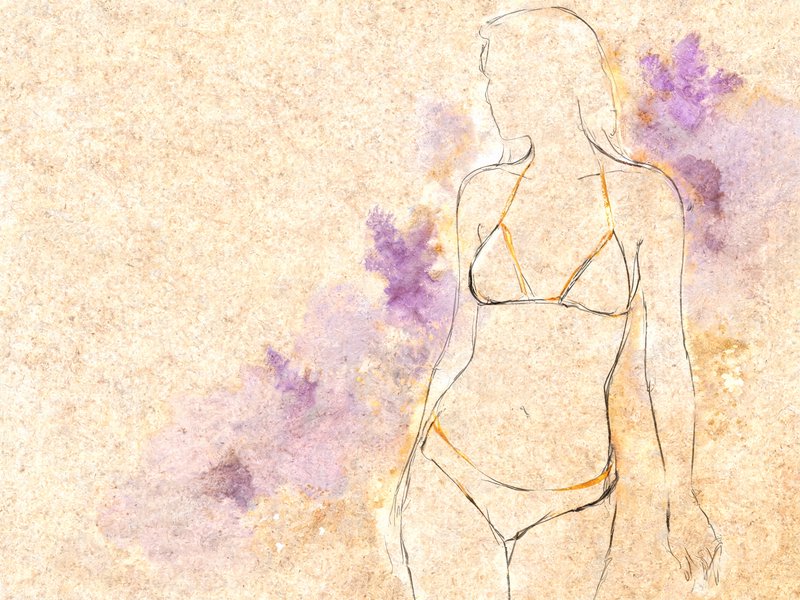
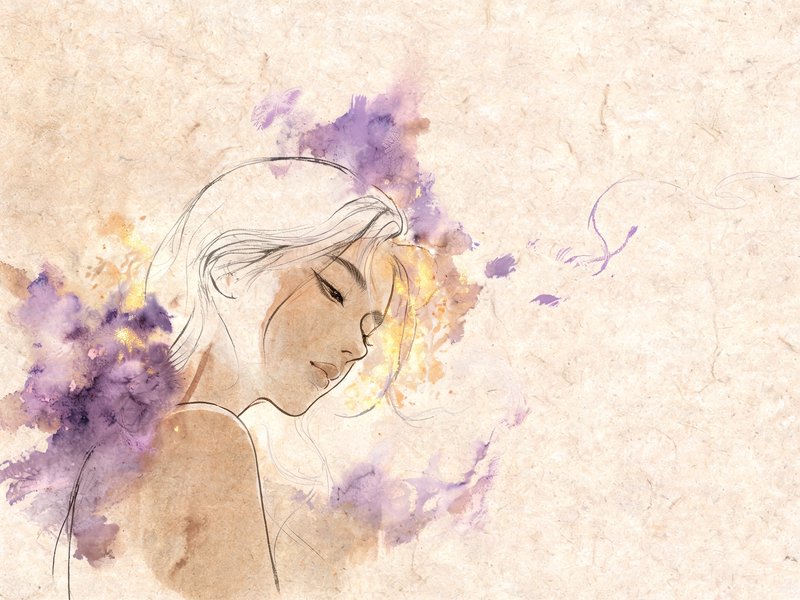
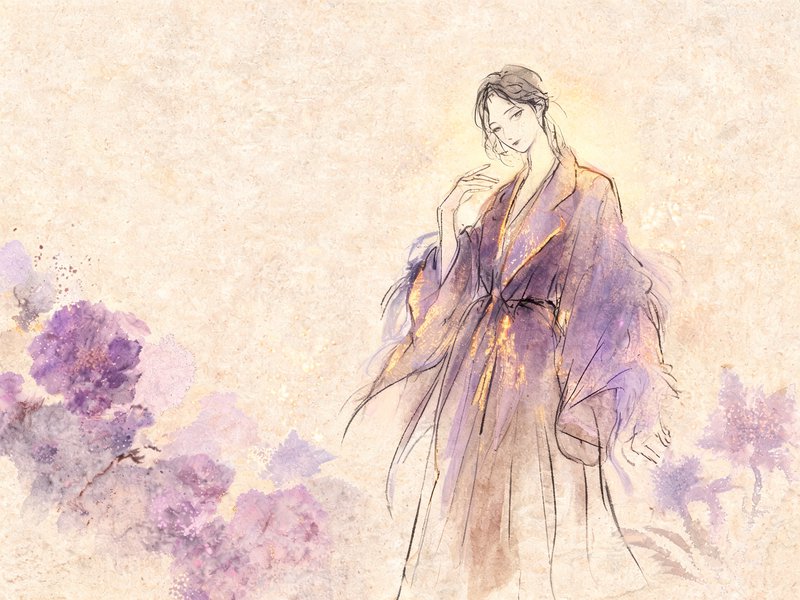
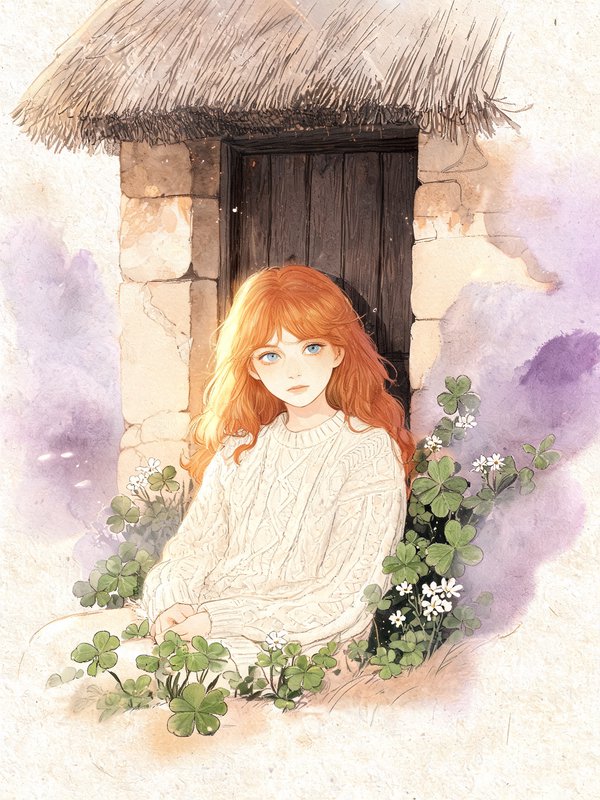
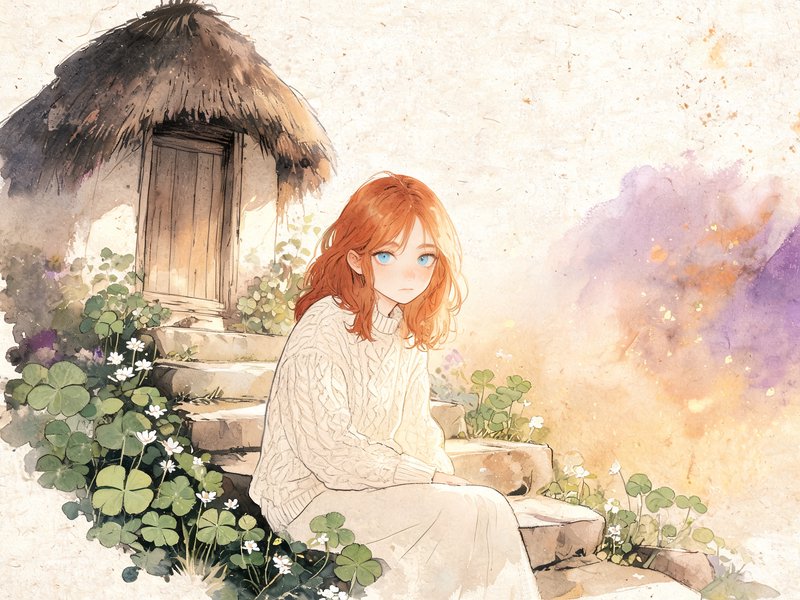
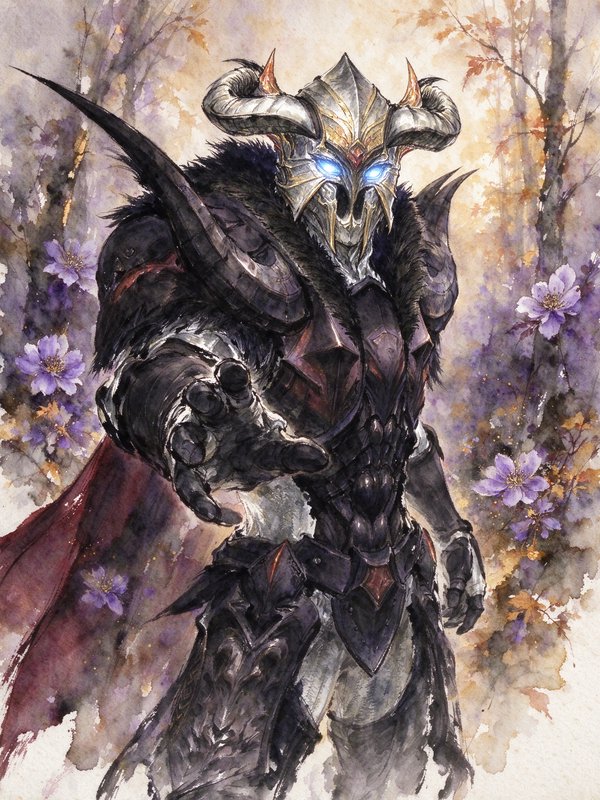
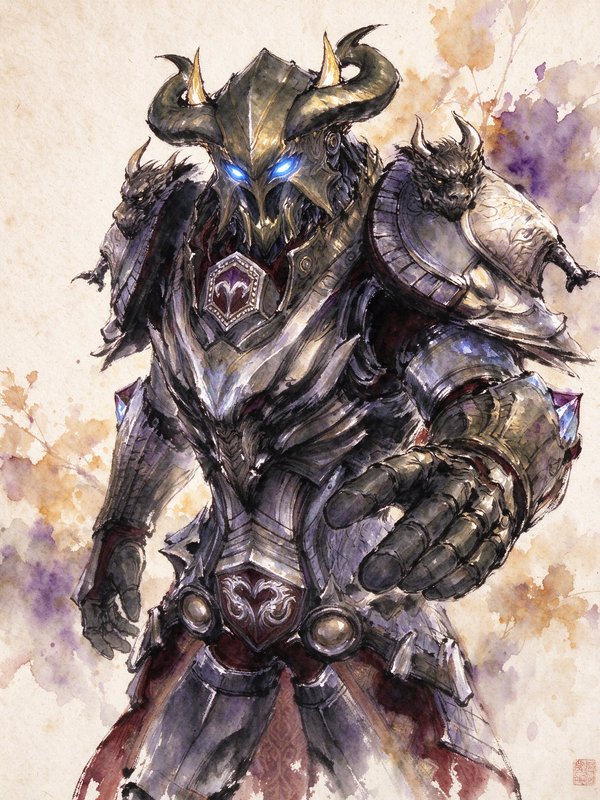
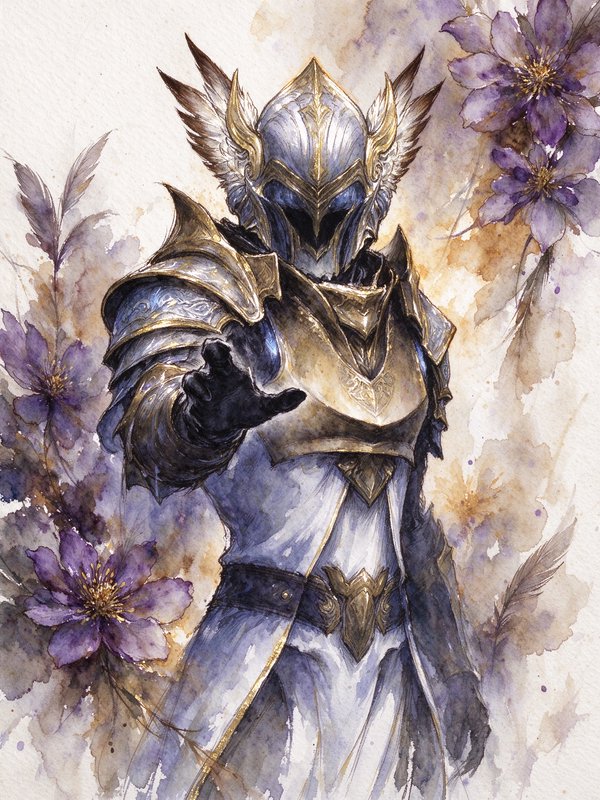
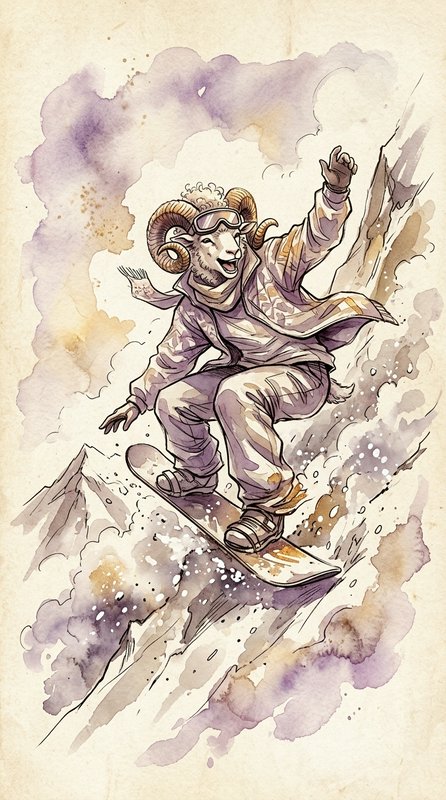
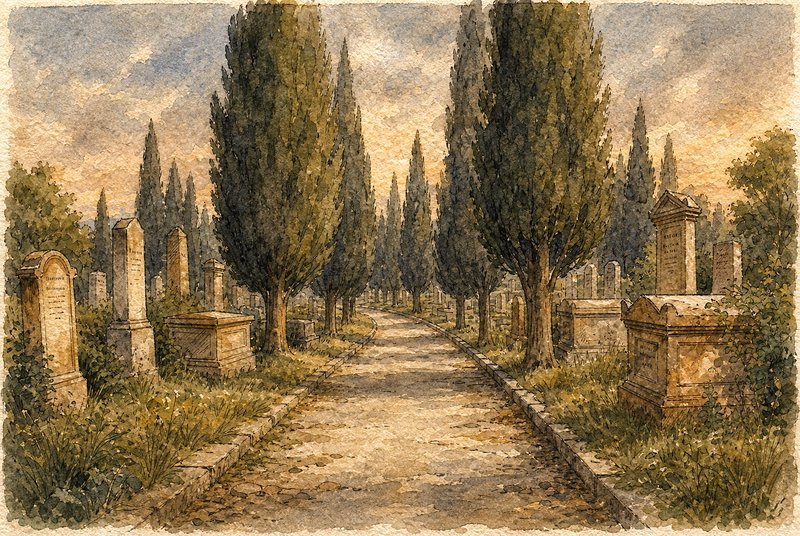
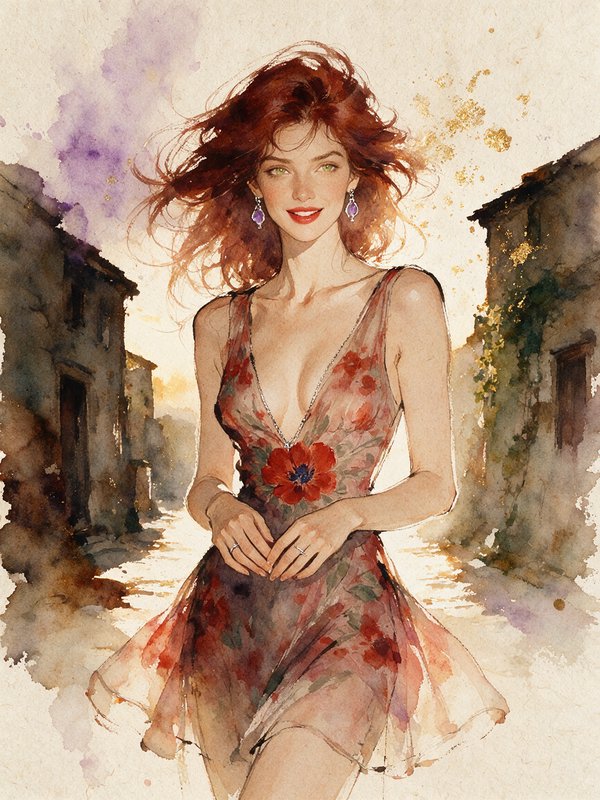
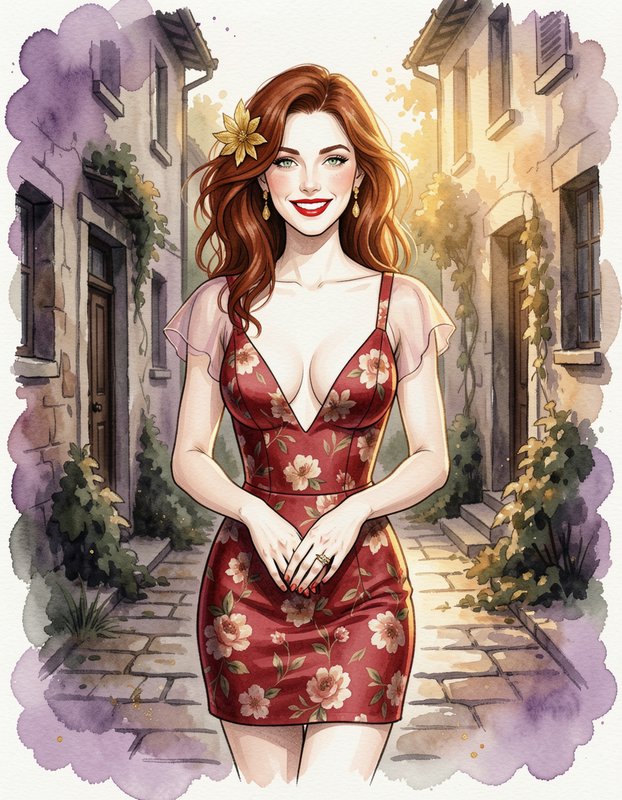
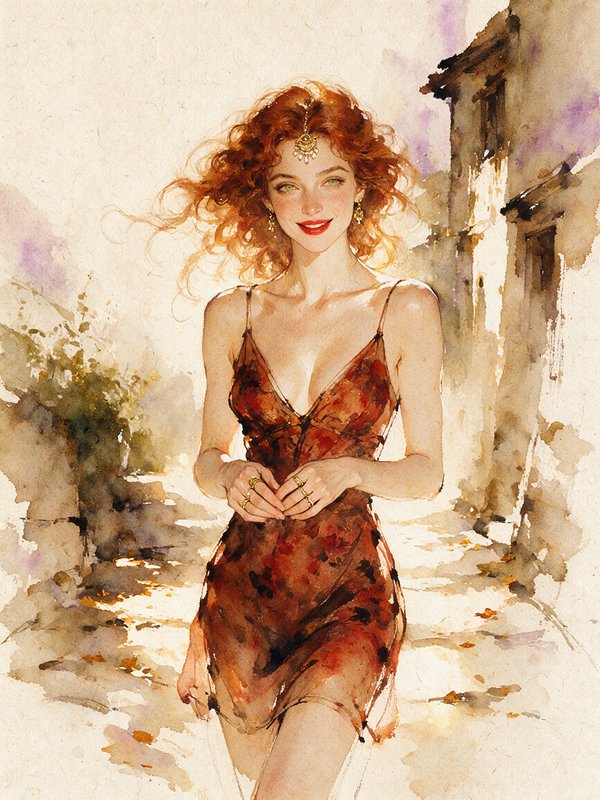
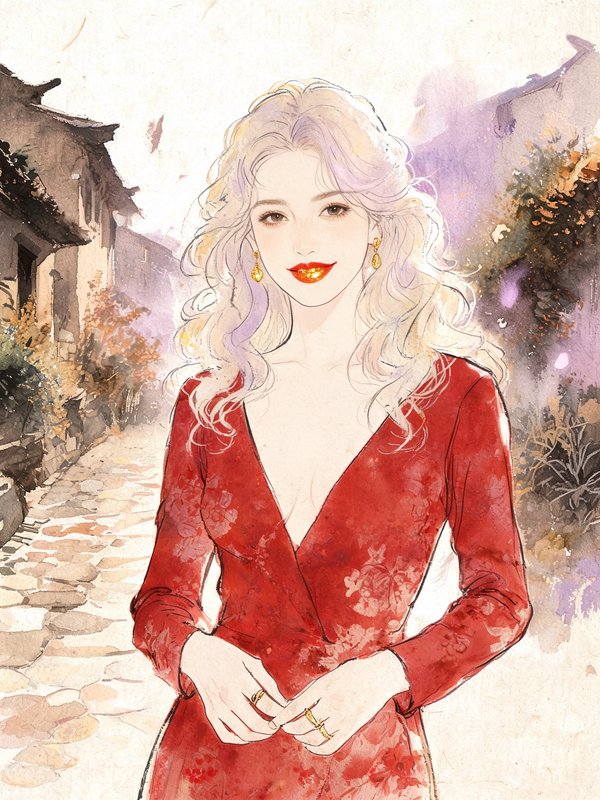
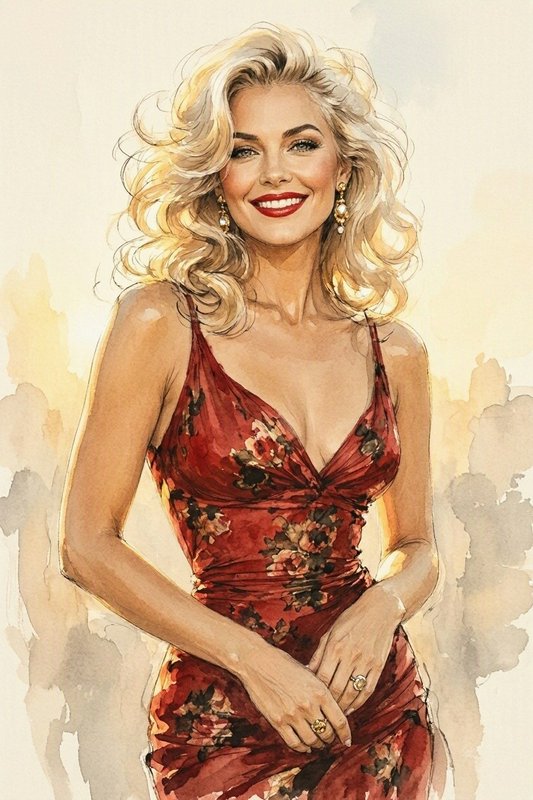
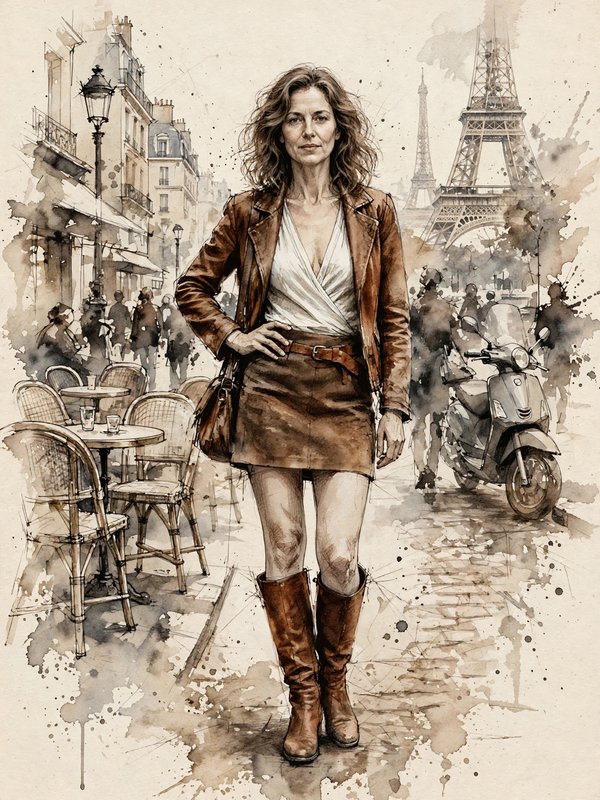
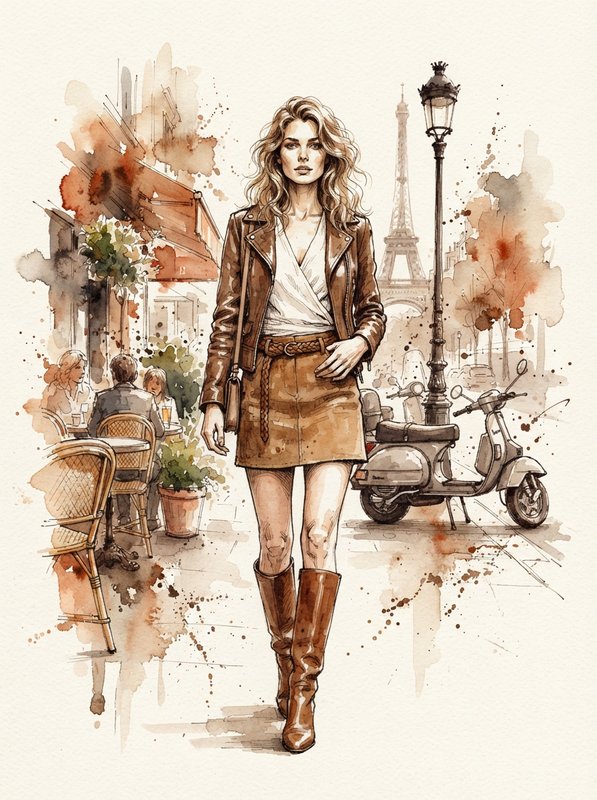
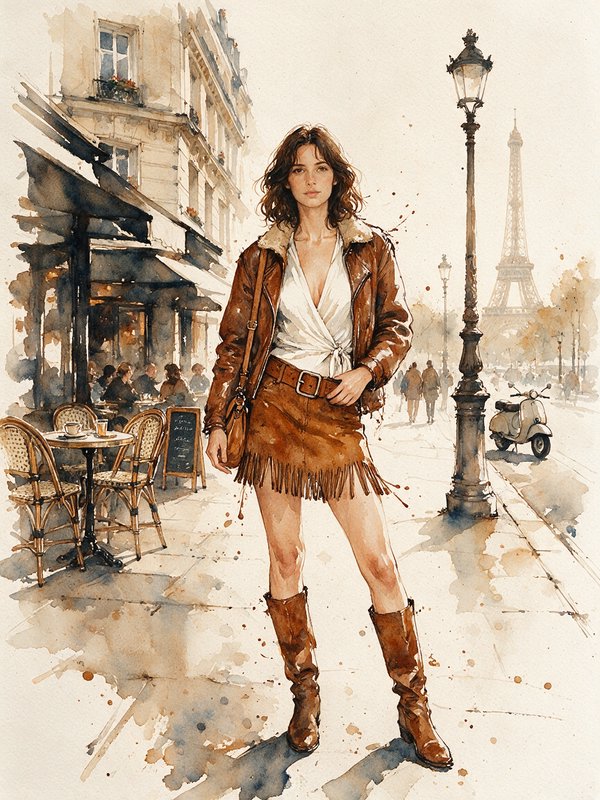
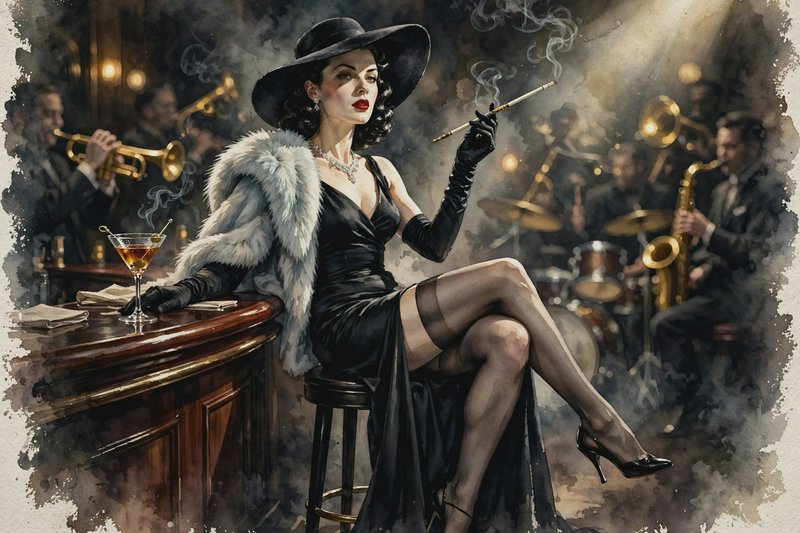
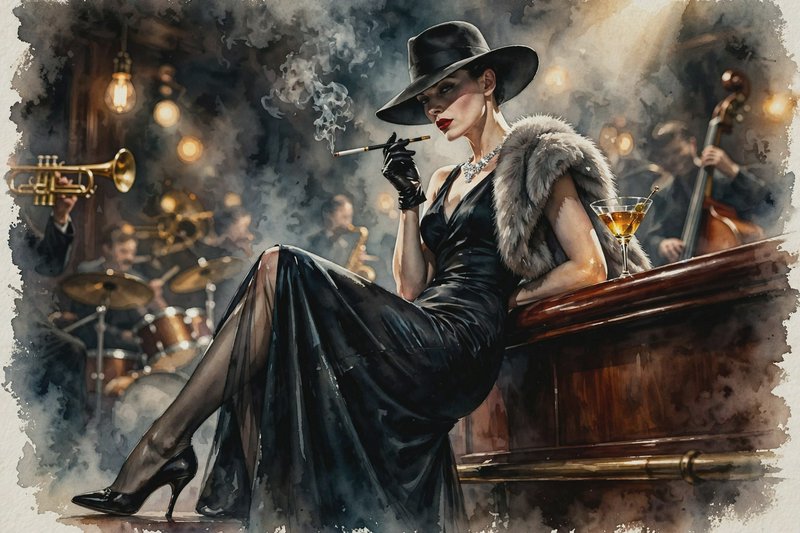
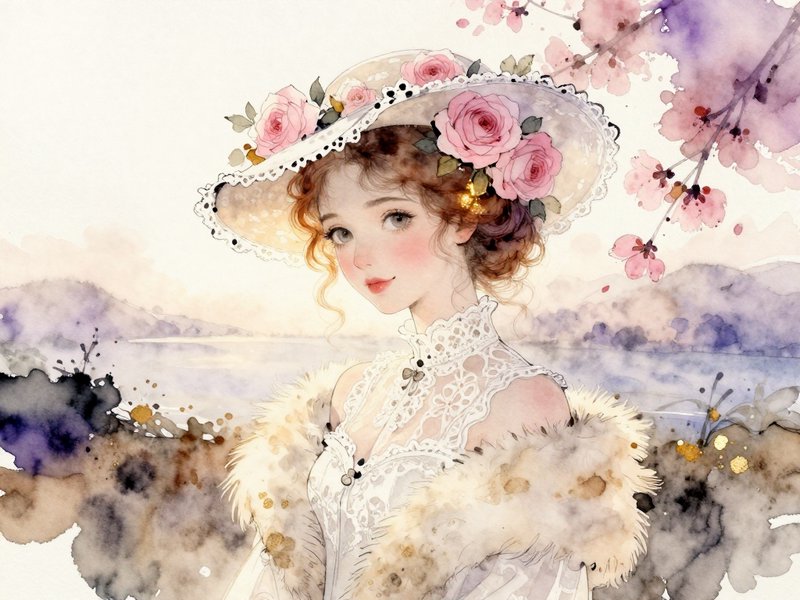
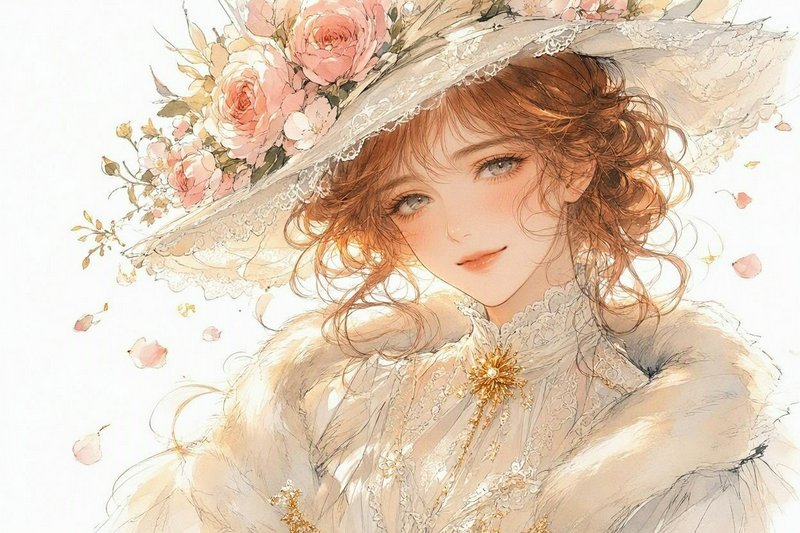
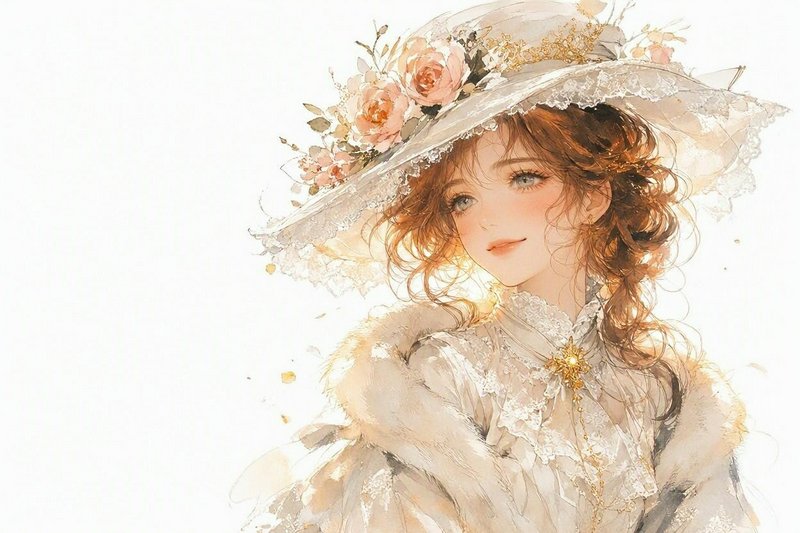
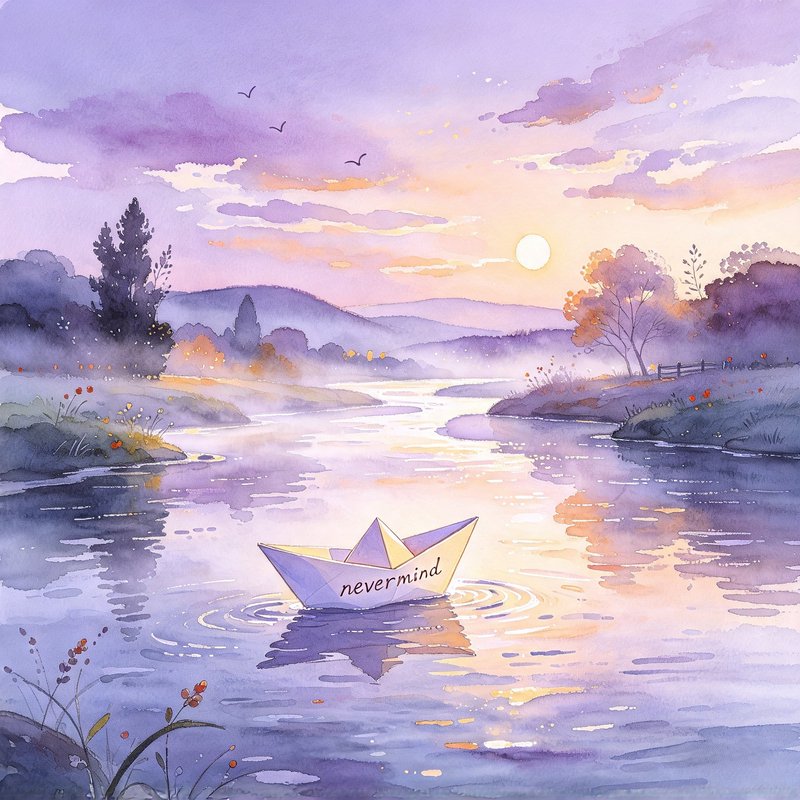
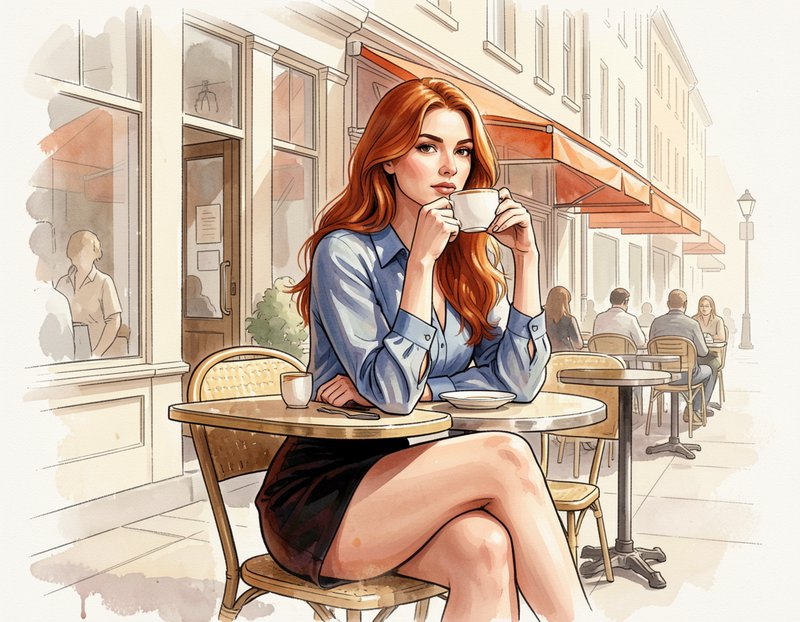
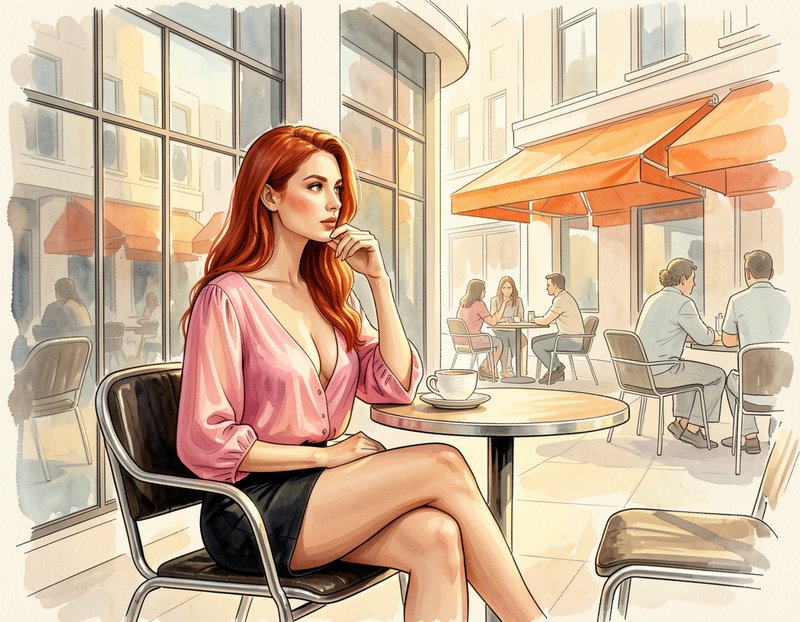
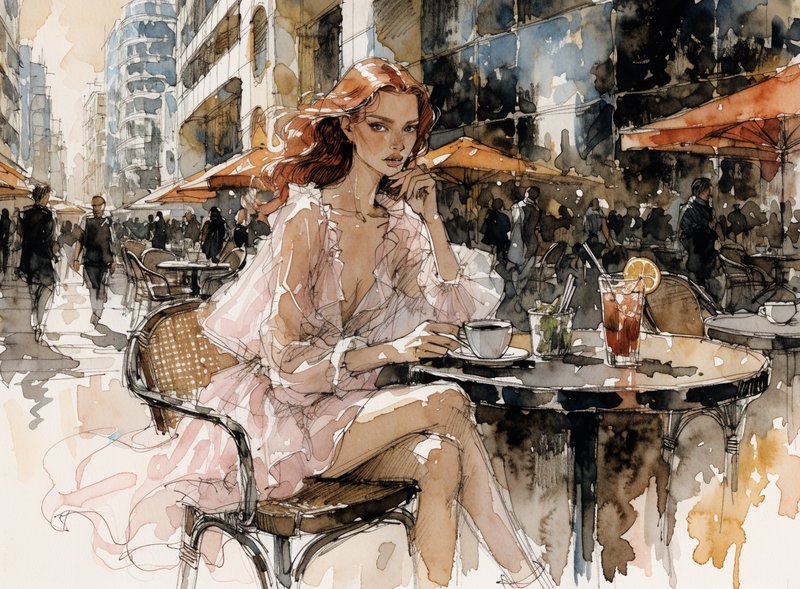
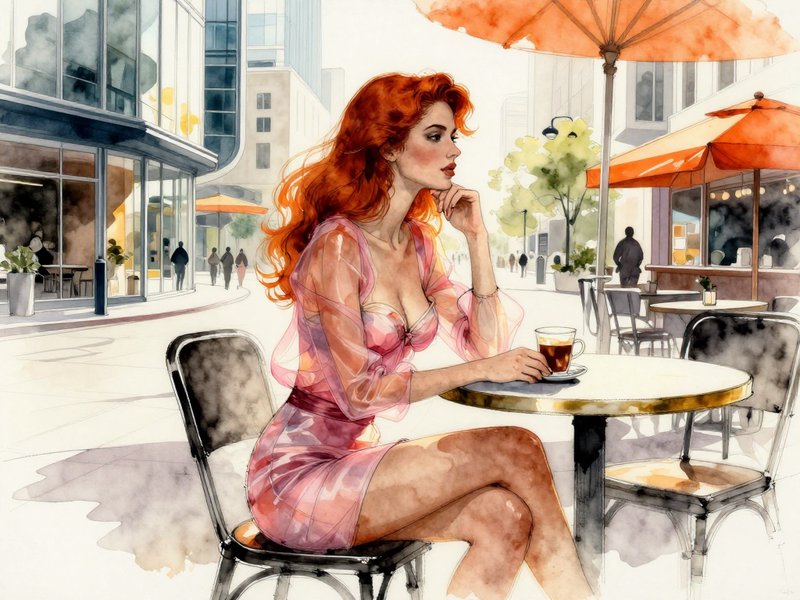
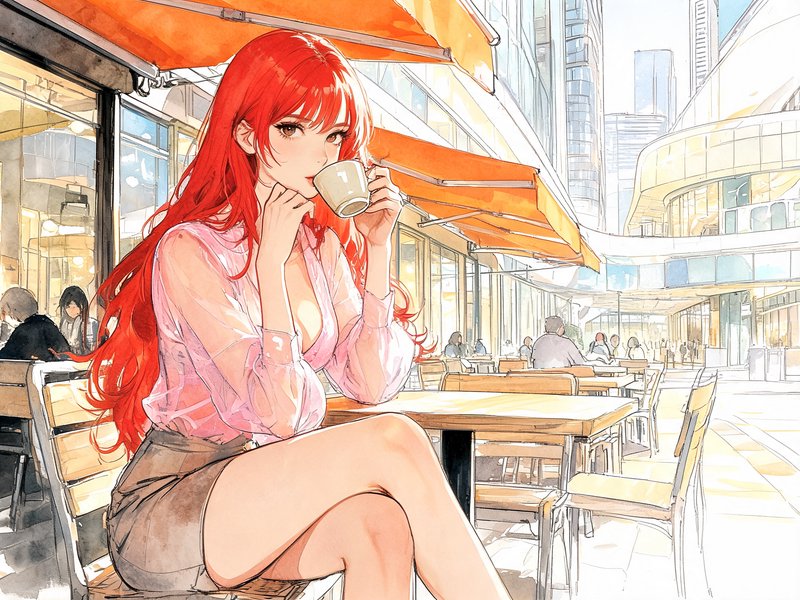
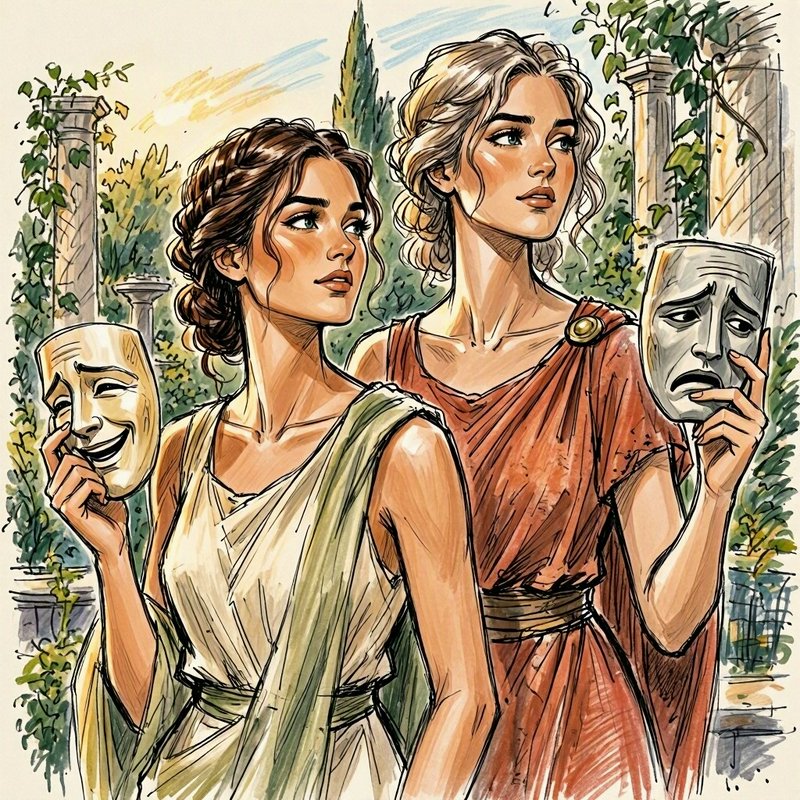
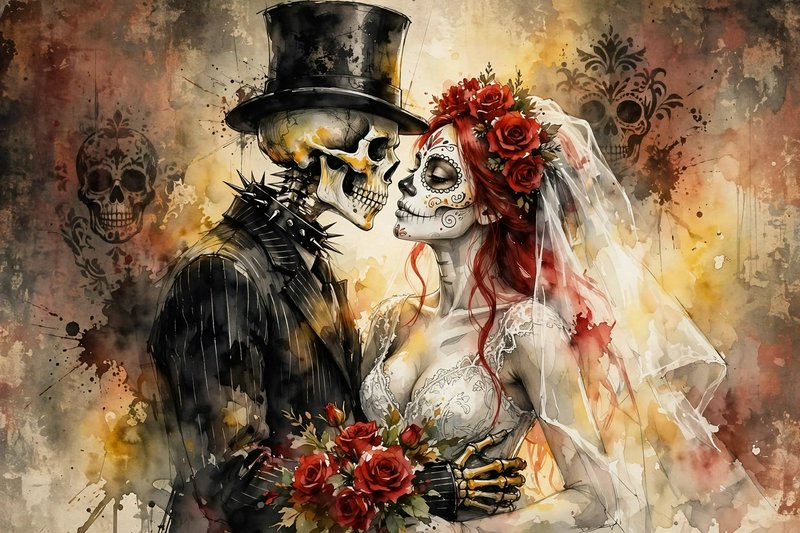
Watercolour prompts to start from
Working prompts, not fragments. Open one to load it into the generator, then change whatever you like.
- Loose watercolour of a harbour, wet-on-wet sky bleeding into the hills, unpainted paper for the boat hullsUse →
- Botanical study of a seed head, fine dry-brush detail against soft granulating washes, visible paper toothUse →
- Rain-washed street scene, hard edges where washes dried, colour pooling at the base of each shapeUse →
Watercolour AI images: common questions
How do I get a real watercolour look?
Ask for the medium's accidents. Wet-on-wet bleeding, hard edges where a wash dried, visible paper tooth, pigment granulating in the washes. Naming watercolour alone often yields a smooth digital painting in pastel colours, which is the one thing actual watercolour never looks like.
How do I keep whites bright?
Say the whites are unpainted paper. In watercolour, highlights are reserved rather than added, so asking for preserved white paper and letting areas stay empty gives the luminosity the medium is known for. Requesting white highlights instead tends to produce opaque gouache-like paint.
What subjects suit watercolour?
Ones that tolerate loose edges — botanical studies, landscape, architecture sketched rather than ruled, and loose figure work. Subjects needing hard mechanical precision fight the medium, and prompts that ask for both tight detail and watercolour usually resolve as a smooth render with a pastel palette.
Related topics
Make your own watercolour images
Everything here was generated on BudgetPixel and published by the person who made it. The same models are available to you — pick one, write a prompt, and publish the result to the community feed if you want it here.