
Digital Art AI images
Painted, rendered and composited work that does not pretend to be a photograph.
3,094 published by the BudgetPixel community
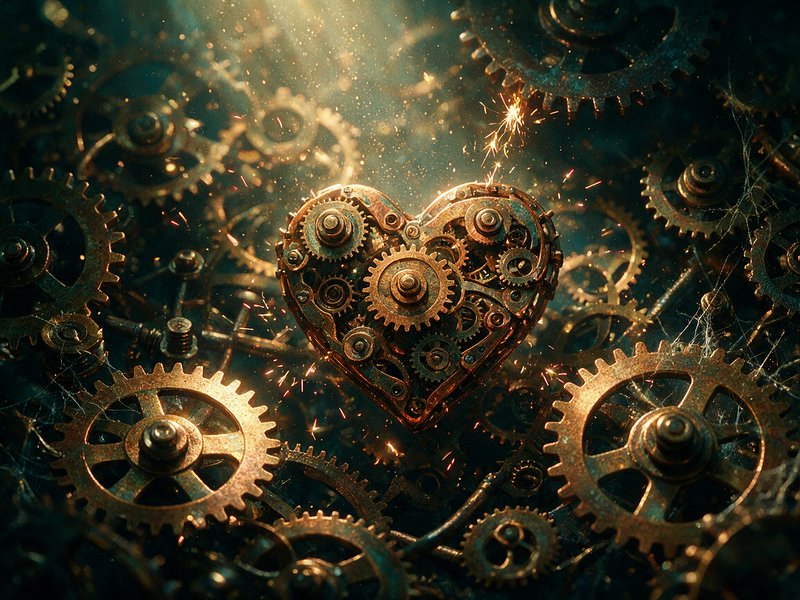
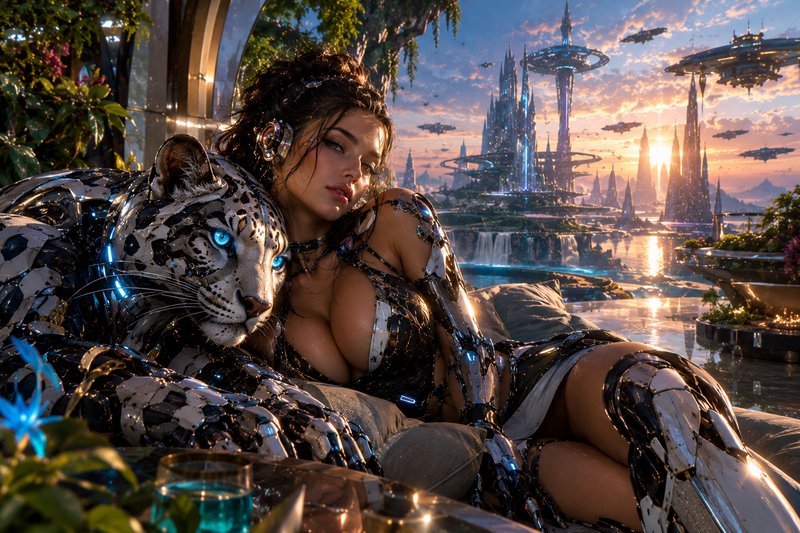
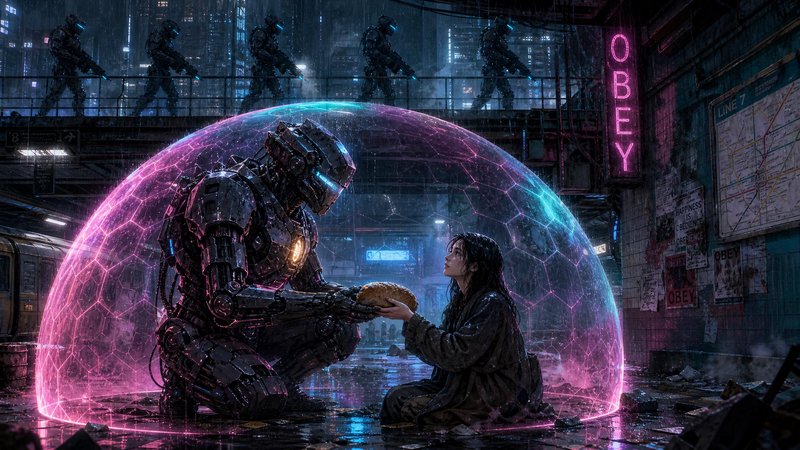
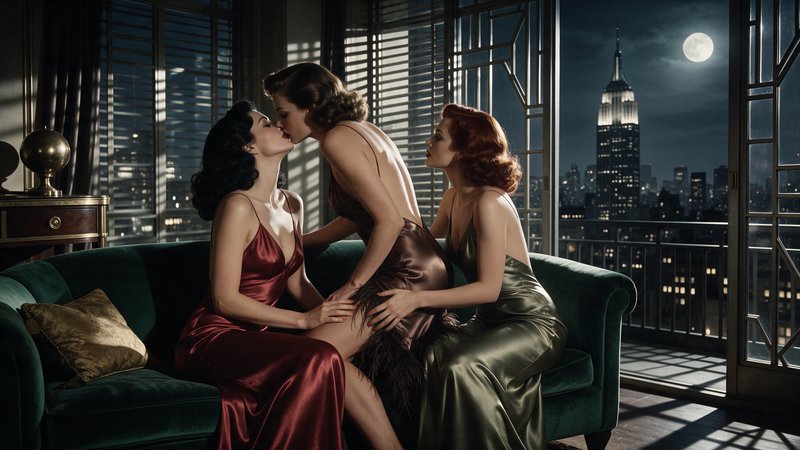
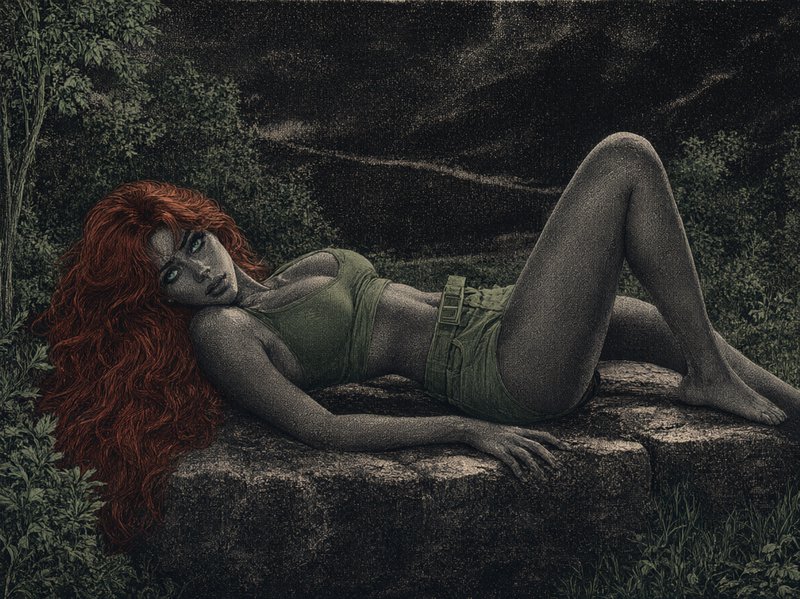
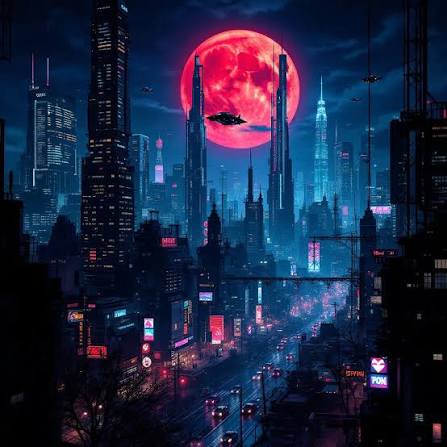
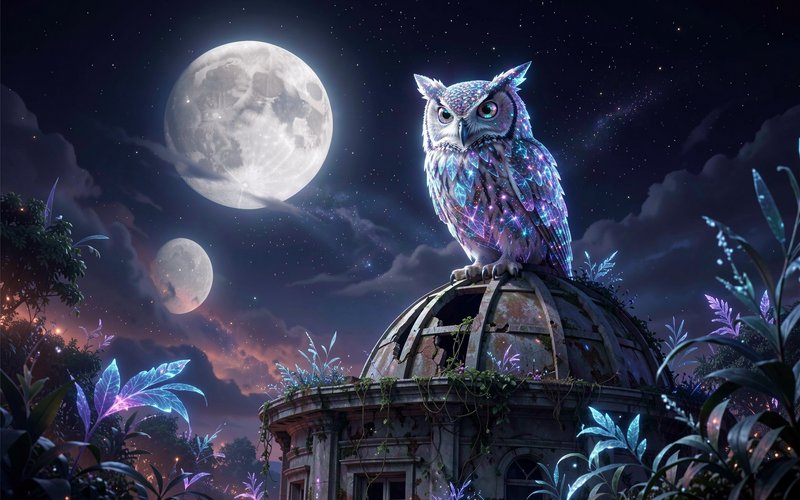
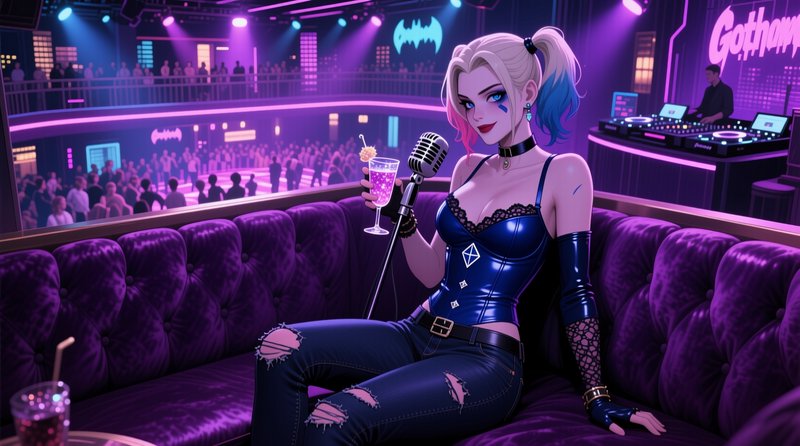
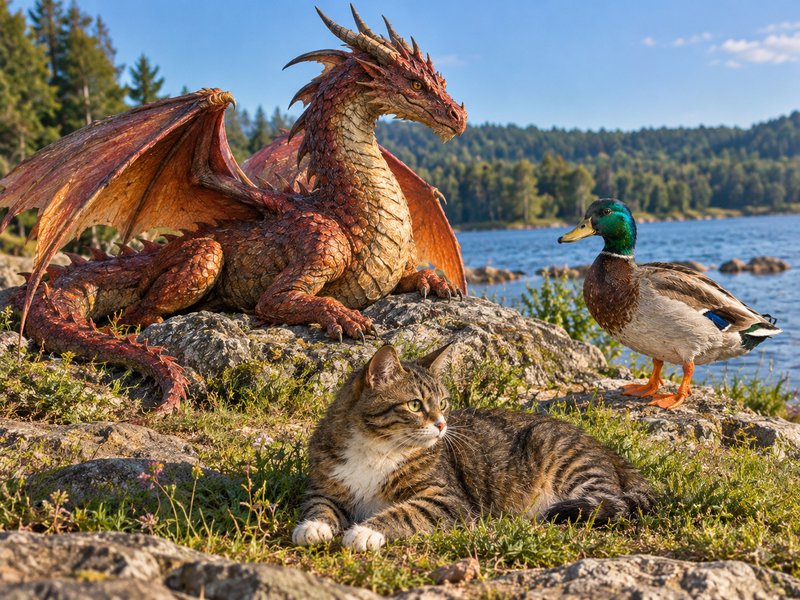
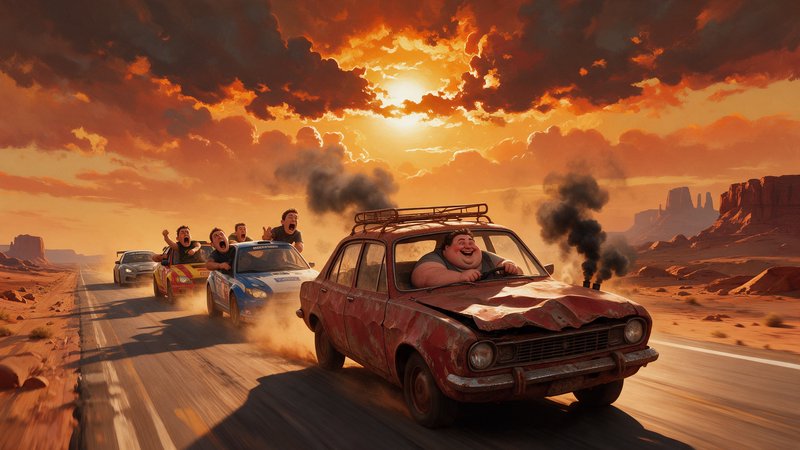
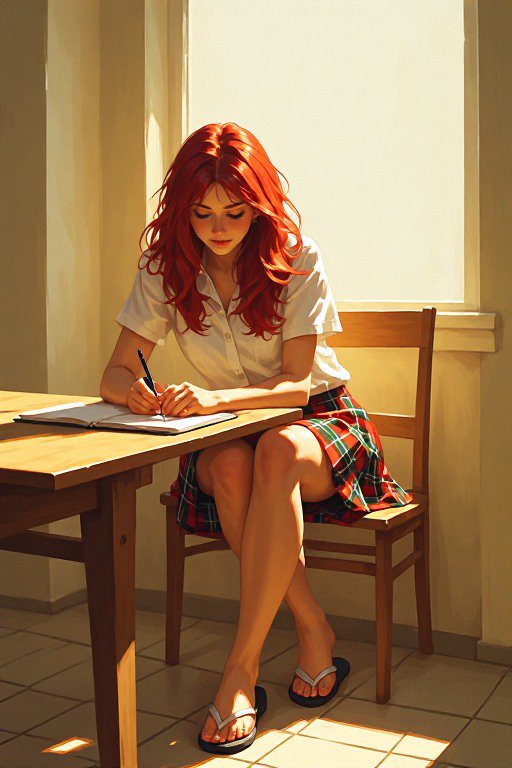
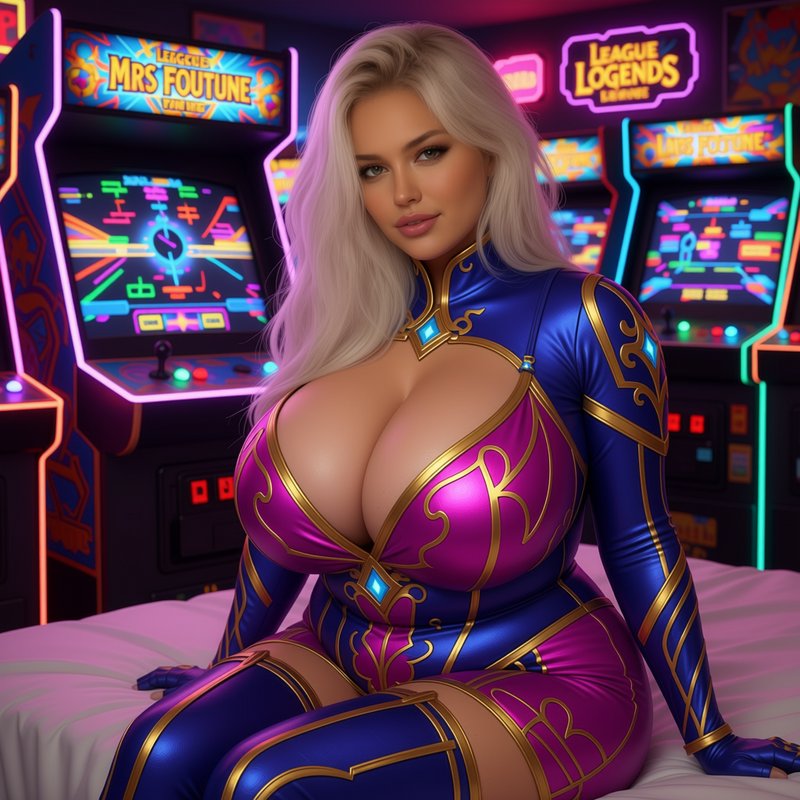
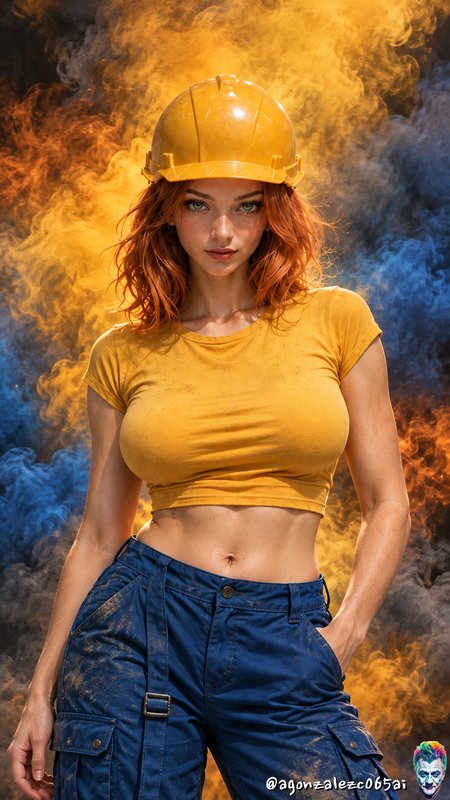
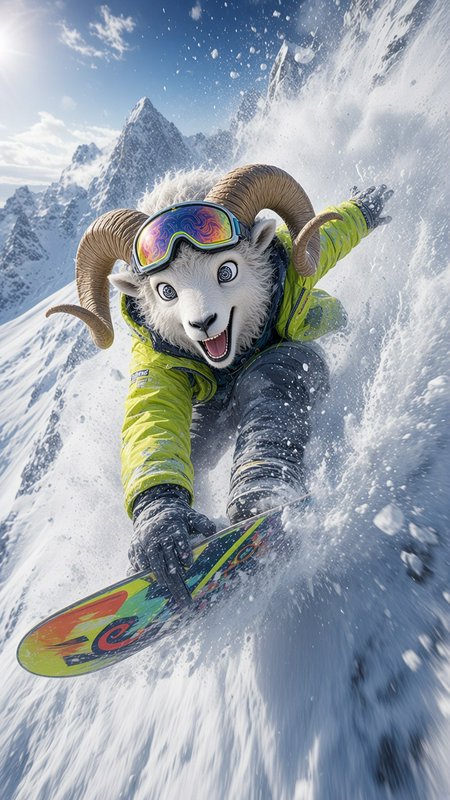
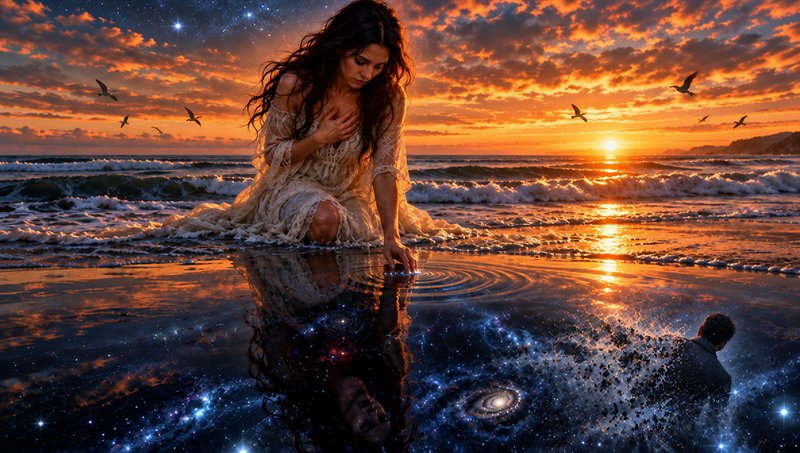
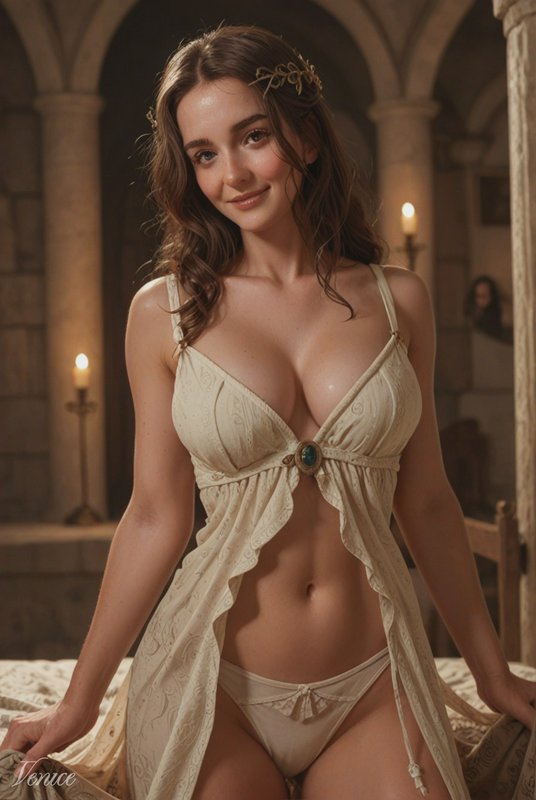
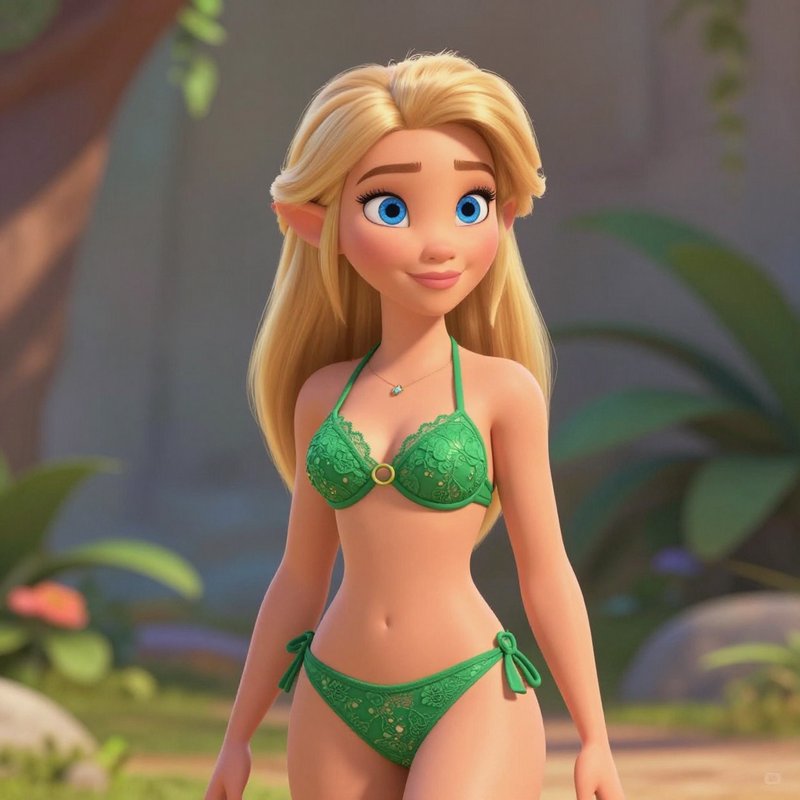
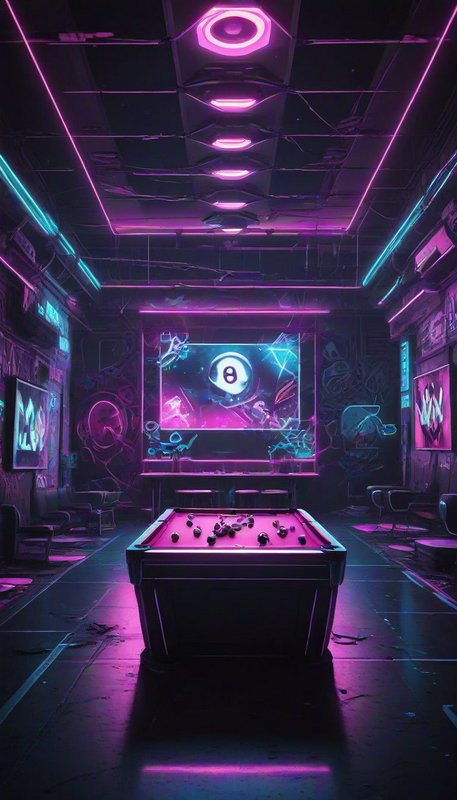
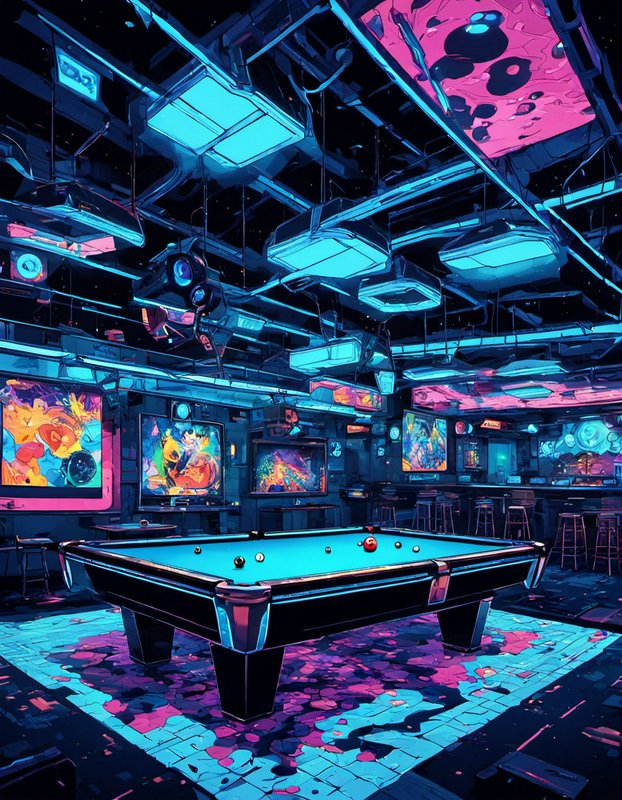
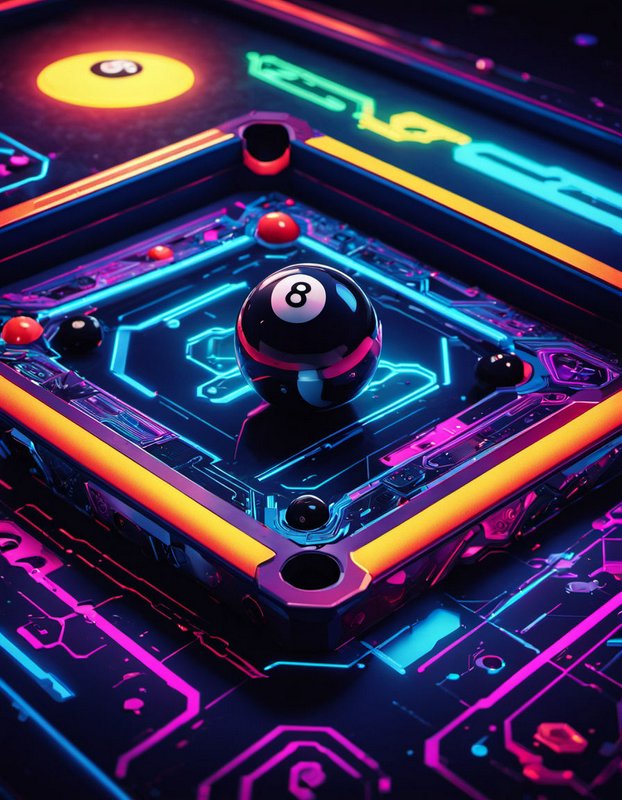
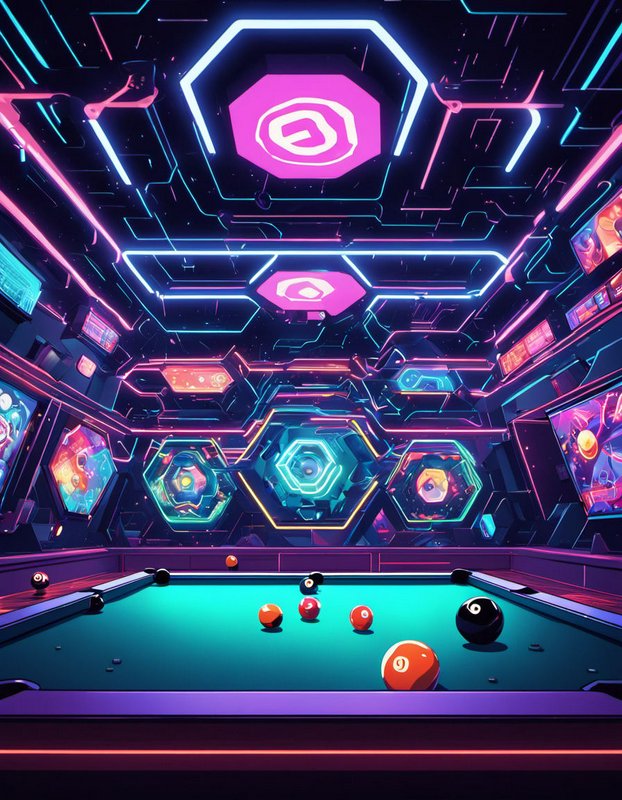
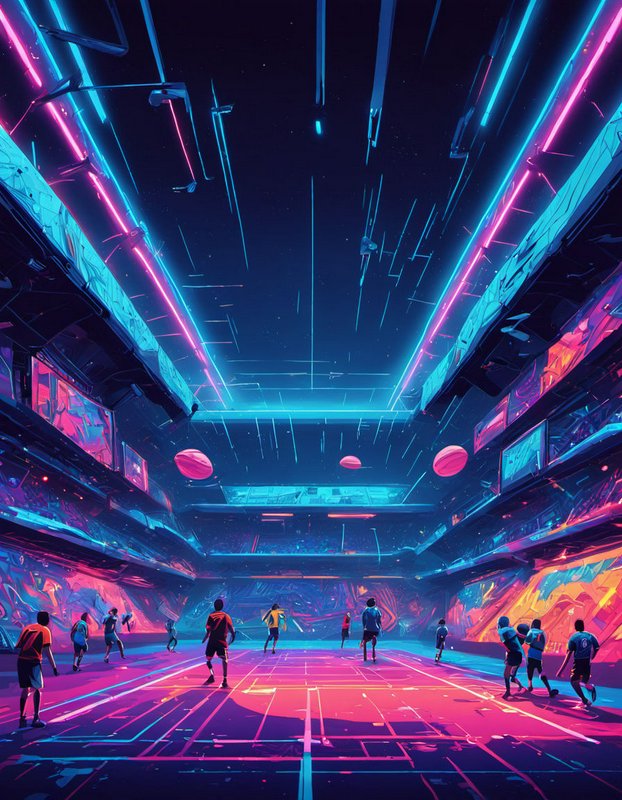
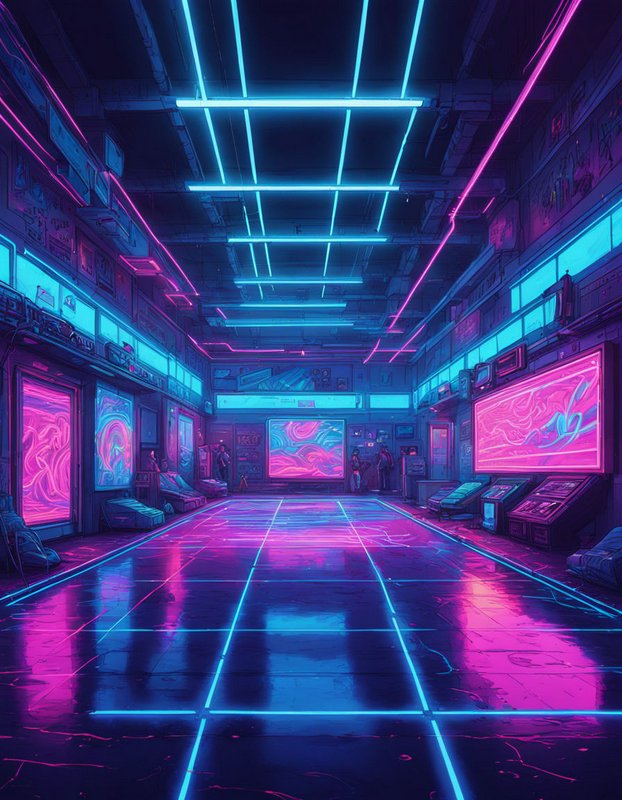
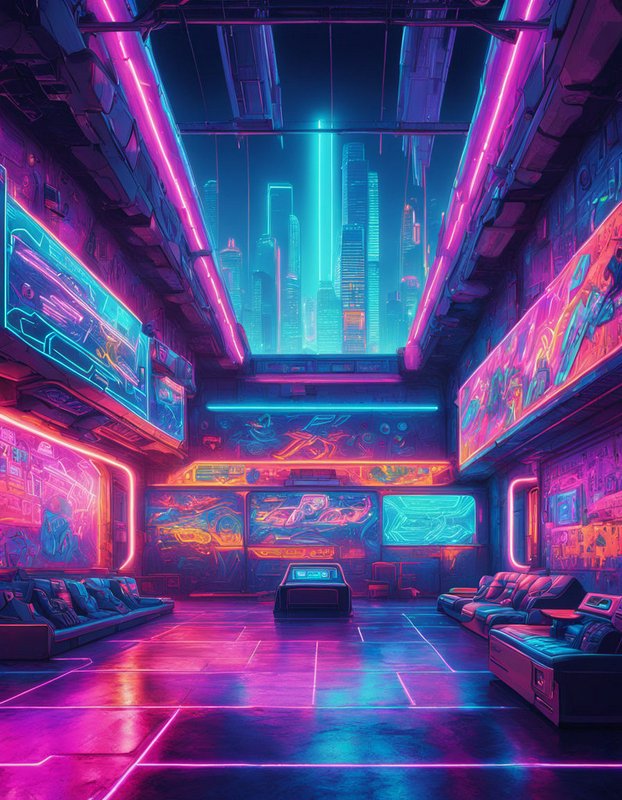
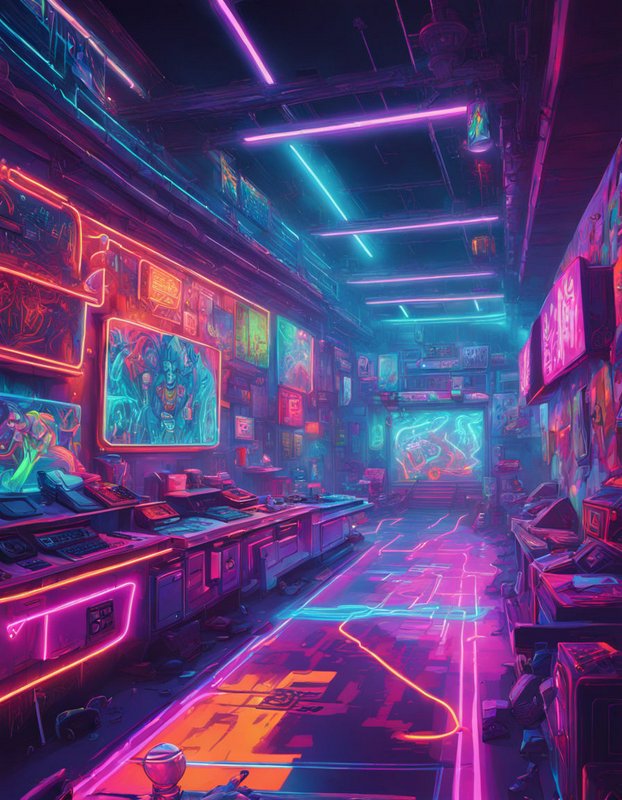
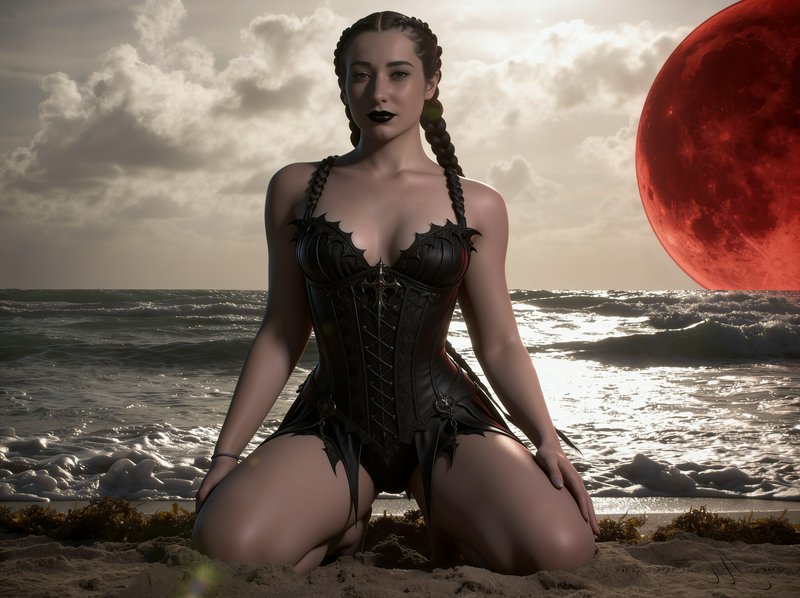
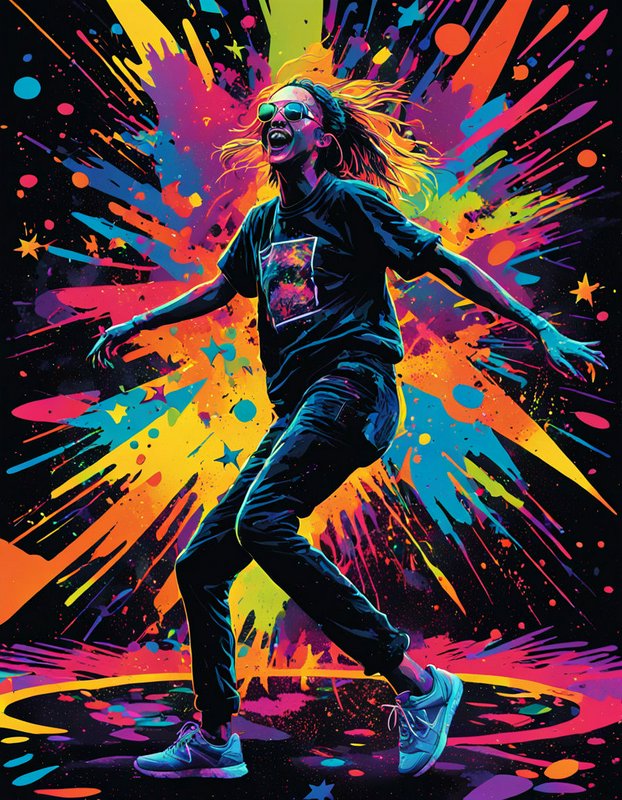
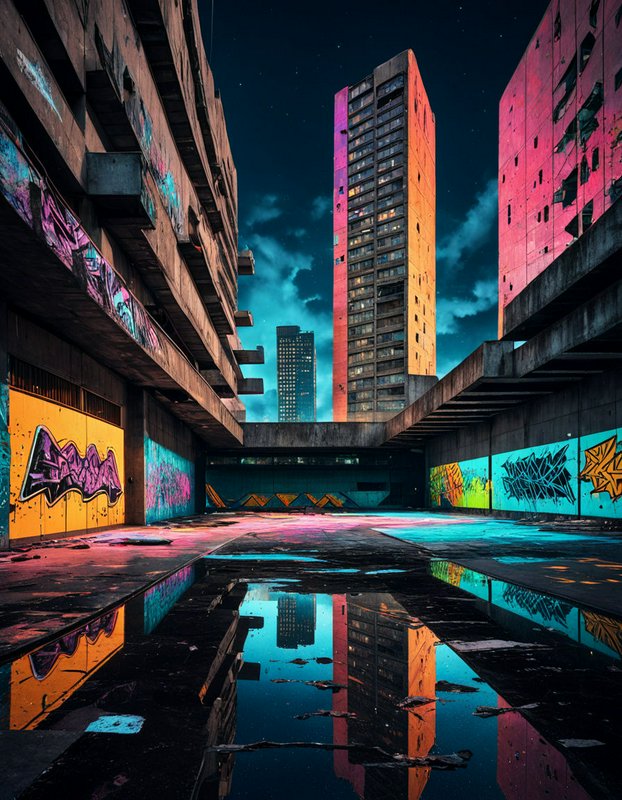
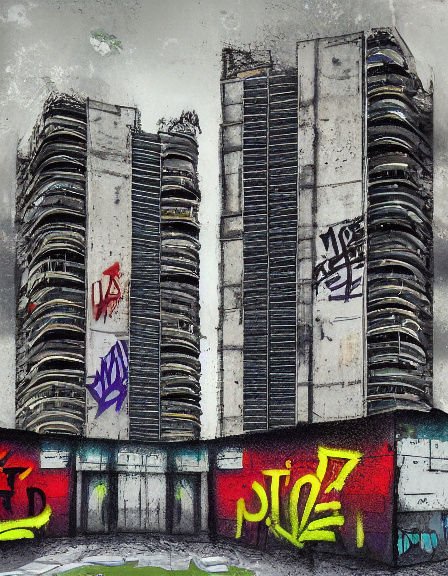
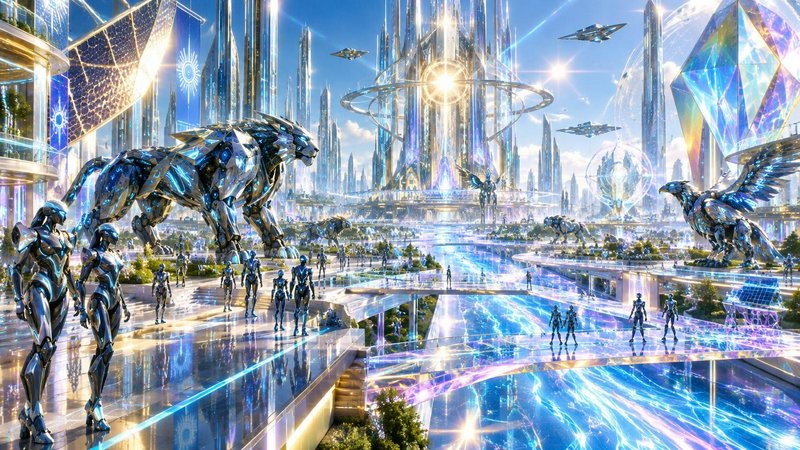
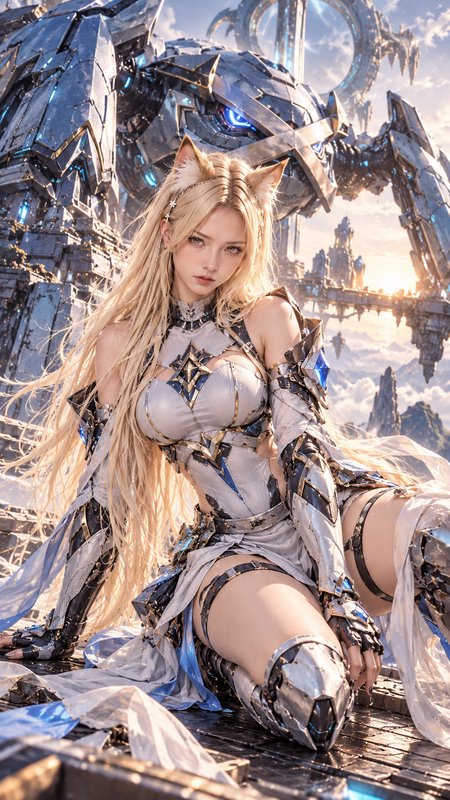
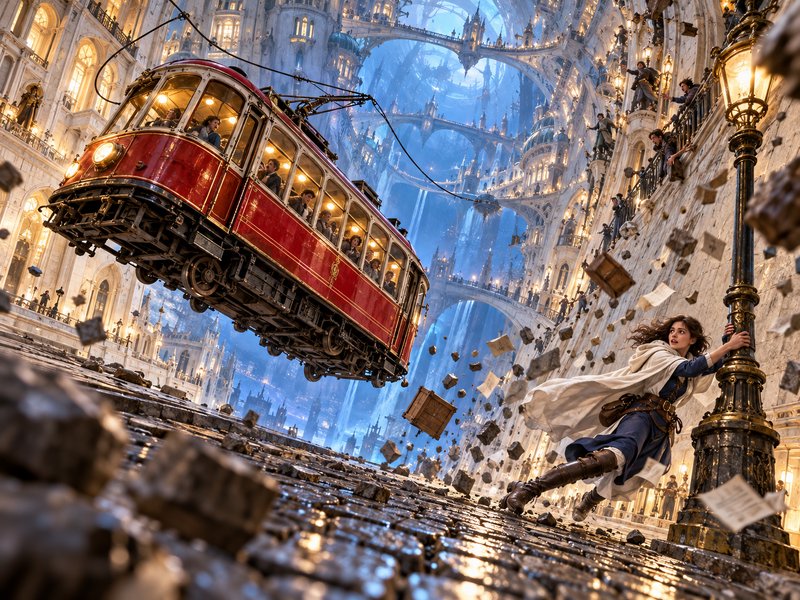
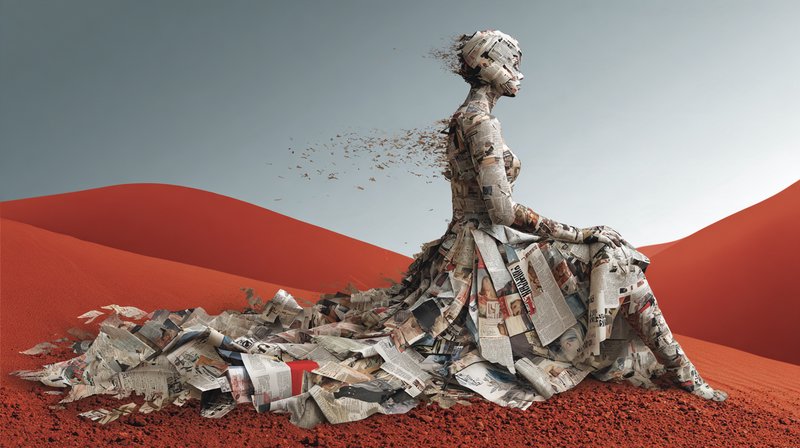
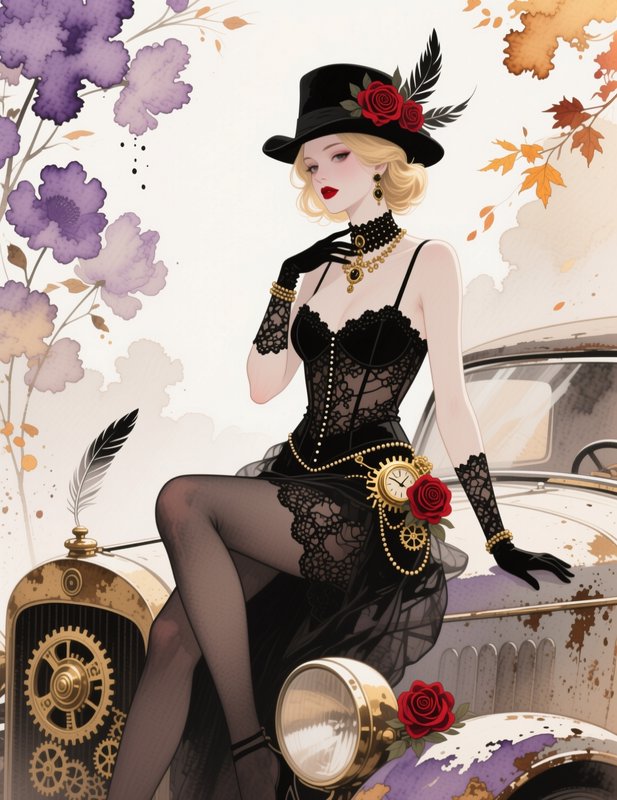
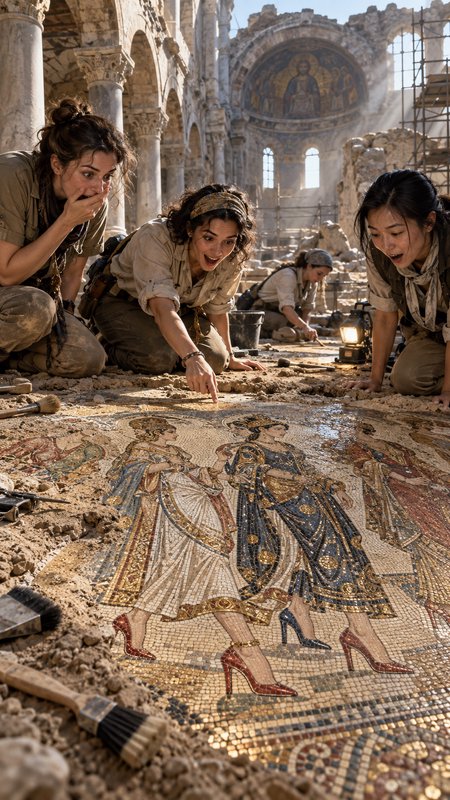
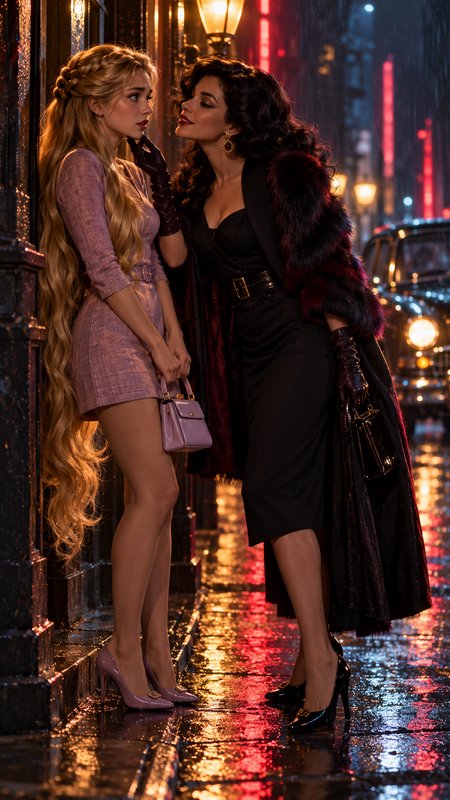
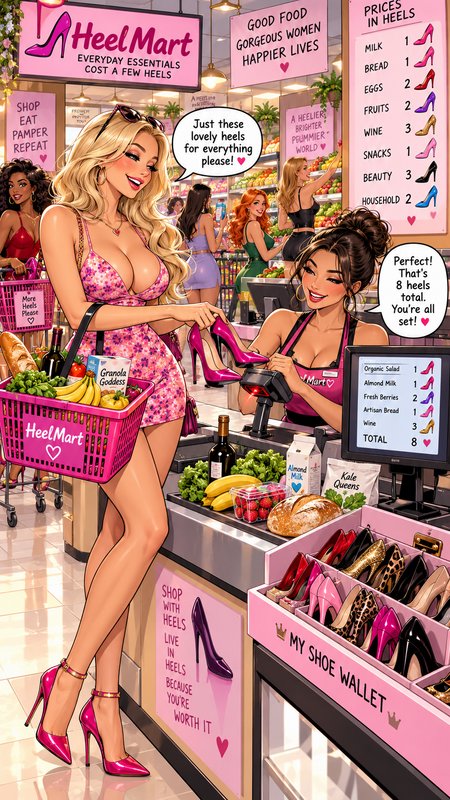
Digital art here means work that does not pretend to be a photograph — painted, rendered or composited images that are openly constructed. It is a medium tag rather than a subject one, so the grid runs across genres, and the common thread is visible authorship: brushwork, rendering choices and colour decisions that a camera would not have made.
Make your own digital art image
Everything in this grid was generated on BudgetPixel. Describe what you want and the same models will make it.
Start creatingMake your own digital art image
Everything in this grid was generated on BudgetPixel. Describe what you want and the same models will make it.
Start creating
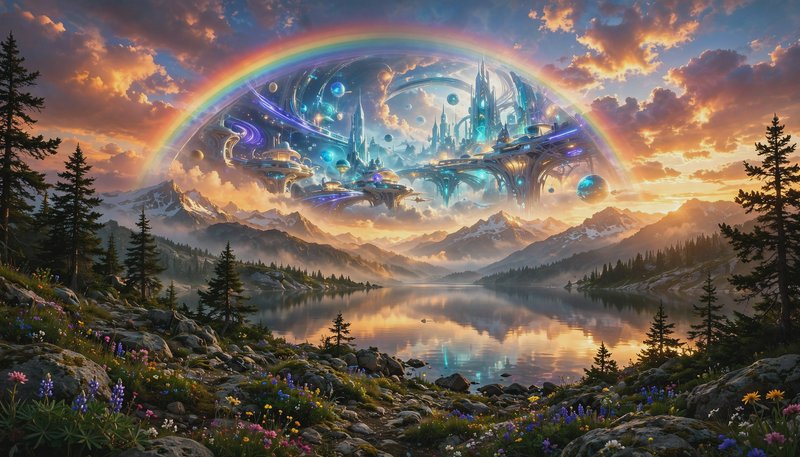
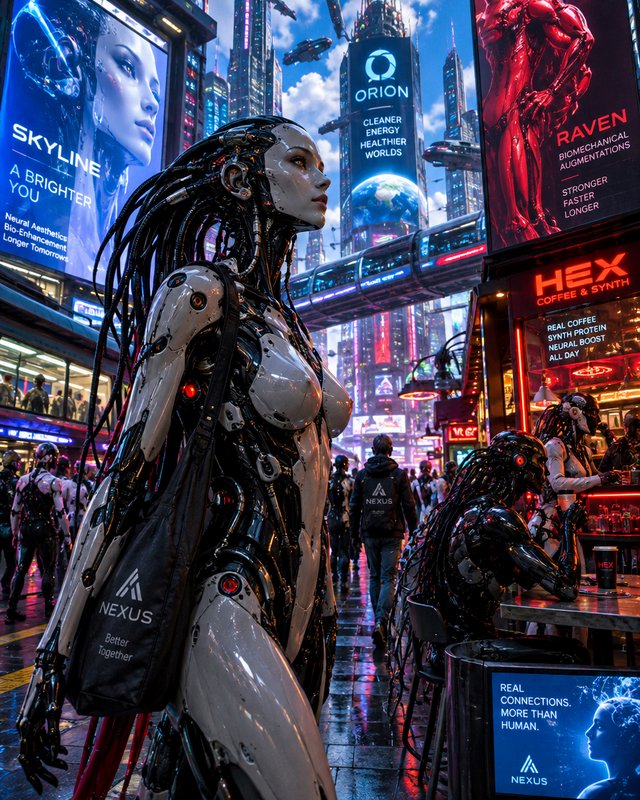
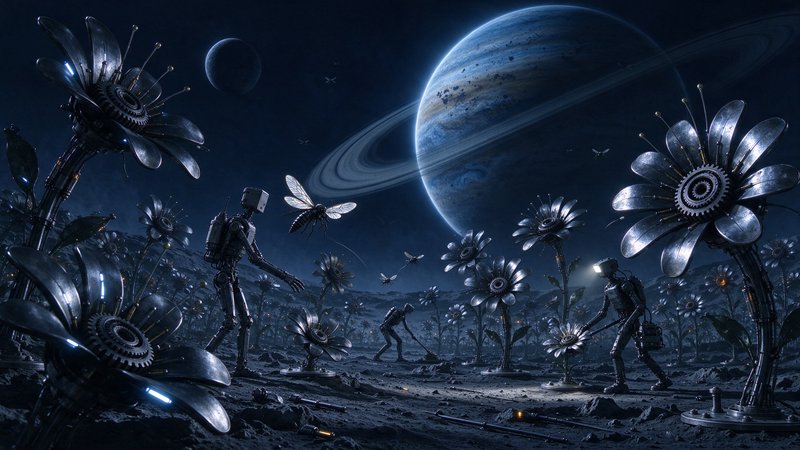
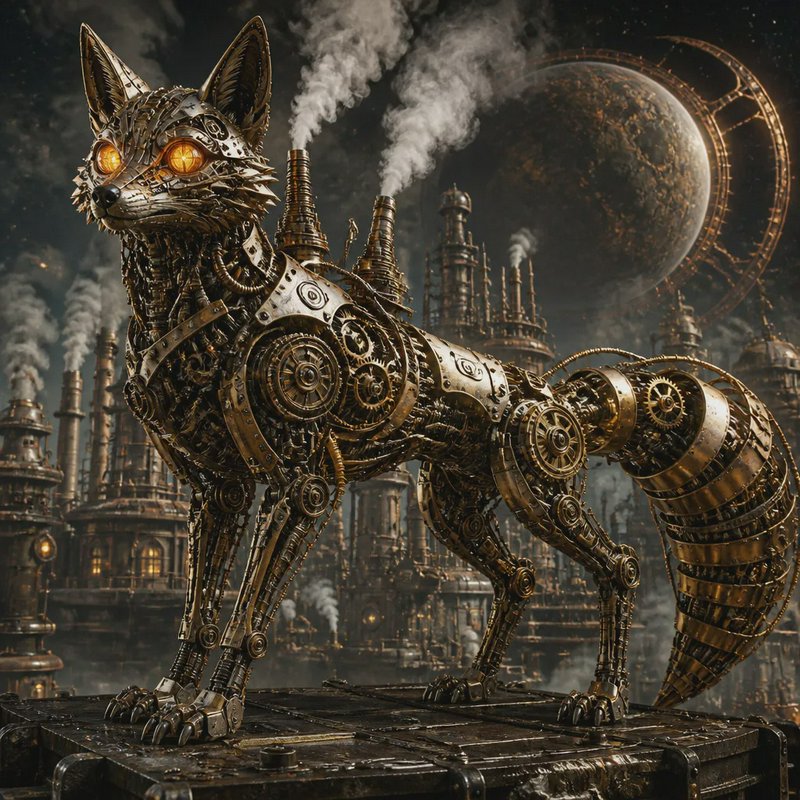


Digital Art prompts to start from
Working prompts, not fragments. Open one to load it into the generator, then change whatever you like.
- Painterly digital illustration of a harbour at dawn, visible brush strokes, limited palette of slate and rustUse →
- Concept art of a mountain monastery, loose gestural underpainting showing through, strong value structureUse →
- Stylised character illustration with flat shapes and hard edges, bold silhouette, three-colour paletteUse →
Digital Art AI images: common questions
What counts as digital art versus AI photography?
The distinction is whether the image claims to be a capture. Digital art shows its construction — brush texture, stylised colour, impossible light — while photographic prompts aim for the artefacts of a real lens and sensor. Asking for one while implying the other is the usual reason an image lands in an uncanny middle.
How do I get painterly brushwork instead of a smooth render?
Name the tool and the surface. Visible brush strokes, palette knife texture, dry brush on tooth — these describe marks, which is what a model can actually draw. Asking for a style name alone tends to give you smooth digital gradients with that style's palette rather than its handling.
Should I use a medium tag or a subject tag in my prompt?
Both, and put the subject first. A model resolves what the image is of before how it is made, so leading with the medium often yields a technically correct rendering of a generic subject. Subject, then composition, then medium and finish is a reliable order.
Related topics
Make your own digital art images
Everything here was generated on BudgetPixel and published by the person who made it. The same models are available to you — pick one, write a prompt, and publish the result to the community feed if you want it here.