
Portrait AI images
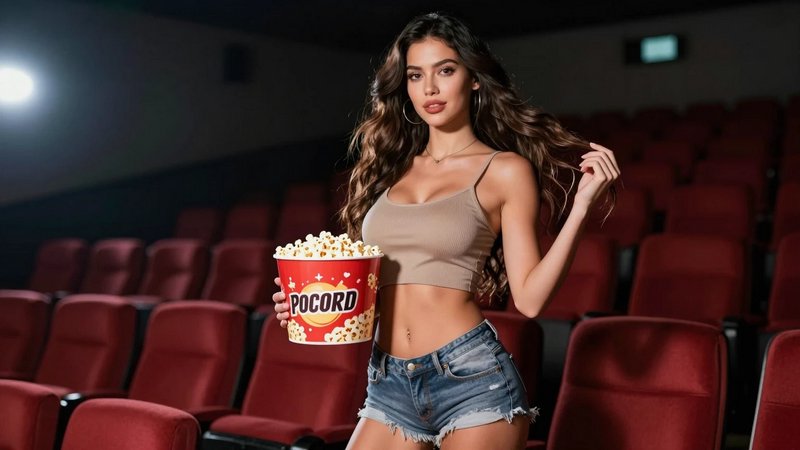
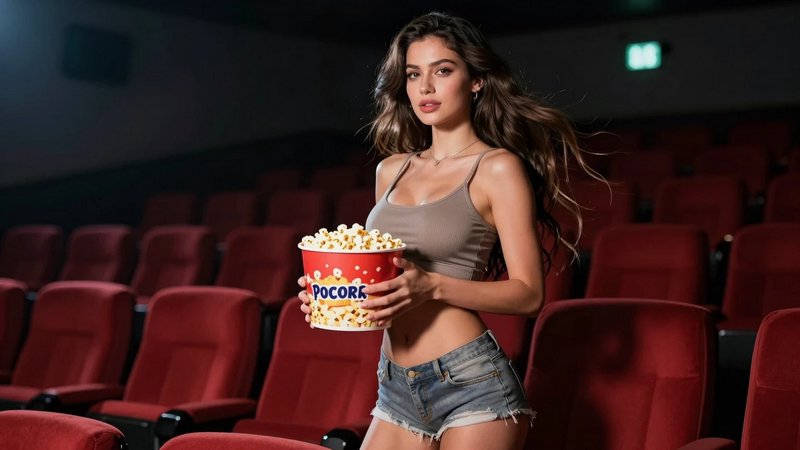
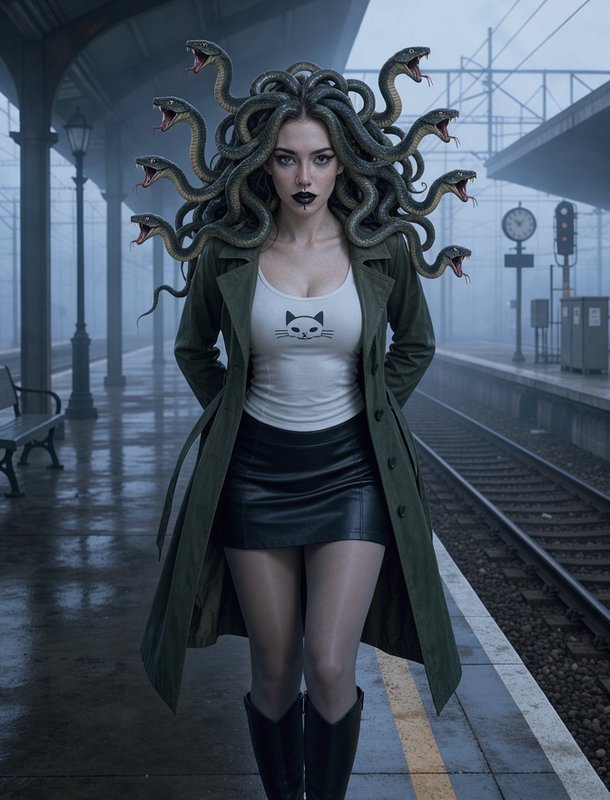
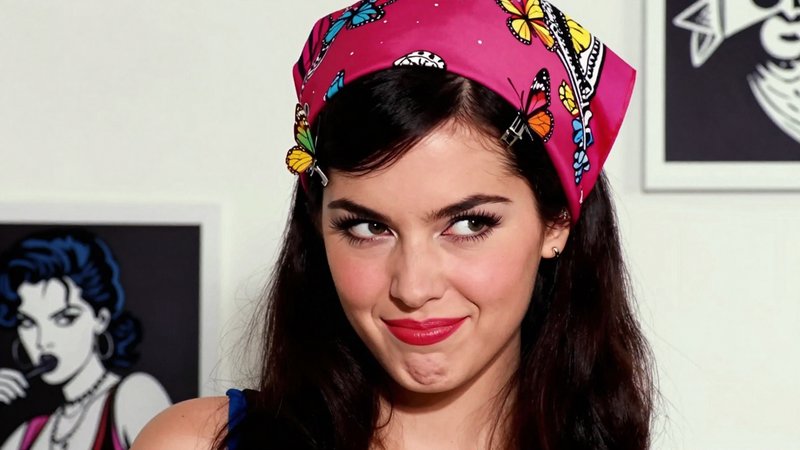
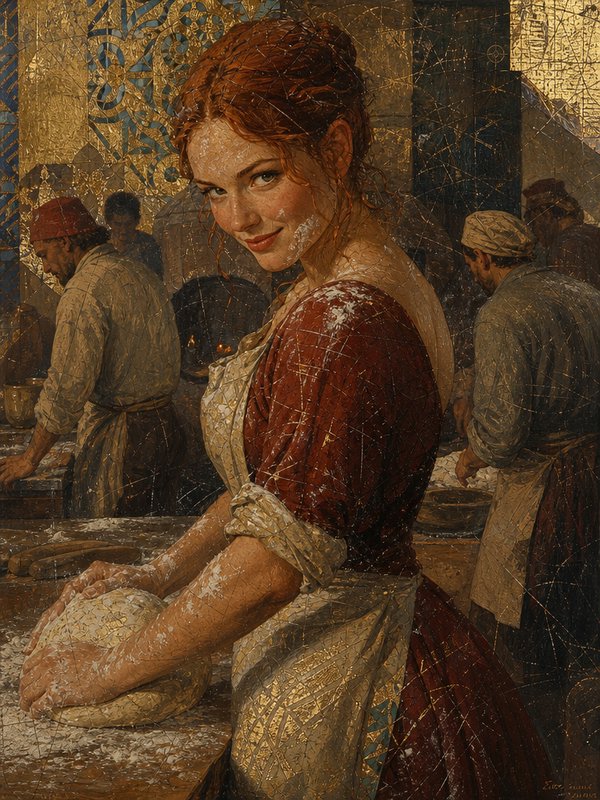
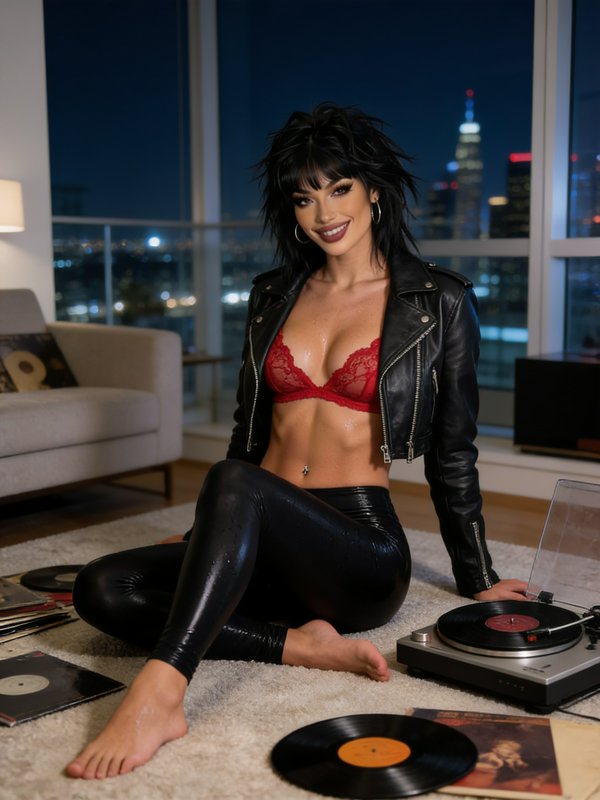
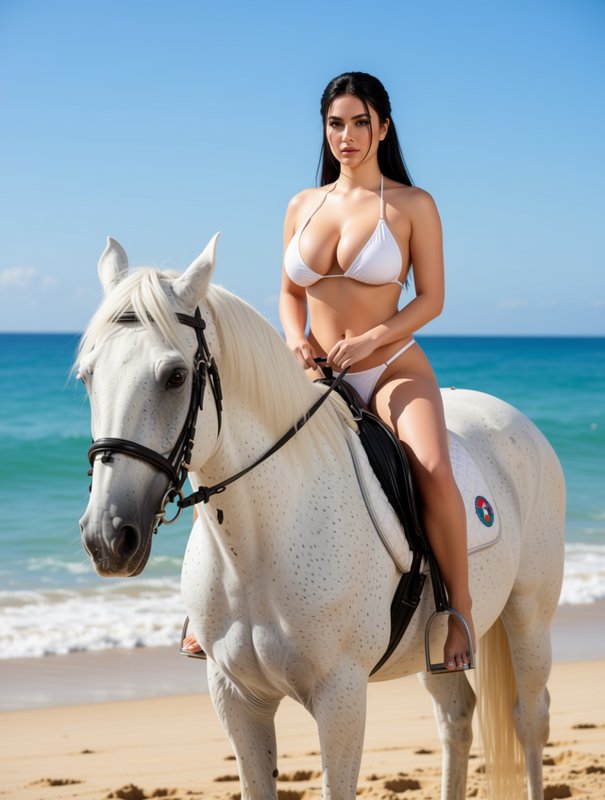
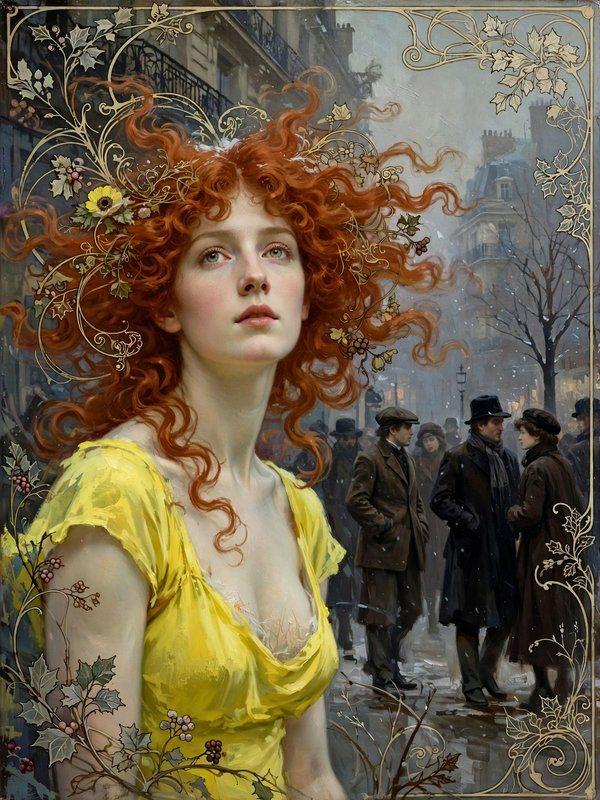
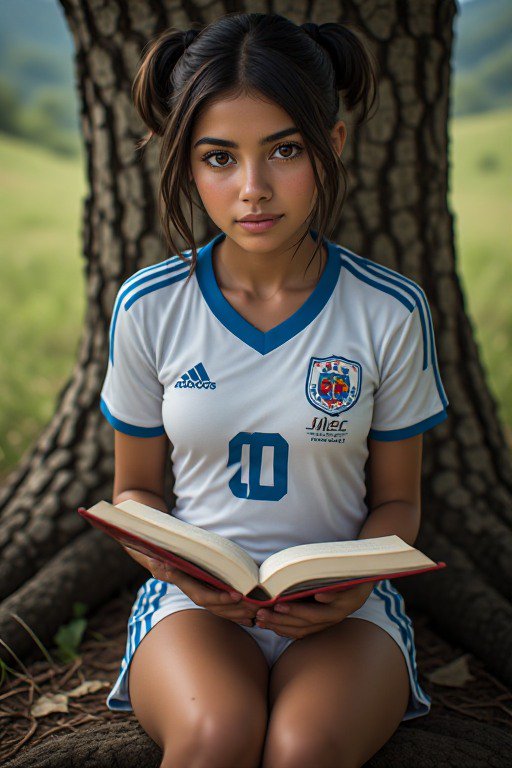
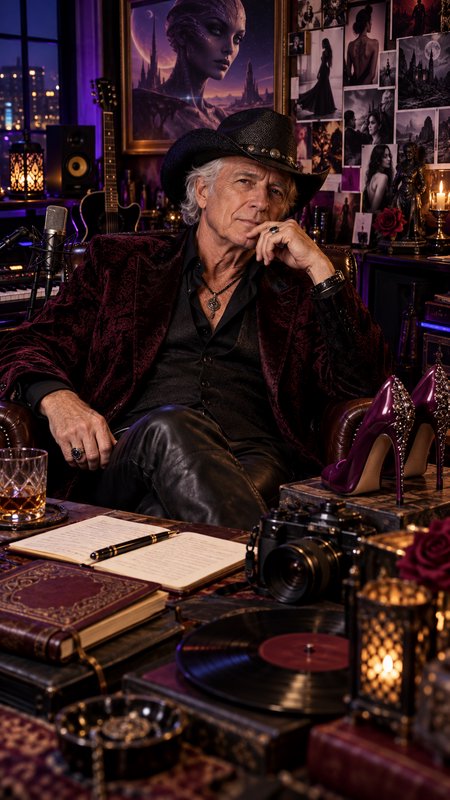
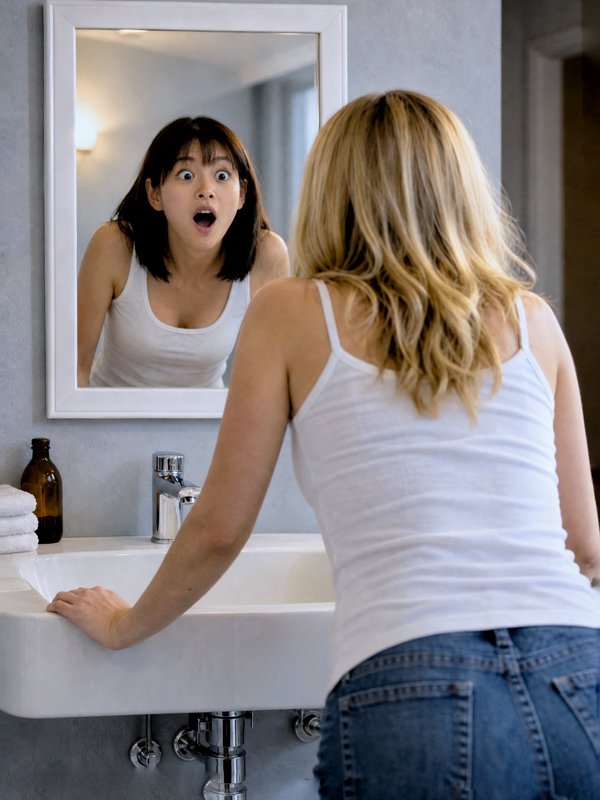
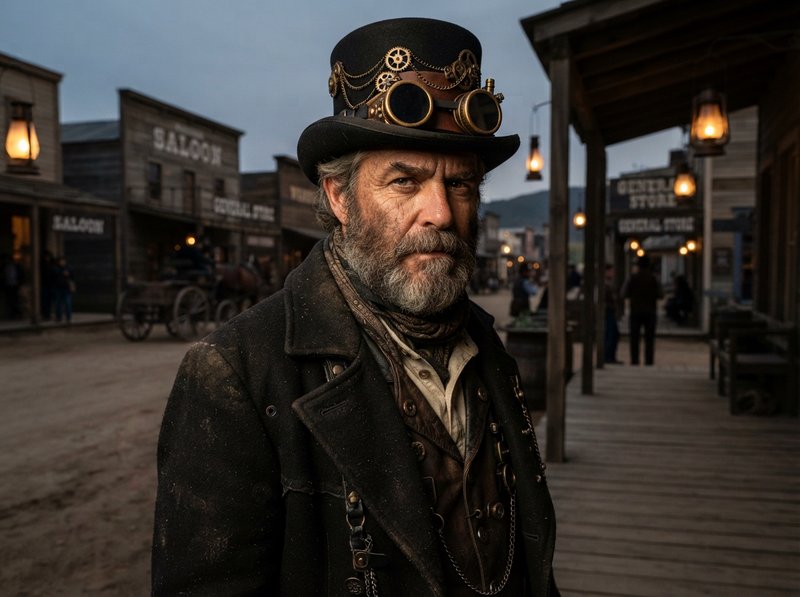
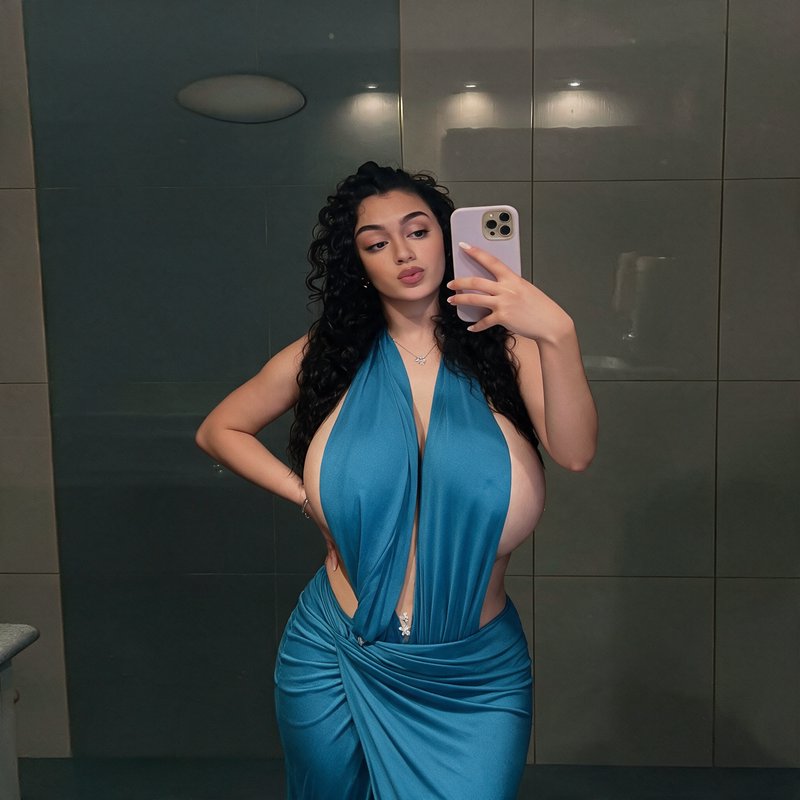
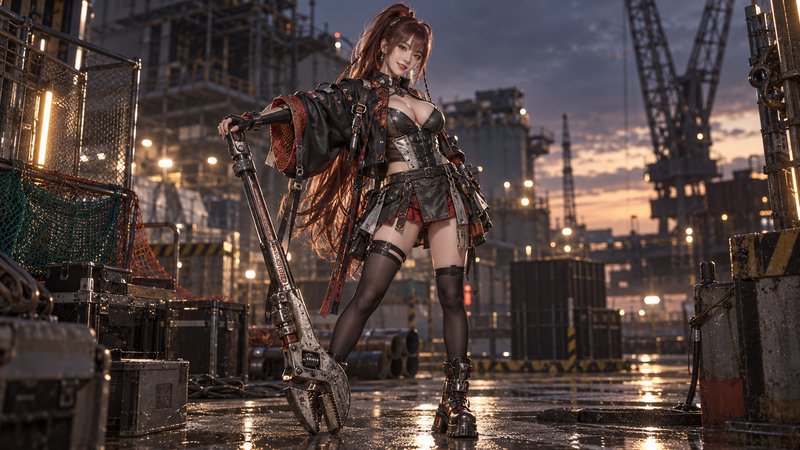
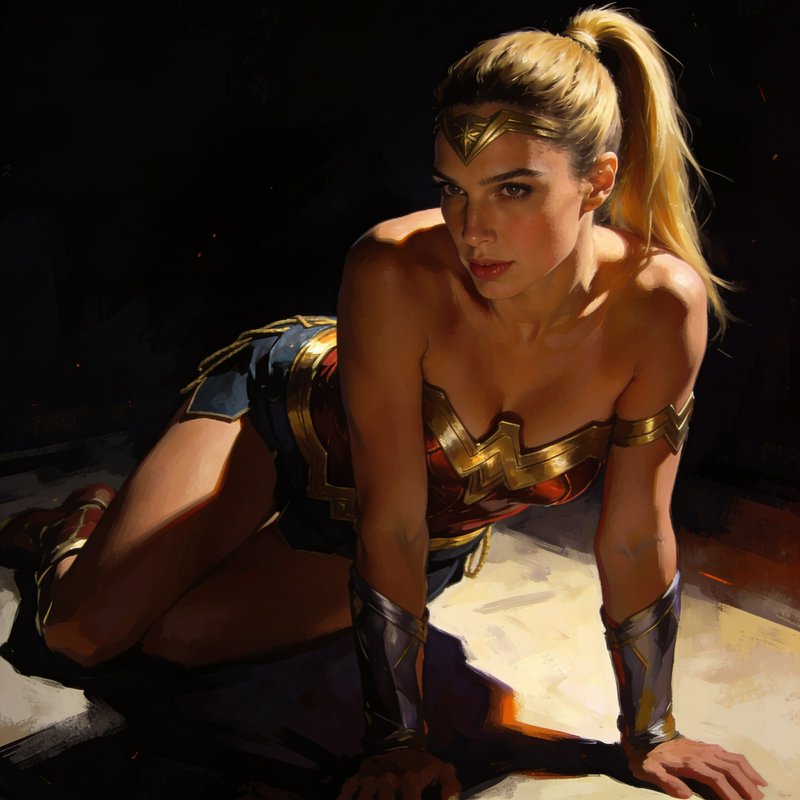
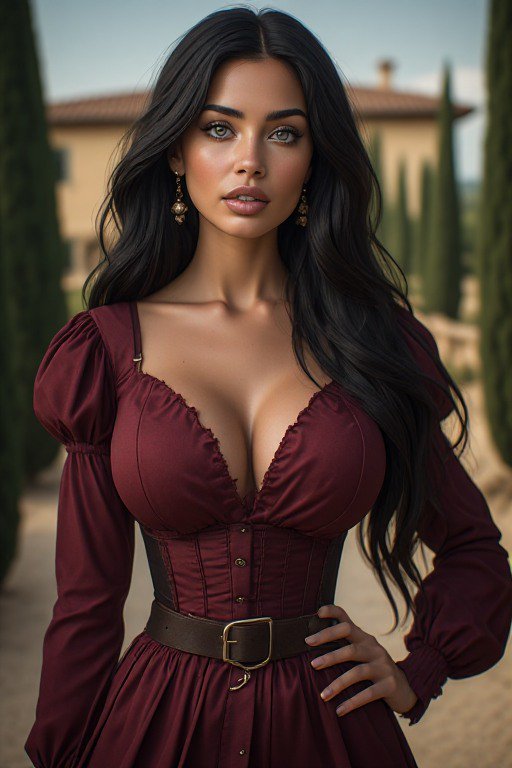
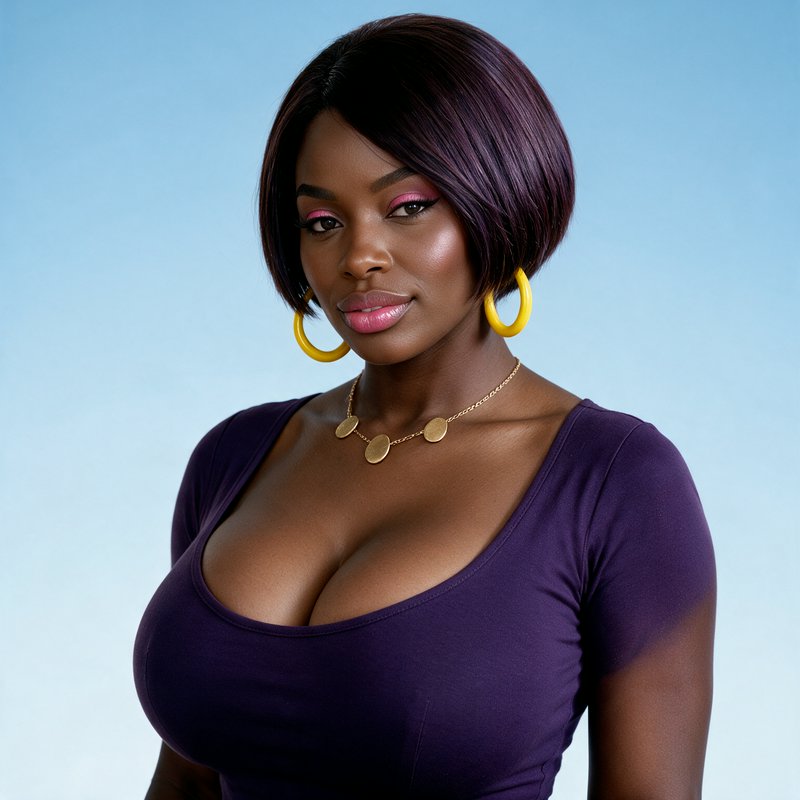
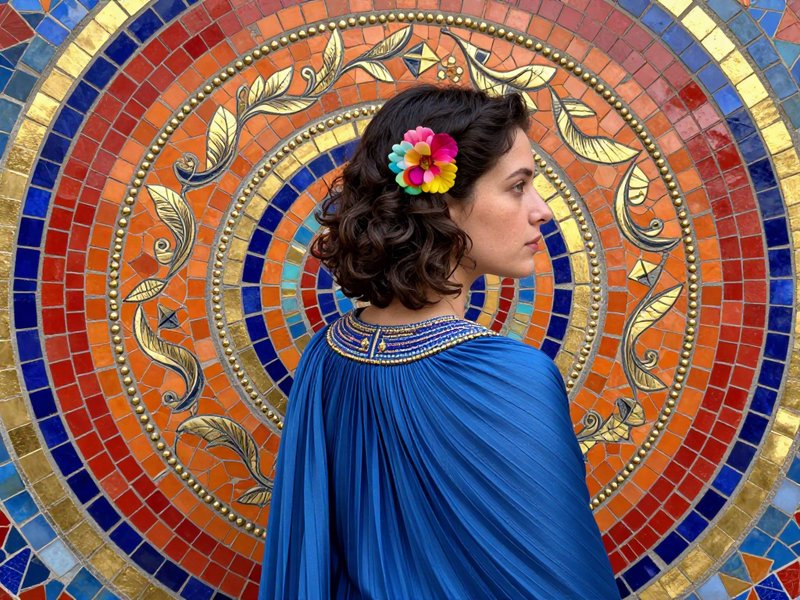
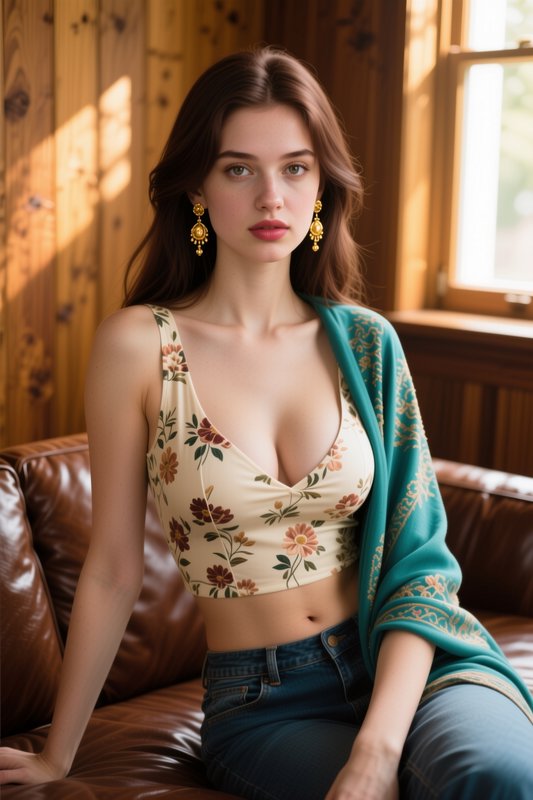
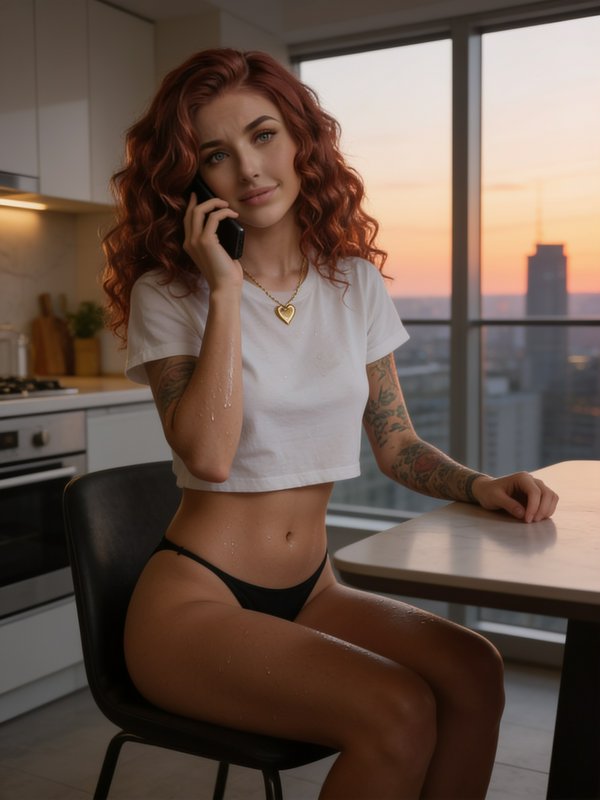
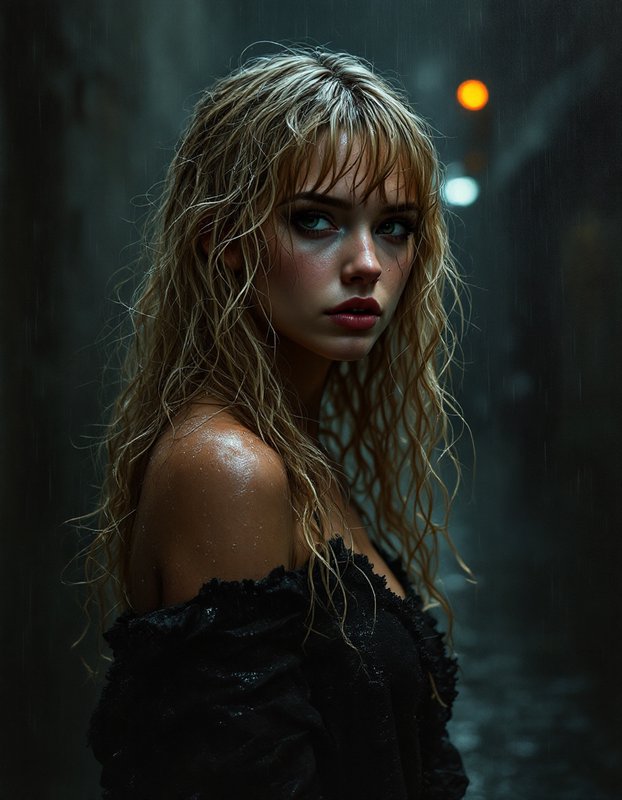
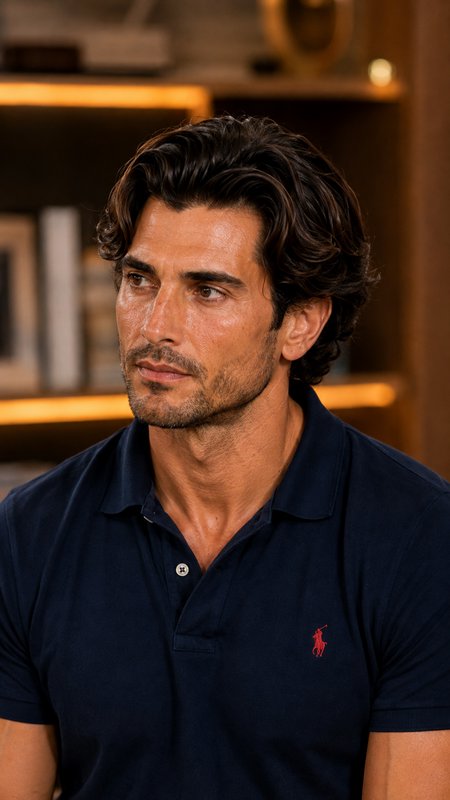
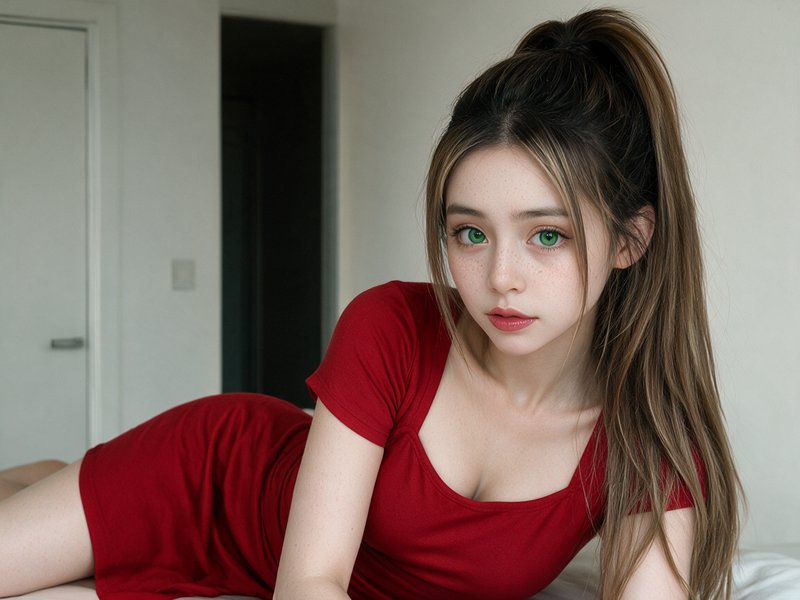
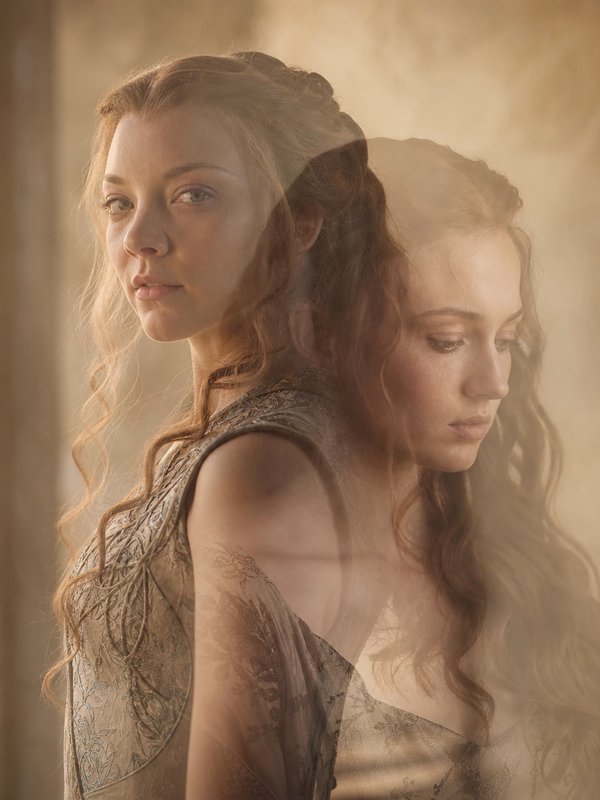
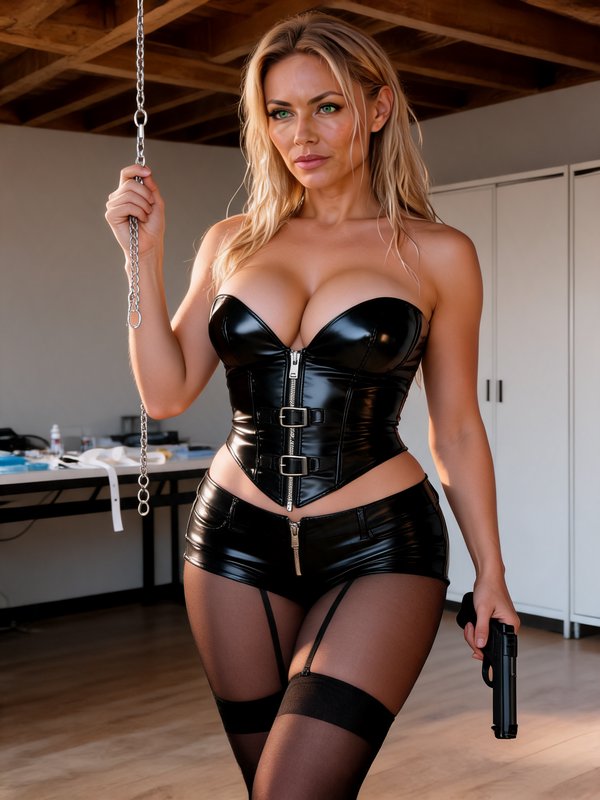
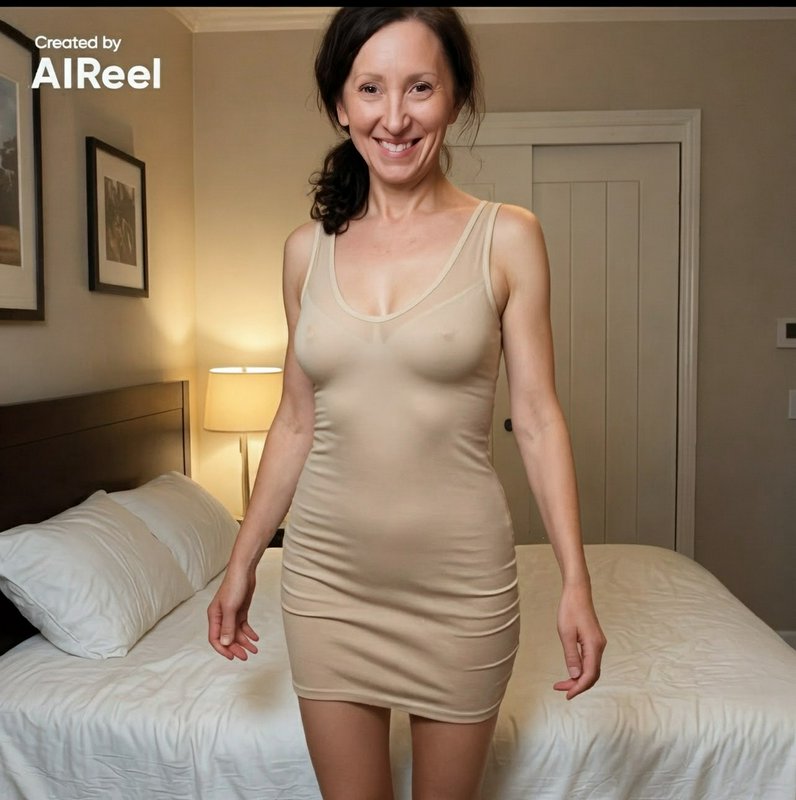
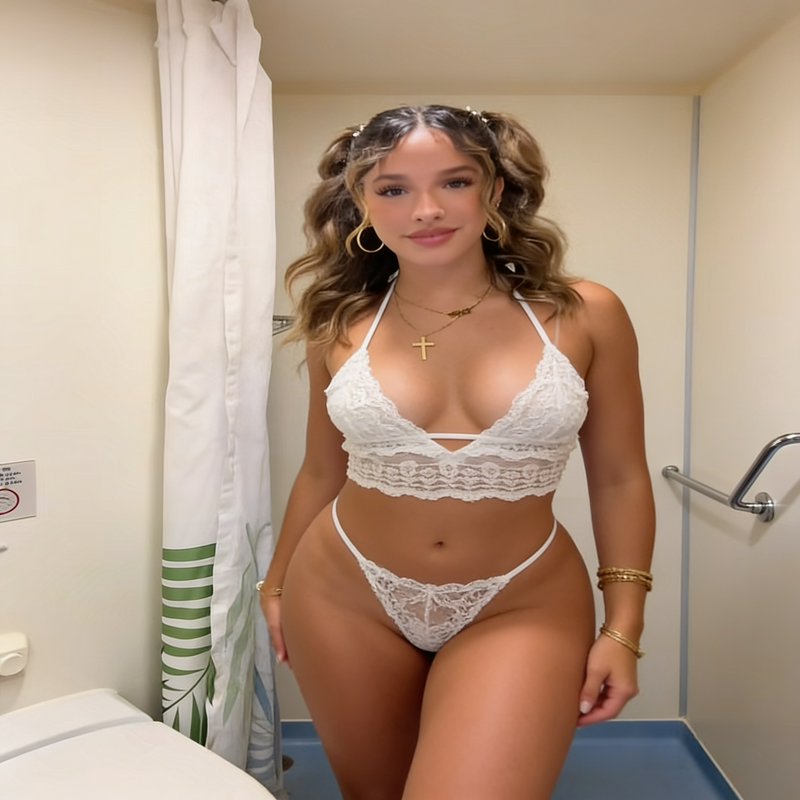
Faces and figures framed close, from formal studio work to candid single subjects.
972 published by the BudgetPixel community
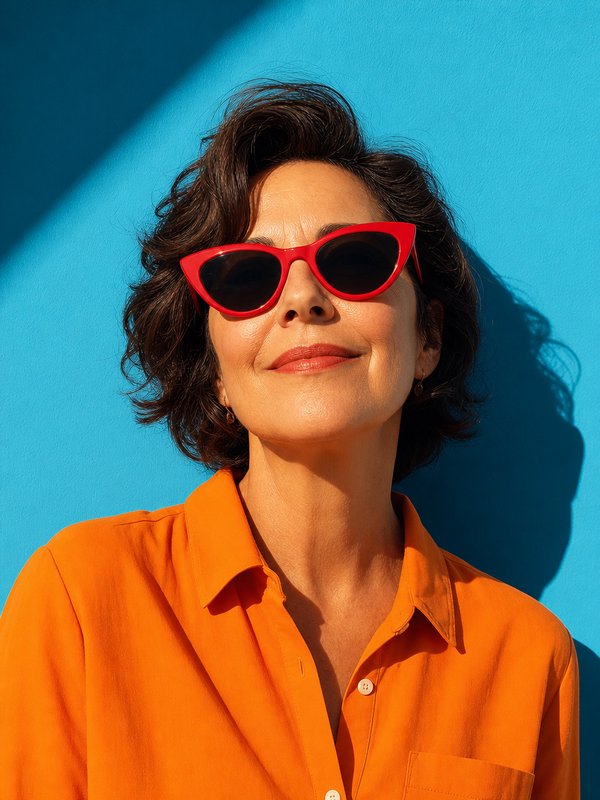
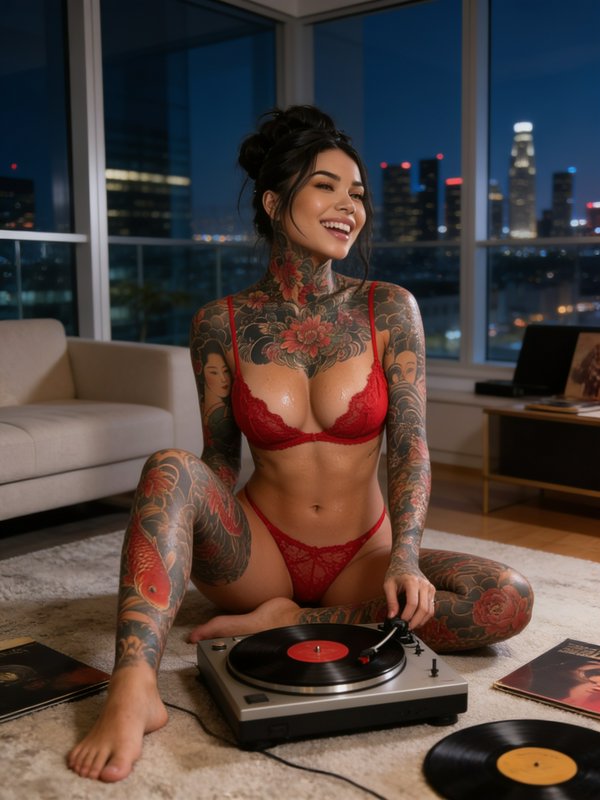
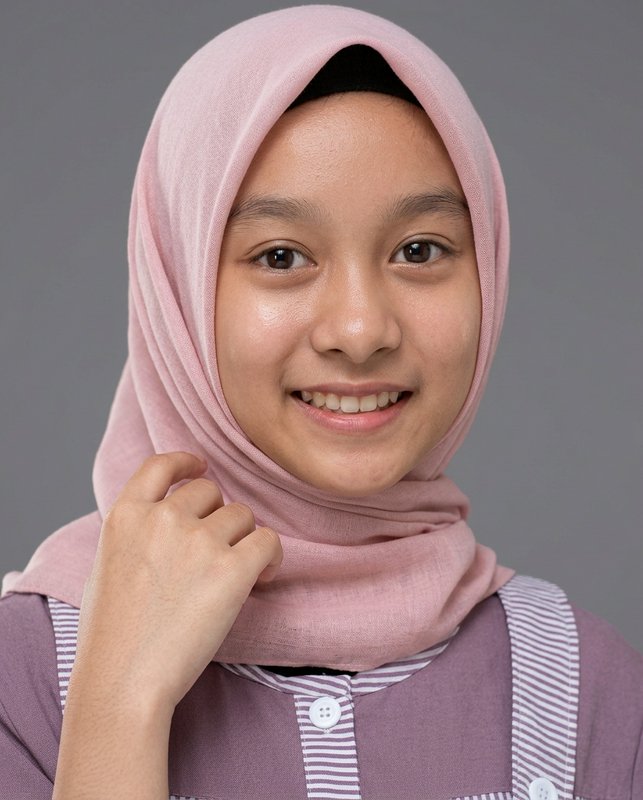
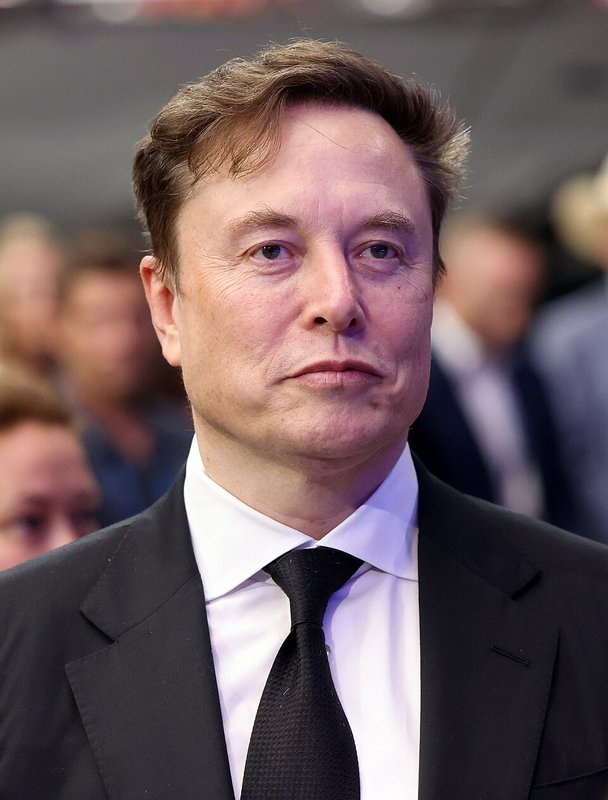
Portraiture treats a person as the subject and everything else as support. As a medium tag it spans studio, environmental and candid approaches, and the variable that matters most is the relationship between light and face — where the key sits, how much fill it gets, and how much of the frame the head occupies. It is also the hardest category for AI to get right, because people are very good at spotting wrong faces.
4 images on this page are published under Creative Commons licences — free to use and adapt, including commercially, if you credit the creator. Look for the licence badge on a tile, or open it to see the exact credit line. How licensing works
Make your own portrait image
Everything in this grid was generated on BudgetPixel. Describe what you want and the same models will make it.
Start creatingMake your own portrait image
Everything in this grid was generated on BudgetPixel. Describe what you want and the same models will make it.
Start creating
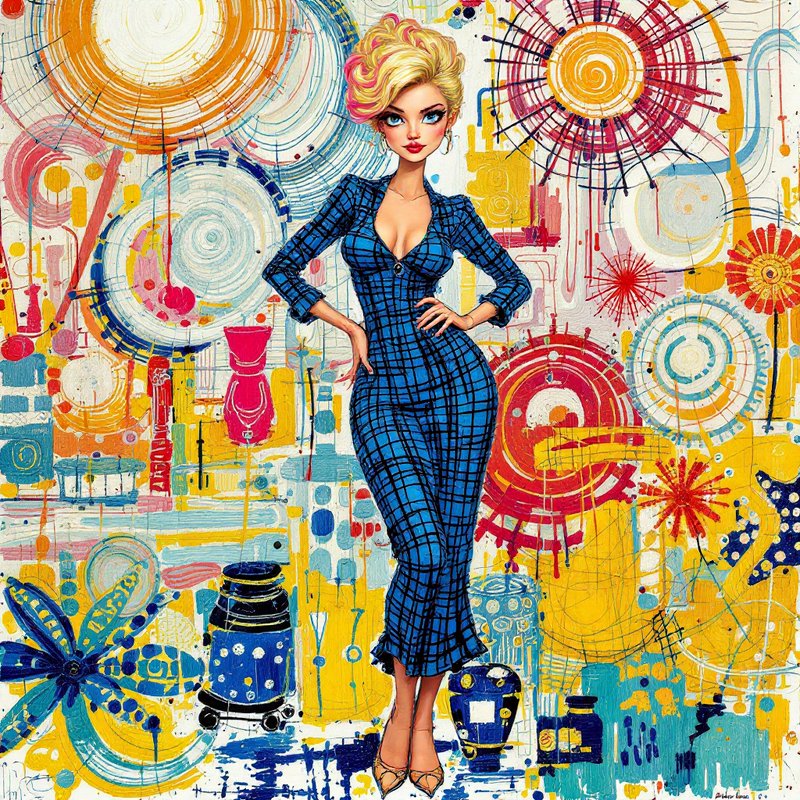
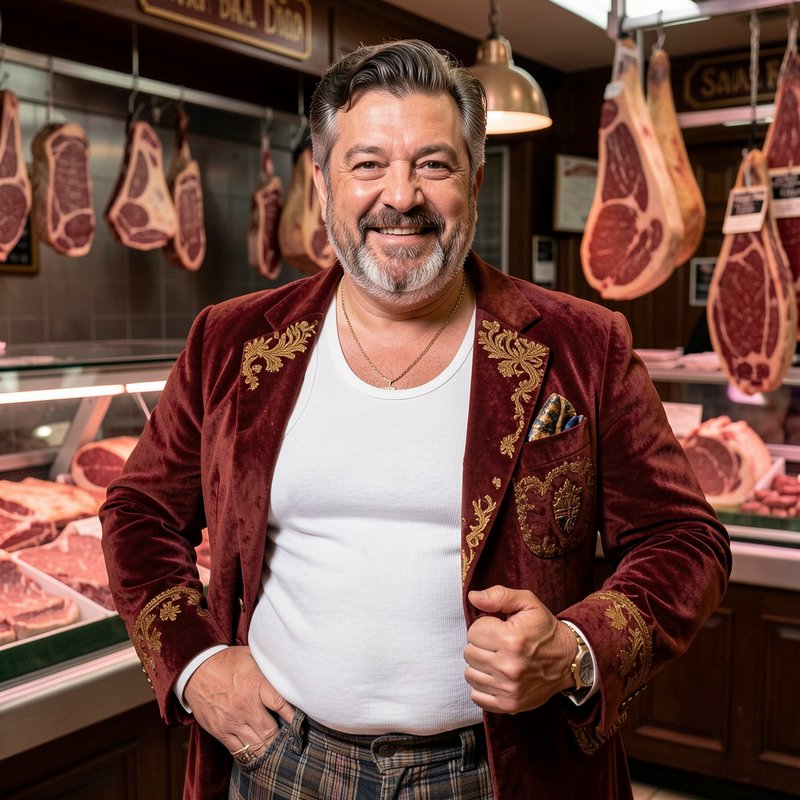
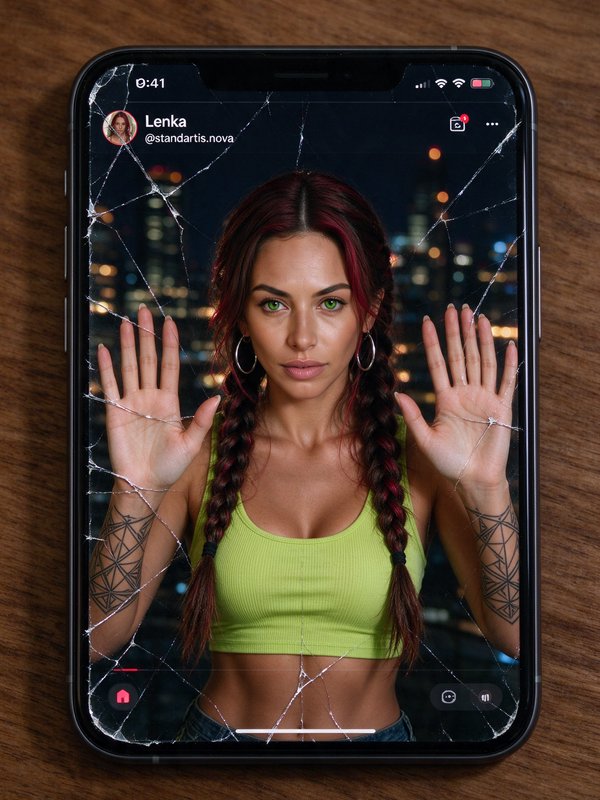
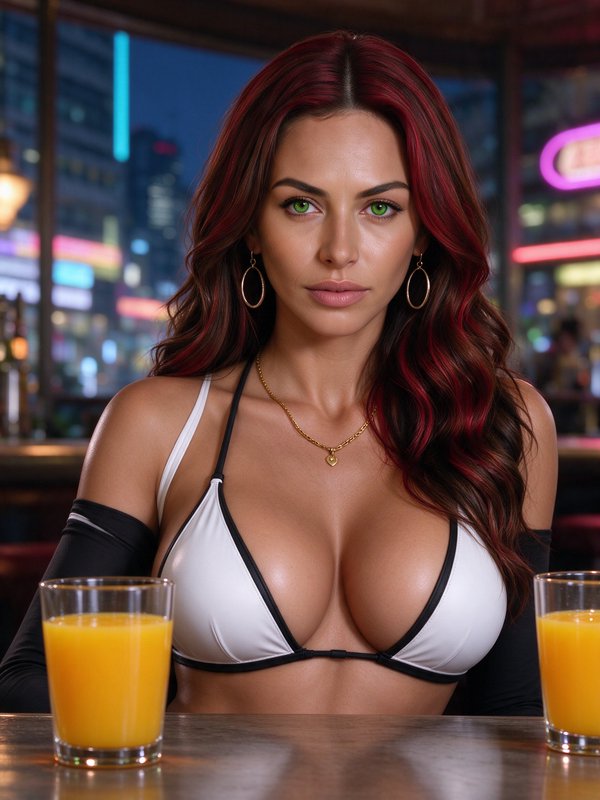
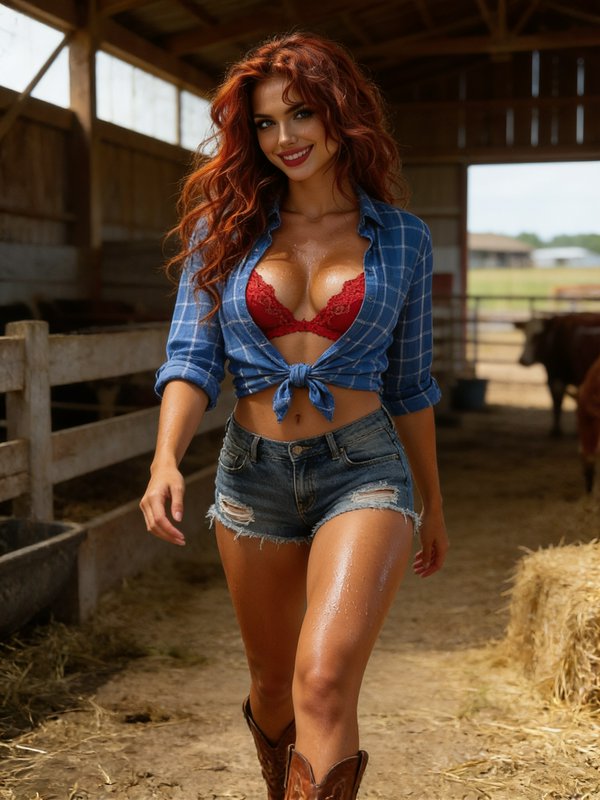
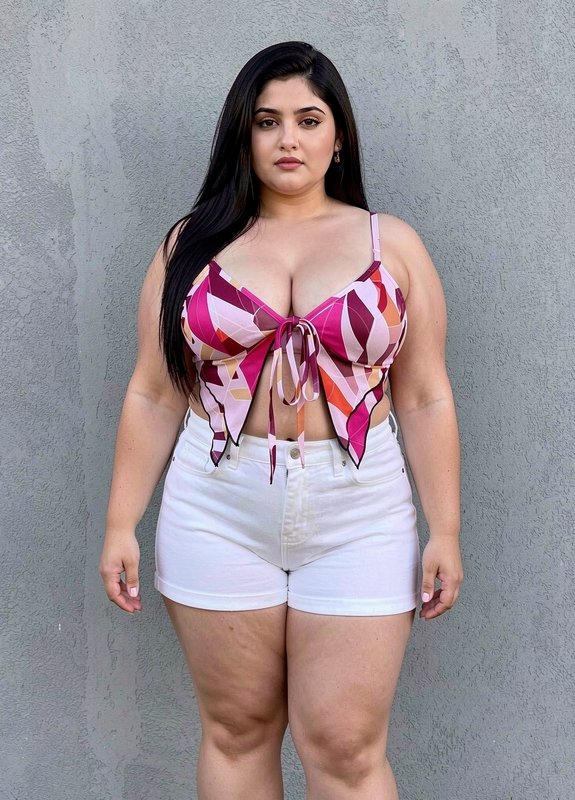
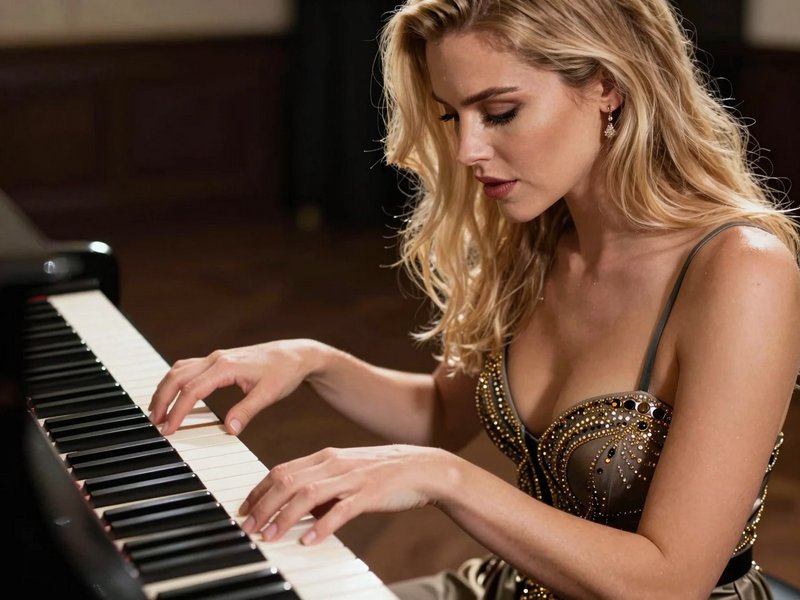
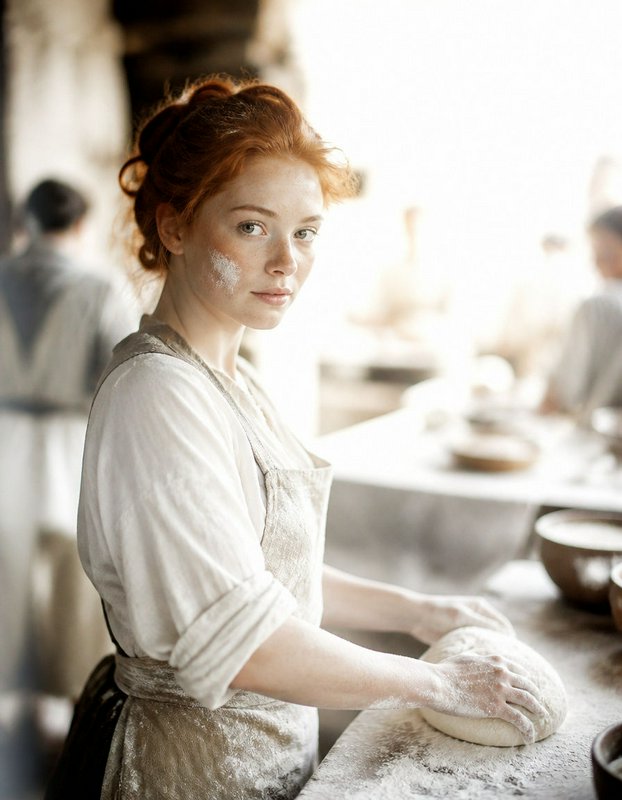
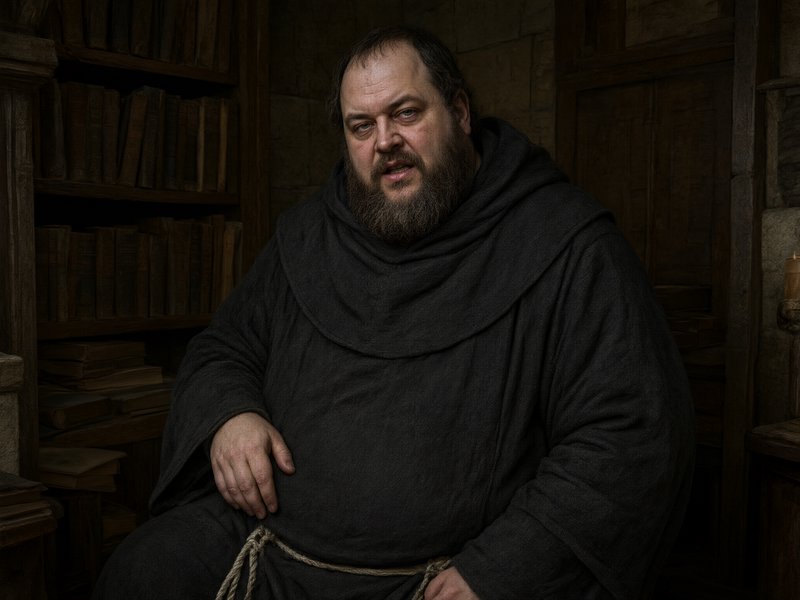
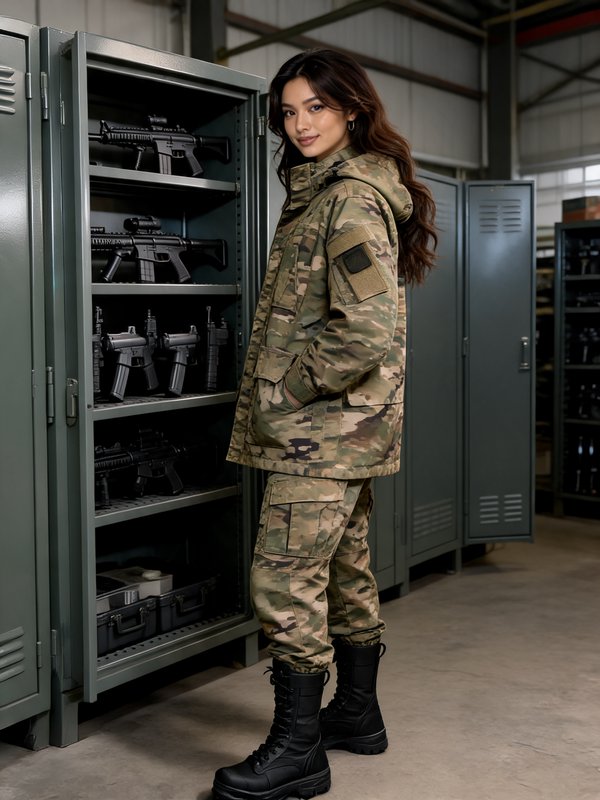
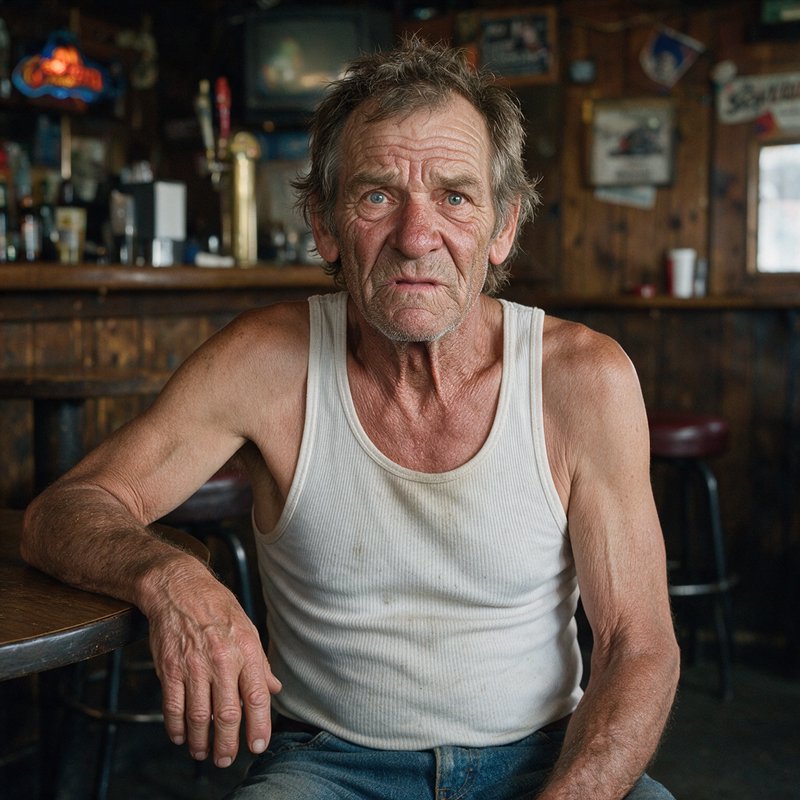
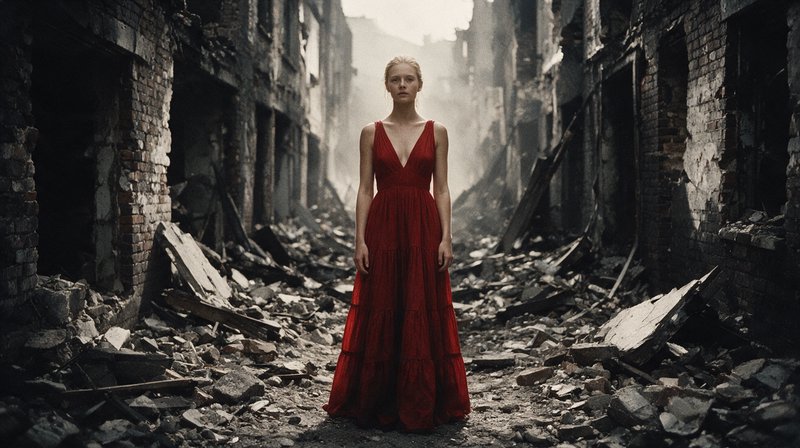
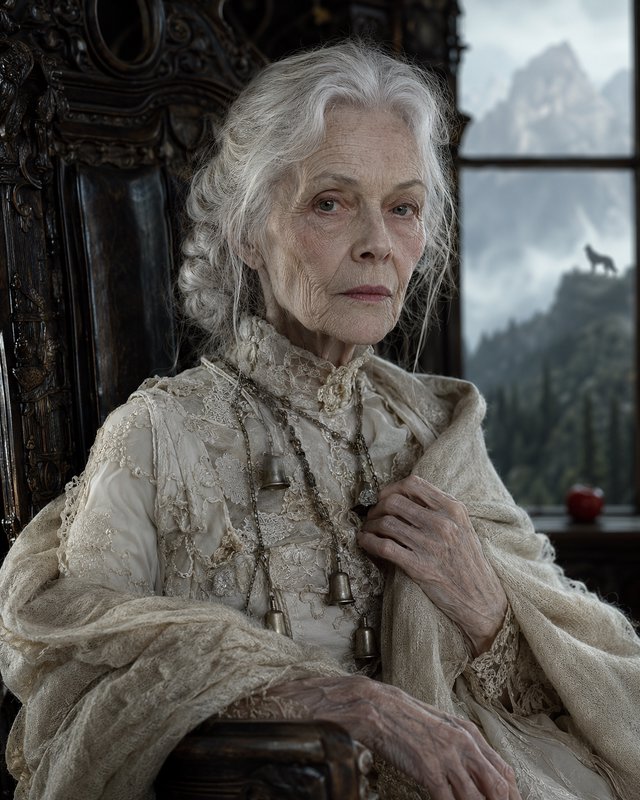
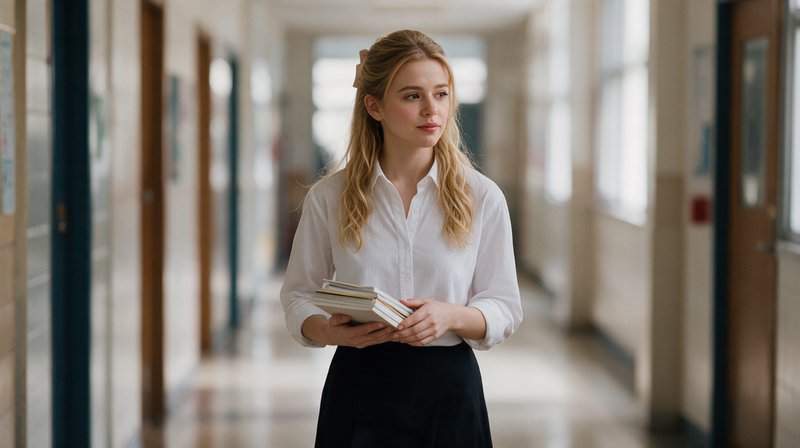
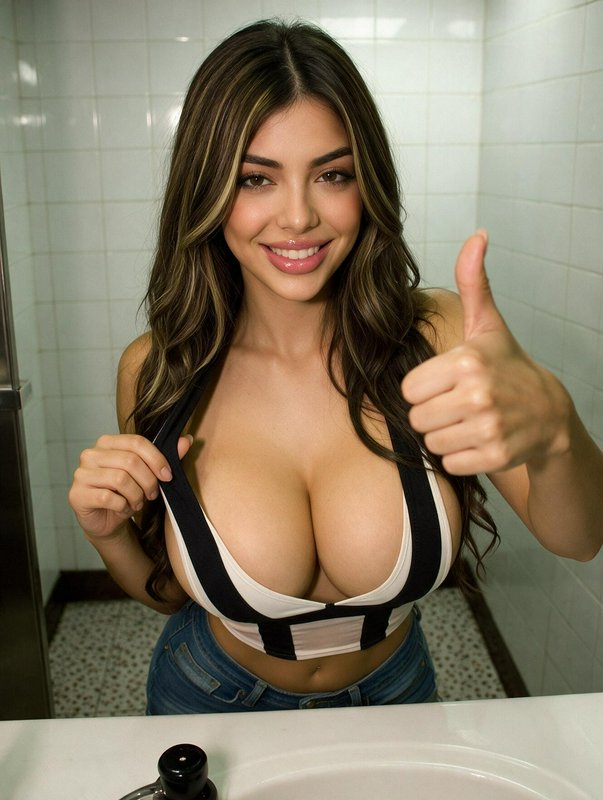
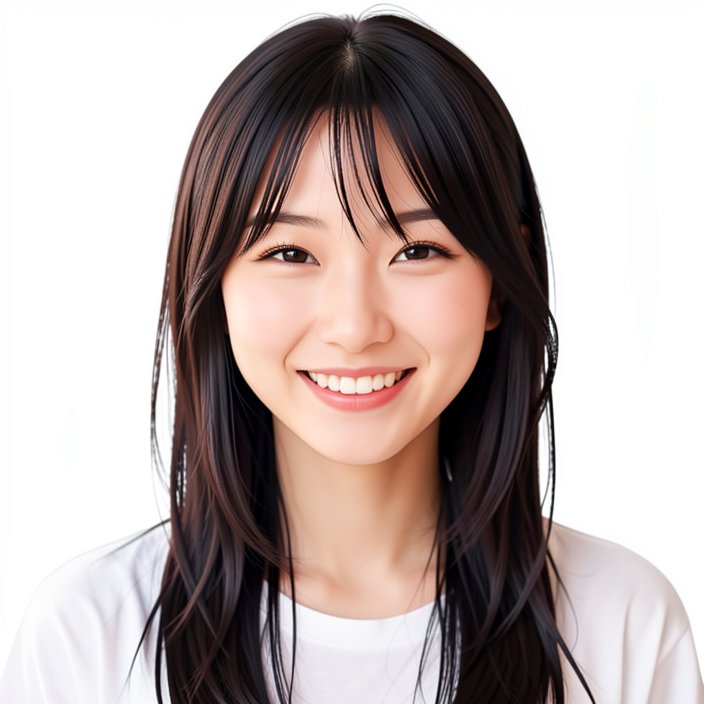
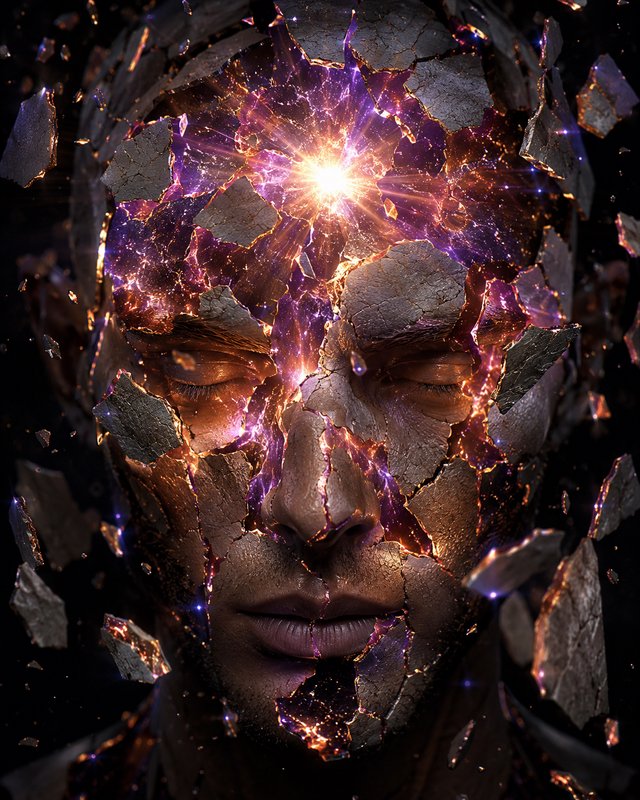
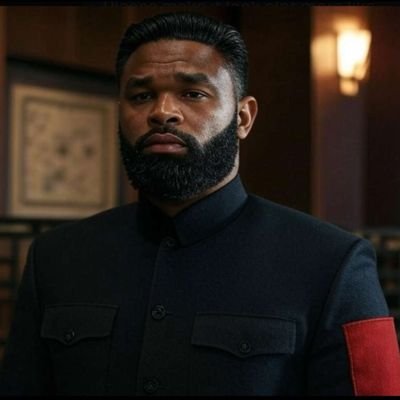
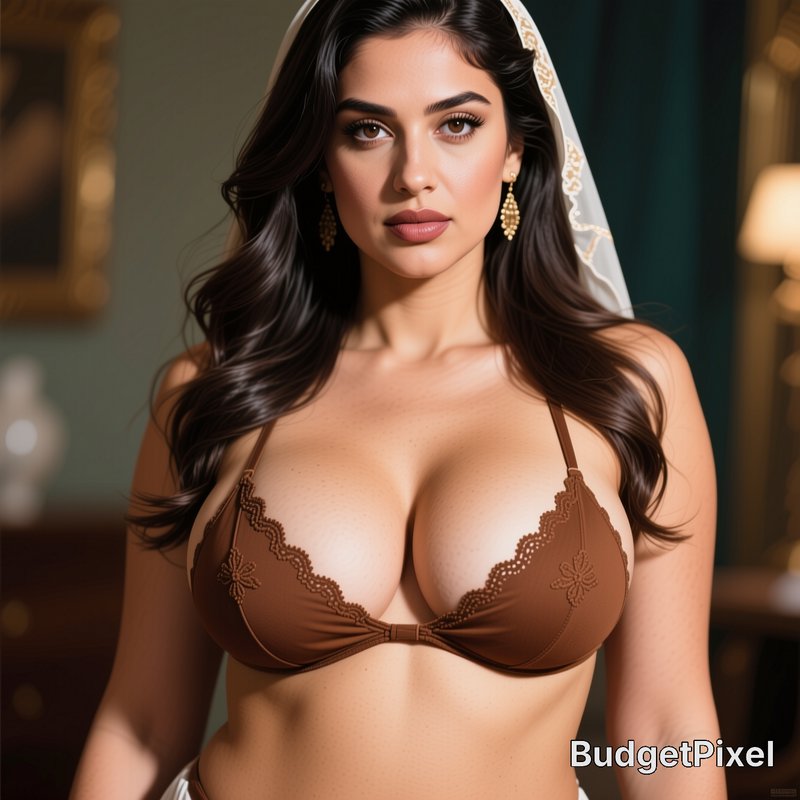
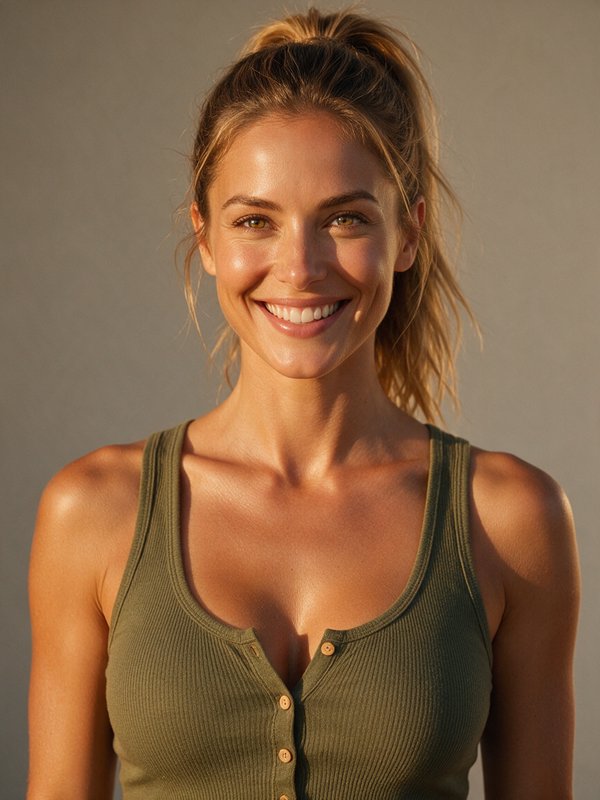
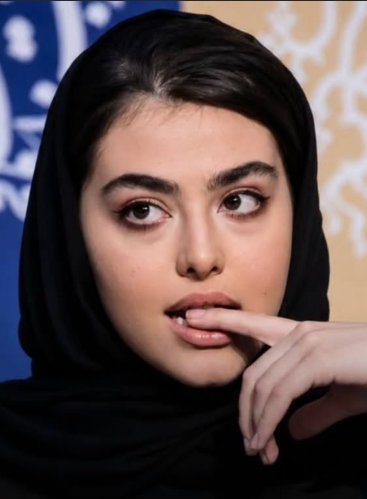
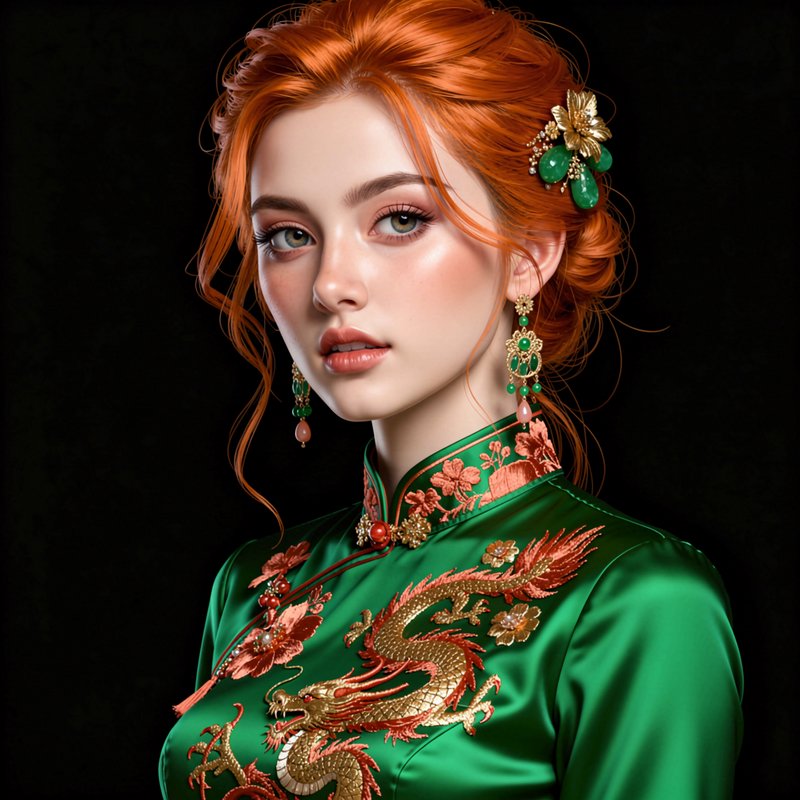
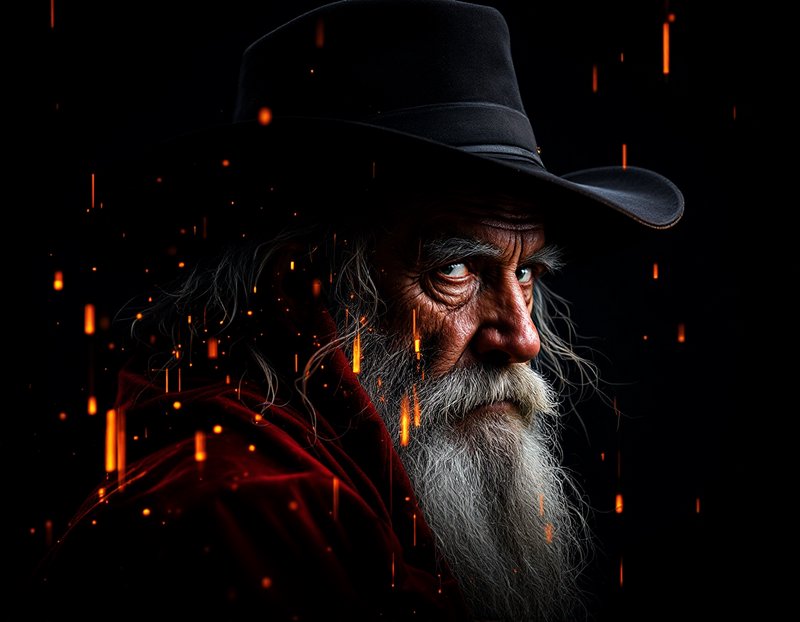
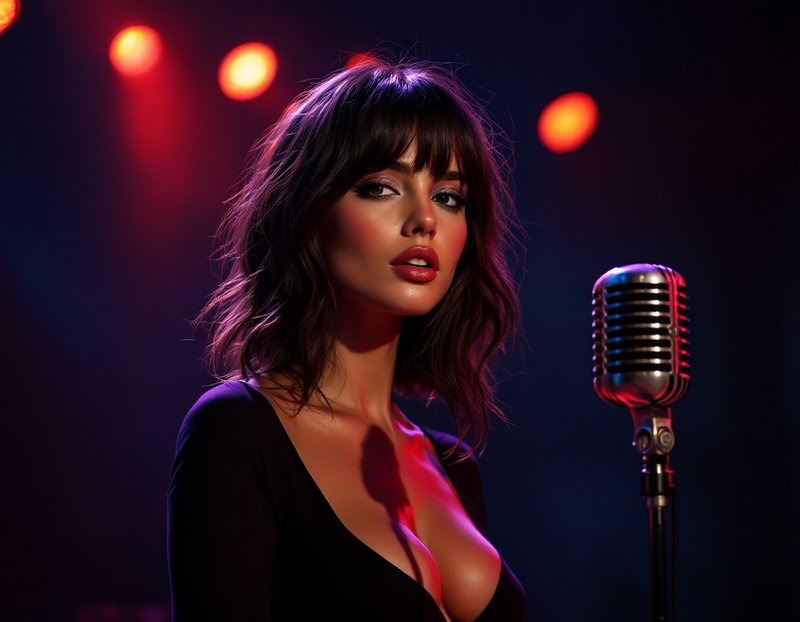
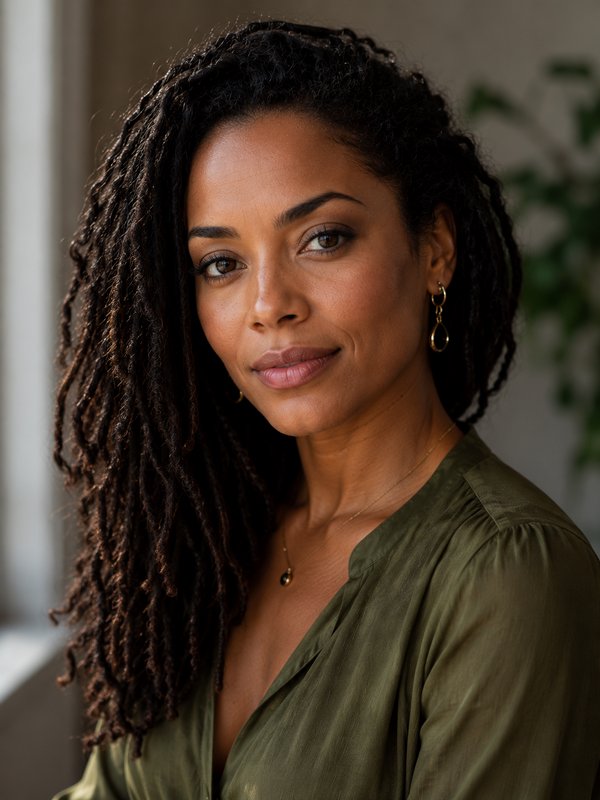
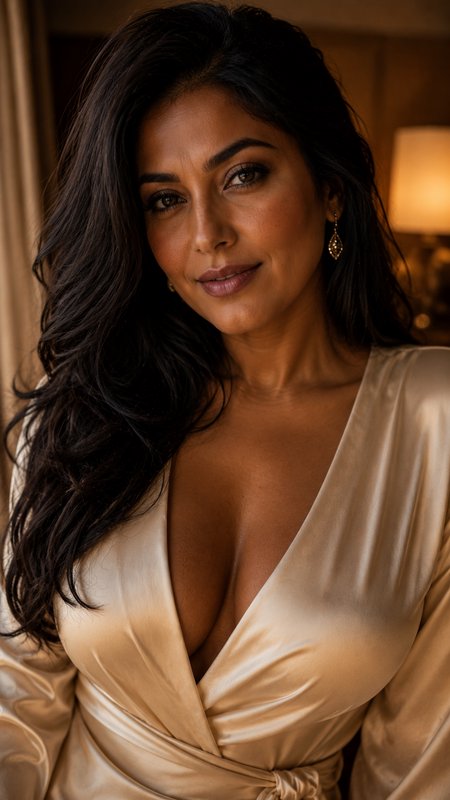
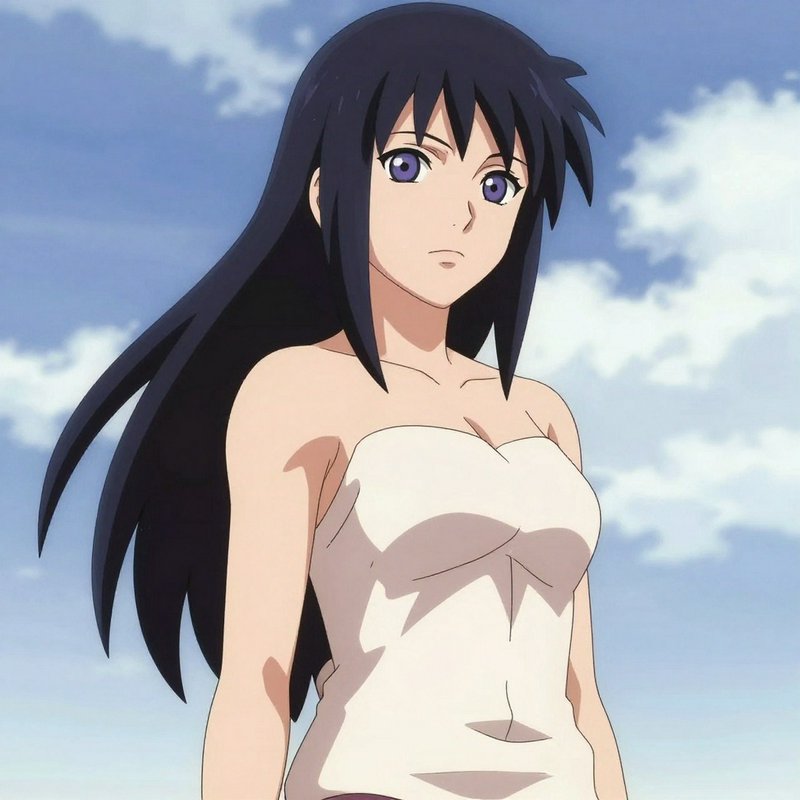
Portrait prompts to start from
Working prompts, not fragments. Open one to load it into the generator, then change whatever you like.
- Environmental portrait of a potter in their workshop, large window at 45 degrees, visible skin texture, 85mmUse →
- Three-quarter studio portrait, single softbox with no fill, natural shadow under the jaw, neutral backdropUse →
- Candid close portrait in shade, eyes averted, fine lines and uneven skin tone, shallow depth of fieldUse →
Portrait AI images: common questions
How do I get realistic skin instead of a plastic look?
Ask for texture explicitly — visible pores, fine lines, uneven tone — and avoid words like flawless, perfect or smooth, which push straight to the airbrushed default. Soft directional light rather than flat frontal light also helps, because skin texture is only visible when light crosses it at an angle.
What is the best lighting for an AI portrait?
One source, slightly off-axis, with something to soften it. A large window at 45 degrees is the most forgiving setup there is: it models the face, leaves natural shadow, and avoids the flat frontal look that makes AI portraits read as rendered. Naming a classic setup like Rembrandt or loop lighting also works.
How do I fix eyes and teeth?
Reduce how much of the frame they occupy, or avoid showing them. Tighter crops magnify errors; three-quarter views, closed or averted eyes, and closed-mouth expressions all fail less often. When you need a full frontal smile, generating several and picking is more efficient than re-prompting.
Related topics
Make your own portrait images
Everything here was generated on BudgetPixel and published by the person who made it. The same models are available to you — pick one, write a prompt, and publish the result to the community feed if you want it here.