Recraft V4
Build style-consistent design asset sets with clean layouts and legible text.
Brand and design assetsBuilt for
V4 and V4 ProTiers
45 (V4) · 300 (Pro)Credits
Image WorkshopRuns in
Professional images for every use case
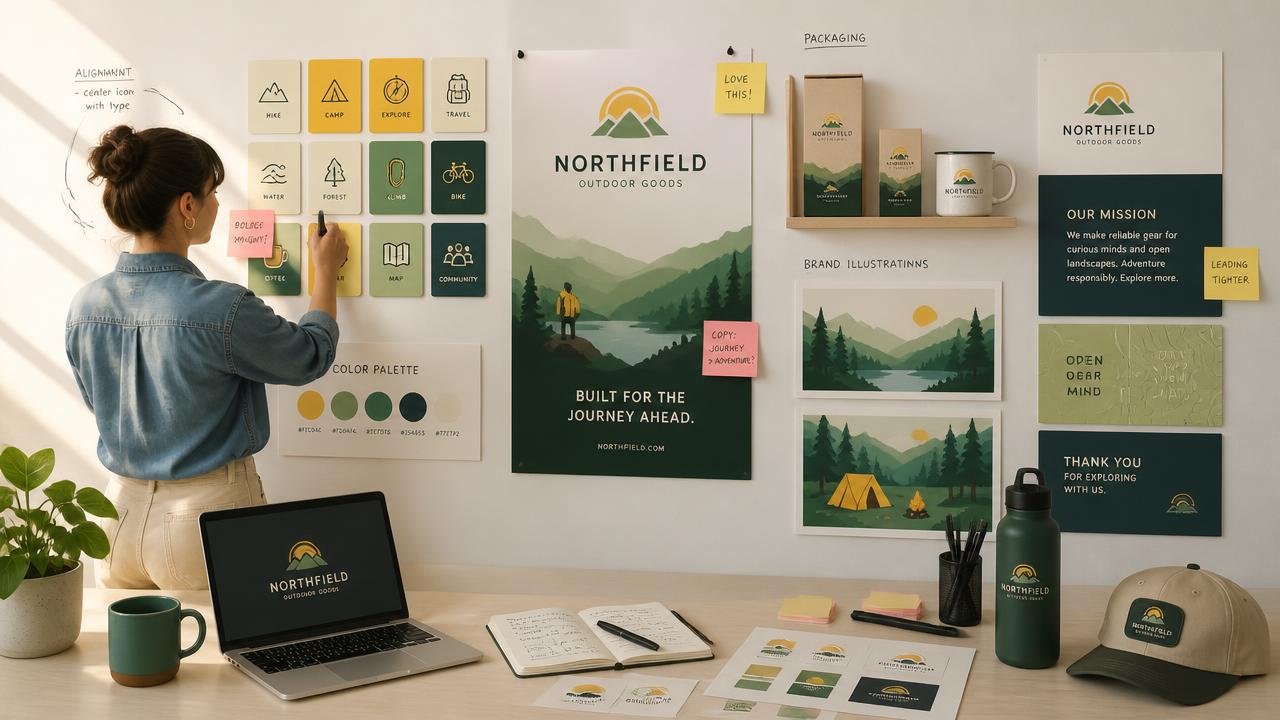
Icon sets.
Generate complete icon families with consistent silhouettes, spacing, visual weight and color rules.Poster layouts.
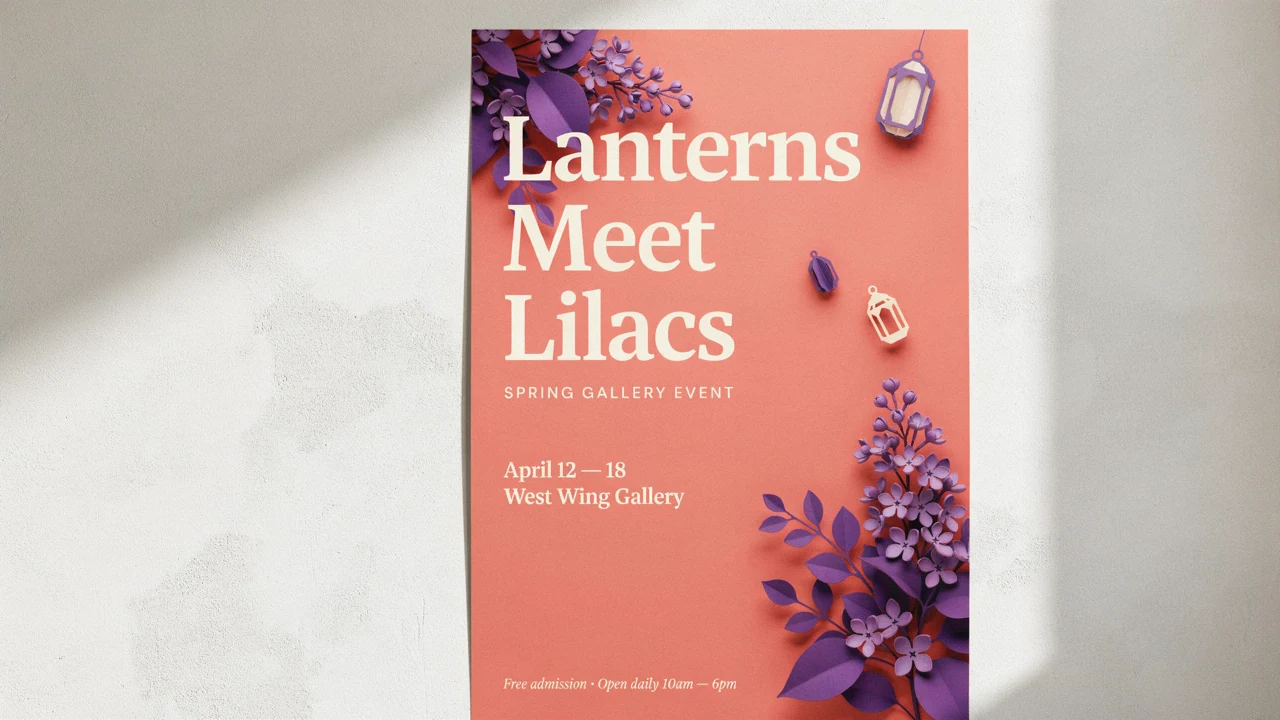
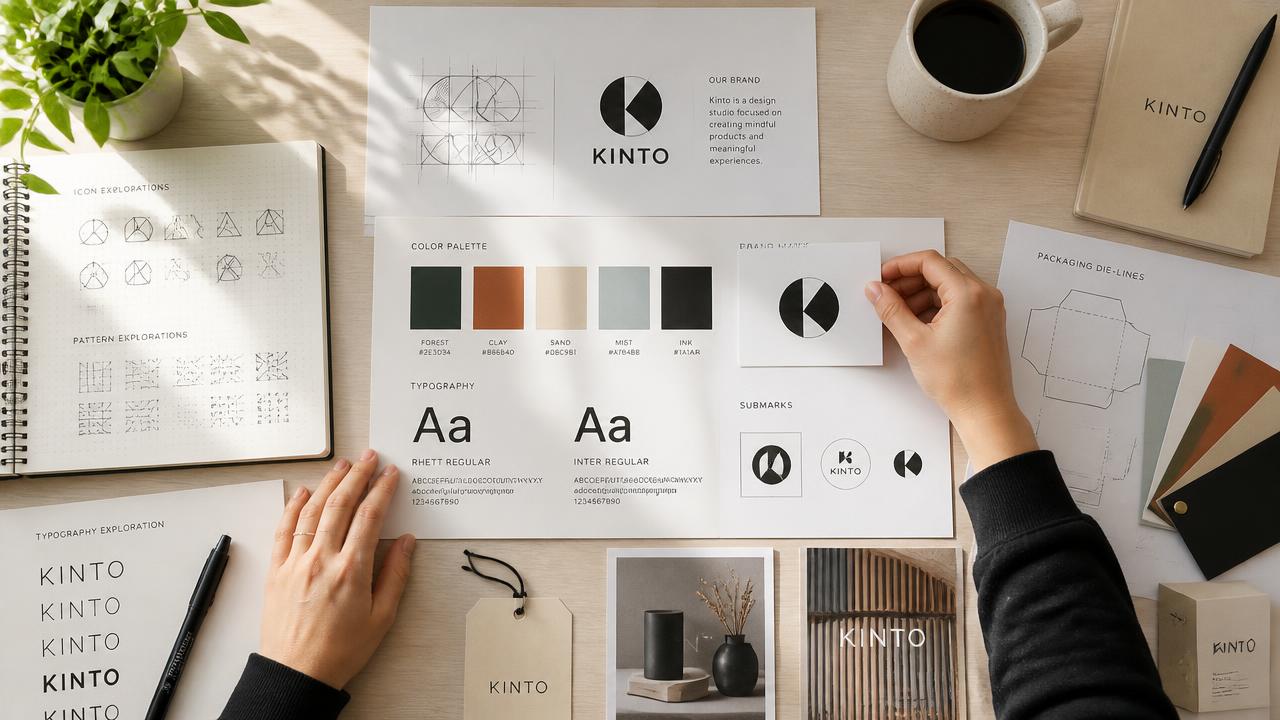
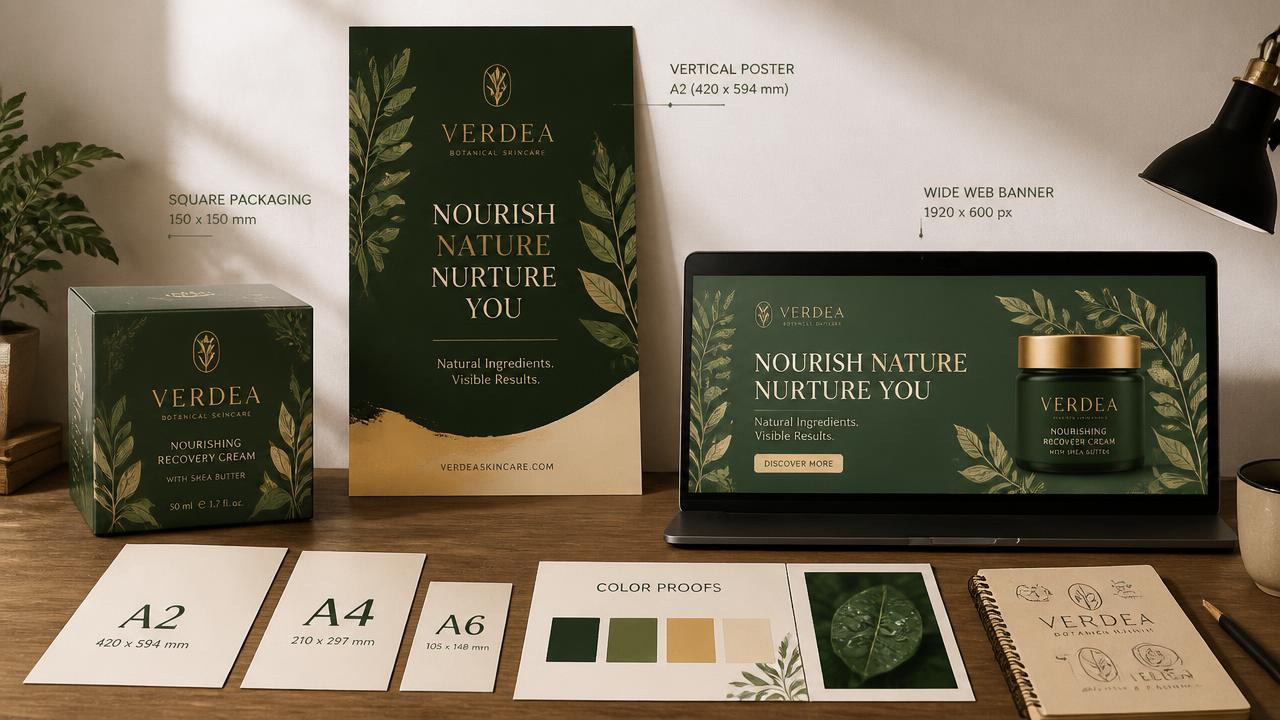
Combine clear typographic hierarchy, strong composition and campaign imagery in a single designed layout.Logo concepts.
Explore distinctive symbols and wordmark directions with controlled geometry, color and silhouette.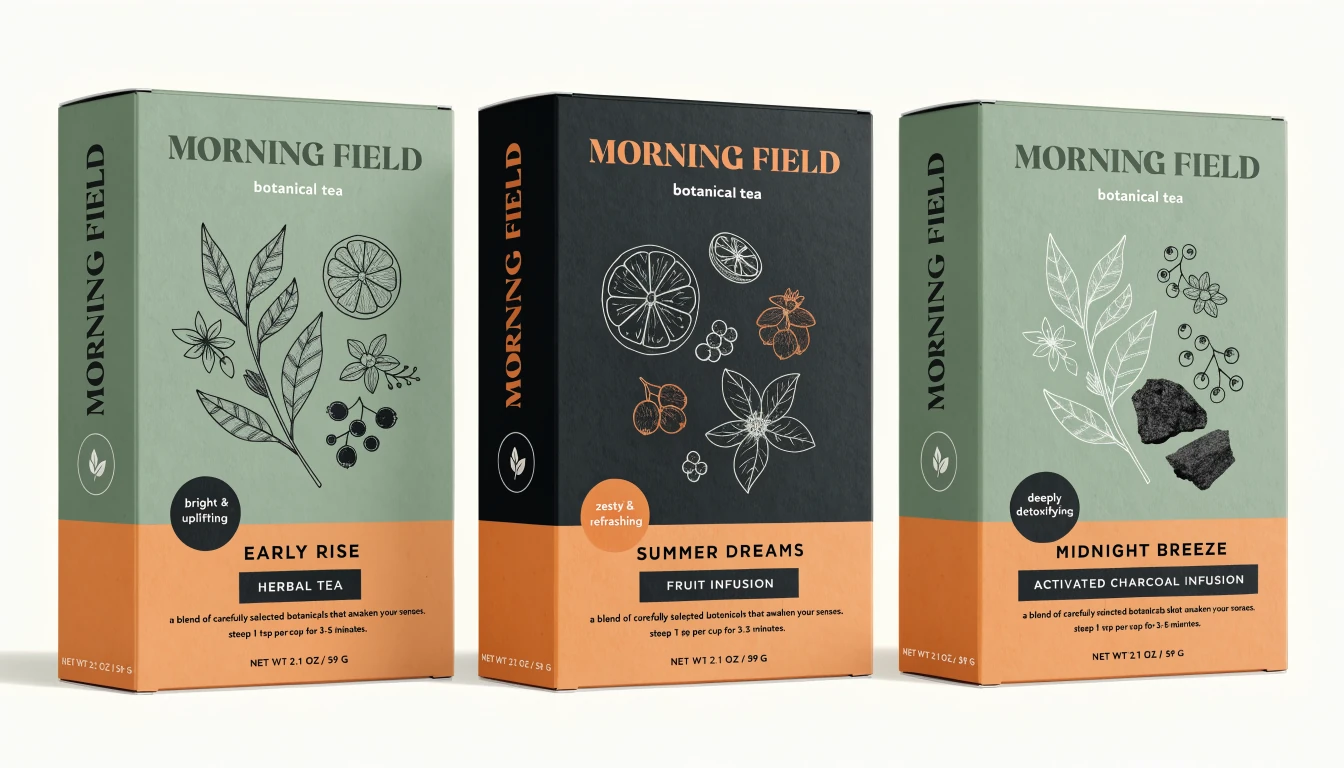
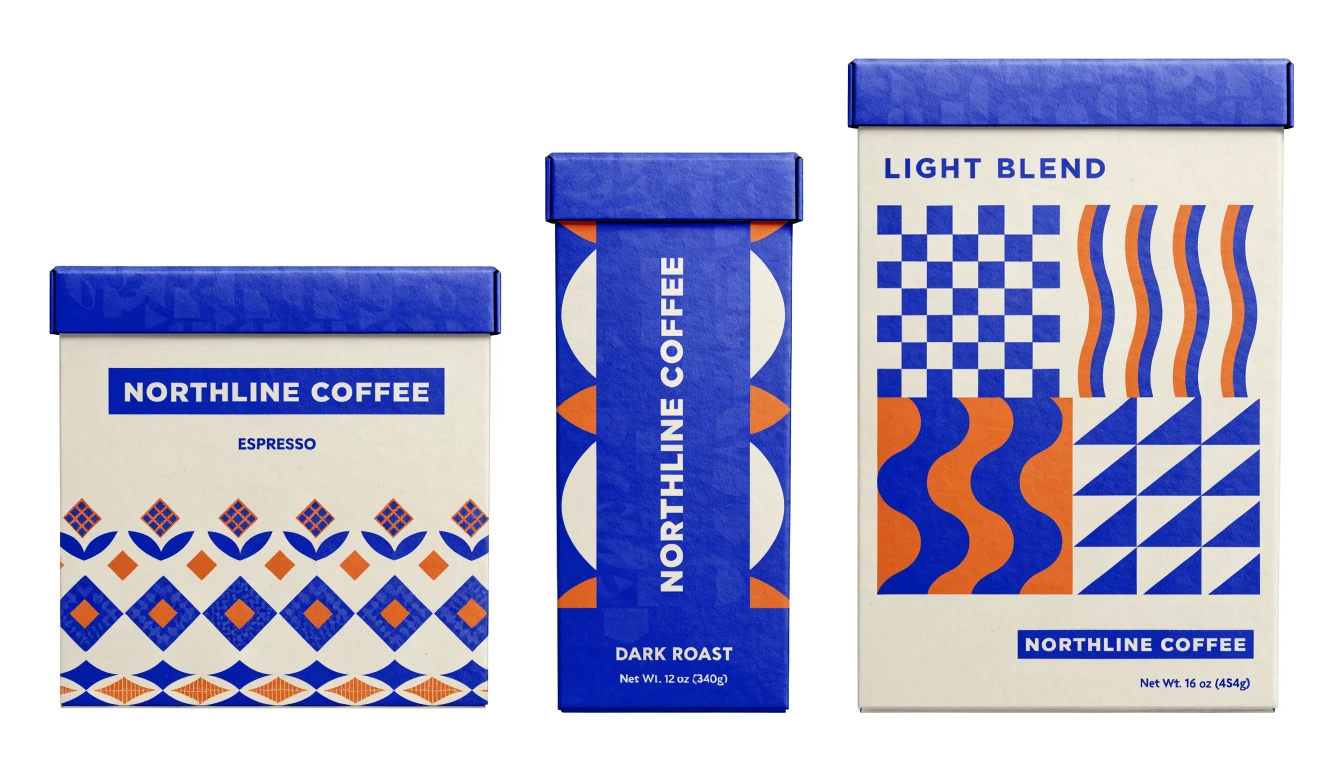
Packaging concepts.
Develop coordinated labels, boxes and campaign graphics with consistent branding across the product range.Keep a visual system consistent across a set
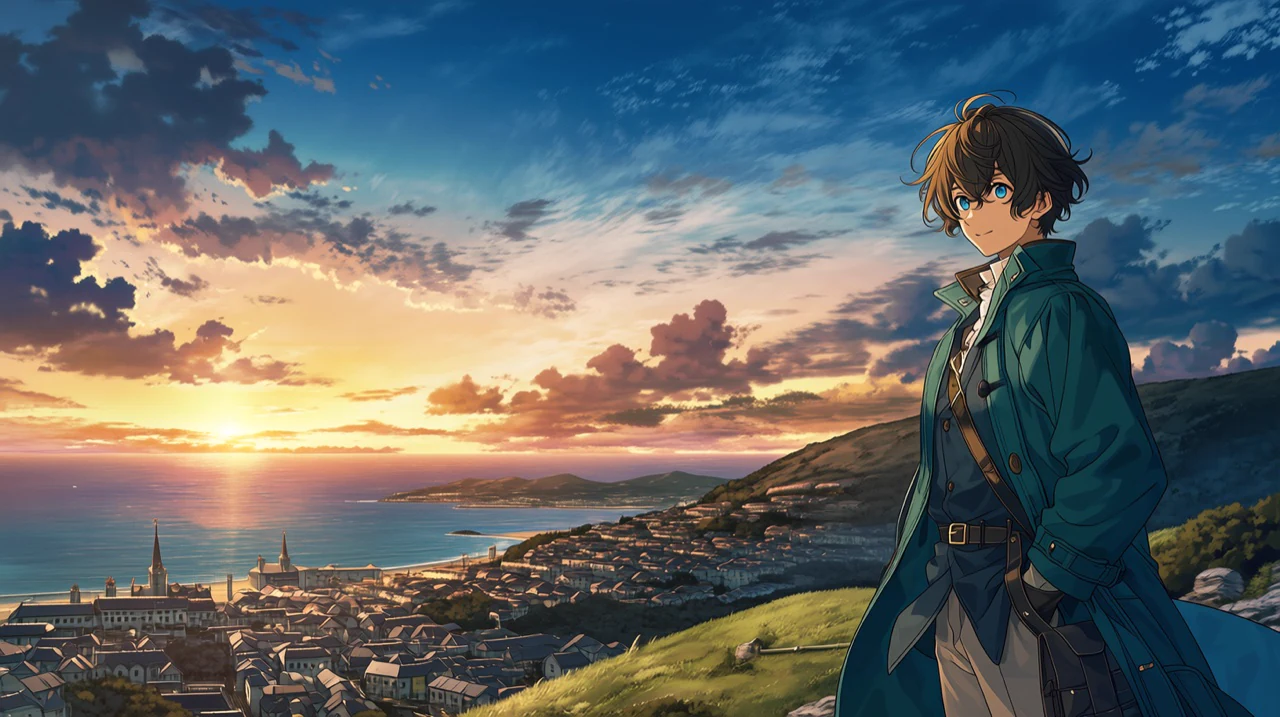
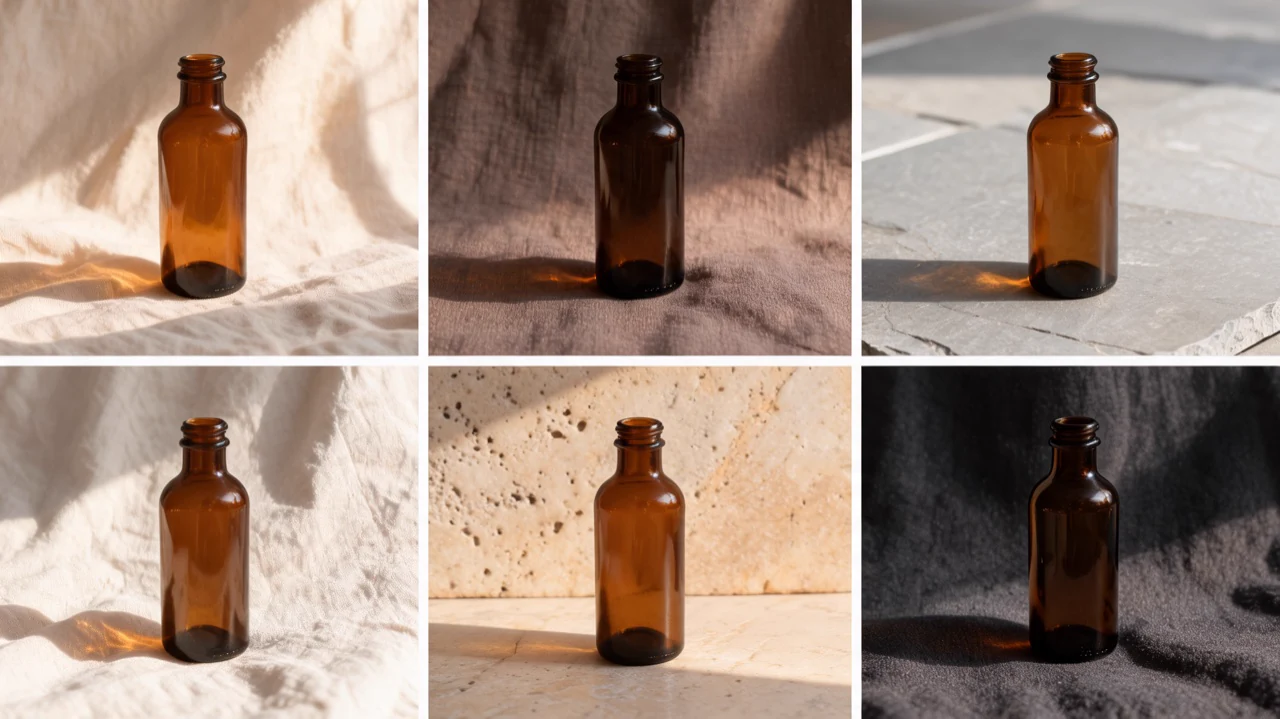
Define the palette, silhouettes, stroke behavior, texture and spacing, then repeat those rules across related prompts. This helps design teams build coordinated asset families instead of disconnected images.
- •Prompt-defined color systems
- •Repeated shape and silhouette logic
- •Matched line weight and texture
- •Consistent detail across a series
- •Reusable art-direction structure
Clear text inside designed layouts
Recraft V4 can place short, clearly specified text within posters, labels and campaign graphics while following hierarchy instructions. Define the wording, position, scale and alignment, then proofread the result before publishing.
- •Exact copy written in quotation marks
- •Defined headline and caption hierarchy
- •Controlled alignment and margins
- •Text integrated with graphic elements
- •Support for multilingual text
- •Final proofreading still recommended
Strong logic for icons and logo concepts
The model responds well to structural instructions such as exact counts, strict palettes, grids and silhouette rules. That makes it useful for early identity exploration and cohesive interface asset sets.
- •Exact item counts
- •Grid-based arrangements
- •Strict two- or three-color palettes
- •Uniform stroke and corner rules
- •Clean negative space
- •Concepts ready for designer review
Choose 1K iteration or 2K final artwork
Use standard V4 for rapid concept rounds and everyday 1K assets. Switch to V4 Pro for 2K final artwork, print layouts and fine packaging details; Pro consumes substantially more credits, so reserve it for approved directions.
- •Standard V4 for faster iteration
- •V4 Pro for 2K raster output
- •Fourteen supported aspect ratios
- •Shared design capabilities across tiers
- •Finer structure in Pro outputs
- •Best used after concept approval
How it works
1
Define the design system
Start with the asset type, exact item count and intended layout. Add a limited palette, shape language, line behavior, texture rules and any required text in quotation marks.
2
Choose the canvas and tier
Select an aspect ratio that matches the final placement. Use Recraft V4 for exploration, then choose V4 Pro when the direction is approved and the artwork needs higher-resolution detail.
3
Generate, proof and refine
Generate an initial direction and inspect the count, spacing, text and hierarchy. Tighten the prompt around any weak detail, then run the final approved version through the appropriate tier.
Prompts to steal
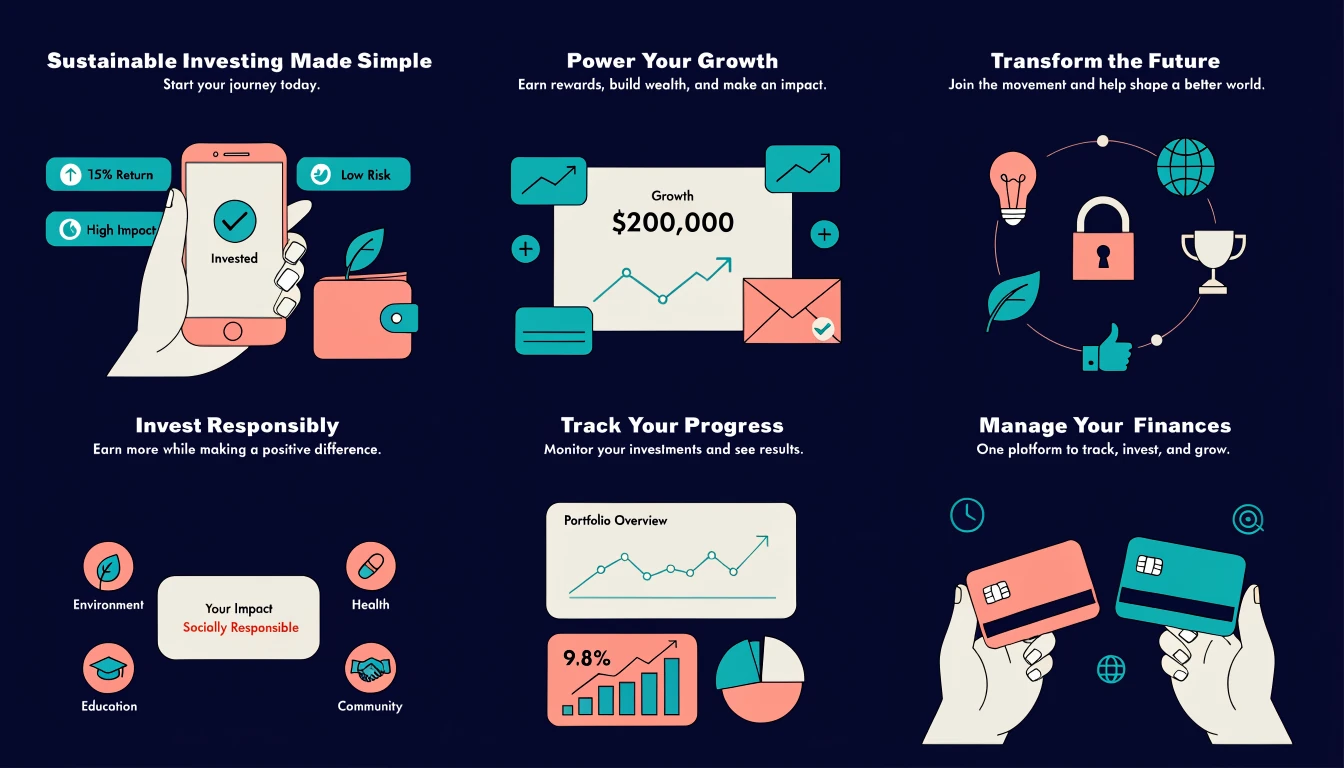
Six editorial brand illustrations for a sustainable finance app, rounded geometric forms, teal-coral-cream palette, consistent line weight, balanced negative space, clean flat finish
Brand illustration sets
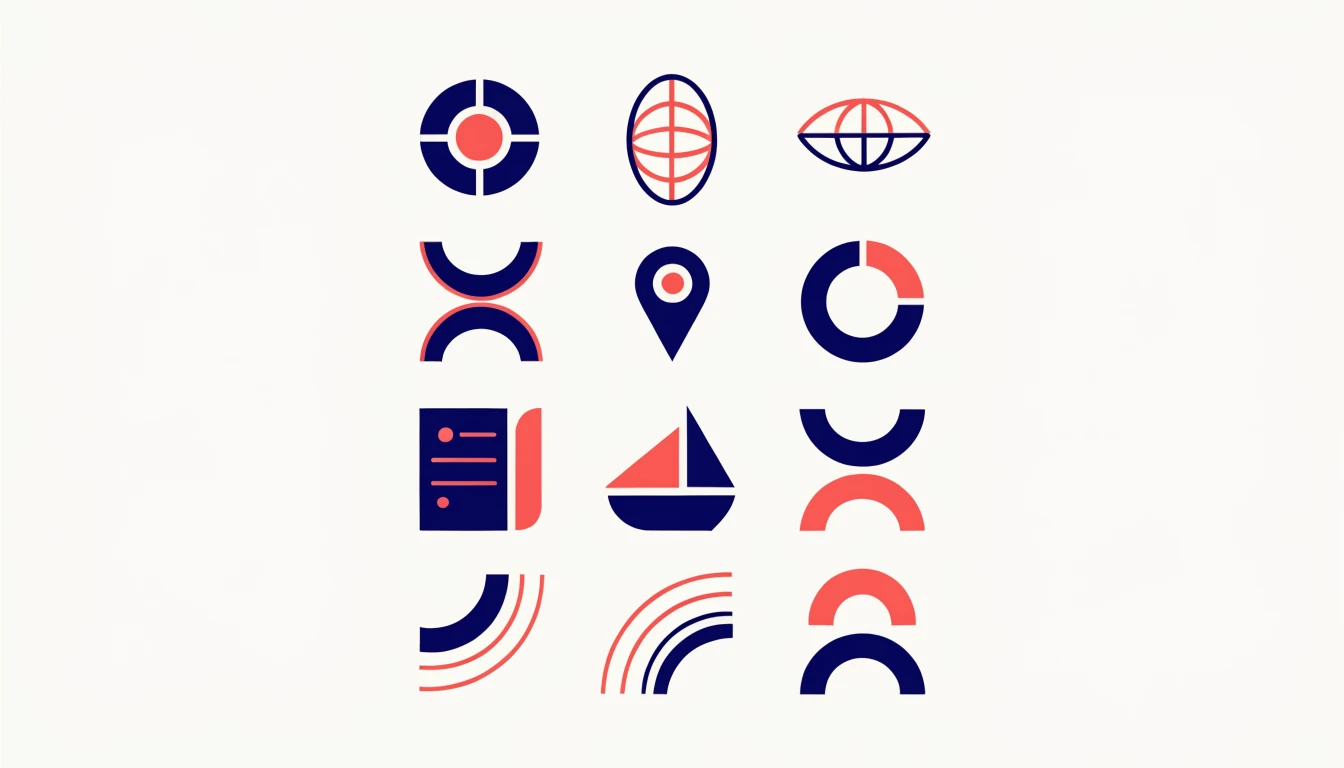
Twelve travel app icons in a 4x3 grid, bold rounded geometry, uniform navy strokes, coral accents, cream background, identical visual weight, no gradients, generous spacing
Icon sets
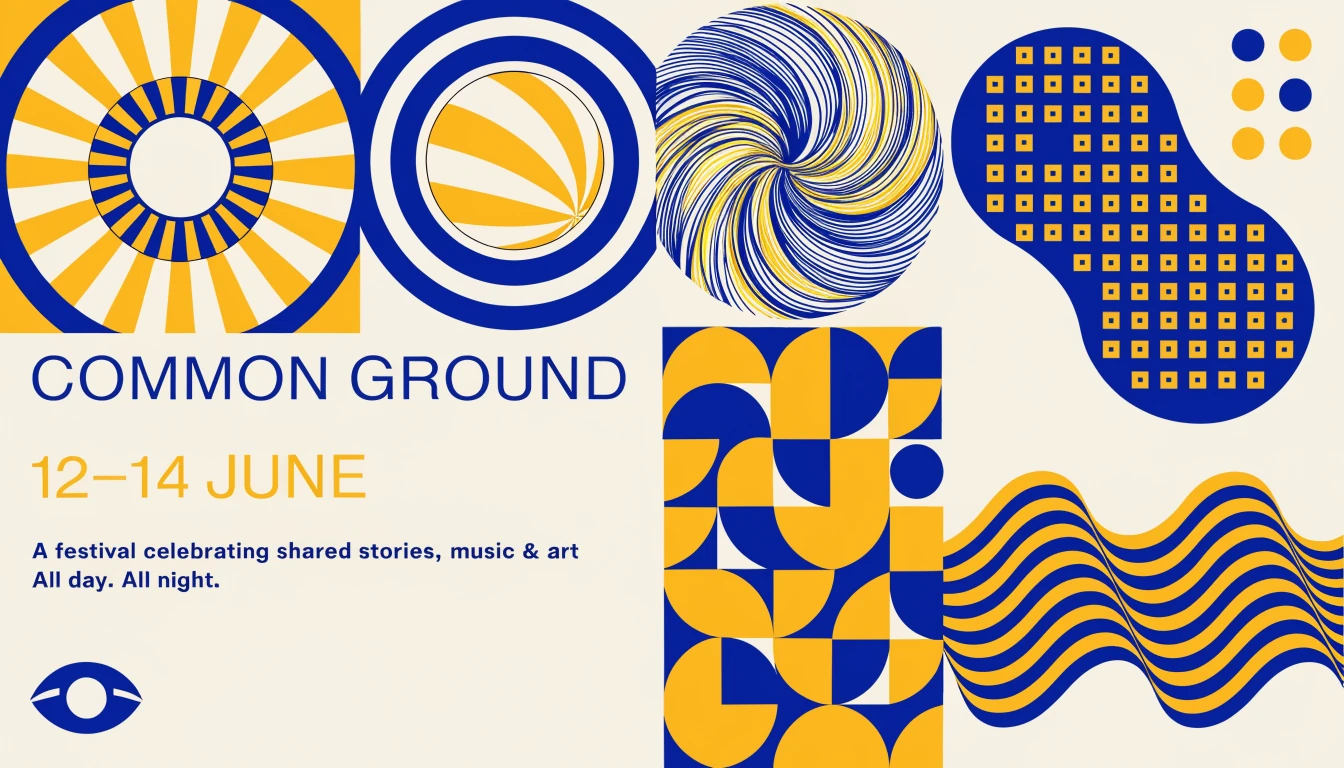
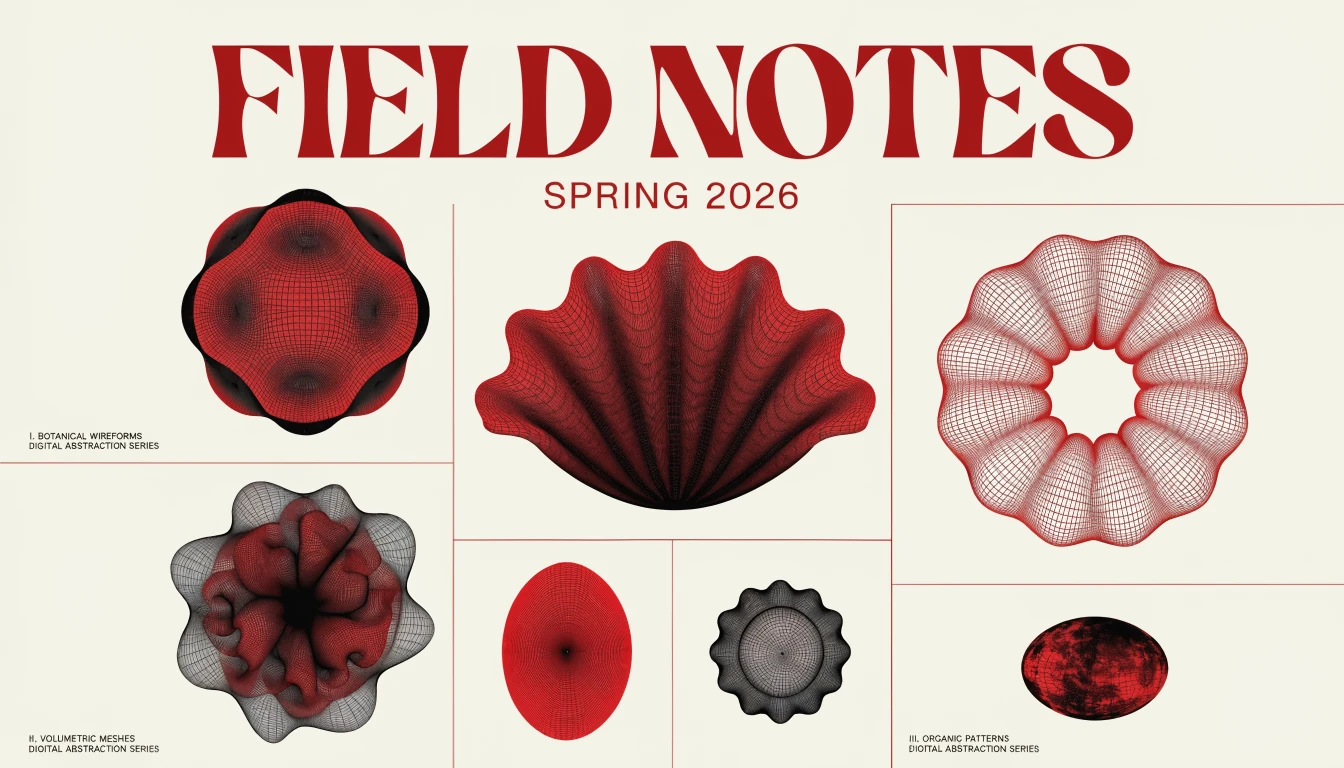
Contemporary cultural festival poster, exact headline “COMMON GROUND”, date “12–14 JUNE”, cobalt and warm yellow palette, bold sans-serif hierarchy, geometric collage, clean grid
Poster layouts
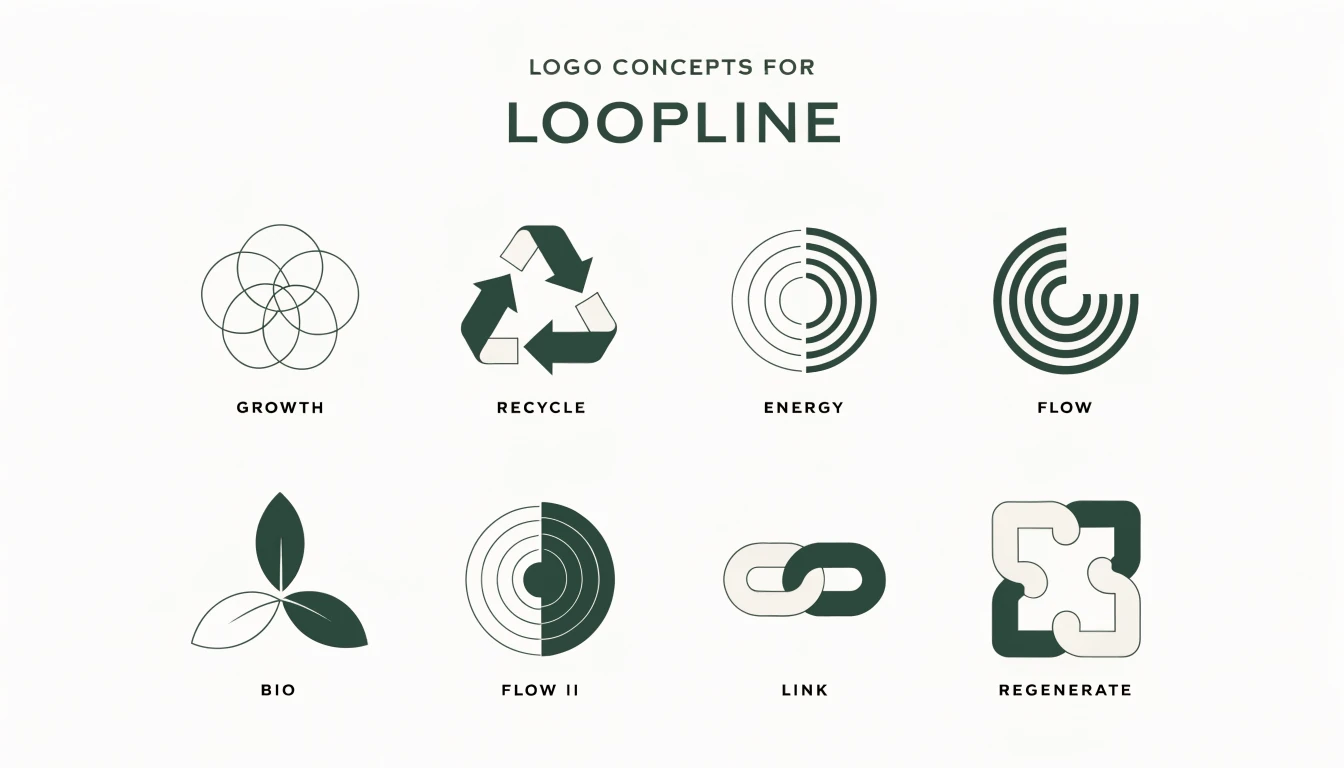
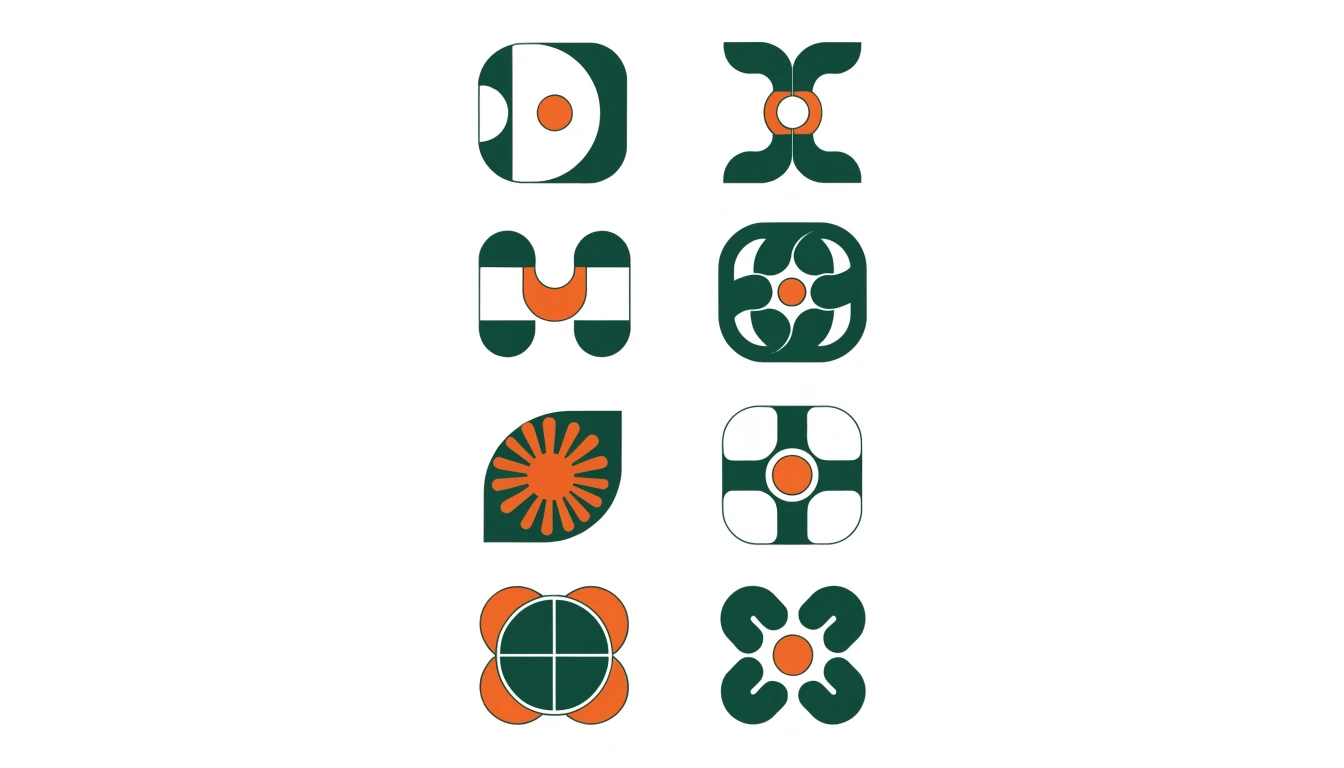
Logo concept sheet for a circular-economy studio named “LOOPLINE”, eight minimal symbols, monoline and solid variants, forest green and cream, precise spacing, flat presentation
Logo concepts
Packaging system for three botanical tea boxes, brand name “MORNING FIELD”, sage, apricot and charcoal palette, botanical line art, legible labels, aligned front panels, premium matte finish
Packaging concepts
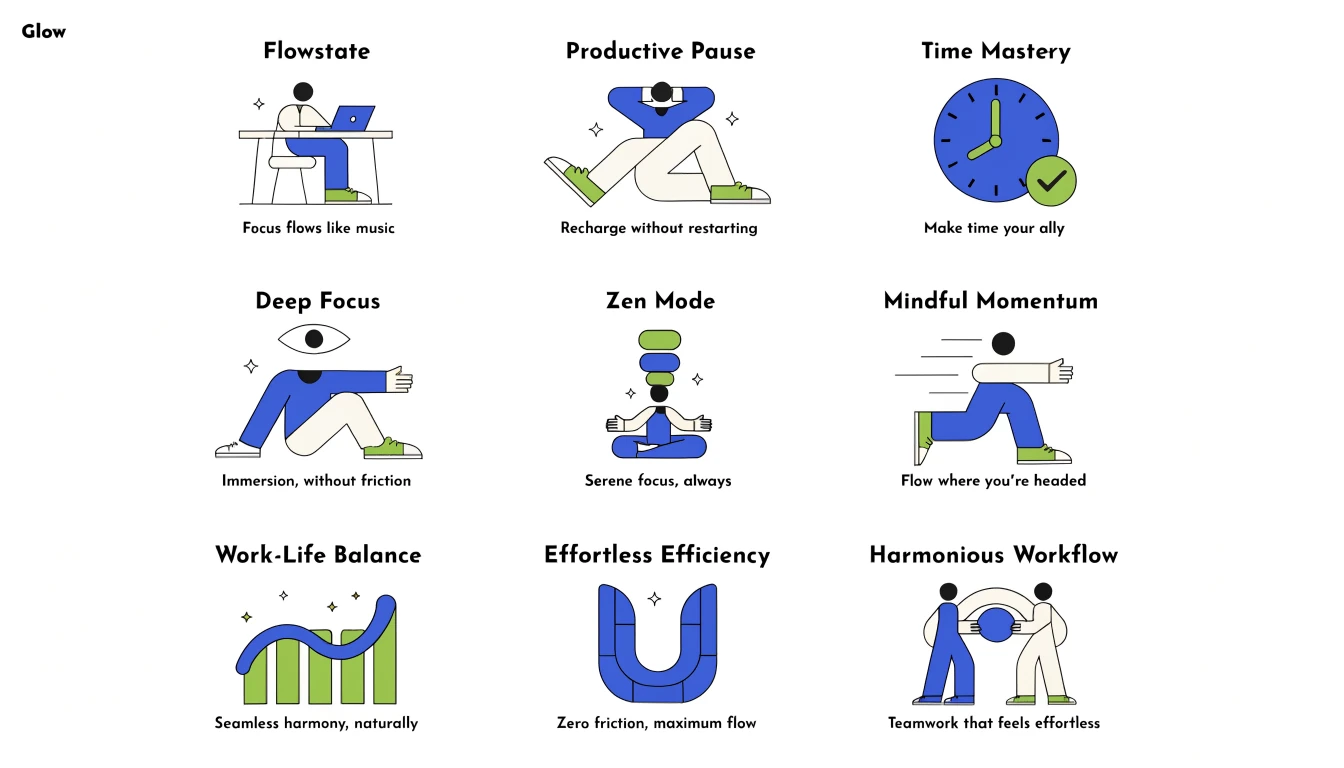
A 3x3 grid of nine onboarding illustrations for one productivity brand, identical rounded geometry, cobalt-lime-cream palette, consistent black strokes, varied scenes, unified visual system
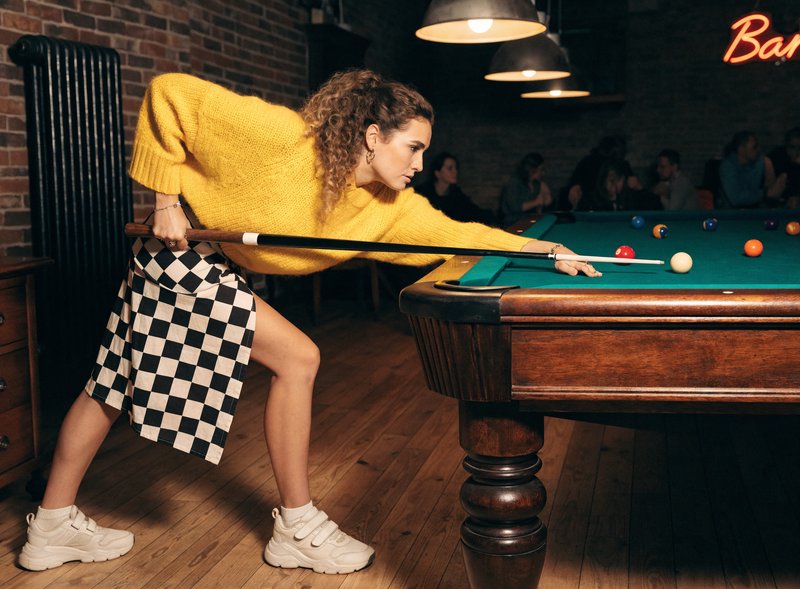
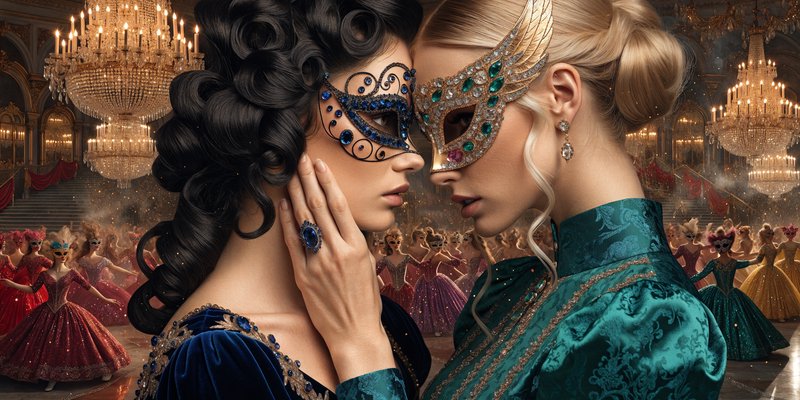
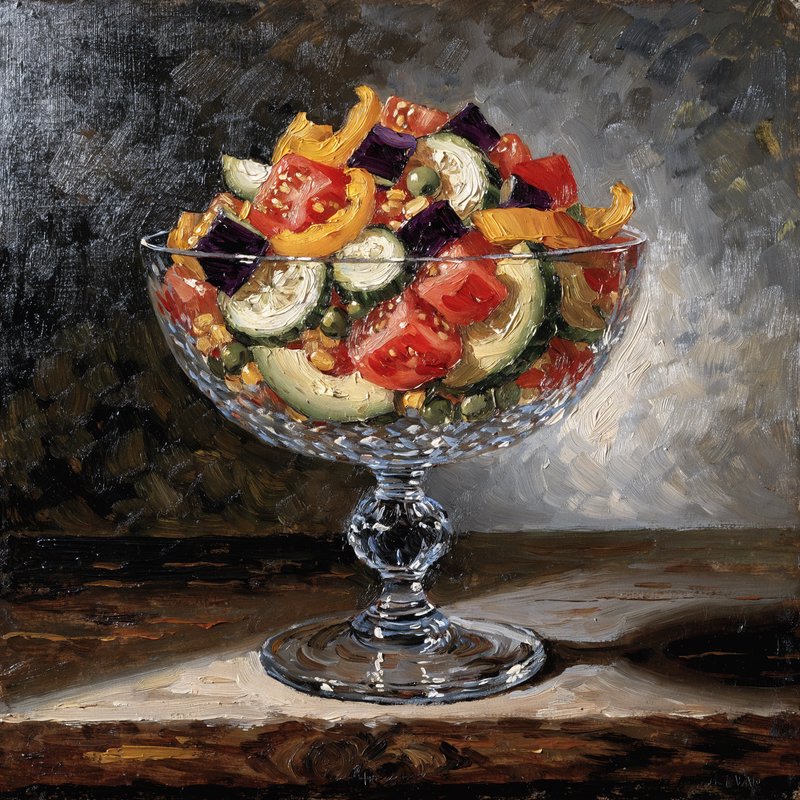
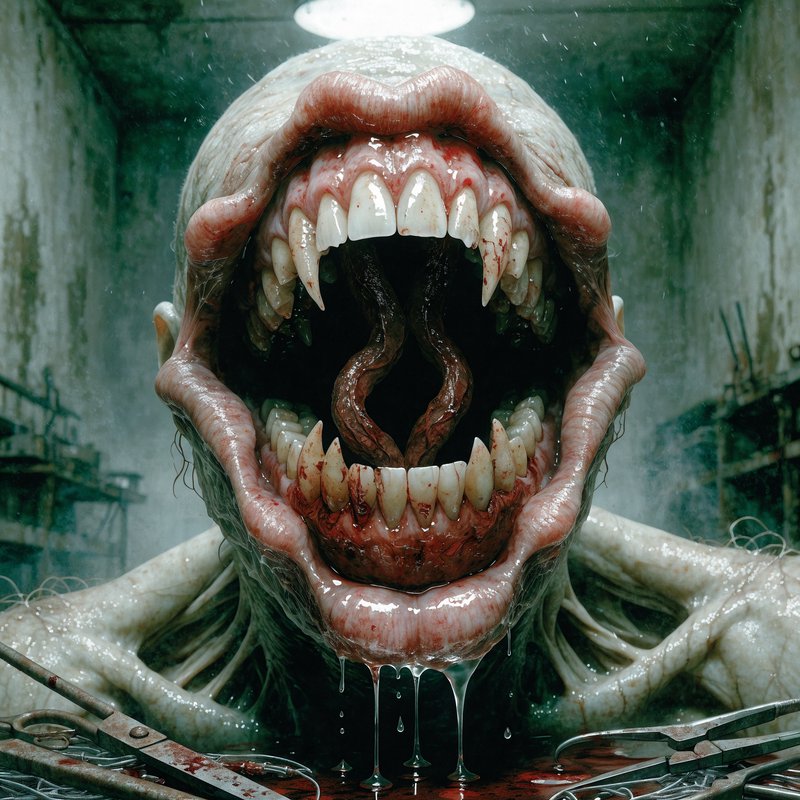
Keep a visual system consistent across a set
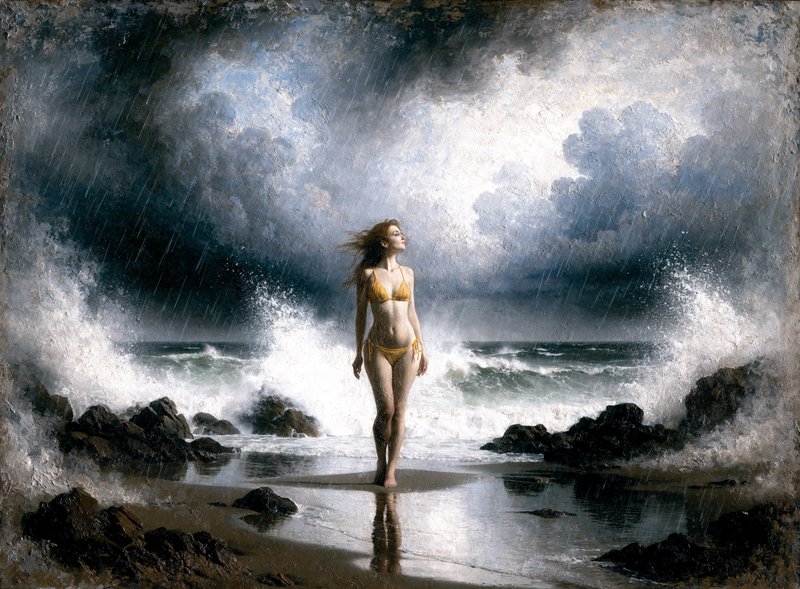
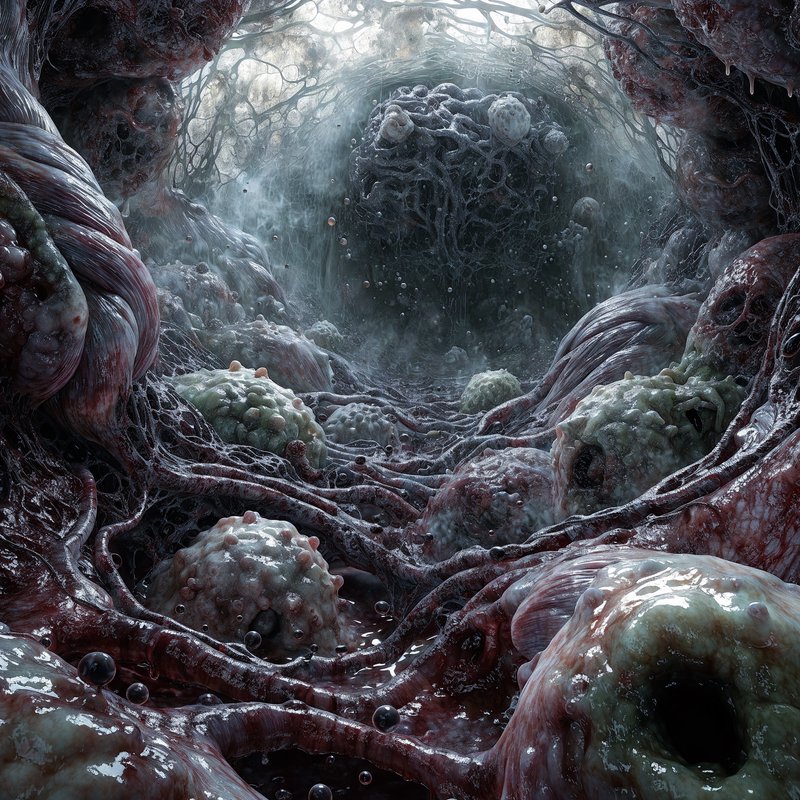
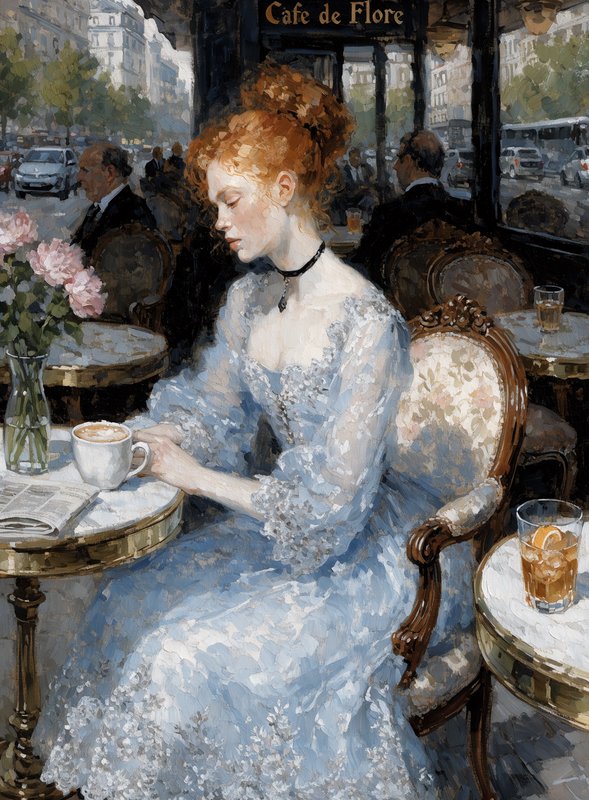
How Recraft V4 Pro ranks in blind votes
In the BudgetPixel AI Image Arena, voters pick between two images made from the same prompt without knowing which model made them. Recraft V4 Pro has 1,252 wins and 225 ties in 2,687 votes against 22 other recent image models.
- #9 of 23
- overall rank
- 1510
- Elo (95% range 1498–1523)
- 2,687
- blind votes
- 13 s
- median generation time
Rank by category
Recraft V4 Pro head to head
Ratings are refitted nightly; last updated Sep 30, 2026. See every Recraft V4 Pro arena image or vote in the arena.
Pricing for Recraft V4
Runs on credits — no per-model surcharges, no surprise billing.
300credits
per generation
300 credits per image
Recraft V4 vs Recraft V4 Pro
Both run on the same credits in the same workshop — here is what each costs and what it is for.
Recraft V4
45credits per generation
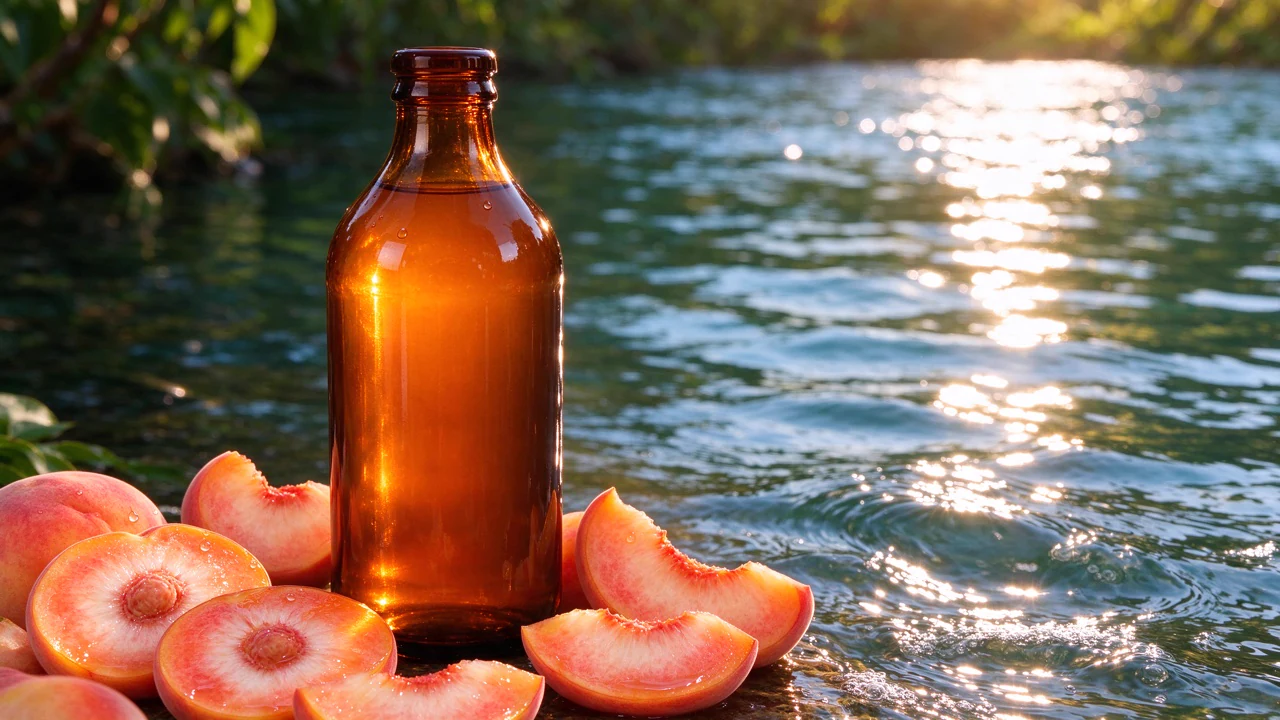
Recraft's latest text-to-image model with professional design quality, exceptional composition, lighting, materials, and aesthetic cohesion. Produces production-ready visuals without post-processing.
Try Recraft V4 →Recraft V4 Pro
300credits per generation
Recraft's premium text-to-image model with the highest quality output. Stronger composition, refined lighting, realistic materials, and superior aesthetic cohesion for professional production workflows.
Try Recraft V4 Pro →Recraft V4 Pro at a glance
- Highest quality output
- Stronger composition
- Refined lighting
- Realistic materials
- Superior aesthetic cohesion
- Production-ready without post-processing
- Custom color palette support
- Multiple aspect ratios
How Recraft V4 Pro compares
The differences that actually change which one you pick.
- Recraft V4 Pro vs Midjourney V7
- Both are top-tier models. Recraft V4 Pro excels at professional design aesthetics, Midjourney offers broader creative range with stylize/chaos controls.
- Recraft V4 Pro vs FLUX 1.1 Pro Ultra
- Both deliver premium quality. Recraft V4 Pro focuses on design perfection, FLUX offers raw photography mode and img2img capabilities.
Frequently asked questions
What is Recraft V4?▾
Recraft V4 is a design-led text-to-image model released in February 2026. It is built for controlled compositions, graphic assets, illustrations, typography and production-oriented layouts, with standard and higher-resolution Pro tiers.
How does Recraft V4 compare to other AI image generators?▾
Its clearest position is design-asset generation rather than general-purpose image creation. Choose it for icon families, logo concepts, illustration systems, posters and packaging where composition, hierarchy and consistency matter.
Is Recraft V4 good for brand-consistent image sets?▾
Yes, especially when every prompt repeats the same palette, geometry, stroke, texture and spacing rules. Style references can strengthen that continuity where the interface supports them, but each output should still receive a designer's consistency check.
Does Recraft V4 render text well?▾
Recraft V4 is designed to handle text predictably, including multilingual copy and typographic hierarchy. Keep important wording short, place it in quotation marks and specify its position, size and role. Always proofread final artwork.
What resolutions and aspect ratios does Recraft V4 support?▾
Standard V4 produces 1024×1024 square images, while V4 Pro produces 2048×2048 square images, with dimensions adjusted for other formats. Both support 14 ratios: 1:1, 2:1, 1:2, 3:2, 2:3, 4:3, 3:4, 5:4, 4:5, 6:10, 14:10, 10:14, 16:9 and 9:16.
What is the difference between Recraft V4 and Recraft V4 Pro?▾
Both tiers share the same core creative capabilities and design-focused behavior. Standard V4 is intended for quicker, lower-cost iteration, while V4 Pro produces 2K raster artwork with finer detail. Pro uses substantially more credits and is best reserved for final deliverables.
Does Recraft V4 support reference images?▾
The model supports style references, with official provider workflows accepting up to 10 reference images. Where reference controls are available, use a focused set with a consistent palette and visual language. Otherwise, describe those rules directly in the prompt.
Can Recraft V4 edit existing images?▾
Recraft V4 supports image-to-image variations that can preserve aspects such as composition, color or subject identity while changing other details. Dedicated inpainting and outpainting are not listed among the model's current supported operations. Editing controls may also vary by interface.
How much does Recraft V4 cost?▾
Generation uses credits, with usage scaling by the selected tier and output. Standard V4 is the practical choice for concept rounds, while V4 Pro costs substantially more because it generates higher-resolution artwork.
Can I use Recraft V4 images commercially?▾
Commercial use is generally supported for assets created through paid or programmatic access, subject to the applicable service terms. Generated assets cannot be used to train AI systems, and you remain responsible for third-party trademarks, intellectual property and likeness rights.