Nano Banana 2
Fast image generation with readable text and strong reference-driven edits.
From $0.04 an image on paid plans.
Professional images for every use case
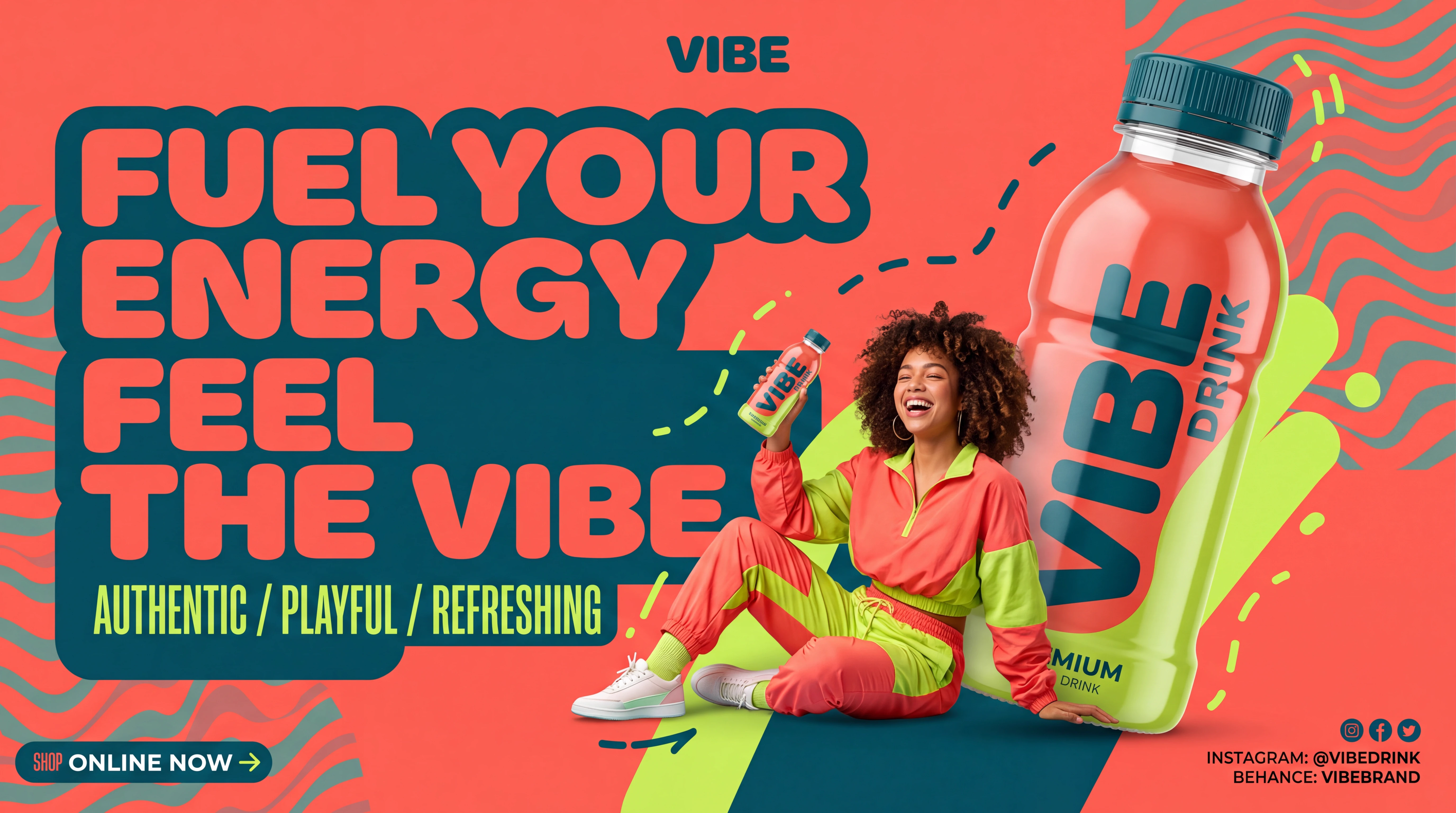
Posters and infographics.
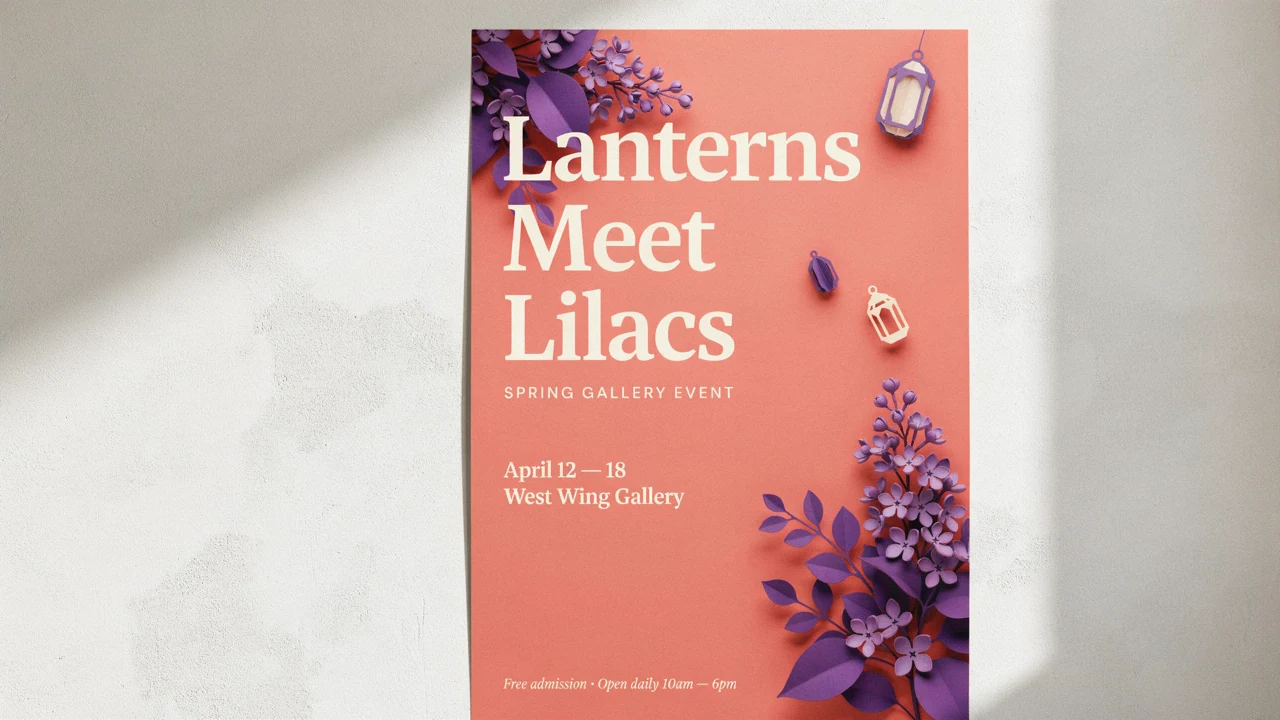
Useful for posters, menus, explainers, and ads where short in-image text needs to stay readable.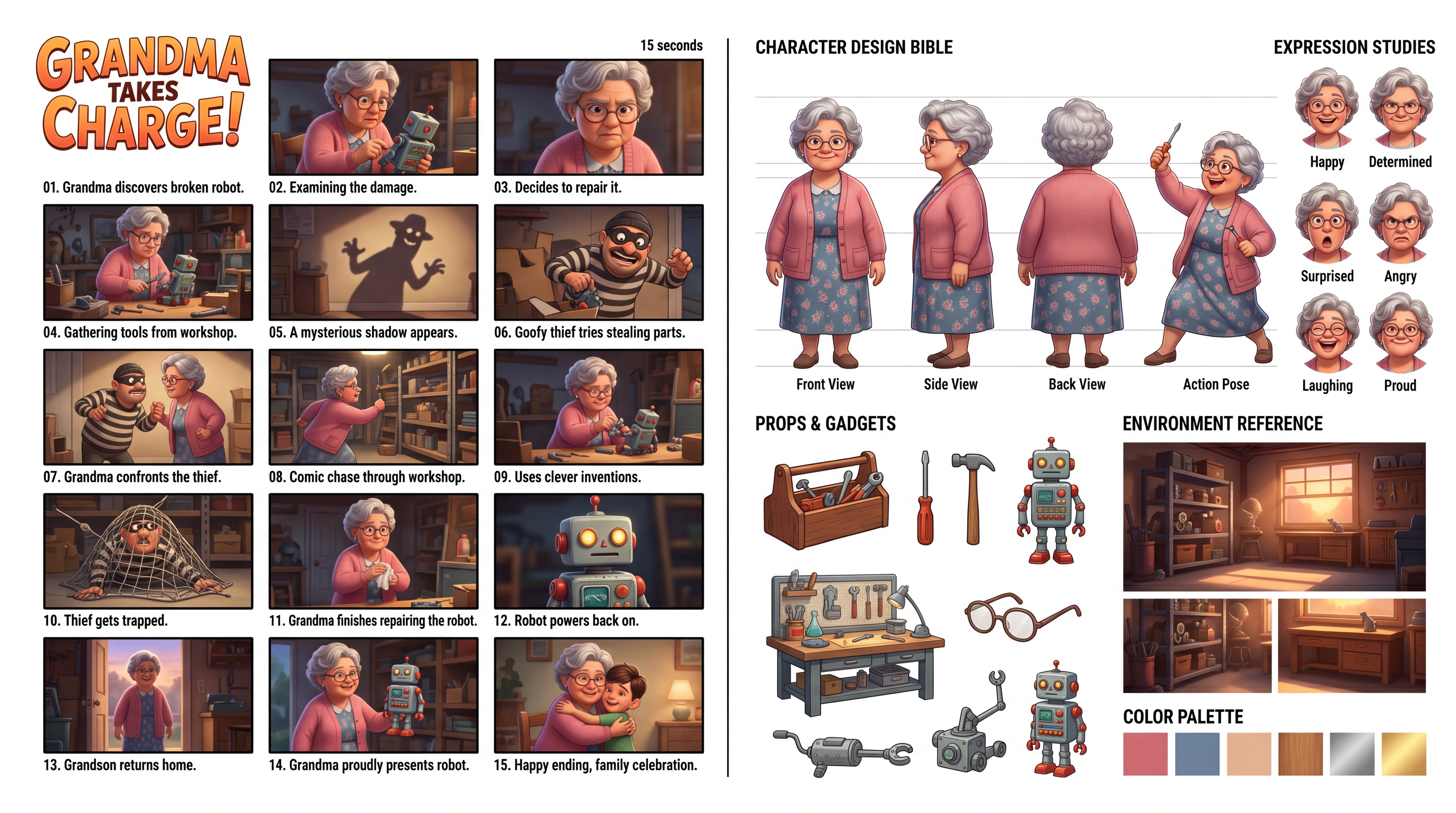
Character storyboards.
Maintains character identity and scene logic better across panels, angles, and iterative edits.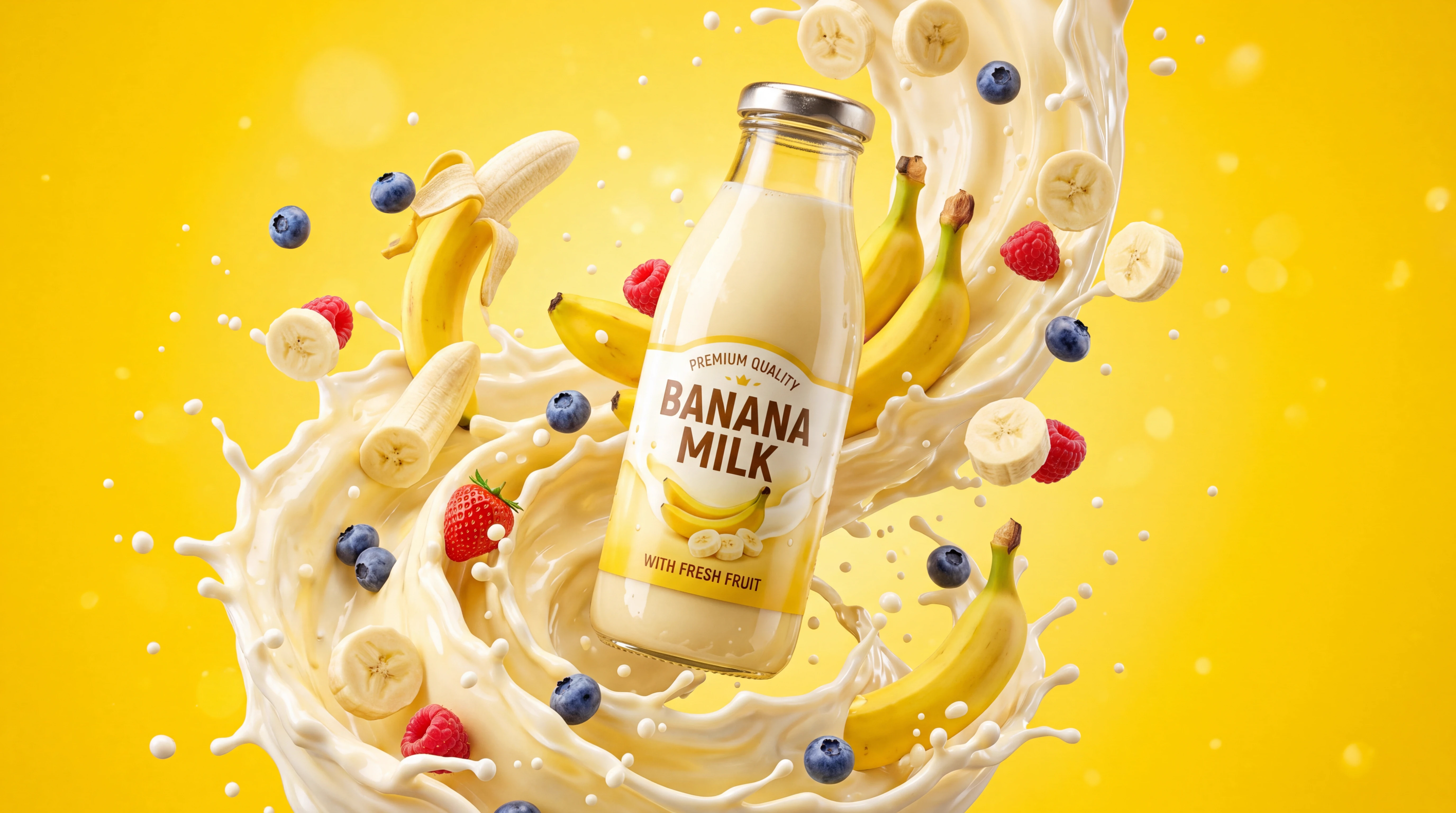
Localized ad creatives.
Generate one campaign concept, then adapt text and visuals for different languages and markets.
Reference-based fashion mockups.
Combine people, products, and styling references into polished composites for catalogs and campaigns.More reliable text inside images
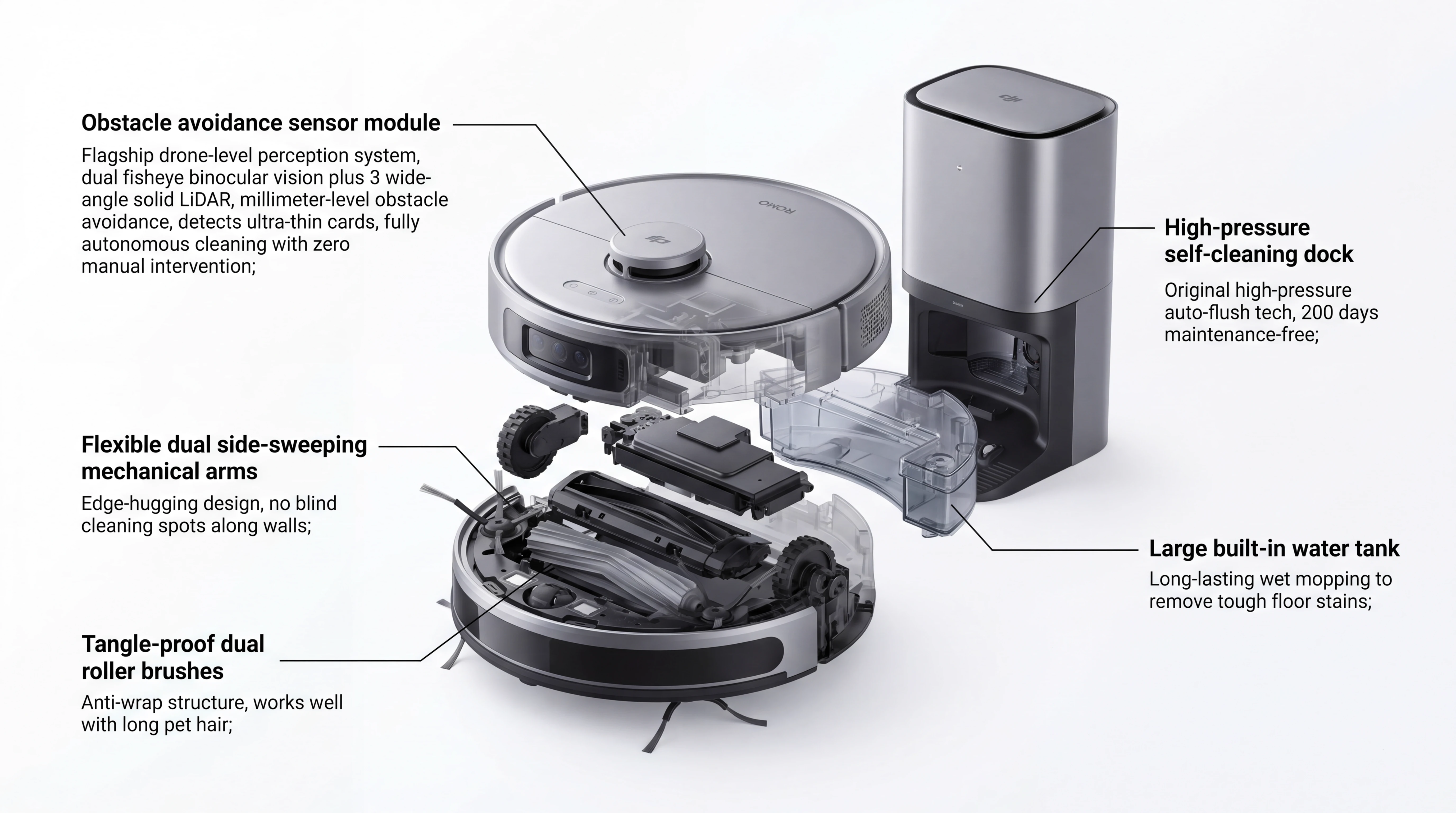
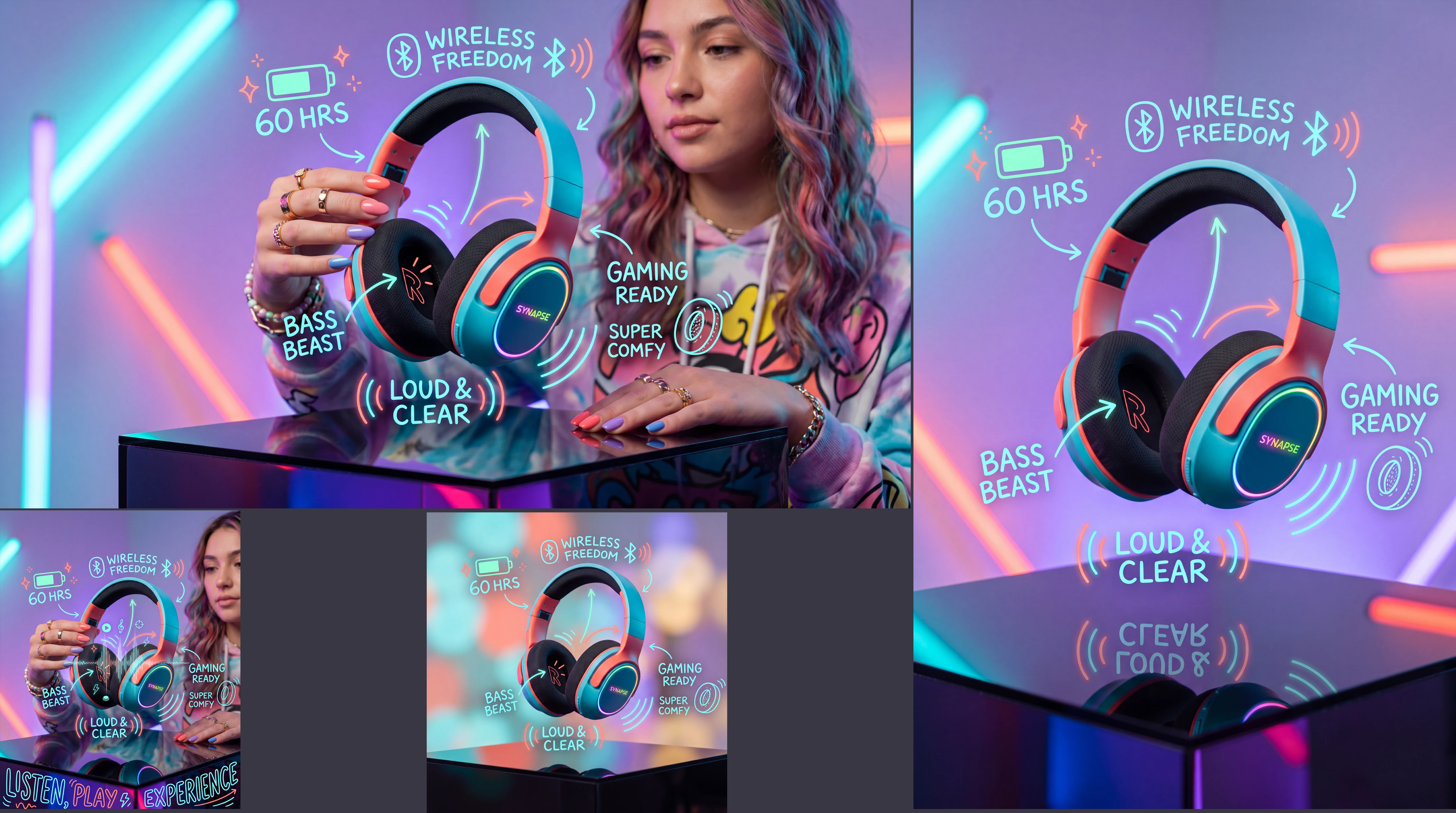
Nano Banana 2 is useful when the image itself needs readable copy, not just decoration. It handles short headlines, labels, menus, and UI-like elements more reliably than the general AI-image baseline, though tiny print and long paragraphs are still harder.
- •Best with short, explicit text strings
- •Useful for posters, menus, stickers, and explainers
- •Supports multilingual in-image localization
- •Good for labels, diagrams, and simple UI copy
- •Tiny text and long paragraphs can still fail
Reference-driven editing and composition
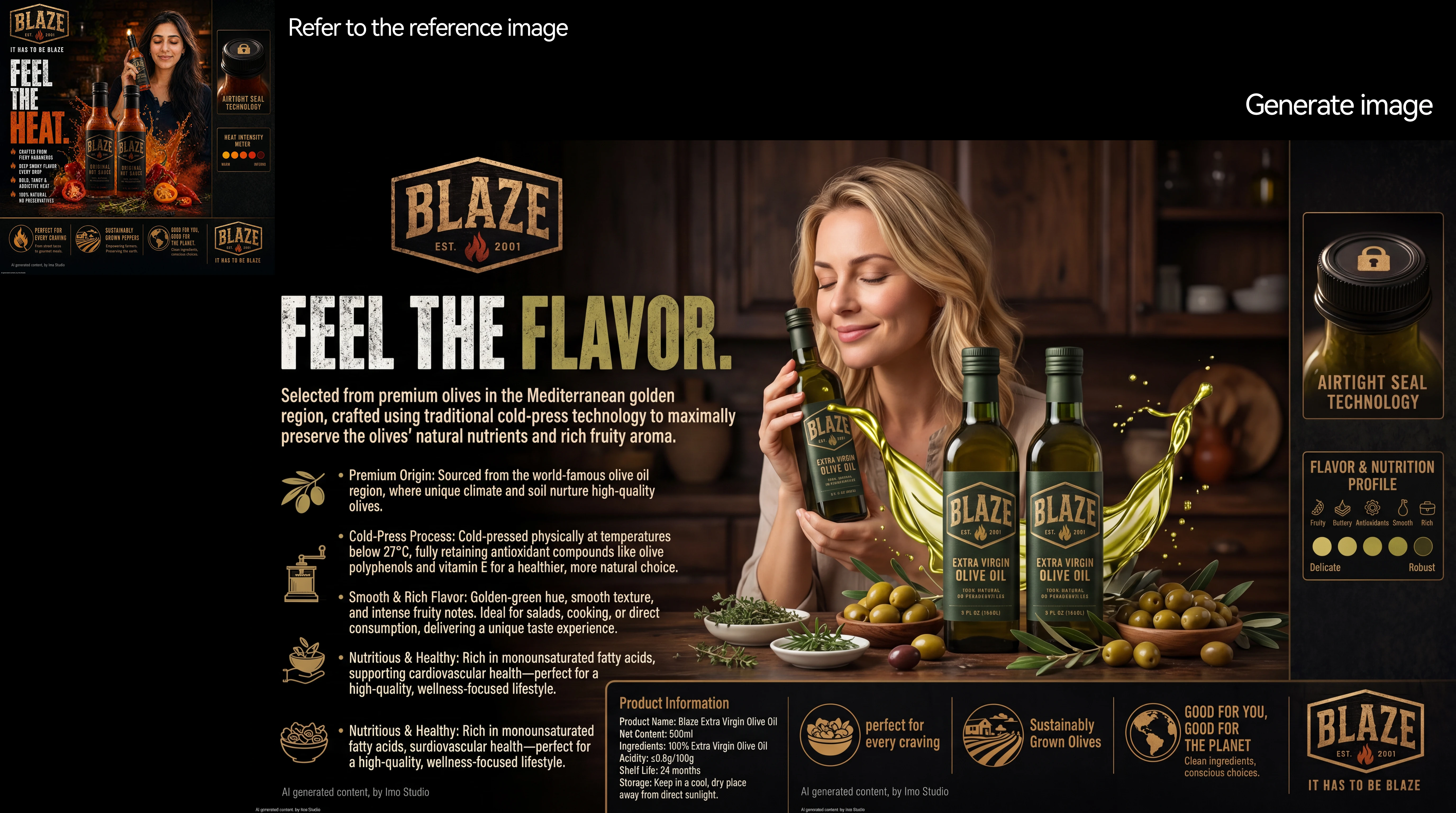
This model is built for image-to-image workflows, not just one-shot text prompts. You can combine multiple uploads, preserve important faces or logos, and keep characters more consistent across edits and new angles.
- •Up to 14 total reference images
- •Up to 10 object references
- •Up to 4 character references
- •Good for product inserts and outfit swaps
- •Helpful for multi-turn character turnarounds
- •Describe protected details for better preservation
Wide formats and 4K-ready output
Nano Banana 2 covers both fast drafts and higher-resolution final assets in the same model. Native aspect ratios let you create social posts, slides, reels, banners, and ultra-wide layouts without awkward cropping.
- •512, 1K, 2K, and 4K output
- •Aspect ratios from 1:1 to 21:9, includes 1:4, 4:1, 1:8, and 8:1
- •Useful for drafts and final exports
- •Square is the default when no size is set
Search-grounded visuals for real-world topics
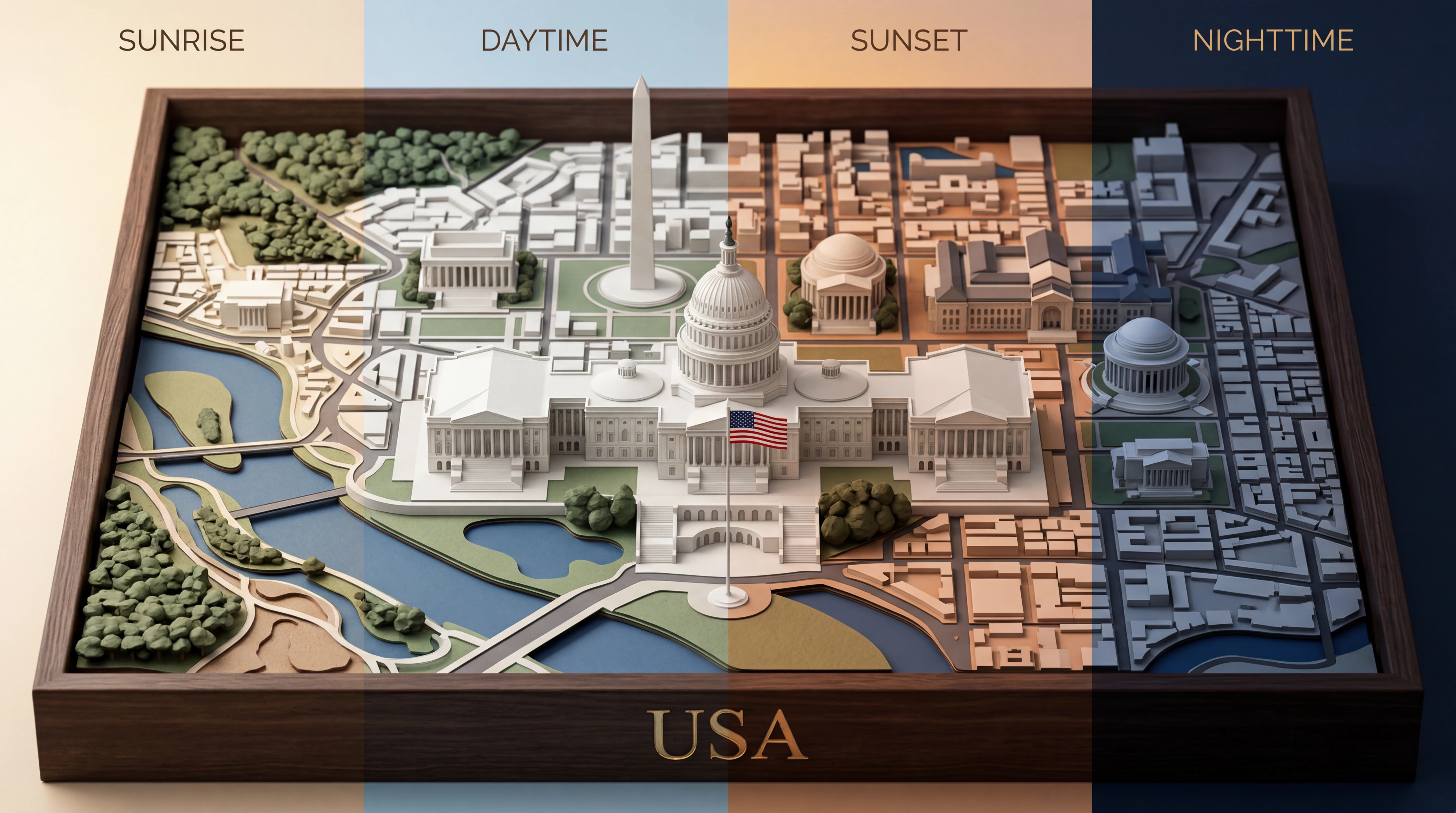
For real-world subjects, Nano Banana 2 can use web search and image search as extra visual context during generation. That helps with factual graphics, places, species, and other real-world visuals, though image search cannot be used for people.
- •Web search and image search can be combined
- •Helpful for weather and current-event graphics
- •Useful for accurate places, objects, and species
- •Available on Gemini 3.1 Flash Image workflows
- •Image search grounding does not support people
How it works

1
Describe your image
Start with the subject, setting, style, and mood. If the image needs readable words, include the exact text so the model knows what must appear.
2
Add references and set format
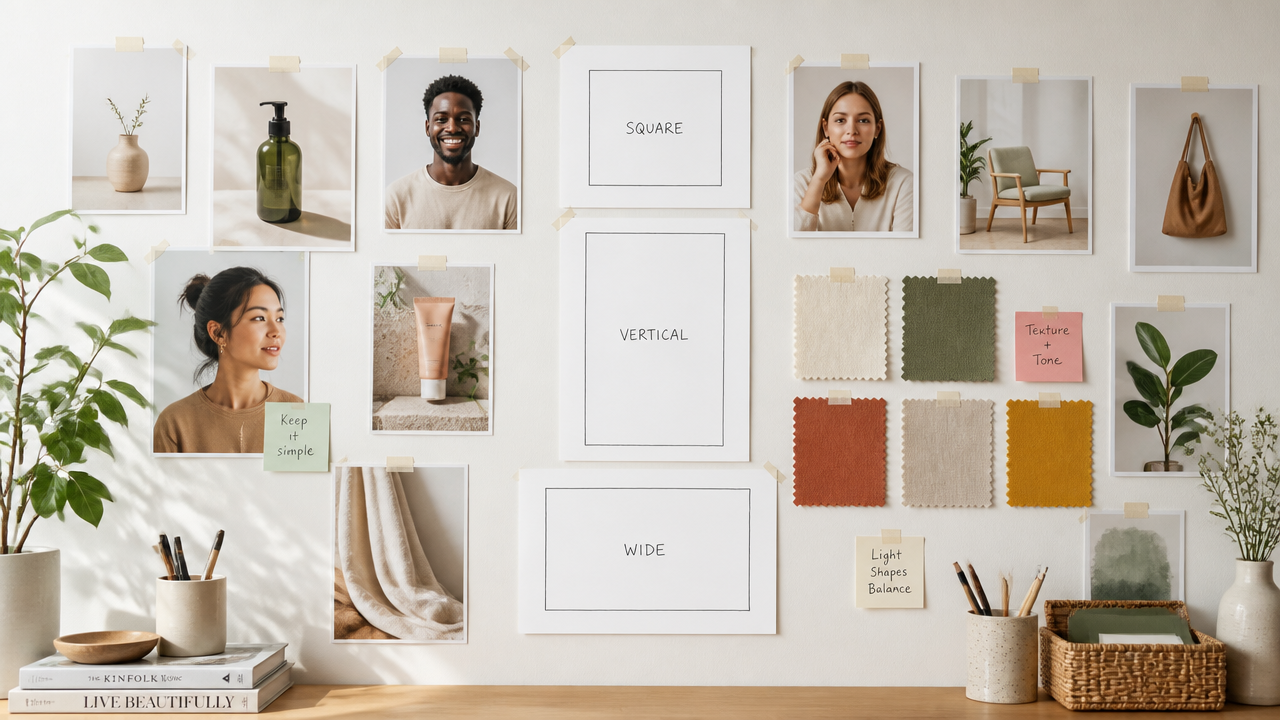
Add reference images when you want a product, character, or style carried into the result. Then choose an aspect ratio and resolution that match the final placement.
3
Generate and refine
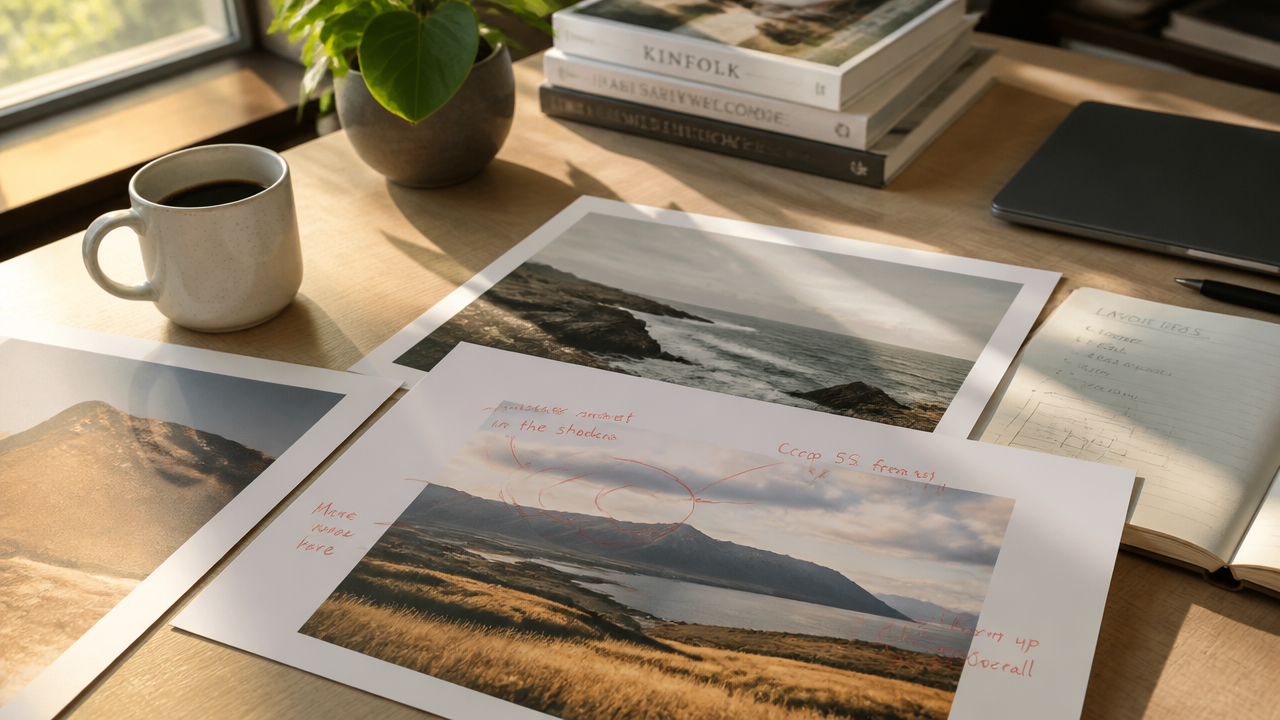
Generate the first pass, inspect the details, and refine with short follow-up instructions. Specific edits like text, lighting, background, or composition changes usually work better than rewriting everything.
Top community creations
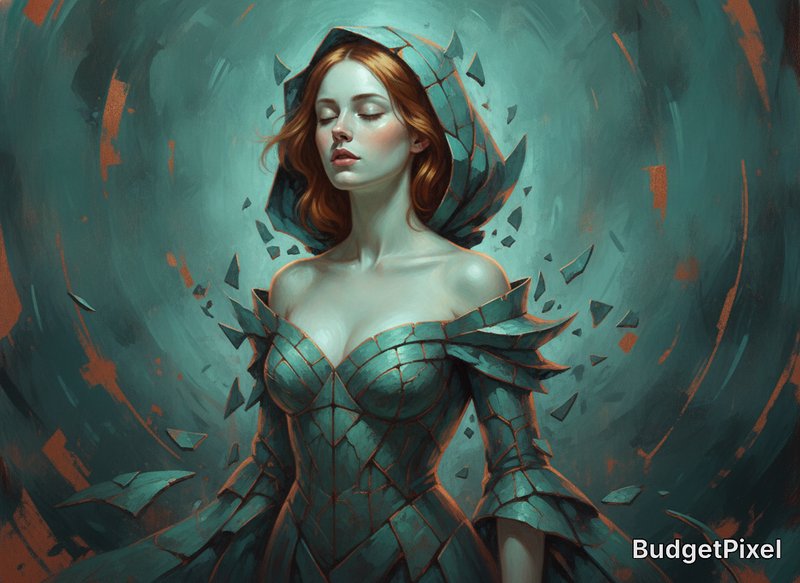
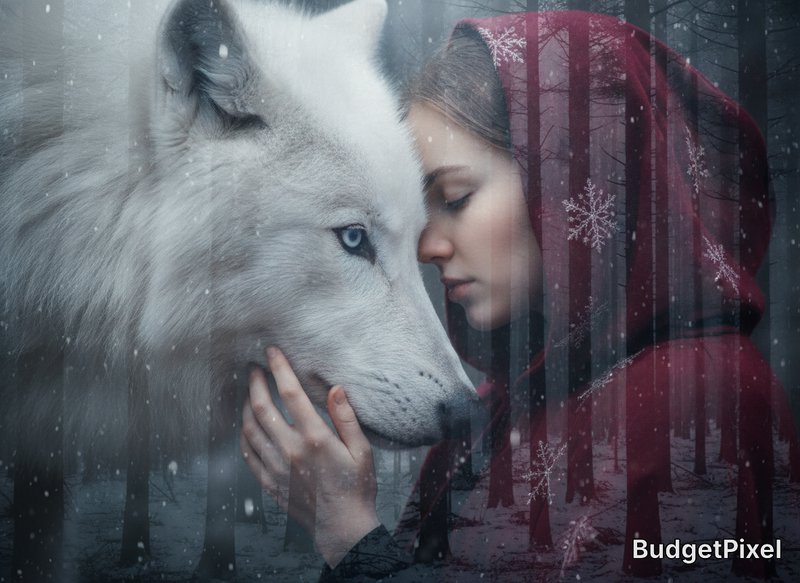
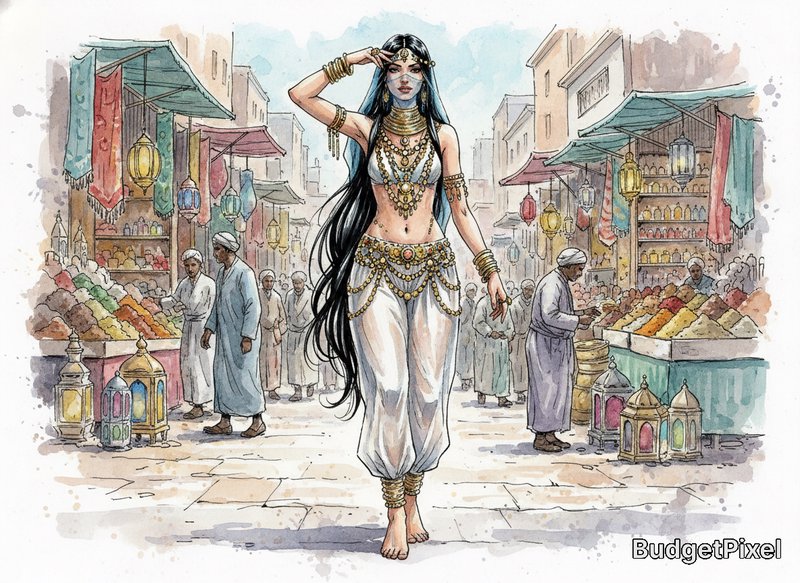
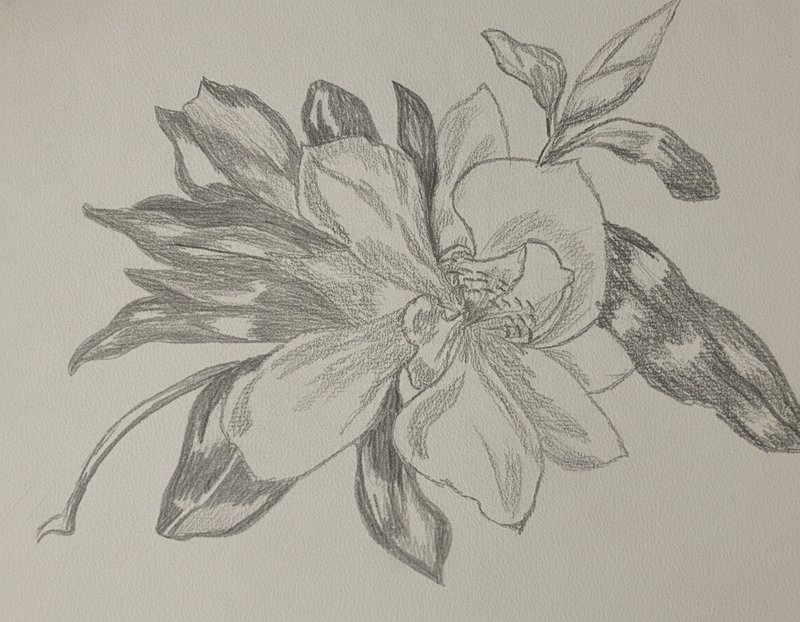
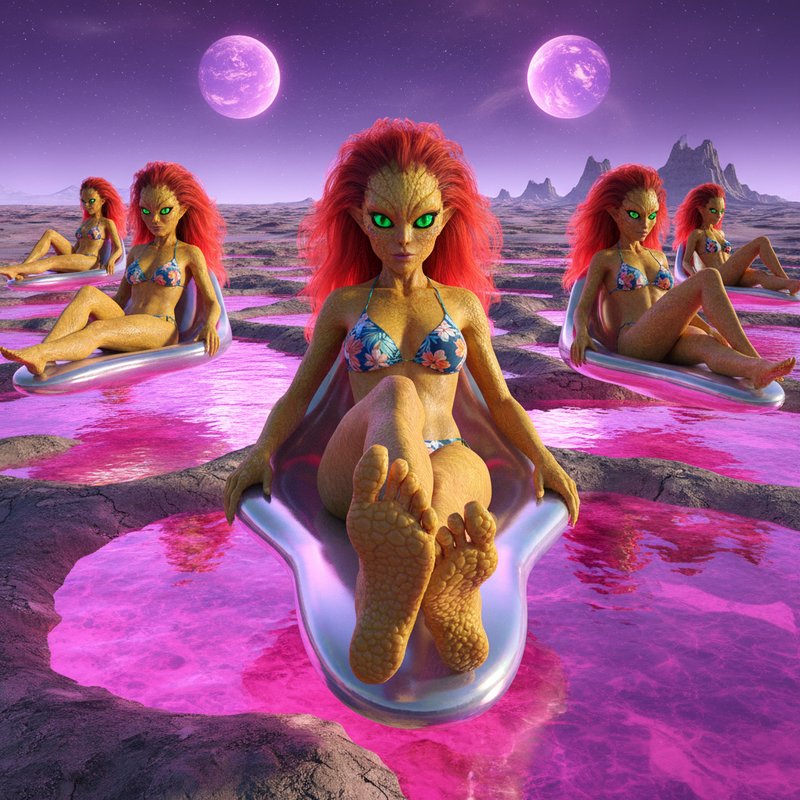
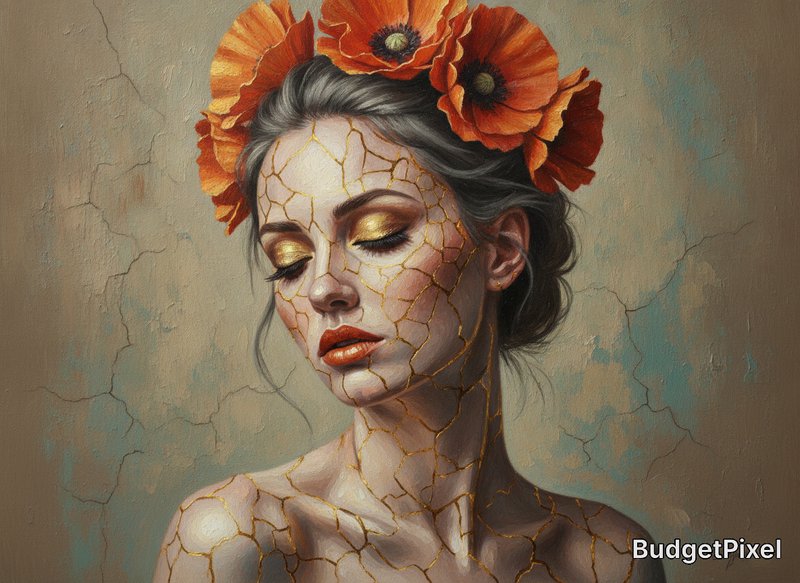
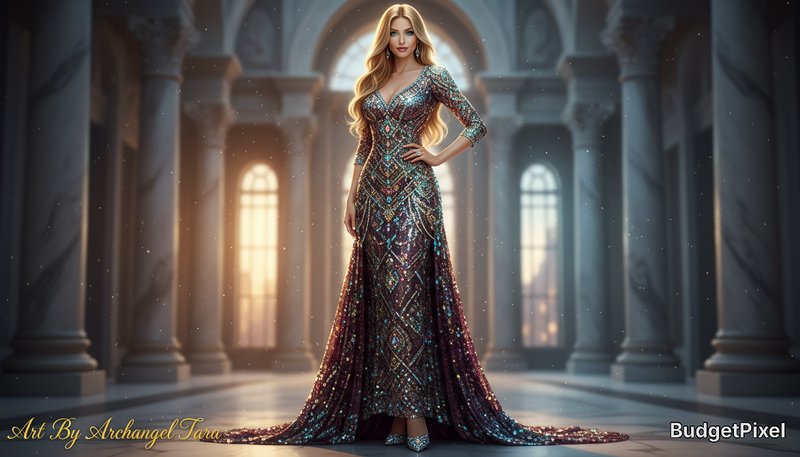
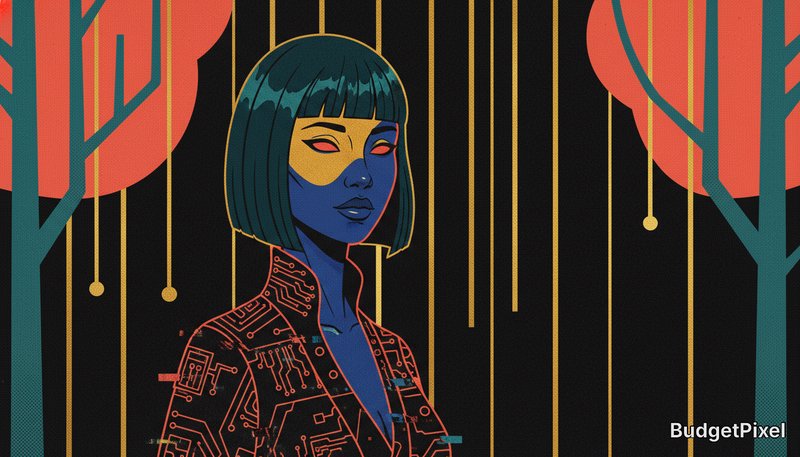
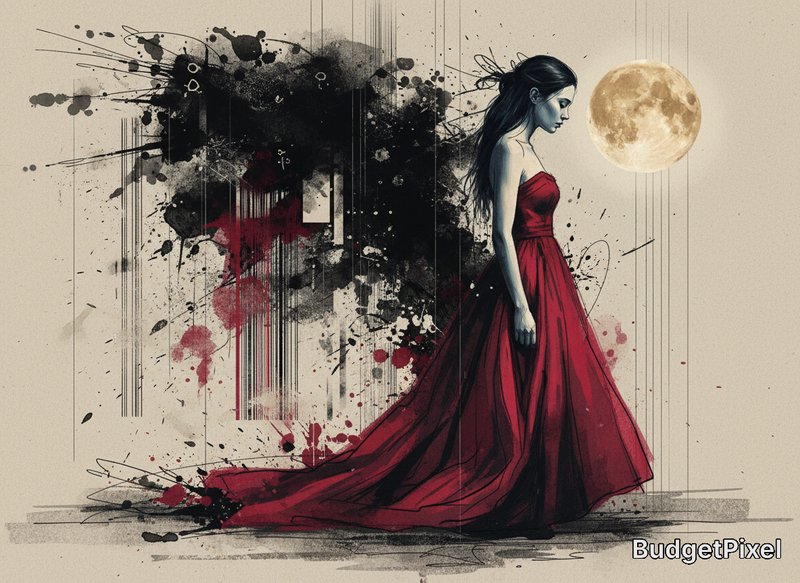
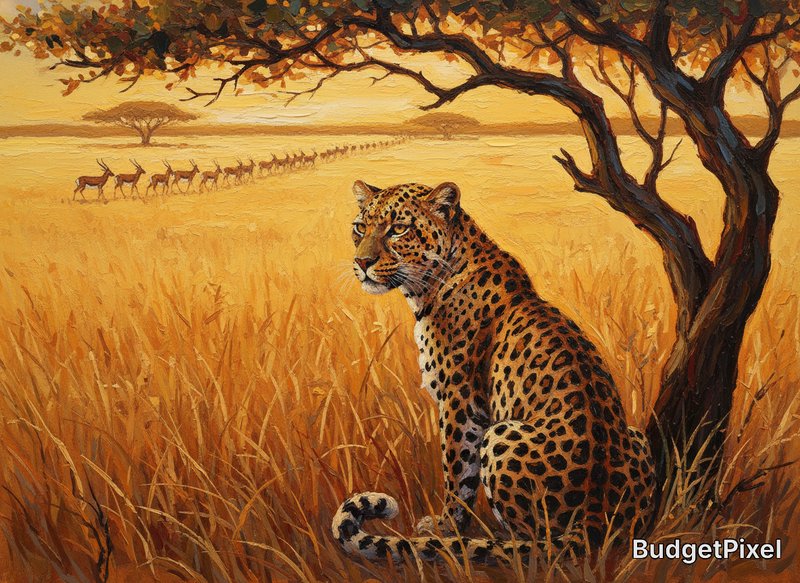
Recent Nano Banana 2 images shared by the BudgetPixel community.

Pricing for Nano Banana 2
Runs on credits — no per-model surcharges, no surprise billing.
40credits
per generation
40 credits per image
Compare all 5 versions
All 5 run on the same credits in the same workshop — here is what each costs and what it is for.
Nano Banana 2
65credits per generation
- Resolution:
- 0.5K 50 credits · 1K 65 credits · 2K 100 credits · 4K 150 credits
High-efficiency image generation with Gemini 3.1 Flash. Features 0.5K/1K/2K/4K resolution, Google Image Search grounding, advanced text rendering, and multi-image fusion (up to 6 references).
Try Nano Banana 2 →Nano Banana (Gemini 2.5 Image)
40credits per generation
Google's latest model for image editing and multi-image fusion. Fast and accurate object removal and inpainting.
Try Nano Banana (Gemini 2.5 Image) →Nano Banana 2.1
45credits per generation
- Resolution:
- 1K 45 credits · 2K 70 credits · 4K 150 credits
Google's Nano Banana 2.1: fast text-to-image and image editing with sharper output and cleaner in-image text than Nano Banana 2. Edit or compose from up to 9 reference images at no extra cost, render at 1K, 2K or 4K, and optionally ground the image in live Google Search results or web images.
Try Nano Banana 2.1 →Nano Banana Pro
120credits per generation
- Resolution:
- 4K 180 credits
Professional asset production with Gemini 3 Pro. Features Google Search grounding, advanced reasoning, 1K/2K/4K resolution support, and multi-image fusion (up to 6 references).
Try Nano Banana Pro →Use Nano Banana 2 via the API
Nano Banana 2 is available through the BudgetPixel developer API — the same model the studio runs, supporting text-to-image, and image editing / references. Pricing is metered in credits (50 credits/image at 0.5K, 65 credits/image at 1K, 100 credits/image at 2K, 150 credits/image at 4K), charged only on success, with an API key available on Premium plans and above.
curl -X POST https://api.budgetpixel.com/v1/images/nano-banana-2 \
  -H "Authorization: Bearer $BUDGETPIXEL_API_KEY" \
  -H "Content-Type: application/json" \
-d '{"prompt": "your prompt here"}'No code? Use Nano Banana 2 from Claude or Cursor
Nano Banana 2 is also available through the BudgetPixel MCP server. Connect your account to Claude, Cursor, or any MCP-enabled agent and generate with Nano Banana 2 by asking in plain language — same credits, same pricing, no code required.
How Nano Banana (Gemini 2.5 Image) compares
The differences that actually change which one you pick.
- Nano Banana (Gemini 2.5 Image) vs Nano Banana Pro
- Pro offers 4K resolution and Google Search grounding. Standard is more cost-effective.
- Nano Banana (Gemini 2.5 Image) vs Seedream 4.5
- Both support multi-image fusion. Nano Banana has conversational editing, Seedream has batch workflows.
Frequently asked questions
What is Nano Banana 2?▾
Nano Banana 2 is the common name for Google DeepMind’s Gemini 3.1 Flash Image model. It is designed for fast image generation and editing, with stronger text rendering, reference-image workflows, and optional search grounding.
How does Nano Banana 2 work?▾
You can prompt it with text, images, or both. The model uses a built-in thinking process to plan composition before rendering, and it can also use web or image search grounding when you need more factual visuals.
How much does Nano Banana 2 cost?▾
Cost depends on where you access it, how many images you generate, and what resolution you choose. In general, quick drafts use fewer credits, while larger outputs and heavier production use more.
How does Nano Banana 2 compare to other AI image generators?▾
Nano Banana 2 is especially useful when you need fast edits, readable short text, and reference-driven workflows. Its strength is production-style control: iterative edits, structured prompts, multi-image composition, and flexible output formats.
Can I use Nano Banana 2 commercially?▾
Generally yes, but you should review the provider’s current terms and the platform terms for your account type and use case. Google says it does not claim ownership over generated content, while you remain responsible for legal compliance, input rights, and any required attribution.
Does Nano Banana 2 render text well?▾
It is stronger on text than the general AI-image baseline, especially for short headlines, labels, menus, posters, and simple infographics. Very small text, dense paragraphs, and full-page document layouts can still be unreliable.
What resolutions and aspect ratios does Nano Banana 2 support?▾
Nano Banana 2 supports 512, 1K, 2K, and 4K output. Supported aspect ratios include 1:1, 1:4, 1:8, 2:3, 3:2, 3:4, 4:1, 4:3, 4:5, 5:4, 8:1, 9:16, 16:9, and 21:9.
Does Nano Banana 2 support reference images?▾
Yes. Gemini 3.1 Flash Image supports up to 14 total reference images in one workflow, including up to 10 object references and up to 4 character references. That makes it useful for consistent characters, product inserts, and multi-image composites.
Can Nano Banana 2 edit existing images?▾
Yes. You can add or remove elements, make local edits, transfer style, combine multiple images, or turn rough sketches into finished scenes. For better preservation of faces or logos, describe the protected details explicitly in your prompt.
Does Google use my prompts and images for training when I use Nano Banana 2?▾
If you use Nano Banana 2 directly through Google’s unpaid access, Google says submitted content and generated outputs may be used to improve products, and human reviewers may inspect them. For Google’s paid services, Google says prompts and responses are not used to improve its products. Third-party platforms may add their own retention policies, so check the terms where you generate.
Does Nano Banana 2 have an API?▾
Yes — Nano Banana 2 is available through the BudgetPixel developer API via the `POST /v1/images/nano-banana-2` endpoint, supporting text-to-image, and image editing / references. Generate an API key from the developer console (available on Premium plans and above) and see the full reference at docs.budgetpixel.com.
How much does the Nano Banana 2 API cost?▾
API usage is billed in credits from the same balance your plan includes, at the standard metered rate: 50 credits/image at 0.5K, 65 credits/image at 1K, 100 credits/image at 2K, 150 credits/image at 4K. Failed generations are never charged. You can estimate any request's exact cost with POST /v1/cost before running it.
Can I use Nano Banana 2 with Claude or other AI agents (MCP)?▾
Yes — Nano Banana 2 is exposed through the BudgetPixel MCP server, so Claude, Cursor, and any MCP-compatible agent can generate with it from a plain-language request. Connect your account at budgetpixel.com/mcp; generations use the same credit balance and pricing as the web studio and the API.