
Neon Lights AI images
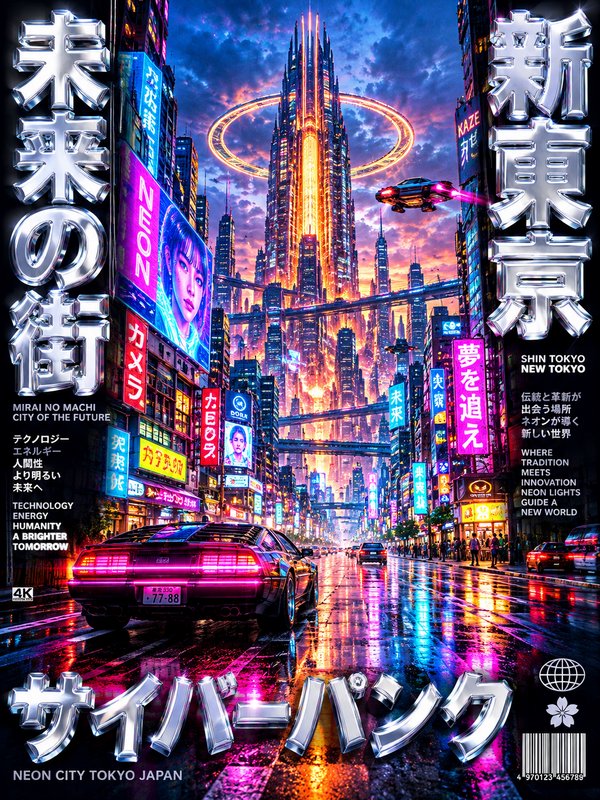
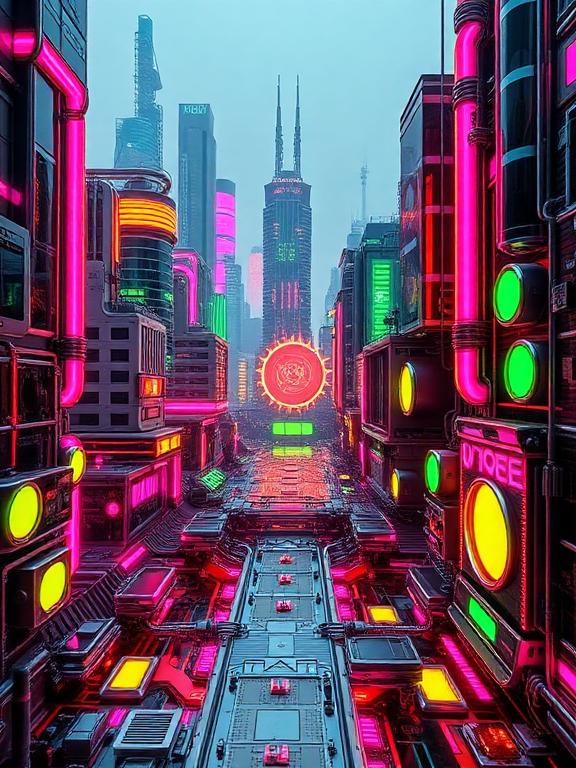
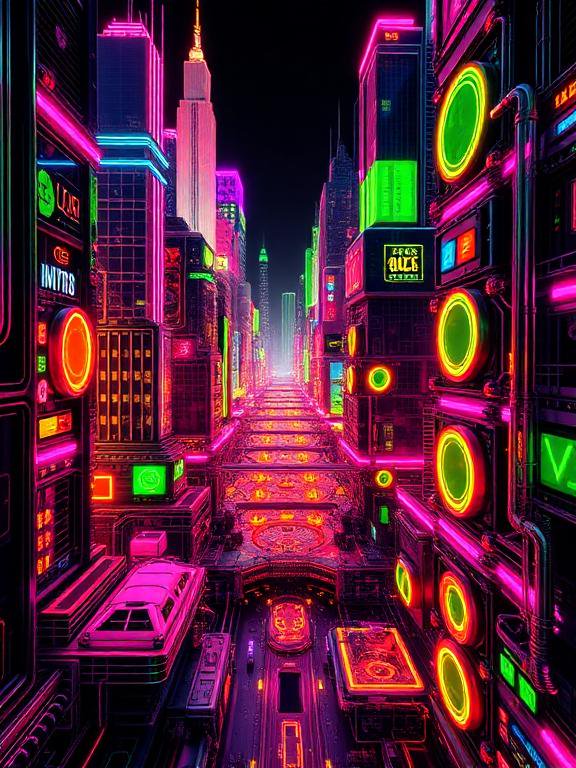
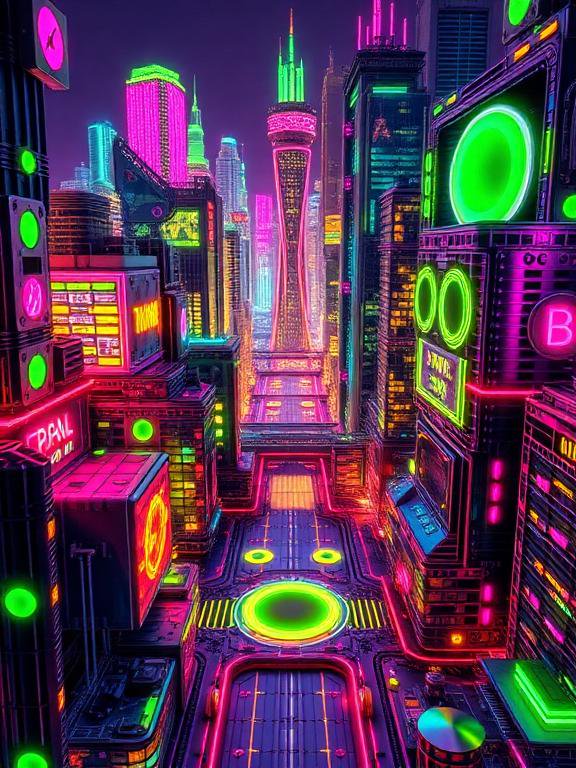
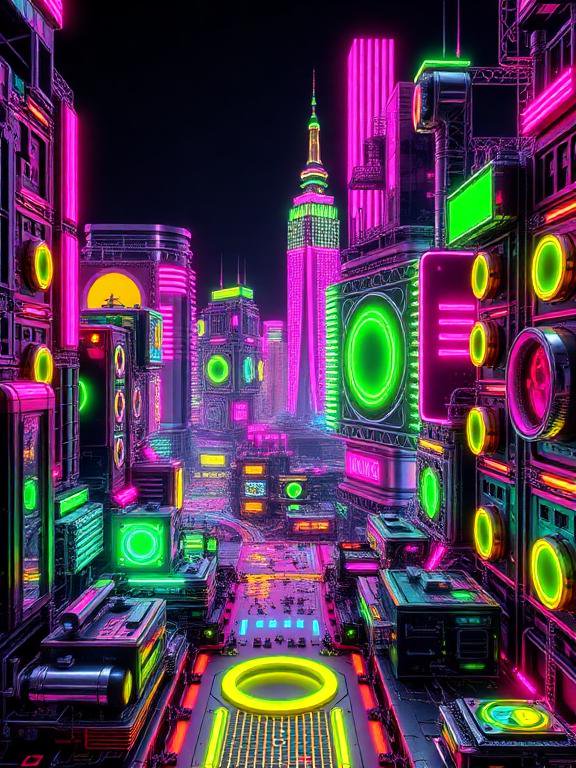
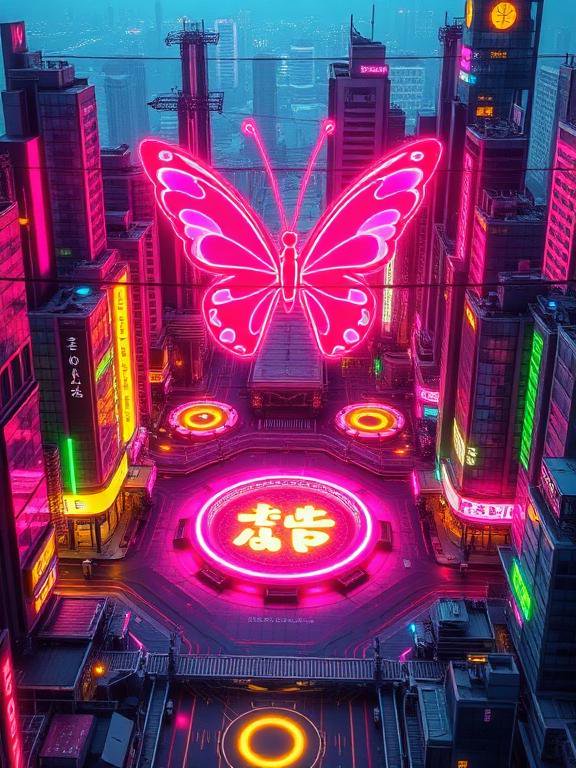
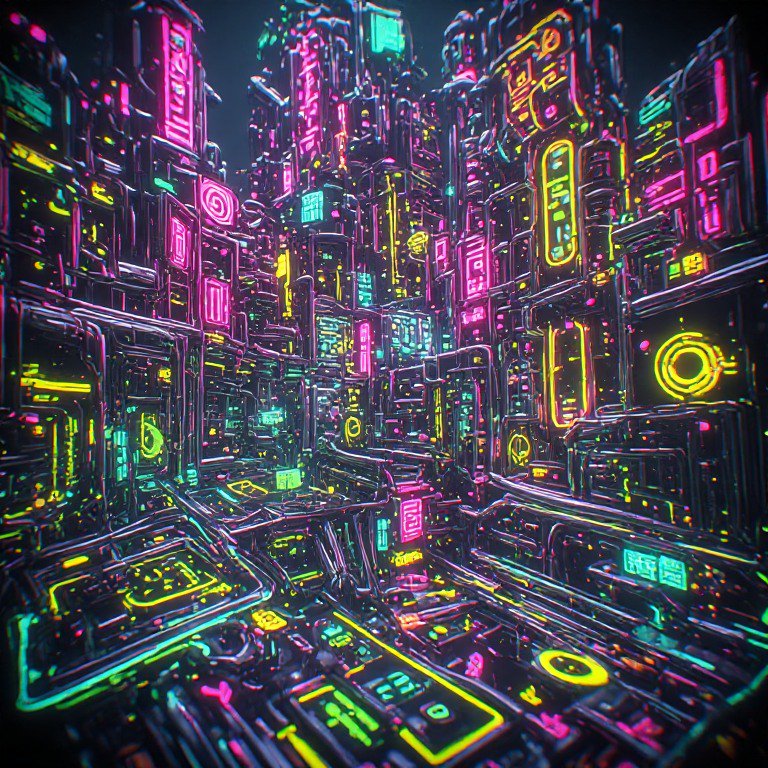
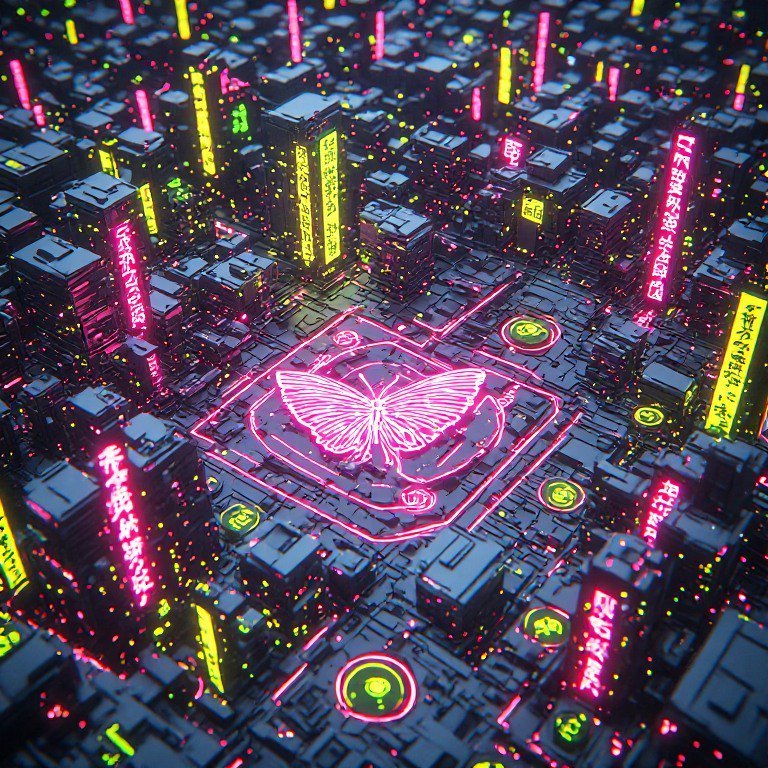
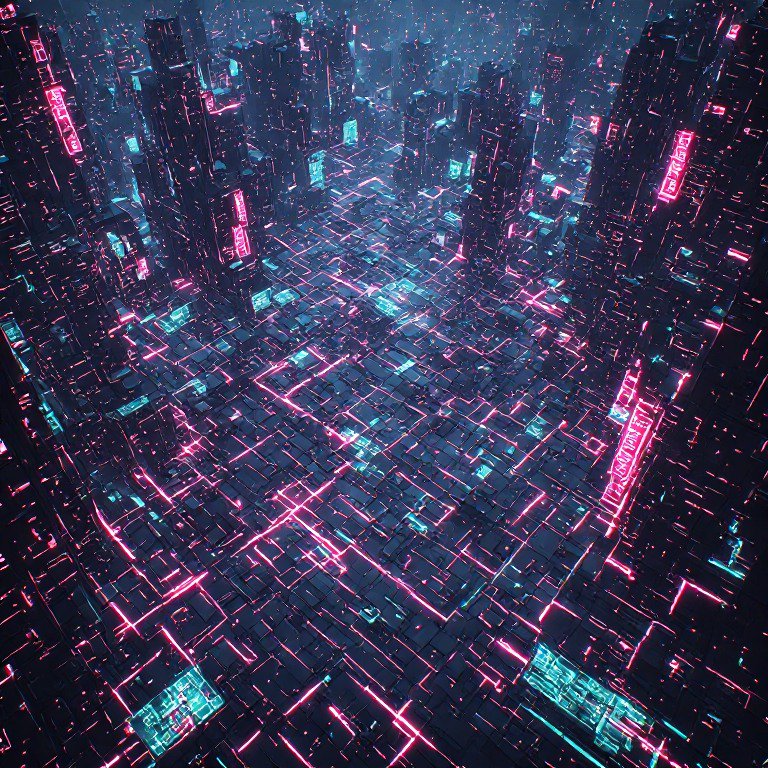
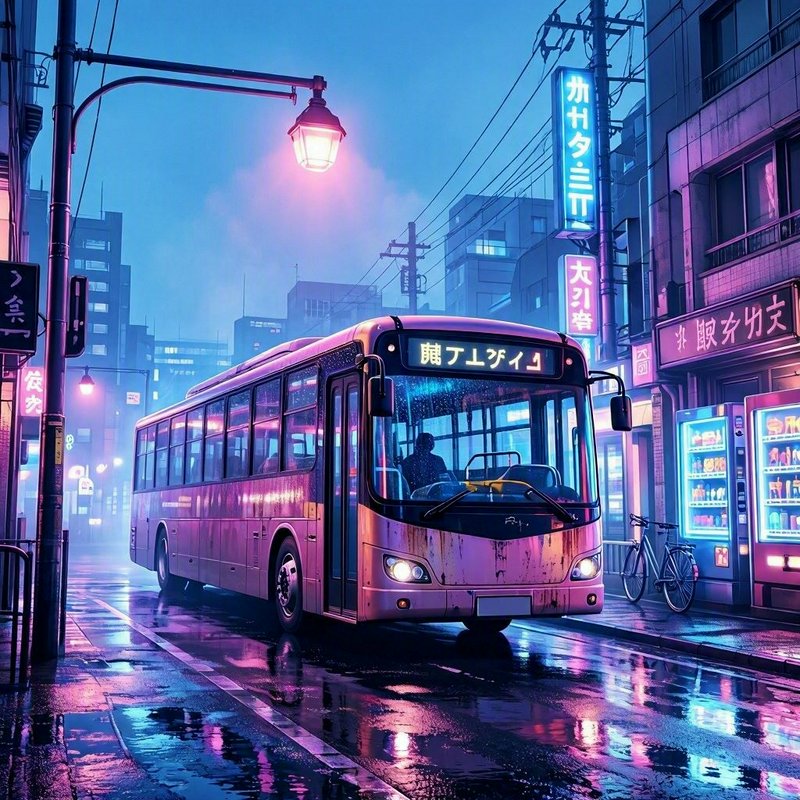
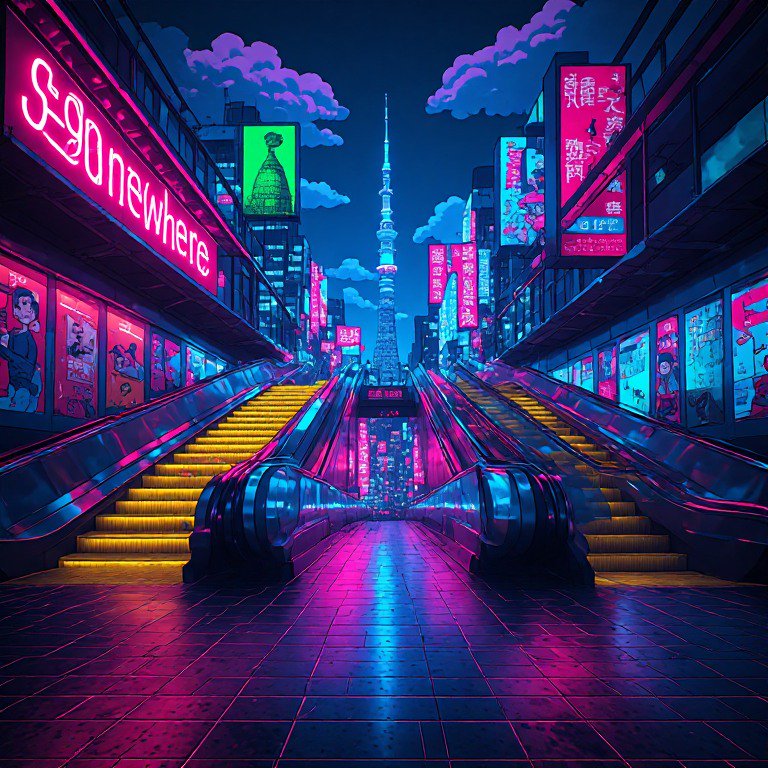
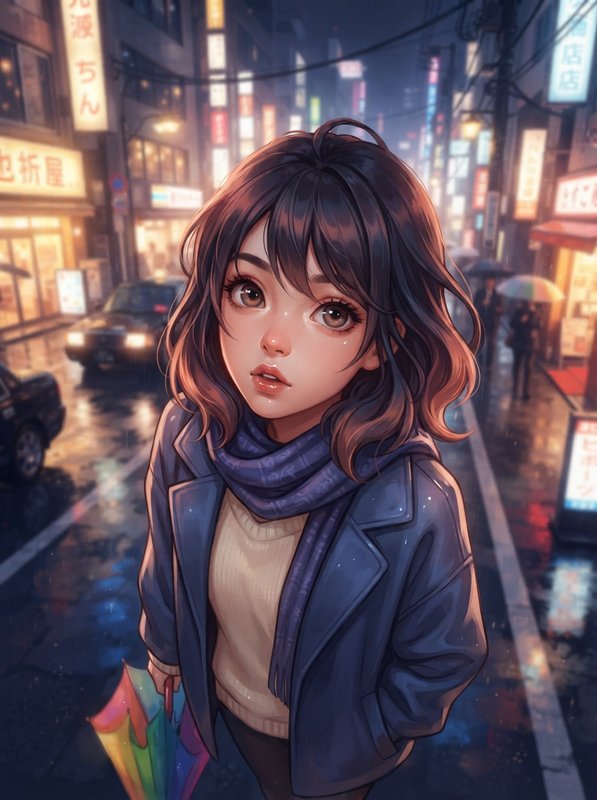
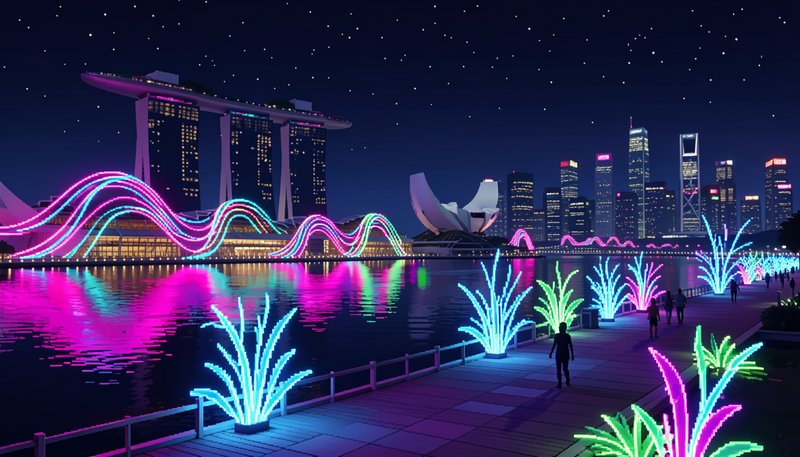
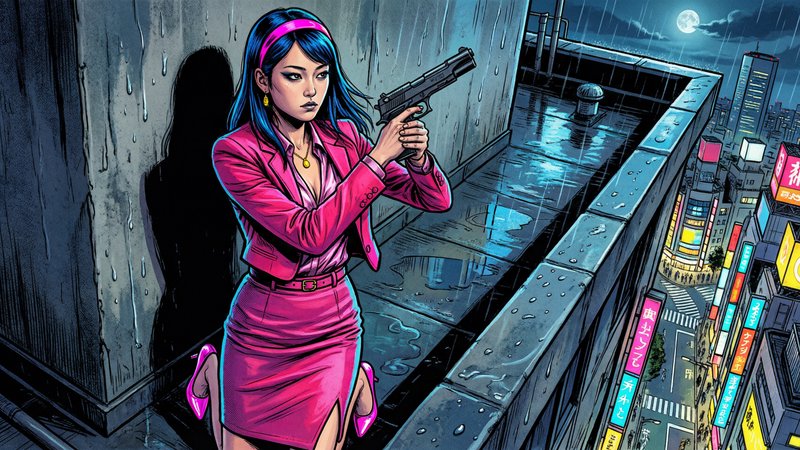
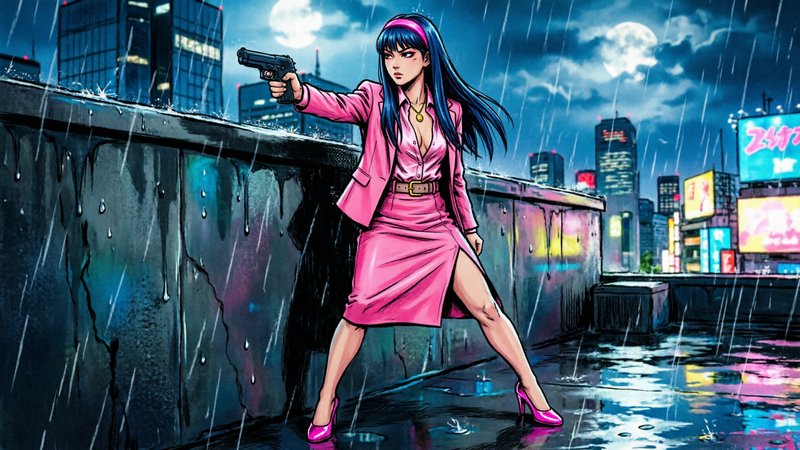
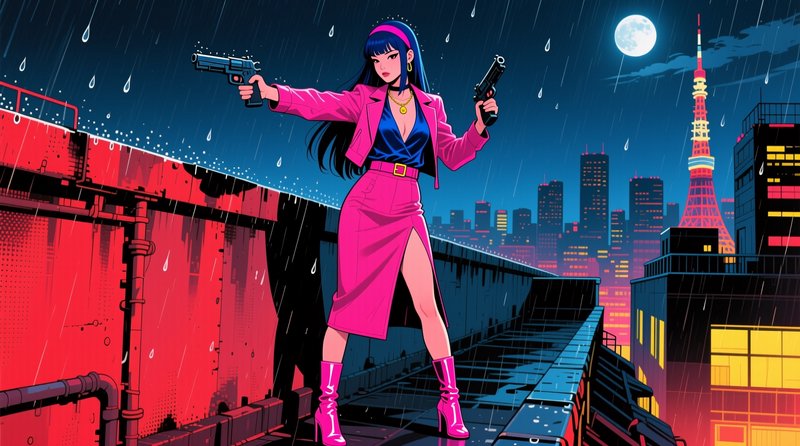
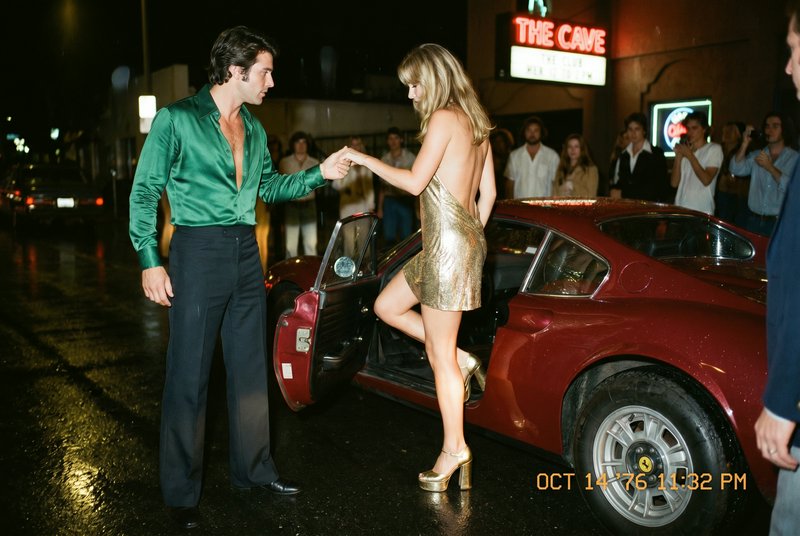
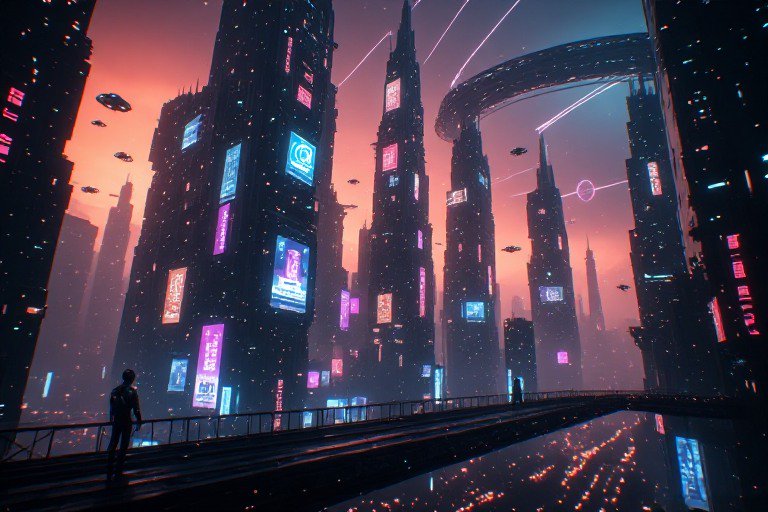
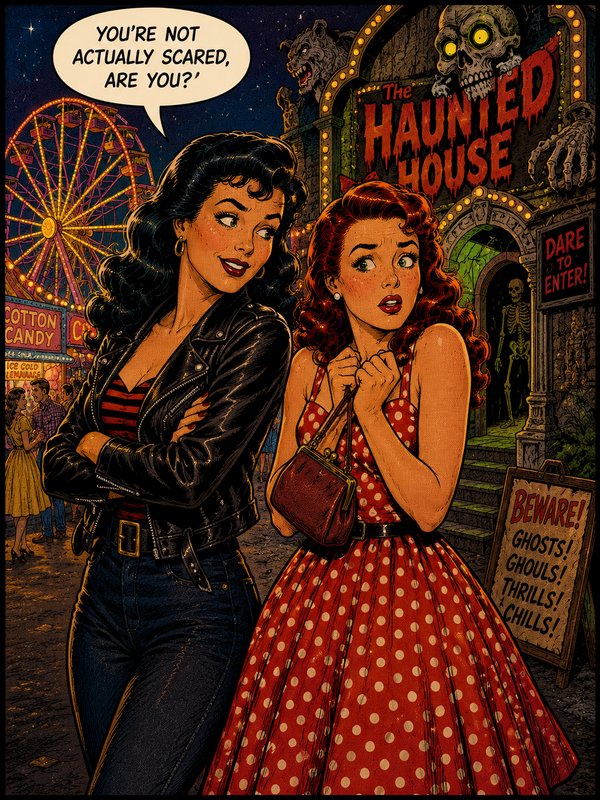
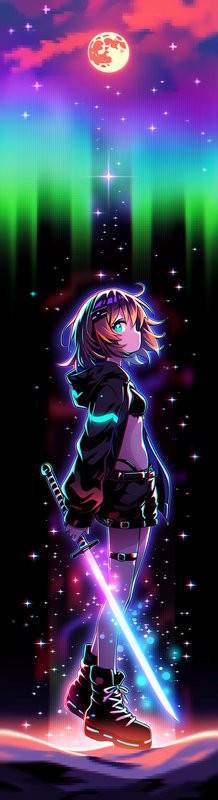
Neon signage and coloured light, and the wet surfaces that double it.
931 published by the BudgetPixel community
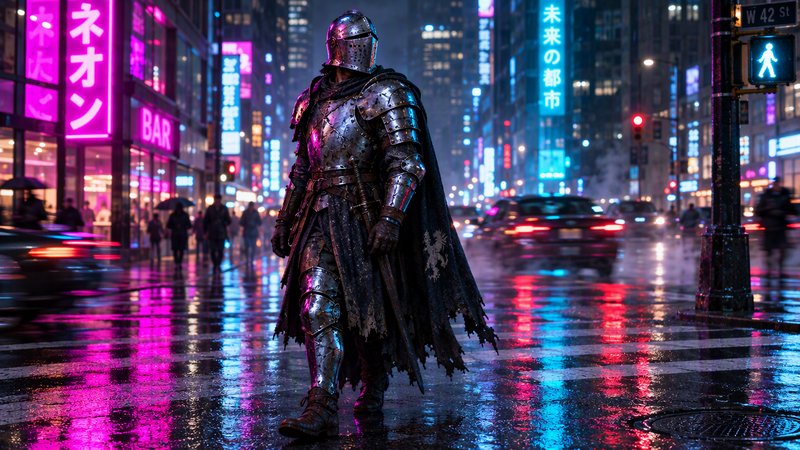
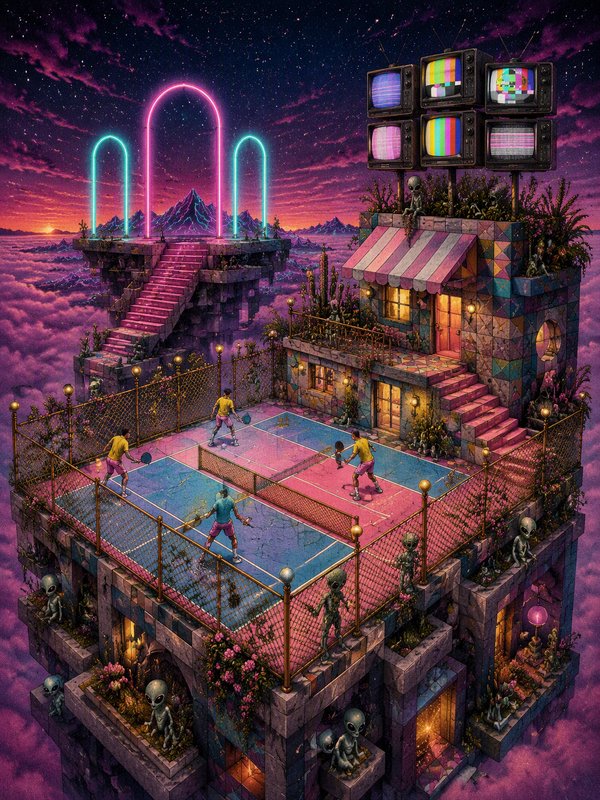
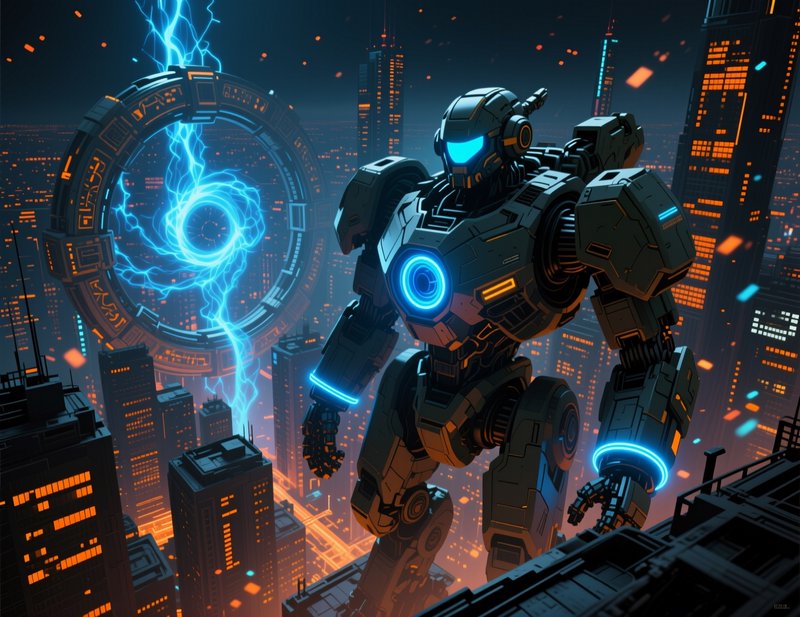
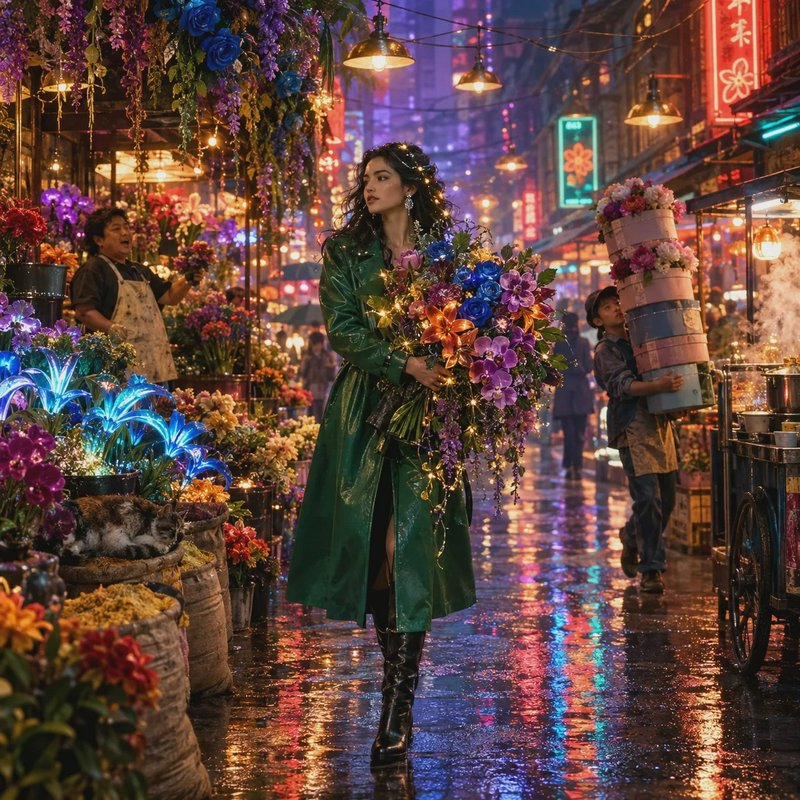
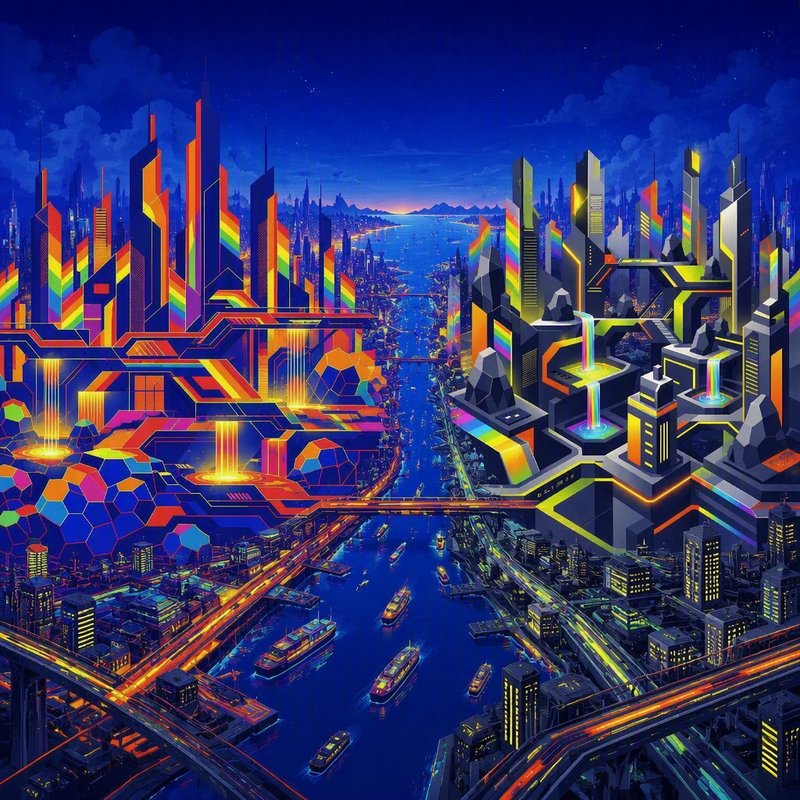
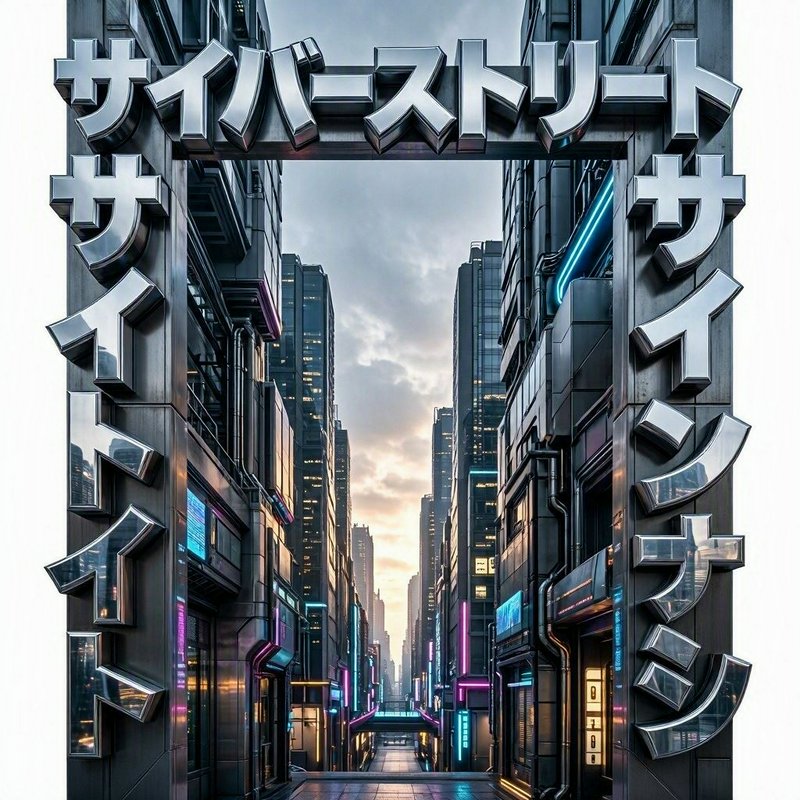
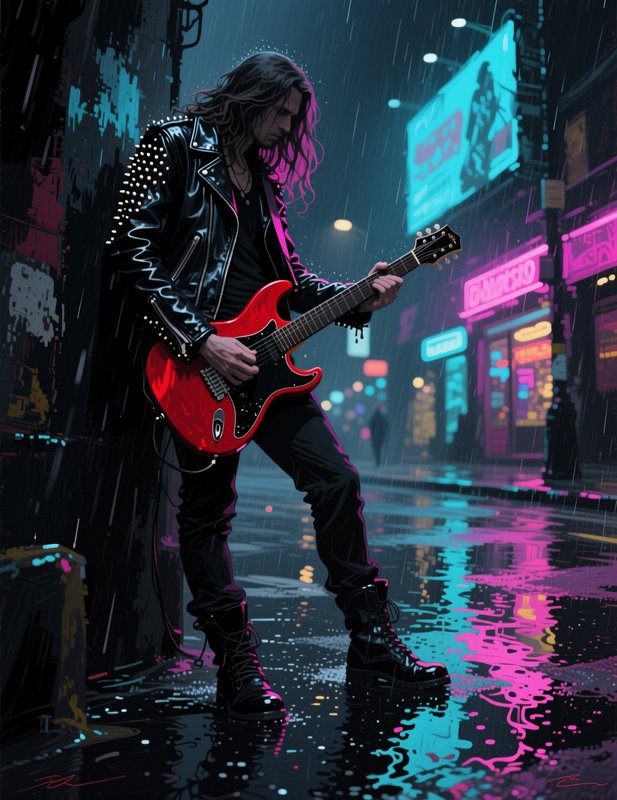
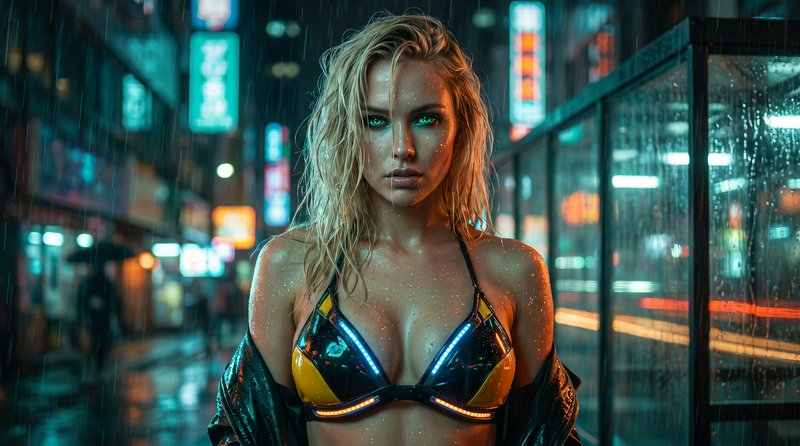
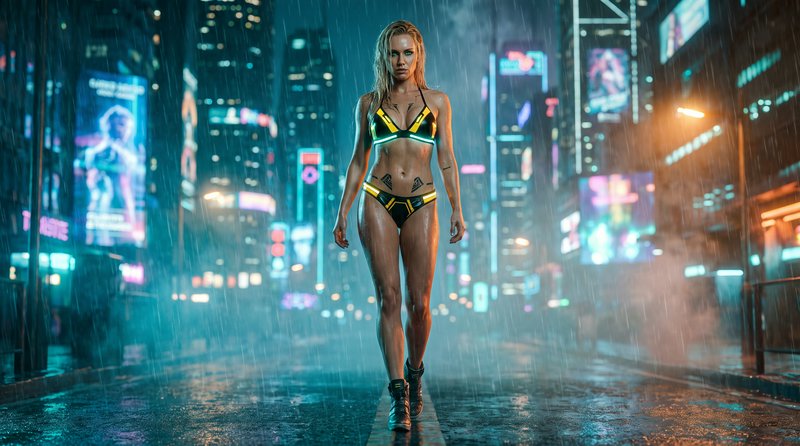
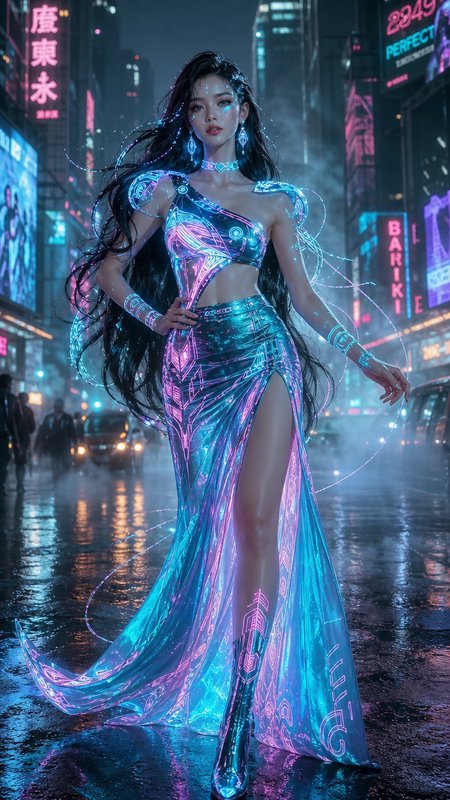
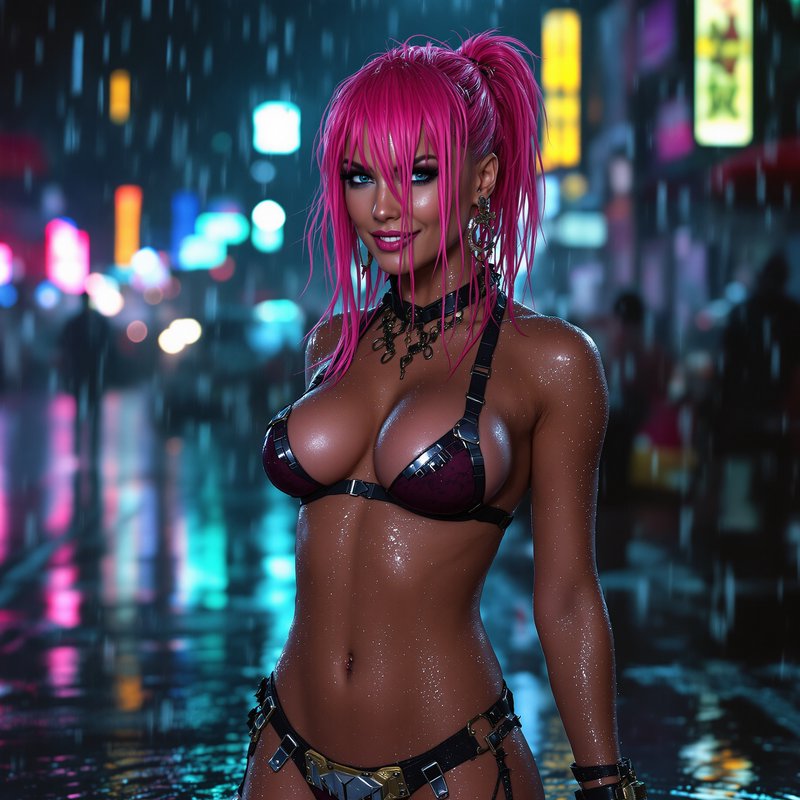
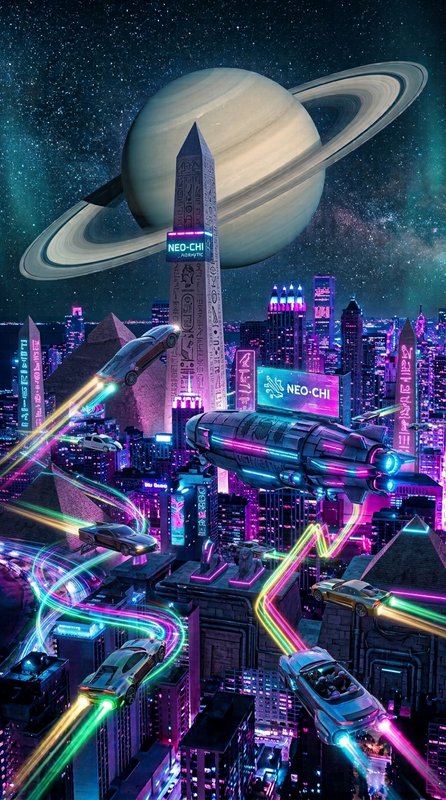
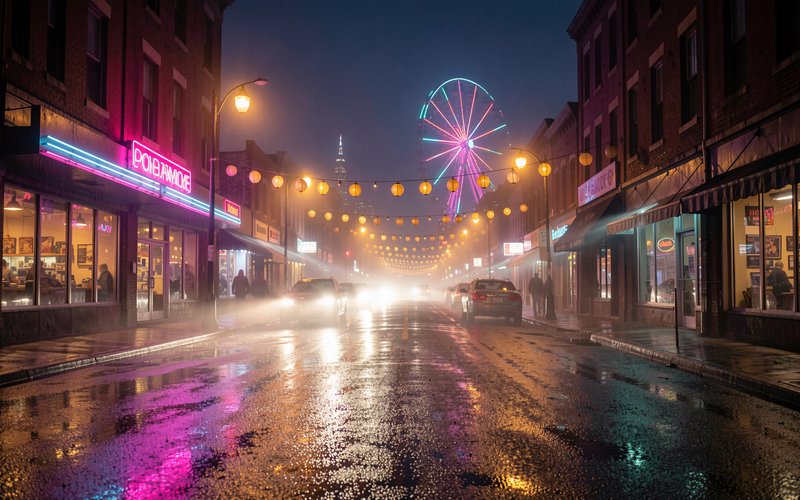
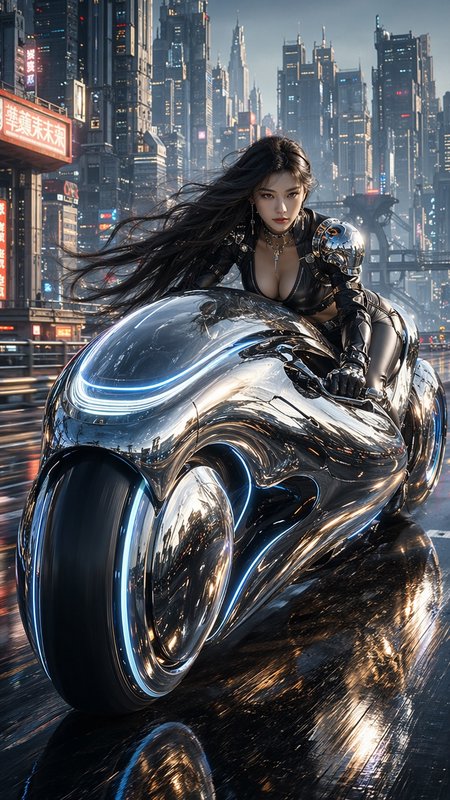
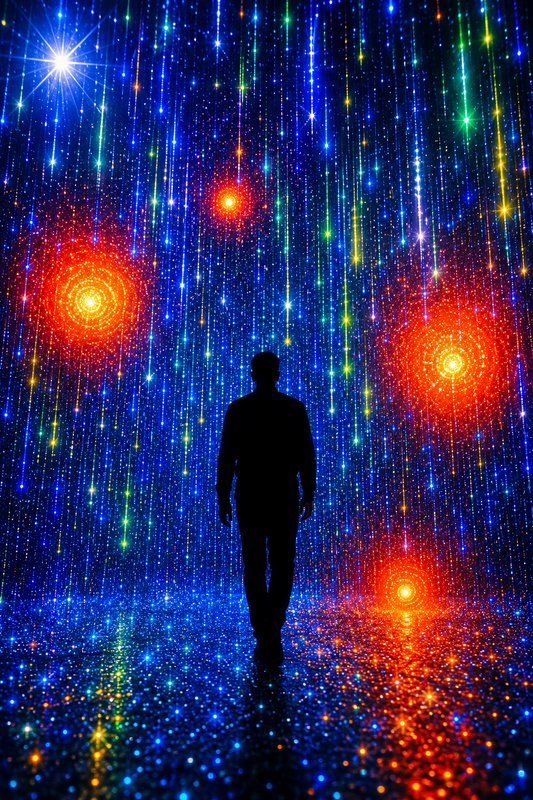
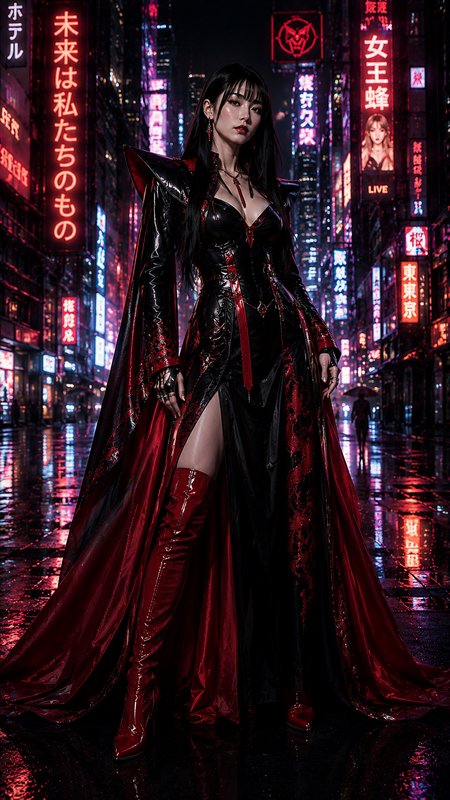
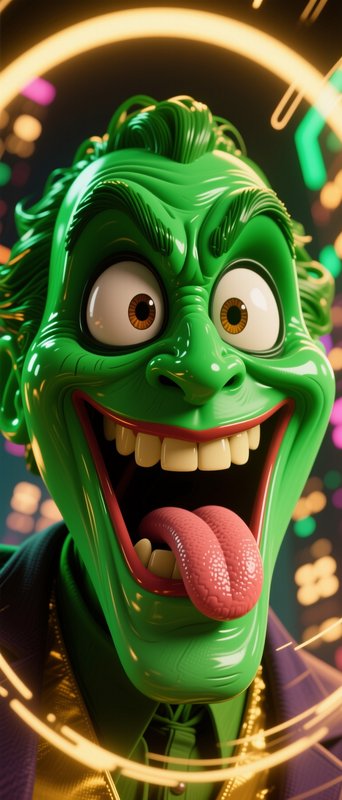
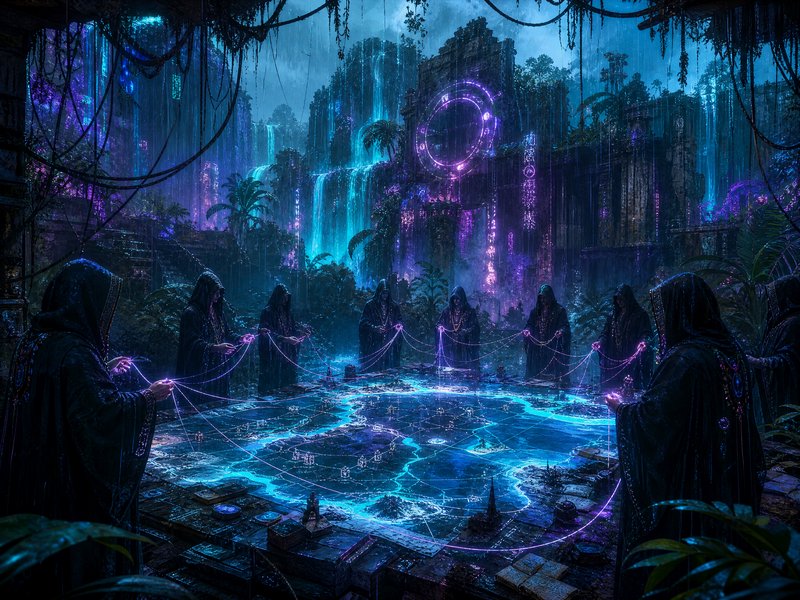
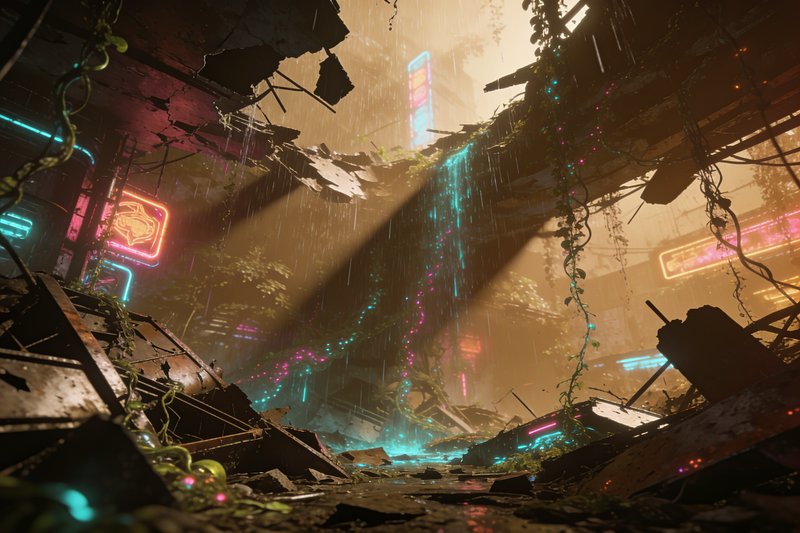
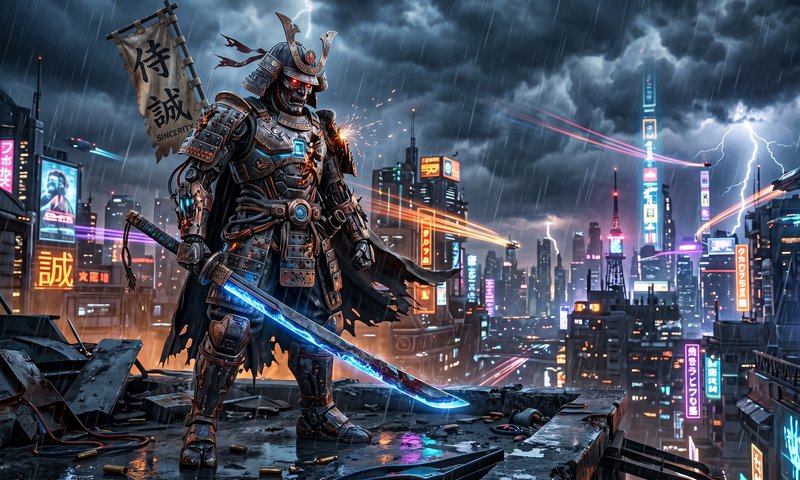
Neon imagery uses signage and tube lighting as the primary light source rather than as decoration. Because neon is a point or line source of saturated colour, it produces coloured light with sharp falloff, strong colour casts on nearby surfaces, and bloom where it overloads the exposure — which is why the look depends far more on what the light touches than on the sign itself.
One image on this page is published under a Creative Commons licence — free to use and adapt, including commercially, if you credit the creator. Look for the licence badge on a tile, or open it to see the exact credit line. How licensing works
Make your own neon lights image
Everything in this grid was generated on BudgetPixel. Describe what you want and the same models will make it.
Start creatingMake your own neon lights image
Everything in this grid was generated on BudgetPixel. Describe what you want and the same models will make it.
Start creating
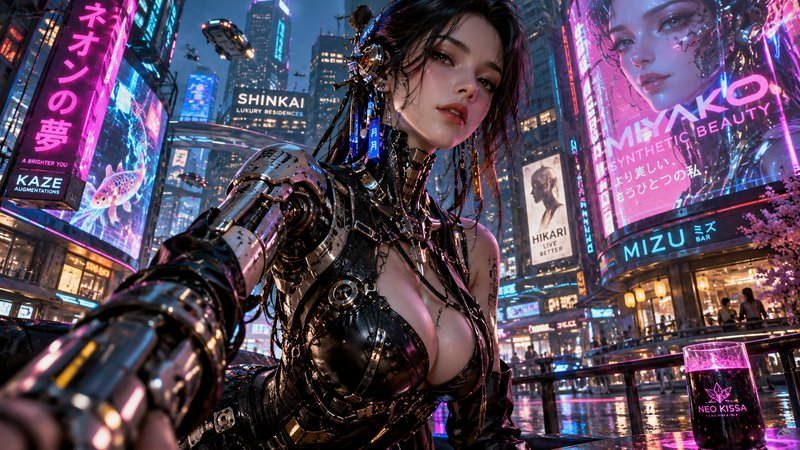
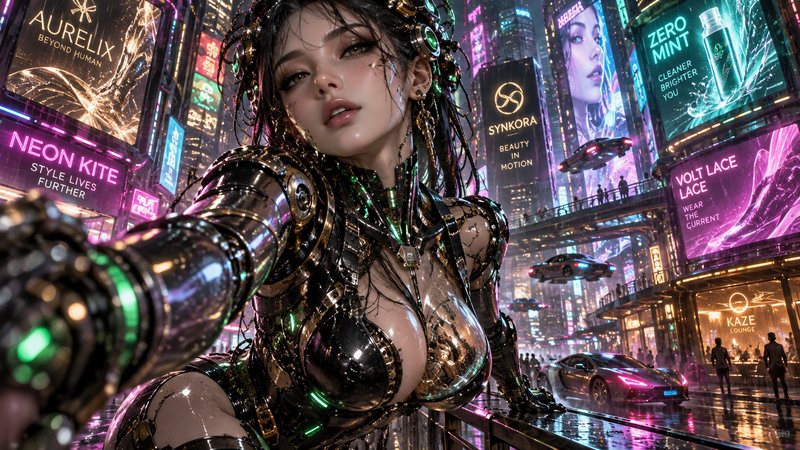
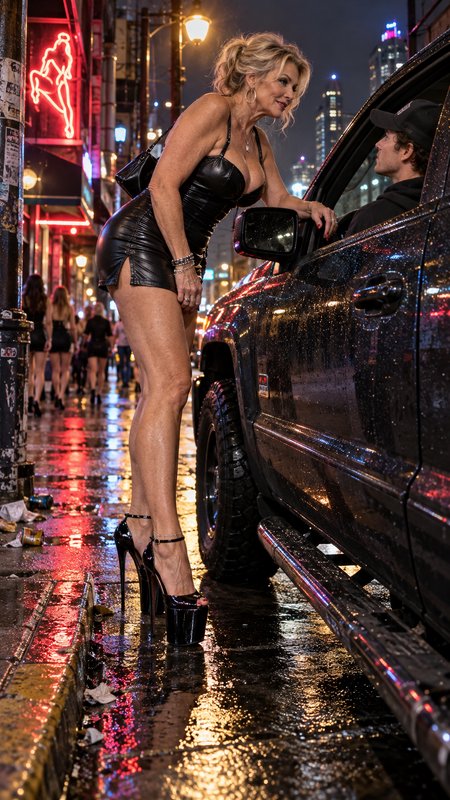

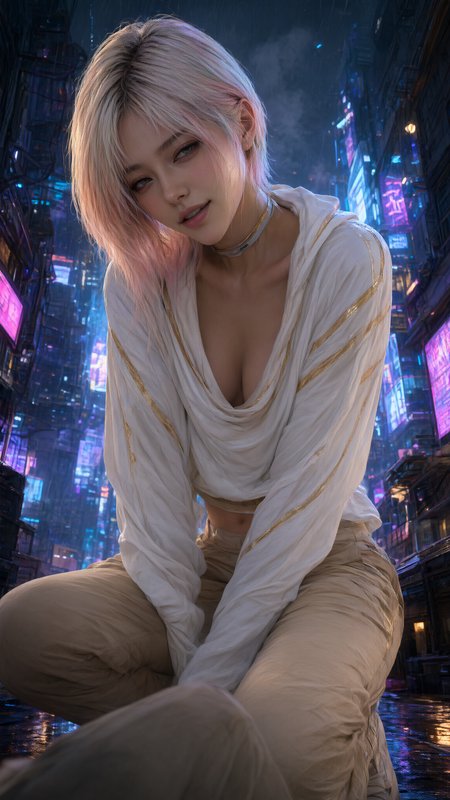
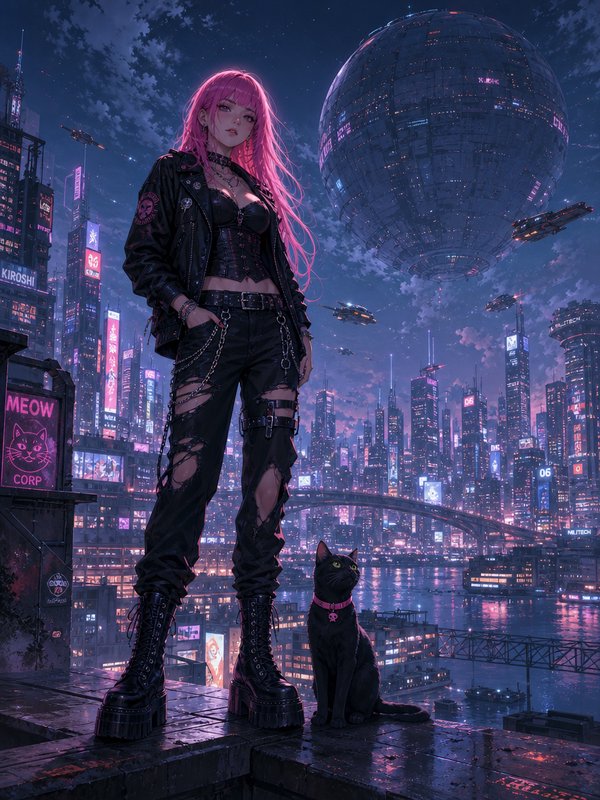
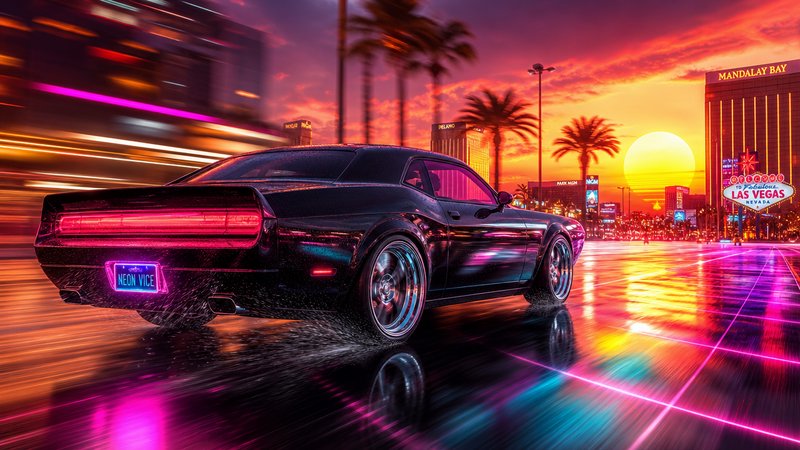
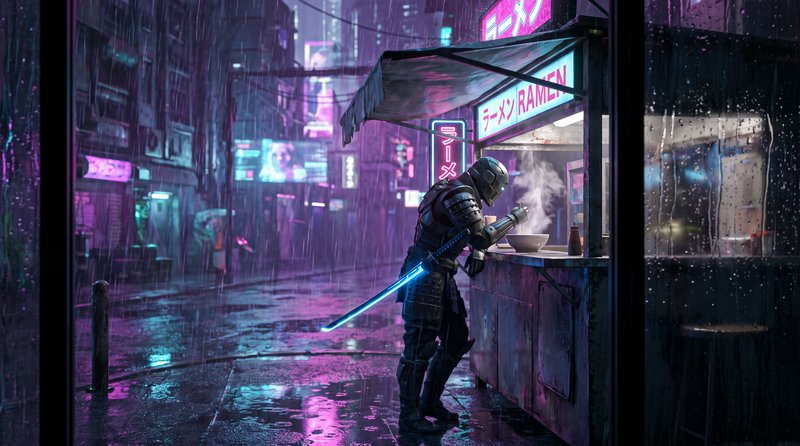





Neon Lights prompts to start from
Working prompts, not fragments. Open one to load it into the generator, then change whatever you like.
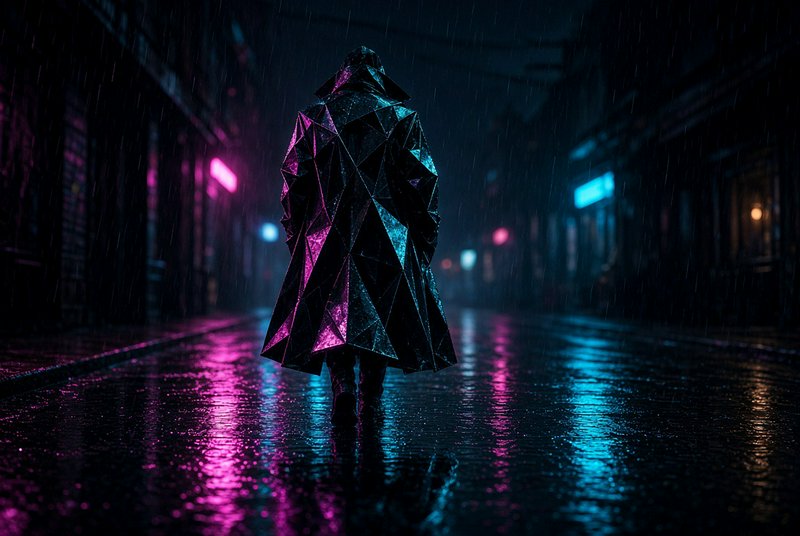
- Face lit entirely by a magenta and cyan sign, colour falling off sharply into darkness, no ambient fillUse →
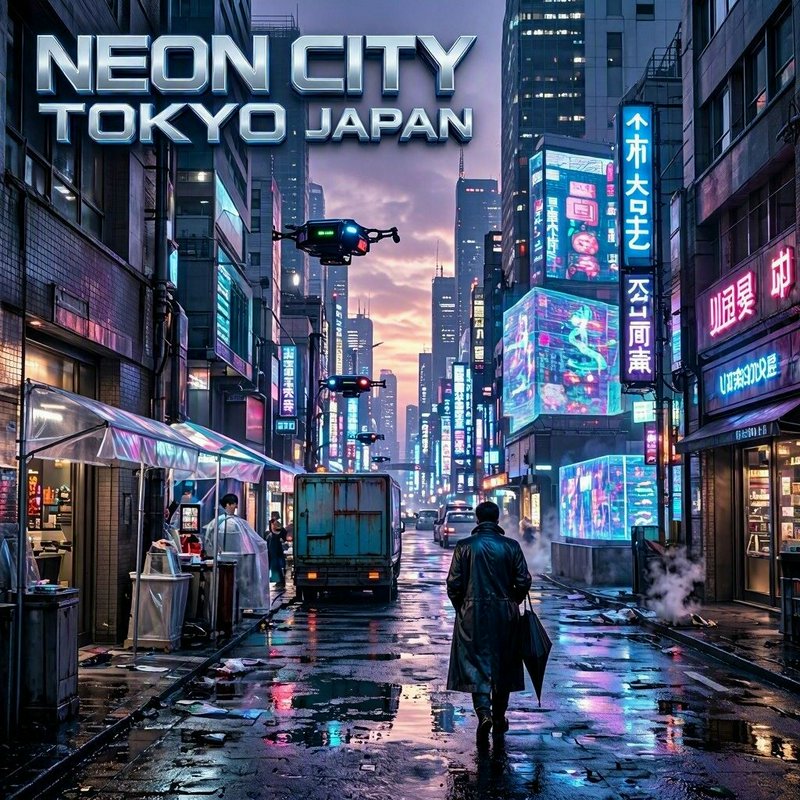
- Wet side street with a single neon sign above a doorway, colour pooling on the tarmac, bloom around the tubesUse →
- Bar interior after closing, one buzzing tube sign, thin haze in the air making the light visibleUse →
Neon Lights AI images: common questions
How do I make neon light look real?
Show what it lands on. A sign in isolation is just a bright shape; neon becomes convincing when a face, a wall or wet ground picks up its colour and falls off quickly with distance. Naming the colour of the spill — magenta on the left cheek, cyan on the wet kerb — does most of the work.
Why do my neon images look washed out?
Too many colours and too much ambient light. Neon reads strongest against near-darkness with two colours at most; adding a third flattens everything toward white. Saying there is no ambient fill and the sign is the only source restores the contrast.
How do I get glow and bloom?
Ask for the optical effect by name — bloom around the tubes, halation, slight overexposure at the sign itself — and add atmosphere for the light to scatter through. Mist, rain or smoke turns a hard source into a visible glow, which is what makes the effect read.
Related topics
Make your own neon lights images
Everything here was generated on BudgetPixel and published by the person who made it. The same models are available to you — pick one, write a prompt, and publish the result to the community feed if you want it here.