
Night AI images
After dark — city light, moonlight, and the long exposures that make both readable.
1,614 published by the BudgetPixel community
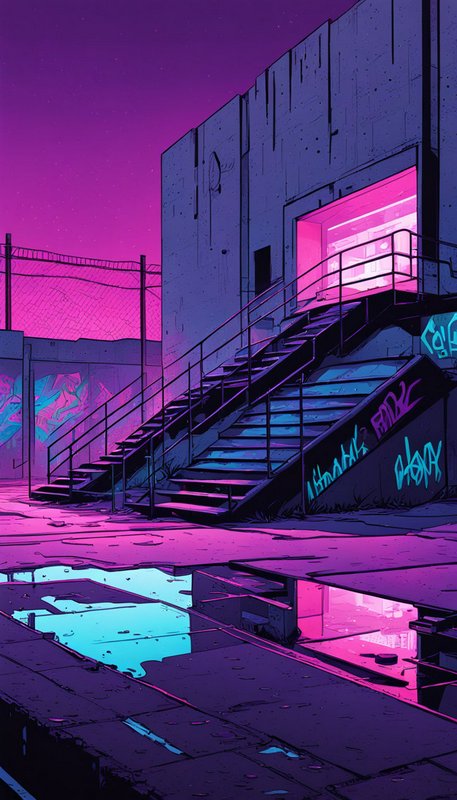
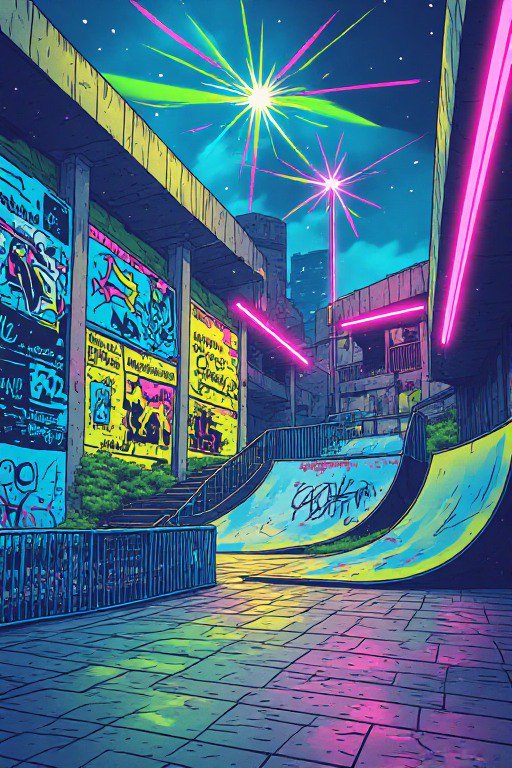
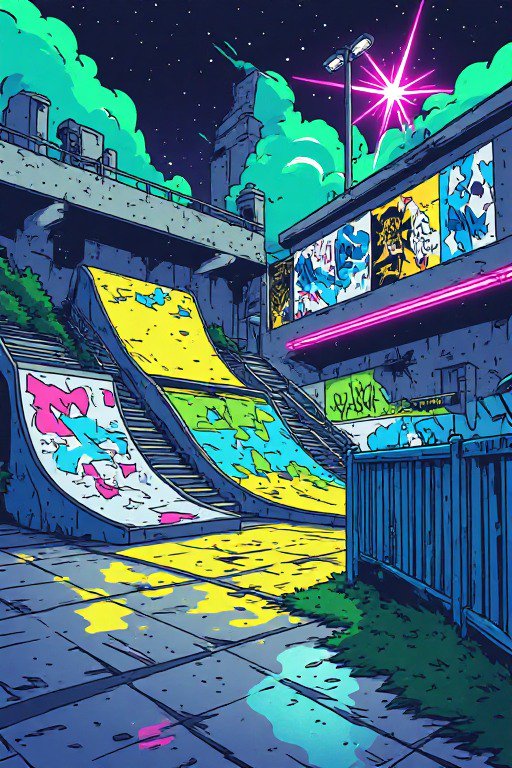
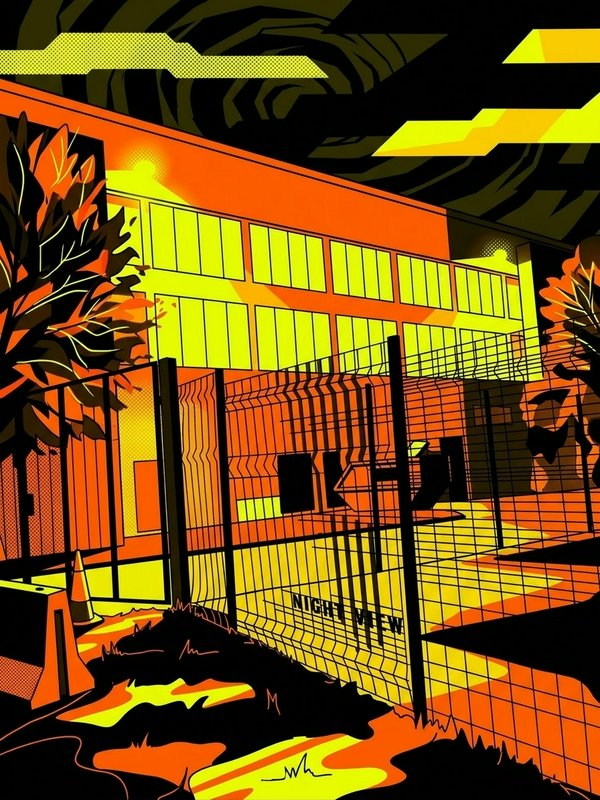
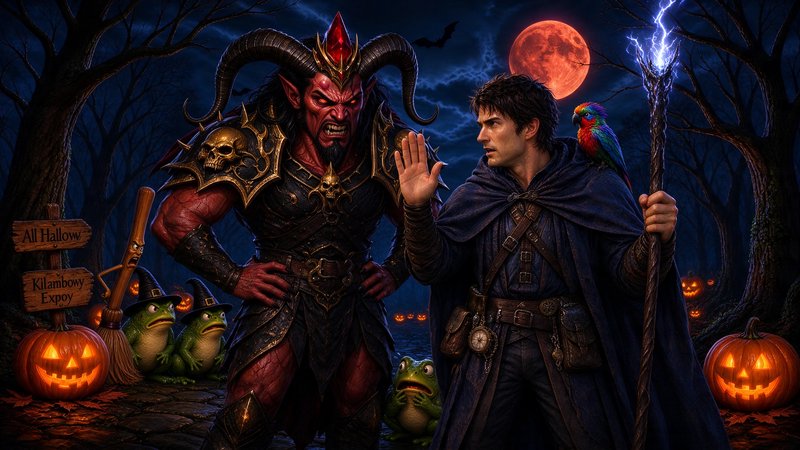
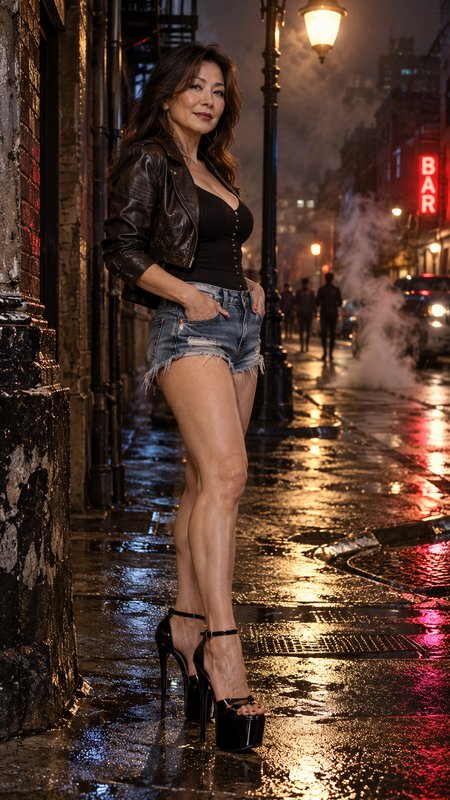
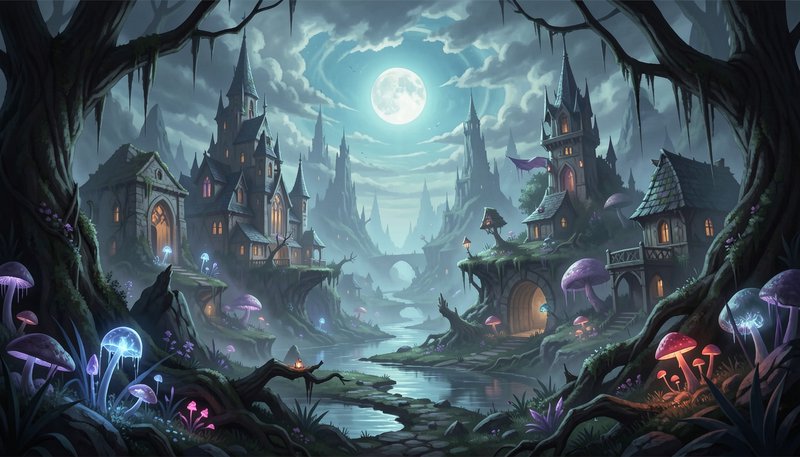
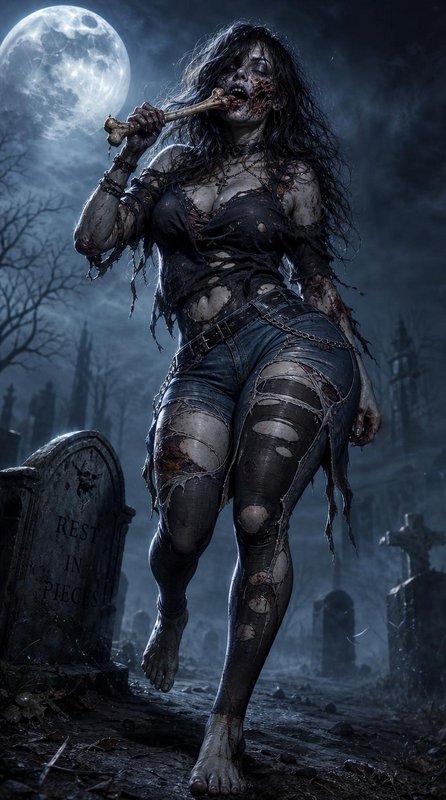
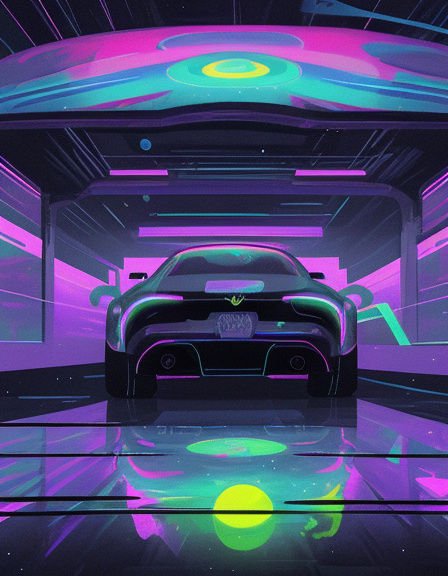
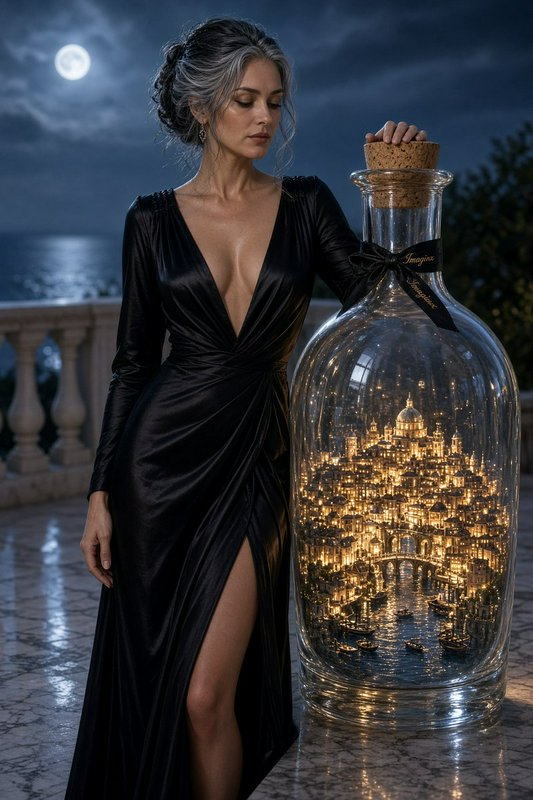
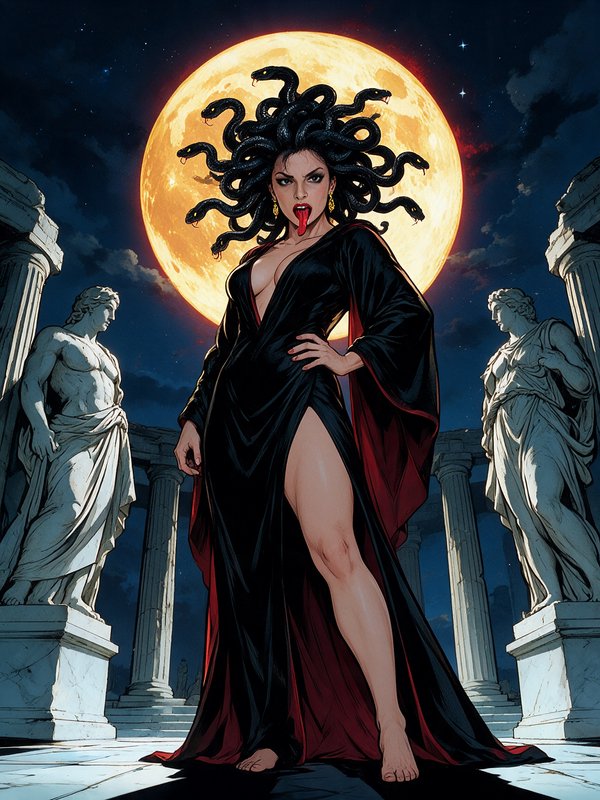
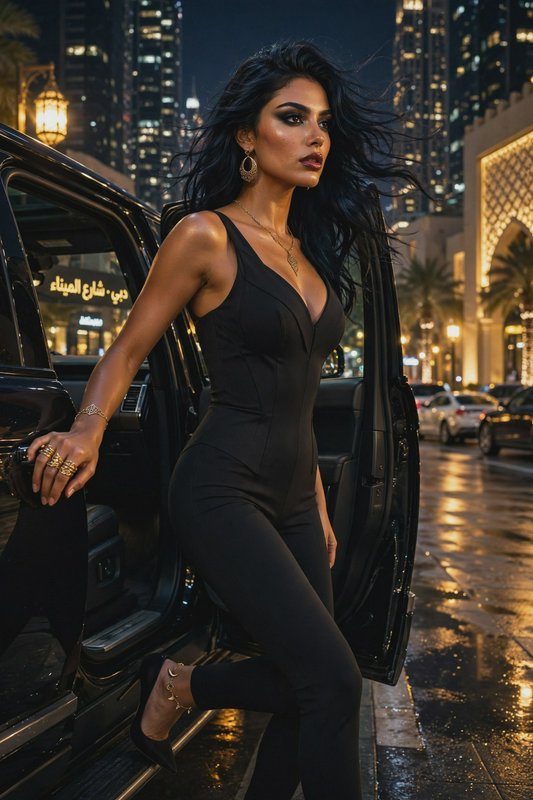
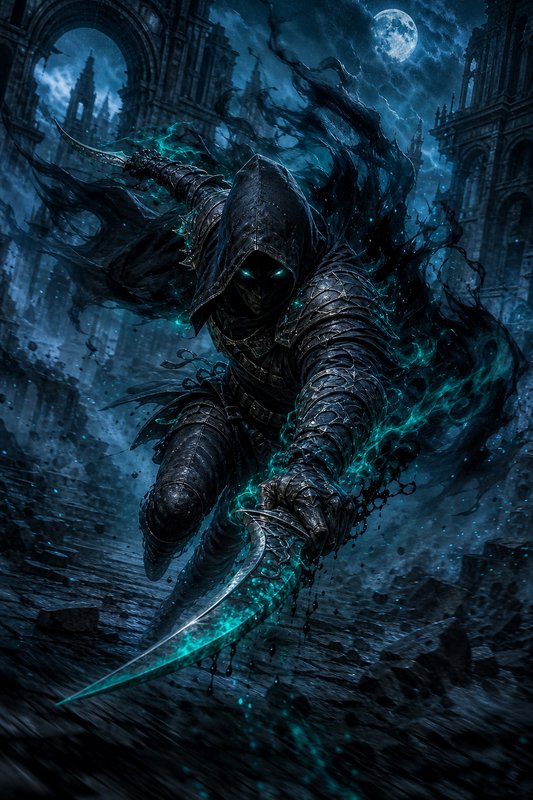
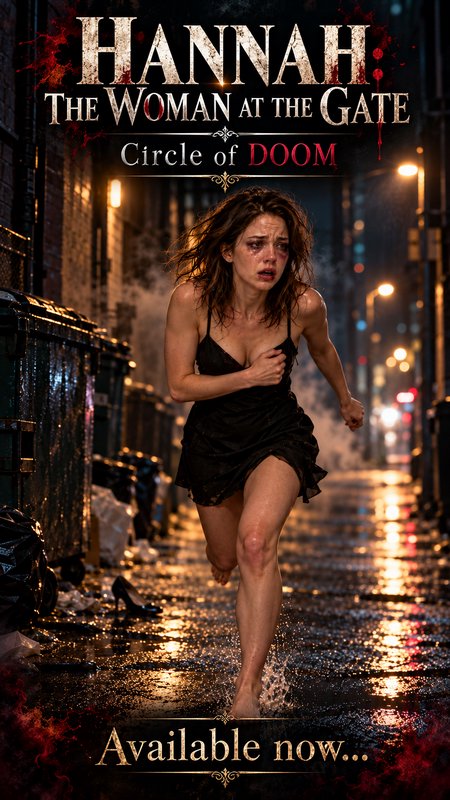
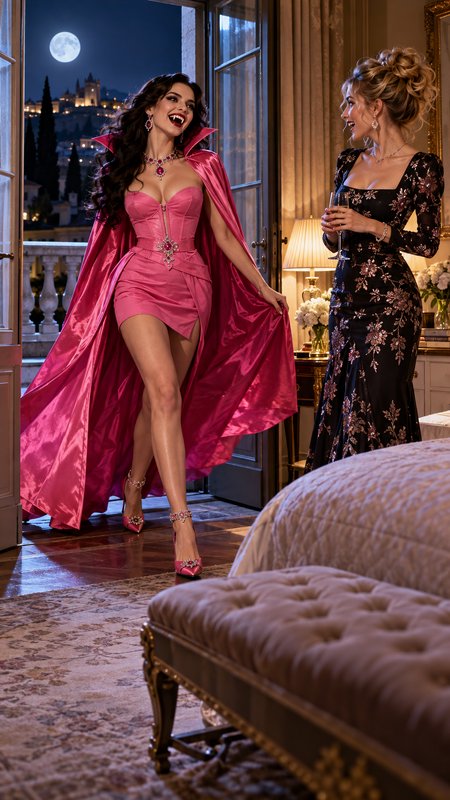
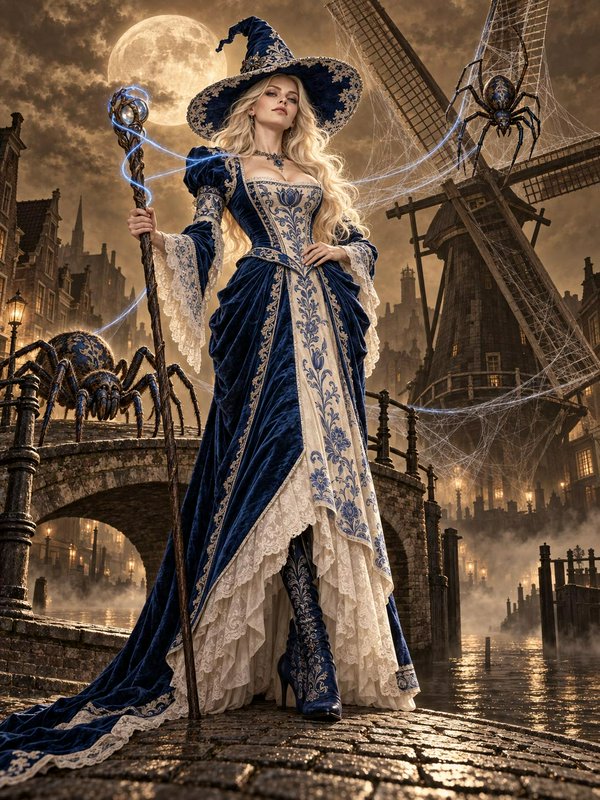
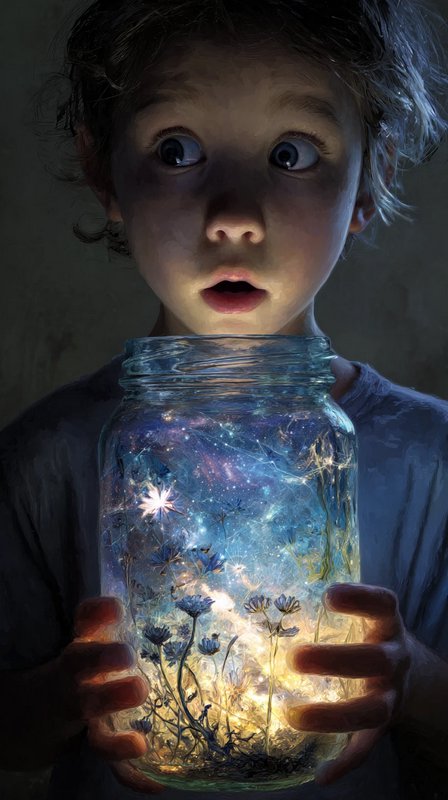
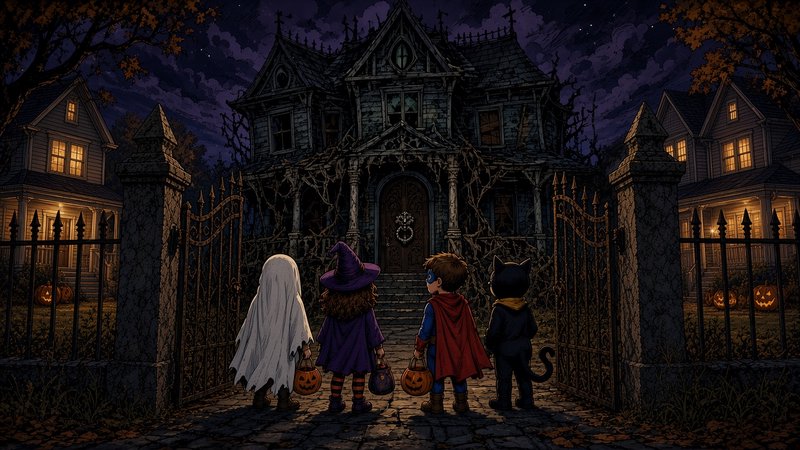
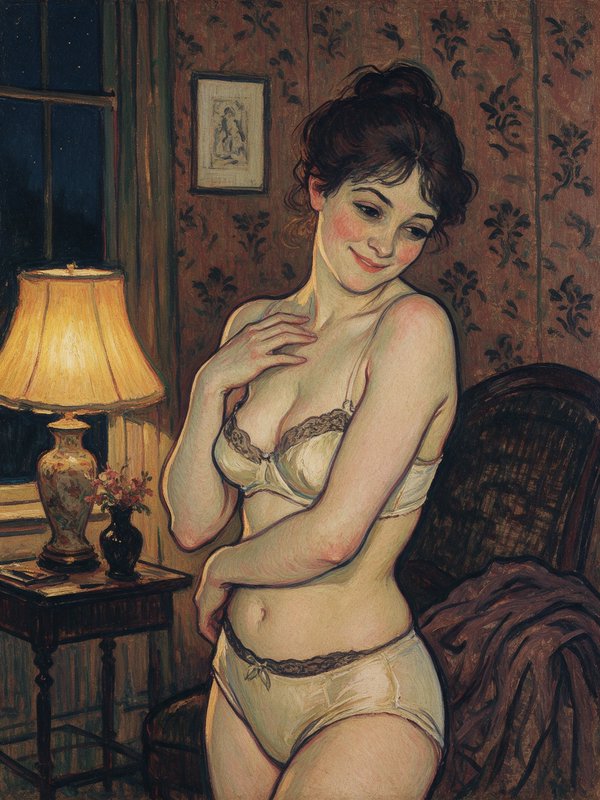
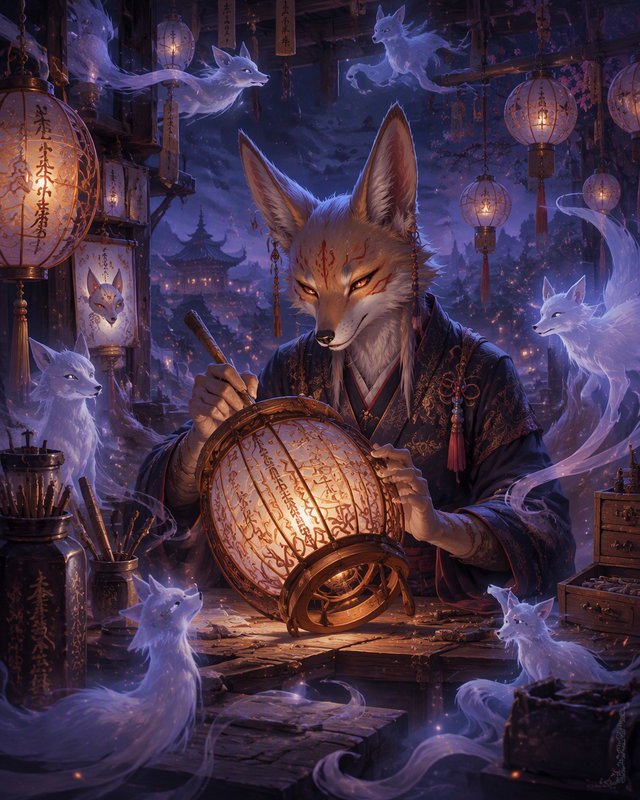
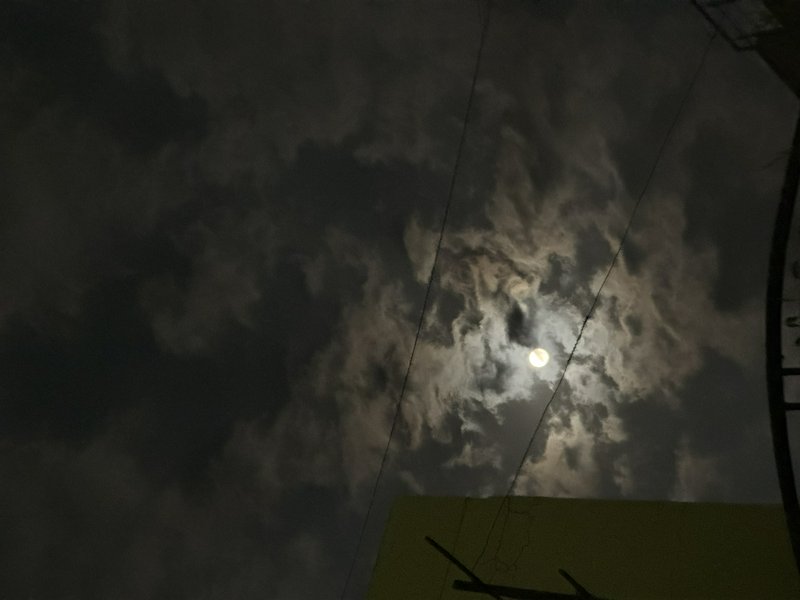
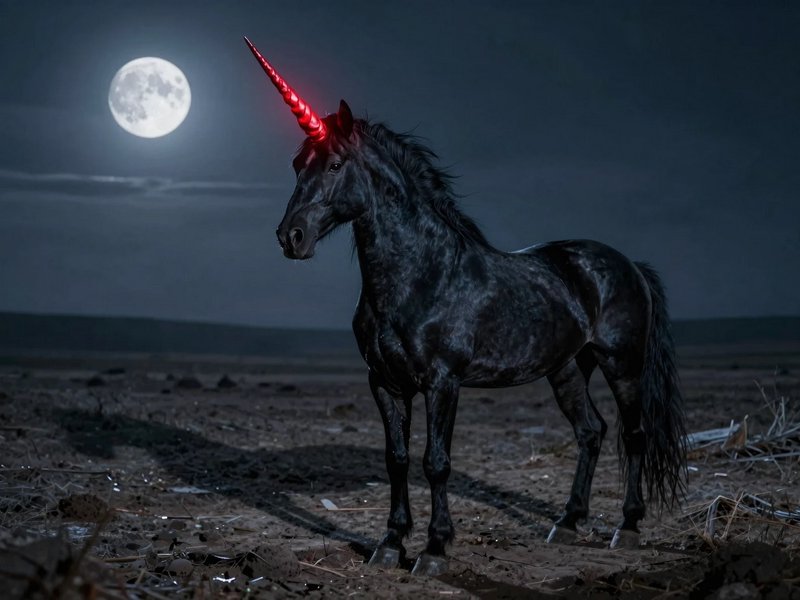
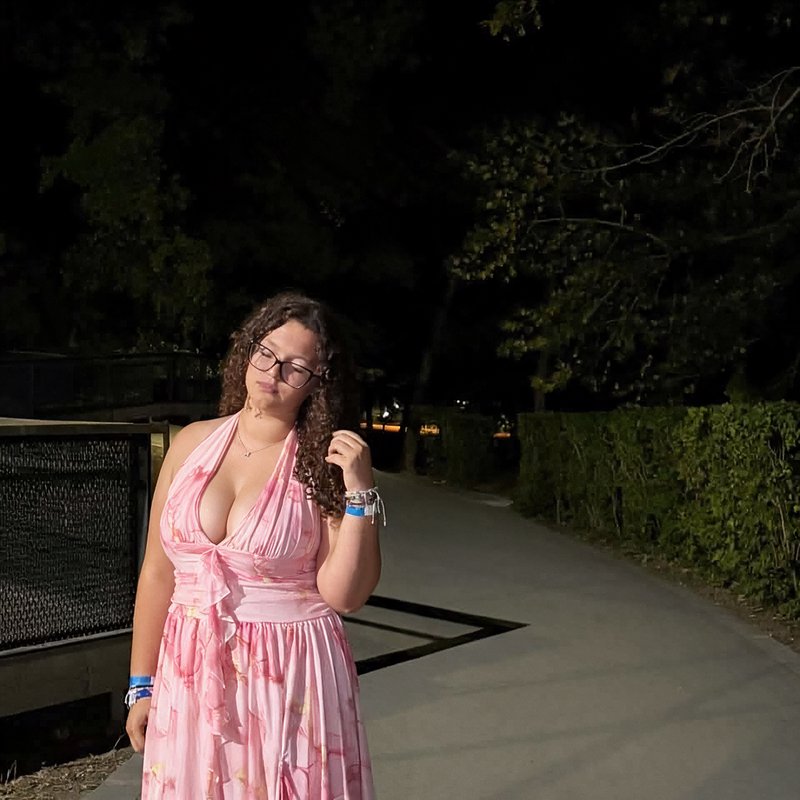
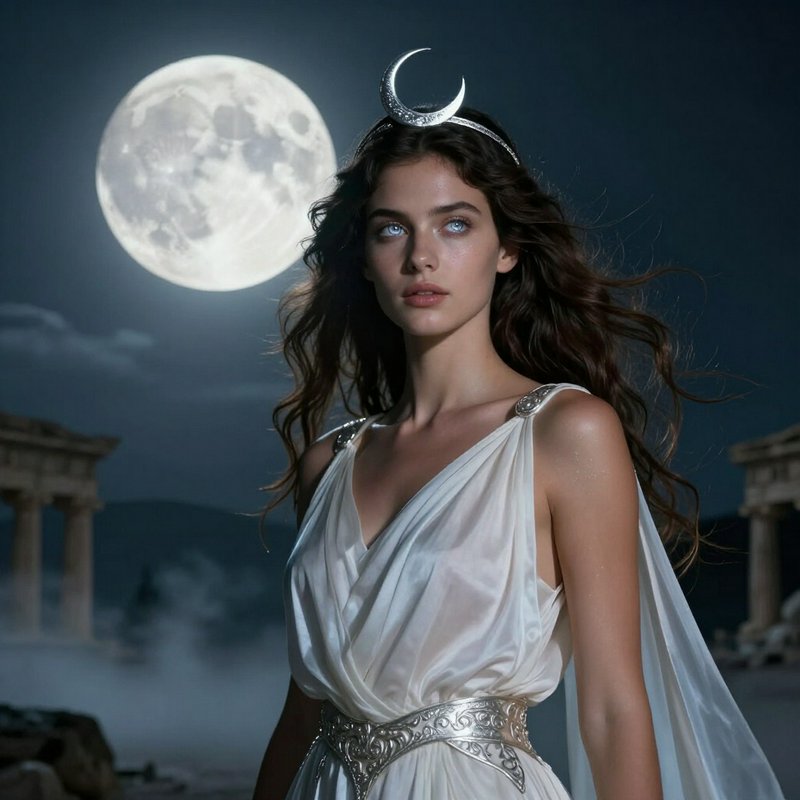
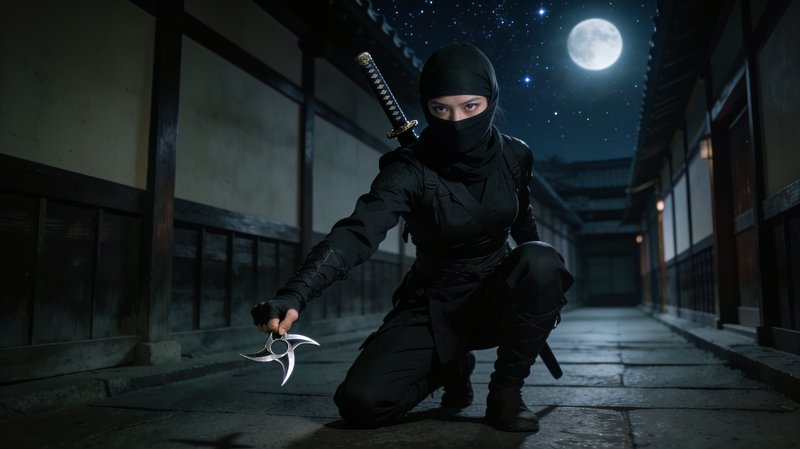
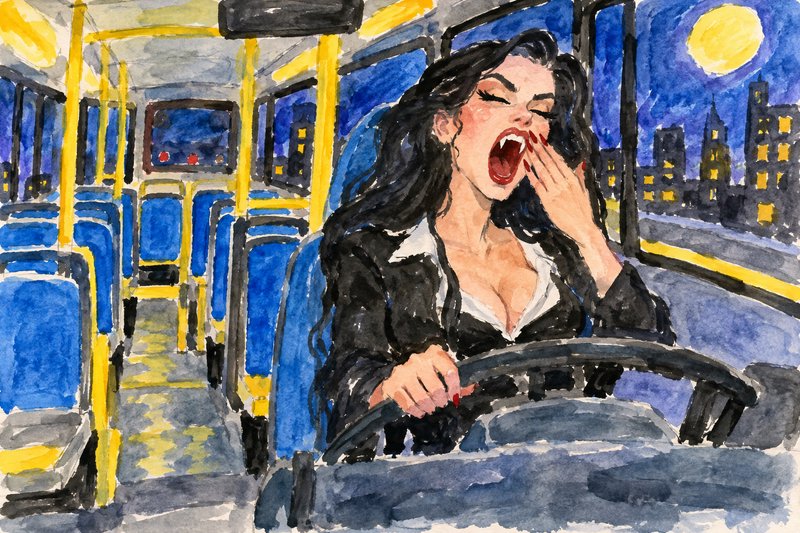
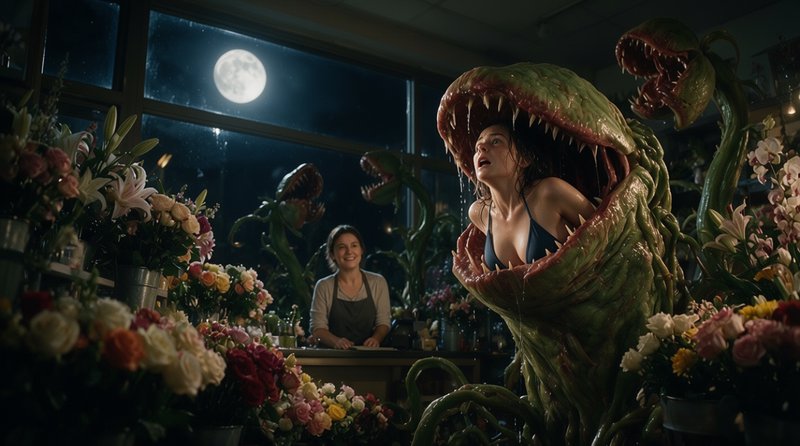
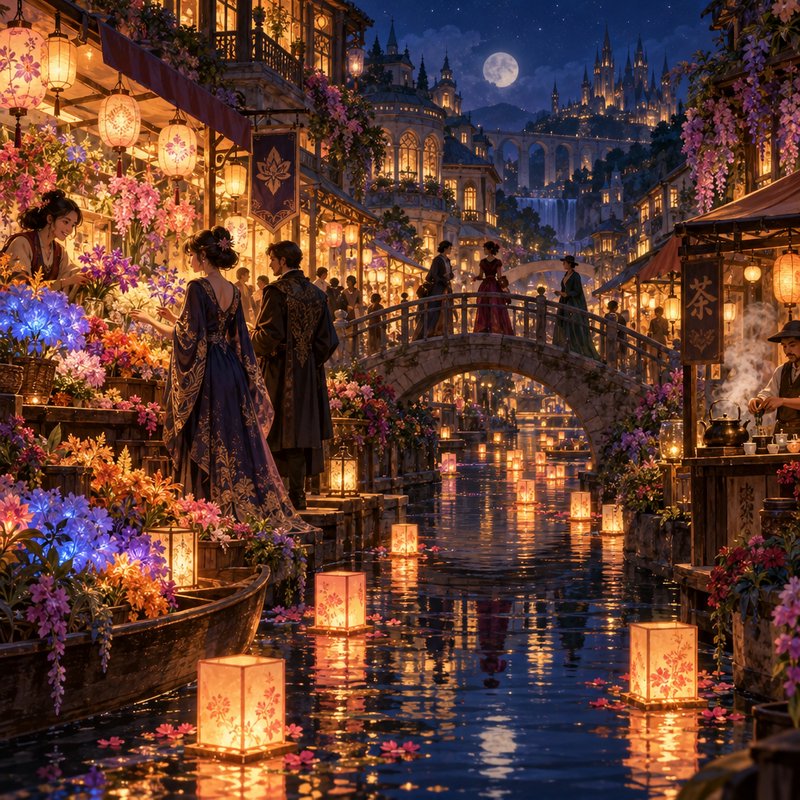
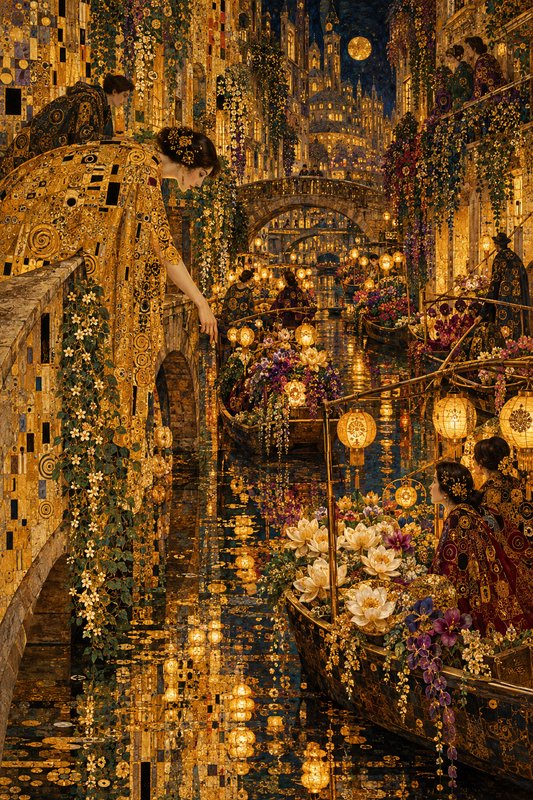
Night imagery is defined by what is lit rather than what is dark. With no ambient sun, every visible thing in the frame is being illuminated by a specific source — a window, a streetlight, the moon, a screen — so night scenes are effectively composed out of pools of light. That constraint is why they tend to look more deliberate than daylight scenes.
Make your own night image
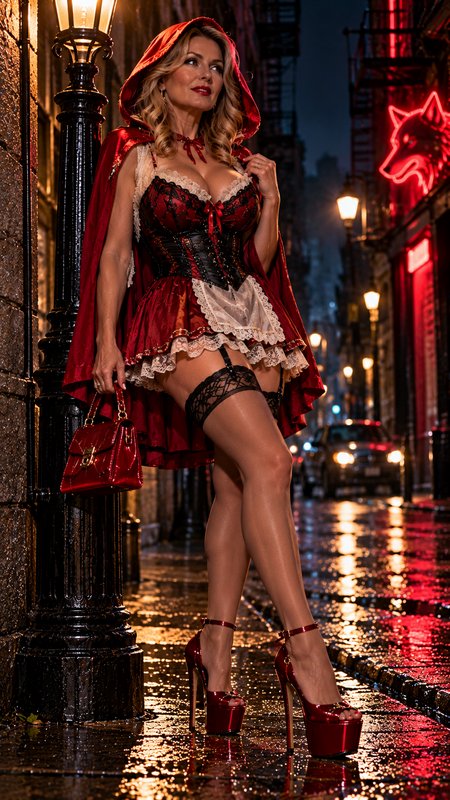
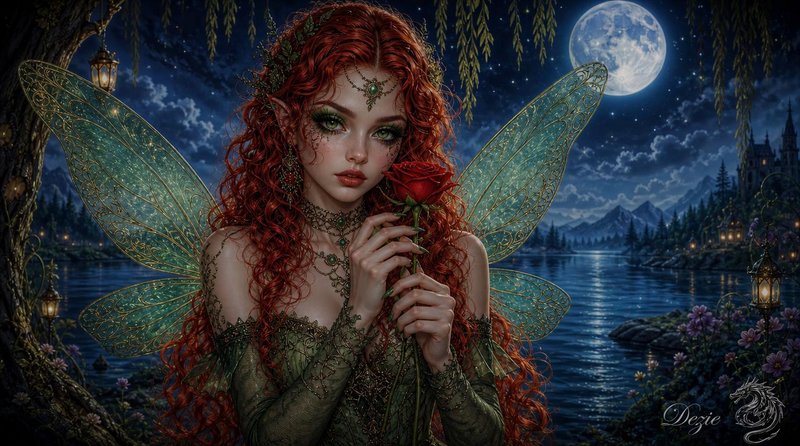
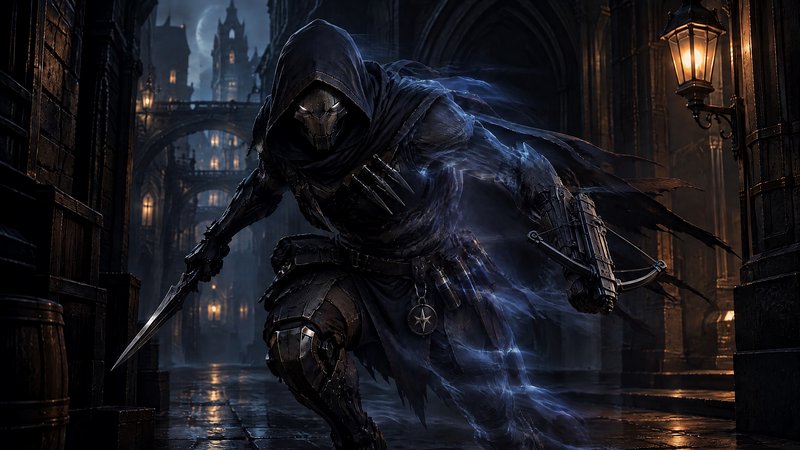
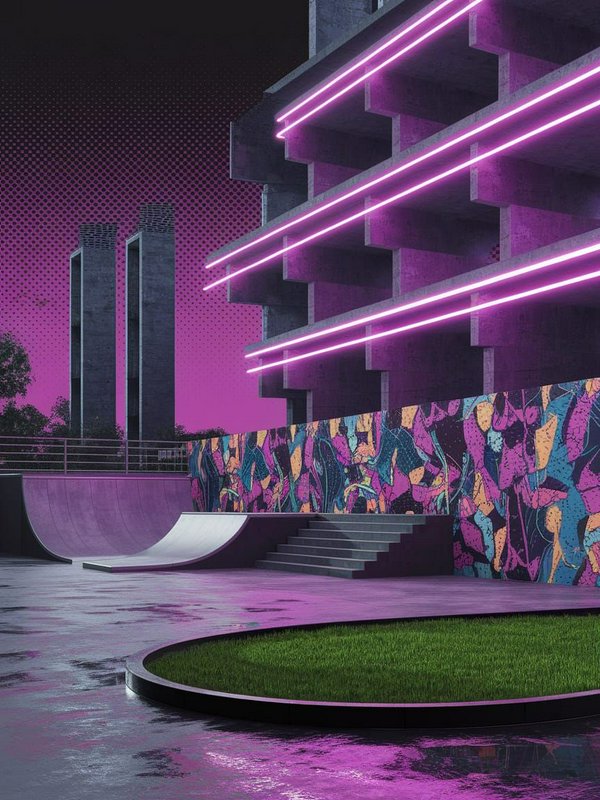
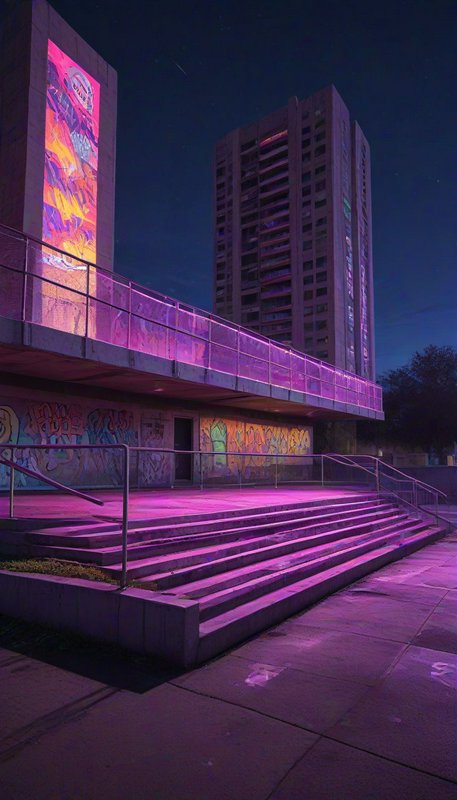
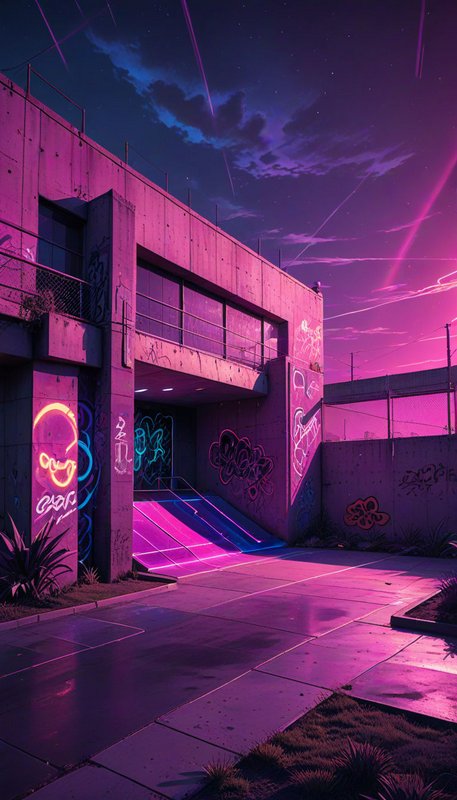
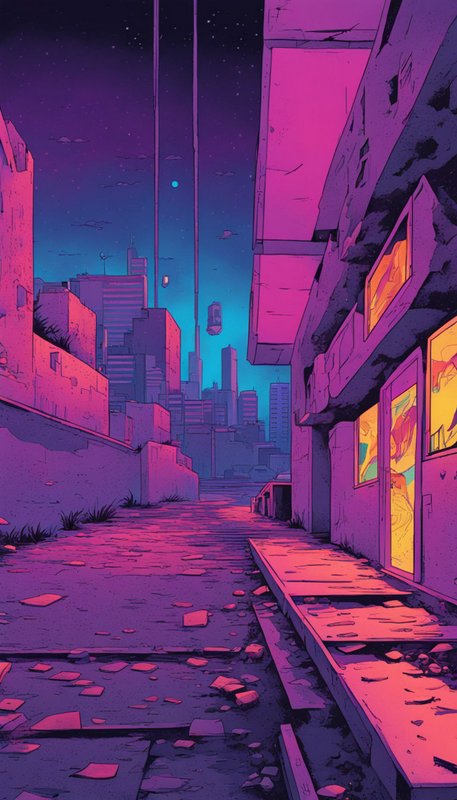
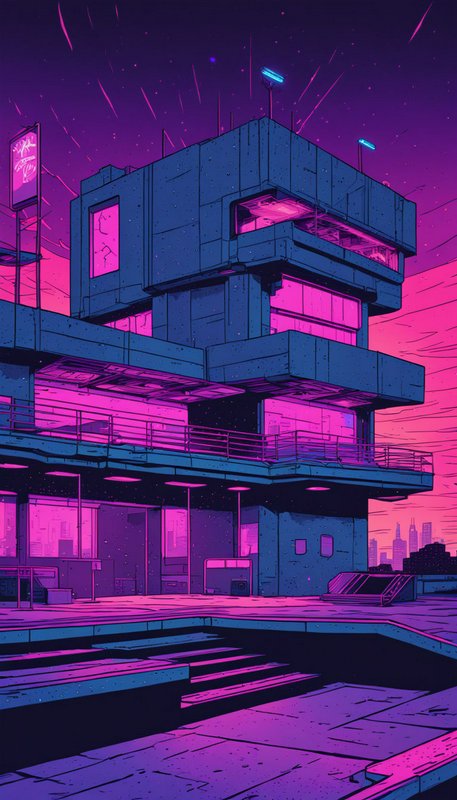
Everything in this grid was generated on BudgetPixel. Describe what you want and the same models will make it.
Start creatingMake your own night image
Everything in this grid was generated on BudgetPixel. Describe what you want and the same models will make it.
Start creating
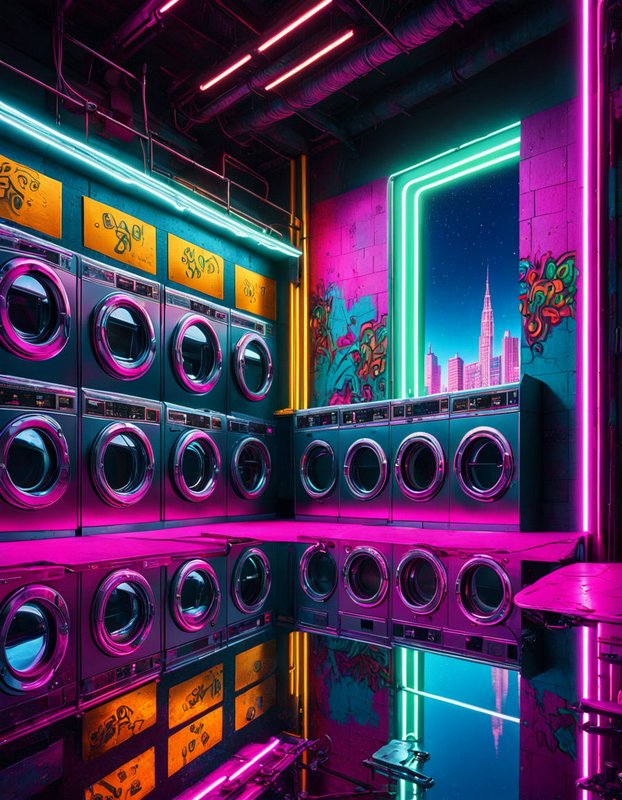
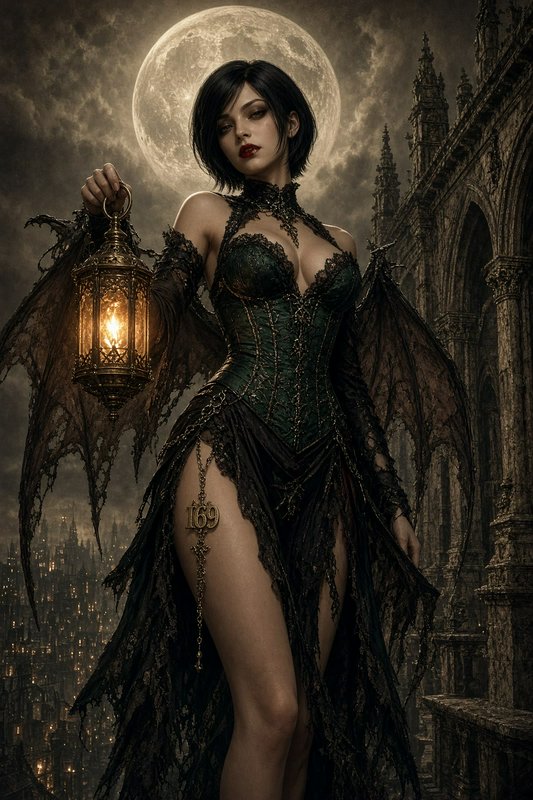
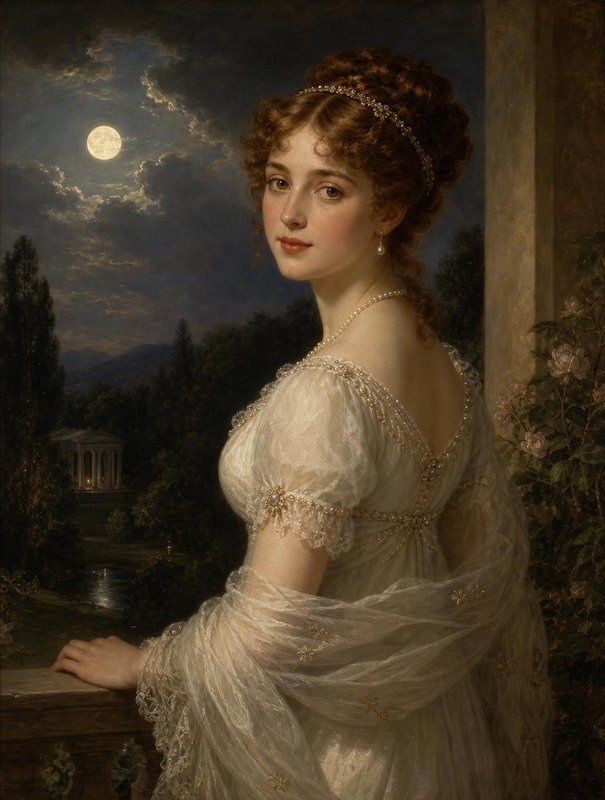
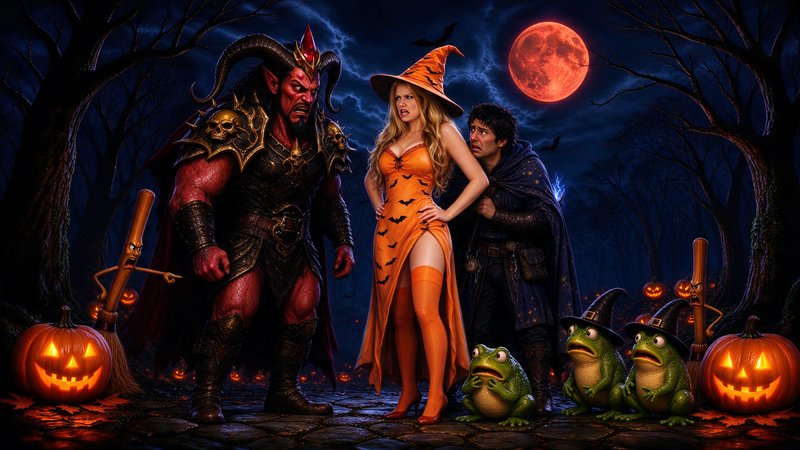
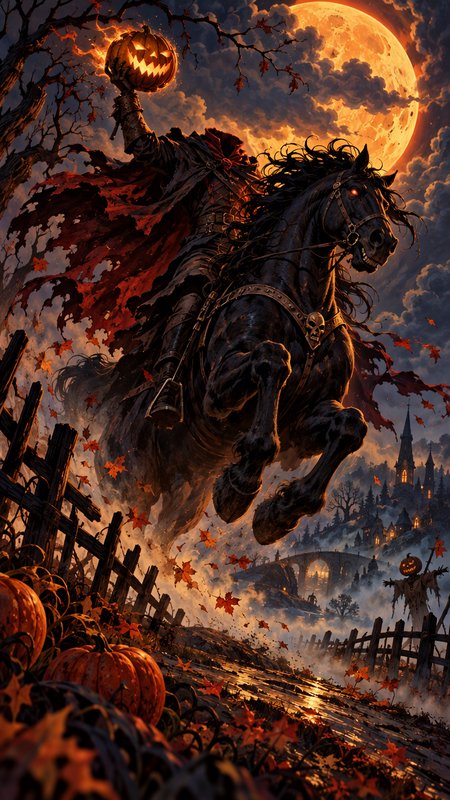
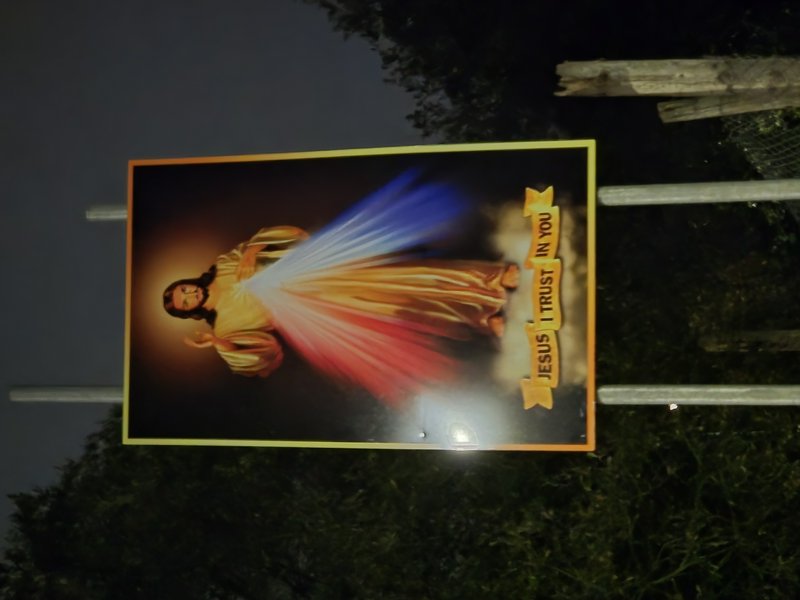
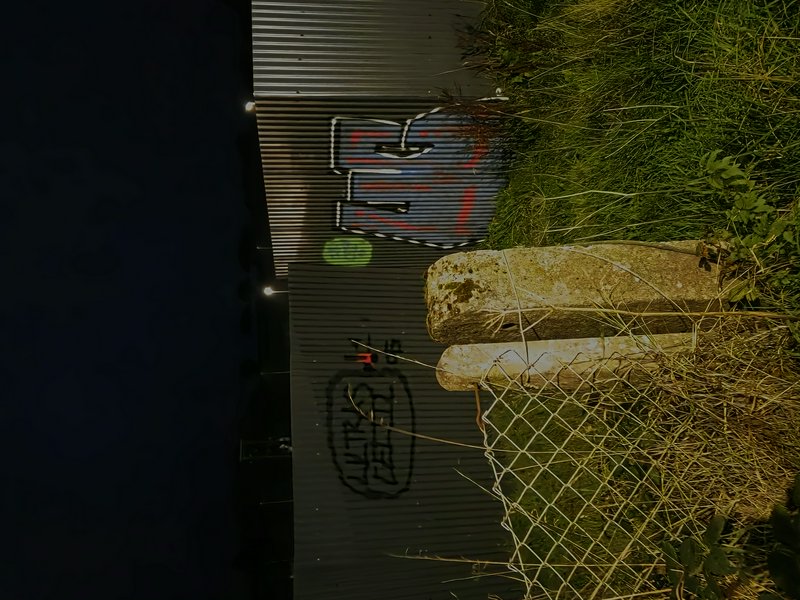
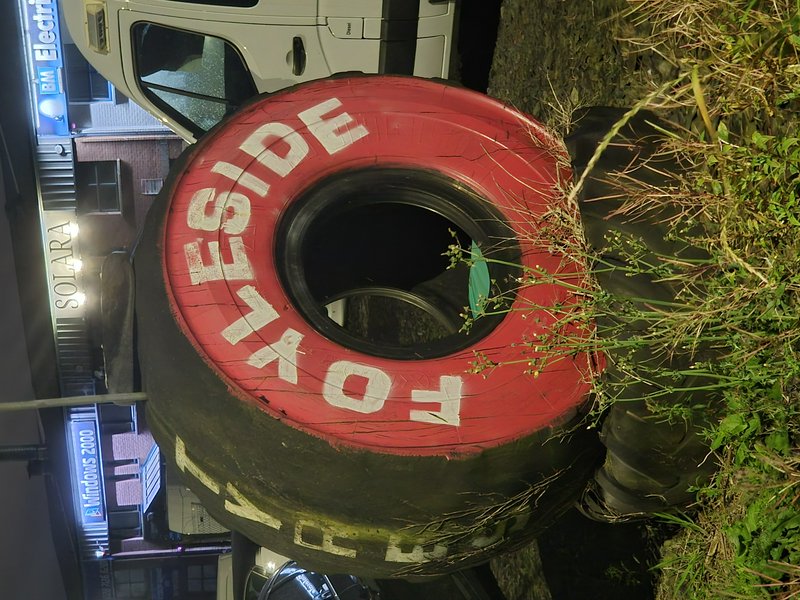
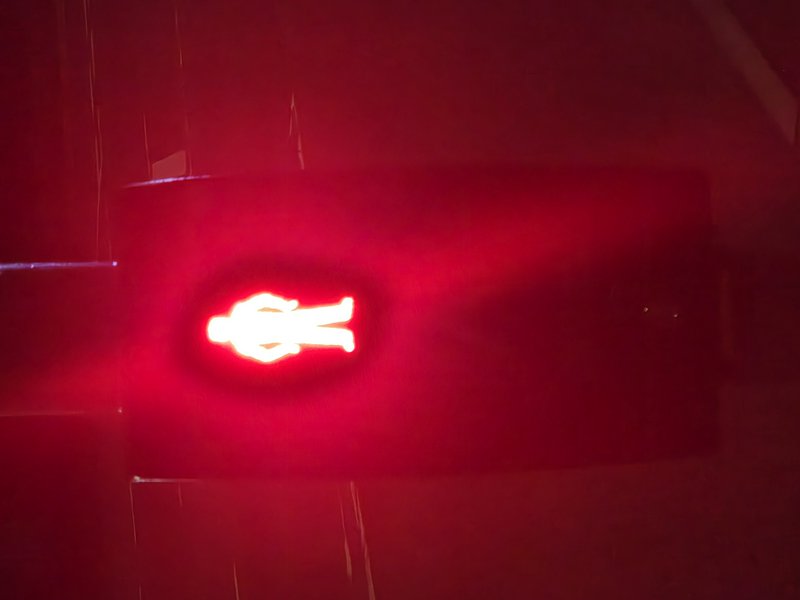
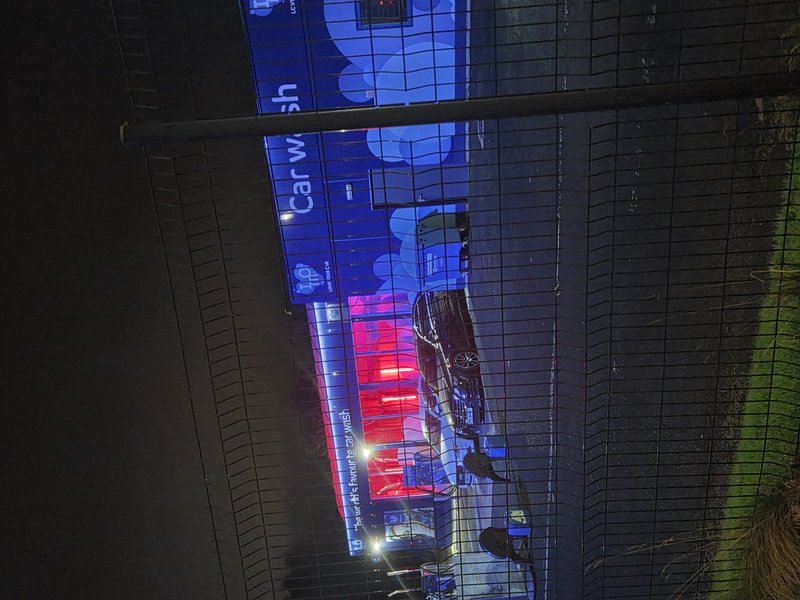
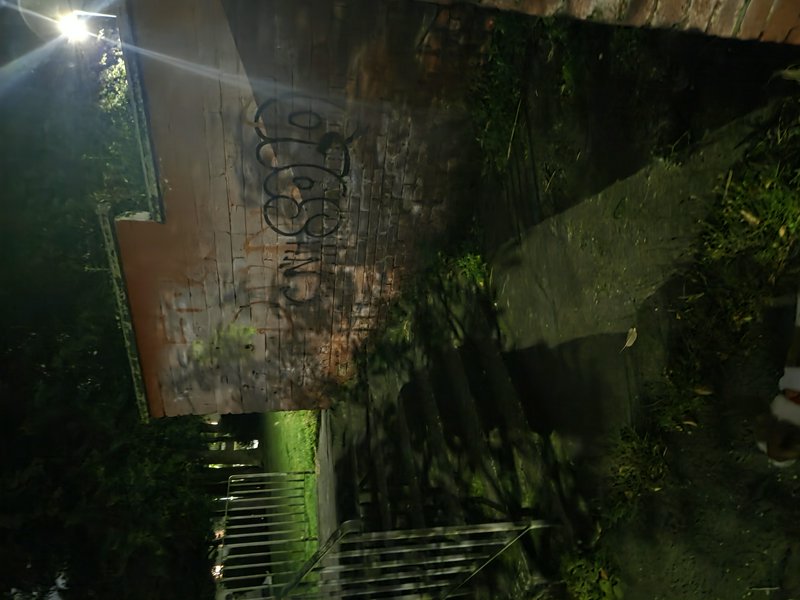
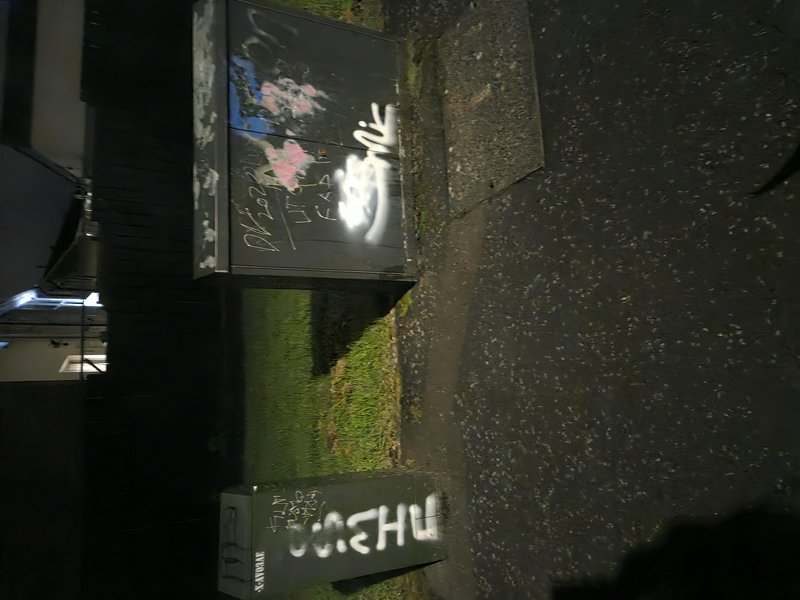
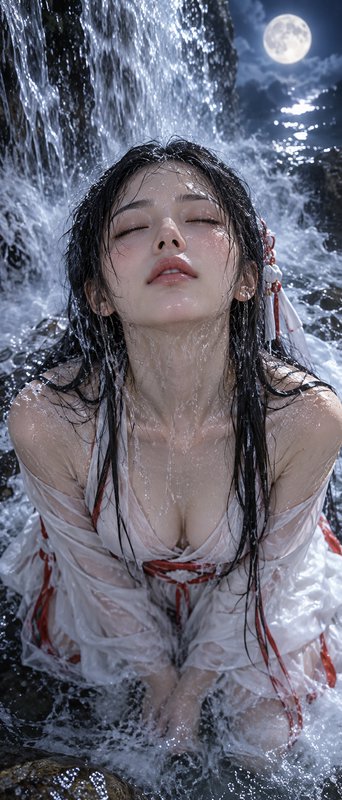
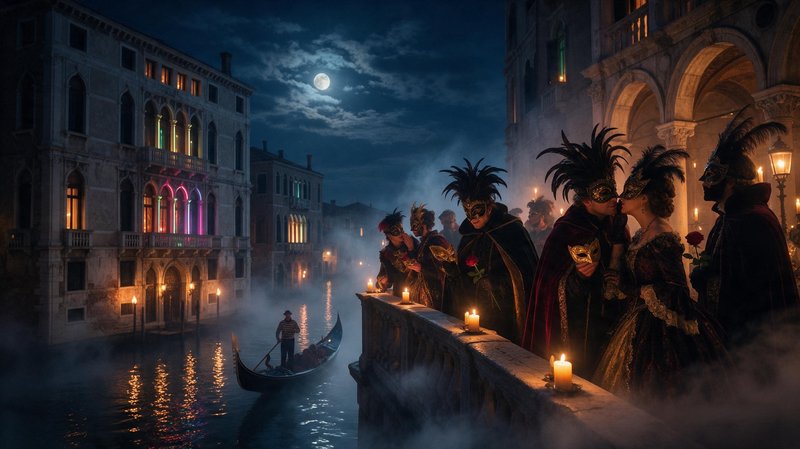
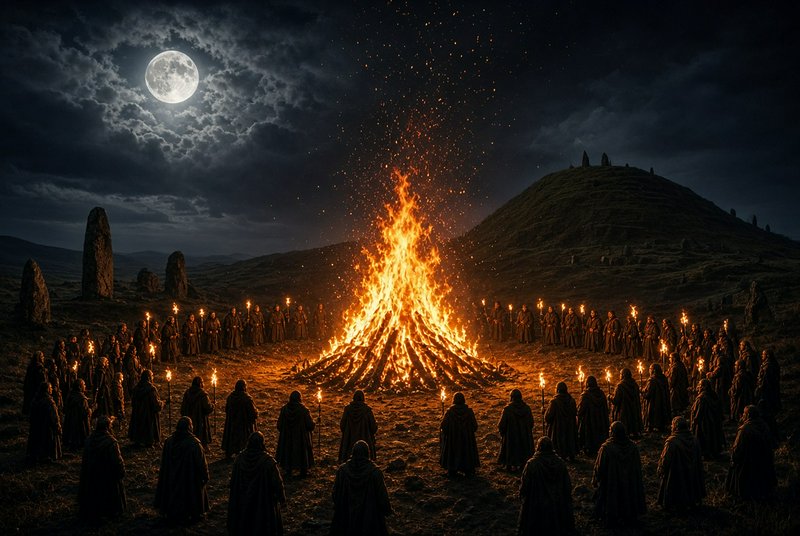
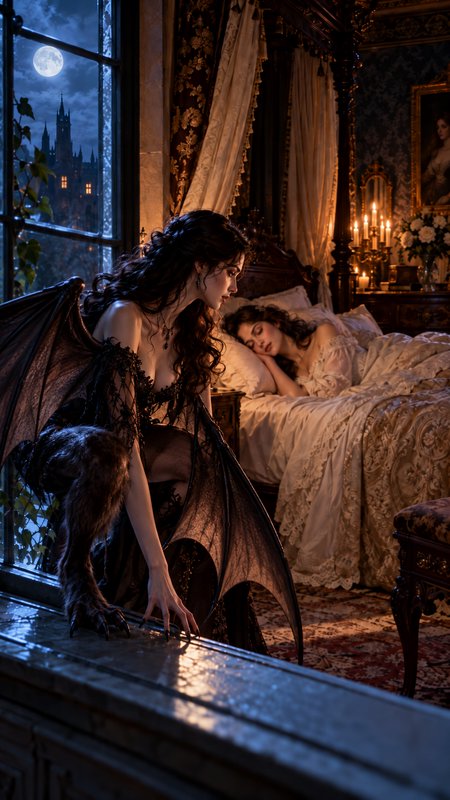
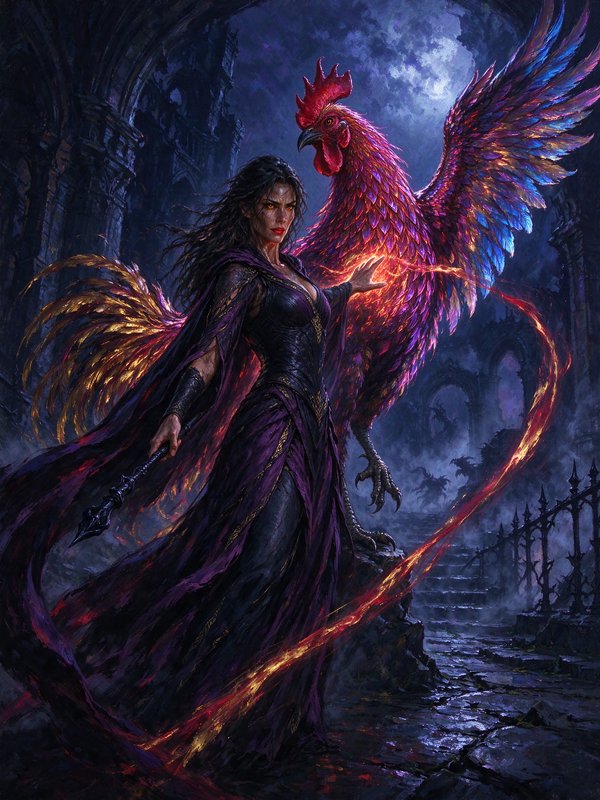
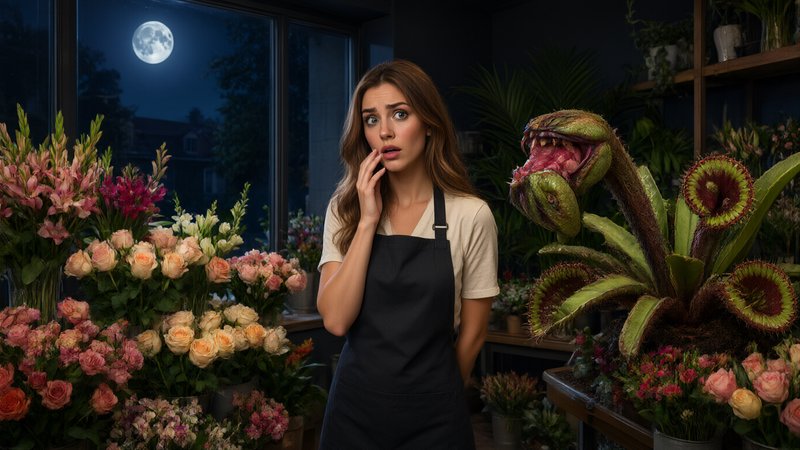
Night prompts to start from
Working prompts, not fragments. Open one to load it into the generator, then change whatever you like.
- Empty petrol station forecourt at 2am, fluorescent canopy light, everything beyond it unlit, wet tarmacUse →
- Apartment window seen from the street, single warm interior lamp, rest of the facade dark, light rainUse →
- Moonless desert under the Milky Way, long exposure, foreground rock lit faintly by a single torchUse →
Night AI images: common questions
Why do my night images come out grey instead of dark?
Because models default to a well-exposed image, and a well-exposed night scene is a grey one. Fix it by naming what stays black — deep shadow, unlit background, no fill — and by giving a single specific light source. Asking for darkness alone tends to produce fog rather than contrast.
How do I get realistic artificial lighting?
Name the lamp type, because each has a recognisable colour: sodium streetlights are orange, mercury vapour is blue-green, fluorescent is green-tinted, LED is cold white. Mixing two named types in one frame is what makes urban night scenes read as real rather than uniformly tinted.
How do I get stars without them looking fake?
Ask for a long exposure and keep the foreground lit by something else. Stars rendered as a dense glittery field are the usual failure; asking for a specific sky — moonless, thin cloud, the Milky Way low on the horizon — plus a separately lit foreground gives a far more plausible result.
Related topics
Make your own night images
Everything here was generated on BudgetPixel and published by the person who made it. The same models are available to you — pick one, write a prompt, and publish the result to the community feed if you want it here.