
Beach AI images
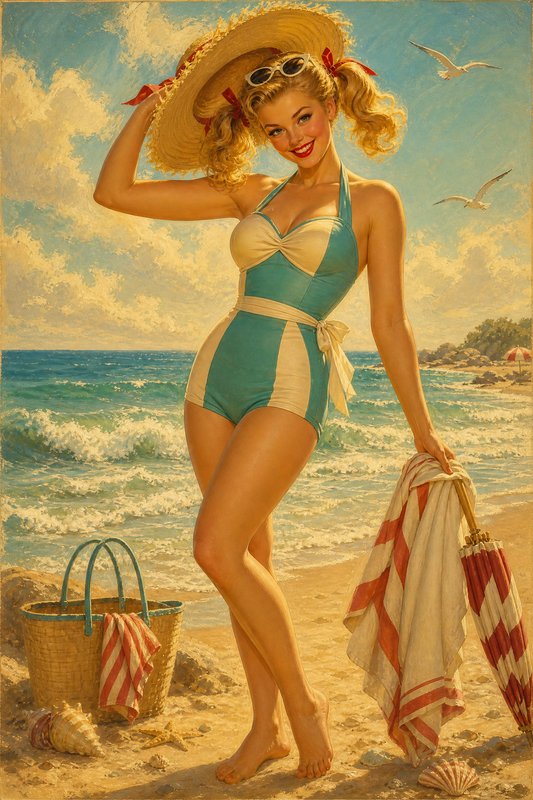
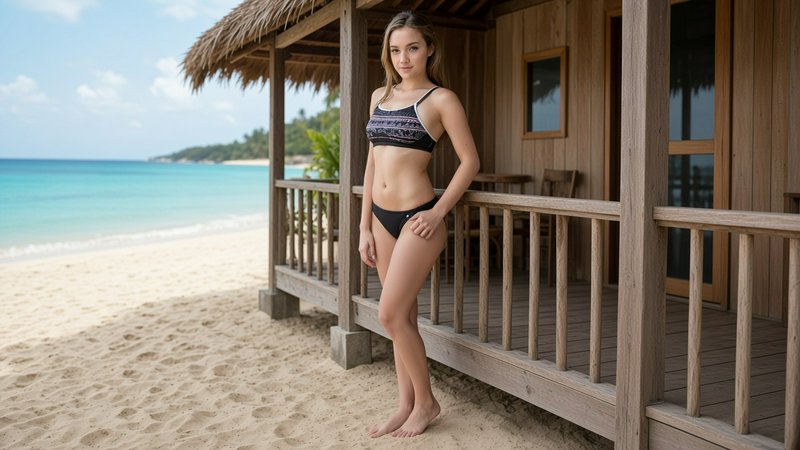
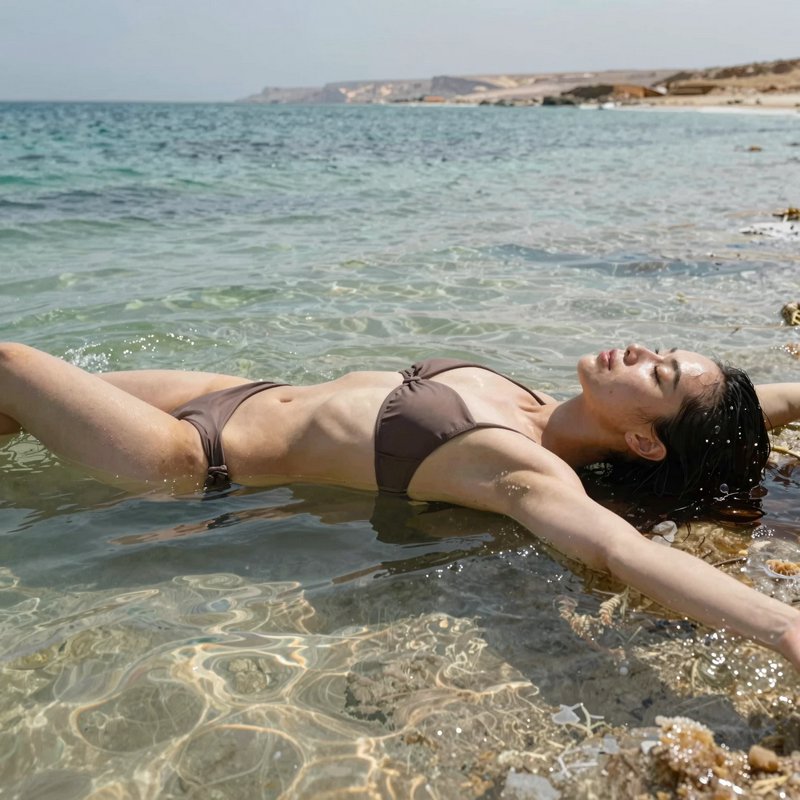
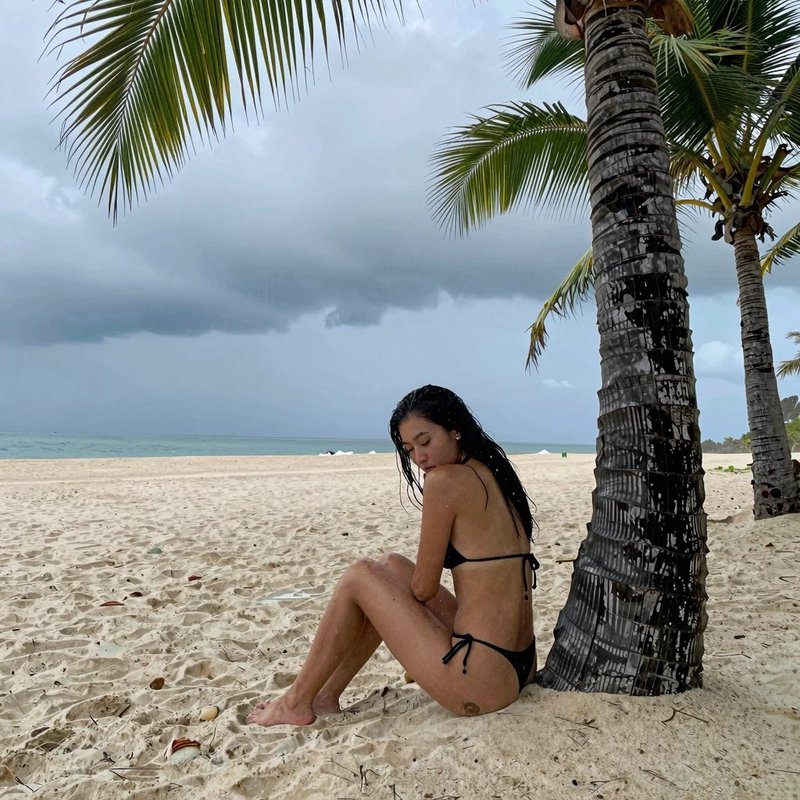
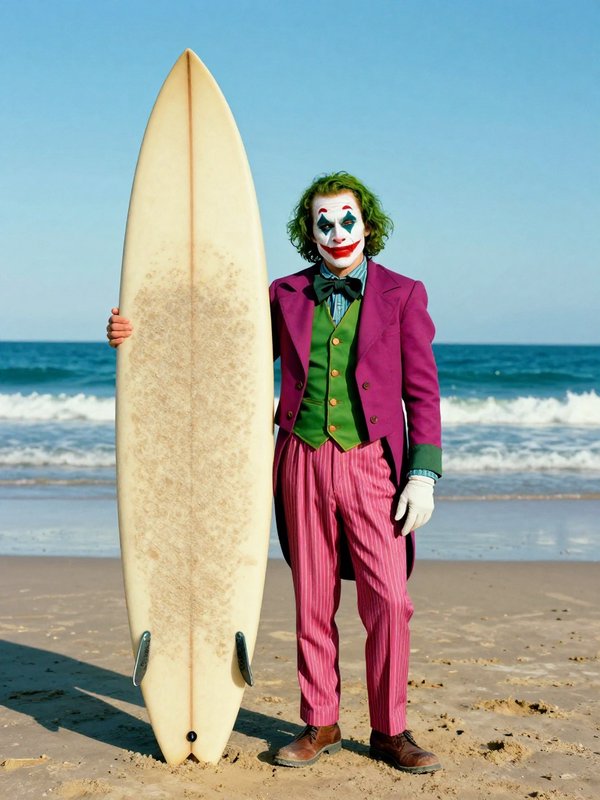
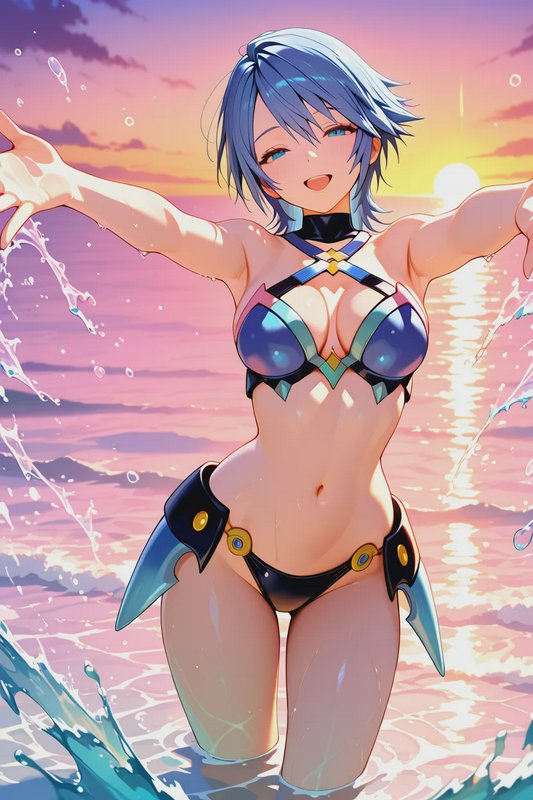
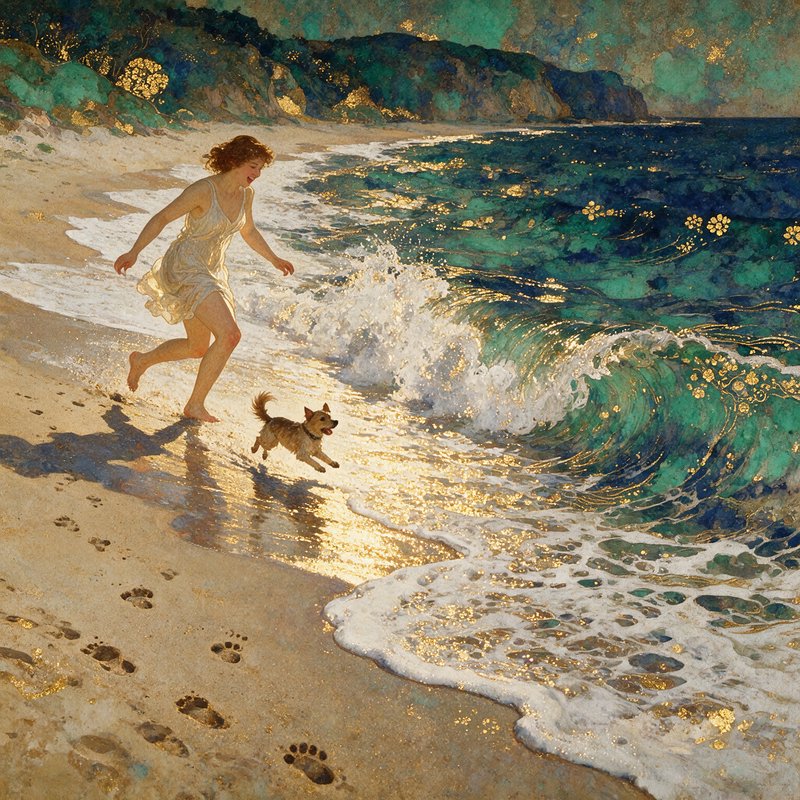
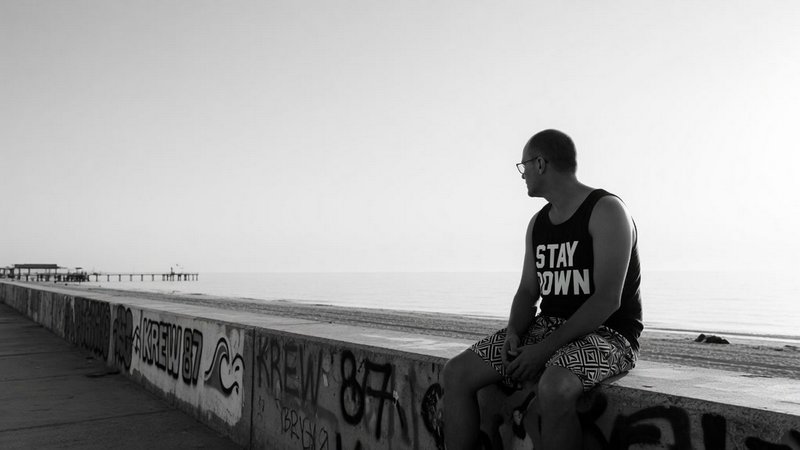
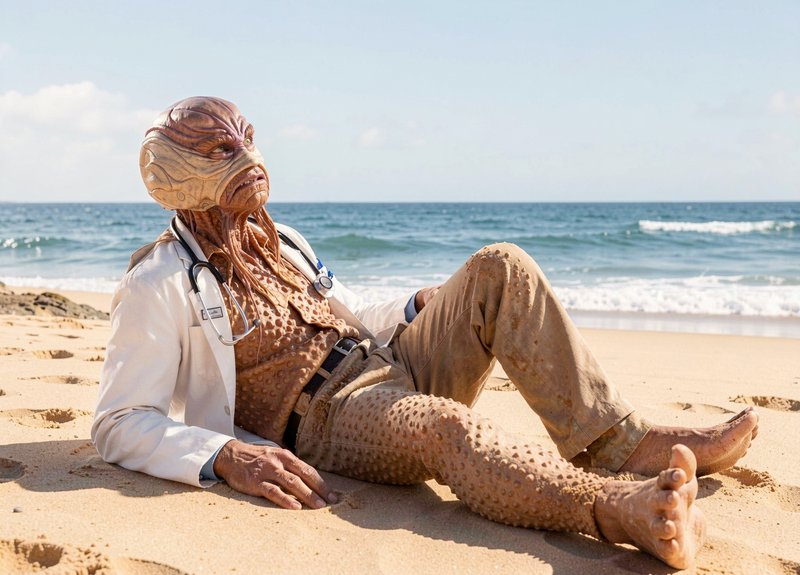
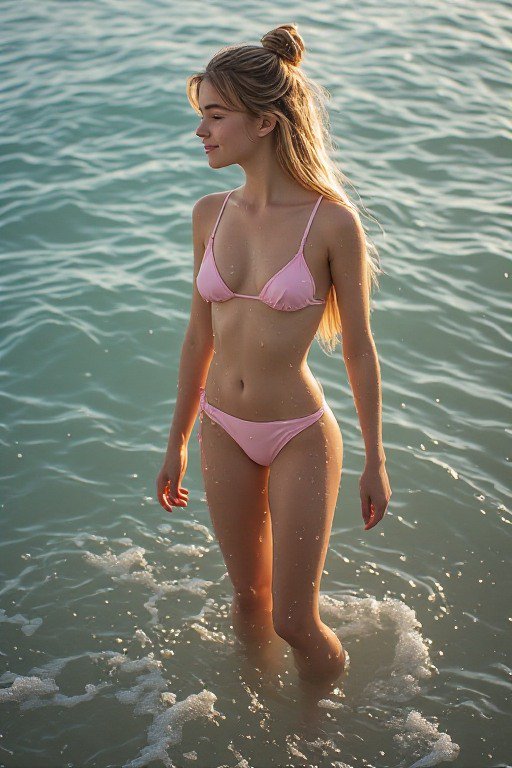
Coastlines, sand and sea, at every hour and in every weather.
419 published by the BudgetPixel community
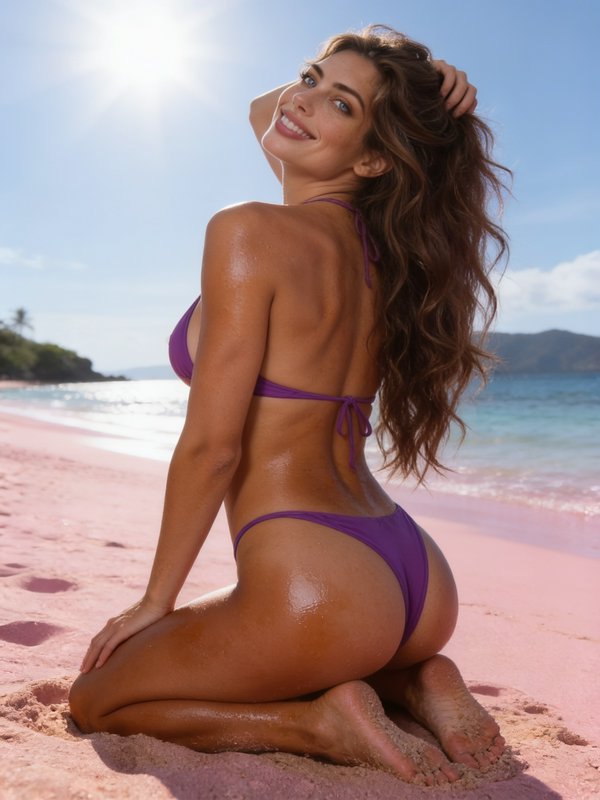
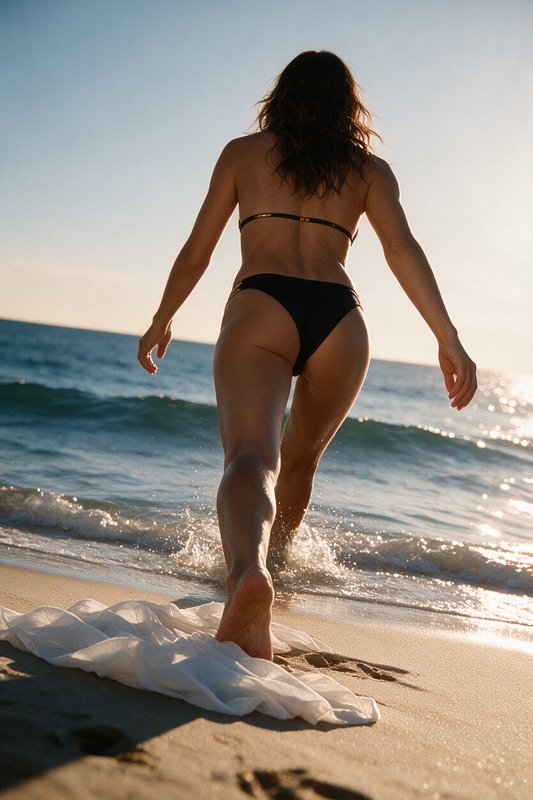
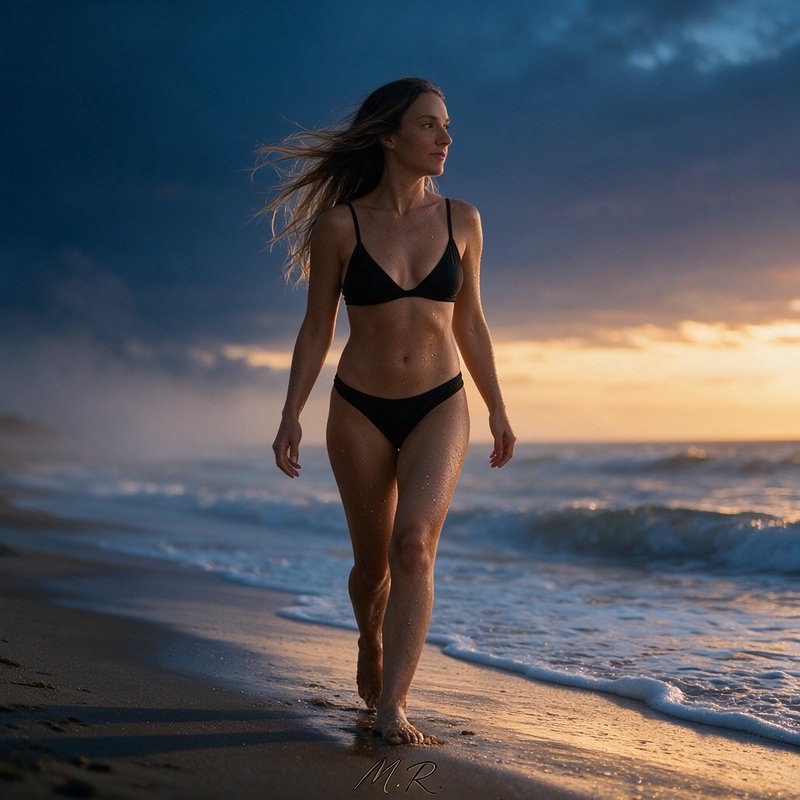
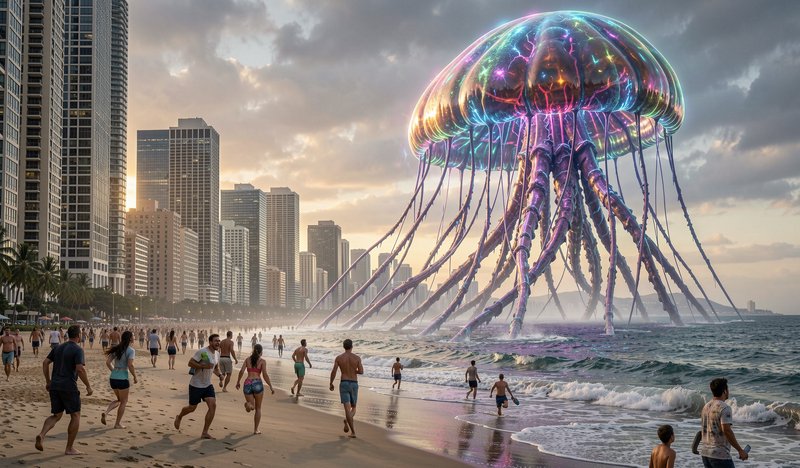
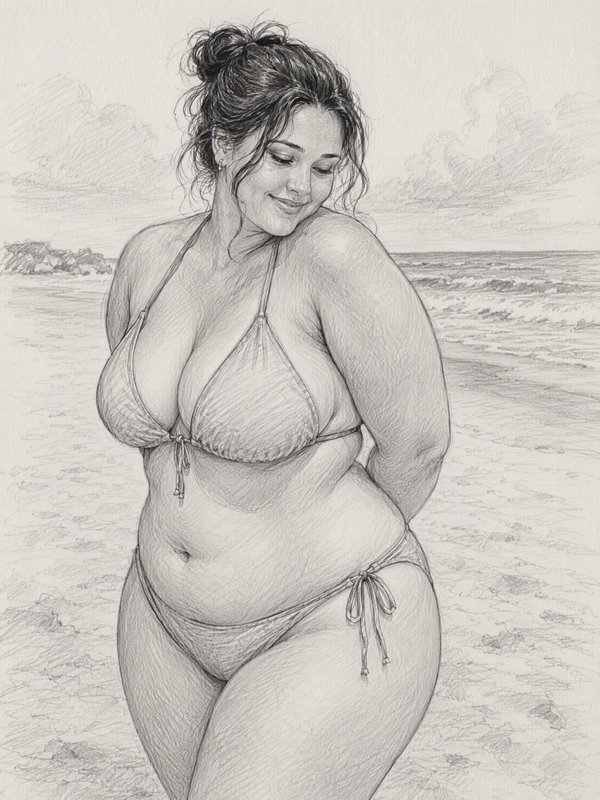
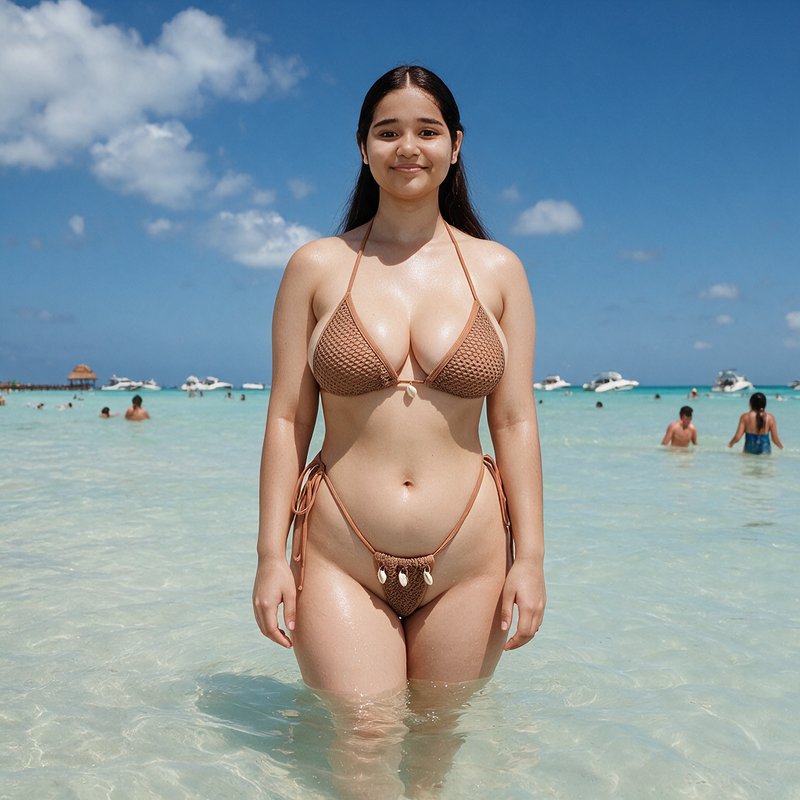
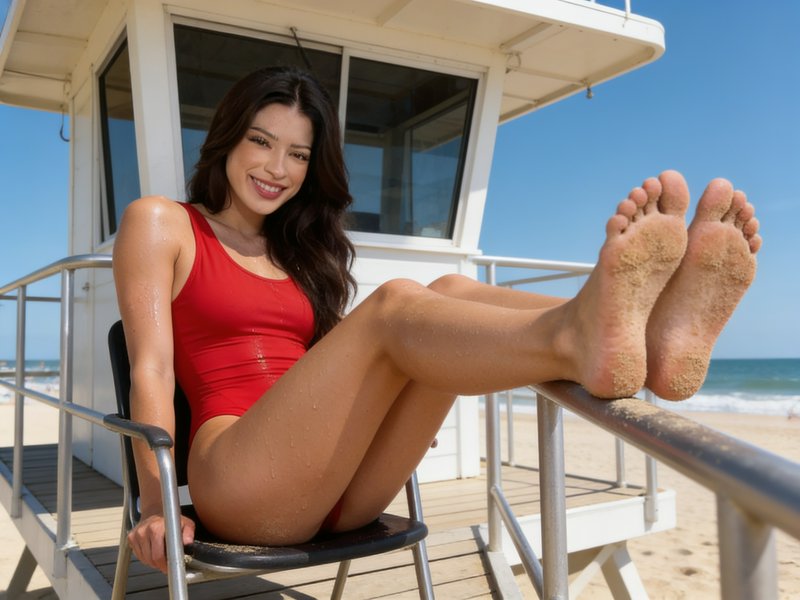
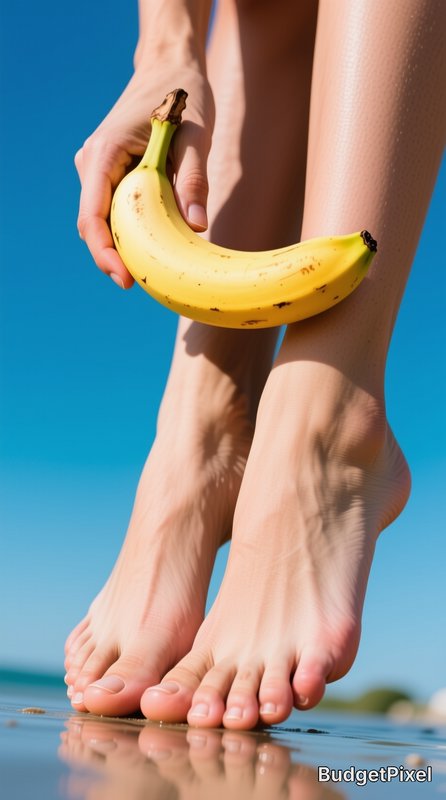
Beach imagery has a specific light problem: bright overhead sun, a highly reflective surface, and a huge dynamic range between sky, water and sand. The strongest images either work with that — hard light, deep shadow, saturated blue — or avoid it entirely by shooting at the edges of the day, when low sun across wet sand produces reflection and long shadow instead of glare.
Make your own beach image
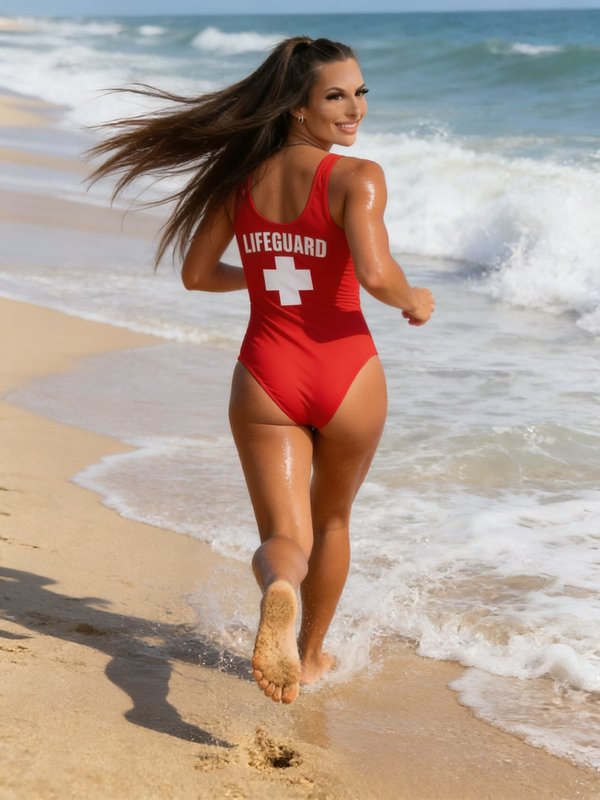
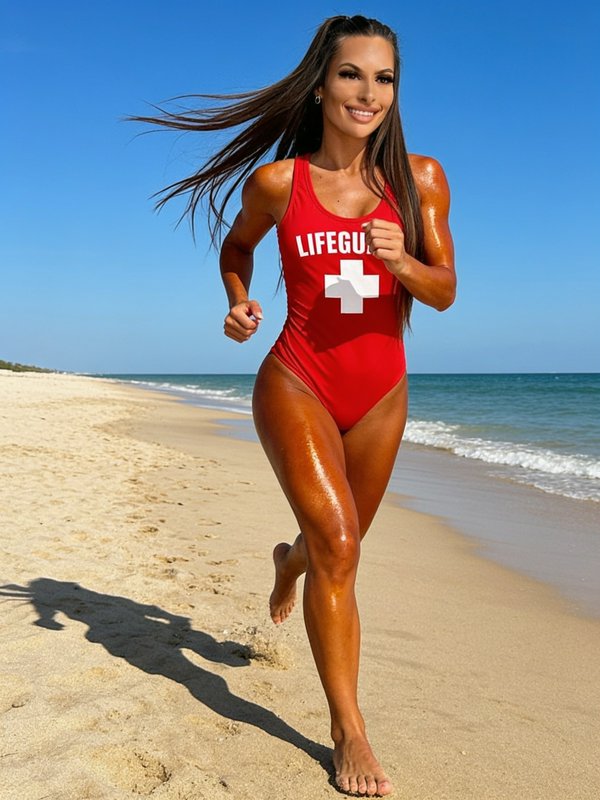
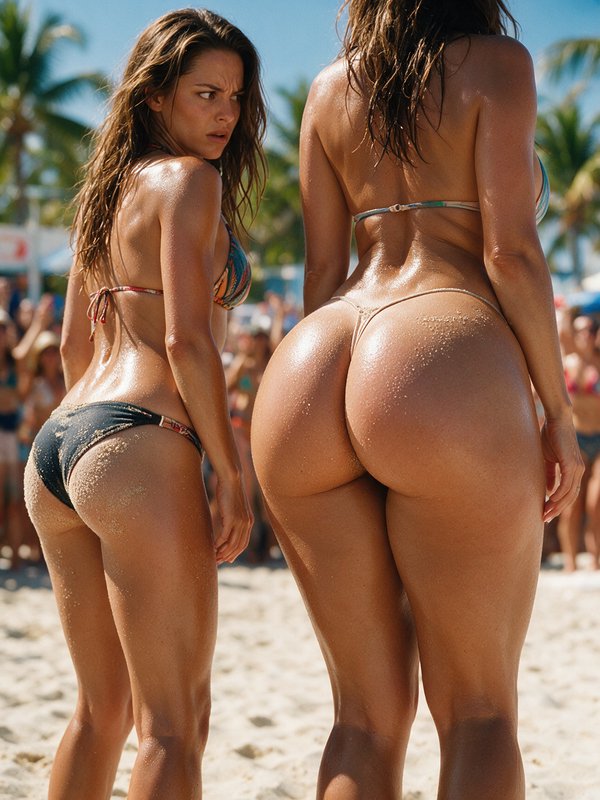
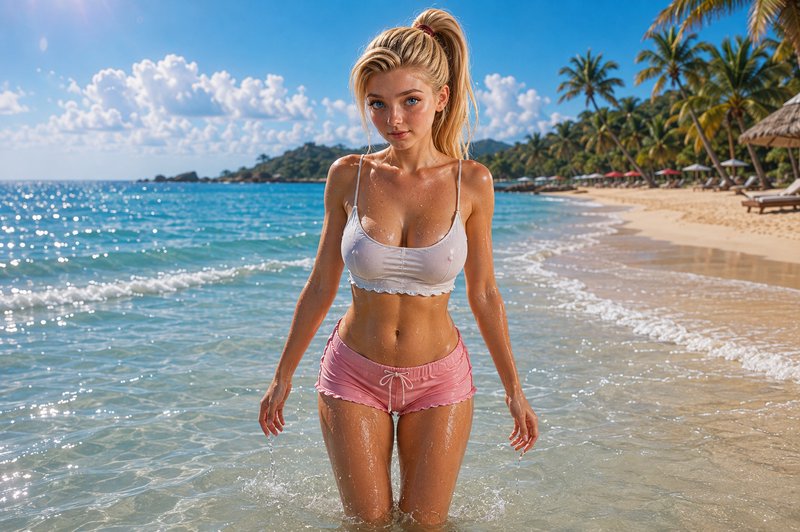
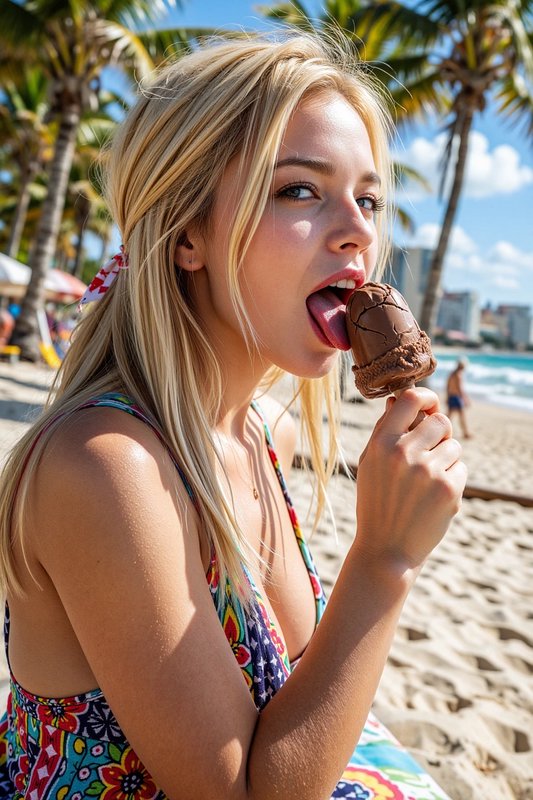
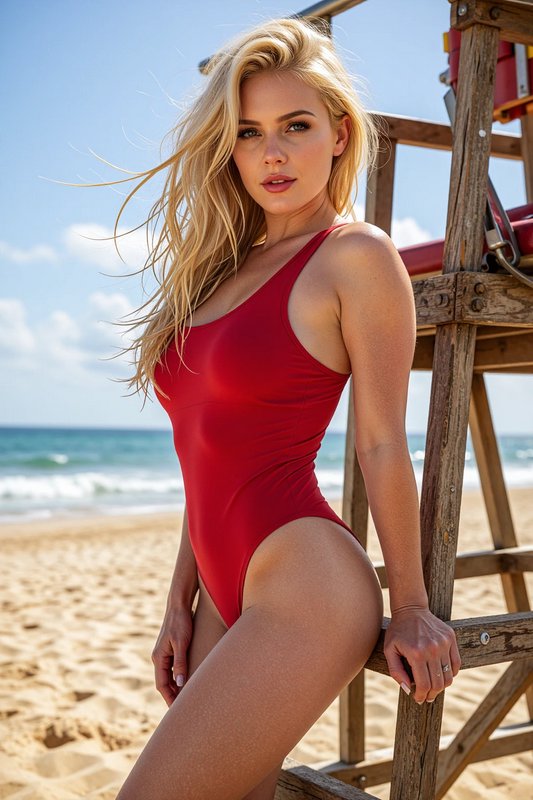
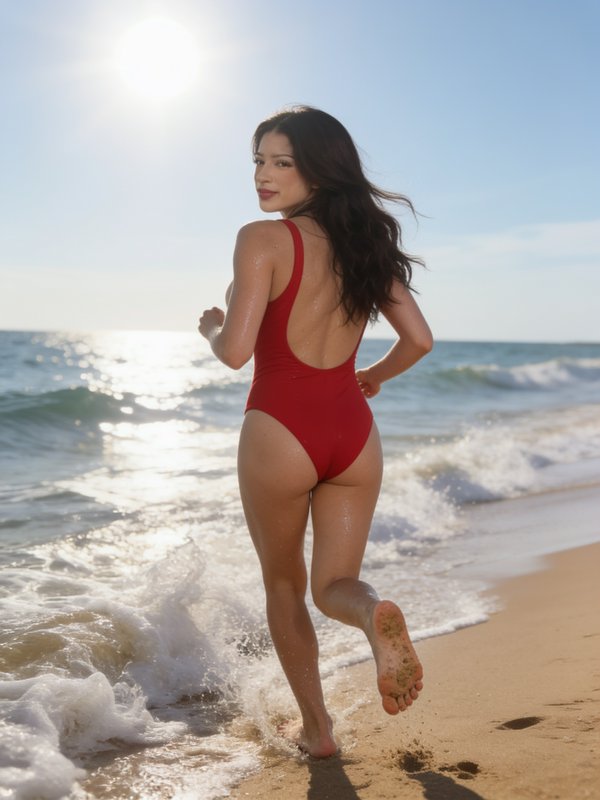
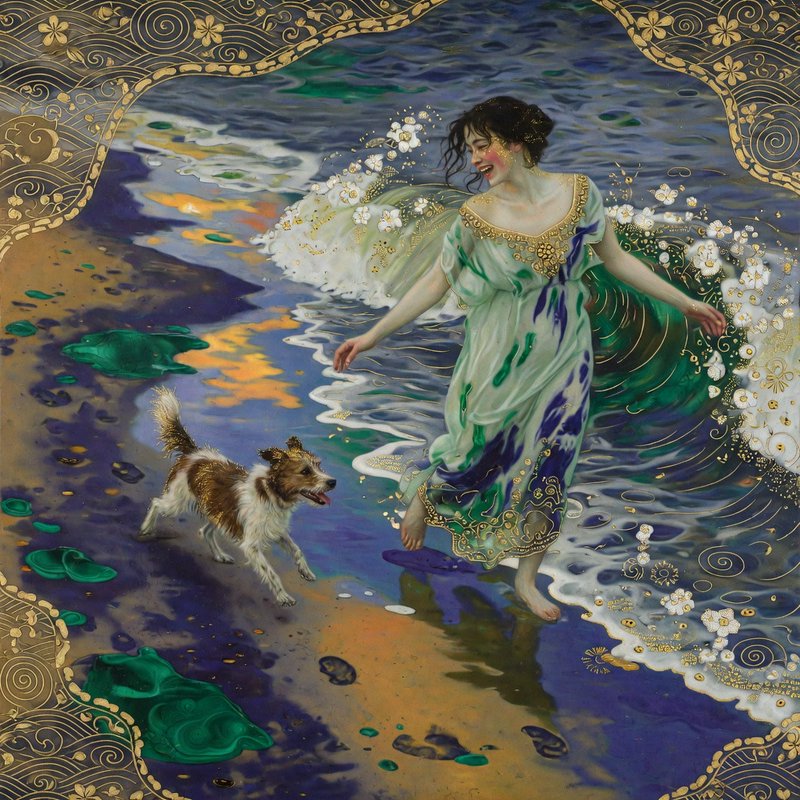
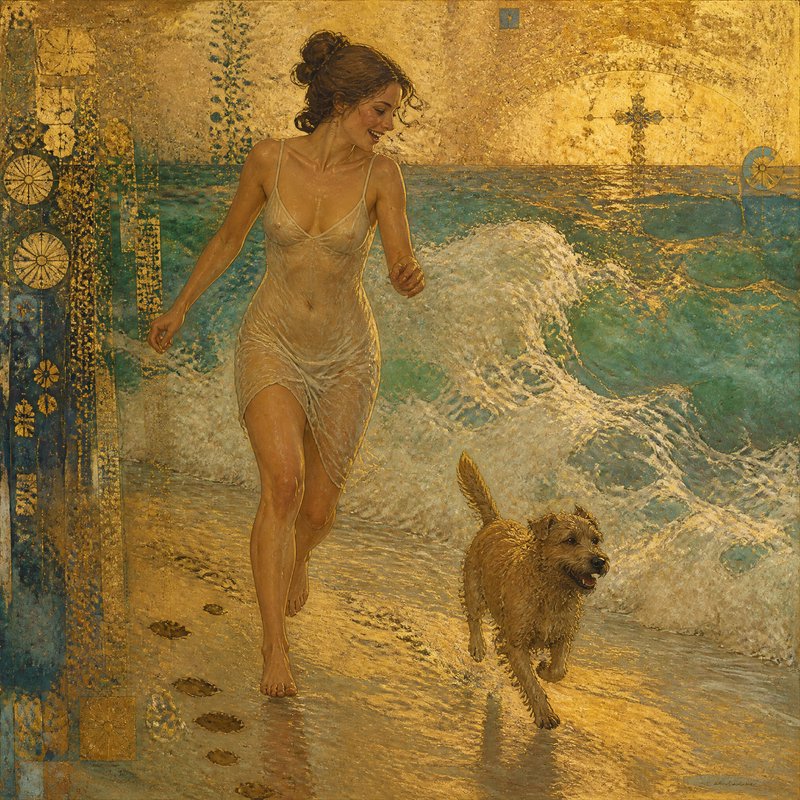
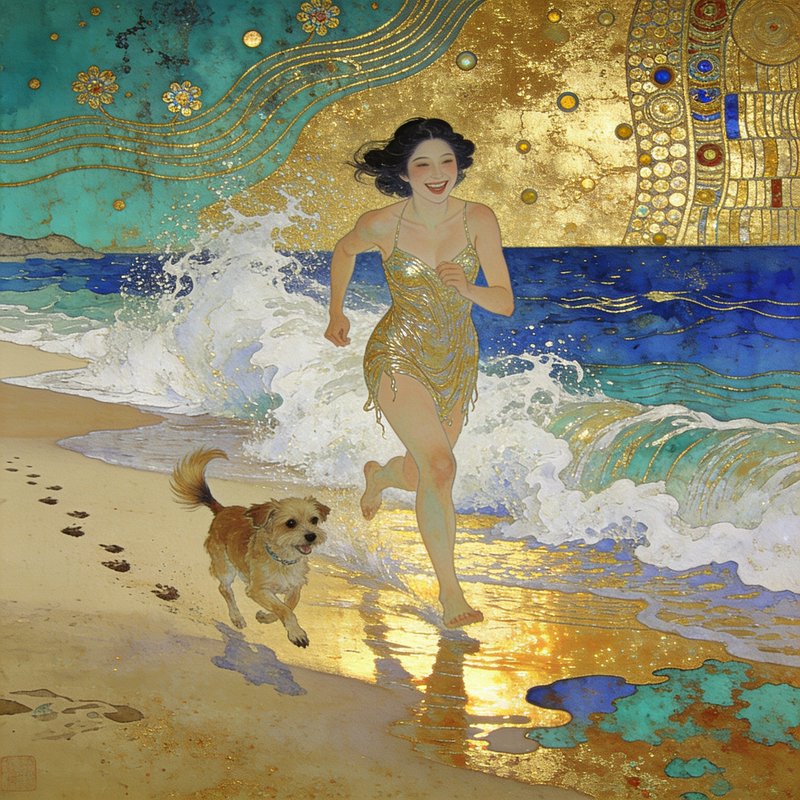
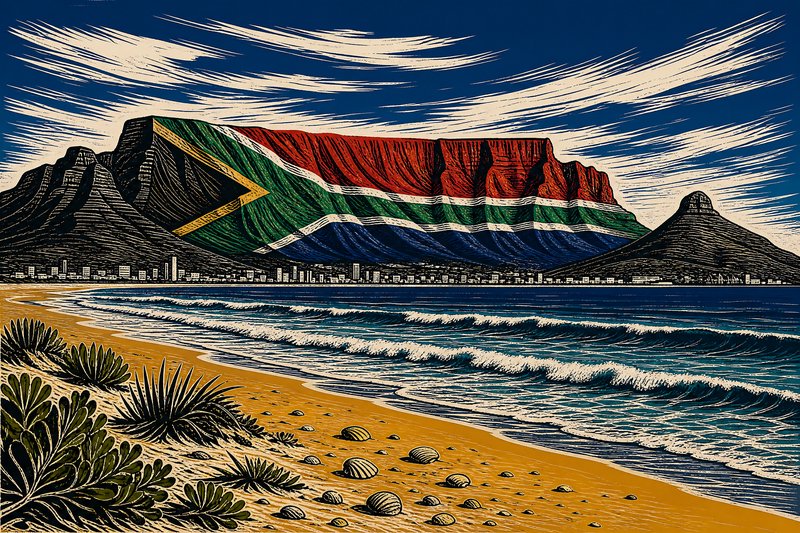
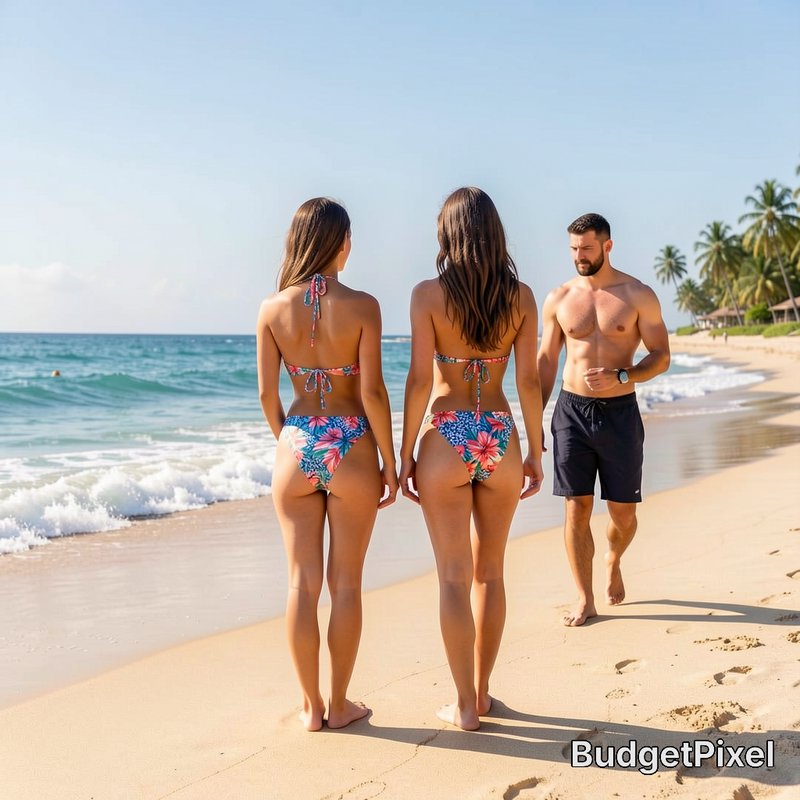
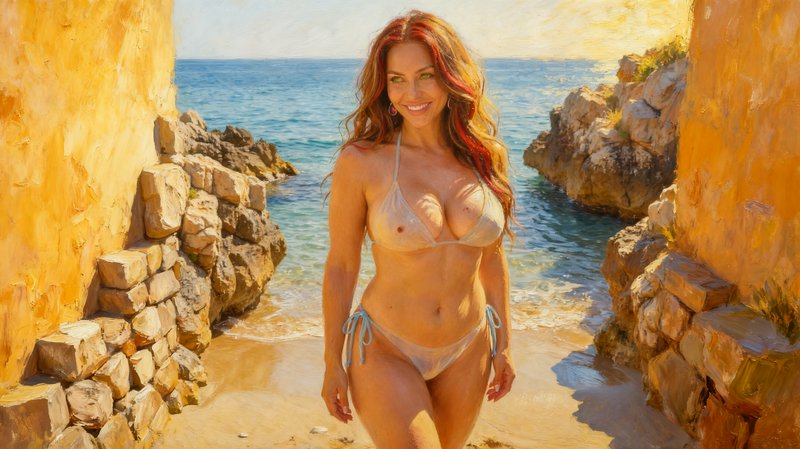
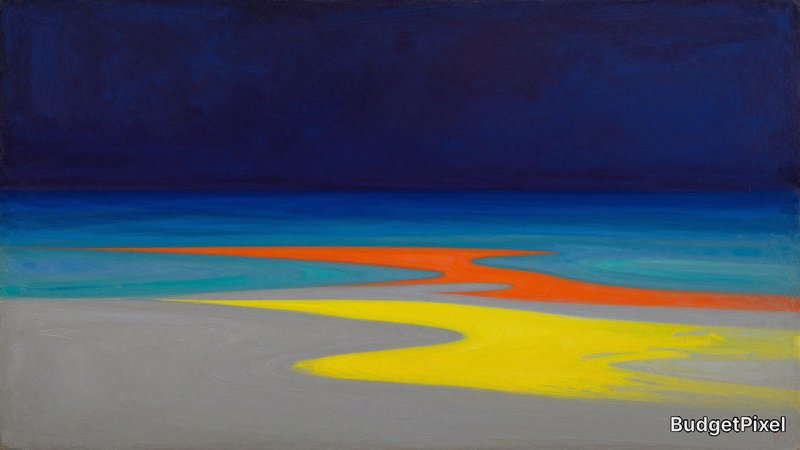
Everything in this grid was generated on BudgetPixel. Describe what you want and the same models will make it.
Start creatingMake your own beach image
Everything in this grid was generated on BudgetPixel. Describe what you want and the same models will make it.
Start creating




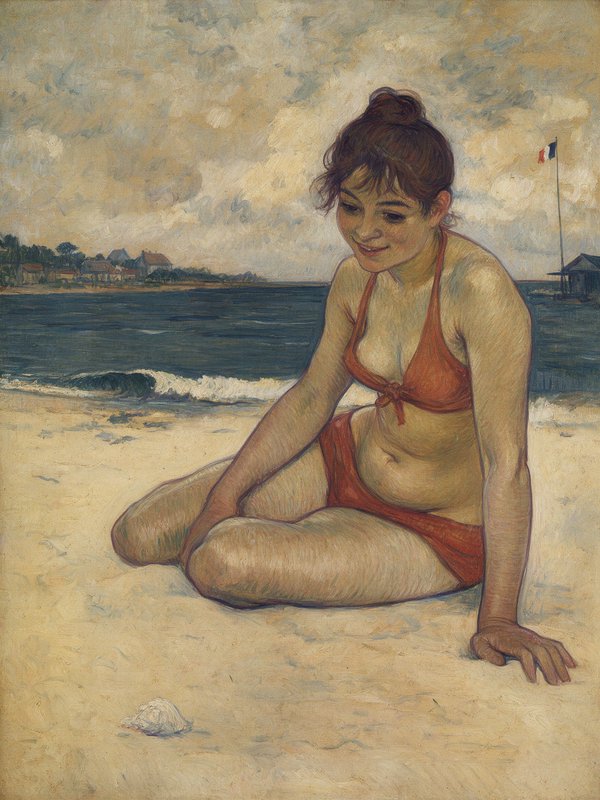

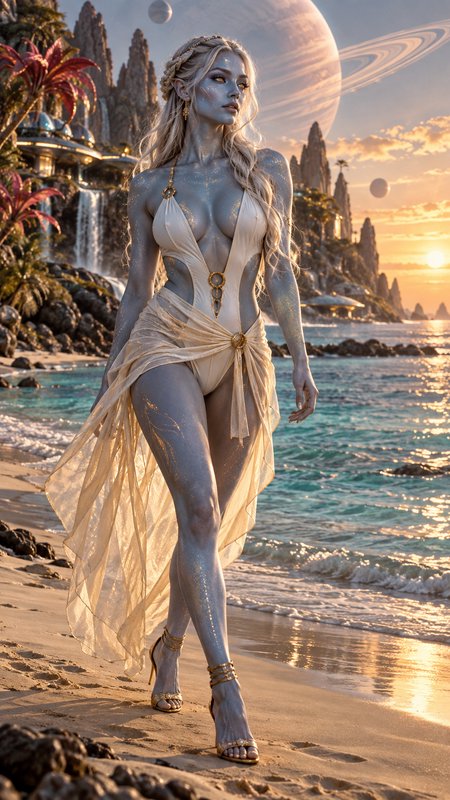
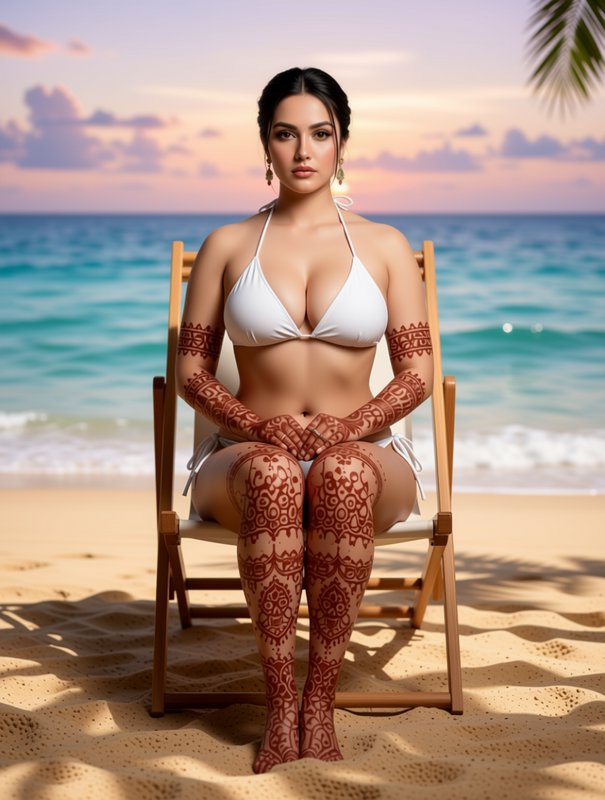




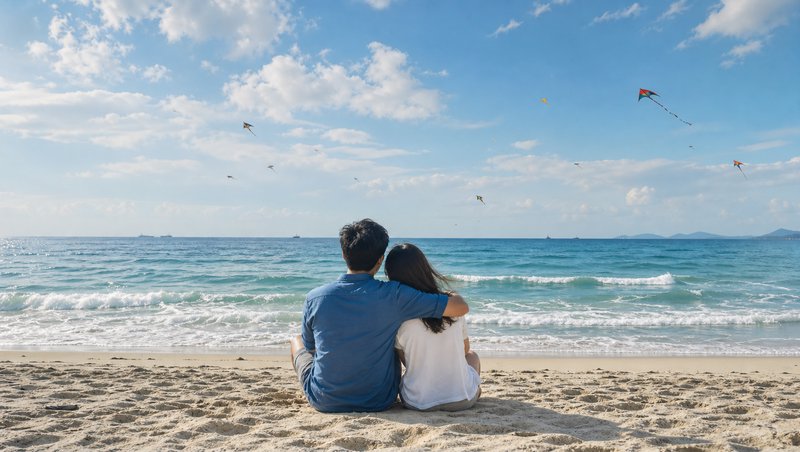














Beach prompts to start from
Working prompts, not fragments. Open one to load it into the generator, then change whatever you like.
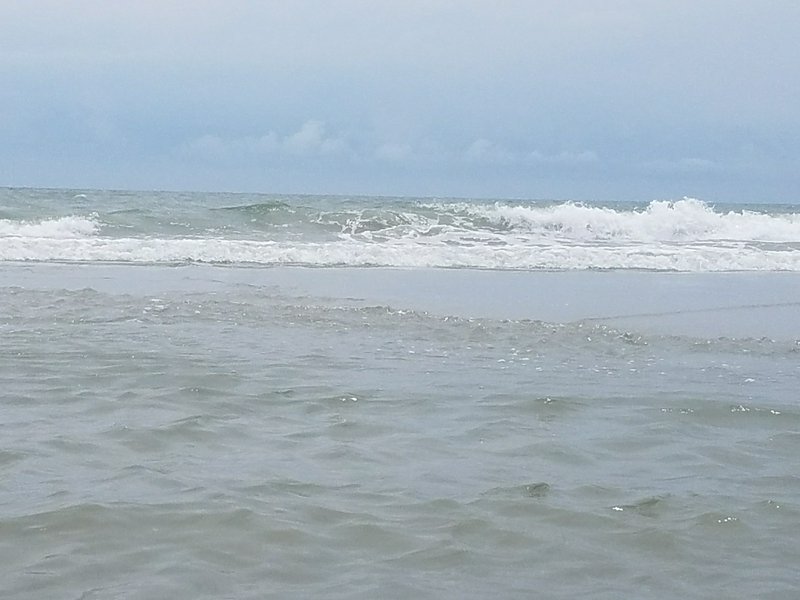
- Empty beach out of season under heavy overcast, wind-driven spray, muted palette, nobody in frameUse →
- Low sun across wet sand at the waterline, long reflections, small breaking waves, foam dragging backUse →
- Hard midday light on a rocky shore, deep shadow, saturated blue water, fast shutter freezing the sprayUse →
Beach AI images: common questions
How do I avoid flat, overexposed beach images?
Move the sun. Low light at either end of the day gives direction, reflection on wet sand, and a sky with tonal range, where midday gives flat glare. If you do want midday, ask for hard shadow and deep saturated colour so the contrast becomes deliberate.
How do I get realistic water?
Describe the state of the sea and the shutter. Small breaking waves with foam dragging back down the sand is specific; ocean is not. A fast shutter freezes the spray and a long exposure smooths the surface to mist — two completely different images from the same place.
What makes a beach image feel less like stock?
Weather other than perfect. Overcast, wind, an incoming squall, or the beach out of season with nobody on it all read as a real place rather than a brochure. Off-season and bad weather are underrepresented in the default, which is exactly why they look distinctive.
Related topics
Make your own beach images
Everything here was generated on BudgetPixel and published by the person who made it. The same models are available to you — pick one, write a prompt, and publish the result to the community feed if you want it here.