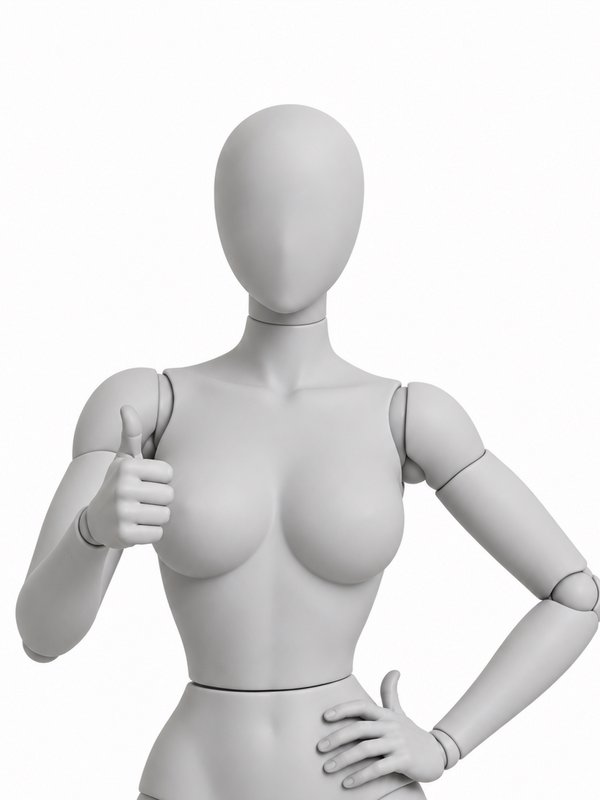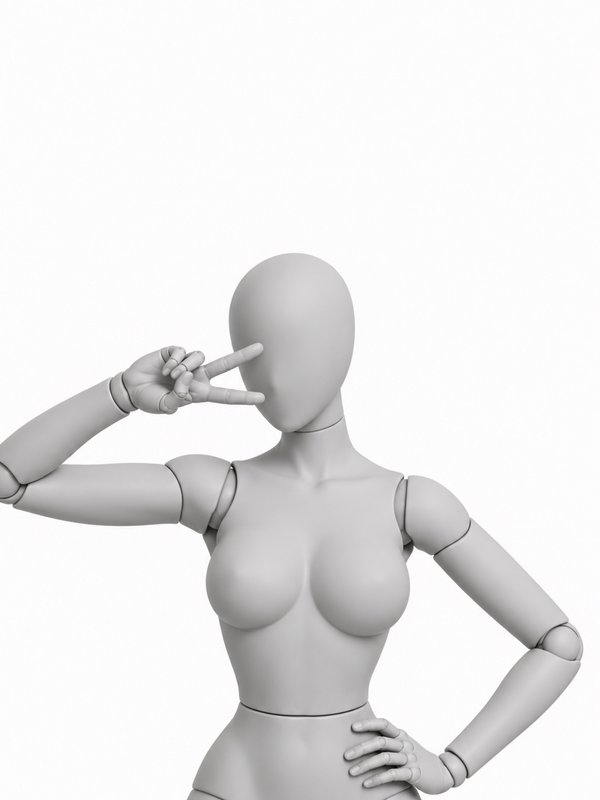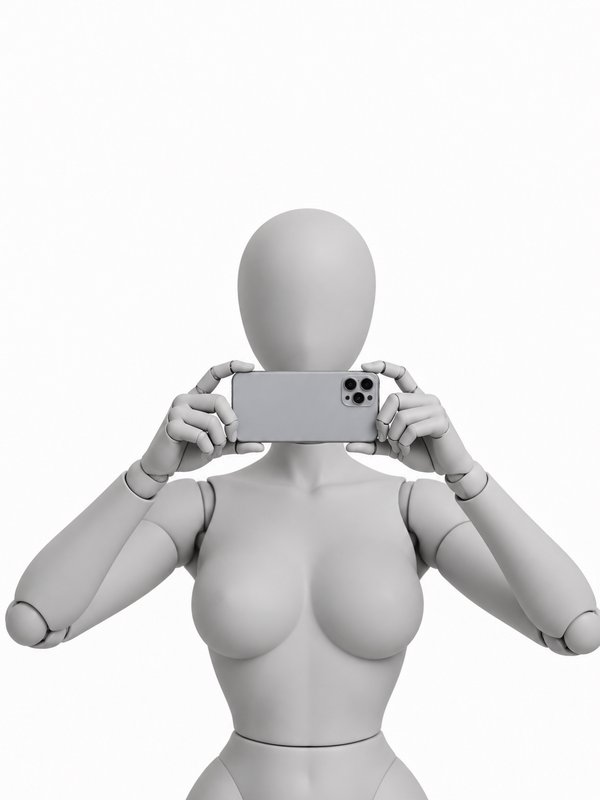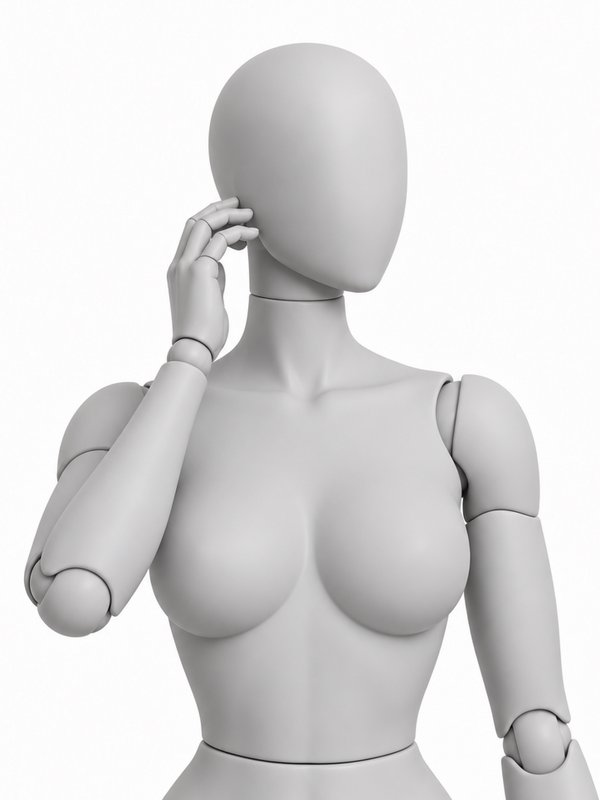
Pose reference · Half body
Fingertip on the Lower Lip
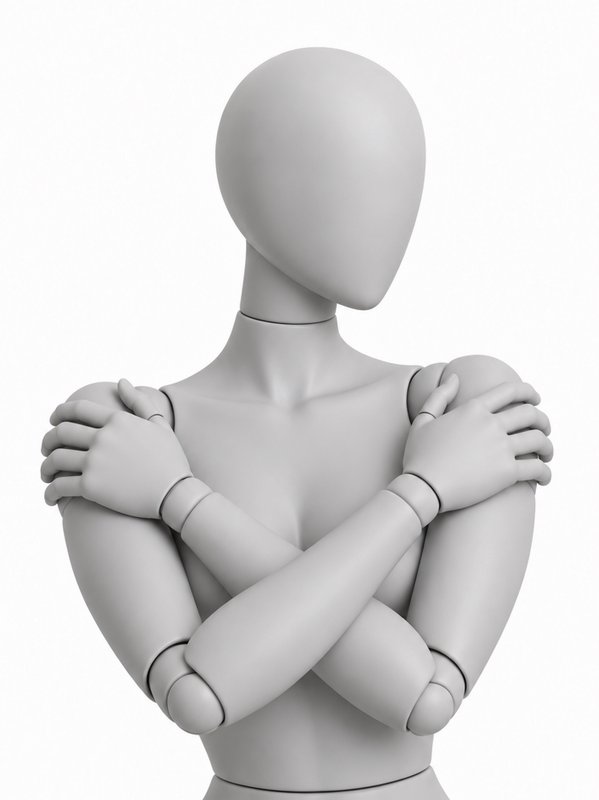
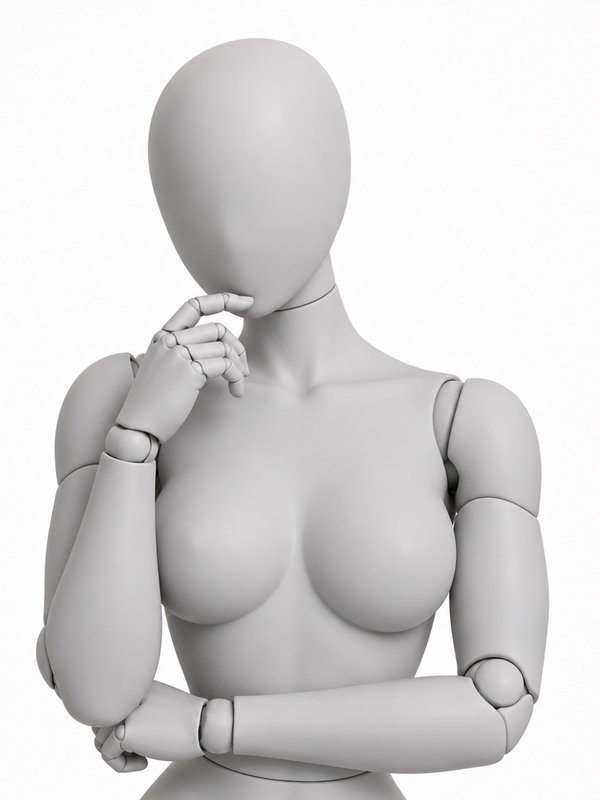
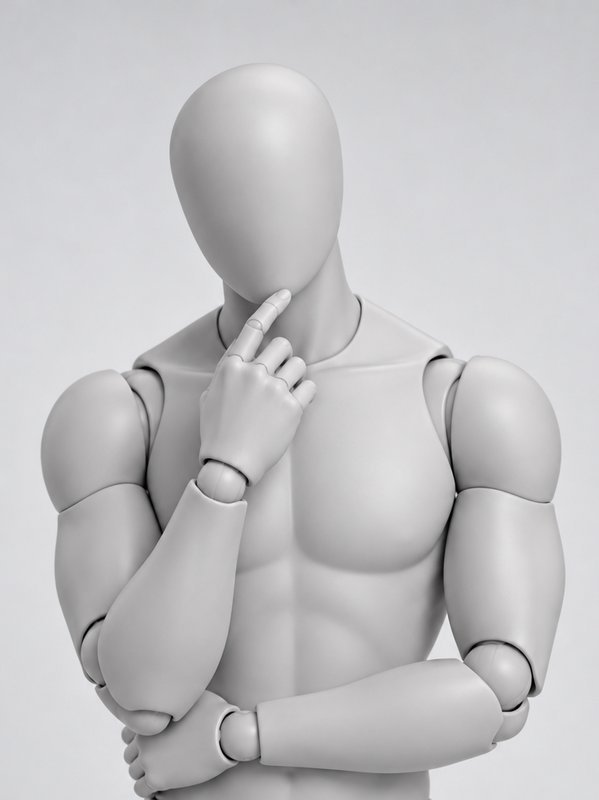
A free pose reference on a woman and a man mannequin
@your_character in @finger_lower_lip_pose
Prompt words
The person stands upright, head tilted slightly down. One hand rests a single fingertip lightly on their lower lip, eyes looking up directly toward the camera. Their other arm is crossed loosely across their waist. This is a half-body frame from head to hips.
What it takes
- Difficulty
- Everyday: most people can do it
- Holds still
- Yes, it can be held for a photo
- Support
- standing
- Figures
- woman (front and three-quarter), man (front and three-quarter)
The Fingertip on the Lower Lip pose from other angles
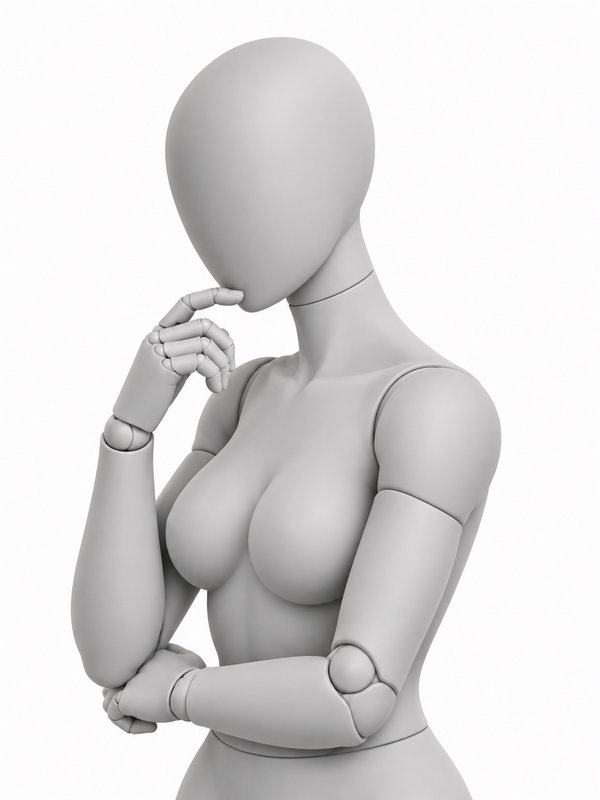
Woman mannequin · Three-quarter 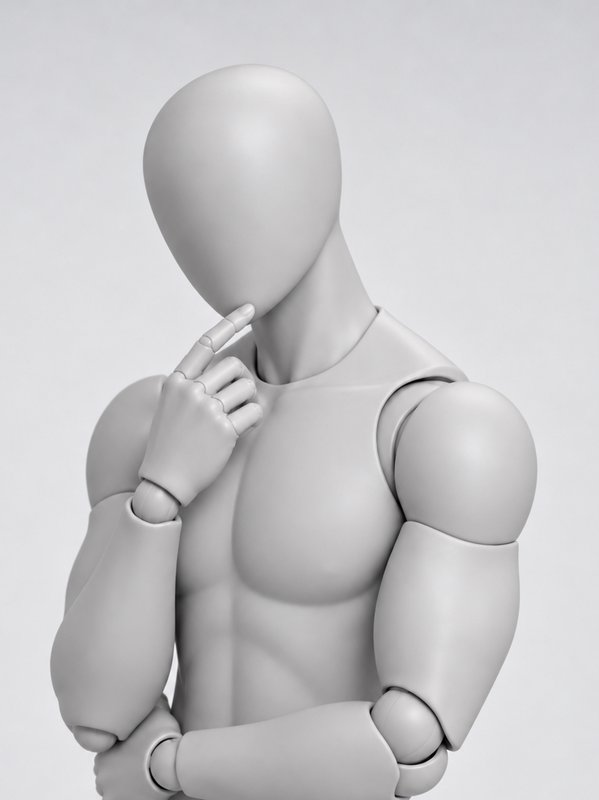
Man mannequin · Three-quarter
Need another angle? Open the pose in the library and pick a place on the globe around the mannequin: the new angle is made in about a minute and shared with everyone.
Use it with your character
- Open the Image Workshop and pick a model that takes reference pictures.
- Write your character, then the pose: @your_character in @finger_lower_lip_pose on a park bench. To send another view, add it after a dot: @finger_lower_lip_pose.three_quarter.
- Generate. Your character takes the pose and keeps their own face, body and clothes.
Or press Pose your character above: pick one of your characters, see the price, and the picture is kept on the character’s page, tagged with the pose. No character yet? Cast a free AI influencer or create your own. Every angle word and how views are made are in the AI pose generator guide.
To put the person in a picture of your own in this pose, open Change Pose in the Image Workshop with this pose picked: add your picture and press Change the pose. They keep their face, clothes and background.
Questions about the Fingertip on the Lower Lip pose
- How do I put my character in the Fingertip on the Lower Lip pose?
- Write @finger_lower_lip_pose after your character in an image prompt, for example “@your_character in @finger_lower_lip_pose”, or press Pose your character on this page and pick one of your characters. The mannequin’s picture goes to the model with your character’s pictures, so the character copies the pose and keeps their own face, body and clothes.
- Can I use the Fingertip on the Lower Lip pose pictures for free?
- Yes. The pictures are free for any use, including commercial work: as a reference for drawing, photos or AI images. You may not redistribute them as a collection, such as a pose pack or another pose library (Terms of Service).
- Can a real person do the Fingertip on the Lower Lip pose?
- Yes. It is an everyday pose, checked to be one a real body can do.
- Which angles does the Fingertip on the Lower Lip pose come in?
- On the woman mannequin: front and three-quarter. On the man mannequin: front and three-quarter. To send another view with your prompt, add it after a dot: @finger_lower_lip_pose.three_quarter. Any member can make another angle from the pose library, and it is shared with everyone.