Kling Image 3.0 Omni
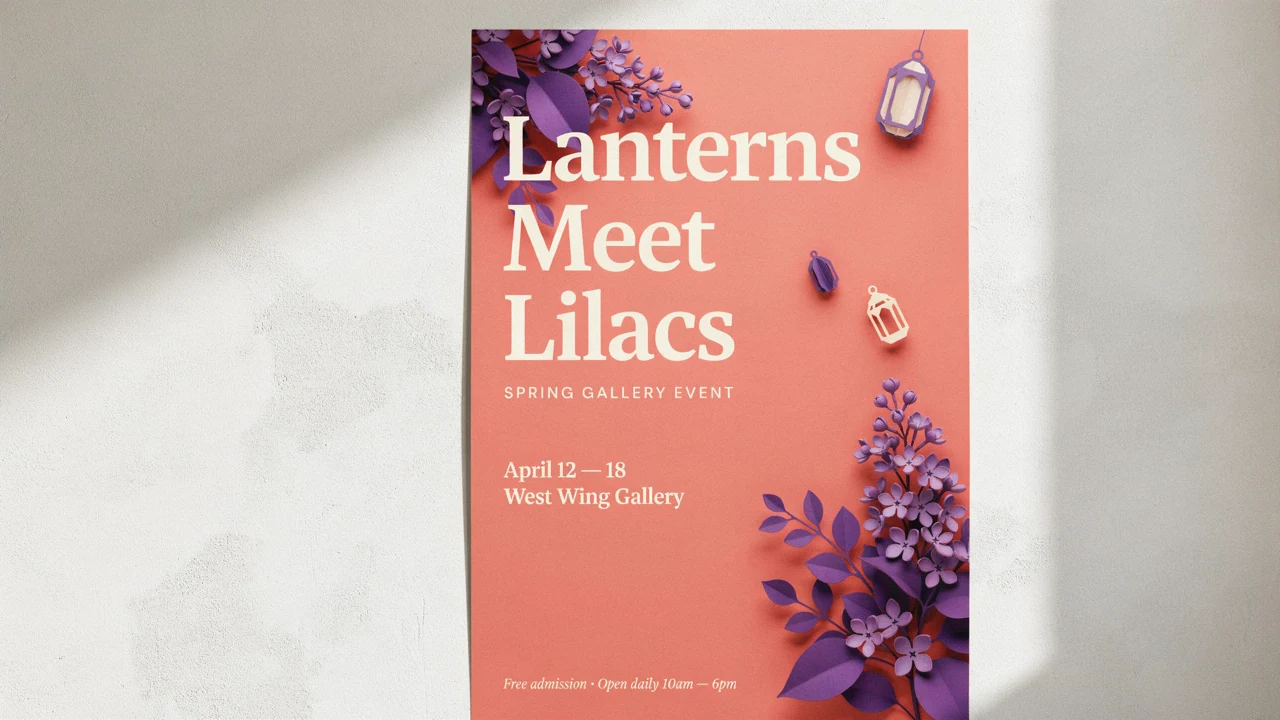
Cinematic stills with native 4K output and coherent image-series storytelling.
Free plan: up to 8 images a month, then from $0.035 an image.
Professional images for every use case
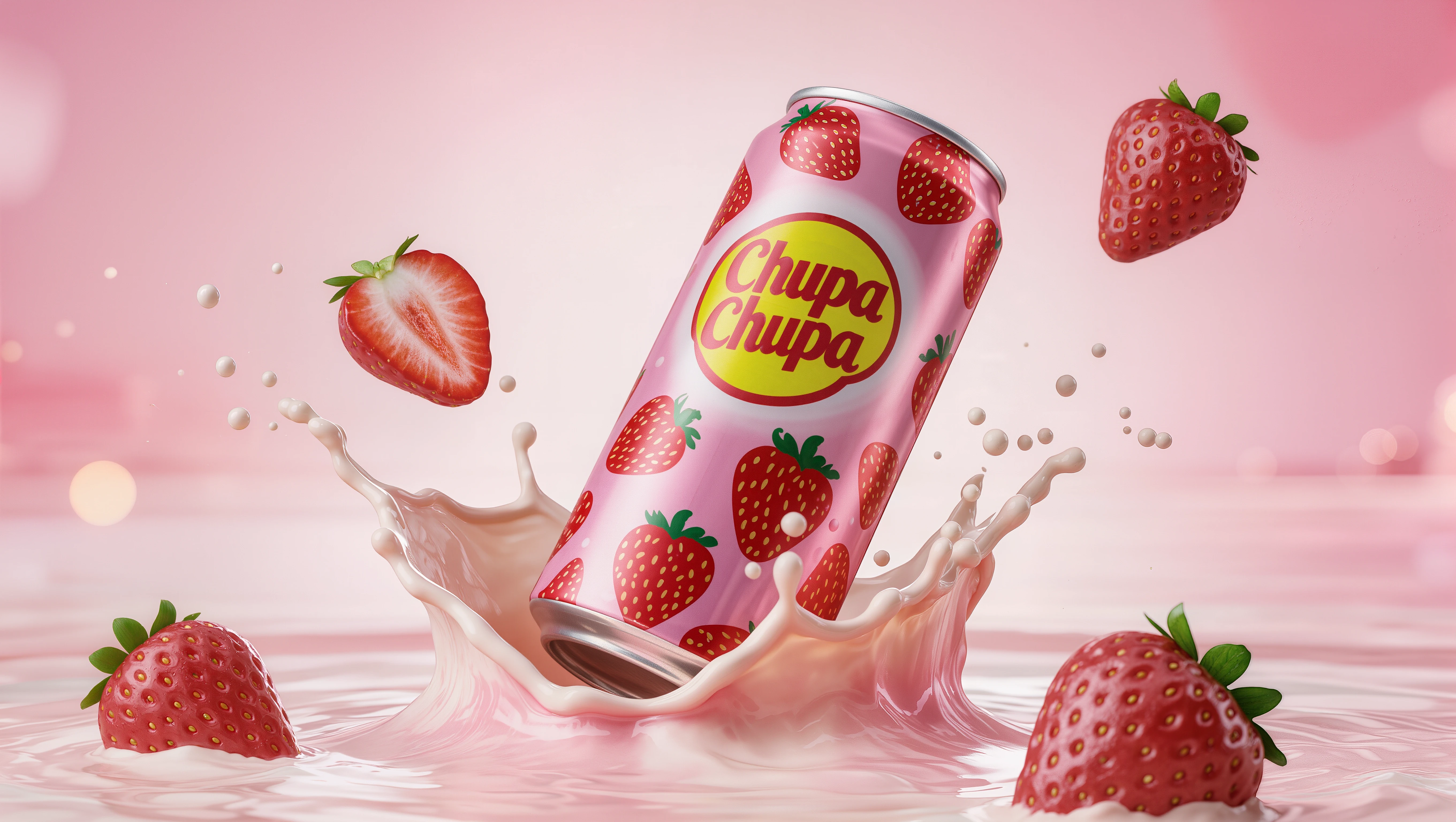
Product campaign stills.
Create glossy hero shots with readable branding, strong materials, and ad-ready detail.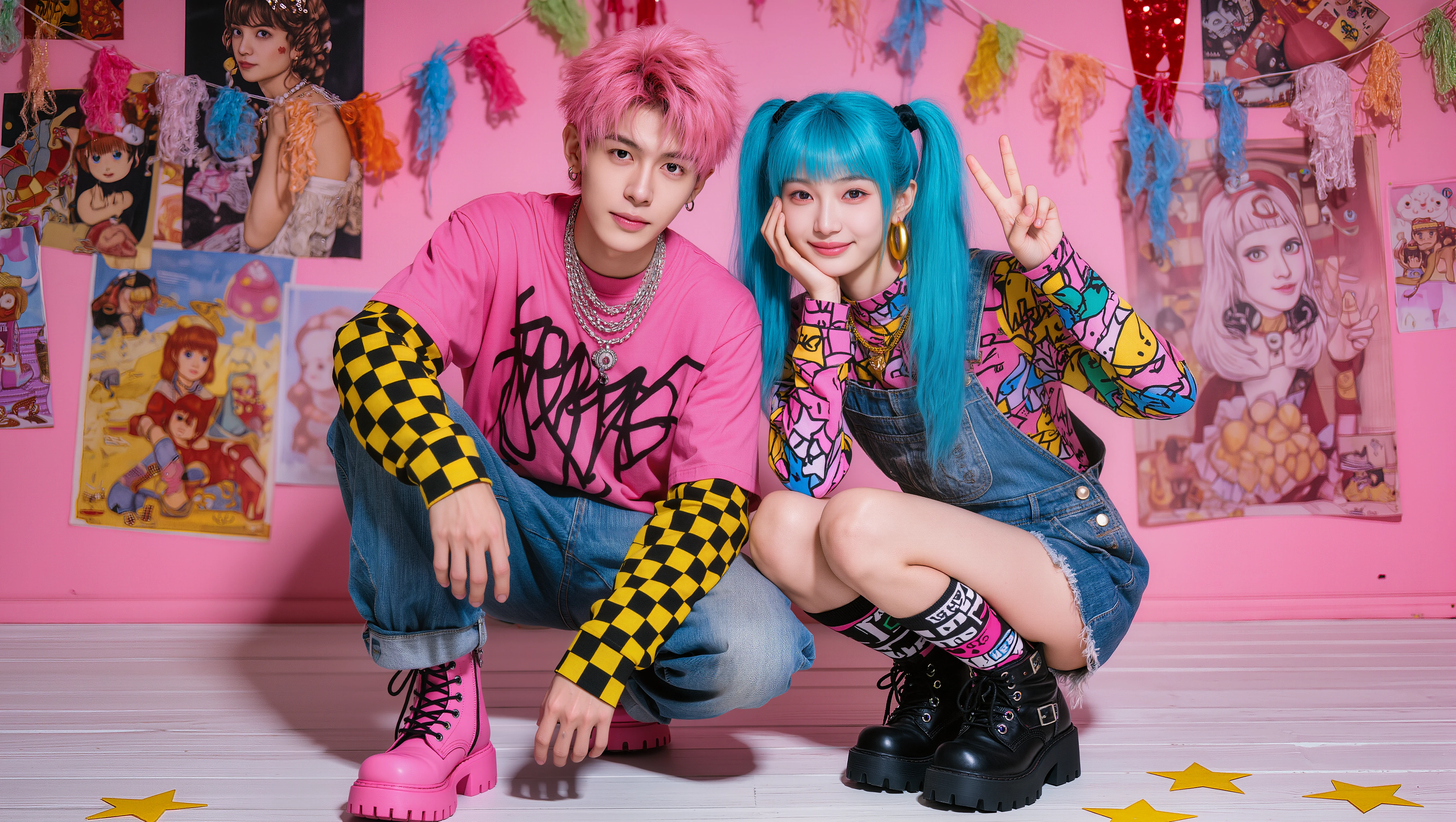
Character concept sheets.
Lock a character's core look across angles, outfits, and scene variations.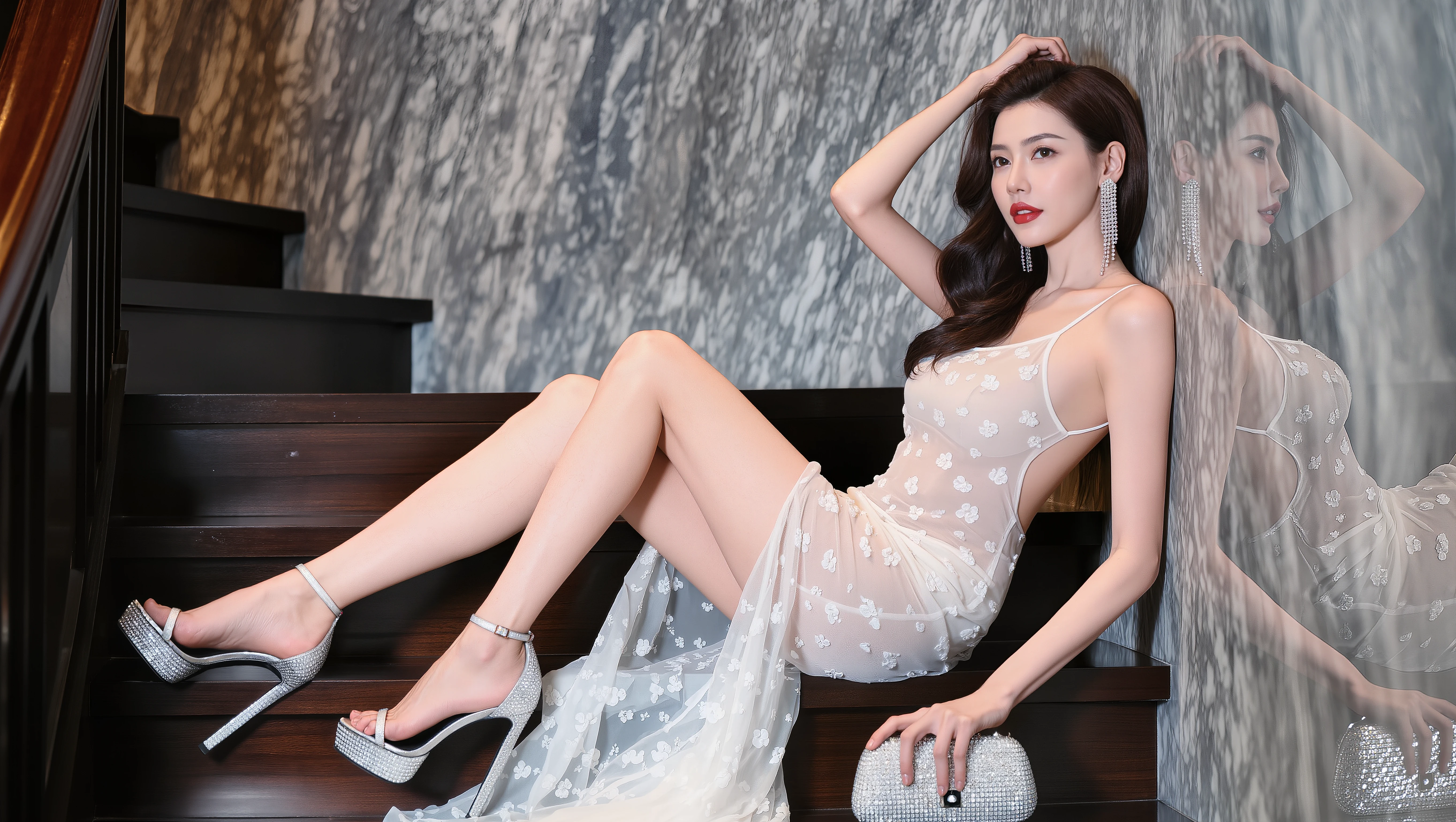
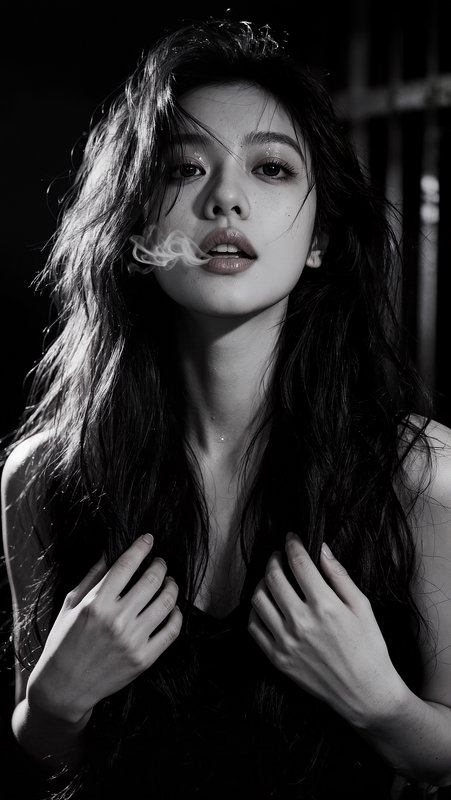
Editorial portraits.
Dial in focal length, lighting mood, and expression with film-like control.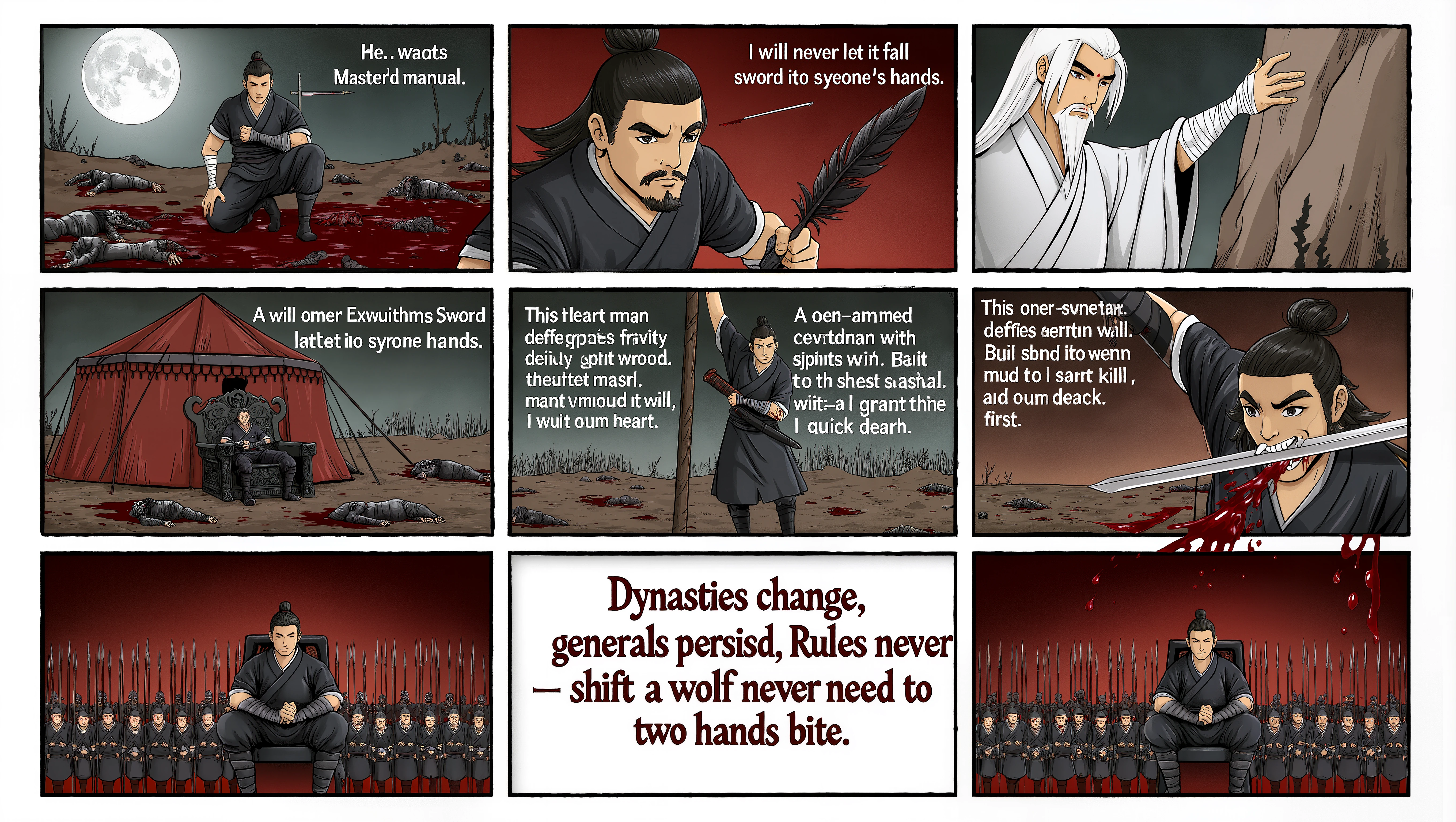
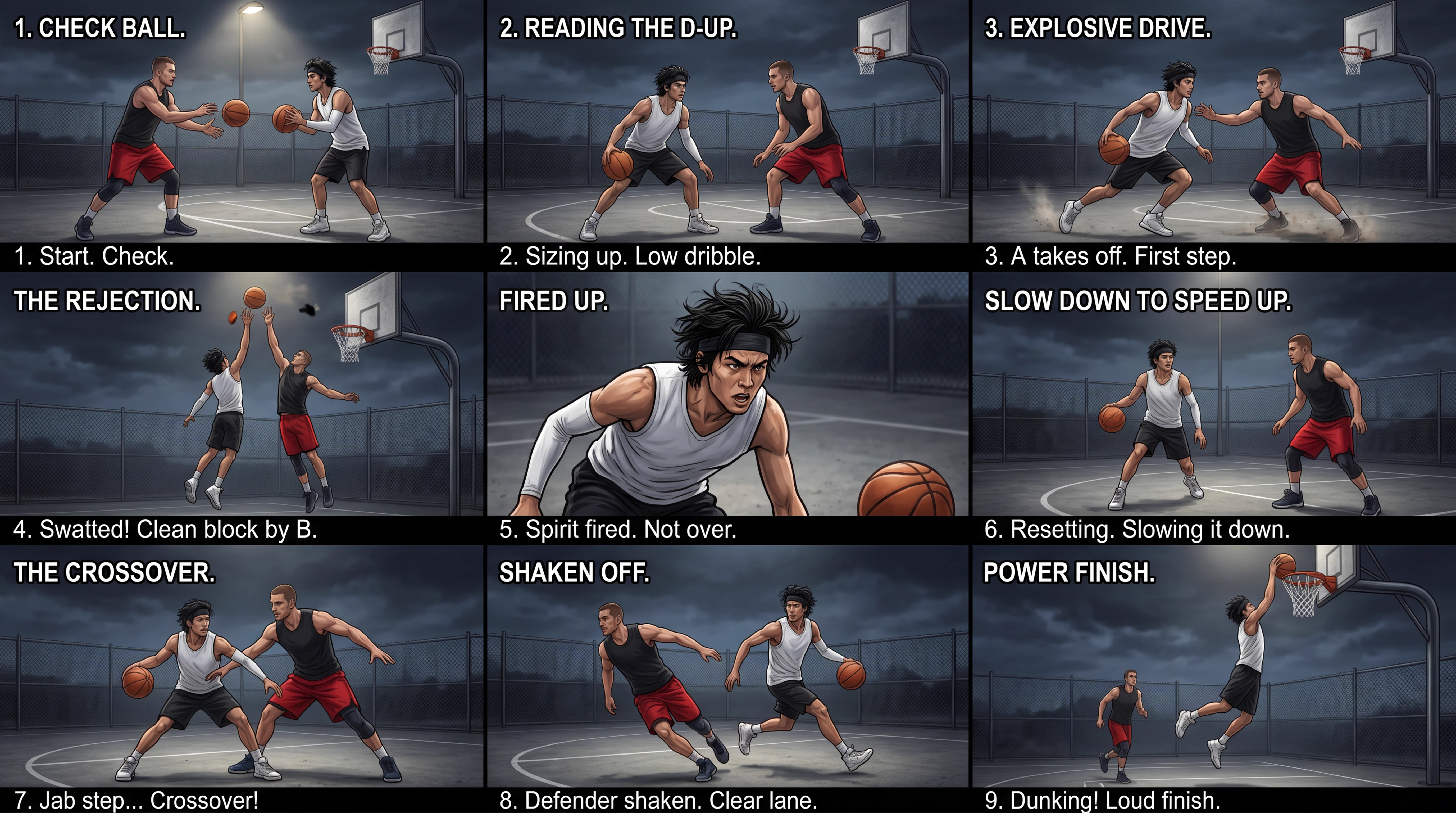
Comic scene panels.
Build connected frames that feel like one world instead of unrelated images.Directable framing, angle, and lens language
Kling Image 3.0 Omni is built for users who think in shots, not just prompts. You can describe framing, camera angle, focal length, aperture, lighting, and expression in plain language to get more intentional stills instead of generic compositions.
- •Prompt shot size and framing
- •Control angle, perspective, and lens feel
- •Guide depth of field and aperture
- •Relight with soft, hard, top, or back light
- •Useful for pre-vis and pitch boards
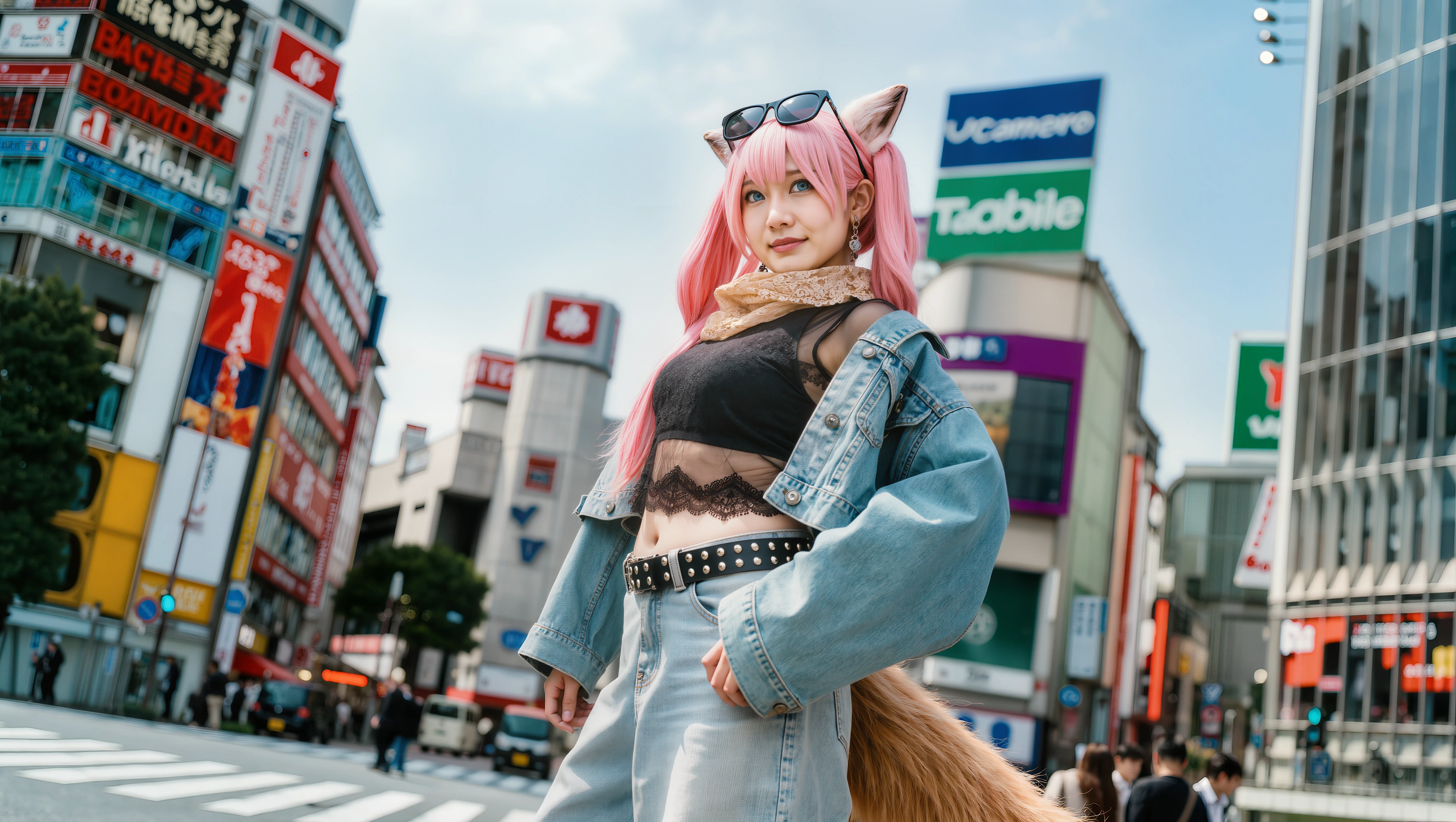
Image series for coherent multi-shot narratives
Image Series Mode is the headline feature if you need more than one frame. It can generate a connected set of images from one or more references while keeping style, atmosphere, and story logic aligned across the sequence.
- •Generate connected frames in one run
- •Single-image-to-series and multi-image-to-series
- •Auto mode suggests image count
- •Strong for storyboards, comics, and ads
- •Batch-friendly for repeat tasks
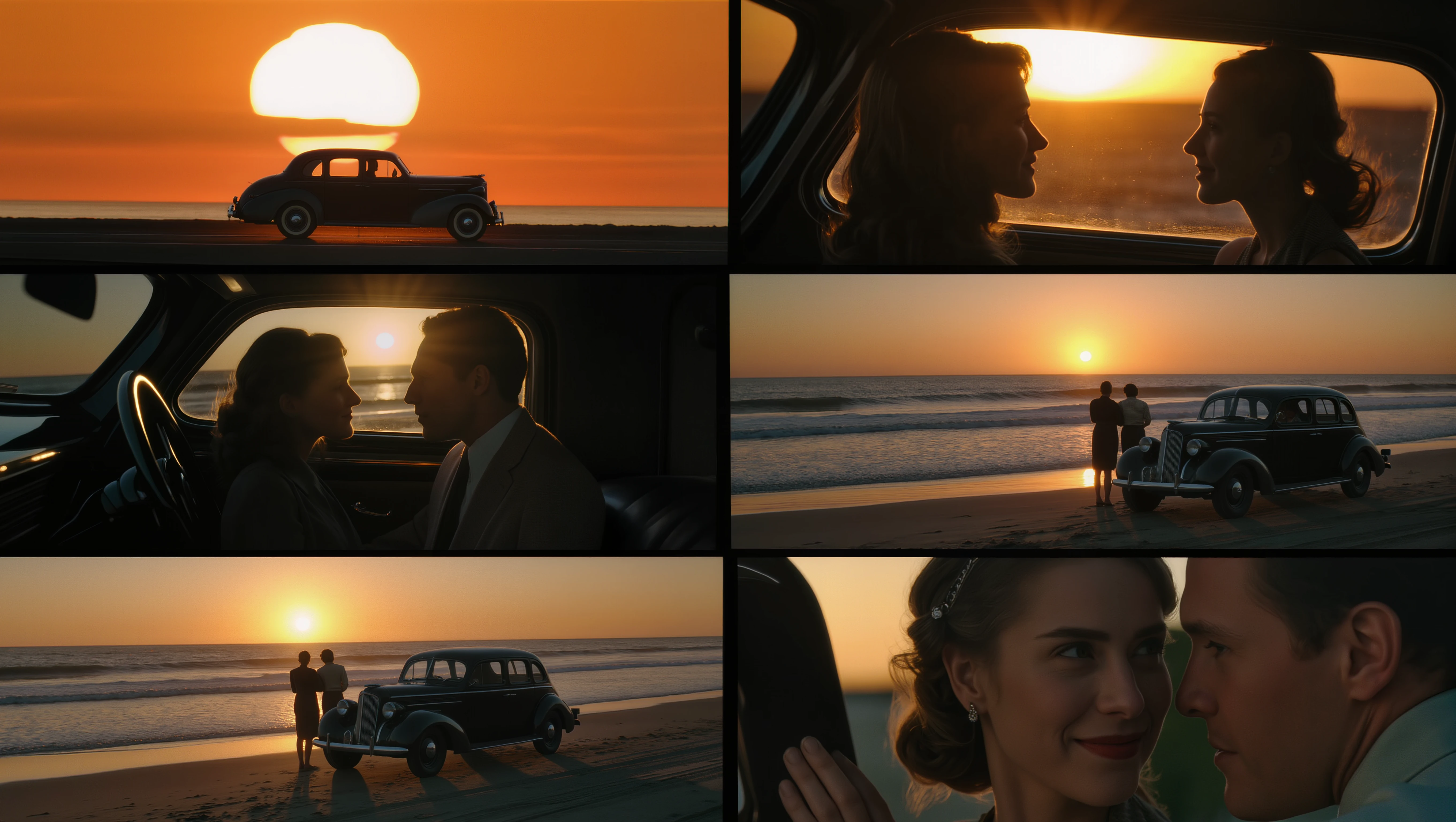
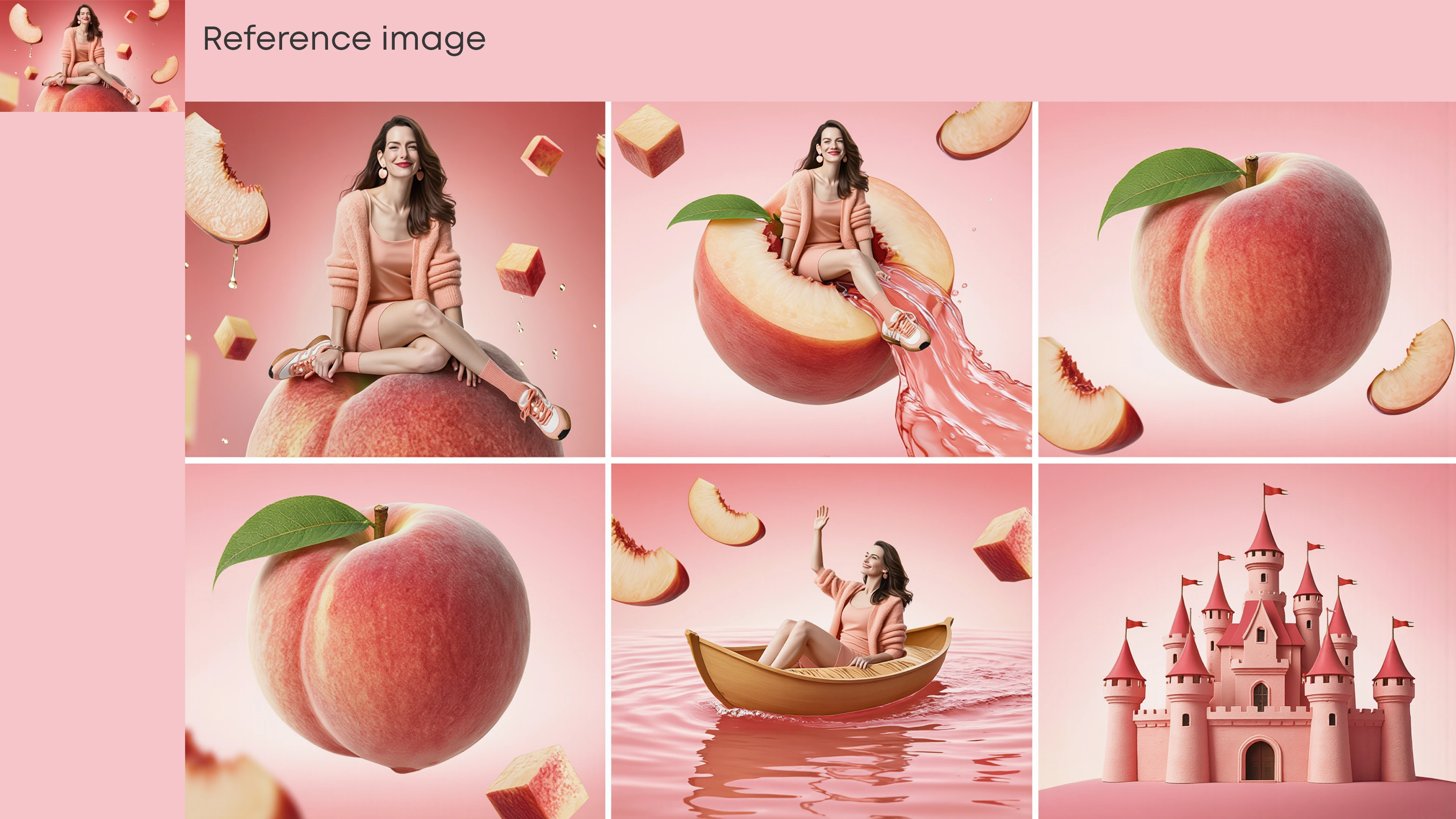
Single-image to series prediction ability
The model can understand and predict the narrative logic behind a single image, so as to generate logically consistent follow-up frames.
- •Supports up to 10 reference images
- •Mix character, style, and structure guidance
- •Keeps faces and products recognizable
- •Supports multi-angle variation
- •Good for brand systems and recurring casts
Native 2K/4K output plus precise local re-edits
When you move past ideation, Kling Image 3.0 Omni is designed for high-resolution delivery and targeted fixes. It supports native 2K and 4K outputs, and its local re-editing tools let you change only part of an image without rebuilding the whole frame.
- •Native 2K and 4K modes
- •Better for posters and tight crops
- •Mask only the area you want to change
- •Swap objects, colors, or wardrobe
- •Preserve surrounding light and texture
How it works

1
Describe the shot
Write the scene in plain English, then add film language if you need it. Shot size, angle, focal length, lighting, mood, and subject action all help Kling Image 3.0 Omni produce a more intentional frame.

2
Add references and settings
Upload one or more references when consistency matters. Then choose your aspect ratio, output resolution, and whether you want a single frame or a connected image series.

3
Generate and refine
Generate a first pass, keep the strongest frame, and iterate with focused edits. Use image-to-image or local re-editing to swap details, relight the scene, or keep a character consistent across new shots.
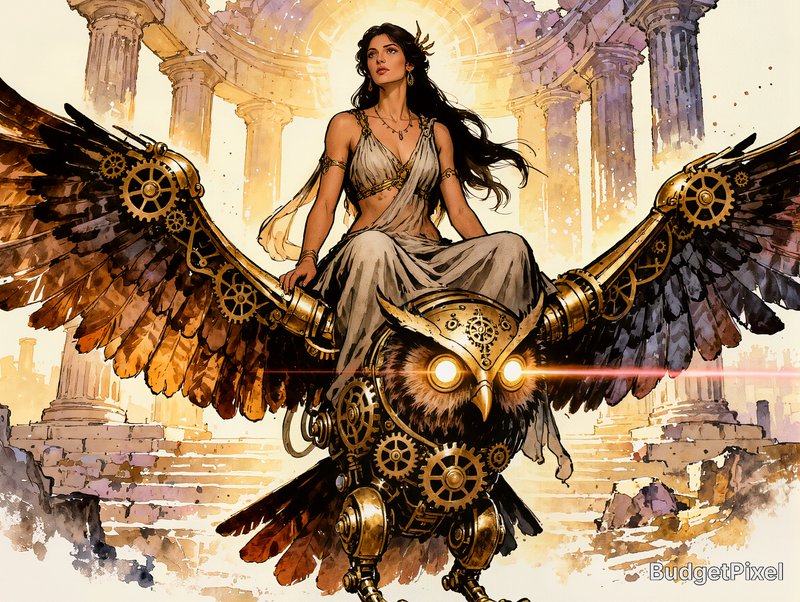
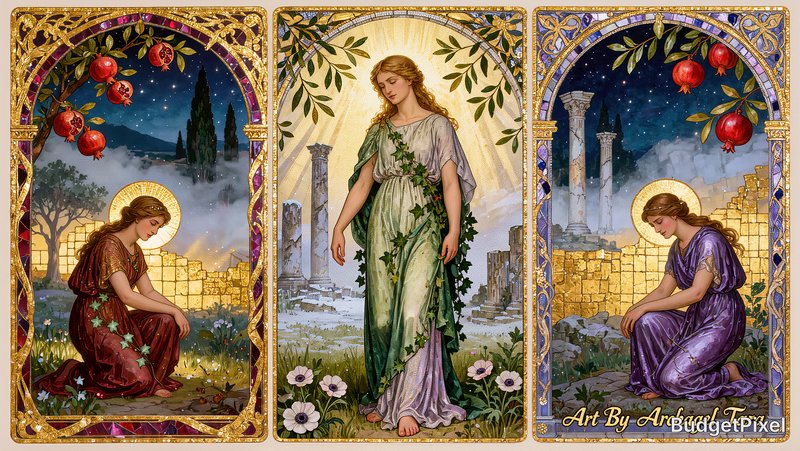
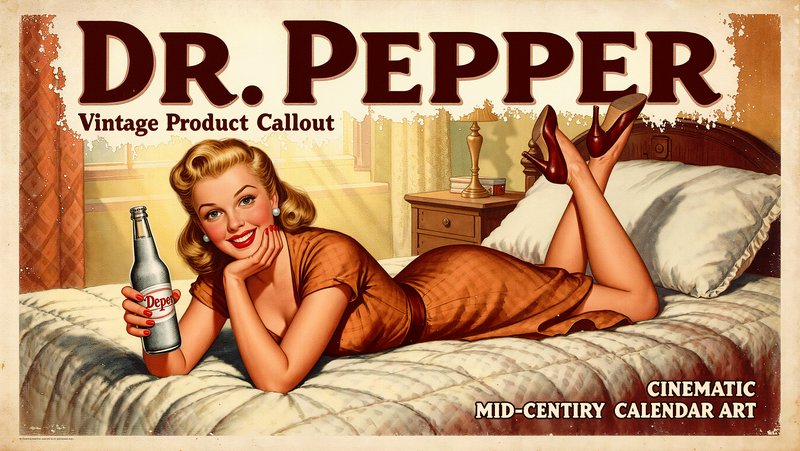
Top community creations
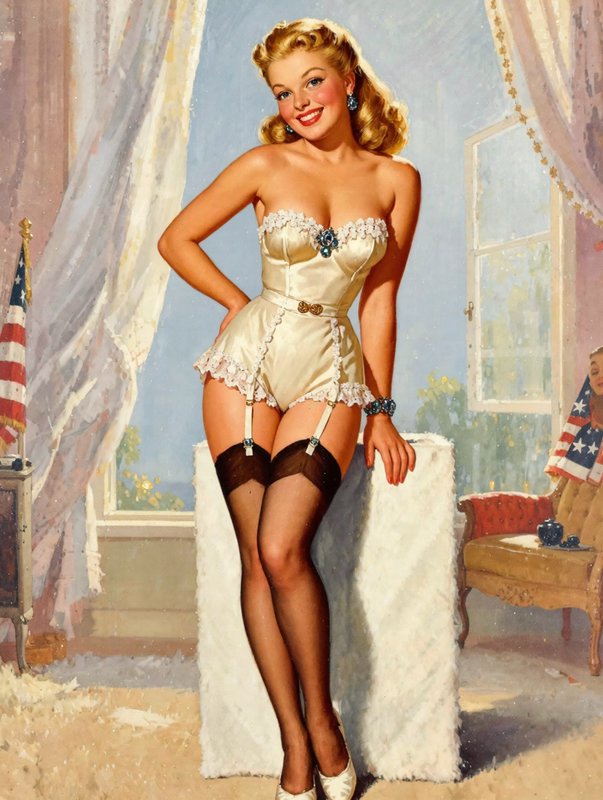
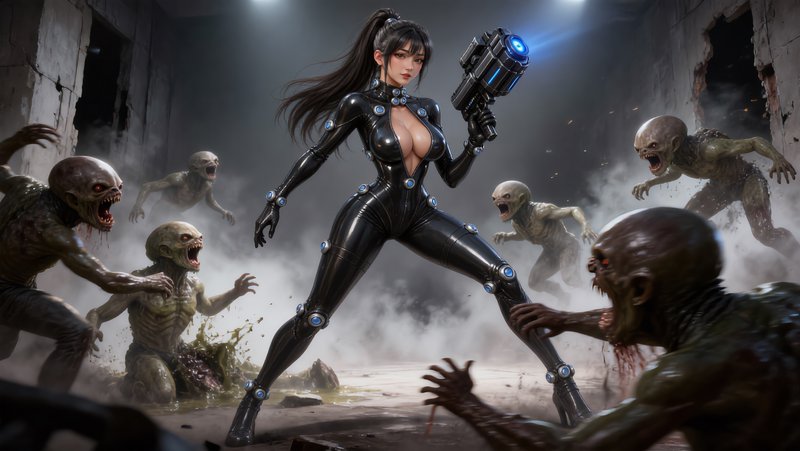
Recent Kling Image 3.0 Omni images shared by the BudgetPixel community.





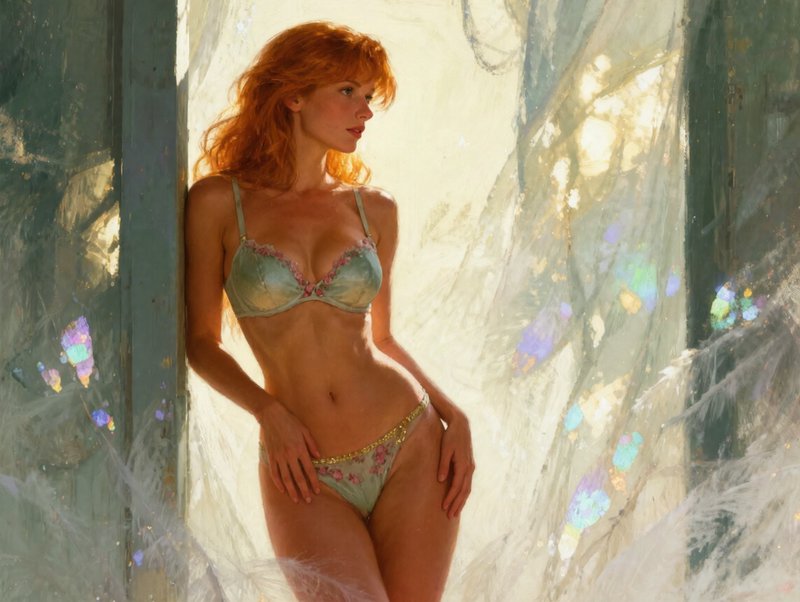
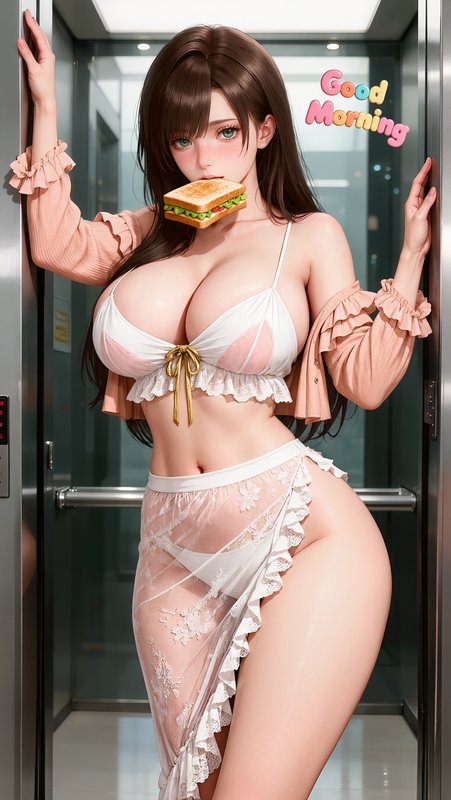

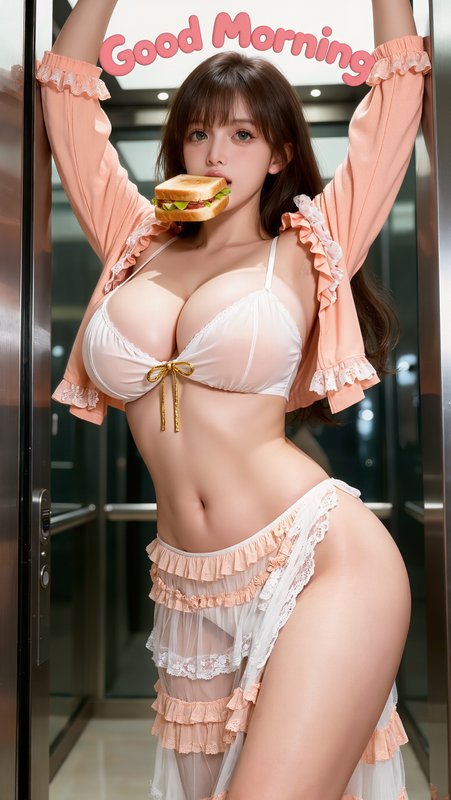
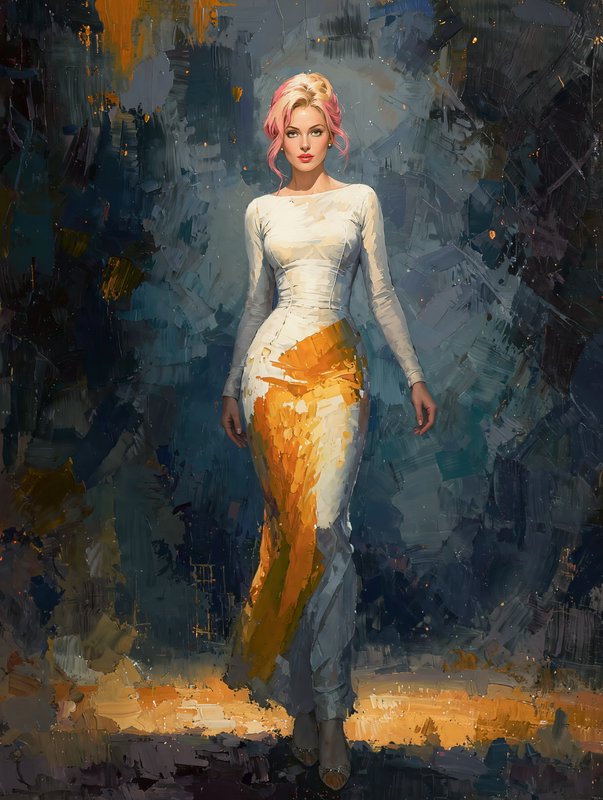




How Kling v3 ranks in blind votes
In the BudgetPixel AI Image Arena, voters pick between two images made from the same prompt without knowing which model made them. Kling v3 has 1,914 wins and 510 ties in 4,704 votes against 25 other recent image models.
- #16 of 26
- overall rank
- 1463
- Elo (95% range 1453–1471)
- 4,704
- blind votes
- 36 s
- median generation time
Rank by category
Kling v3 head to head
| Against | Won | Lost | Ties | |
|---|---|---|---|---|
| Kling v3 | 137 | 146 | 46 | Kling v3 vs Kling v3 |
| Qwen Image 3.0 | 136 | 142 | 35 | Kling v3 vs Qwen Image 3.0 |
| Krea 2 Medium | 154 | 113 | 40 | Kling v3 vs Krea 2 Medium |
| Krea 2 Large | 169 | 112 | 24 | Kling v3 vs Krea 2 Large |
| Ideogram v4 | 136 | 130 | 33 | Kling v3 vs Ideogram v4 |
| ImagineArt 2 | 106 | 141 | 34 | Kling v3 vs ImagineArt 2 |
| Qwen Image 3.0 Pro | 98 | 150 | 33 | Kling v3 vs Qwen Image 3.0 Pro |
| Grok Imagine Image Quality | 115 | 118 | 26 | Kling v3 vs Grok Imagine Image Quality |
Ratings are refitted nightly; last updated Oct 18, 2026. See every Kling v3 arena image or vote in the arena.
Pricing for Kling Image 3.0 Omni
Runs on credits — no per-model surcharges, no surprise billing.
35credits
per generation
35 credits per image
Kling v3 Omni vs Kling v3
Both run on the same credits in the same workshop — here is what each costs and what it is for.
Use Kling v3 via the API
Kling v3 is available through the BudgetPixel developer API — the same model the studio runs, supporting text-to-image, and image editing / references. Pricing is metered in credits (per tier below), charged only on success, with an API key available on Premium plans and above.
| Endpoint | Pricing | Docs |
|---|---|---|
| POST /v1/images/kling-v3-omni | 35 credits/image at 1K, 35 credits/image at 2K, 60 credits/image at 4K | Kling v3 Omni docs |
| POST /v1/images/kling-v3 | 35 credits per image | Kling v3 docs |
curl -X POST https://api.budgetpixel.com/v1/images/kling-v3-omni \
  -H "Authorization: Bearer $BUDGETPIXEL_API_KEY" \
  -H "Content-Type: application/json" \
-d '{"prompt": "your prompt here"}'No code? Use Kling v3 from Claude or Cursor
Kling v3 is also available through the BudgetPixel MCP server. Connect your account to Claude, Cursor, or any MCP-enabled agent and generate with Kling v3 by asking in plain language — same credits, same pricing, no code required.
Frequently asked questions
What is Kling Image 3.0 Omni?▾
Kling Image 3.0 Omni is Kuaishou's cinematic-focused AI image model in the Kling 3.0 family. It is built for text-to-image and image-to-image work, with native high-resolution output, multi-reference control, and sequence-friendly image generation.
How does Kling Image 3.0 Omni work?▾
You can start from text, from one or more reference images, or from an existing image you want to transform. The model is designed to follow detailed cinematic instructions for composition, lighting, perspective, and tone, then lets you refine results through series generation or targeted re-edits.
Does Kling Image 3.0 Omni support reference images?▾
Yes. Official Kling materials describe multi-reference workflows with up to 10 reference images, plus character, style, and structure guidance. That makes it useful when you need a recurring face, product, outfit, set, or visual style to stay recognizable.
Can Kling Image 3.0 Omni edit existing images?▾
Yes. Kling's image tools support image-to-image editing and local re-editing, including masking part of an image and changing only that region. In practice, that means you can swap objects, restyle scenes, relight shots, or adjust wardrobe without starting over.
What resolutions and aspect ratios does Kling Image 3.0 Omni support?▾
Kling positions Image 3.0 Omni around native 2K and 4K output, and its current image surfaces list common ratios such as 21:9, 16:9, 3:2, 4:3, 1:1, 3:4, 2:3, and 9:16. Exact options can vary by workflow, mode, or account.
Does Kling Image 3.0 Omni render text and logos well?▾
It is one of the model family's more practical strengths. Kling's official materials highlight text retention and logo clarity, so it can handle signage, labels, and branded layouts better than the generic AI-image baseline, though dense small text still benefits from iteration.
How much does Kling Image 3.0 Omni cost?▾
Pricing is generally credit-based and scales with the job you are running. Higher-resolution renders, multi-image workflows, and advanced modes like image series or heavier editing usually consume more credits than quick single-image drafts.
Can I use Kling Image 3.0 Omni commercially?▾
Check the provider's current terms before treating it as fully cleared for commercial use. Kling AI's terms say you keep rights in your content where applicable, but they also include branding or attribution rules and restrictions around commercial use without written permission.
How does Kling Image 3.0 Omni compare to other AI image generators?▾
Kling Image 3.0 Omni is especially appealing if you care about cinematic direction, multi-reference consistency, connected image sequences, and high-resolution outputs. If you mostly want one-off art experiments, simpler tools may feel lighter, but Kling's strength is controlled visual storytelling.
Does Kling v3 have an API?▾
Yes — Kling v3 is available through the BudgetPixel developer API via 2 endpoints (Kling v3 Omni, Kling v3), supporting text-to-image, and image editing / references. Generate an API key from the developer console (available on Premium plans and above) and see the full reference at docs.budgetpixel.com.
How much does the Kling v3 API cost?▾
API usage is billed in credits from the same balance your plan includes, at the standard metered rate: Kling v3 Omni: 35 credits/image at 1K, 35 credits/image at 2K, 60 credits/image at 4K; Kling v3: 35 credits per image. Failed generations are never charged. You can estimate any request's exact cost with POST /v1/cost before running it.
Can I use Kling v3 with Claude or other AI agents (MCP)?▾
Yes — Kling v3 is exposed through the BudgetPixel MCP server, so Claude, Cursor, and any MCP-compatible agent can generate with it from a plain-language request. Connect your account at budgetpixel.com/mcp; generations use the same credit balance and pricing as the web studio and the API.