ImagineArt 2.0 was retired in October 2026
It is no longer offered on BudgetPixel, so it can't be generated with here. Qwen Image 3.0 Pro is the closest replacement. This page stays up for reference — pricing and capabilities below describe the model as it was when it retired.
ImagineArt 2.0
Create high-volume variations across photographic, painterly, 3D, and graphic styles.
ImagineArt 2.0 is retired. Your prompt opens in Qwen Image 3.0 Pro.

High-volume, wide stylistic rangeBuilt for
2.0, 1.5 Pro, 1.5Tiers
60 per imageCredits
Image WorkshopRuns in
Professional images for every use case
Blog illustrations.
Turn article themes into painterly header art with enough variation to support a full publishing calendar.Video thumbnails.
Explore bold 3D compositions and clear focal points before committing to a final thumbnail direction.Brand illustrations.
Build clean, flat-vector-style concepts for explainers, carousels, and lightweight marketing graphics.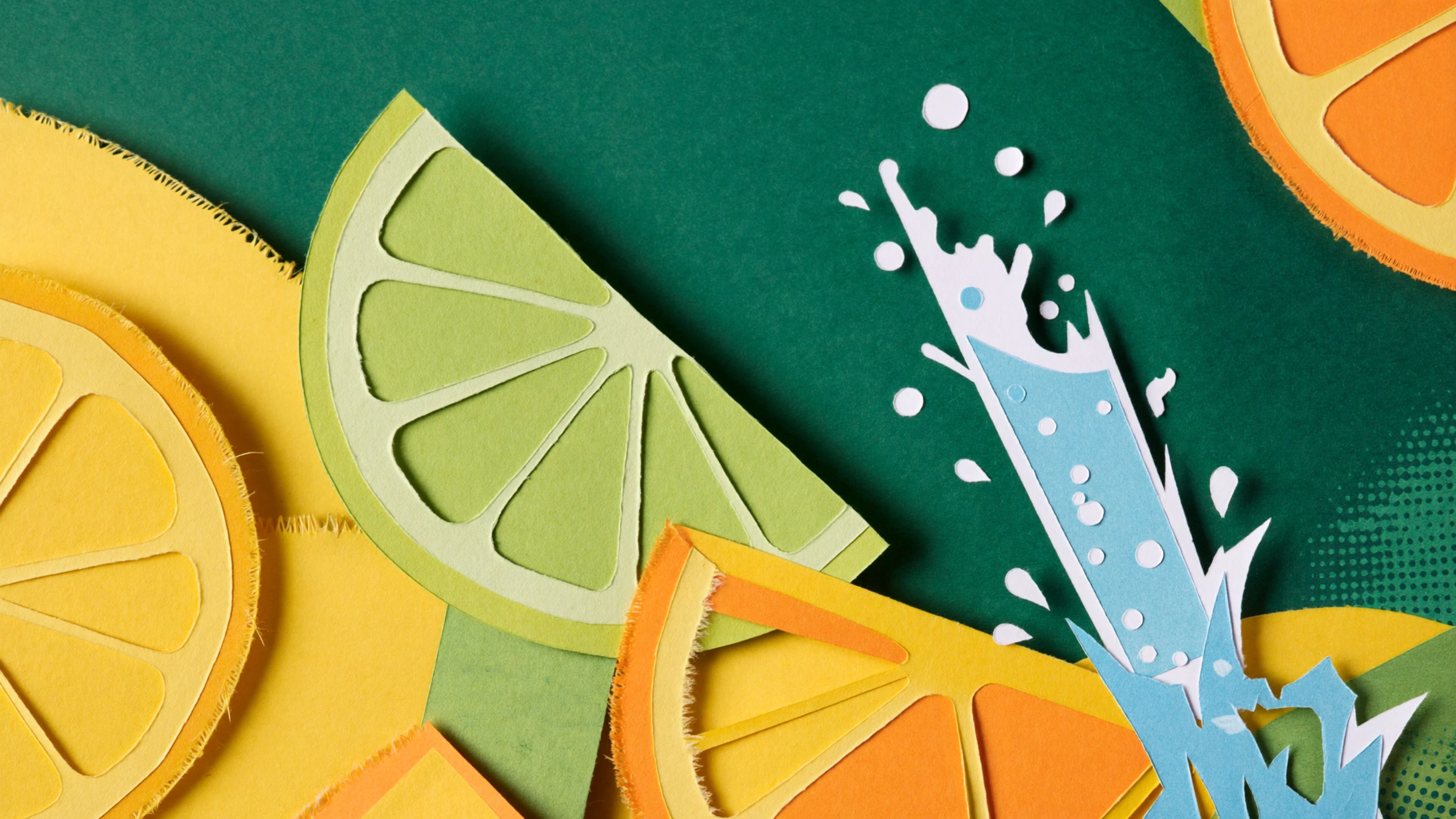
Social media images.
Produce varied square and vertical visuals quickly while keeping the campaign subject and color direction recognizable.Broad styles for a busy content queue
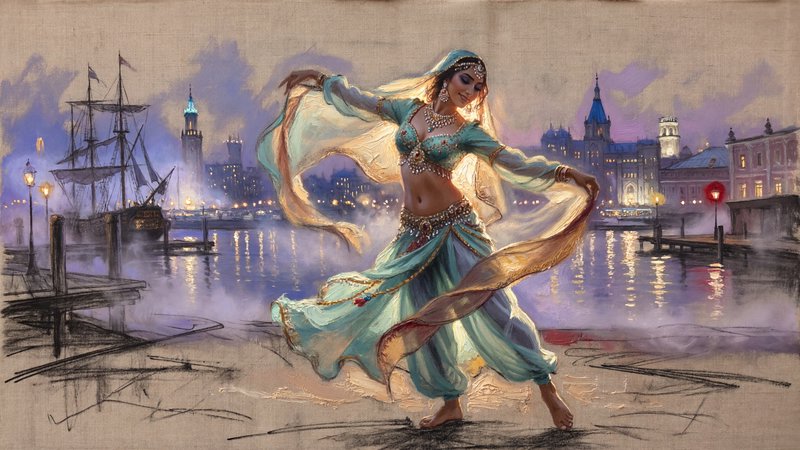
ImagineArt 2.0 responds to photographic, painterly, 3D, cinematic, and graphic style directions. That range helps creators supply several channels without switching creative workflows for every asset.
- •Photographic product and lifestyle scenes
- •Painterly editorial artwork
- •Polished 3D-style renders
- •Clean flat-graphic concepts
- •Multiple directions from one brief
Three tiers for volume and finish
BudgetPixel offers ImagineArt 1.5, 1.5 Pro, and 2.0 in the Images Workshop. Use the lower-cost tier for exploration, step up for native 4K, or choose 2.0 when the prompt needs more nuanced direction.
- •ImagineArt 1.5 for economical iteration
- •ImagineArt 1.5 Pro for native 4K
- •ImagineArt 2.0 for complex prompts
- •Spend more credits only when needed
- •Move one brief between quality tiers
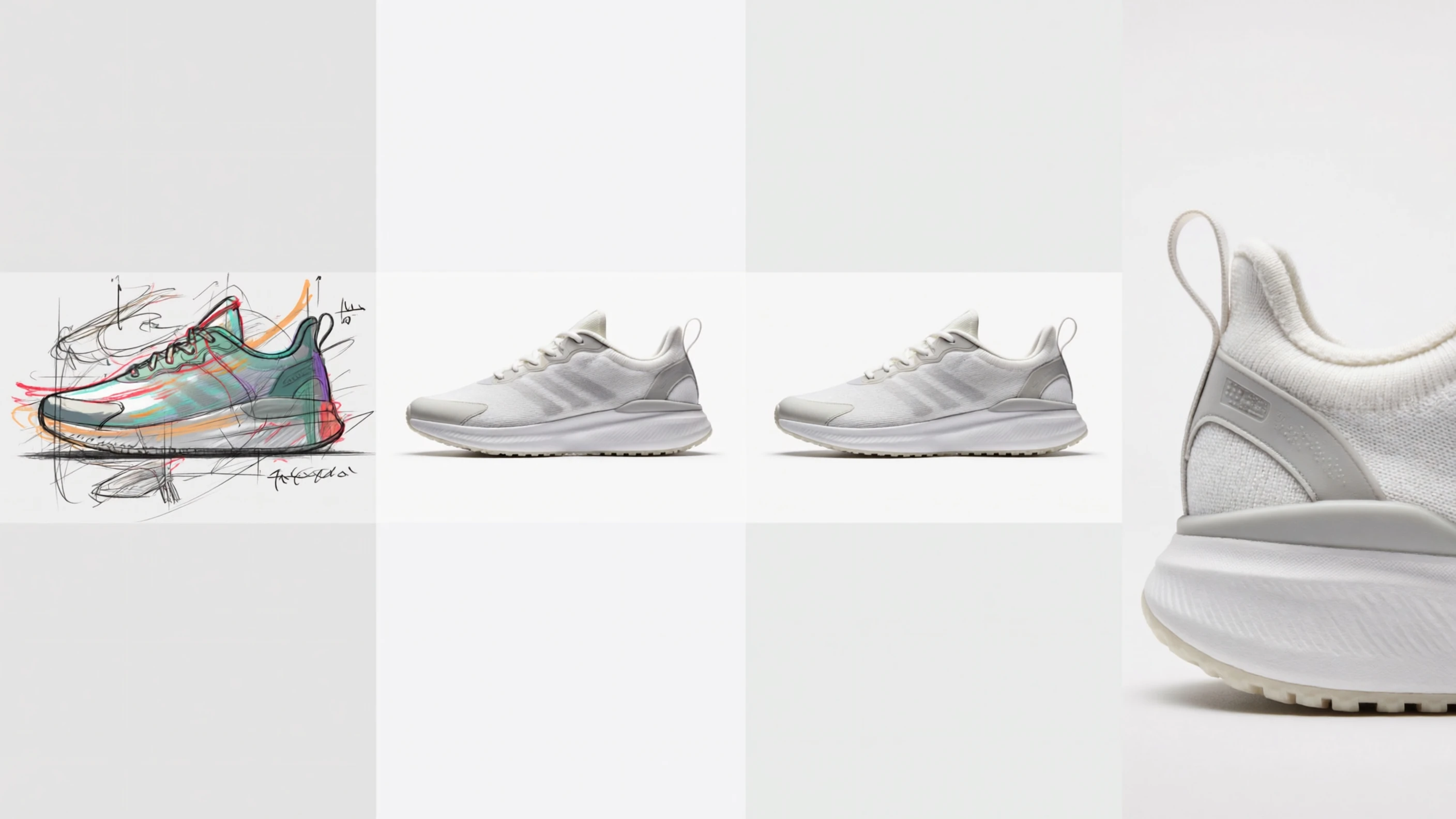
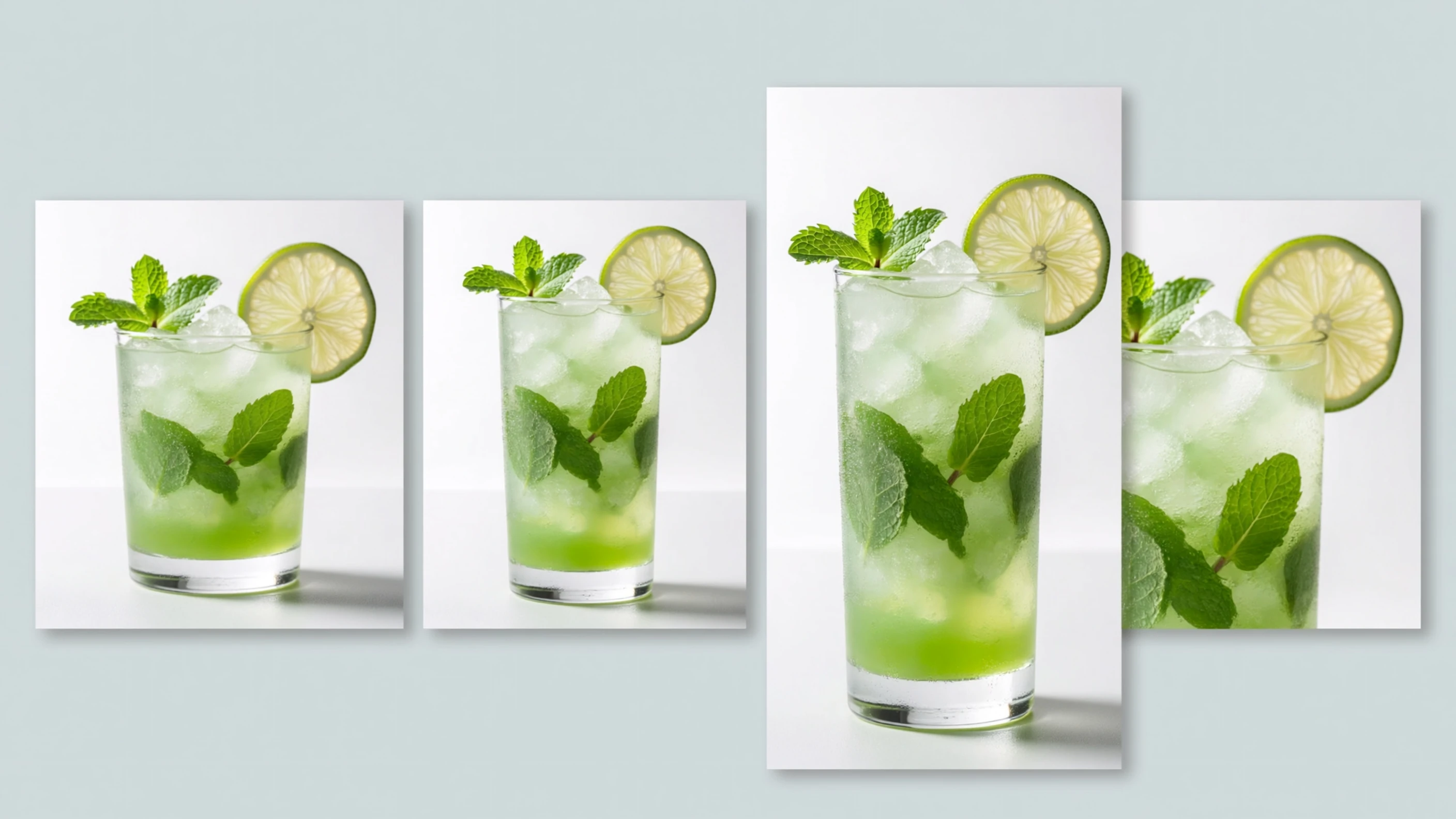
Canvas ratios for every content slot
ImagineArt 2.0 supports a wide set of native landscape, square, portrait, tall, and ultrawide ratios. Compose for the destination instead of generating once and relying on aggressive cropping.
- •1:1 for square social posts
- •9:16 for stories and short-form covers
- •16:9 for thumbnails and headers
- •4:5 for portrait feed posts
- •21:9 for ultrawide banners
- •Fourteen text-to-image ratios
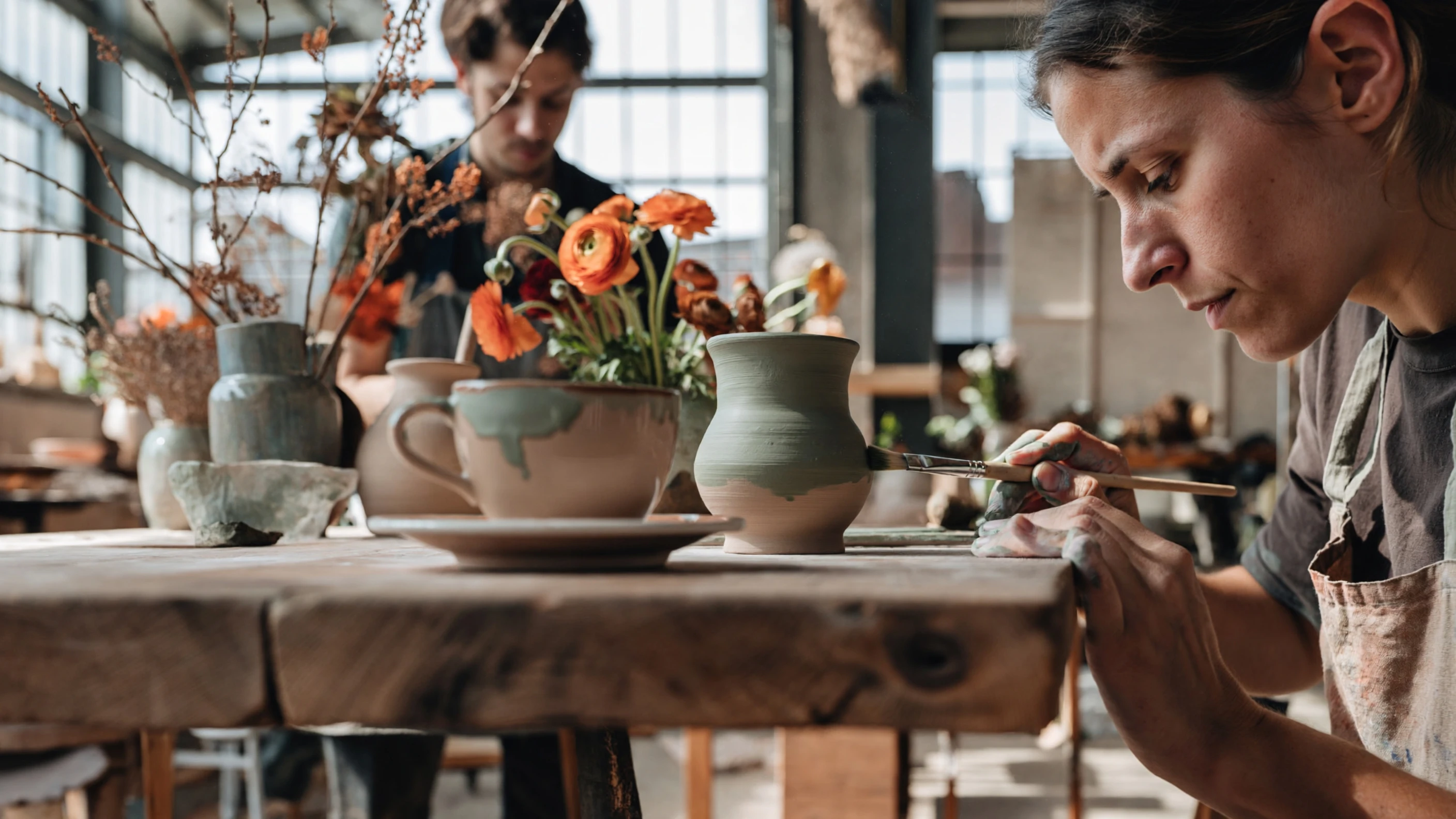
Detailed prompts shape the composition
The 2.0 tier is designed to interpret multi-element prompts covering subjects, lighting, mood, framing, and spatial relationships. Clear creative direction reduces random changes between variation rounds.
- •Understands camera and lens language
- •Follows lighting and atmosphere cues
- •Handles several scene elements
- •Responds to framing instructions
- •Supports deliberate color direction
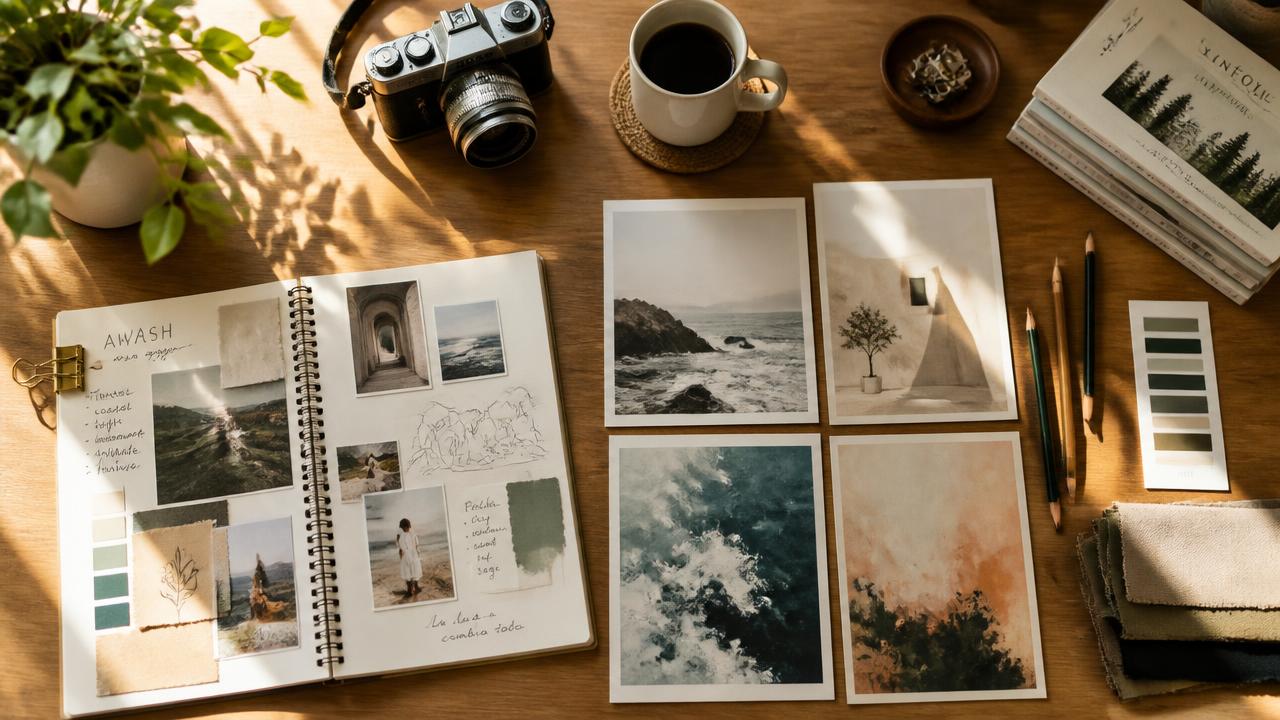
How it works
1
Describe your asset
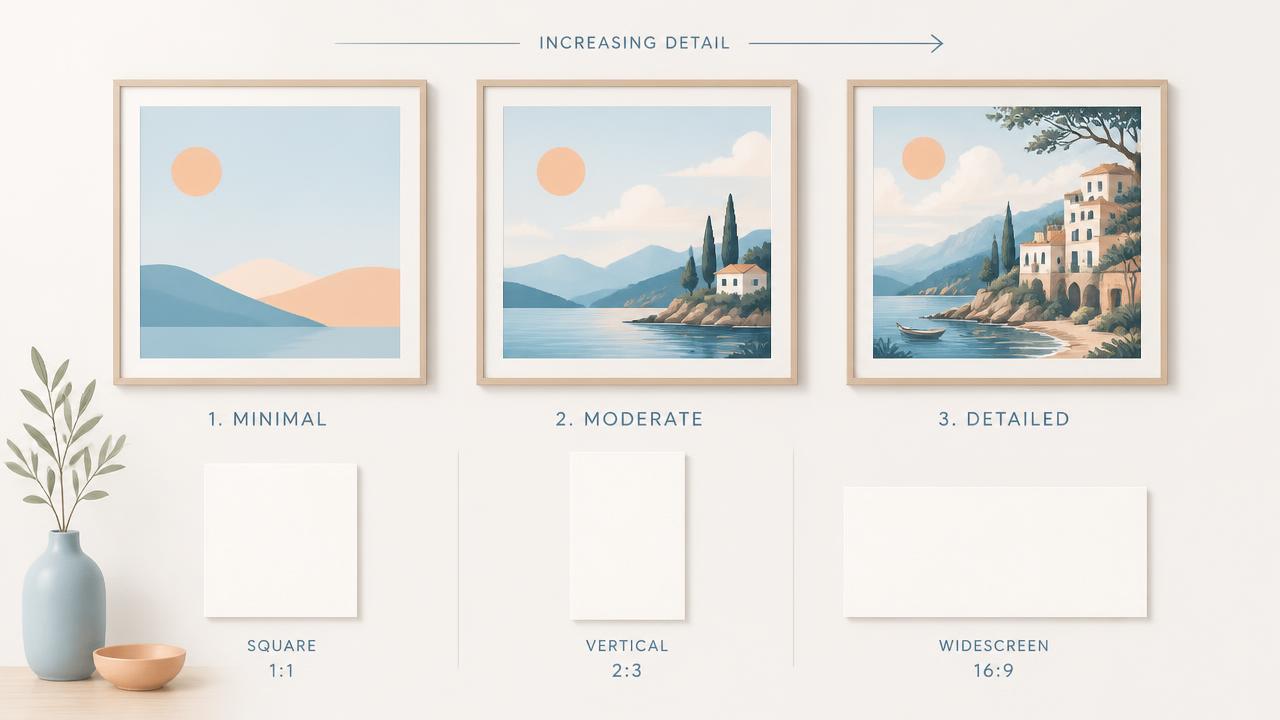
Open the Images Workshop and describe the subject, style, lighting, colors, and intended format. Include the asset's purpose, such as a blog header, product mockup, or thumbnail.
2
Choose tier and format
Select ImagineArt 1.5 for economical variations, 1.5 Pro when native 4K matters, or 2.0 for more detailed direction. Pick an aspect ratio that matches where the image will appear.
3
Generate and refine
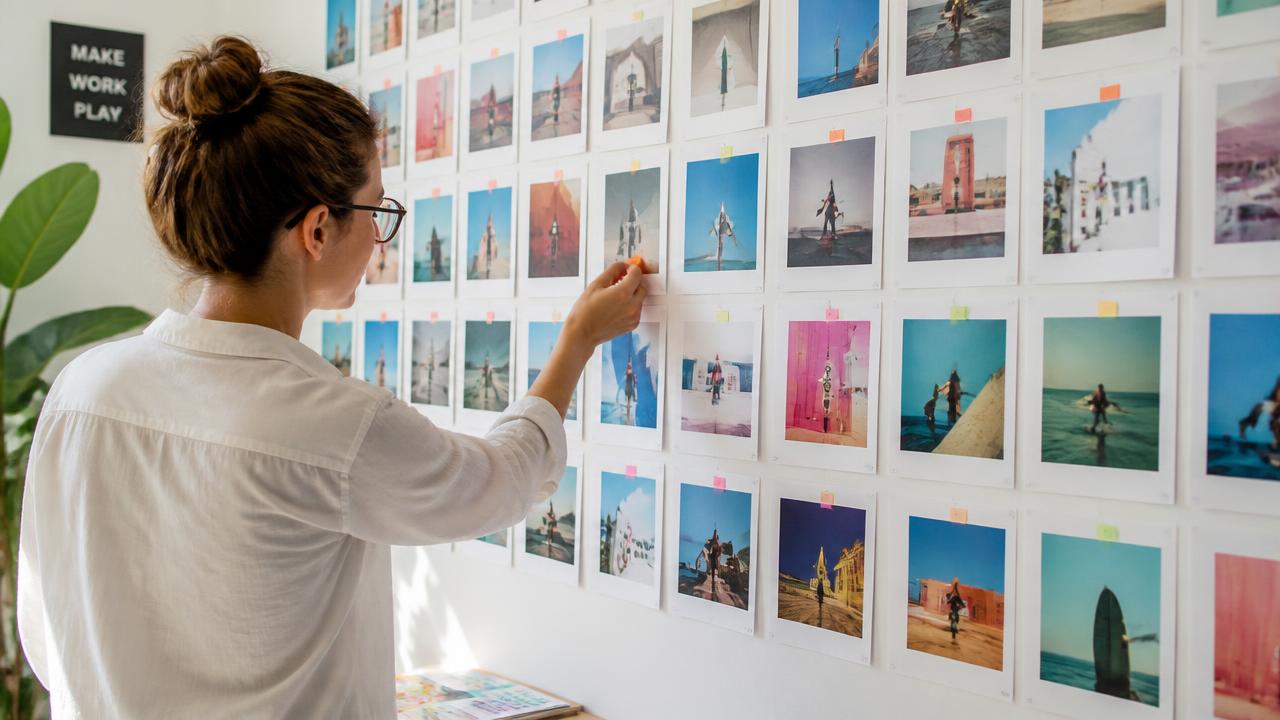
Create several variations and compare composition, color, and subject clarity. Keep the strongest result, then change one prompt detail at a time to refine the direction efficiently.
Prompts to steal
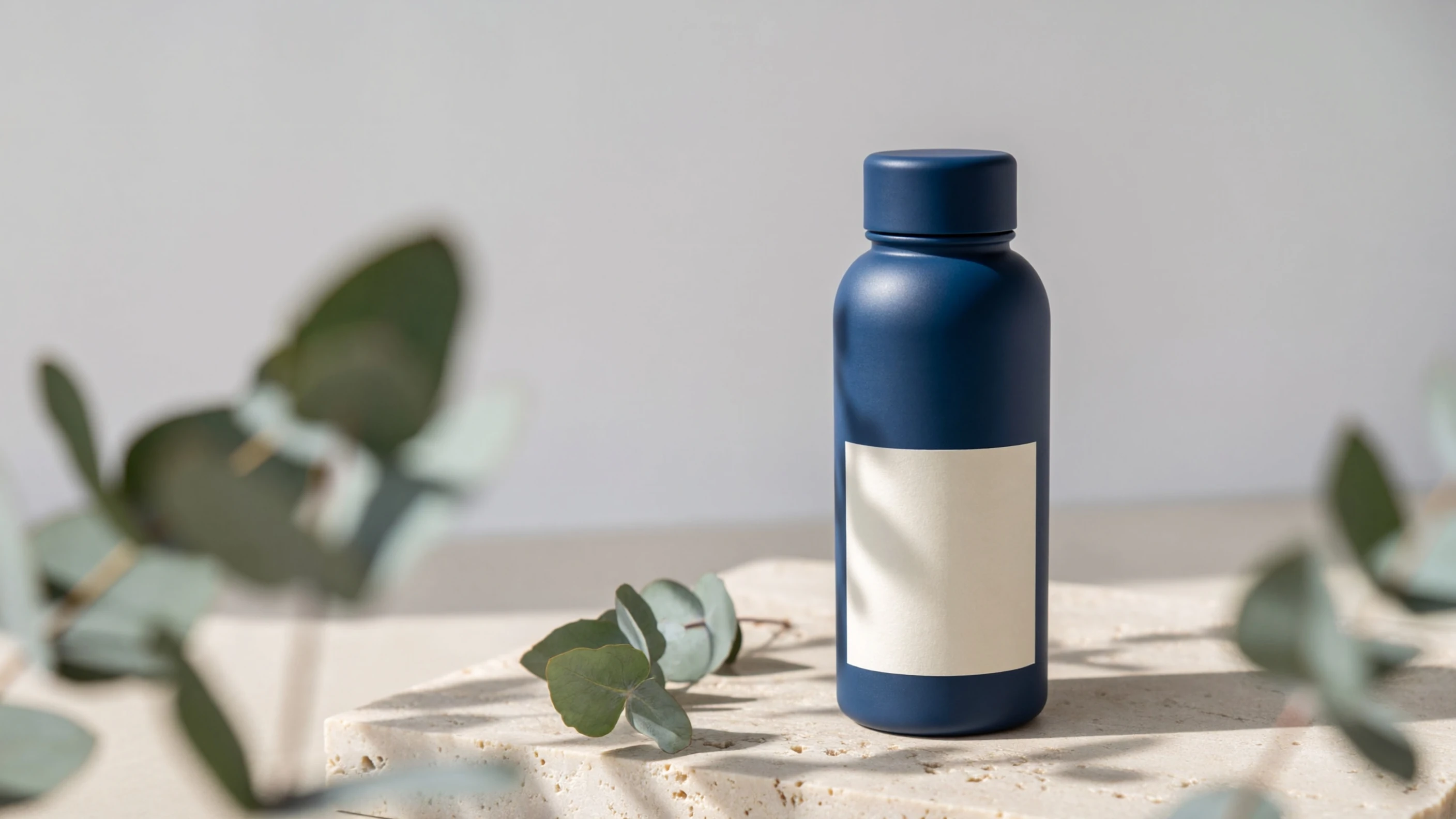
Photographic studio mockup of a cobalt reusable bottle with a blank label on pale stone, soft daylight, eucalyptus shadows, crisp materials, premium lifestyle photography
Product mockups
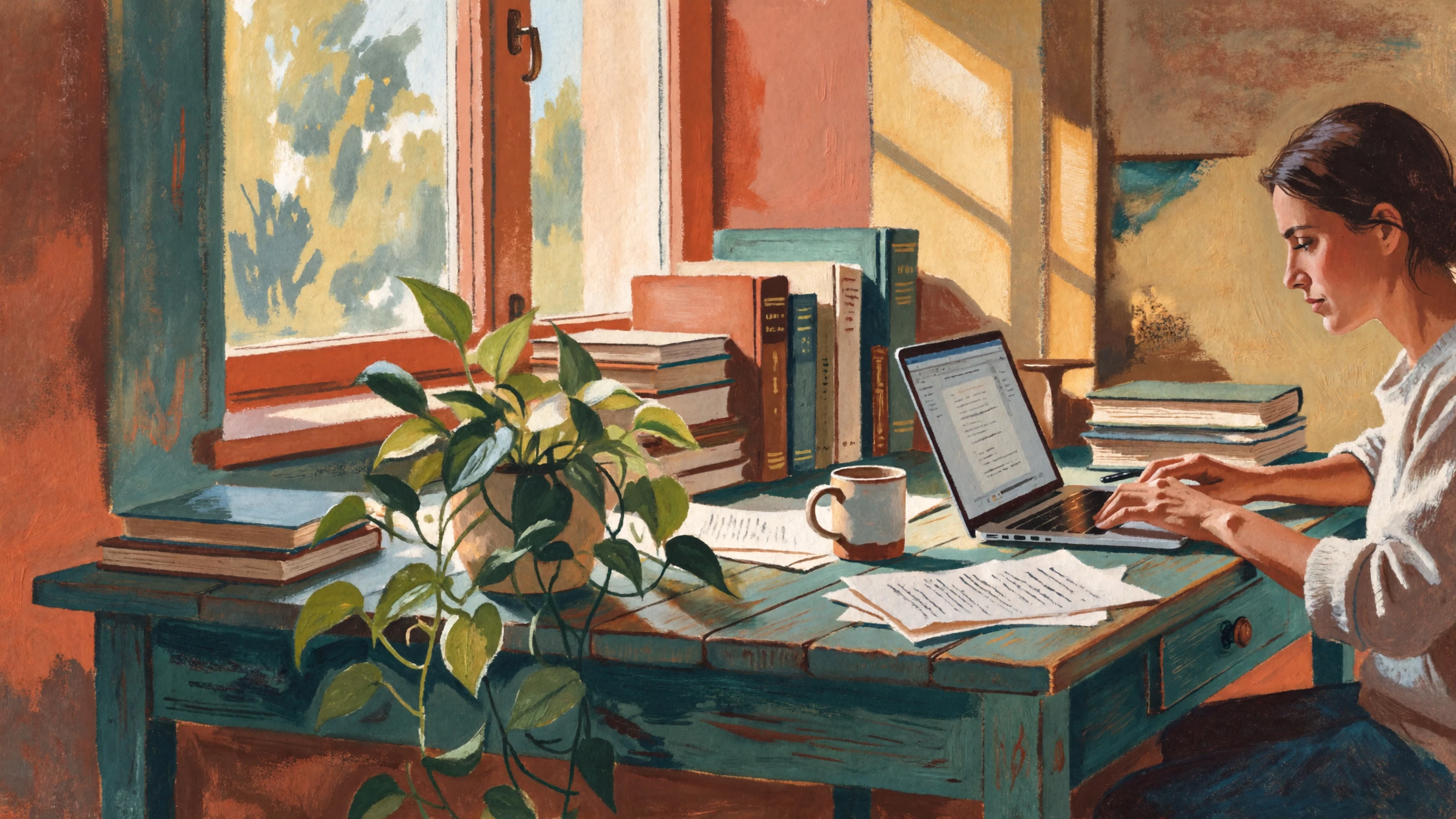
Painterly editorial scene about focused remote work, writer beside a sunny window, plants and stacked books, textured gouache brushwork, warm terracotta and teal palette
Blog illustrations
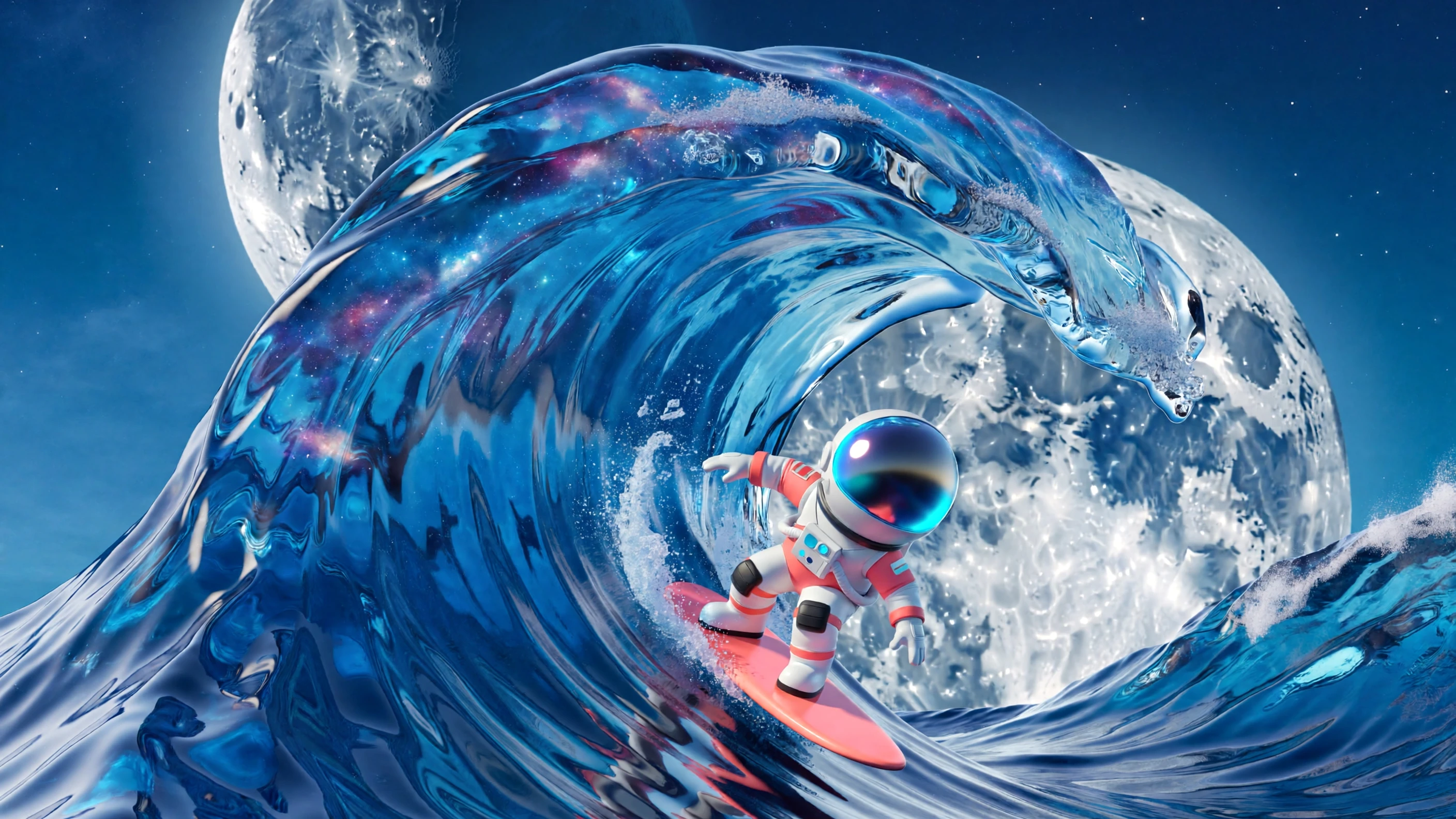
Bright 3D render of a tiny astronaut surfing on a curling glass wave, expressive pose, oversized moon, clean composition, playful proportions, vivid blue and coral palette
Video thumbnails
Flat vector-style illustration of a creative team assembling colorful content blocks, geometric shapes, crisp edges, minimal shadows, cream background, blue and orange palette
Brand illustrations
Bold mixed-media social campaign image of citrus fruit and sparkling water, paper-cut collage, grainy texture, energetic diagonal layout, sunny yellow and deep green palette
Social media images
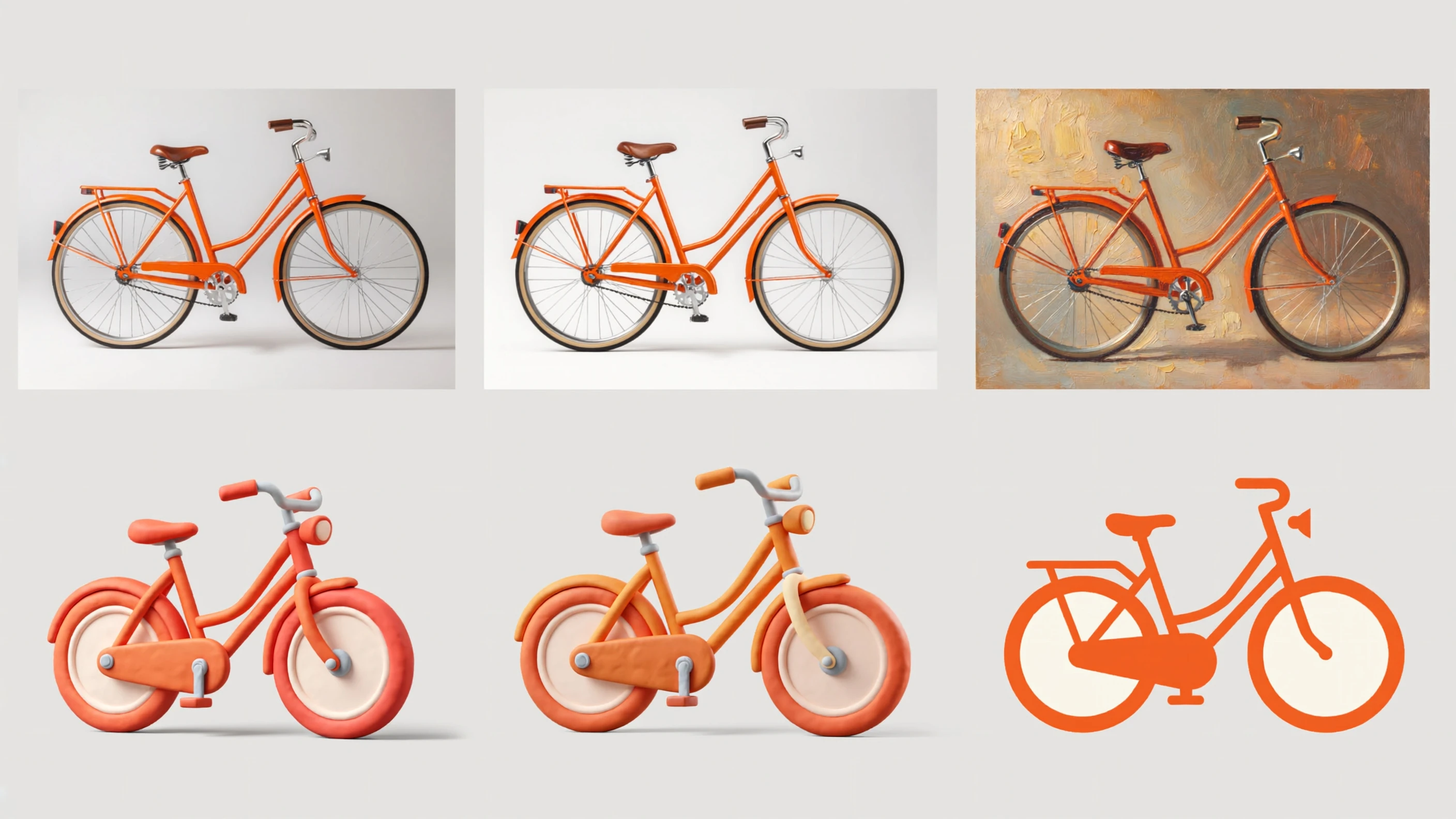
Four-panel contact sheet of the same orange bicycle: studio photograph, textured oil painting, playful 3D render, and flat vector-style graphic, clean bright presentation
Broad styles for a busy content queue
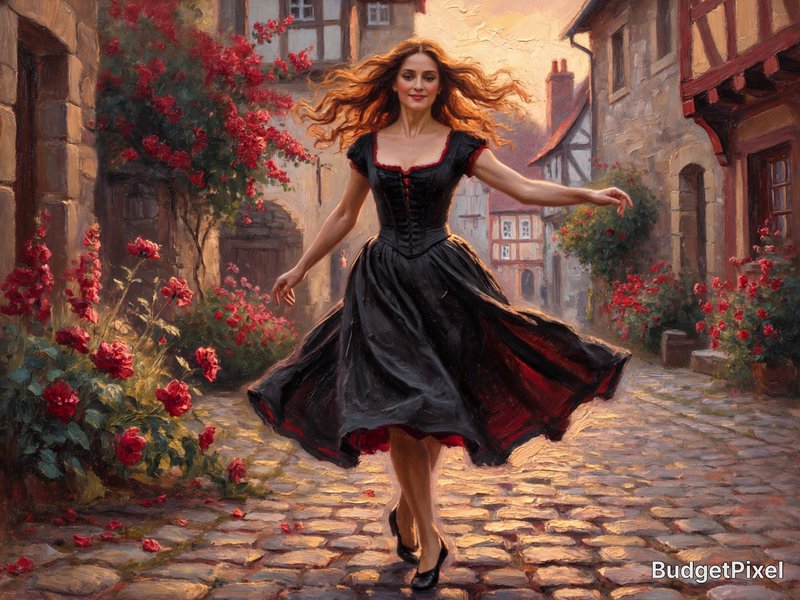
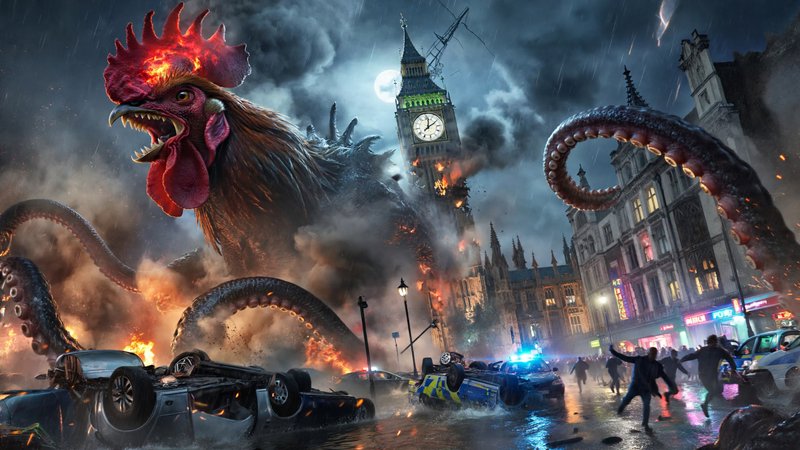
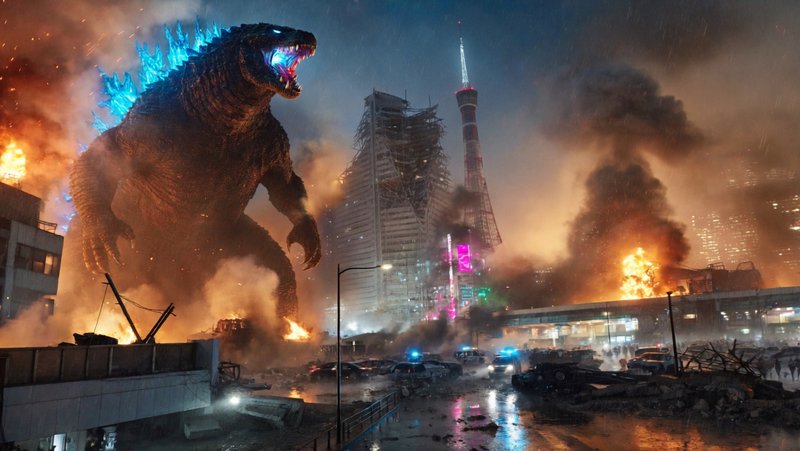
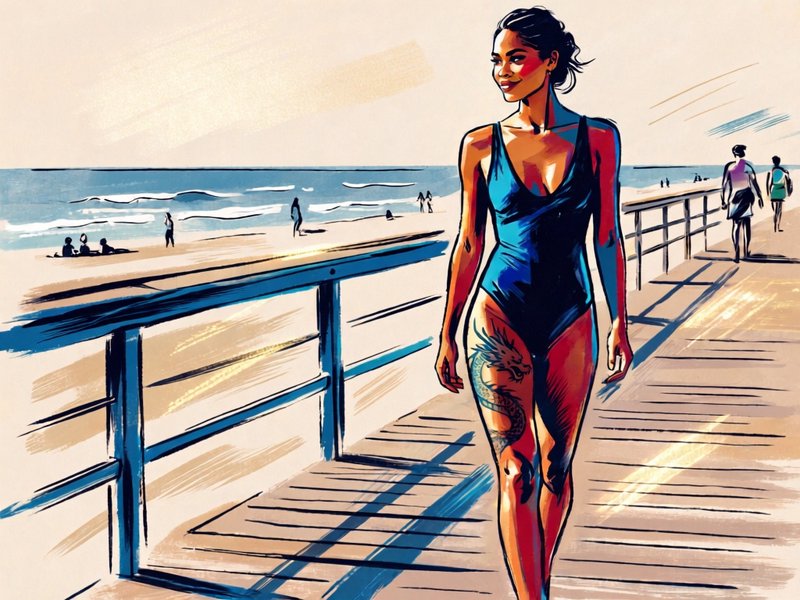
Top community creations
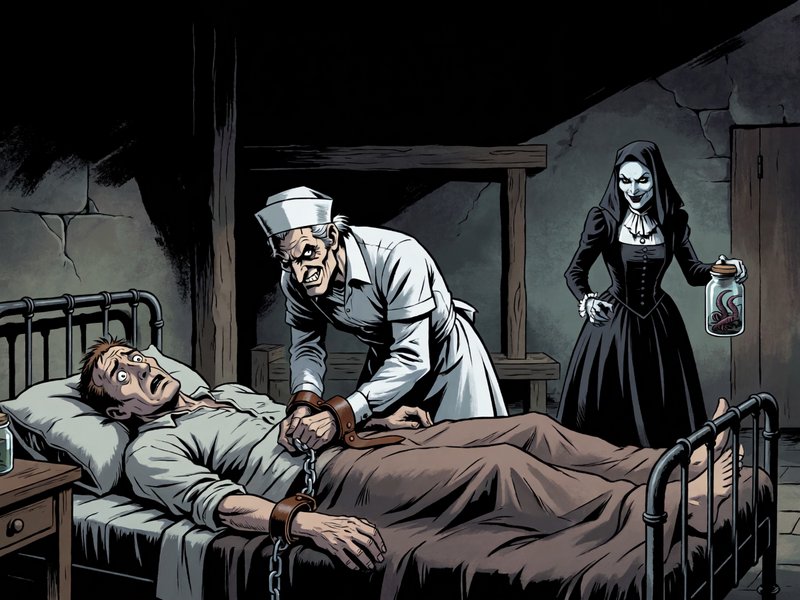
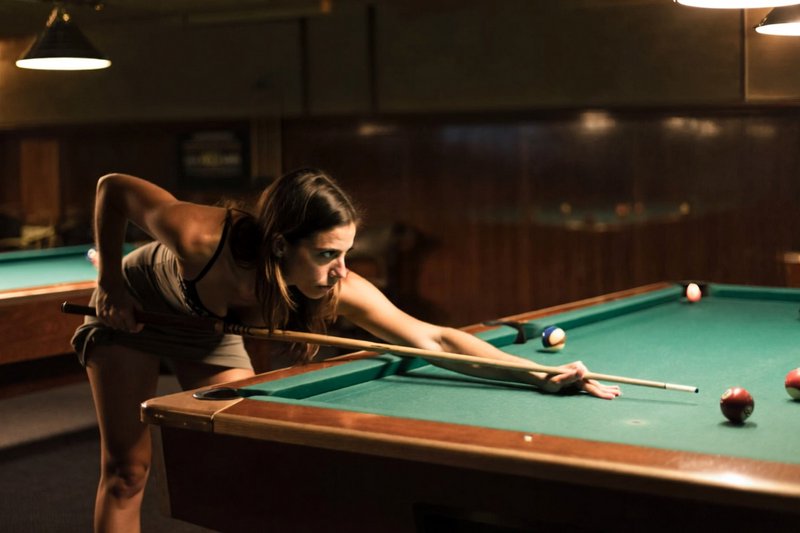
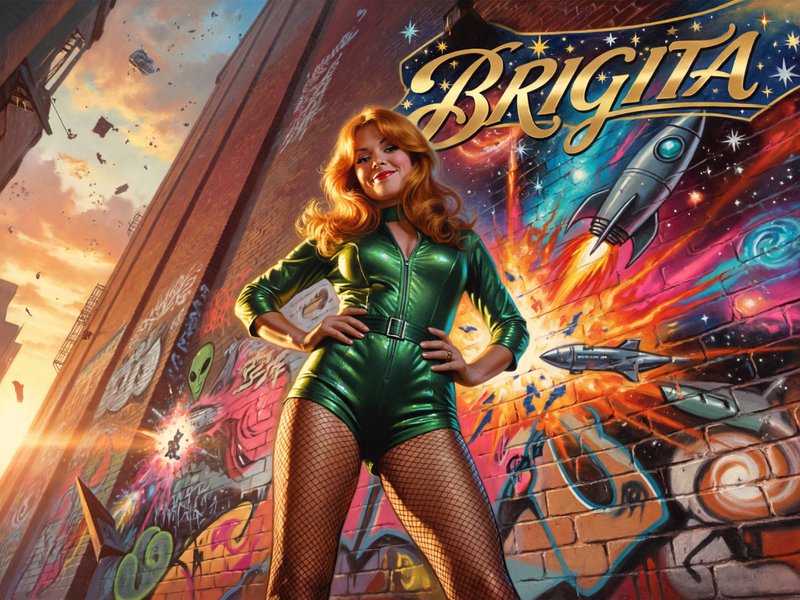
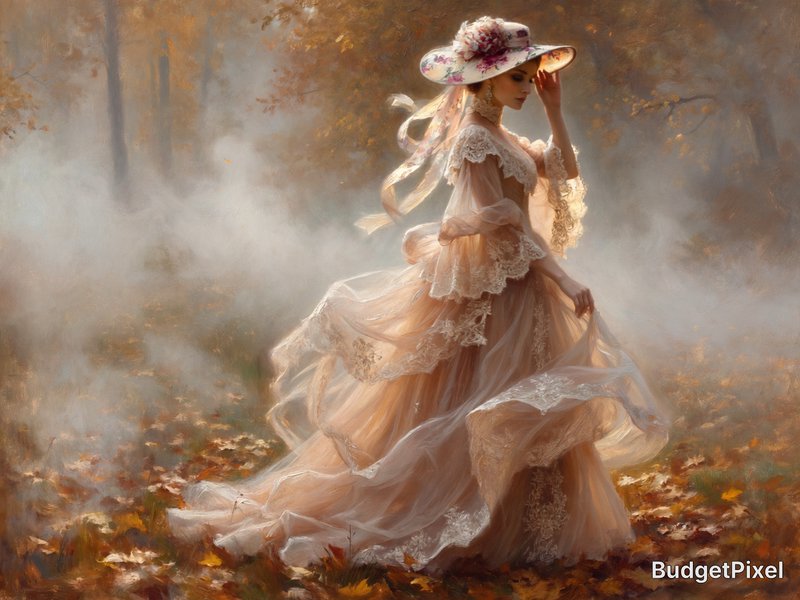
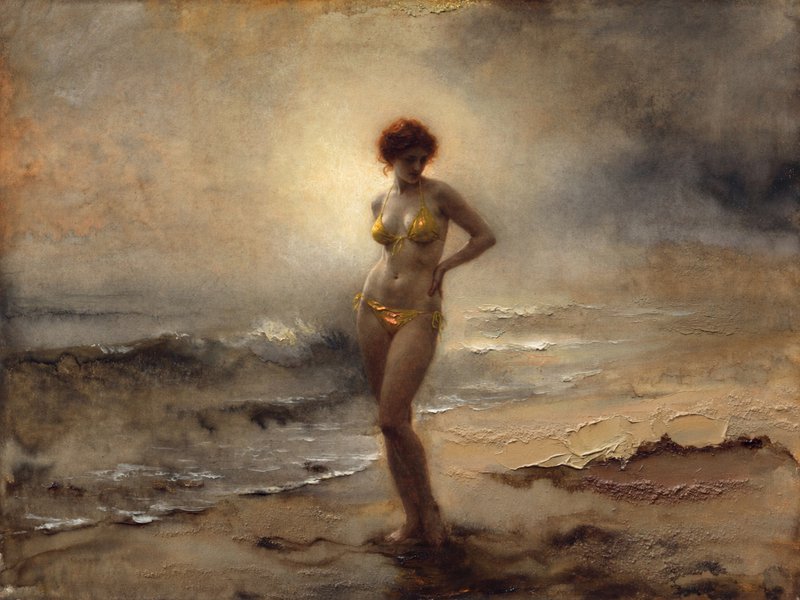
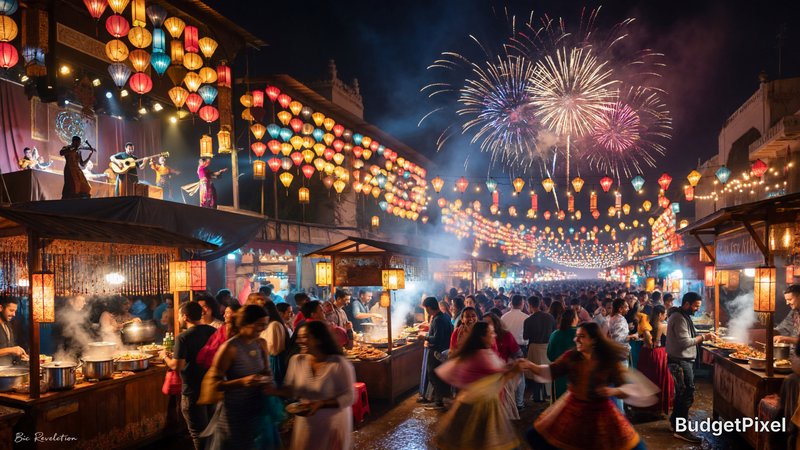
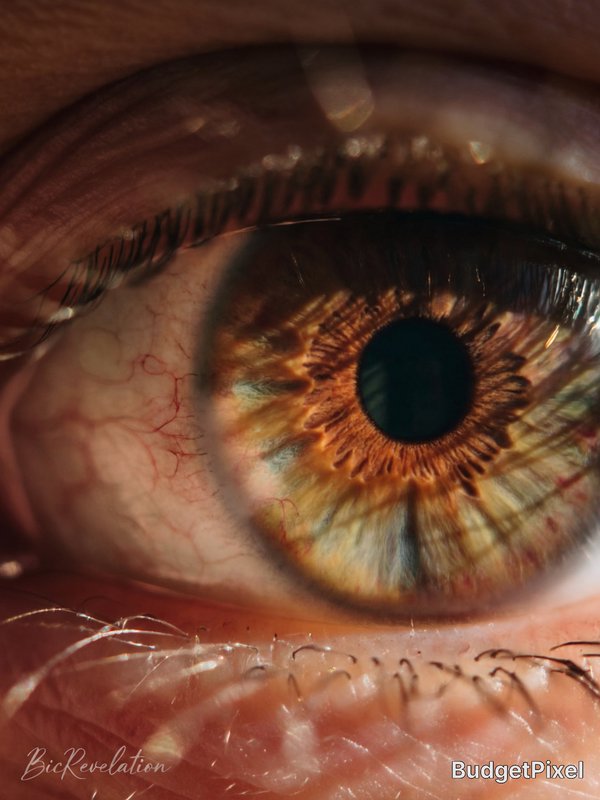
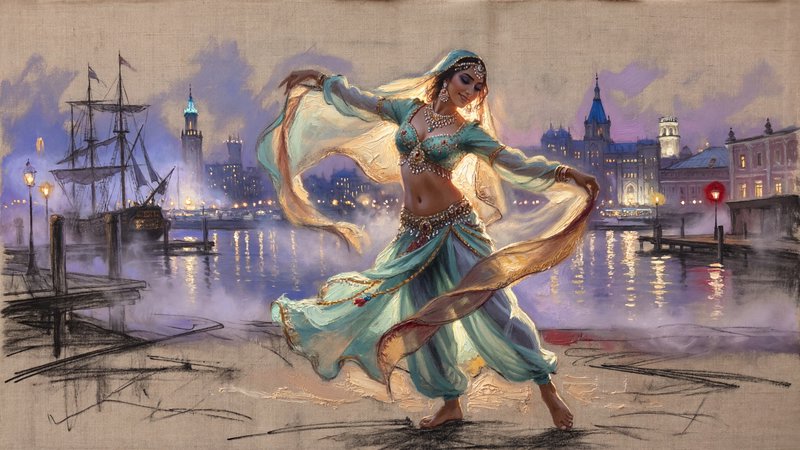
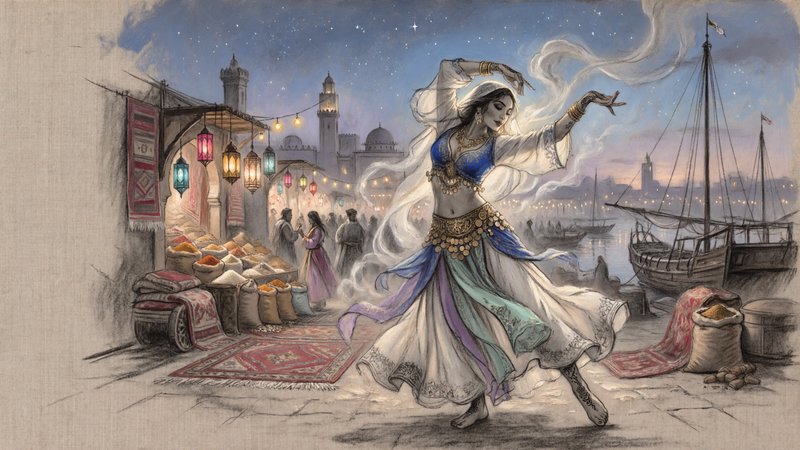
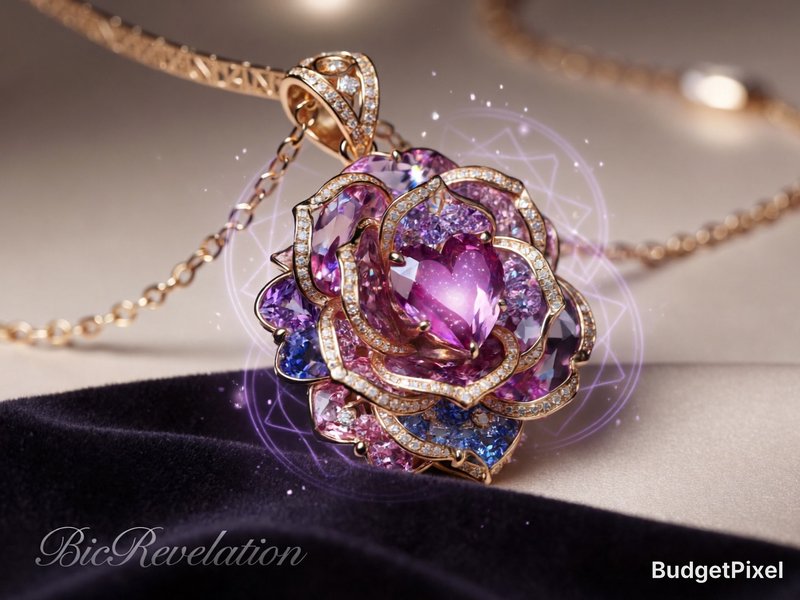
Recent ImagineArt 2.0 images shared by the BudgetPixel community.
![**Prompt:**
**Subject:**
1950s pin-up model (resembling Bettie Page) kneeling in shallow ocean surf, wearing a form-fitting one-piece zebra-print bathing suit with high-cut legs and halter neckline. She is barefoot, her soles visibly wrinkled and glistening from the saltwater, toes slightly curled into wet sand as gentle waves lap around her. A massive, majestic leopard crouches beside her, its muscular body sleek with moisture, jaws slightly parted in a silent, protective roar. The model gazes at the viewer with a sultry, knowing smile as her fingers sink into the leopard's damp fur, contrasting textures of smooth feline coat against her manicured nails.
**Setting:**
Dusk at a deserted tropical beach, soft golden light casting long shadows, foamy surf dissolving into mist around them. Distant palm trees sway in a salty breeze. The shoreline reflects faint ripples, blending the boundaries between wet sand and ocean.
**Styling:**
Black & white high-contrast photography (1950s aesthetic), mimicking vintage gelatin silver prints with rich tonal depth. Soft focus on the background, razor-sharp detail on the model and leopard (individual fur strands, water droplets on skin, fabric wrinkles). Subtle graininess for authenticity.
**Composition:**
Low-angle shot emphasizing the model's curves and the leopard's dominance. Asymmetrical balance—her body leans slightly toward the beast, creating tension. The leopard's tail curls around her calf possessively.
**Lighting:**
Dramatic chiaroscuro with directional light from the left, highlighting the sheen on her suit and the leopard’s wet fur. Deep shadows accentuate muscle definition (human and animal).
**Nuanced Elements:**
- Micro-details: Sand granules stuck to her soles, leopard’s whiskers twitching.
- Movement implied: Her hair tousled by wind, waves receding around her knees.
- Surreal touch: The leopard’s eyes glow faintly, matching her dark lipstick.
**Keywords (prioritized):**
barefoot, soles, wrinkled feet, wet fur, zebra print, retro pin-up, roaring leopard, vintage aesthetic, ocean surf, high contrast, tactile textures, dominance, protection, surreal elegance
**Formatting for AI:**
"1950s black & white pin-up, Bettie Page-style model kneeling barefoot in surf, wrinkled soles pressed into wet sand, wearing zebra-print one-piece swimsuit, stroking a massive roaring leopard beside her, fur glistening with water droplets, dusk lighting, high-contrast vintage photo, detailed textures (skin/fabric/fur), surreal yet realistic, cinematic composition, [keywords...]"
**Mood:**
Playfully dangerous, effortlessly sensual, timelessly wild.n.](https://cdn.budgetpixel.com/posts/2994/thumb/1778298496393993636-95e8cfdf-2a1d-4365-a1d2-a84dd066fe5f.jpg)
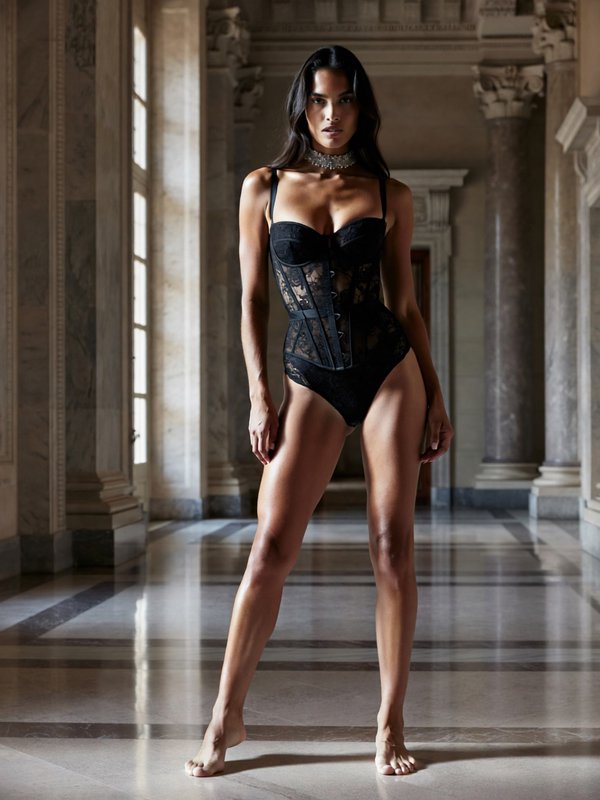
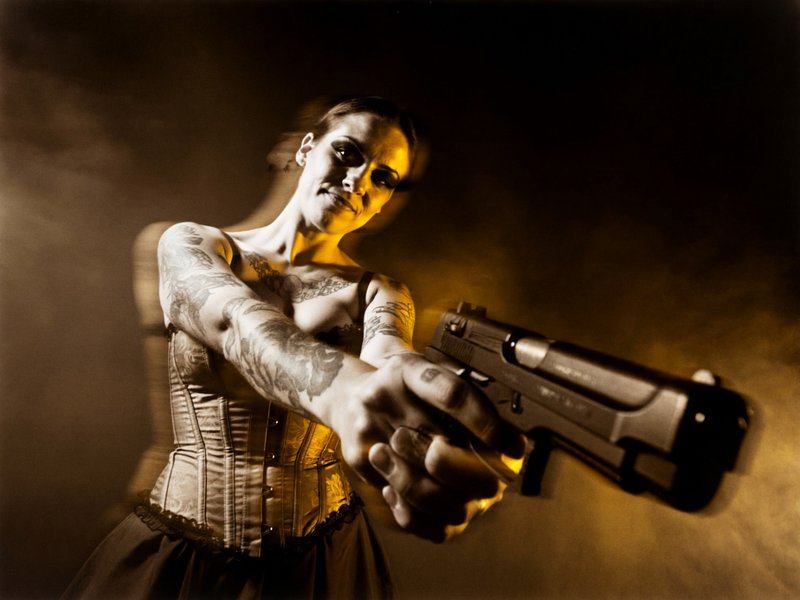
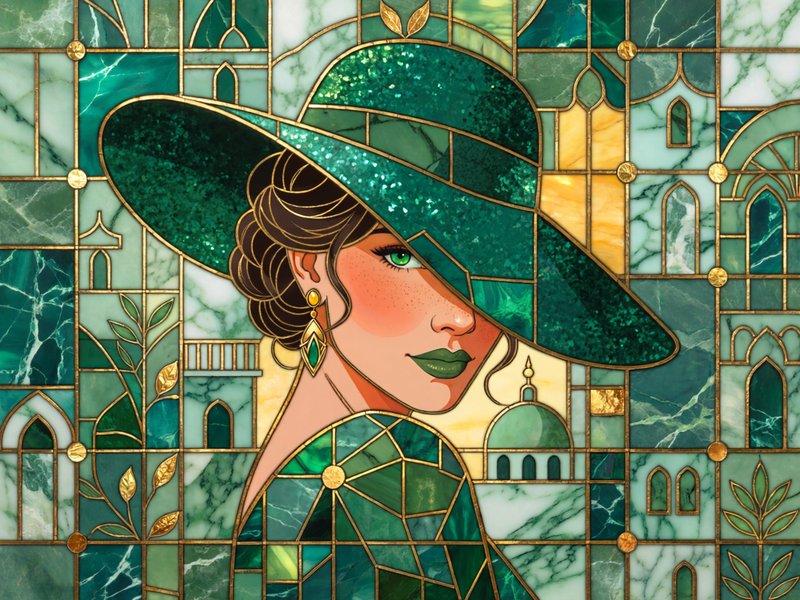
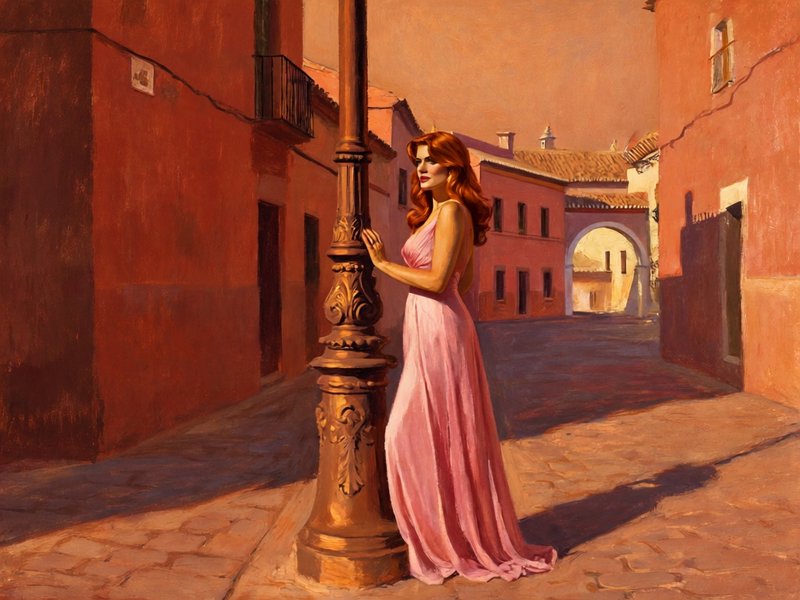
How ImagineArt 2.0 ranks in blind votes
In the BudgetPixel AI Image Arena, voters pick between two images made from the same prompt without knowing which model made them. ImagineArt 2.0 has 1,884 wins and 468 ties in 4,406 votes against 25 other recent image models.
- #13 of 26
- overall rank
- 1478
- Elo (95% range 1470–1489)
- 4,406
- blind votes
- 29 s
- median generation time
Rank by category
ImagineArt 2.0 head to head
Ratings are refitted nightly; last updated Oct 15, 2026. See every ImagineArt 2.0 arena image or vote in the arena.
Pricing for ImagineArt 2.0
Runs on credits — no per-model surcharges, no surprise billing.
60credits
per generation
60 credits per image
Show pricing details▾
ResolutionCredits
- 2Kdefault60/ generation
- 1K40/ generation
Credits work across every plan. See /pricing for credit packages.
ImagineArt 2.0 at a glance
- 1K / 2K resolution tiers
- High-reasoning generation
- Improved photorealism
- Strong prompt adherence
- Text rendering
- Seed reproducibility
How ImagineArt 2.0 compares
The differences that actually change which one you pick.
- ImagineArt 2.0 vs Qwen Image 3.0 Pro
- Both aim at photorealism with legible text at 1K/2K. Qwen Image 3.0 Pro also takes up to 3 reference images, and it is the replacement on BudgetPixel.
- ImagineArt 2.0 vs GPT-Image-2
- Both render text well. GPT-Image-2 goes up to 4K and allows reference images; ImagineArt 2 is text-to-image only but more permissive.
- ImagineArt 2.0 vs Recraft V4
- ImagineArt 2 leans photorealistic; Recraft V4 leans design-grade composition.
Frequently asked questions
What is ImagineArt 2.0?▾
ImagineArt 2.0 is ImagineArt's proprietary text-to-image model for detailed prompts, controlled compositions, and varied visual styles. On BudgetPixel, it is offered alongside ImagineArt 1.5 and 1.5 Pro so creators can balance quality, resolution, and credit use.
How do I use ImagineArt 2.0 on BudgetPixel?▾
Open the Images Workshop and select an ImagineArt tier. Enter a prompt, choose the required aspect ratio and available quality settings, then generate variations and refine the prompt.
How much does ImagineArt 2.0 cost?▾
Generation uses credits, with usage depending on the selected tier, resolution, settings, and number of outputs. ImagineArt 1.5 is suited to lower-cost exploration, while the higher tiers are useful when resolution or prompt complexity matters more.
Which ImagineArt tier should I choose?▾
Choose ImagineArt 1.5 when you need many economical drafts or routine content assets. Choose 1.5 Pro for native 4K output, and use 2.0 for nuanced prompts, detailed scenes, and more deliberate composition.
How does ImagineArt 2.0 compare with other AI image generators?▾
ImagineArt 2.0 is a practical generalist for creators who value style range, quick iteration, and tier-based cost control. It fits high-volume social, editorial, thumbnail, and mockup workflows rather than focusing exclusively on one specialist capability.
Does ImagineArt 2.0 render text well?▾
The provider describes improved text rendering, and the model can produce useful short labels, signs, and display words. It is not positioned here as a typography specialist, so proofread every result and expect to correct exact brand copy.
What resolutions and aspect ratios does ImagineArt support?▾
ImagineArt 2.0 supports 1K and 2K text-to-image generation, while ImagineArt 1.5 Pro is documented with native 4K output. The 2.0 generator supports fourteen ratios ranging from 1:4 and 1:3 tall formats to 4:1 and 21:9 wide formats.
Does ImagineArt 2.0 support reference images and editing?▾
The separate ImagineArt 2.0 Edit model supports one to four reference images, automatic ratio matching, and 2048-pixel output. Availability depends on the controls offered in the selected BudgetPixel workflow.
Can I use ImagineArt images commercially?▾
ImagineArt's provider terms permit commercial use for paid subscribers, subject to applicable policies and intellectual-property rights. Review both the current BudgetPixel terms and provider terms before using an output in advertising, packaging, or merchandise.
What content is restricted when using ImagineArt?▾
The provider prohibits unlawful, sexually explicit, excessively violent, hateful, maliciously deceptive, and rights-infringing content. Users must also have permission for uploaded reference images and must not use generated media to violate privacy or publicity rights.