
Mountains AI images
Peaks, ranges and high country, from valley floor to summit.
327 published by the BudgetPixel community
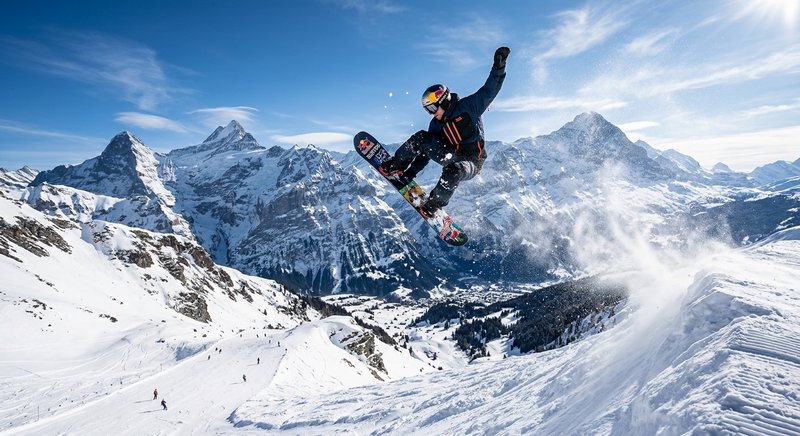
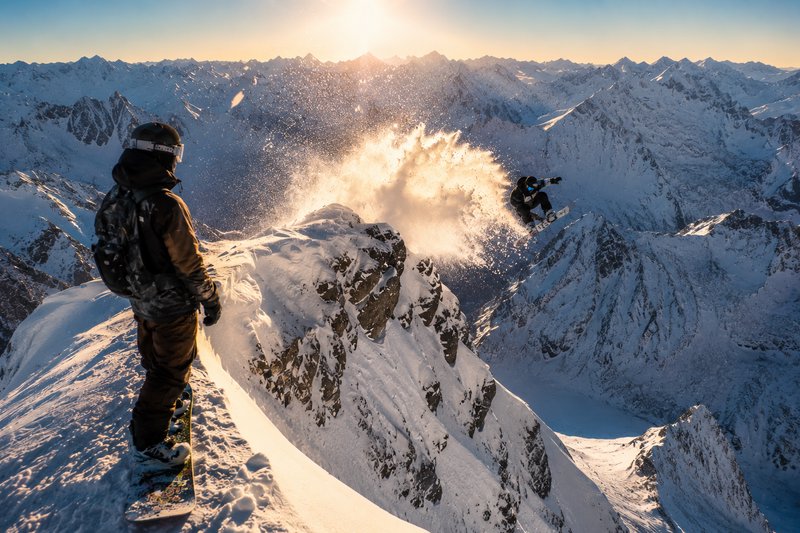
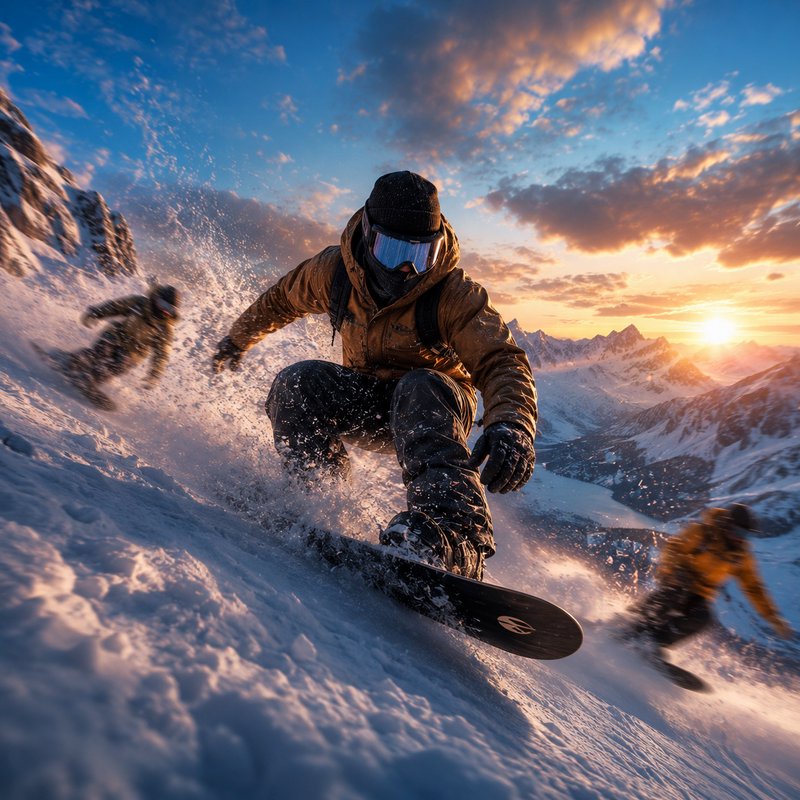
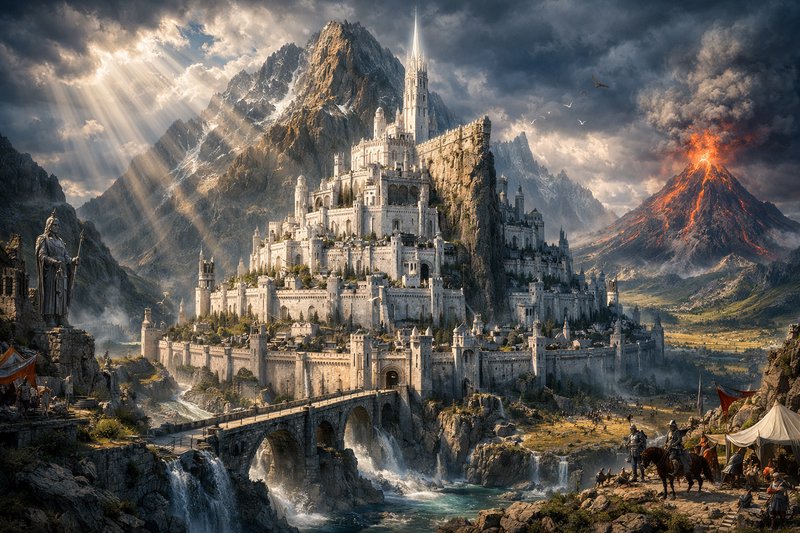
Mountain imagery depends on two things a prompt can control directly: layering and light. Distance in mountains is revealed by successive ridgelines fading into atmospheric haze, and form is revealed by low sun raking across slopes to separate lit faces from shadowed ones. Overhead light flattens a range into a grey mass, which is why most mountain photography happens near dawn and dusk.
Make your own mountains image
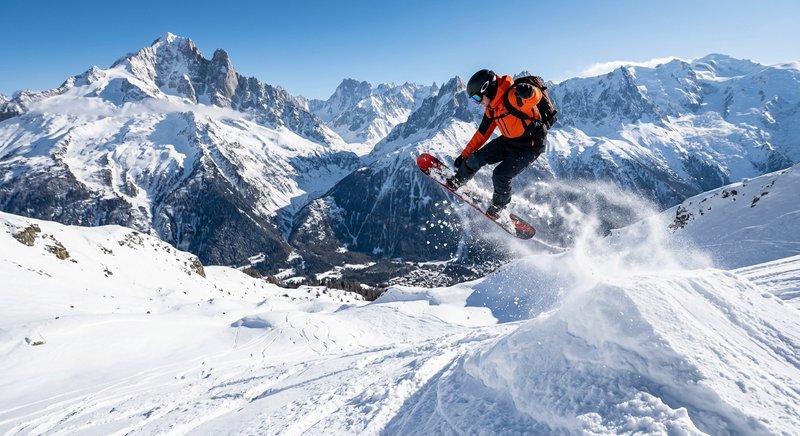
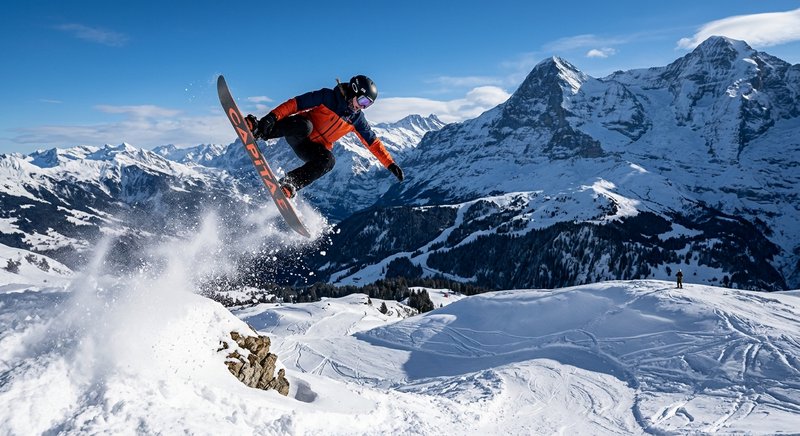
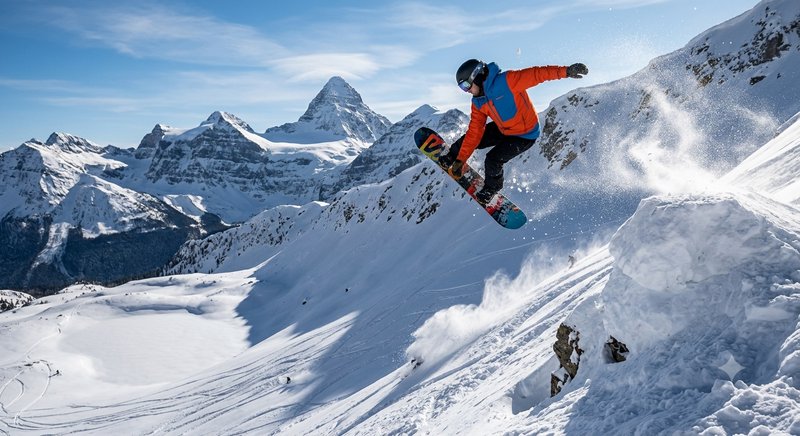
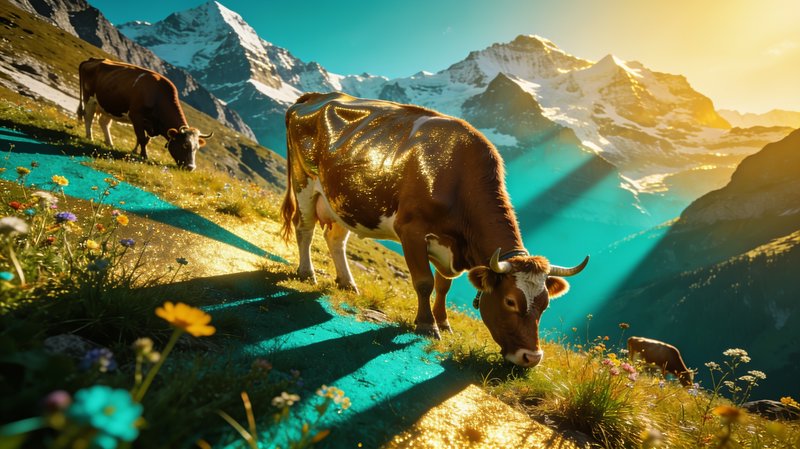
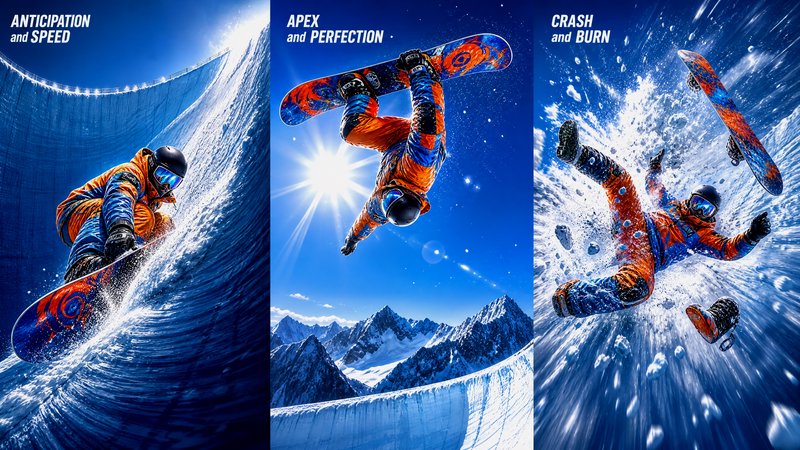
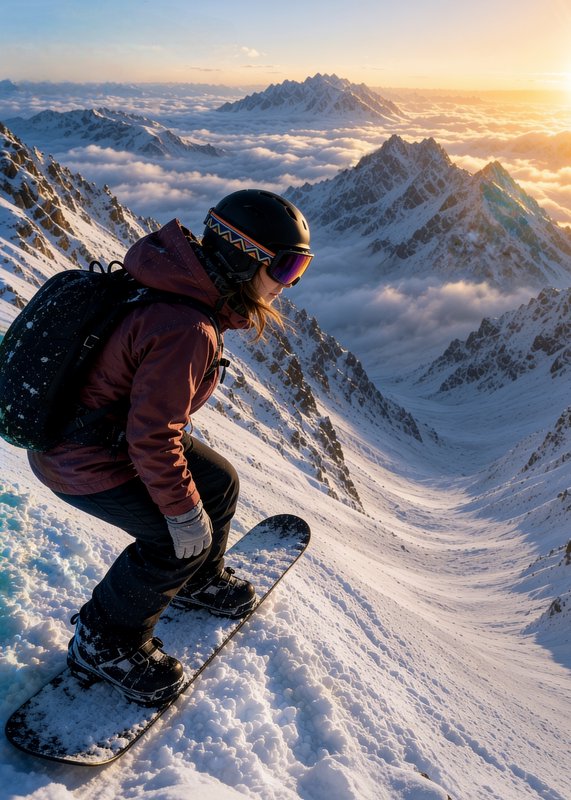
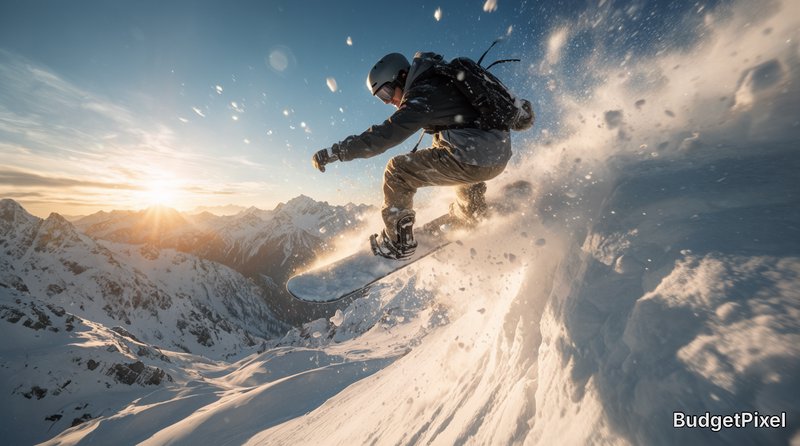
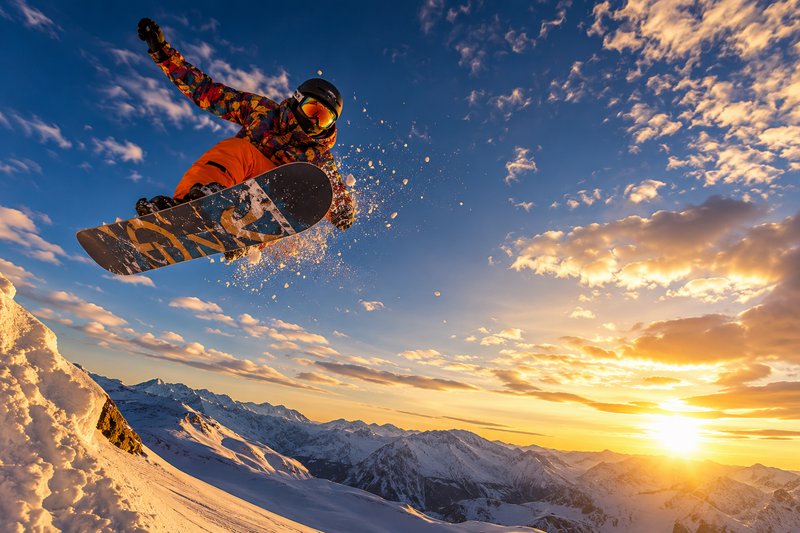
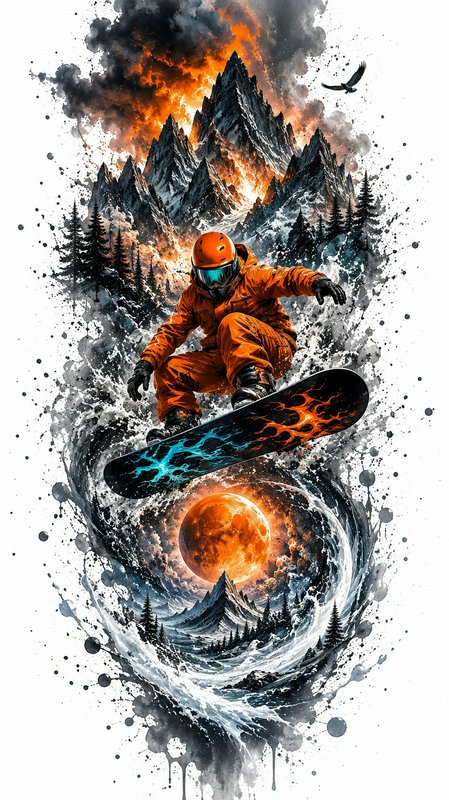
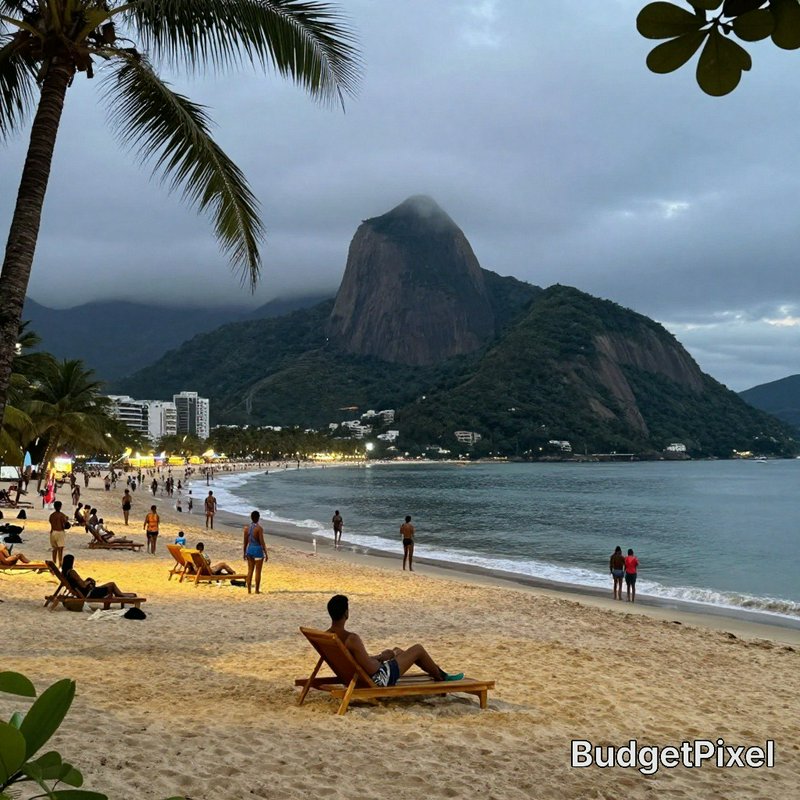
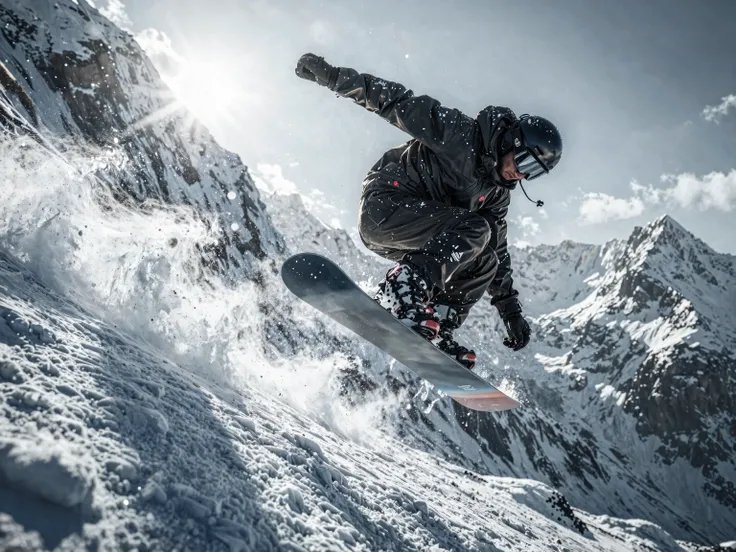
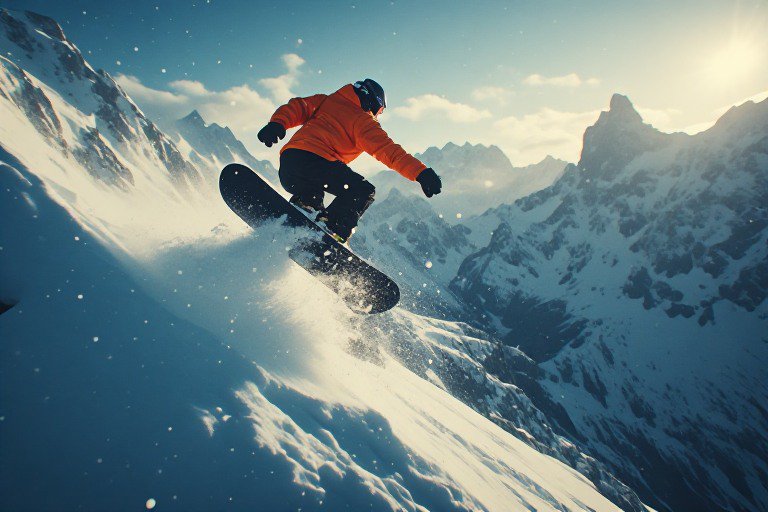
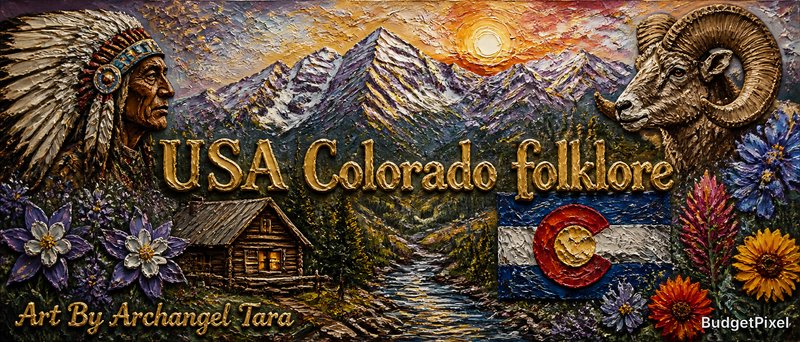
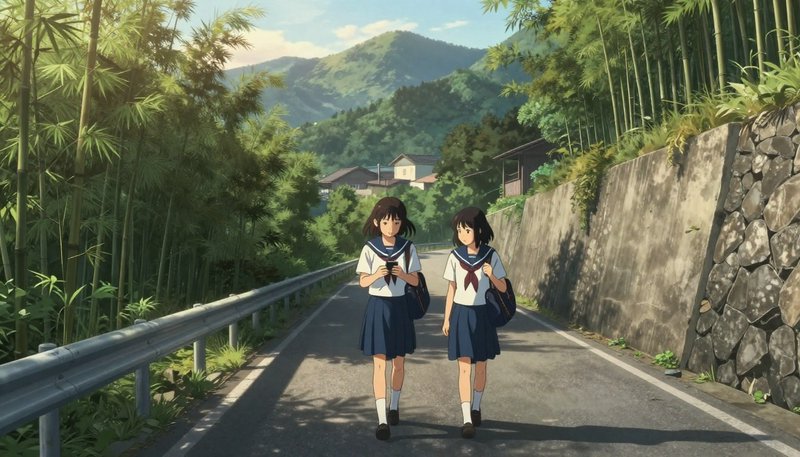
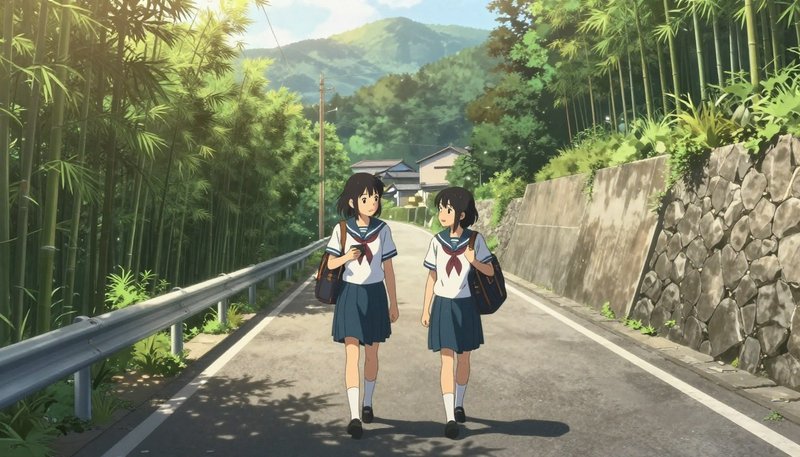
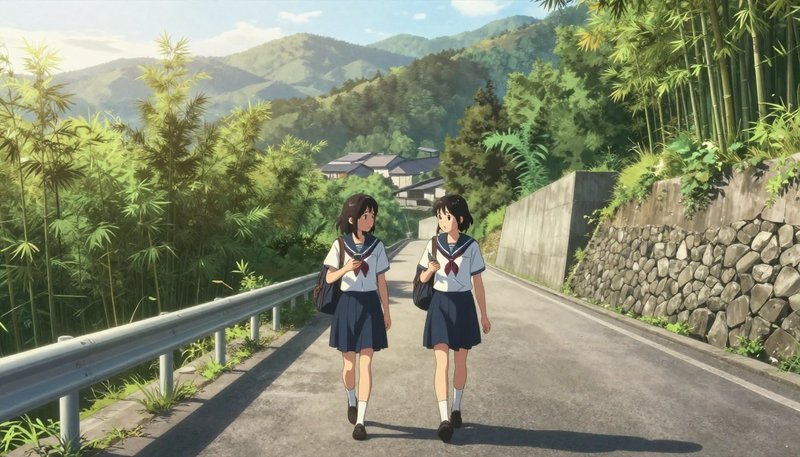
Everything in this grid was generated on BudgetPixel. Describe what you want and the same models will make it.
Start creatingMake your own mountains image
Everything in this grid was generated on BudgetPixel. Describe what you want and the same models will make it.
Start creating
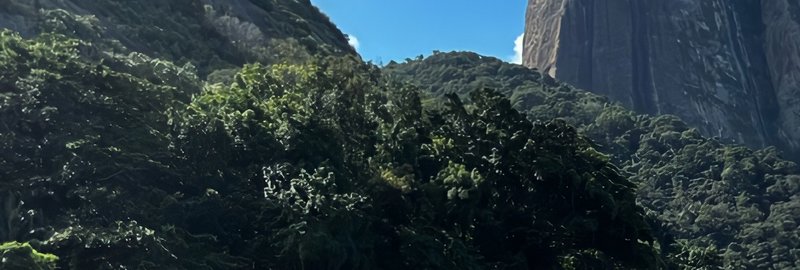
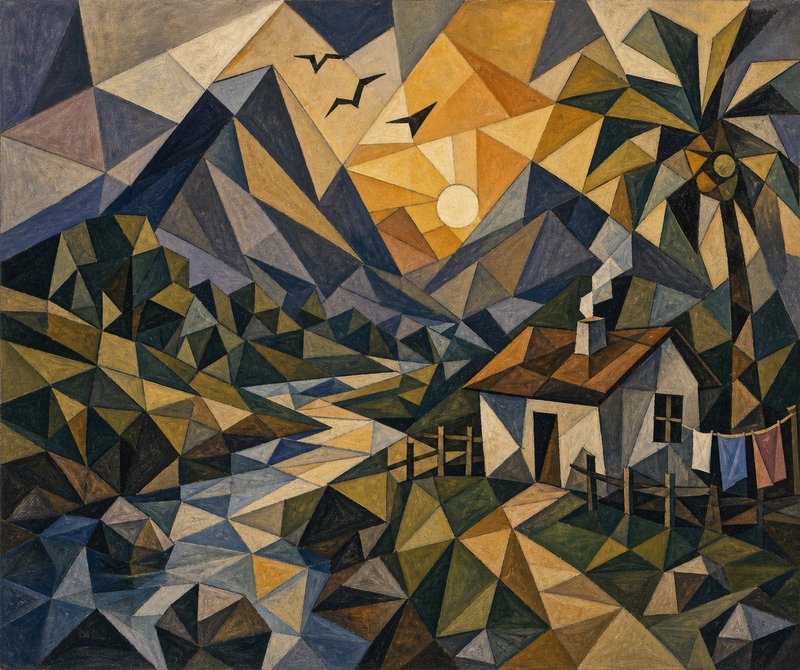
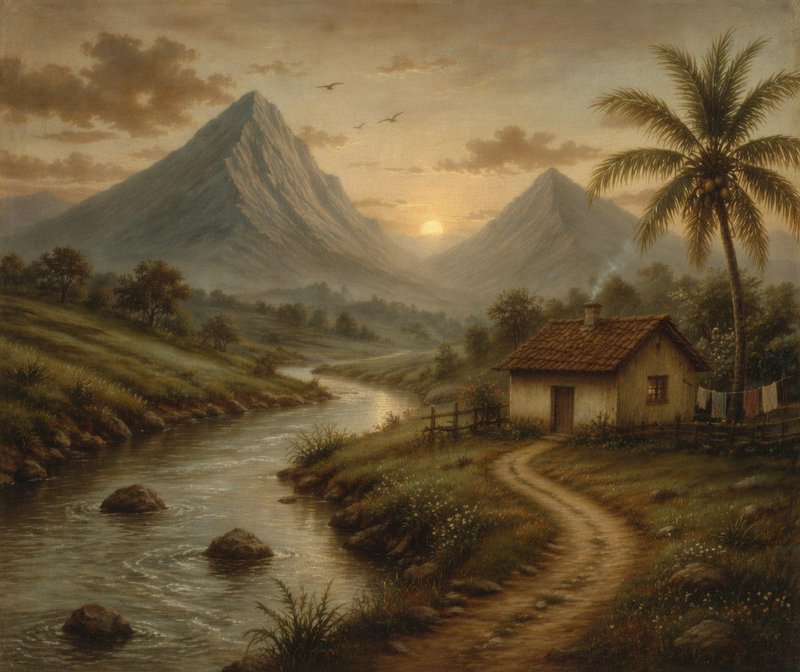

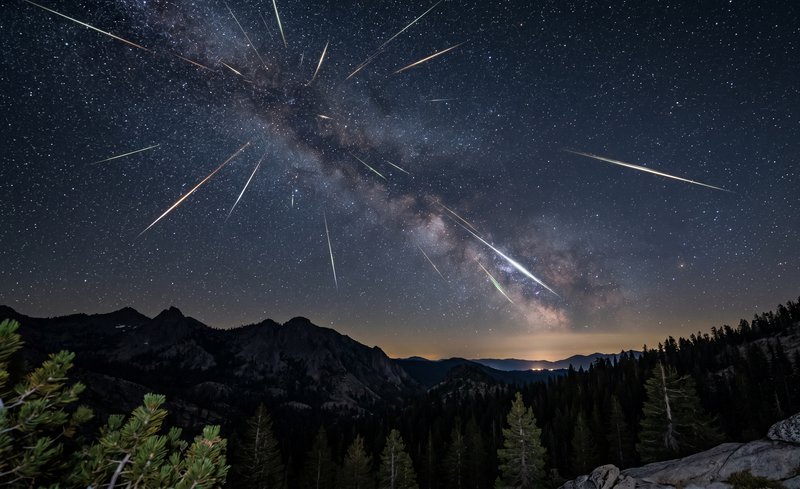

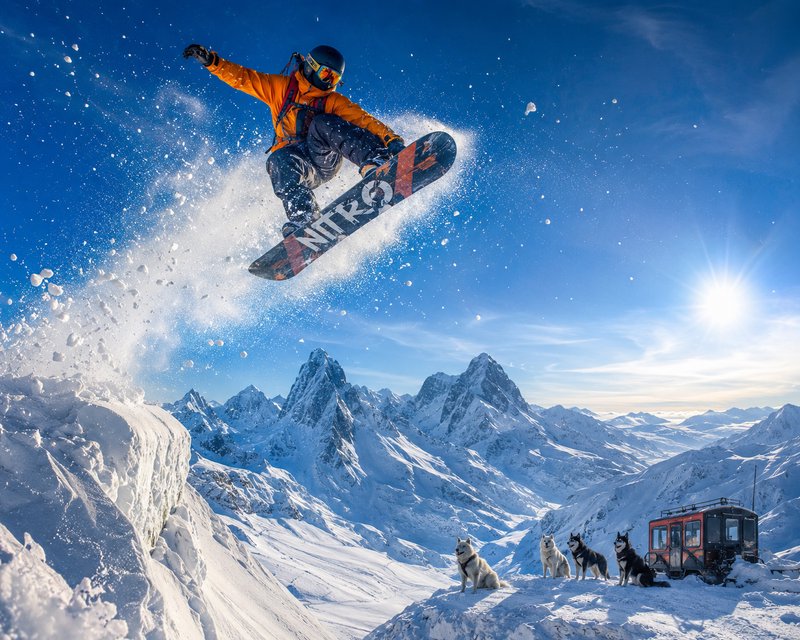
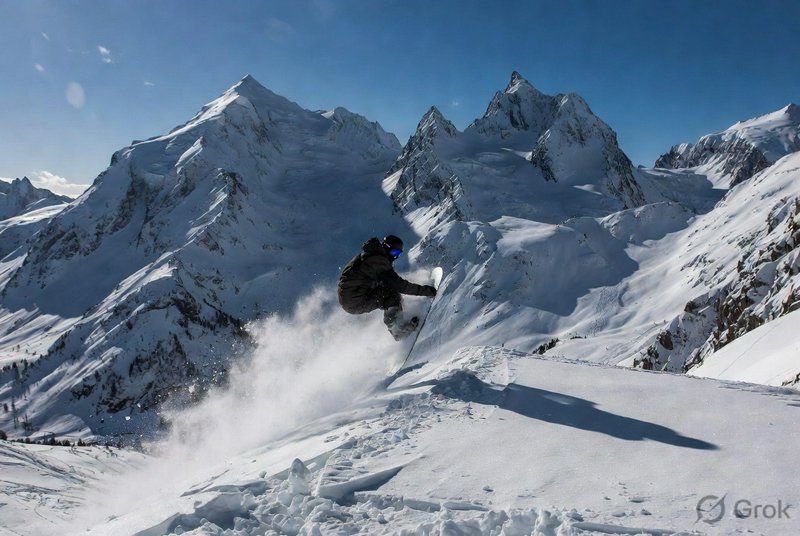
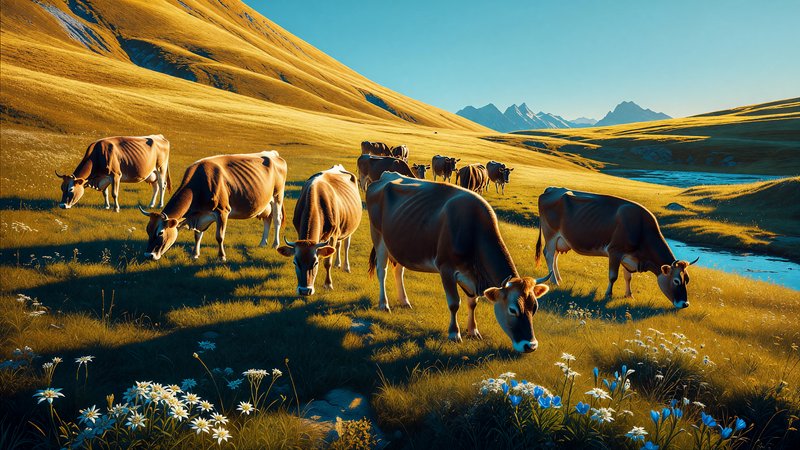
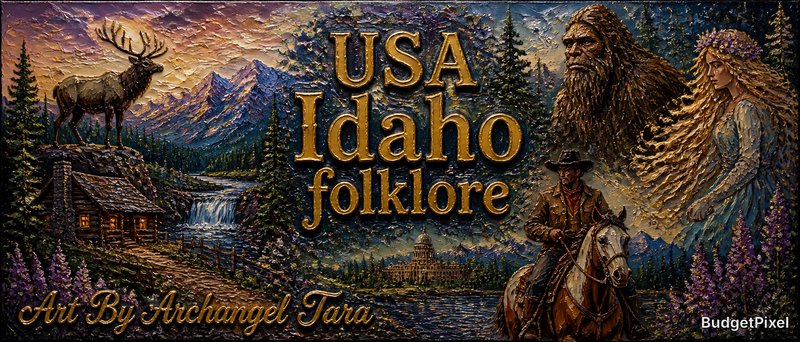
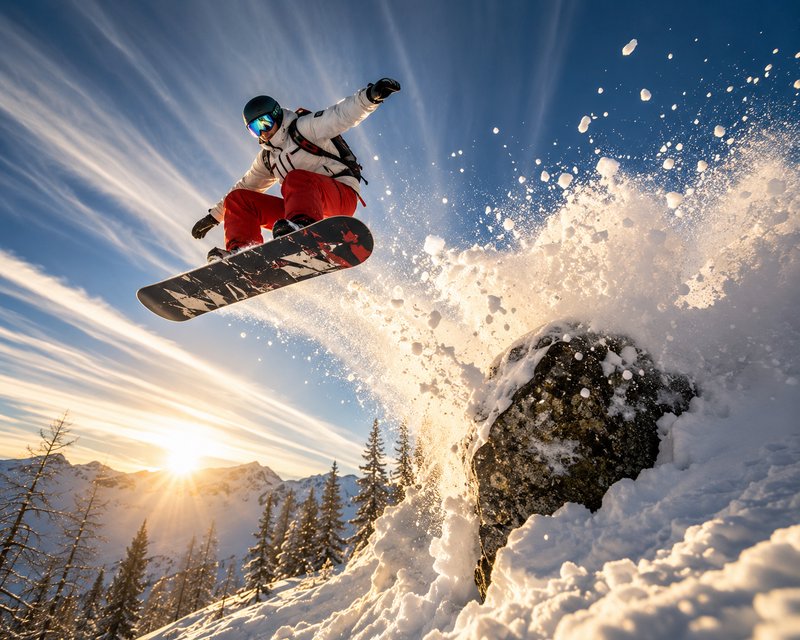
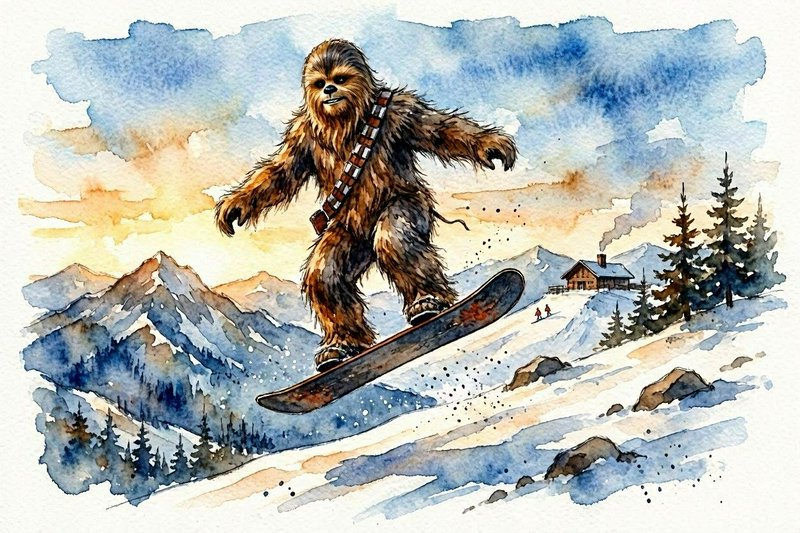
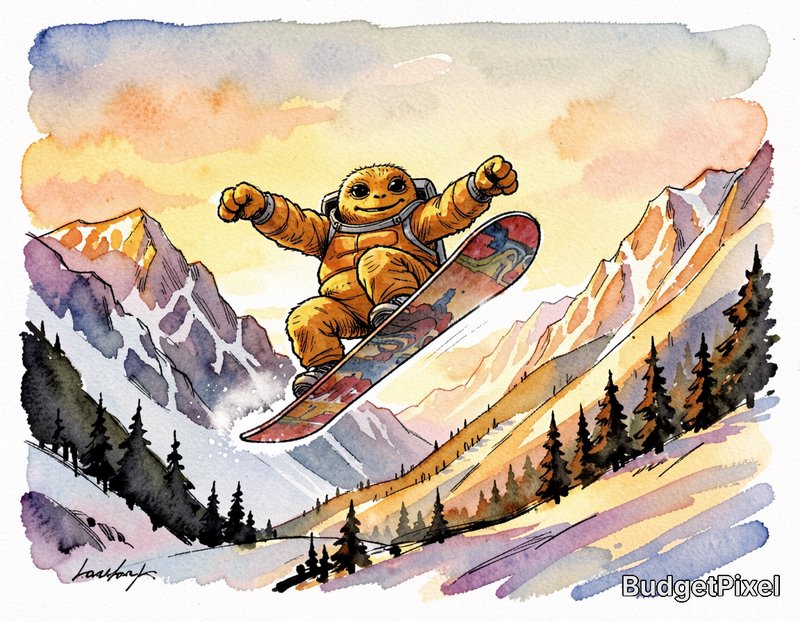
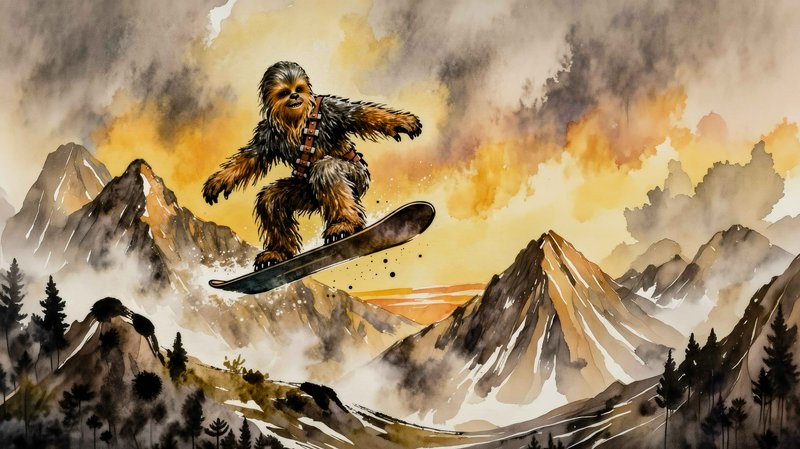
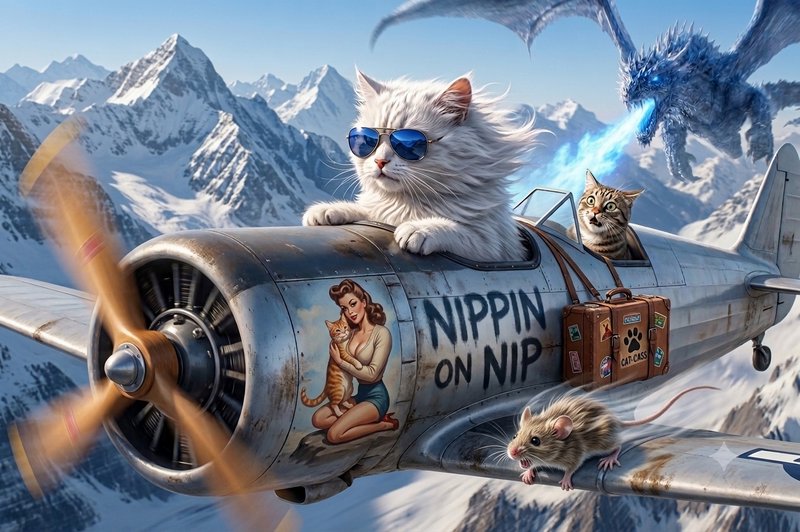
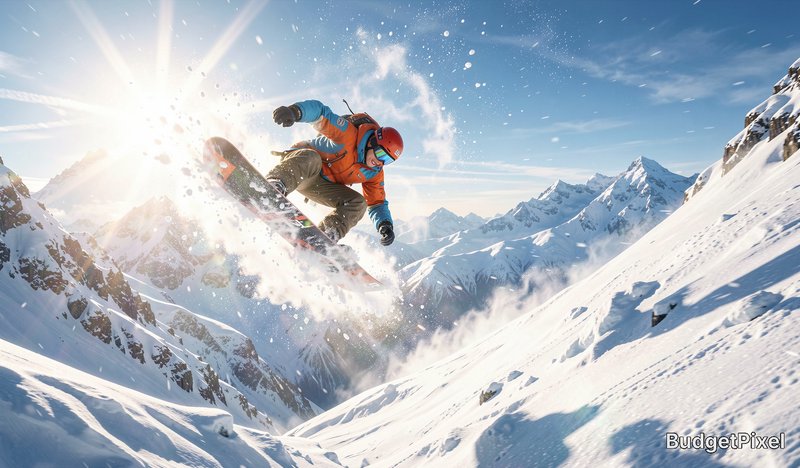
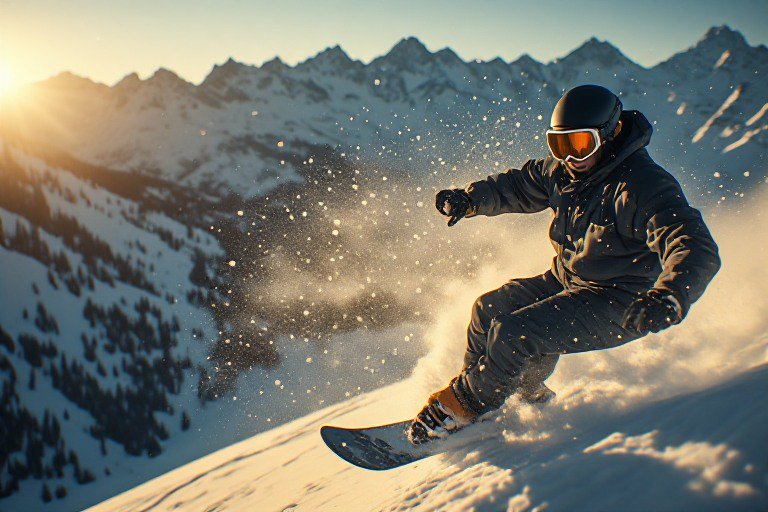
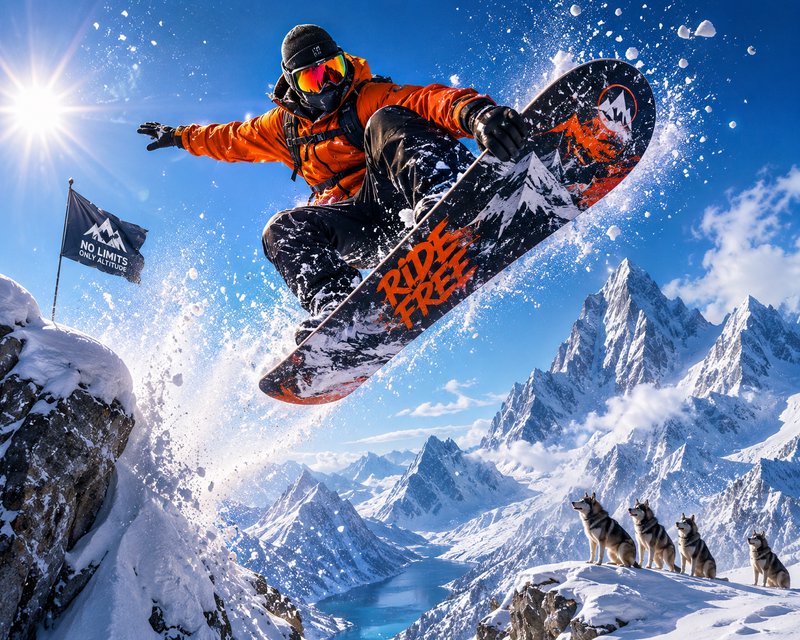
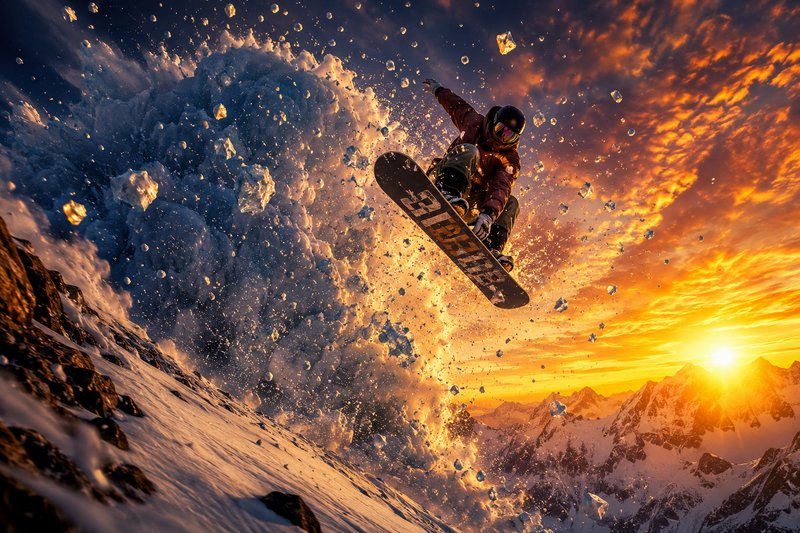
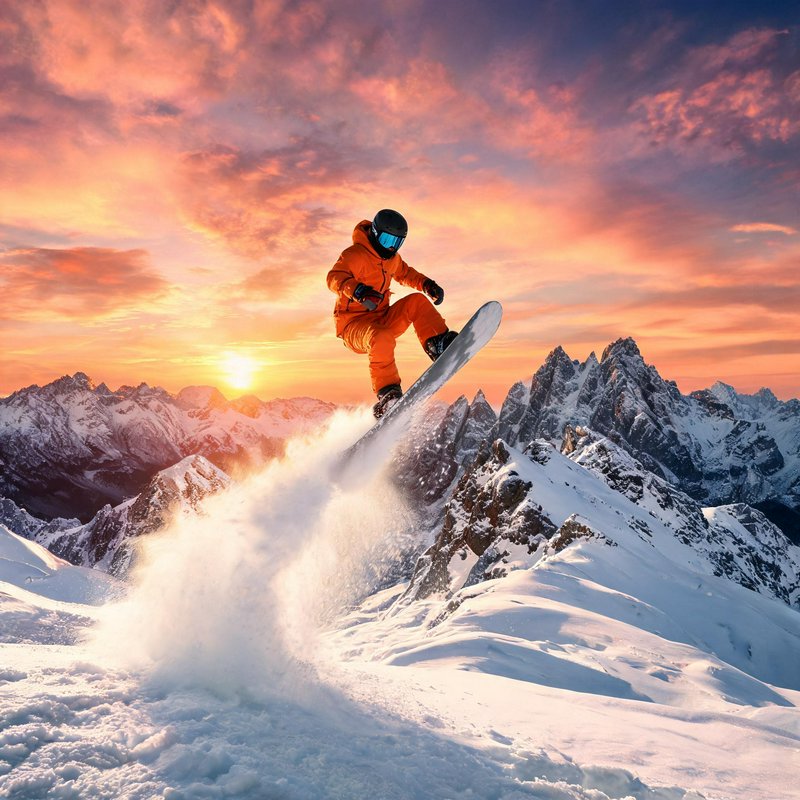
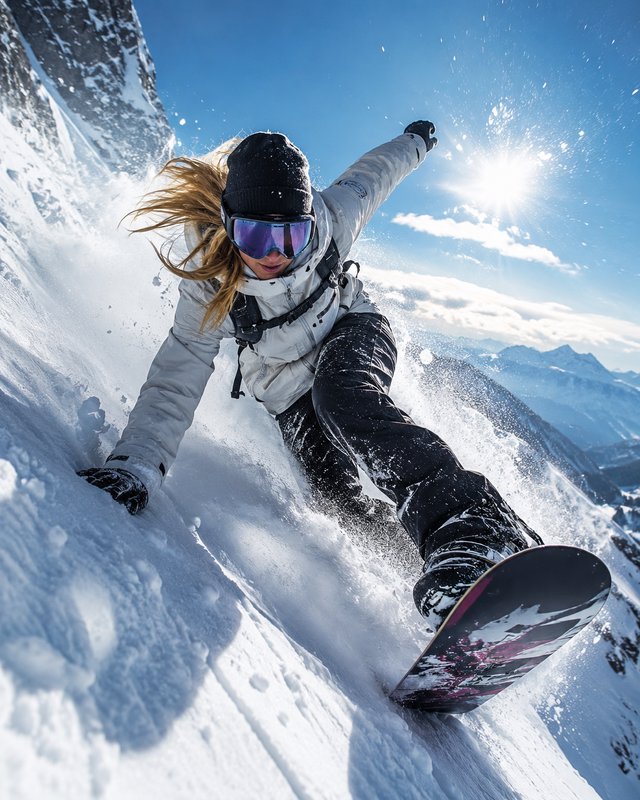
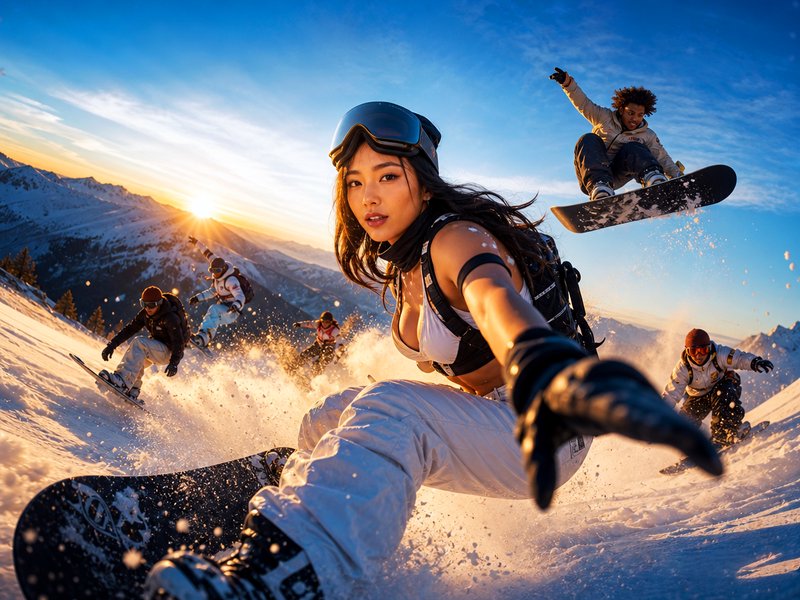
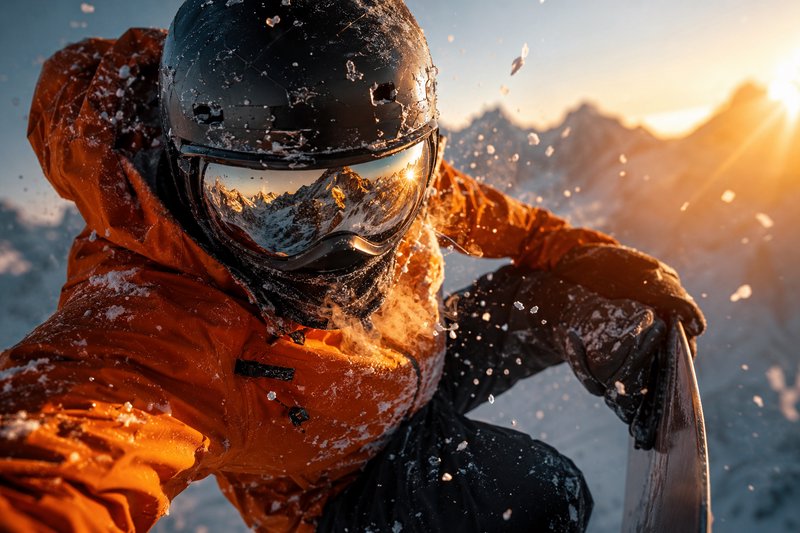
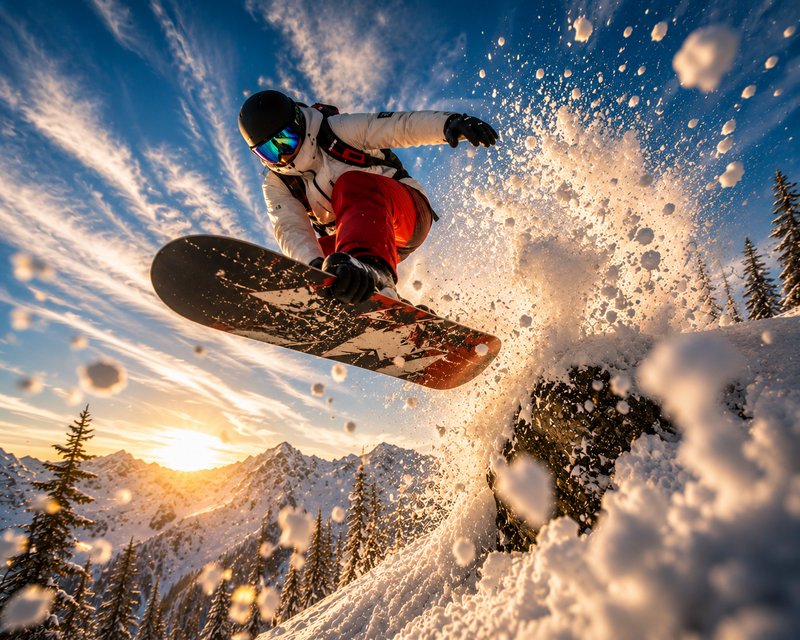
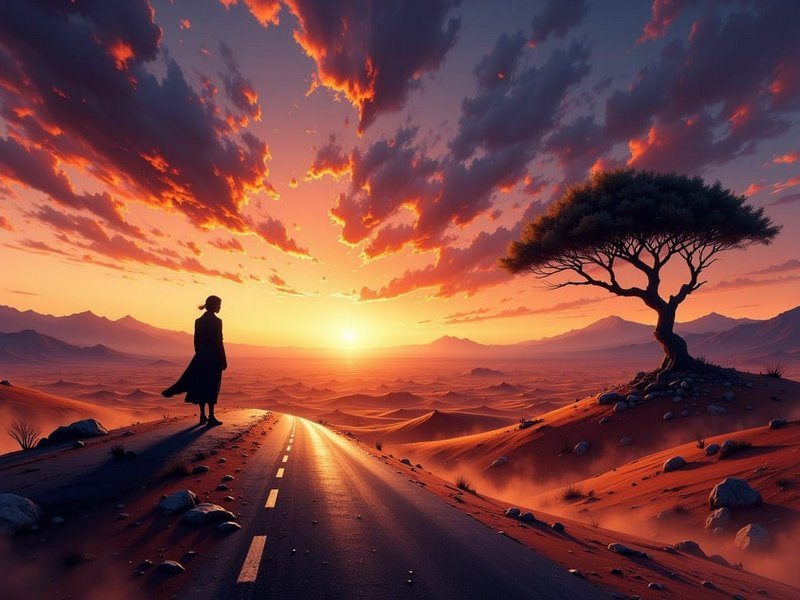
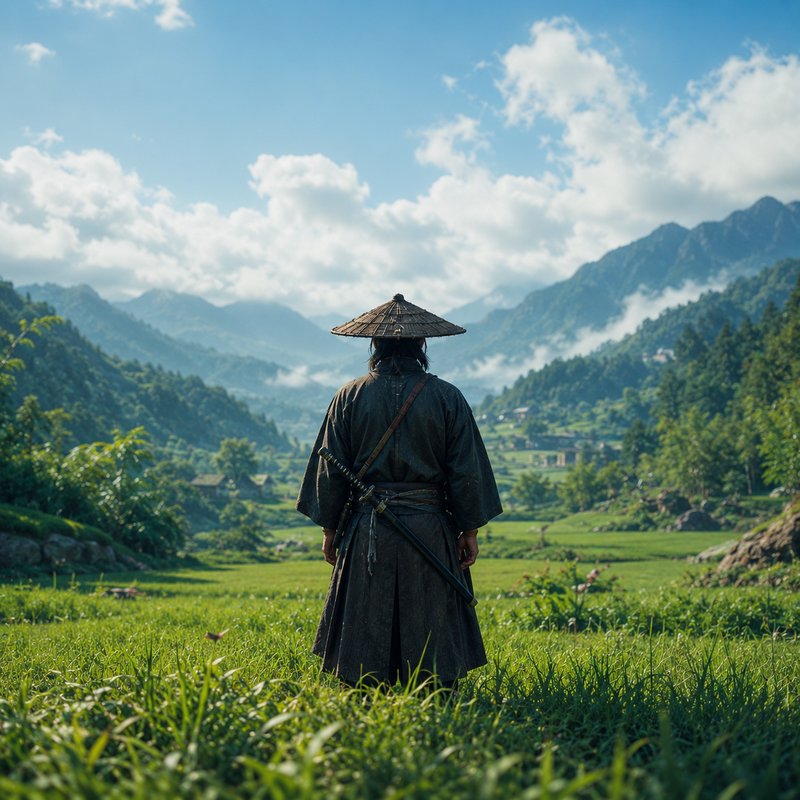
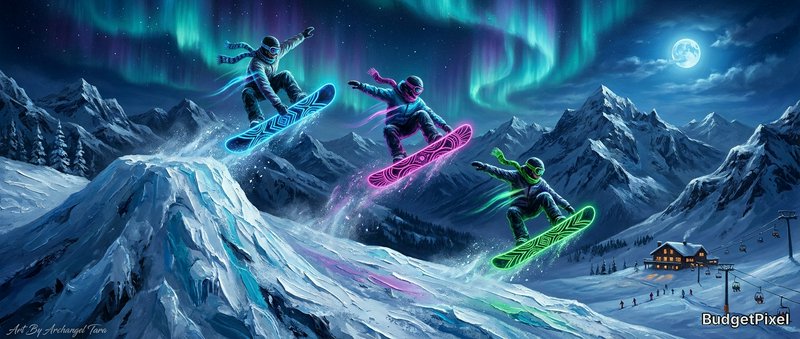
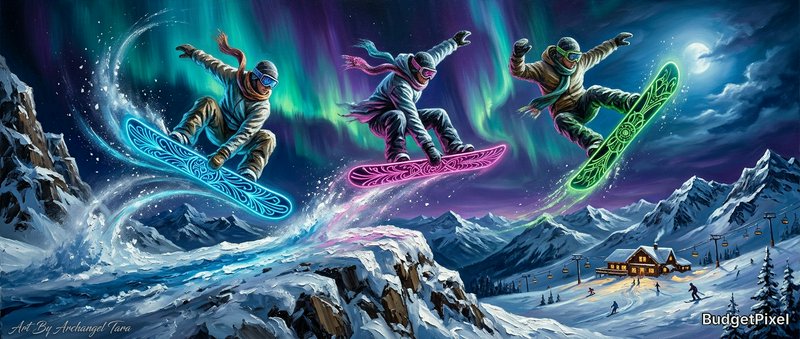
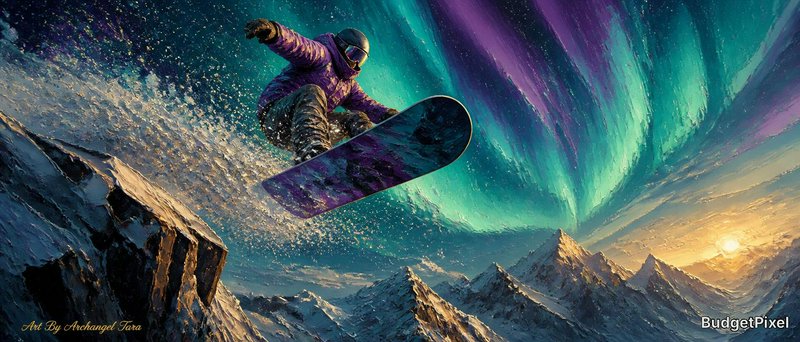
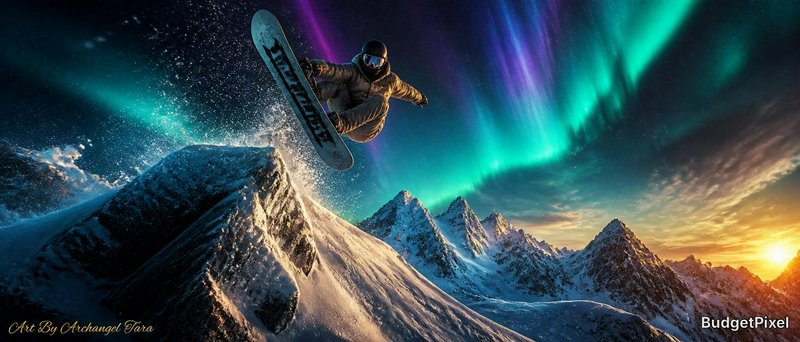
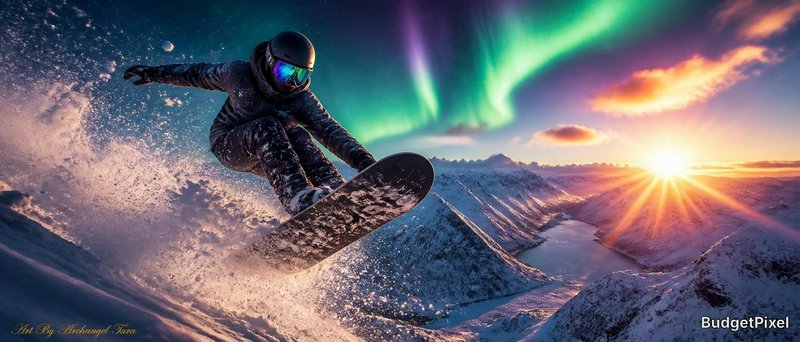
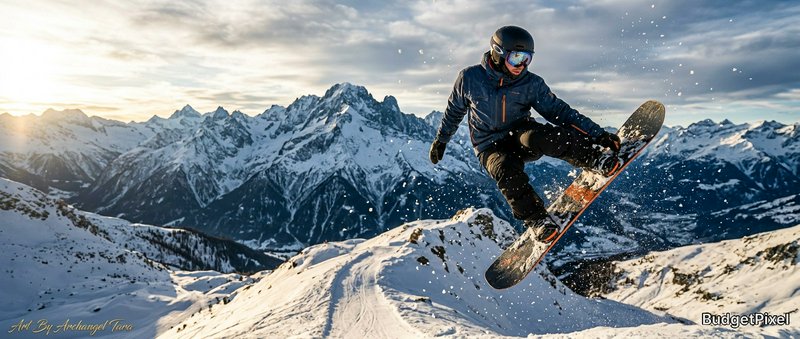
Mountains prompts to start from
Working prompts, not fragments. Open one to load it into the generator, then change whatever you like.
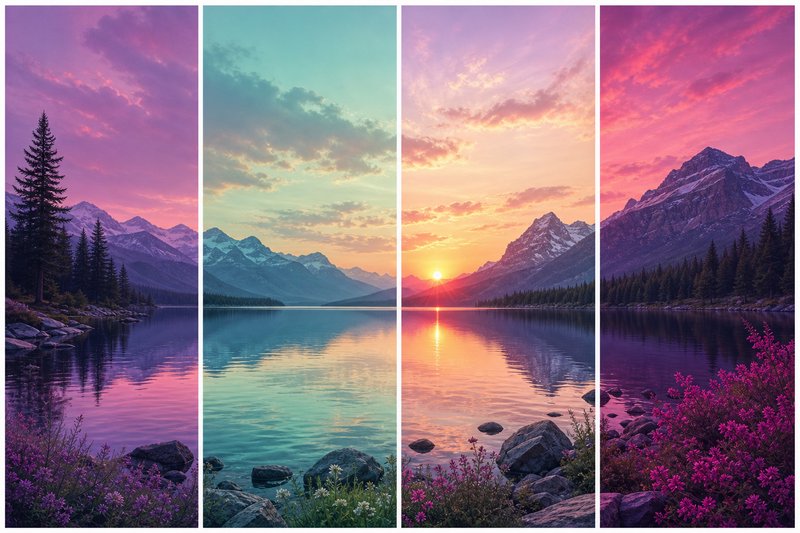
- Successive ridgelines fading into haze, each layer lighter than the last, low sun raking across the nearest faceUse →
- Alpenglow on a snow summit while the valley below sits in blue shadow, clear cold air, tiny hut for scaleUse →
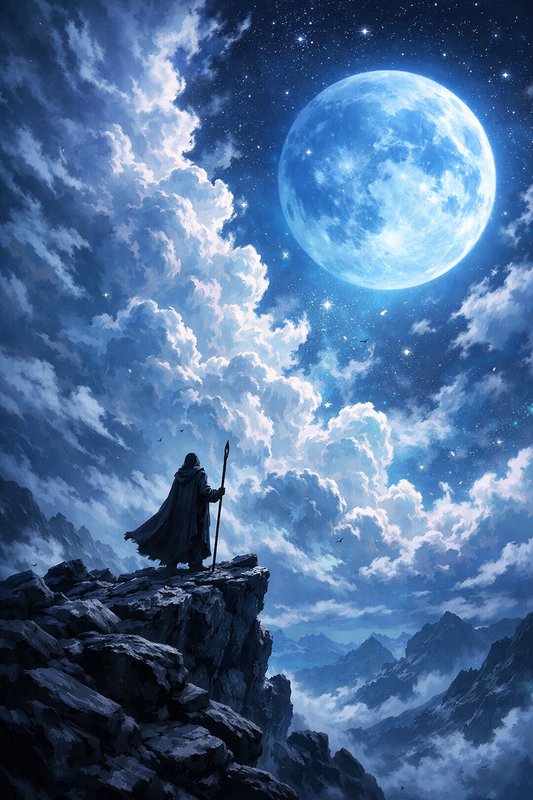
- Single figure on a high ridge, cloud sitting below the summit line, dark foreground rock, wide framingUse →
Mountains AI images: common questions
How do I get depth into a mountain landscape?
Ask for successive ridgelines with haze building between them. Each layer lighter and less contrasty than the one in front is precisely how distance reads to the eye, and it is a description a model can execute directly. A single ridge, however dramatic, stays flat.
What light works best for mountains?
Low and raking. Sun just above the horizon separates lit faces from shadowed ones and reveals the shape of the terrain; alpenglow on high snow while the valley sits in shadow is the most recognisable mountain light there is. Midday sun removes all of it.
How do I convey scale?
Include something known and make it small. A tiny figure on a ridge, a hut, a switchback road — scale is relational, so without a reference a 3,000 metre face and a 30 metre outcrop look identical. Cloud sitting below a summit does the same job.
Related topics
Make your own mountains images
Everything here was generated on BudgetPixel and published by the person who made it. The same models are available to you — pick one, write a prompt, and publish the result to the community feed if you want it here.