
About this photo
Warm natural daylight illuminates a calm home workspace with a tablet, ceramic mug and small potted succulent. This neutral, cozy scene works well for remote work, digital productivity and home office content.
Prompt: “Hello world, a quick usability test.” — AI-generated and reviewed for quality before listing.
Editor's note (8.0/10): Sharp, naturally lit composition with correct anatomy and no visible flaws, matches a general usability testing context.
Also searched as: home desk setup · cozy home office · digital device work · sunlit workspace
Direct file: 1248×832 JPG
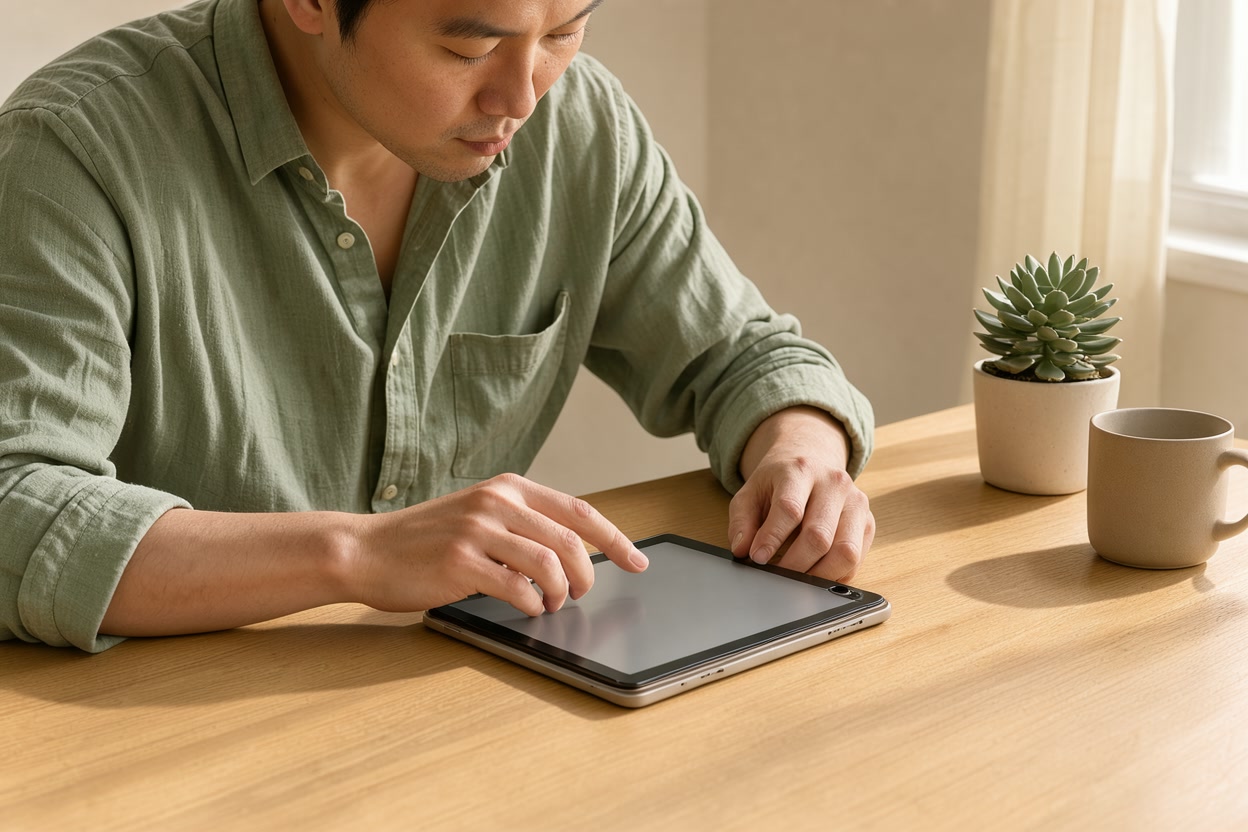
Using this photo — common questions
- Can I use this man using tablet at home desk photo for free, commercially?
- Yes. This photo is licensed CC BY 4.0, so you can use it in commercial and personal projects — websites, ads, social media, videos and client work — at no cost. The one condition is the credit: “Man Using Tablet At Home Desk” by BudgetPixel AI (https://budgetpixel.com/images/man-using-tablet-at-home-desk-f43f3a95) — CC BY 4.0
- What size is this photo?
- The original is 1248×832 pixels (JPG); it also downloads at 1280 px and 640 px on the long side. Its landscape shape suits blog headers, article images, presentation slides and social link previews.
- Is this photo AI-generated?
- Yes. It was generated by AI from the prompt “Hello world, a quick usability test.” and it passed an AI review for quality and safety before listing. The downloaded file carries the IPTC “AI-generated” marker and its licence details.
- Where can I find more technology images like this?
- Browse the Technology collection, see the similar images below, or describe the exact picture you need and generate it free on this page.
More tablet images
See all → PNGWoman In Navy Blazer Holding Tablet
 Person Holding Tablet In Living Room
 Pill And Glass Of Water On Nightstand
 Office Coworkers Reviewing Design Data
 Plumber Assessing Bathroom Renovation
 Nurse Consulting Senior Patient
 Empty Wooden Tabletop With Blurred Garden1
 Rustic Cafe Tabletop Background1
 PNGWooden Framed Tabletop Chalkboard Easel
 Halloween Tabletop Background
 Tabletop Christmas Tree In Urn
 Blank Canvas Tabletop Easel Mockup
Similar images
 Man Studying At Kitchen Table
 Freelancer Working At Beach Cafe
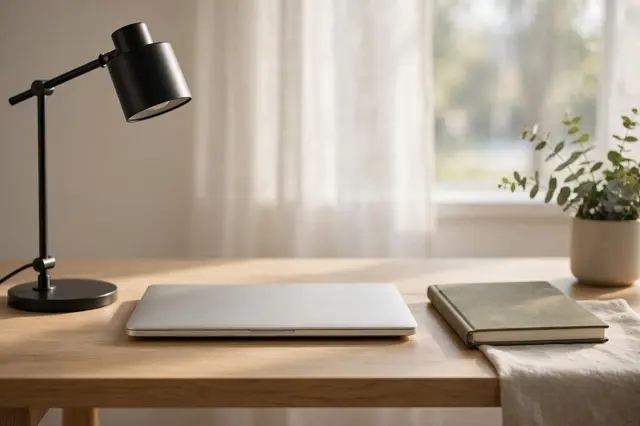 Tidy Morning Home Office Desk
 Student Studying With Headphones
 Businesswoman Working In Cafe
 Colleagues In Office Meeting
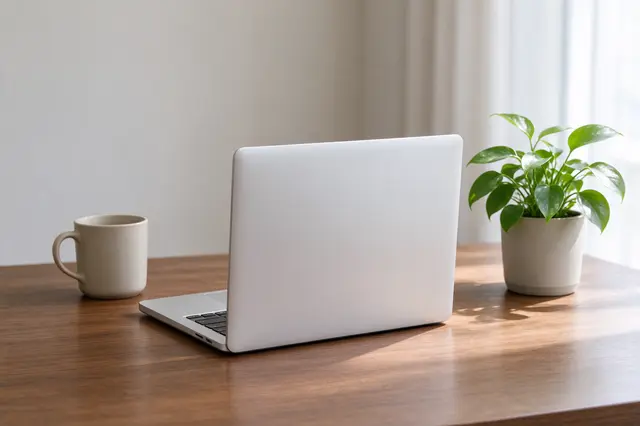 Silver Laptop On Wooden Desk
 Woman Typing At Kitchen Laptop
 Couple Viewing Empty Sunlit Living Room
 Mentoring Session At Laptop
Need a different take? Tweak the prompt and generate — free, no account
Safe-for-work images only — no nudity or sexual content, no real or famous people, no children. Blocked requests still count toward today’s limit.
Takes under a minute. Good results join the library for everyone, with their prompt.
Want it private, larger or edited? The image workshop generates with every model and keeps your images to your account. A free account comes with 300 credits a month.
Get images like this from your AI agent or your code
The whole library is searchable through the BudgetPixel MCP connector and the developer API, on every plan, Free included. A search costs 10 credits and returns each result's download link and credit line, so the 300 credits a free account gets every month cover 30 searches.
Ask your AI agent
Connect Claude, ChatGPT or Cursor to your BudgetPixel account once, with no API key, then ask in plain words:
Find a free stock photo like “Man Using Tablet At Home Desk” and give me the download link and its credit line.
Call the API
One request, with an API key from the developer console:
curl -G https://api.budgetpixel.com/v1/stock/images \
  --data-urlencode "query=man using tablet at home desk" \
-H "Authorization: Bearer $BUDGETPIXEL_API_KEY"Nothing in the library fits? On any paid plan the same connector and API generate images to order, and the models also come as plugins for ComfyUI, WordPress and Cursor.