
Mastering Consistent AI Characters with Seedream 4.5: A Complete Guide to Reusable Character Prompts 😉✨
 @suga2309
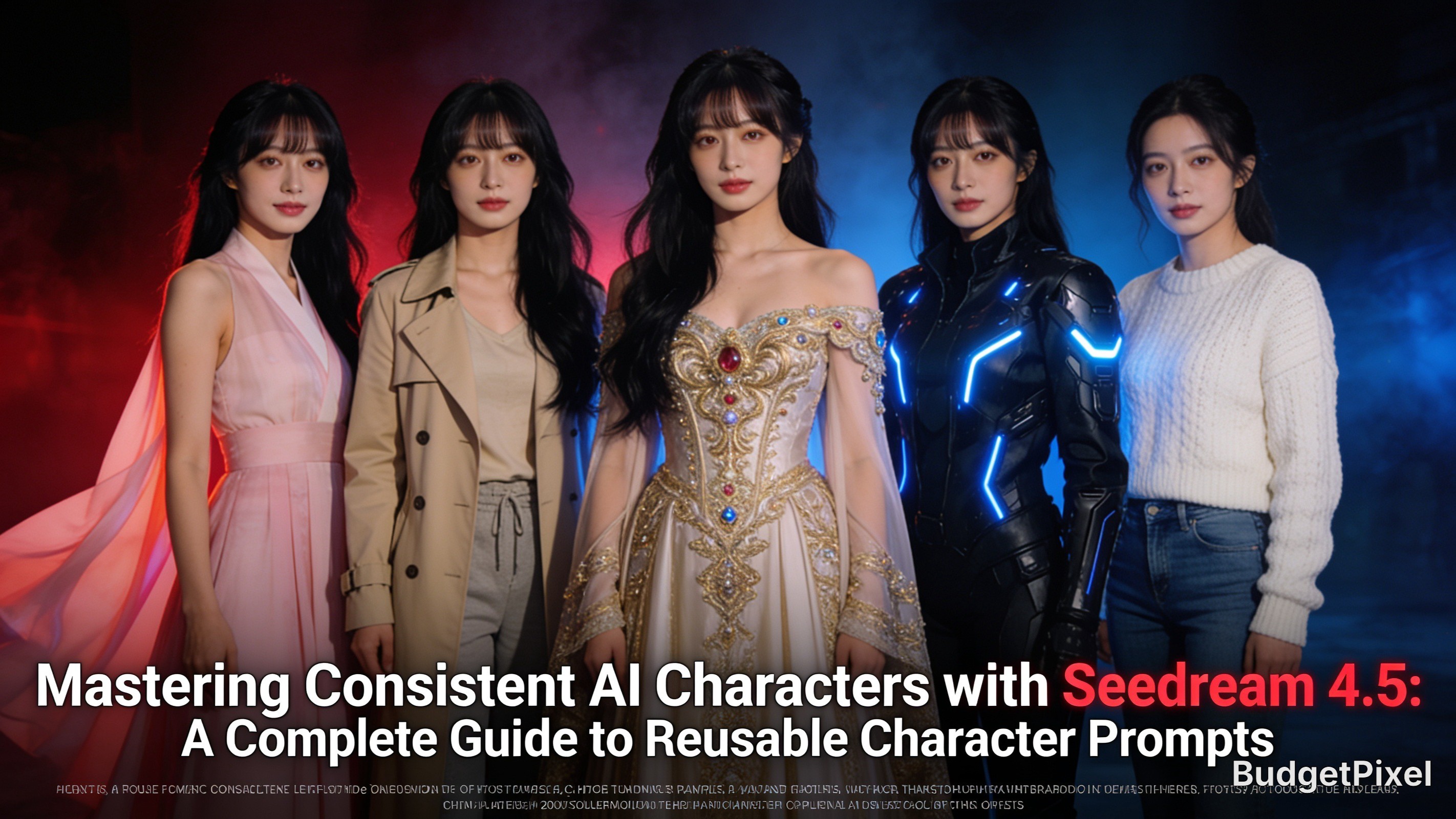
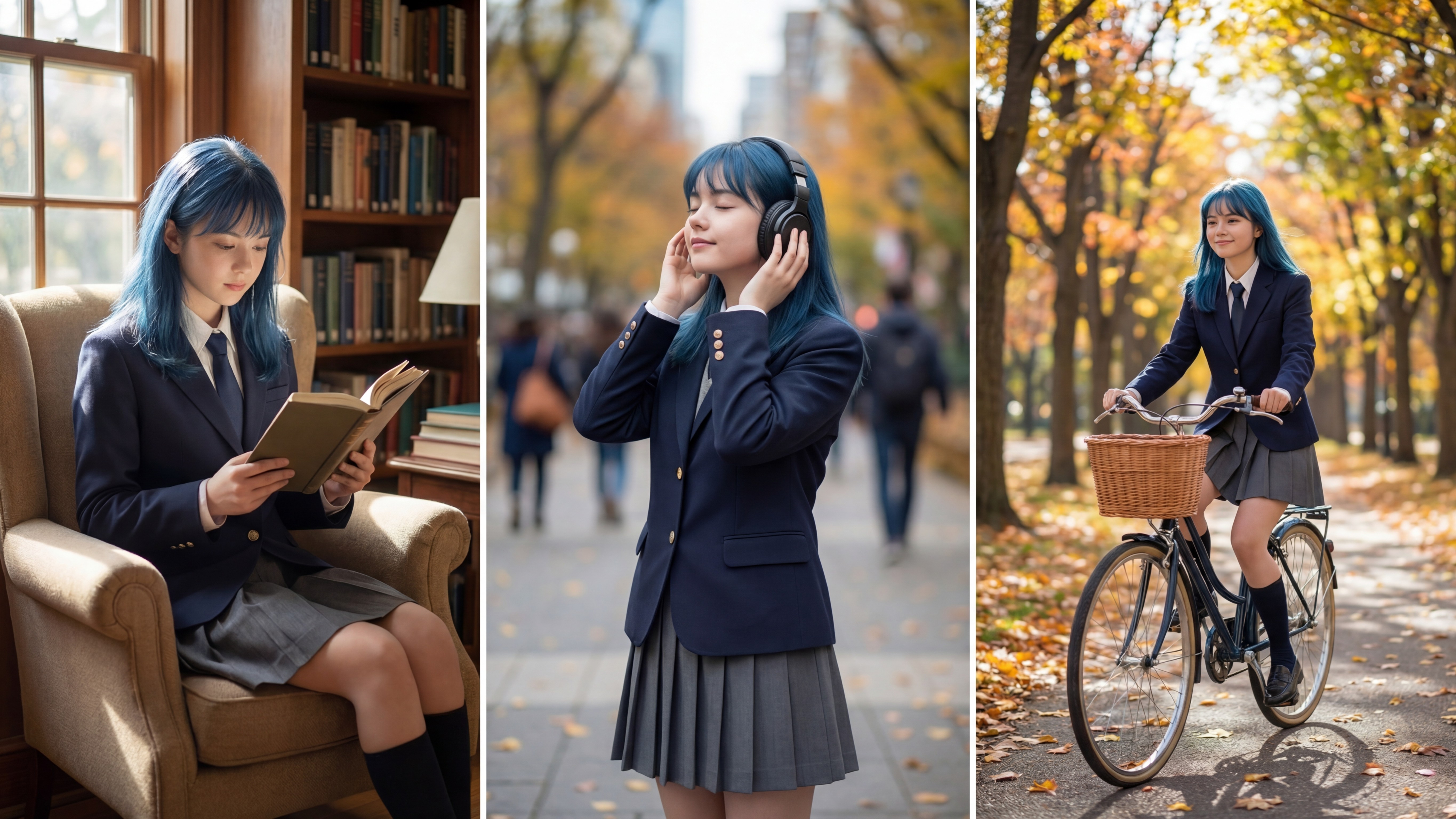
Creating a beautiful AI character is easy. Creating the same character across dozens or even hundreds of images is where the real challenge begins.
Whether you're building a story series, YouTube thumbnails, comics, social media content, or cinematic artwork, character consistency is what makes your images instantly recognizable.
One of the best models for this purpose is Seedream 4.5, available on BudgetPixel. Its strong prompt adherence and impressive visual quality make it an excellent choice for generating recurring characters while maintaining facial identity, hairstyle, clothing, and artistic style.
In this guide, you'll learn practical techniques for keeping your AI character consistent from one image to the next.
Why Character Consistency Matters
Imagine creating a character that appears in:
A fantasy adventure
A cyberpunk city
A medieval castle
A peaceful café
A snowy mountain
A futuristic laboratory
If every image changes the face, hairstyle, age, or proportions, viewers no longer recognize the character.
Consistency builds:
Brand identity
Storytelling quality
Professional portfolios
Better YouTube thumbnails
More engaging social media posts
Step 1: Build a Character Identity
Instead of describing your character differently every time, create one "master description" and reuse it in every prompt.
For example:
A graceful East Asian woman in her mid-20s with porcelain skin, long silky black hair with soft curtain bangs, almond-shaped dark brown eyes, delicate facial features, natural pink lips, elegant oval face, slim figure, gentle smile, realistic proportions.
Notice how every important facial feature is defined.
Avoid changing:
Hair color
Hair length
Eye color
Face shape
Age
Skin tone
These should remain identical across every prompt.
Step 2: Keep Core Descriptions Unchanged
Think of your prompt as two sections.
Fixed Section
This never changes.
Example:
facial structure
hairstyle
eye color
body type
artistic style
rendering quality
camera quality
Variable Section
Only this changes.
Examples:
clothing
environment
weather
pose
lighting
accessories
action
This method dramatically improves consistency.
Step 3: Use Detailed Facial Descriptions
Instead of writing
beautiful woman
write something much more specific.
Example:
graceful East Asian woman, porcelain skin, long silky black hair, soft curtain bangs, almond-shaped dark brown eyes, elegant oval face, natural makeup, delicate eyebrows, subtle smile, realistic skin texture
The more precise your description, the more consistently the model recreates the character.
Step 4: Keep the Camera Style Consistent
Changing the camera angle too dramatically may alter facial proportions.
Choose one primary style, such as:
cinematic portrait
eye-level shot
medium shot
full body portrait
professional photography
ultra-realistic lighting
Reuse these settings frequently.
Step 5: Reuse Quality Keywords
Seedream 4.5 responds well to detailed quality descriptions.
Example:
ultra detailed, masterpiece, cinematic lighting, realistic skin texture, highly detailed eyes, sharp focus, HDR, soft natural lighting, professional photography, 8K, volumetric lighting
Keeping these identical helps preserve a consistent visual style.
Step 6: Change Only the Scene
Once your character is established, simply swap the environment.
Examples include:
autumn forest
Tokyo street at night
luxury hotel lobby
flower garden
snowy mountain
traditional palace
futuristic laboratory
cozy coffee shop
royal ballroom
The character remains recognizable while the world changes around them.
Step 7: Save Your Master Prompt
Keep one master prompt in a document.
Every new image starts from this template.
Only edit:
clothing
pose
environment
weather
expression
Everything else remains untouched.
This simple workflow saves time and greatly improves consistency.
Example Prompt 1: Cherry Blossom Garden
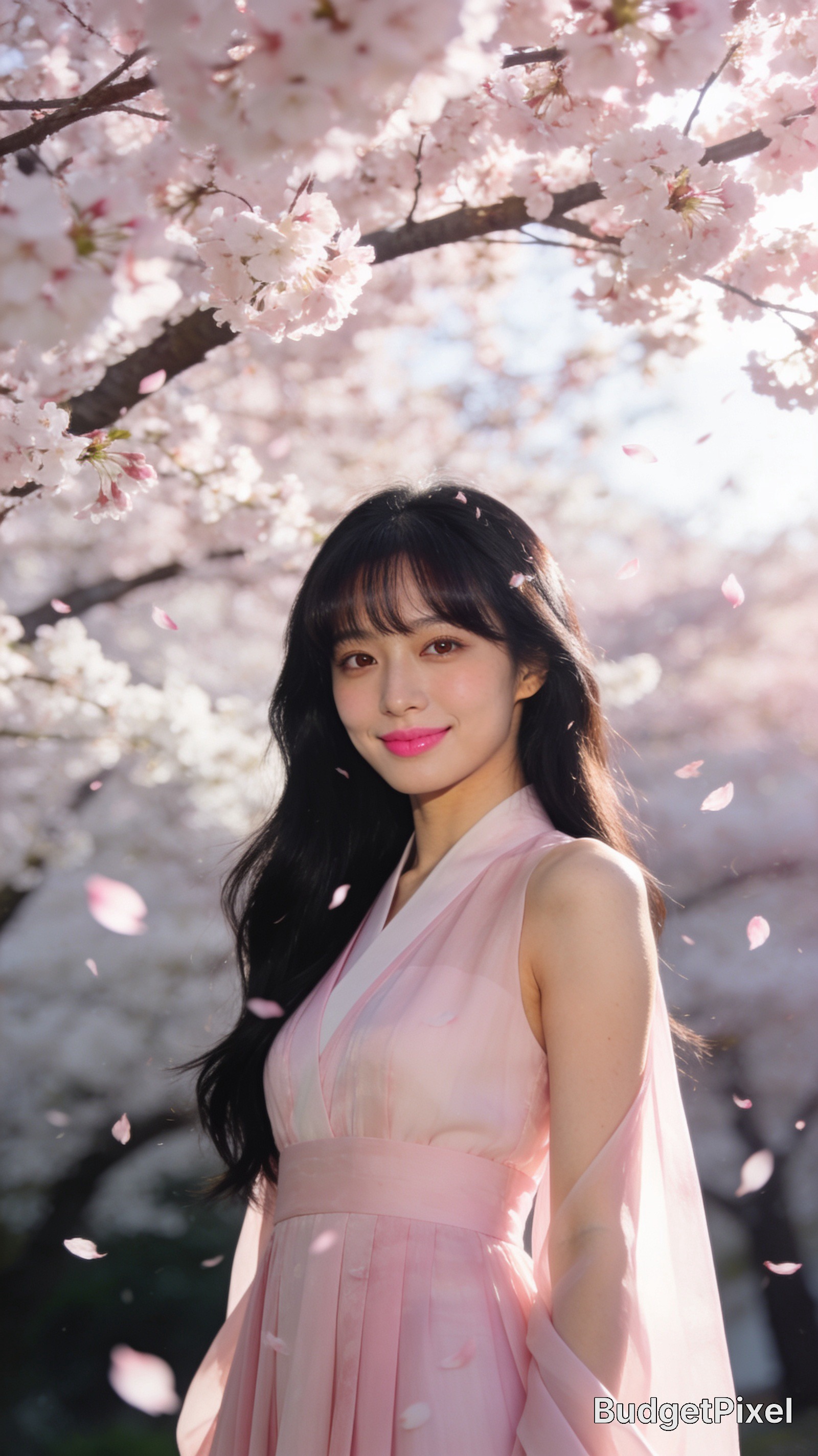
A graceful East Asian woman in her mid-20s with porcelain skin, long silky black hair with soft curtain bangs, almond-shaped dark brown eyes, delicate facial features, elegant oval face, natural pink lips, slim figure, gentle smile, wearing a flowing pastel pink hanbok-inspired modern dress, standing beneath blooming cherry blossom trees in spring, petals drifting through the air, soft morning sunlight, cinematic composition, realistic skin texture, ultra detailed, masterpiece, HDR, volumetric lighting, professional photography, 8K, sharp focus.Example Prompt 2: Modern City Evening
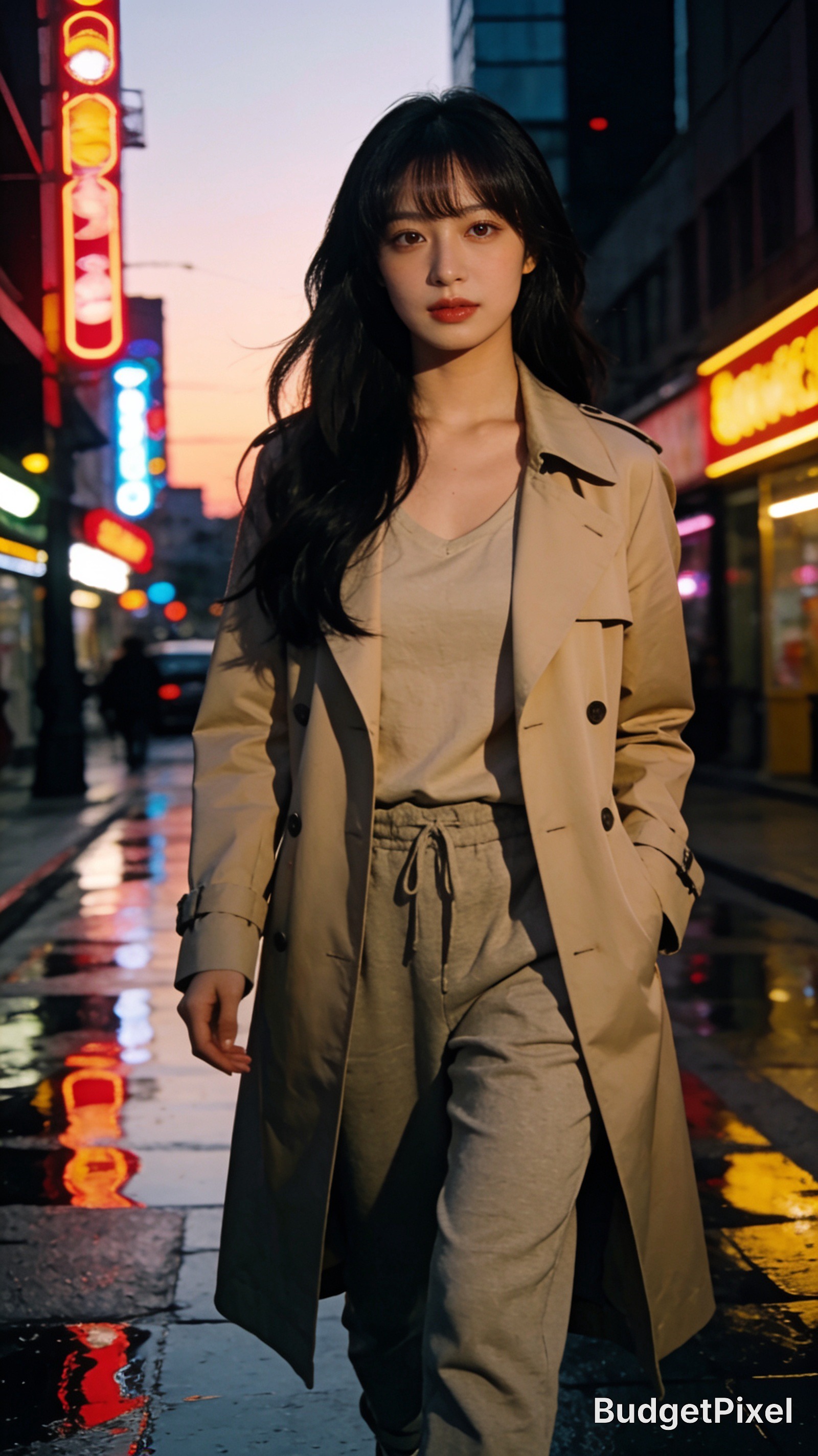
A graceful East Asian woman in her mid-20s with porcelain skin, long silky black hair with soft curtain bangs, almond-shaped dark brown eyes, delicate facial features, elegant oval face, natural makeup, slim figure, wearing a stylish beige trench coat over casual fashion, walking through a neon-lit modern city street after sunset, reflections on wet pavement, cinematic atmosphere, realistic lighting, ultra detailed, masterpiece, HDR, highly detailed eyes, professional photography, 8K.Example Prompt 3: Royal Fantasy
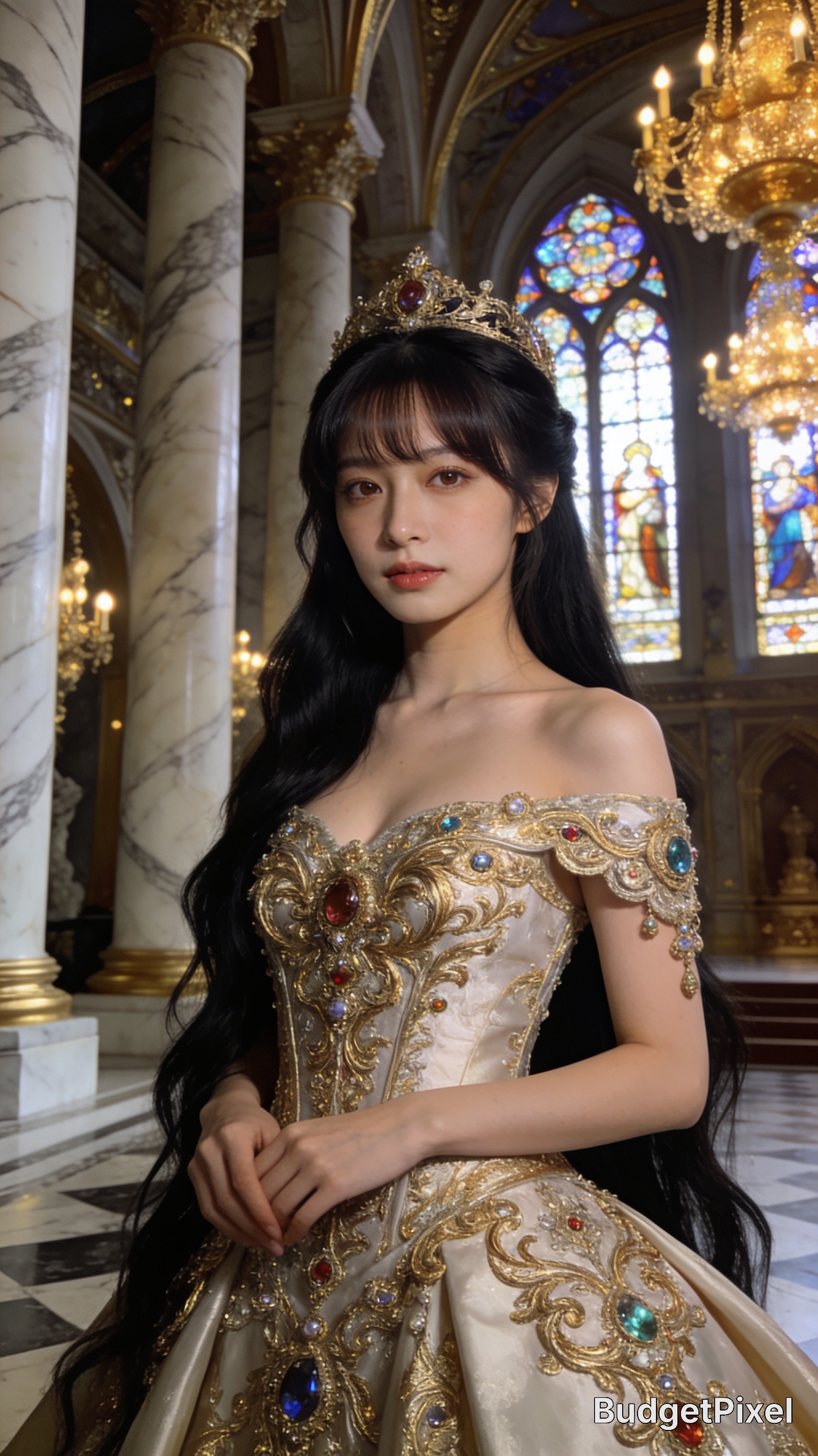
A graceful East Asian woman in her mid-20s with porcelain skin, long silky black hair with soft curtain bangs, almond-shaped dark brown eyes, elegant oval face, delicate features, wearing an elaborate royal gown embroidered with gold filigree and gemstones, standing inside a magnificent fantasy palace with towering marble columns, stained glass windows, golden chandeliers, dramatic cinematic lighting, ultra detailed, masterpiece, HDR, realistic skin texture, volumetric lighting, sharp focus, 8K.Example Prompt 4: Cyberpunk Future
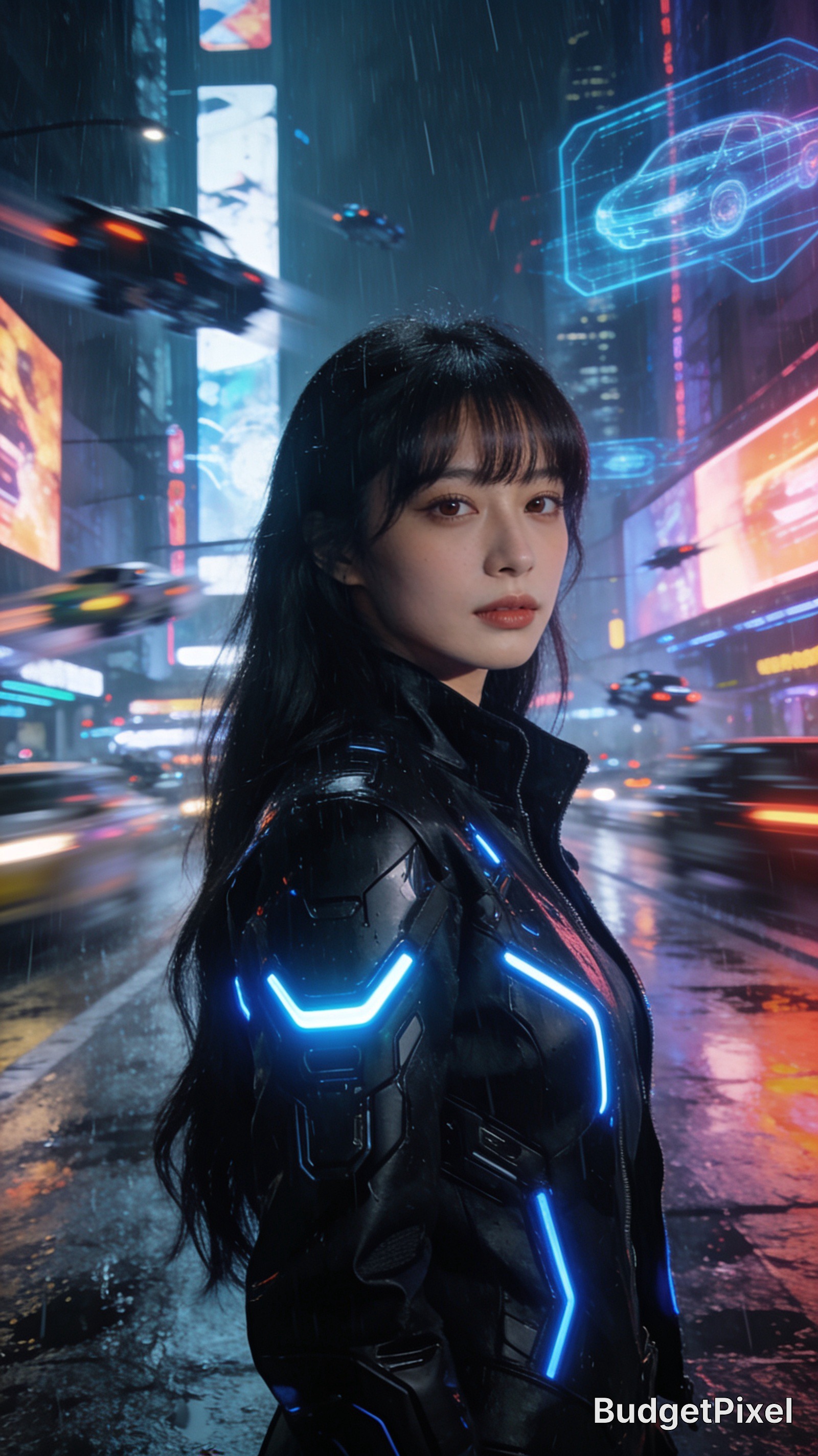
A graceful East Asian woman in her mid-20s with porcelain skin, long silky black hair with soft curtain bangs, almond-shaped dark brown eyes, elegant oval face, wearing a sleek futuristic black cybernetic jacket with glowing blue accents, standing in a neon cyberpunk metropolis filled with holographic billboards and flying vehicles, rain-soaked streets reflecting colorful lights, cinematic composition, ultra detailed, masterpiece, HDR, realistic textures, volumetric lighting, professional photography, 8K.Example Prompt 5: Cozy Café
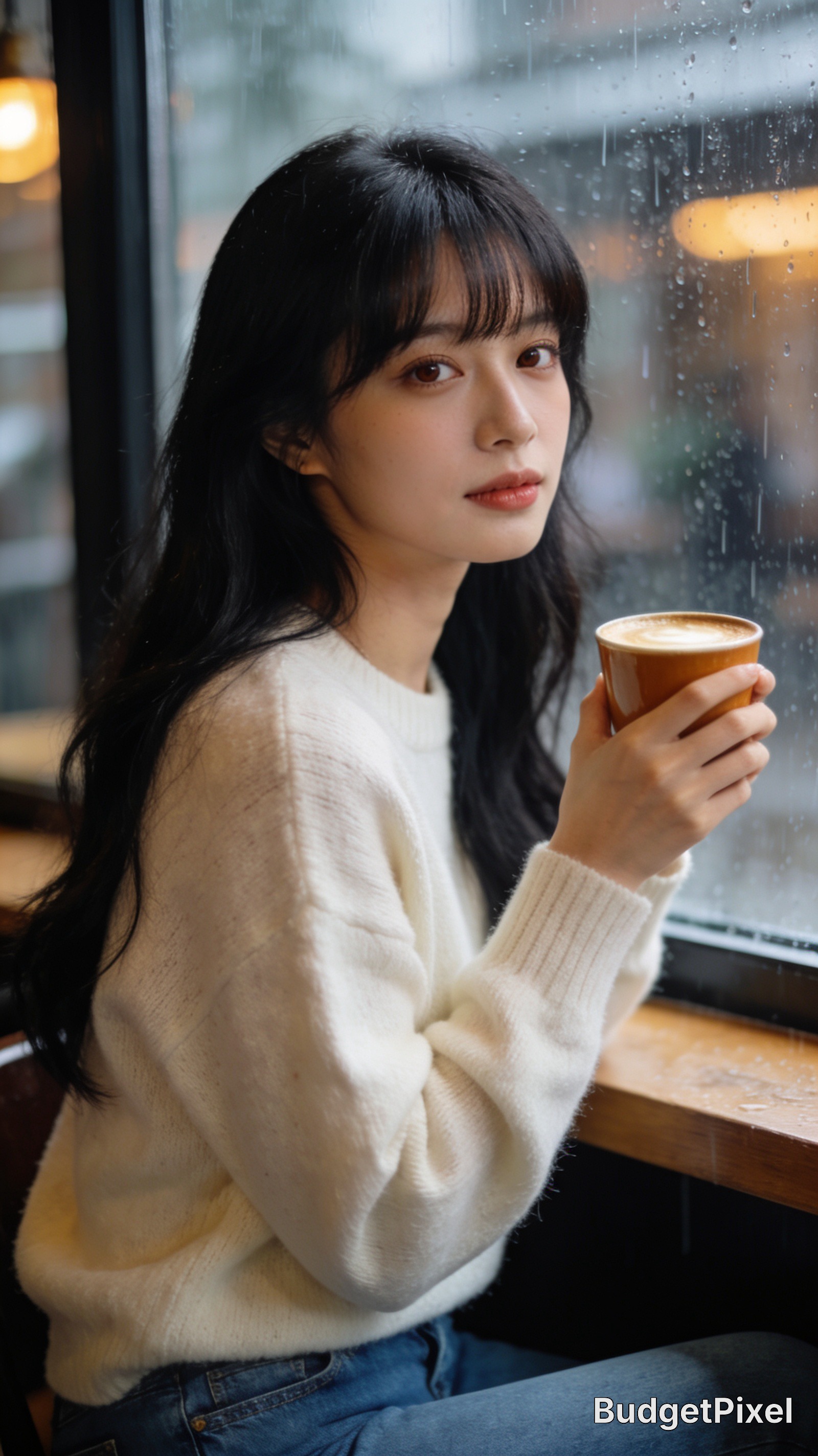
A graceful East Asian woman in her mid-20s with porcelain skin, long silky black hair with soft curtain bangs, almond-shaped dark brown eyes, delicate facial features, elegant oval face, wearing a soft cream sweater and blue jeans, sitting by a café window holding a warm cup of coffee, rainy afternoon outside, warm ambient lighting, realistic skin texture, cinematic photography, ultra detailed, masterpiece, HDR, sharp focus, 8K.Final Thoughts
Consistent AI characters are built through repetition and discipline, not randomness. By creating a detailed master character description and keeping it unchanged across prompts, you can generate recognizable characters in countless environments while preserving their identity.
With Seedream 4.5 on BudgetPixel, this workflow becomes remarkably effective. Focus on maintaining the same core character description, adjust only the scene and wardrobe, and you'll produce cohesive image series suitable for storytelling, branding, marketing, or creative projects. The result is a character who feels familiar in every frame, no matter where the adventure takes them.
Hyperlink
--- Please read my next blog by clicking the link below ....
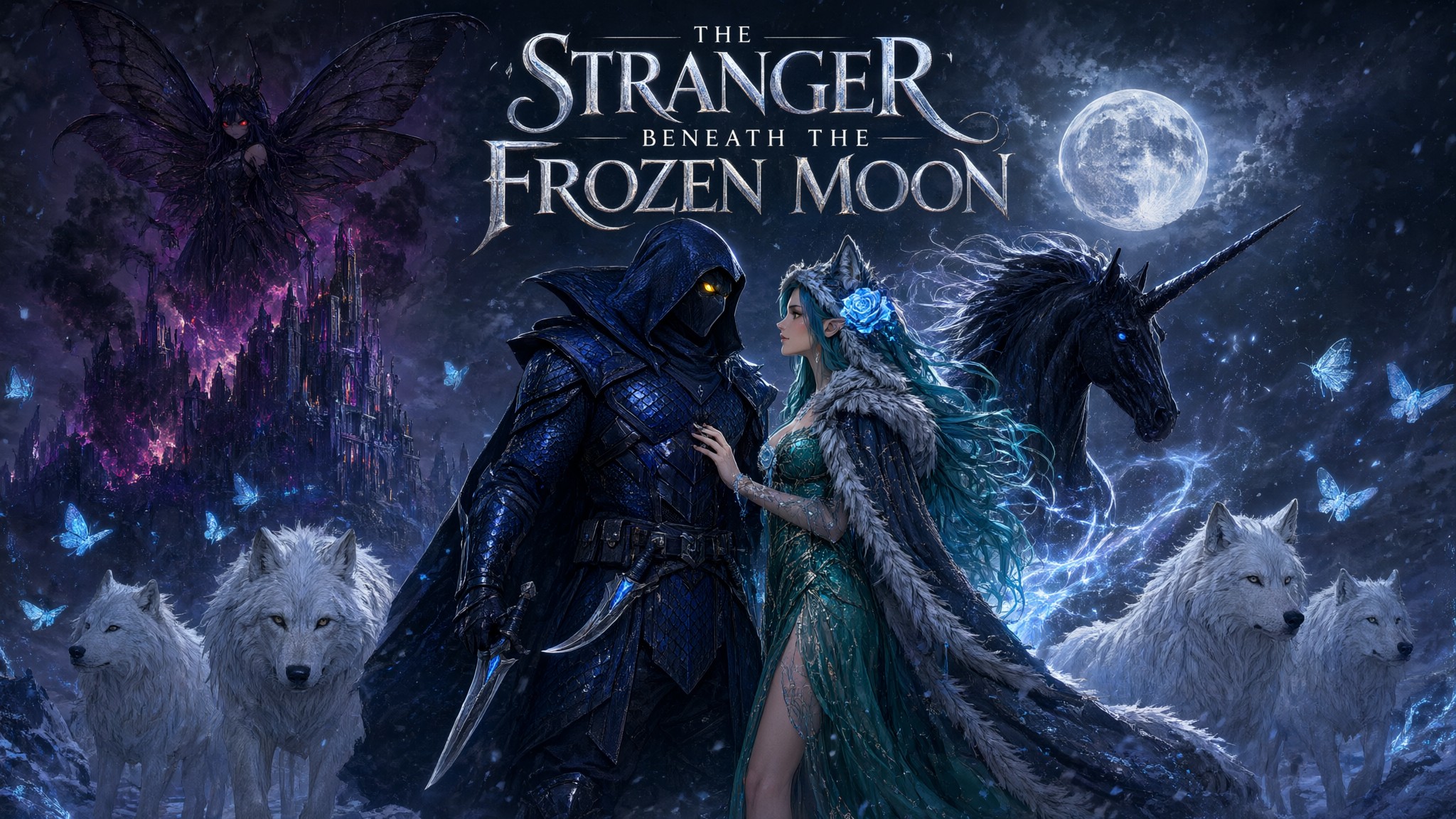
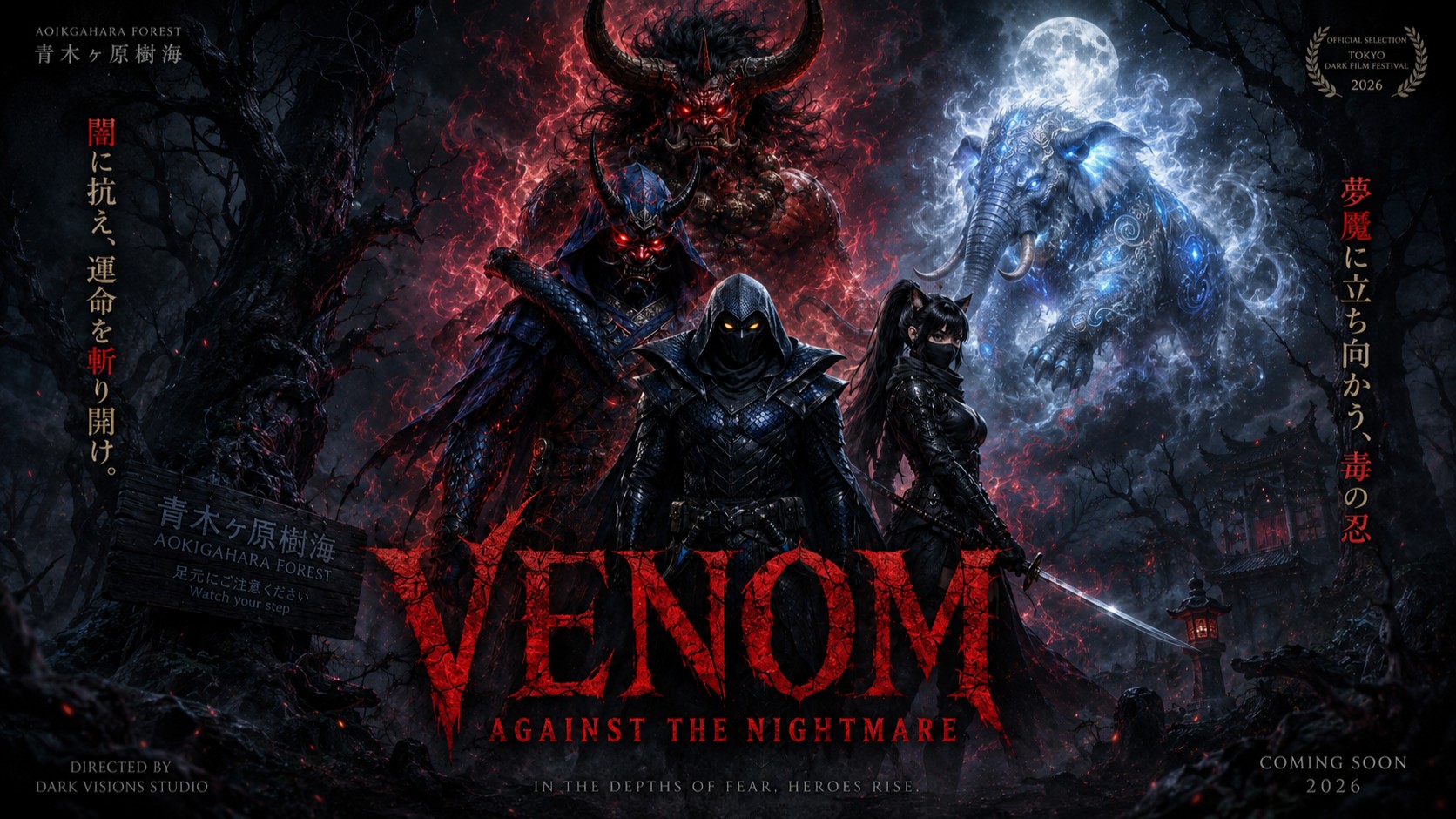
Create Consistent AI Characters with Seedream 4.5 Using Image-to-Image😉✨
Topics





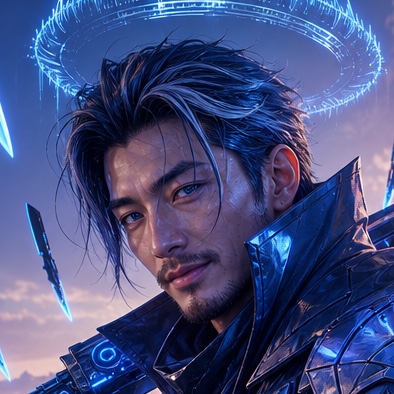 @EternaSky
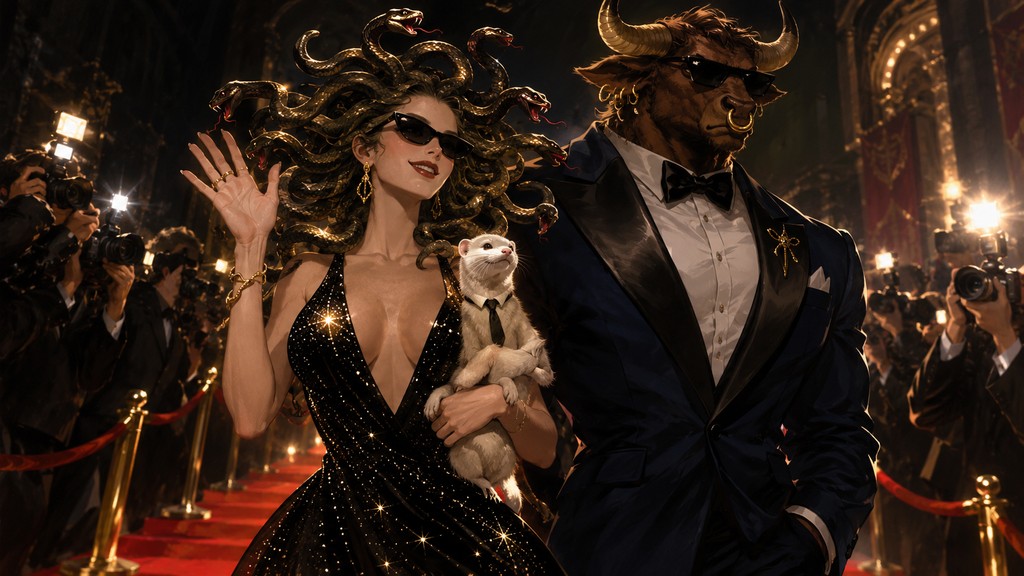
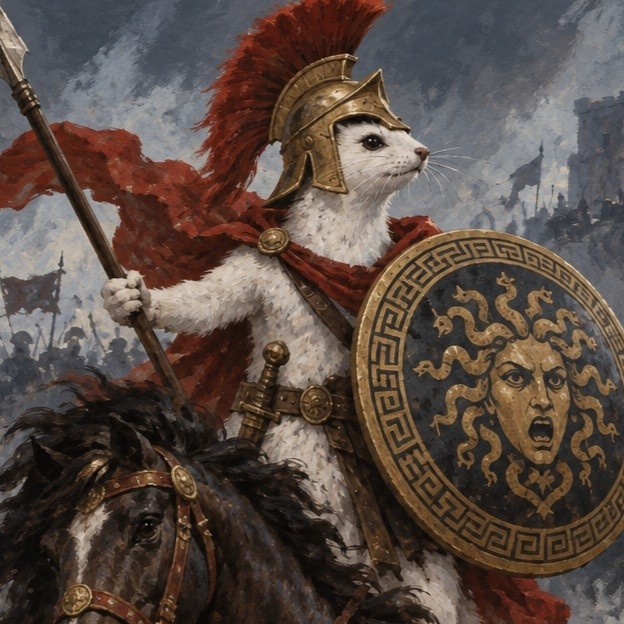 @southamericanmyth
 @Cheinia
 @CaylaCatz
 @charlypalermo
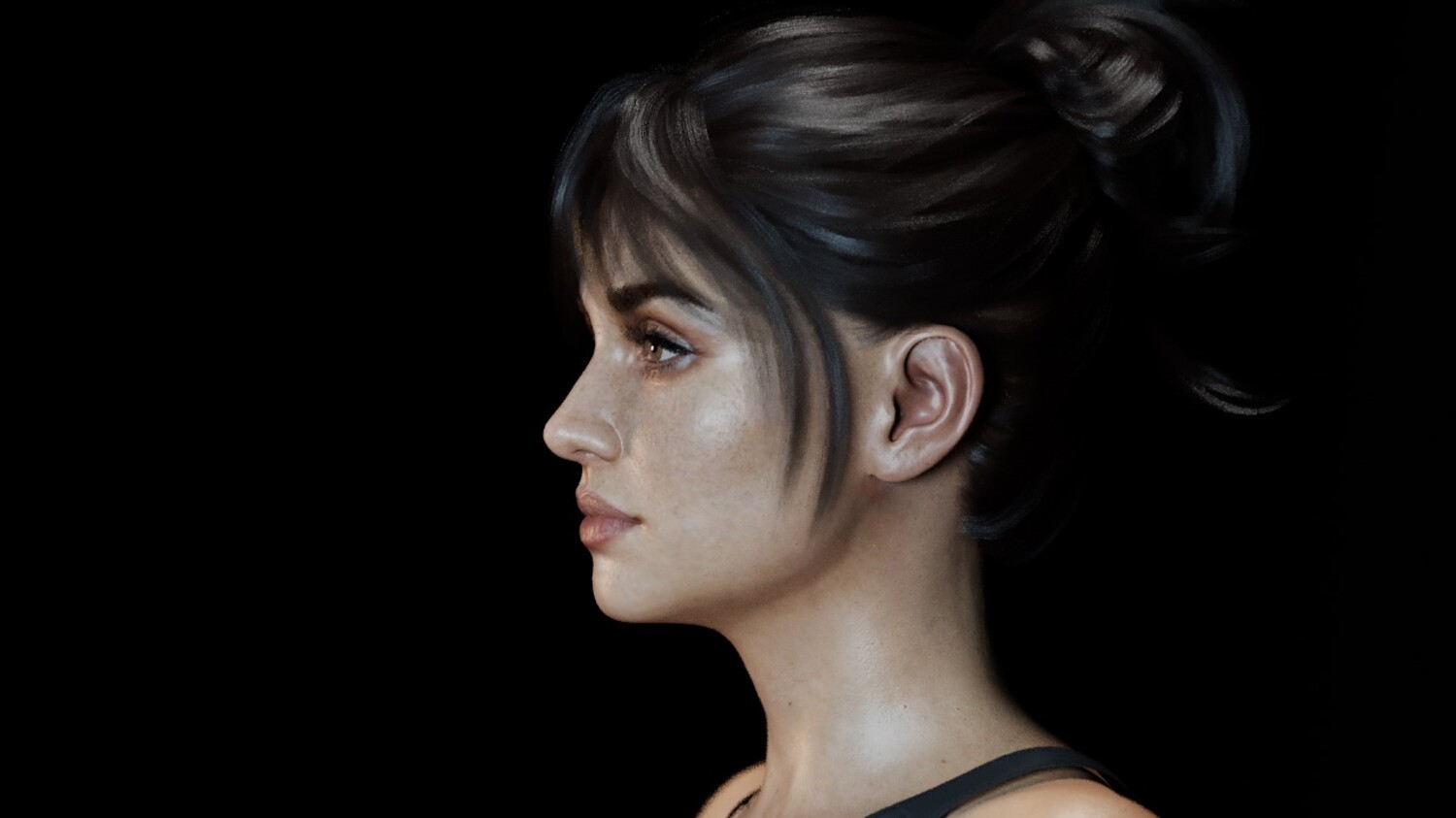
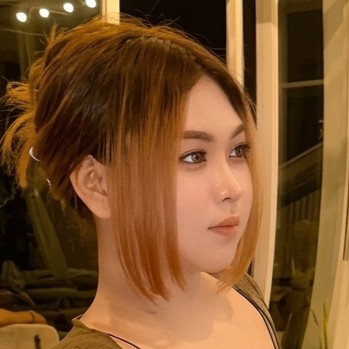 @tucho6018
Comments (24)
Yeess..!🐍 I usually use that method (img to img) only. I finished writing a blog about "img to img" method too. But it says "you can publish only 1 blog every 12 hours". Thank you so much, Archangel ! I'm so grateful for your kindness and support.😇🙏💖☕🌹🌷🌺🌼🌻
Cayla has really helpful blogs, I just used her blog for jumplinks to make my table of contents :) Which I have to say is a much easier process than having to manually code it like it was in the late '90's
Yes, maybe it's an old fashioned term nowdays, to make it easier for people to move between your blogs (and hopefully gain more claps) Text Hyperlink
You could create your character image then use image to image. I found this to work very well with my blog love stories. Excellent blog 20 claps
Ok, Hephzibah ! I'll try that Hyperlink. Thank you so much for guiding me when all I'm so confused and don't know which path to go ! 😇🙏💖☕🌹🌷🌺🌼🌻
Sign in to read all 24 comments and add yours.