
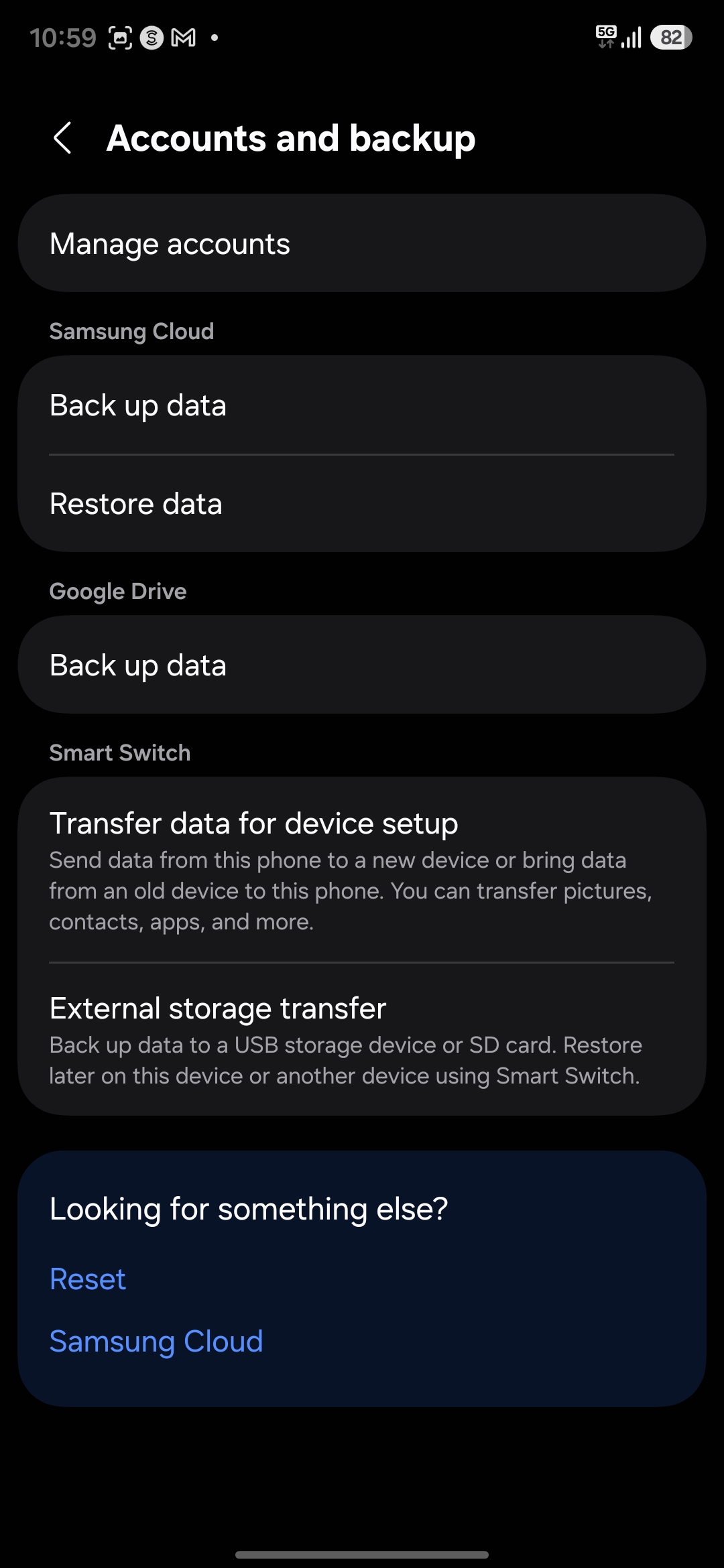
Samsung Android "Accounts and backup" settings screen
By @ashok1726t ·
3 likes · 18 comments
Tags
- samsung galaxy settings
- accounts and backup
- android backup settings
- samsung cloud
- google drive backup
- smart switch
- mobile data transfer
- phone data restore
- device setup
- external storage transfer
- dark mode ui
- phone backup
- device reset
- android system settings
- samsung smart switch
About this image
This is a screenshot of the Accounts and backup menu from a Samsung Galaxy Android device, viewed in dark mode with white and accent blue text on a dark background. The interface features options to manage accounts, run Samsung Cloud and Google Drive backups, restore saved data, use Smart Switch to transfer content between devices, access external storage transfer tools, and find additional reset and Samsung Cloud settings. This utility page helps users protect their mobile data, move content to new phones, and manage linked device accounts.
Comments (18)
Sign in to join the conversation.
More from @ashok1726t
See all → Close up portrait of actress Nayanthara making a quizzical thinking face with her index finger raised
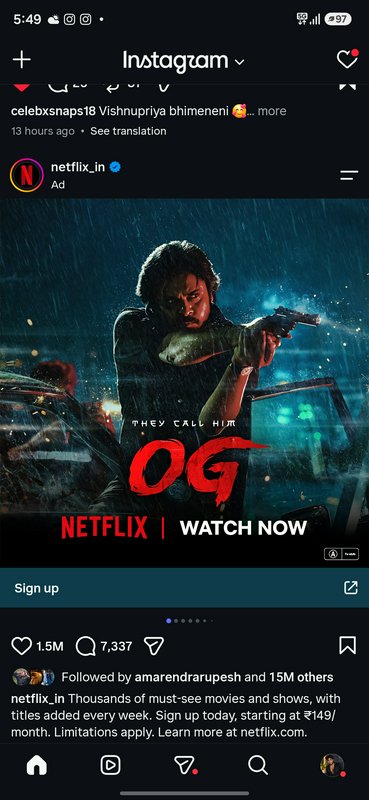 Netflix Instagram ad for action film OG showing the lead actor aiming a gun in a rainy action scene
 Close-up portrait of South Asian woman with gold jewelry, bindi, resting her cheek on her hand in warm dappled sunlight.
More like this
See all →

Made on BudgetPixel
The models and tools behind posts like this one.