
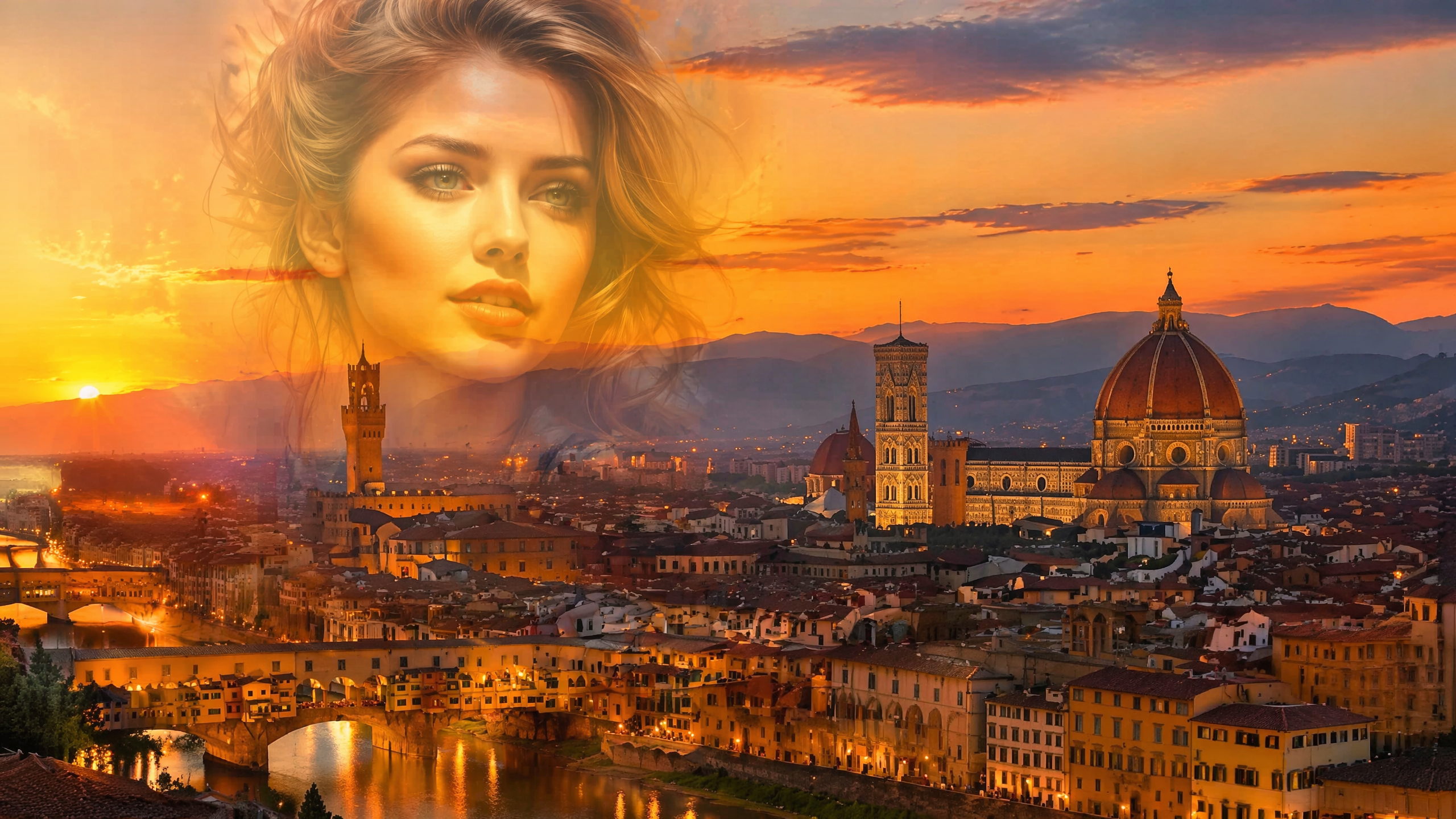
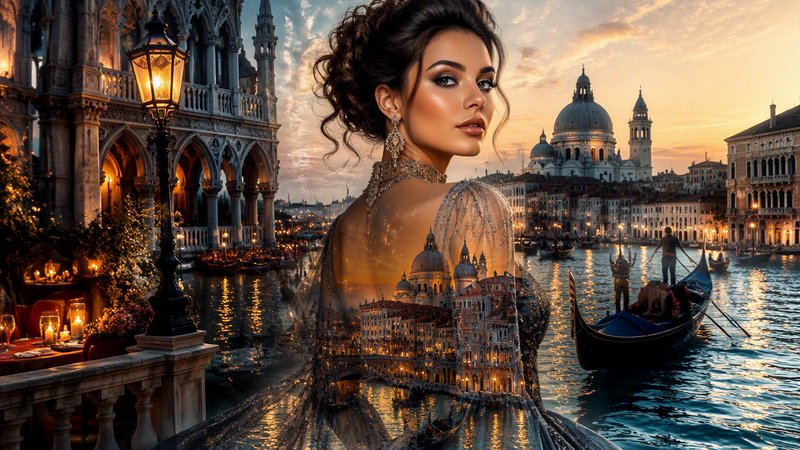
Double exposure composite of a blonde woman's portrait over Florence
By @base451121 ·
57 likes · 31 comments
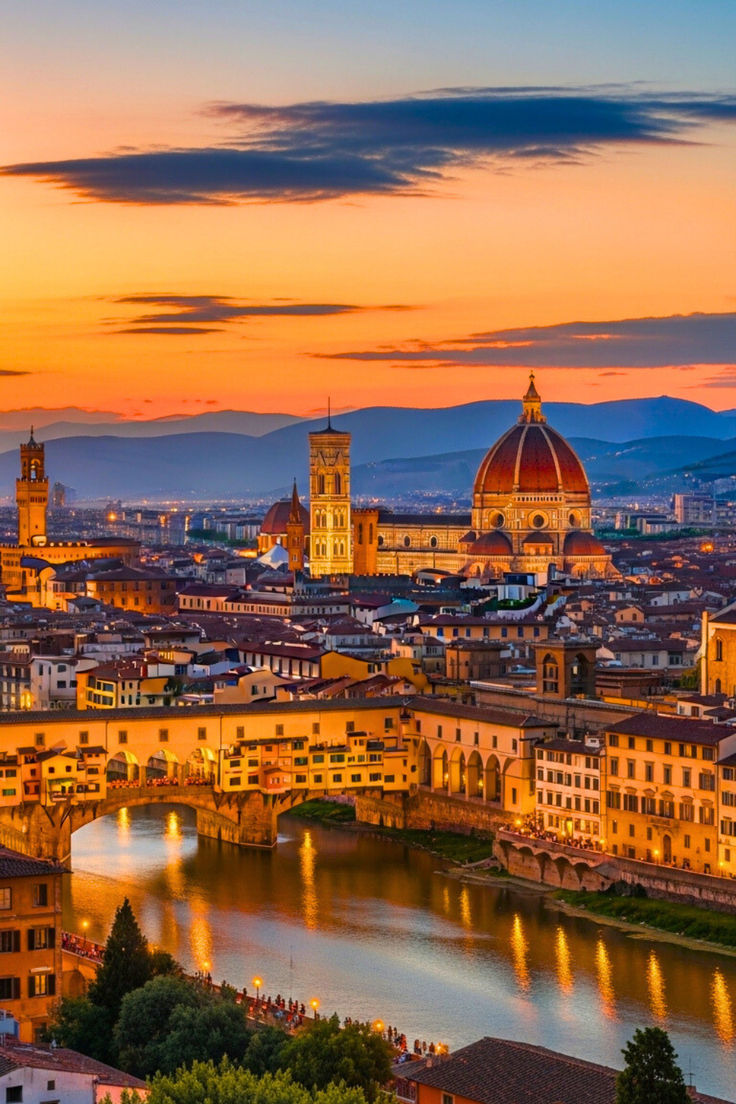
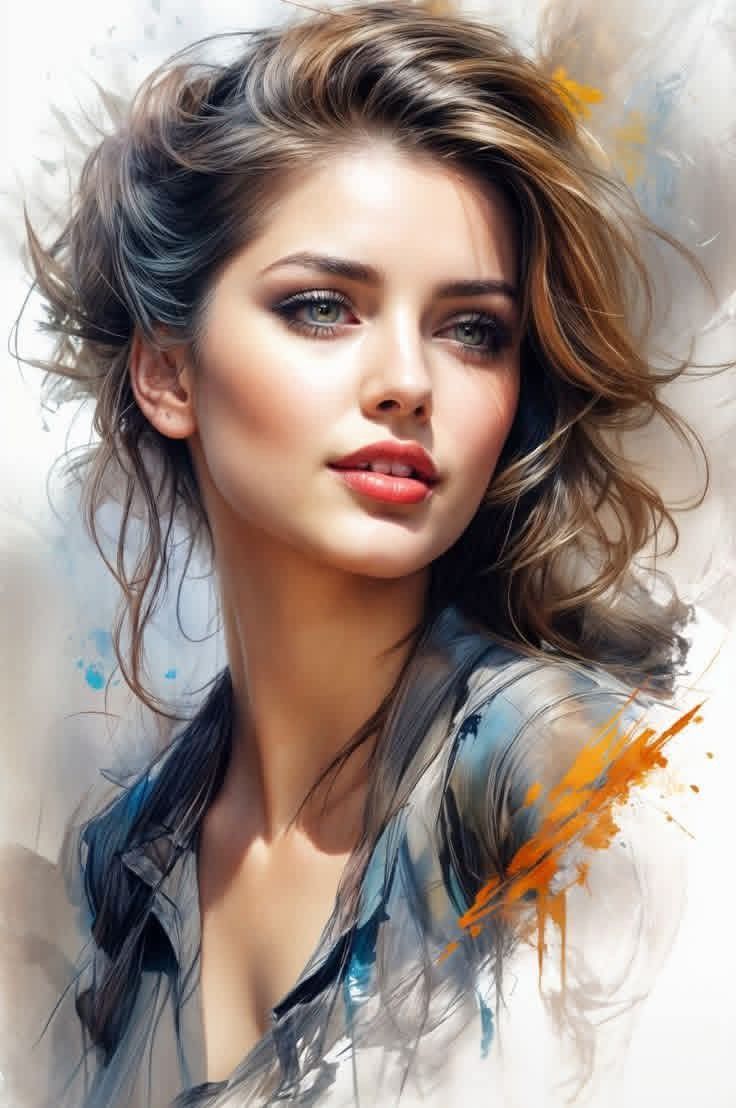
Trying a double exposure Florence... my love! Created with only two templates; a background image of Florence (originally in 3:4 format) and an image of a woman and this prompt: Create a 16:9 image in which the background "Florence" spans the entire width and, using double exposure, add the face of "Woman 1" to the top left, between the two towers, adjusting the colors and removing any harsh edges. Golden Hour style @justrob @antares @aqualemonade @base451121 @beastxyz @Belinda @bic_revelation @Biscuit @bleepunc @CaylaCatz @charlypalermo @Cheinia @ChildNerd @crabmouse @cocoayoc @Colossus @DavidP @dezie @dovonko @elkanthe @elysian @EternaSky @fantasydesignink @germancowboy @gman @gummiefish @HappyPerson @humtum8182 @IndoAIArtist @jkbully85 @jmn @John870 @King @kirito @mim86 @monkeydude69 @nametaker @NickWolf @NielsCarlsen @panos @PabloArtStation @paulie @pocahontas @Sealine @sonny001 @southamericanmyth @standartis @sr92 @strixowl-47 @suga2309 @TheBard @thedreamcatcher @thewhiskeyjack @To4kawa @Troxley @TTRPG_Player @TesaranJ @underman @Unleashed @vrieming Interested to join or wish to be removed from this list? Leave a comment in for inclusion or exclusion https://budgetpixel.com/blog/enjoy-creating-and-join-the-qt-masterlist Enjoy Creating and join the QT Masterlist | BudgetPixel Blog Show less
Tags
- double exposure art
- Florence Italy
- Florence skyline
- golden hour sunset
- surreal portrait
- Duomo di Firenze
- Ponte Vecchio
- Arno river
- Italian travel
- fine art composite
- dreamy aesthetic
- romantic artwork
- Florence cityscape
- travel art
- warm sunset artwork
- Florence Duomo
About this image
This surreal double exposure fine art composite overlays a soft, luminous portrait of a blonde woman over the iconic Florence, Italy cityscape at warm golden hour. Rich orange, amber, and dusky purple sunset tones illuminate the sky, highlighting famous Florence landmarks including the Duomo, Giotto's Bell Tower, and Ponte Vecchio spanning the reflective Arno River. The ethereal, romantic composition blends human portraiture with beloved Italian travel scenery for a dreamy, nostalgic aesthetic.
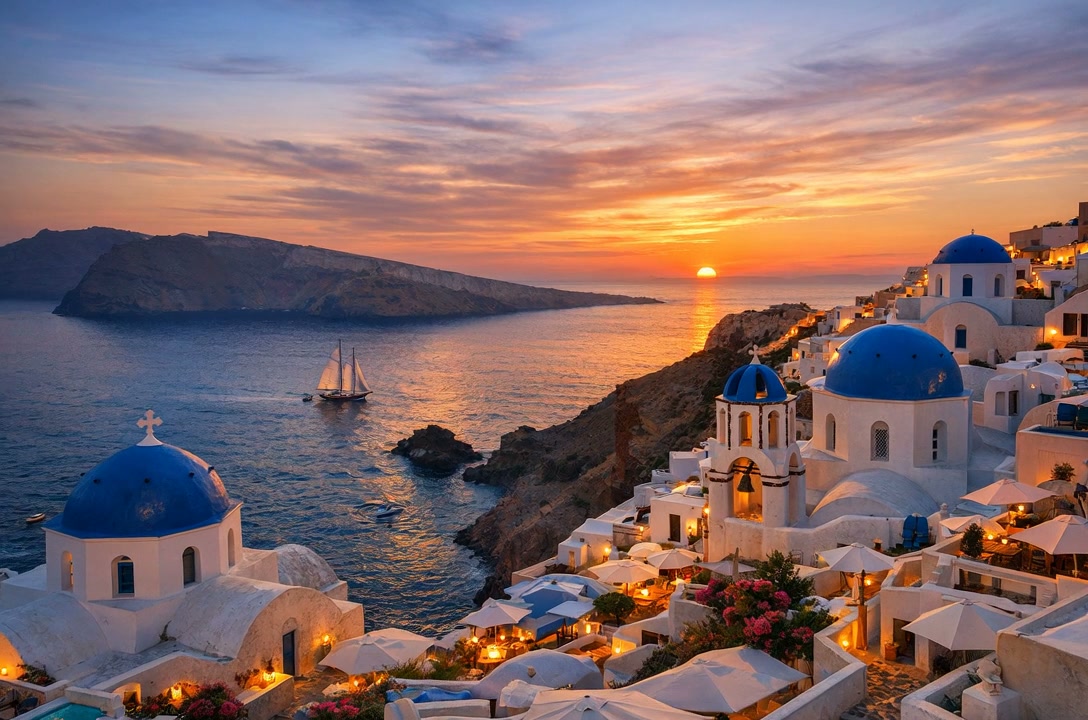
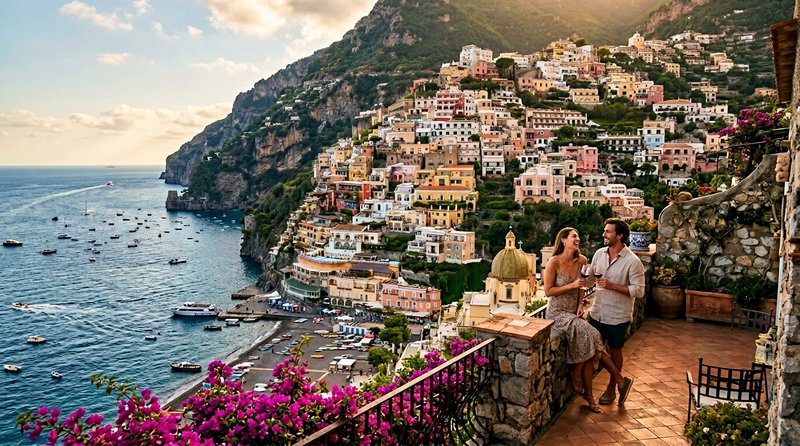
This breathtaking elevated travel photograph captures the iconic Florence, Italy city skyline at golden sunset, with warm gradient orange and blue skies illuminating the historic terracotta rooftops, medieval Ponte Vecchio bridge spanning the Arno River, and the famous marble Florence Duomo with its signature terracotta dome. The calm Arno River glows with reflections of warm streetlights and building facades, while hazy Tuscan mountain ranges stretch across the distant horizon, creating a romantic, iconic view of one of Europe's most popular cultural travel destinations famous for Renaissance architecture.
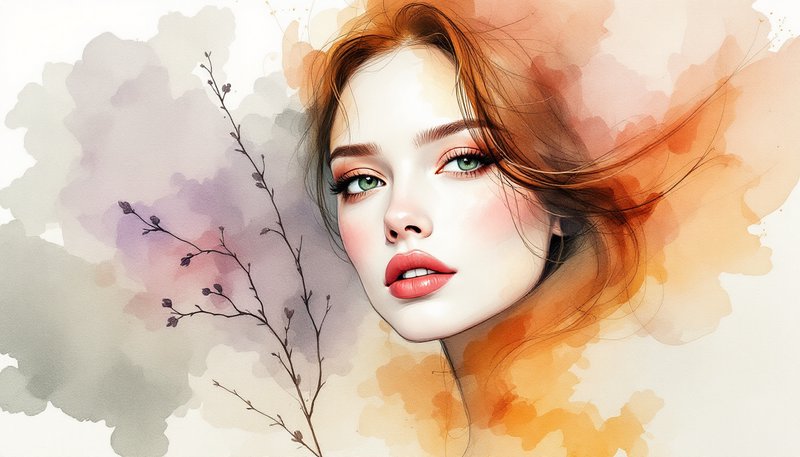
This gorgeous digital watercolor portrait features a graceful young woman with tousled highlighted brown hair, soft natural makeup, and a gentle pensive expression. Dynamic warm orange and cool blue paint splatters add texture to the soft, blurred neutral background, creating an ethereal, romantic mood. This fine art portraiture piece is a stunning example of contemporary painterly illustration, perfect for wall art, character reference, and portrait art inspiration.
Comments (31)
You could certainly do it using the "Edit" function, but is there an easier way? Do you really think you'll get that result on the first try? With a 3:4 aspect ratio background and an unedited portrait shot? Well then... give it a go!!!
Awesome images my friend. Very beautiful lady 😊
@DavidP ·
Excellent work, great setup and result
very well done. gorrgeous image
Well, who knows, maybe someday
Undoubtedly, it is easy to cut things out, blur the edges, and adjust the transparency "until it fits". I have created many such transitions using PSP (similar to Photoshop), and I admit it is easy, but... "easier"? Definitely not. I achieved my result in a single attempt—in NC and here in BP. PS: The prompt is right there above; you can give it a try—perhaps using similar source images!
@legion ·
I'm no expert, but it seems easier to me to cut out the silhouette, blur the edges, and adjust the transparency until it fits—I've done it before.
I’m not so lucky, my friend; unfortunately, I don’t live in Florence, but I have come to love that city.
@legion ·
It looks nice; I think it's easier for me to do it by editing than by asking the AI
very Beautiful Florence! You're lucky if you live there.
Sign in to join the conversation.
More from @base451121
See all →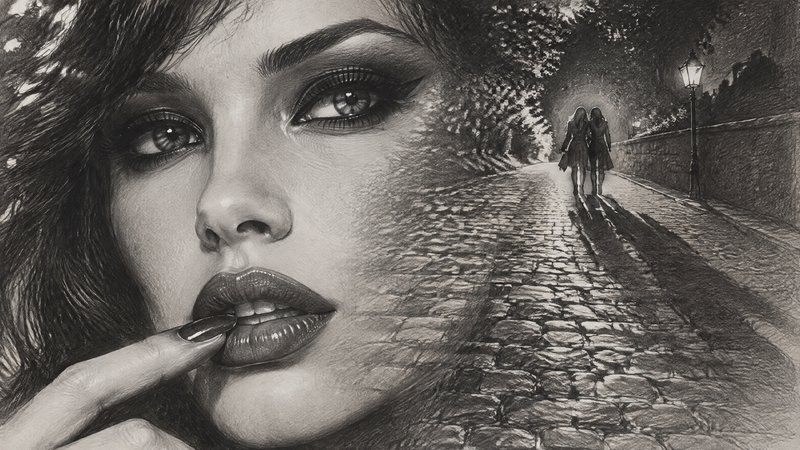 Surreal graphite sketch blending a woman's portrait with a moonlit cobblestone street where two women walk under a streetlamp
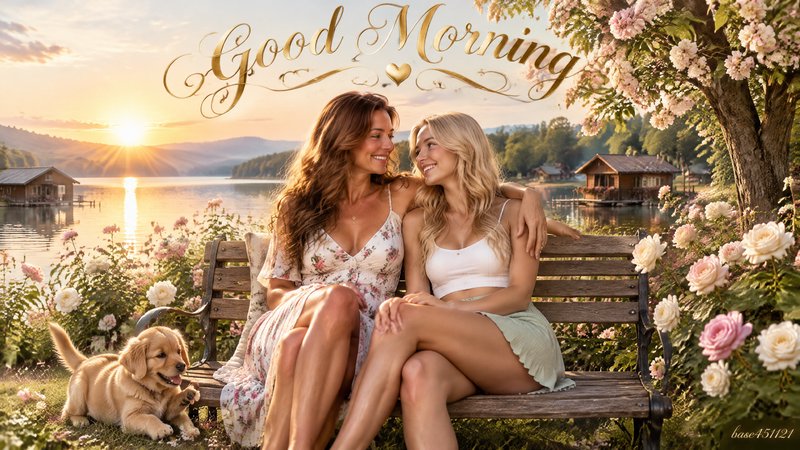 Two smiling women sit on a garden bench with a golden retriever puppy beneath Good Morning text at a lakeside sunrise
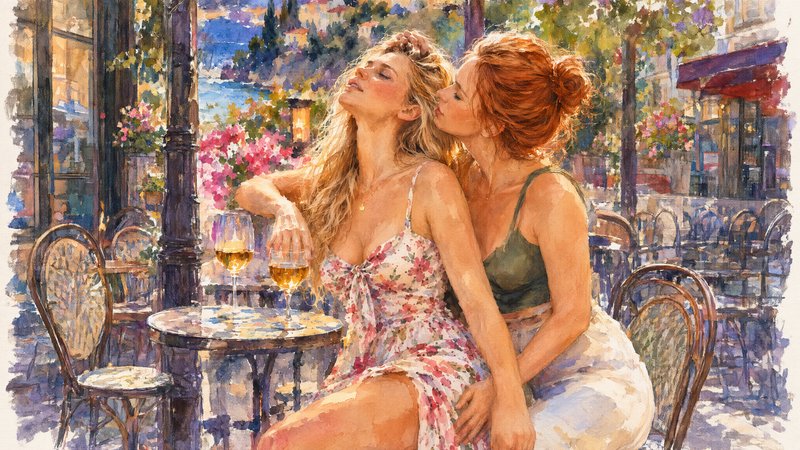 Two women share a tender, intimate moment over wine at a sunny Mediterranean sidewalk cafe
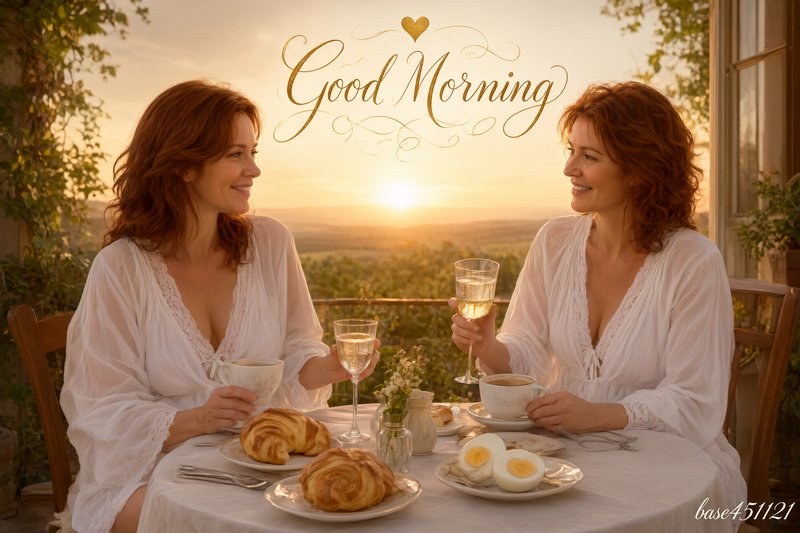 Two red haired women enjoy a sunrise balcony breakfast with Good Morning text overlay
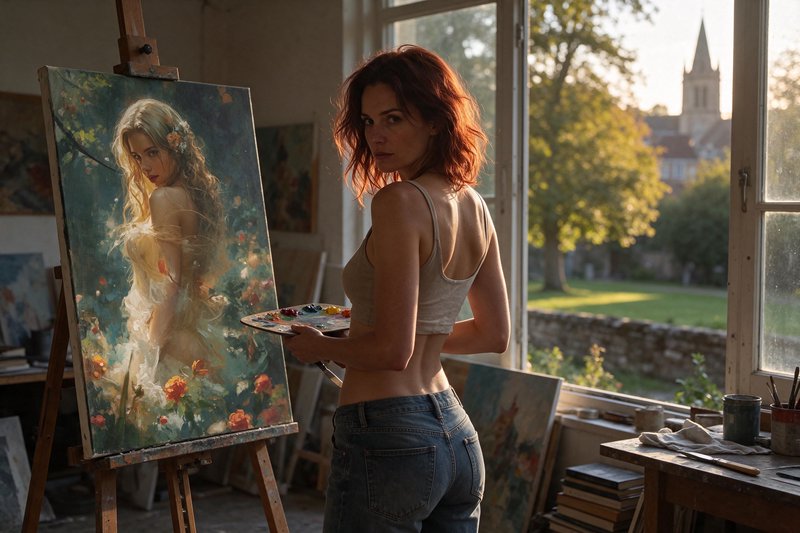 Red haired female artist holding a paint palette turns to look at the viewer beside her easel in a sunlit art studio
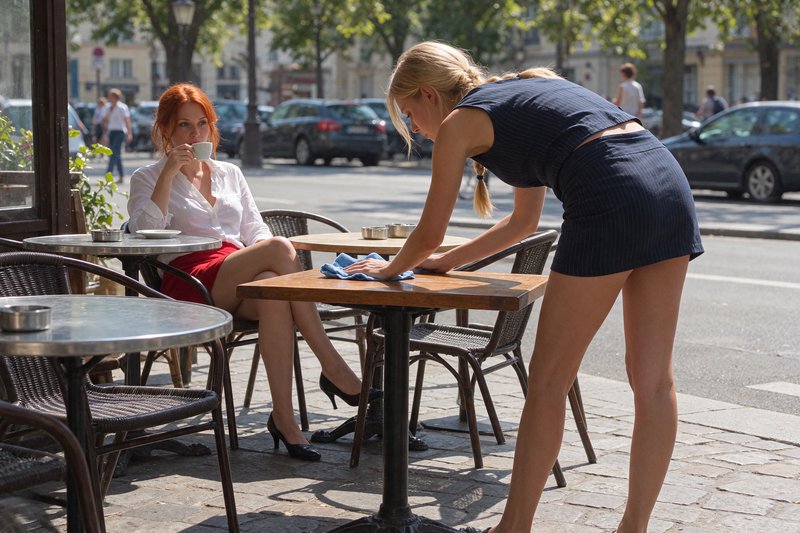 Red haired patron sips coffee at a sunny sidewalk cafe while a server wipes a nearby table
More like this
See all →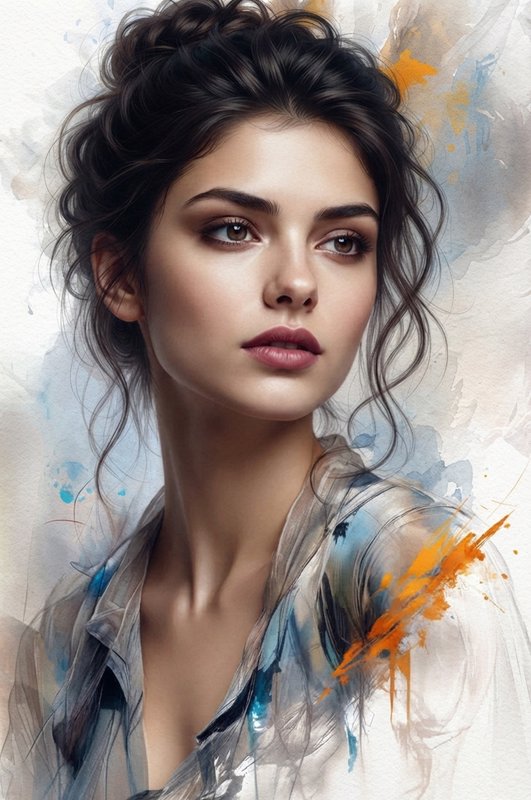
Made on BudgetPixel
The models and tools behind posts like this one.
- SeeDream 5.0 Pro
- Kling Image 4.0
- MAI Image 2.7
- AI Image Generator
- AI Double Exposure Effect
- AI Abstract Art Generator
Guide: NightCafe vs BudgetPixel (2026): Which Is Better for AI Artists?