
Structure Guide for AI Image Prompts
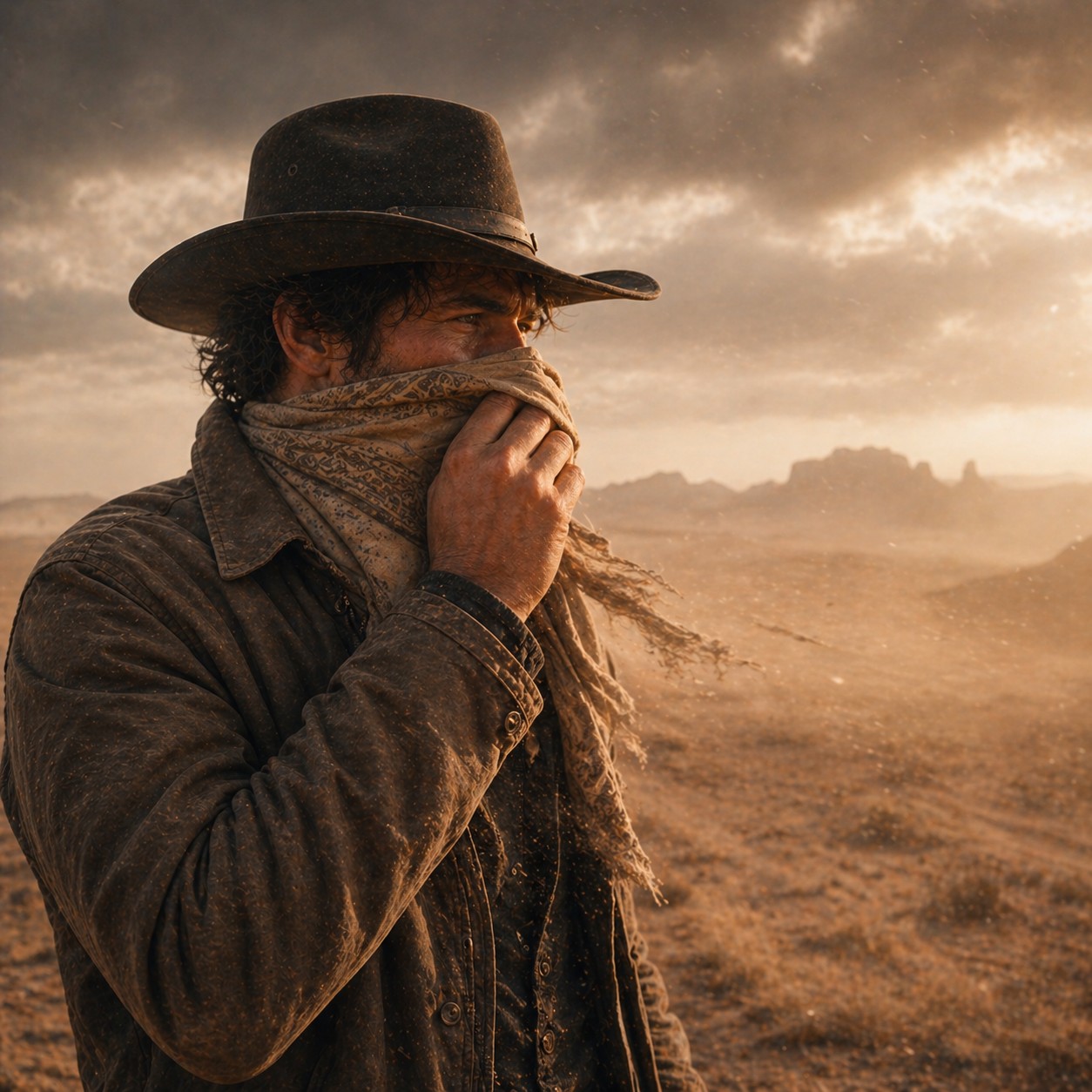 @germancowboy
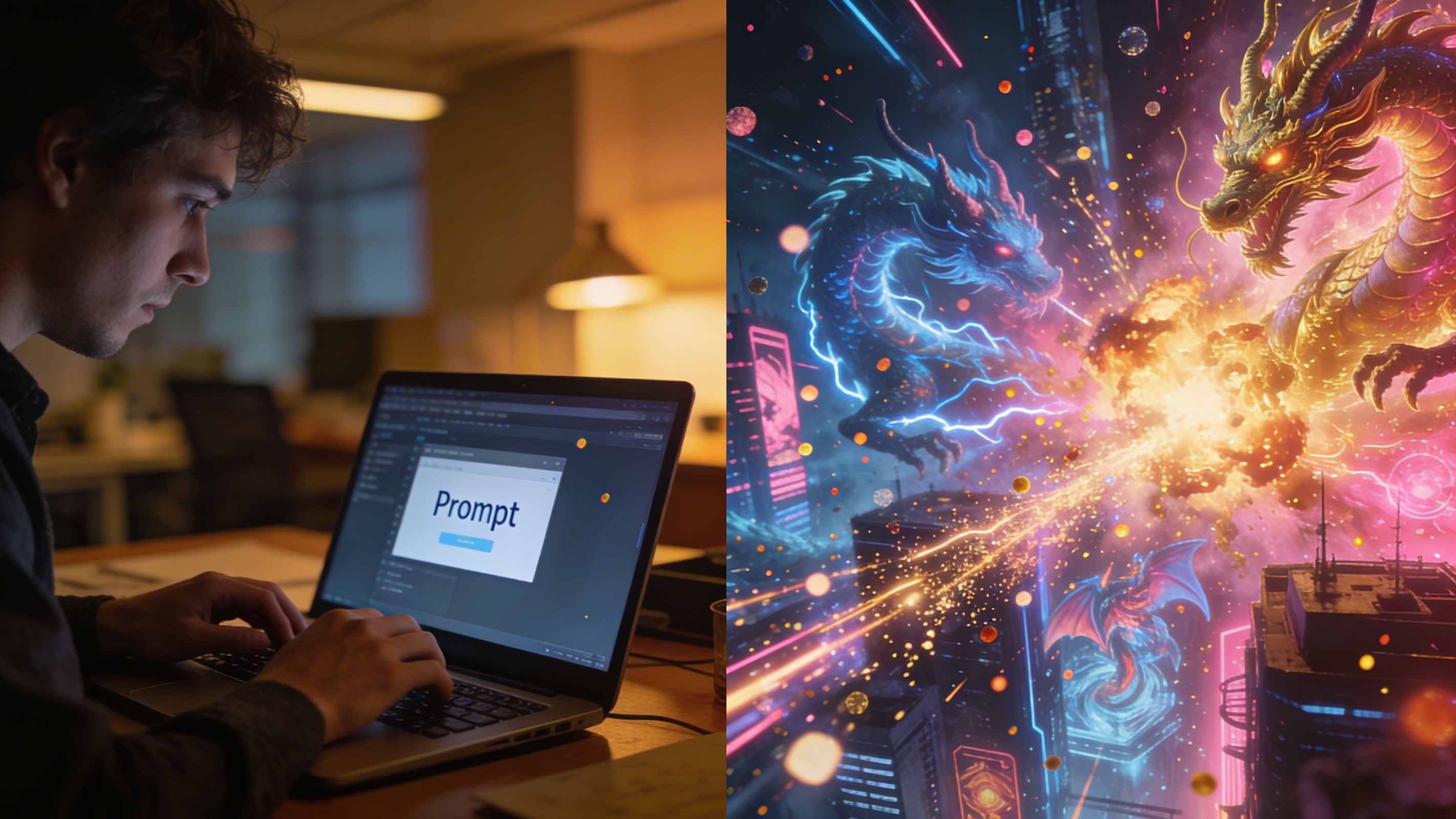
How to write prompts that actually generate what you imagine
✨ Introduction
Creating images with AI isn’t just about typing what you want—it’s about how you describe it. A well-structured prompt can mean the difference between a blurry mess and a stunning, cinematic masterpiece.
This guide breaks down the anatomy of a powerful AI image prompt so you can consistently get better results. Let’s make a picture ...

🧩 The Core Prompt Structure
A strong AI image prompt usually follows this formula:
Subject + Details + Style + Composition + Lighting + Quality + Extras
Let’s break that down 👇
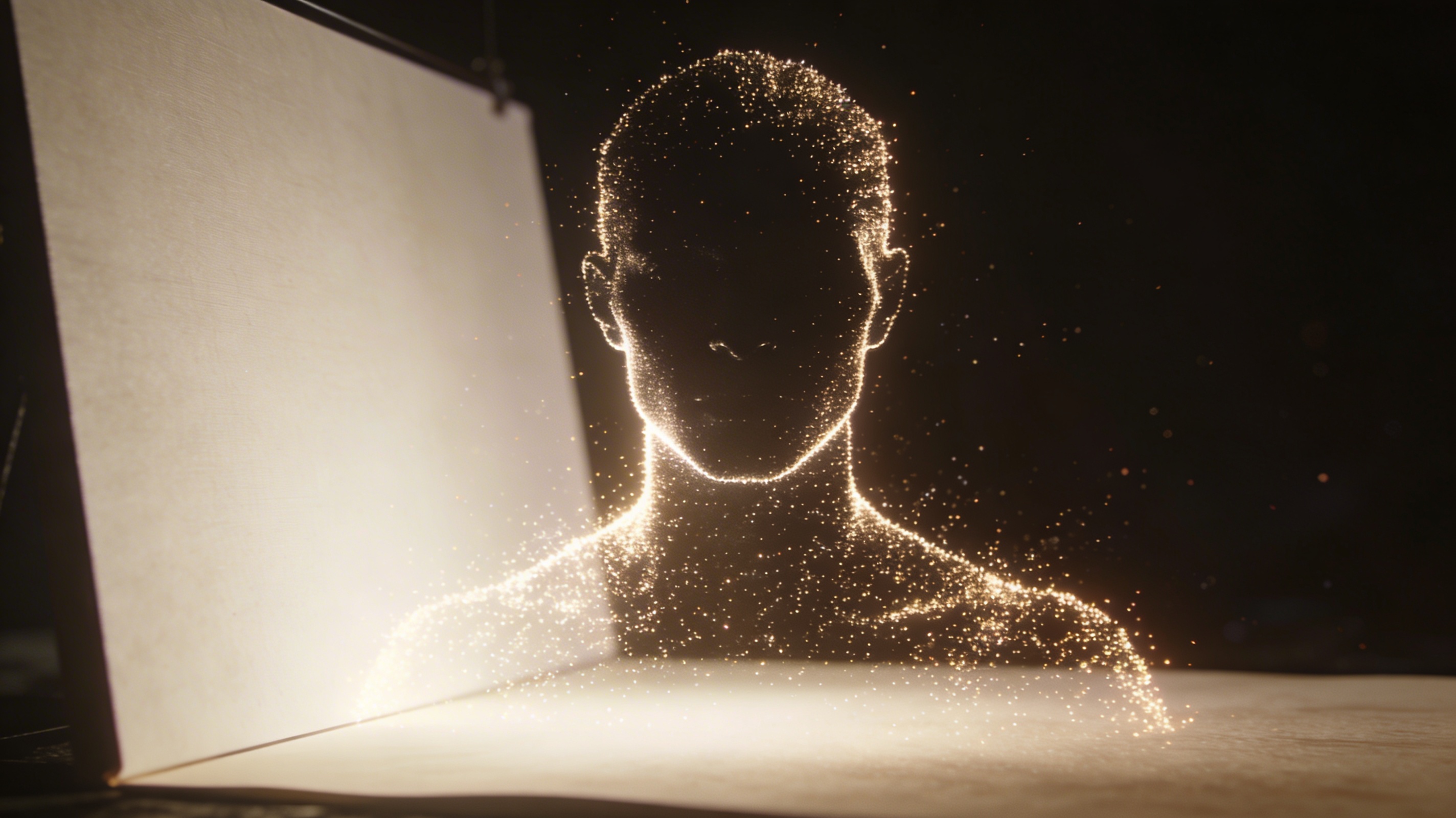
🎯 1. Subject (What is the image about?)
Start with the main focus of your image.
Examples:
“A futuristic city”
“A young woman standing in the rain”
“A dragon flying over mountains”
👉 Be clear and specific. Avoid vague terms like “something cool.”
🔗 Female Fashion Poses for AI Prompts
https://budgetpixel.com/blog/female-fashion-poses-for-ai-prompts
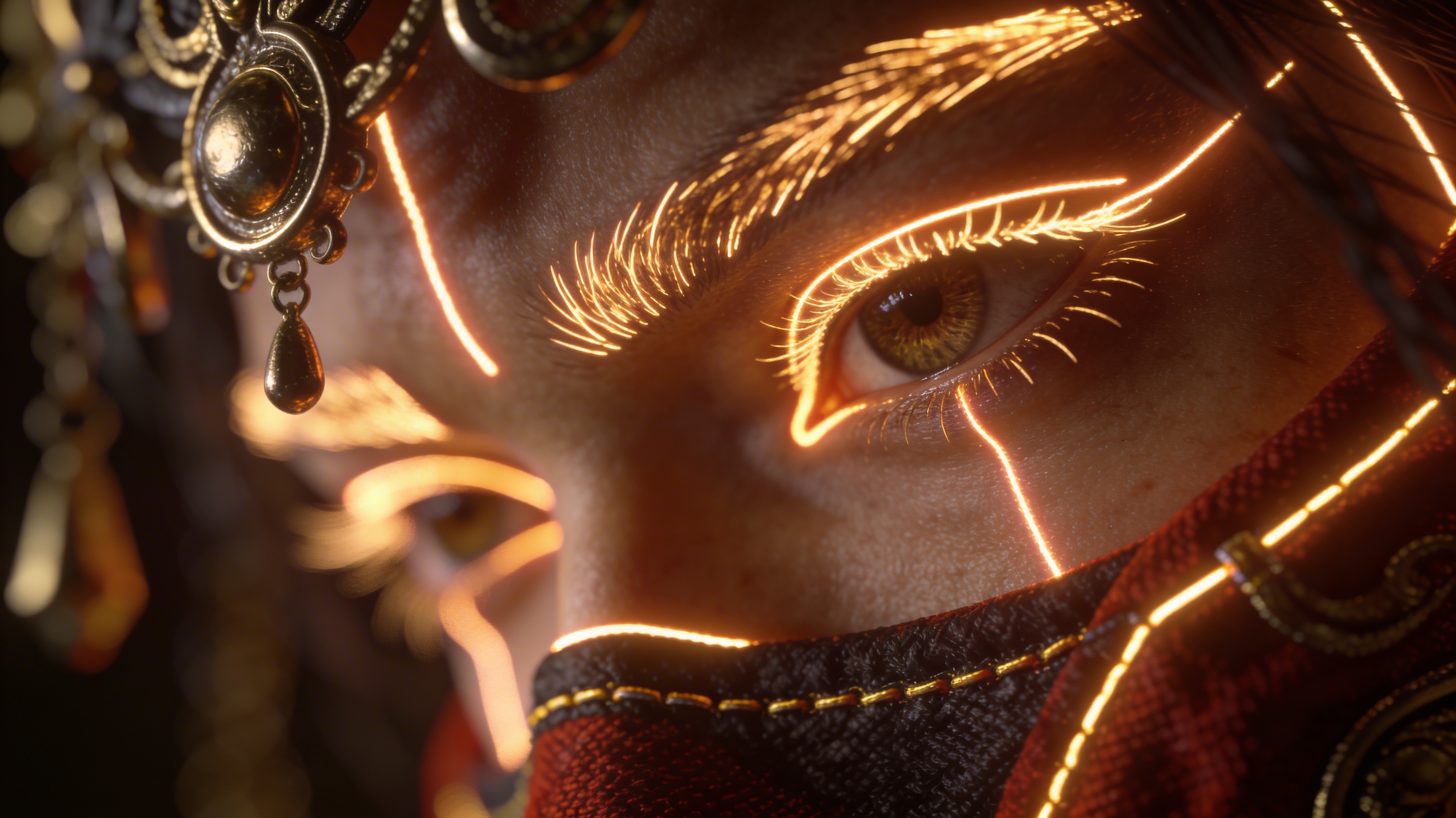
🔍 2. Details (Describe the subject)
Add depth by describing appearance, clothing, mood, environment, etc.
Examples:
“wearing a red leather jacket”
“covered in glowing tattoos”
“surrounded by fog and neon lights”
👉 Think like a storyteller—what makes this subject unique?
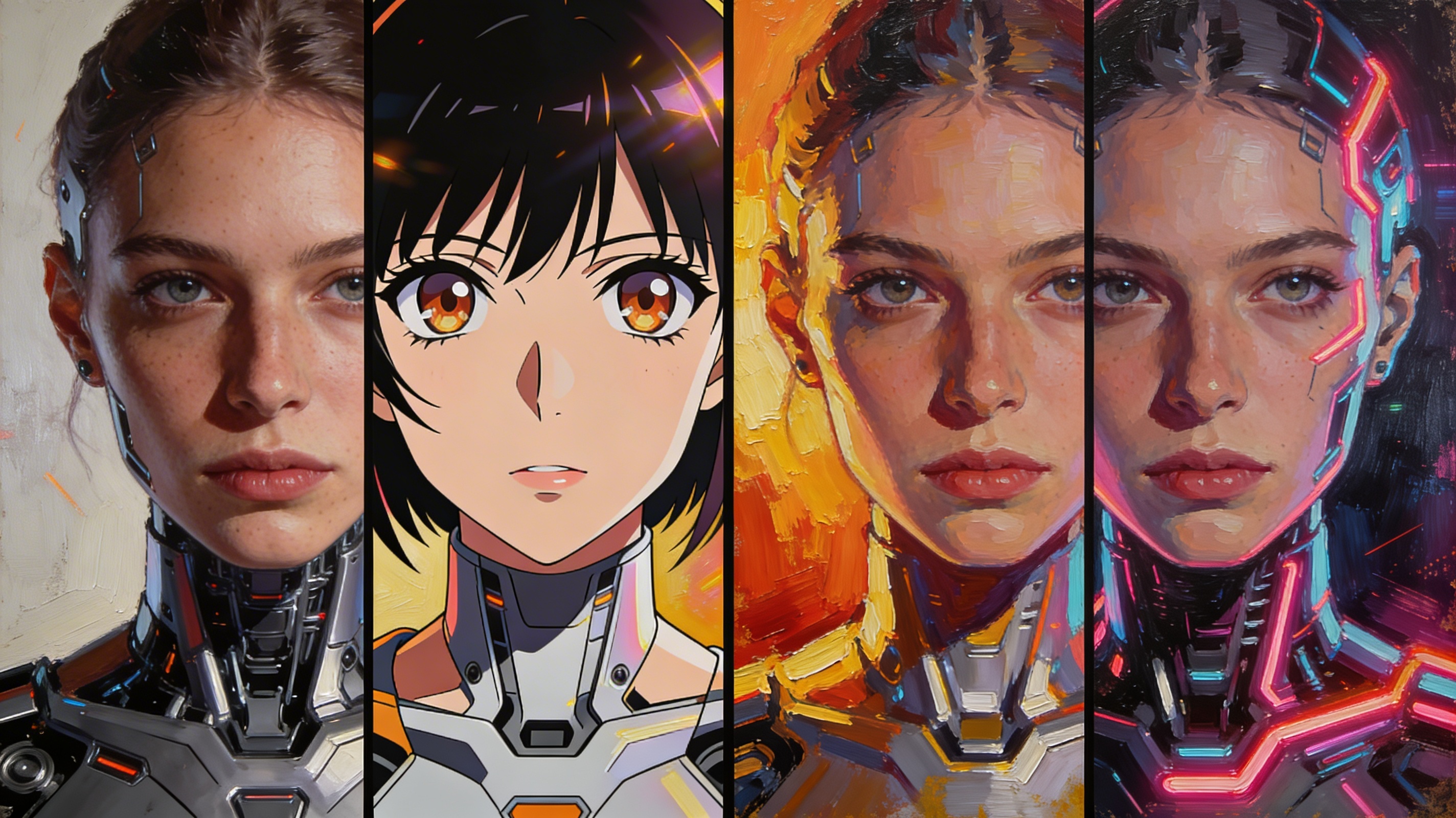
🎨 3. Style (How should it look?)
This is where you define the artistic direction.
Examples:
“photorealistic”
“anime style”
“oil painting”
“cyberpunk aesthetic”
“Studio Ghibli inspired”
👉 You can combine styles, but don’t overdo it.
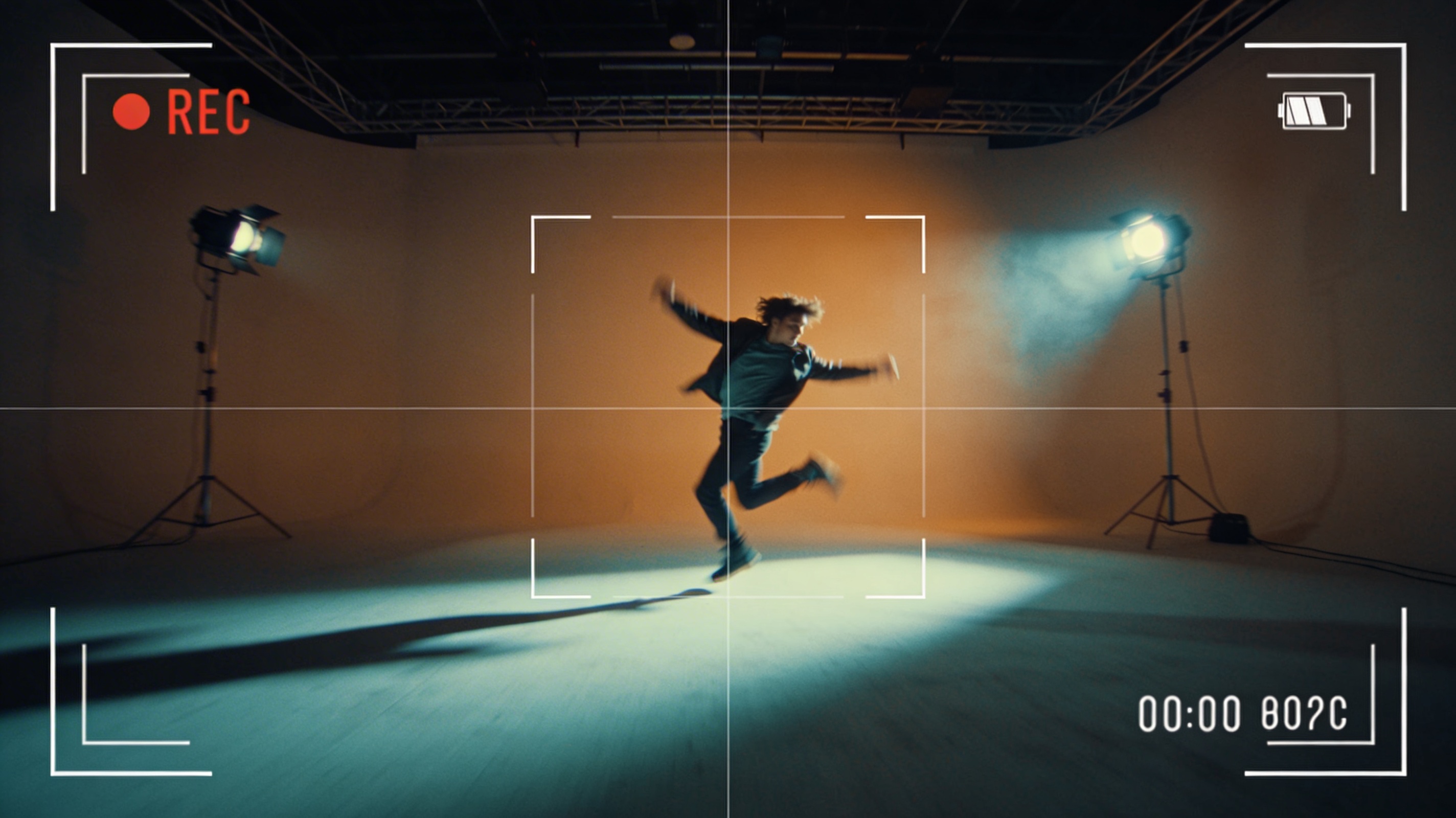
📸 4. Composition (Camera & framing)
Guide how the image is framed.
Examples:
“close-up portrait”
“wide-angle shot”
“low angle perspective”
“cinematic framing”
👉 This is often overlooked but massively improves results.
🔗 Camera Angles & Lenses in AI Prompts
https://budgetpixel.com/blog/camera-angles-lenses-in-ai-prompts
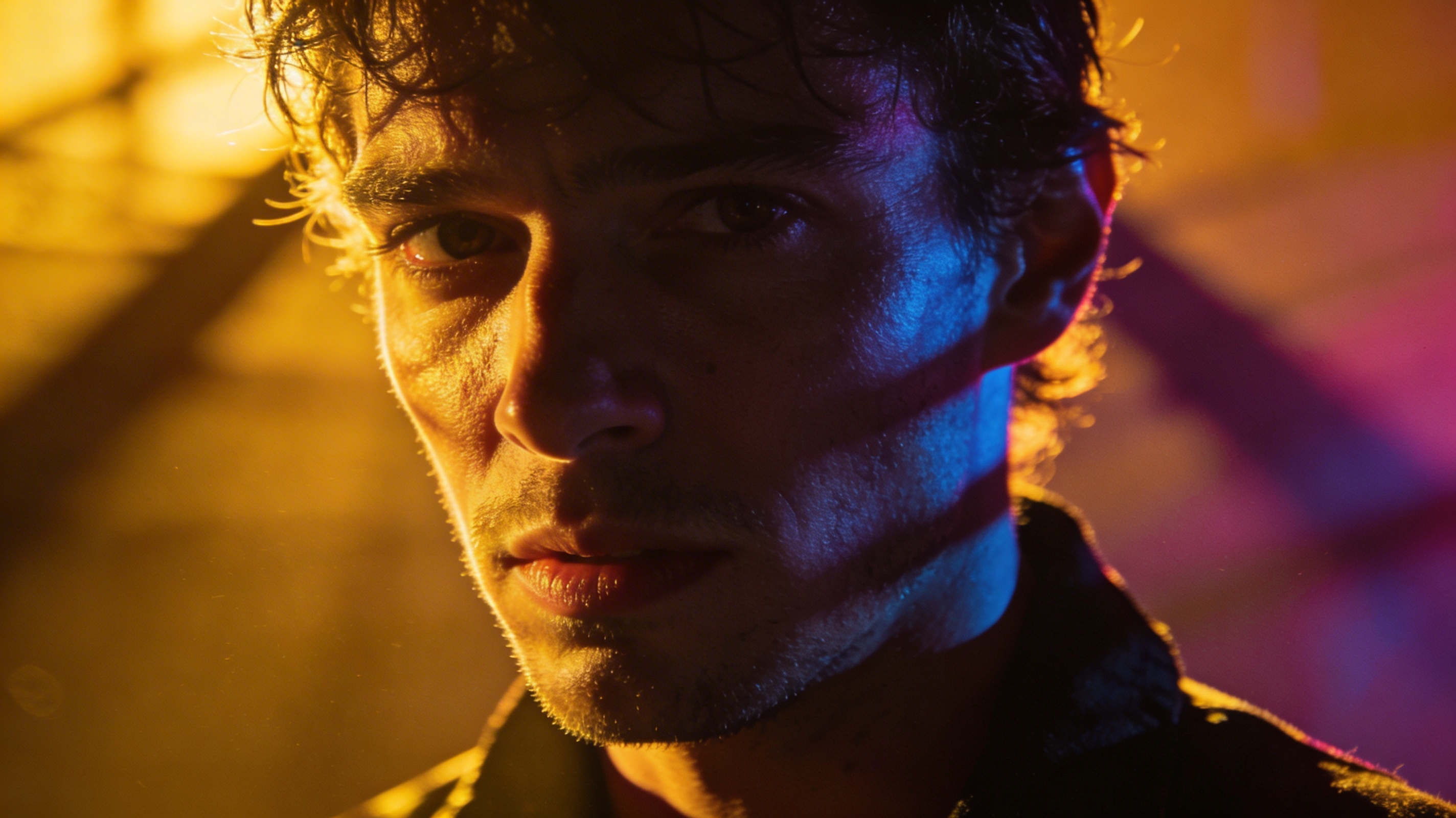
💡 5. Lighting (Mood & atmosphere)
Lighting defines the emotional tone.
Examples:
“soft natural light”
“dramatic shadows”
“neon glow”
“golden hour lighting”
👉 If your image feels “off,” lighting is usually the issue.
🔗 Lighting Techniques for AI Prompts
https://budgetpixel.com/blog/lighting-techniques-for-ai-prompts
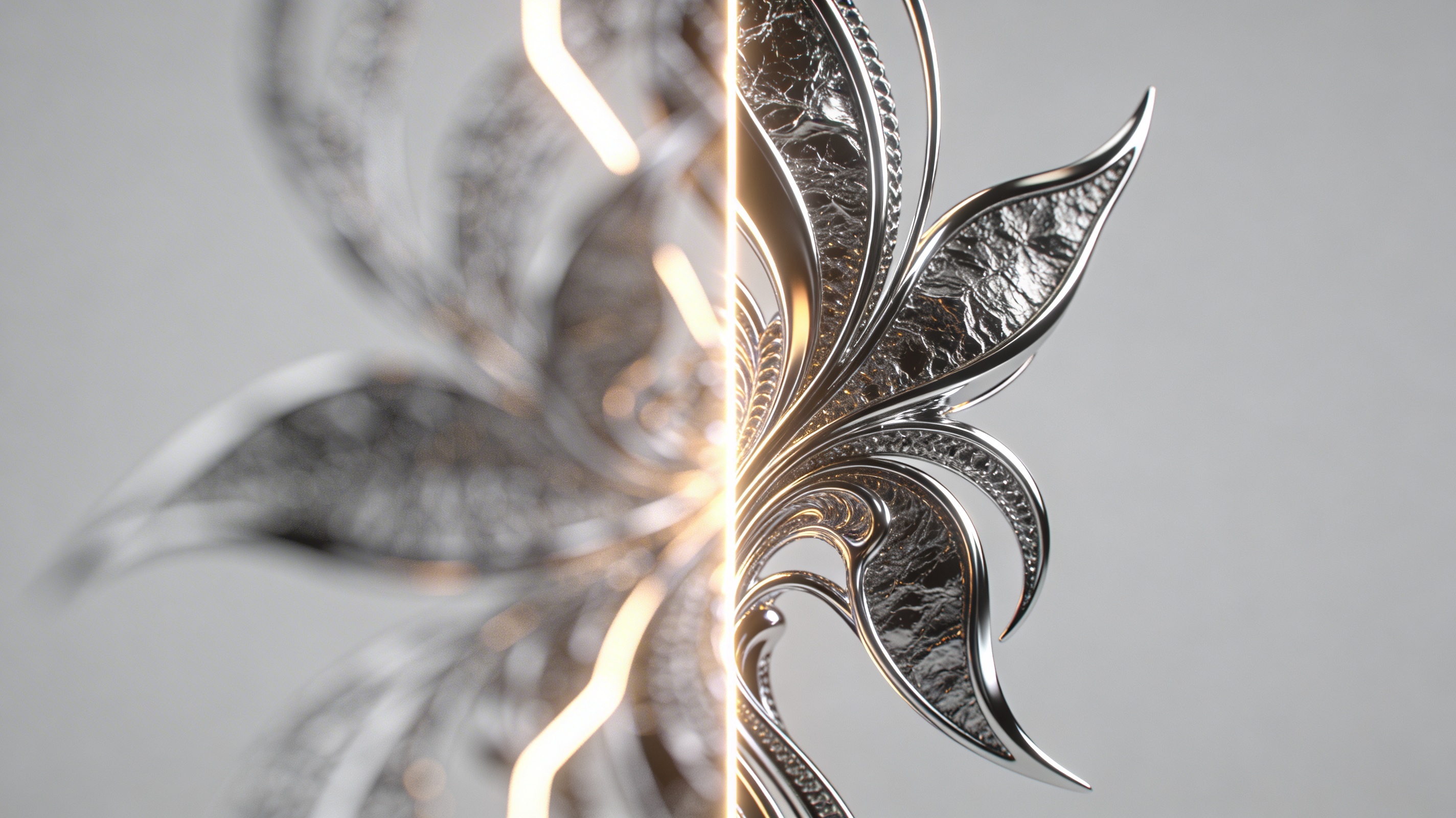
🧪 6. Quality & Rendering
Boost realism or detail.
Examples:
“highly detailed”
“8K resolution”
“ultra realistic”
“sharp focus”
👉 Use sparingly—stacking too many can dilute results.
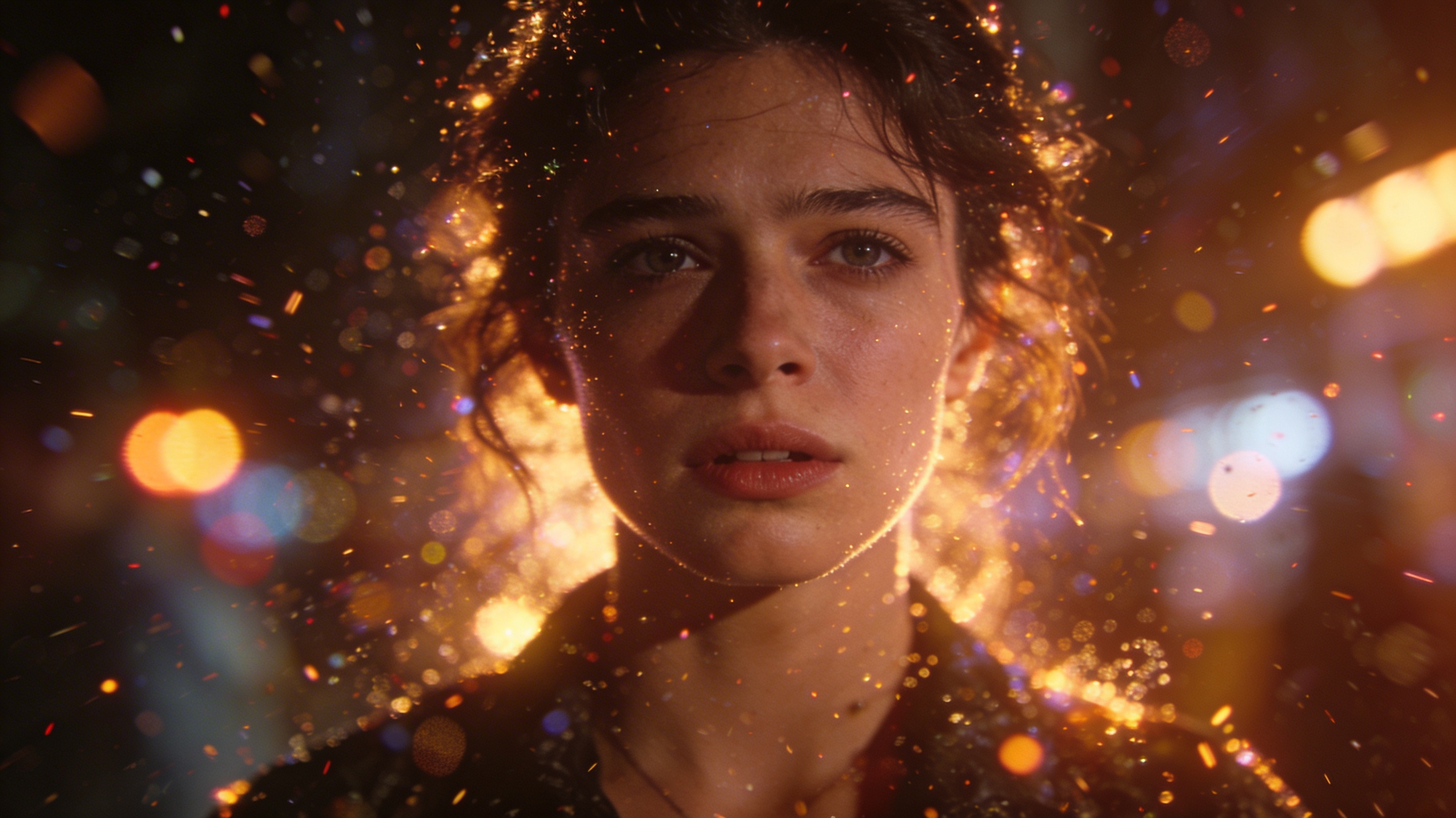
➕ 7. Extras (Optional Enhancements)
Add finishing touches.
Examples:
“bokeh background”
“motion blur”
“depth of field”
“film grain”
🔗 Lighting Techniques for AI Prompts
https://budgetpixel.com/blog/lighting-techniques-for-ai-prompts
Example: Weak vs Strong Prompt
❌ Weak Prompt:
A girl in a city✅ Strong Prompt:
A young woman standing in a rainy neon-lit Tokyo street at night, wearing a black jacket, reflections on wet pavement, cyberpunk style, cinematic wide-angle shot, soft neon glow lighting, highly detailed, depth of field🧩 Examples using the Structured Guide
⚡ 1. Cyberpunk Street Scene
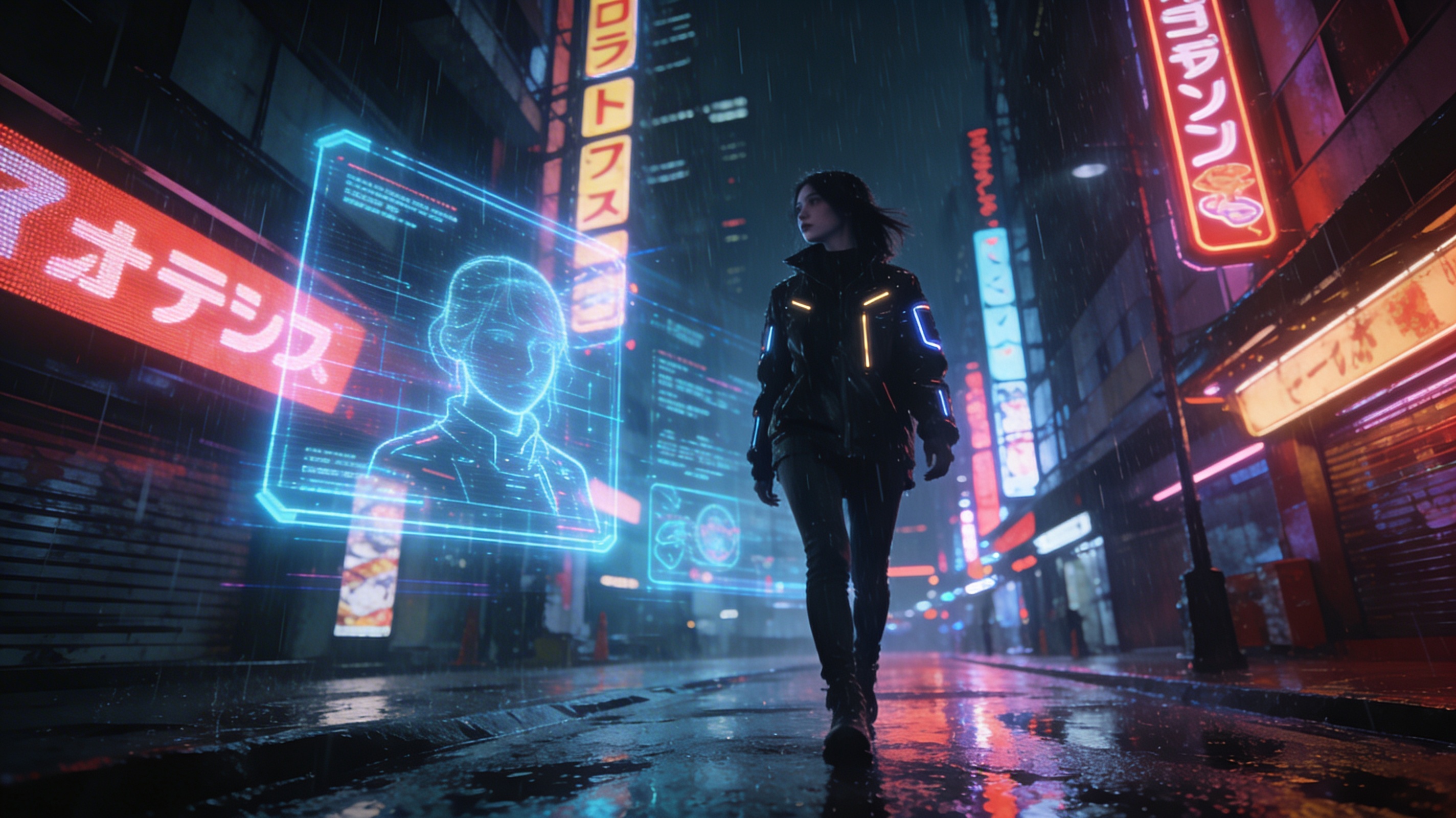
A lone woman walking through a rainy neon-lit Tokyo street at night, wearing a black futuristic jacket with glowing accents, reflections on wet pavement and holographic signs, cyberpunk style, cinematic wide-angle shot, low angle perspective, neon glow lighting with deep shadows, ultra detailed, sharp focus, depth of field🐉 2. Epic Fantasy Dragon
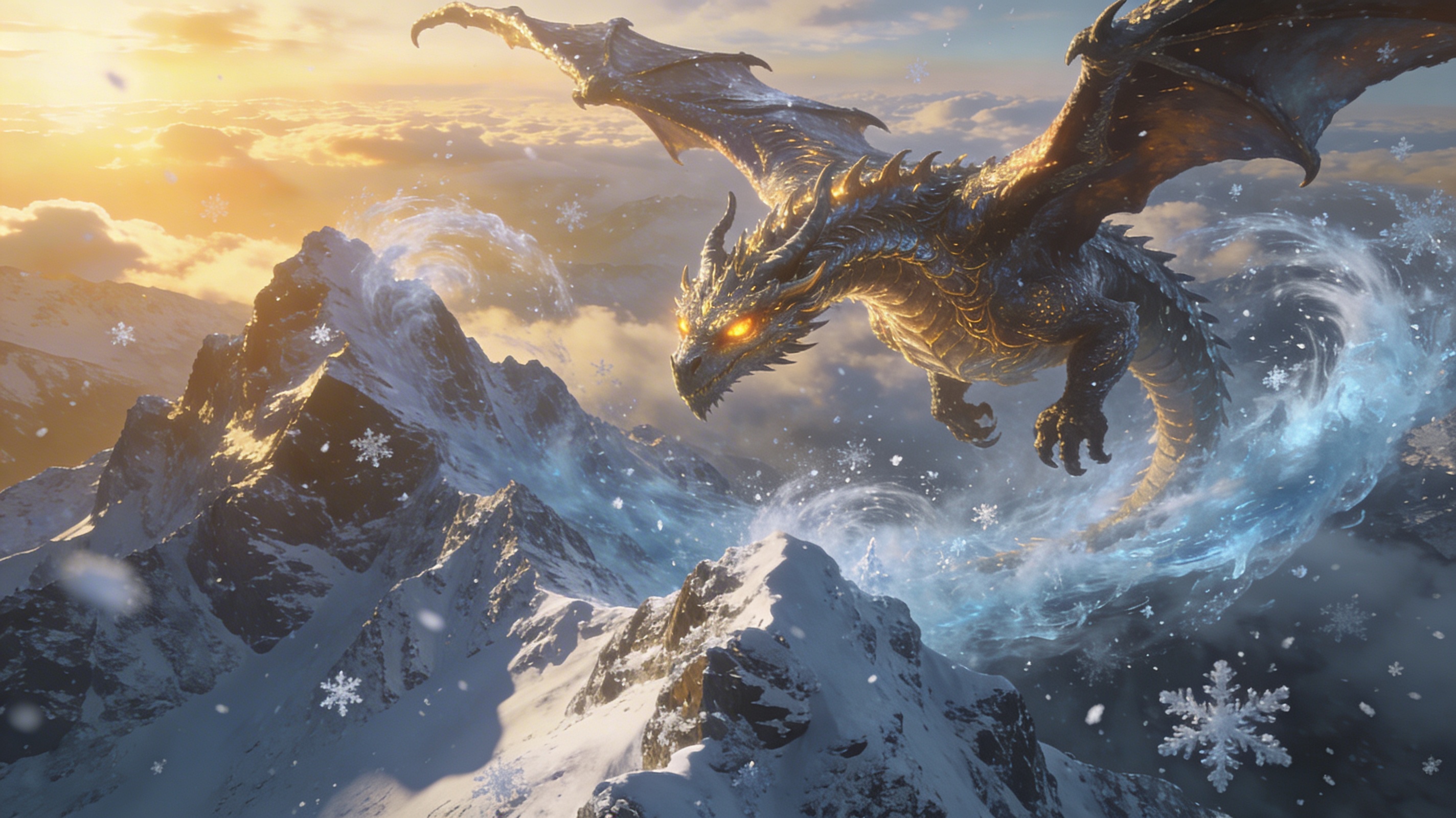
A massive dragon flying over snowy mountains at sunrise, detailed scales and glowing eyes, icy wind swirling around peaks, high fantasy art style, epic cinematic composition, aerial wide shot, golden hour lighting with soft clouds, highly detailed, 8K quality, atmospheric depth🚀 3. Futuristic Space Explorer
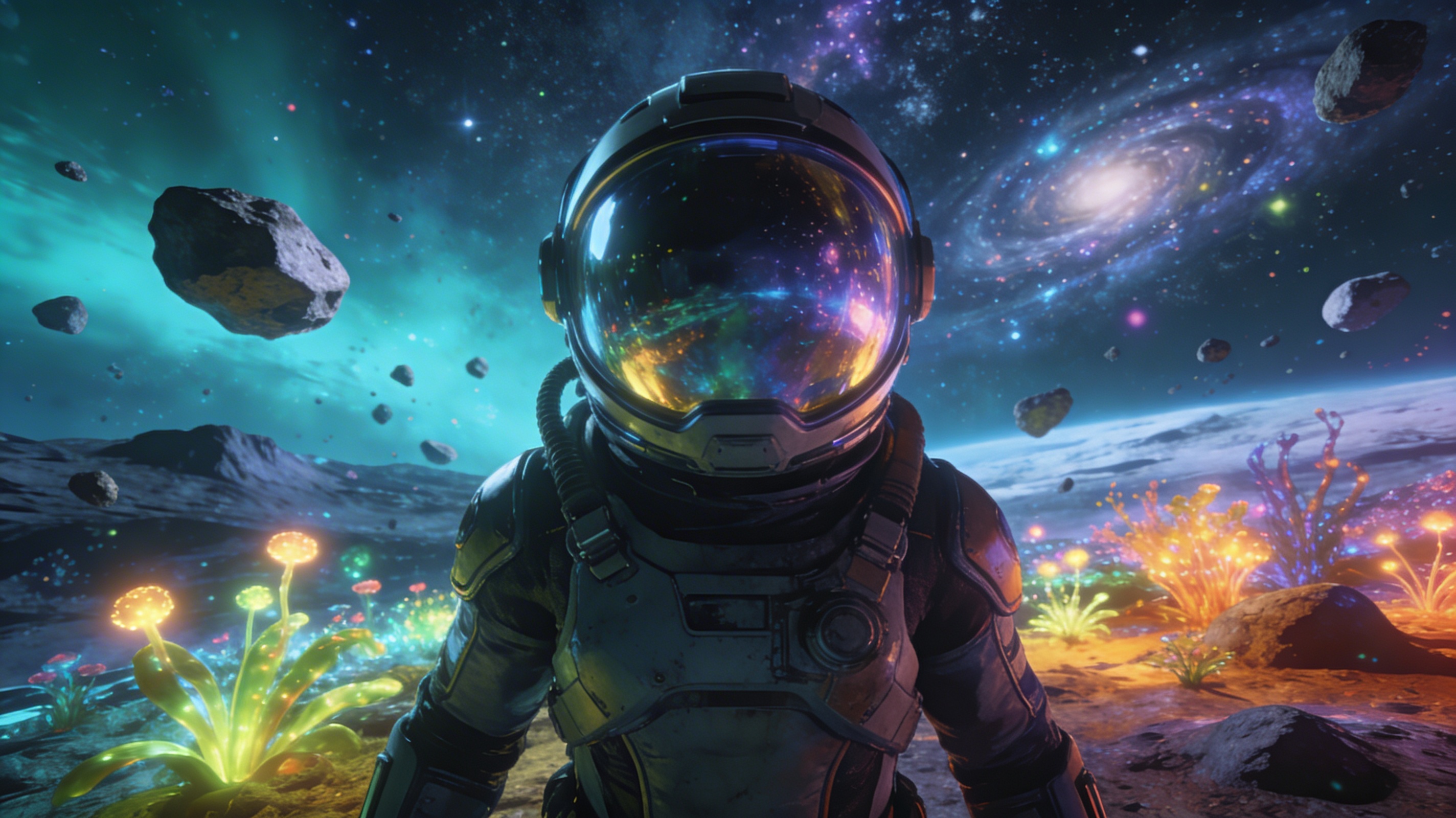
A space explorer standing on an alien planet with glowing plants and distant galaxies, reflective helmet and advanced suit, surreal environment with floating rocks, sci-fi concept art style, cinematic framing, wide-angle shot, bioluminescent lighting mixed with cosmic glow, ultra detailed, sharp focus, depth of field🎨 4. Artistic Portrait Transformation
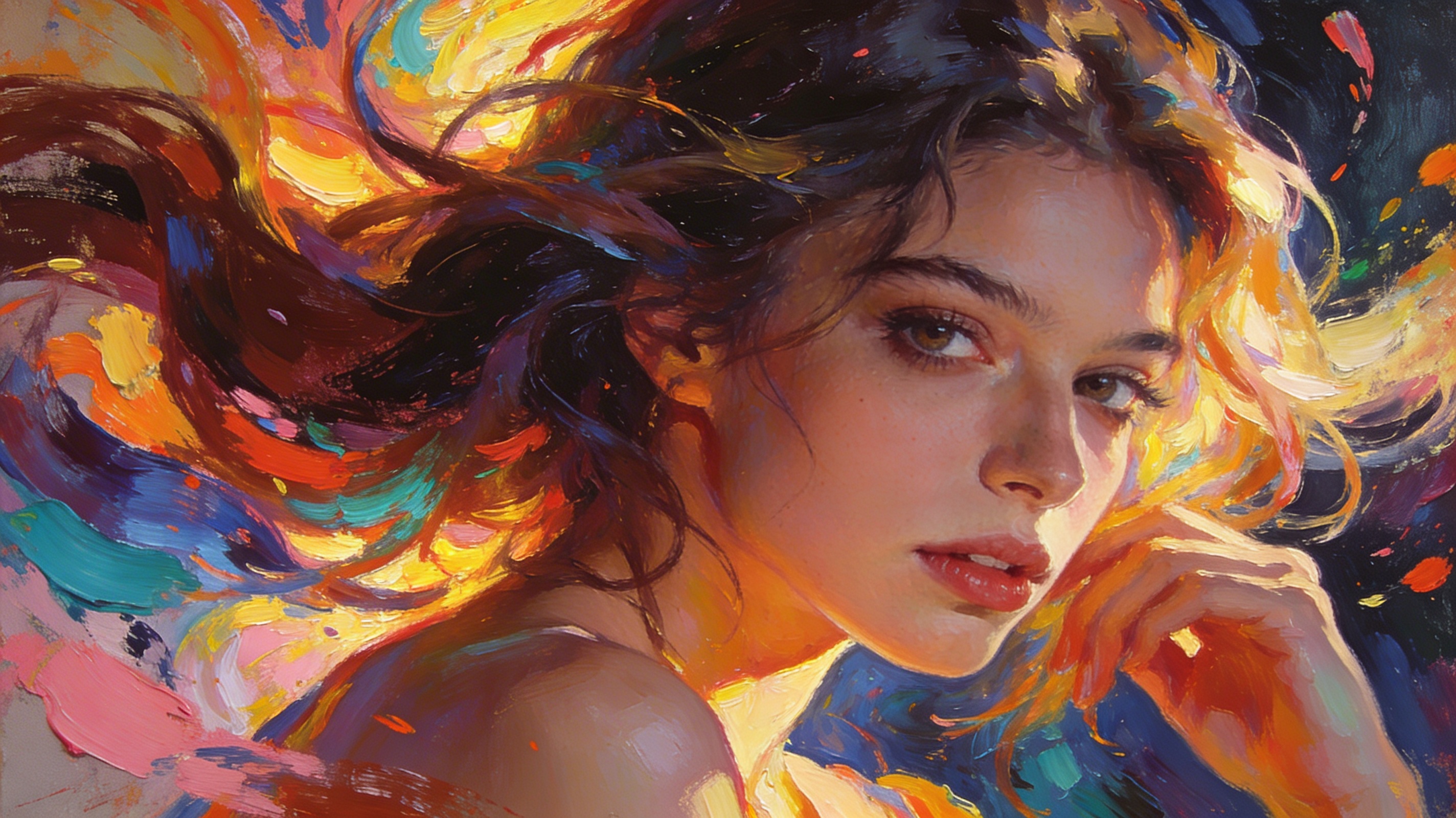
A young woman with flowing hair surrounded by swirling paint and colors, expressive face and elegant pose, abstract artistic environment, oil painting and digital art fusion style, close-up portrait composition, soft studio lighting with vibrant highlights, highly detailed textures, fine brush strokes, depth of field🏙️ 5. Modern Architecture Masterpiece
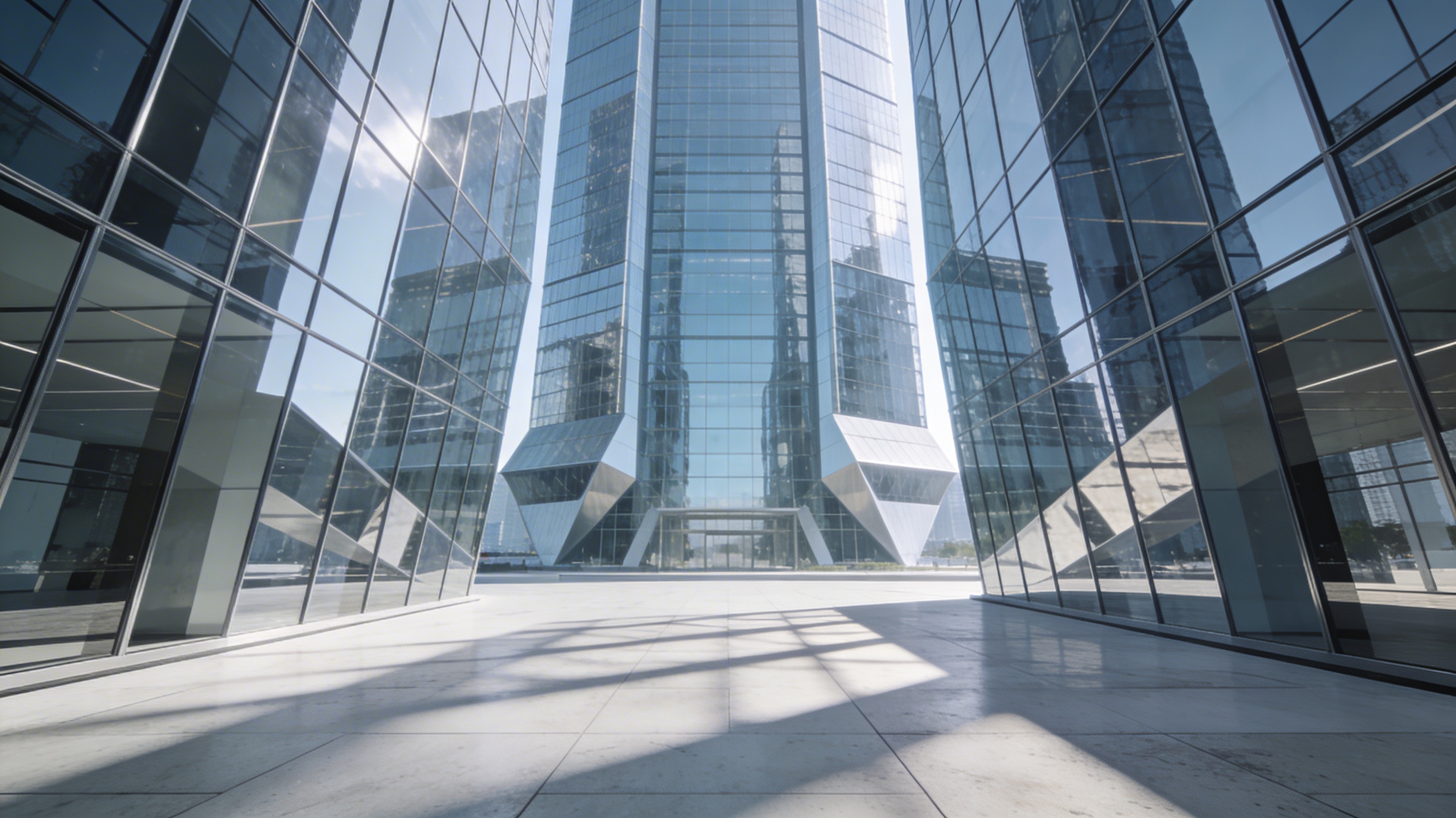
A futuristic glass skyscraper in a clean modern city, reflective surfaces and geometric design, minimal environment with open space, architectural visualization style, symmetrical composition, wide-angle lens, soft daylight with natural shadows, ultra realistic, high detail, crisp clarity⚖️ Pro Tips for Better Prompts
Be specific, not long – clarity beats length
Order matters – most important elements first
Avoid contradictions – don’t mix conflicting styles
Iterate – small tweaks can drastically improve results
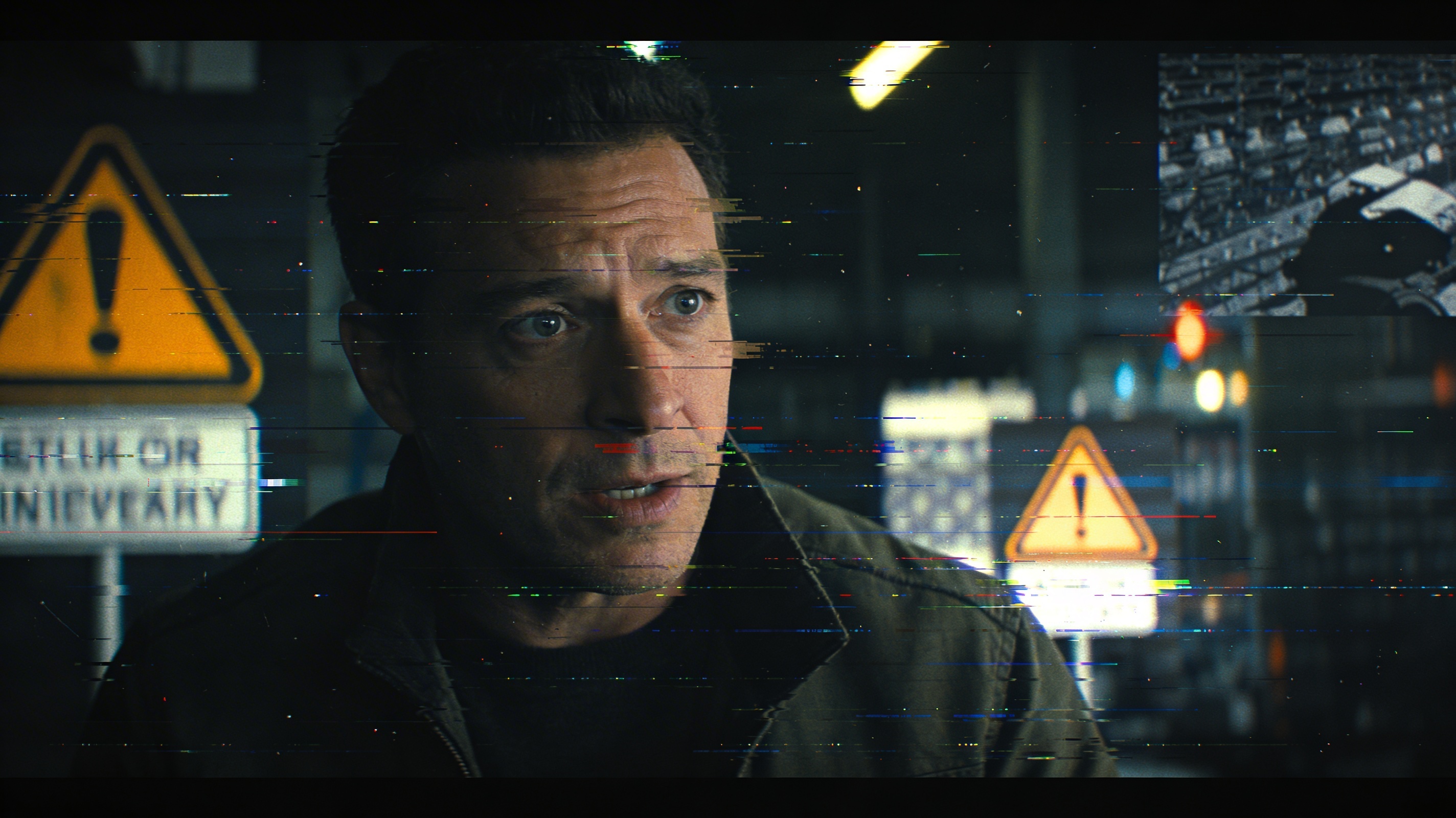
⚠️ Common Prompting Errors (and How to Fix Them)
Even with a good structure, small mistakes can completely ruin your results. Here are the most common issues beginners (and even experienced users) run into:
❌ 1. Being Too Vague
Example: “A cool character”
👉 The AI has no clear direction, so results will be random or generic.
✅ Fix: Be specific about who, what, and where.
Better: “A battle-worn warrior with a scarred face, wearing dark armor, standing in a foggy battlefield”Use this prompt
❌ 2. Overloading the Prompt
Trying to include everything often backfires.
Example: “A futuristic medieval cyberpunk steampunk fantasy city with realistic anime oil painting style…”Use this prompt
👉 Conflicting ideas confuse the model and reduce quality.
✅ Fix: Stick to 1–2 main styles and a clear theme.
❌ 3. Conflicting Instructions
Example: “A realistic photo in cartoon anime style”
👉 “Realistic photo” and “cartoon anime” pull in opposite directions.
✅ Fix: Choose a consistent visual direction.
❌ 4. Ignoring Composition
Many people focus only on the subject and forget framing.
Example: “A dragon flying over mountains”
👉 The result may feel flat or poorly framed.
✅ Fix: Add camera perspective.
Better: “A dragon flying over mountains, wide-angle shot, cinematic composition”Use this prompt
❌ 5. No Lighting Direction
Lighting is one of the biggest quality drivers.
Example: “A portrait of a man”
👉 Often results in dull or flat images.
✅ Fix: Always include lighting.
Better: “A portrait of a man, dramatic side lighting, soft shadows”Use this prompt
❌ 6. Repeating “Quality Buzzwords”
Example: “Ultra HD, 8K, highly detailed, super realistic, best quality, masterpiece…”Use this prompt
👉 These don’t stack infinitely—and can even dilute results.
✅ Fix: Use a few strong quality terms, not all of them.
❌ 7. Wrong Order of Information
Putting less important details first can confuse the model.
Example: “8K, cinematic lighting, masterpiece, a small cat sitting on a chair”Use this prompt
👉 The subject gets buried.
✅ Fix: Start with the subject, then refine.
❌ 8. Not Iterating
Expecting perfect results on the first try is unrealistic.
👉 AI prompting is a process, not a one-shot command.
✅ Fix: Adjust 1–2 elements at a time, Test variations, Learn from each output
❌ 9. Forgetting the Environment
Example: “A knight”
👉 Where is the knight? The AI has to guess.
✅ Fix: Add context.
Better: “A knight standing in a snowy battlefield at dawn”
❌ 10. Mixing Too Many Ideas
Example: “A robot, a dragon, a pirate ship, and a city all together”
👉 Results become chaotic and unfocused.
✅ Fix: Focus on one main subject and support it with details.
🧠 Quick Rule to Remember
👉 Clarity beats complexity. Always.
🎶"Build Your Prompt!"
🎵 Subject, Details, Style and View, Lighting, Quality—Extras too!
🎵 Put them together, now you know what to do, That’s how a great prompt comes true!
🚀 Final Thoughts
AI image generation is part art, part engineering. Once you understand prompt structure, you stop guessing—and start creating intentionally.
Master this, and you’ll turn your ideas into visuals exactly the way you imagine them.
🚀 More Reading Material
🔗 1. Female Fashion Poses for AI Prompts
https://budgetpixel.com/blog/female-fashion-poses-for-ai-prompts
🔗 2. Camera Angles & Lenses in AI Prompts
https://budgetpixel.com/blog/camera-angles-lenses-in-ai-prompts
🔗 3 . Lighting Techniques for AI Prompts
https://budgetpixel.com/blog/lighting-techniques-for-ai-prompts
👏Blog Rating Training — Classes Available Upon Request👏
https://budgetpixel.com/blog/stop-liking-start-clapping-a-certified-training-program
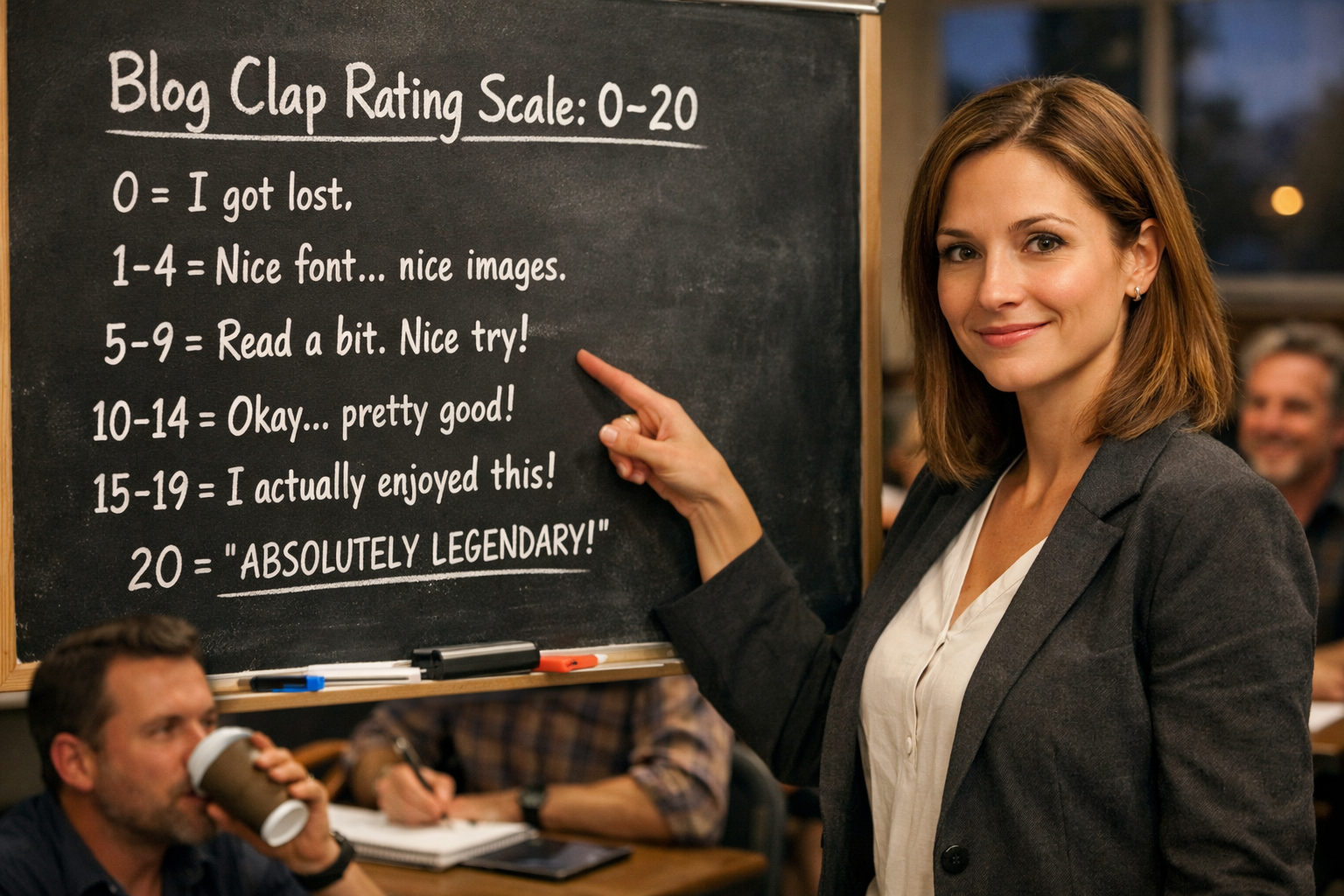
Claps are not likes. They are applause. 👏
Topics
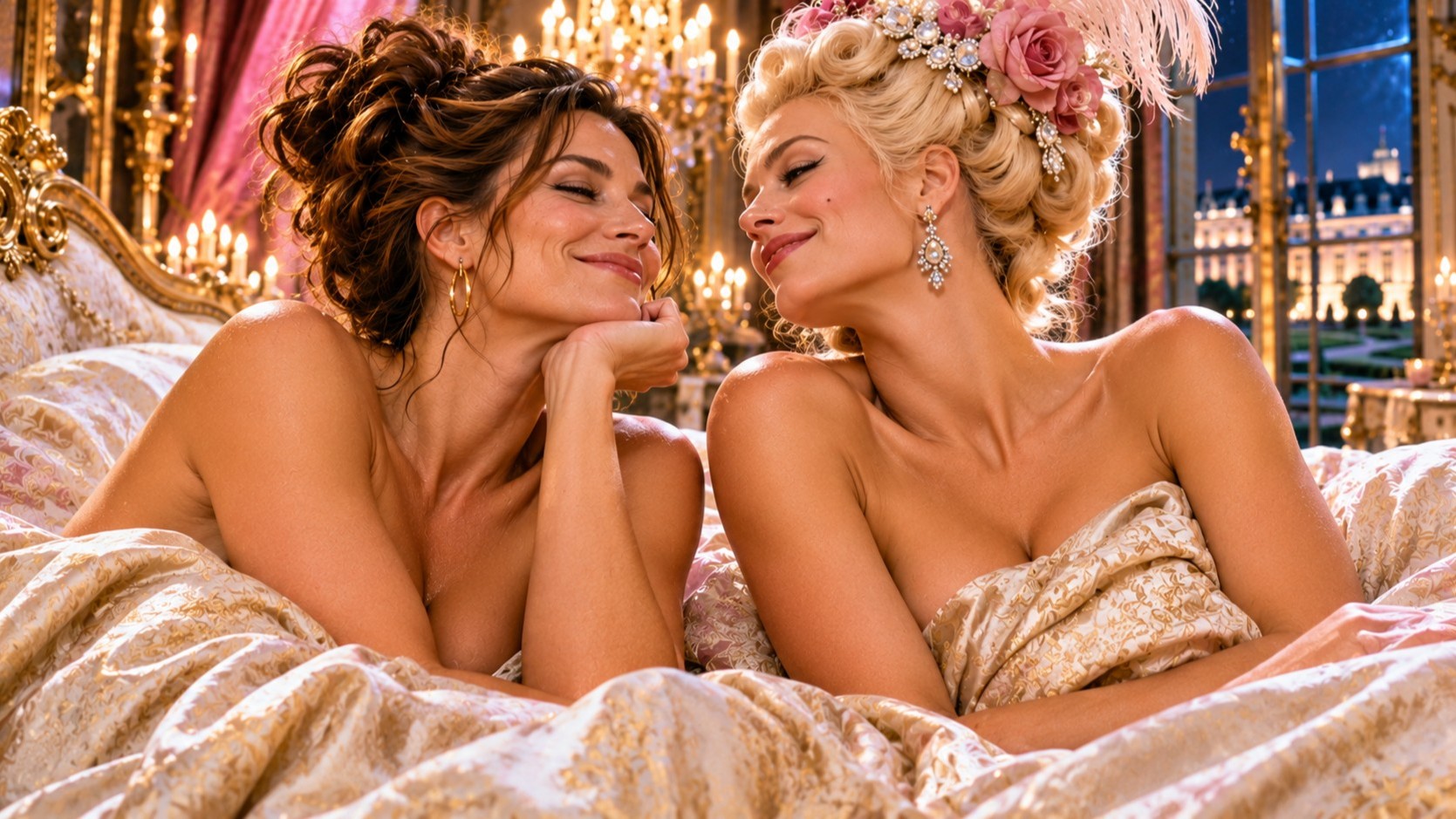

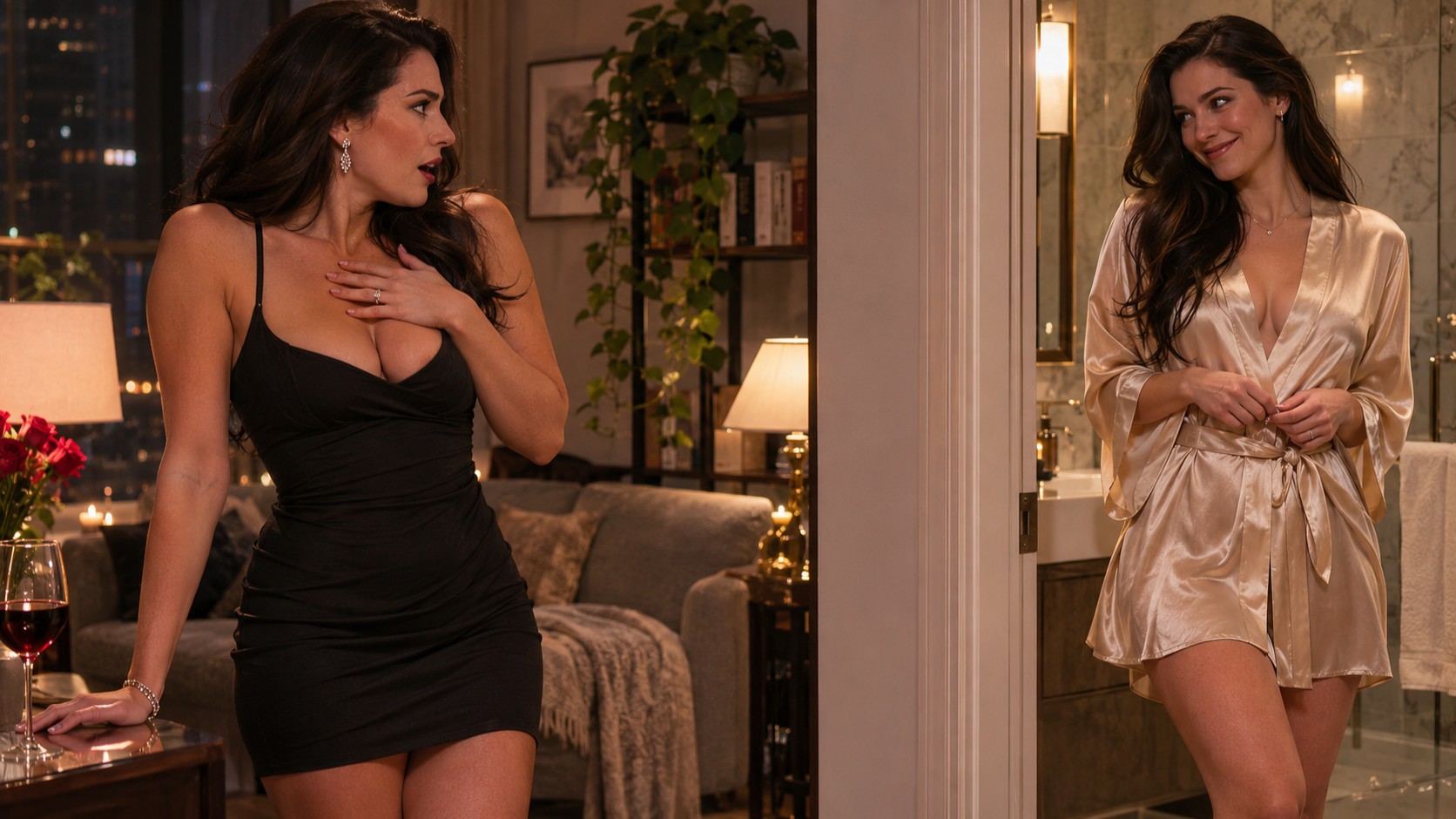
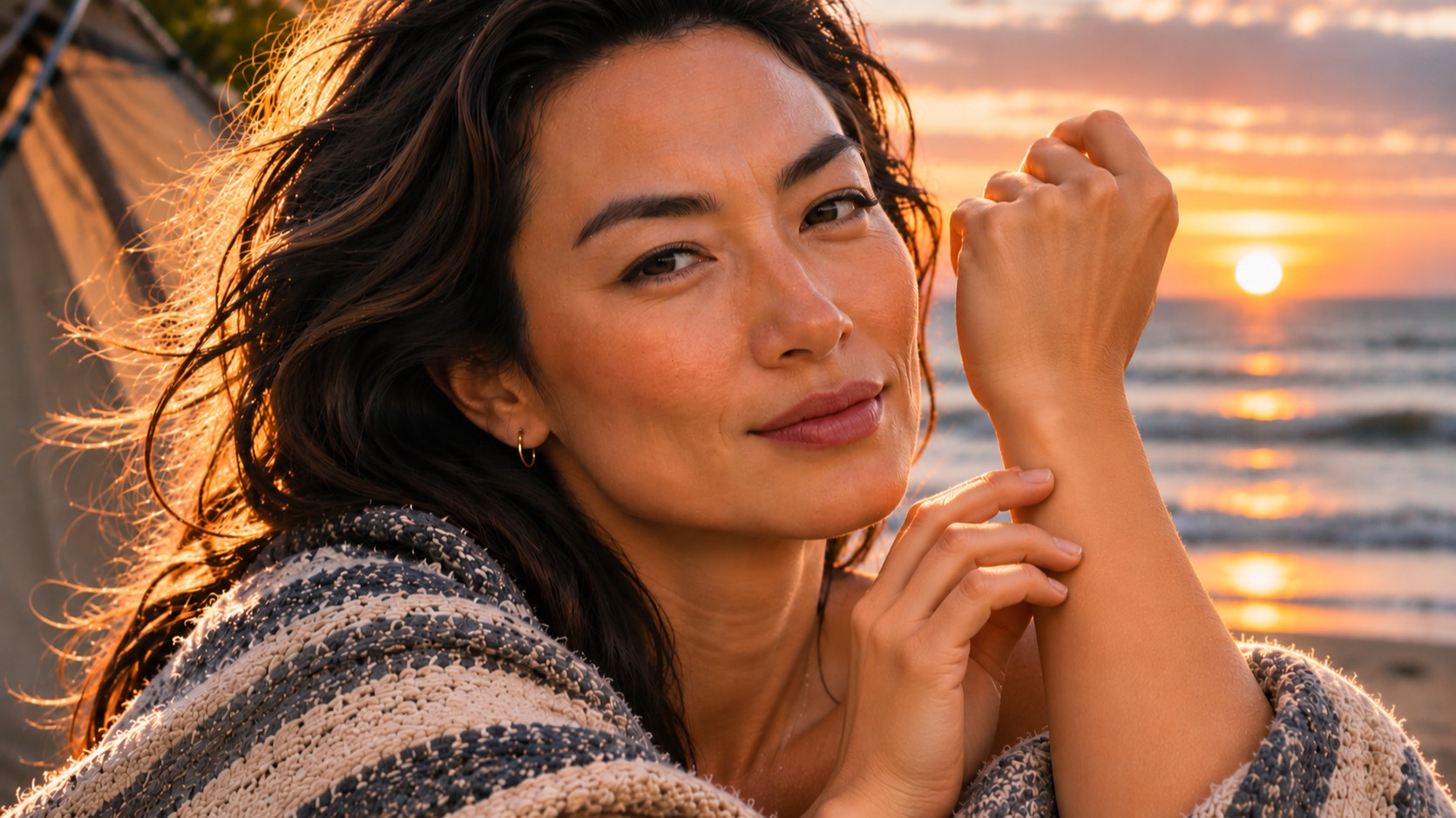
 @unknownperson04
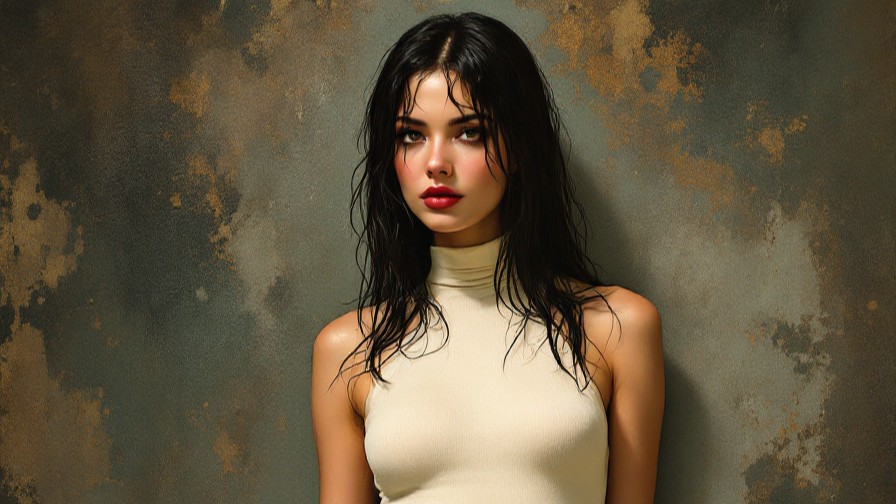
 @justrob
 @paulie
 @yeah4
 @elkanthe
Comments (23)
Thank you. i think, it is something different. Or it is crazy what kind of stuff you can come up with.
I did not really want to tag anyone when I created this blog. There are quite a few posts around with the same topic and a "Structure Guide for AI Image Prompts" might only be interesting for an absolute newcomer. But after adding some examples I decided to also create a song to easily remember the 7 important steps to create a perfect AI image prompt. I thought that might be at least something unusual to have a technical post with a fun song, so I DID ag you all. Sorry. As always thank you all for your ongoing support here at BudgetPixel. I appreciate you all! (Song: https://budgetpixel.com/p/23673) @antares @aqualemonade @base451121 @Belinda @Biscuit @CaylaCatz @charlypalermo @Cheinia @ChildNerd @chris70 @DavidP @dovonko @elkanthe @elysian @EternaSky @faerierealm @fantasydesignink @germancowboy @gman @gummiefish @Hephzibah @Hiths @humtum8182 @IndoAIArtist @justrob @King @kirito @mim86 @nametaker @NickWolf @NielsCarlsen @notyourcleo @PabloArtStation @panos @paulie @pocahontas @Sealine @SkarletFever @sonny001 @southamericanmyth @standartis @suga2309 @strixowl-47 @TesaranJ @TheBard @TTRPG_Player @thedreamcatcher @To4kawa @Troxley @Unleashed @winter_witch @archangeltara
When you go to the top of the blog, on the left side you see a clap emoji. When you click on it 20 times to give the blog 20 claps.
Thanks again for your feedback and all your support and thanks in advance for 20 claps to keep me going. There are still a few areas to explore.
Your articles on prompts have been an to me. I thank for your three previous ones and now this one. Thank you very much 😊
Sign in to read all 23 comments and add yours.