Hand drawn pen sketch of an anthropomorphic apple face — AI art by @CaylaCatz
@CaylaCatz · 10/3/2026
Entry in the Your Inktober drawings theme on BudgetPixel.
Inktober 2026 Day 1 (October 1) : Apple 1. My original drawing. Sorry it's fuzzy. I'm not great at taking pictures with my camera. The next set of 5 are img-to-img using my drawing with this prompt: "I drew this. Can you make something nice and cool with it?" Yeah, I know. It's a dumb prompt but I couldn't think of anything so I just put down exactly what I was thinking and thought why not? So here's what some models did with my off-the-wall prompt as is, no style suggestions added. 2. Muse 1.0 3. GPT 2 Low 4. SeeDream 5 Flash 5. GPT 2.5 Sunburst 6. Nano Banana 2 Lite October is Inktober month where people are challenged to do one ink drawing a day. You can find the list of this year's prompt on the Inktober site. Inktober was the first to kick off this event but over the years, other sites now put up their own Inktober prompts although they may call it something else. https://inktober.com/rules
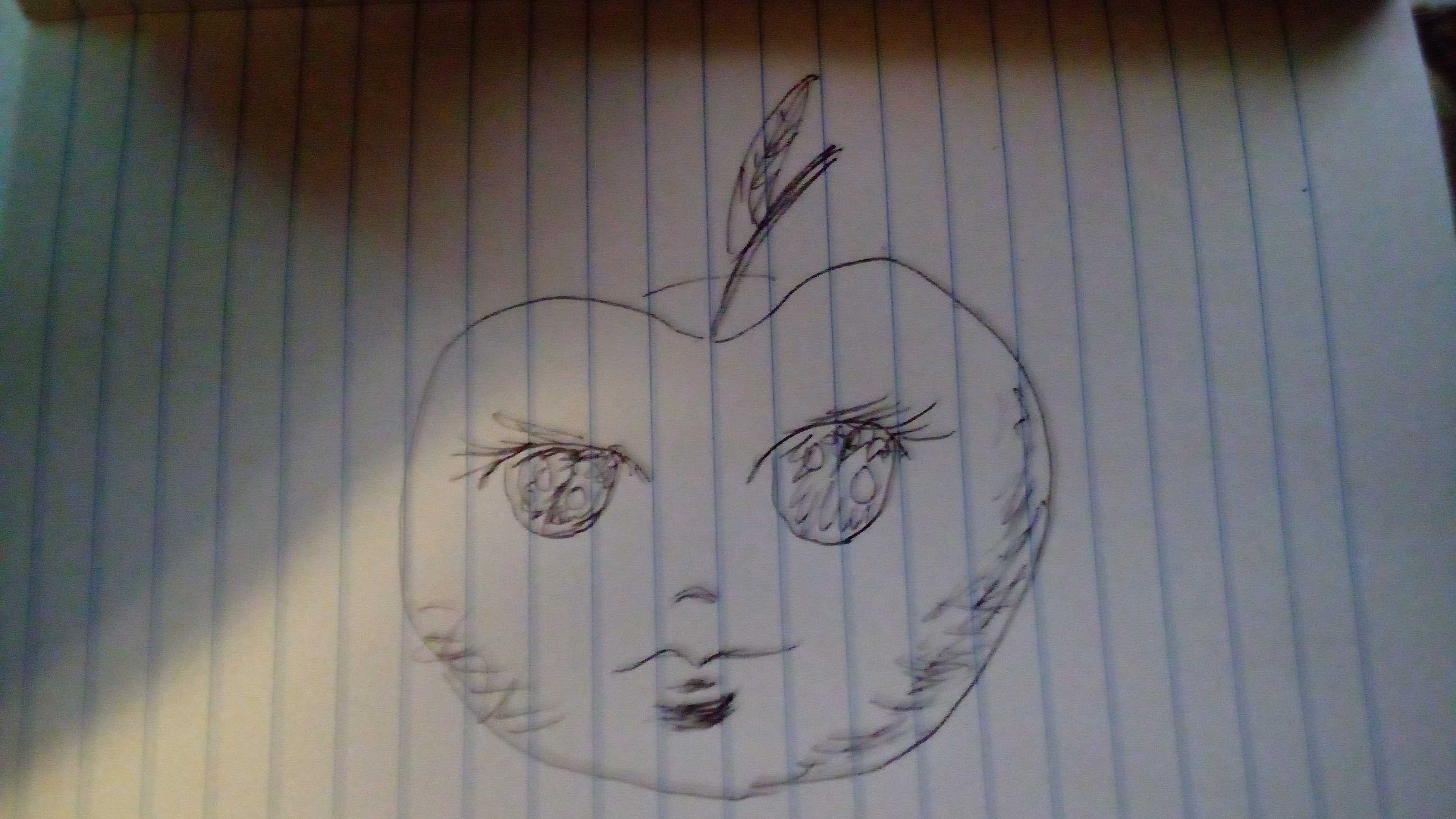
Tags: pen sketch, doodle art, anthropomorphic apple, fruit character, anime style drawing, lined notebook art, hand drawn, casual sketch, whimsical illustration, sketchbook page, amateur art, character doodle, face drawing, ink doodle, cute character
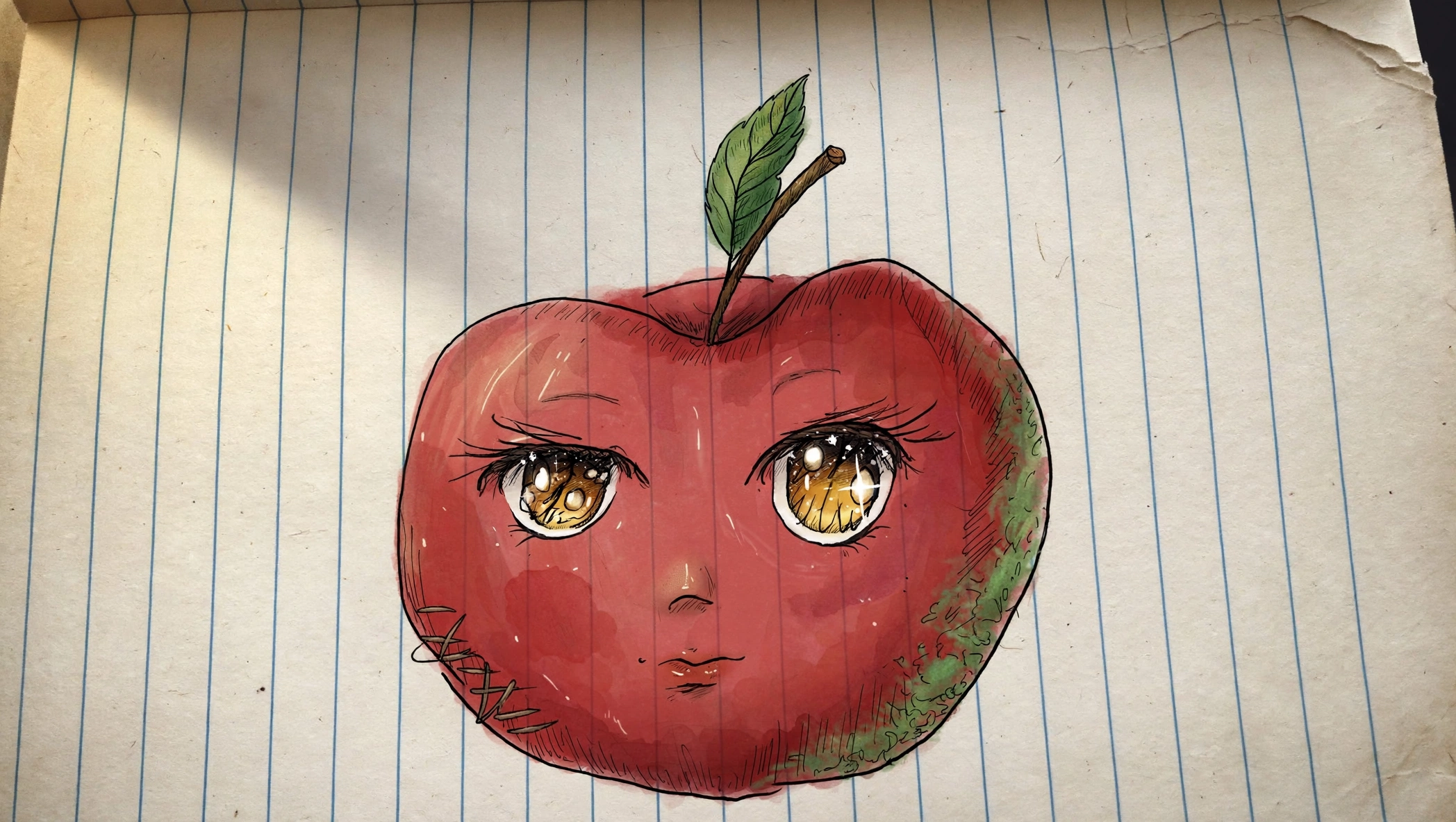
Tags: anime art, anthropomorphic apple, hand drawn illustration, notebook doodle, marker sketch, chibi character, cute food art, sketchbook page, fruit character, whimsical illustration, lined paper drawing, original character, watercolor art, fantasy food, silly character design
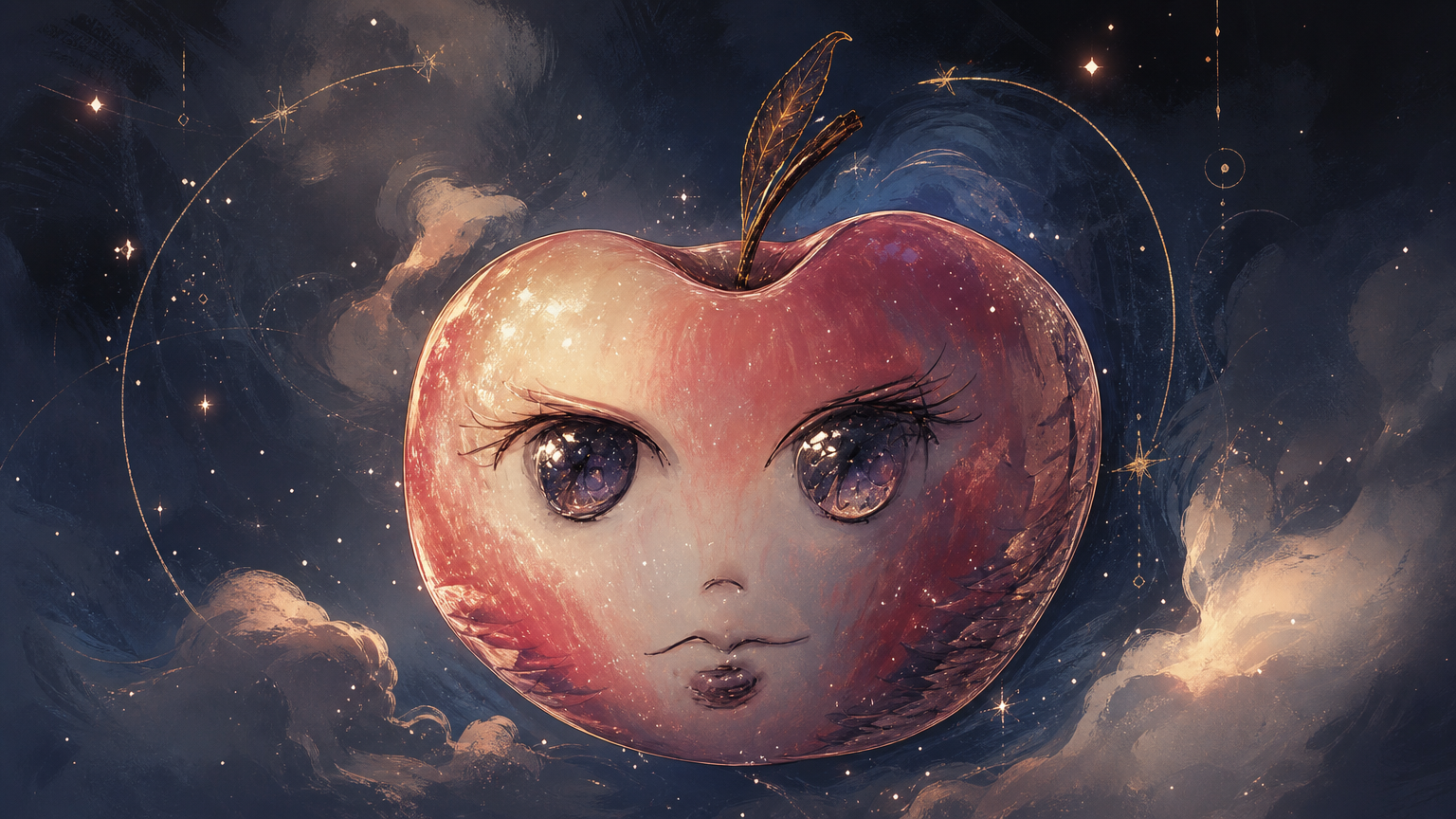
Tags: surreal art, anthropomorphic apple, fantasy illustration, anime eyes, cosmic aesthetic, starry sky, whimsical fantasy, digital painting, celestial artwork, dream art, surreal character design, ethereal aesthetic, apple character, night sky fantasy, magical illustration
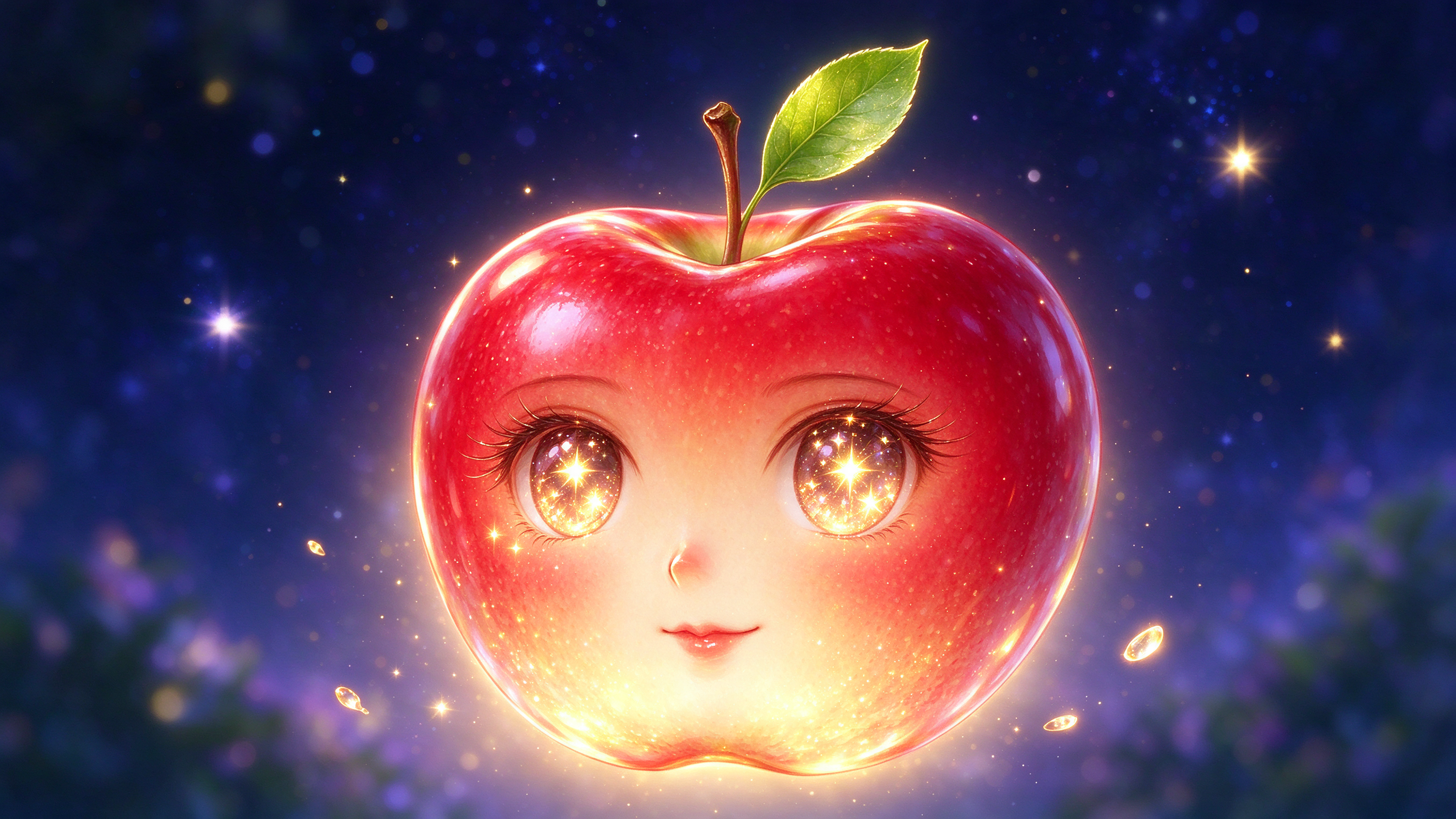
Tags: anthropomorphic apple, fantasy illustration, anime art, cute character, magical fruit, starry sky, glowing artwork, whimsical design, red apple, chibi character, fairy tale art, dreamy aesthetic, digital illustration, sparkly eyes, magical creature
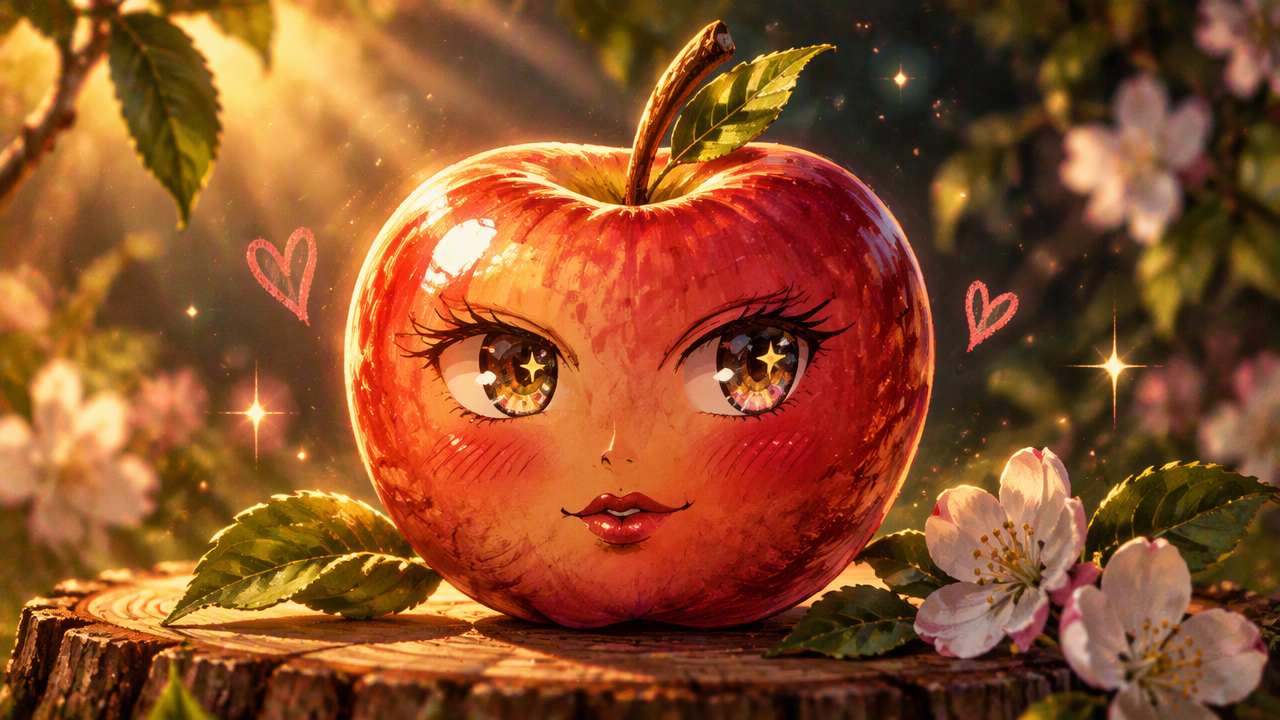
Tags: anthropomorphic apple, anime art, cute fantasy illustration, cottagecore, golden hour lighting, apple blossom, magical fruit, whimsical character design, digital painting, sparkly eyes, tree stump, fantasy artwork, adorable character, sunlit orchard, playful art
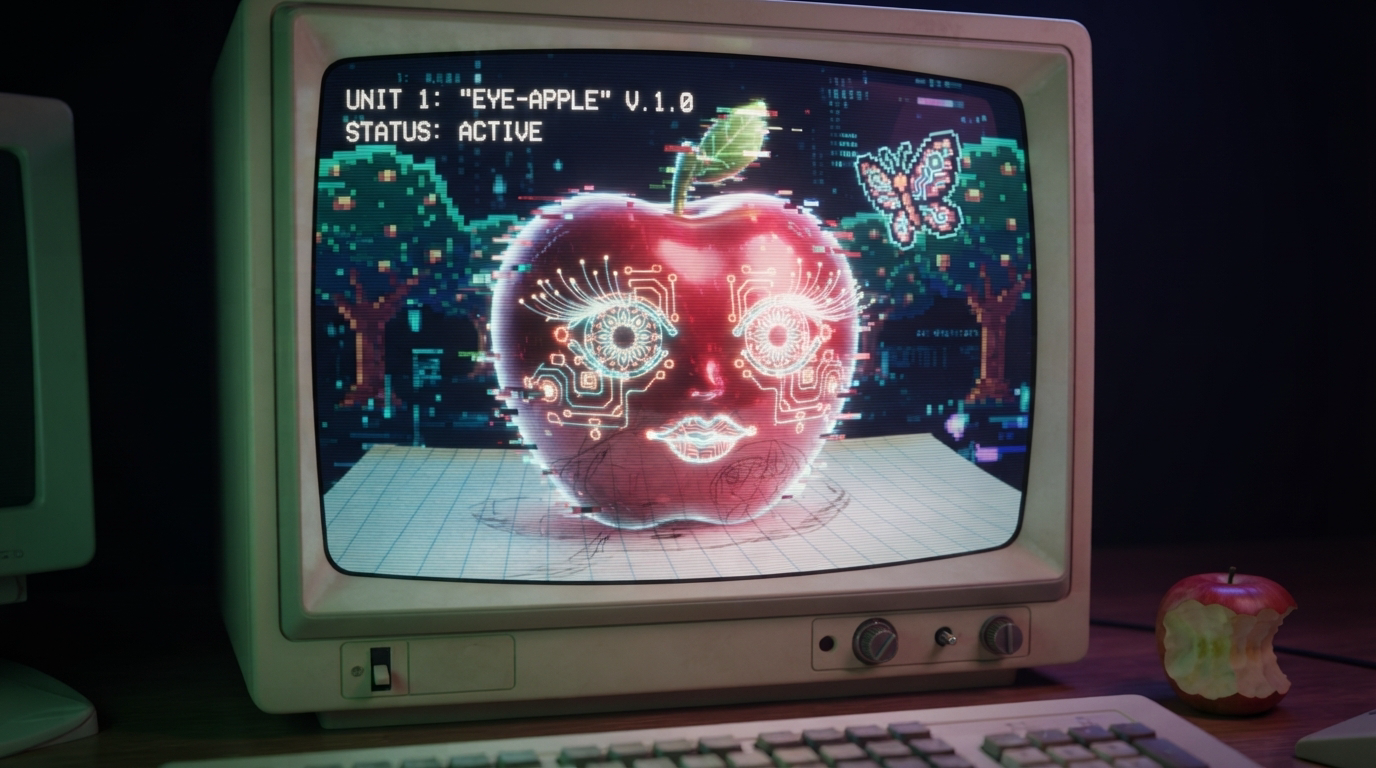
Tags: retro CRT, cyberpunk art, vaporwave aesthetic, eye-apple AI, retro computer, glitch art, pixel art, surreal digital art, vintage desktop, cybernetic character, 90s tech, neon illustration, weirdcore, sci-fi interface
Comments
Sealine
My kids watched this and it was so annoying! 😉😂
Sealine
I ended up creating images based off a drawing I did as a kid copying from one of my grandmother’s how to draw books (Image of a magnolia flower). It’s not an inktober theme. I can post here if you’re okay with it, otherwise I will post in model compare and credit you for idea.
panos
Interesting idea and good results. The SD was the best for me and the nanobanan the most surprising
xiaoqiao
These all look good! a little concerned about the last one though....status active? what is that eye-apple planning! 😅
Sealine
This is a really cool idea and I what AI did with your apple!
suga2309
An Apple a day keeps the doctor away. Wonderful drawing, Catz ! 🤩✨
DavidP
Anotehr special day 🤣 Great image
EternaSky
🤣 thjey had a good childhood