
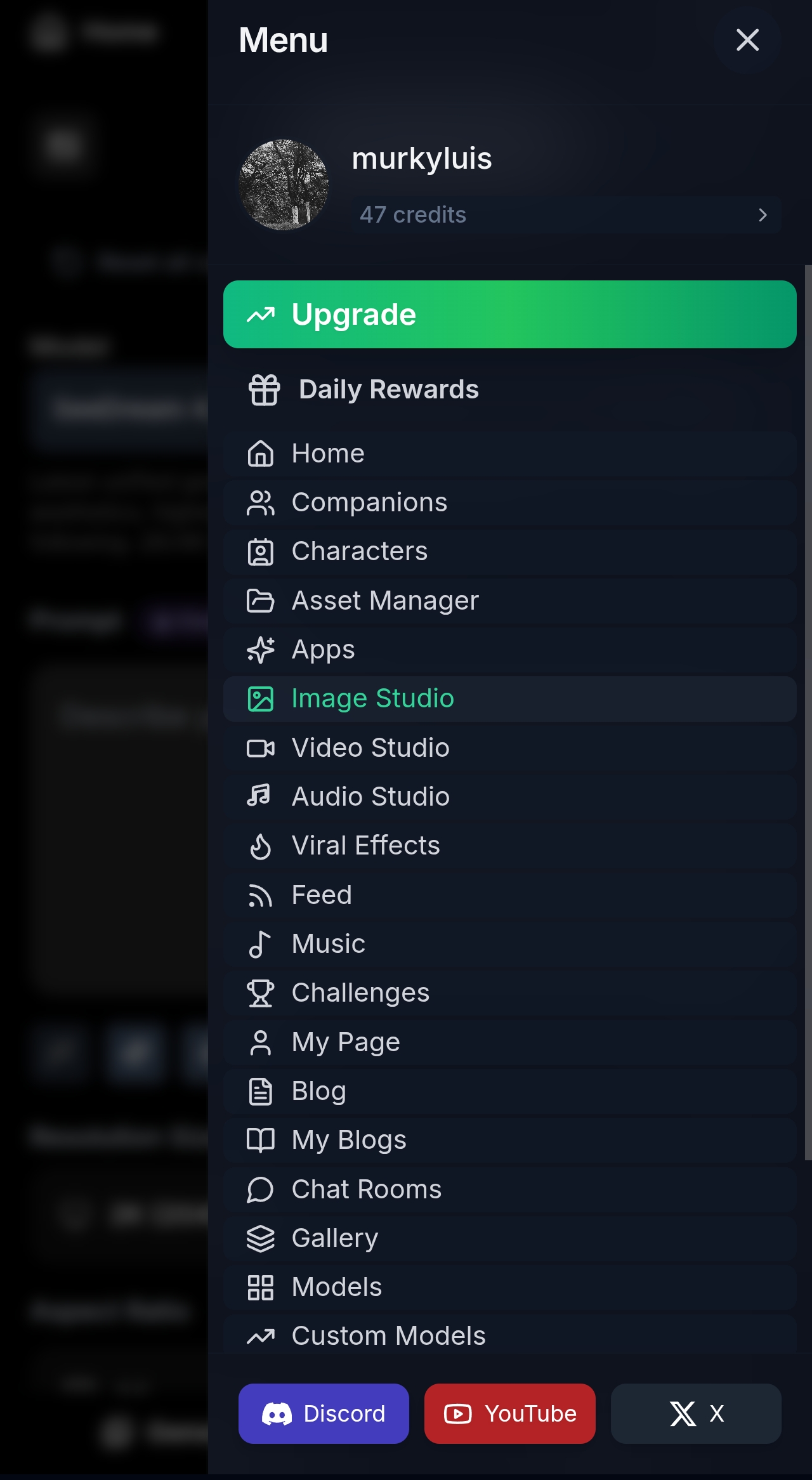
Dark mode generative AI content app side menu, showing user profile
By @murkyluis ·
Tags
- app menu
- dark mode UI
- generative ai platform
- content creation app
- mobile app interface
- side navigation panel
- ai image generator
- ai video editor
- user profile menu
- app upgrade button
- ai custom models
- creator platform UI
- mobile app screenshot
- ai audio studio
- social app links
About this image
This is a screenshot of a sleek dark-themed side navigation menu from a generative AI content creation platform, displaying a user profile with 47 account credits, a prominent green Upgrade button, and a full list of platform features. The menu includes categorized tools for Image Studio, Video Studio, Audio Studio, custom AI models, asset management, and community features, with accent highlighting for the currently selected Image Studio tab. The UI uses a dark navy background, clean line icons, and bottom social links for Discord, YouTube, and X (Twitter) for platform support and community access.
More from @murkyluis
See all →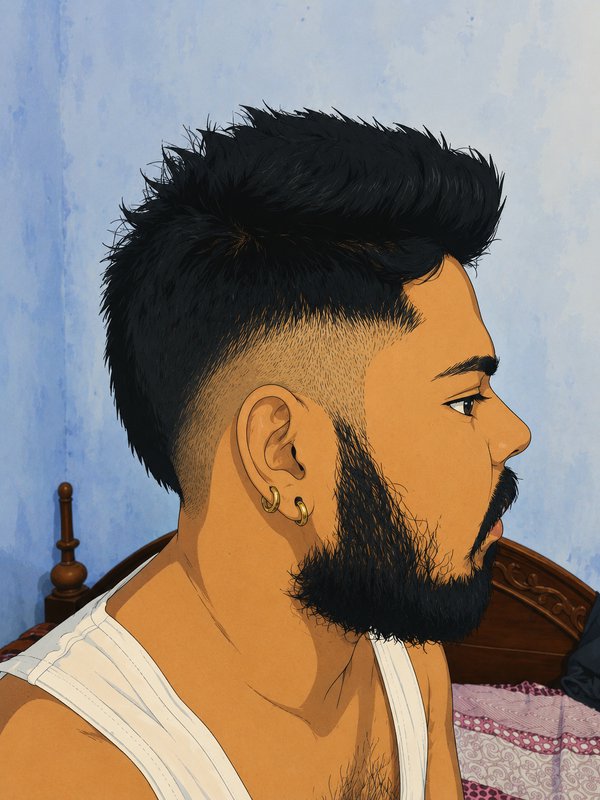 Side profile illustrated portrait of a bearded man with a spiky fade haircut and gold hoop earrings
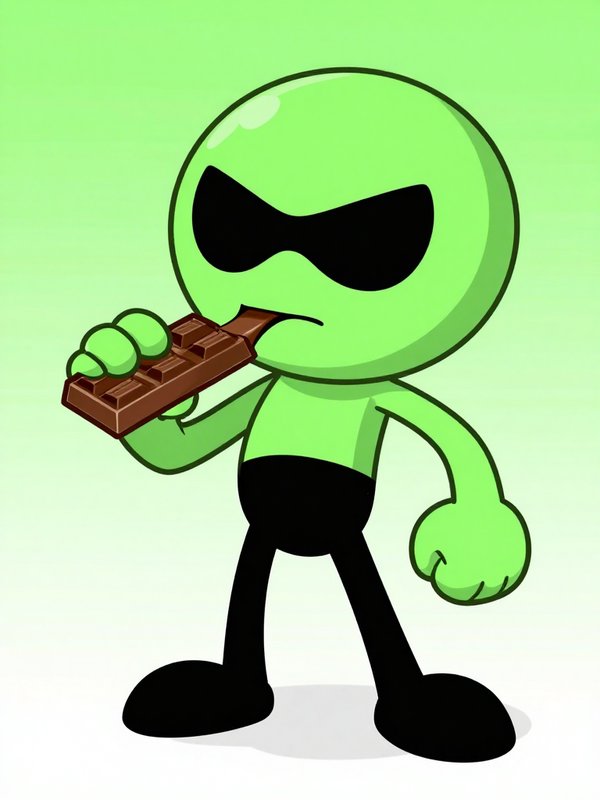 Grumpy bright green masked stick figure cartoon character biting into a chocolate bar on a light green gradient background
 Angry Tom Cat from Tom and Jerry aims a black semi-automatic handgun forward with a fierce focused expression
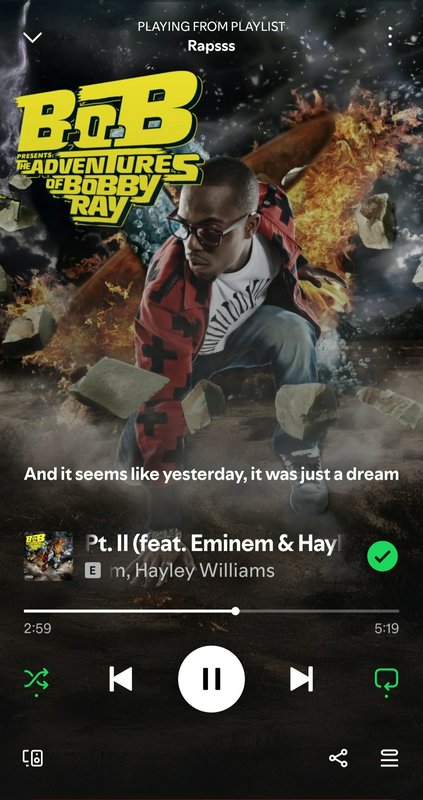 Spotify playback screen showing B.o.B's Pt. II track from The Adventures of Bobby Ray album with lyrics and player UI visible
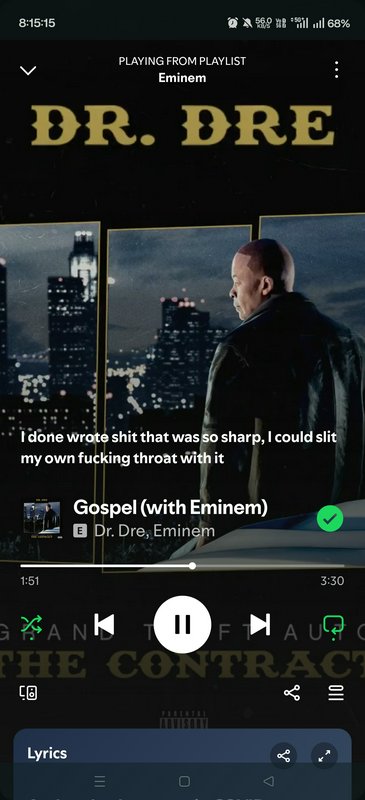 Mobile Spotify player screenshot playing "Gospel" by Dr. Dre and Eminem, displaying track lyrics and The Contract album art.
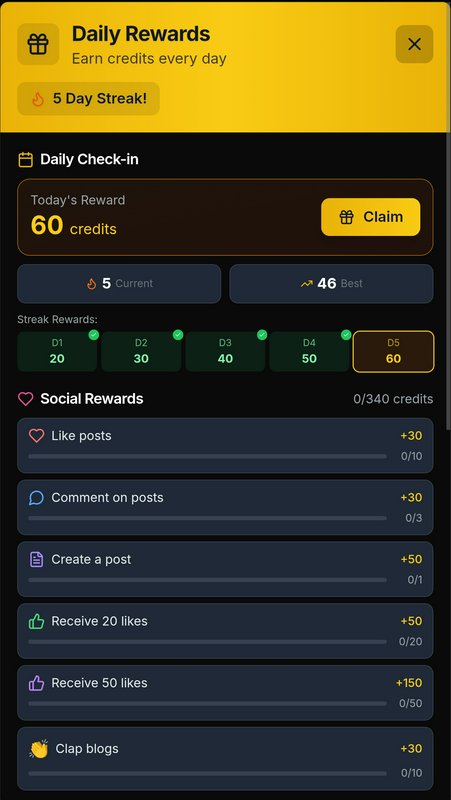 Dark mode mobile app Daily Rewards screen showing 5-day check-in streak and tasks to earn in-app credits
More like this
See all →

Made on BudgetPixel
The models and tools behind posts like this one.
- SeeDream 5.0 Pro
- Kling Image 4.0
- MAI Image 2.7
- AI Image Generator
- AI Attractive Profile Picture Generator
- AI Coffee Menu Generator
Guide: NightCafe vs BudgetPixel (2026): Which Is Better for AI Artists?