
Screenshot of a web UI panel for creating a new challenge
By @anyafoxx ·
1 like · 3 comments
@caylacatz Here are the screenshots to reset the challenge: Let me know if you need more help, or if they can make me a host, I can reset them no problem! I love helping.
Tags
- challenge creation UI
- online challenge platform
- content moderation
- prompt rules
- custom prompts
- model rules
- toggle switches
- web app UI
- NightCafe settings
- uploaded creations
- word limit
- forbidden prompts
- create button
- accessibility UI
- dashboard design
- challenge creation
About this image
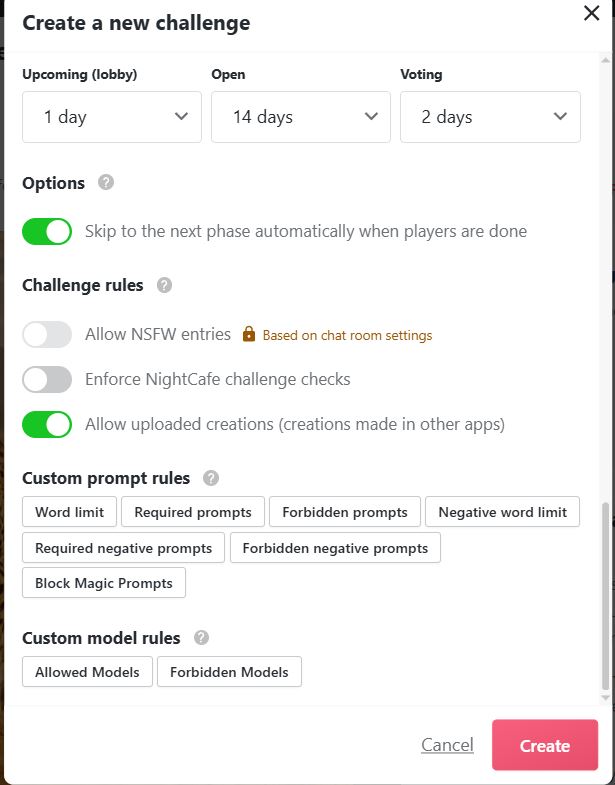
A detailed view of an online challenge creation interface featuring sections for scheduling (Upcoming, Open, Voting), a toggle to skip to the next phase, and multiple challenge rules like NSFW entries and NightCafe checks. The panel also includes options to allow uploaded creations, custom prompt and model rules, and a prominent Create button, all styled with green toggles and clean, modern UI elements.
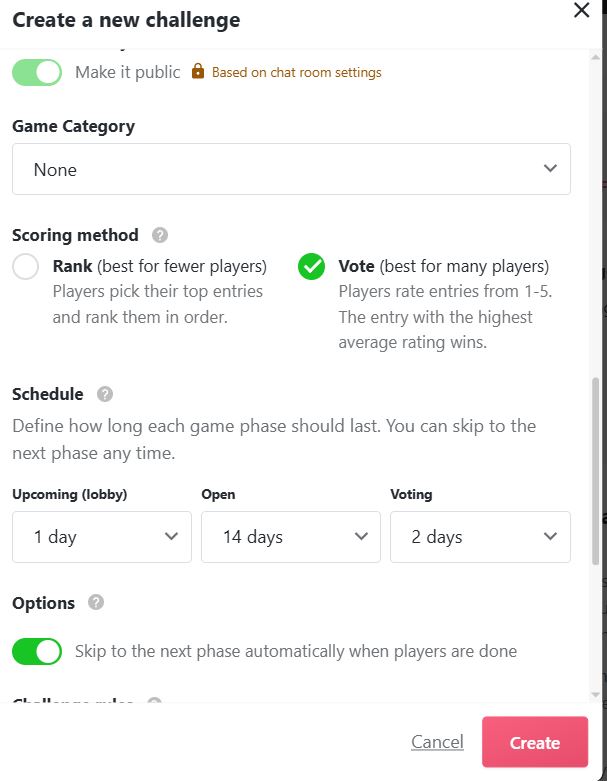
This image shows a challenge creation interface featuring a public toggle, a None game category, and a voting scoring method selected. It also displays scheduling fields for Upcoming (lobby), Open, and Voting windows, plus an option to automatically skip to the next phase when players are done.
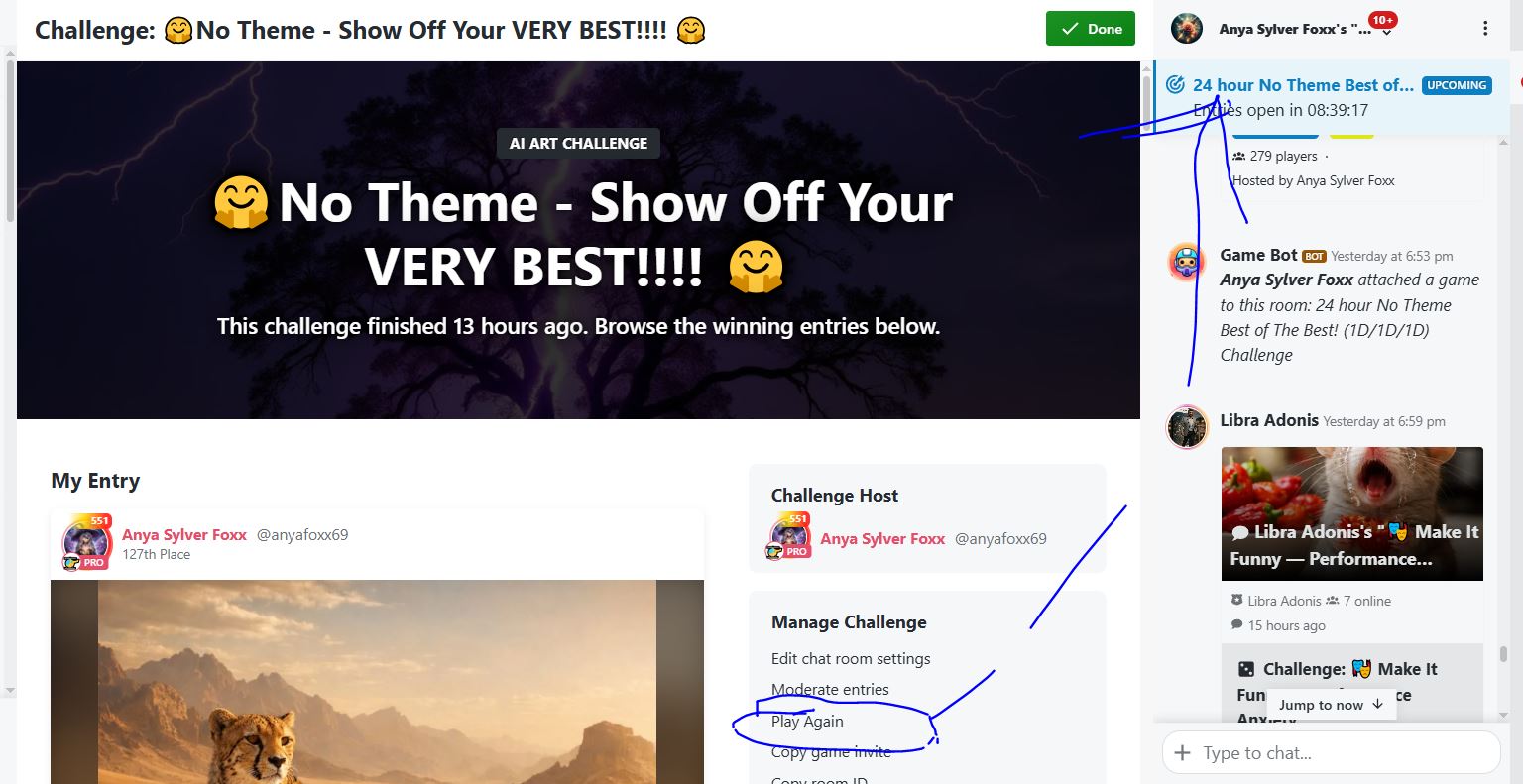
A screenshot of an AI art challenge interface titled "No Theme - Show Off Your VERY BEST," featuring a dark, dramatic banner and a showcase of entries, including a lion image. The scene conveys a community competition vibe with host details and a chat panel on the right, using moody blues and purples to emphasize creativity and competition.
Comments (3)
I have another question. How do I send out an invite to everybody who did it in the past? I don't see anywhere where the list is collected? I did go to the previous finished challenge an djust copy and pasted onto their entries. I just wanted to know if there was anotehr way
You can do it in mass from "send group message" that will be on the finished challenge
thank you! I'm going to try this and see how it goes
Sign in to join the conversation.
More from @anyafoxx
See all →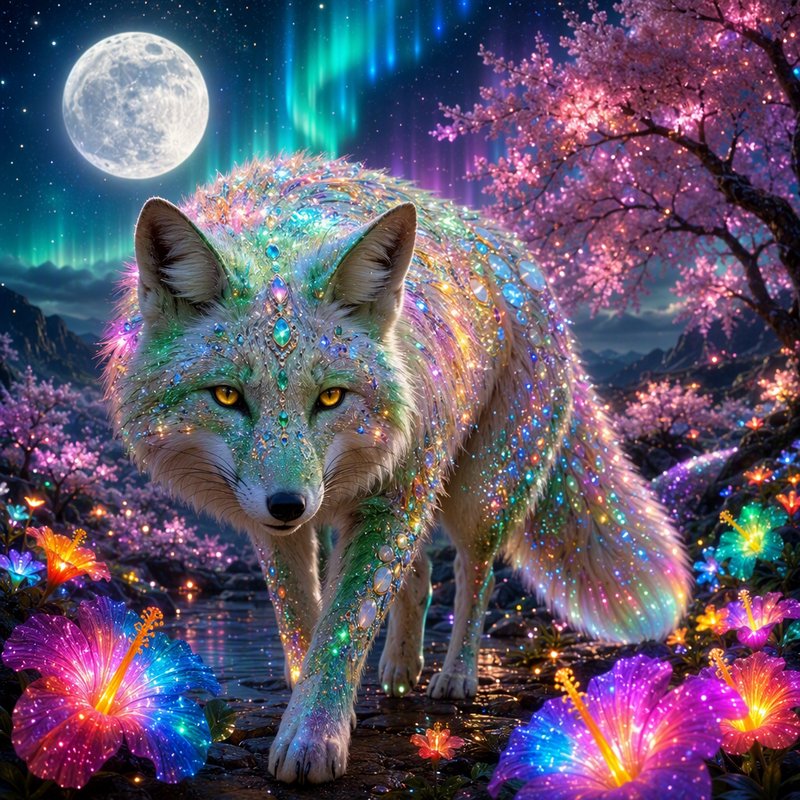 Sparkling iridescent mythical fox stands among glowing flowers beneath a full moon and aurora
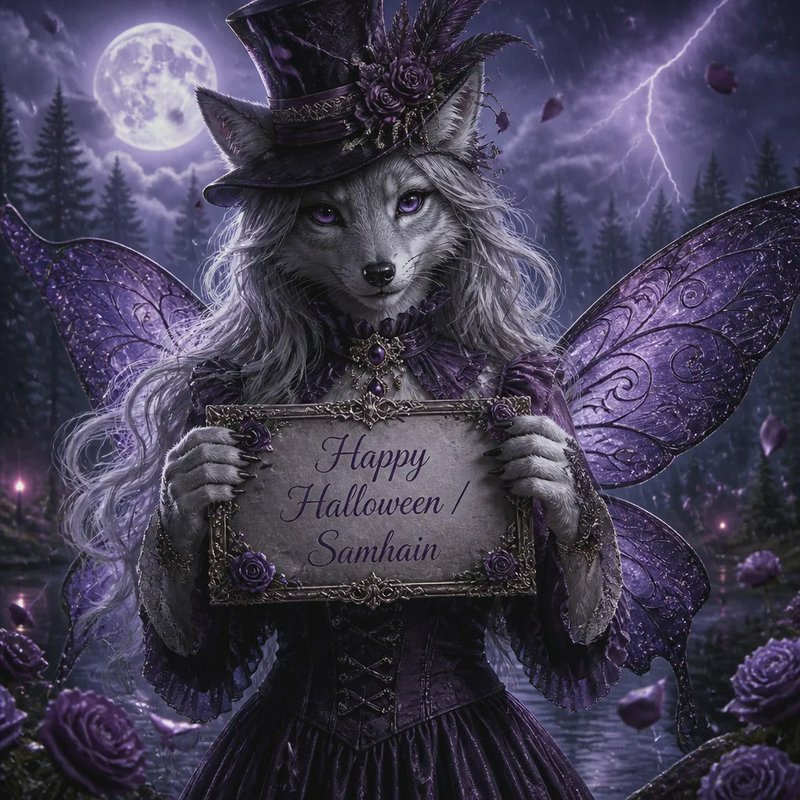 Anthropomorphic wolf fairy holds a Happy Halloween Samhain sign in a stormy moonlit gothic forest
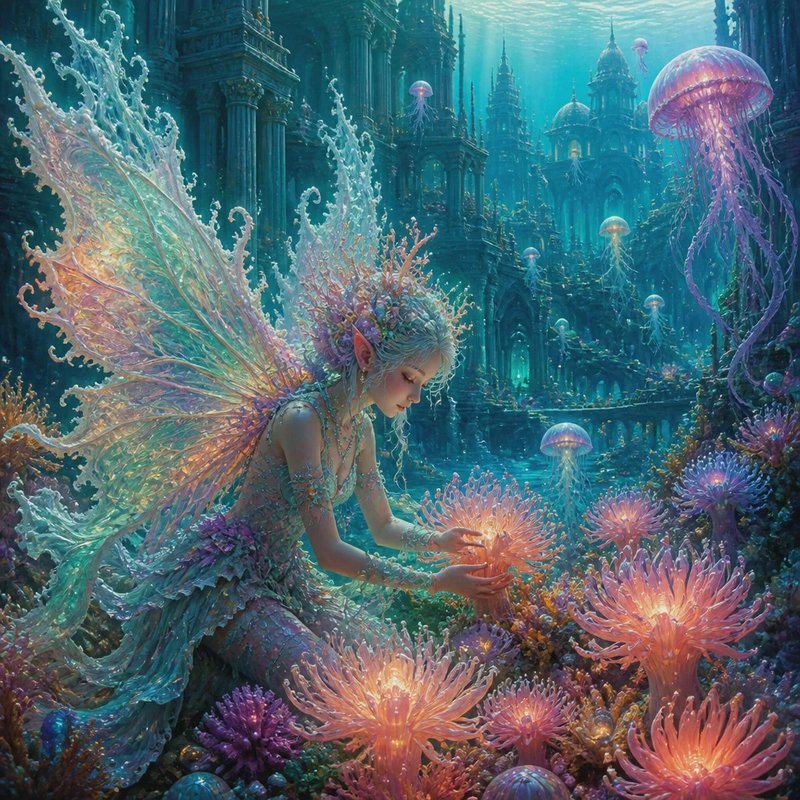 Ethereal winged underwater fairy tends glowing coral near a sunken ocean palace with floating jellyfish
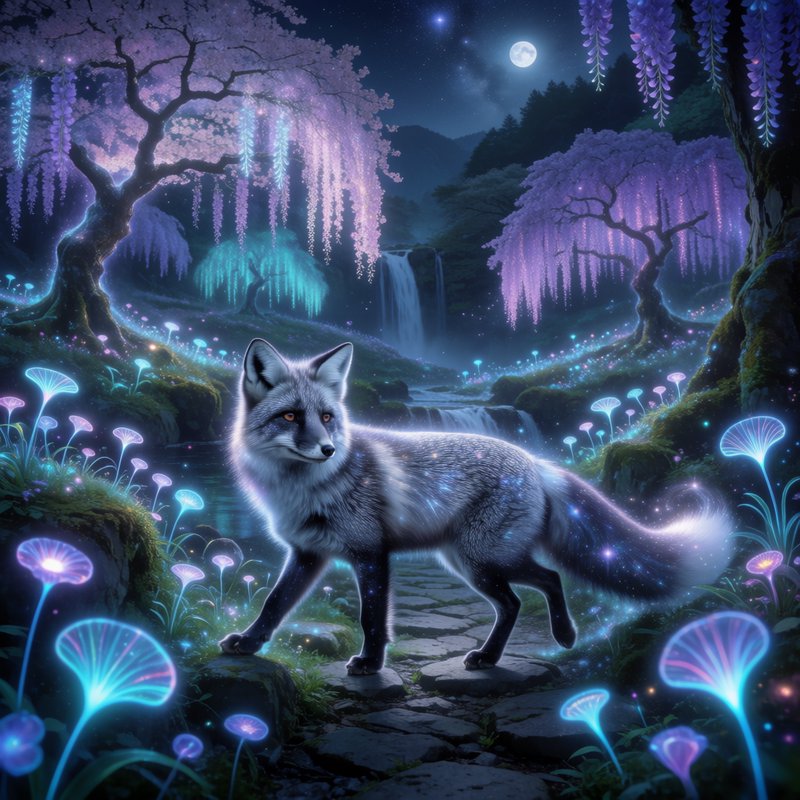 Glowing celestial silver fox stands on a stone path in a moonlit bioluminescent enchanted forest
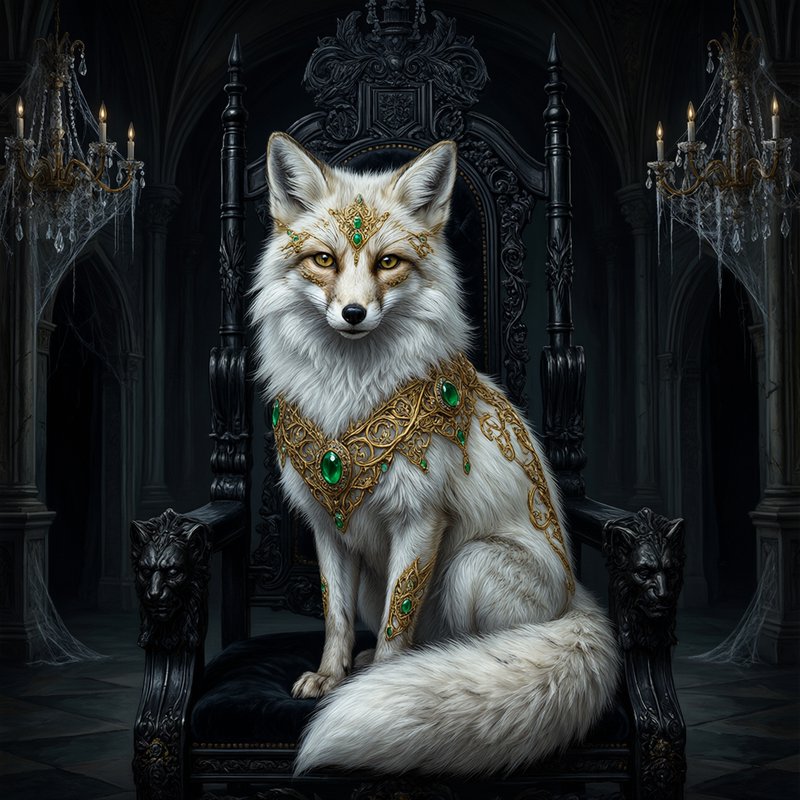 Regal white arctic fox with gold emerald regalia sits on an ornate carved gothic throne in a dark castle chamber
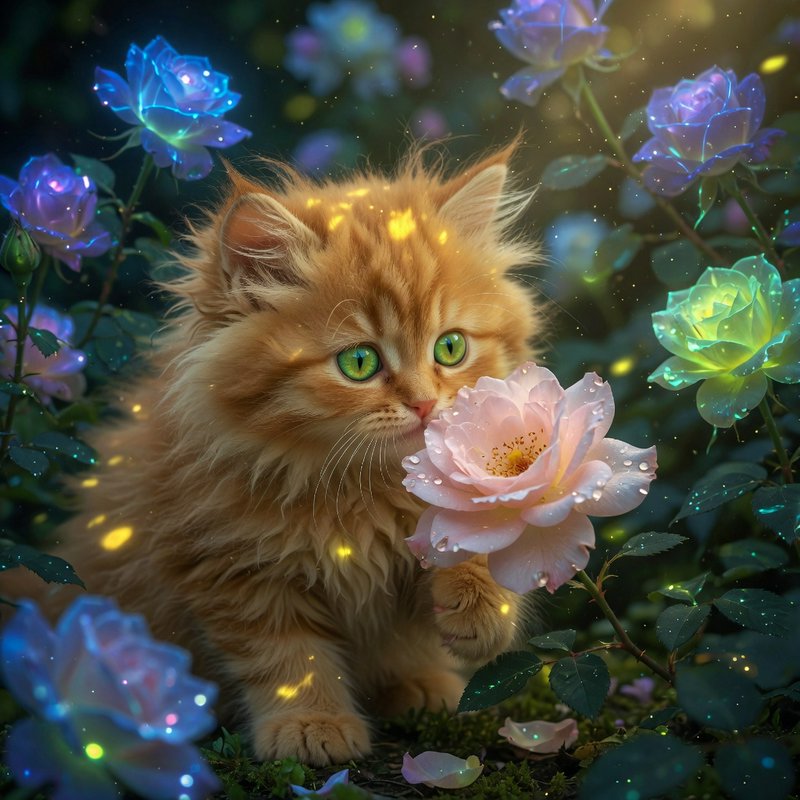 Fluffy long-haired ginger kitten sits beside a dewy pink rose surrounded by glowing magical blooms
More like this
See all →


Made on BudgetPixel
The models and tools behind posts like this one.