Flux 2 Max
Readable in-image typography and precise prompt following for polished design and marketing assets.
Free plan: up to 3 images a month, then from $0.08 an image.

Readable typography in-imageStrength
Max for final, Klein for draftsTiers
80 (Max) · 10 (Klein)Credits
Image WorkshopRuns in
Professional images for every use case
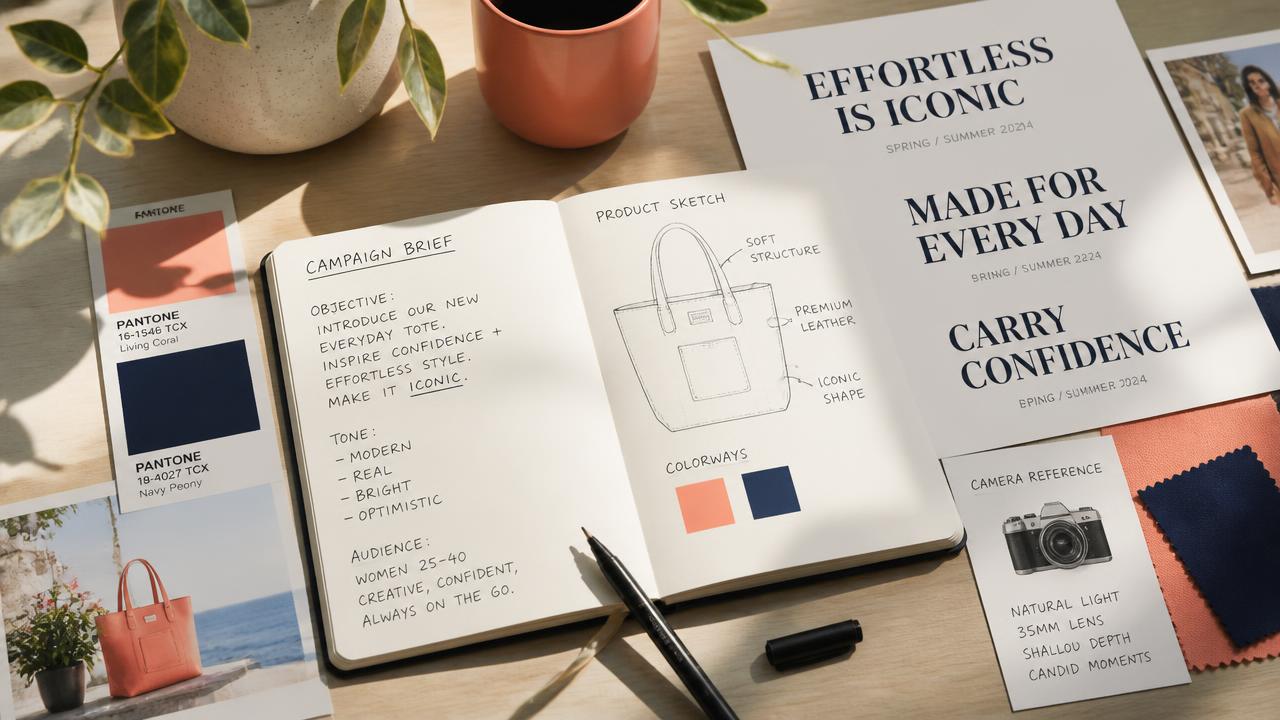
Product photography.
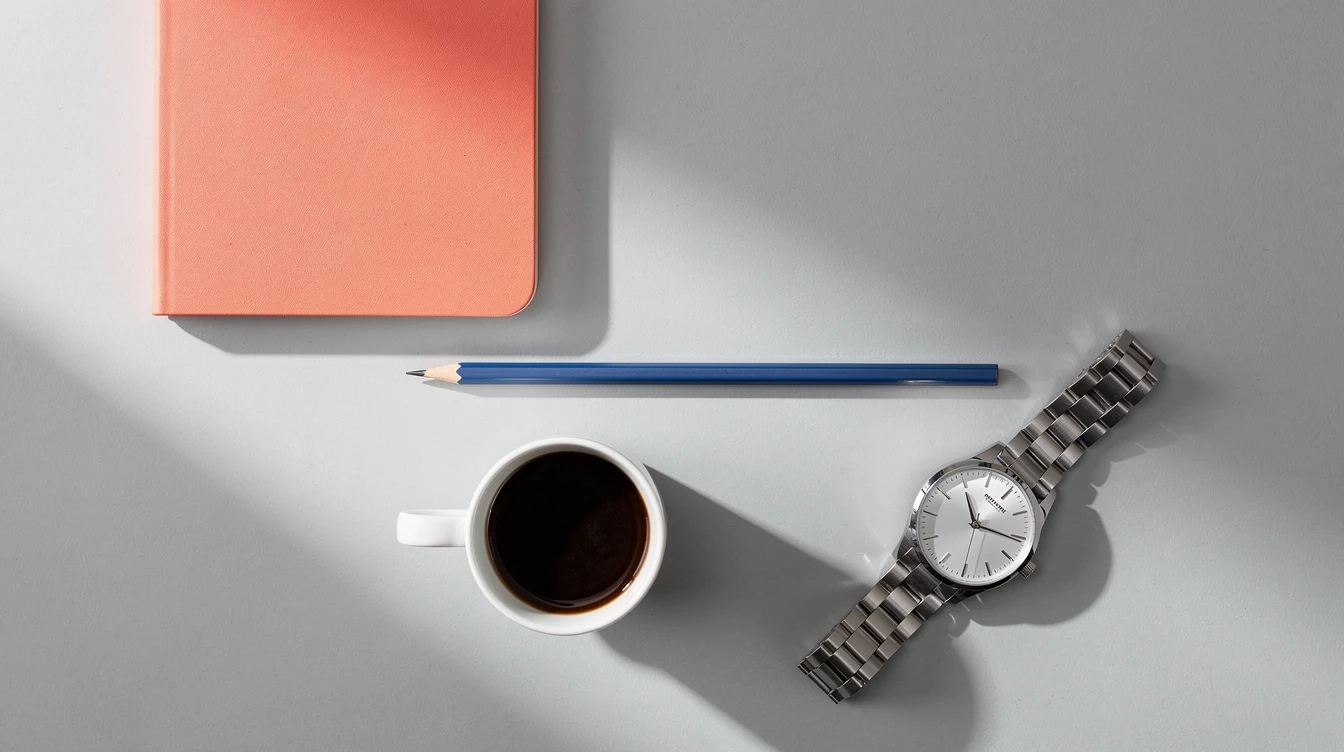
Render products with realistic materials, clean lighting, and art-directed compositions for listings or hero banners.Poster design.
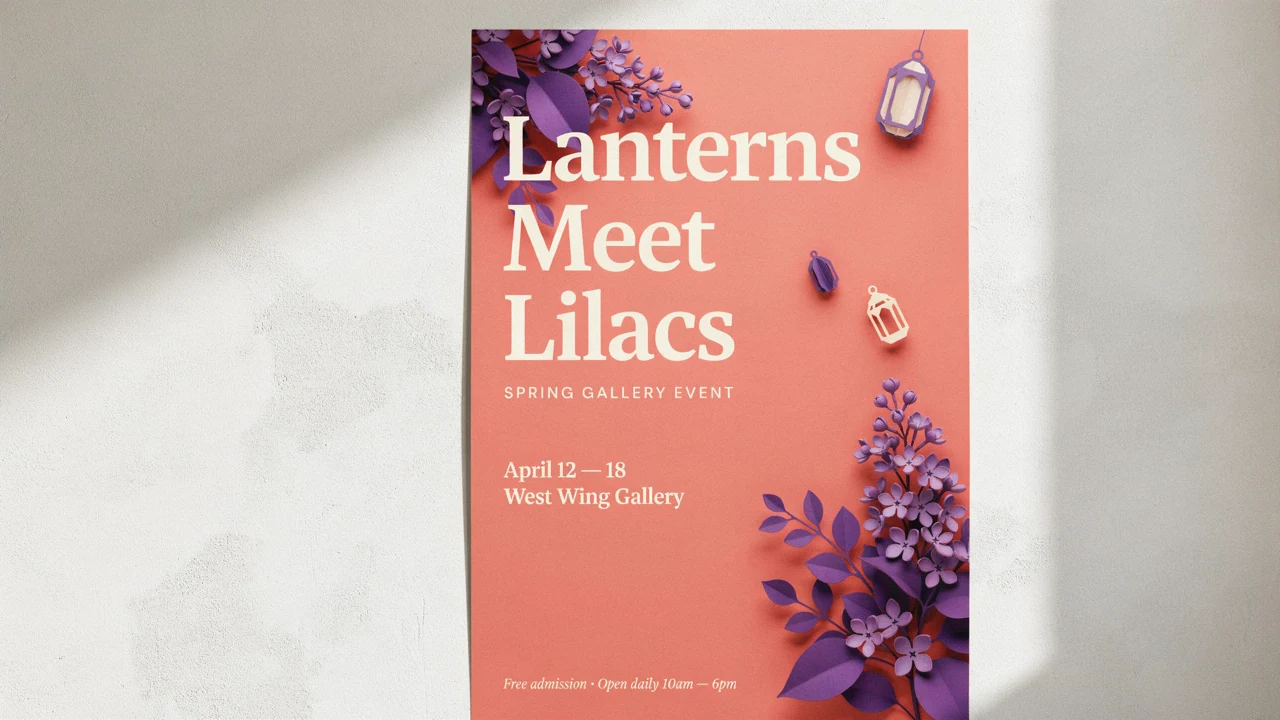
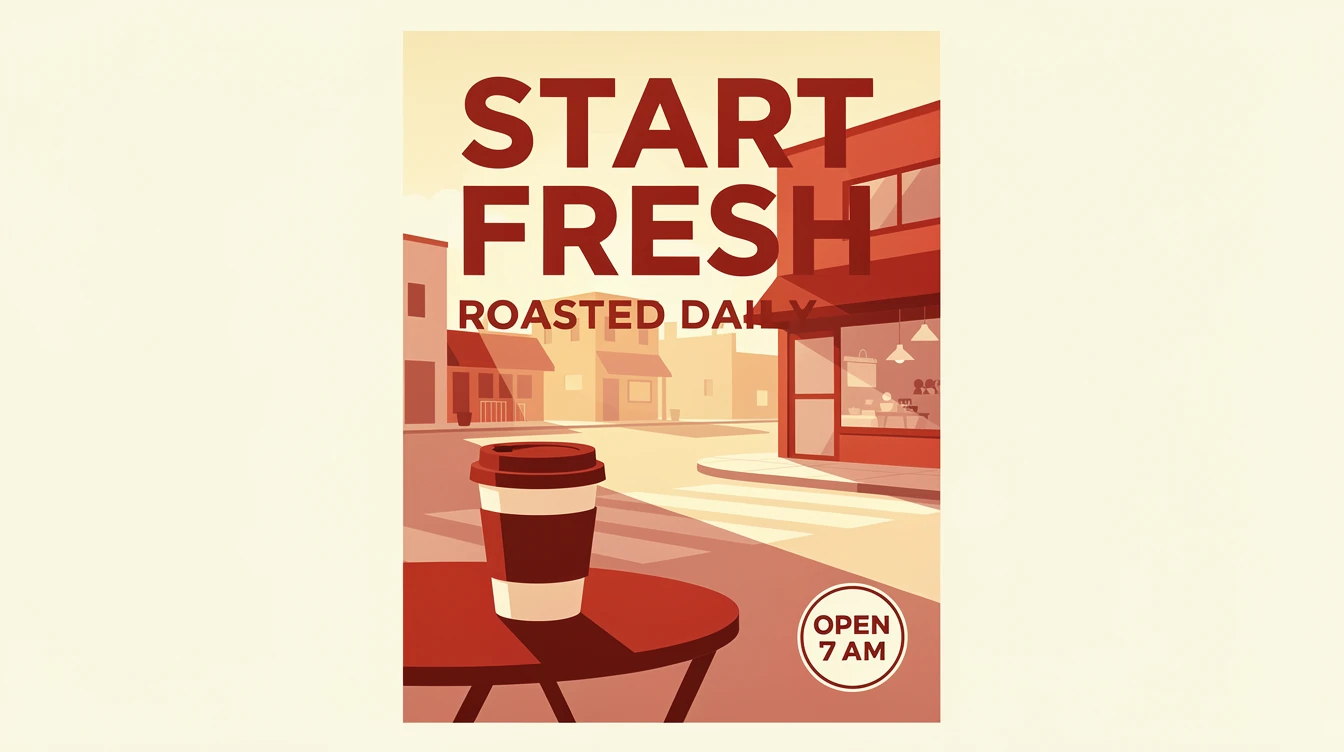
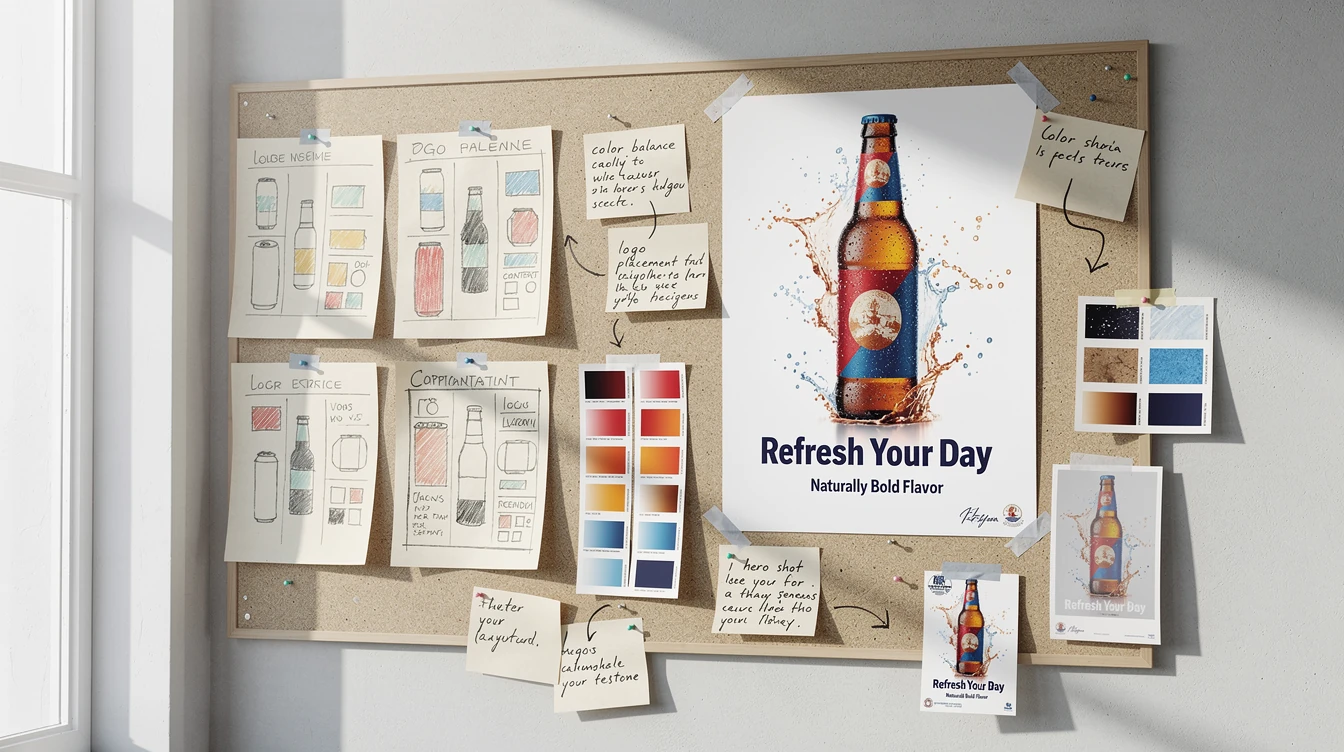
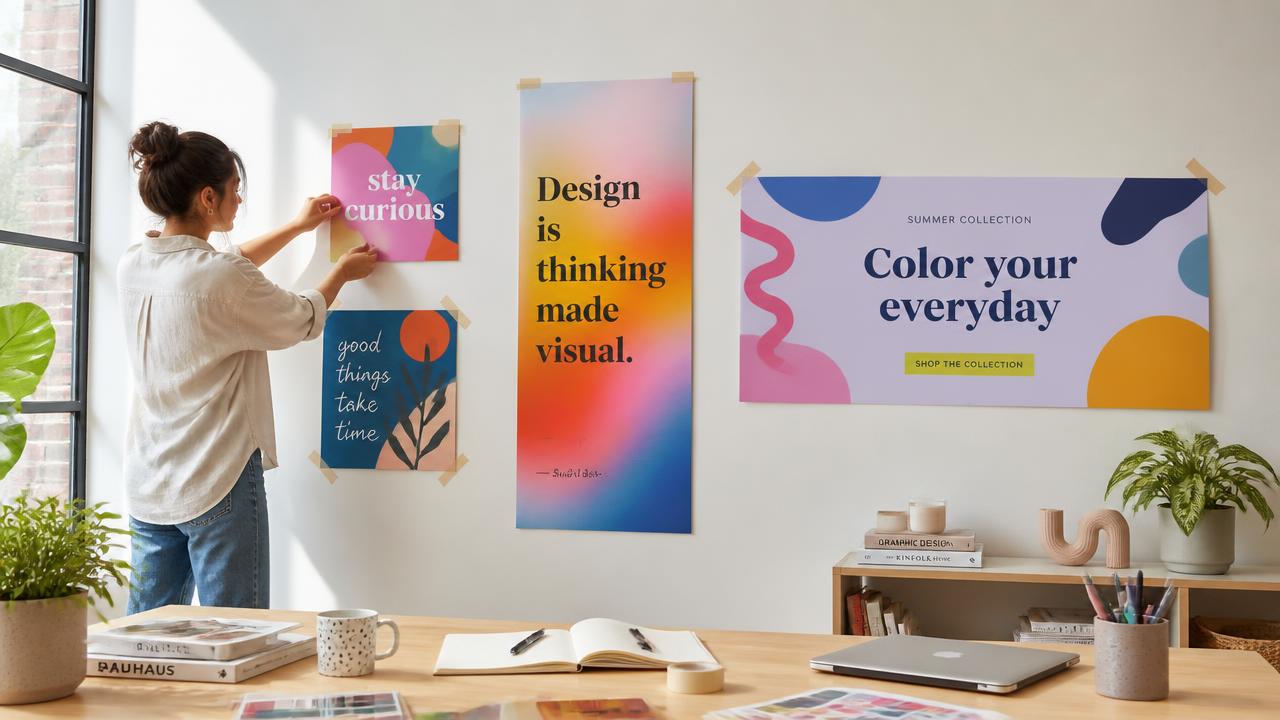
Create type-led posters where the headline, hierarchy, and supporting graphics form one finished composition.Editorial illustration.
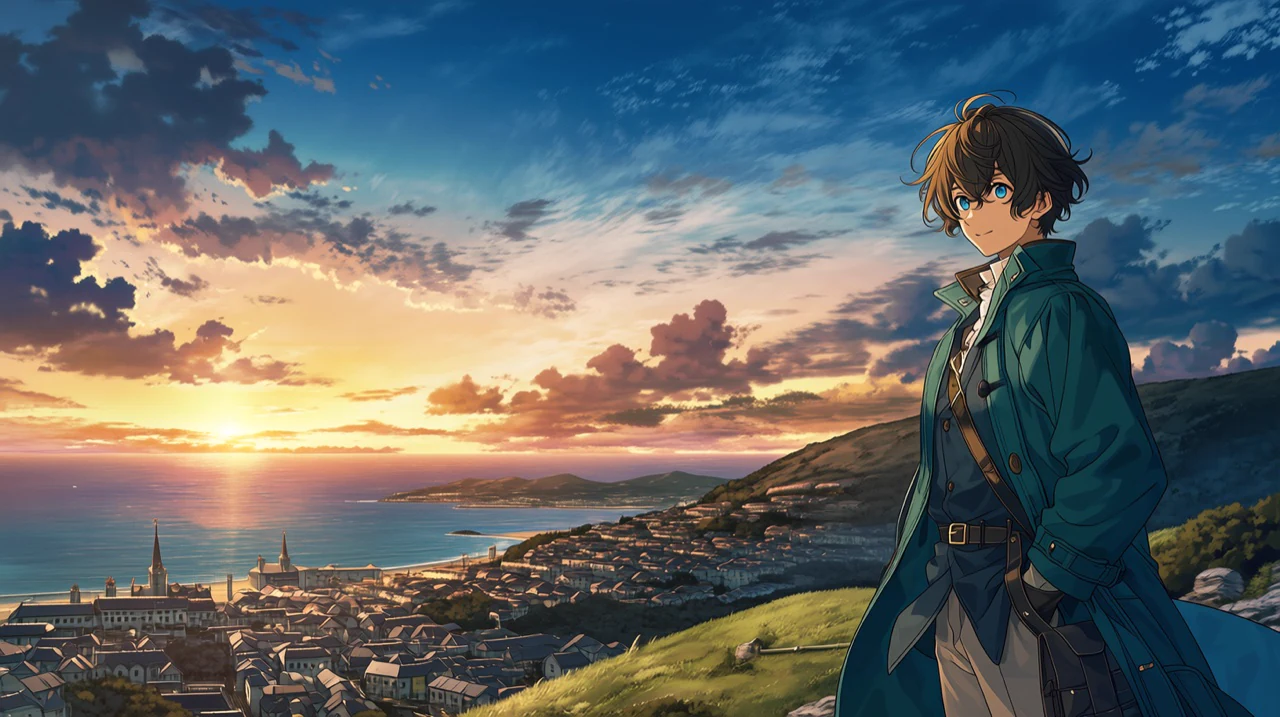
Translate detailed briefs into layered visuals with controlled subjects, settings, and editorial tone.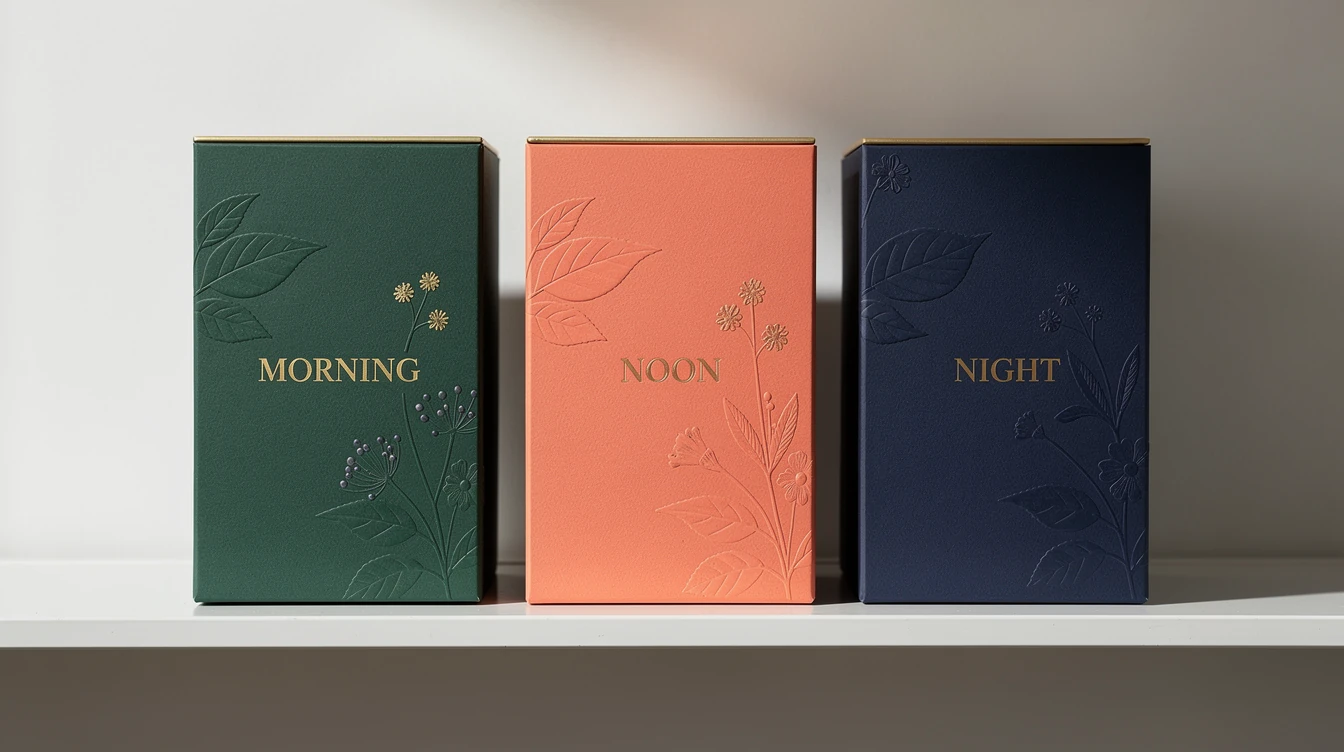
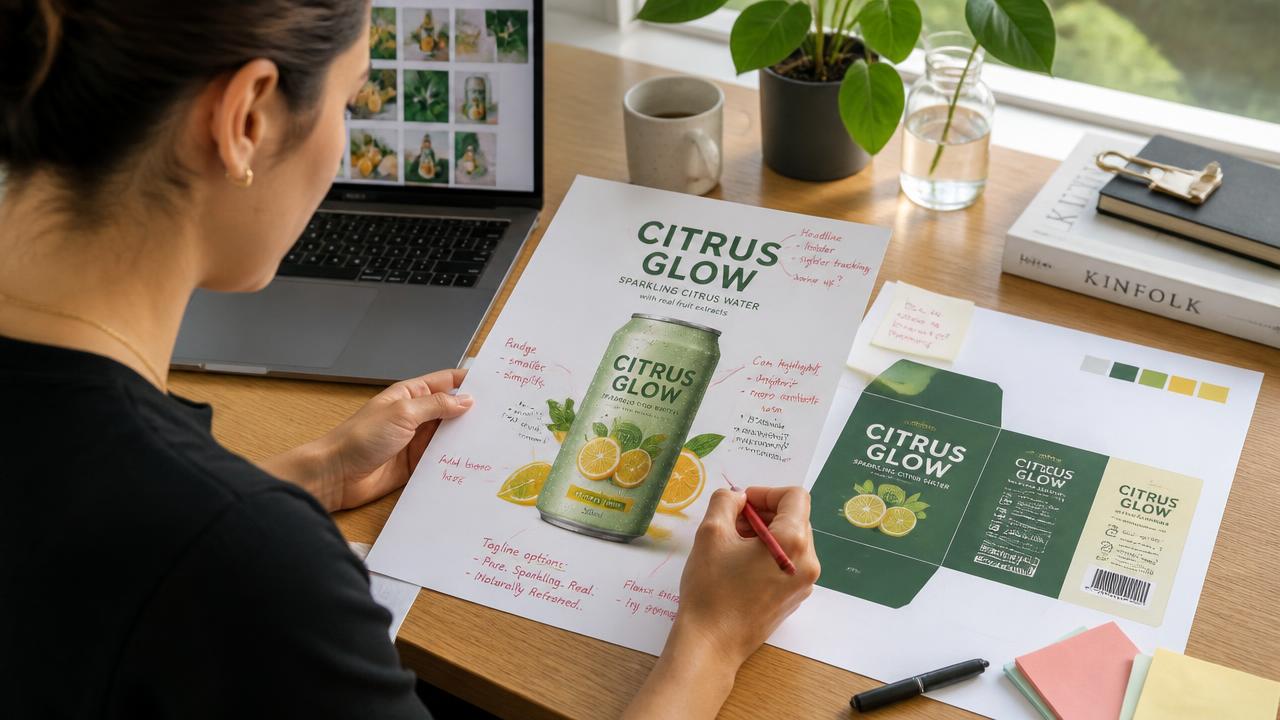
Packaging concepts.
Explore labels, cartons, and mockups with legible product names, precise colors, and convincing materials.Readable text inside finished layouts
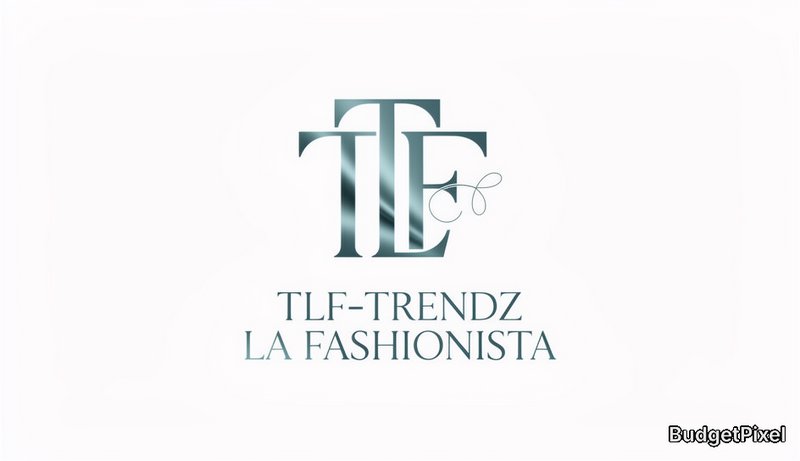
Flux 2 Max can place legible headlines, labels, and short supporting copy directly within an image. That makes it useful for posters, packaging, ads, covers, and other assets where type is part of the composition.
- •Quoted text for clearer wording
- •Controlled headline placement
- •Defined typographic styles
- •Multiple text hierarchy levels
- •Hex color instructions for brand work
Detailed prompts stay visually organized
The model is built to follow complex descriptions while preserving composition, materials, lighting, and small details. Designers can specify the main subject first, then add actions, style, context, colors, and secondary elements.
- •Strong multi-element prompt following
- •Structured prompt support
- •Precise object placement instructions
- •Camera and lighting terminology
- •Positive descriptions instead of negative prompts
Multi-reference generation and editing
Combine product, character, logo, pose, and style references within one controlled brief. Flux 2 Max supports generation and editing with up to eight input images through its official API.
- •Up to 4 reference images with Max
- •Up to 3 with Flux 2 Klein
- •Product and character consistency
- •Reference-guided style transfer
- •Existing-image transformation
- •Shape and lighting preservation

Max for finals, Klein for fast drafts
Use Flux 2 Klein when you are exploring directions and want lower-cost iterations. Move to Flux 2 Max for final campaign assets, difficult edits, stronger consistency, and the highest-quality output in the family.
- •Klein for rapid concept rounds
- •Lower-cost exploratory generations
- •Max for final production work
- •Stronger Max editing consistency
- •One family for draft-to-final workflows
How it works
1
Describe the finished asset
Start with the subject and intended deliverable, then add composition, lighting, materials, and style. Put required text in quotation marks and associate color codes with specific objects.
2
Choose your tier and format
Select Klein for inexpensive exploration or Max for final-quality work. Choose an aspect ratio suited to the destination, such as square for social posts, portrait for stories, or widescreen for banners.
3
Generate, review, and refine
Generate the image, inspect the typography and small details, then revise the prompt with specific changes. Add reference images or edit the strongest result when consistency matters.
Prompts to steal
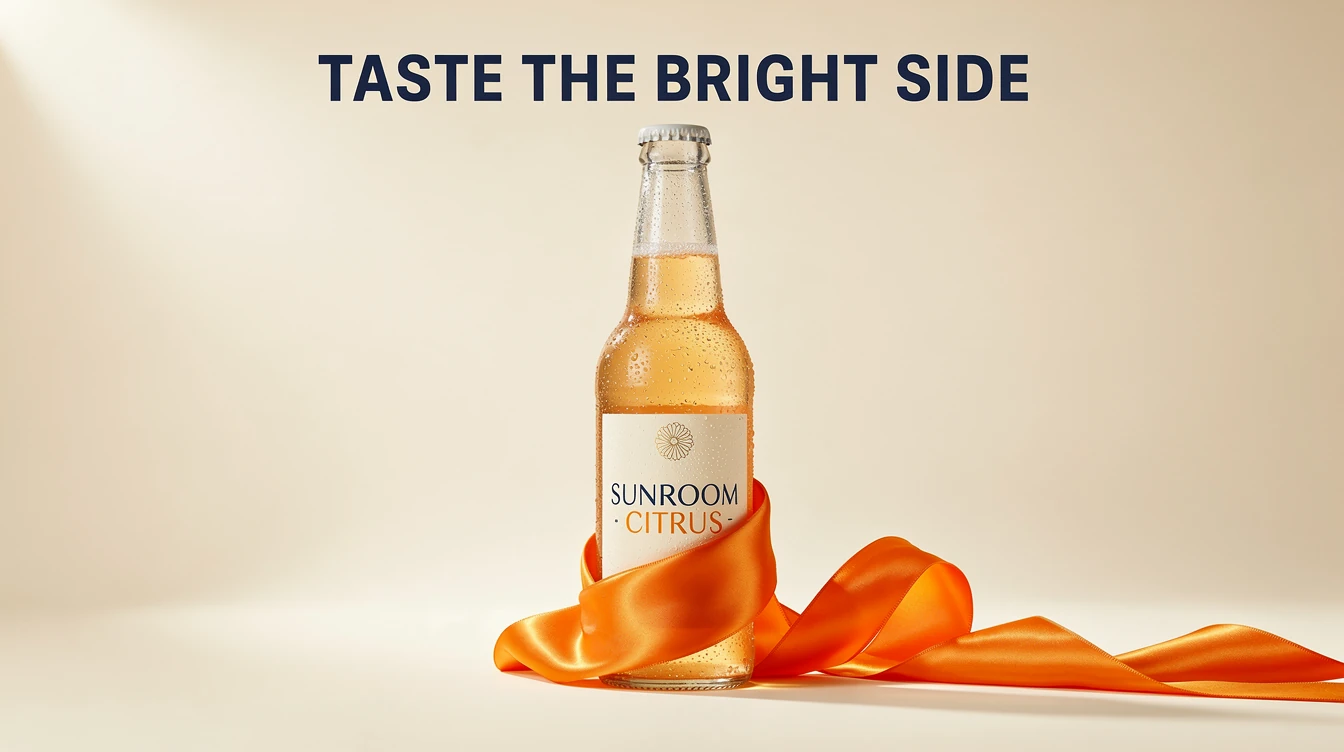
Premium citrus soda ad on cream, chilled glass bottle, orange silk ribbon, bold navy headline reading "TASTE THE BRIGHT SIDE", label text "SUNROOM CITRUS", crisp studio lighting
Ad creative
Luxury ceramic perfume bottle on pale travertine, amber glass cap, soft morning shadows, warm beige palette, subtle reflections, high-end product photography, 85mm lens
Product photography
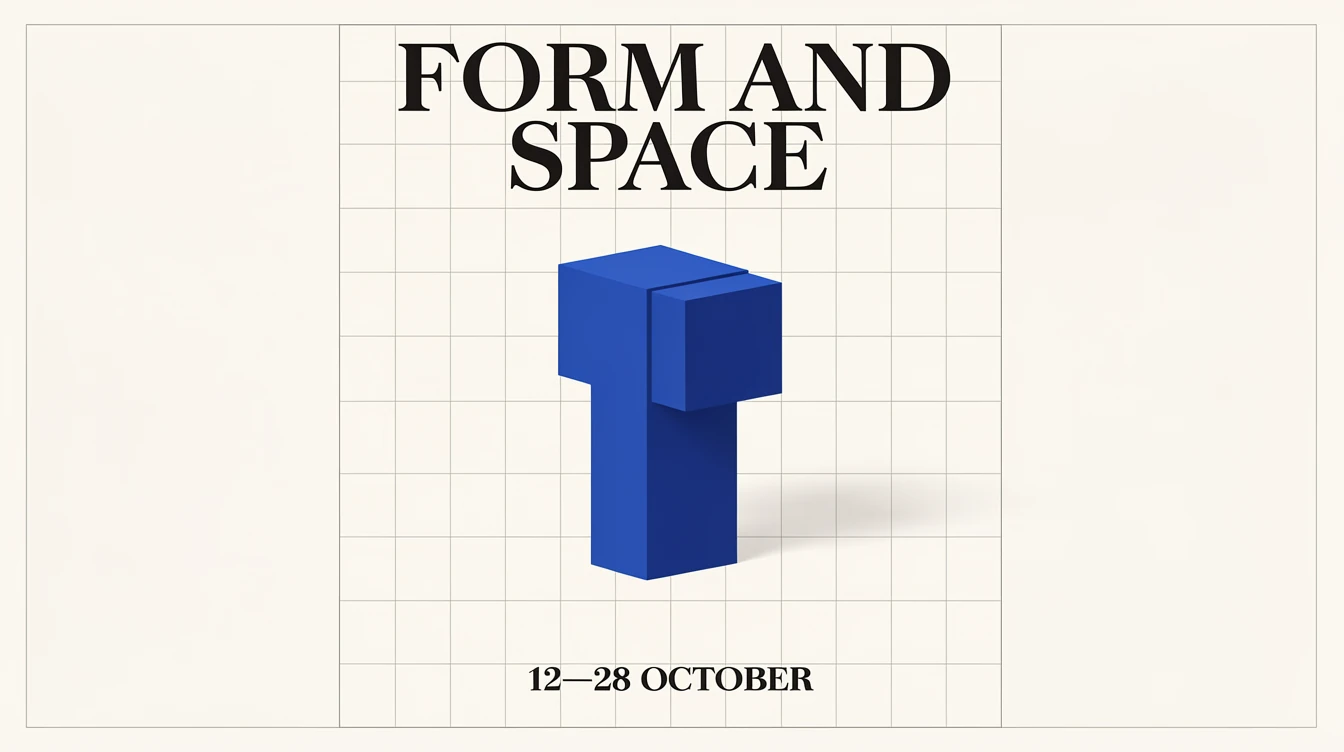
Modern museum poster with cobalt geometric sculpture, warm white background, large black serif headline "FORM AND SPACE", date "12–28 OCTOBER", disciplined Swiss grid
Poster design
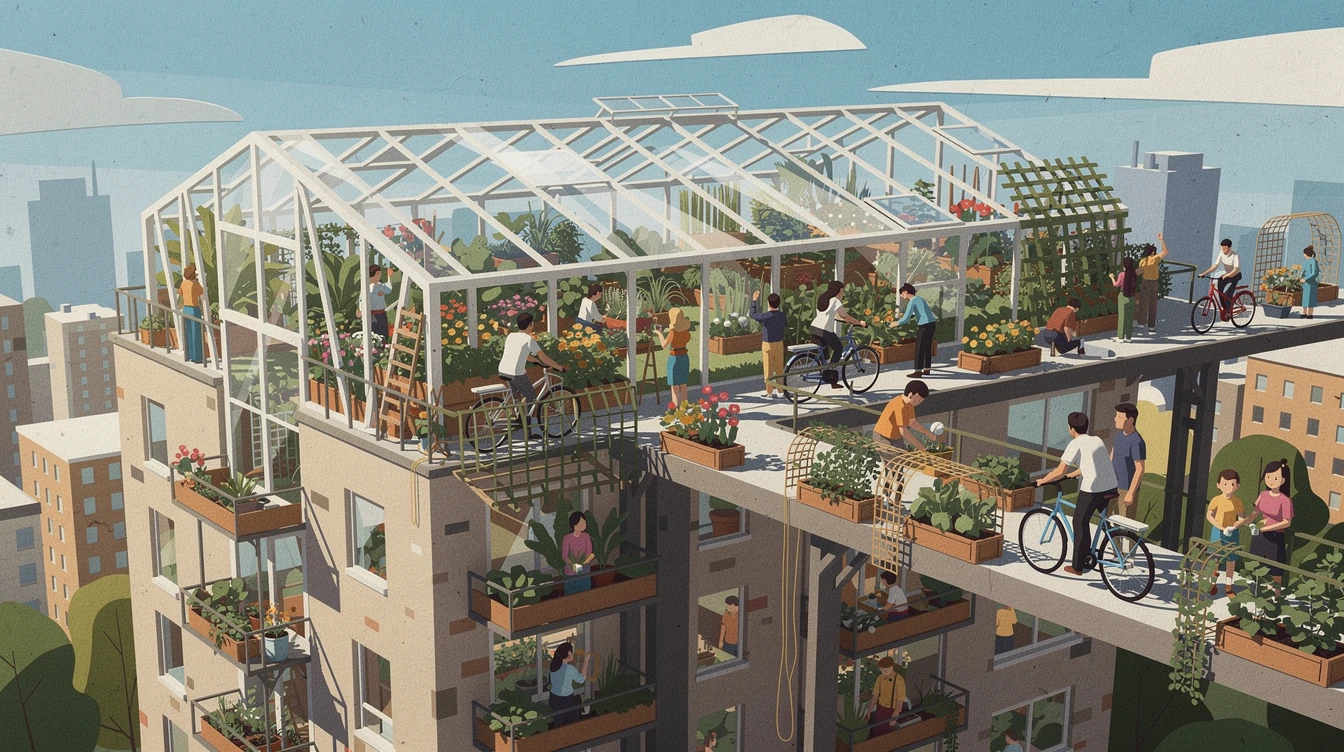
Editorial illustration about urban gardening, rooftop greenhouse woven through apartment towers, cyclists and planters, textured paper collage, optimistic daylight, magazine composition
Editorial illustration
Three premium tea cartons labeled "MORNING", "NOON", and "NIGHT", forest green, coral, and indigo packaging, embossed botanical motifs, clean retail shelf photography
Packaging concepts
Bold outdoor coffee poster, red and cream palette, headline "START FRESH", subheading "ROASTED DAILY", small badge "OPEN 7 AM", clean sans-serif type, morning café scene
Readable text inside finished layouts
Top community creations
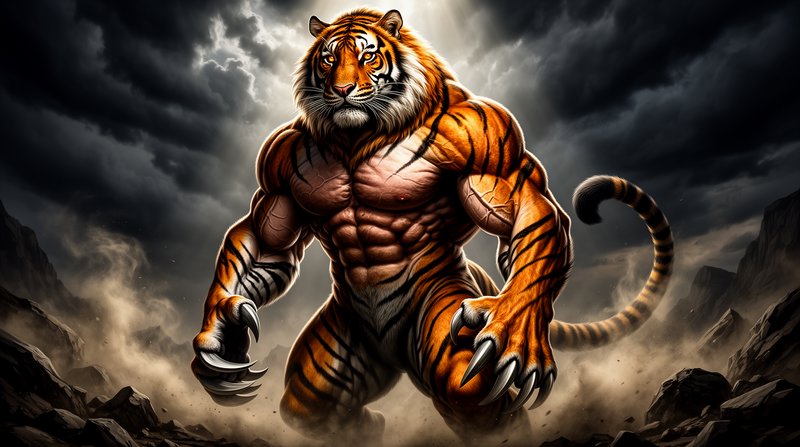
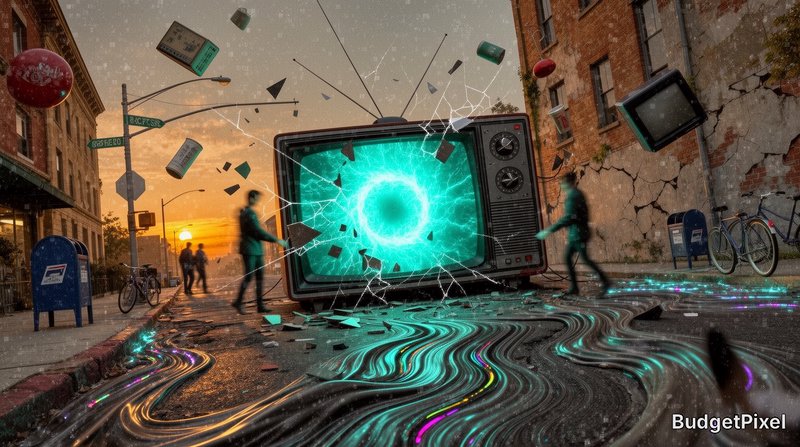
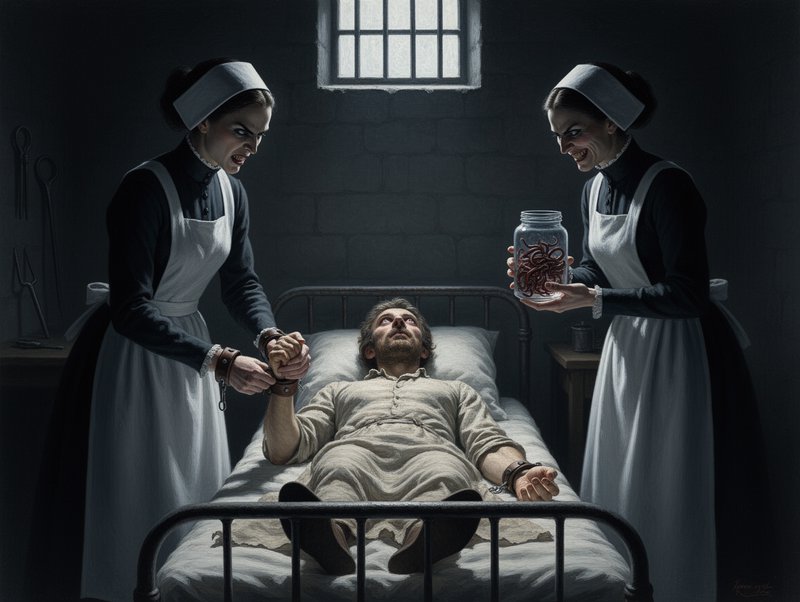
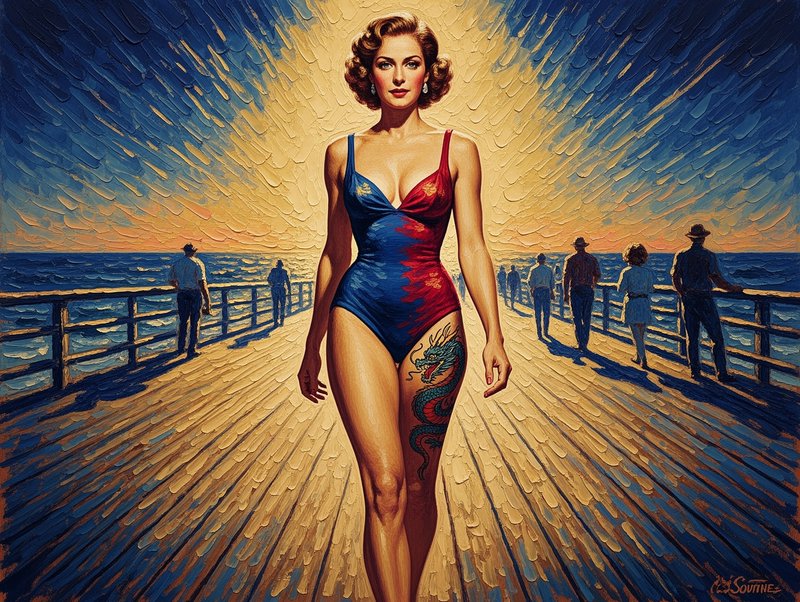
Recent Flux 2 Max images shared by the BudgetPixel community.
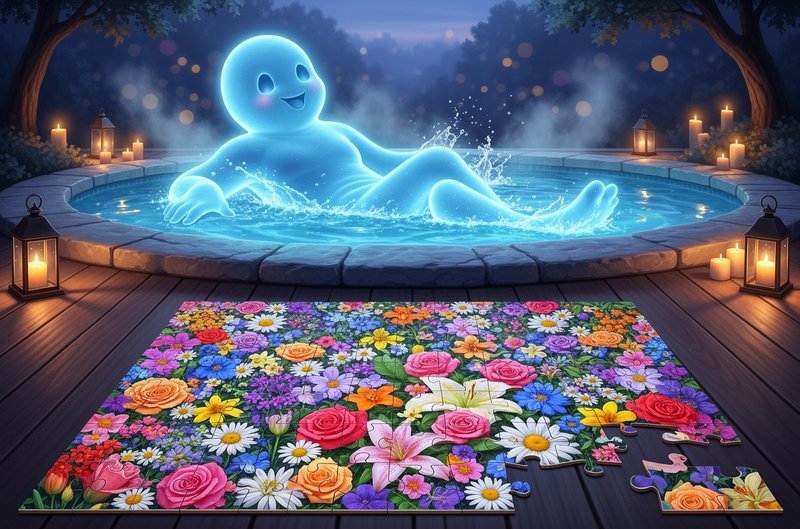
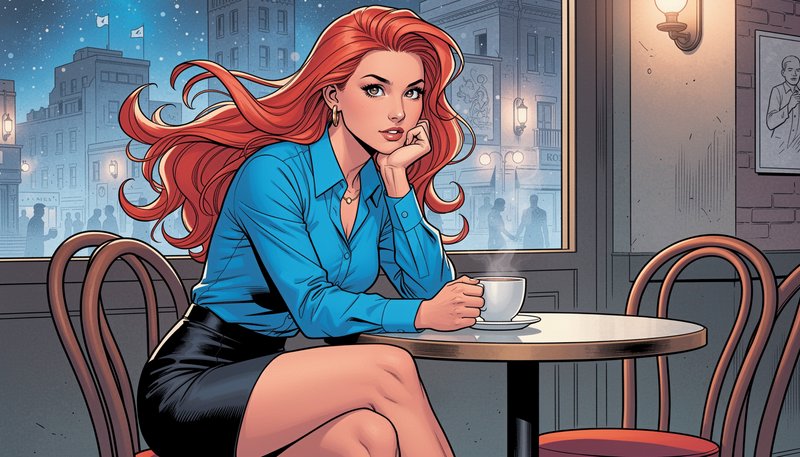
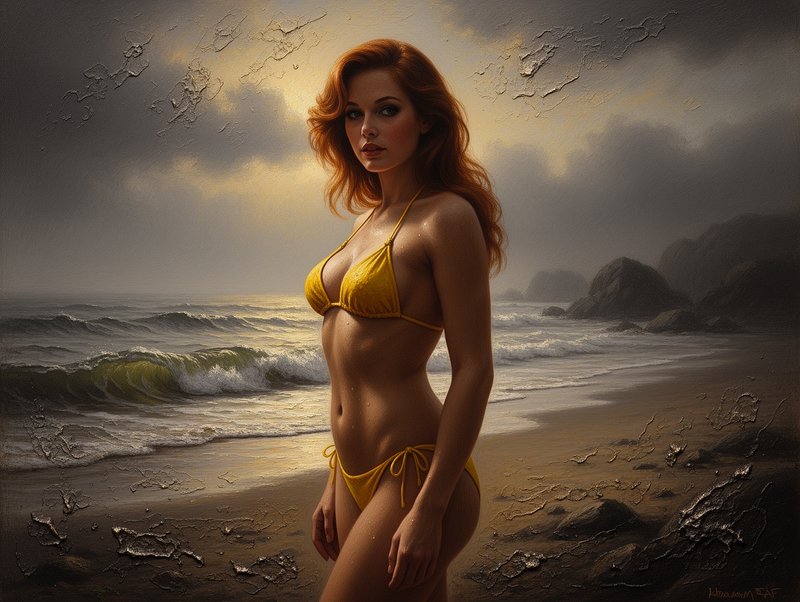
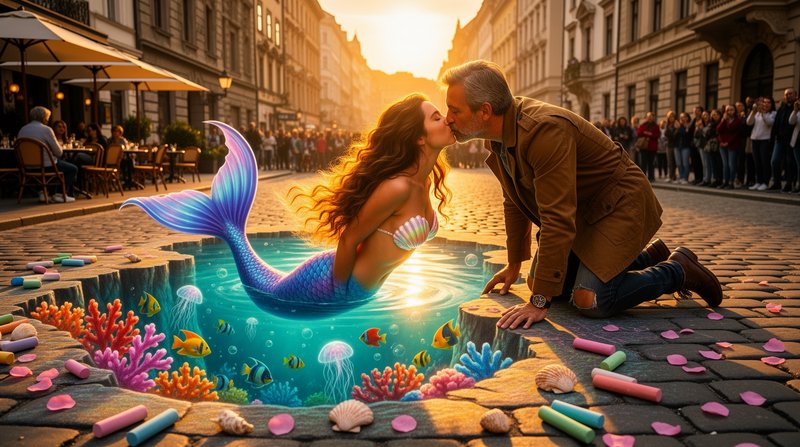

Pricing for Flux 2 Max
Runs on credits — no per-model surcharges, no surprise billing.
80credits
per generation
80 credits per image
Show pricing details▾
ResolutionCredits
- 1MPdefault80/ generation
- 0.5MP40/ generation
- 2MP160/ generation
- 4MP260/ generation
Credits work across every plan. See /pricing for credit packages.
Compare all 6 versions
All 6 run on the same credits in the same workshop — here is what each costs and what it is for.
Flux 2 Max
80credits per generation
- Resolution:
- 0.5MP 60 credits · 1MP 80 credits · 2MP 120 credits · 4MP 180 credits
Black Forest Labs' most powerful FLUX model with exceptional detail and quality. Resolution-based pricing (0.5MP to 4MP) and multi-image reference support (up to 4 images). The ultimate choice for maximum quality output.
Try Flux 2 Max →Flux 2 Flex
80credits per generation
- Resolution:
- 0.5MP 40 credits · 1MP 80 credits · 2MP 160 credits · 4MP 260 credits
Black Forest Labs' advanced FLUX model with resolution-based pricing (0.5MP to 4MP), adjustable steps and guidance, and multi-image reference support (up to 4 images). Offers fine-grained control over generation quality and style.
Try Flux 2 Flex →FLUX 3
65credits per generation
- Resolution:
- 768px 55 credits · 1K 65 credits · 1.5K 90 credits · 2K 130 credits · 4K 790 credits
Black Forest Labs' FLUX 3: text-to-image and image editing in one model. Edit or compose from up to 10 reference images at no extra cost, render at five sizes from 768px to 4K, and optionally let the model ground your prompt with web and image search before it renders.
Try FLUX 3 →Flux 2 Pro
25credits per generation
- Resolution:
- 0.5MP 15 credits · 1MP 25 credits · 2MP 50 credits · 4MP 80 credits
Black Forest Labs' premium FLUX model with resolution-based pricing (0.5MP to 4MP) and multi-image reference support (up to 4 images). Offers superior quality with flexible resolution options for professional workflows.
Try Flux 2 Pro →Flux 2 Dev
25credits per generation
Black Forest Labs' next-generation FLUX model with improved quality, better prompt adherence, and multi-image reference support (up to 4 images). Excellent for both text-to-image and image-to-image generation with permissive content policies.
Try Flux 2 Dev →Flux 2 Klein
10credits per generation
Black Forest Labs' sub-second image generation model (FLUX.2-klein-9B) with text-to-image and image editing capabilities. Supports up to 3 reference images for multi-image fusion, excellent prompt adherence, and high-definition output up to 2048x2048.
Try Flux 2 Klein →Flux 2 Flex at a glance
- Advanced controls
- Adjustable steps & guidance
- Resolution options (0.5MP-4MP)
- Multi-image reference (up to 4)
- Both text2img & img2img
How Flux 2 Flex compares
The differences that actually change which one you pick.
- Flux 2 Flex vs FLUX 2 Pro
- Flex offers fine-grained control over steps and guidance. Pro is simpler to use with automatic optimization.
- Flux 2 Flex vs FLUX 2 Dev
- Flex provides more control parameters, Dev is more straightforward for standard generation.
Frequently asked questions
What is Flux 2 Max?▾
Flux 2 Max is Black Forest Labs' highest-quality model in the Flux 2 image family. It generates and edits images with an emphasis on detailed prompt following, typography, visual consistency, and professional output.
How does Flux 2 Max work on BudgetPixel?▾
Open the image workshop, select Flux 2 Max, and describe the asset you need. Choose your dimensions, add reference images when useful, and generate. You can then revise the prompt or edit a selected result.
Should I use Flux 2 Max or Flux 2 Klein?▾
Use Klein for lower-cost ideation, thumbnail exploration, and quick prompt testing. Use Max when the concept is approved and you need stronger detail, editing consistency, or a polished final asset. This keeps early iteration economical without compromising the finishing stage.
How much does Flux 2 Max cost?▾
Generations use credits, with usage scaling according to the selected model, output size, and workflow. Klein is the economical choice for repeated drafts, while Max is intended for higher-quality final work.
Does Flux 2 Max render text well?▾
Yes, text rendering is a core strength of the Flux 2 family. For the clearest results, place exact wording in quotation marks and specify its position, size, color, and typographic style. Always review small text before publishing.
What resolutions and aspect ratios does Flux 2 Max support?▾
Official documentation supports custom output dimensions from 64 pixels per side up to four megapixels, using dimensions divisible by 16. Common formats include 1:1, 16:9, 9:16, 4:3, and 21:9. Available workshop presets may streamline these choices.
Does Flux 2 Max support reference images?▾
Yes. On BudgetPixel, Flux 2 Max accepts up to 4 reference images and Flux 2 Klein up to 3. Assign each reference a clear role, such as product, logo, person, pose, palette, or visual style.
Can Flux 2 Max edit existing images?▾
Yes, Flux 2 Max supports both generation and image editing. You can supply an existing image and describe changes to its setting, material, styling, layout, or other visual details. Specific instructions help preserve elements that should remain unchanged.
Can I use Flux 2 Max images commercially?▾
Black Forest Labs' developer terms state that, as between you and the provider, you own the output. You must still hold the necessary rights to your inputs, review outputs for third-party rights, and follow the current BudgetPixel and provider terms.
How does Flux 2 Max compare with other AI image generators?▾
Flux 2 Max is positioned around complex prompt following, readable in-image typography, reference-guided editing, structured layouts, and high-detail final output. It is particularly relevant to designers and marketers producing ads, packaging, posters, product visuals, and editorial assets.