
Workflow
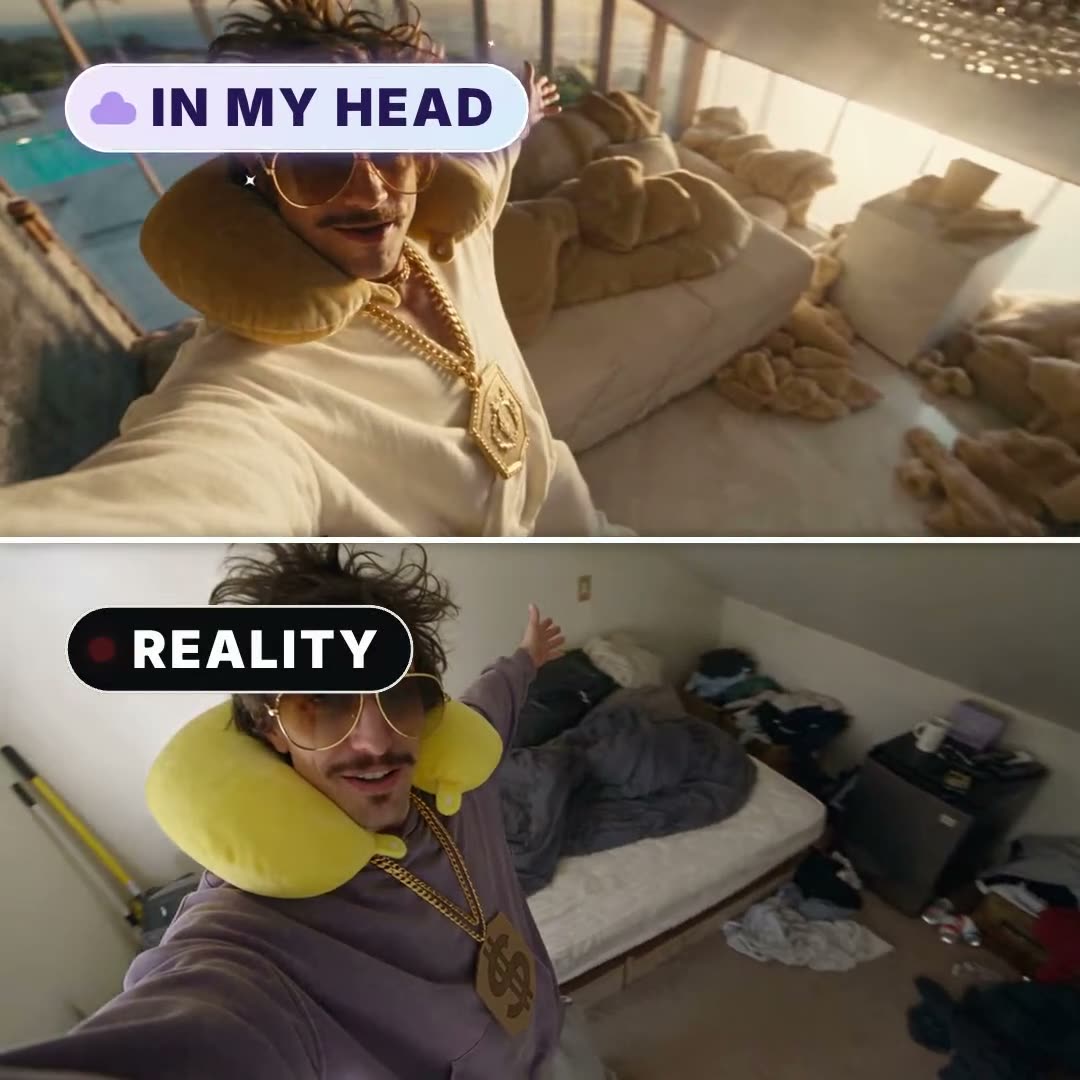
Make an IN MY HEAD vs REALITY video
Your character, twice: the life they imagine on top, the life they live below, moving in perfect sync. Cut on the beat to a song written for the episode. The BP Studio agent makes it from one sentence.
How the agent makes it
- Step 1
Tell the agent the idea
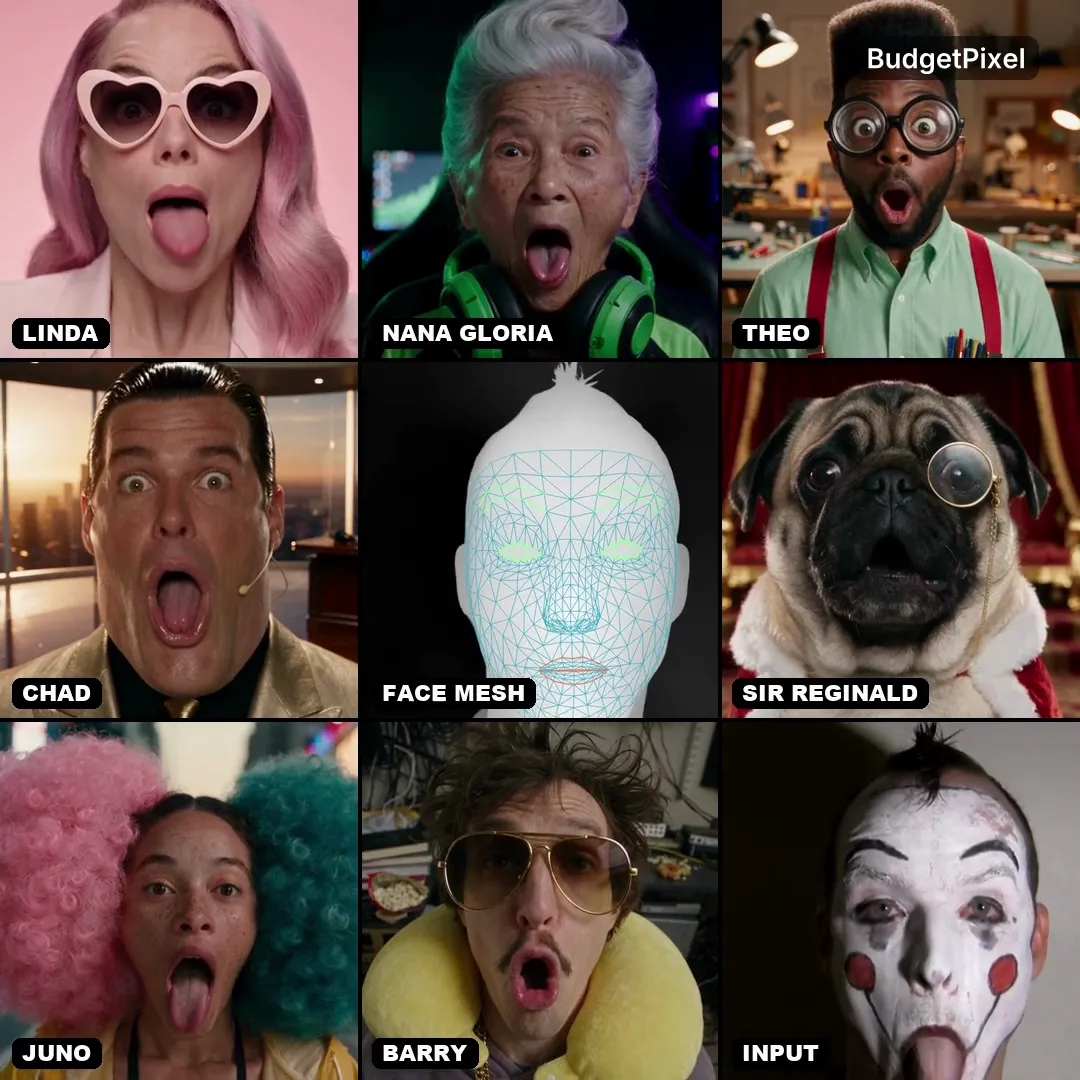
One line is enough: “Barry thinks he cooks like a five-star chef.” Pick a character, one of the free BudgetPixel influencers or your own, or start from your own clip.
- Step 2
It shoots REALITY
Phone-camera shots of the plain everyday version: the real kitchen, the real outfit, the line your character says to camera.
- Step 3
It imagines the twin
Every reality shot gets an IN MY HEAD twin: the same moves, head turns and mouth movements, in the world your character dreams of. The two halves stay in sync, top over bottom.
- Step 4
It cuts on the beat
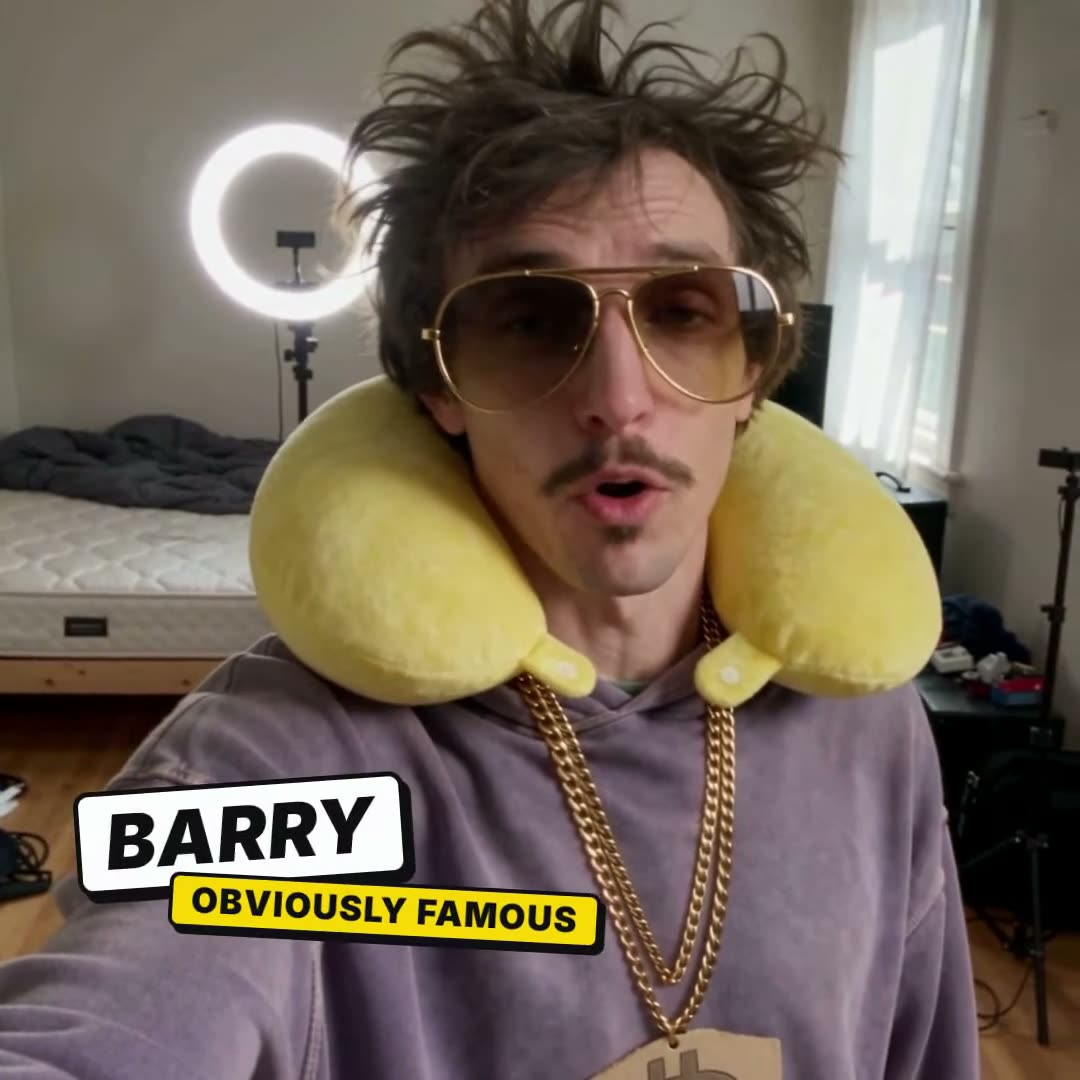
An original song with lyrics written for your episode, every cut on a drum hit, captions on the spoken lines, a name card for each character, and a punchline where reality wins.
- Step 5
You approve, it finishes in 1080p
Watch the draft cut, ask for changes in plain words, then the agent renders the final at full size.
The effects in it
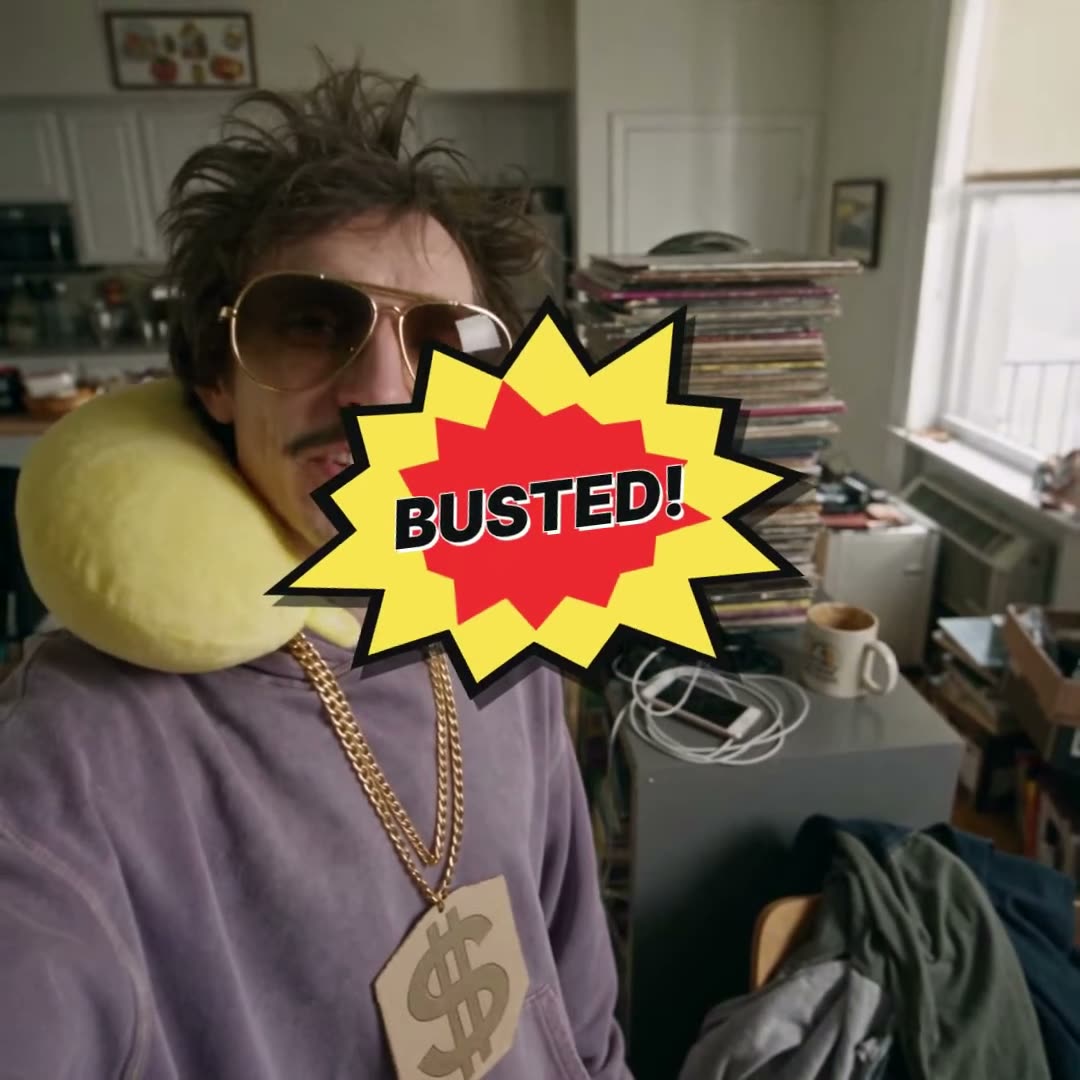
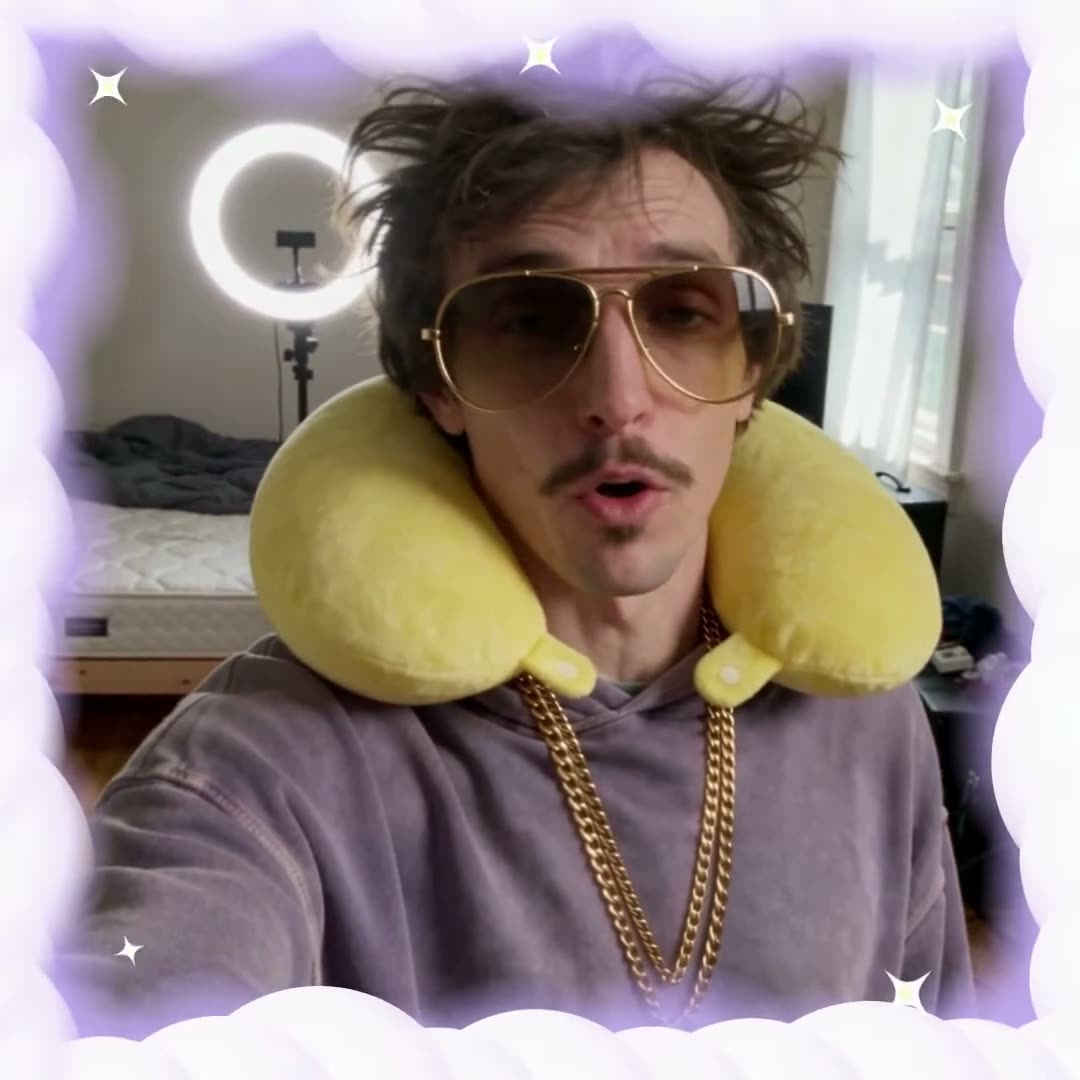
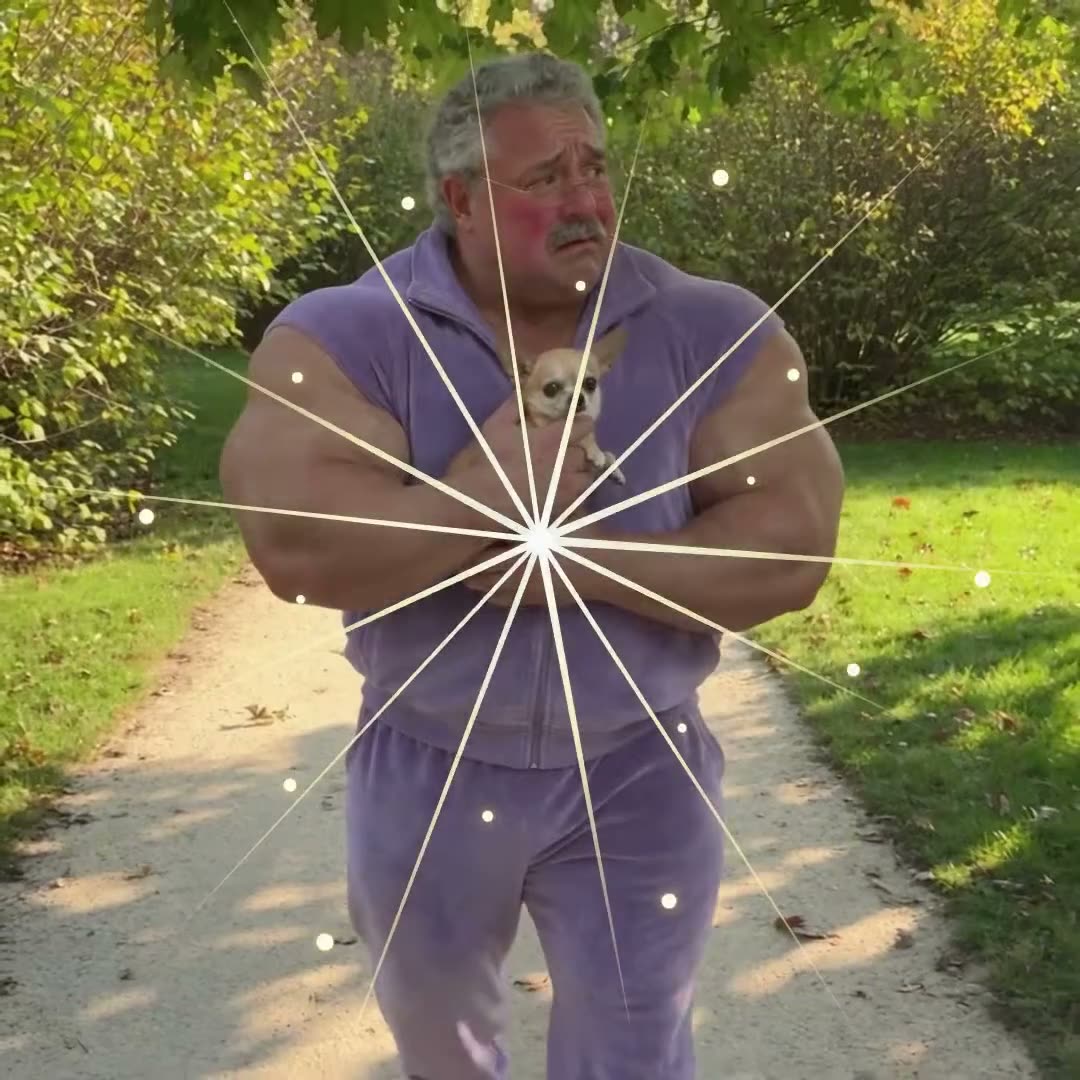
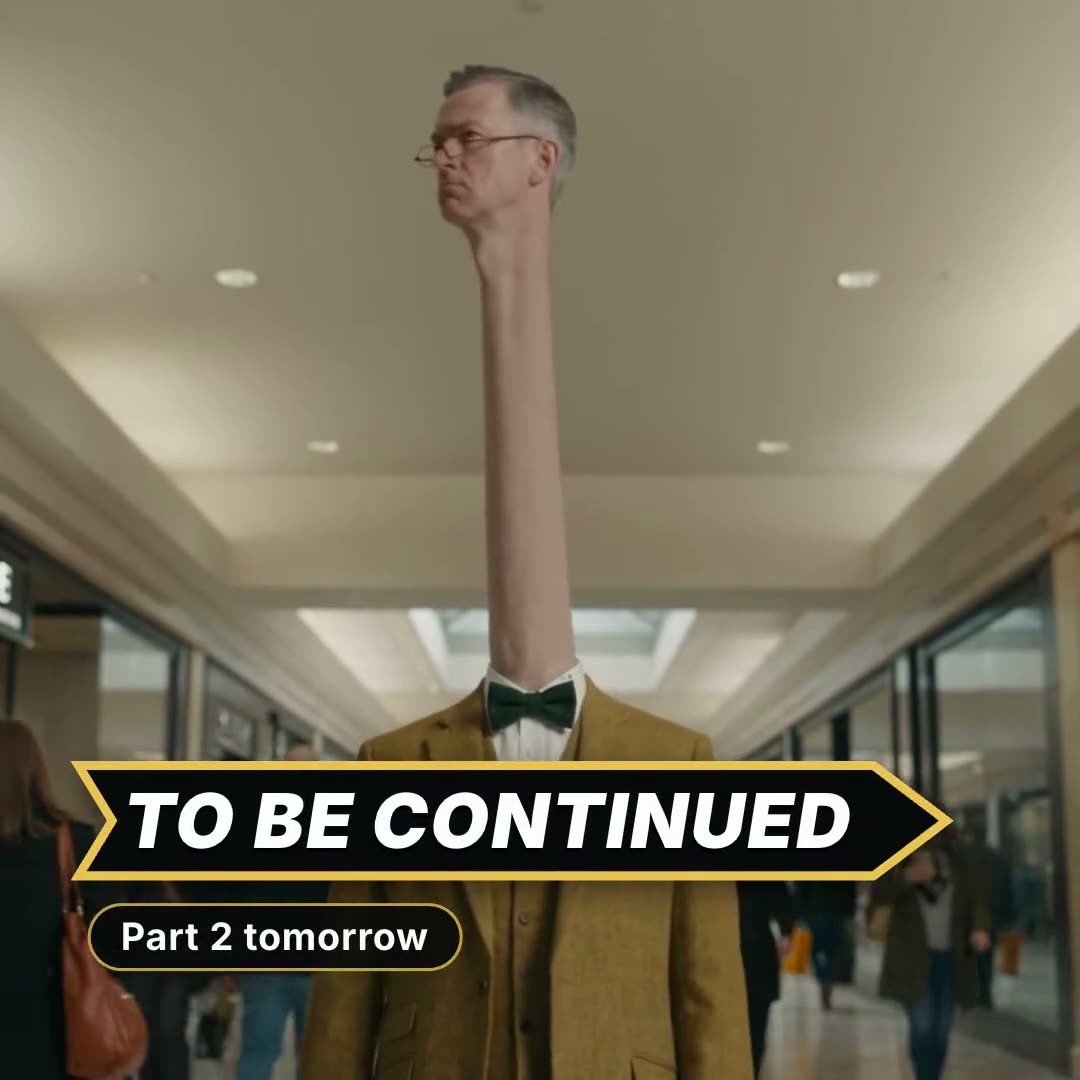
Motion design from the BudgetPixel effects library, placed by the agent where the story needs it. Each one works on any video.
Questions
- What is an IN MY HEAD vs REALITY video?
- A split-screen comedy format: the top half shows what someone imagines, the bottom half what actually happens, with the same movements in both halves so the contrast lands.
- Do I need to film anything?
- No. The agent makes both halves with AI video. You can also start from a clip of your own, and it makes the dream version of it.
- Can I use my own character?
- Yes: any character you create on BudgetPixel, or one of the free BudgetPixel influencers such as @barry.
- How long is the video, and where does it fit?
- About 20 to 30 seconds, square, made for Shorts, Reels and TikTok.
- Does it come with music?
- Yes: an original song with lyrics written for your episode, and every cut lands on its beat.
More workflows
Your character, imagining big
Tell the agent one line. It writes, shoots, imagines and cuts the episode.
Make yours in BP Studio