
Design Studio · your AI designer
Describe it. Design it. Done.


An AI designer on an infinite canvas. Brief it in words and reference images, then edit anything it makes in place: layers, text and all.
Free credits on signup · no subscription required
Best on a computer.
Feature film · key art
Real results, made in Design Studio from the requests shown. The interface is simplified for the film.
One brief in
A finished piece out.
Posters, posts, covers, menus, invitations. Say what it is for and the AI designer lays it out: real type, pictures made for it, every part on its own layer.
A poster for a jazz night on a rooftop, Friday at 9, in midnight blue and brass.
A poster, made from this brief in one go.

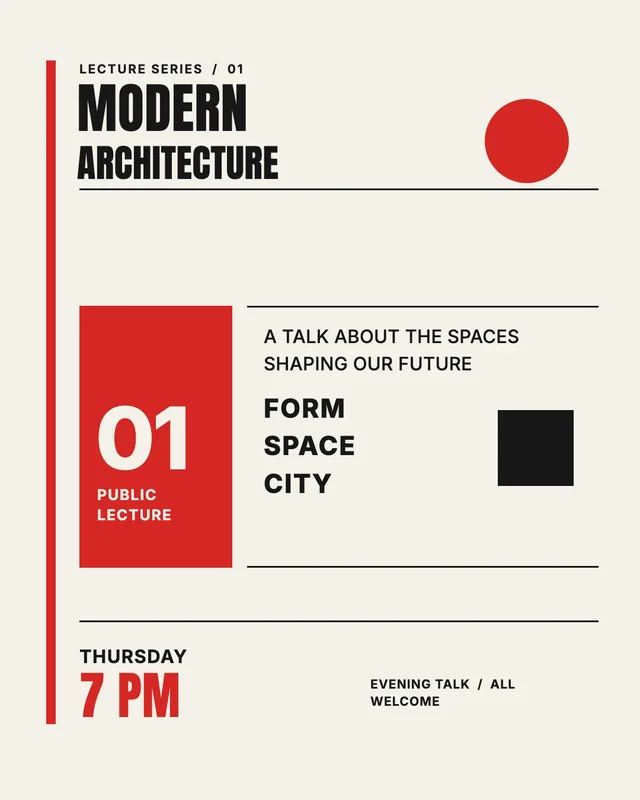
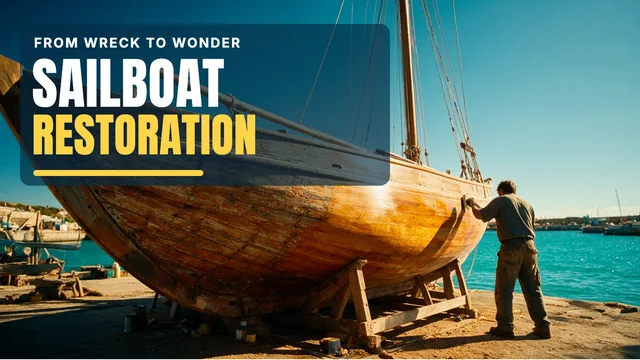
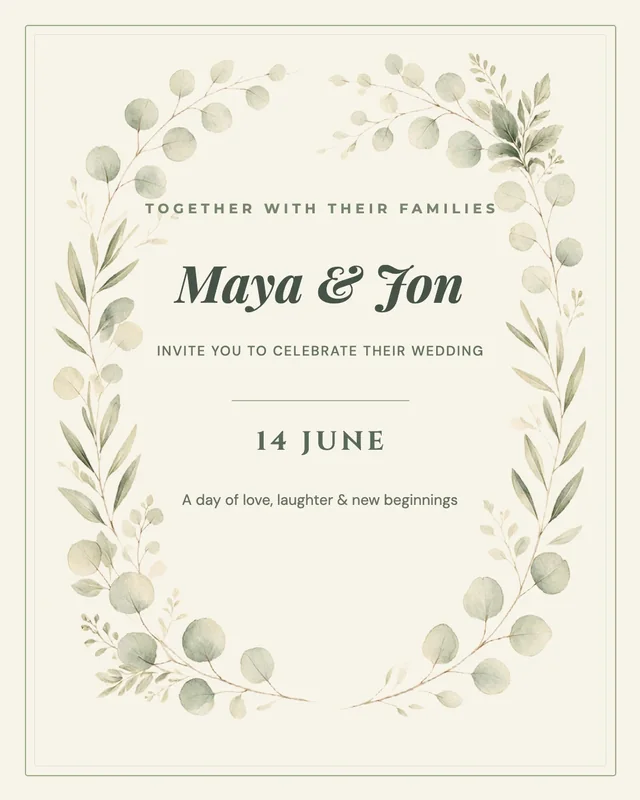
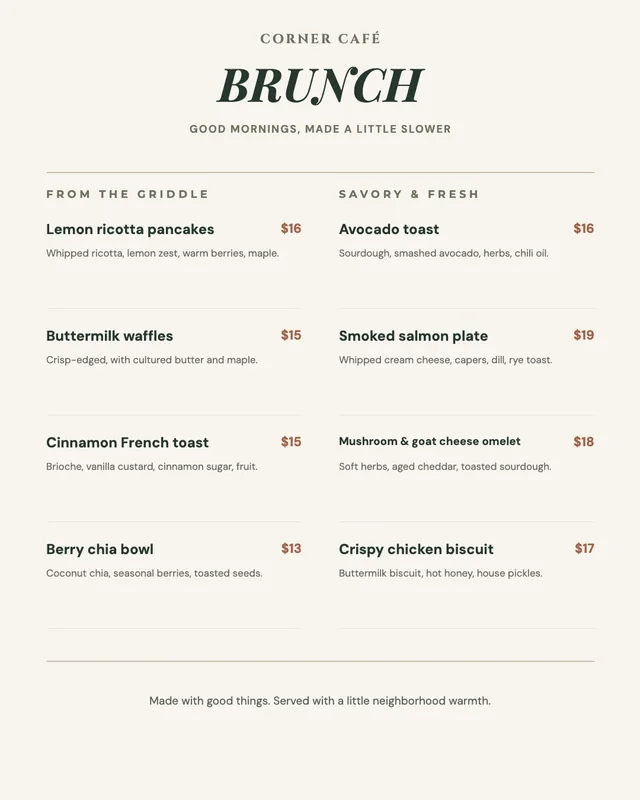
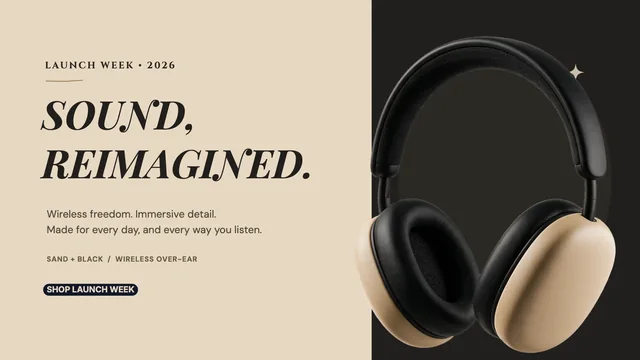
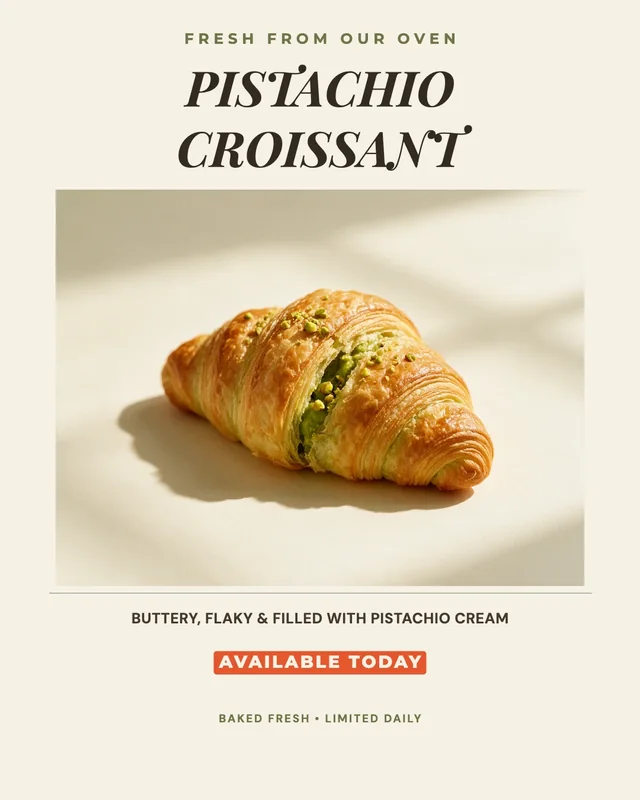
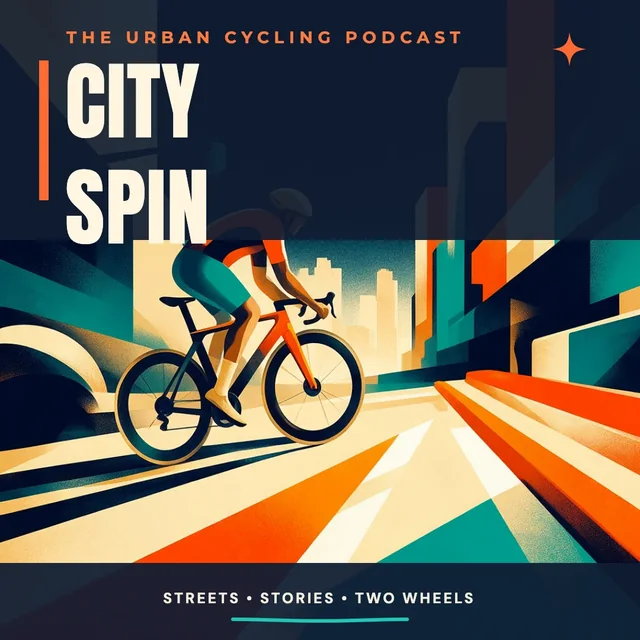
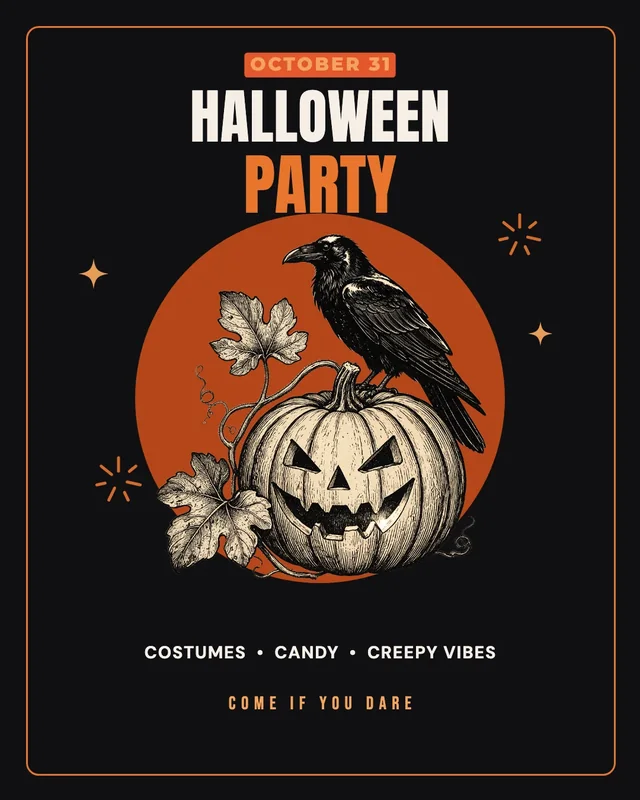

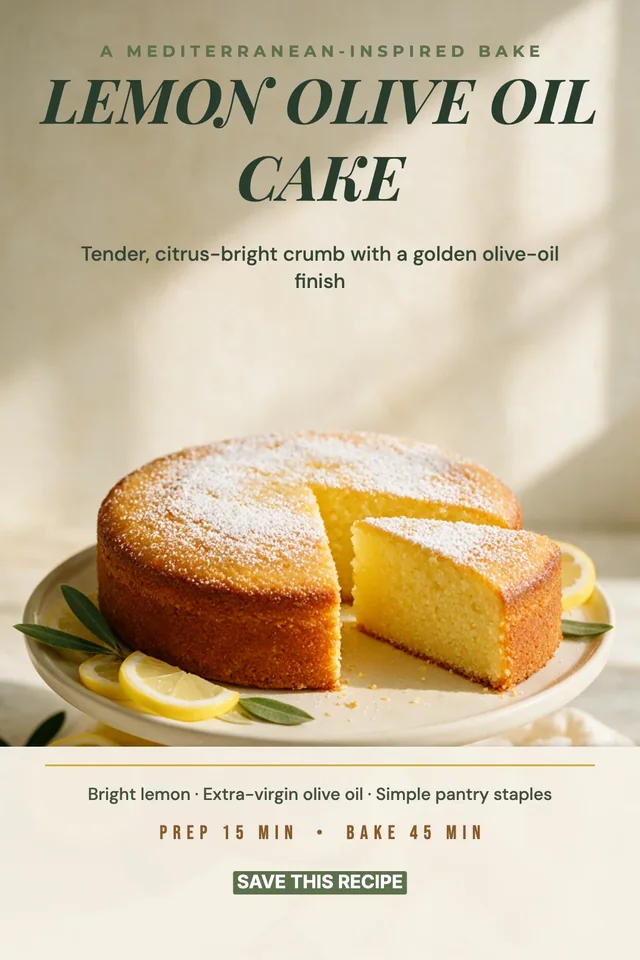
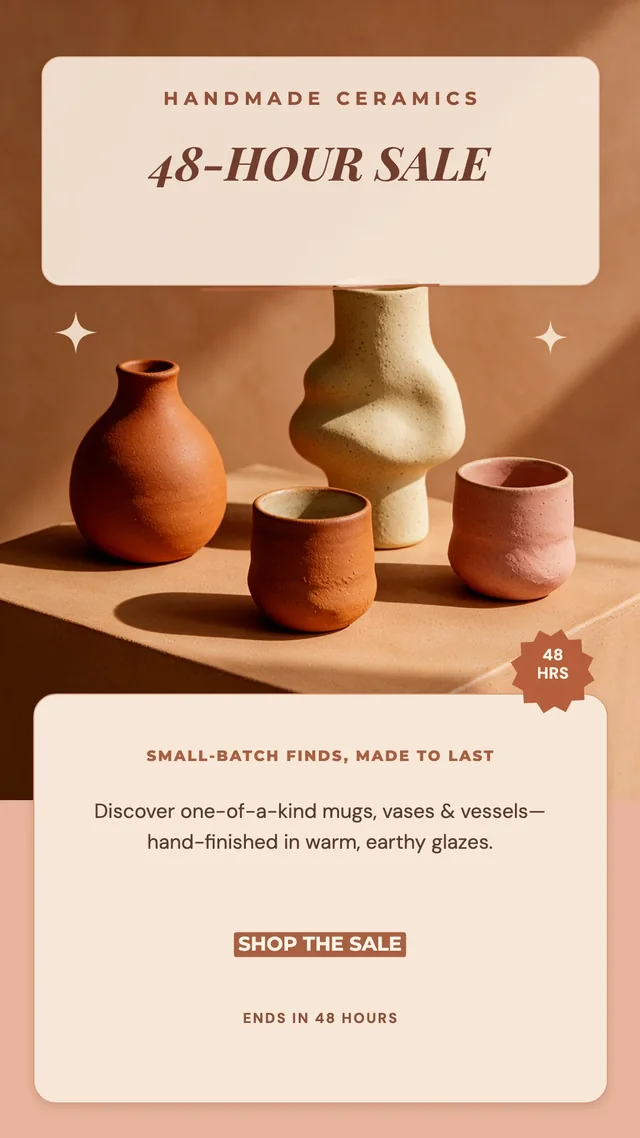
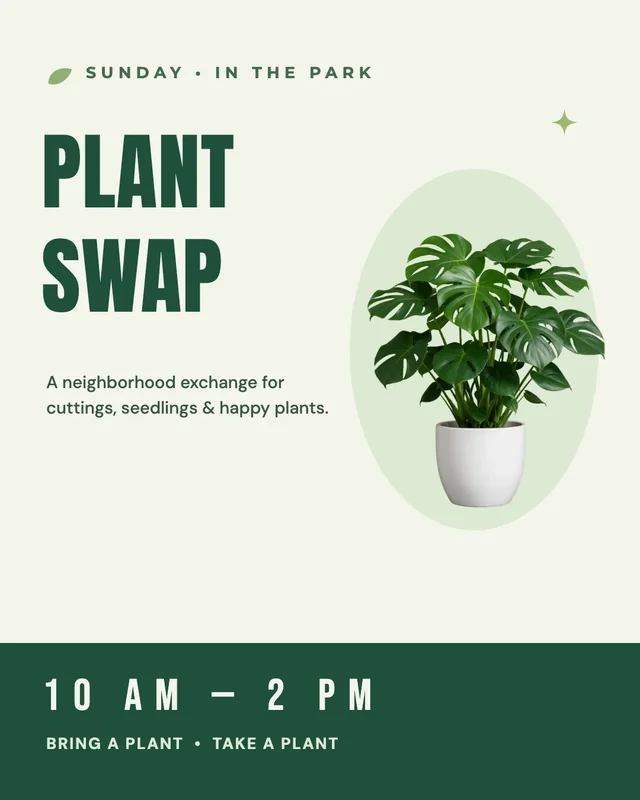
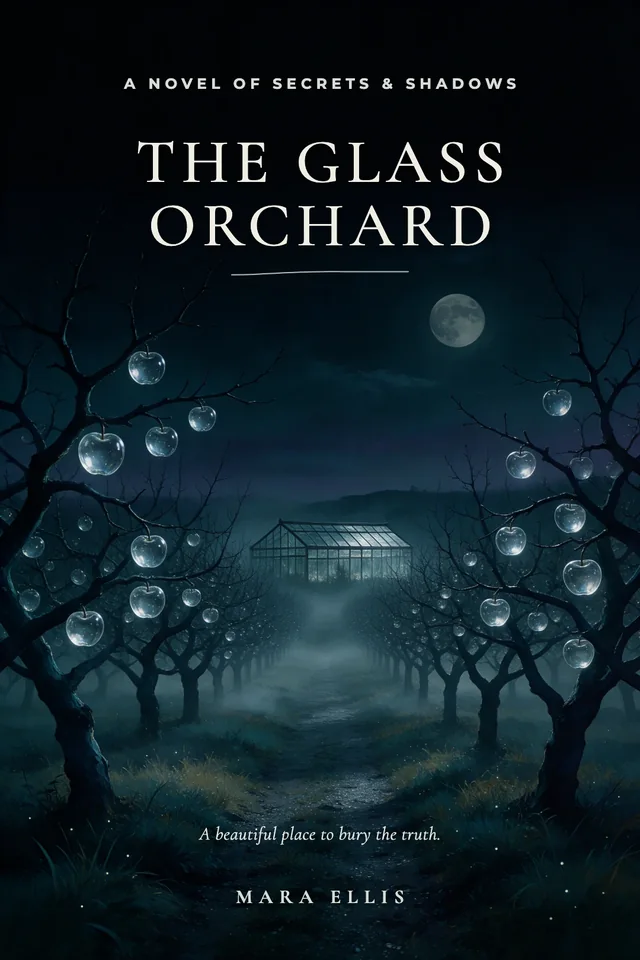
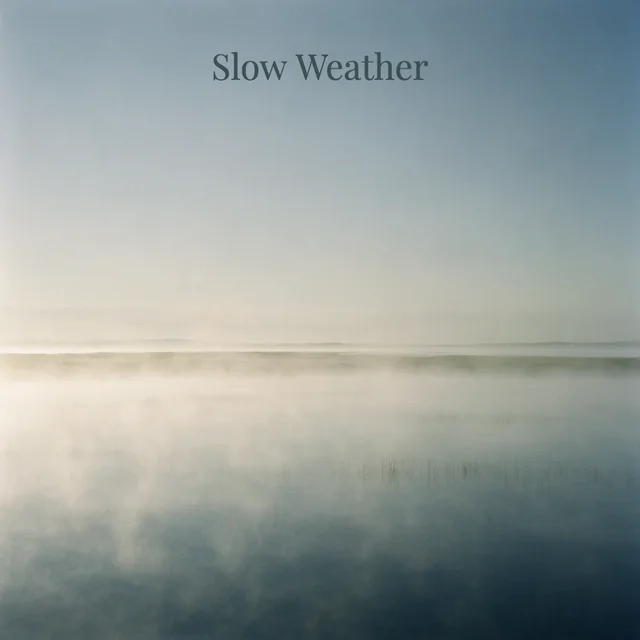
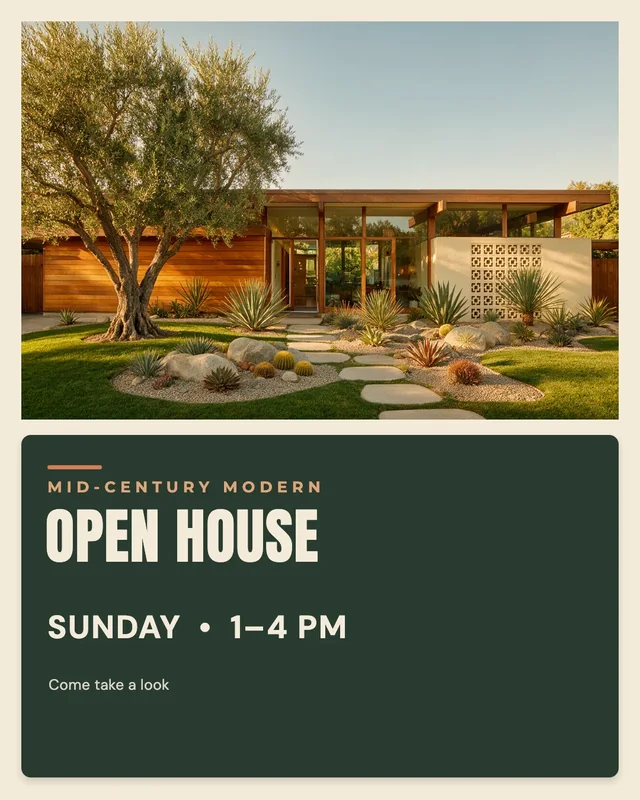
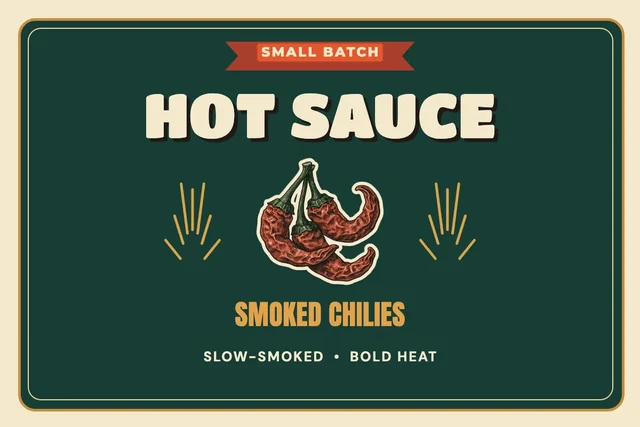

Each piece was made in Design Studio by the AI designer from the brief shown, in one go.
The everyday kit
Everything you’d expect from a design tool.
- 1,900+ free templatesPosts, posters, flyers, invitations and covers to start from.
- 74 typefacesSans, serif, display, script and hand-lettered, ready on the canvas.
- Your brand kitColors, fonts and logo saved once, or started from your website.
- Every size, one canvasReady-made frames for social, web and print side by side, or any size you set.
- PNG, JPG and WebPDownload any frame, or just the parts you select.
- Photo tools built inRemove a background, upscale, expand, erase objects or split a picture into layers.
- Every part editableText stays text, and each picture sits on its own layer.
- 11 image modelsPick the model for each picture, the newest included.
Templates
Start from a template.
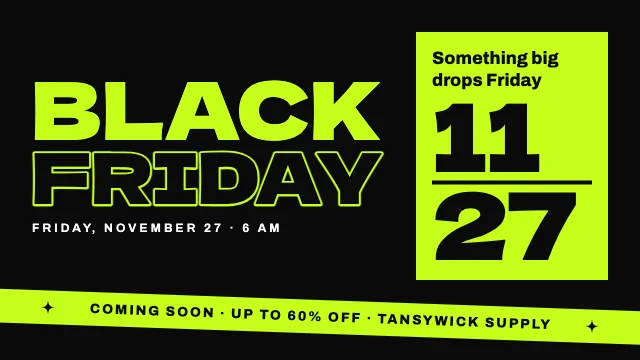
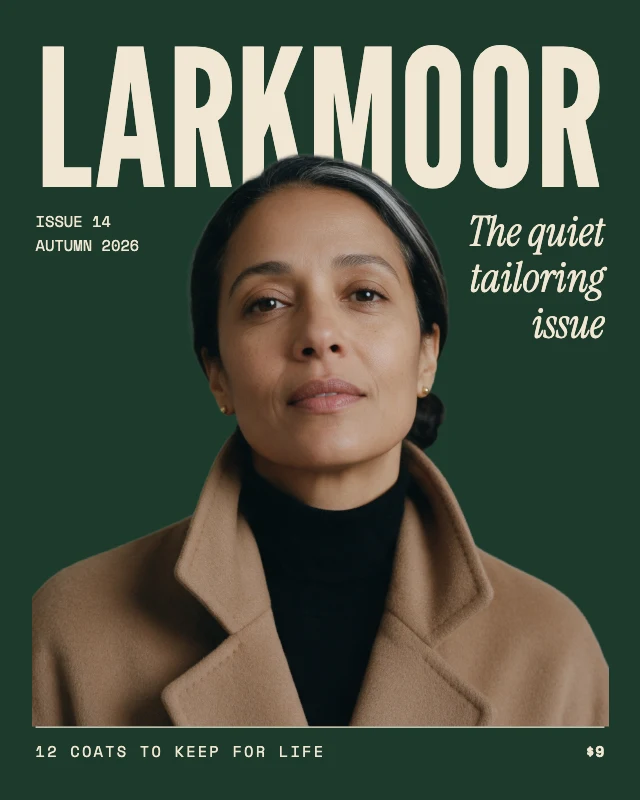
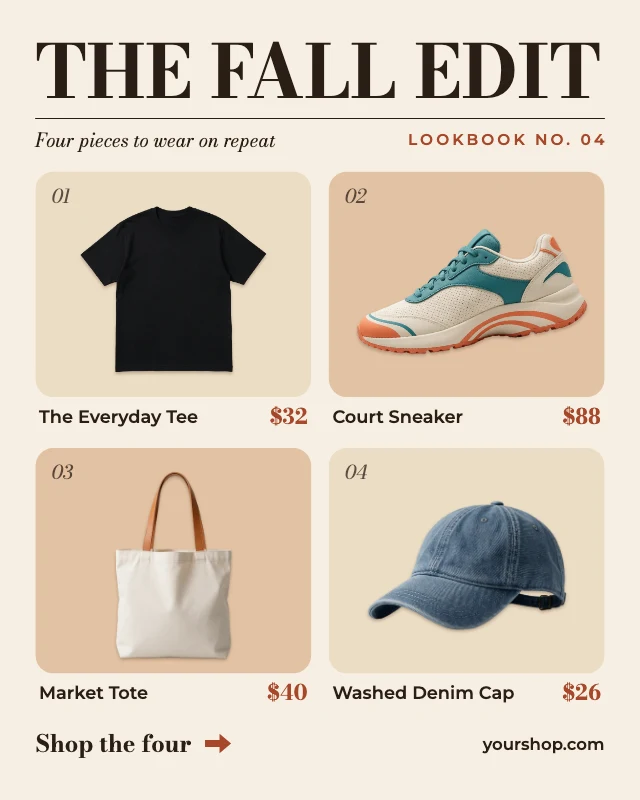
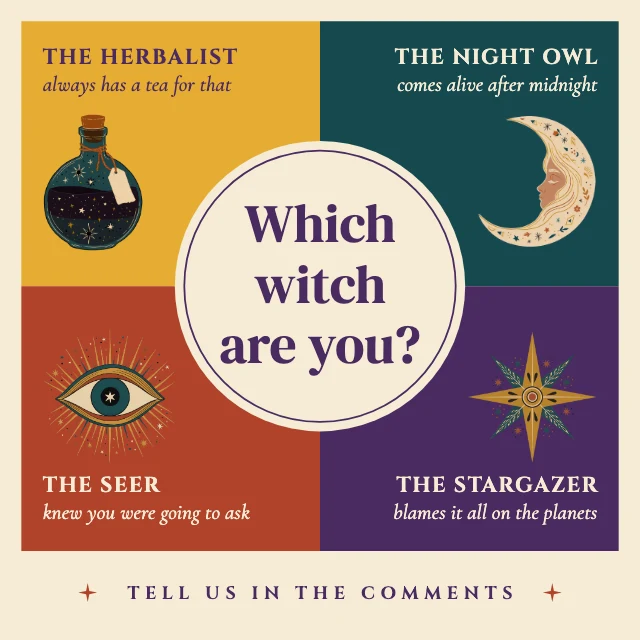
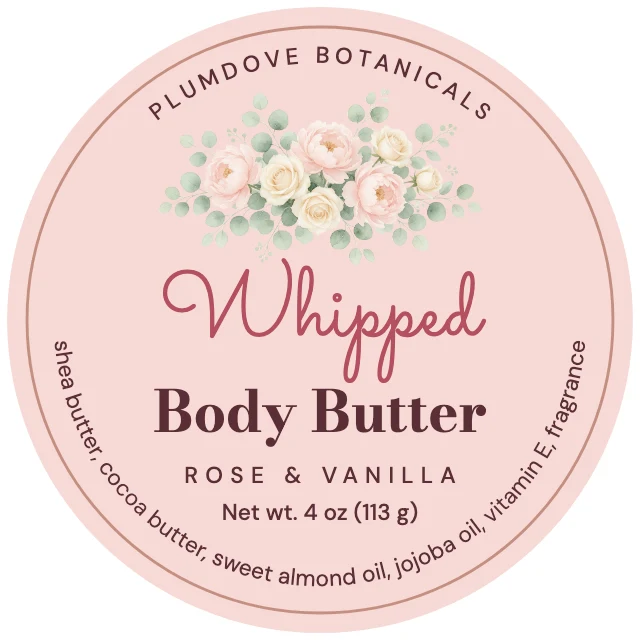
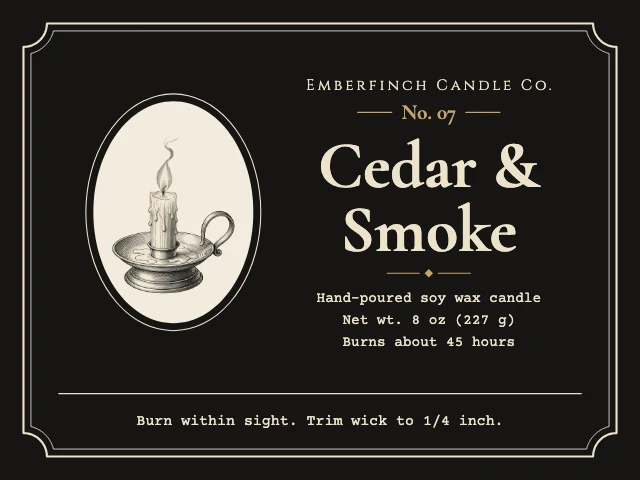
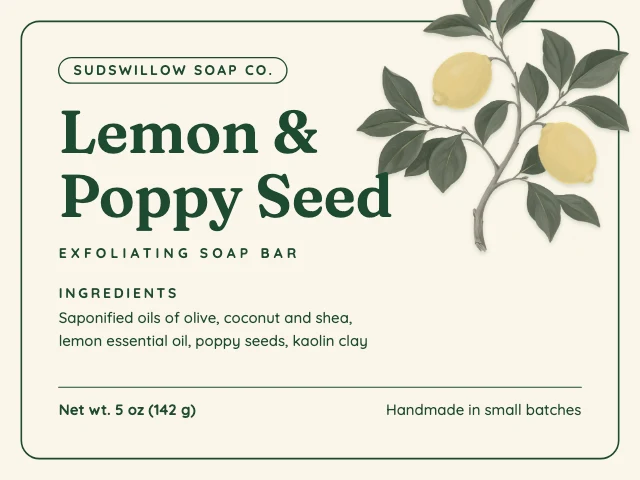
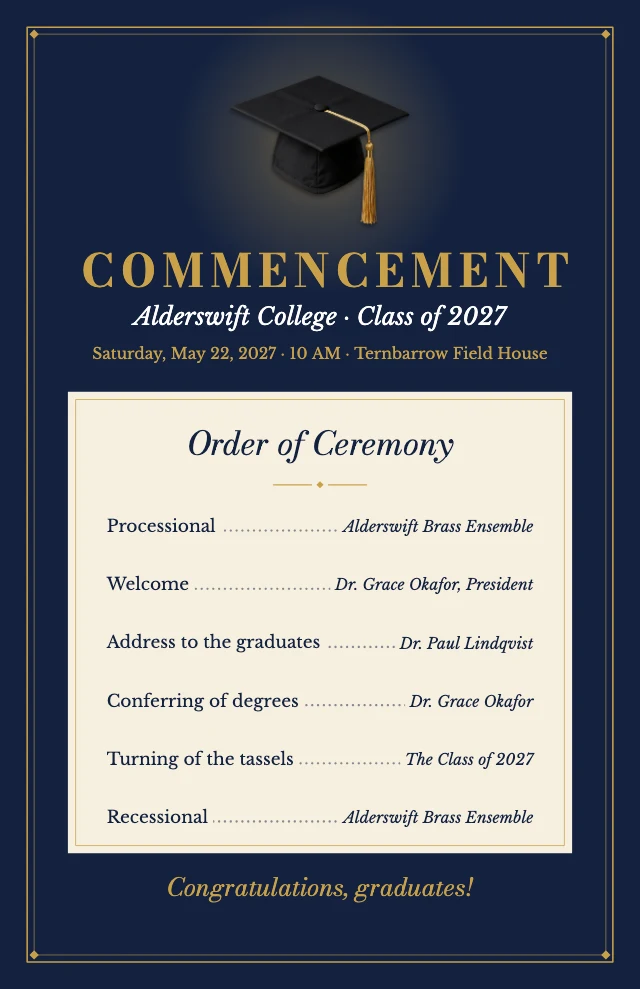
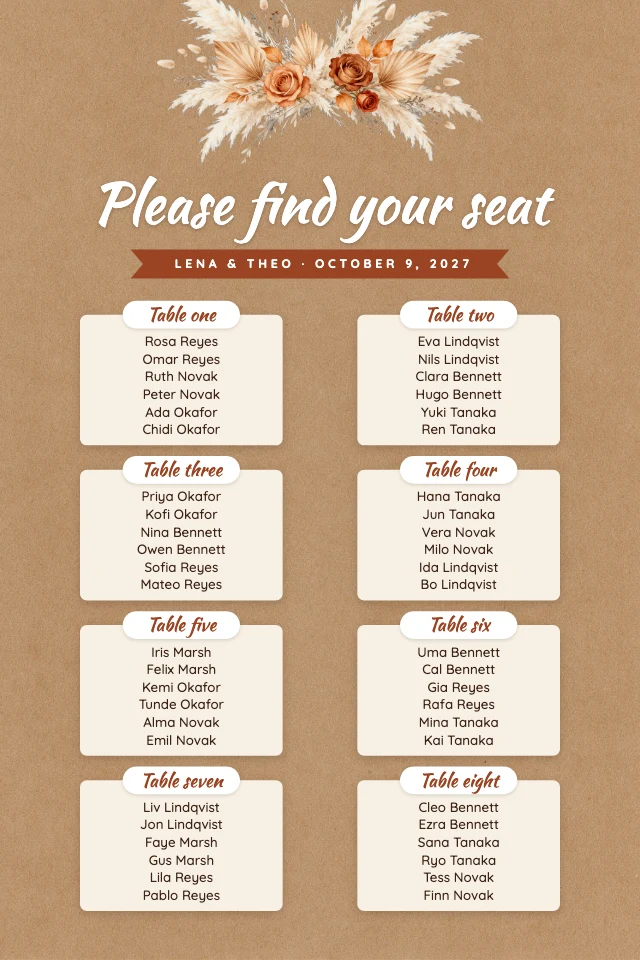
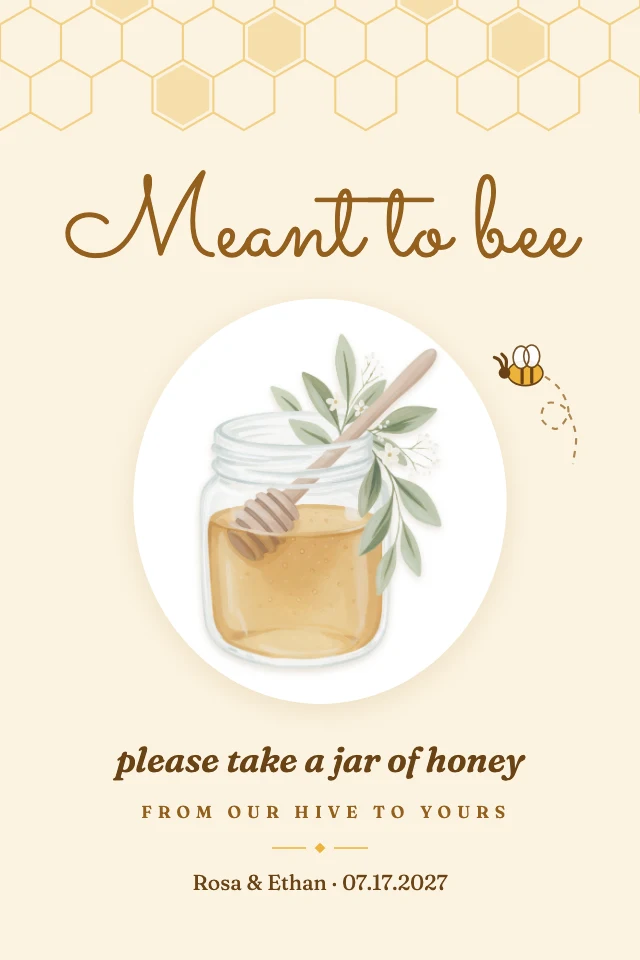
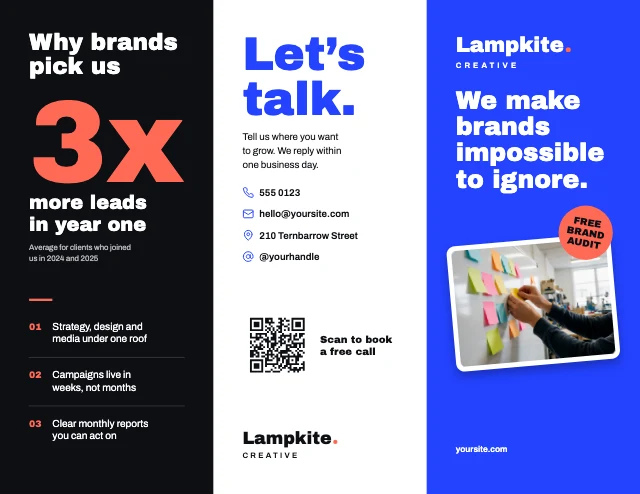
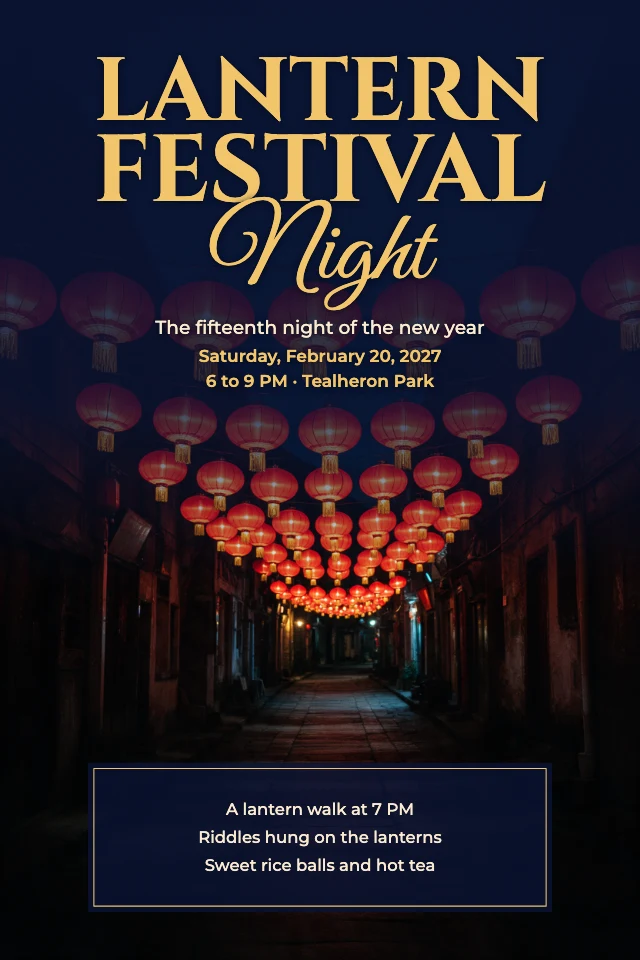
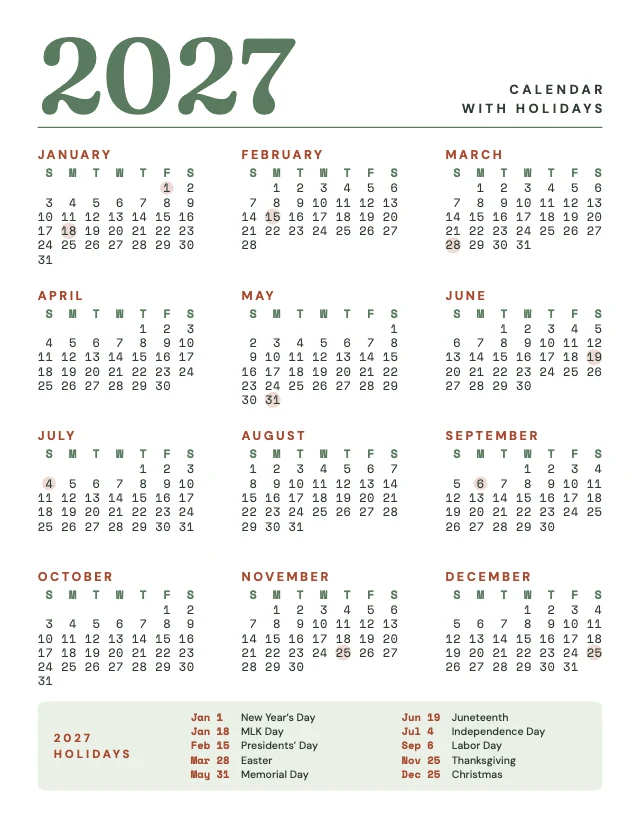
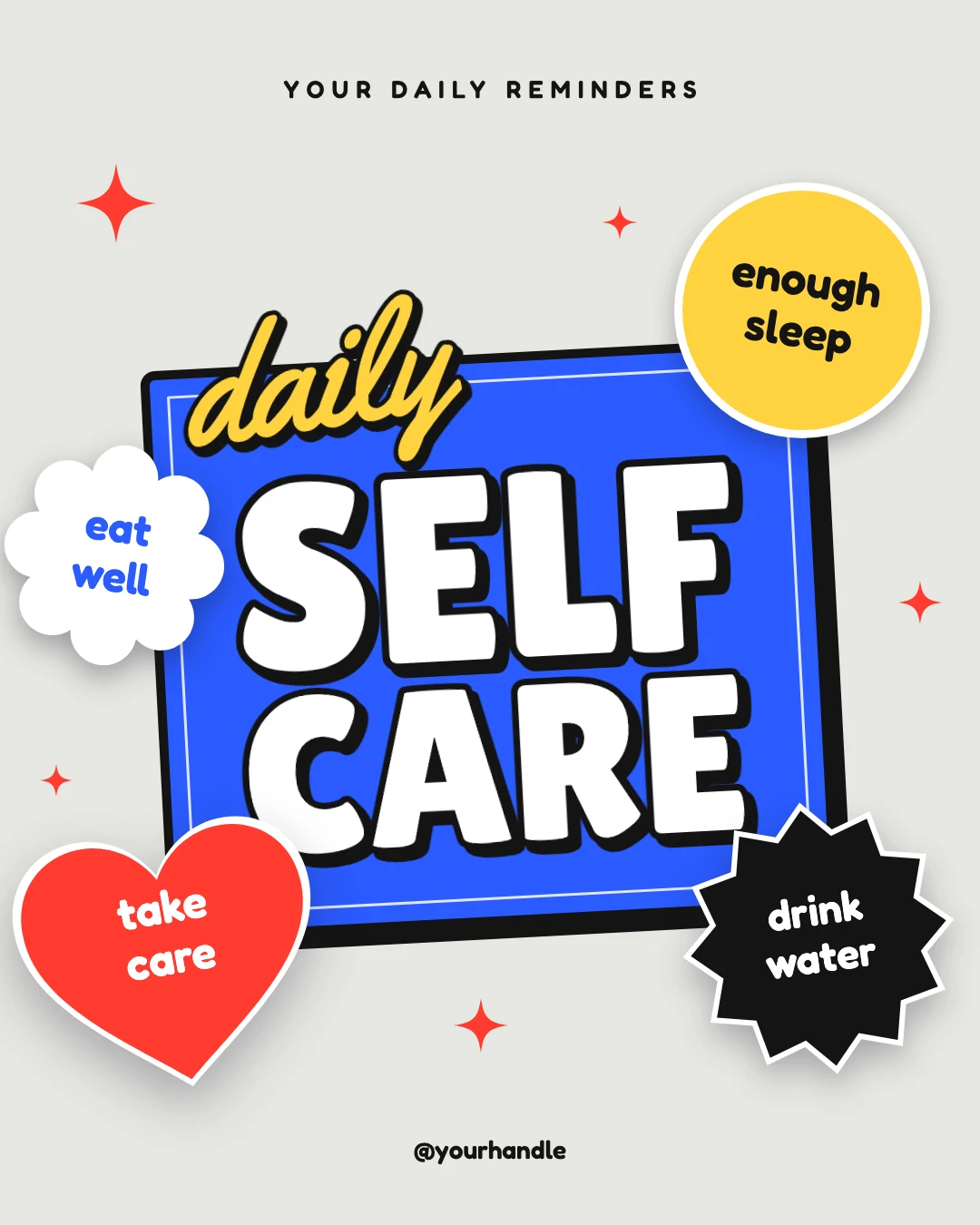
Free designs sized for Instagram, LinkedIn, X, Facebook, Pinterest, YouTube and print, in styles from minimalist to retro. Change the words, swap in your photos, or let the AI designer make it yours.
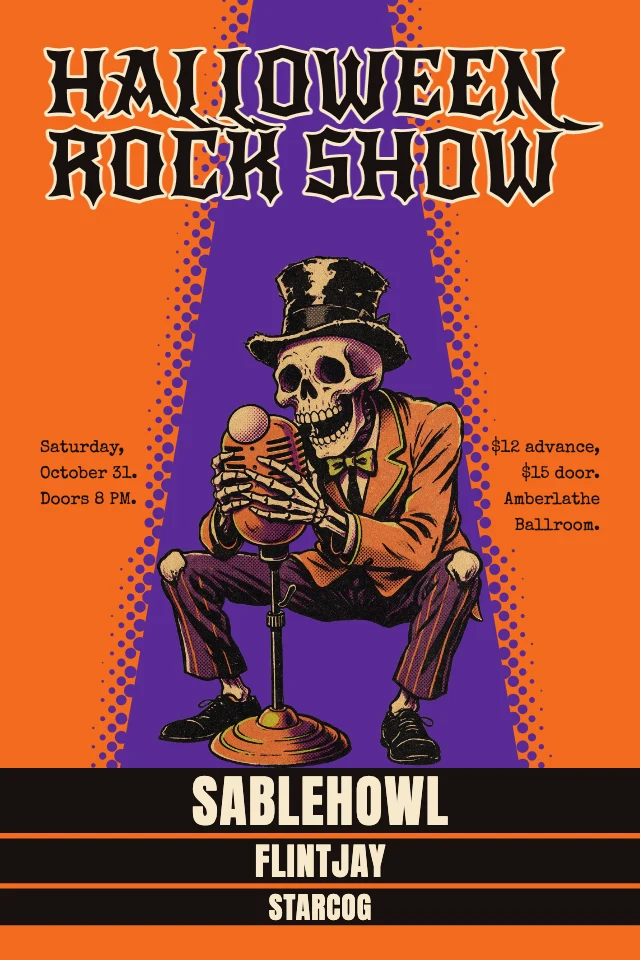


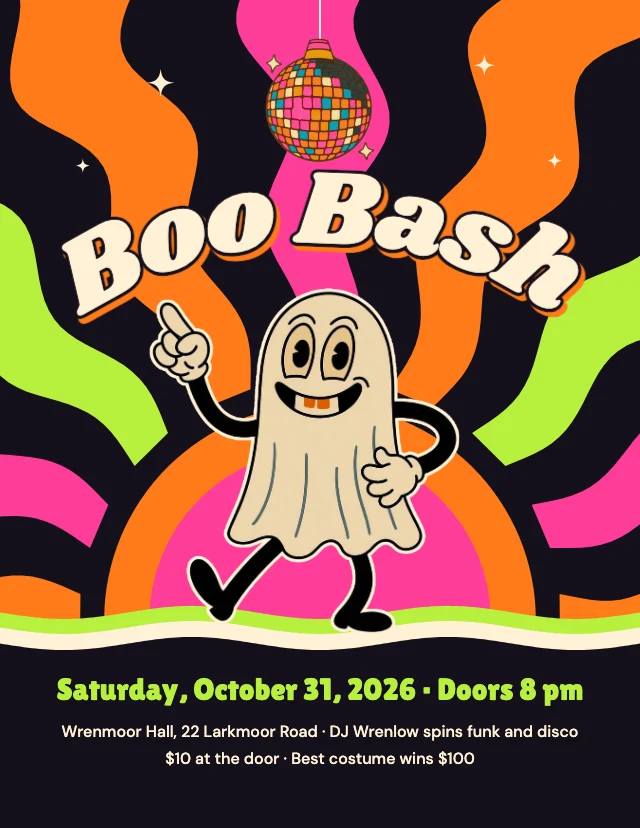




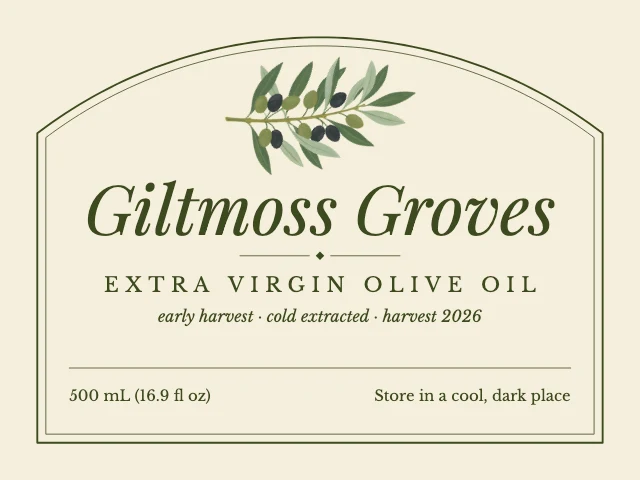
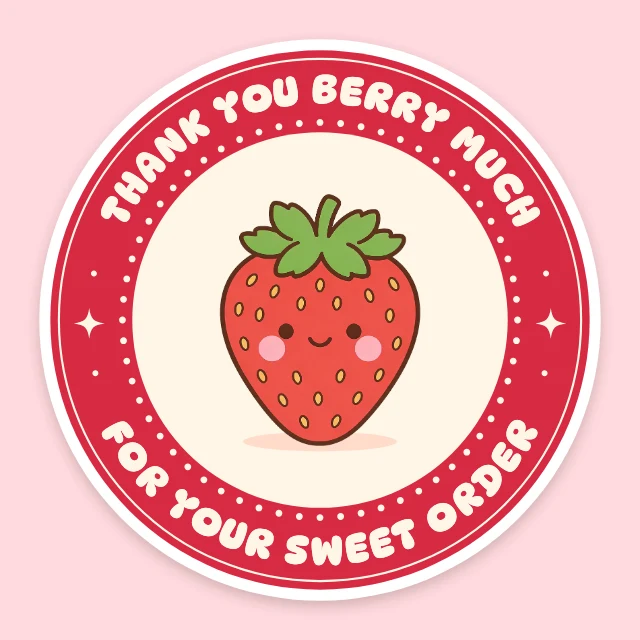
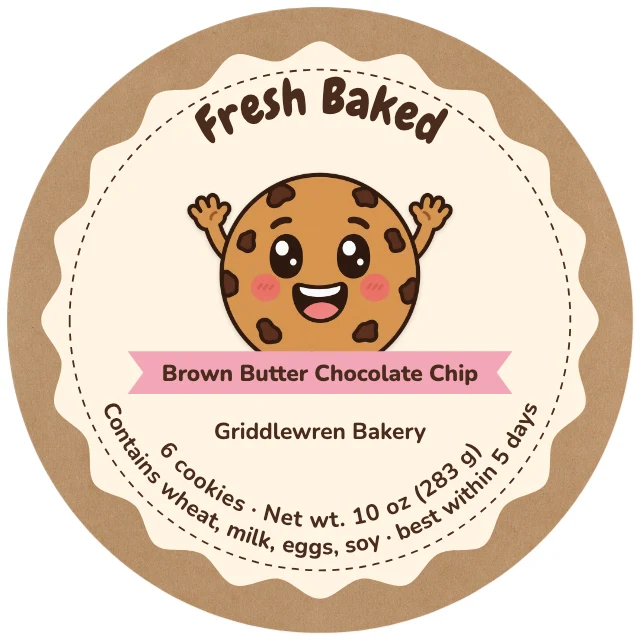



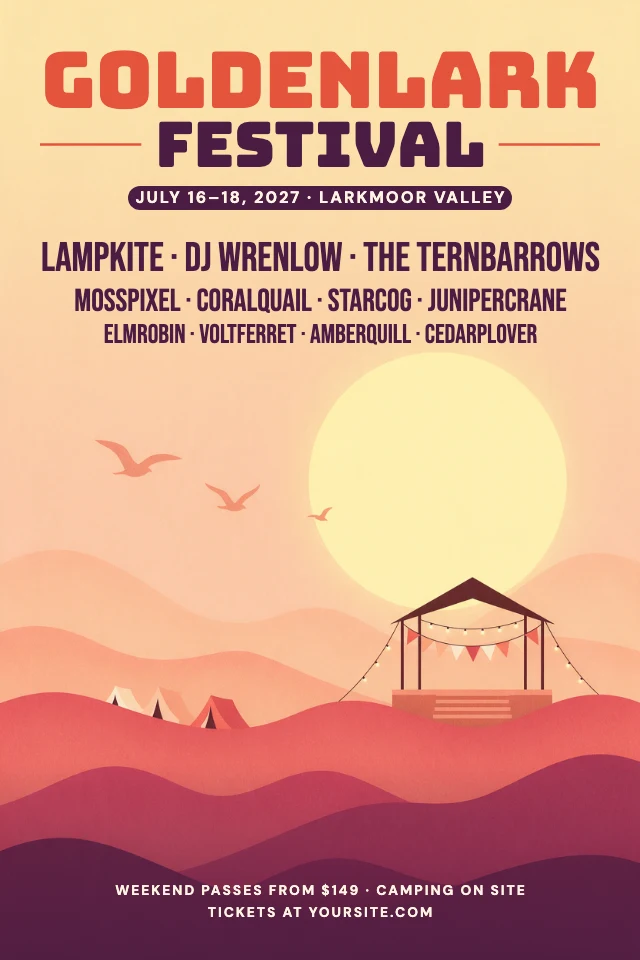
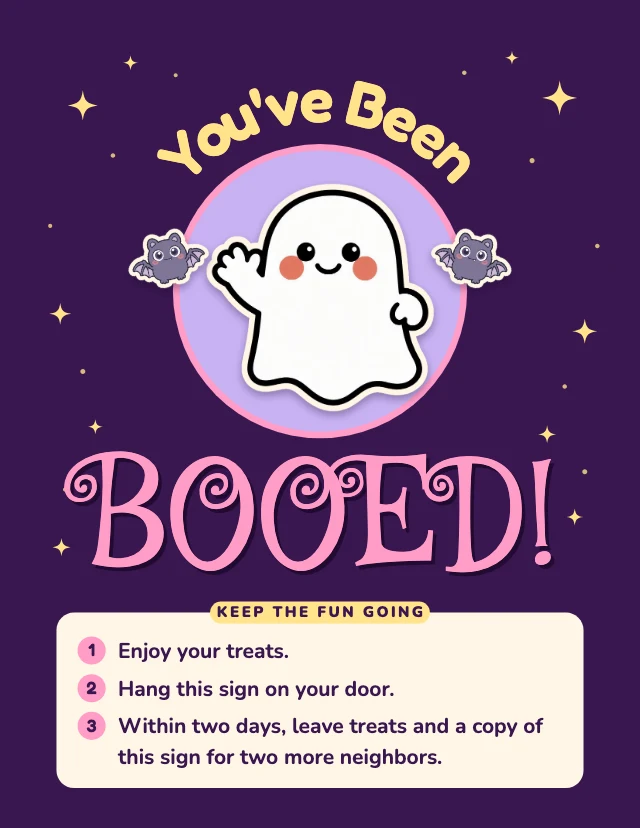
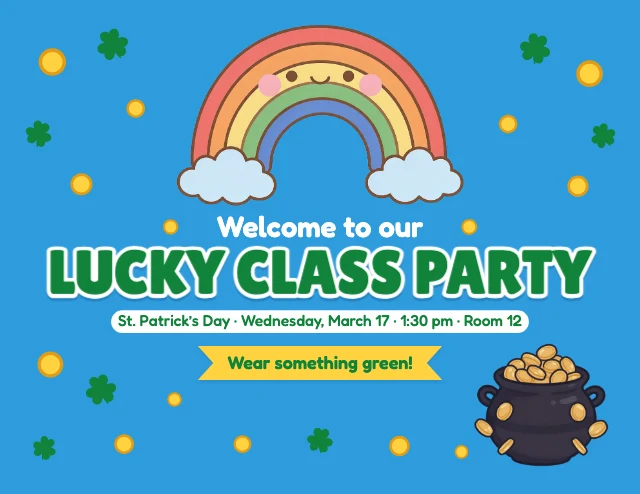
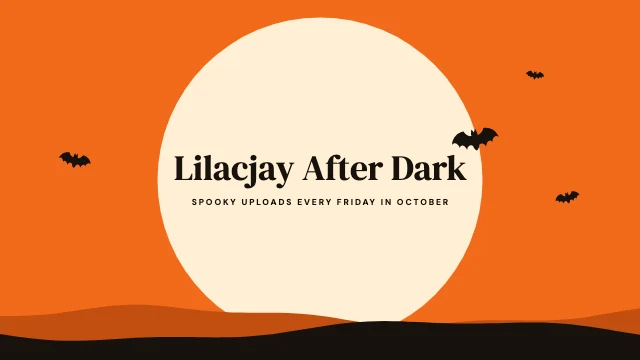

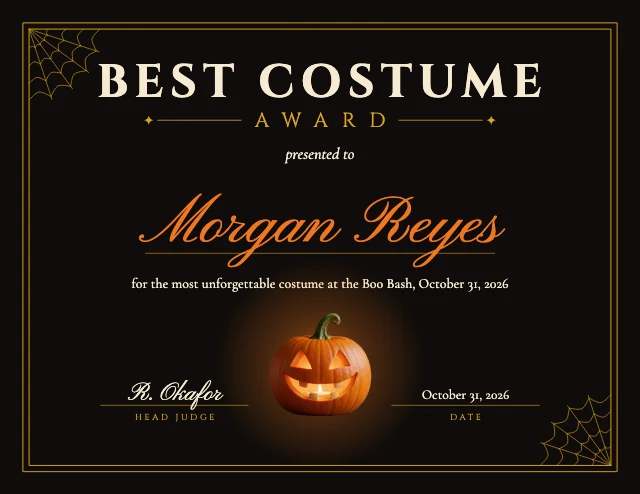
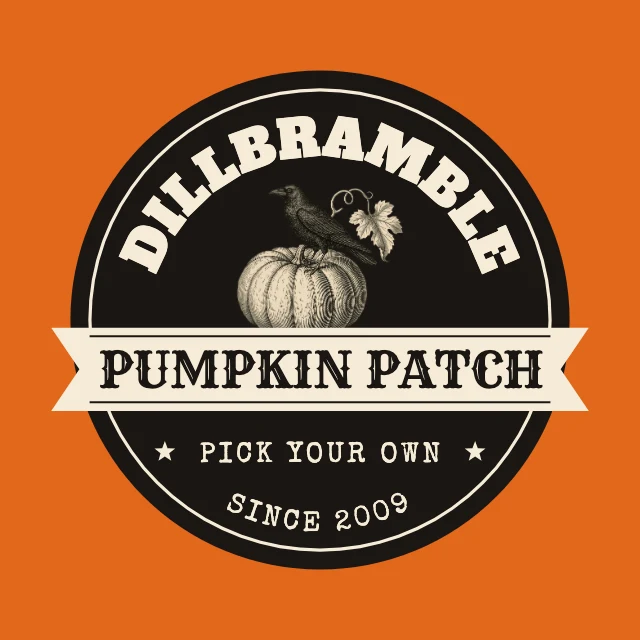
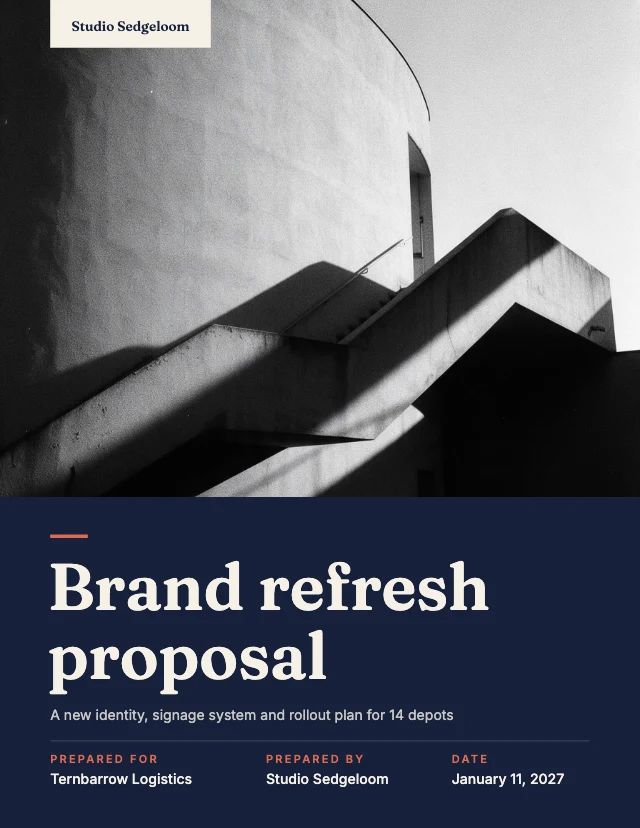
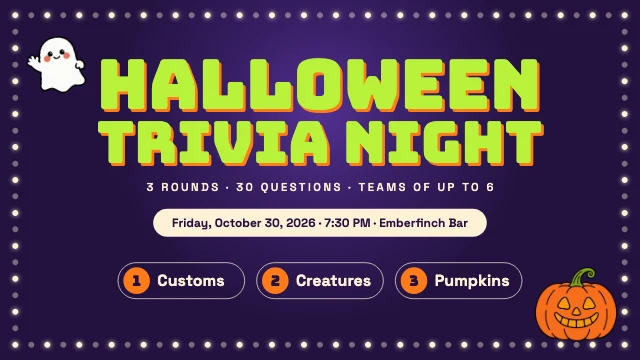
Real layers
Take one apart.
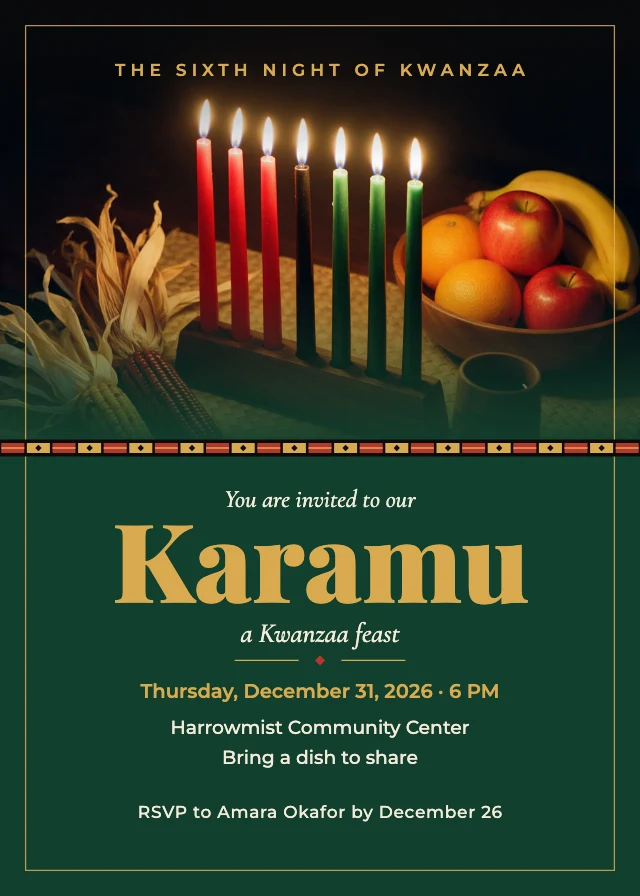
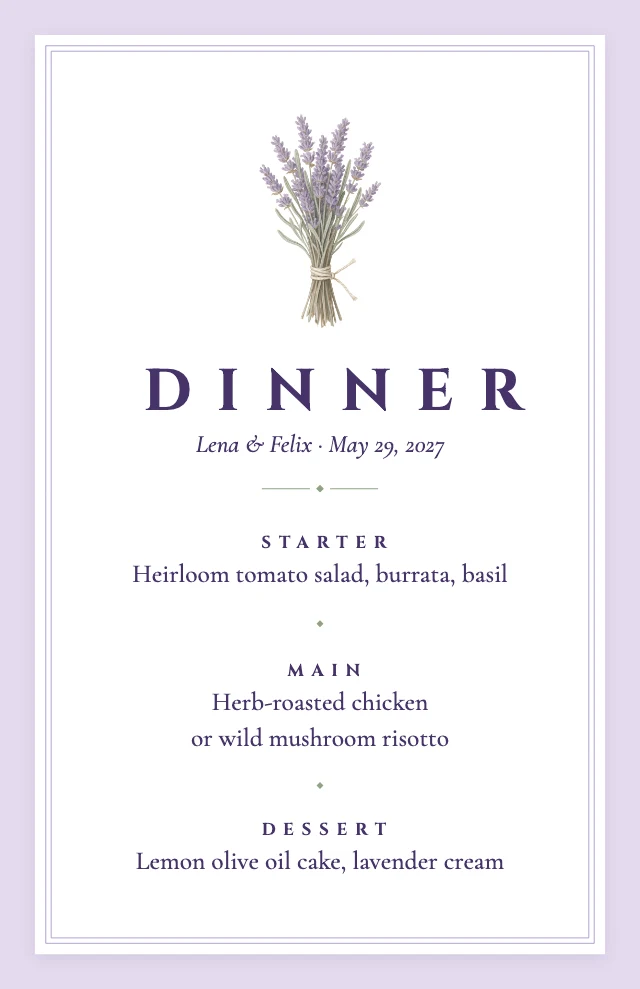
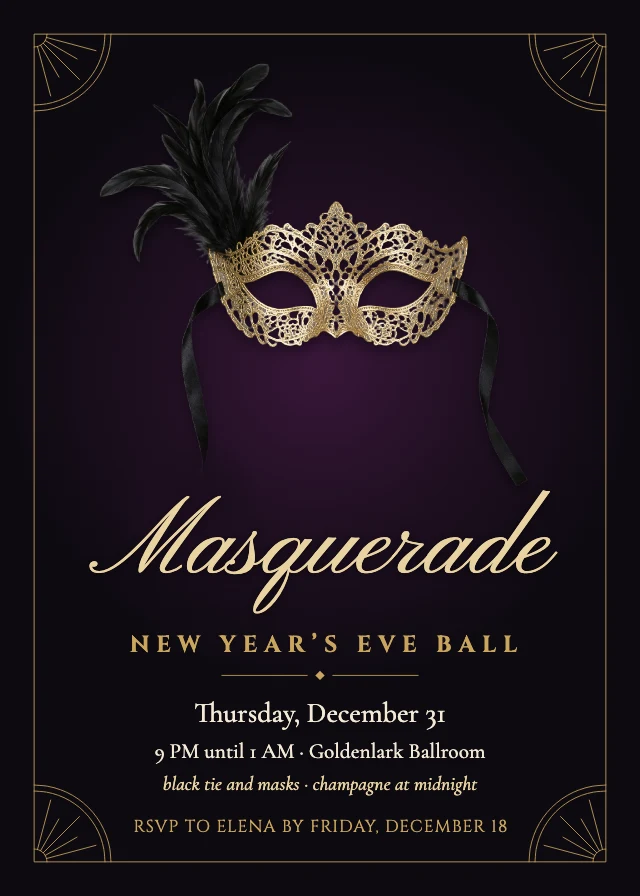
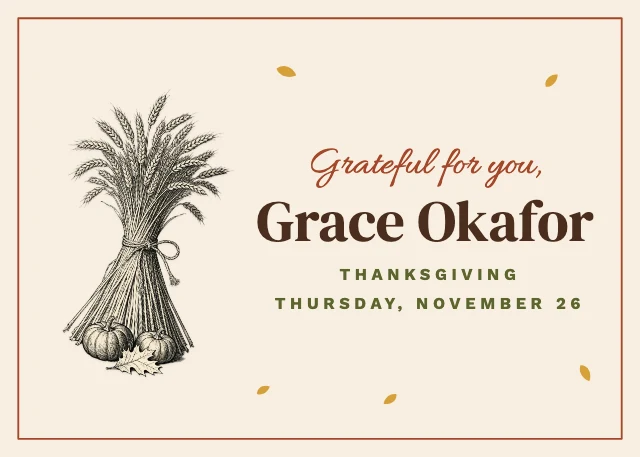
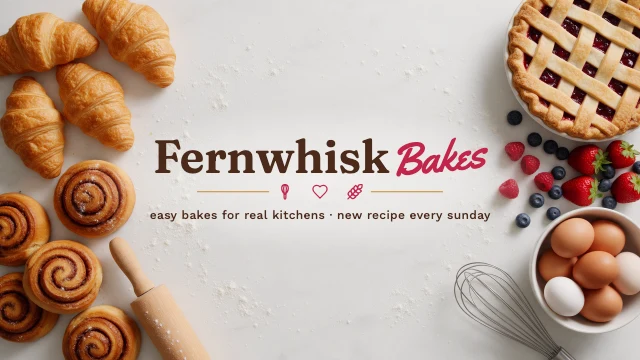
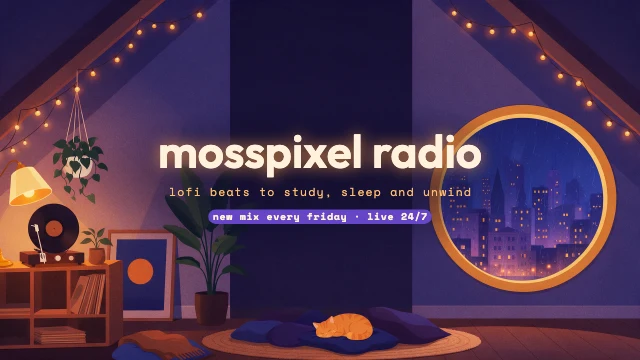
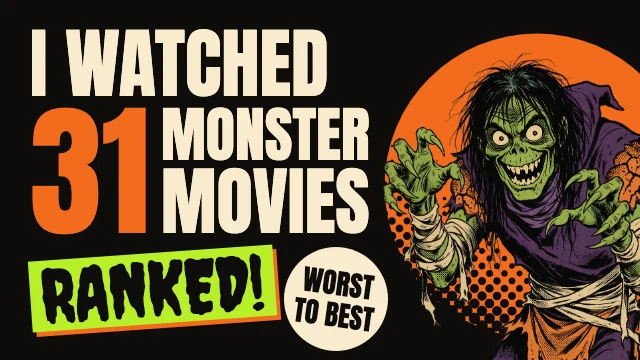
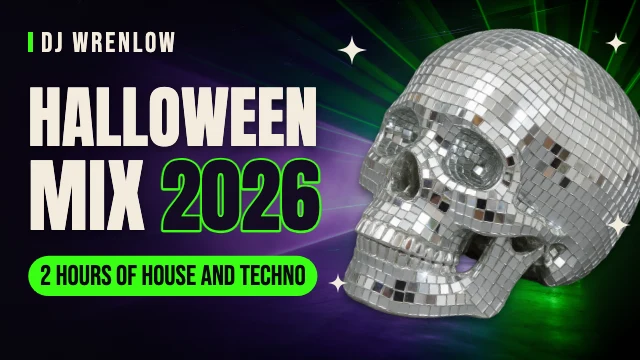
A template here is a design, not a picture of one. These are drawn live from their own layers: pick out any piece to see what it is. In the studio every one is yours to change, by hand or by asking the AI designer.
One-line skills
Every fix is one line away.
You have
You say
You get
 1
1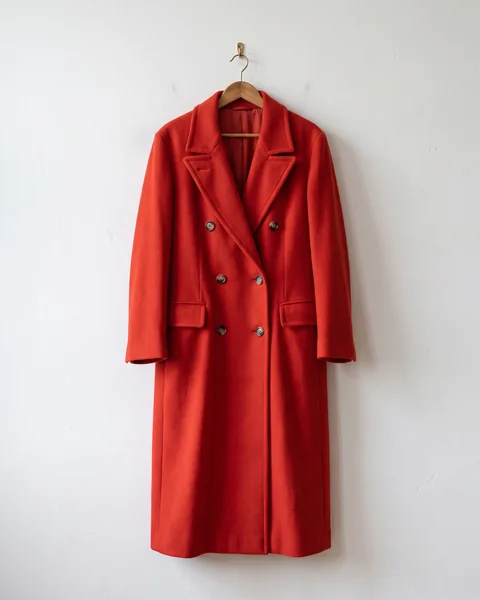 2
2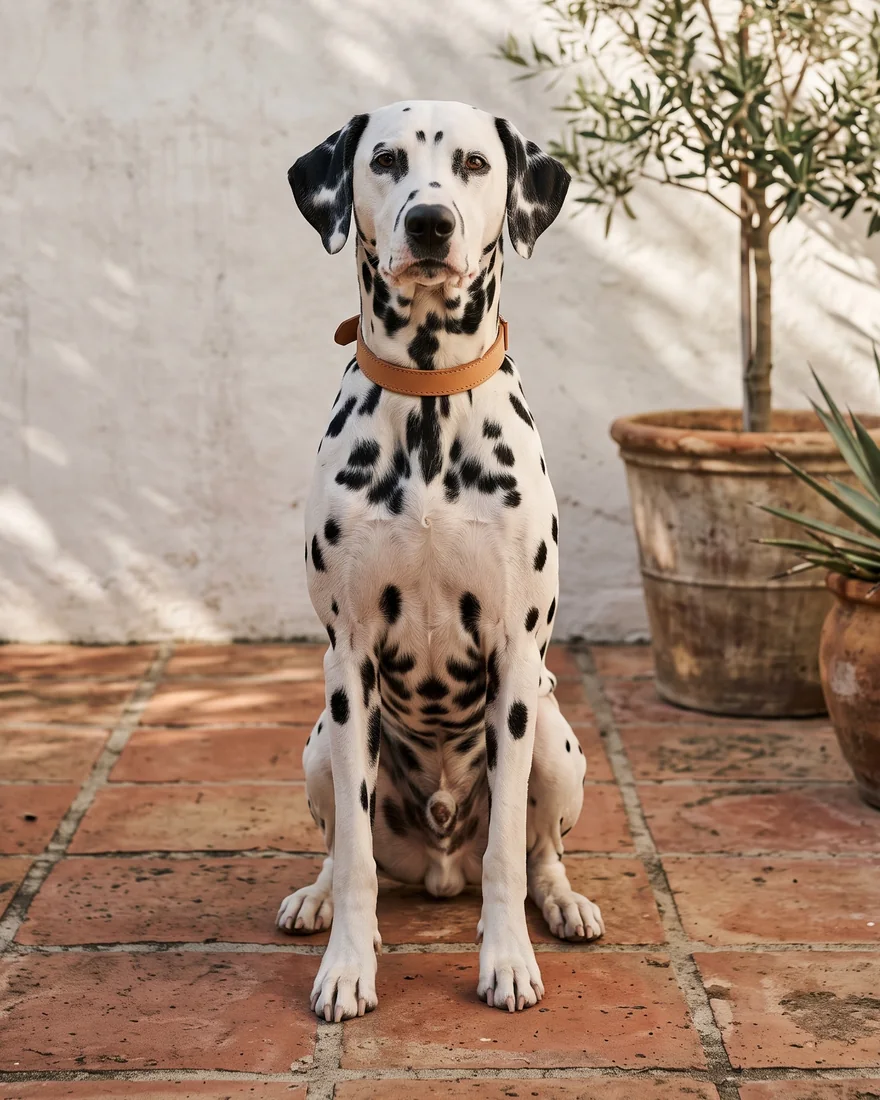
References. Compose from up to nine reference pictures.
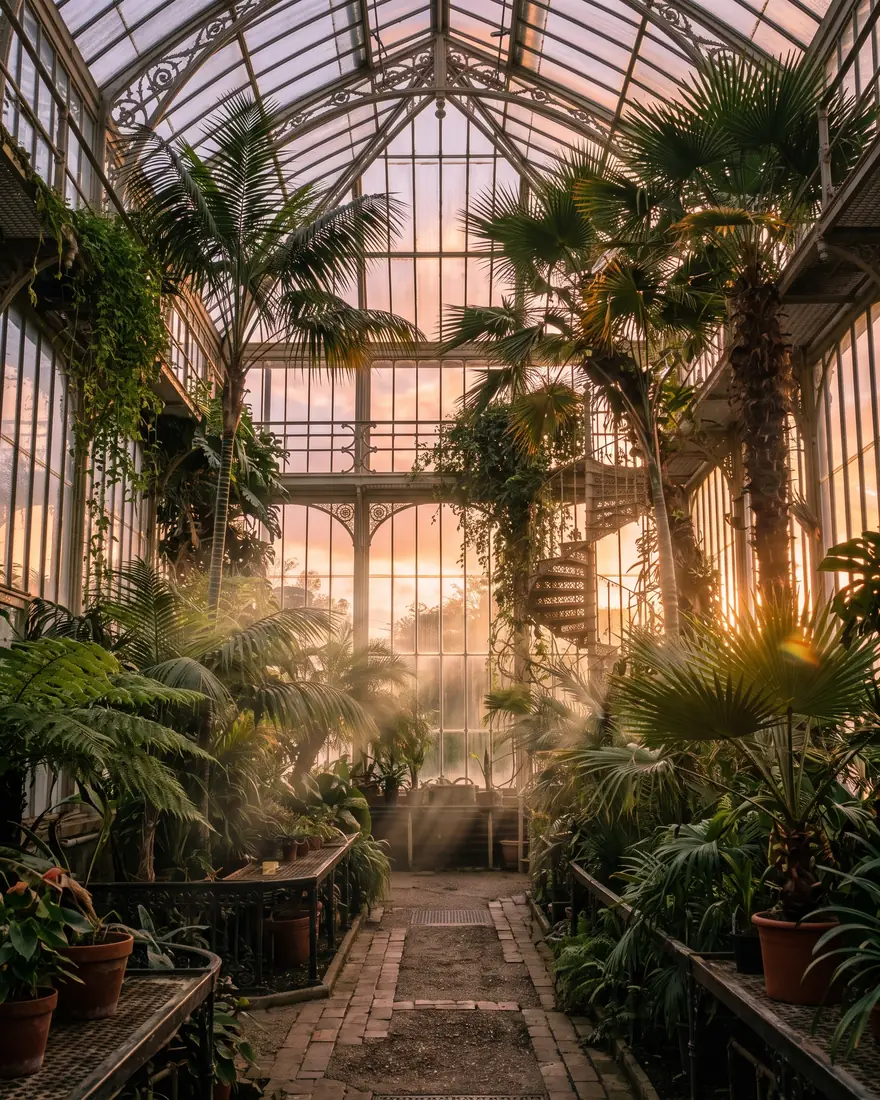
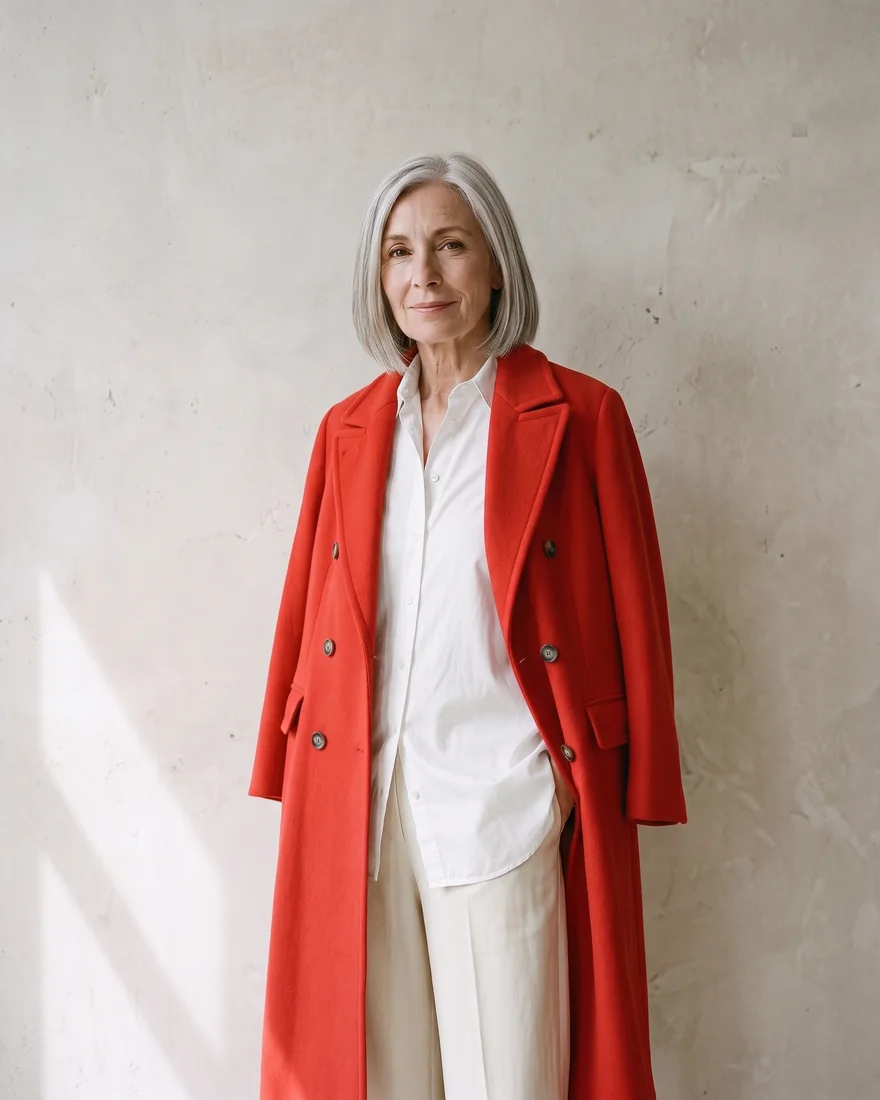
Real results, made in Design Studio from the requests shown.
Decompose
One flat picture in, layers out.
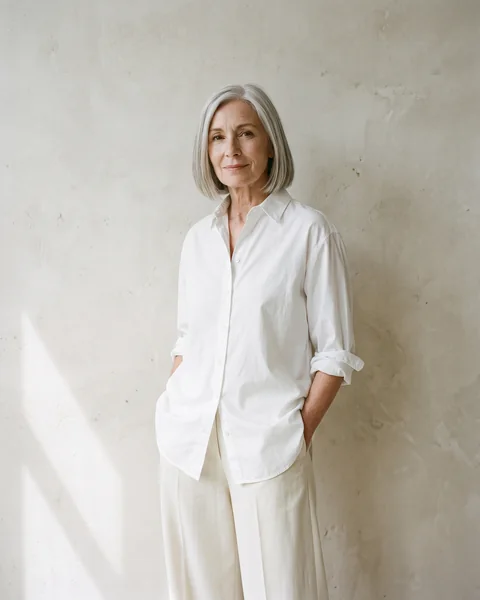
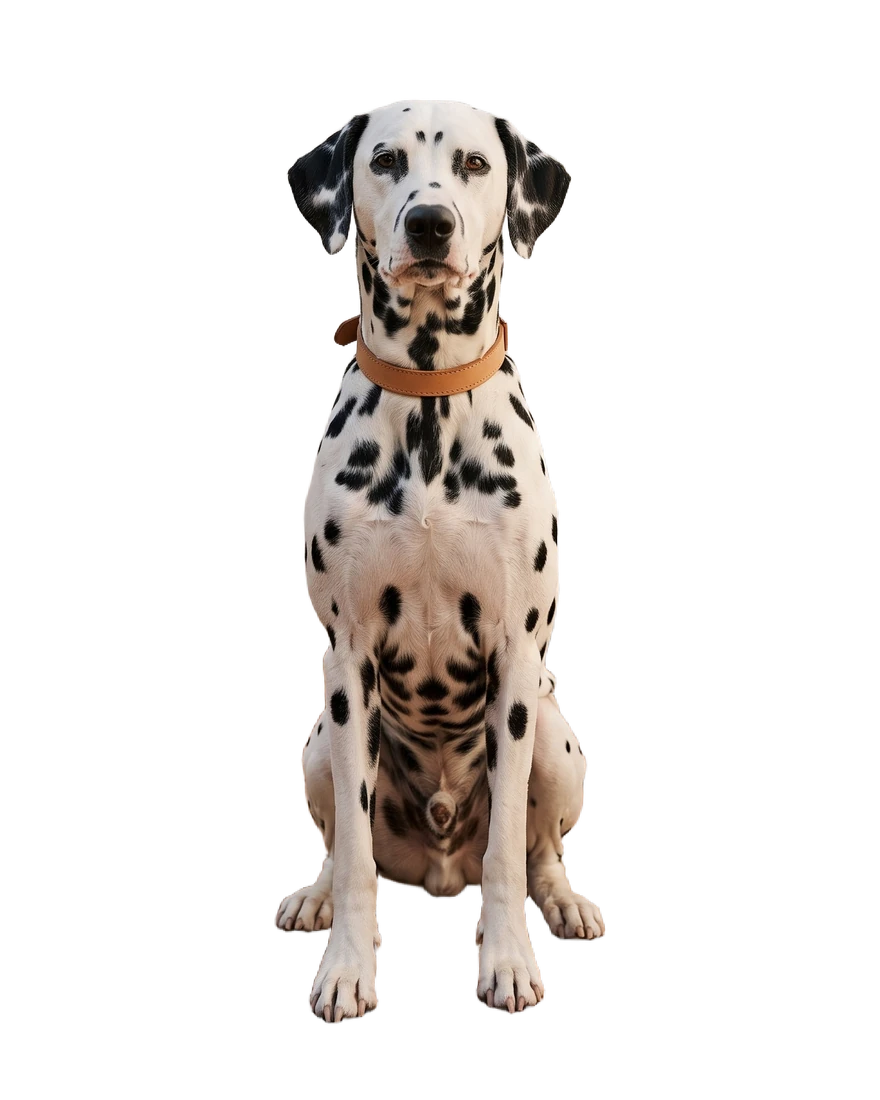
Bring a picture made anywhere: a photo, a poster, a thumbnail. Decompose splits it into a background and its pieces, each thing in it and each block of text, and puts every one on the canvas as its own layer. Move one, hide one, or hand one to the AI designer; the rest stays as it was. These four were split in the studio and are shown as they came back.
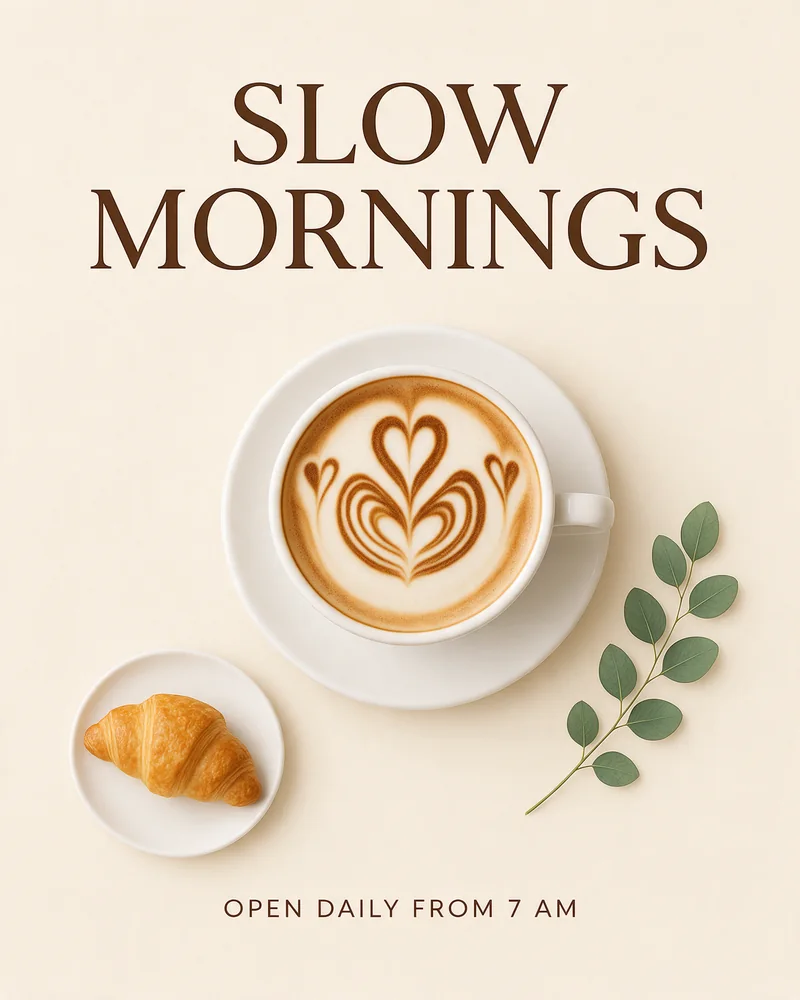
cafe-poster.jpg · 1 flat image
Beyond generation
Design, not just generate.
 1231
1231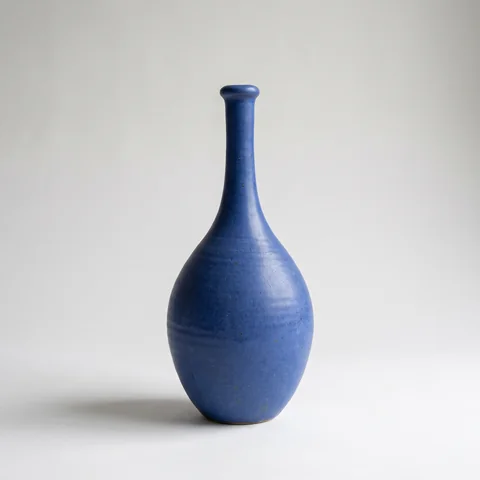 2
2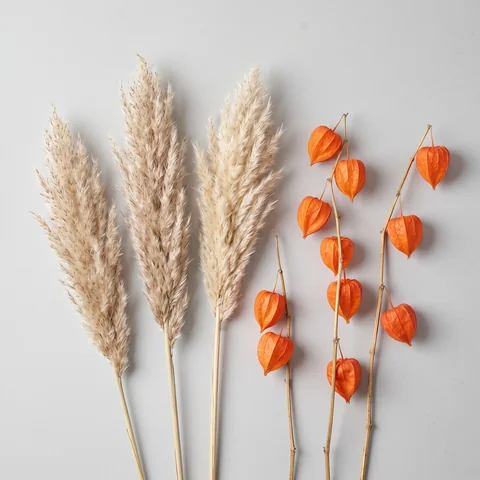 3
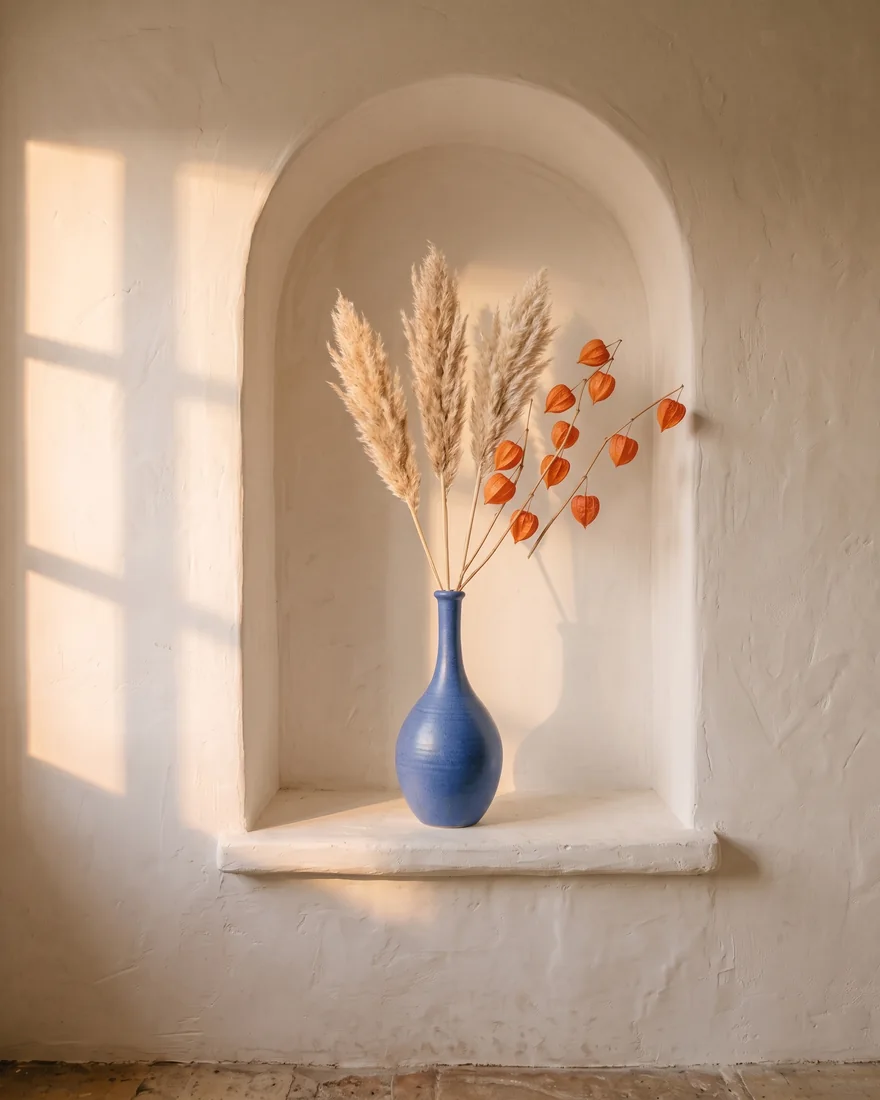
3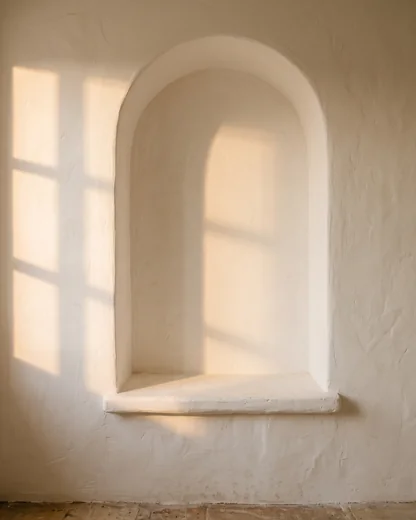 Stand the vase from image 1 in the niche from image 3, holding the branches from image 2. Keep the late-afternoon light.
One picture, light matched
Compose from references
Hand over the pieces, a product, a prop, a place, and say how they meet. The designer builds one picture from them, with the light and the shadows matched.



Layers
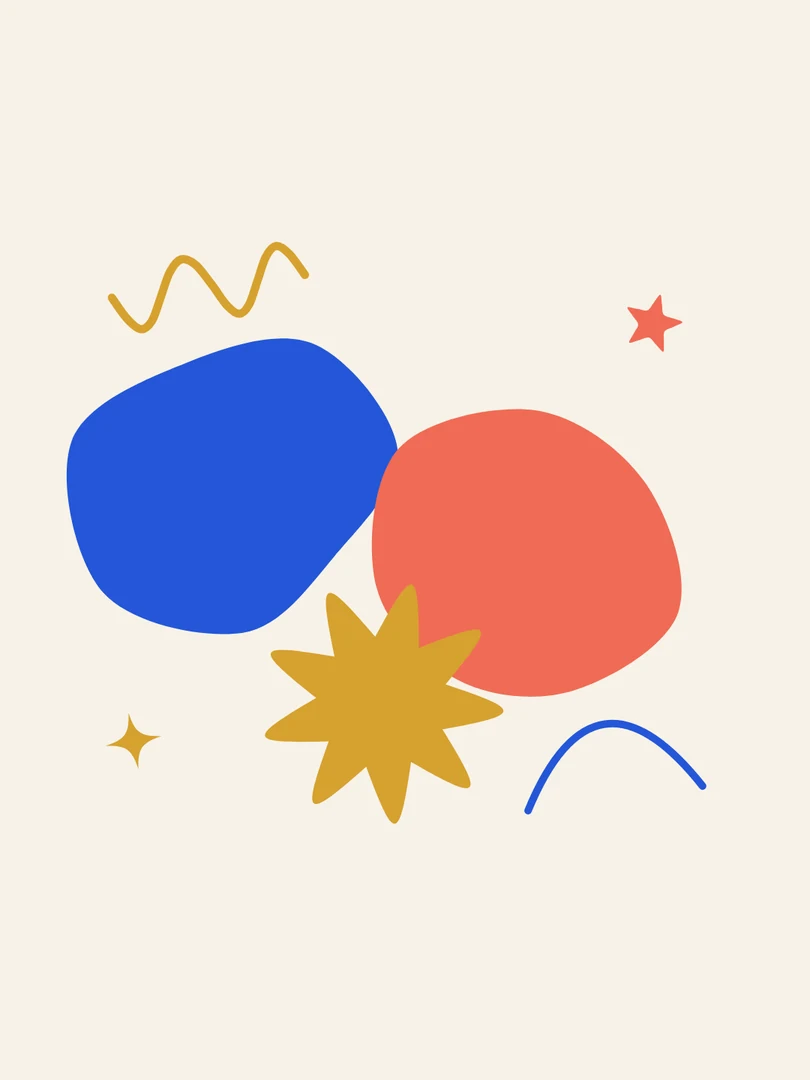
WINTER SALON40 artists, one weekend.6–7 DECEMBER · HARBOR DISTRICTCobalt paint formCoral paint formOchre paint burstAaPlayfair DisplayText stays editable
Titles, dates and credits are set as type, not baked into the picture. Rewrite them, restyle them or move them later: the artwork underneath is never made again.
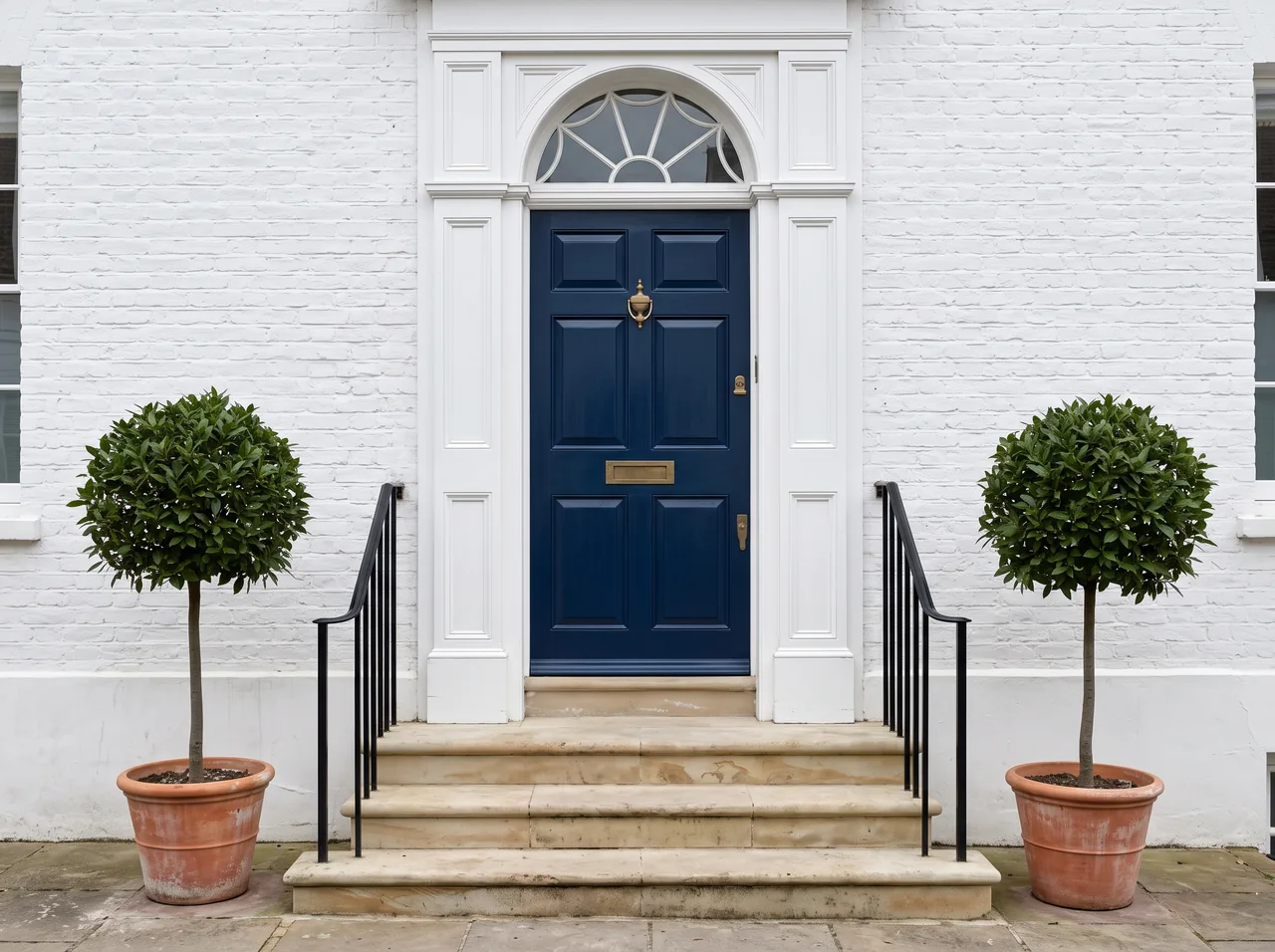
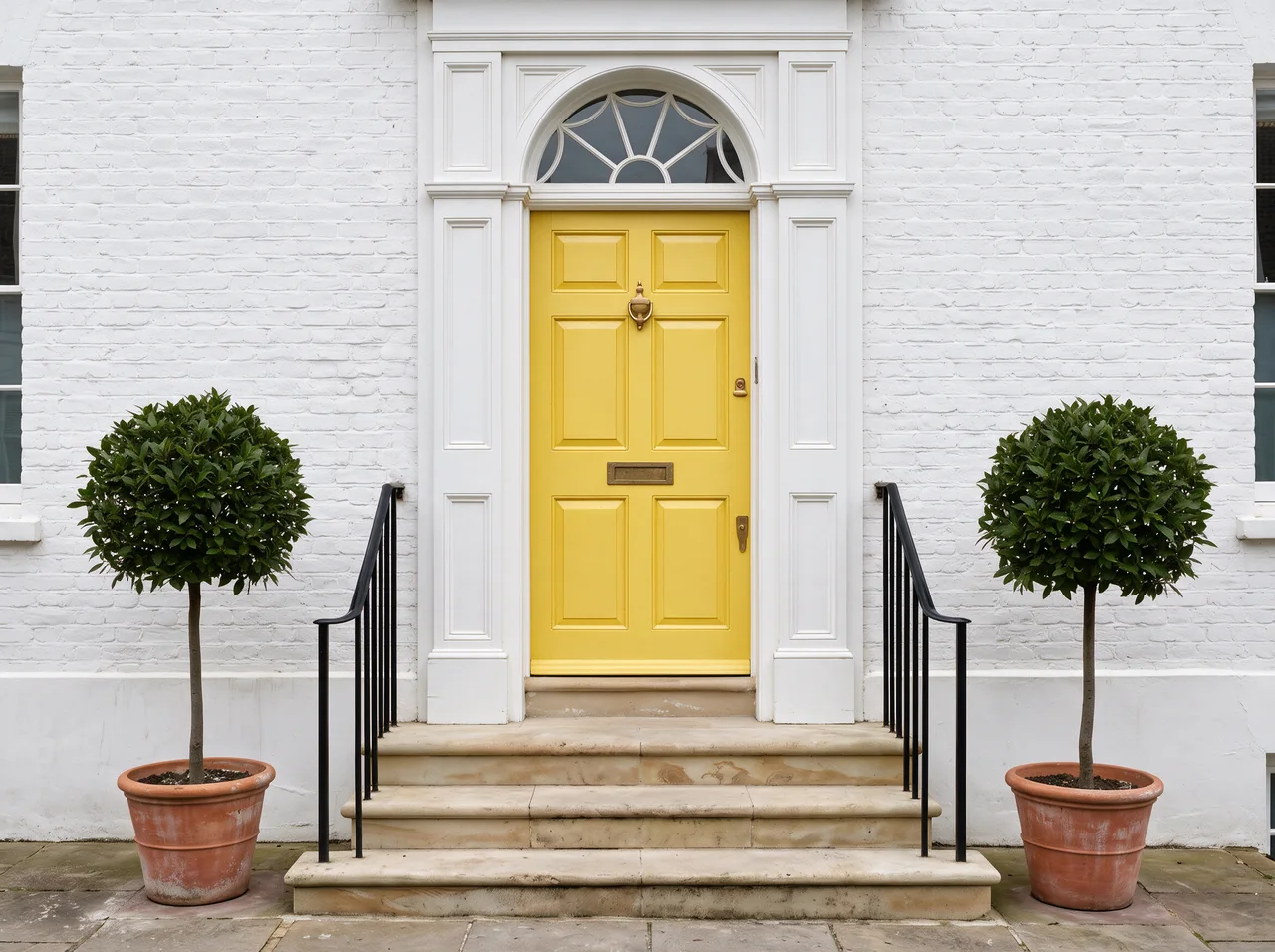 Paint the door sunflower yellow.
Change one thing, keep the rest
Paint over what should change and say what you want instead. Then drag the handle to compare: everything else is where you left it.
- A bold poster illustration of a kingfisher diving into water, flat shapes, three colours: teal, orange and cream. No text.
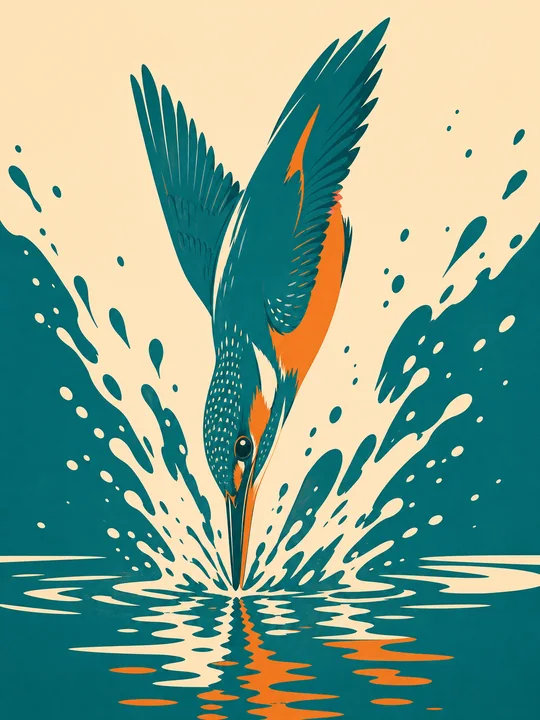
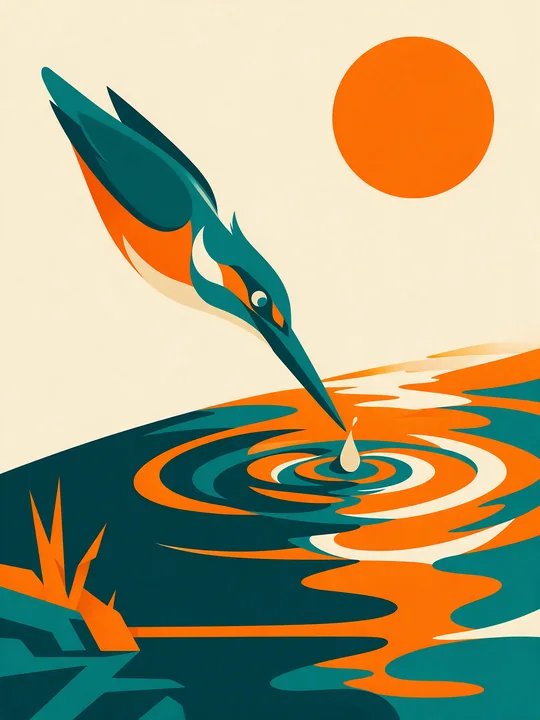
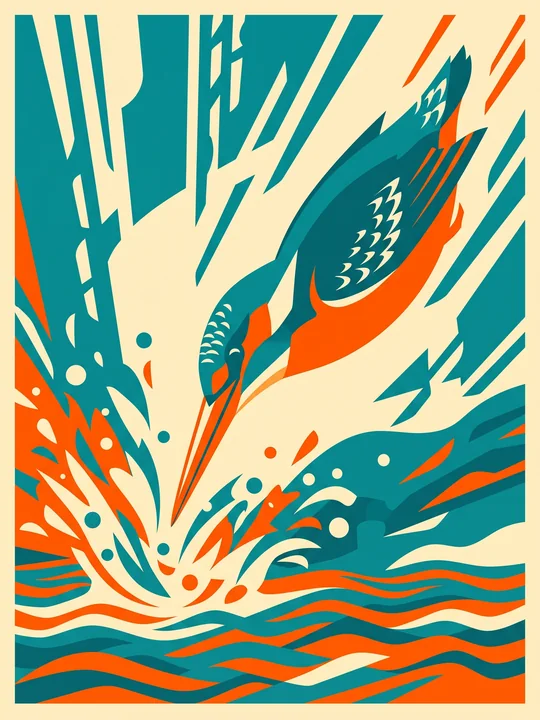
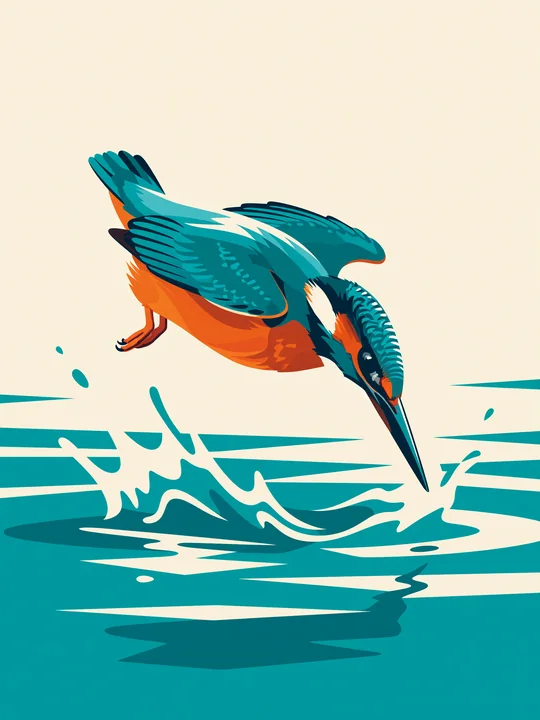 GPT Image 2Seedream 5.0 ProNano Banana 2.1Grok Imagine
Any model, one canvas
Send one brief to different image models and lay the takes side by side. Keep the one that fits; nothing has to leave the canvas.
See the models
Tools
Finish the job on the same canvas.
One product photo, carried through the toolbar: widened, cleaned up, edited, sharpened, cut out, set with type, put on brand, and sent out in four sizes.
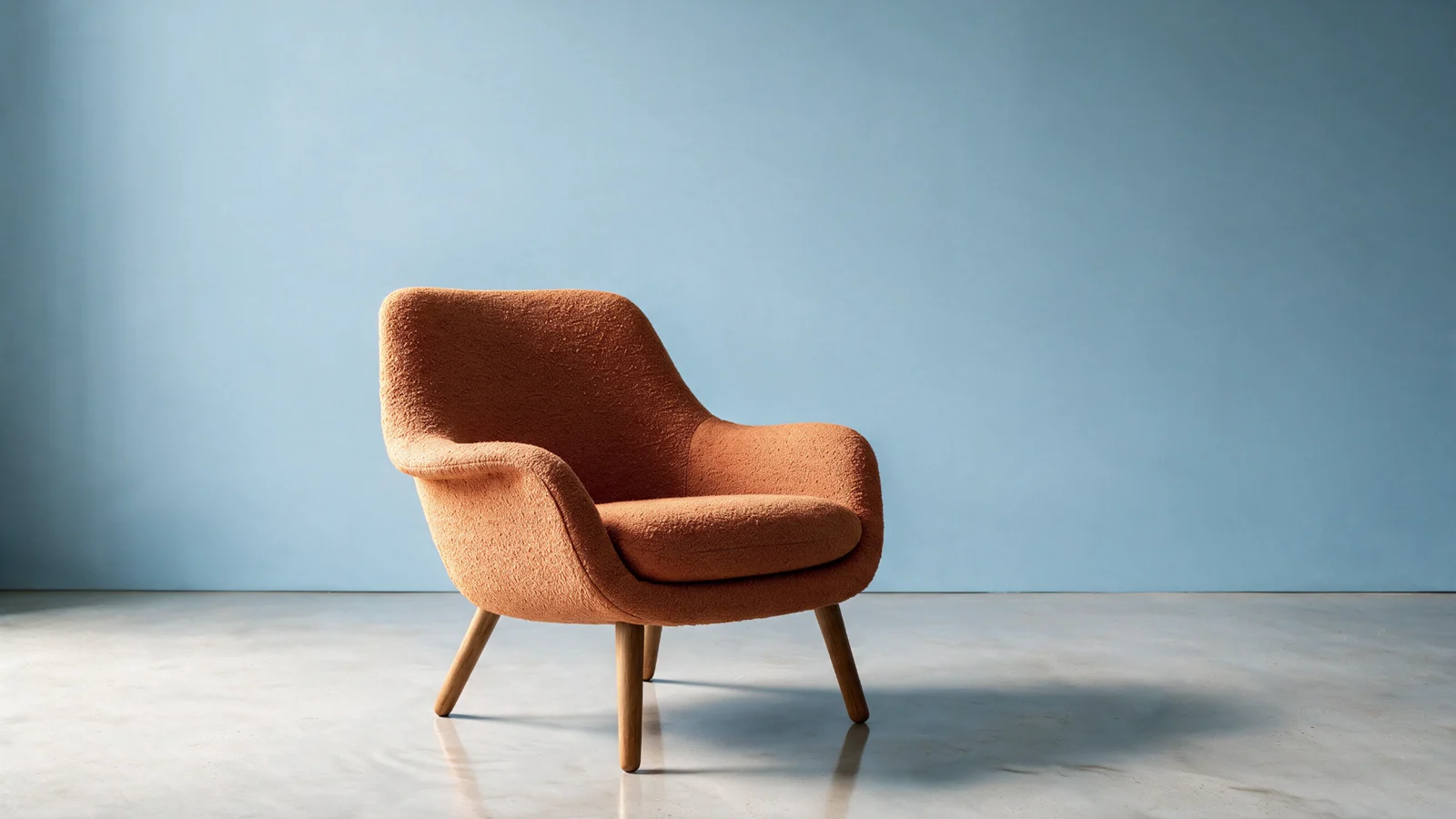
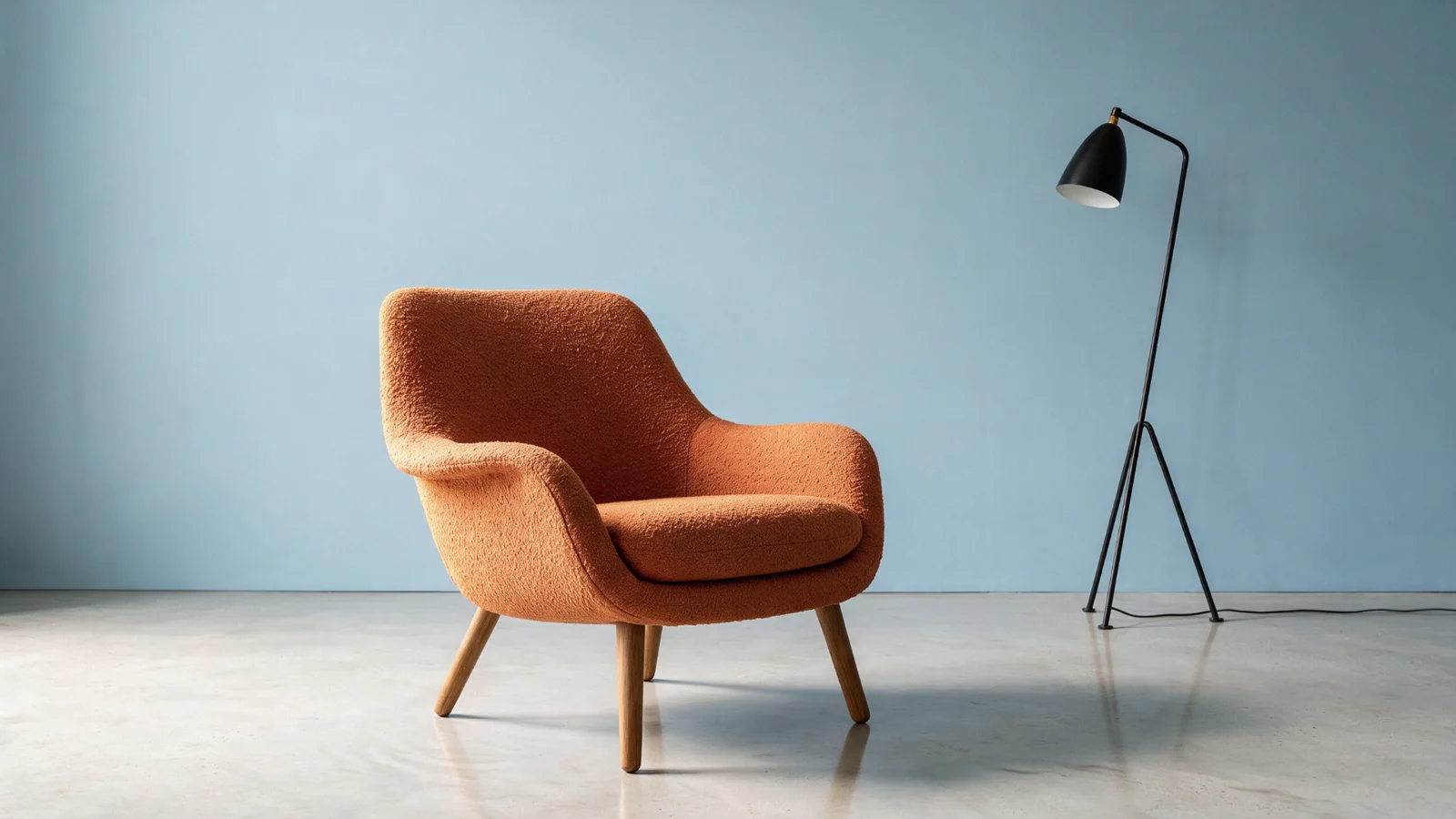
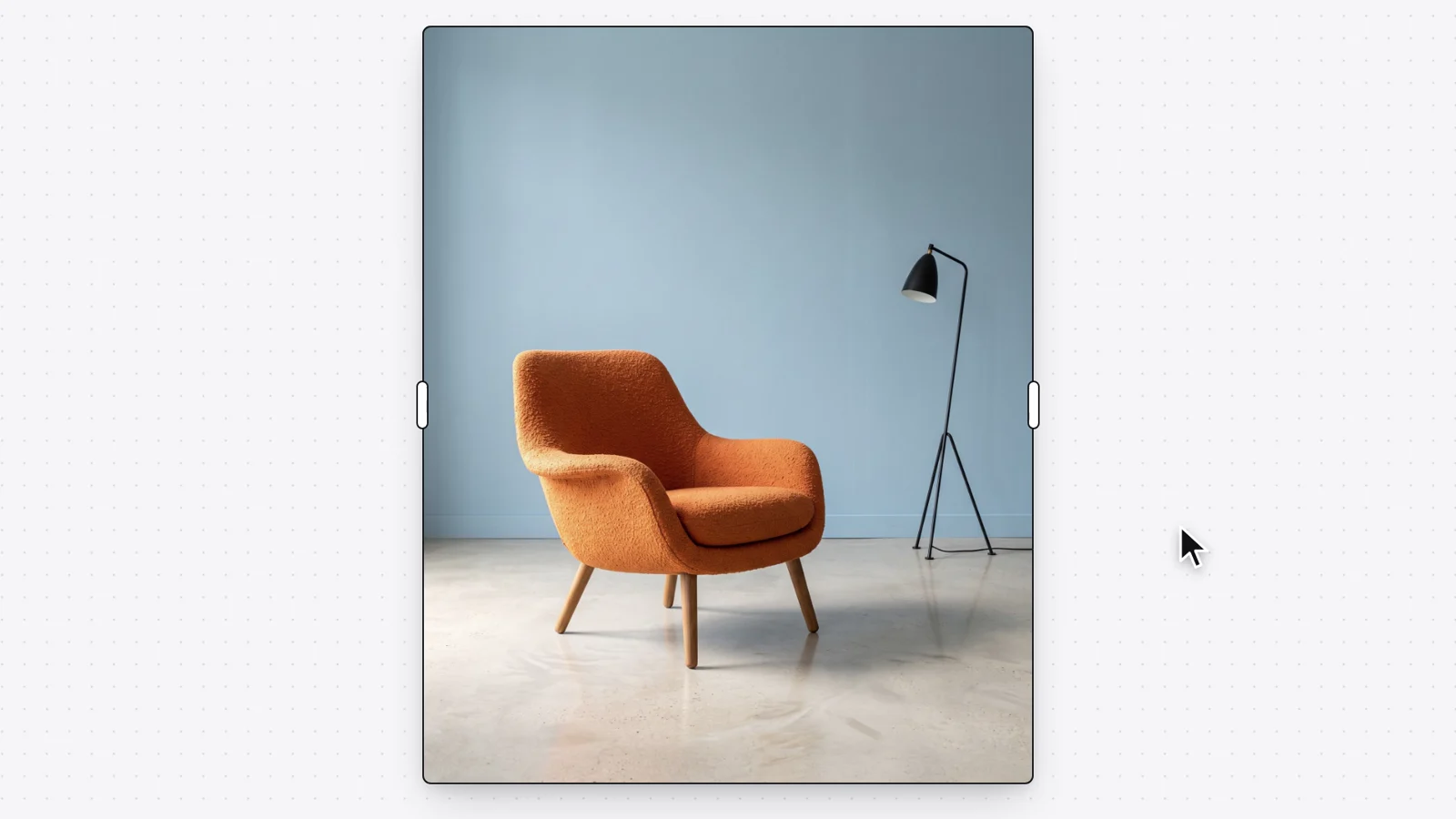

Pull the frame wider; the picture grows to fill it.
01 / 08 · hover to pause · every result is the tool’s owntap a tool to jump
Open the canvasModels
The right model for every step.
Pick per step and see what it costs before you run it. A fast model for drafts, a precise one for the final — results land on the same canvas.
Design with FLUX 3 Klein on BudgetPixel
LatestFast, low-cost FLUX 3, 10 free references
Plus 100+ image, video and audio models in the workshop — anything made there drops onto the canvas.
Pricing
Free to start. Pay per action.
The canvas is free without limits, and so is chatting with the design agent. AI actions cost credits. No subscription is required to design.
Free on the canvas
- Infinite canvas, layers and frames
- Chat with the design agent
- Text, shapes and drawing tools
- Projects, history and undo
- Import your own images
What uses credits
- Generating an image
- Removing a background
- Upscaling
- Editing, expanding or removing objects
Each action shows its cost before you run it. New accounts start with free credits; the full price list, plans and credit packs are on the pricing page.
FAQ
Questions, answered.
What is the BudgetPixel Design Studio?
An infinite canvas with an AI design agent built in, and a library of free templates to start from. You brief it with words and reference images; it generates with the image model you pick, places the results on the canvas, and edits them in place — background removal, upscaling, object removal, expansion, inpainting and editable text layers — without leaving the page.
How is it different from Canva or Adobe Express?
Like them, it has free templates to start from, and every layer stays editable. The difference is the AI designer: brief it in words and reference images and it generates original images with the best current models, composes them on the canvas, and makes the one-click edits a designer would reach for. It runs in the browser, needs no download, and charges per AI action instead of a subscription.
How does it compare with Lovart?
Both are canvas-based AI design agents. On BudgetPixel, chatting with the agent is free; you pick the image model, the editing tools sit on the same canvas, and generation is pay-as-you-go with free credits for new accounts rather than subscription-only.
Do I need to write prompts?
No. Start from a template and change the words and pictures yourself, or use the photo tools on the toolbar, like Remove BG and Upscale, which need no words at all. When you want the AI designer, ask the way you would brief a colleague, like "Make the title red" or "Put it on a beach at sunset", and show it reference images if that is quicker. It writes the detailed instructions for the image model itself.
Which models can I use on the canvas?
Today: FLUX 3 Klein, Nano Banana 2.1, Seedream 5.0 Flash, GPT Image 2.5 Sunburst, GPT Image 2.5 Flare, Seedream 5.0 Pro, GPT Image 2, Nano Banana 2, Grok Imagine, Seedream 4.5 and Nano Banana Pro, each with reference-image support. The wider workshop offers 100+ image, video and audio models, and everything you make there can be dropped onto the canvas.
Can I split an existing image into layers?
Yes. Decompose takes any image on the canvas, one you generated or one you uploaded, and splits it into a background and up to eight separate pieces: the main subjects and each block of text. Every piece lands on the canvas as its own layer, so you can move, resize, hide or edit one without touching the rest. It is an AI action, so it uses credits.
Is it free to use?
The canvas itself is free: pan, zoom, layers, text, drawing, frames and undo have no limits. Chatting with the design agent is free too, up to a generous daily allowance. AI actions — generating, removing backgrounds, upscaling, editing — use credits, priced per action. New accounts get free credits to start, there is no subscription requirement, and the full price list is on the pricing page.
Can I use my own brand?
Yes. Save your colors, fonts and logo as a brand kit and the agent applies them across generations, so a campaign stays consistent from the first asset to the last.
Design Studio
Design with BudgetPixel.
Open a canvas, drop in a reference, and describe the first thing you want to see. Free credits are included with a new account.