Professional images for every use case
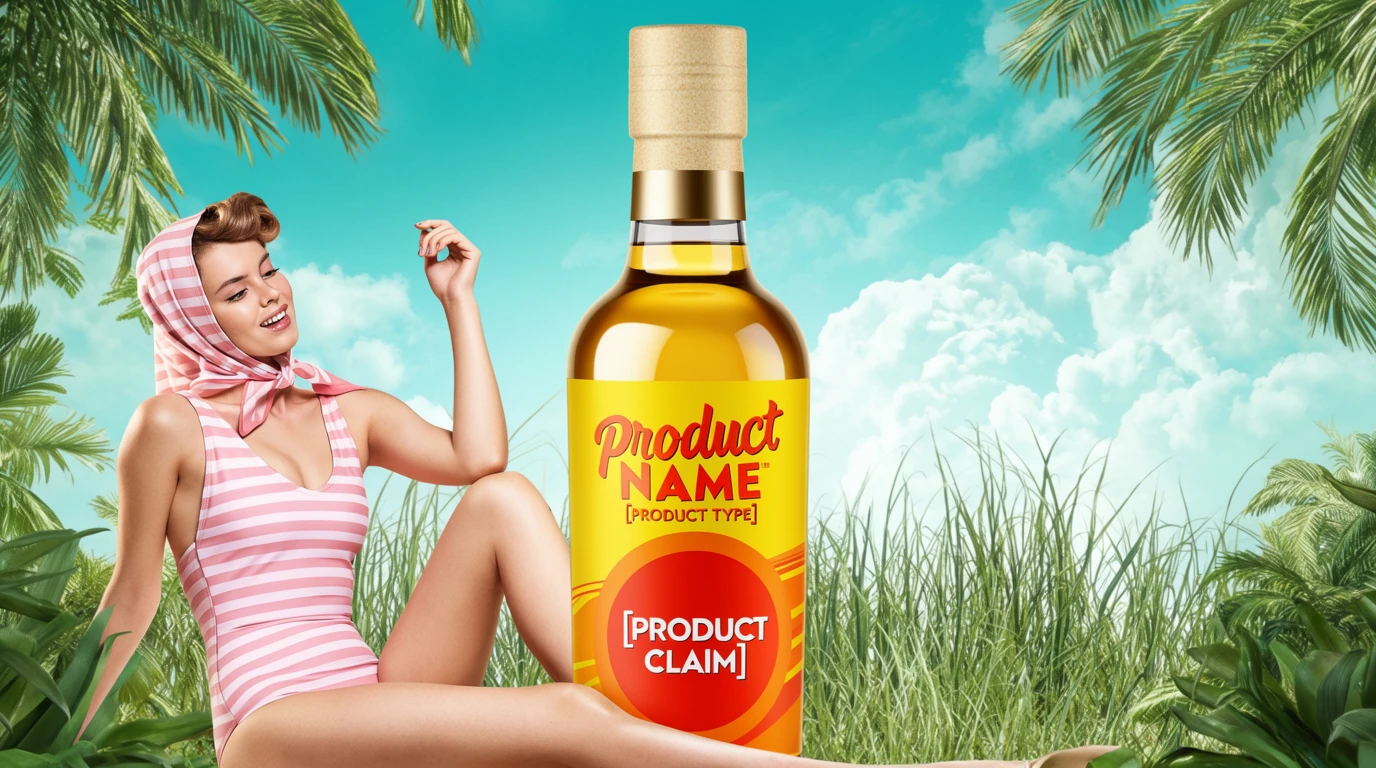
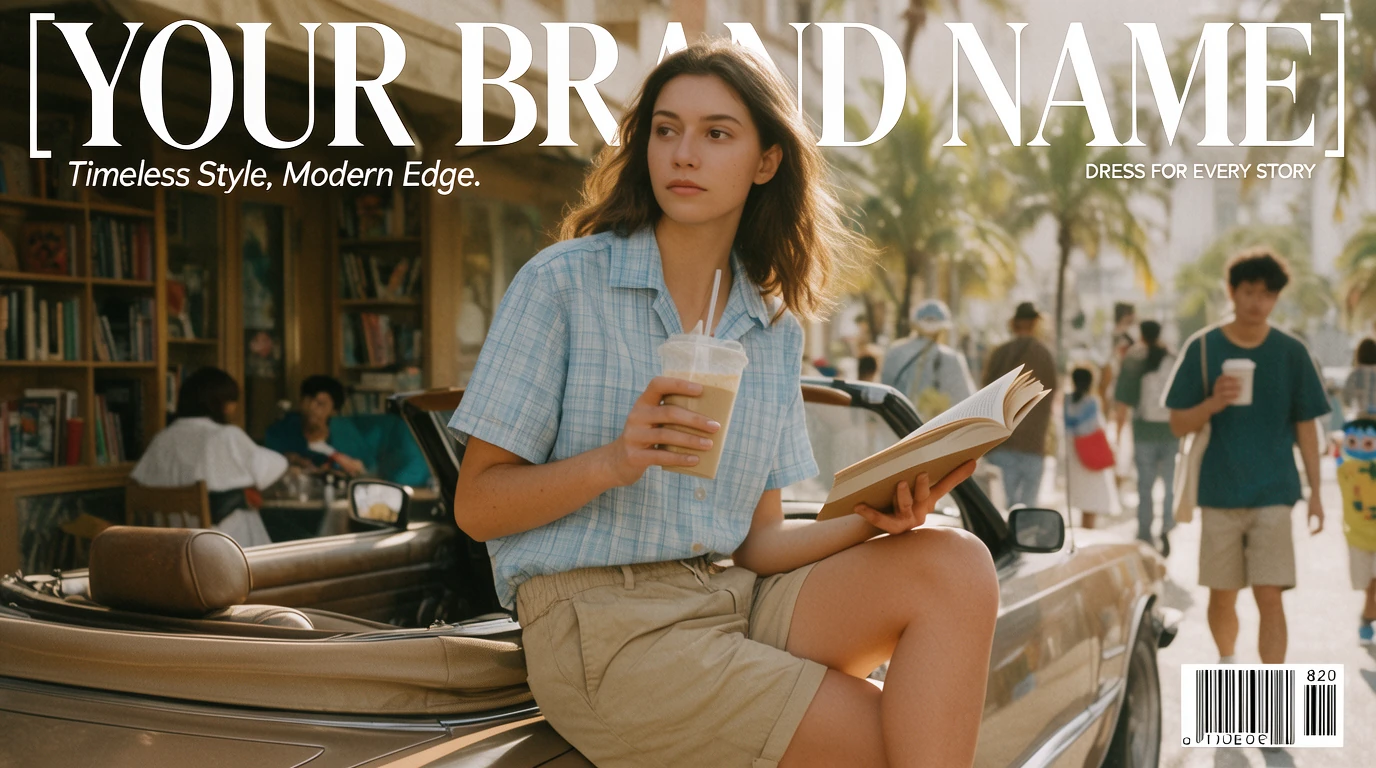
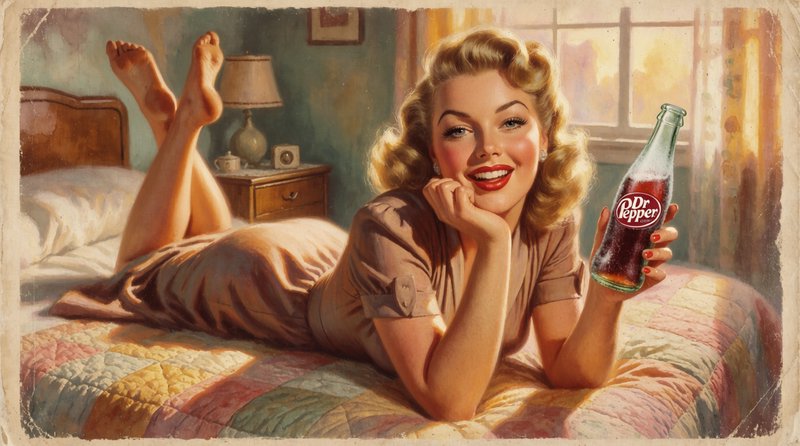
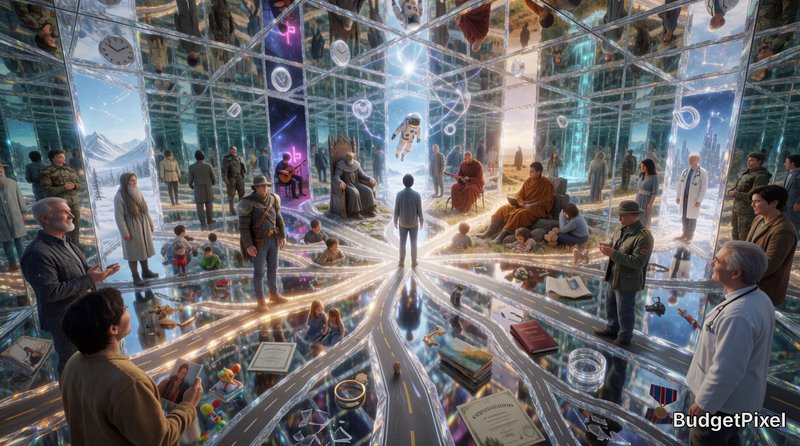
Campaign concept visuals.
Explore multiple ad directions fast without losing palette, texture, or brand feel.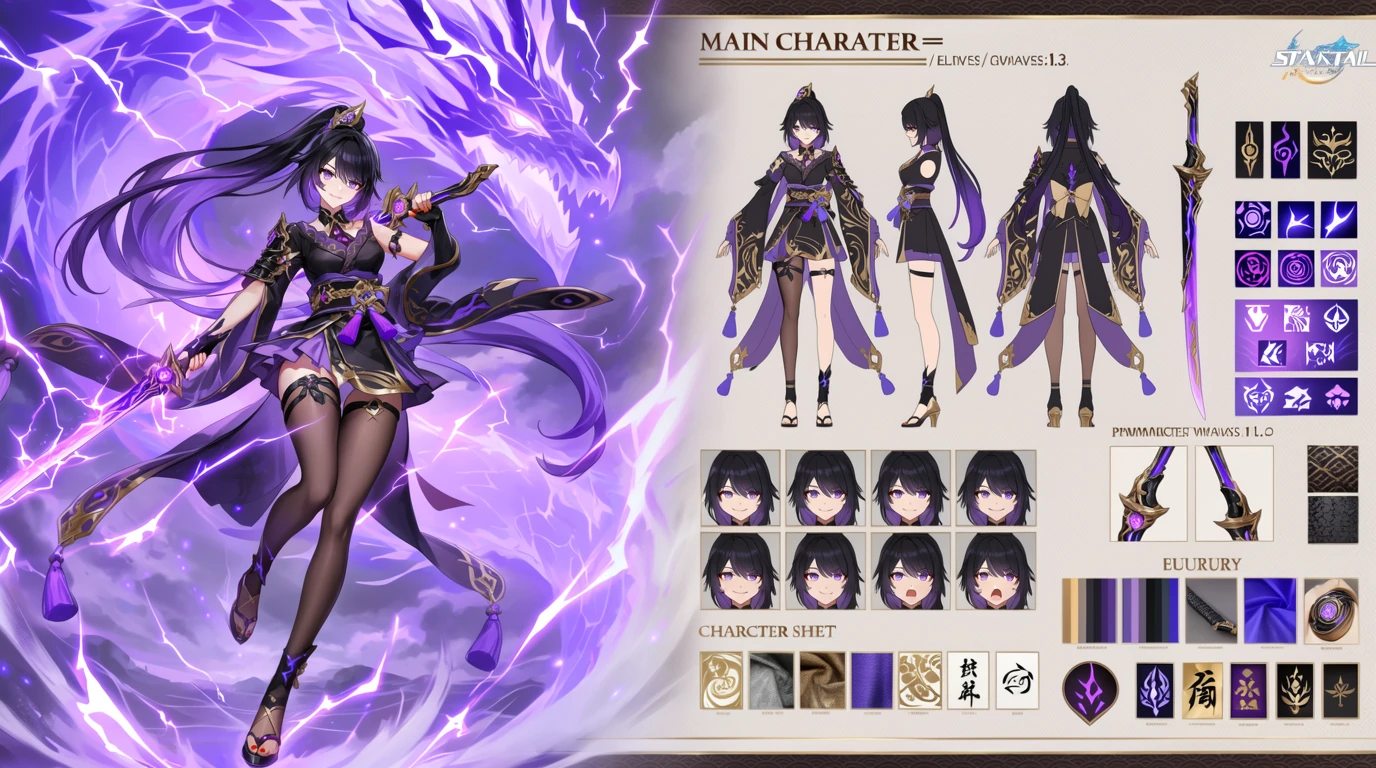
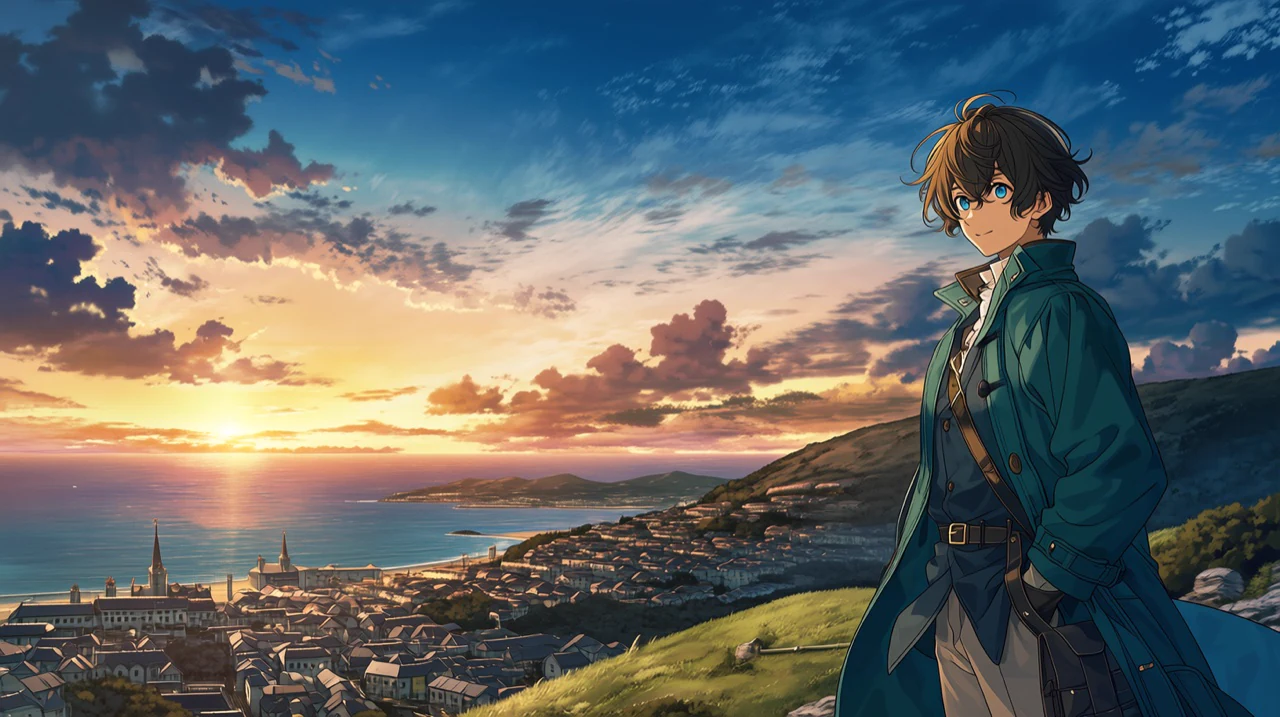
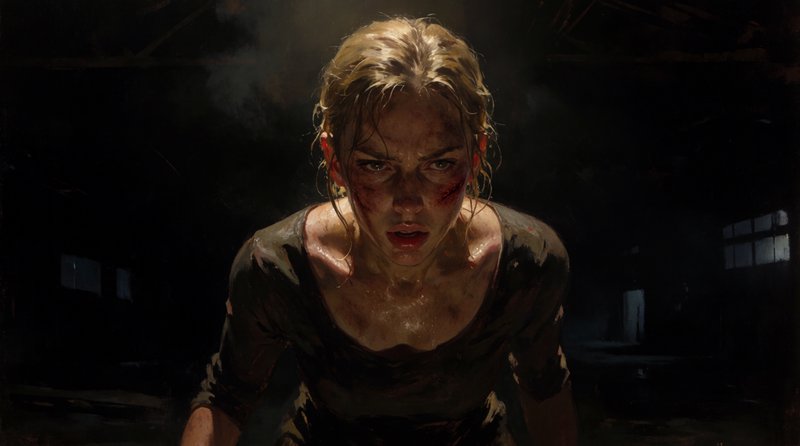
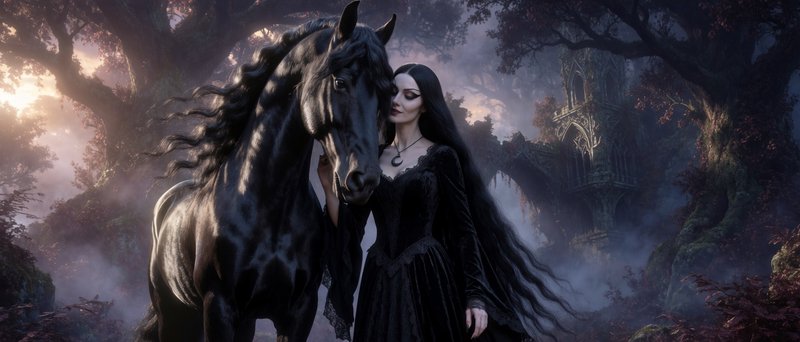
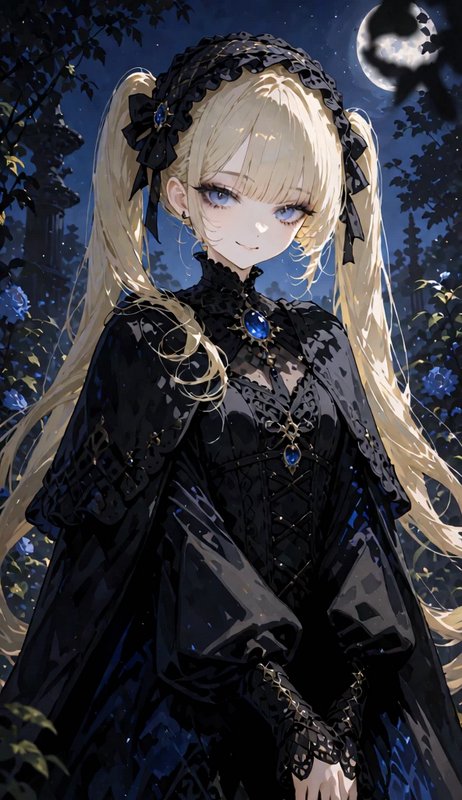
Character concept art.
Push expressive poses, costumes, and painterly detail before committing to a final design.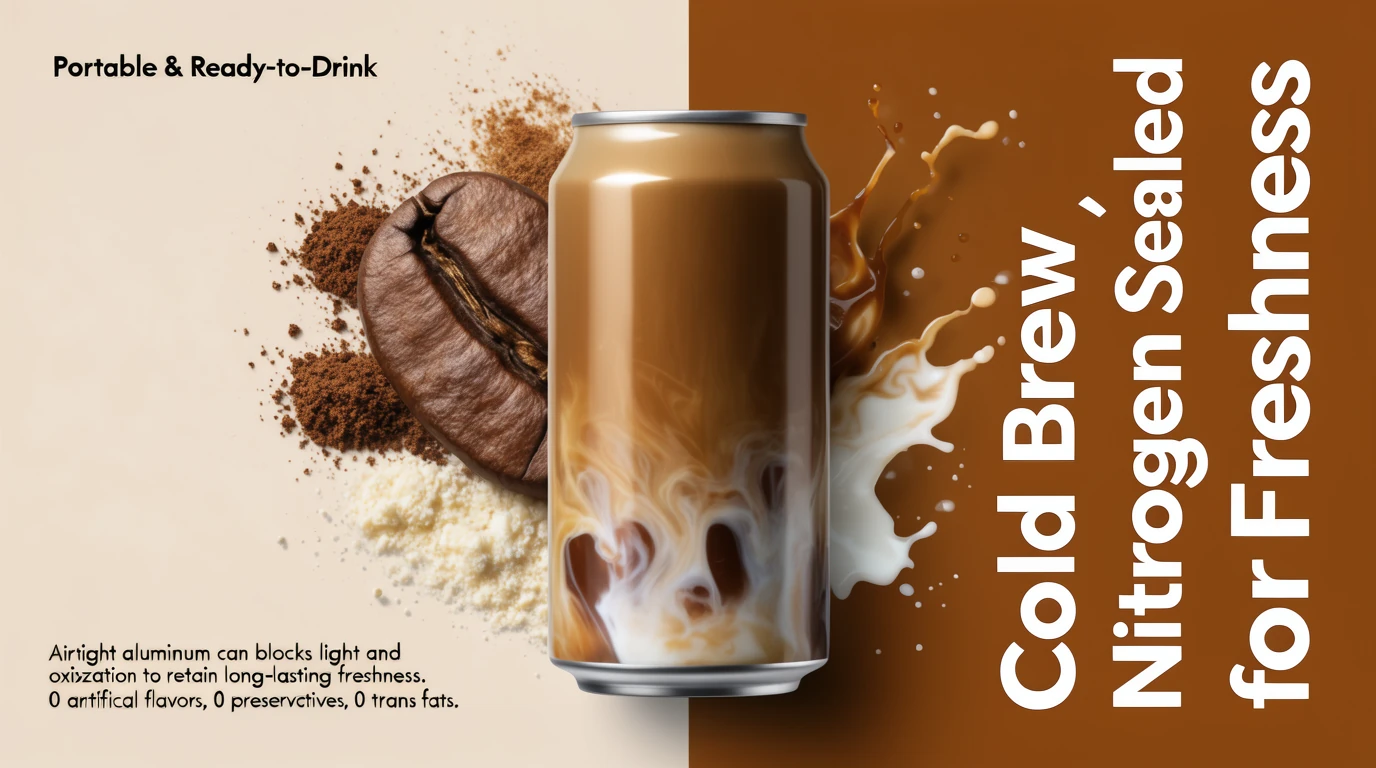
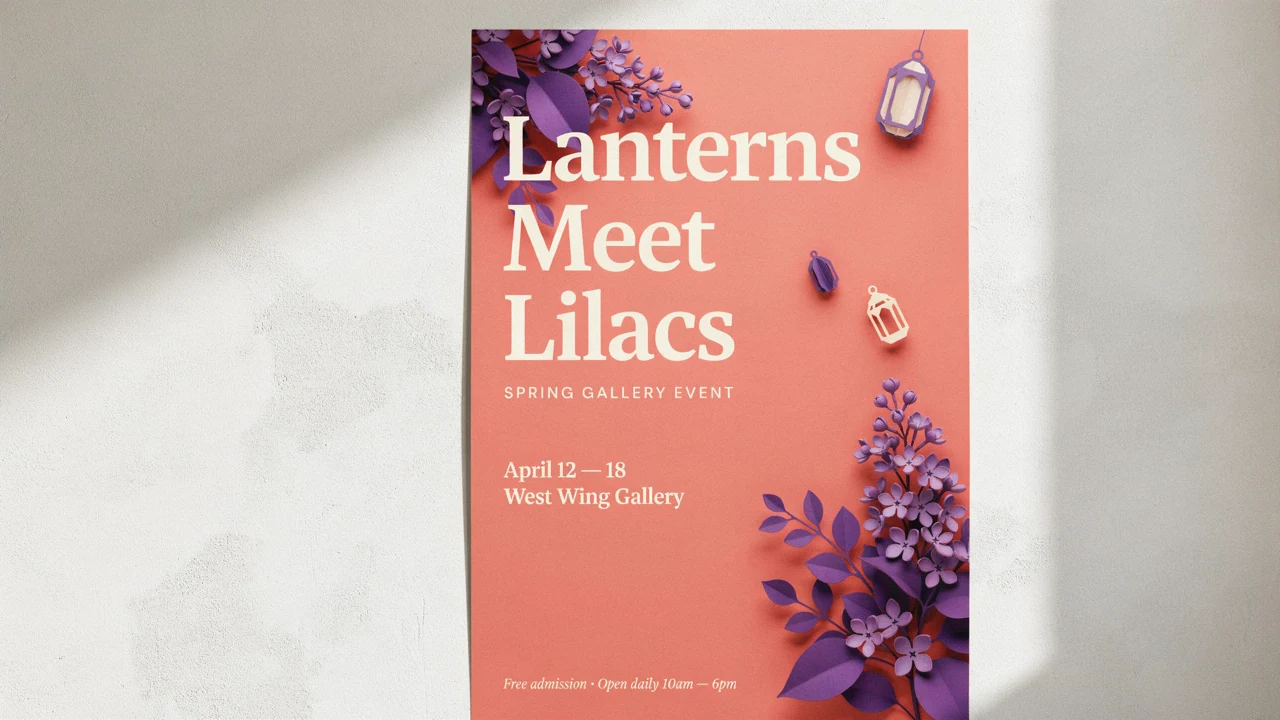
Poster and word marks.
Useful for bold poster layouts, short display text, and art-directed promo graphics.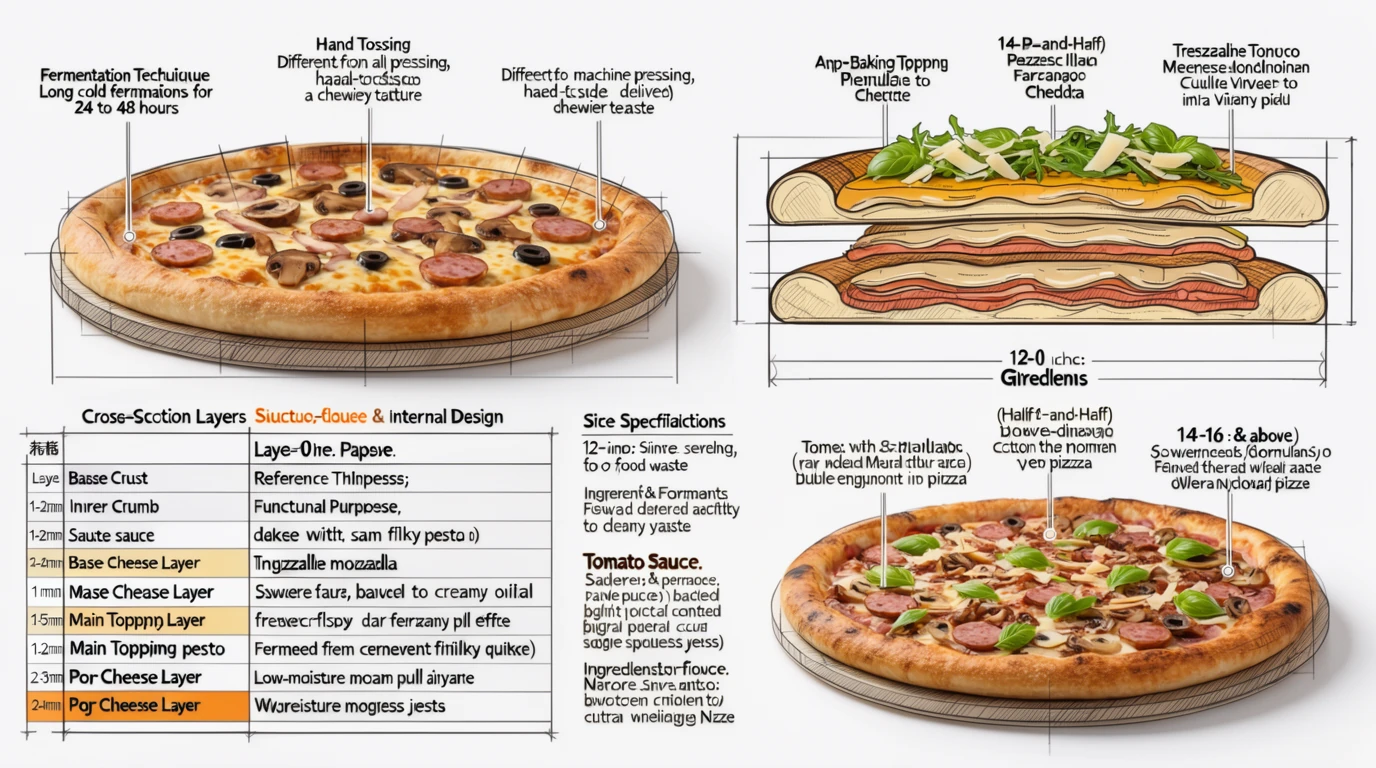
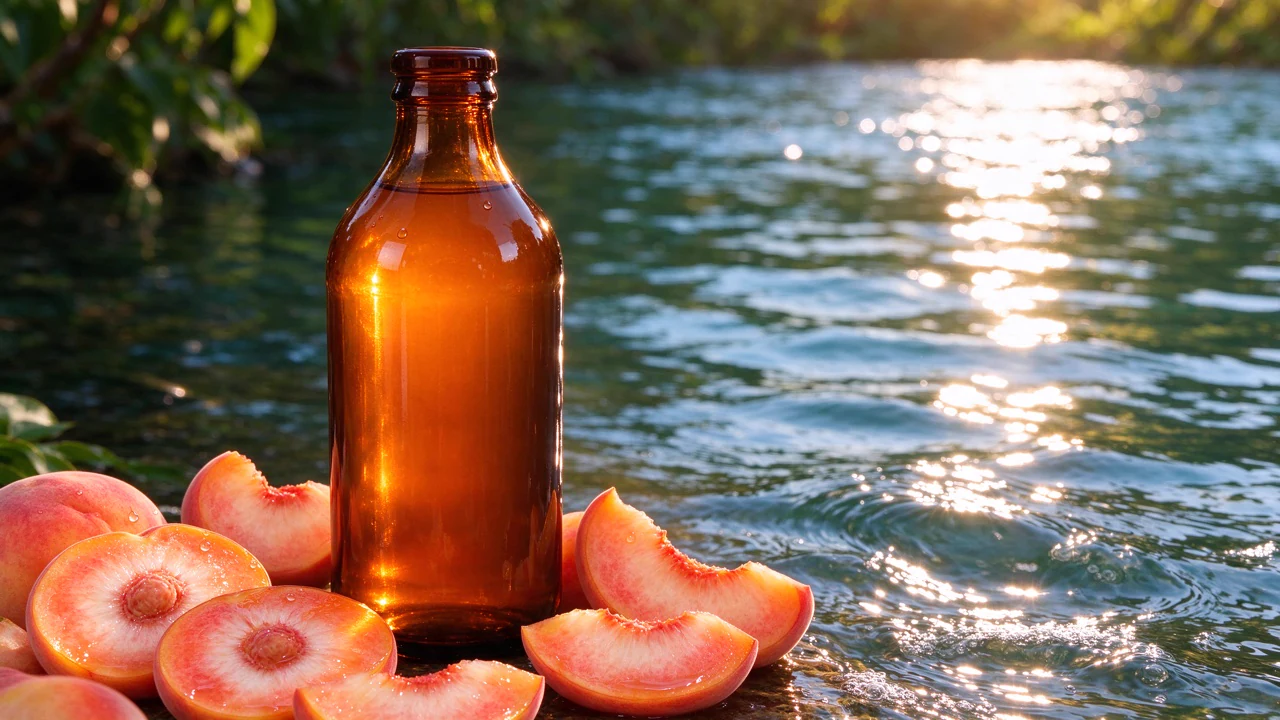
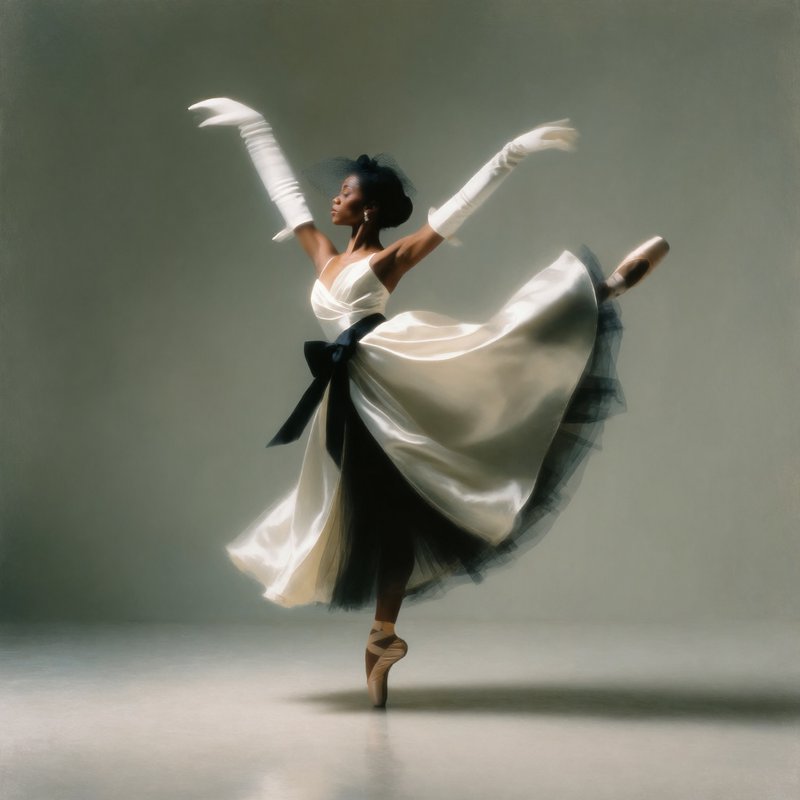
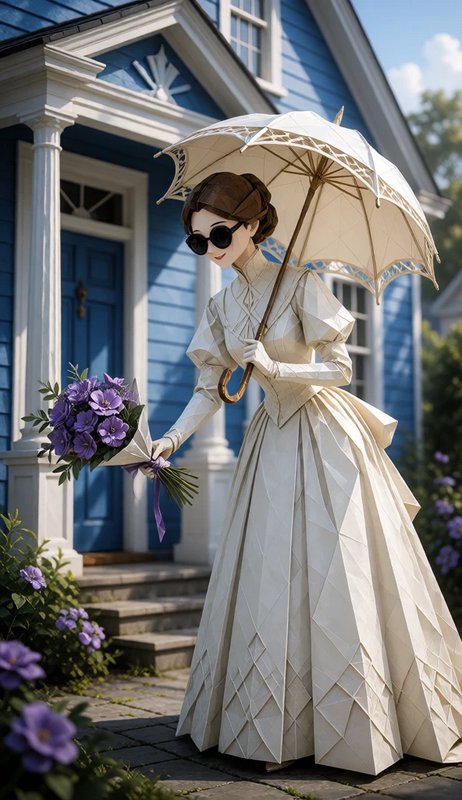
Product storytelling.
Blend product shots with stylized lighting and materials for launch concepts that feel less generic.Style references with tunable influence
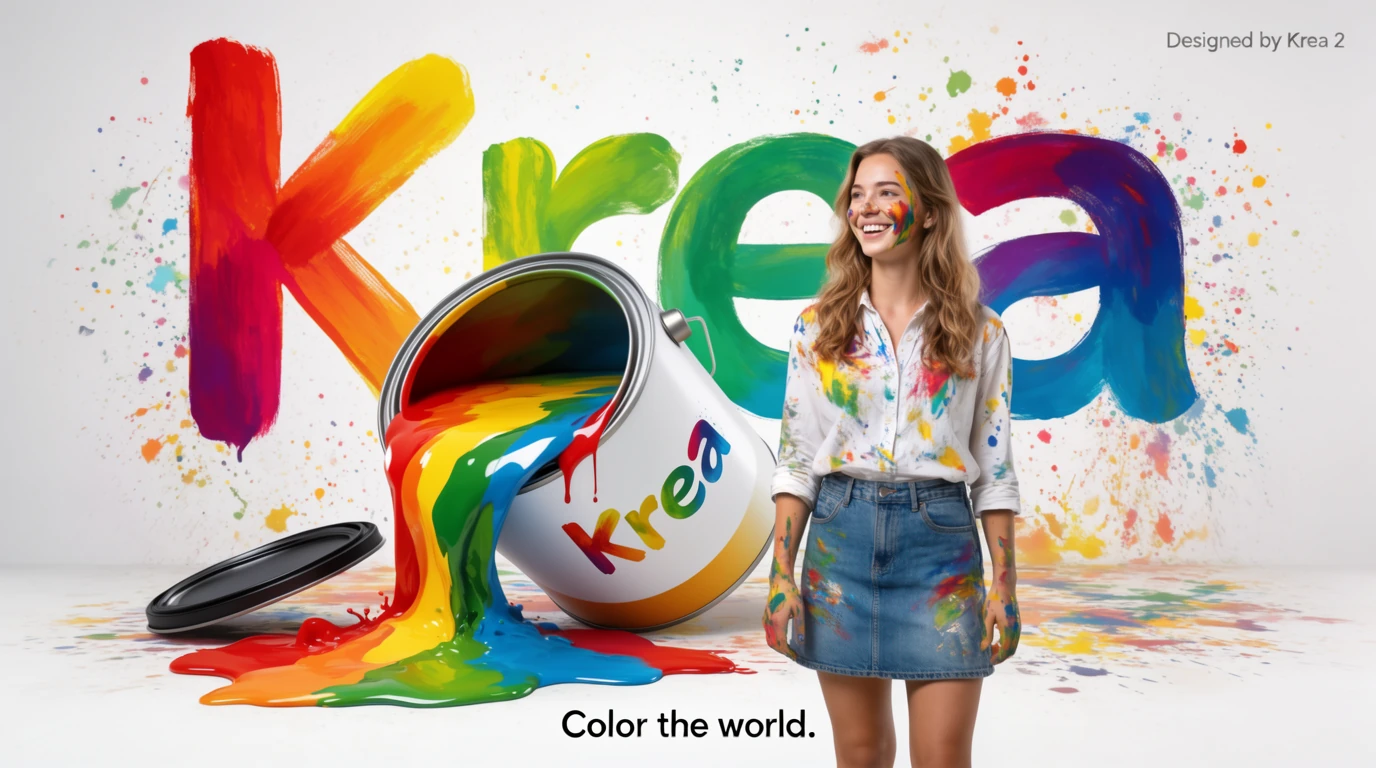
Krea 2 is built around visual direction, not just prompt wording. Reference images help you carry palette, texture, brushwork, and overall attitude into new subjects while still steering with text.
- •Guide look and feel with images, not only adjectives
- •Carry a visual language across new prompts
- •Useful for palette, texture, and brushwork consistency
- •Better for art direction than vague style keywords
- •Works well for recurring campaigns and series
Moodboards for broader art direction
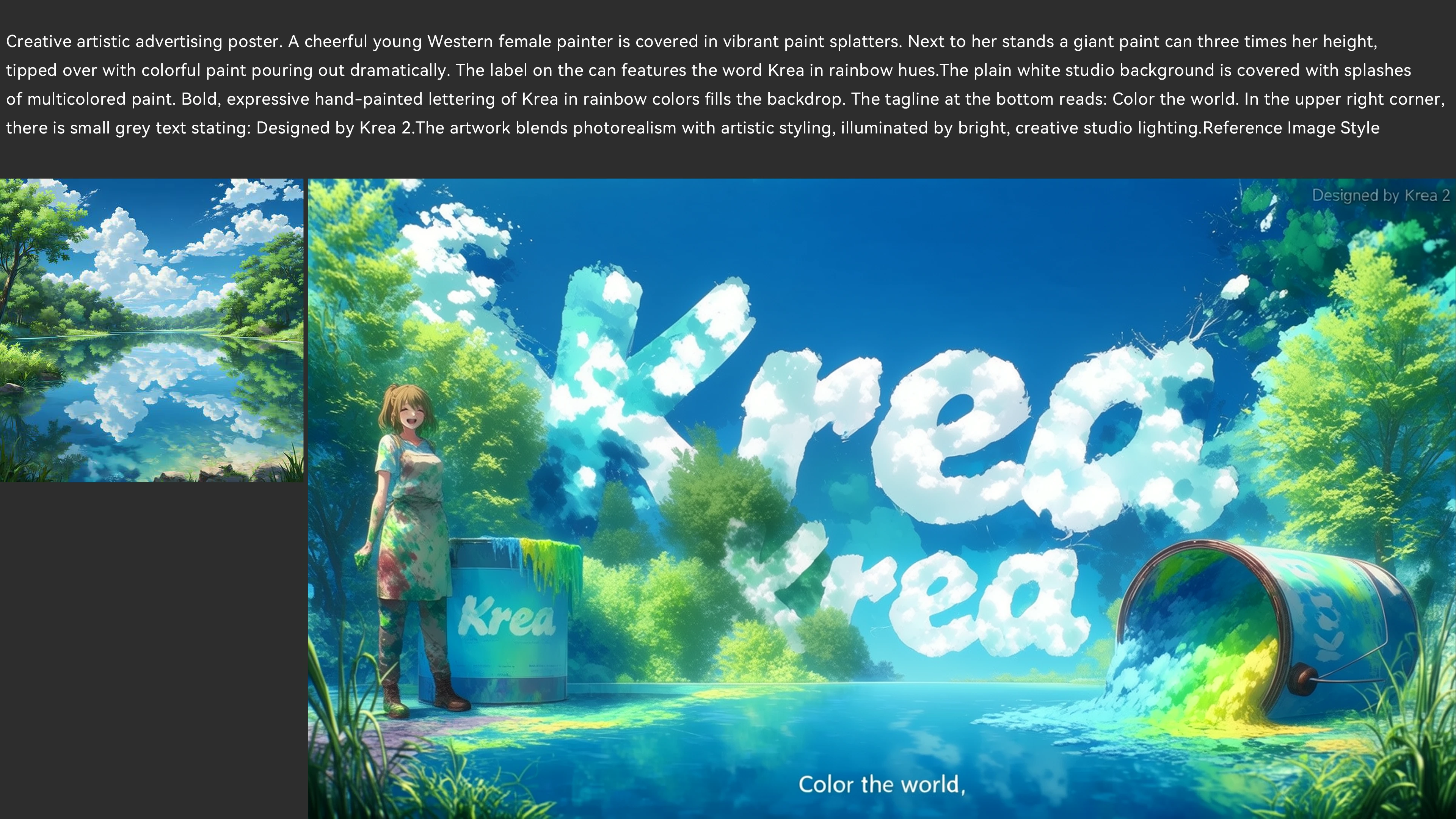
When one image is too narrow, moodboards give Krea 2 a wider creative universe to work from. That is useful for campaigns, brand exploration, character worlds, and any brief where the vibe matters as much as the subject.
- •Broader than a single style reference
- •Helpful for campaigns and look development
- •Captures mood, texture, and visual attitude
- •Good for recurring themes and character worlds
- •Supports more exploratory creative briefs
Fast, diverse iteration for concept exploration
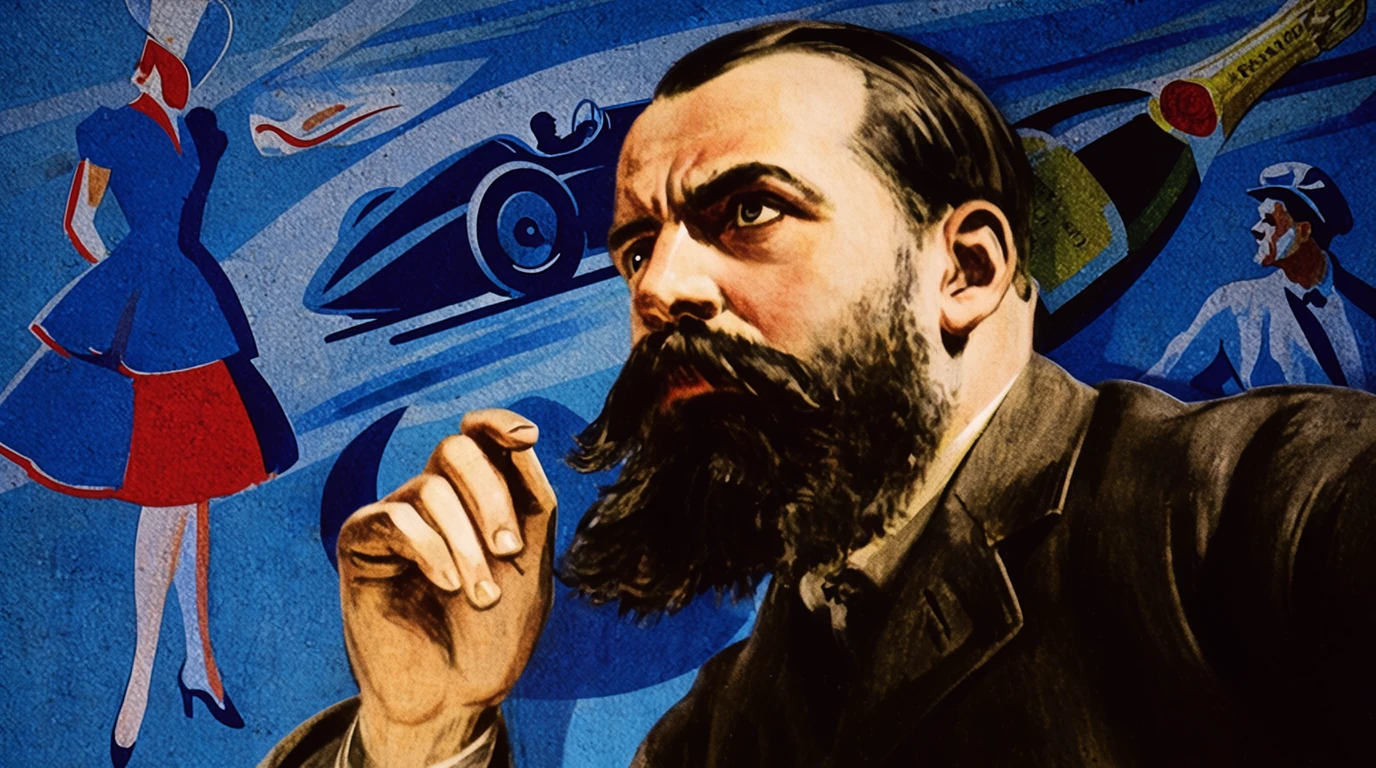
Krea emphasizes quick generation and a wider spread of ideas from simple prompts. That makes Krea 2 useful early in the process, when you need multiple viable directions instead of four near-duplicates.
- •Good for early ideation and roughing directions
- •Encourages broader variation across a batch
- •Useful for team reviews and fast decision making
- •Helps you explore before locking into a style
- •Built to keep creative momentum moving
Strong range in expressive visual styles
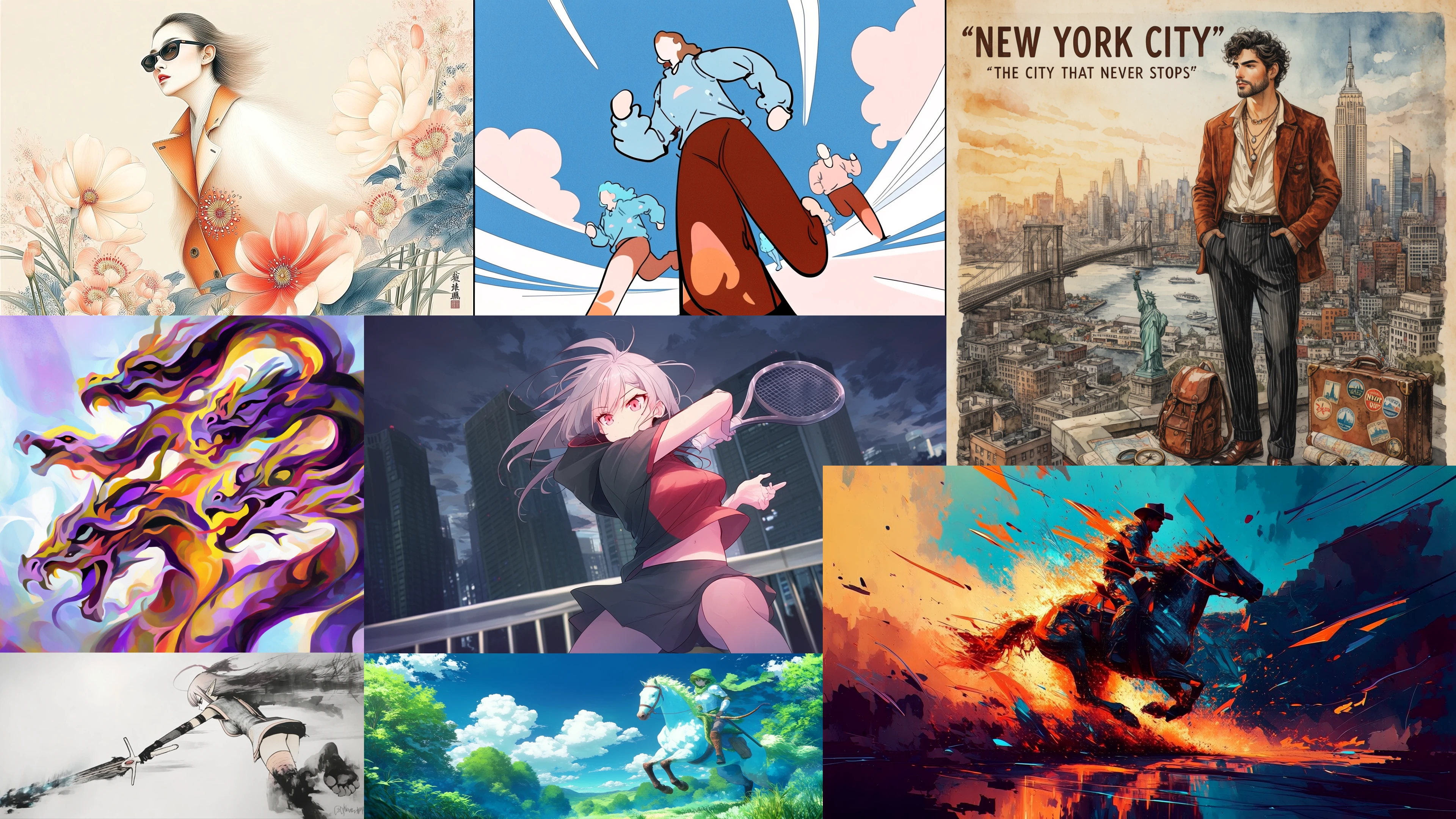
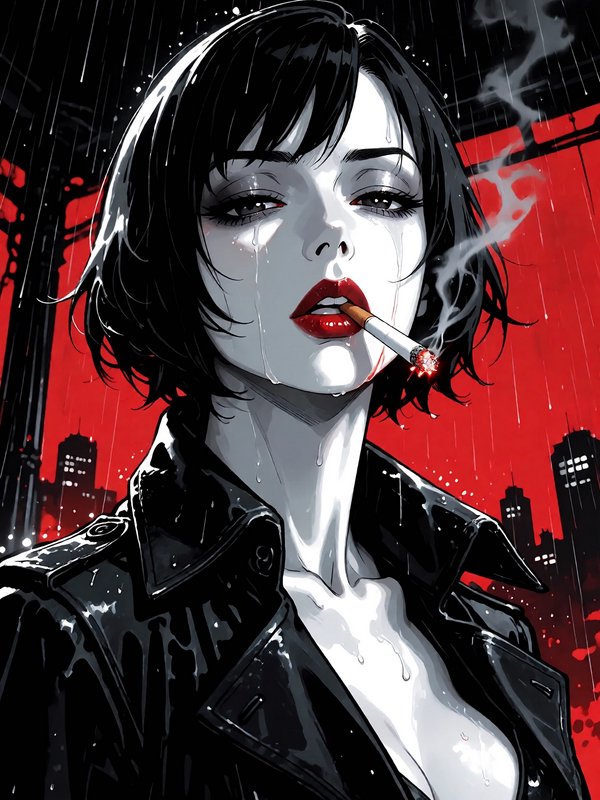
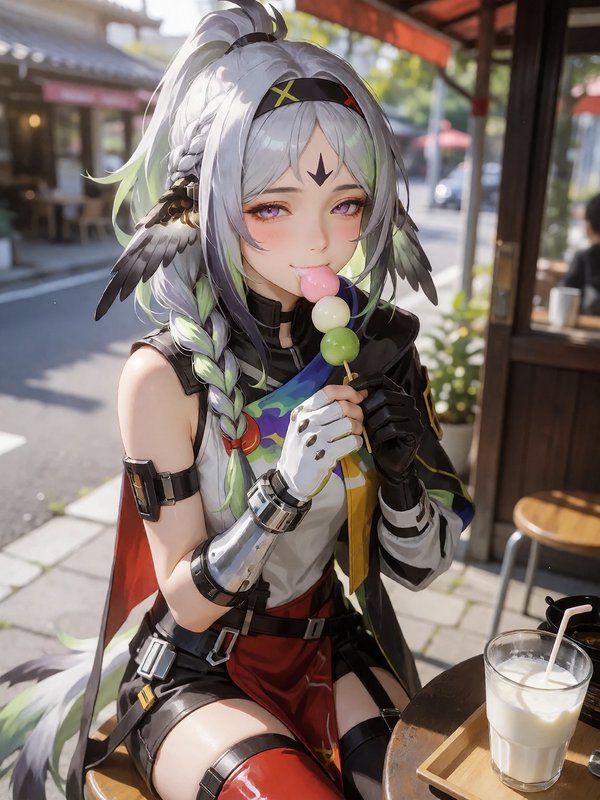
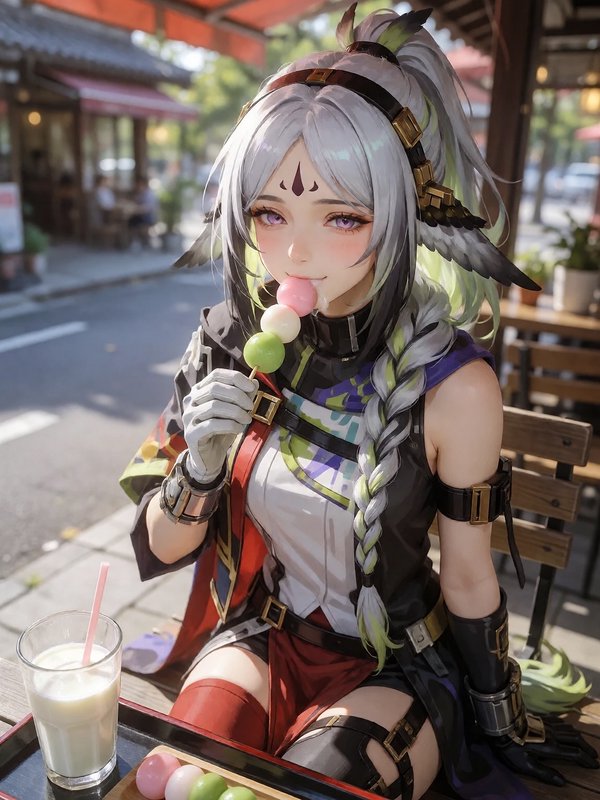
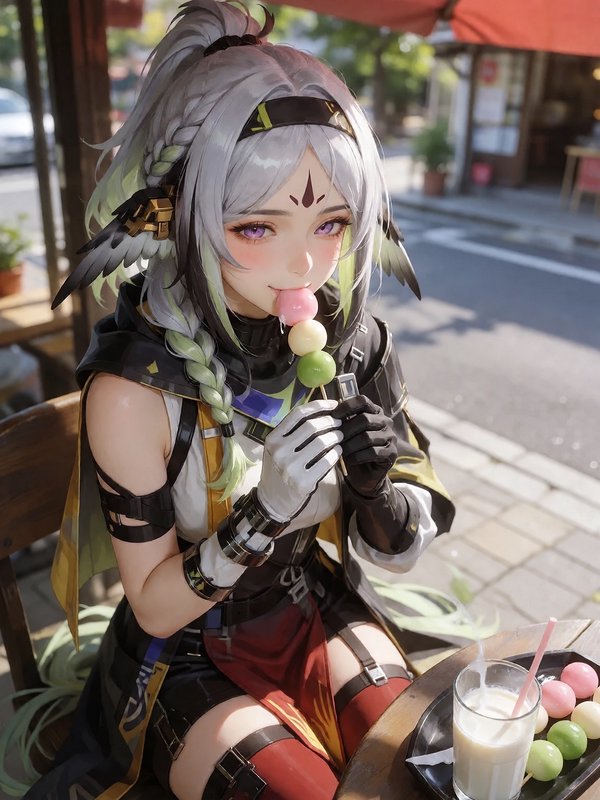
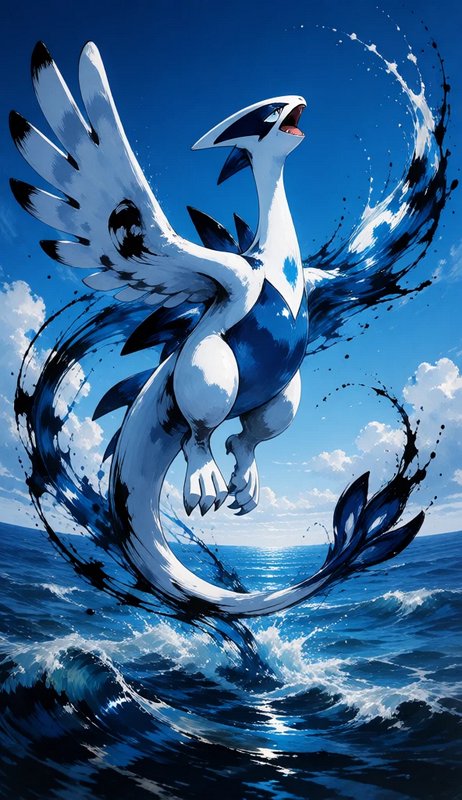
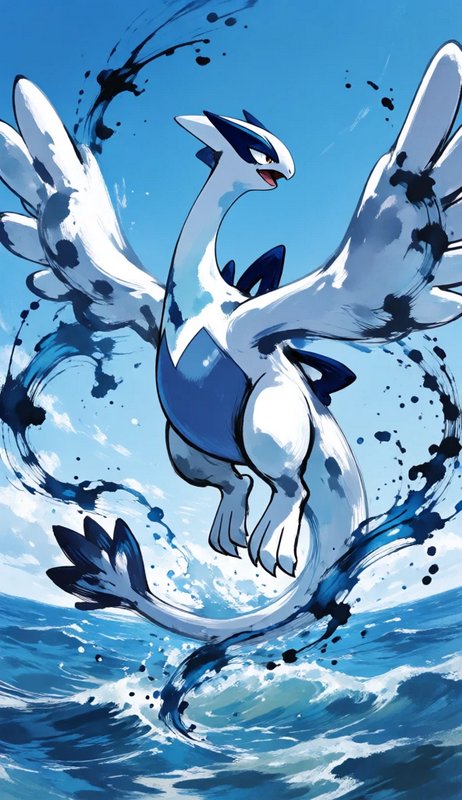
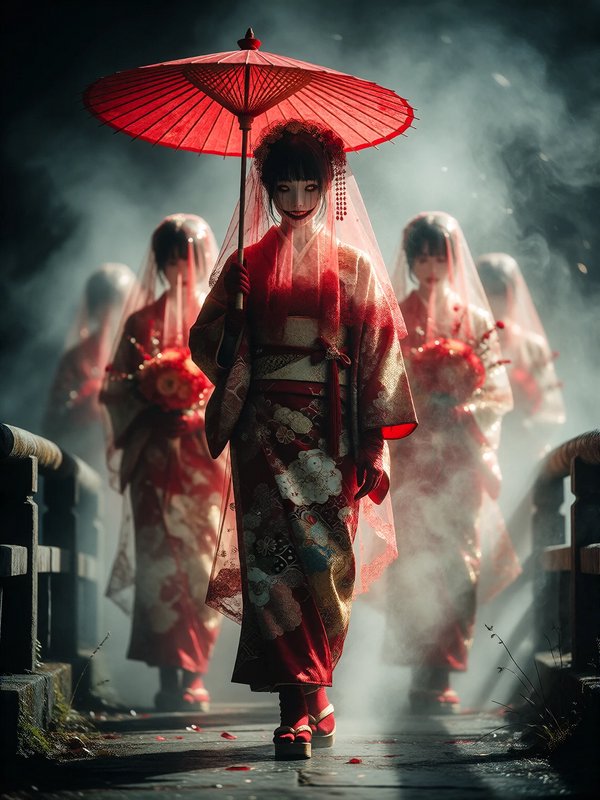
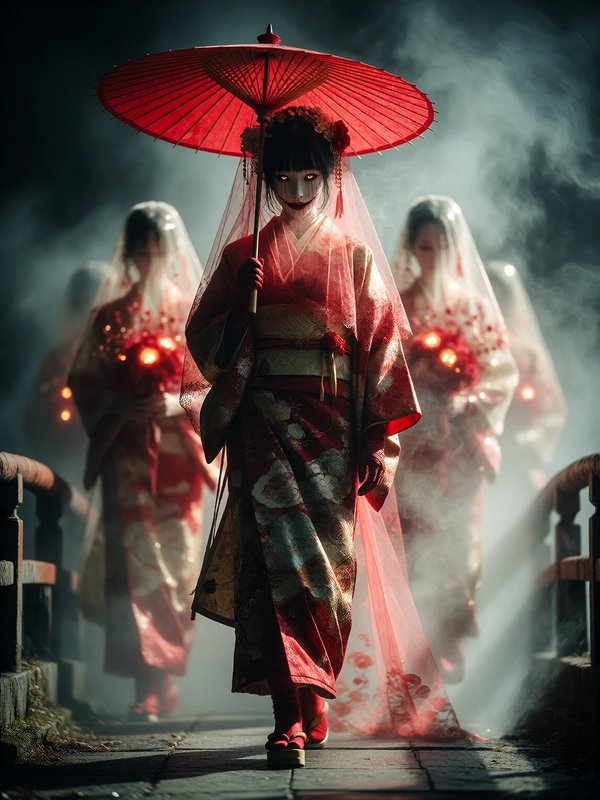
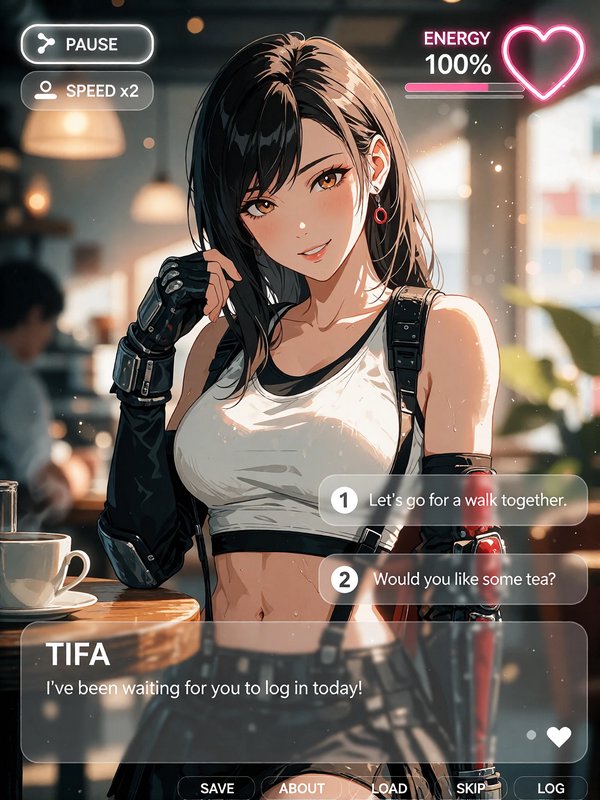
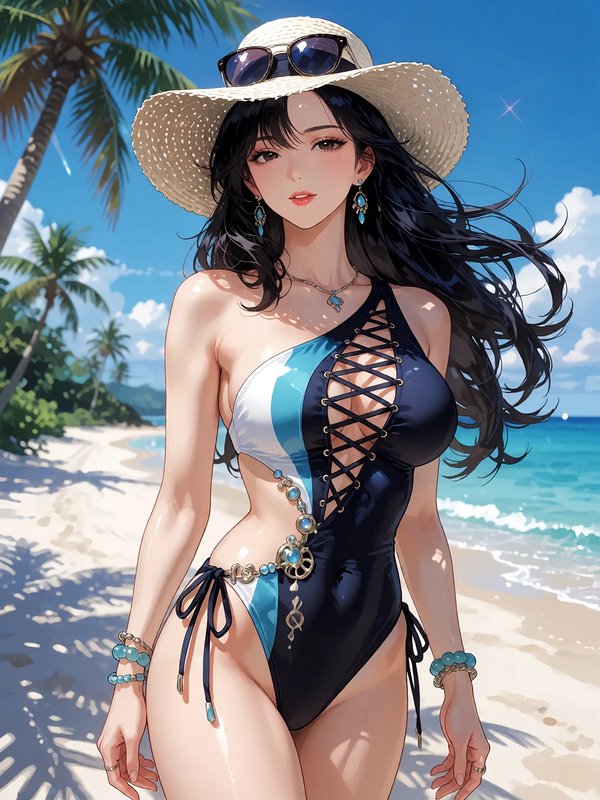
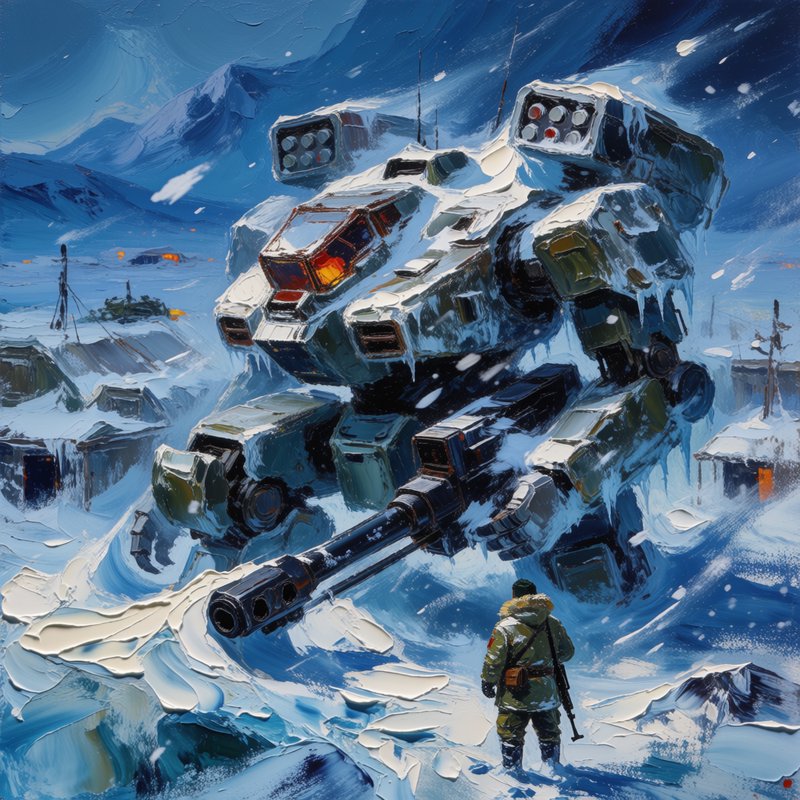
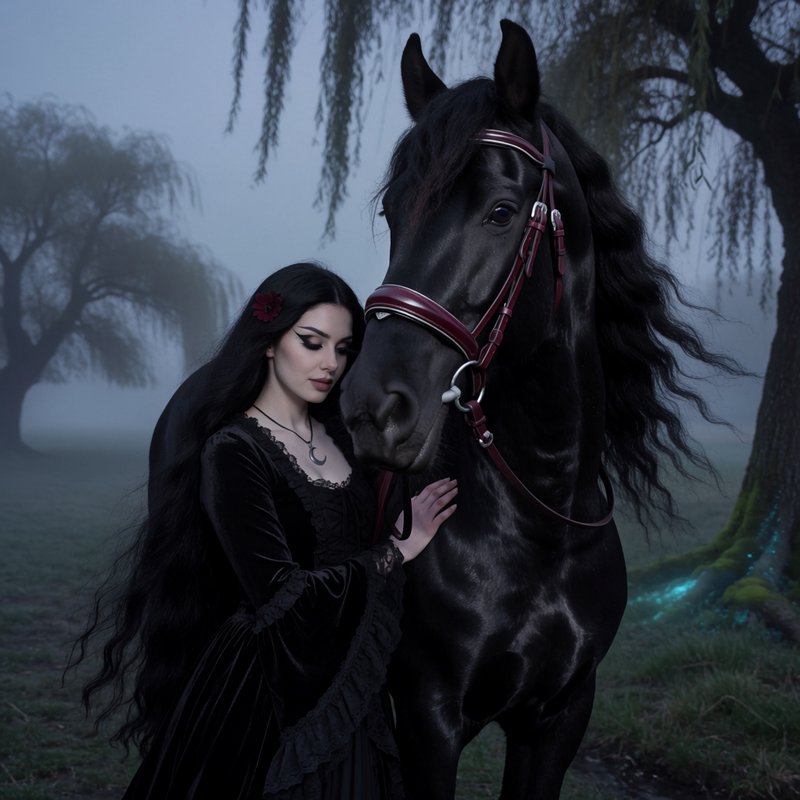
Krea positions Krea 2 for illustration, painterly looks, manga, anime, VHS, word marks, and photoreal work. If you want outputs that feel art-directed instead of default-polished, that range matters.
- •Strong in illustration and painterly directions
- •Comfortable with manga and anime-inspired looks
- •Can move into photoreal when prompted clearly
- •Interesting for posters and short typographic comps
- •Fits both commercial and experimental art direction
How it works
1
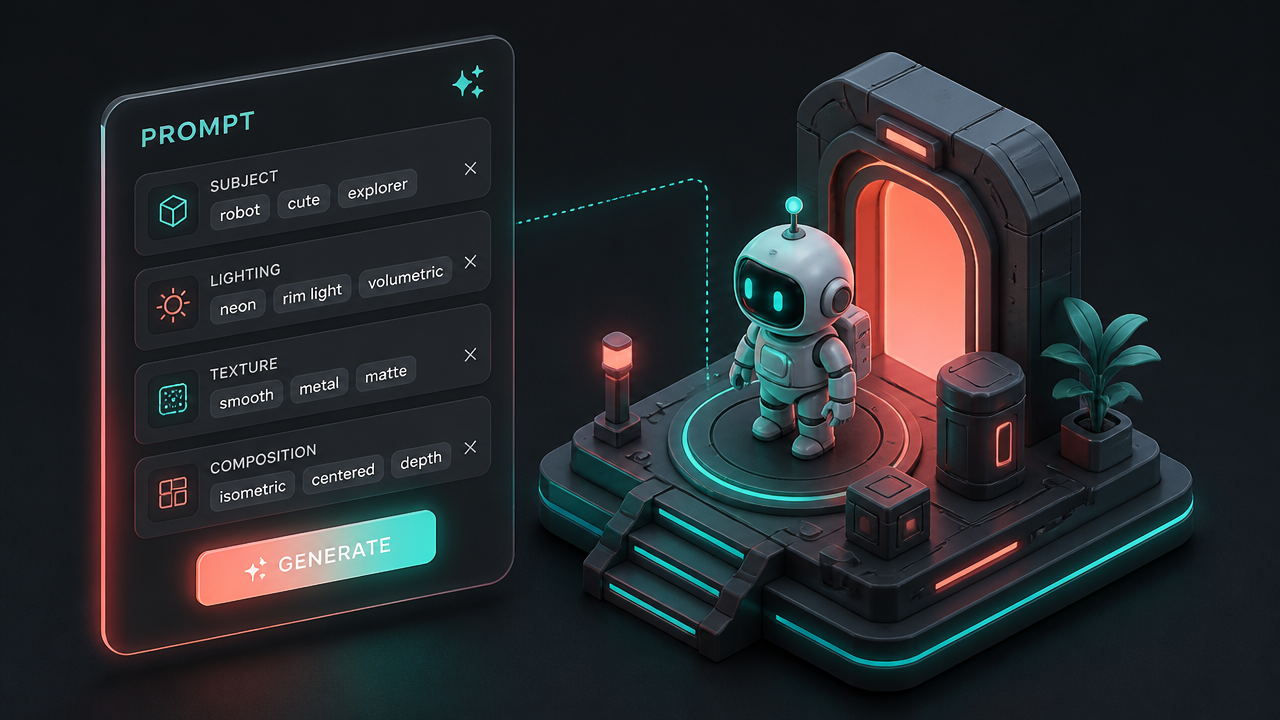
Describe the subject and look
Start with the core subject, then add the visual direction you want. Krea 2 responds best when you describe both what should appear and how it should feel, such as medium, lighting, texture, or composition.
2
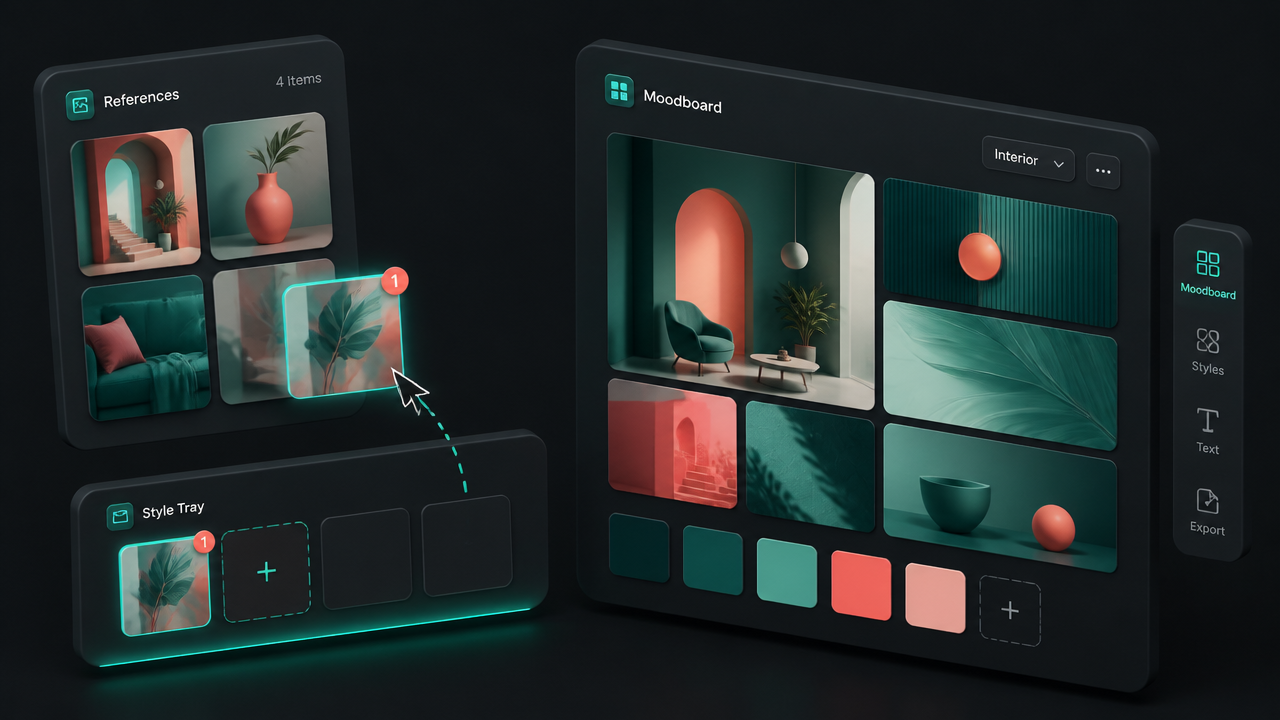
Add references or a moodboard
If the brief depends on a specific style, upload reference images or work from a moodboard. Use references for precise look transfer, and use moodboards when you want a broader aesthetic universe.
3
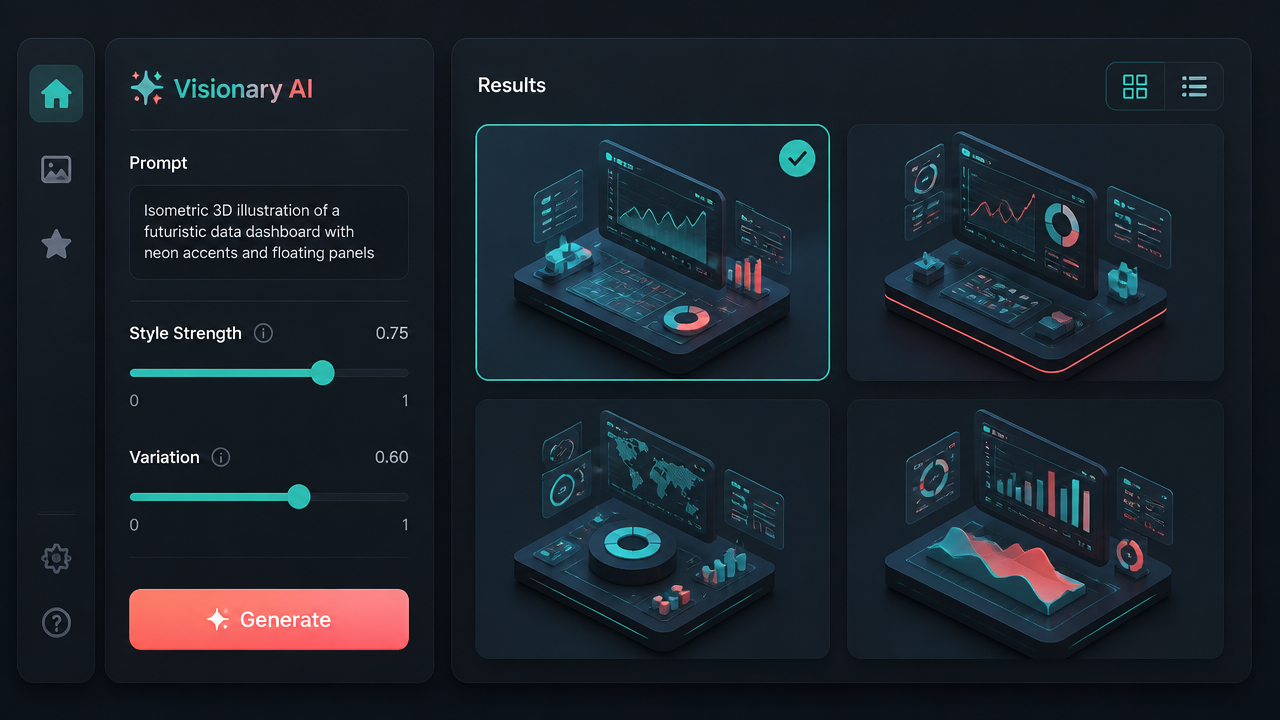
Generate and refine
Run a batch, compare the directions, and keep the one that feels closest to the brief. Then tighten the prompt, swap references, or push the style harder until the image feels intentional rather than accidental.
Pricing for Krea 2
Runs on credits — no per-model surcharges, no surprise billing.
40credits
per generation
40 credits per image
Krea 2 Medium vs Krea 2 Large
Both run on the same credits in the same workshop — here is what each costs and what it is for.
Krea 2 Medium
40credits per generation
Krea's second-generation image model balancing speed and quality. Includes a creativity dial (raw / low / medium / high) for steering between strict prompt adherence and looser, more imaginative output. Supports text-to-image and up to 3 style reference images.
Try Krea 2 Medium →Krea 2 Large
80credits per generation
Krea's high-fidelity tier — larger model, sharper details, stronger prompt adherence than Krea 2 Medium. Same creativity dial and style-reference support, ideal when output quality matters more than cost.
Try Krea 2 Large →Krea 2 Medium at a glance
- Creativity dial (raw, low, medium, high)
- Text-to-image and style-reference img2img
- Up to 3 style reference images
- 8 aspect ratios incl. 2.35:1 cinematic
- Seed reproducibility
- Balanced cost and quality
How Krea 2 Medium compares
The differences that actually change which one you pick.
- Krea 2 Medium vs Krea 2 Large
- Large is the higher-fidelity tier with sharper details and stronger prompt adherence. Medium is the cost-efficient default for everyday use.
- Krea 2 Medium vs ImagineArt 2.0
- Krea 2 Medium adds style references and a creativity dial. ImagineArt 2.0 is text-to-image only but offers 1K/2K resolution tiers.
- Krea 2 Medium vs Recraft V4
- Krea 2 Medium emphasizes general photorealism with creative latitude. Recraft V4 leans design-grade composition and brand work.
Frequently asked questions
What is Krea 2?▾
Krea 2 is Krea's in-house foundation image model focused on aesthetics, style transfer, and creative control. Krea announced it on May 12, 2026 as its first image foundation model built completely from scratch.
What is Krea 2 best for?▾
Krea 2 is best when the look matters as much as the subject. It is a strong fit for editorial illustration, campaign concepts, brand exploration, character design, product storytelling, and fast visual iteration.
How does Krea 2 compare to other AI image generators?▾
Krea 2 stands out most in reference-driven and art-directed workflows. If you care about style references, moodboards, and exploring a visual direction instead of only getting one clean default image, it is a strong option.
Does Krea 2 support reference images?▾
Yes. Krea 2 is designed around style references and moodboards. In Krea's own app, style references let you carry a specific look across prompts, and moodboards help when you need a broader aesthetic direction.
What is the difference between style references and moodboards in Krea 2?▾
Style references are the precise option. They help transfer the look of one or more images into a new prompt. Moodboards are broader and more exploratory, giving the model a larger visual universe to pull concepts, mood, texture, and attitude from.
Does Krea 2 render text well?▾
Krea has described Krea 2 as strong on word marks, which makes it useful for poster comps, logo directions, and short display text. As with any image model, short typographic treatments are more reliable than long paragraphs, so expect some iteration.
What resolutions and aspect ratios does Krea 2 support?▾
Krea 2 supports common square, landscape, and portrait workflows. Public integrations commonly list presets such as 1:1, 4:3, 3:2, 16:9, 2.35:1, 4:5, 2:3, and 9:16, but exact pixel sizes and limits can vary by platform and variant.
Can Krea 2 edit existing images?▾
Krea 2 works well in reference-guided workflows, and Krea also lets you continue from generated images inside its editing tools. If you need strict region-based edits or advanced inpainting, check the current workflow because those controls may live in the surrounding editor rather than the base model alone.
Does Krea 2 come in different variants?▾
Yes. Krea publicly references both Large and Medium variants. Krea describes Medium as the smaller option that works best for illustrations and graphic design, while Large is the higher-capacity choice when you want more headroom.
Can I use Krea 2 commercially?▾
Commercial use depends on where you access the model. Krea says paid-plan generations include commercial licensing, while free-plan generations do not. If you use Krea 2 through another platform, check that platform's current terms as well.