Grok Imagine Video
Native audio generation with strong prompt and edit control.
Professional video for every use case
Stylized anime shorts.
Switch footage into anime, retro, watercolor, or cyberpunk looks without rebuilding the whole shot.Fun Social Media Content Creation.
It can generate short videos in seconds with built-in sound effects and perfect lip-sync. Freely unleash your creativity, turning any static images, doodles or text into engaging viral content instantly.Character-consistent scenes.
Reference images help carry people, props, or outfits into new short scenes without locking the first frame.Product Visualization.
It can convert static product photos into short videos with smart sound effects and 360° dynamic display with one click. Powered by accurate spatial geometry analysis, it keeps product structures intact, delivering ready-to-use e-commerce product demonstrations.Native audio generated with the video
Grok Imagine Video generates sound with the visual clip instead of treating audio as a separate afterthought. That makes short outputs feel more finished for demos, concept scenes, and social posts.
- •Audio is created in the same generation flow
- •Useful for ambience, effects, and mood
- •Reduces separate sound-design work
- •Helpful for quick social and concept videos
Promptable camera motion and scene direction
xAI showcases the model with moves like zoom out, pan right, tilt up, dolly out, and timelapse. Clear camera language gives you more direct control than a vague cinematic prompt.
- •Prompt zooms, pans, tilts, dolly moves, and timelapses
- •Useful for product reveals and environmental shots
- •Works in both text-to-video and image-to-video
- •Clear motion directions improve shot readability
- •Built for short clips where framing matters
Text, image, reference, edit, and extension flows
You can start from text, animate a still image, guide the result with reference images, edit an existing clip, or continue a scene from its last frame. That makes the model useful beyond one-off first drafts.
- •Text-to-video from scratch
- •Image-to-video uses a still as the opening frame
- •Reference-to-video supports up to 7 guide images
- •Video editing changes specific elements in an existing clip
- •Video extension continues from the final frame
Short-form settings that fit real delivery formats
xAI exposes practical controls for duration, aspect ratio, and resolution, so you can fit clips to reels, feeds, or widescreen mockups. Edited outputs keep the source framing and timing, which helps preserve continuity.
- •1 to 15 second generation range
- •480p or 720p output
- •1:1, 16:9, 9:16, 4:3, 3:4, 3:2, and 2:3
- •Edits keep the input clip's duration and aspect ratio
- •Edited output resolution is capped at 720p
How it works
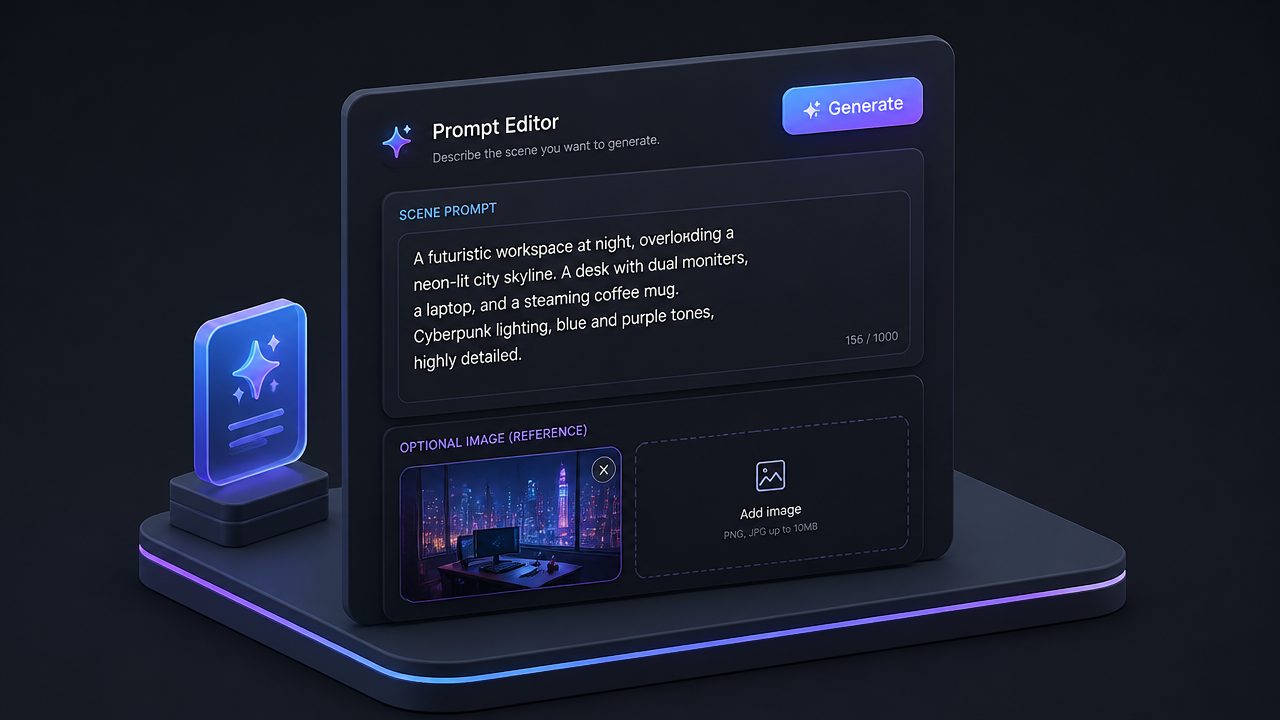
1
Describe your scene
Start with a direct prompt that names the subject, action, camera move, and mood. If you have a still image to animate or guide the look, add it before generating.
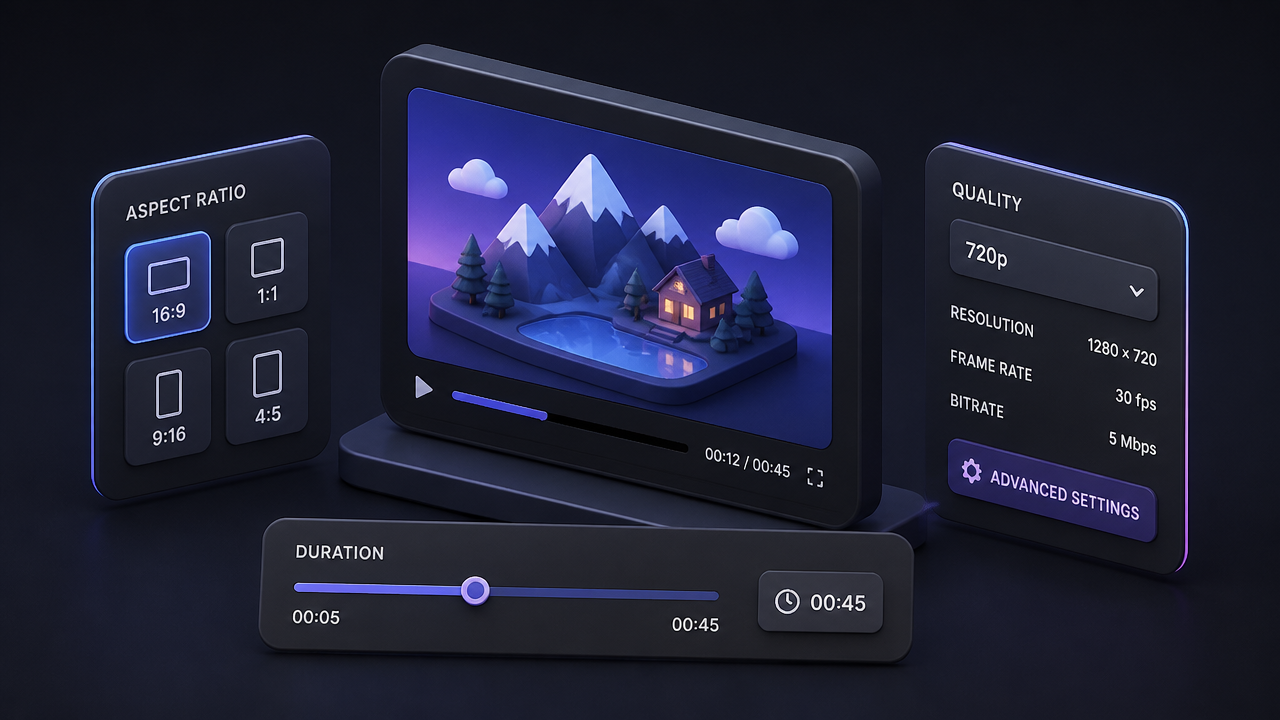
2
Choose format and length
Pick the aspect ratio, clip length, and quality that match where the video will be used. Short 480p drafts are useful for testing motion, while 720p is better for final delivery.
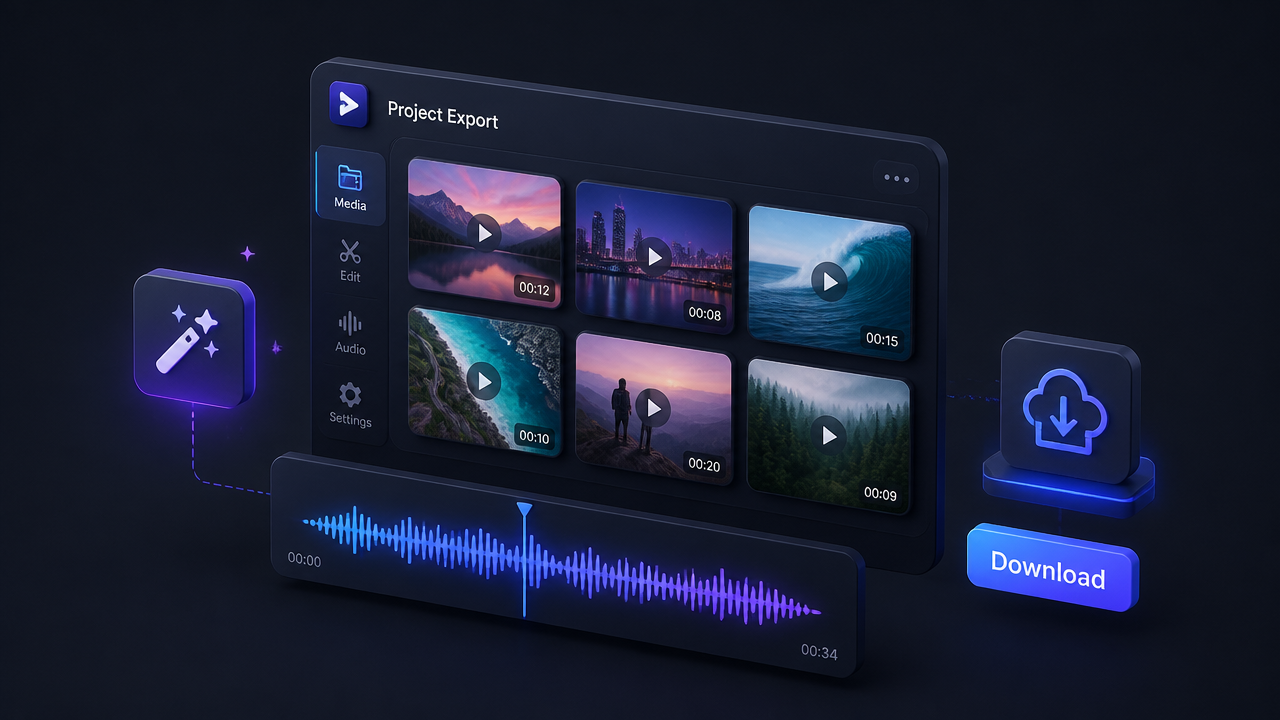
3
Generate and refine
Render the first pass, then tighten the prompt to adjust movement, framing, or sound. Once the clip feels right, export it and move on to the next variation.
Pricing for Grok Imagine Video
Runs on credits — no per-model surcharges, no surprise billing.
70credits
per second of video
≈ 350 credits for a 5-second clip
Show pricing details▾
ResolutionCredits
- 480pdefault70/ sec
- 720p100/ sec
Credits work across every plan. See /pricing for credit packages.
Frequently asked questions
What is Grok Imagine Video?▾
Grok Imagine Video is xAI's short-form video generation model. It can create clips from text, animate still images, use reference images for guidance, edit existing video, and extend clips from their final frame.
How does Grok Imagine Video work?▾
You start with a prompt, then optionally add a still image, reference images, or a source video depending on the workflow you need. The model then generates a new clip, applies targeted edits, or continues an existing shot while keeping the result in a short, controllable format.
Does Grok Imagine Video support audio?▾
Yes. xAI positions it as a native video-audio model, so sound is generated with the clip rather than treated as a separate add-on. That makes it especially useful for short scenes that need atmosphere and a more finished first pass.
What video lengths, aspect ratios, and resolutions does it support?▾
For new generations, xAI exposes durations from 1 to 15 seconds, 480p or 720p resolution, and common aspect ratios such as 1:1, 16:9, 9:16, 4:3, 3:4, 3:2, and 2:3. Edited outputs inherit the source clip's framing and timing, and edited resolution is capped at 720p.
Can Grok Imagine Video edit an existing clip?▾
Yes. The edit workflow lets you change specific parts of an MP4 clip with a prompt, such as props, colors, or overall visual style. Source videos for editing are limited to 8.7 seconds, and the output keeps the original duration and aspect ratio.
Can Grok Imagine Video extend a video?▾
Yes. xAI also supports video extension, which continues a clip from its last frame instead of restarting the whole scene. Source clips can be 2 to 15 seconds, and the added extension segment can be 2 to 10 seconds.
How is reference-to-video different from image-to-video?▾
Image-to-video uses your uploaded still as the opening frame and animates outward from it. Reference-to-video uses one or more images as visual guidance for people, products, clothing, or props without forcing the first frame to match.
How much does Grok Imagine Video cost?▾
Pricing usually scales with clip length and resolution, so short 480p drafts cost less than longer 720p renders. If you're using the xAI API directly, billing is per second of generated video, with separate charges for some image or source-video inputs.
Is Grok Imagine Video the same on Higgsfield or ImagineArt?▾
The core xAI model can be the same, but the surrounding product is not. What changes across platforms is the prompt workflow, pricing, asset management, and any extra editing or automation features layered on top.
Can I use Grok Imagine Video commercially?▾
Many teams use models like this for ads, product demos, and client content, but you should review the provider's current terms before publishing or selling outputs. Be extra careful with copyrighted material, brand assets, real people, and regulated topics.