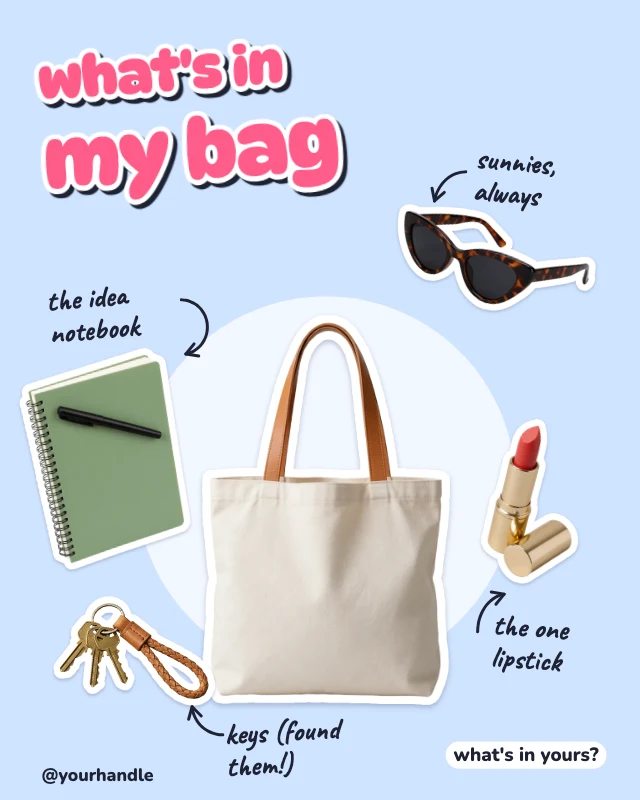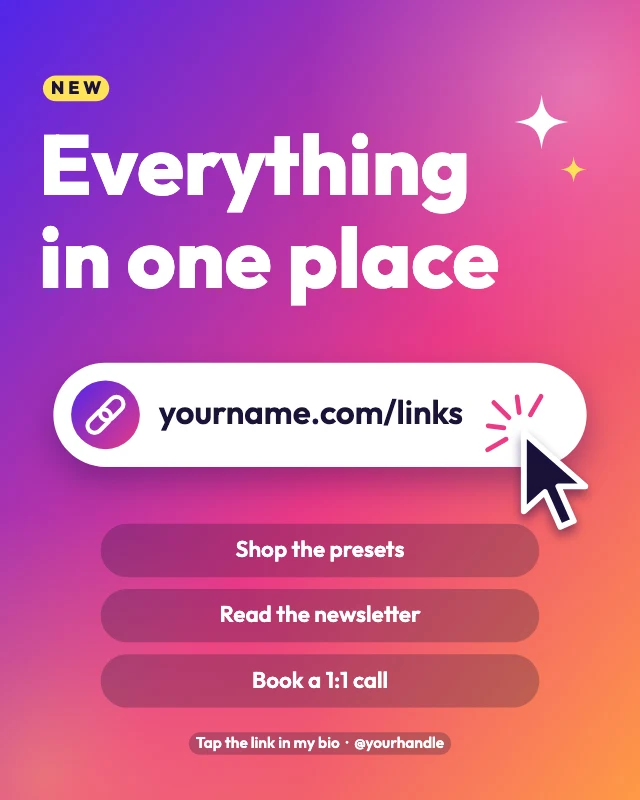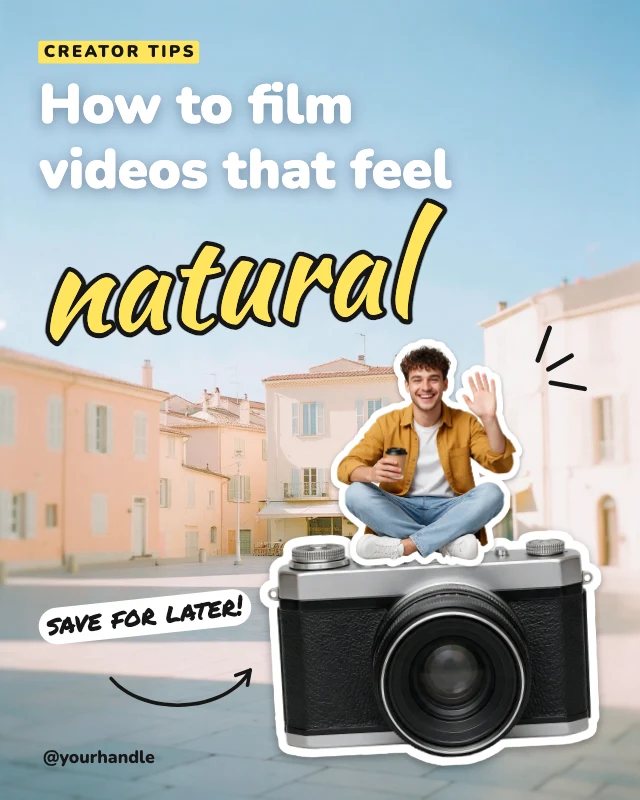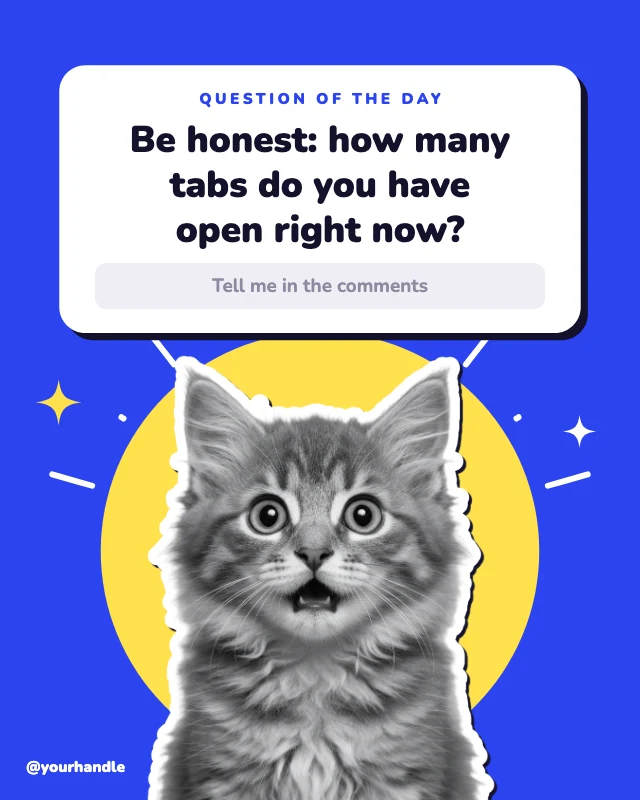
What’s inside this folder post
Free template · Instagram post (4:5) · 1080×1350
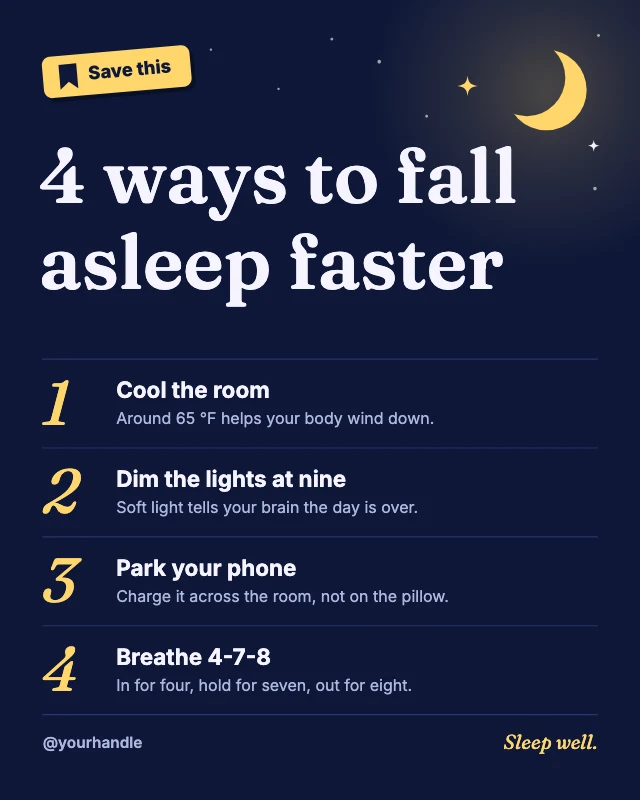
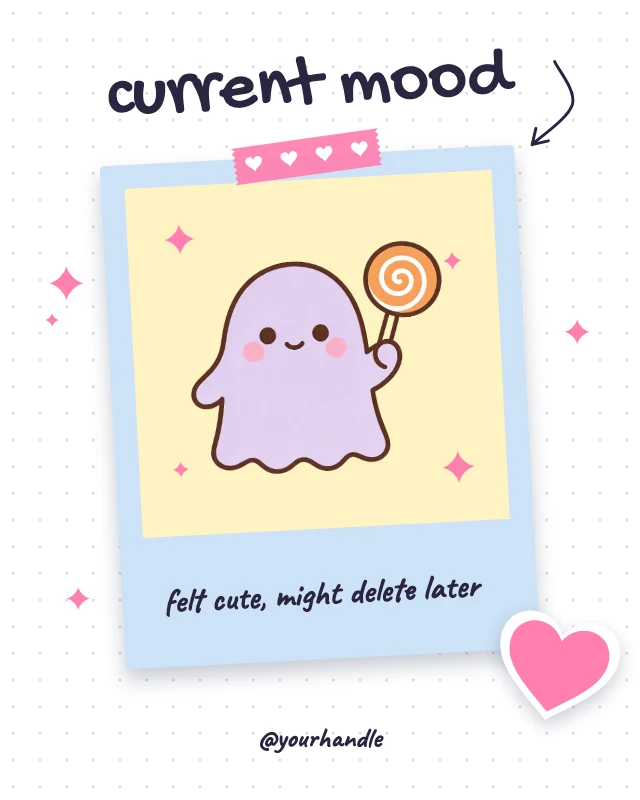
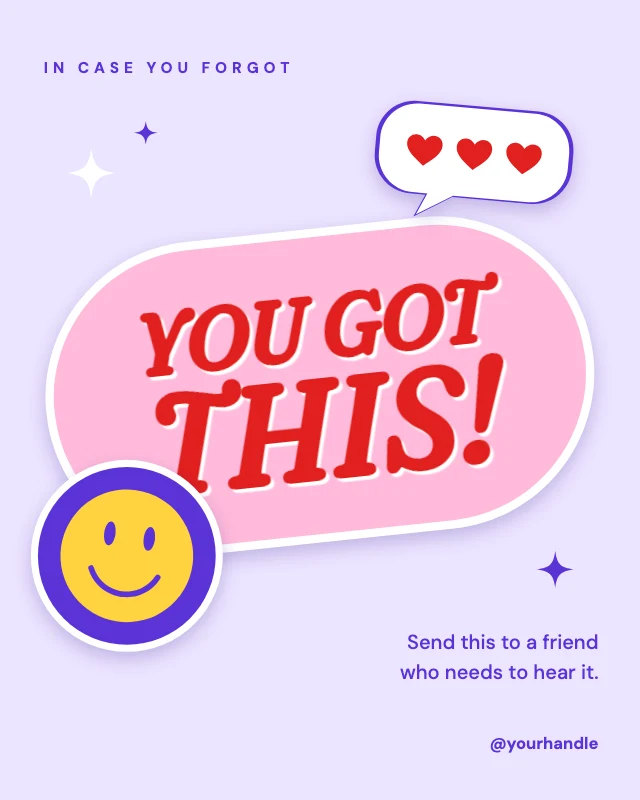
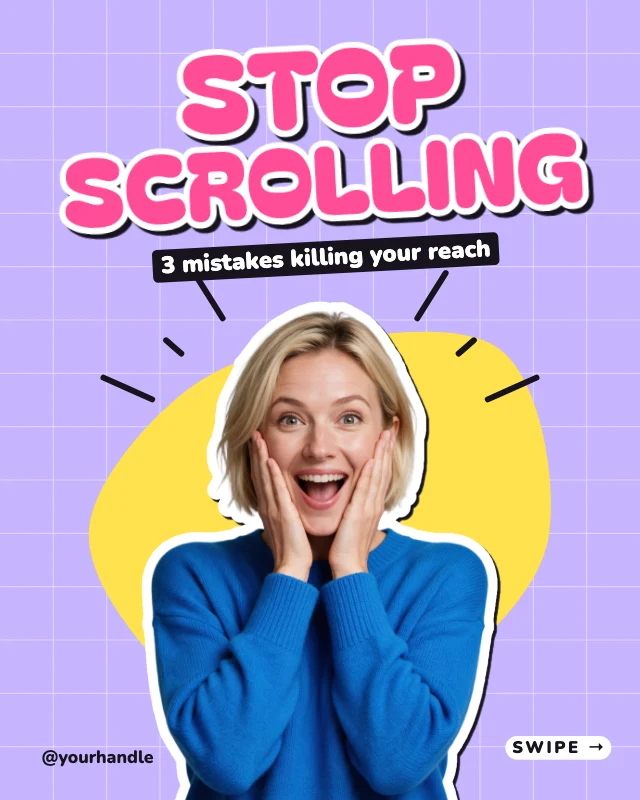
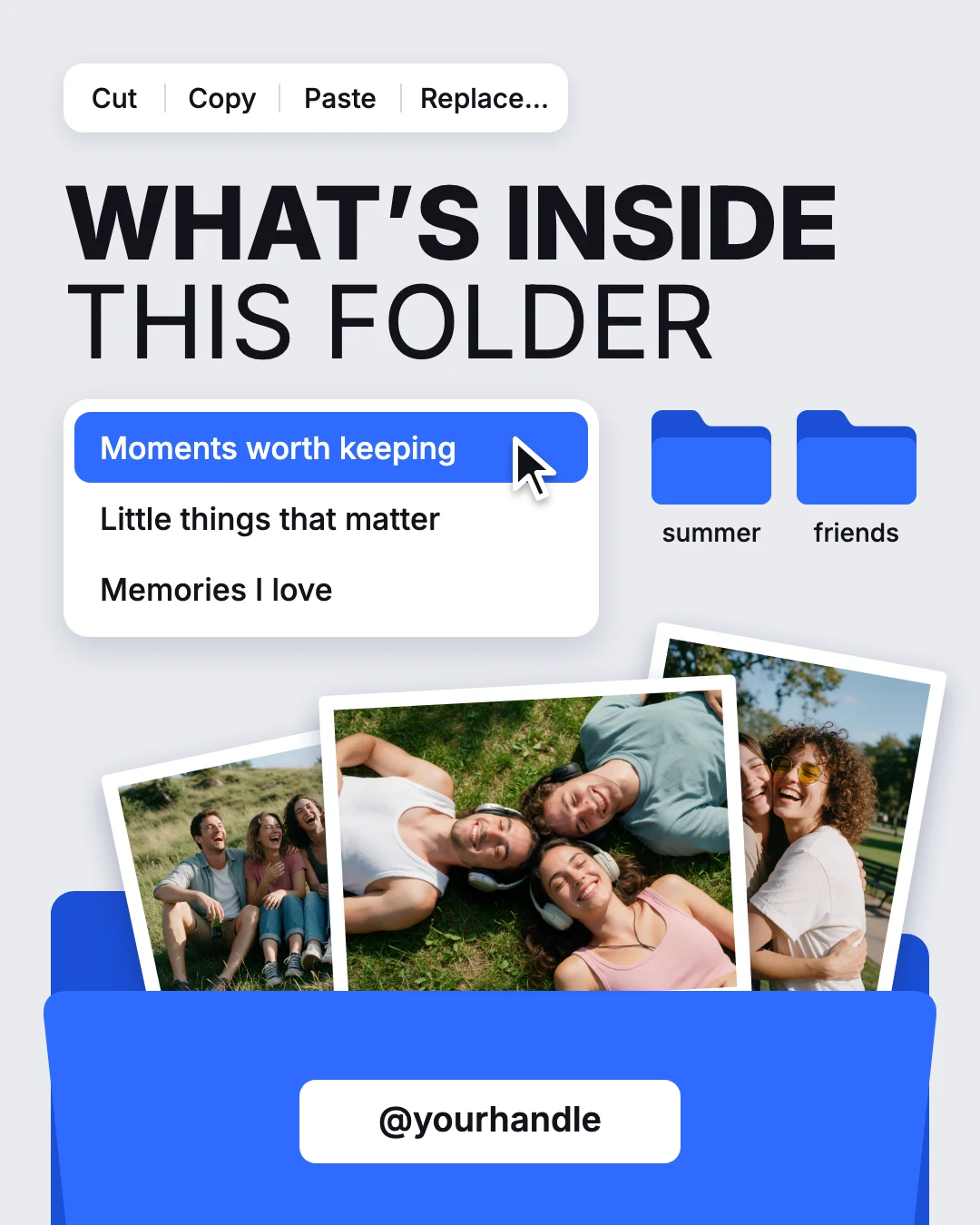
A memories post drawn like a computer desktop: three of your photos rise out of a blue folder under a bold two-weight headline and a drop-down list. Swap the photos, retype the three lines and add your handle. An Instagram post, 1080×1350.
Free. Sign in or create a free account to open it in Design Studio, on a computer.
What you can change
- Menu word 1 · text
- Menu word 2 · text
- Menu word 3 · text
- Menu word 4 · text
- Headline bold · text
- Headline light · text
- List line 1 · text
- List line 2 · text
- List line 3 · text
- Folder label 1 · text
- Folder label 2 · text
- Print left · photo: a photo of a day out
- Print right · photo: a photo of two people you love
- Print front · photo: your favorite photo of the year
- Handle · text
- Plus every colour, shape and font: all layers stay editable.
Details
- Format
- Instagram post (4:5), a 4:5 post for the Instagram feed
- Size
- 1080×1350 px
- Fonts
- Inter (free, loaded for you)
- Category
- Social
- For
- Creator content
- Style
- Modern · Collage & stickers · Photo
See all: Instagram post templates · Templates for creators · Modern templates · Collage and scrapbook templates · Photo templates
How to use this template
- Choose "Use this template". It opens in Design Studio as your own copy.
- Click any text to select it, then click again to type.
- Click a photo, then Replace to use your own picture.
- Download as PNG or JPG, or ask the AI designer to change colours, wording or style.
Free on every plan. You can use, edit and publish what you make from a template, for personal or commercial work. The templates themselves may not be resold or shared as templates.