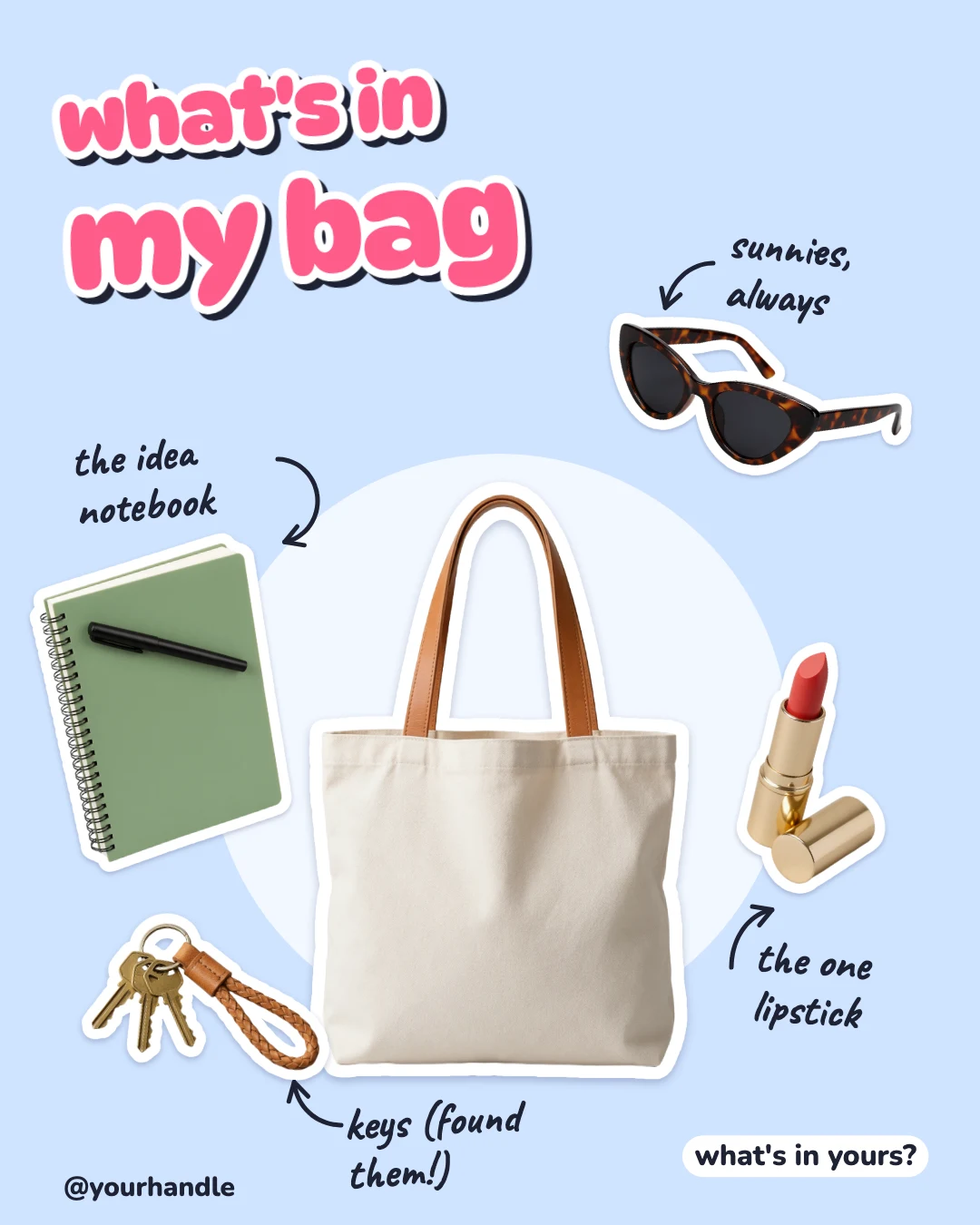
What's in my bag post
Free template · Instagram post (4:5) · 1080×1350
Your bag in the middle and four things from it around it, each a cut-out sticker with a handwritten label and an arrow. Swap the cut-outs for your own; sized 4:5 for the Instagram feed.
Free. Sign in or create a free account to open it in Design Studio, on a computer. Star it to find it again later.
What you can change
- Title 1 · text
- Title 2 · text
- Bag · photo: a cut-out of your bag
- Thing 1 · photo: a cut-out of a thing from your bag
- Thing 2 · photo: a cut-out of a thing from your bag
- Thing 3 · photo: a cut-out of a thing from your bag
- Thing 4 · photo: a cut-out of a thing from your bag
- Label 1 · text
- Label 2 · text
- Label 3 · text
- Label 4 · text
- Question · text
- Handle · text
- Plus every colour, shape and font: all layers stay editable.
Details
- Format
- Instagram post (4:5), a 4:5 post for the Instagram feed
- Size
- 1080×1350 px · Social media size guide
- Fonts
- DynaPuff, Caveat, Nunito (free, loaded for you)
- Category
- Social
- For
- Creator content
- Style
- Playful · Collage & stickers
See all: Instagram post templates · Templates for creators · Cute and playful templates · Collage and scrapbook templates
How to use this template
- Choose "Use this template". It opens in Design Studio as your own copy.
- Click any text to select it, then click again to type.
- Click a photo, then Replace to use your own picture.
- Download as PNG or JPG, or ask the AI designer to change colours, wording or style.
Free on every plan. You can use, edit and publish what you make from a template, for personal or commercial work. The templates themselves may not be resold or shared as templates.
More like this
All Instagram post templates →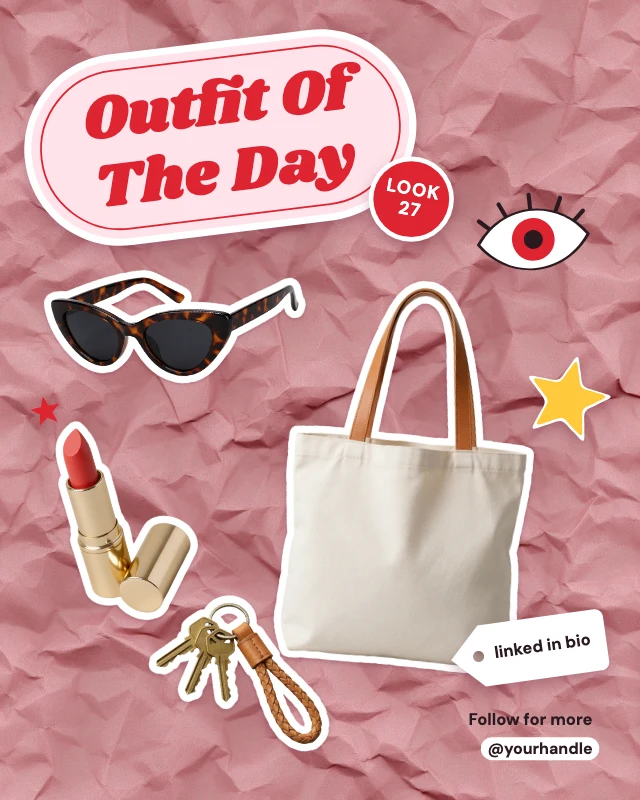
Outfit of the day flat lay
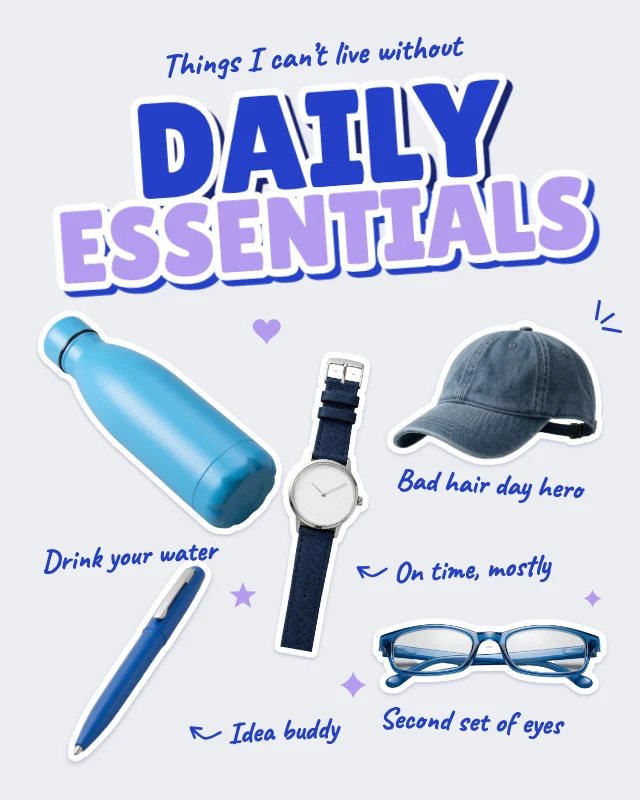
Daily essentials flat lay
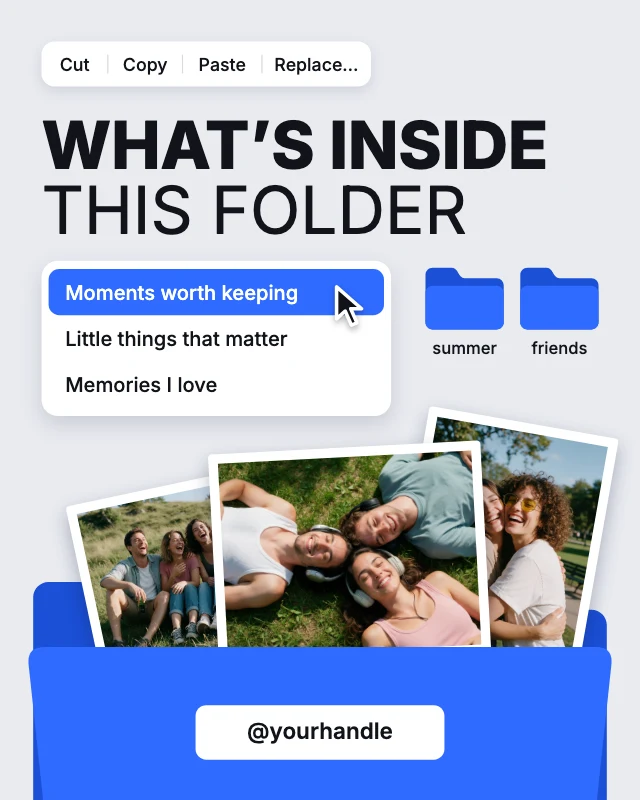
What’s inside this folder post
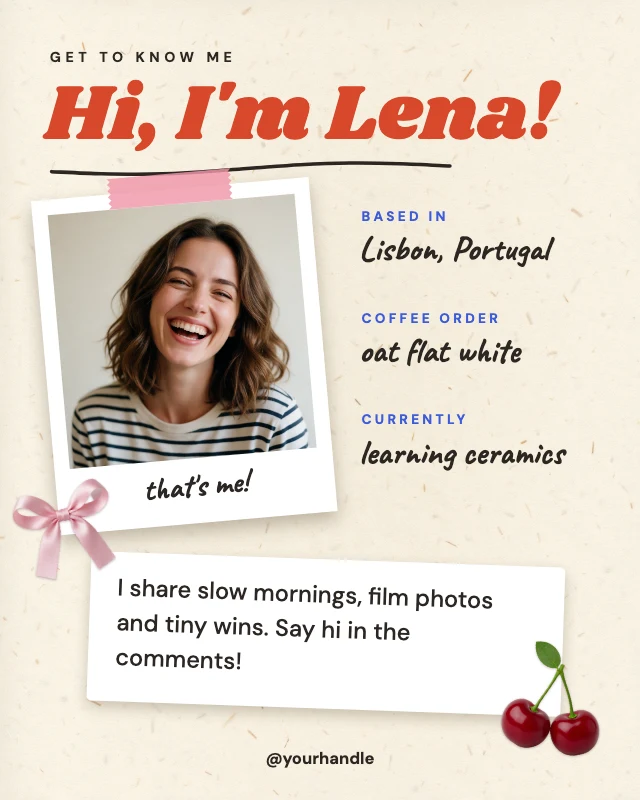
About me scrapbook post
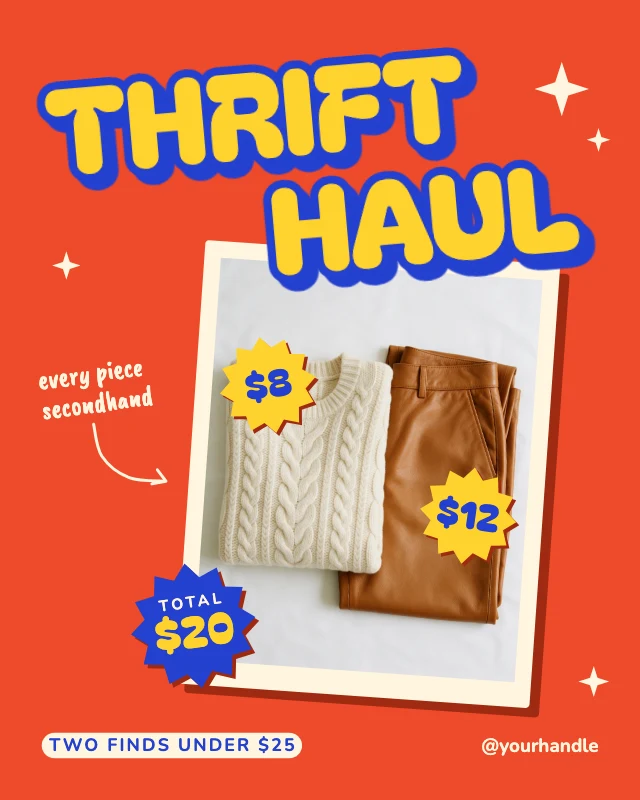
Thrift haul price sticker post
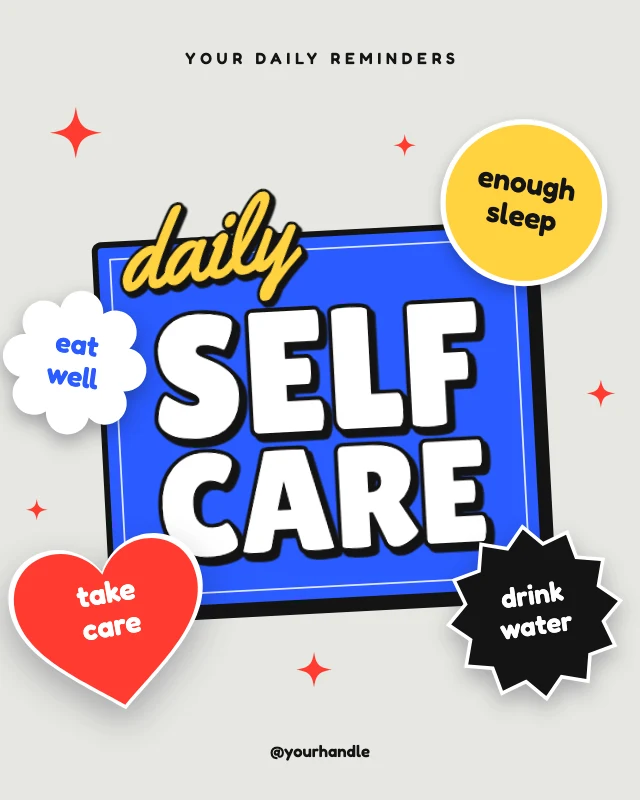
Daily self care reminder post
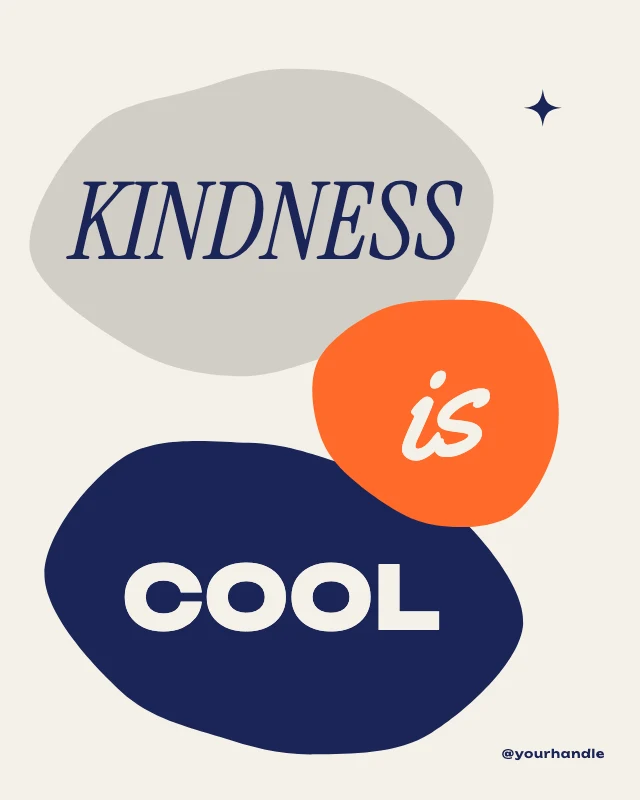
Kindness is cool quote post
You’re doing great post
Design trends carousel cover
Creator intro post
Scalloped frame picnic photo
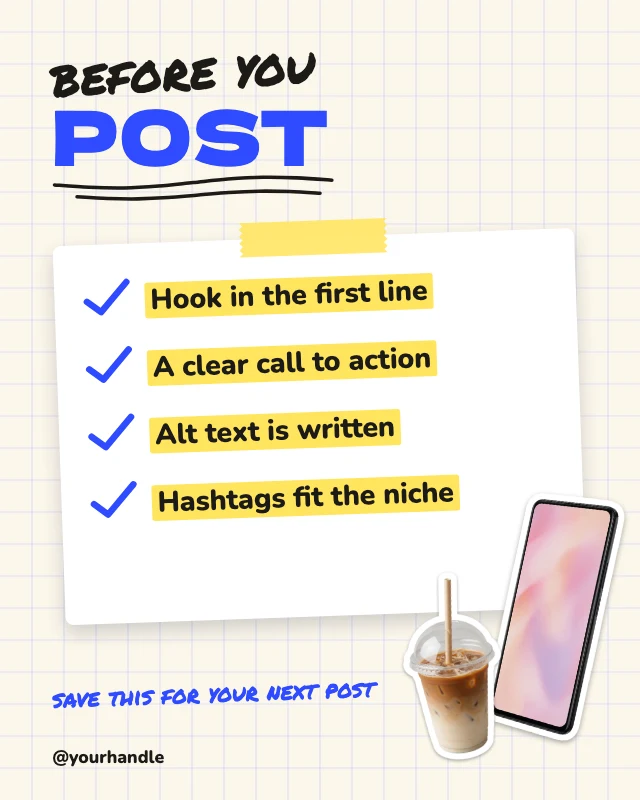
Posting checklist post