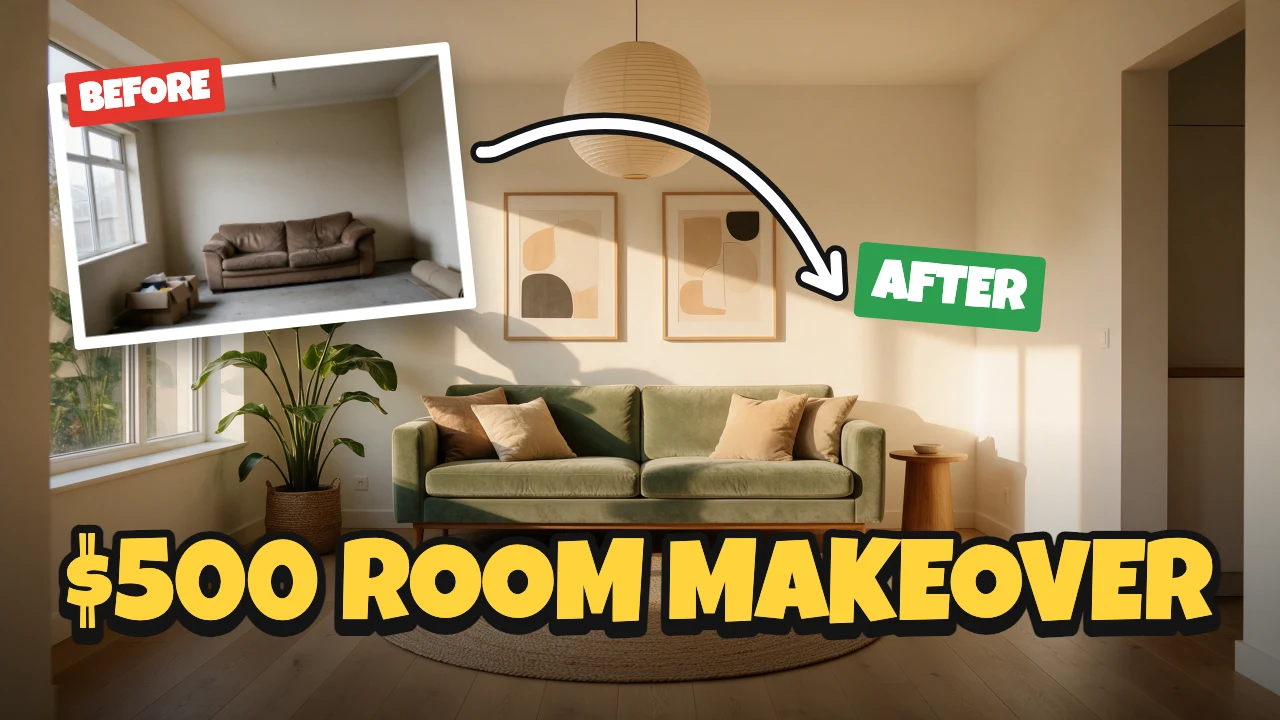
Room makeover YouTube thumbnail
Free template · YouTube thumbnail · 1280×720
A before and after room makeover thumbnail: the finished room fills the frame, the before photo sits tilted in a white border, and a looping arrow leads to the after under a big "$500 ROOM MAKEOVER" title. Swap in your own two photos. A YouTube thumbnail, 1280×720.
Free. Sign in or create a free account to open it in Design Studio, on a computer. Star it to find it again later.
What you can change
- After photo · photo: a photo of the room after the makeover
- Before photo · photo: a photo of the room before the makeover, from the same spot
- Before tag · text
- After tag · text
- Title · text
- Plus every colour, shape and font: all layers stay editable.
Details
- Format
- YouTube thumbnail, a 1280×720 YouTube thumbnail
- Size
- 1280×720 px
- Fonts
- Luckiest Guy (free, loaded for you)
- Category
- YouTube
- For
- Creator content
- Style
- Bold · Playful · Photo
See all: YouTube thumbnail templates · Templates for creators · Bold and colorful templates · Cute and playful templates · Photo templates
How to use this template
- Choose "Use this template". It opens in Design Studio as your own copy.
- Click any text to select it, then click again to type.
- Click a photo, then Replace to use your own picture.
- Download as PNG or JPG, or ask the AI designer to change colours, wording or style.
Free on every plan. You can use, edit and publish what you make from a template, for personal or commercial work. The templates themselves may not be resold or shared as templates.
More like this
All YouTube thumbnail templates →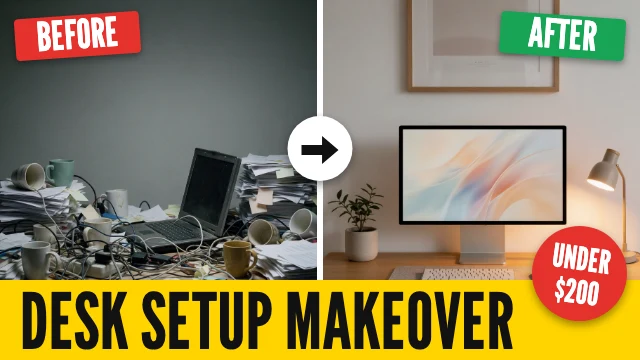
Before and after YouTube thumbnail

How I saved $10K YouTube thumbnail

Travel on a budget YouTube thumbnail

Black Friday haul YouTube thumbnail

Side hustle ideas YouTube thumbnail

15-minute dinner YouTube thumbnail
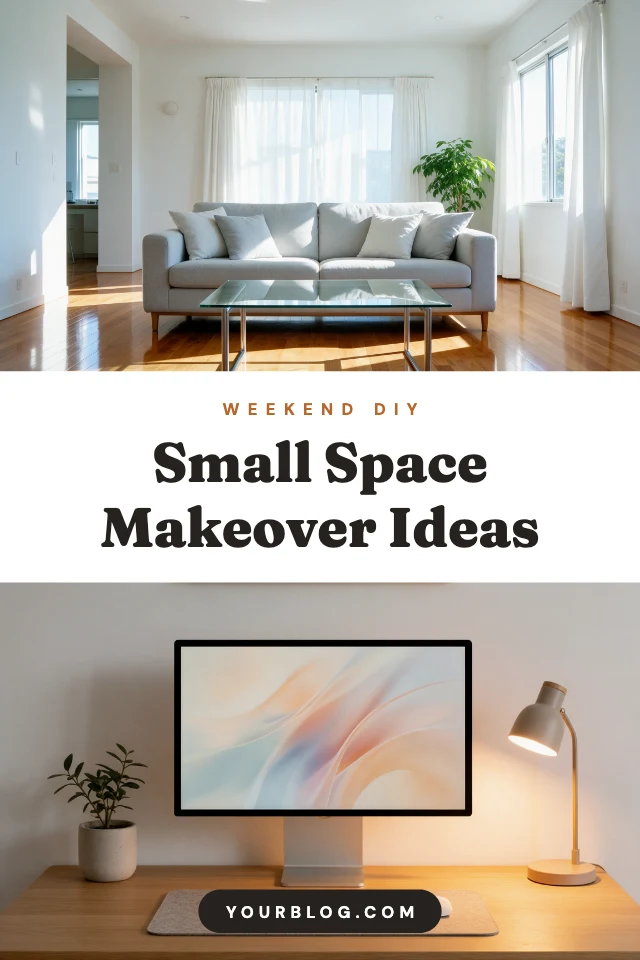
DIY idea pin

Honest review YouTube thumbnail
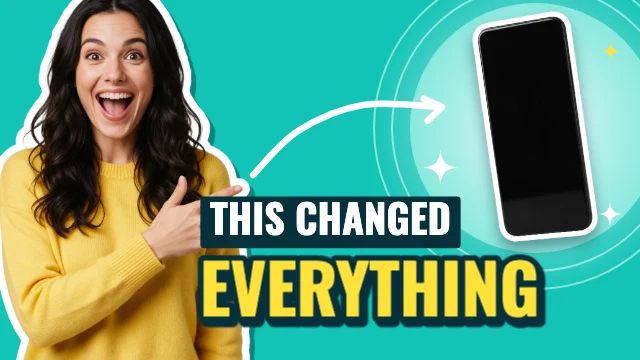
This changed everything YouTube thumbnail
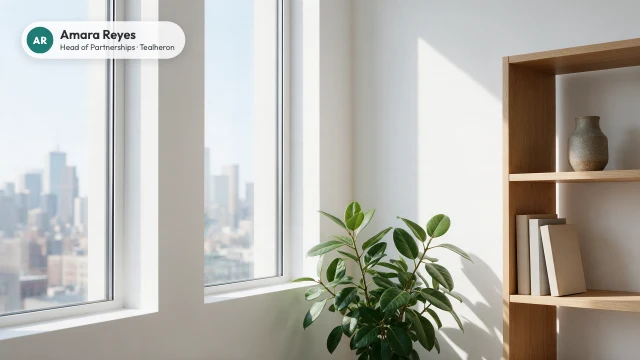
City view office Zoom background
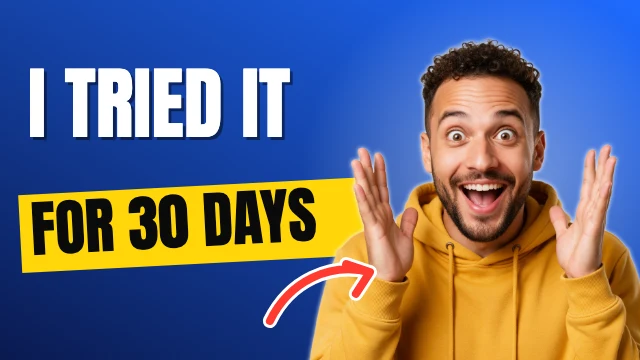
Reaction YouTube thumbnail

30-day challenge YouTube thumbnail