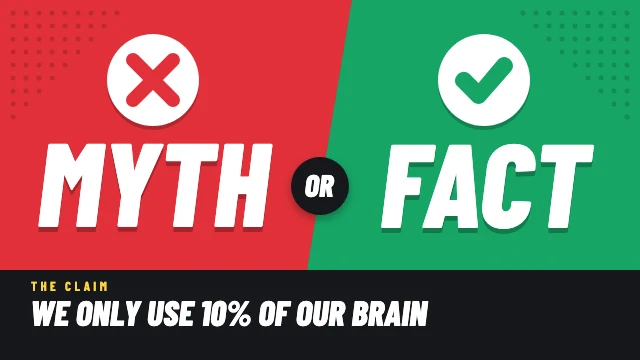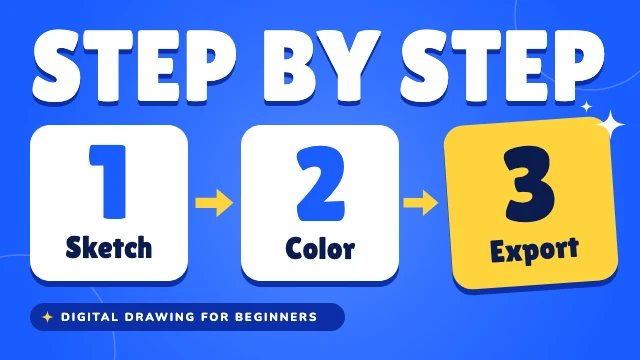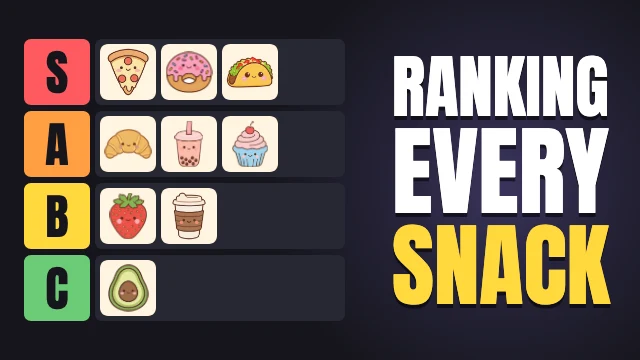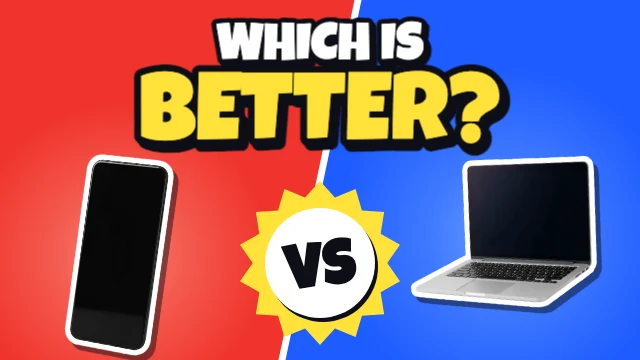
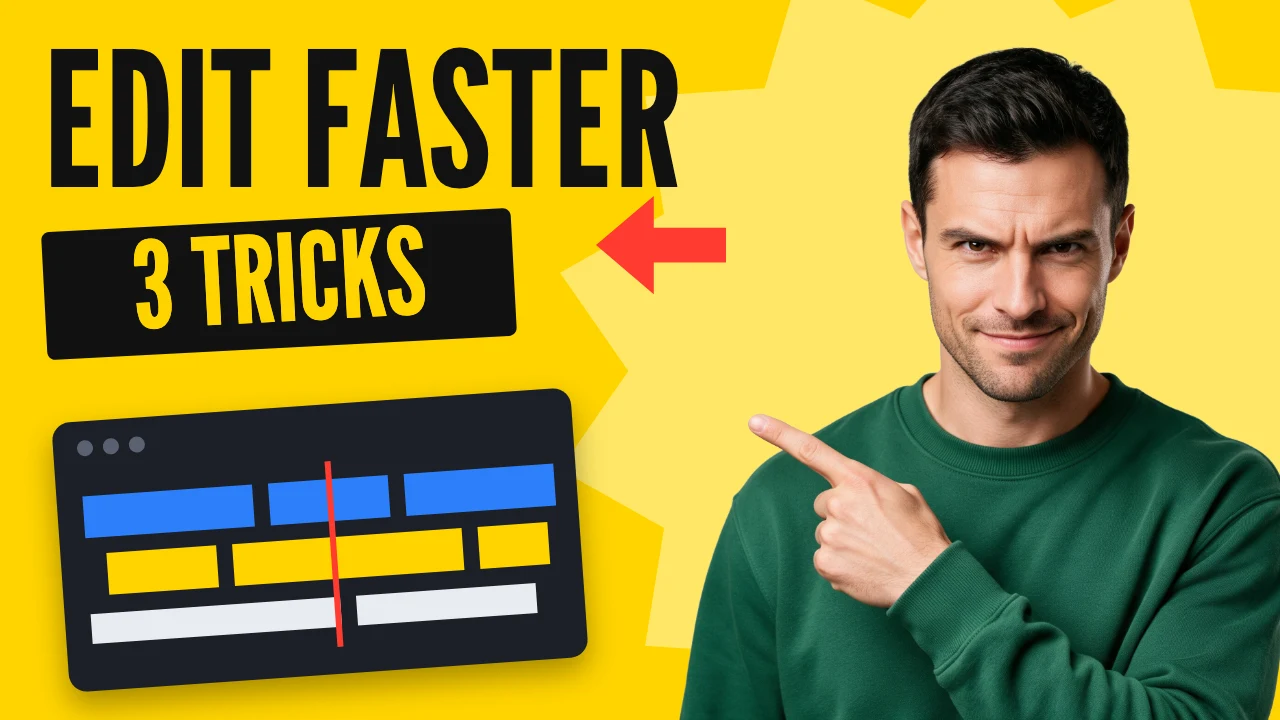
How-to YouTube thumbnail
Free template · YouTube thumbnail · 1280×720
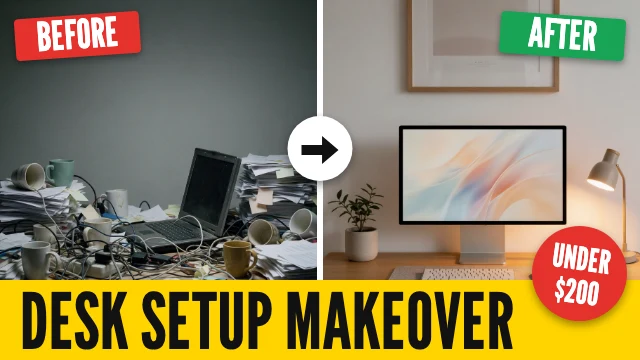
A tutorial thumbnail on bright yellow: your cut-out pointing at a two-word title, a number on a tilted strip and a small editing screen. Change the words for any how-to video.
Free. Sign in or create a free account to open it in Design Studio, on a computer. Star it to find it again later.
What you can change
- Host · photo: a waist-up photo of you, background removed (Remove BG)
- Title · text
- Strip text · text
- Plus every colour, shape and font: all layers stay editable.
Details
- Format
- YouTube thumbnail, a 1280×720 YouTube thumbnail
- Size
- 1280×720 px · Social media size guide
- Fonts
- League Gothic (free, loaded for you)
- Category
- YouTube
- For
- Creator content
- Style
- Bold
See all: YouTube thumbnail templates · Templates for creators · Bold and colorful templates
How to use this template
- Choose "Use this template". It opens in Design Studio as your own copy.
- Click any text to select it, then click again to type.
- Click a photo, then Replace to use your own picture.
- Download as PNG or JPG, or ask the AI designer to change colours, wording or style.
Free on every plan. You can use, edit and publish what you make from a template, for personal or commercial work. The templates themselves may not be resold or shared as templates.
More like this
All YouTube thumbnail templates →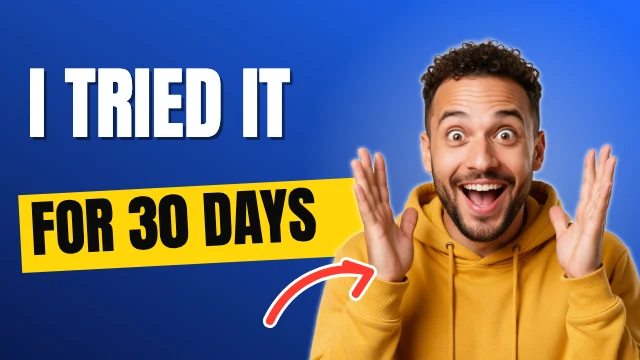
Reaction YouTube thumbnail
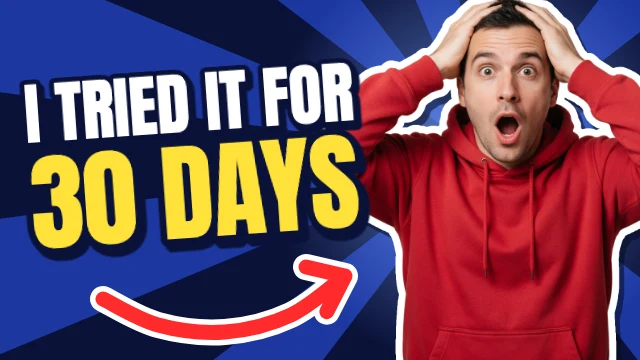
30-day challenge YouTube thumbnail

Top 5 list YouTube thumbnail
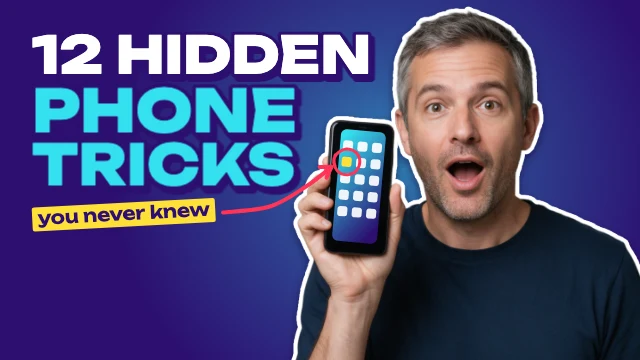
Phone tips and tricks YouTube thumbnail
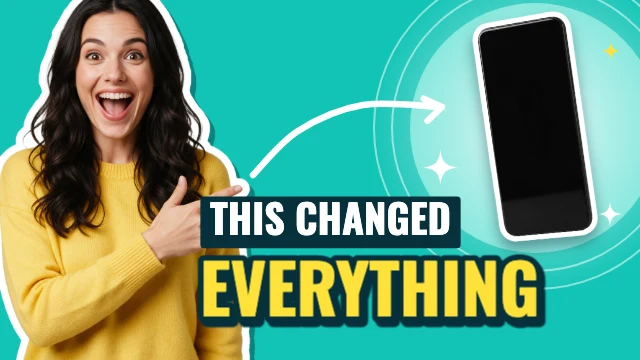
This changed everything YouTube thumbnail

Side hustle ideas YouTube thumbnail
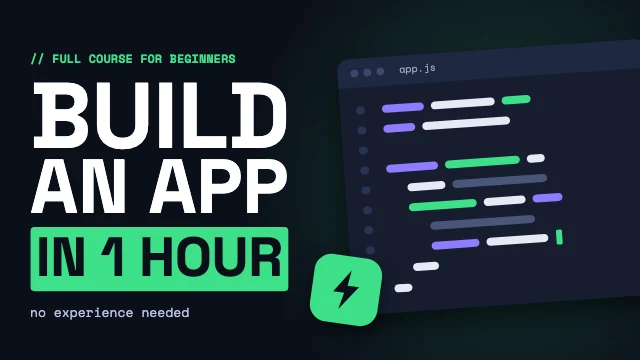
Coding tutorial YouTube thumbnail

Honest review YouTube thumbnail
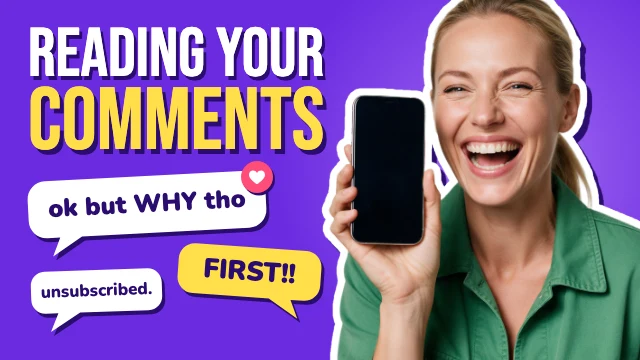
Reading your comments YouTube thumbnail
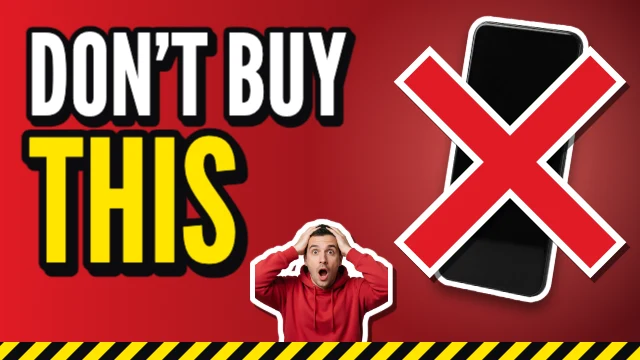
Don't buy this YouTube thumbnail
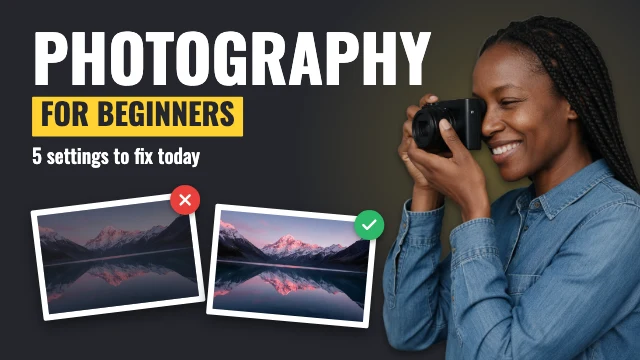
Photography for beginners YouTube thumbnail
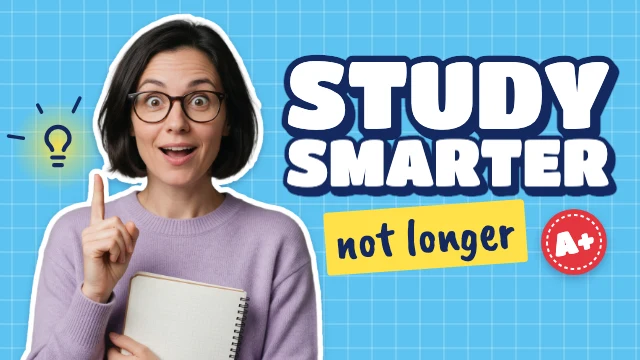
Study tips YouTube thumbnail