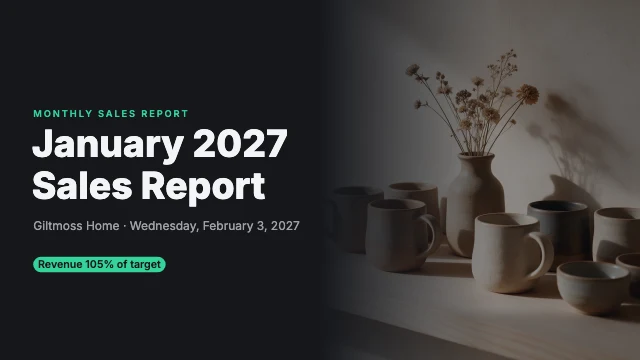
Research findings presentation
Free template · Presentation slide (16:9) · 1920×1080 · 8 pages
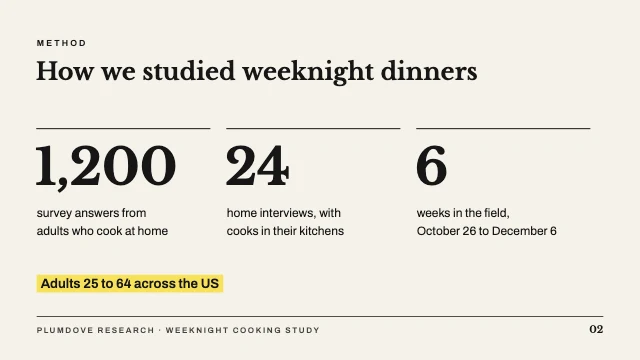
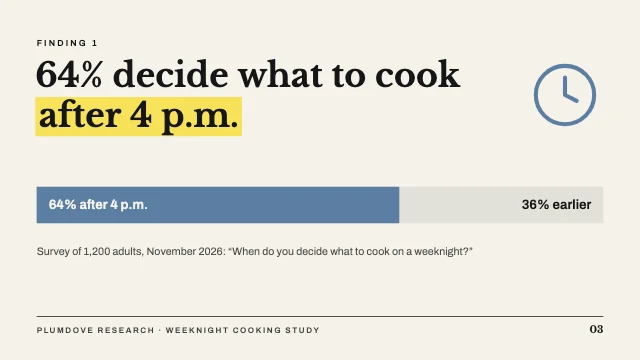
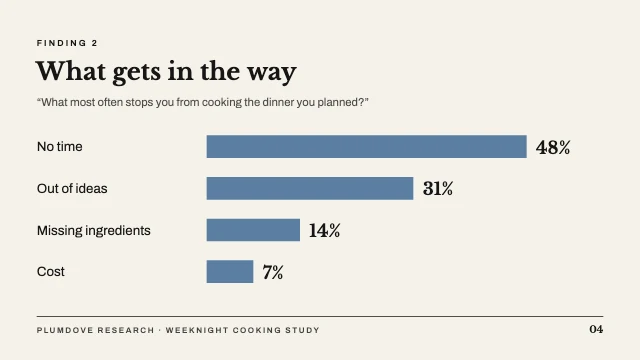
An 8-slide research findings deck in an editorial style, with yellow highlighter bands and blue charts: a photo title, the method, two findings, quotes from participants, three user types, what it means and next steps. Retype your study and resize the bars. A presentation deck, 1920×1080 (16:9).
8 pages
 Page 1
 Page 2
 Page 3
 Page 4
 Page 5
 Page 6
 Page 7
 Page 8
Free. Sign in or create a free account to open it in Design Studio, on a computer. Star it to find it again later.
What you can change
- Photo · photo: a photo for your study, with a calm middle for the title
- Kicker · text
- Title line 1 · text
- Title line 2 · text
- Subtitle · text
- Kicker · text
- Title · text
- Figure 1 · text
- Figure label 1 · text
- Figure 2 · text
- Figure label 2 · text
- Figure 3 · text
- Figure label 3 · text
- Sample · text
- Footer · text
- Slide number · text
- Kicker · text
- Finding · text
- Key phrase · text
- Fill label · text
- Rest label · text
- Source · text
- Footer · text
- Slide number · text
- Kicker · text
- Title · text
- Question · text
- Reasons · text
- Value 1 · text
- Value 2 · text
- Value 3 · text
- Value 4 · text
- Footer · text
- Slide number · text
- Kicker · text
- Title · text
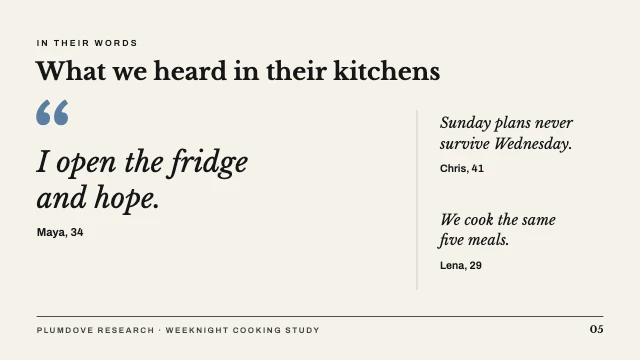
- Quote 1 · text
- Speaker 1 · text
- Quote 2 · text
- Speaker 2 · text
- Quote 3 · text
- Speaker 3 · text
- Footer · text
- Slide number · text
- Kicker · text
- Title · text
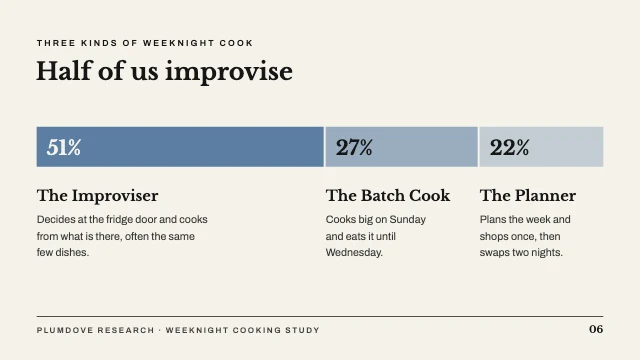
- Share 1 · text
- Type 1 · text
- Type text 1 · text
- Share 2 · text
- Type 2 · text
- Type text 2 · text
- Share 3 · text
- Type 3 · text
- Type text 3 · text
- Footer · text
- Slide number · text
- Kicker · text
- Title · text
- Numbers · text
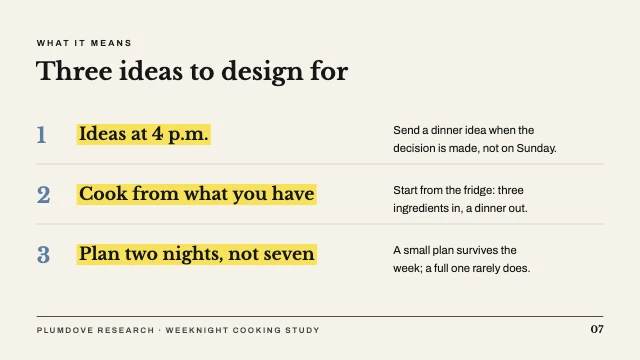
- Idea 1 · text
- Idea text 1 · text
- Idea 2 · text
- Idea text 2 · text
- Idea 3 · text
- Idea text 3 · text
- Footer · text
- Slide number · text
- Kicker · text
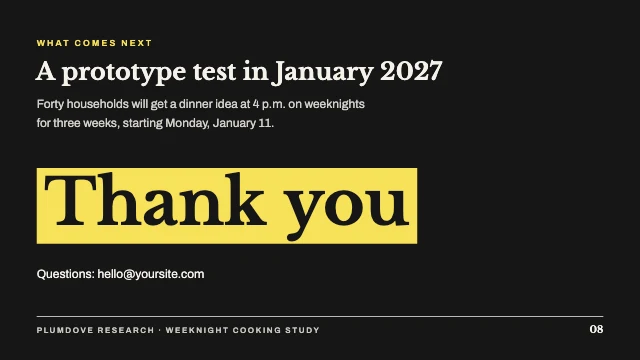
- Title · text
- Details · text
- Thank you · text
- Contact · text
- Footer · text
- Slide number · text
- Plus every colour, shape and font: all layers stay editable.
Details
- Format
- Presentation slide (16:9), a 16:9 slide for a presentation or a video call
- Size
- 1920×1080 px
- Pages
- 8, added to your design side by side, each one editable
- Fonts
- Archivo, Libre Baskerville (free, loaded for you)
- Category
- Business
- For
- Documents & planners
- Style
- Minimal · Modern · Professional
See all: Presentation templates · Document templates · Minimalist templates · Modern templates · Professional templates
How to use this template
- Choose "Use this template". It opens in Design Studio as your own copy.
- Click any text to select it, then click again to type.
- Click a photo, then Replace to use your own picture.
- Download as PNG or JPG, or ask the AI designer to change colours, wording or style.
Free on every plan. You can use, edit and publish what you make from a template, for personal or commercial work. The templates themselves may not be resold or shared as templates.
More like this
All presentation templates →