
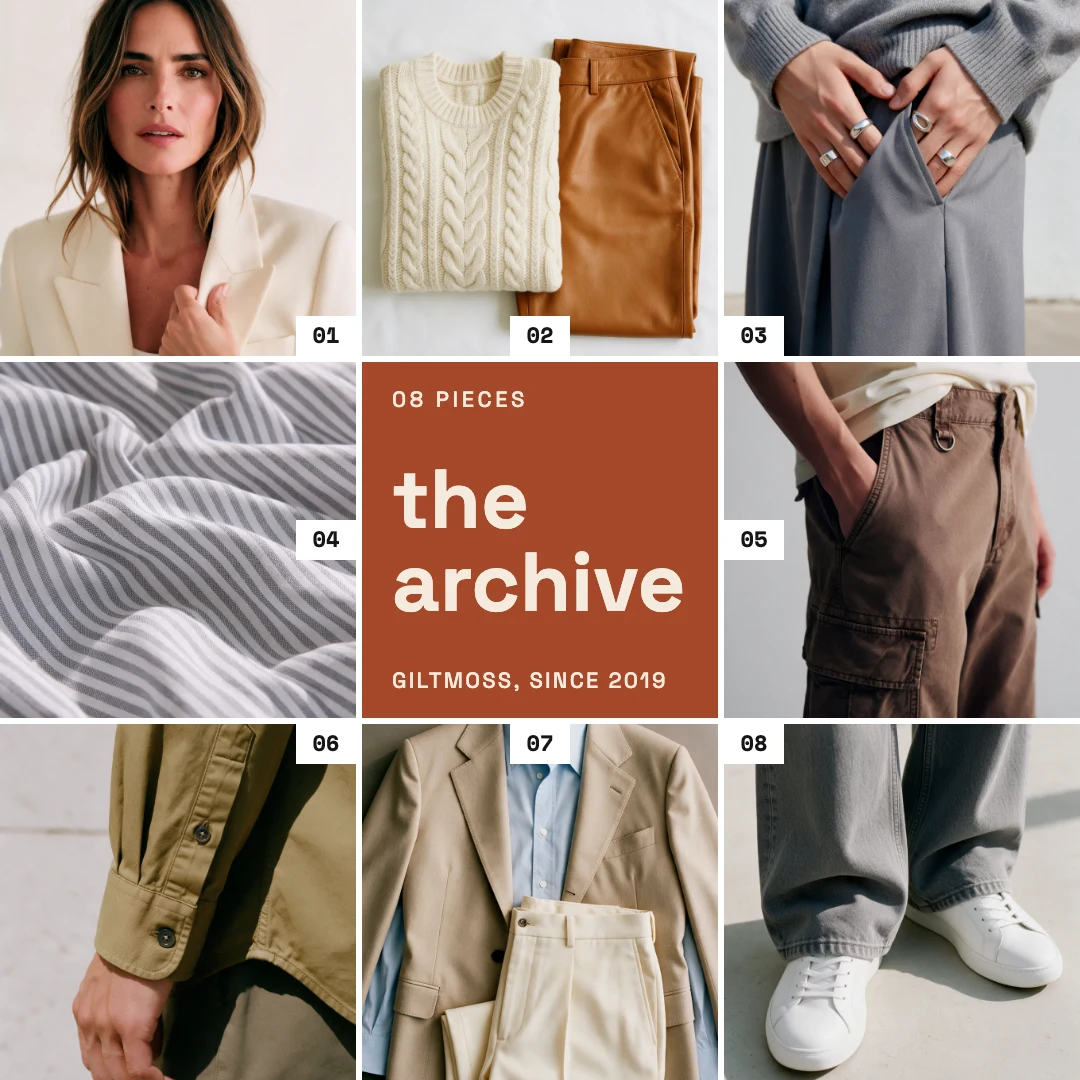
Nine photo grid post
Free template · Instagram post (square) · 1080×1080
A three by three album grid for a collection: eight numbered photos around a rust tile with the name of the collection, a piece count and your shop. Swap the photos and retype the tile. An Instagram post, 1080×1080.
Free. Sign in or create a free account to open it in Design Studio, on a computer. Star it to find it again later.
What you can change
- Photo 1 · photo: a photo of one piece of the collection (a square crop is shown)
- Photo 2 · photo: a photo of one piece of the collection (a square crop is shown)
- Photo 3 · photo: a photo of one piece of the collection (a square crop is shown)
- Photo 4 · photo: a photo of one piece of the collection (a square crop is shown)
- Photo 5 · photo: a photo of one piece of the collection (a square crop is shown)
- Photo 6 · photo: a photo of one piece of the collection (a square crop is shown)
- Photo 7 · photo: a photo of one piece of the collection (a square crop is shown)
- Photo 8 · photo: a photo of one piece of the collection (a square crop is shown)
- Number 1 · text
- Number 2 · text
- Number 3 · text
- Number 4 · text
- Number 5 · text
- Number 6 · text
- Number 7 · text
- Number 8 · text
- Kicker · text
- Title · text
- Shop line · text
- Plus every colour, shape and font: all layers stay editable.
Details
- Format
- Instagram post (square), a square post for the Instagram feed
- Size
- 1080×1080 px
- Fonts
- Space Mono, Space Grotesk (free, loaded for you)
- Category
- Social
- For
- Sales & promos
- Style
- Minimal · Modern · Photo
See all: Instagram post templates · Sale and promo templates · Minimalist templates · Modern templates · Photo templates
How to use this template
- Choose "Use this template". It opens in Design Studio as your own copy.
- Click any text to select it, then click again to type.
- Click a photo, then Replace to use your own picture.
- Download as PNG or JPG, or ask the AI designer to change colours, wording or style.
Free on every plan. You can use, edit and publish what you make from a template, for personal or commercial work. The templates themselves may not be resold or shared as templates.
More like this
All Instagram post templates →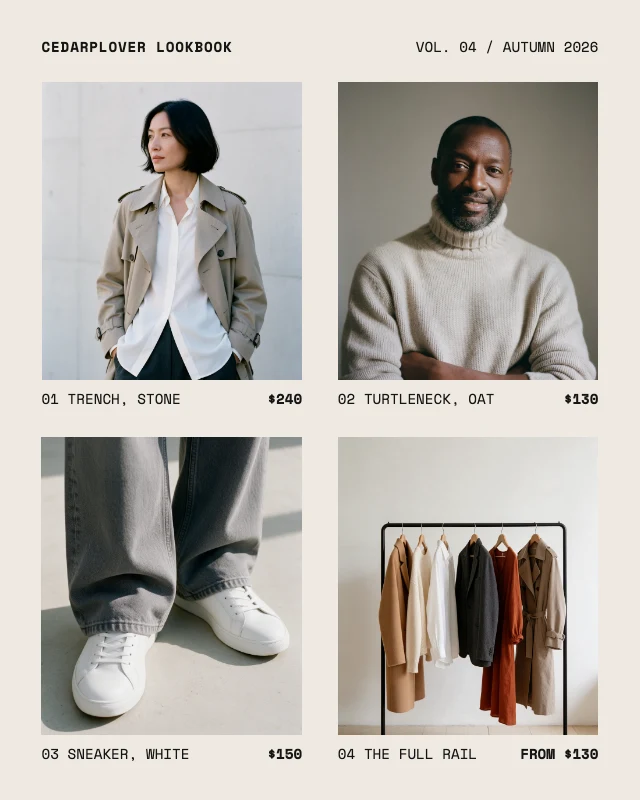
Four photo lookbook grid post
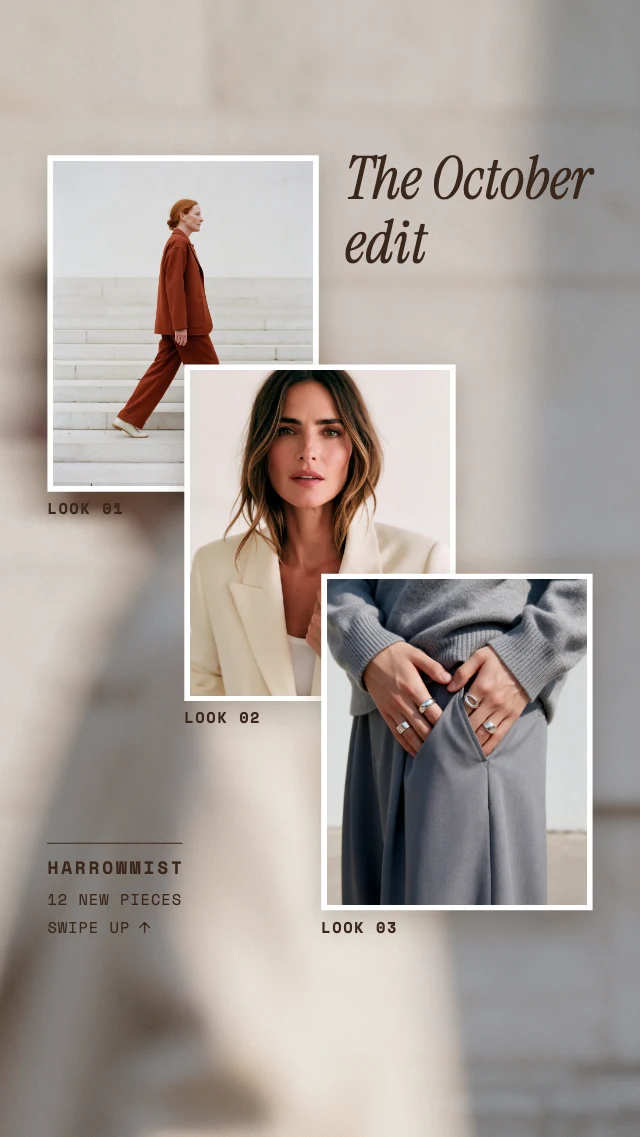
Three photo lookbook story
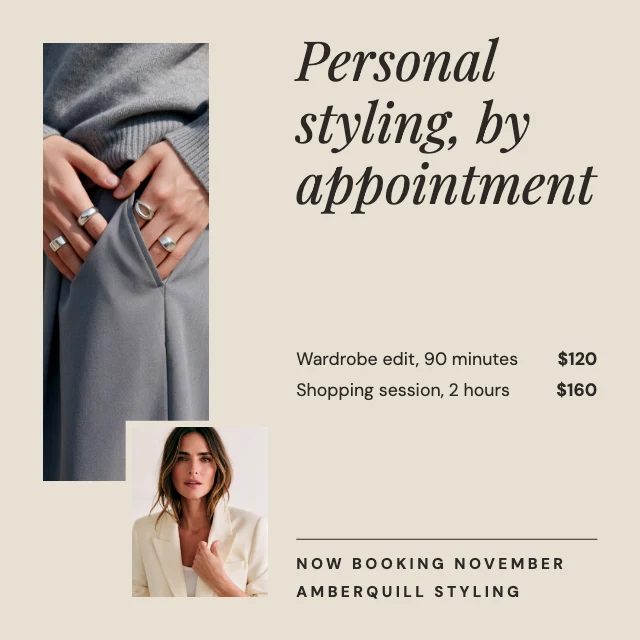
Personal stylist promo post
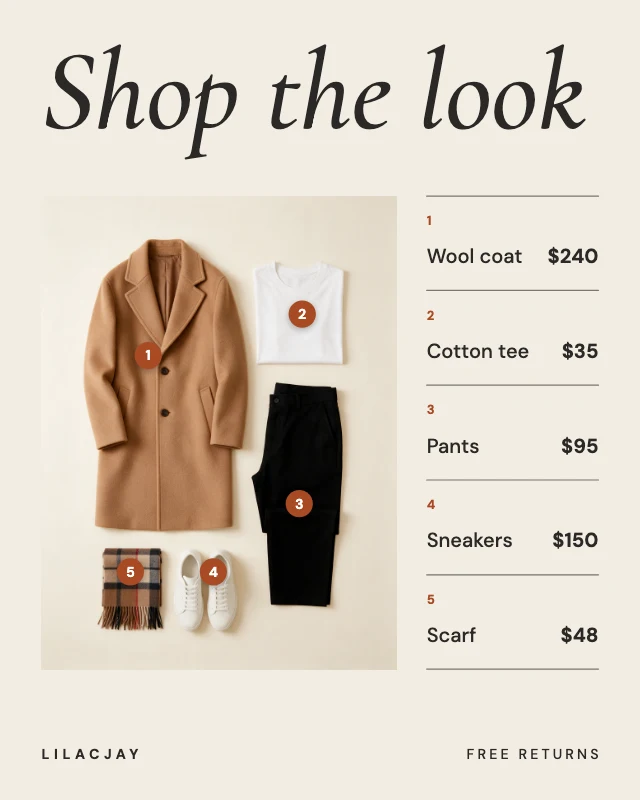
Shop the look price post
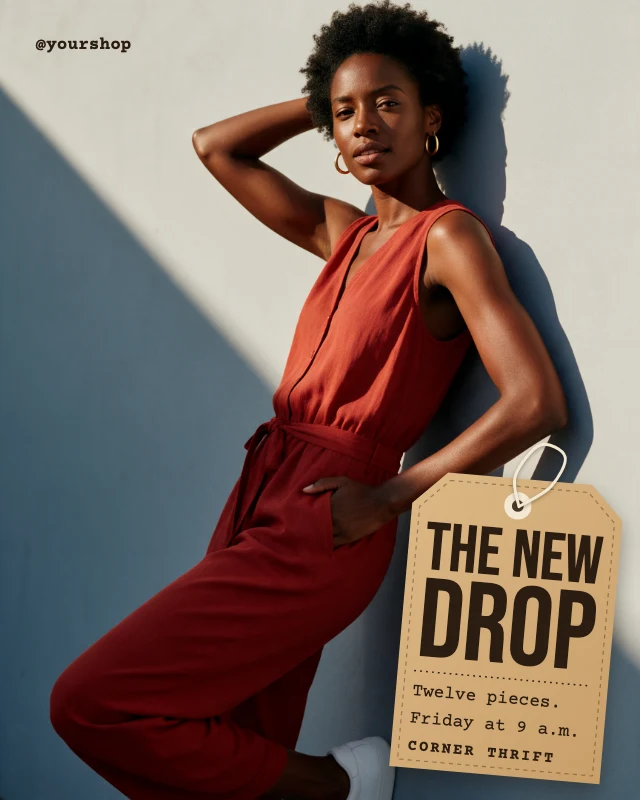
New drop hang tag post
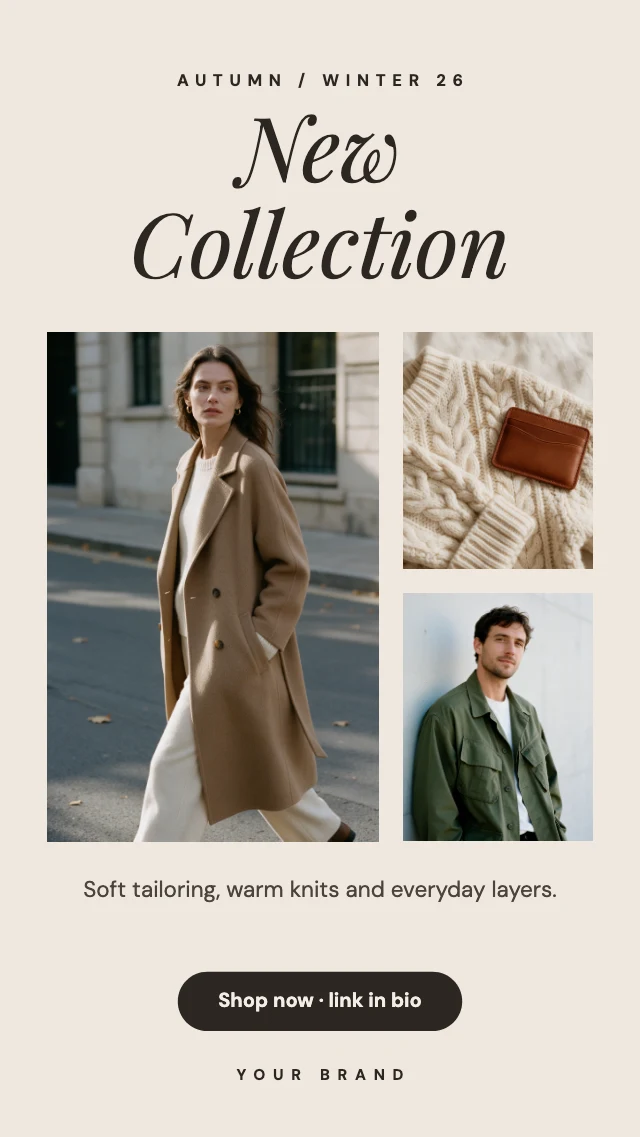
New collection story
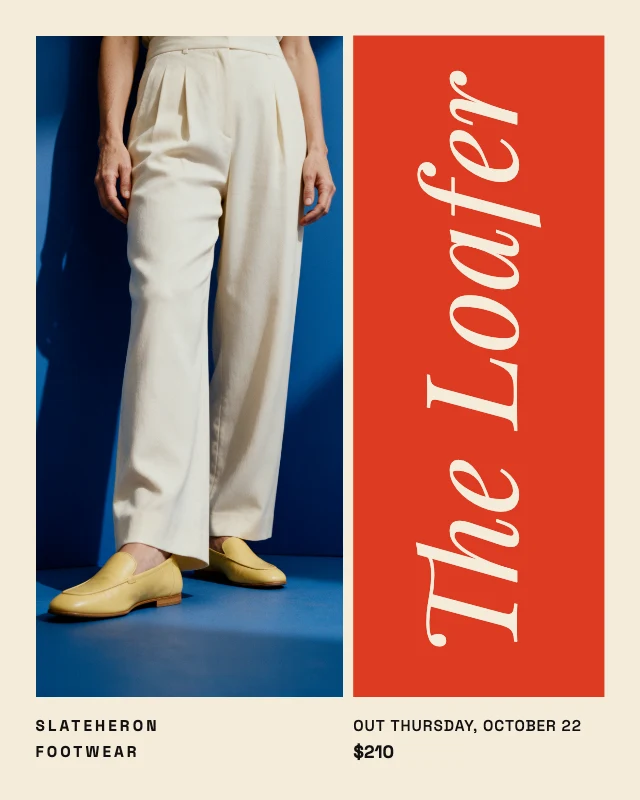
Color block shoe launch post
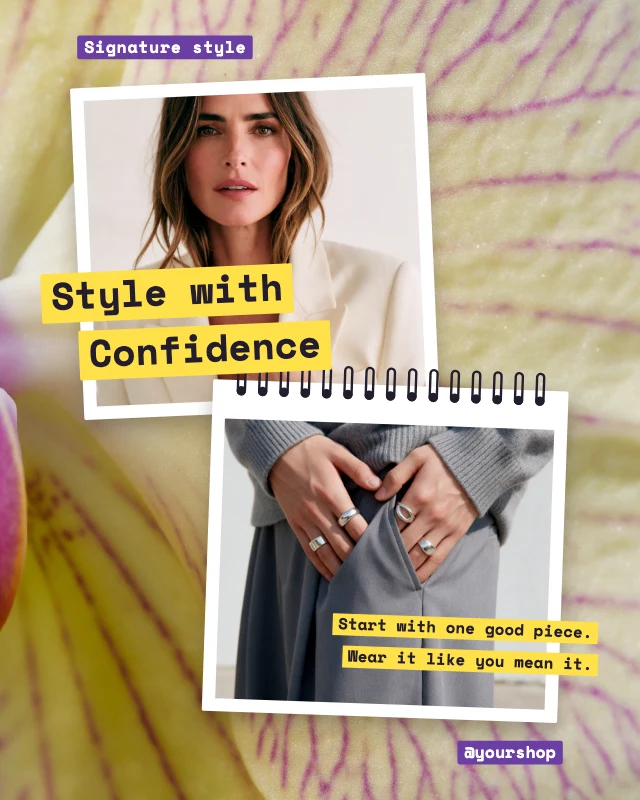
Style with confidence notebook post
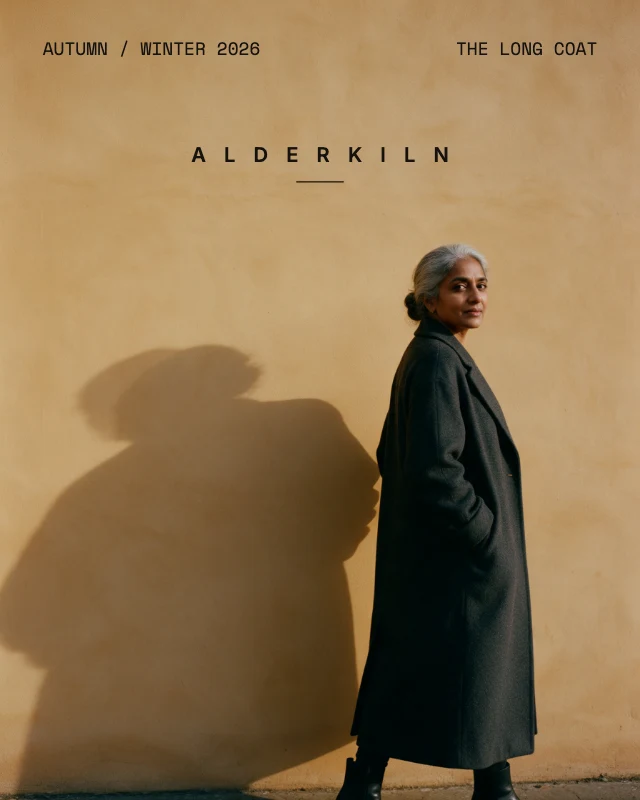
Minimal fashion campaign post
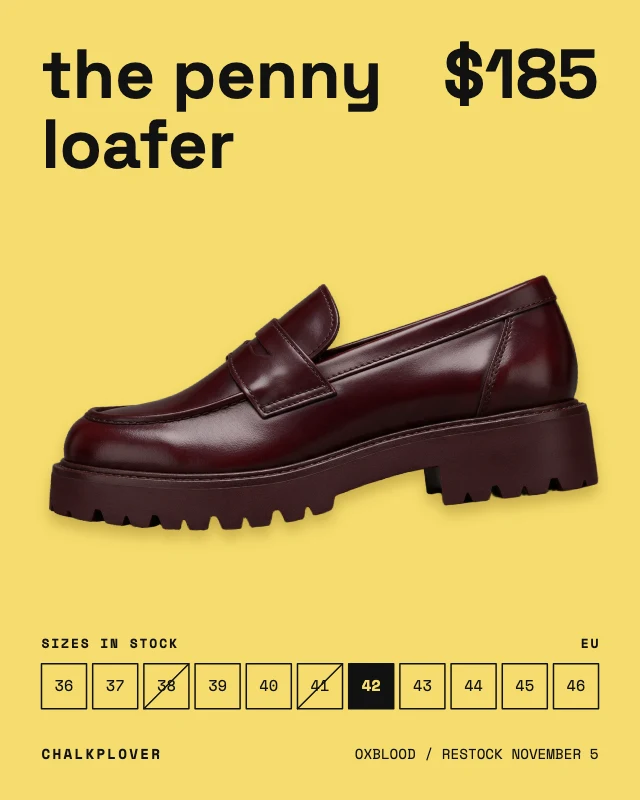
Shoe sizes in stock post
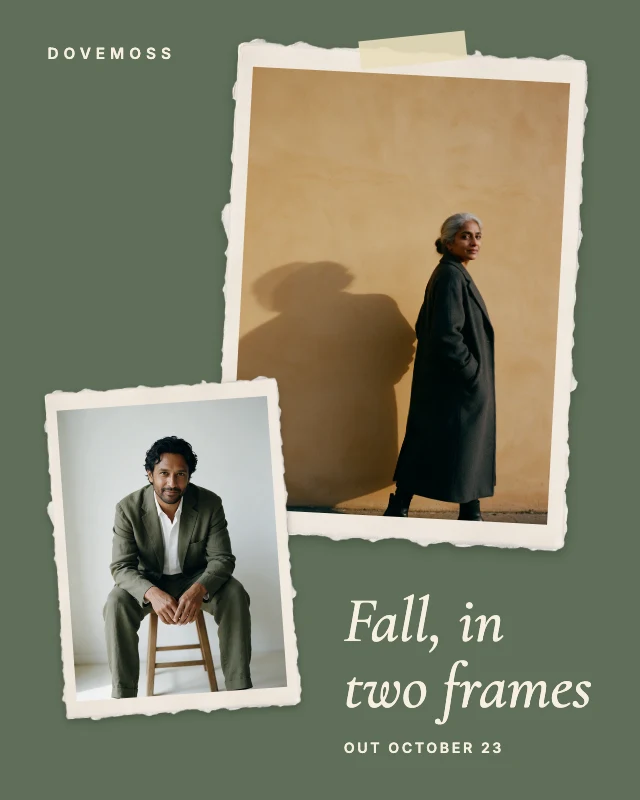
Torn paper photo pair post
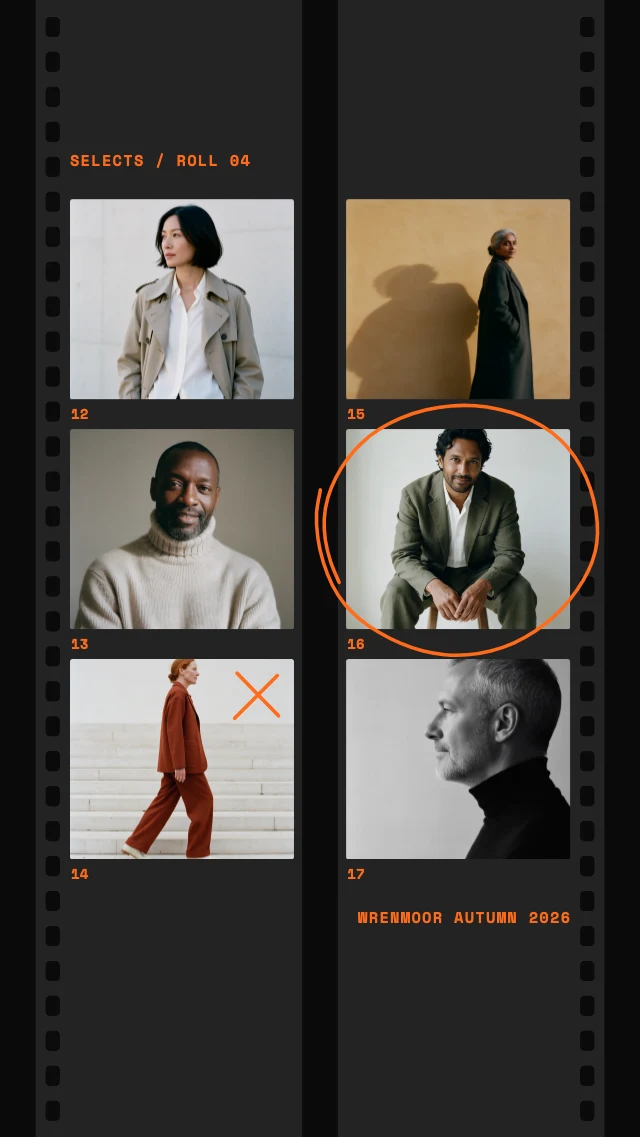
Film contact sheet story